Collaborate and maintain a single source of truth all from one place, when you create a Salesforce record in Slack.
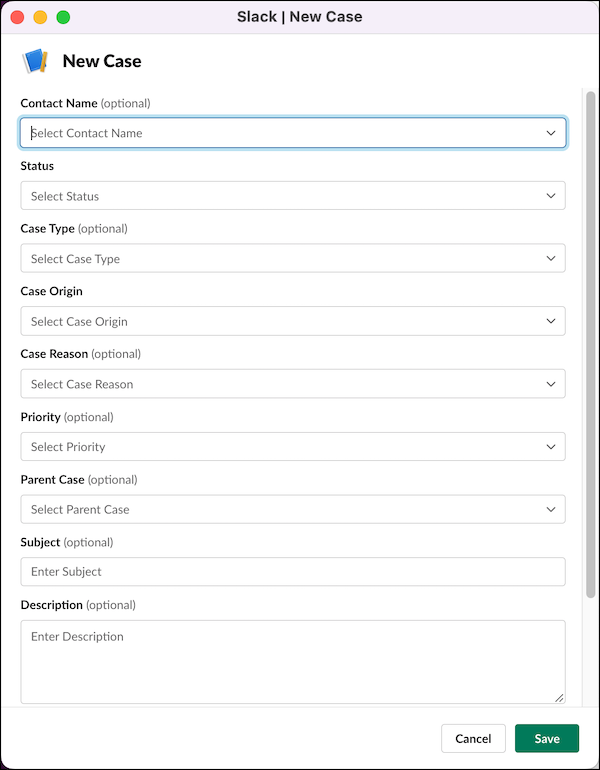
- Select the /service-create slash command from the list in the About tab, find its global shortcut in Attachments and shortcuts, or enter /service-create directly in the messenger.
- Select the object you want to create. You can also append the object you want to create to
the slash command, and then invoke the command to launch the modal. For example, to create a
case, append -case. Create cases and Customer Service Incident
Management objects including Incident, Problem and Change Request. The slash command or other
object name isn't case sensitive.