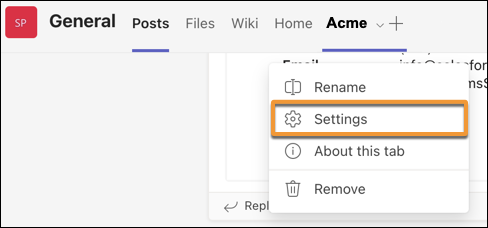
To disconnect your Salesforce account from Microsoft Teams, log out of the Salesforce App. You can’t share or view Salesforce records while logged out.
Required Editions
| Available in: Lightning Experience |
| Available with Sales Cloud and Service Cloud in: Enterprise, Performance, and Unlimited Editions |
| User Permissions Needed | |
|---|---|
| Use the integration for Teams | User for Teams Integration |
-
From any version of Microsoft Teams, right-click the Salesforce icon located below the box
you use to type messages in chat or in channels.
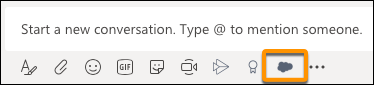
Your Teams administrator maintains the policies for the apps available to you and the apps you can pin to the Teams messaging bar. If you can’t find the Salesforce app, contact your Teams administrator for help.
- Select Settings, and then click Logout.
You can log in to the Salesforce app to share and view records again.

Tip You can also log out from custom record tabs. From the top of any custom
Salesforce record tab in Microsoft Teams, click the dropdown menu, and then select
Settings.