
To mention Salesforce records in Microsoft Teams, add the Salesforce app to the messaging area in Teams.
Required Editions
| Available in: Lightning Experience |
| Available with Sales Cloud and Service Cloud in: Enterprise, Performance, and Unlimited Editions |
| User Permissions Needed | |
|---|---|
| Use the integration for Teams | User for Teams Integration |
-
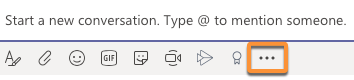
From the desktop or web version of Microsoft Teams, select the More
Options menu located below the box you use to type messages.
-
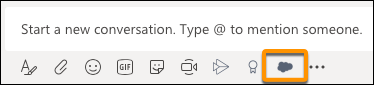
Search for Salesforce, and then add the app. After you do, a Salesforce icon is available
in the app toolbar.
Your Teams administrator maintains the policies for the apps available to you and the apps you can pin to the Teams messaging bar. If you can’t find the Salesforce app, contact your Teams administrator for help.

Tip After you add the app to the desktop or web version of Teams, the app is
available in Teams on your mobile device.