Plan Visits and Perform Actions for Multiple Records Simultaneously

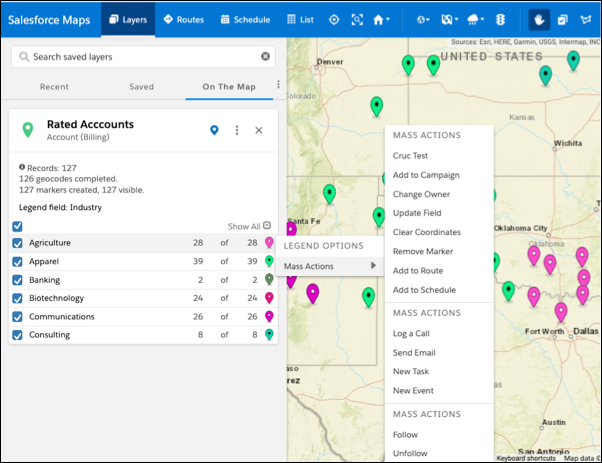
Meet and exceed customer expectations with timely visits scheduled for multiple accounts at a time. Manage records in a marker or polyline layer using mass actions conveniently from the plotted legend in Salesforce Maps. Determine which accounts to take action on while viewing them on the map. Marker colors and shapes update immediately when you initiate single or mass action changes.
Required Editions

View supported editions.
User Permissions Needed
To access Salesforce Maps: Salesforce Maps
  1. Open a marker or polyline layer.
  2. Display markers according to the field you want to work with, such as industry or annual revenue.
  3. Right-click a marker row. The row you click is highlighted for easy identification. Actions you take on that marker apply to all records included within it.
    Mass actions on a marker from the legend