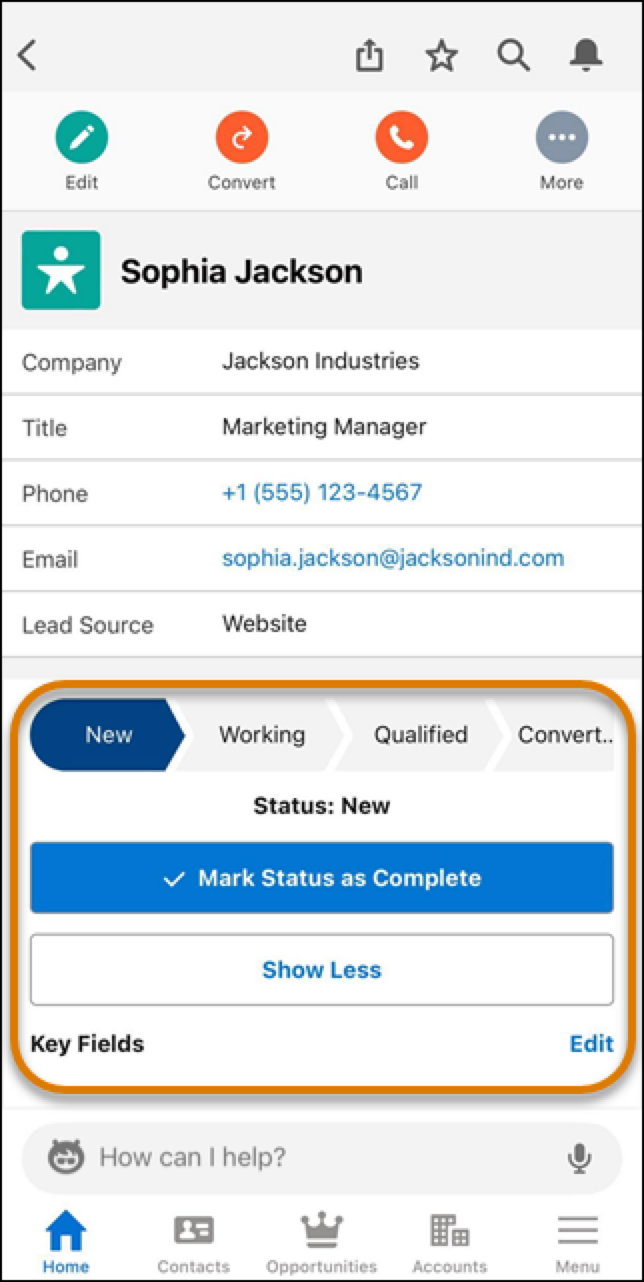
These three cards show you the records you need to stay on top of sales.
Required Editions
| Available in: Salesforce Mobile App for Android and iOS on phones and tablets in all editions, except Database.com. |
| User Permissions Needed | |
|---|---|
| To use Seller-Focused Mobile Experience | Salesforce Mobile App: Native Seller Experience |
View and take action on leads in the Build Pipeline card, accounts in the Plan My Accounts card, and opportunities in the Close Deals card.
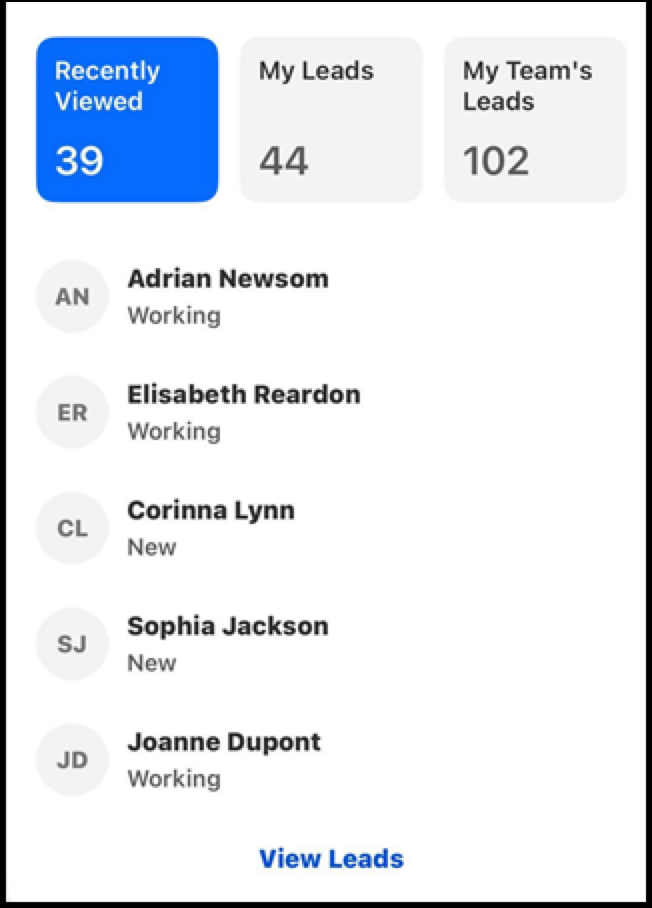
Each of these cards lets you filter results right in Home. To see just what you want, tap on Recently Viewed, My Records (Leads, Accounts, or Opportunities), or My Team’s Records
To access more options, like calling, sending an email, or creating a task, swipe a record to the left.
To see all of your records and access other options, tap View Accounts, View Leads, or View Opportunities.
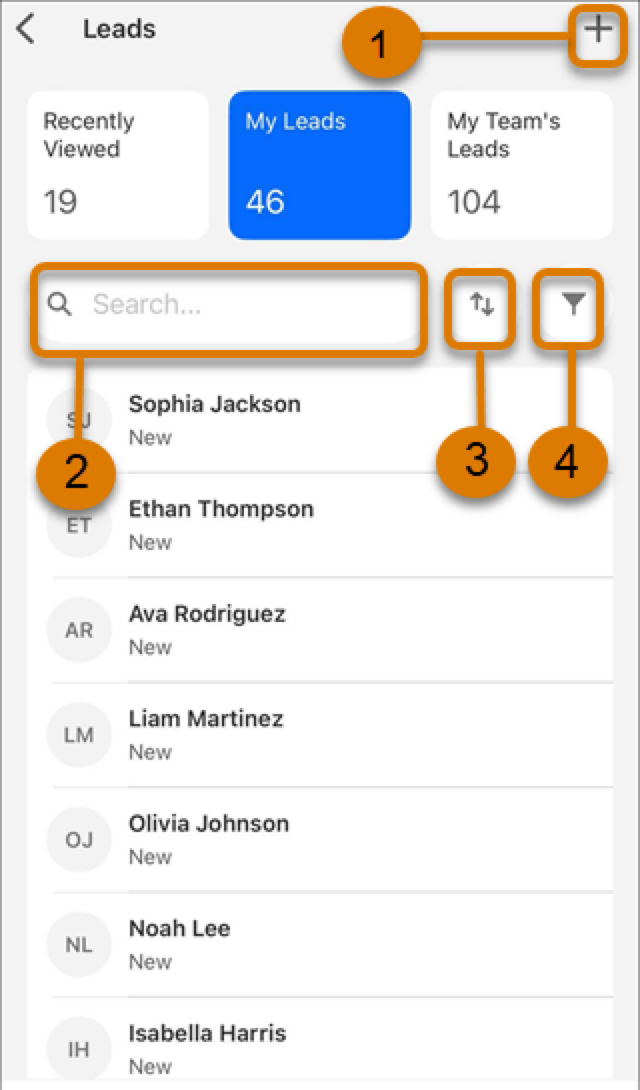
To create a record, tap the plus icon (1). (2) Search, (3) Sort, or (4) Filter your records
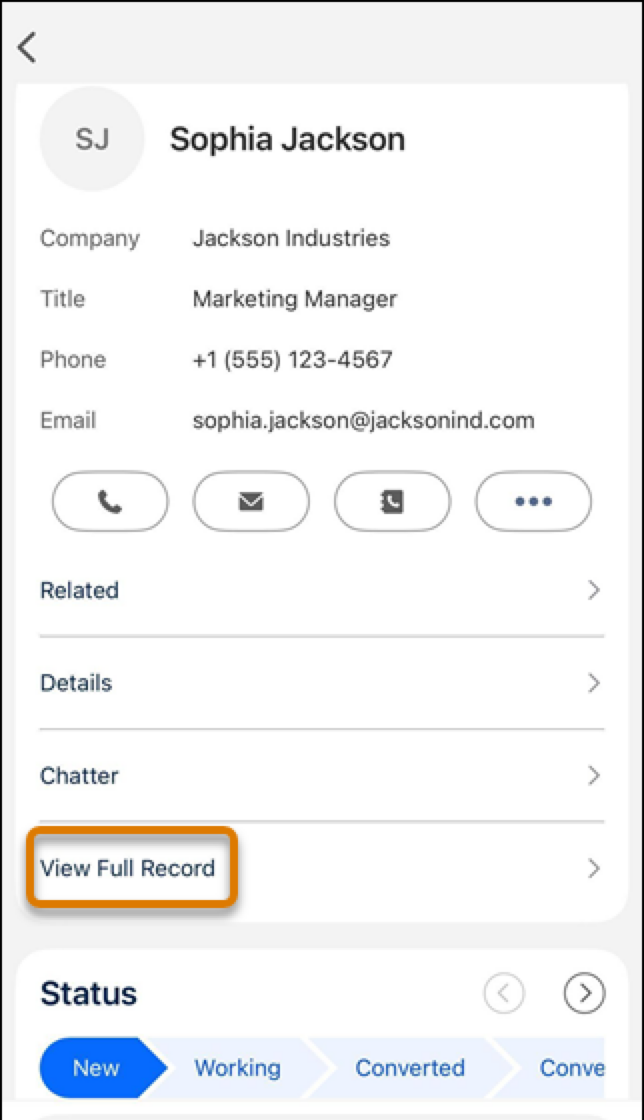
When viewing a record, to keep the view clean, you see only the most important fields. If you need a field that’s not displayed, tap View Full Record to see all fields.
On the full record detail screen, you can change a record's status.