
Your sales prospecting bot can connect to many different endpoints, expanding the ways that you communicate with your customers. To get started, activate your sales prospecting bot and set up embedded chat.
Required Editions
| Available in: Lightning Experience |
| Available with Sales Engagement, which is included with Sales in Performance, Einstein 1, and Unlimited Editions, and available for an extra cost in Professional and Enterprise Editions. Sales Engagement is also available for an extra cost in Service and Lightning Platform. |
| User Permissions Needed | |
|---|---|
| To deploy a sales prospecting bot: | Manage User Profiles AND Run Flows AND Permission Sets |
| To add, edit, or delete channels: | Customize Application |

Note The Prospecting Bot is in maintenance mode.
Existing bots continue to be supported. However, no new features or enhancements will be
added. Looking for information about Agentforce Prospecting instead? We recommend using that
agent when implementing AI for your prospecting needs. See Learn About Agentforce Prospecting to get
started.
- From Setup, in the Quick Find box, enter Einstein Bots, select Einstein Bots under Service Cloud Einstein, and then select your sales prospecting bot.
- On your bot’s overview page, click Activate. Then click Preview.
-
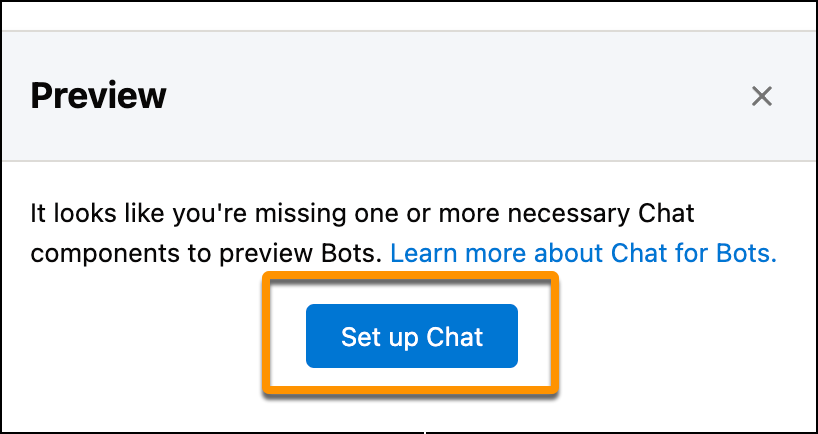
To set up embedded chat for your sales prospecting bot, click Set up
Chat. Then click Start.
- Create a chat queue, create a routing configuration, and adjust your reps’ chat workload. Add your Experience Cloud site’s URL. You can find your site’s URL on the All Sites page in Setup. Select Sales, and choose an offline support option. Then click Finish.
- Click Next and then Done.
- To preview your bot, click the Chat button in Preview.
- Deploy Your Bot to Your Experience Cloud Site
Add your sales prospecting bot to an existing Experience Cloud site to increase case deflection and user engagement.