Your position in the forecast hierarchy determines whose forecasts you can see. By
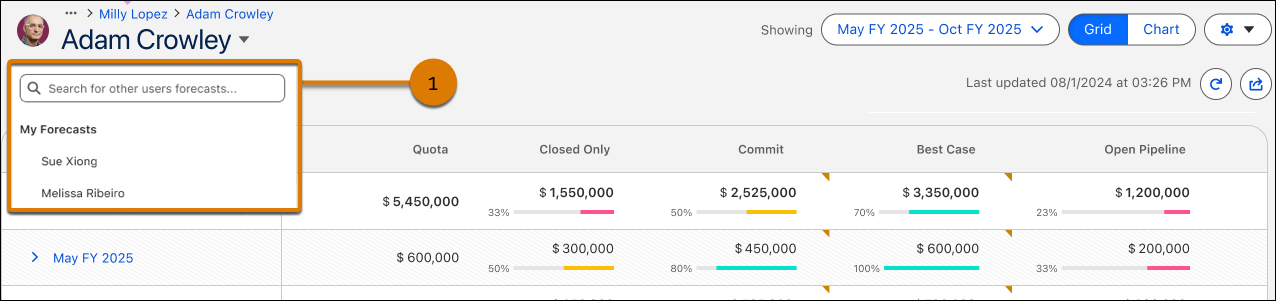
default you see your forecast, which is made up of the reps and other forecast managers below
you in the hierarchy. You can select other users below you in the hierarchy to view their
forecasts. You cannot select people above you in the hierarchy.
Required Editions
| Available in: both Salesforce Classic and Lightning Experience |
| Available in: Professional, Performance, and Developer Editions
and in Enterprise and Unlimited Editions with Sales |
People designated as forecast managers can view the forecasts and opportunities of users,
including partner portal users, below them in the forecast hierarchy. Forecast managers can
also adjust the forecasts of direct reports and child territories. Only managers who adjust
and people above them in the hierarchy can view the adjustment.
Not everyone can view the charts that display your team’s forecast hierarchy. If you have
questions about your forecast hierarchy, see your Salesforce admin or forecast manager.

