Everyone can edit their own private templates and any public templates that they own. If
you have permission, you can also create, edit, and save public templates.
Required Editions
| Available in: Lightning Experience |
| Available in: Essentials, Professional, Enterprise,
Performance, Unlimited, and Developer Editions
|
| User Permissions Needed |
| To create, edit, and save public email templates: |
“Manage Public Lightning Email Templates” |
Email templates inherit the sharing of the folder they are in.
Lightning email templates are saved in a private directory by default.
All users can edit their own private templates and any public templates that they own.
If you have the Manage Public Lightning Email Templates permission, you can also create, edit,
and delete public templates.
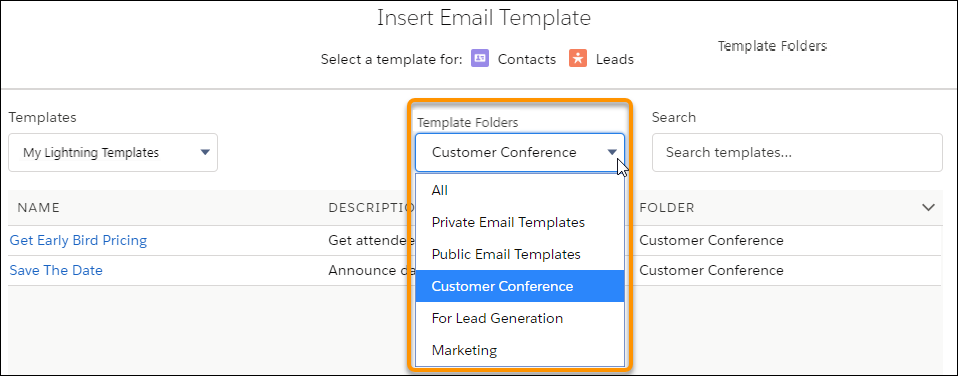
When a user inserts an email template, they can choose which folder to look in.