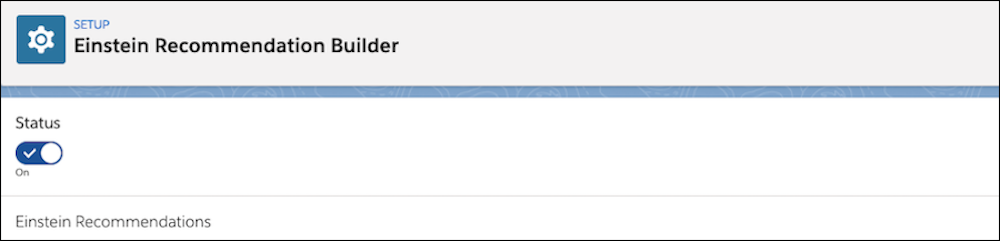
Turn on Einstein Recommendation Builder to build and deliver personalized
recommendations. Or turn it off if you don’t want to build or make recommendations right
now.
Required Editions
| Available in: Enterprise, Performance, and Unlimited
Editions |
-
From Setup, enter Einstein Recommendation Builder in the Quick Find
box, and select Einstein Recommendation Builder.
-
If you’re using Einstein Recommendation Builder for the first time, click Get
Started on the Setup page. If needed, first review and agree to terms.
-
Toggle the status to turn it on or off. If you turn it off, also click Turn
Off to confirm. This action disables any existing recommendations. You can enable
them again when you turn Einstein Recommendation Builder on again.