Customers can scan QR codes to add themselves to the
waitlist.
Required Editions
| Available in: Lightning Experience. |
| Available in: Enterprise and Unlimited Editions |
| User Permissions Needed |
| To scan QR codes: |
Guest User or Authenticated User |
-
Scan the QR code.
You’re redirected to the self-check-in page.
-
Fill in the details and click Book Appointment.
You're added to the waitlist and you'll receive a confirmation email. Guest users
can click the link in the email to open the waitlist.
-
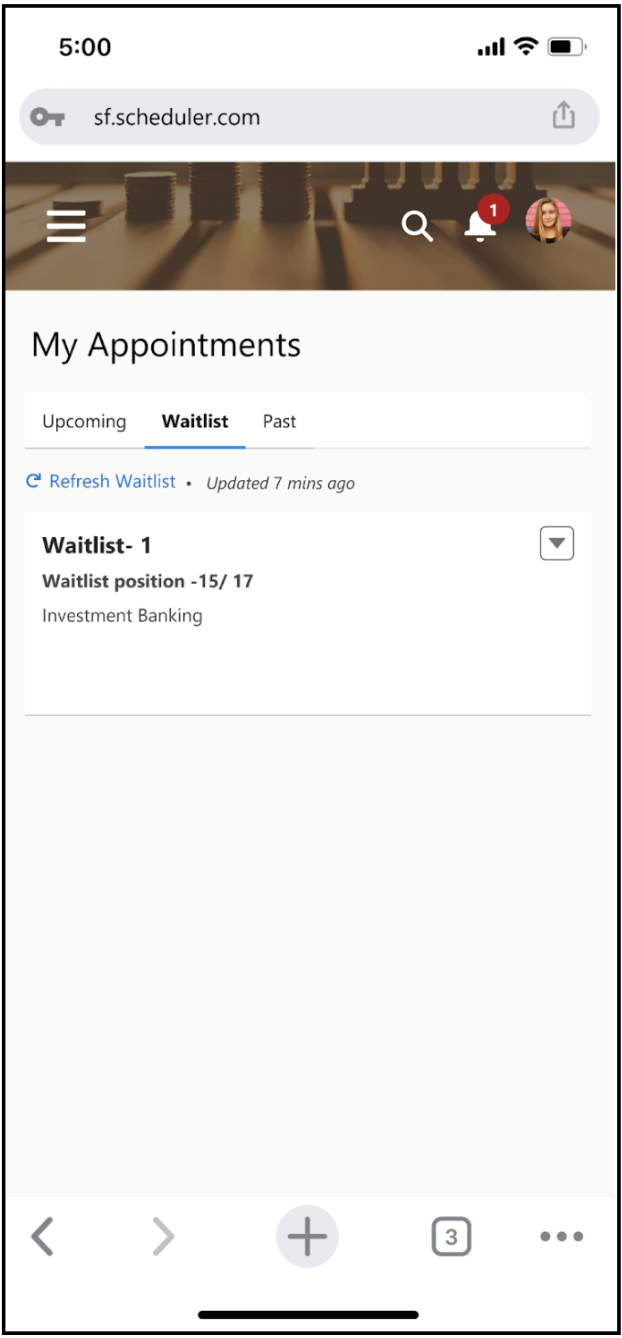
In the waitlist, track your position in the queue. Authenticated users can also view their
appointment in My
Appointments.
-
To get the latest status and monitor your position in the waitlist, refresh the page.
-
If you can’t attend the appointment on time, move yourself to the end of the waitlist or
cancel the appointment.