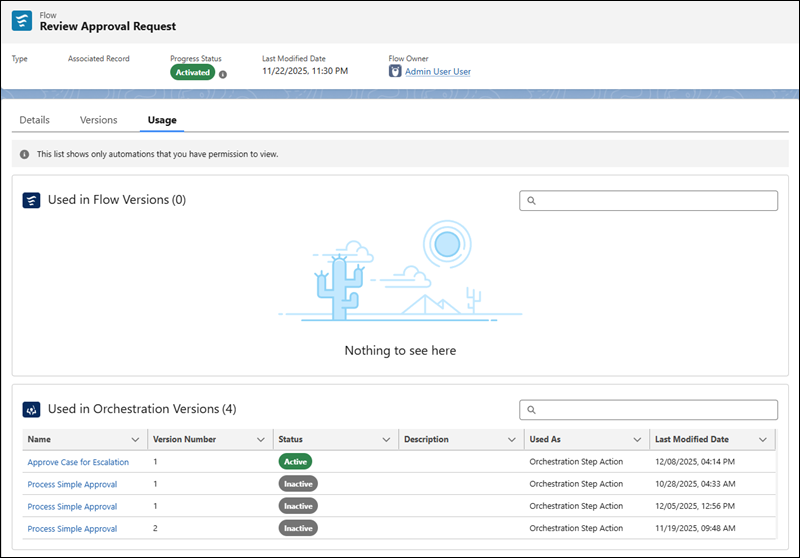
Flow approval process versions and orchestration versions rely on flows to run steps and
evaluate complex conditions. Flow versions can use another flow from a Subflow element or an
Action element. To understand the relationships between the automation versions that use a flow,
view the Usage tab of the Flow page in the Approvals app.
Required Editions
| User Permissions Needed |
| To view usage details for all flows on the Flows tab in the Automation app |
Manage Flow |
| To view usage details for your marketing flows on the Flows tab in the Automation
app |
View Flows
OR
View All Non-Admin Flows
|
The Used in Flow Versions and Used in Orchestration Versions lists show only flow
versions and flow approval process versions created in your org that use the selected
flow.
-
On the navigation bar, click
 .
.
-
In the search box, enter automation, and then select
Automation.
The Automation app opens.
-
Select the Flows tab.
The Flows list view opens.
-
Click a flow label, and then select the Usage tab.
The tab shows a list of automation versions that use the flow.