
Connect your GitHub or Bitbucket repository to Lifecycle Center. On connecting, Lifecycle Center creates feature branches and change requests. It then commits and merges changes to each pipeline stage.
Required Editions
| Available in: Lightning Experience in Professional (API access required), Enterprise, Performance, Unlimited, and Developer Editions |
| Not Available in: Government Cloud Plus. Contact your Salesforce account executive for more details. |
| Not available in: EU Operating Zone. EU Operating zone is a special paid offering that provides an enhanced level of data residency commitment. Lifecycle Center is supported in orgs in the EU that aren’t part of EU OZ, per standard product terms and conditions. |
| User Permissions Needed | |
|---|---|
| To connect source control: | Lifecycle Center Admin, Lifecycle Center User, or Lifecycle Center Deployment Manager |
Before you begin, review the GitHub or Bitbucket prerequisites depending on your source control provider. See Set up GitHub as Your Source Control and Set Up Bitbucket as Your Source Control.
-
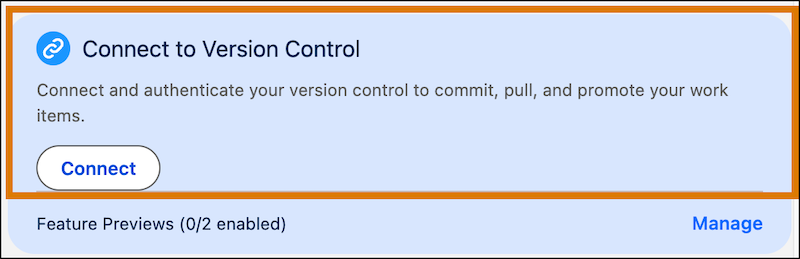
From the Lifecycle Center Home page, find the Connect to Version Control card, and click
Connect.
-
In the Connect to Version Control window, select your source control provider.
 Note The first time you connect, Lifecycle Center prompts you to authorize access to your source control provider.
 - Complete the login process for the selected source control provider.
Create a Lifecycle Center project and pipeline. Then, associate the pipeline with this repository. See Create a DevOps Center Project.