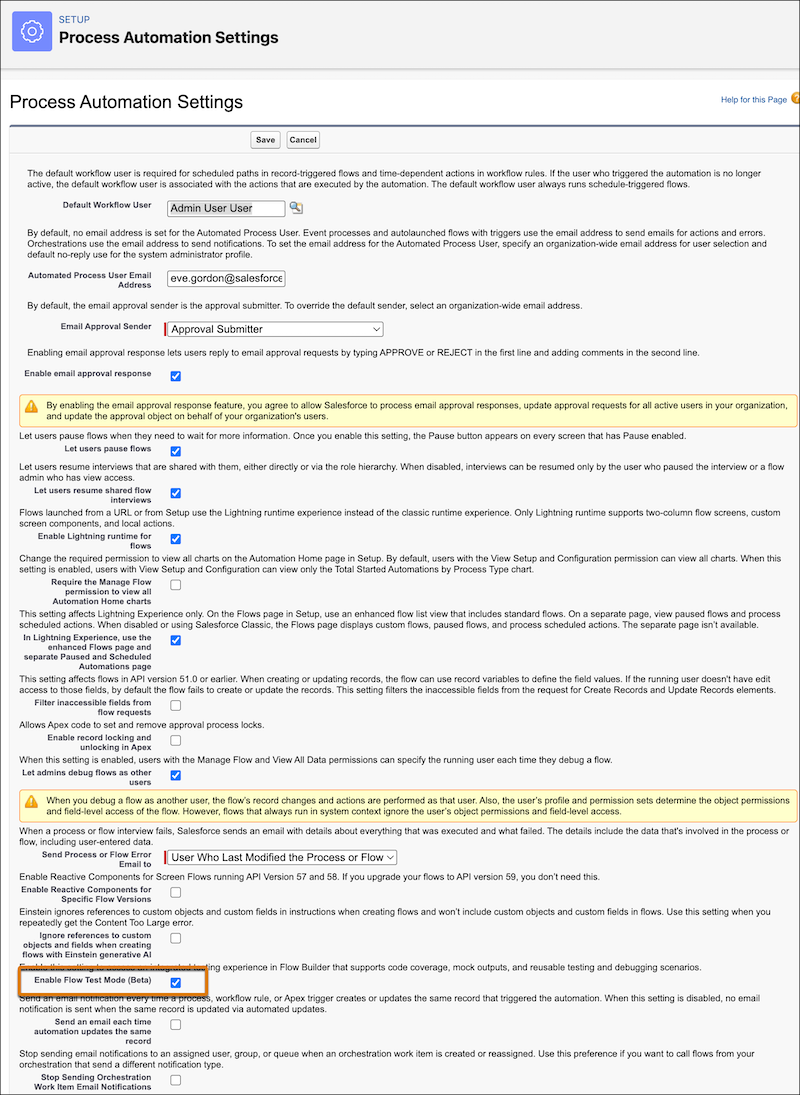
Turn on flow Test Mode for your org so that users can test autolaunched and record-triggered flows in Flow Builder.
Required Editions
| View supported editions. |
| User Permissions Needed | |
|---|---|
| To open, edit, create, activate or deactivate a flow using all flow types, elements, and features available in Flow Builder, including Einstein and Agentforce for Flow: | Manage Flow |

Note Test mode is a pilot or beta service that is subject to the Beta Services Terms at
Agreements - Salesforce.com or a written Unified Pilot Agreement
if executed by Customer, and applicable terms in the Product Terms
Directory. Use of this pilot or beta service is at the Customer's sole
discretion.
- From Setup, in the Quick Find box, enter Process, and then click Process Automation Settings.
-
Select Enable Flow Test Mode (Beta).