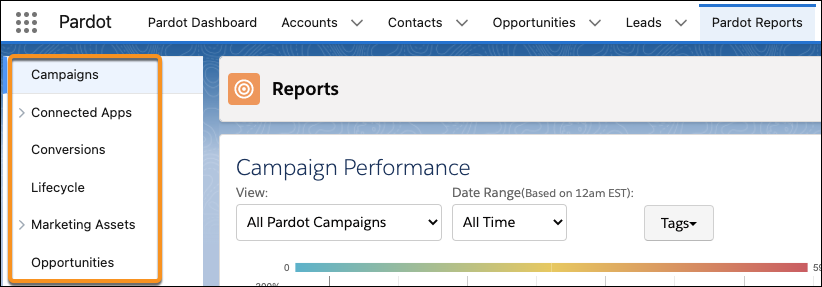
Some reports are specific to your Account Engagement content and connectors. If you use
Account Engagement Lightning App with Salesforce, you also have access to the Salesforce reports
that are based on Salesforce objects.
Required Editions
| Available in: All Account
Engagement Editions |
| User Permissions Needed |
| To create, edit, and delete Account Engagement reports: |
Account Engagement Administrator,
Marketing, or Sales Manager role
|
-
Open the Reports page.
- In Account Engagement, select Reports.
- In the Lightning app, select Account Engagement
Reports.
-
Select a report from the navigation menu.
Looking for Salesforce reports? Users need the Create and Customize Reports system permission
and read permissions on any objects included in a report. To access Salesforce reports, select
the Reports tab in Account Engagement Lightning App. If the tab isn't
visible, check the More tab or add the Reports tab to your toolbar.