# admin Marketing (mktg) - Full Documentation
# A - F
Marketing Cloud Personalization common terms from A to F.

Note This glossary contains many, but not all, common terms associated with Marketing Cloud Personalization. If you don't see a term defined here, search for it using the search box in the left panel.
- **[account](https://help.salesforce.com/s/articleView?id=mktg.mc_pers_glossary_defs_a_f.htm&release=264.0.0&type=5)**
- **[account profile](https://help.salesforce.com/s/articleView?id=mktg.mc_pers_glossary_defs_a_f.htm&release=264.0.0&type=5)**
- **[activation](https://help.salesforce.com/s/articleView?id=mktg.mc_pers_glossary_defs_a_f.htm&release=264.0.0&type=5)**
- **[activity](https://help.salesforce.com/s/articleView?id=mktg.mc_pers_glossary_defs_a_f.htm&release=264.0.0&type=5)**
- **[activity data](https://help.salesforce.com/s/articleView?id=mktg.mc_pers_glossary_defs_a_f.htm&release=264.0.0&type=5)**
- **[anchor](https://help.salesforce.com/s/articleView?id=mktg.mc_pers_glossary_defs_a_f.htm&release=264.0.0&type=5)**
- **[attribute data](https://help.salesforce.com/s/articleView?id=mktg.mc_pers_glossary_defs_a_f.htm&release=264.0.0&type=5)**
- **[attribution type](https://help.salesforce.com/s/articleView?id=mktg.mc_pers_glossary_defs_a_f.htm&release=264.0.0&type=5)**
- **[attribution window](https://help.salesforce.com/s/articleView?id=mktg.mc_pers_glossary_defs_a_f.htm&release=264.0.0&type=5)**
- **[audience](https://help.salesforce.com/s/articleView?id=mktg.mc_pers_glossary_defs_a_f.htm&release=264.0.0&type=5)**
- **[average order value (AOV)](https://help.salesforce.com/s/articleView?id=mktg.mc_pers_glossary_defs_a_f.htm&release=264.0.0&type=5)**
- **[beacon](https://help.salesforce.com/s/articleView?id=mktg.mc_pers_glossary_defs_a_f.htm&release=264.0.0&type=5)**
- **[Behavior Report](https://help.salesforce.com/s/articleView?id=mktg.mc_pers_glossary_defs_a_f.htm&release=264.0.0&type=5)**
- **[booster](https://help.salesforce.com/s/articleView?id=mktg.mc_pers_glossary_defs_a_f.htm&release=264.0.0&type=5)**
- **[call center](https://help.salesforce.com/s/articleView?id=mktg.mc_pers_glossary_defs_a_f.htm&release=264.0.0&type=5)**
- **[campaign](https://help.salesforce.com/s/articleView?id=mktg.mc_pers_glossary_defs_a_f.htm&release=264.0.0&type=5)**
- **[campaign-level goal](https://help.salesforce.com/s/articleView?id=mktg.mc_pers_glossary_defs_a_f.htm&release=264.0.0&type=5)**
- **[campaign-level rule](https://help.salesforce.com/s/articleView?id=mktg.mc_pers_glossary_defs_a_f.htm&release=264.0.0&type=5)**
- **[campaign state](https://help.salesforce.com/s/articleView?id=mktg.mc_pers_glossary_defs_a_f.htm&release=264.0.0&type=5)**
- **[catalog](https://help.salesforce.com/s/articleView?id=mktg.mc_pers_glossary_defs_a_f.htm&release=264.0.0&type=5)**
- **[catalog mapping](https://help.salesforce.com/s/articleView?id=mktg.mc_pers_glossary_defs_a_f.htm&release=264.0.0&type=5)**
- **[channel](https://help.salesforce.com/s/articleView?id=mktg.mc_pers_glossary_defs_a_f.htm&release=264.0.0&type=5)**
- **[click action](https://help.salesforce.com/s/articleView?id=mktg.mc_pers_glossary_defs_a_f.htm&release=264.0.0&type=5)**
- **[clickthrough](https://help.salesforce.com/s/articleView?id=mktg.mc_pers_glossary_defs_a_f.htm&release=264.0.0&type=5)**
- **[clickthrough rate](https://help.salesforce.com/s/articleView?id=mktg.mc_pers_glossary_defs_a_f.htm&release=264.0.0&type=5)**
- **[client](https://help.salesforce.com/s/articleView?id=mktg.mc_pers_glossary_defs_a_f.htm&release=264.0.0&type=5)**
- **[co-browse ingredient](https://help.salesforce.com/s/articleView?id=mktg.mc_pers_glossary_defs_a_f.htm&release=264.0.0&type=5)**
- **[co-buy ingredient](https://help.salesforce.com/s/articleView?id=mktg.mc_pers_glossary_defs_a_f.htm&release=264.0.0&type=5)**
- **[collaborative filtering ingredient](https://help.salesforce.com/s/articleView?id=mktg.mc_pers_glossary_defs_a_f.htm&release=264.0.0&type=5)**
- **[comparison baseline](https://help.salesforce.com/s/articleView?id=mktg.mc_pers_glossary_defs_a_f.htm&release=264.0.0&type=5)**
- **[confidence](https://help.salesforce.com/s/articleView?id=mktg.mc_pers_glossary_defs_a_f.htm&release=264.0.0&type=5)**
- **[content zone](https://help.salesforce.com/s/articleView?id=mktg.mc_pers_glossary_defs_a_f.htm&release=264.0.0&type=5)**
- **[contextual data](https://help.salesforce.com/s/articleView?id=mktg.mc_pers_glossary_defs_a_f.htm&release=264.0.0&type=5)**
- **[conversion rate](https://help.salesforce.com/s/articleView?id=mktg.mc_pers_glossary_defs_a_f.htm&release=264.0.0&type=5)**
- **[dataset](https://help.salesforce.com/s/articleView?id=mktg.mc_pers_glossary_defs_a_f.htm&release=264.0.0&type=5)**
- **[decay age](https://help.salesforce.com/s/articleView?id=mktg.mc_pers_glossary_defs_a_f.htm&release=264.0.0&type=5)**
- **[deep behavioral tracking](https://help.salesforce.com/s/articleView?id=mktg.mc_pers_glossary_defs_a_f.htm&release=264.0.0&type=5)**
- **[dismissal](https://help.salesforce.com/s/articleView?id=mktg.mc_pers_glossary_defs_a_f.htm&release=264.0.0&type=5)**
- **[dismissal rate](https://help.salesforce.com/s/articleView?id=mktg.mc_pers_glossary_defs_a_f.htm&release=264.0.0&type=5)**
- **[display frequency](https://help.salesforce.com/s/articleView?id=mktg.mc_pers_glossary_defs_a_f.htm&release=264.0.0&type=5)**
- **[Einstein Decisions](https://help.salesforce.com/s/articleView?id=mktg.mc_pers_glossary_defs_a_f.htm&release=264.0.0&type=5)**
- **[Einstein Recipe](https://help.salesforce.com/s/articleView?id=mktg.mc_pers_glossary_defs_a_f.htm&release=264.0.0&type=5)**
- **[entrance action](https://help.salesforce.com/s/articleView?id=mktg.mc_pers_glossary_defs_a_f.htm&release=264.0.0&type=5)**
- **[event](https://help.salesforce.com/s/articleView?id=mktg.mc_pers_glossary_defs_a_f.htm&release=264.0.0&type=5)**
- **[exclusion](https://help.salesforce.com/s/articleView?id=mktg.mc_pers_glossary_defs_a_f.htm&release=264.0.0&type=5)**
- **[experience](https://help.salesforce.com/s/articleView?id=mktg.mc_pers_glossary_defs_a_f.htm&release=264.0.0&type=5)**
- **[explicit data](https://help.salesforce.com/s/articleView?id=mktg.mc_pers_glossary_defs_a_f.htm&release=264.0.0&type=5)**
- **[filter](https://help.salesforce.com/s/articleView?id=mktg.mc_pers_glossary_defs_a_f.htm&release=264.0.0&type=5)**
## account
In Marketing Cloud Personalization, an account represents a company or organization that has individuals who engage with your company. For example, you could have individual users who visit your site who all work for ABC Company. If you have accounts enabled on your dataset, you can see analytics by account, activate (personalize) based on account, and view account profile data.
## account profile
For business-to-business (B2B) clients, a profile built both at the individual prospect and customer level, and for the account to which these clients belong. For example, Marketing Cloud Personalization can have:
- An account profile of ABC Company
- Individual profiles for anonymous visitors from ABC Company
- Named profiles for Bob and Alice from ABC Company
## activation
Using the data collected and stored within Marketing Cloud Personalization to affect a customer experience in some way. Activation is also known as personalization because it’s the act of using information known about a person to deliver a personally relevant experience.
## activity
This reporting term gives an overview of campaign and goal statistics, including trends for impressions, goal completions, and click-throughs. Use the activity reporting section in Marketing Cloud Personalization to analyze information about recent visitors, see actions taken by visitors and customers, group users by cohorts, and see other data.
## activity data
Includes information on pages visited, number and frequency of visits, and page-level engagement based on mouse movement, scrolling, inactivity, and time spent.
## anchor
In the recommendations system, the reference point that an ingredient or exclusion uses as the basis for determining which items to return. For example, to use a Co-Browse ingredient, set the anchor item. Marketing Cloud Personalization returns items for what’s being viewed on the page, in the visitor's cart, last purchased, or purchased by the visitor within a specific number of days.
## attribute data
Data that is unique to a user or account. Attribute data is collected from various sources, including:
- contact forms
- survey responses on your site
- external databases such as a CRM, email marketing solution, marketing automation tools, or a data warehouse
## attribution type
Type of attribution. One of the following:
| Type | Description |
| --- | --- |
| View | Shows whether visitors saw the campaign and converted during the selected attribution window. |
| Click | Shows whether visitors clicked the button or link in the campaign and converted. Applies only to campaigns that include a button or a link. |
## attribution window
The period between the visit impression and the goal completion of a campaign. Marketing Cloud Personalization offers four attribution windows: 30 minutes (default), 1 hour, 24 hours, and 1 week. Because some products have a longer consideration cycle, review how long the timeline to conversion is, and then use that time frame when reviewing data.
## audience
Specific individuals, groups of individuals (such as segments), or accounts (such as companies) that are targeted by personalization campaigns, or who view them.
## average order value (AOV)
Total revenue collected divided by the number of orders. AOV quantifies the average basket size of the visitors who saw the campaign and made a purchase during the attribution window.
## beacon
The Marketing Cloud Personalization JavaScript beacon places a first party cookie on the visitor's browser. The beacon sends data for that visitor back to Marketing Cloud Personalization. Data includes pages visited, links clicked, time on site, number of visits, geolocation, and referral source, as well as other collected custom data. The beacon is integrated in either of two ways:
| Approach | Description |
| --- | --- |
| Synchronous | Loads the beacon before the page loads. Synchronous integration allows Marketing Cloud Personalization to prevent page flicker, a momentary flash of the original page content. |
| Asynchronous | Loads the beacon after the page has loaded. With asynchronous integration, Marketing Cloud Personalization can’t protect against flicker. |
## Behavior Report
Shows information about visits to your site. You can graph out the number of visits based on new versus returning visitors, engagement level, logged-in status, and purchase behaviors. You can apply one filter to adjust the results and make comparisons.
## booster
You can use boosters to tailor your recommendation recipe to the 1:1 level. When you use a booster, the visitor's affinity score is considered, and items that match that affinity are boosted in the recommendations query results. In other words, if you boosted the brand affinity in your recipe, visitors who show a preference for a particular brand see items with that brand first.
## call center
Systems that companies use to engage with customers over the phone (for example, a toll-free number). Using an integration, Marketing Cloud Personalization can pass data including personalized messages and recommendations to these systems to help representatives best serve customers.
## campaign
Contains experiences and messages designed to personalize the interaction a visitor has with your channels (Web campaigns excepted).
## campaign-level goal
Created for campaigns only. Associated with a specific set of narrow actions. Use campaign-level goals to avoid exposing visitors to the campaign after they’ve reached the goal. Visitors who reach the goal don’t see the campaign again. An example of an effective campaign goal is moving people through different audience segments. For example, after a visitor watches a getting started video, they would have completed the campaign goal of “Watched Intro Video” and wouldn’t see the message again.
## campaign-level rule
Not applicable to Web campaign and experience rules. Rules set at the campaign level holistically control how the campaign renders. Rules can be based on particular factors, including:
- visitor or recipient segments
- location
- device type
- time of day
- visitor or recipient behaviors
- company
- industry
## campaign state
A campaign can be in one of the following states:
| State | Description |
| --- | --- |
| Disabled | Set automatically when you create a campaign. A campaign in the disabled state isn’t “live” on your site. |
| Testing | To verify a campaign before publishing, change its state to **Testing**. |
| Published | When you’re ready to make your campaign live on your site or in your application, change its state to **Published**. |
## catalog
Collection of products and content, as well as related categories, and tags (such as brand, gender, style, keyword, and author). Marketing Cloud Personalization dynamically populates the catalog in real time with product and content data automatically extracted from the site. You can provide this information through a data feed, but gathering your data directly from your site means that your product and content information is always up to date.
## catalog mapping
The process of integrating a site with the Marketing Cloud Personalization catalog. After the catalog is mapped and Einstein Recipes are implemented, items from the catalog can be recommended to visitors.
## channel
A touch point used to interact with, and communicate with, visitors and customers. Depending on your Marketing Cloud Personalization license, you can access to channels for Web, email, and mobile channels, as well as third-party channels (integrations with other systems).
## click action
Occurs when a visitor clicks a button or a link being tracked by Marketing Cloud Personalization. A click can be a specific action you want to track, or it can be a button or a link driving visitors to another domain not tracked by Marketing Cloud Personalization. Example: A Login button that takes visitors to an application from a marketing site.
## clickthrough
The total number of clickthrough events that occurred in the campaign. Clickthrough events are tracked only when a campaign has something to click, such as a button or a link.
## clickthrough rate
The number of clicks divided by the number of impressions. If clickthrough events are zero, the clickthrough rate is also zero.
## client
A business that uses Marketing Cloud Personalization services.
## co-browse ingredient
The algorithm that analyzes:
- items or content commonly viewed by previous visitors, along with
- the same item or content a visitor is viewing, or has placed in their cart
If a visitor is viewing an article, this ingredient returns articles that other visitors commonly viewed during the same browsing session in which they viewed that particular article.
## co-buy ingredient
An algorithm that analyzes
- items or content also purchased or downloaded by previous visitors, along with:
- the same item the visitor is viewing or has placed in their cart during the lookback period
For example, if a visitor placed a jacket in their cart, this ingredient returns items that other visitors have commonly bought with that jacket in the past 30 days.
## collaborative filtering ingredient
Often referred to as the "people like me" algorithm, collaborative filtering is based on the alternating least squares (ALS) method of matrix factorization. This ingredient learns visitor intent through browsing and purchasing behaviors to best match their affinity categories. The ingredient then clusters the visitor with other visitors that have similar affinities. The results returned are based on the cluster as a whole.
## comparison baseline
A selection in Campaign Statistics used to compare campaign experiences against each other or against a control. If experience A is the baseline, then the revenue or conversion rate can be higher for experience B as compared to experience A.
## confidence
In Campaign Statistics for an A/B tested campaign, the probability that the click-through rate for the updated campaign experience will exceed the click-through rate of the original version (control). For example, if confidence is 95%, the chance of making an error—deciding that the updated experience gets a higher click-through rate when it doesn’t—is 5%.
## content zone
An area of a site that a developer has configured in the sitemap to make eligible for personalization. Examples: a homepage hero (personalized offers or recommendation) or product detail page (PDP) product recommendations row (similar items on the PDP).
## contextual data
Data that is passed to Marketing Cloud Personalization when a visitor lands on a site. Includes:
- the visitor’s IP address and referring source
- other information, such as geographical data and device type
Also referred to as implied data.
## conversion rate
The total number of orders or goal completions collected divided by the number of unique visitors who saw the campaign.
## dataset
In Marketing Cloud Personalization, a collection of events, catalog configurations, and user profiles. Datasets keep Marketing Cloud Personalization data separate and organized. An account can have multiple datasets. Data is partitioned so that data sent to one dataset is kept separate from data in other datasets. Partitioned data helps clarify distinct differences in customer engagement.
## decay age
Defines the length of time a product or piece of content remains marked as new.
## deep behavioral tracking
Provides a picture of each visitor’s true interests and intent based on what’s known about that visitor, including:
| Data | Description |
| --- | --- |
| situational data | Examples: a visitor's referring site, email or ad campaign source, IP address, geo-location, device type, and operating system. |
| attribute data | Collected from contact forms and survey responses on your site, or from external databases such as a CRM, email marketing solution, or a data warehouse. |
| activity data | Examples: pages visited, number and frequency of visits, and page-level of engagement based on mouse movement, scrolling, inactivity, and time spent. |
| contextual data | Context of each page, such as category, brand, style, and keywords. |
## dismissal
The number of times a message was dismissed using the close icon.
## dismissal rate
The number of dismissals divided by the number of impressions.
## display frequency
A message-level rule that limits the number of times to display a message:
- a specific interval
- all-time
- during a visitor's current visit
## Einstein Decisions
Feature that determines which factors to train in the machine learning models responsible for serving up recommendations. After it’s configured, Einstein Decisions analyzes these factors for each visitor to determine which promotions to show based on which are expected to generate the most lift.
## Einstein Recipe
Recommendation strategy in Marketing Cloud Personalization. You build recipes by adding one or more ingredients—or the core algorithms driving the recipe—as well as exclusions, and boosters. You can create a variety of combinations to serve up the right content or products based on an individual visitor’s behavior and affinities on your site.
## entrance action
An option in the Path report. The Path report shows the number of actions recorded for the page you selected in the dropdown, the bounce rate for this page, and the path for that page.
## event
Any interaction a visitor has with a site, such as a click, a page load, or a message view (which is an impression).
## exclusion
Designates whether to show items in a recommendation. Usage examples:
- Tailor a recipe to avoid recommending products that are in the cart.
- Include items in the same category as what each visitor is viewing.
## experience
Use experiences to create different personalization results within the same campaign. For example, suppose you want to create a campaign for first-time visitors to your site. You want to show different message to visitors from Boston and San Francisco because you have events coming up in those two cities. To implement this approach, create three experiences in the same campaign:
- Boston visitors
- San Francisco visitors
- visitors from everywhere else
Use experience-level rules to control the visibility of these experiences
## explicit data
Data that a visitor provides intentionally, such as survey responses, purchase history, content downloads, or clicks.
## filter
Used with segments or global goals. Apply filters to the data shown in campaign statistics and some reports. When you apply a filter, only the people who meet the filter condition are included in the metrics. For example, you can compare how first-time and repeat visitors performed for a campaign, so you can cater experiences to each group. Or, you can see if your campaign is performing well on all devices, or only on mobile, or only on desktops. In addition to any filters you configure for your dataset, there are a number of pre-existing – or default – filters available for reporting and campaign statistics.
# A Marketer's Guide to the Trusted Use of Einstein
Salesforce believes that the benefits of AI can, and should, be accessible to everyone. But increasingly, AI is facing a crisis of trust. Therefore, trust is at the top of Salesforce’s priority list for customers.
With the Einstein Generative AI features in Marketing Cloud Engagement, Salesforce is continuing to prioritize trust by ensuring the responsible use of our AI products. The Office of Ethical & Humane Use of Technology has released the AI Acceptable Use Policy to provide greater clarity for our customers, create and uphold industry standards, and ensure safe and trusted experiences for all using our technologies.
Einstein in Marketing Cloud Engagement helps make your marketing efforts more efficient while creating optimized and engaging one-on-one customer experiences. The AI-based services are powerful tools that help drive segmentation, content optimization and creation, automate orchestration and provide insights to improve performance.
**Our Trusted and Transparent Approach**
At Salesforce, we’re committed to developing ethical and inclusive technology. Given the tremendous opportunity and challenges emerging in the generative AI space, Salesforce is building on top of our [Trusted AI Principles](https://www.salesforceairesearch.com/trusted-ai) with a new set of guidelines focused on the responsible development and implementation of generative AI. The [five guidelines](https://www.salesforce.com/news/stories/generative-ai-guidelines/) Salesforce uses to guide the development of trusted generative AI are Accuracy, Safety, Honesty, Empowerment, and Sustainability. As part of our commitment to ethical technology use, our [Research & Insights](https://medium.com/salesforce-research-insights) team collaborated with our [Marketing Cloud Engagement](https://www.salesforce.com/marketing/) product teams and the [Office of Ethical and Humane Use](https://www.salesforce.com/company/ethical-and-humane-use/) to publish our [Responsible Marketing Principles](https://www.salesforce.com/blog/responsible-marketing-principles/). The principles document outlines some tools that we developed so that our employees, customers, and partners can use AI more responsibly, accurately, and ethically.
**Use Einstein Generative AI with Confidence**
At Salesforce, trust is our #1 value. To keep your data secure, Salesforce has agreements in place with large language model (LLM) providers, such as OpenAI. These agreements allow organizations to use generative AI capabilities without their private data being retained by the LLM providers.
In Marketing Cloud Engagement, use Einstein generative AI to safely create subject lines and body copy in both Einstein Copy Insights and Content Builder.
**Use Model Cards to Understand How Einstein Models Work**
Consumers and marketers want to know how a model behaves and how it arrives at its prediction or recommendation in order to trust the model. Einstein model cards provide critical information about model inputs and outputs, the conditions when models work best, and the ethical considerations in their use. These cards answer questions about using the models as intended, and whether there are any biases to consider. Providing this transparency helps developers, customers, policymakers, and others better understand the impact of our AI on individuals, communities, and society. Check out these model cards for details.
- [Einstein Send Time Optimization for Email](https://help.salesforce.com/s/articleView?id=mktg.mc_anb_einstein_sto_model_card.htm&release=264.0.0&type=5 "The model in this card analyzes the optimal time to send an email to a subscriber to maximize the probability of the subscriber opening the email.") determines the optimal time to send an email to a subscriber to maximize the probability that the subscriber opens the email.
- [Einstein Send Time Optimization for Mobile](https://help.salesforce.com/s/articleView?id=mktg.mc_anb_einstein_sto_mobile_model_card.htm&release=264.0.0&type=5 "The model in this card analyzes the optimal time to send a mobile message to maximize a contact’s probability of interacting with it. In Marketing Cloud Engagement, Einstein Send Time Optimization for Mobile optimizes notification push time to maximize the overall engagement of mobile apps.") determines the optimal time to send a mobile message to maximize the probability that a subscriber interacts with the message.
- [Einstein Engagement Scores for Mobile](https://help.salesforce.com/s/articleView?id=mktg.mc_anb_einstein_engagement_scoring_for_mobile_model_card.htm&release=264.0.0&type=5 "The model in this card analyzes each contact’s engagement record to assign scores for the contact’s likelihood to interact with mobile messaging.") evaluates each contact's engagement record to assign scores for the contact's likelihood to interact with mobile messaging.
- [Einstein Messaging Insights](https://help.salesforce.com/s/articleView?id=mktg.mc_anb_einstein_messaging_insights_model_card.htm&release=264.0.0&type=5 "The model in this card analyzes message engagement rates and notifies marketers when anomalies in their marketing performance occur.") monitors message engagement rates and notifies marketers when anomalies in their marketing performance occur.
- [Einstein Engagement Frequency](https://help.salesforce.com/s/articleView?id=mktg.mc_anb_einstein_engagement_frequency_model_card.htm&release=264.0.0&type=5 "The model in this card analyzes each contact’s engagement record to determine the optimal frequency at which to send email or MobilePush messages to that contact.") analyzes each contact's engagement record to determine the optimal frequency at which to send email messages to that contact.
- [Einstein Subject Line Tester](https://help.salesforce.com/s/articleView?id=mktg.mc_anb_einstein_subject_line_tester_model_card.htm&release=264.0.0&type=5 "The model in this card analyzes and evaluates contact engagement based on email subject lines.") evaluates contact engagement based on email subject lines.
**Check Data Quality Scores to Ensure Your Data is AI-Ready**
Use data quality scores as indicators to help you determine how ready your data is for Einstein to make accurate predictions. With any AI model, the quality of the output depends on the quality, representativeness, and robustness of the input. Data quality scores show you when the data is in good or bad shape, why it's in that shape, and general tips for improvement.
- Gauge Your Einstein Engagement Scoring Data Quality
- Gauge Your Einstein Engagement Frequency Data Quality
- Gauge Your Einstein Send Time Optimization Data Quality
**Review Bias Flags to Prevent Potential Disparate Impact**
Bias flags indicate when selected inputs can introduce bias into the model. For example, Einstein Content Selection uses bias flags to indicate potentially sensitive attributes in profile data. And in the Einstein Subject Line Tester, bias flags show when words or phrases in a sample can be considered sensitive. Bias is contextual and based on industry and use cases. Einstein highlights potential biases so that you can evaluate how to proceed based on the context.
- Identify Attributes That Can Introduce Bias
- Test a Subject Line Before You Send
**Call to Action**
To optimize your marketing efforts, use these prompts toward deeper thought and discussion. The prompts aren't exhaustive and don’t apply to all organizations, teams, products, or features.
- Are your training and evaluation datasets representative of your customer population? How do you know?
- Have you assessed your datasets and models for bias?
- If you have launch criteria, does your model meet that criteria for various population subgroups?
- Does your model have similar performance for the various population subgroups or does it perform worse for one group versus another?
- Are you using AI to infer [sensitive information about your users](https://www.salesforce.com/en-us/wp-content/uploads/sites/4/documents/legal/Agreements/policies/ExternalFacing_Services_Policy.pdf) such as age, gender, health status, sexual orientation, political affiliation, financial status, or criminal convictions?
- Are you collecting and using sensitive data only when necessary and when it can benefit the customer?
- Are you using sensitive data proxies such as a first name or salutation that can relate to gender, or a ZIP code that can relate to race, unnecessarily?
- Are you giving customers control over the data that you collect and do you respect their preferences?
- Are you demonstrating the benefits that customers receive in exchange for data usage?
**Summary**
The ethical use of AI is an increasingly complex issue to address to ensure that it's safe and inclusive for all. Model cards, data quality scores, and bias flags are a few of the ways that we infuse ethics into our AI practices at Salesforce.
**Resources**
- Salesforce [Responsible AI in Marketing](https://www.salesforce.com/blog/responsible-artificial-intelligence-marketing-automation-ethics/)
- Salesforce [Responsible Creation of AI Trailhead](https://trailhead.salesforce.com/content/learn/modules/responsible-creation-of-artificial-intelligence)
- Salesforce [AI Ethics Blog](https://www.salesforceairesearch.com/trusted-ai)
- Salesforce [Artificial Intelligence Acceptable Use Policy](https://www.salesforce.com/en-us/wp-content/uploads/sites/4/documents/legal/Agreements/policies/ai-acceptable-use-policy.pdf)
**Join Us**
If you're interested in participating in Salesforce User Research, [sign up for our research program](https://uxresearch.my.salesforce-sites.com/ux/events?id=636) and influence product design and direction. If you need more incentive, we almost always provide a thank you gift!
**Contact Us**
If you have questions about the ethical use of Einstein, contact your Salesforce account executive, or email buildwithintention@salesforce.com. A team monitors this inbox and typically responds within 72 hours.
# A/B Test Campaigns
When creating an A/B test campaign, you include multiple experiences, and assign each experience a percentage of traffic. A/B tests give you flexibility and control over how Personalization distributes traffic and which users see which experiences.
## What Is A/B Testing?
A/B testing, in its true definition, is a form of statistical hypothesis testing with two variants: test and control. An A/B test campaign splits traffic randomly into different groups and shows each group a variation of a message.
In Marketing Cloud Personalization, A/B testing more broadly defines a campaign that uses a randomized split in traffic to test a hypothesis. When creating A/B test campaigns, you add multiple experiences, and then assign each a percentage of visitor traffic. The control is a group of people who qualify to see a campaign but aren’t shown it. The control group creates a benchmark to measure the success or impact of your campaign. Because users in this group won’t see the campaign, you can compare the results against the group that does see the campaign. User behavior, actions, inactions, affinities, or attributes do not affect A/B tests.
As a best practice for an unbiased, statistically sound test, create messages as variations of each other. For example, testing a popup message against an inline message isn’t a true measure of effectiveness because each format invokes different user behaviors. Therefore, the experiences aren’t comparable. A better example of an A/B test is a campaign that tests two exit popup discount codes to determine which is more effective.
## Test Planning
When planning an A/B test, clearly state your testing goals as a hypothesis. A typical Personalization hypothesis is: "If I change (A) for group (B) of users, I expect to see (C) results."
Also, research your hypothesis. Before developing your campaign, conduct some initial analysis to validate that your hypothesis is worth testing. For example, ask, "Does my hypothesis have a target audience? If so, what’s the size of that audience? Can I create an audience segment in Personalization?" The answers to these questions help you to determine the reach of your hypothesis and resulting campaign.
## Sample Sizes
Data rate and the size of the effect you're looking for helps you determine how long to run a test. When planning your test, consider using a sample size calculator to compute the sample size and then run the test. Many sample size calculators are available online for you to reference. A calculator gives you an idea of how much data you need for a test, which helps you determine how long to run the campaign.
In classical statistics, you calculate in advance, and check your result one time (and only one time) when you have the required data. At that time, you declare whether any difference you see is real or due to chance. Sample size calculation is known as a power analysis and is a required step in classical statistical testing. Because Personalization uses a Bayesian approach, rather than a classical framework, calculating your sample size isn’t a requirement. However, doing so can help you with planning if you're unsure about how long to run a test.
Keep the following in mind if you decide to use a sample size.
- If you use a sample-size calculator and reach the sample size but don’t reach 95% confidence, you can stop the test and declare no difference. (Or, you can use a difference confidence.) If you reach 95% confidence, you can declare a winner.
- You can reach confidence sooner than you expect. In contrast to classical testing, Personalization models the underlying distributions directly and typically requires fewer samples. So, if you’re running your test for a month, but see confidence at three weeks, you can stop and declare a difference.
For more information, see [Confidence Explained in Campaign Statistics](https://help.salesforce.com/s/articleView?id=mktg.mc_pers_campaign_statistics_confidence.htm&release=264.0.0&type=5 "Confidence on the Campaign Statistics screen refers to the term statistical confidence. It’s a measure of how sure you are of your results from an A/B test. It isn’t a measure of how effective a campaign was, but a measure of how certain you can be with the campaign’s displayed impact.").
## Adequate Test Time
Follow these recommendations regarding testing time.
- Resist a rush to judgment. In the early days of the test, it’s best to ignore the campaign statistics because they can change before stabilizing, especially with low-traffic tests.
- Use multiples of a full week of data. Because user behavior varies across days, a best practice is to include multiples of a full week of data to determine the test winner over time. You can set the beginning and end dates for a web campaign.
- Allow traffic allocation to adjust. Each user profile is randomly selected for a percentile group. The traffic split doesn’t always reflect experience allocations when you first publish the campaign. As traffic levels increase, the percentages adjust accordingly.
## How Users Are Allocated to Different Test Groups
To determine the experience a user sees, Personalization combines the user’s user ID and the campaign ID and performs some behind-the-scenes calculations. When a user sees their experience, statistics are collected that include the campaign state and data about whether the user was part of the test or control group. The user continues to see the same experience unless a change to their profile affects which group they qualify for.
If you don’t see expected impression percentages for your test groups, the most likely cause is an issue in the experience that prevents one experience from showing versus another. For example, an experience references an attribute that some users don’t have, and there’s no default value. Or, an experience has rules that aren’t satisfied. Or, an experience uses recommendations that produce no results.
## Test Results
When examining test results, consider that post-test lift can be higher or lower. Sometimes, even if you have a definite winning test, you can’t replicate the exact lift you saw in the experiment. The key is that the metric of the winning test is higher than the other test.
When you do see a winner, a best practice is to check whether you see the same effect across groups of first-time and returning users. If you don't see the effect for first-time users, this lift can be due to novelty or "shiny object syndrome." Your regular users are curious about the change but eventually revert to their previous behavior. If you do see the effect for first-time users, it’s more likely to be lasting.
## A/B Testing Across Multiple Campaigns
There are use cases that require targeting multiple content zones with campaigns to personalize the experience. It’s important to coordinate those multiple levels of personalization to provide a positive experience for the user.
For example, you can personalize a homepage hero banner based on a user's favorite category and show a recommendations zone lower on the page with recommendations in that same category. To ensure users receive an aligned experience across both campaigns, you can use A/B test segments to randomize your audience within a rule-based campaign. Then, you persist that randomized selection for any experience targeted to the A/B test segment.
#### See Also
- [Create A/B Test Segments for Marketing Cloud Personalization](https://help.salesforce.com/s/articleView?id=mktg.mc_pers_segment_a_b_test.htm&release=264.0.0&type=5 "Use A/B test segments for tasks like wanting to ensure a user falls into a specific segment across multiple campaigns, or to split campaign traffic into intervals, such as halves, thirds, or quarters.")
- [Campaign Statistics](https://help.salesforce.com/s/articleView?id=mktg.mc_pers_campaign_statistics.htm&release=264.0.0&type=5 "Use Campaign Statistics to measure the impact of your campaigns. The information available on the Campaign Statistics screen helps you analyze where you can make campaign changes to improve results.")
- [Confidence Explained in Campaign Statistics](https://help.salesforce.com/s/articleView?id=mktg.mc_pers_campaign_statistics_confidence.htm&release=264.0.0&type=5 "Confidence on the Campaign Statistics screen refers to the term statistical confidence. It’s a measure of how sure you are of your results from an A/B test. It isn’t a measure of how effective a campaign was, but a measure of how certain you can be with the campaign’s displayed impact.")
- [Create a Web Campaign](https://help.salesforce.com/s/articleView?id=mktg.mc_pers_web_campaign_create.htm&release=264.0.0&type=5 "Using a web campaign, you can personalize various aspects of your website for your users based on their behavior, affinities, preferences, location, or other qualifying criteria. You can create web campaigns from templates in your dataset. The templates provide a framework that defines the campaign placement, copy and creative locations, and general campaign design.")
- [_Video_: Create A/B Test and Control Groups](https://www.youtube.com/watch?v=-hKk5LufJ0E)
# A/B Test Duplicate
Create an A/B Test in Email Studio by copying the conditions from an existing test. If you set up an A/B test to test the Subject Line and determine the winner by the highest open rate, you can create the same test again without reconfiguring those settings.
1. Click the A/B test name to copy.
2. Click **Copy A/B Test**.
3. Click **Edit** next to the area you wish to edit, optional. The system navigates to the page to edit.
4. Click **Edit** next to Next Send to send or schedule the A/B Test.
# A/B Test Intervals
Learn how A/B test segments can split campaign traffic into intervals, such as halves, thirds, and quarters.
The upper limit for a segment rule isn’t inclusive. If you create a segment to include users between 0% and 5%, the segment includes users with values of 0%, 1%, 2%, 3%, and 4%. The next segment of users, 5% to 10%, includes users with values of 5%, 6%, 7%, 8%, and 9%. Each segment has 5% of the users.
These tables list common A/B test intervals.
## 50-50 Split
Group
Configuration
First 50
0–50
Second 50
50–100
## Thirds
Group
Configuration
First third
0–34
Second third
34–67
Third third
67–100
## Fourths
Group
Configuration
First fourth
0–25
Second fourth
25–50
Third fourth
50–75
Fourth fourth
75–100
## Fifths
Group
Configuration
First fifth
0–20
Second fifth
20–40
Third fifth
40–60
Fourth fifth
60–80
Fifth fifth
80–100
# A/B Test Overview
Use standard A/B Testing to determine which version of your Marketing Cloud Engagement email receives the highest click-through rate or highest unique open rate. After reviewing, send the best performing version to your remaining subscribers.
## Test Distribution
Before the system sends your emails, it must generate the A/B split. When the A/B test starts, the system chooses the subscribers, assigns Condition A or Condition B to those subscribers, and then sends the emails. For large lists and at times when several send jobs are in process, splitting the A/B test can take longer.
Note: If you have a large list, we recommend accounting for the split process in your send.
To prepare, schedule deployment before you want it to send. You can define your test audience size by entering a percent or value in the Test Distribution section or adjusting the slider. The A/B Split slider displays the number of subscribers the system sends to for each test condition. These numbers dynamically change as you select recipients, suppression lists, and exclusion lists.
This number is approximately the number of subscribers you’re sending to. The exact number can be more or less depending on these factors:
- The number of unsubscribed subscribers in your lists
- The number of subscribers on a suppression list that are also on a list you selected in the Recipients area
- The number of subscribers on an exclusion list that are also on a list you selected in the Recipients area
- The number of subscribers that subscribe or you add between when you set up the A/B test and the time of send
These numbers don’t reconcile until the time of send. For example, if you select 500,000 recipients, and you select an exclusion list containing 5,000 of those 500,000 subscribers, that number may not reflect in the Test Distribution field immediately. If the total is an odd number, the system attributes the extra subscriber to Condition B. For example, if your recipients equal 300,001 and you split your A/B Test by 10%, Condition B receives 15,001 while Condition A receives 15,000. That has little to no effect on your test results. Tracking results can differ from the test you set up from this page. The number suppressed and excluded are processed at send time and aren’t reflected in tracking results.

Note If you have more than 50,000 subscribers, we recommend sending to 5% per condition. If you have less than 50,000 subscribers, we recommend using 10%. If you have a small audience (say, fewer than 500 subscribers) your results may not be statistically significant. The results can be true for that particular test only.
## Ties
If your A/B Test results in a tie, the system declares Condition A the winner. You can edit the winner criteria to see if one condition performed better than the other using a different winner criteria.
If you ran your test by the highest open rate and your test results in a tie, you can edit the winner criteria to use highest click-through rate.
If you ran your test by the highest open rate and Condition B had a higher click-through rate than Condition A had an open rate, you can edit the winner criteria to send Condition B. You’re able to make this change only if you scheduled the remainder to send later.
## Test Status
A/B test statuses are:
| Status | Definition |
| --- | --- |
| Unscheduled | Your A/B test is created but not scheduled to begin. |
| Scheduled | Your A/B test is created and set to begin at a particular time in the future. |
| Initializing | The system is splitting recipients to send Condition A, Condition B, and remainder audiences. |
| Running | The system is sending to at least one or both test audiences, depending on criteria set-up, or waiting on the results of your A/B test. |
| Overriding Winner | A user has manually chosen a winner. |
| Winner Declared | The system declared a winner of your A/B test or overriding winner has completed but hasn’t sent to the remaining subscribers. |
| Sending to Remainder | The system is sending to the remaining subscribers. |
| Completed | The system finished sending your test to the conditions and to the remaining subscribers |
| Canceled | A user canceled the A/B Test. |
| Errored | An error occurred at some point in the testing process and the test hasn’t completed. |
## Track and Declare Winner
After you perform an A/B test, you can access the tracking overview section of your test to view the results. The tracking pages always display the current results, but the system honors the winning condition that performed the best from the time you specified to declare a winner.
In rare cases, the tracking information can change after a winner has been declared in that the winner is no longer performing the best. For example, you set the A/B test to declare a winner an hour after the test begins. After an hour, Condition A is declared the winner, but after five hours, the winner is Condition B because more subscribers interacted with your message.
## Save the Winning Subject Line
When running a subject line A/B test, you can have the winning subject line save back to the original email. You configure this in the Winner stage of the test creation process.
Optional: Select **Yes** to save the winning subject line to the email in the My Emails folder under the Content tab.
# A/B Test Summary
The A/B Test Summary contains summary and comparison information about one or more A/B test campaigns for the date range you specify.

Note This report cannot be viewed as a webpage. Choose a format for export.
#### See Also
- [Email Studio Reports in Analytics Builder](https://help.salesforce.com/s/articleView?id=mktg.mc_re_email_studio_reports.htm&release=264.0.0&type=5 "View a list and description of available Email Studio reports available in the Reporting tool.")
- [Create a Standard Report in Analytics Builder](https://help.salesforce.com/s/articleView?id=mktg.mc_re_create_a_report.htm&release=264.0.0&type=5 "Create and run a standard report in Marketing Cloud Engagement.")
# A/B Testing for Classic Emails
Send two different versions of your email to a small subset of your recipient list. Then use engagement data to choose a winning version and send that version to the remainder of your list.
- **[Considerations for Using A/B Testing](https://help.salesforce.com/s/articleView?id=mktg.pardot_emails_ab_considerations.htm&release=264.0.0&type=5)**
When you work with A/B testing in Account Engagement, keep these considerations in mind.
- **[Enable A/B Testing for an Email](https://help.salesforce.com/s/articleView?id=mktg.pardot_emails_ab_test.htm&release=264.0.0&type=5)**
You can enable A/B testing for any Account Engagement classic email. After A/B testing is enabled, you can switch between the two versions to edit your content. A/B testing begins only after you schedule or send your email.
- **[Disable A/B Testing for an Email](https://help.salesforce.com/s/articleView?id=mktg.pardot_emails_ab_testing_off.htm&release=264.0.0&type=5)**
If you haven’t started an A/B test, you can disable testing for the email and choose which version to keep as the draft.
# A/B Testing in Email Studio
A/B Testing is a market testing method in which you send two versions of your Email Studio communication to two test audiences from your subscriber list. Track which version receives the highest unique open rate or highest click-through rate and send that version to all remaining subscribers.
Continually testing these variables over time allows you to optimize your email campaigns to deliver more targeted and relevant messages to your subscribers. Through automating the testing process, you can save valuable time and resources. You can test the following elements:
| Test Type | Description |
| --- | --- |
| Subject Line | Create 2 different subject lines and track which performs better. Each subject line has a 256 character limit. |
| Email | Select 2 different emails and track which email send performs better. |
| Content Area | Select an email that contains at least two different content areas and track which content area performs better. |
| From Name | Create 2 different from names and track which email send performs better. You can select an existing from name in your account, or manually enter a From name to use. To add more from name options to your account, create an additional user. |
| Send Time | Select 2 different dates and times to send and track which time performs better. |
| Preheaders | Create 2 different preheaders and track which preheader performs better. |

Note You can run an A/B test on an email that contains dynamic content, a dynamic subject line, or AMPscript. The exception is a dynamic subject line when you’re running a subject line A/B test and testing two emails. When testing two emails that contain a dynamic subject line, the default subject line is always used. Use AMPscript in the subject line instead of dynamic content. If you experience issues, contact Global Support.
The system randomly selects which subscribers receive test and remainder, allowing you to use the same set of subscribers for A/B tests in the future Send the winning version to the remainder of your subscribers automatically when the winner is determined or to come back and manually perform the send.

Note While A/B testing is a part of the test process, you’re sending to real subscribers, so ensure that you send a polished, final product. Use A/B testing before you execute your final send but after you have reviewed and performed test sends.
- **[A/B Test Overview](https://help.salesforce.com/s/articleView?id=mktg.mc_es_abtesting_dashboard.htm&release=264.0.0&type=5)**
Use standard A/B Testing to determine which version of your Marketing Cloud Engagement email receives the highest click-through rate or highest unique open rate. After reviewing, send the best performing version to your remaining subscribers.
- **[Cancel A/B Test](https://help.salesforce.com/s/articleView?id=mktg.mc_es_abtest_cancel.htm&release=264.0.0&type=5)**
You can cancel an A/B Test in Email Studio before completion. However, the current stage of the process completes.
- **[Configure A/B Test in Email Studio](https://help.salesforce.com/s/articleView?id=mktg.mc_es_abtest_configure.htm&release=264.0.0&type=5)**
Create A/B Tests to send two versions of your message to two test audiences from your subscriber list in Marketing Cloud Engagement.
- **[A/B Test Duplicate](https://help.salesforce.com/s/articleView?id=mktg.mc_es_abtest_duplicate.htm&release=264.0.0&type=5)**
Create an A/B Test in Email Studio by copying the conditions from an existing test. If you set up an A/B test to test the Subject Line and determine the winner by the highest open rate, you can create the same test again without reconfiguring those settings.
- **[Edit A/B Test](https://help.salesforce.com/s/articleView?id=mktg.mc_es_abtest_edit.htm&release=264.0.0&type=5)**
You can edit A/B tests in Email Studio.
- **[Track A/B Test](https://help.salesforce.com/s/articleView?id=mktg.mc_es_abtest_tracking.htm&release=264.0.0&type=5)**
You can view near real-time results for A/B Test sends in Email Studio.
# A/B Testing Reports
A/B testing emails track the same metrics as regular list emails. The overview report shows email reporting metrics for both versions of the email. Each email version also has its own report.
### Required Editions
Available in: All Account Engagement Editions
To open the overview report, navigate to **Reports** (**Account Engagement Reports** in the Lightning app), and then **Marketing Assets** | **Emails** | **List Emails**.Make sure the Reports column is selected, and click the **blue paper icon** for any A/B testing email.
## A/B Report Statistics
- The Winner: Version tile shows the percentage by which the winning version out-performed the other version. In the event of a tie, the winner percentage would be 0%.
- The A and B tiles show opens or clicks for each version that occurred during the test period. The metric depends on if you select opens or clicks to determine the winner when you build your A/B test.
- The list of metrics at the bottom of the overview include aggregate open and click data from both inside and outside the testing time frame.
- All-time open and click data for each version can be found on the individual email reports.
#### See Also
- [List Email Report](https://help.salesforce.com/s/articleView?id=mktg.pardot_list_email_report.htm&release=264.0.0&type=5 "The List Email report breaks down the most important data about your sent emails. It includes the number of emails sent, unique clicks, unique click rate, total clicks, and total click rate.")
# About A/B Test Segments
Using A/B test segments in your campaigns gives you additional flexibility and control over how the Personalization system distributes traffic, and which users see which experiences. Scenarios that work well with A/B test segments typically involve more than one campaign.
## Example A
Suppose your strategy includes an initial campaign followed by subsequent campaigns at specific intervals. For example, you’re testing whether subsequent recommendations campaigns have better lift than the control experience. You want the same group of users to receive the campaign experience with recommendations versus the control experience, which doesn’t have recommendations. Creating a control group segment that always receives the control experience can help you achieve this test.
## Example B
Suppose you have three campaigns in your test, and each has a control experience. You want to make sure the same group always gets the control experience. Creating two groups, one for Global Control and one for Global Experience, can help achieve that goal. You can also use the Segment Compare feature to see how the two segments perform against each other for all campaigns.
The global template is configured to let a standard experience serve as a trackable control group (experience-based control). In this setup, the logic from the control() function is used in place of the apply() function, preventing the template from rendering any new content. The template identifies the designated content zone on the page and adds tracking attributes to existing elements. This approach leaves the page visually unchanged while capturing tracking for the original content, enabling you to measure the performance of the original content as a baseline. You can then compare results against other active campaign experiences to accurately assess the impact of new promotions or messages.
# About Access Management and User Data
Learn about managing access and user data.
## Personalization Permissions
A Marketing Cloud Engagement admin must enable Personalization features and add permissions for users. After this is done, a user can open Personalization in the marketing app, to finalize their account. Then, the admin can assign each user at least one role in Personalization so that they can access one or more Personalization datasets.
## User Data Changes
Consumers have the right to limit, modify, and request removal of the data companies collect about them. You can fulfill consumer data requests in Personalization or with the Personalization REST API, which uses API tokens to authorize all data changes.
## SFTP Users and Files
You can send and receive data automatically using a secure FTP site. An administrator can create and manage SFTP credentials and view SFTP files in Personalization.
## Two-Factor Authentication
If your company isn’t using SAML, you can enable two-factor authentication (2FA) to add another layer of security to Personalization.
# About Account Engagement Optimizer
The tables on the Optimizer page show configuration issues and performance improvement measures for your business unit. You can also access other tools to help you assess how efficiently your business unit is running and make improvements.
### Required Editions
Available in: All Account Engagement Editions
## Messages
View nonurgent alerts and feature recommendations in the Messages section by clicking **Go to Messages** in the notification banner.
## High-Level Assessment
When you access Optimizer, you get a high-level assessment of your business unit health.
- Looking Good—Nothing that Optimizer is measuring indicates critical issues or efficiency measures to address.
- Pay Attention—You can take some actions to improve the overall performance in your business unit.
- Action Needed—Optimizer detects critical issues or measures in your business unit, and you must act to resolve them.
## Prospect Change Monitor by Feature
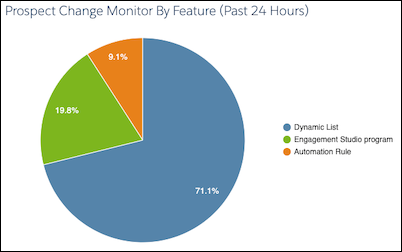
The pie chart breaks down which automations and features resulted in the most changes to prospect records in the past 24 hours.
Click the pie chart to drill in and access the Prospect Change Monitor table.
## Configuration Issues
The Configuration Issues table lists critical setup problems that are blocking full access to Account Engagement features. For example, if you don’t have a verified email sending domain, the table lists the steps to resolve the issue.

## Performance Improvement Measures
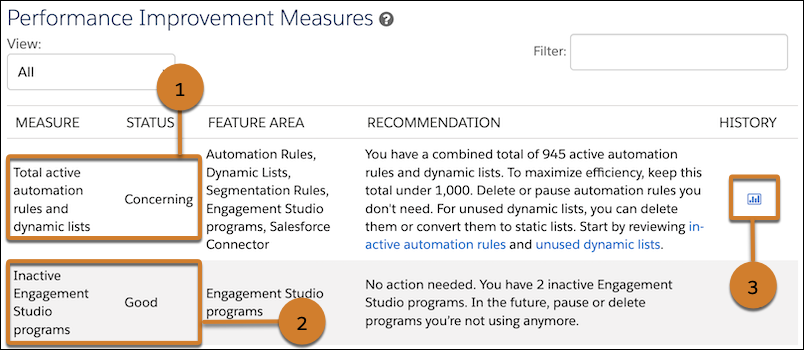
The Performance Improvement Measures table lists recommendations to improve efficiency in your business unit. For example, if you have a high number of automation rules and dynamic lists, Optimizer provides suggestions for maintenance and links to review the rules and lists in your business unit (1). Optimizer also tells you which measures are in good standing, so you know what’s working well (2). When there’s enough data, a clickable history icon shows you how the measure has changed over time (3).
## Maintenance Resources
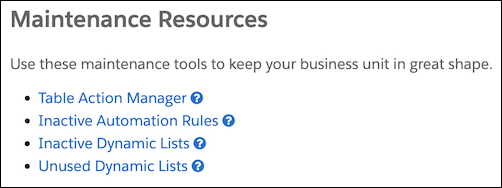
Use the resources and tools to help you manage processing in your business unit. Use the Table Action Manager to free up bandwidth by pausing and resuming actions that are currently processing.
# About Audience Segments
A segment is a real-time grouping of users or accounts, based on criteria you define using a set of segment categories and rules. With segments, you can add another layer of personalization to your campaigns, and gain deeper insight into your customers. Segments can even include groups you've already defined in your CRM, DMP, or marketing automation platform.
## Audiences
You can use audiences for analytics and cross-channel campaign targeting. You can export audiences to use the data in other systems. You can also use audience membership, when a user or account joins a segment or leaves a segment, to trigger events in other systems.
The information that the Personalization system collects about your audiences, along with data from your other systems, is accessible through comprehensive, visual profiles—the Unified Customer Profile and the Unified Account Profile.
## Segments
Segments are one of the key components of the Personalization system. A segment is a real-time grouping of users, or accounts, based on criteria you define using a set of segment categories and rules.
When a user interacts with one of your channels, the Personalization system identifies the segments they belong to based on real-time session activity. Because segment updates happen in real time, membership changes occur immediately. You can analyze segment data in the Personalization system, and you can export segment data using the segment exporter or as a .csv file. For more information, see [Export a Segment to the Marketing Cloud Personalization SFTP](https://help.salesforce.com/s/articleView?id=mktg.mc_pers_segment_export_sftp.htm&release=264.0.0&type=5 "Set up a nightly feed or a one-time export to synchronize segments with the Personalization SFTP. You can then use these segments in other systems to target cross-channel communications. For example, you can synchronize a segment to Marketing Cloud Engagement to target a specific group with an email communication.").
## How to Work With Segments and Audiences
When a user interacts with one of your channels, the Personalization system identifies the segments they belong to based on real-time session activity. Because segment updates happen in real time, membership changes occur immediately.
When you combine segments with unlimited historical behavior, user profile details, and situational data (such as location, weather conditions, and source), you can define even more granular user segments. You can also segment your audiences based on email or ad campaigns, and use the results to adjust user experiences accordingly. You can analyze segment data in the Personalization system, and you can export segment data using the segment exporter or as a CSV file. For more information, see [Export a Segment to the Marketing Cloud Personalization SFTP](https://help.salesforce.com/s/articleView?id=mktg.mc_pers_segment_export_sftp.htm&release=264.0.0&type=5 "Set up a nightly feed or a one-time export to synchronize segments with the Personalization SFTP. You can then use these segments in other systems to target cross-channel communications. For example, you can synchronize a segment to Marketing Cloud Engagement to target a specific group with an email communication.").
## View Existing Segments
You can view existing segments by selecting **User Segments** | **User Segments** from the main navigation. If your dataset is configured to support accounts, you also have the option to select **User Segments** | **Account Segments**.
## Example of Using Segments
Suppose you’re a retailer who wants to target shoppers with less than $100 worth of products in their shopping carts to encourage them to add more products. You can create a segment that targets those users, and then configure your campaign to appear only for users in that segment. Because segment updates occur in real time, shoppers who accumulate more than $100 in their carts during the same visit are no longer members of the segment. So, Marketing Cloud Personalization doesn’t include them in the campaign, and they don’t see the incentive.
# About Catalogs
Learn about catalog objects and catalog items.
## Catalog Objects
Catalog objects are the types of items that your customers can engage with, such as products you sell or articles you want people to read. Catalog objects have associated attributes that provide context within the overall catalog. And you can relate catalog objects to other catalog objects to provide a more granular structure for your catalog. The more detailed your catalog, the better insight you have into customer engagement and affinities.
## Catalog Items
Generally, you set up your catalog, catalog objects, items, and relationships during implementation using the site map or an ETL feed. However, you can add, edit, and archive items for your catalog objects directly in Personalization. Click **Catalog** in the **Catalog** section of the main navigation, and then select the desired catalog object name from the list.
# About Einstein Decisions
Einstein Decisions automates the process of deciding who sees what content, so you don’t have to manually create complex rules. For example, you define an area on the homepage for five different promotions—credit cards, mortgages, auto loans, checking accounts, and retirement plans—and you're not sure which promotion to display when. Einstein Decisions takes away the guesswork by continuously learning from the data Personalization collects about users, and presents the promotion with the highest likelihood of generating the most lift.
### Required Editions
Available in: Premium edition
## Making Decisions
By evaluating the chance of completion, and the business value of the promotion to the company, Einstein Decisions determines which promotions to show to a user to achieve the highest expected value. Einstein Decisions is an example of a contextual bandit algorithm.
Although you can use prioritization and eligibility rules with Einstein Decisions, the number and complexity of rules can be reduced when determining the most relevant promotion for a user. Einstein Decisions uses its machine learning capabilities to achieve optimal results by:
- Factoring in extensive data—Einstein Decisions factors in an expansive set of data during its decisioning process. Although it’s always helpful to have as much information as possible about a particular user, Einstein Decisions functions effectively even when there’s little data available. In addition to affinities and intent, which can be unknown for a first-time user, the algorithms also consider information like time of day and day of the week. Additional factors include user-specific data, such as referring source, device type, browser, geolocation, and time since last visit.
- Being complementary to recommendations—Decisioning is complementary to, rather than a replacement for, Einstein-powered recommendations. Recommendations focus on driving engagement and discovery by presenting products, content, or other catalog aspects, such as brands, categories, and styles, based on a user’s affinities. Einstein Decisions determines the optimal experience to show to a user based on individual data and the business value to your company.
- Having a simple workflow—You add your promotions and their associated assets, assign content zones and tags to the assets, and include any necessary eligibility rules. Einstein Decisions uses continuous learning to calculate and present the best experience to each user.
## Learning from Experience
Einstein Decisions learns through experience using a constant cycle of showing a promotion, observing any result, and updating its models to reflect that observation. Unlike recommendations, which find the most relevant product or item for a user, Einstein Decisions identifies the promotion that’s most likely to obtain the desired result based on your training target.
An Einstein Decisions implementation initially returns random results until it completes its first training, which occurs after 100 decisions. Adding new promotions to an existing implementation occurs immediately, especially when using metadata.
To ensure robust learning, Einstein Decisions sometimes returns a random result. This essential design is known as exploration-exploitation tradeoff, and is a defining characteristic of contextual bandits. If there’s no feedback for the training target, learning can’t occur and results continue to be random. For example, if you set the training target to a completion goal, but no user ever completes that goal, Einstein Decisions isn’t able to learn.
When Einstein Decisions returns a promotion, it does so by making a prediction. The machine learning algorithms determine the likelihood for each promotion to cause the desired outcome, and then returns the promotions with the highest likelihood.
# About Einstein Recipes
Learn more about Einstein Recipes.
- **[Einstein Recipe Ingredients](https://help.salesforce.com/s/articleView?id=mktg.mc_pers_einstein_recipe_ingredient.htm&release=264.0.0&type=5)**
Ingredients form the core algorithm in Einstein Recipes. When Personalization creates recommendations for your customers, ingredients define the parameters for considering items in your catalog. Personalization then weights those items according to your customers’ behaviors and affinities. Exclusions, inclusions, boosters, and variations help refine the recommendations.
- **[Exclusions and Inclusions in Einstein Recipes](https://help.salesforce.com/s/articleView?id=mktg.mc_pers_einstein_recipe_exclusion_inclusion.htm&release=264.0.0&type=5)**
Use exclusions and inclusions to add filtering criteria to your Einstein Recipes to control which items to recommend to your customers. For example, you can add an exclusion to show only items from the same category as the item a customer is viewing. A customer who views a specific hat brand only sees recommendations for other hats, and not items from the same brand.
- **[Fallback Strategies](https://help.salesforce.com/s/articleView?id=mktg.mc_pers_einstein_recipe_fallback_strategies.htm&release=264.0.0&type=5)**
Fallback techniques can enhance your Einstein recipe-building strategy and ensure that a recipe returns enough items to fill the recommendation slots designated by a campaign.
- **[Boosters in Einstein Recipes](https://help.salesforce.com/s/articleView?id=mktg.mc_pers_einstein_recipe_booster.htm&release=264.0.0&type=5)**
Include boosters in Einstein recipes to boost items matching a customer’s affinity in any recommendations Personalization presents.
- **[Variations in Einstein Recipes](https://help.salesforce.com/s/articleView?id=mktg.mc_pers_einstein_recipe_variation.htm&release=264.0.0&type=5)**
Use variations in Einstein Recipes to modify the recommendations that Personalization presents so that your customers see a wider array of items. For example, you can configure a variation to force a recipe to show at most two items from the same category. So if a customer has an affinity for the "hats" category, Personalization recommends the two most relevant hats and a variety of other items from different categories.
# About ETL Data Feeds
Learn more about loading data into Marketing Cloud Personalization.
## What Does ETL Stand For?
ETL stands for Extract, Transform, and Load. In Personalization, ETL integration refers to the framework for bulk ingesting data (including Salesforce data) into the platform from external sources. Begin by providing a CSV file that contains the rows of data you want to ingest, formatted according to our specifications. During ETL processing, Personalization extracts the data from that file, transforms the data in each row, and then loads the transformed data into the platform.
## What's a Feed?
A feed is a pathway to send structured, current, and up-to-date information from one system to another. After a feed is configured, you can view and manage it from the Marketing Cloud Personalization Feeds Dashboard.
## ETL Files
A Comma-Separated Values (CSV) file is a plain text file that contains rows of data to ingest. The CSV file can be encrypted or compressed. The CSV file must comply with our schema and formatting specifications. For more information, see [ETL File Requirements](https://help.salesforce.com/s/articleView?id=mktg.mc_pers_etl_file_requirements.htm&release=264.0.0&type=5 "ETL files contain entries such as users, products, subscription list members, promotions, transactions, and more. These files must be in a CSV format and can be encrypted or compressed. The file formats must follow the explicit schema requirements for each ETL data feed. Typically, you upload ETL files automatically using the SFTP site, but you can also manually upload a file.") and [Available ETL Data Feeds](https://help.salesforce.com/s/articleView?id=mktg.mc_pers_etl_data_feed.htm&release=264.0.0&type=5 "Use these ETL data feeds for ETL integration.").
## Create an SFTP Account
SFTP is a file protocol for transferring large files securely over the web using encryption and authentication. To use ETL data feeds with SFTP, you must [Create an SFTP Account](https://help.salesforce.com/s/articleView?id=mktg.mc_pers_sftp_account_create.htm&release=264.0.0&type=5 "Send and receive data from an automated platform safely and securely using ETL Integration. After you create an SFTP account, add the credentials to your FTP client.").
## Steps to Ingest Data Using ETL Data Feeds
The ETL data feed process consists of the following high-level steps:
| # | Description |
| --- | --- |
| 1 | Start with a large amount of data from an external system that you want to get into Personalization, such as product updates for your catalog. |
| 2 | Extract data from your external system and create a CSV file using the required schema for the applicable ETL data feed, such as the [Product ETL Data Feed](https://help.salesforce.com/s/articleView?id=mktg.mc_pers_etl_product_data_feed.htm&release=264.0.0&type=5 "Use the Product ETL data feed to update the products in your catalog and to add new products."). |
| 3 | When the ETL file is ready, Salesforce developers create an automatic processing job to upload the file to the Inbound folder of your configured Personalization SFTP site. |
| 4 | Activate the ETL data feed so it automatically pulls files from the Inbound folder on the SFTP site based on their filenames. Files don’t process unless the filenames match the defined structure of the ETL data feed schemas. |
| 5 | Your processing job runs automatically and the ETL file moves from Inbound to Processing to Processed, which you can monitor on the Feeds Dashboard. You can’t manually move ETL files. |
| 6 | Jobs of different types that don’t affect shared data types can process concurrently. For example, one dataset can have a User ETL job and a Product ETL job processing simultaneously. However, neither of those jobs can run at the same time as a Transaction ETL job because the Transaction ETL data feed impacts both users and products. |
| 7 | Processing of ETL files doesn't impact ongoing updates from the Marketing Cloud Personalization module of the Salesforce Interactions SDK or Event APIs. |
| 8 | Personalization retains SFTP files for 60 days and then automatically purges them. This policy ensures compliance with regulations and reduces risk from persisted data. Personalization retains all files, even if they failed to process or contain incorrect data. You can delete files manually from your FTP client. |
## Automatic and Manual File Ingest
ETL feeds are automatically triggered by file uploads into the Inbound folder of the SFTP site. After the file is uploaded into SFTP, MCP detects the presence of the uploaded file, then begins the file-processing procedure. For test files, ETL uploads can be run manually, as described in [Upload an ETL File Manually](https://help.salesforce.com/s/articleView?id=mktg.mc_pers_etl_file_upload.htm&release=264.0.0&type=5 "ETL data feeds are commonly configured to automatically upload the ETL files using the SFTP site. However, you can upload files manually if, for example, you want to ingest data that doesn’t get updated frequently, or if you want to confirm the .CSV file format without committing changes.").
# About Exporting Personalization Data to Data 360
Learn about exporting Personalization user and event data to Salesforce Data 360.
## How Integration Works
- Personalization collects user and event data. Personalization transforms the data into a .csv file and sends it to Data 360 through a shared file store. Personalization streams event data to Data 360 in near real-time.
- Data 360 imports the data using a Marketing Cloud Personalization data stream. Data 360 ingests the data according to its data stream schedule. For details, see [Data Stream Schedule in Data 360](https://help.salesforce.com/s/articleView?id=data.c360_a_data_stream_schedule.htm&language=en_US).
## Use Personalization Event Data in Data 360
The process for integrating event data from Personalization with your Data 360 customer profiles includes the following tasks:
| Task | Description |
| --- | --- |
| [Configure Anonymous Data Export](https://help.salesforce.com/s/articleView?id=mktg.mc_pers_salesforce_cdp_anonymous_data_export.htm&language=en_US) | Decide whether you want to include anonymous user and event data in the data stream. By default, Personalization exports only known user data. |
| [Set Up a Connection to Marketing Cloud Personalization](https://help.salesforce.com/s/articleView?id=data.c360_a_set_up_interaction_studio_connector.htm&language=en_US) | An administrator with the appropriate permissions creates the connection between the two systems in Data 360. |
| [Create a Marketing Cloud Personalization Data Stream](https://help.salesforce.com/s/articleView?id=data.c360_a_create_interaction_studio_starter_bundle.htm&language=en_US) | Use a Personalization starter bundle to begin the flow of data from Personalization to Data 360. |
| Complete bundle mappings according to the instructions in [Marketing Cloud Personalization Bundle Mappings](https://help.salesforce.com/s/articleView?id=data.c360_a_interaction_studio_bundle_mappings.htm&language=en_US) | Complete bundle mappings for data types not included in the standard data stream. When you create a data stream using a Personalization starter bundle, the system creates standard mappings for you. However, there are a few data types that aren’t included and must be mapped. Any data type edits you make in Personalization after data stream creation and deployment aren’t reflected in your stream. |
# About Guardian
Guardian continuously monitors thousands of metrics that it gathers from your site, web application, or mobile app. It uses these metrics to discover current trends, identify potential issues, and surface optimization opportunities. Guardian is part of Personalization, so there’s nothing to set up or configure for it to recognize what's important to your business.
Using predefined behaviors, each with its own series of metrics, Guardian predicts impact across your digital property. The tool can then proactively suggest ways to improve engagement when metrics fall outside of a predicted range.
## Guardian Terminology
To better understand Guardian, become familiar with these common terms:
| Term | Description |
| --- | --- |
| Global | Global topics and signals impact your entire digital property and aren’t restricted to a specific segment or campaign. |
| Topic | A subset of dataset activity that uses topic-focused metrics to predict positive or negative impact on your digital property. Topics are things like campaigns, visitor groups, global goals, and device types. Topics are predefined in Guardian and don’t require customization. |
| Metrics | Metrics are measures that are tracked within topics. The Global topic contains all possible metric types. All other topics contain a subset of the metric types available in the Global topic. For example, a campaign has clickthroughs, a clickthrough rate, revenue, and average order value. Mobile visits have only visit count and visit duration. |
| Signal | A Signal occurs when data points exceed or fall below an expected range. Signals can have a 'Positive' or 'Negative' impact depending on the metric. |
| Red | Indicates something that needs attention. Anything with a red indicator means that the prediction is having a negative impact on engagement. |
| Green | Indicates something that has a positive impact. Anything with a green indicator means that the prediction is having a positive impact on engagement. |
| Digital property | The application, website, or mobile app associated with a dataset. |
| Seasonality | Guardian considers all data accumulated since the JavaScript Beacon was installed. However, Guardian prioritizes visitor behavior and site performance from the same day and time last week and last month when making predictions and listing signals. |
## Guardian Organization and Metrics
Guardian is organized in topics. Each topic contains several metrics that are specific to that topic. Depending on what Guardian detects for your site, you see one or more signals within each metric. If Guardian doesn’t detect positive or negative activity for a particular metric, there aren’t any signals.
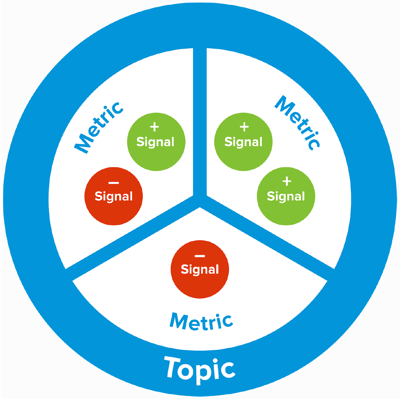
# About Hotel Rules
Learn more about hotel rules used in the Hotel Gear integration.
## Available Hotel Rules
Rule Name
Description
Booking Schedule
Target or segment customers based on a scheduled check-in or check-out
time.
Total Nights Stayed
Target or segment customers based on the number of nights they stay over
a time range.
Add-On Purchases
Target or segment customers based on booking add-on purchases.
Booking Status
Target or segment customers based on their booking status, which you
configure in the Hotel Gear.
Travel Party Size
Target or segment customers based on the number of booked guests, adults,
or children.
## Example Hotel Rules
Booking Schedule
- Scheduled hotel check-in today.
- Scheduled hotel check-in in the next three days.
- Scheduled hotel check-out in the past four days.
Total Nights Stayed
- The total nights stayed is equal to four nights in the past 30 days.
- The total nights stayed is greater than five nights for all time.
- The total nights stayed is from 5 to 10 nights in the past 90 days.
Add-On Purchases
- The add-ons purchased include any add-on for a booking in the next four days.
- The add-ons purchased include any of the following add-ons: airport transit, spa package, or room cot for a booking in the next 45 days.
- The add-ons not purchased include any add-on for a booking in the next 45 days.
Booking Status
- Hotel booking status is canceled at any property in the next two days.
- Hotel booking status is reserved at any of the following properties: hotel 1, hotel 2, from 5 to 30 days ago.
- Hotel booking status is wait listed at any property in the past 30 days.
Travel Party Size
- The number of guests is equal to five for a hotel booking in the next three days.
- The number of adults is at most two for a hotel booking today.
- The number of children is at least three for a hotel booking in the next 30 days.
# About Identity Setup for the Event API
Learn about setting up the identity system for the Event API.
## Before You Configure
Before configuring Personalization’s identity system for the Event API, make sure to review this information:
- [Identity Types and Attributes](https://help.salesforce.com/s/articleView?id=mktg.mc_pers_identity_type_attributes.htm&release=264.0.0&type=5 "Personalization’s identity system uses deterministic matching to create a Unified Customer Profile for each of your customers. Specific identifiers, called identity types, determine how to process web events, API events, and channel events to identify users from various sources. Personalization includes several built-in identity types, such as email address and customer ID. If the built-in identity types don’t meet the needs of your organization, you can create additional identity types.")
- [Built-In Identity Types](https://help.salesforce.com/s/articleView?id=mktg.mc_pers_identity_type_built_in.htm&release=264.0.0&type=5 "Identity types are specific identifiers that determine how Personalization processes web events, API events, and channel events to identify users from various sources. Personalization includes several built-in identity types, such as email address and customer ID. The built-in identity types don’t require configuration other than setting up event capture mechanisms, such as the sitemap or ETL jobs.")
## API Request Format
For information about formatting API requests, see the developer documentation for [Event API Requests](https://developer.salesforce.com/docs/marketing/personalization/guide/event-api.html).

Example
**Option A**
In the following example, the API request sends the email address and customer ID identity types as user attributes. The request doesn’t include the user ID parameter.
```
{
"action": "sample",
"user": {
"attributes": {
"emailAddress": "test@test.com",
"CustomerId": "123"}
},
"source": {
"channel": "Server",
}
}
```
**Option B**
In the following code example, customer ID is the identity type for the event API, and the API request is sending it as the user ID parameter. The API request also includes the email address identity type as a user attribute.
```
{
"action": "sample",
"user": {
"id": "456",
"attributes": {
"emailAddress": "test@test.com"}
},
"source": {
"channel": "Server",
}
}
```
# About Identity System Setup for Open Time Email
Learn about setting up the identity system for open time email campaigns.
## Before You Configure
Before configuring Personalization’s identity system for Open Time Email campaigns, make sure to review this information:
- [Identity Types and Attributes](https://help.salesforce.com/s/articleView?id=mktg.mc_pers_identity_type_attributes.htm&release=264.0.0&type=5 "Personalization’s identity system uses deterministic matching to create a Unified Customer Profile for each of your customers. Specific identifiers, called identity types, determine how to process web events, API events, and channel events to identify users from various sources. Personalization includes several built-in identity types, such as email address and customer ID. If the built-in identity types don’t meet the needs of your organization, you can create additional identity types.")
- [Built-In Identity Types](https://help.salesforce.com/s/articleView?id=mktg.mc_pers_identity_type_built_in.htm&release=264.0.0&type=5 "Identity types are specific identifiers that determine how Personalization processes web events, API events, and channel events to identify users from various sources. Personalization includes several built-in identity types, such as email address and customer ID. The built-in identity types don’t require configuration other than setting up event capture mechanisms, such as the sitemap or ETL jobs.")
## Identity Types in Open Time Email Campaigns
The built-in email address identity type is the default identifier for Open Time Email campaigns. You can change the identity type that Personalization uses for identity lookup and merging user profiles. For example, if you have email address and loyalty ID as identity types, you can use the loyalty ID instead of email address.

Note Open Time Email campaigns require an identity type value of at least four characters.
# About Identity System Setup for the Salesforce Interactions SDK
Learn about setting up the identity system for the Marketing Cloud Personalization module of the Salesforce Interactions SDK.
## Before You Configure
Before configuring Personalization’s identity system for the Salesforce Interactions SDK, make sure to review this information:
- [Identity Types and Attributes](https://help.salesforce.com/s/articleView?id=mktg.mc_pers_identity_type_attributes.htm&release=264.0.0&type=5 "Personalization’s identity system uses deterministic matching to create a Unified Customer Profile for each of your customers. Specific identifiers, called identity types, determine how to process web events, API events, and channel events to identify users from various sources. Personalization includes several built-in identity types, such as email address and customer ID. If the built-in identity types don’t meet the needs of your organization, you can create additional identity types.")
- [Built-In Identity Types](https://help.salesforce.com/s/articleView?id=mktg.mc_pers_identity_type_built_in.htm&release=264.0.0&type=5 "Identity types are specific identifiers that determine how Personalization processes web events, API events, and channel events to identify users from various sources. Personalization includes several built-in identity types, such as email address and customer ID. The built-in identity types don’t require configuration other than setting up event capture mechanisms, such as the sitemap or ETL jobs.")
- For details about updating your sitemap to include identity types and attributes, see the developer documentation at [Marketing Cloud Personalization Web Integration](https://developer.salesforce.com/docs/marketing/personalization/guide/web-integration.html?q=web%20integration).
## Identity Types in the Salesforce Interactions SDK
You can change the identity type that Personalization uses for identity lookup and merging user profiles. For example, if you have email address and loyalty ID as identity types, you can use loyalty ID instead of email address for lookup and merge.
You use the selected identity type as the user.id parameter in your sitemap for web events. You can include other identity types under the user.attributes parameter. The supplied identity types accumulate in the web browser. If the identity type for the user.id parameter changes, Personalization clears all identity types on the client computer. The identity type for the user.id parameter can change when a different person uses the browser on the same device and logs in to a different account.

Example
In this example, Salesforce Marketing Cloud contact key (sfmcContactKeyFromPage) is the identity type for the web event, and it sends as the user.id parameter. The web event also includes the email address identity type as a user attribute.
```
SalesforceInteractions.init({}).then(function(state) {
const config = {
global: {
onActionEvent: (event) => {
if (sfmcContactKeyFromPage) {
event.user.id = sfmcContactKeyFromPage;
}
if (emailAddressFromPage) {
event.user.attributes = {
emailAddress: emailAddressFromPage
};
}
}
}
};
});
```
#### See Also
- [_Developer Documentation_: Marketing Cloud Personalization Web Integration](https://developer.salesforce.com/docs/marketing/personalization/guide/web-integration.html)
# About Identity Types and Attributes
Learn about identity types and attributes.
## Setting Up the Identity System

Note You must be a Personalization administrator to set up the identity system. Salesforce employees who have been granted access to an account can’t configure identities.
You set up the identity system during implementation before collecting data through site mapping, data-driven events, or data feeds. The identity types you select define a unique user profile within Personalization. After creating an identity type, you associate it with user profile attributes to capture specific user data.
Setting up the identity system is a permanent configuration. After you set up an identity type, you can’t change it or delete it. Consider the implications of identity management before configuring the identity system. Only configure identity types and attributes that you require. Choose identity types based on confidence, availability, and uniqueness. For example, if you set up First Name as an identifier, Personalization merges every user named Bob to a single user profile, and you can’t unmerge those users. There’s no way to split a merged user profile.
If you're already collecting data and want to set up the identity system, consider the following before proceeding:
- When you set up the identity system, it only collects data from that point forward.
- Any data that Personalization collected previously as a regular attribute doesn’t migrate to the identity system. For example, if you collect Customer ID as an attribute and then collect Customer ID as an identity type, the previously captured attribute data doesn’t migrate to the identity type.
- Never set up an attribute that’s already collecting data as an identity type.
## Identity Type Uniqueness
An identity type’s uniqueness value determines whether the identity system can use it for identity lookup and user profile merging. When you set up an identity type, you select its uniqueness value.
When selecting a uniqueness value, keep these considerations in mind:
- When merging user profiles, the identity system only considers identity types using the **Identity Namespace** uniqueness value.
- ETL jobs can’t update an identity with a value of **Not Unique**.
| Value | Description |
| --- | --- |
| Identity Namespace | The value can belong to only one user profile in the dataset, so Personalization can use it for identity lookup and user profile merging. For example, when using Email Address as the identity type, all user profiles with a unique email address belong to the same individual, so Personalization can merge them. |
| Not Unique | The value can belong to multiple user profiles in the dataset, so Personalization can’t use it for identity lookup or user profile merging. For example, multiple users can have the same home phone number or mailing address, so Personalization can’t use those identity types for identity lookup and user profile merging. Personalization can use this value for searching. |
# About Integrating Marketing Cloud Personalization with Other Systems
Use standard and custom integrations to pull and push data between Marketing Cloud Personalization and other systems.
If your organization is like most, you have customer data spread across multiple different systems. Marketing Cloud Personalization can:
- pull information from these disparate systems to build rich user profiles that you can use to target your customers and leads with real-time, one-to-one personalization, and
- pass analytics data to other systems so that you can monitor, evaluate, and use it in reports for your company's internal processes.
Integration options include:
| Type of Integration | Description |
| --- | --- |
| standard | Configure built-in integrations to connect with your existing marketing and sales systems and share data, such as user and campaign details, from field to segment to campaign data. |
| custom | Personalization can also share information with most other data sources using robust and flexible APIs. For example, an API can import in-store transactional data to provide each customer's complete purchase history when delivering personalized recommendations. An API can also send in-depth behavioral data from Personalization to external business intelligence tools and customer support systems to increase their value and accuracy. |
#### See Also
- [TLS Trust and Marketing Cloud Personalization](https://help.salesforce.com/s/articleView?id=mktg.mc_pers_integration_tls_trust.htm&release=264.0.0&type=5 "Marketing Cloud Personalization always employs SSL/TLS and rotates its certificates regularly. All Marketing Cloud Personalization certificates chain to Certificate Authorities (CAs) included on the Mozilla Server Authentication (SSL/TLS) Root Certificates list.")
# About Integrating Personalization with Journey Builder
Learn about the integration between Marketing Cloud Personalization and Journey Builder.
## Integration Overview
Integration Feature
Description
Direction
To and from Journey Builder
Integration Type
Real-time API
Data Synchronization
Real time
## How Integration Works
- Add a Personalization Activity to a Journey Builder journey, then use it to personalize the experience your users have with your website or mobile app based on recent journey interactions.
- Journey Builder passes actions, identifiers, and attributes you configure back to Personalization for identity merging, segmentation and targeting, and personalization.
For more information, see [Export a Segment to Journey Builder](https://help.salesforce.com/s/articleView?id=mktg.mc_pers_segment_export_journey_builder.htm&release=264.0.0&type=5 "The Personalization system constantly gathers data about your users, your catalog, and other systems through channel events, API events, and data feeds to update segments in real time. Use segments to add users to journeys in Journey Builder within moments of the data changing as they join segments. Complete the following steps to export a segment to Journey Builder.").
## Example Integrations
The Personalization and Journey Builder integration ties all of your customers’ experiences together—whether customers are on your website, talking to your call center, or entering loyalty numbers into your point of sale. Using Personalization Journey Builder Activity, when your customers open your mobile app or navigate to your website, they see banners and recommendations. These banners and recommendations are based on where the customers are in the journey you created in Journey Builder, such as a Back to School journey.
For example, while on a Back to School journey, a retail customer finishes purchasing uniforms for a student. Personalization Journey Builder Activity suggests a backpack that fits the age and color choices of the student.
Meanwhile, another customer on a bank’s Back to School journey signs up for a student checking account. Personalization Journey Builder Activity suggests a credit card that’s popular with college students, and helps build a credit profile.
# About Integrating Personalization with Salesforce CRM
Learn about sharing data between Marketing Cloud personalization and Salesforce CRM.

Important Use caution sending and synchronizing data with Data 360. Because configured users are synchronized nightly, data transfer using the MCP-CRM connector can result in unexpected costs in Data 360 credits.
## Send Data from Personalization to Salesforce CRM
Share with Salesforce CRM the deep behavioral insights about visitors and customers that interact with your website, web application, and mobile app.
## Send Data from Salesforce CRM to Personalization
Share with Personalization any text field, dropdown menu, numeric value, or segment data so you can use it to deliver personalized experiences in real time.
## Bulk API Calls During Data Sharing
Personalization uses API calls to create a Data Loader job for contacts, leads, and accounts as configured.
- Every 1,000 Personalization users or accounts that could match Salesforce CRM contacts, leads, and accounts are validated in an API call.
- Up to 10,000 matches are pushed in a batch through an API call.
- Job progress is intermittently checked through API calls.
- Job results are validated for each batch through API calls.
For more information, see [Enable Bulk API](https://developer.salesforce.com/docs/atlas.en-us.dataLoader.meta/dataLoader/loader_configuring_bulk_api.htm).
## Summary of Integration Tasks
| # | Task |
| --- | --- |
| 1 | [Prerequisites and Considerations for Salesforce CRM Integration](https://help.salesforce.com/s/articleView?id=mktg.mc_pers_salesforce_crm_prereqs.htm&release=264.0.0&type=5 "Before integrating Marketing Cloud Personalization with Salesforce CRM, review these requirements and considerations.") |
| 2 | [Plan Data Sharing Between Personalization and Salesforce CRM](https://help.salesforce.com/s/articleView?id=mktg.mc_pers_salesforce_crm_data_synchronization.htm&release=264.0.0&type=5 "Before initializing data sharing, decide what data you want to exchange between Salesforce CRM and Personalization and how you want to match data for merging. After initialization, Marketing Cloud Personalization shares data with Salesforce CRM on a nightly basis. Contacts and accounts are shared automatically, but leads sharing is optional.") |
| 3 | [Set Up Integration with Salesforce CRM](https://help.salesforce.com/s/articleView?id=mktg.mc_pers_salesforce_crm_integrate.htm&release=264.0.0&type=5 "Complete these steps to set up the integration between Marketing Cloud Personalization and Salesforce CRM.") |
| 4 | [Set Up Automated Data Sharing Between Personalization and Salesforce CRM](https://help.salesforce.com/s/articleView?id=mktg.mc_pers_salesforce_crm_data_synchronization_initialize.htm&release=264.0.0&type=5 "After you configure automated data sharing, Marketing Cloud Personalization and Salesforce CRM share data on a nightly basis.") |
| 5 | [Show Personalization Data in Salesforce CRM](https://help.salesforce.com/s/articleView?id=mktg.mc_pers_salesforce_crm_view.htm&release=264.0.0&type=5 "In Salesforce CRM, display data that was shared by Marketing Cloud Personalization. For shared contacts, accounts, and leads, configure the applicable record layout in Salesforce CRM.") |
# About Integrating with Third-Party Solutions
Marketing Cloud Personalization integrates with a variety of third-party solutions (external to Salesforce). Integration options include data management platforms, email service providers, third-party campaign detection products, analytics products, content management systems, social media, and tag managers.
## Data Management Platforms (DMP)
Application Examples
Integration Type
Data Synchronization
How It Works
Adobe Audience Manager
BlueKai
Neustar
Data into Personalization:
Client-side sync
ETL data feeds
Data out to a DMP platform:
File-based
Campaign exposure
Data in:
Files posted to the Personalization SFTP site are processed on an ongoing
basis.
Data out:
Segment export is nightly or one-off.
Personalization doesn’t currently have any server-to-server
integrations with DMP platforms. DMP integrations are client-side
only.
Attributes and segment IDs can be passed to Personalization and
stored as custom user profile attributes.
Personalization can also pass segment membership data to the page for
a DMP to collect and use for retargeting efforts.
Files posted to the Personalization SFTP site are processed on an
ongoing basis.
Data out:
Segment export is nightly or one-off.
Segments—Use Personalization’s Segment Exporter Gear to push segments
to the Personalization SFTP so you can pull them into your ESP for
enhanced targeting. For more information, see Export a Segment to the Marketing Cloud Personalization SFTP.
User and Campaign Data—Use Personalization’s Account ETL Data Feed to
store users, user attributes, and campaign events, such as sends,
opens, and clicks.
Open-time email—Create an email campaign to power 1:1 offers or
content and product recommendations at open time within your ESP. For
more information, see Create an Open Time Email Campaign.
## Third-Party Campaign Detection
Application Examples
Integration Type
Data Synchronization
How It Works
UTM parameter mapping
UTM parameter mapping
Real time upon click-through
Use an existing product or add one to configure the UTM parameter
mapping.
To capture any additional information you’re sending through your
campaigns, add parameters. Mapping tells Personalization how to align
query parameters in the landing page URL to attributes on the
Personalization external campaign, or to attributes defined for the
referred visitor. For more information, see UTM Parameter Mapping.
As users arrive on the landing page that contains the third-party
product integration, external campaigns appear on the Third-Party
campaign list page in the Uncategorized folder.
The external campaigns have click-throughs, but not impressions
because Personalization doesn’t track impressions for external
campaigns.
Campaign engagement is available to reference in segmentation to
further enhance experience targeting.
## Analytics
Application Examples
Integration Type
Data Synchronization
How It Works
Adobe Analytics
Google Analytics
Client-side sync
Real-time in-browser
Personalization can listen for campaign statistics events
that you can use to format events for third-party tracking systems. For more
information, see Sending Campaign Stats to Third
Parties.
## Content Management Systems (CMS)
Application Examples
How It Works
Typically, Personalization doesn’t require an integration
with a CMS.
Personalization can ingest additional content and product
information, and promotion assets, using ETL Integration.
Personalization can render both client-side and server-side campaigns
and experiences.
The Salesforce Interactions SDK Launcher doesn’t support integration
with CMS solutions (such as Oracle CMS) that use the document.write() method in the DOM Web
API to modify the active page. The Mozilla Developer
Network also discourages the use of this method.
## Social
| Application Examples | Integration Type | Data Synchronization | How It Works |
| --- | --- | --- | --- |
| Generic segment sync | File-based | One-off or nightly | Pass segments out of Personalization by SFTP into various media and display tools for enhanced retargeting efforts. For more information, see [Export a Segment to the Marketing Cloud Personalization SFTP](https://help.salesforce.com/s/articleView?id=mktg.mc_pers_segment_export_sftp.htm&release=264.0.0&type=5 "Set up a nightly feed or a one-time export to synchronize segments with the Personalization SFTP. You can then use these segments in other systems to target cross-channel communications. For example, you can synchronize a segment to Marketing Cloud Engagement to target a specific group with an email communication."). |
## Tag Managers
You can implement Personalization to use a tag manager. As part of your implementation process, work with your implementation team to determine the implementation approach that works best for you.
# About Marketing Goals in Marketing Planning and Operations
Connected goals define success at every level of planned marketing work. They break executive objectives into targets at each level. Results then roll up through the hierarchy to show progress, reveal gaps and trends, and flag lagging targets. For example, a $500 million revenue objective breaks down into a $50 million marketing directive to expand into new European markets.
### Required Editions
## Marketing Goal Basics
Marketing goals define what you want to achieve with a program or campaign. Every goal belongs to either a program or a campaign, but not both. As work runs, you track actual results against the target. Goals can roll up through hierarchy levels, so executive goals at the top break down into smaller targets at each level below.
## Marketing Goal Types
Marketing goals classify into financial and non-financial categories. Financial goals track revenue, bookings, pipeline value, or other monetary targets. Non-financial goals track counts such as leads, impressions, clicks, or customers.
Each goal has a type that defines the business pillar it impacts, such as revenue or retention. Within that type, you select a subtype that specifies the metric that measures success, such as annual recurring revenue (ARR) or churn rate.
A goal's rule type sets how to read progress. An At Least rule succeeds when actuals meet or exceed the target, and an At Most rule succeeds when they stay at or below it. Use At Most for cost or efficiency metrics, where lower is better.
## Marketing Goal Rollup and Hierarchy
Goals follow your planning hierarchy. When a program breaks down into lower-level programs, its goal breaks down into child goals at those same levels. A parent goal at the directive level breaks down into child goals at the initiative level. Each initiative goal breaks down further at the program level. Each goal sets its own target. Goals at the lowest level track actuals directly, and those actuals roll up to each parent goal above. To learn how, see [How Marketing Goal Actuals Update and Roll Up](https://help.salesforce.com/s/articleView?id=mktg.mktg_pln_oper_components_goals_actuals_calculation.htm&release=264.0.0&type=5 "Goal actuals update from the bottom up. When a campaign goal's actual value changes, that change rolls up to its parent goals on its own, keeping the totals current.").
## Marketing Goals in Programs and Campaigns
You attach each goal to a program or a campaign, depending on where you set and track the target. Programs carry strategic targets across hierarchy levels. Campaigns carry operational targets tied to specific execution.
Set a goal on a program when the target is strategic and rolls up through hierarchy levels. For example, a marketing directive has a $50 million revenue goal. That goal breaks down into a $15 million goal for a demand generation initiative.
Set a goal on a campaign when the target is operational and tied to specific execution. For example, a webinar campaign has a 2,000-registration goal, and an email nurture campaign has a 5% click-through rate goal.
A program or campaign can have multiple goals, but each goal tracks one metric. To track revenue, leads, and impressions for the same program, create three separate goals.
## Marketing Goal Progress
To track goal progress, update actual results as work runs. Update actuals in one of three ways:
| Method | Use Case | Example |
| --- | --- | --- |
| Manual entry | Enter actual values directly in the goal when you report or calculate results outside Salesforce. | A marketing manager enters registration counts from an event vendor's report. |
| Integration | Push actual values into the goal from an automation or an external system. | As new leads come in for a campaign, a record-triggered flow adds each one to the goal's actual lead count. |
| Semantic metric definition | Link the goal to a semantic metric definition to calculate actuals from your Data 360 data by using a Tableau Next semantic metric definition, and refresh them daily. | A semantic metric definition combines engagement and conversion data from multiple Data 360 data model objects (DMOs) to calculate a campaign's total pipeline. |
Manual entry and integration work for both program and campaign goals. Semantic metric definitions apply to campaign goals only.

Cascading Goals from CEO to Marketing Manager
Here's how goals cascade through hierarchy levels in a retail company:
| Level | Goal | Target | Parent Goal |
| --- | --- | --- | --- |
| Business Objective | Grow active loyalty members from 10 million to 20 million | 10 million new members | None (top-level) |
| Marketing Directive | Re-engage lapsed members | 4 million reactivations | Business Objective goal |
| Initiative | Launch afternoon promotions for lapsed members | 1 million reactivations | Marketing Directive goal |
| Program | Q3 afternoon promotion program | 300,000 reactivations | Initiative goal |
| Campaign | Email campaign | 50,000 reactivations | Program goal |
As the email campaign runs, the marketing manager updates the campaign goal's actual value. That actual value rolls up through the hierarchy. The marketing director sees how the Q3 program is tracking against its target. In turn, the VP, CMO, and CEO each see how their own goal is tracking as results roll up.
The marketing director sets child goals on the campaigns that support the program. Because child targets can't exceed the parent target, the director sees how much of the 300,000 target remains to assign to new campaigns.
#### See Also
- [_Salesforce Help:_ Set Up Metrics for Marketing Goals](https://help.salesforce.com/s/articleView?id=mktg.mktg_pln_oper_components_goals_setup_metrics.htm&release=264.0.0&type=5 "With a semantic metric, a campaign goal calculates its actual from your Data 360 data and refreshes it daily without manual updates. Complete these tasks to make metrics available for goal owners to select for their goals.")
- [_Salesforce Help:_ Metric Examples for Campaign Goals](https://help.salesforce.com/s/articleView?id=mktg.mktg_pln_oper_components_goals_metric_use_cases.htm&release=264.0.0&type=5 "A campaign goal calculates its actual from a semantic metric definition whose data resolves to a campaign. How you connect the data depends on where the campaign lives in your semantic model. Three examples show how the metric's data connects to the campaign in each case.")
# About Marketing Governance in Marketing Planning and Operations
Governance is the compliance layer for marketing work. It checks whether the work meets the required standards and tracks every review the work goes through to clear them.
### Required Editions
## Governance Basics
Governance answers one question about marketing work: does it meet the required standards? It checks work against brand, regulatory, and policy standards before that work moves forward.
Governance is available on three types of marketing work:
- Marketing programs, which plan and organize the work
- Marketing tactics, which carry out individual pieces of execution, such as an email or an ad
- Campaigns, which run the marketing initiatives
## Compliance Controls
A compliance control is a defined check that a reviewer evaluates a record against, such as brand compliance, regulatory messaging review, or data usage policy. Each control belongs to a functional type that your company defines, such as brand or regulatory.
A reviewer evaluates the record against the control and then records whether it passes along with the reason for the decision.

Governance Across Marketing Work
Governance applies wherever marketing work is held to a standard before it moves forward:
- The Q3 Product Launch EMEA program's promotional campaign passes a brand compliance review and a regulatory messaging review before it goes live.
- The Q3 Product Launch EMEA program passes a data usage policy review before its audience segmentation work begins.
- An email tactic in the program passes a privacy and consent review before it sends.
In each case, governance runs the reviews that apply and tracks whether the work passes.
#### See Also
- [_Salesforce Help:_ Add Compliance Controls for Governance](https://help.salesforce.com/s/articleView?id=mktg.mktg_pln_oper_components_governance_add_controls.htm&release=264.0.0&type=5 "Marketing Planning and Operations supports only manual compliance controls, not automated validations. After you create a control and activate a version of it, the marketing team can add it as a review on their marketing work.")
- [_Salesforce Help:_ How Compliance Reviews Work](https://help.salesforce.com/s/articleView?id=mktg.mktg_pln_oper_components_governance_mandatory_rules.htm&release=264.0.0&type=5 "A compliance review applies to marketing work in one of two ways. Someone requests a review for a specific piece of work, or a company requires a control across a whole category of work. Either way, the owner sends the review requests, and each review goes to a reviewer, who checks the work and notes whether it passes. Each record then rolls up its reviews into one overall compliance status.")
# About Marketing Planning and Operations
Marketing Planning and Operations connects strategy, planning, governance, and results in one place. Leaders and marketers always know whether marketing work aligns with company objectives and is on track to achieve them.
Marketing leaders, marketing operations teams, compliance reviewers, and admins all work in one system on Salesforce, each with the view and tools their role needs.
## Why Marketing Planning and Operations
Without a connected system, teams spread marketing work across disconnected tools. This comparison shows what changes with Marketing Planning and Operations.
| Today | With Marketing Planning and Operations |
| --- | --- |
| Objectives, programs, and campaigns live in disconnected tools | One unbroken line from company objectives down to every campaign |
| Brand, legal, and regulatory review happens after work is underway | Governance and approval checks built into every step |
| Plans, budgets, and tasks sit in scattered spreadsheets, decks, and disconnected tools | One place to see what's happening and what's next |
| Locked into a single way of working, cut off from the rest of your marketing stack | AI-driven planning support, built-in and extendable into any workflow or system you already use |
## End-To-End Lifecycle from Planning to Results
Marketing Planning and Operations supports your marketing work across four connected stages, from planning through results.
Plan
Leadership sets business objectives and cascades them into programs and plans, with targets and budgets at every level.
Build
Marketing teams build campaigns, tactics, and the content behind them, connected to the programs and goals they support.
Govern and Approve
Marketing work moves through the right governance and approval checks before it goes live.
Track and Optimize
Marketing leaders and teams track spend, progress, and outcomes, adjust course where needed, and channel those results back into the next round of planning.
**How Marketing Planning and Operations Works**
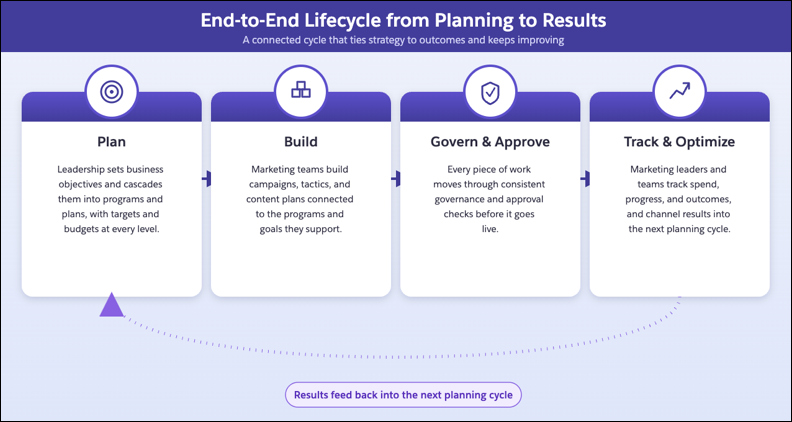
## How Marketing Planning and Operations Connects to Your Campaigns
Marketing Planning and Operations ties each campaign to the rest of your marketing work, so execution stays aligned with company objectives.
Program and Goals
Connects the campaign to the program and targets that it's meant to support, so results roll up to company objectives.
Tactics
Connects the campaign to one or more tactics that carry the content behind it, so execution follows a deliberate, content-backed plan instead of a standalone effort.
Governance
Applies brand, legal, and regulatory checks to the campaign before and while it runs.
Approvals
Routes the campaign through the right reviewers at the right stage, before it goes live.
Tasks
Assigns and tracks the work that each person completes so the campaign succeeds.
#### See Also
- [_Salesforce Help:_ Set Up Marketing Planning and Operations](https://help.salesforce.com/s/articleView?id=mktg.mktg_pln_oper_setup.htm&release=264.0.0&type=5 "Before your marketing team can plan and run their work, set up Marketing Planning and Operations. Complete these tasks to get the app up and running for your team.")
# About Marketing Tactics in Marketing Planning and Operations
A marketing tactic is the execution work that delivers a campaign or program: a specific email, a paid social ad, or a landing page. Unlike a campaign, which is the effort you plan and track, a tactic is the individual piece of work that carries it out. Each tactic gathers the content that runs it from Salesforce CMS and tracks its own progress from draft to complete.
### Required Editions
## Marketing Tactic Basics
Planning work, such as initiatives and plans, describes what success looks like and who owns it. A marketing tactic is the piece that executes the plan.
A tactic gathers the content that runs it, such as ad creative or a landing page. The tactic then goes out as one piece of work. Salesforce CMS manages that content.
A tactic is also different from a goal. The goal sets the target for the work, and the tactic is the work that drives the result.
## Marketing Tactic Creation
Every tactic runs under a campaign or a marketing program. Build one from scratch or from a marketing tactic template, so you reuse a proven tactic instead of rebuilding it each time.

A Marketing Tactic Under the Q3 Product Launch EMEA Program
The Q3 Product Launch EMEA program includes a digital webinar plan with a goal of 2,000 registrations per event. Under that plan, a LinkedIn Paid Social Promotion campaign carries a goal of 500 registrations, a quarter of the plan's target.
The LinkedIn Paid Social Ads tactic runs under that campaign, and a campaign manager builds and runs it to drive those registrations. The tactic starts in draft while targeting and creative come together. It moves to Active after the ads are live, and completes when the promotion ends. The 500-registration goal stays on the campaign, and the tactic is the work that drives the number.
#### See Also
- [_Salesforce Help:_ Reuse Marketing Tactics with Templates](https://help.salesforce.com/s/articleView?id=mktg.mktg_pln_oper_tactics_templates.htm&release=264.0.0&type=5 "A marketing tactic template is a reusable snapshot of a proven tactic. Teams publish a tactic as a template and build new tactics from it, so recurring work stays fast and consistent.")
# About Mobile Campaign Rules
Learn about mobile campaign rules.
### Required Editions
Available in: Premium Edition
## Rule Types
There are three types of rules that affect when, where, and how your mobile campaigns display and who sees them.
- [Mobile Campaign-Wide Rules](https://help.salesforce.com/s/articleView?id=mktg.mc_pers_mobile_campaign_global_rules.htm&release=264.0.0&type=5 "For all types of mobile campaigns, campaign-wide rules control visibility at the campaign level based on things such as segments, visit count, visit duration, user actions, and date and time. Set rules at the campaign level when you want to holistically control how a campaign displays for qualified mobile app users.") control visibility at the campaign level based on things such as segments, visit count and duration, and user actions. Set rules at the campaign level when you want to holistically control how and when mobile app users see a campaign. With campaign-wide rules, qualification happens at the campaign level so users must meet the rules you set to see any part of the campaign.
- [Mobile Experience-Level Rules](https://help.salesforce.com/s/articleView?id=mktg.mc_pers_mobile_campaign_experience_level_rules.htm&release=264.0.0&type=5 "For all types of mobile campaigns, if you set experience-level rules, each experience needs a qualifying rule. Mobile app users who qualify for the campaign see the first experience in the list for which they qualify. If you set a control percentage, it applies only to users who have qualified for the experience.") are available only for rule-based campaigns. They control qualification criteria of campaign experiences based on segments and actions. When you create a campaign, it’s automatically in A/B test mode, so each experience you create in the campaign displays to qualified mobile app users at random. When you change the test mode to rule-based, you can add an experience-level rule to each experience to control which users see which experience.
- [Mobile Message-Level Rules](https://help.salesforce.com/s/articleView?id=mktg.mc_pers_mobile_campaign_message_level_rules.htm&release=264.0.0&type=5 "Message-level rules control visibility at the message level based on mobile app user actions and display frequency. For Mobile In-App Message and Mobile Push campaigns, you can use the message level to define who sees your message and when.") control visibility at the message level based on user actions and display frequency.
## Campaign Visit Count
A campaign-level Visit Count rule determines whether the user sees the campaign based on a previous visit to your mobile app.
## Target Users from Different Cities
Create a campaign with different experiences for segments of mobile app users from different cities. You can then define a Target Users rule to match the users with the experience intended for them.
## Target Users Who Add to the Cart
Use a Target Pages message-level rule to remind mobile app users who have items in the cart that they get free shipping when they spend a certain amount.
# About Mobile Campaigns
There are three types of mobile campaigns you can create with Marketing Cloud Personalization: In-App Message, Push, and Data campaigns.
### Required Editions
Available in: Premium Edition
## Mobile In-App Message Campaigns
Mobile In-App Message campaigns offer functionality similar to basic web messages, including:
- Format background color, position, and text
- Preview messages on different iOS devices
- Link to in-app content, external sites, email, or another app, such as Maps
- Insert dynamic content for your message and add data fields, such as username or product name
- Target with segment data, including screen views, actions, and locations
- Target different audiences within the same campaign using multiple experiences
If you want to use Mobile In-App Message campaigns for inline page changes and recommendations, you must configure an API connection. Push notifications aren’t available in Mobile In-App Message campaigns.
## Mobile Push Campaigns
Use Mobile Push campaigns to send push notifications to your iOS and Android app users.
- [Android](https://developer.salesforce.com/docs/marketing/personalization/references/personalization-android-sdk/v1.3.0/push-notifications.html)—Supports Firebase; Requires app integration with Personalization Android SDK 1.3 and later.
- [iOS](https://developer.salesforce.com/docs/marketing/personalization/references/personalization-ios-sdk/push-notifications.html)—Supports APNs and Firebase; Requires app integration with Personalization iOS SDK 1.3 and later
The [Push Notifications](https://developer.salesforce.com/docs/marketing/personalization/references/personalization-ios-sdk/push-notifications.html) section in the Personalization SDK documentation covers:
- APNs and Firebase configuration
- Credentials
- Personalization SDK configuration
- Advanced details about mobile push notifications in Personalization
## Mobile Data Campaigns
Create Mobile Data campaigns so your iOS and Android apps can process Personalization campaign data. Personalization triggers campaigns and delivers the data to your app.
How does it work? A developer writes campaign handlers as app code to flexibly consume campaign data. After that code is in place, Mobile Data campaigns can deliver dynamic content to your app. At a high level, the process has five steps:
- The mobile app code registers campaign handlers for content zones.
- The mobile app's Personalization integration sends events, such as screen or product views, to Personalization.
- The events trigger Mobile Data campaigns.
- The campaign data calls the campaign handler code in JSON format to process and render the mobile campaign.
- The mobile app calls Personalization APIs to track impressions, dismissals, and clicks.
You can use Mobile Data campaigns for:
| Use | Description |
| --- | --- |
| Messaging | If your app already has its own banner or infobar system, you can use Personalization campaigns to feed information about sales, promotions, user credit or points, and other data. |
| Recommendations | Apps can have content zones or targets to display recommended items. A campaign can deliver recommendations to the campaign handler code. |
#### See Also
- [_Developer Documentation_: Personalization Mobile Integrations](https://developer.salesforce.com/docs/marketing/personalization/guide/mobile-integration.html)
# About Open Time Email Campaigns
Email campaigns use an individual’s unique intent and preferences to deliver true 1:1 personalized content, regardless of the email marketing or marketing automation system. With Marketing Cloud Personalization open time email campaigns, you can deliver up-to-the-second personalized content and recommendations. Email messages can address a customer’s latest actions on your site, include expiration date reminders, show low product inventory levels, and more.

Important At this time, localization isn’t supported for use with open time email campaigns. Enabling localization in datasets used by open time email campaigns can result in inconsistent and unexpected personalized content.
## Recommendations and Recommendation Calculation Interval
Creating an open time email campaign generates a block of HTML code that you use in your existing email marketing service to add personalized content and recommendations for each recipient. Personalization recalculates recommendations after 1 hour. So, if a recipient opens an email and then revisits that email within an hour with no other interactions, they see the same recommendations. If they revisit the email after an hour, Personalization recalculates the recommendations based on the recipe parameters, and the recipient sees a different set of items.
## Expiration Time for Recommendations
You can change the expiration time that Personalization uses when recalculating recommendations. For more information, see [Change the Expiration Time for Recommendations](https://help.salesforce.com/s/articleView?id=mktg.mc_pers_email_campaign_recommendation_expiration.htm&release=264.0.0&type=5 "Recalculate recommendations that Personalization shows to users after a set time has elapsed.").
## Recommendations in Apple Mail
For recipients that use Apple Mail, Personalization generates recommendations at send time, rather than open time because of the way Apple handles requests. Impression statistics for Apple Mail recipients calculate at send time.
## Open Time Item Templates
Before you can create a recipe-driven open time email campaign, you must design an open time item template that controls how content and product recommendations appear in your campaigns. You can have more than one template and can customize templates, for example, to match your brand guidelines. Open time item templates render as images to ensure that all items display in the proper format, regardless of the email service or viewing device.
For more information, see [Build Open Time Item Templates](https://help.salesforce.com/s/articleView?id=mktg.mc_pers_email_campaign_template.htm&release=264.0.0&type=5 "Design and build templates for open time email campaigns.")
## Open Time Email Image Generation
When a template is published, an image generation job creates the initial set of images for all items that match the item type of the template. These images are stored on the Personalization CDN so that Personalization can deliver personalized recommendations at email open-time.
Initial image generation job duration can vary based on the size of the catalog. For example, a catalog with 1 million products takes longer than a catalog with 100 thousand products.
If the error rate of the job exceeds 10%, the item template can’t be published. Common example error causes include broken images on items or missing attributes on items referenced in the template.
For troubleshooting information, see [Image Generation in Open Time Email Campaigns](https://developer.salesforce.com/docs/marketing/personalization/guide/image-generation-email-campaigns.html?q=images) in the Marketing Cloud Personalization developer documentation.
## Open Time Email Image Updates
If an item is updated and the metadata referenced by an open time email template changes, the item is queued for an image refresh. This refresh ensures that the image on the Personalization CDN has the most up-to-date information based on template requirements. The Personalization image refresh sync runs every 10 minutes and batches items into groups of around 10 thousand.

Note Over 10 thousand items can trigger a backup so that the system can catch up.
It’s important to consider the rate at which item updates occur or are sent to Personalization. Refer to the following example scenarios:
| Scenario | description |
| --- | --- |
| Single Product Item Template | Imagine you send an ETL feed that updates 30 thousand products. Refreshing all of the images on the CDN would take around 30 minutes (assuming no additional item updates were received in that time via another source like the sitemap). |
| Single Product Item Template | Imagine you send an ETL feed that updates 50 thousand products every 30 minutes. The image update queue in Personalization can outpace the image update sync. For optimal results, consider the frequency of item updates (via ETL, the sitemap, API, and so on) and how they relate to syncing updated images to the CDN. |
| Multiple Product Item Templates | Imagine an item’s attributes are updated in a way that requires updates to multiple item templates (for example, five-item templates). This update counts as one update out of the 10 thousand. That is, it doesn’t multiply one item by the number of templates requiring updates. Five images must still be generated for that item. The update can be slower given the required processing for the five images. |
| Item Templates of Multiple Types | Each eligible item type (for example, a product or article) has a 10 thousand image sync limit every 10 minutes. |
## Open Time Email Preview and Testing
You can access an Open Time Email Simulator Preview in the open time email campaign editor. This preview allows you to search for an individual and preview email recommendations. Images displayed in this view reflect the images stored on the Personalization CDN. The simulator also uses a “cache-buster” to generate a new call every time you select a user. A cache-buster isn’t recommended in a live email campaign, as it prevents statistics tracking.
If you want to compare results to those results returned in an email inbox, it’s important to understand the following:
- Browser Caching: When Personalization generates open time email images, a cache-control header is set for a maximum of five minutes. Browsers locally cache the image for that amount of time. If the recommendations are the same, the browser uses the image that is stored in local storage. If the item image changes in Personalization between initial open and browser cache expiration, a user can momentarily see a stale image because the browser hasn’t yet contacted Personalization.
- Third-Party Caching: Certain mailbox providers use additional internal image caching on top of the browser cache. This internal caching can affect the refresh rate of open time email images. It doesn’t affect the actual recommendation decision but can affect the image displayed for an item. Personalization can’t validate or verify the differences in caching across mailbox providers.
You can also refresh images for an open time email item template on the item template edit screen. With this preview, enter an item ID and preview how the image would look if the image were generated at that moment. The image displayed in this preview might not match what is stored on the CDN. The update to the image on the CDN could still be in progress. If there appears to be a mismatch, wait for any active image syncs to complete and validate the image on the CDN later.
With an item image preview on the Personalization CDN, you can see which image is stored in the CDN for a given template and item. To preview an item image, enter the following URL, replacing the capitalized variables with relevant values. Only items that match the item type of the template display an image. The image displayed by this link is the image a customer sees when they open an email based on the item template.
https://cdn.evergage.com/blocks/{ACCOUNT\_ID}/{DATASET\_ID}/{ITEM\_TEMPLATE\_ID}/{ITEM\_ID}.png
To find the ID of an item template, select Email > Open Time Item Templates, click the three vertical dots of a column header, and select the ID option.
#### See Also
- [_Developer Documentation_: Image Generation in Open Time Email Campaigns](https://developer.salesforce.com/docs/marketing/personalization/guide/image-generation-email-campaigns.html?q=images)
# About Personalization API Tokens
Learn more about API tokens in Marketing Cloud Personalization.
## Data Access Levels
Personalization's REST API provides access to read and update data at several levels:
- Create and update users and accounts within Personalization
- Receive behavioral data from offline systems
- Receive historical transaction data
- Create and update catalog data, including products and content
## Using an API Token in an API Request
When making an API request, you must set the HTTP authorization header using Basic encoding:
- Most REST clients provide the option to set Basic credentials using a username and password. In this situation, supply the API Key ID as the username, and the API Secret Key as the password.
- If you must construct the HTTP authorization header value manually, use Basic encoding as follows:
Basic where is a strict Base64 encoding of: :
# About Personalization Datasets
Learn more about datasets in Marketing Cloud Personalization.
## What are Personalization Datasets?
A dataset represents an instance of Personalization. User profiles, campaign configurations, and other features of Personalization are scoped to a dataset. This scoping strategy enables you to use different datasets for different sites, geographies, or deployment environments. For example, it's common to split datasets between your QA and production environments, and it’s also helpful to maintain separate datasets for your French and German sites.
## Multiple Datasets Per Personalization Account
A Personalization account can have multiple datasets. To learn how many you can have for your Personalization account, see [Limits for Marketing Cloud Personalization](https://help.salesforce.com/s/articleView?id=mktg.mc_pers_limits.htm&release=264.0.0&type=5 "Learn about the limits and capabilities in Marketing Cloud Personalization.").
## Types of Datasets
Each dataset is configured to be one of the following types:
- Production
- Staging
- QA
- Development
## Identity Groups
Datasets are placed within identity groups to coordinate user identities between environments. This method ensures that you don’t email the same user from both the French and German environments, while still letting each dataset coordinate that user's personalization.
## Ways to Use Datasets
You can use datasets in various ways. For example:
- Set up a test dataset to monitor your QA or staging environment, and a production dataset to monitor your live production site. Having another dataset keeps real customer data separate from the data you generate during testing.
- Separate data from different business units with different customers.
- Track your website separately from your application.
# About Personalization Experiences
A personalization experience is a set of instructions for rendering results and specifying where they appear. For example, a personalization experience can define that a personalization point shows product recommendations on every product page, after the "Product Details" section, as soon as the page loads. Personalization experiences are available for web and mobile channels.
Use an experience template to map content schema fields to the front-end output. Select a channel - web or mobile - and define how personalized content is rendered and where it appears.
Here's how a personalization experience fits into a customer's journey.
1. A customer browses your website or mobile app and views several outdoor gear products.
2. Salesforce Personalization detects the customer's interest based on their real-time behavior.
3. A personalization experience activates and delivers a targeted banner that promotes hiking boots.
4. The banner appears in the location defined by the experience - on the web page in the layout defined by an experience template, or in the mobile app in the content zone defined in connector setup - populated with relevant products based on the customer's Data 360 profile.
## Managing and Delivering Personalization Experiences
For web experiences, use the Web Personalization Manager (WPM) to create, preview, and manage personalization experiences directly on your website. WPM lets you simulate decisions for specific users and enable or disable configurations in a controlled environment.
For mobile experiences, set up components and content zones in connector setup before configuring experiences. You can then create, preview with a QR code, and publish experiences from a personalization point - without writing code.
#### See Also
- [Experience Templates](https://help.salesforce.com/s/articleView?id=mktg.persnl_experience_template.htm&release=264.0.0&type=5 "An experience template provides a structural layout for how personalized content, such as a hero banner or product carousel, appears to customers. The template transforms raw data from the personalization engine into specific variables, such as a product name or image URL, with the help of a guided interface.")
- [Web Personalization Manager for Salesforce Personalization](https://help.salesforce.com/s/articleView?id=mktg.persnl_web_personalization_manager.htm&release=264.0.0&type=5 "Salesforce Personalization in Marketing Cloud Next can manage personalized content on non-Salesforce websites. Use Web Personalization Manager to create and refresh tailored experiences that appear at the right moment and location using customer interaction data captured by Salesforce Interactions Web SDK, along with AI-driven recommendations. You can create multiple personalization experiences and designate specific ones for different pages of your website, improving relevance and visitor engagement.")
# About Salesforce Personalization
Salesforce Personalization Marketing Cloud Next works with Data 360 to provide personalized experiences across Salesforce clouds. It uses objective-based (using ML), or rules-based content recommenders to deliver personalized experiences to customers across channels. For simple use cases, you can also configure rules to surface specific content assets.
- **[Salesforce Personalization Learning Map](https://help.salesforce.com/s/articleView?id=mktg.persnl_basics_learning_map.htm&release=264.0.0&type=5)**
To help you find resources across the Salesforce ecosystem, such as Trailhead badges, videos, blogs, and other guides, we bring them together into a learning map. The Salesforce Personalization learning map includes example use cases and introductory materials about the tools and features that create personalized experiences. Check back often as we add resources soon.
- **[How Salesforce Personalization Works](https://help.salesforce.com/s/articleView?id=mktg.persnl_basics_how_it_works.htm&release=264.0.0&type=5)**
Salesforce Personalization uses Data 360 to isolate, organize, and prepare data for use as personalized content. Data 360 data spaces provide logical partitions to organize the data for profile unification, calculated insights, and marketing.
- **[Standard Editions and Licenses for Salesforce Personalization](https://help.salesforce.com/s/articleView?id=mktg.persnl_basics_standard_editions_and_licenses.htm&release=264.0.0&type=5)**
Salesforce Personalization is available in several standard Salesforce editions. Personalization requires a Data 360 license.
- **[Billable Usage Type for Salesforce Personalization](https://help.salesforce.com/s/articleView?id=mktg.persnl_basics_billable_usage_types.htm&release=264.0.0&type=5)**
Usage of Salesforce Personalization features impacts Personalization Credit consumption. For more information on how usage is billed, refer to your contract or contact your account executive.
- **[Terminology in Salesforce Personalization](https://help.salesforce.com/s/articleView?id=mktg.persnl_basics_terms.htm&release=264.0.0&type=5)**
To deliver personalized experience across clouds and other channels, Personalization uses a variety of objects, DMOs, and functions across Data 360 and Salesforce apps. Learn the terms that appear throughout the Salesforce Personalization user interface and documentation.
- **[Limits for Salesforce Personalization](https://help.salesforce.com/s/articleView?id=mktg.persnl_basics_limits.htm&release=264.0.0&type=5)**
Learn about Salesforce Personalization limits.
- **[Salesforce Personalization Data Model Objects](https://help.salesforce.com/s/articleView?id=mktg.persnl_basics_dmos.htm&release=264.0.0&type=5)**
The Salesforce Personalization data model subject area includes multiple data model objects (DMOs) that store personalization decision activities.
# About Server-Side Campaigns
Learn about how server-side campaigns work and about implementation roles and responsibilities.
### Required Editions
Available in: Premium Edition.
## How Server-Side Campaigns Work
Your server calls the Marketing Cloud Personalization server-side API and provides information about the visitor including the ID, context of the visit, and visitor actions. Personalization compares the information about the visitor with the campaign logic and uses a JSON payload to return recommendations, user attributes, or other campaign data targeted to that visitor. Your server handles the JSON, builds the message that the visitor sees, and calls the APIs that track campaign impressions and clicks.
## Responsibilities for Business Users and Developers
Typically, business users and developers work together to build, test, and publish a server-side campaign.
Business User Responsibilities
Developer Responsibilities
Create the campaign and define the campaign type as rules-based or
A/B.
Add targeting logic at the campaign and experience levels.
Configure control group allocation.
Apply server-side templates to the campaign experiences and complete
the template configuration.
Track published campaign results in the campaign statistics
report.
Build server-side templates needed for each campaign experience.
Configure API calling patterns that align with the campaign's
authentication and identity requirements.
Configure end systems to render the Personalization JSON response
payload.
Ensure campaign statistics pass to Personalization and populate the
campaign statistics report.
# About Templates for Web Campaigns
You create web campaigns using a web campaign template that a developer creates. Templates offer flexibility to developers who can create a campaign framework to achieve specific business goals. Preconfigured templates make it easy for you to get started with Marketing Cloud Personalization templates. Using a well-planned template, any member of your team can create, test, and publish a web campaign.
## Developer Collaboration
Web campaigns render a template into an input form so you can make simple modifications and then use rules to target specific audiences. After you finalize the business goal for a campaign, the audience, and the general approach you want to take, you can work with a developer to:
- Decide which parts of the template a campaign creator can configure.
- Ensure template options meet the needs of your marketing team for the specific campaign, such as limiting color options to your brand color palette.
- Add helper text in subtitles that provide visual cues to the campaign creator about what they can configure and the best way to do so.
## Web Template Framework
Web templates provide a framework that you use to create personalization campaigns. Templates define what a campaign can render, such as promotional assets, product recommendations, copy, and images. Templates also define what you can edit, such as the recipes that power the recommendations, message copy, and the call-to-action copy. For example, a developer can define a template for a recommendations bar on a product detail page (PDP) so you can add the title and the recipe for the recommendations. Or, a developer can create an email capture template so you can enter the header and subheader text, along with various call-to-action options to test.
## Common Template Types
Common template types include:
| Type | Description |
| --- | --- |
| Popup messages | You can use popup campaigns in many ways, from cart abandonment to email capture. Popup messages typically include copy, an image, and a call-to-action option, such as a button or an input field. These messages pop up on a user’s screen, which can be effective, but intrusive, so use them sparingly. |
| Infobar messages | These messages are designed to capture a user’s attention. Infobars appear at the top or bottom of a page. Like popup messages, they’re attention grabbers, but typically have limited real estate and are most often used to communicate important temporary information. |
| Inline messages | This message format seamlessly adds content within the existing structure of your page. Inline messages are often used for product or content recommendation campaigns. For example, you can customize the homepage hero for users from different geographic regions or industries, based on affinities and preferences. |
| Callout messages | This message type draws attention to a particular area or feature on the page. Callout messages appear above, below, to the right, or to the left of the item you want to draw attention to and have an arrow point to it. |
# About the Data Warehouse
Learn about the Marketing Cloud Personalization Data Warehouse.

Note The Data Warehouse is available only for customers who have already purchased the Marketing Cloud Personalization - Data Warehouse add-on product.
## Data Warehouse Environment
The Marketing Cloud Personalization Data Warehouse environment includes:
- Named users, datasets, and segments you specify
For information about Data Warehouse limits, see [Limits for Marketing Cloud Personalization](https://help.salesforce.com/s/articleView?id=mktg.mc_pers_limits.htm&release=264.0.0&type=5 "Learn about the limits and capabilities in Marketing Cloud Personalization.").
- A connection string
- Database schema, as specified in the developer documentation at [Data Warehouse](https://developer.salesforce.com/docs/marketing/personalization/guide/data-warehouse.html))
- An AWS Redshift database
- Login information
## Data Warehouse Updates
Marketing Cloud Personalization provides daily updates from the operational data store to the Data Warehouse. Data Warehouse imports are based on the most recent activity timestamp and order update time. Records updated by User ETL transfer only when there’s user activity or when you load orders.
#### See Also
- [_Developer Documentation_: Data Warehouse](https://developer.salesforce.com/docs/marketing/personalization/guide/data-warehouse.html)
- [_Developer Documentation_: Data Dictionary](https://developer.salesforce.com/docs/marketing/personalization/guide/data-dictionary.html)
- [_Developer Documentation_: Scratch Schema](https://developer.salesforce.com/docs/marketing/personalization/guide/scratch-schema.html)
# About the Hotel Gear
The Hotel Gear is part of the Personalization ETL framework for ETL (extract, transform, and load data) jobs. The Hotel Gear includes two ETLs (Booking and Booking Add-Ons) and a set of rules available for segmentation, campaign, and promotion targeting.
## Booking State Hotel Rule
The booking state is one of the hotel rules you use for segmentation and campaign targeting. This rule includes things such as booked, completed, checked-in, canceled, and other guest statuses.
After you activate the Hotel Gear, you must identify the booking states that you’re sending to Personalization to use for segmentation and targeting. Enter them as they appear in your booking system because they must match the states that you send in the ETL file.
## Sorting Records
Records with the same bookingID must be sorted together. You can select the option in the Hotel Gear configuration so that Personalization sorts the file, or you can sort the file before you send it to Personalization.
## Ways to Use Hotel Gear
There are many ways to use the Hotel Gear to import data to target your customers based on previous activity, loyalty status, and specific actions or behaviors.
| Approach | Description |
| --- | --- |
| Targeted Offers | Tailor offers to certain groups of customers based on segment membership or a customer’s previous reservation. For example, you can provide offers based on a customer's past booking at a property in New York City. |
| Target Experiences Based on a Booking Schedule | Trigger a check-in date mobile push notification that includes personalized messaging and recommended add-ons, such as an early check-in, parking, or other upgrades. |
| Loyalty Sign-Ups | Message customers who aren’t loyalty members with the number of points they accrue on an upcoming stay after they sign up for the loyalty program. |
| Loyalty Tier | Motivate customers who have stayed a certain number of nights and are close to the next loyalty tier. For example, “You’ve stayed 45 nights this year. Platinum status is 50 nights." |
| Add-On Purchases | Suggest upgrades to customers who have an upcoming stay or are currently checked in and haven’t purchased any add-ons. |
| Booking Status | Recommend similar properties to customers who have canceled their reservation in the past 30 days. |
| Travel Party Size | Target large parties with offers for large group hotel discounts and information about hotel partners in the surrounding area. |
| Travel Party (Children on Trip) | Recommend kid-friendly activities in the hotel or surrounding area to customers who have at least one child on their itinerary. |
## Initial Order Creation and Updates
When an order is initially created, Personalization includes the information in Product stats and the Product List page. If the order is subsequently updated, Personalization includes the update information in the user's order history and stats (which can be used for targeting using rules).
For example, suppose you run a Booking ETL job to create an order, followed by an Add-On ETL job that updates the same order. The Booking ETL job represents the initial creation event that applies to both Product stats and the User history. The subsequent Add-On ETL job is an update that applies only to the User history.
# About the Unified Account Profile
Learn about the Unified Account Profile.

Important Account Profiles was retired in August 2024. For more information, see [Personalization Account Profiles Retirement](https://help.salesforce.com/s/articleView?id=001744617&type=1&language=en_US).
## Build and Enrich Account Profiles
Personalization builds account profiles through a reverse IP lookup and enriches them with firmographic data, such as industry, revenue, and employee count, using the B2B Detect feature. You can integrate with your key data sources to improve these profiles based on cross-channel engagement.
## Two-level Profile Hierarchy
Personalization supports a two-level profile hierarchy—user-level profiles and account-level profiles—that it maintains in real time to give you meaningful insight into corporate-level engagement. Personalization maps account-level profiles as one-to-many to maintain multiple known and anonymous user profiles that you access through the single account profile that contains them. Personalization tracks and aggregates events at an account level while maintaining granular user-level behavioral tracking.
## View Unified Account Profiles
You can view a Unified Account Profile by selecting **Account Segments** | **All Accounts** from the main navigation and then double-clicking the account.
#### See Also
- [Personalization Account Profiles Retirement](https://help.salesforce.com/s/articleView?id=001744617&type=1&language=en_US)
# About the Unified Customer Profile
Learn about the Unified Customer Profile.
## Real-time Aggregation of Data
Personalization captures applicable user data and updates the Unified Customer Profile in real time. You can supplement that user data with offline data or data you collect from other systems so you can see preferences, affinities, interaction history, and behavior at an individual level.
## Collect Common Information Across Industries
Although the components of the Unified Customer Profile vary slightly by industry, Personalization collects the same detailed information for each user, including activity, timeline, geography, segments, and known preferences.
## Cross-channel Decisioning
Personalization uses the information in each user profile to power real-time, cross-channel decisions, such as whether a user qualifies for certain promotions. The Unified Customer Profile also helps decide which recommendations to present to a user, or whether to add a user to a specific journey in Journey Builder. The Unified Customer Profile helps create an optimal experience for every user, regardless of how they choose to interact with your company.
## Explore Unified Customer Profiles
You can view a Unified Customer Profile by selecting **User Segments** | **All Users** from the main navigation and then double-clicking the user.
# About Trigger Frequency
You can set a limit on the number of triggers that Marketing Cloud Personalization sends for a user profile at a few levels.
## Frequency Limit Configuration
You can set trigger frequency limits when you [create a campaign](https://help.salesforce.com/s/articleView?id=mktg.mc_pers_triggered_campaign_frequency_limit.htm&release=264.0.0&type=5 "When you create a triggered campaign, you configure how many times the campaign activates for a profile during a specific time or for all time. You can change the frequency limits for an existing campaign.") or at the [global](https://help.salesforce.com/s/articleView?id=mktg.mc_pers_triggered_campaign_trigger_global_frequency_limit.htm&release=264.0.0&type=5 "You can control how many triggers activate during a specific time across all campaigns and for every item in your catalog. For example, you can set a global trigger frequency limit to 3 times a week, 12 times a year, and 50 times maximum. This limit applies to all campaigns and items.") and [trigger item](https://help.salesforce.com/s/articleView?id=mktg.mc_pers_triggered_campaign_trigger_item_frequency_filter.htm&release=264.0.0&type=5 "Set how often a trigger item appears during a campaign at the item level.") levels.
## Limit Evaluation
Personalization evaluates all frequency limits when the trigger occurs and again after any delay you configure for a campaign. Imagine you have a global or campaign frequency limit of no more than one per day and three per week. User or catalog behavior triggers the campaign every day. After the third day, Personalization blocks the campaign because it has reached the frequency limit of three per week. If there’s a conflict between frequency limits, the lowest frequency wins. Personalization evaluates the global setting first, and then the campaign level setting. Therefore, if the global setting is lower than the campaign setting, Personalization blocks the campaign after it reaches the global limit.
# About User Data Changes
Learn about user data changes.
Data about visitors, customers, and users is stored in a unified customer or account profile. Personalization uses the cross-channel information on each profile to power real-time, cross-channel decisions, including:
- Whether an individual qualifies for certain promotions
- Which product or content recommendations an individual sees
- What to show to someone who is added to a specific journey in Journey Builder
Individuals can request that you delete or change any or all of their data. You can delete data directly in the unified customer profile. Individuals can also request to view all data stored in Personalization. You can satisfy right of access requests with an API call. You can also use an API call to determine whether a user is identified in Personalization or to remove user data.
# About User Profile Objects
Learn more about user profile objects.
The behavioral data that Personalization collects about your users is in the context of the catalog that you configure. So the more detailed your catalog, the more granular your insight into customer engagement and affinities. User profile objects contain user-specific information that you can use to describe a user's relationship to a catalog object. You can also associate attributes with user profile objects.
User profile objects can be powerful tools for cross-channel campaign targeting. Before you create user profile objects, decide what type of data you want to track. Examples of user profile objects are: vehicle lease, home mortgage, credit card ownership, banking accounts, subscriptions, loans, mortgages, product registrations, service cases, and event attendance.
## User Profile Object Attributes
User profile object attributes provide metadata that Personalization uses when managing data. Examples of attributes include ID, name, URL, dates, inventory, price, currency, and rating. You can reference user profile object attributes in segmentation and web campaign rules.
## Related Catalog Objects
You can associate related catalog objects with a user profile object to provide more in-depth descriptions of your catalog items. You can reference the related catalog objects in segmentation and web campaign rules.
## Managing User Profile Objects
A green check mark beside a user profile object’s name indicates that it’s enabled, visible within your catalog, and available to use.
If you’re editing a user profile object with a green check mark, any changes you make to attributes or related catalog objects can impact what Personalization stores for that user profile object. If you change these values and are capturing catalog data using the sitemap or an ETL, make sure that you also change the sitemap and ETL file schema. Otherwise, Personalization can’t store the data you send because it no longer matches the user profile object definition.
If you’re planning to edit or disable a user profile object, be sure to consider the impact that can have on any related catalog objects or related user profile objects that you’ve associated with it. You can check for associations by selecting **Settings** | **Catalog and Profile Objects** and selecting the desired user profile object. The associations appear at the upper right in the Current Relationships section.
When you delete a user profile object, you can no longer reference it using campaign and segment rules. In addition, the profile object is no longer associated with any related catalog objects or related user profile objects. However, those references and associations remain in Personalization historical data. If you recreate a deleted profile object using the same name, the references and associations return.
#### See Also
- [Create a User Profile Object](https://help.salesforce.com/s/articleView?id=mktg.mc_pers_user_profile_object_create.htm&release=264.0.0&type=5 "Create user profile objects and their relationships to better define your Personalization users. Once created, you can use these objects in segmentation and campaign targeting to improve cross-channel personalization. You update, add, and remove user profile object data profile with the User Profile Object ETL.")
- [User Profile Object Rules](https://help.salesforce.com/s/articleView?id=mktg.mc_pers_user_profile_object_rule.htm&release=264.0.0&type=5 "Use built-in user profile object rules to help improve cross-channel personalization in segmentation and web campaign targeting. User profile objects have two built-in rules—object aggregation and object match.")
- [User Profile Object Limits](https://help.salesforce.com/s/articleView?id=mktg.mc_pers_user_profile_object_limits.htm&release=264.0.0&type=5 "Marketing Cloud Personalization imposes limits per dataset for user profile objects.")
# About User Roles and Dataset Permissions
Learn about user roles and dataset permissions.

Important Make sure to assign roles to Personalization users for their datasets. Until an administrator assigns them a role for any datasets, users won’t have access to Personalization navigation or functions. Users without assigned roles get the message “You do not have any permissions for this dataset. Contact your administrator or switch datasets.”
## Role Permissions
Role permissions are categorized by functional area:
- channels
- audiences
- machine learning
- settings
## Administrator Permissions
Administrator permissions are granted in Marketing Cloud Engagement.
# About Using Segments with Marketing Cloud Personalization
Learn about using segments.
## Ways to Use Segments in Campaigns
There are several ways you can use segments to increase the impact of your campaigns:
| Approach | Description |
| --- | --- |
| Personalize campaigns | You can target segments of users with specific personalized content. For example, you can show first-time users an introductory video about your company, but not show it the next time they visit your site. |
| Set goals and filters | You can use a segment to specify certain actions as the goals for a campaign. For example, the goal for first-time users who watch your introductory video is to connect with an advisor by completing a short web form. You can also use segments to set a global goal. |
| Filter statistics | You can use segments to filter campaign statistics to see how various groups of users are reacting to a campaign. |
| Analyze trends and engagement | You can see trends in a particular segment, view specific users or accounts in a segment, or compare data across multiple segments. With Segment Compare, you can compare certain segments with other segments, or with your entire site, to see differences in key metrics and behaviors. You can also filter reports by segments to learn more about a segment's behavior. |
| Analyze member details | Each segment user has a unified customer profile that shows specific details about their behavioral data. |
| Import or export segment membership | You can sort and export segment data, including any defined segment rules. You can also synchronize segments with your CRM so you can include everything the Personalization system captures about a lead, contact, or account. |
## Campaign Qualification
You can use segments to show a campaign to a specific subset of users based on the criteria you set. For example, you only want to show a campaign to users who have read three blog articles today. You already have a segment that captures users who meet this criteria, so you can use it to create a campaign-wide rule.
In this example, users who read their second blog article today don't qualify to see the campaign. As soon as those users read their third blog, they immediately join the segment and qualify to see the campaign. See Add Rules for Campaigns, Experiences, and Messages for more information.
## Experience Qualification
There are several ways to determine the effectiveness of campaign experiences against each other and against a control group:
| How Determine | Description |
| --- | --- |
| A/B testing | Split traffic randomly into different groups and show each group variations of a message to see which version is most effective. |
| Rule-based testing | Create multiple experiences, then assign rules that control the visibility of each experience to target specific groups of visitors. |
## Retail Examples
The following examples show ways to use segments for retail business.
Target
Strategy
Settings
Cart abandonment
Prevent cart abandonment with a bounce message campaign.
Category: Items
Rule: Item Action Count
Rule parameters: added to cart, any, Products, at least, 1, today
AND
Category: Items
Rule: Item Action Count
Rule parameters: purchased, any, Products, at most, 0, today
Upsell
Group users who purchase a certain value in a specified time period, so
you can target them with a campaign for an upsell.
Category: Items
Rule: Purchases Value
Rule parameters: Purchased between, $XX, and $XXX, worth of any,
Products, in the last, X days
Lifetime Value
Group your high-value customers so you can target them or analyze their
behavior.
Category: Items
Rule: Purchases Value
Rule parameters: Purchased at least, $XXXX, worth of any, Products, in
the last, X days
Persona
Identify your customers by their affinities for brand, category, price,
and so forth, and create personalized campaigns for them.
Category: Items
Rule: Favorite
Rule parameters: Select an option from the User’s favorite
dropdown and configure the applicable parameters.
Lead generation
Identify users who haven’t signed up for your email marketing
efforts.
Category: Thirdparty
Rule: External ID
Rule parameters: has or does not have; select the application and
configure the applicable parameters.
Location
Identify your International users.
Category: Location
Rule: In
Rule parameters: User’s country, is not one of, United States
## Travel Examples
The following examples show ways to use segments for travel business.
Target
Strategy
Settings
Persona
Identify users based on actions they take on your site.
Category: Actions
Rule: Action Count
Rule parameters: User did, any of specific actions, enter an action and
configure its settings
Location
Identify users based on location
Category: Location
Rule: In
Rule parameters: User’s country, is one of, select country
Lead generation
Group users that subscribe to your other marketing channels, so that you
can communicate with them in a more personalized manner.
Category: Metrics
Rule: Text Attribute
Rule parameters: User Name (userName), exists
AND
Category: Metrics
Rule: Text Attribute
Rule parameters: External User ID (extUserId), exists
Upsell
Identify users that purchased during a previous season and deliver a
targeted upsell.
Category: Items
Rule: Purchases Value
Rule parameters: Purchased at least, $1, worth of any, Products, between
dates, MM/DD/YYYY and MM/DD/YYYY
Behavior
Group users based on the content they interact with, such as users who
look at wedding-related content.
Category: Items
Rule: Item Action Count
Rule parameters: viewed, specific, Category, enter a category, at least,
1 times, for all time
## Customer Success
The following examples show ways to use segments to target customer success.
Target
Strategy
Settings
First login
Identify users that log in for the first time.
Category: Visits
Rule: Time Since First
Rule parameters: Visited, for the first time for all time
AND
Category: Visits
Rule: Anonymous
Rule parameters: User is not anonymous
No login
Identify users that don’t log in for a certain amount of time.
Category: Visits
Rule: Visit Recency
Rule parameters: Did not visit, in the last X days
New feature usage
Identify users that use a new feature.
Category: Actions
Rule: Action Count
Rule parameters: User did, any of specific actions, enter an action, at
least 1 time, for all time
Feature usage
Identify users that use one feature, but not another.
Category: Actions
Rule: Action Count
Rule parameters: User did not do, any of specific actions, enter an
action, at least 1 time, for all time
AND
Category: Visits
Rule: Time Since First Visit
Rule parameters: Visited, for the first time in the last, 15 days
AND
Category: Actions
Rule: Action Count
Rule parameters: User did, any of specific actions, enter an action, at
least X times, for all time
Subscription change
Identify users that have a change in their subscription level.
Category: Subscription
Rule: Time Since Lifecycle
Rule parameters: transitioned from Customer (Pick), to Customer (Paying),
in the last, 30 days and, stayed in that state
Unsubscribed
Identify users that unsubscribe from email or push
notifications.
Category: Metrics
Rule: Text Attribute
Rule parameters: Exact Target Status (etStatus), equals, unsubscribed
## Demand Generation
The following examples show ways to use segments for demand generation.
Target
Strategy
Settings
Engaging with blogs
Identify users who read your blogs.
Category: Actions
Rule: Action Count
Rule parameters: User did, any of specific actions, enter an action (such
as Blog - View Article), at least X times, for all time
Rule parameters: Visited, 1 or more times, for all time
Engaging with customers
Identify users who log in.
Category: Actions
Rule: Action Count
Rule parameters: User did, any of specific actions, ClickedLogin, at
least 1 time, for all time
# About Web Campaigns
Campaigns are at the heart of providing personalized website experiences that resonate with your users. Using a web campaign, you can personalize various aspects of your website for your users based on their behavior, affinities, preferences, location, or other qualifying criteria.
## Web Campaigns and Templates
When you create a campaign, you select a template, complete the inputs available for that template, add qualification criteria rules, and then test and publish the campaign. The published campaign is visible to users that qualify based on the testing and targeting logic you include when you create the campaign. For example, suppose you want to create an infobar promoting free shipping and returns. You create a web campaign, add the infobar template, complete the inputs specific to that template, add any qualification rules, and test and publish the campaign.
## Considerations for Web Campaigns
Before creating a web campaign, consider the following:
- Goals—Why are you creating the campaign? What do you want to achieve with the campaign? After considering your business goals, develop a hypothesis, or test, to help you determine how to craft a personalization campaign that supports your goals.
- Audience—Who do you want to target with the campaign?
- Metrics—How do you measure success?
## Campaign Types
There are two campaign types:
| Type | Description |
| --- | --- |
| A/B test campaigns | Splits traffic randomly into different groups based on percentages you define. Each group sees a different campaign experience. |
| Rule-based test campaigns | Follows the rules you define to determine which experience to show to each user. When users match the rules, they qualify for the campaign experience. For example, using a rule-based test, you can target a segment of users who haven’t been to your site in 30 days and show them experience 1. Then you can show experience 2 to users who have been to your site in the past 24 hours. |
## Web Campaign Experience
A web campaign experience is the interaction an individual user has with a particular web personalization or activation campaign. You can use experiences to create different personalization results within the same campaign. For example, you can create a campaign for first-time users of your site that shows different copy and images to users from different geographic regions or different industries. Using one campaign, you can create separate experiences, each targeting a different subset of your website users. Then you use rules to control the visibility of each experience.
## Web Campaign and Experience Rules
Rules control the visibility of a web campaign, or a campaign experience, for specific audiences. There are many combinations of rules you can use, regardless of the test you use for your campaign.
## Campaign Statistics
Personalization automatically generates a campaign statistics report for each web campaign. The Campaign Statistics report tracks the performance of your web campaign in real time and is a great resource for determining optimization opportunities or new campaign ideas. For more information, see [Campaign Statistics](https://help.salesforce.com/s/articleView?id=mktg.mc_pers_campaign_statistics.htm&release=264.0.0&type=5 "Use Campaign Statistics to measure the impact of your campaigns. The information available on the Campaign Statistics screen helps you analyze where you can make campaign changes to improve results.") and [Get Statistics for a Campaign](https://help.salesforce.com/s/articleView?id=mktg.mc_pers_campaign_statistics_view.htm&release=264.0.0&type=5 "Monitor and analyze the effectiveness of a campaign. You can apply different filters to view activity and attribution metrics during a particular time period. To collect statistics, the campaign must have recorded campaign impressions.").
#### See Also
- [Create a Web Campaign](https://help.salesforce.com/s/articleView?id=mktg.mc_pers_web_campaign_create.htm&release=264.0.0&type=5 "Using a web campaign, you can personalize various aspects of your website for your users based on their behavior, affinities, preferences, location, or other qualifying criteria. You can create web campaigns from templates in your dataset. The templates provide a framework that defines the campaign placement, copy and creative locations, and general campaign design.")
- [_Video_: Create A/B Test and Control Groups](https://www.youtube.com/watch?v=-hKk5LufJ0E)
- [_Video_: Create Rule-Based Campaigns](https://www.youtube.com/watch?v=7frznbLswhk)
# About Web Campaigns and Templates
Campaigns are at the heart of providing personalized website experiences that resonate with your users. Using a web campaign, you can personalize various aspects of your website for your users based on their behavior, affinities, preferences, location, or other qualifying criteria.
- **[About Web Campaigns](https://help.salesforce.com/s/articleView?id=mktg.mc_pers_web_campaign_about.htm&release=264.0.0&type=5)**
Campaigns are at the heart of providing personalized website experiences that resonate with your users. Using a web campaign, you can personalize various aspects of your website for your users based on their behavior, affinities, preferences, location, or other qualifying criteria.
- **[A/B Test Campaigns](https://help.salesforce.com/s/articleView?id=mktg.mc_pers_web_campaign_a_b_test.htm&release=264.0.0&type=5)**
When creating an A/B test campaign, you include multiple experiences, and assign each experience a percentage of traffic. A/B tests give you flexibility and control over how Personalization distributes traffic and which users see which experiences.
- **[Campaign Targeting Rules and Rule-based Tests](https://help.salesforce.com/s/articleView?id=mktg.mc_pers_web_campaign_rule_based_test.htm&release=264.0.0&type=5)**
Rules determine when, where, and how your campaigns display and who sees them. You can add rules when you create or edit a campaign at the campaign level for campaign targeting or when defining rule-based test experiences.
- **[Rule Categories](https://help.salesforce.com/s/articleView?id=mktg.mc_pers_web_campaign_rule.htm&release=264.0.0&type=5)**
There are a variety of rules that you can add for campaign targeting and rule-based campaign experiences when you create or edit a campaign.
- **[Web Campaign Experiences](https://help.salesforce.com/s/articleView?id=mktg.mc_pers_web_campaign_experience.htm&release=264.0.0&type=5)**
A web campaign experience is the _experience_ an individual customer has with a particular web personalization or activation campaign. You can use experiences to create different personalization results within the same campaign.
- **[Comparison Shopping Web Campaigns](https://help.salesforce.com/s/articleView?id=mktg.mc_pers_web_campaign_comparison_shopping.htm&release=264.0.0&type=5)**
Online shoppers have many options available, and savvy shoppers visit several websites to compare products before making a purchase. Marketing Cloud Personalization helps you target these comparison shoppers to help boost your conversion rates and reduce your bounce rates.
- **[Web Campaign Types and Templates](https://help.salesforce.com/s/articleView?id=mktg.mc_pers_web_campaign_types.htm&release=264.0.0&type=5)**
Learn about different types of web campaigns and the available built-in templates.
# Access Account Engagement Optimizer
Get actionable recommendations to help you resolve issues and improve processing time.
### Required Editions
Available in: All Account Engagement Editions
User Permissions
Needed
To use Optimizer:
Account Engagement Administrator role or a
custom Account Engagement role with these user permissions: View
Optimizer, View Pending Table Actions, Delete Automation Rules, and Delete
Lists
1. Open Optimizer.
1. In Account Engagement, select **Admin** and then select **Optimizer**.
2. In the Lightning app, select **Account Engagement Settings** and then select **Optimizer**.
2. Review the tables and act as needed.
To pause and prioritize actions, use the table action manager in the Maintenance Resources section.
# Access Global Promotions Management Data in Marketing Cloud Engagement
The marketing journeys that send the promotion launch emails for activated promotions require data from Global Promotions Management objects. Use Synchronized Data Sources in Marketing Cloud Engagement to access the data that is stored in Global Promotions Management objects. Create Synchronized Data Sources for the Global Promotions Management objects whose data the marketing journeys use.
### Required Editions
Available in: Marketing Cloud
User Permissions Needed
To create data extensions in Engagement:
Marketing Cloud Administrator role
Create Synchronized Data Sources for these Global Promotions Management objects:
- User
- Account
- Contact
- Campaign—Required only if marketing managers use campaigns to decide the promotions’ eligible audience.
- Campaign Member—Required only if marketing managers use campaigns decide the promotions’ eligible audience.
- Catalog
- Product
- Category
- Email Template
- Engagement Channel Type
- Internal Organization Unit
- Segment—Required only if marketing managers use Data Cloud segments to decide the promotions’ eligible audience.
- Voucher Definition
- Promotion
- Promotion Channel
- Promotion Limit
- Promotion Market Segment—Required only if marketing managers use Data Cloud segments to decide the promotions’ eligible audience.
- Promotion Product
- Promotion Product Category
- Promotion Stage
- Promotion Stage Email Template
- Retail Store
- Retail Store Group
Ensure that you include all the fields of the Global Promotions Management objects in the Synchronized Data Sources.
1. [Create syncronized data sources in Contact Builder for the Global Promotions Management objects](https://help.salesforce.com/s/articleView?id=mktg.mc_cab_creating_and_interacting_with_synchronized_data_sources.htm&type=5&language=en_US).
2. After the data source is synchronized, review the synchronized data extension that’s automatically created for each data source.
1. From the Contact Builder, click **Data Extensions**.
2. Click **Syncronized Data Extensions**.
3. To review the details of the data that’s stored in the data extension, open the data extension.
#### See Also
- [_Salesforce Help_: Create Synchronized Data Sources in Contact Builder](https://help.salesforce.com/s/articleView?id=mktg.mc_cab_creating_and_interacting_with_synchronized_data_sources.htm&type=5&language=en_US)
# Access Intelligence Reports
To access Intelligence Reports for Engagement, you need the required user role assigned to your account. When assigning the user role, you can also assign permissions in Intelligence Reports. For example, you can create pivot tables, but you can’t edit or save them.
### Required Editions
Available in: Intelligence Reports and Intelligence Reports Advanced

Note If you purchased Intelligence Reports for Engagement Advanced, all the advanced features are automatically enabled in your account. No other steps are required.
You can only log into one instance of Marketing Cloud Intelligence at a time – you can’t log into Marketing Cloud Intelligence and Intelligence Reports for Engagement at the same time. If you must be logged into both, you can log into one instance using Chrome Incognito mode.
The first time you activate Intelligence Reports for Engagement, up to 90 days of historical data is available. From that point on, the data is retained for 2 years.

Note If you don’t see the Intelligence Reports tab, it’s possible that you don’t have the required permissions, or that Intelligence Reports hasn’t been enabled in your account.
To access Intelligence Reports for Engagement, click **Analytics Builder** | **Intelligence Reports**.

You can access Intelligence Reports in the context of the enterprise unit, or via the child business unit, which affects the data you see.
Enterprise versus Business Unit
- Enterprise—If you access Intelligence Reports for Engagement via an enterprise account, you can access all the data for all the business units that are in the enterprise account.
- Business Unit—If you access Intelligence Reports for Engagement via a specific business unit, you can see only the data pertaining to that business unit. You can only filter by entities in that unit.
# Access Litmus Email Previews in Content Builder
To preview Marketing Cloud Engagement emails with Litmus, you must have a Litmus Pro or Enterprise account and Advanced Preview permissions.
1. From an email, go to the Preview and Test tab.
2. Click the Litmus icon, and sign in to Litmus.
If you don’t have a Litmus account, you can sign up for a free trial.
3. To display the default header and footer in an email, select a subscriber to preview the message as that recipient.
4. To view the email rendered in a different inbox, click a preview thumbnail.
After you authenticate the connection between Email Studio and Litmus, you retain access until one of the following occurs.
- You clear your Engagement cache.
- You sign out of the Litmus account.
- You remove the Engagement integration from your Litmus account.
# Access Management
Administrators control user and Salesforce employee access to Personalization. Access to Personalization starts within Marketing Cloud Engagement, but administrators manage user roles and permissions in Personalization. Administrators also manage user data changes, SFTP users and files, and two-factor authentication.
- **[Manage Access and User Data](https://help.salesforce.com/s/articleView?id=mktg.mc_pers_setup_user_access.htm&release=264.0.0&type=5)**
Administrators control user and Salesforce employee access to Personalization. Access to Personalization starts within Marketing Cloud Engagement, but administrators manage user roles and permissions in Personalization. Administrators also manage user data changes, SFTP users and files, and two-factor authentication.
- **[Create an SFTP Account](https://help.salesforce.com/s/articleView?id=mktg.mc_pers_sftp_account_create.htm&release=264.0.0&type=5)**
Send and receive data from an automated platform safely and securely using ETL Integration. After you create an SFTP account, add the credentials to your FTP client.
- **[View ETL Files on the SFTP Site](https://help.salesforce.com/s/articleView?id=mktg.mc_pers_etl_files_view_on_sftp_site.htm&release=264.0.0&type=5)**
Review processed ETL files after creating SFTP accounts and beginning data transfer. Personalization deletes files after 60 days.
- **[Configure an SFTP IP Allowlist](https://help.salesforce.com/s/articleView?id=mktg.mc_pers_sftp_ip_allowlist_config.htm&release=264.0.0&type=5)**
Use SFTP IP allow lists to improve system security. Using allowlists to identify individual IP addresses or ranges of IP addresses that belong to your network, Personalization can prevent bad actors from gaining SFTP access. If you don’t create an allowlist, or your allowlist is empty, Personalization accepts SFTP connections from any IP address.
- **[View Data Cloud Activation ETL Files](https://help.salesforce.com/s/articleView?id=mktg.mc_pers_etl_view_data_cloud_files.htm&release=264.0.0&type=5)**
For Marketing Cloud Personalization accounts with Salesforce CDP Activations in Data 360, you can review processed Data 360 activation feed files after activations begin transferring data. Data 360 files are retained for 30 days.
- **[User Data Changes](https://help.salesforce.com/s/articleView?id=mktg.mc_pers_user_data_changes.htm&release=264.0.0&type=5)**
Change or delete stored data associated with every visitor, customer, or user based on their interactions across channels. You can change or delete data from the Personalization interface, or using an API call.
- **[Personalization Access for Salesforce Customer Support](https://help.salesforce.com/s/articleView?id=mktg.mc_pers_access_salesforce_setup.htm&release=264.0.0&type=5)**
Before a support team or success manager can access your account, an administrator must grant access. Salesforce provides the strictest access controls to customer data.
- **[Management of Sensitive User Information](https://help.salesforce.com/s/articleView?id=mktg.mc_pers_user_information_manage_sensitive.htm&release=264.0.0&type=5)**
Personalization uses the JavaScript Beacon to collect behavioral information for users of your digital properties and provide them with personalized experiences based on those behaviors. The JavaScript Beacon collects the data through a user’s browser, encrypts it using SSL, and transfers it to the Personalization servers. Personalization doesn’t store sensitive data, such as credit card numbers and some personally identifiable information. You can decide which sensitive data to collect. Personalization stores non-personally identifiable and nonsensitive data in its cloud service.
- **[Create a User Profile Attribute](https://help.salesforce.com/s/articleView?id=mktg.mc_pers_user_profile_attributes_create.htm&release=264.0.0&type=5)**
User profile attributes can collect data you can use in segmentation, reporting, or with integrated third-party systems. For example, if you create a form in Personalization, you can assign each field to an existing attribute. Depending on the configuration of your dataset, the attributes can either collect the data for reporting, or can write it to a third-party integrated system.
# Access Recycle Bin
Access items sent to the Marketing Cloud Engagement recycle bin. The recycle bin is a list view that lets you sort and filter items. This feature can only be accessed in Content Builder.
1. Navigate to **Content Builder** in the app switcher and select **Content Builder**.
2. Select the **Recycle Bin** tab.
# Access Referral Marketing Data in Marketing Cloud Engagement
To access the data that Referral Marketing objects store, use Synchronized Data Sources in Marketing Cloud Engagement. The marketing journeys that send emails for activated promotions require data from Referral Marketing objects. Create Synchronized Data Sources for the Referral Marketing objects whose data the marketing journeys use.
### Required Editions
Available in: Marketing Cloud Engagement
User Permissions Needed
To create data extensions in Marketing Cloud Engagement:
Marketing Cloud Administrator role
Create Synchronized Data Sources for these Referral Marketing objects:
- Campaign—Required if marketing managers only use campaigns to decide the target audience of promotions.
- CampaignMember—Required if marketing managers only use campaigns to decide the target audience of promotions.
- Contact
- ExtendedReward
- ExtendedRewardDefinition
- JournalType
- JournalSubType
- LoyaltyProgram
- LoyaltyProgramMember
- LoyaltyProgramMbrPromotion
- User
- Promotion
- PromotionMarketSegment—Required if marketing managers only use Data 360 segments to decide the target audience of promotions.
- PromotionStage
- PromotionStageEmailTemplate
- PromotionStageTemplate
- PromotionTemplate
- PromotionTmplExtdRewardDef
- Referral
- Segment—Required if marketing managers only use Data 360 segments to decide the target audience of promotions.
- TransactionJournal
- Voucher
- VoucherDefinition
Ensure that you include all the fields of the Referral Marketing objects in the Synchronized Data Sources.
1. [Create syncronized data sources in Contact Builder for the Referral Marketing objects](https://help.salesforce.com/s/articleView?id=mktg.mc_cab_creating_and_interacting_with_synchronized_data_sources.htm&language=en_US).
2. After the data source is synchronized, review the synchronized data extension that’s automatically created for each data source.
1. From the Contact Builder, click **Data Extensions**.
2. Click **Syncronized Data Extensions**.
3. To review the details of the data that’s stored in the data extension, open the data extension.
#### See Also
- [_Salesforce Help_: Create Synchronized Data Sources in Contact Builder](https://help.salesforce.com/s/articleView?id=mktg.mc_cab_creating_and_interacting_with_synchronized_data_sources.htm&language=en_US)
# Access Reports in Account Engagement
Some reports are specific to your Account Engagement content and connectors. If you use Account Engagement Lightning App with Salesforce, you also have access to the Salesforce reports that are based on Salesforce objects.
### Required Editions
Available in: All Account Engagement Editions
User Permissions Needed
To create, edit, and delete Account Engagement reports:
Account Engagement Administrator,
Marketing, or Sales Manager role
1. Open the Reports page.
- In Account Engagement, select **Reports**.
- In the Lightning app, select **Account Engagement Reports**.
2. Select a report from the navigation menu.
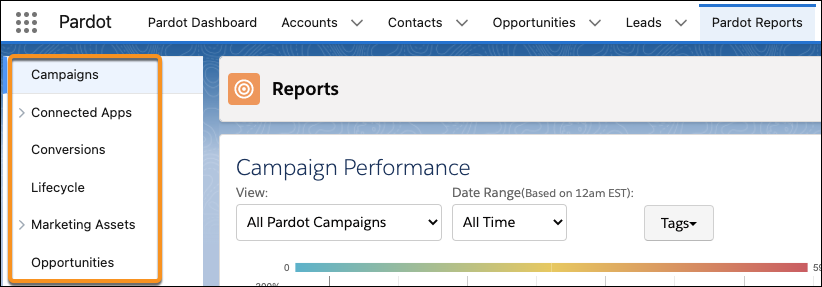
Looking for Salesforce reports? Users need the Create and Customize Reports system permission and read permissions on any objects included in a report. To access Salesforce reports, select the **Reports** tab in Account Engagement Lightning App. If the tab isn't visible, check the More tab or add the Reports tab to your toolbar.
#### See Also
- [Build a Report in Lightning Experience](https://help.salesforce.com/s/articleView?id=analytics.reports_build_lex.htm&language=en_US)
# Access the Developer Portal
Access the Developer Portal to develop tools, use cases, and examples.
### Required Editions
User Permissions Needed
To access the Developer Portal:
Admin, Power User, and Viewer
To access the Developer Portal, click one of the following links (according to your platform):
- **AWS US**[http://developers.datorama.com](http://developers.datorama.com)
- **AWS EU**[https://platform-eu.datorama.com/developer-portal](https://platform-eu.datorama.com/developer-portal)
- **Azure US**[https://platform-us2.datorama.com/developer-portal](https://platform-us2.datorama.com/developer-portal)
- **Azure EU** [https://platform-eu2.datorama.com/developer-portal](https://platform-eu2.datorama.com/developer-portal)
You can also click the **Developer Portal** link under the (?) menu inside the Marketing Cloud Intelligence platform.

Note If you’re using a white label account, access the Developer Portal via the direct link.
After you enter the Developer Portal, the main page appears:
1. To see the different sections that are offered, scroll down the page or click the three tabs at the top of the page to quickly find your way.
API Docs
Here you can find all the API documentation with examples.
Build
Here you can learn more about building your apps and connectors.
Partners
If you’re a partner and are interested in developing your own app, read about the process of becoming a partner and developing your Marketplace product.
2. To copy a direct link of a specific document, hover over a title and then copy the link.
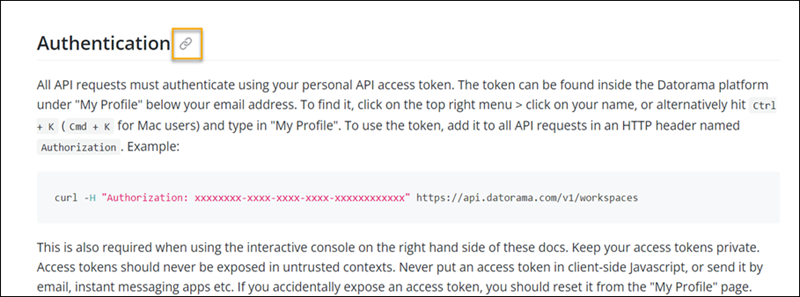
3. To view parameters with an example of a request and response, click any “endpoint”.
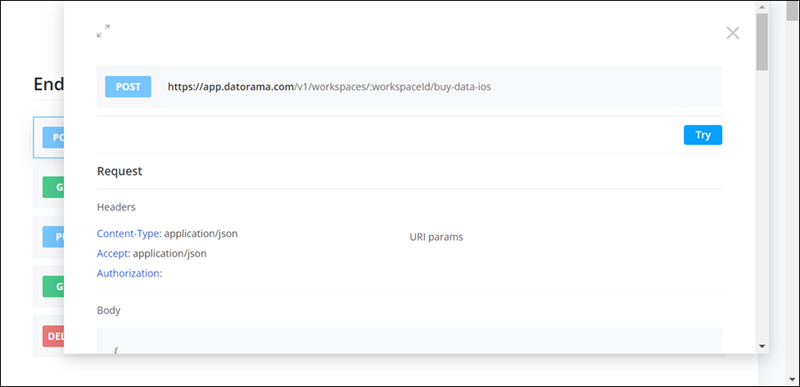
# Access the Features of Marketing Cloud Engagement+
Marketing Cloud Engagement+ unifies your existing Marketing Cloud Engagement data with the Salesforce Platform. This integration enhances your marketing efforts by giving you access to more features, and by giving you a single view of your overall marketing program. You can access these features and capabilities from your existing Marketing Cloud Engagement account, or directly through the Salesforce Platform.
### Required Editions
Available in: Marketing Cloud Engagement Pro+, Corporate+, and Enterprise+ Editions
Here's an overview of the features that are new to Engagement customers.
- **Digital Wallet**—View spending information across Salesforce products. All marketing message usage appears in these reports, tagged by channel, date range, and business unit. SMS and WhatsApp channels also break out message sends by destination country.
- **Next-Gen Campaigns**—Organize your marketing initiatives with next-gen campaigns that combine assets, automations, and even Engagement journeys. Comprehensive engagement rolls up to the campaign.
- **Flow Builder**—Automate customer experiences and platform activities by adding triggers, branches, decision points, and message send activities. These flows integrate natively with Service Cloud, Sales Cloud, and Data 360.
- **Segments**—Build highly targeted audiences, breaking down your universe of customers by demographics, behaviors, and history. Available attributes include Engagement data, so you can connect next-gen automation with geofencing, journey, or mobile activity data.
- **Conversational Agents**—Deploy AI agents that automate certain tasks, such as creating campaign content and managing approvals.
- **Agent-Powered Decisioning**—Specify a group of journeys for customers to participate in and identify your campaign goals. Agentforce determines the best journey based on the behavioral and demographic trends for each customer.
- **Marketing Performance**—View and share sending and engagement trends or analyze data with filters for channel, date range, or account ID. These reports can combine data from Engagement and Next.
- **Analytics**—Create custom reports, pivot tables, and dashboards by using clicks, not code. Your reports can include data from across the Salesforce Platform.
## Access Next-Gen Features from Engagement
After you get Marketing Cloud Engagement+, a button called Next is added to the navigation bar. Use the Next menu to open features in Marketing Cloud Next.
1. Log in to Marketing Cloud Engagement.
2. In the navigation bar, click **Next**.
3. Select a destination.
- **Agentforce Builder**—Build powerful agents to automate marketing and business processes.
- **Analytics**—Create custom reports in a drag and drop interface.
- **Campaigns**—Organize all of your campaign content and integrate it with objects from across the Salesforce Platform.
- **Flow**—Create workflows to automate your marketing campaigns.
- **Marketing Performance**—View engagement data for your marketing messages.
- **Segments**—Create highly targeted customer segments.
## Access Next-Gen Features from Salesforce
You can also access these features without logging in to Marketing Cloud Engagement.
1. Log in to Salesforce.

Note If you aren’t sure which URL to use, contact your Salesforce administrator.
2. Click the **App Launcher** ().
3. In the search field, enter marketing, and then select **Marketing**.
4. Use the tabs at the top of the page to go to the section you want to access.
For example, to manage campaign content such as images and messages, click **Content**.
# Access the Visual Editor Without the Salesforce Interactions SDK Launcher
If your organization doesn’t allow you to download and install Chrome extensions, you can access the Visual Editor by launching it from within Marketing Cloud Personalization.
### Required Editions
Permissions Needed
To configure the Visual Editor:
A role with Configure Dataset permissions

Note You can use the Visual Editor only with website domains that you include on the Allowed Domains list. If you don’t list your domains on the allowlist, you can’t log in to the Visual Editor.
1. Select the desired dataset from the Marketing Cloud Personalization menu bar.
2. From the **Channels & Campaigns** section of the main navigation, select **Web > Website Configuration**.
3. On the **Allowed Domains** tab, click **+New Domain**.
4. Enter the domain name of your website, such as northerntrailoutfitters.com.

Note Don’t include the HTTPS protocol, wildcards, or slashes in the name.
5. To include all subdomains on the allowlist, set **Include Subdomain** to **true**.
6. Click **Save**.
7. Repeat the process for your other datasets.
8. Click the **Install and Launch** tab.
9. Enter the full URL of your website where the Personalization Javascript Beacon is deployed, such as https://www.northerntrailoutfitters.com.

Note Be sure to include the HTTPS protocol in the URL.
10. Click **Save**.
11. If your Personalization Javascript Beacon points to multiple websites from a single dataset, click **Add New Site** and add the other website URLs.
12. To launch the Visual Editor, click **Launch**. The Visual Editor opens in a separate tab.
#### See Also
- [Add Domains to the Visual Editor Allowlist](https://help.salesforce.com/s/articleView?id=mktg.mc_pers_web_campaign_visual_editor_allowlist.htm&release=264.0.0&type=5 "You can use the Visual Editor only with website domains that you include on the Allowed Domains list. If you don’t list your domains on the allowlist, you can’t log in to the Visual Editor.")
# Access Web Personalization Manager
Accessing Web Personalization Manager requires only appending a simple query string to your website URL.
### Required Editions
User Permissions
Needed
To access Web Personalization Manager
Web Personalization Manager user permission set

Note To use Web Personalization Manager on Web SDK enabled websites, Data 360 users need to enable third-party cookies in the browser. For example, see [Allow third-party cookies for a specific site](https://support.google.com/chrome/answer/95647?sjid=1063716194748672551-EU#third_party_temp&zippy=%2Callow-third-party-cookies-for-a-specific-site).
1. Access your Web SDK-enabled website page.
2. Add the string `?sf_personalization_wpm` at the end of the URL and press return.
If parameters are already present in the URL, add `&sf_personalization_wpm` at the end.

Note To access Web Personalization Manager in a sandbox environment, add `sf_personalization_wpm&sf_personalization_wpm_env=prod_sandbox` at the end of the URL.
Example: `https://example.com/?sf_personalization_wpm&sf_personalization_wpm_env=prod_sandbox`
3. In the window that opens, enter your Salesforce credentials.
If the log in window doesn't open, disable your browser's popup blocker and click Log In from the resulting prompt.
- **[Create a Bookmarklet](https://help.salesforce.com/s/articleView?id=mktg.persnl_wpm_access_create_bookmarklet.htm&release=264.0.0&type=5)**
To activate Web Personalization Manager on your website without manually adding the string to the URL each time, you can create a browser bookmarklet in Google Chrome.
#### See Also
- [Create a Bookmarklet](https://help.salesforce.com/s/articleView?id=mktg.persnl_wpm_access_create_bookmarklet.htm&release=264.0.0&type=5 "To activate Web Personalization Manager on your website without manually adding the string to the URL each time, you can create a browser bookmarklet in Google Chrome.")
- [Salesforce Personalization and Data 360 Setup](https://help.salesforce.com/s/articleView?id=mktg.persnl_setup.htm&release=264.0.0&type=5 "Salesforce Personalization in Marketing Cloud Next is a Customer 360 application that connects and provides personalized experiences across clouds. To use Salesforce Personalization, define the appropriate permissions, and install and configure Data 360 to work with Personalization data model objects.")
- [_Developers:_ Personalize Web Experiences with the Salesforce Interactions SDK](https://developer.salesforce.com/docs/marketing/einstein-personalization/guide/personalize-web-experiences.html)
# Account Activity in Journey Builder
To create or update an account in Sales or Service Cloud based on attribute relationships, use the Account activity in the Marketing Cloud Engagement Journey Builder app. Populate Sales or Service Cloud account fields with Marketing Cloud Engagement attributes, other values from the journey, or with fixed values you designate.
- **[Create an Account Activity in Journey Builder](https://help.salesforce.com/s/articleView?id=mktg.mc_jb_account_activity_create.htm&release=264.0.0&type=5)**
Create a Sales or Service Cloud account activity in Marketing Cloud Engagement.
- **[Update an Account Activity in Journey Builder](https://help.salesforce.com/s/articleView?id=mktg.mc_jb_account_activity_update.htm&release=264.0.0&type=5)**
You can update a Sales or Service Cloud account through a Journey Builder activity in Marketing Cloud Engagement.
# Account Analytics API Connector in Marketing Cloud Intelligence
With the Marketing Cloud Intelligence Account Analytics connector, you can monitor engagement, page views, audit changes, and entity creation logs. You can use this data to create customized views, add dynamic dashboards, and pull actionable reports. The connector includes logs for both unpublished and published pages.
To create an API data stream for Marketing Cloud Intelligence Account Analytics, you need access to the workspace that you’re requesting data for.
The Marketing Cloud Intelligence Account Analytics data stream type is Lite Connect, and data lagging is 1 day.
Users are account level entities. When selecting the user entity from the extended properties, you see data for all users in the account and not the specific workspace.
- **[Create an Account Analytics Data Stream in Marketing Cloud Intelligence](https://help.salesforce.com/s/articleView?id=mktg.dato_data_streams_api_connect_acclytics_create.htm&release=264.0.0&type=5)**
To pull user activity and measure user engagement, create a Marketing Cloud Intelligence Account Analytics data stream.
# Account Analytics in Marketing Cloud Intelligence
Measure user engagement and analyze user actions. Get a holistic view of page views and where activity is high or low.
The report is available both at the account and workspace level. Account level data can be viewed for all your workspaces in the associated account.
If you are an admin and have access to all the workspaces in your account, you can view both Account and Workspace Analytics.
- **[Account Analytics Metrics in Marketing Cloud Intelligence](https://help.salesforce.com/s/articleView?id=mktg.dato_getstarted_manage_acc_analytics_metrics.htm&release=264.0.0&type=5)**
Account Analytics measures page views and user activity.
- **[View Page Activity in Marketing Cloud Intelligence](https://help.salesforce.com/s/articleView?id=mktg.dato_getstarted_manage_acc_analytics_page.htm&release=264.0.0&type=5)**
You can monitor total page views and average views per the selected time period in the Account Analytics dashboard. The information is dynamic and changes according to the filters you select.
- **[View Your User Activity in Marketing Cloud Intelligence](https://help.salesforce.com/s/articleView?id=mktg.dato_getstarted_manage_acc_analytics_user.htm&release=264.0.0&type=5)**
See the total active users in your account broken down by a time period, workspace and/or dashboards.
- **[Data Row Usage in Marketing Cloud Intelligence](https://help.salesforce.com/s/articleView?id=mktg.dato_getstarted_manage_data_usage.htm&release=264.0.0&type=5)**
When you upload a file into Marketing Cloud Intelligence, each row of data in the file occupies a row of data in the Intelligence database. Row usage is calculated as the sum of rows in the database for a specific account or workspace. Each Intelligence account has a set number of rows in the database that can be divided between the workspaces in the account.
#### See Also
- [Workspace Analytics Report in Marketing Cloud Intelligence](https://help.salesforce.com/s/articleView?id=mktg.dato_getstarted_wspace_analytics.htm&release=264.0.0&type=5 "Workspace Analytics provides information about your workspace and helps you measure and improve user engagement. The report is available at both the account and workspace level. The data in the workspace report applies to the specific workspace. At the account level, you can view the data for all the workspaces in the account.")
# Account Analytics Metrics in Marketing Cloud Intelligence
Account Analytics measures page views and user activity.
Page Views counts every time a user loads a published page. The dashboard shows you which collections are viewed most. You can also monitor:
- Page views for both licensed and anonymous users. Anonymous users can be users that open dashboard pages shared with them via Share & Embed.
- When a page is refreshed or clicked.
- Each time a page is shown.
Active Users counts unique users that performed actions during a selected time period. To be an active user, the user must perform one of the following actions:
- Log in to Marketing Cloud Intelligence
- View a page
- Switch accounts or workspaces.

Note If an entity is deleted, for example a dashboard page is deleted, the deleted entity is still measured in the report, but you can’t see it in the breakdowns.
# Account Configuration for User Data Access
Marketing Cloud Engagement administrator and Sales or Service Cloud administrator review these options for configuring Marketing Cloud Connect data. Choose to set the account as scope by user or non-scope by user.
These options for Marketing Cloud Connect set the level of data access for your users.
- Non-scope by user
- Scope by user
Understanding the important differences between the two account configuration options is critical to determining how you want Marketing Cloud Connect to be used after installation. This option is selected during the Marketing Cloud Connect configuration process and can be altered in the Engagement Email Studio Setup, under Platform Tools > Apps > Salesforce Integration at any time.
## Option 1: Non-Scope by User
This option configures data access on the Salesforce system user, typically an administrator. Choose this option to allow Marketing Cloud Connect users to send to all subscribers in a report or campaign that the Salesforce system user can access. Subscribers aren’t filtered based on the user running the report.
Examples:
- You create a report based on My Contacts, but the Salesforce system user can’t access the contacts in that report. The report is empty and so you can’t send to My Contacts. You don’t receive an error message, but the subsequent email-send report shows “0” contacts sent.
- You can access an existing report containing records shared with other users. You see only your own records on that report. If you send to that report intending only to send to the records you see, you can inadvertently send to other shared records.
Considerations:
- Within Engagement, report or campaign lists aren’t limited to what is visible to the user initiating the send.
- Within Engagement, returned subscribers aren’t limited to what is visible to the user initiating the send.
- Password policies aren’t in effect, making this configuration easy to maintain because passwords don’t expire.
- An administrator can set up a user without entering a password.
- You can mistakenly send to report or campaign members who aren’t visible to that user without notice.
- This send behavior is the default for v2 accounts, so this option is favorable for existing v2 customers migrating to Marketing Cloud Connect.
## Option 2: Scope by User
This option configures data access on the Marketing Cloud Connect user initiating the send. Reports and campaigns that are visible to the user are available for selection as a target audience for sending. The list of subscribers returned is limited to what the user initiating the send has access to view.
## Implications on Salesforce Data Extension Import Activities
Import Salesforce data extensions into Engagement through Interactions. Create import activities only with Sales or Service Cloud reports you can access. For example, reports in the Engagement Admin folder in Sales or Service Cloud aren’t available for use if you can’t access it in Engagement.
Manual and automated imports behave differently in Scope by User accounts:
- Scope by User doesn't affect the configured backend processes for data and objects returned by Salesforce Data Event, Sales and Service Cloud Activities in Journey Builder, and Synchronized Data Sources.
- Manual import activities respect scoping, so the number of records that appear in the report are specific to the user who is running the import.
- All automated import activities are executed as the Engagement API user. Therefore, the number of records reflects the Salesforce system user’s level of access to data.
With non-scope by user accounts, imports return results based on the Salesforce system user’s data access.

# Account Deactivation in Marketing Cloud Intelligence
Marketing Cloud Intelligence offers two types of customer accounts: Paying and POC. If an account expires and no renewal contract has been issued, a deactivation process is automatically initiated.
Account deactivation follows this process and timeline:
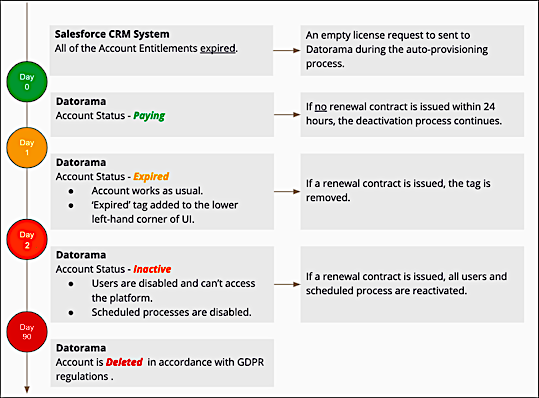
# Account Deactivation in MDP
Marketing Cloud Intelligence Data Pipelines offers two types of customer accounts: Paying and POC. If an account expires and no renewal contract has been issued, a deactivation process is automatically initiated.
Account deactivation follows this process and timeline:
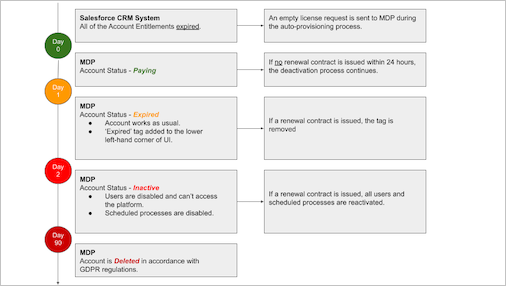
# Account Engagement and Salesforce API Usage
The Salesforce connector makes it possible to share data between the platforms using an API.
### Required Editions
Available in: All Account Engagement Editions
Each time Account Engagement accesses data with the Salesforce API, it’s considered a call. Many actions trigger an API call, including individual user activities, system and CRM actions, and data syncing.
Although Account Engagement API calls are tracked in the [API Calls Made Within the Last 7 Days](https://help.salesforce.com/s/articleView?id=000385367&type=1&language=en_US) report in Salesforce, they don’t count toward your Salesforce API limit. You can monitor API usage in your Salesforce System Overview.
If you sync a lot of records at once, they’re batched to reduce the number of calls.
# Account Engagement API Limits
When working with Account Engagement APIs, keep these limits in mind.
### Required Editions
Available in: All Account Engagement Editions
To integrate a CRM other than Salesforce, manually import data periodically, or write a connector that links your CRM with the API. You can also use the API to integrate with third-party tools and services.
The API supports up to five concurrent connections. The daily call limit depends on your edition.
| Edition | Daily API Call Limit |
| --- | --- |
| Growth | 25,000 |
| Plus | 50,000 |
| Advanced | 100,000 |
| Premium | 100,000 |
#### See Also
- [_Account Engagement Developer Documentation_](http://developer.pardot.com/)
# Account Engagement API Use Cases
Use the API to extend Account Engagement to fit your business needs. To help you get started, here are a few common use cases here.
### Required Editions
Available in: Account Engagement Growth, Plus, Advanced, and Premium Editions
## Data Augmentation
Automate data clean up tasks, such as normalizing picklist values, capitalizing names, and formatting phone numbers. You can also add data from your vendors by updating prospects via the API.

Example
Your manager asks you to fix all prospect name fields that are in all uppercase or lowercase. You’re also asked to update prospect scores regularly, based on an internal scoring tool. You write some code that checks each prospect name and updates the capitalization. You set it up to run each time a prospect is added, keeping the database neat. You then set up an integration between your internal scoring tool and Account Engagement that updates the prospect score field every day.
Related objects:
- Prospect: get prospect data, update prospect field values
## Advanced Reporting
Automate exporting visitor data to your own external analytics tools for richer insights.

Example
The marketing team wants a detailed analysis of web analytics to help plan their budget for targeted web ads. You automate a bulk export of visitor data, and then import it into your company’s analytics tool at regular intervals.
Related objects:
- Visitor Activity (via the Export API)
- Prospect: get prospect data
- Prospect Account: get prospect account data
## Enhanced Segmentation
Target the right groups of prospects so that you can optimize your messaging and personalization. If another system contains most of your data, you can segment prospects in that system instead of Account Engagement. In this case, use the API to get the prospect data that you need. Do your segmentation analysis, and update the prospects. Then, import the updated prospects into Account Engagement and add them to lists for engagement programs and other marketing efforts.

Example
A marketing manager at your company wants to create a list for a new marketing initiative, but the information for the segmentation criteria is hosted somewhere else. The manager gives you a list from an external database, and the list includes prospect IDs. You use the Create operation with the List object and create a segmentation list in Account Engagement.
Related objects:
- Prospect: get prospect IDs
- List: Read or Create the List for the segment
- List Membership: Add or remove prospects from the list
# Account Engagement AppExchange Package Field Definitions
The Account Engagement (Pardot) package adds fields to your Salesforce org. You can view the Account Engagement fields by navigating to Installed Packages in Setup.

Note Pardot is now known as Marketing Cloud Account Engagement. We wish we could snap our fingers to update the name everywhere, but you can expect to see the previous name in a few places until we replace it, including in the app itself.
| **Field Label** | **Definition** |
| --- | --- |
| ObjectChangeLog - doesn’t apply to business units with Marketing Data Sharing | Sends important indicators for some CRM-based events, such as record creation or deletion. |
| Pardot Campaign | Represents the first marketing touchpoint with a prospect. The campaign can be associated with your website, landing page, paid search initiative, or any other marketing effort. Prospects can be associated with only one Account Engagement campaign. You can change the campaign value manually or with an automation rule or completion action. |
| Pardot Score | A calculation based on implicit buying signals that a lead demonstrates through activities and responses to your marketing efforts. The higher the score, the more active the lead has been. A combination of Score (implicit buying signals) and Grade (explicit factors) helps you prioritize your prospects. You can’t edit a score in Salesforce. |
| Pardot URL | A link to the prospect record, where you can view the prospect’s complete activity history. The URL is generated in Account Engagement, and you can’t edit it in Salesforce. |
| Pardot Last Activity | The date and time of the most recent interaction that the prospect had with your marketing assets. |
| Pardot First Activity | The date and time of the first interaction that the prospect had with your marketing assets. |
| Pardot Conversion Date | The date and time of the form, form handler, or landing page submission when an anonymous visitor first became a known prospect. |
| Pardot Comments | Field for a prospect to provide comments. |
| Pardot Notes | Field for users to add notes for internal use. |
| Pardot Conversion Object Name | The marketing asset on which an anonymous visitor converted to a known prospect. |
| Pardot Conversion Object Type | The type of marketing asset (form, form handler, or landing page) on which an anonymous visitor converted to a known prospect. |
| Send Pardot Email | Sends the lead or contact a tracked email from within Salesforce. Sends a marketing email to the selected recipient. You can select from email content and email templates. template. |
| Pardot Grade | A calculation based on how well a prospect fits your organization’s ideal customer profile. Factors such as company size, industry, and job title determine this value. A combination of Score (implicit buying signals) and Grade (explicit factors) helps you prioritize your prospects. You can’t edit a grade in Salesforce. |
| Pardot First Referrer | The value of the referrer for the first tracked request made by a prospect. |
| Pardot First Referrer Type | If a prospect’s first touch was the result of a search, the type of search conducted. |
| Pardot First Referrer Query | If a prospect’s first touch was the result of a search, the term searched on. |
| Pardot Created Date | The date and time when the prospect record was created. |
| Send to Prospect Insight/Send to Pardot | Sends the lead or contact to Account Engagement. Clicking this button syncs the Salesforce record with the prospect record and updates the prospect in Account Engagement. |
| Pardot Hard Bounced | When an email to a lead or contact’s corresponding prospect hard-bounces, this field is true. |
# Account Engagement Basic Resources
Explore downloadable implementation guides, keyboard shortcuts, tracking basics, glossary terms, and more.
- **[Feature Availability by Account Engagement Edition](https://help.salesforce.com/s/articleView?id=mktg.mcae_editions.htm&release=264.0.0&type=5)**
Marketing Cloud Account Engagement is sold in four editions: Growth, Plus, Advanced, and Premium. All editions require Salesforce Enterprise or Unlimited Edition. Certain features require extra SKUs, licenses, or add-ons.
- **[Downloadable User Guides for Account Engagement](https://help.salesforce.com/s/articleView?id=mktg.pardot_downloads.htm&release=264.0.0&type=5)**
Use these guides for easier navigation.
- **[Cookies and Activity Tracking](https://help.salesforce.com/s/articleView?id=mktg.pardot_basics_cookies.htm&release=264.0.0&type=5)**
Account Engagement tracks visitor and prospect activities on your website and landing pages by setting cookies on their browsers. Cookies are set to remember preferences (like form field values) when a visitor returns to your site. We also set a cookie for logged-in users to maintain the session and remember table filters.
- **[Account Engagement Interface Versions](https://help.salesforce.com/s/articleView?id=mktg.pardot_versions.htm&release=264.0.0&type=5)**
Account Engagement offers two interfaces: a standalone Account Engagement app and an Account Engagement Lightning app. The interfaces differ in appearance and features, but offer the same essential functionality. Both experiences require Salesforce SSO to log in and access the app. The newest features and enhancements are available in Account Engagement Lightning app.
- **[Automation and Asset Builder Versions](https://help.salesforce.com/s/articleView?id=mktg.pardot_builders.htm&release=264.0.0&type=5)**
As Account Engagement interfaces are developed, content and automation tools are enhanced. You can access classic builders in the standalone app. In Account Engagement Lightning App, you can choose from classic builders and the enhanced experiences.
- **[Keyboard Shortcuts](https://help.salesforce.com/s/articleView?id=mktg.pardot_admin_keyboard_shortcuts.htm&release=264.0.0&type=5)**
Try keyboard shortcuts to get around more quickly. To get a list of available shortcuts, type Shift+? (Windows) or Ctrl+? (Mac) at the same time.
- **[Account Engagement Glossary](https://help.salesforce.com/s/articleView?id=mktg.pardot_basics_glossary.htm&release=264.0.0&type=5)**
Here are the most common terms you encounter while using Account Engagement.
# Account Engagement Campaign Reporting
All your marketing assets are related to a campaign that tracks your prospect’s first interaction with your brand. Use campaign reports to get insights and check the effectiveness of your marketing efforts.
### Required Editions
Available in: All Account Engagement Editions
- **[Campaign Report Table Metrics](https://help.salesforce.com/s/articleView?id=mktg.pardot_campaign_report_table_metrics.htm&release=264.0.0&type=5)**
The Campaign Report table gives you a quick statistical overview of Account Engagement campaigns.
- **[Monthly Cohort Graph](https://help.salesforce.com/s/articleView?id=mktg.pardot_monthly_cohort_graph.htm&release=264.0.0&type=5)**
The Monthly Cohort graph gives you a visual overview of how many prospects and opportunities were created in a date range.
- **[Campaign Performance Report](https://help.salesforce.com/s/articleView?id=mktg.pardot_campaign_performance_report.htm&release=264.0.0&type=5)**
The Campaign Performance report gives a high-level overview of a campaign’s overall health in comparison to other campaigns in an interactive graph. Use this report to visually compare ROI, cost per opportunity and more across your campaigns.
# Account Engagement Campaigns
An Account Engagement campaign tracks the first interaction that a prospect has with your online marketing materials. Associate your assets to a campaign to organize and track your marketing efforts.
### Required Editions
Available in: All Account Engagement Editions
To work with one set of campaign records instead of managing campaigns in two systems, set up Connected Campaigns. When campaigns are connected, you can track campaign influence and view engagement history on the same record in Salesforce.
- **[Create an Account Engagement Campaign](https://help.salesforce.com/s/articleView?id=mktg.pardot_campaigns_create.htm&release=264.0.0&type=5)**
Admins and marketing users can create Account Engagement campaigns to track and report on prospects. If you’re using Connected Campaigns, users can only create Salesforce campaigns.
- **[Associating Prospects with Campaigns](https://help.salesforce.com/s/articleView?id=mktg.pardot_campaigns_prospects_associate.htm&release=264.0.0&type=5)**
A prospect is related to an Account Engagement campaign based on the first marketing asset that they interact with as a visitor, even before converting to a prospect.
- **[Salesforce Campaigns in Account Engagement](https://help.salesforce.com/s/articleView?id=mktg.pardot_campaigns_salesforce_campaigns.htm&release=264.0.0&type=5)**
You can sync campaigns to Salesforce to display them in Account Engagement with campaign members and statuses. You can also add prospects to Salesforce campaigns from Account Engagement.
- **[When to Use Account Engagement Campaign or Source Field](https://help.salesforce.com/s/articleView?id=mktg.pardot_campaigns_lead_source_campaign.htm&release=264.0.0&type=5)**
There are a couple of ways to track a prospect’s first interaction with you.
# Account Engagement for Enterprise Customers
If your database contains millions of prospects, use your features efficiently to ensure the best possible performance.
- **[Salesforce Connector for Enterprise Customers](https://help.salesforce.com/s/articleView?id=mktg.pardot_enterprise_sync.htm&release=264.0.0&type=5)**
Connect Account Engagement with Salesforce to sync information between prospects, contacts, leads, and other objects. If you have millions of prospects in your database, use these tips to ensure the best performance.
- **[Email Marketing for Enterprise Customers](https://help.salesforce.com/s/articleView?id=mktg.pardot_enterprise_email_marketing.htm&release=264.0.0&type=5)**
The powerful email sending tools in Account Engagement help you connect you with your prospects. If you have millions of prospects in your database, use these tips to ensure the best performance.
- **[Dynamic Lists for Enterprise Customers](https://help.salesforce.com/s/articleView?id=mktg.pardot_enterprise_dynamic_list.htm&release=264.0.0&type=5)**
Dynamic lists in Account Engagement automatically add or remove prospects based on the criteria that you set up. If you have millions of prospects in your database, use these tips to ensure the best performance.
- **[Automation Rules for Enterprise Customers](https://help.salesforce.com/s/articleView?id=mktg.pardot_enterprise_automation.htm&release=264.0.0&type=5)**
With automation rules in Account Engagement, you can create repeatable, criteria-based rules that find matching prospects and apply actions to them. If you have millions of prospects in your database, use these tips to ensure the best performance.
# Account Engagement Glossary
Here are the most common terms you encounter while using Account Engagement.
Active Prospect
An active prospect is a prospect that has had at least one activity—any activity besides an email send, email open, email bounce, or opportunity.
Automation Rule
An automation rule is a repeatable, criteria-based rule that finds matching prospects and applies actions to them.
Campaign
An Account Engagement campaign is a thematic touchpoint (similar to a source in other systems) that tracks a prospect’s first touch. A prospect’s Account Engagement campaign is set when the prospect first clicks a tracked link or lands on a page that contains tracking code.
After a prospect is associated with a campaign, the prospect remains associated with that campaign. Each prospect is associated with only one Account Engagement campaign, but you can edit which campaign they’re associated with.
Connector
These tools sync with third-party applications, like webinar services and Google Ads, and pass data between the two applications. Using connectors, you can manage disconnected marketing channels.
CRM
CRM stands for Customer Relationship Management and typically refers to Salesforce. At its simplest, a CRM system allows businesses to manage business relationships and the data and information associated with them.
Custom Object
Custom objects allow Account Engagement to run automations around custom or default objects in your CRM that aren’t default objects.
Custom Redirect
Use custom redirects to track banner ad clicks, links to third-party sites and links on social media and to access files hosted outside of Account Engagement.
Dashboard
The Dashboard is the home page that you land on after you log in. It provides a high-level overview of your notifications, active prospects, and more.
Dynamic Content
Use dynamic content to display custom HTML on your website or marketing forms, landing pages, layout templates, and emails based on prospect criteria. When a prospect matches the criteria for your dynamic content, a variation of the content displays.
Dynamic List
A dynamic list is rule-based. It automatically adds prospects when they match the criteria and removes them when they don’t.
Email Draft
An email draft is an email that hasn’t been sent yet. Drafts are created for a single list email send.
Email Preference Center Page
The Email preference center page is where your prospects can subscribe and unsubscribe from your public lists.
Email Template
An email template is a reusable email design that you can base new emails on. After you design and build a template, you can personalize an email for each recipient. You can also modify a template and limit what kind of changes your users can make. Email templates are also used with Engagement Studio.
Form Handler
A form handler is an alternative to a marketing form. You can use a form handler to integrate your third-party or custom forms to track submission data in Account Engagement.
Grade
Grading reflects a prospect’s persona, fit, or demographic. The grade is based on information you have about the prospect, like industry, job title, and company size.
Landing Page
A landing page is the page that a visitor typically is sent to after clicking a link or advertisement. The page generally displays tailored content specific to the advertisement, search keyword, or link clicked.
Layout Template
Use a layout template to format landing pages, forms, and site search results.
Mailable Prospect
A mailable prospect is a prospect that can receive marketing emails. Mailable prospects haven’t unsubscribed, had a hard bounce or five soft bounces, or manually opted out.
Page Action
A page action is a completion action that is triggered by a prospect’s page view. You can apply page actions to any page that contains your tracking code.
Profile
A profile is used to grade prospects based on your ideal customer. Set criteria, such as location, company size, job title, and other factors, and use them to tier your prospects.
Prospect
A prospect is an anonymous visitor that has converted and is now identified.
Prospect Account
The company that a prospect is associated with. Group prospects who work for the same company to keep all the information about the company in one place.
Score
A score is different from a grade. A score is based on activities (pages viewed, forms completed, and so on) that a prospect performs. Scoring indicates how interested or engaged a prospect is with your company.
Scoring Rules
Use scoring rules to adjust a prospect’s score. You start with baseline scoring rules. You can also create your own custom rules.
Segmentation
Segmentation refers to how you create a target list of prospects for marketing needs, such as a newsletter or engagement program.
Segmentation Rule
Use a segmentation rule to pull a one-time list of prospects based on specific criteria. Unlike an automation rule, a segmentation rule doesn’t run continuously.
Table Actions
A table action is an action that you can apply to an entire table or selected items in a table. You can use table actions with most tables in Account Engagement, including prospect tables, user tables, forms, and lists. Available actions vary by table.
Tag
Use tags to filter data tables and asset lists, label prospects, and label assets for easier updating. You can create tags and apply them to assets and prospects from almost any table, record, or action.
Unmailable Prospect
An unmailable prospect has either opted out of emails, was opted out on import, marked as Do Not Mail, or had a hard bounce or five soft bounces.
Unsubscribe Page
All business units include an unsubscribe page where prospects can opt out of emails. The unsubscribe page is linked in every marketing email that you send.
Visitor
A website visitor who has visited your tracked assets. A visitor can be anonymous or a prospect. Anonymous visitors become prospects when they’re associated with an email address. Visitor also refers to the first step in the prospect lifecycle funnel.
Visitor Filter
Use filters to exclude some types of visits, clicks, or other actions from your campaign results and email notifications. The most common use is to exclude your company’s IP address to avoid skewing your reporting. Filters hide activities from a filtered prospect’s profile.
# Account Engagement in Lightning Experience
With the Account Engagement Lightning app, sales and marketing can operate side by side on a single platform rather than work in separate applications.
### Required Editions
Available in: Professional, Enterprise, Performance, and Unlimited Editions with any Account Engagement Edition
- **[Requirements for the Account Engagement Lightning App](https://help.salesforce.com/s/articleView?id=mktg.pardot_lightning_considerations_for_enablement.htm&release=264.0.0&type=5)**
Review requirements and prepare your Salesforce org before you enable the Account Engagement Lightning App.
- **[Guidelines for Using the Account Engagement Lightning App](https://help.salesforce.com/s/articleView?id=mktg.pardot_lightning_considerations.htm&release=264.0.0&type=5)**
Keep these guidelines in mind when using Account Engagement in Lightning Experience.
- **[What Salesforce Data Is Available in Account Engagement?](https://help.salesforce.com/s/articleView?id=mktg.pardot_lightning_understanding_data.htm&release=264.0.0&type=5)**
Account Engagement and Salesforce have different authorization and sharing models. Data is shared through the Salesforce connector via the connector user, so Account Engagement can show any data that the connector user has access to. Because of how the systems connect, you can assume that Account Engagement users have at least as much access to Salesforce data as the connector user.
- **[Give Users Access to the Account Engagement Lightning App](https://help.salesforce.com/s/articleView?id=mktg.pardot_lightning_enable.htm&release=264.0.0&type=5)**
To give users access, an admin must enable the Account Engagement Lightning App and assign the required permissions to users.
#### See Also
- [Account Engagement Lightning App Implementation Guide (PDF)](https://resources.docs.salesforce.com/latest/latest/en-us/sfdc/pdf/pardot_lightning_app_implementation_guide.pdf)
- [_External Link (YouTube)_: How to Enable Account Engagement Lightning App](https://www.youtube.com/watch?v=nesmj31ihV8)
# Account Engagement Integration User
The integration user is an automatically provisioned user that connects to Salesforce to sync data. After a Salesforce admin completes Account Engagement setup, the integration user allows the two systems to sync.

Note Pardot is now known as Marketing Cloud Account Engagement. We wish we could snap our fingers to update the name everywhere, but you can expect to see the previous name in a few places until we replace it, including in the app itself.
The Pardot Integration Connected App uses a secure authentication method that lets the Account Engagement application servers authenticate to Salesforce. The connected app contains the public half of a secure key pair provisioned for Account Engagement.
Here are a few things to note about the integration user.
- It’s named B2BMA Integration, with the username b2bmaintegration@.ext. The profile and integration usernames both include B2BMA, but they aren’t related to B2B Marketing Analytics.
- It’s provisioned with the B2BMA Integration User profile, which grants the user permission to view and modify data that Account Engagement syncs with Salesforce.
- It doesn't use a standard Salesforce user license.
- It doesn’t have a password, and can’t log in to Salesforce directly.
- Changes that happen as the result of the Salesforce connector are attributed to the integration user. You can determine which updates to Salesforce objects are due to the integration, and which are due to user actions.
- The integration user authenticates to Salesforce via the Pardot Integration Connected App that is installed during setup.
- The integration user has campaign access but doesn’t require the Marketing User permission in Salesforce.
#### See Also
- [Configure the Connector User](https://help.salesforce.com/s/articleView?id=mktg.pardot_sf_connector_setup_connector_user_parent.htm&release=264.0.0&type=5 "The connector user is a user that facilitates data syncing. These tasks apply only to business units that aren’t using the Pardot integration user.")
# Account Engagement Interface Versions
Account Engagement offers two interfaces: a standalone Account Engagement app and an Account Engagement Lightning app. The interfaces differ in appearance and features, but offer the same essential functionality. Both experiences require Salesforce SSO to log in and access the app. The newest features and enhancements are available in Account Engagement Lightning app.
### Required Editions
Available in: All Account Engagement Editions

The original Account Engagement application (1) that you access at pi.pardot.com is referred to as standalone Account Engagement.
The Account Engagement Lightning App (2) is a newer interface, and it’s updated with each Salesforce release. This interface is built on the Salesforce platform and uses Lightning Experience tabbed navigation. Some benefits include simplified user management with Salesforce User Sync, drag-and-drop asset builders, and the power of the Salesforce platform.

Tip As you read through Salesforce Help, tasks include two navigation paths. Use the first bullet if you’re using standalone Account Engagement. Follow the second bullet’s instructions in Account Engagement Lightning App.

## At a Glance
All Account Engagement versions require Salesforce single sign-on and a valid Salesforce connector. For customers who purchased Account Engagement after February 11, 2019 and have assigned a business unit, the Salesforce Connector v2 is created automatically.
Interface
Login
Requires Salesforce Lightning
Licenses
Standalone Account Engagement
pi.pardot.com
No
Salesforce Identity user license for access to Account Engagement.
Account Engagement Lightning App
login.salesforce.com
Yes
Sales User, Service User, or CRM User permission set license for full access
to Account Engagement and Salesforce.
Account Engagement permission set license for access to Account Engagement
Lightning App. Doesn’t include full access to campaigns.
The Salesforce Platform user license doesn’t provide access to the Account Engagement Lightning App.
#### See Also
- [_Knowledge Article_: Classic App in Salesforce Retirement](https://help.salesforce.com/s/articleView?id=000389663&type=1&language=en_US)
# Account Engagement Limits
Understand the maximum usage recommendations and limits in Marketing Cloud Account Engagement. These recommendations are intended to optimize performance and avoid service disruptions. Some of these guidelines trigger warnings or exceptions if you exceed them, while others are suggestions for maintaining high performance.

Note You can use the Optimizer feature to monitor several of these limits and guidelines and to view best practices for improving performance. To access Optimizer, go to **Account Settings** | **Optimizer**
## Engagement Studio Program Limits
Resource
Limit
Additional Notes
Maximum number of Engagement Studio programs
The limit is based on your Edition.
Growth: 20 running programs
Plus: 100 running programs
Advanced: 200 running programs
Premium: 200 running programs
Programs that aren’t currently running don’t count toward this limit.
Maximum number of repeating Engagement Studio programs
The limit is based on your Edition.
Growth: 10 repeating programs
Plus: 10 repeating programs
Advanced: 10 repeating programs
Premium: 15 repeating programs
Repeating programs that aren’t currently running don’t count toward this
limit.
Maximum number of Engagement Studio program members
The limit is based on your Edition.
Growth: 750,000 members
Plus: 750,000 members
Advanced: 750,000 members
Premium: 1,500,000 members
This limit only applies at the beginning of a program. After the program has started,
you can add members beyond these limits.
Maximum number of program steps
300 steps
―
Maximum number of copied steps in a program
10 steps
―
## Automation and List Limits
Resource
Limit
Additional Notes
Maximum number of Automation Rules
The limit is based on your Edition.
Growth: 50 rules
Plus: 100 rules
Advanced: 150 rules
Premium: 200 rules
Automation Rules that aren’t currently running don’t count toward this limit.
## Database Limits
Resource
Limit
Additional Notes
Maximum number of mailable prospects
The limit is based on your Edition plus additional contact blocks purchased.
This limit is based on the sum of all mailable prospects across all of your business
units. Unsubscribed prospects aren’t counted toward this limit.
Contact your Account Executive for more information about purchasing additional contact
blocks.
Maximum number of custom fields mapped to Salesforce objects
800 custom fields
We recommend to map fewer than 150 prospect fields across Salesforce leads and
contacts. We also recommend to map fewer than 125 fields across Account Engagement accounts
and opportunities.
## File Limits
| Resource | Limit | Additional Notes |
| --- | --- | --- |
| Hosted file size | 50 MB | ― |
## Form Limits
| Resource | Limit | Additional Notes |
| --- | --- | --- |
| Maximum number of characters in text and text area fields on prospect records | 65,536 characters | Specific fields allow fewer characters. See [Default Prospect Field Character Limits](https://help.salesforce.com/s/articleView?id=mktg.pardot_fields_default_character_limits.htm&release=264.0.0&type=5 "Default prospect fields use character limits, measured in bytes. Most simple letters use one byte each, but more complex pictographs use more bytes per character. As such, the number of characters doesn’t always match the number of bytes used, but can be a helpful guideline."). |
## API Limits
Resource
Limit
Additional Notes
Maximum number of API requests
The maximum number of API requests is based on your Edition.
Growth: 25,000 requests per day
Plus: 50,000 requests per day
Advanced: 100,000 requests per day
Premium: 100,000 requests per day
Account Engagement uses the time zone setting for your business unit to determine when
a day begins and ends.
Maximum number of concurrent API requests
5 concurrent requests
In some cases, this limit can be increased. For more information, contact your account
executive.
## Import and Export Limits
| Resource | Limit | Additional Notes |
| --- | --- | --- |
| Import file size | 100 MB | ― |
| Maximum number of Account Engagement users that can be imported | 50 users | ― |
| Maximum number of prospects that can be imported using the API | 2 million prospects per day | Account Engagement uses the time zone setting for your business unit to determine when a day begins and ends. |
| Maximum number of prospects that can be exported | 25 million prospects per day | In some large enterprise accounts, you can export up to 50 million prospects per day. For more information, contact your account executive. |
## Business Unit Limits
Resource
Limit
Additional Notes
Number of included business units
The number of included business units is based on your Edition.
Growth: 0
Plus: 0
Advanced: 2
Premium: 5
You can purchase additional business units, up to a total of 25. For more information,
contact your account executive.
# Account Engagement Reporting
Account Engagement offers standard reports on marketing assets, connected apps, campaigns, and the prospect lifecycle.
### Required Editions
Available in: All Account Engagement Editions
- **[Access Reports in Account Engagement](https://help.salesforce.com/s/articleView?id=mktg.pardot_reports_access.htm&release=264.0.0&type=5)**
Some reports are specific to your Account Engagement content and connectors. If you use Account Engagement Lightning App with Salesforce, you also have access to the Salesforce reports that are based on Salesforce objects.
- **[Account Engagement Campaign Reporting](https://help.salesforce.com/s/articleView?id=mktg.pardot_campaign_reports.htm&release=264.0.0&type=5)**
All your marketing assets are related to a campaign that tracks your prospect’s first interaction with your brand. Use campaign reports to get insights and check the effectiveness of your marketing efforts.
- **[Eventbrite Reports](https://help.salesforce.com/s/articleView?id=mktg.pardot_reporting_eventbrite.htm&release=264.0.0&type=5)**
If you have a verified Eventbrite connector, use the Events report to get valuable data about your events and prospects.
- **[Natural Search Reports](https://help.salesforce.com/s/articleView?id=mktg.pardot_reporting_natural_search_parent.htm&release=264.0.0&type=5)**
Search keywords drive visitors to your site. See which search terms visitors, prospects, and opportunities use.
- **[Olark Reporting](https://help.salesforce.com/s/articleView?id=mktg.pardot_reporting_olark.htm&release=264.0.0&type=5)**
The Olark report shows details about prospects who have chatted in from pages with Account Engagement tracking code.
- **[Paid Search Reports](https://help.salesforce.com/s/articleView?id=mktg.pardot_reporting_paid_search_parent.htm&release=264.0.0&type=5)**
Paid Search reports show metrics associated with your keywords and search ads. The table presents common keywords, how many people used them, and their potential and actual value.
- **[Social Posts Reports](https://help.salesforce.com/s/articleView?id=mktg.pardot_reporting_social_posts.htm&release=264.0.0&type=5)**
Find out how your social messages perform in the Reports section.
- **[Conversions Report Metrics](https://help.salesforce.com/s/articleView?id=mktg.pardot_reporting_conversions_metrics.htm&release=264.0.0&type=5)**
A Conversions report shows visitors who have converted to prospects, along with their score, conversion point, and source referrer information.
- **[Prospect Lifecycle Reporting](https://help.salesforce.com/s/articleView?id=mktg.pardot_reporting_lifecycle_parent.htm&release=264.0.0&type=5)**
The Prospect Lifecycle report combines marketing and sales data to give you a high-level view of your sales cycle’s health. By reviewing the report, you can determine how well your marketing and sales teams are working together to qualify leads and close deals.
- **[Automation Open Rules Audit](https://help.salesforce.com/s/articleView?id=mktg.pardot_reports_opens_audit.htm&release=264.0.0&type=5)**
Email service providers are making changes to increase privacy protections for their users. In part, these changes affect the accuracy of email open data. The Open Rules Audit page in Account Engagement identifies which of your automations rely on open data. Use this information as needed to move toward more reliable engagement metrics.
- **[File Reporting](https://help.salesforce.com/s/articleView?id=mktg.pardot_content_file_report.htm&release=264.0.0&type=5)**
When a visitor or prospect clicks a link to a file that’s hosted by Account Engagement, the click is recorded in the File Statistics table. You can filter the table by tags and date range.
- **[Custom Redirect Reporting](https://help.salesforce.com/s/articleView?id=mktg.pardot_content_custom_redirect_report.htm&release=264.0.0&type=5)**
When a visitor or prospect clicks a custom redirect, the click is recorded in the Custom Redirect Statistics table. You can filter the table by tags, campaign, and date range.
- **[List Email Statistics Table](https://help.salesforce.com/s/articleView?id=mktg.pardot_reporting_list_email_statistics_parent.htm&release=264.0.0&type=5)**
The List Email Statistics table shows data from all your sent list emails. Customize or filter the table to show the information you want and hide what you don’t.
- **[List Email Report](https://help.salesforce.com/s/articleView?id=mktg.pardot_list_email_report.htm&release=264.0.0&type=5)**
The List Email report breaks down the most important data about your sent emails. It includes the number of emails sent, unique clicks, unique click rate, total clicks, and total click rate.
- **[Failed Email Sends Report](https://help.salesforce.com/s/articleView?id=mktg.mcae_failed_email_sends_report.htm&release=264.0.0&type=5)**
The Failed Email Sends report helps you identify email send failures, such as those related to invalid email addresses or sender domains, missing content, or other reasons. It includes information about the related prospect, when the failure occurred, and why the email failed to send.
- **[Advanced Email Analytics Reports](https://help.salesforce.com/s/articleView?id=mktg.pardot_reporting_advanced_email_analytics.htm&release=264.0.0&type=5)**
This add-on package offers engagement and email client reporting, which enhance built-in email marketing testing and metrics.
- **[Email Template Reports](https://help.salesforce.com/s/articleView?id=mktg.pardot_reporting_email_template_parent.htm&release=264.0.0&type=5)**
An Email Template report shows statistics about emails sent with a specific email template. The data includes the number of emails sent, unique clicks, unique click rate, total clicks, and total click rate.
- **[Form and Form Handler Reporting](https://help.salesforce.com/s/articleView?id=mktg.pardot_forms_reporting.htm&release=264.0.0&type=5)**
Use form reports to gain insight into the total number of views, submissions, and conversions generated by a form or form handler.
- **[Landing Page Reports](https://help.salesforce.com/s/articleView?id=mktg.pardot_reporting_landing_page_parent.htm&release=264.0.0&type=5)**
Landing Page and Multivariate Test reports show how many people viewed a page and how many visitors submitted a form and converted to prospects.
- **[Opportunities Reporting](https://help.salesforce.com/s/articleView?id=mktg.pardot_reports_opportunities.htm&release=264.0.0&type=5)**
The Opportunities report includes opportunities that have synced from Salesforce or were manually created or imported. Statistics include the created date and time, value, probability percentage, stage, and status. Access the report at **Reports** | **Opportunities**.
- **[Bulk API Export Table](https://help.salesforce.com/s/articleView?id=mktg.pardot_reporting_bulk_export_api.htm&release=264.0.0&type=5)**
The Bulk API Export table shows details about exports created with the Export API.
- **[Email Bounce Report](https://help.salesforce.com/s/articleView?id=mktg.pardot_reports_email_bounces.htm&release=264.0.0&type=5)**
The Email Bounce Report contains soft and hard bounced email addresses from all types of email sends from the past year. The at-a-glance KPIs at the top of the report reflect the unique emails sent and breakdowns of delivered vs. bounced emails, and hard vs. soft bounces.
# Account Engagement Sandboxes
Test new features, integrations, and other high-stakes changes with an Account Engagement sandbox. Sandboxes are isolated test environments so you can make sure everything is working as expected before pushing changes to your production org.
### Required Editions
Available in: Account Engagement Advanced and Premium Editions
Available for an additional cost in: Account Engagement Plus Edition
To get the most out of a sandbox, aim to make it a replica of your production org. Here are some key items to consider recreating in your sandbox:
- Automation rules, completion actions, and Engagement Studio programs
- Content such as forms and email templates
- Salesforce Connector settings, including prospect sync rules
After testing in your sandbox, you can manually recreate changes in your production org with confidence. To copy changes to production in bulk, set up the [Account Engagement Sandbox-to-Production Flow](https://help.salesforce.com/s/articleView?id=mktg.pardot_sf_connector_sandbox_flow.htm&release=264.0.0&type=5 "Copy changes and content from your Account Engagement sandbox to a production org with a preconfigured flow in Flow Builder. First, set up authentication between your sandbox org and the production org. Then, test the flow and add the flow component to record pages so that you can easily push changes to production.").
- **[Create a Sandbox for Account Engagement](https://help.salesforce.com/s/articleView?id=mktg.pardot_sf_connector_sandbox.htm&release=264.0.0&type=5)**
To test configuration updates, integrations, and other high-stakes changes before you implement them, create an Account Engagement sandbox.
- **[Set Up the Account Engagement Sandbox-to-Production Flow](https://help.salesforce.com/s/articleView?id=mktg.pardot_sf_connector_sandbox_flow.htm&release=264.0.0&type=5)**
Copy changes and content from your Account Engagement sandbox to a production org with a preconfigured flow in Flow Builder. First, set up authentication between your sandbox org and the production org. Then, test the flow and add the flow component to record pages so that you can easily push changes to production.
# Account Engagement User Roles
A user role defines which features and data a user has access. Choose a default or custom role when you create a user.
### Required Editions
Available in: All Account Engagement Editions
- **[Default User Roles](https://help.salesforce.com/s/articleView?id=mktg.pardot_default_user_roles.htm&release=264.0.0&type=5)**
Account Engagement includes four default user roles: Administrator, Marketing, Sales Manager, and Sales. You can’t edit the default user roles.
- **[Custom User Roles](https://help.salesforce.com/s/articleView?id=mktg.pardot_users_custom_roles.htm&release=264.0.0&type=5)**
You can create a custom role to provide specific permissions to users. You can create a role from scratch or clone a default role and modify the permissions.
# Account ETL Data Feed
Use the Account ETL data feed to update account information in Unified Account Profiles.
## About Ingesting Account Data
If you market to businesses, you can use Unified Account Profiles to display aggregate information that Personalization collects about a particular account. Unified Account Profiles provide a comprehensive view of each of your accounts according to the cross-channel interactions of customers and prospects.
The accounts can be linked with firmographic data to gain more information. Any previously known information about the accounts can be loaded into the system by creating attributes to reflect the keys in the source system. Custom attributes can also be defined.
## Requirements
- ETL files must be in a CSV file format that adheres to the schema for the data feed. Files that don’t follow the file naming conventions or the appropriate schema result in errors and fail to process.
- Field names that begin with `attribute:` must match the custom attribute names on the Account Attributes tab of the Settings > Attributes page.
## Filename Format
`account-YYYY-MM-DD_HH-MM-SS.csv`
## Schema
Field Name
Description
Example Values
Maximum Length
Data Type
accountId
Represents the unique identifier for an account, and its value must match
an account ID in the system. Account IDs must be all lowercase with no
spaces.
salesforce
6413150145
120
String
attribute:name
The display name for an account.
Salesforce
Example Company
120
String
attribute:
The custom attributes for the account. Column headers begin with attribute: and are followed by the
attribute name as it appears on the Attributes page. The header value
must match the attribute name in the system, and the values must conform
to the configured data type.
attribute:numEmployees
1250
attribute:companySize
medium
attribute:inBusinessFlag
true
1023
Any valid system data type
## Sample File
accountId
attribute:name
attribute:numEmployees
attribute:companySize
attribute:inBusinessFlag
6413150145
Example Company
1268
medium
TRUE
8418416741
Sample Company
7358
medium
True
9177215300
Obsolete Company
21
small
false
salesforce
Salesforce
56,606
large
true
#### See Also
- [ETL File Requirements](https://help.salesforce.com/s/articleView?id=mktg.mc_pers_etl_file_requirements.htm&release=264.0.0&type=5 "ETL files contain entries such as users, products, subscription list members, promotions, transactions, and more. These files must be in a CSV format and can be encrypted or compressed. The file formats must follow the explicit schema requirements for each ETL data feed. Typically, you upload ETL files automatically using the SFTP site, but you can also manually upload a file.")
- [Monitor ETL Feed Jobs on the Feeds Dashboard](https://help.salesforce.com/s/articleView?id=mktg.mc_pers_etl_feeds_dashboard.htm&release=264.0.0&type=5 "The Feeds Dashboard provides details about ETL feed jobs.")
- [Limits for Marketing Cloud Personalization](https://help.salesforce.com/s/articleView?id=mktg.mc_pers_limits.htm&release=264.0.0&type=5 "Learn about the limits and capabilities in Marketing Cloud Personalization.")
# Account Login Access
Enable Account Login Access to give Salesforce Support permission to log in to your account to configure features or troubleshoot problems.
This feature is enabled by default at the account level, but you can also enable it at the user level so that Support can impersonate a specific user. This feature can be enabled for an amount of time that you specify. At the end of the specified period, Salesforce Support loses the ability to log in to your account. You can also manually revoke access at any time.
- **[Enable Users to Grant Account Login Access](https://help.salesforce.com/s/articleView?id=mktg.mc_overview_enable_account_login_access_for_an_account.htm&release=264.0.0&type=5)**
Allow your users to give Salesforce Customer Support agents login access to their Marketing Cloud Engagement accounts.
- **[Enable User Login Access](https://help.salesforce.com/s/articleView?id=mktg.mc_overview_enable_user_login_access.htm&release=264.0.0&type=5)**
Allow a Salesforce Customer Support agent to access your Marketing Cloud Engagement user account so that they can diagnose and troubleshoot issues.
# Account Row Usage
View your current account row usage and your usage by the workspaces in your account.
The dashboard shows these widgets:
- **Live Row Usage**: Total rows processed in the account within the annual license period and the account’s percentage share of the row quota.
- **Workspaces**: All workspaces and the number of rows that they each processed within the annual license period.
- **Top Workspace Breakdown**: Top four workspaces that processed the most rows within the annual license period and the percentage share that they use.
- **Usage Over Time**: The number of rows processed for each workspace over time.
# Account Send Summary
Displays all potential response counts or rates for an account organized by send. Enterprise or Reseller reports also display respective member results organized by account.
This report shows total send and response data for your account. To see the same data differentiated by email send, go to the second page and view the Delivery Log. The Delivery Log lists the same fields as in the Account Send Summary for each send you performed during the time interval you defined. All numeric data relates to the sends that occurred during the defined interval. For example, if there is an ask for yesterday's data, the Open or Click that happened yesterday but relates to a send that occured two days ago is not counted.
| Field Name | Description |
| --- | --- |
| Client Name | Name of your company |
| Client ID | Your account ID number |
| Sends | Number of emails sent from your account during the time interval you defined |
| Implicit Deliveries | Number of emails that did not receive bounces and are assumed delivered during the time interval you defined |
| Implicit Delivery Rate | Percentage of delivered emails over bounced emails during the time interval you defined |
| Overall Bounces | Number of bounces your account has received in the time interval you defined; includes all hard, soft, technical, and unknown bounces. |
| Overall Bounce Rate | Percentage of emails sent that bounced during the interval you defined |
| Hard Bounces | Number of hard bounces your account received during the interval you defined |
| Hard Bounce Rate | Percentage of emails that experienced hard bounces during the interval you defined |
| Soft Bounces | Number of soft bounces received during the interval you defined |
| Soft Bounce Rate | Percentage of emails that experienced soft bounces during the interval you defined |
| Block Bounces | Number of block bounces received during the interval you defined |
| Block Bounce Rate | Percentage of emails that experienced technical bounces during the interval you defined |
| Technical Bounces | Number of technical bounces received during the interval you defined |
| Technical Bounce Rate | Percentage of emails that experienced block bounces during the interval you defined |
| Unknown Bounces | Number of unknown bounces received during the interval you defined |
| Unknown Bounce Rate | Percentage of emails that experienced unknown bounces during the interval you defined |
| Unique Opens | Number of unique opens received during the interval you defined. A unique open means one open per person. |
| Cumulative Opens | Number of opens received during the interval you defined. If one subscriber opened your email multiple times, that number is recorded here. |
| Open Rate | Percentage of emails opened during the interval you defined. This number is calculated by dividing the Unique Opens by Implicit Deliveries. |
| Unique Clicks | Number of unique clicks received in the emails sent during the interval you defined; one click per subscriber |
| Cumulative Clicks | Total number of clicks received in the emails sent during the interval you defined |
| Click Rate | Percentage of clicks received over the number of subscribers sent to. This number is calculated by dividing The Unique Clicks by the Implicit Deliveries. |
| Unique Survey Responses | Number of unique responses received from surveys during the interval you defined. Unique responses means one response per person. |
| Cumulative Survey Responses | Number of responses received from surveys during the interval you defined. If one person responded more than once, that number is recorded here. |
| Survey Response Rate | Percentage of surveys that received responses during the interval you defined. This number is calculated by dividing Unique Survey Responses by Implicit Deliveries. |
| Unique Conversions | Unique number of conversions received during the interval you defined; one conversion per subscriber. See [Conversion Tracking Statistics](https://help.salesforce.com/s/articleView?id=mktg.mc_re_conversion_tracking_statistics_report.htm&release=264.0.0&type=5 "Run this report to compare the effectiveness of links within campaigns or the effectiveness of campaigns in number and value of conversions. This report contains a list of conversions for links included in emails across multiple sends during a time frame.") for more information. |
| Cumulative Conversions | Number of conversions received during the interval you defined. |
| Conversion Rate | Percentage of conversions received. This number is calculated by dividing Unique Conversions by Implicit Deliveries. |
| Unique FTAFs | Number of unique subscribers who clicked the Forward to a Friend icon in your emails during the interval you defined. Unique FTAFs means one click per person. |
| Cumulative FTAFs | Number of times subscribers clicked the Forward to a Friend icon in your emails during the interval you defined. If one subscriber forwarded the email multiple times, that number is recorded here. |
| FTAF Rate | Percentage of emails that your subscribers forwarded during the interval you defined. |
| Unique FTAF Recipients | Number of times your subscribers forwarded your emails to during the interval you defined. For example, if one subscriber clicked the FTAF icon and forward the email to five people, only one instance is recorded here. |
| Cumulative FTAF Recipients | Number of individuals your subscribers forwarded your emails to during the interval you defined. For example, if one subscriber clicked the FTAF icon and forwarded the email to five people, each of those individuals is recorded here. |
| FTAF Recipient Rate | Percentage of forwarded emails. This number is calculated by taking the Unique FTAF Recipients number over the Total Delivered. |
| Unique FTAF Subscribers | Number of individuals who subscribed to your lists as a result of a subscriber clicking the Forward to a Friend icon during the interval you defined. |
| FTAF Subscriber Rate | Percentage of people who subscribed after receiving the forwarded email as compared to people who did not subscribe. This number is calculated by dividing FTAF Recipient Rate by Implicit Deliveries. |
| Complaint Deliveries | Number of emails delivered to domains for which complaints were received. For example, if you sent 300 emails to example.com and one of those emails received a spam complaint, the number listed here would be 300. |
| Unique Complaints | Number of unique spam complaints your account received during the interval you defined; one complaint per subscriber |
| Cumulative Complaints | Number of spam complaints your account received during the interval you defined. Each time a subscriber complaint, this number increases. |
| Complaint Rate | Percentage of emails that received spam complaints during the interval you defined. |
| Unique Unsubscribes | Unique number of unsubscribes received during the interval you defined. Unique unsubscribes means that if one subscriber unsubscribes from more than one email list, only one instance is recorded here. |
| Cumulative Unsubscribes | Number of unsubscribes received during the interval you defined. |
| Unsubscribe Rate | Percentage of subscribers who unsubscribed as compared to people who did not during the interval you defined. This number is calculated by dividing Unique Unsubscribes by Implicit Deliveries. |
#### See Also
- [Email Studio Reports in Analytics Builder](https://help.salesforce.com/s/articleView?id=mktg.mc_re_email_studio_reports.htm&release=264.0.0&type=5 "View a list and description of available Email Studio reports available in the Reporting tool.")
- [Create a Standard Report in Analytics Builder](https://help.salesforce.com/s/articleView?id=mktg.mc_re_create_a_report.htm&release=264.0.0&type=5 "Create and run a standard report in Marketing Cloud Engagement.")
# Account Settings in Marketing Cloud Engagement
Marketing admins can control configuration information in Account Settings. Key information regarding your account is stored here, and an admin can modify that information for users.
1. Click **Setup**.
2. Click **Company Settings**.
3. Hover over Account and click **Account Settings**.
4. To review your account information, view the Account Settings workspace.
- Account Name
- Account ID
- Email Display Name
- Email Reply Address
- Portfolio Base URL
- Number of Active Users
- Time Zone
- Date Format
- Physical Mailing Address
- Sender Authentication Domain
- Headers and Footers
- Tags
- **[Alert Manager](https://help.salesforce.com/s/articleView?id=mktg.mc_overview_alert_manager.htm&release=264.0.0&type=5)**
Use Alert Manager to specify the email addresses that receive critical system alerts for email batch sends and email triggered sends.
- **[Global Settings in Marketing Cloud Engagement](https://help.salesforce.com/s/articleView?id=mktg.mc_overview_global_marketing_cloud_settings.htm&release=264.0.0&type=5)**
Learn about global settings for marketing apps.
- **[Update Your Mailing Address](https://help.salesforce.com/s/articleView?id=mktg.mc_es_update_physical_address.htm&release=264.0.0&type=5)**
Your mailing address is the address where your organization accepts postal mail. Where required by law, your emails must contain your mailing address. Before Marketing Cloud Engagement sends an email, it can validate that the mailing address is included. This step ensures compliance with commercial email laws such as CAN-SPAM.
- **[Headers and Footers in Email Messages](https://help.salesforce.com/s/articleView?id=mktg.mc_es_headers_footers.htm&release=264.0.0&type=5)**
Marketing Cloud Engagement can automatically add text and images to the beginning and end of your email messages to ensure compliance with CAN-SPAM regulations. You can set this information in Email Studio as part of the send classification, or you can customize how the headers and footers appear at an account level.
- **[Review Subscription Information](https://help.salesforce.com/s/articleView?id=mktg.mc_es_review_subscription_info.htm&release=264.0.0&type=5)**
Follow these steps to review information about your Marketing Cloud Engagement subscription. This information includes the start and end dates for your subscription, and a link to a report that shows the number of emails sent from your account.
# Account Settings in Marketing Cloud Intelligence
A Marketing Cloud Intelligence account is divided into workspaces. An account can contain multiple workspaces. Account settings allow you to manage and view data, user actions, and analytics for your account. In the account menu you can find account settings, such as account name and logo, number of allowed workspaces, and rows, and all the way to more advanced settings, such as currency, and password permissions.
After you receive your Marketing Cloud Intelligence login information, a Salesforce representative creates an account for you.
- **[Account Analytics in Marketing Cloud Intelligence](https://help.salesforce.com/s/articleView?id=mktg.dato_getstarted_manage_acc_analytics.htm&release=264.0.0&type=5)**
Measure user engagement and analyze user actions. Get a holistic view of page views and where activity is high or low.
- **[Customize Your Account in Marketing Cloud Intelligence](https://help.salesforce.com/s/articleView?id=mktg.dato_getstarted_setup_customize.htm&release=264.0.0&type=5)**
After an account is created for you, you can now customize it with your logo and specify access settings.
- **[Activity Log in Marketing Cloud Intelligence](https://help.salesforce.com/s/articleView?id=mktg.dato_getstarted_manage_activity_log.htm&release=264.0.0&type=5)**
Admin users can view and audit changes made in the account in the activity logs. The Account activity log shows high-level changes, such as adding and deleting users and changing the account row limits. The Entity activity log lists the changes made to a specific entity, such as a data stream, report, and collection.
- **[Exchange Rates in Marketing Cloud Intelligence](https://help.salesforce.com/s/articleView?id=mktg.dato_getstarted_customize_exchange_rates.htm&release=264.0.0&type=5)**
Manage your exchange rates easily and intuitively, see market rates, and export and customize your exchange rate table. You can set exchange rates at both the account and workspace levels.
- **[Manage Users in Marketing Cloud Intelligence](https://help.salesforce.com/s/articleView?id=mktg.dato_getstarted_manage_users.htm&release=264.0.0&type=5)**
Admins with Manage Account Users permissions can view and manage users across their account and workspaces from account settings in the Manage Users tab.
- **[Manage User Groups in Marketing Cloud Intelligence](https://help.salesforce.com/s/articleView?id=mktg.dato_getstarted_user_groups.htm&release=264.0.0&type=5)**
You can create a user group to apply a set of content permissions and workspace user filters to users who need access to specific accounts or workspaces. A user role determines what a user can and can’t do, while a user group determines where the user can apply these permissions. You can assign a user to more than one user group.
- **[Change Your Marketing Cloud Intelligence Platform Language](https://help.salesforce.com/s/articleView?id=mktg.dato_getstarted_language.htm&release=264.0.0&type=5)**
You can change the default language for a user or just for the current session at login. This is done per user at the account level.
- **[Switching Between Accounts in Marketing Cloud Intelligence](https://help.salesforce.com/s/articleView?id=mktg.dato_getstarted_manage_switch_accs.htm&release=264.0.0&type=5)**
Switching between accounts can be done through the account settings. This enables you to view another account’s settings, account users, workspaces, data streams, and collections.
- **[Account Deactivation in Marketing Cloud Intelligence](https://help.salesforce.com/s/articleView?id=mktg.dato_getstarted_manage_acc_deact.htm&release=264.0.0&type=5)**
Marketing Cloud Intelligence offers two types of customer accounts: Paying and POC. If an account expires and no renewal contract has been issued, a deactivation process is automatically initiated.
# Account-Based Marketing App
The main dashboard that comes with the Account-Based Marketing app in B2B Marketing Analytics Plus includes metrics and graphs, such as Top 10 values and expected revenue amounts. Use the Pipeline, Accounts, and Closed Opportunity cards to find valuable information about your prospect accounts. On each dashboard, dive into any widget to filter data or open related records.
### Required Editions
Available in: Salesforce Enterprise, Unlimited, and Developer Editions with Account Engagement Premium Edition or the B2B Marketing Analytics Plus add-on
- **[Set Up the Account-Based Marketing App](https://help.salesforce.com/s/articleView?id=mktg.pardot_einstein_analytics_abm_app_setup.htm&release=264.0.0&type=5)**
To explore prospect account-focused dashboards and lenses, create an app with the Account-Based Marketing (ABM) app template. As feature updates become available to the app, you must upgrade it.
- **[Account-Based Marketing App Dashboards](https://help.salesforce.com/s/articleView?id=mktg.pardot_analytics_b2bmaplus_abm_dashboard_ref.htm&release=264.0.0&type=5)**
The Account-Based Marketing app includes prebuilt dashboards that explore the characteristics and performance. Each dashboard features several widgets that outline or visualize helpful metrics.
# Account-Based Marketing App Dashboards
The Account-Based Marketing app includes prebuilt dashboards that explore the characteristics and performance. Each dashboard features several widgets that outline or visualize helpful metrics.
### Required Editions
Available in: Salesforce Enterprise, Unlimited, and Developer Editions with Account Engagement Premium Edition.
Available in: Salesforce Enterprise, Unlimited, and Developer Editions with Account Engagement Plus and Advanced Editions with the B2B Marketing Analytics Plus add-on.
Global filters on the Account-Based Marketing dashboard include Close Date, Salesforce Campaign Name, Account Name, and Account Billing State.
For best results, filter your dashboards with a relative date, such as Last Week or Last 90 Days.
## Pipeline Value
The Pipeline Value card includes a total pipeline value and a chart of monthly revenue. It also provides results from Einstein Discovery as Predicted Pipeline Value. To reveal these widgets, select this card.
| Widget | Type | Formula or Notes | Dataset Origin |
| --- | --- | --- | --- |
| Sales Activities and Pipeline | Value | Number of activities | ABM Events |
| Sales Activities and Pipeline | Graph | Number of activities in open opportunities, grouped by account name | ABM Events, ABM Opportunities |
| Influential Campaigns: Revenue | Value | Total revenue share for all won opportunities | ABM Campaigns |
| Influential Campaigns: Spend | Value | Total spend amount, via CampaignId.ActualCost field | ABM Campaigns |
| Influential Campaigns: ROI | Value | Percentage ROI based on Revenue Share and Spend values | ABM Campaigns |
| Influential Campaigns: Revenue Share | Graph | Each bar shows a campaign’s associated revenue share that’s based on won opportunities | ABM Campaigns |
| Open Opportunities by Account | Table | Raw data filtered by open opportunities | ABM Opportunities |
## Accounts
The Accounts card includes a total number of accounts based on unique account IDs. The graph shows the number of accounts associated with closed opportunities, grouped by close month. To reveal these widgets, select this card.
| Widget | Type | Formula or Notes | Dataset Origin |
| --- | --- | --- | --- |
| Accounts by Region | Map | Number of unique account IDs, grouped by billing state | ABM Opportunities |
| Account Distribution: Industry | Graph | Number of opportunities grouped by industry | ABM Opportunities |
| Account Distribution: Campaigns | Graph | Total revenue share, grouped by campaigns | ABM Campaigns |
| Account Distribution: Account Type | Graph | Number of accounts, grouped by account type | ABM Opportunities |
| Account Reach Over Time: Accounts | Graph (line) | Number of unique account IDs, grouped by close date (month) | ABM Opportunities |
| Account Reach Over Time: Amount | Graph (bars) | Total opportunity amount grouped by close date (month) | ABM Opportunities |
| Open Opportunities by Account | Table | Raw data filtered by open opportunities | ABM Opportunities |
## Closed Opportunities
The Closed Opportunities card includes a total number of won opportunities and a graph that shows those opportunities, grouped by close month. To reveal these widgets, select this card.
| Widget | Type | Formula and Notes | Dataset Origin |
| --- | --- | --- | --- |
| Top Opportunity Amount: By Industry | Graph | Won opportunity amounts grouped by industry | ABM Opportunities |
| Top Opportunity Amount: By Opportunity Type | Graph | Won opportunity amounts grouped by opportunity type | ABM Opportunities |
| Top Opportunity Amount: By Region | Graph | Won opportunity amounts grouped by billing country | ABM Opportunities |
| Top Accounts Won and Lost: Win Percentage | Graph | Number of won and lost opportunities, also shown as a percentage | ABM Opportunities |
| Top Accounts Won and Lost: Number | Value | Number of all closed opportunities | ABM Opportunities |
| Top Accounts: Won | Graph | Won opportunity amounts grouped by account name | ABM Opportunities |
| Top Accounts: Lost | Graph | Lost opportunity amounts grouped by account name | ABM Opportunities |
| Closed Opportunity Details | Table | Raw data filtered by closed opportunities | ABM Opportunities |
# Account-Based Marketing Dashboard
Use Account-Based Marketing dashboards to understand how opportunities and contacts from one account engage with your marketing and sales assets. To use Account-Based Marketing dashboards, enable the integration user’s access to B2B Marketing Analytics.
### Required Editions
Available in: Account Engagement Plus, Advanced, and Premium Editions with Salesforce Enterprise Edition or higher
Available for additional cost in legacy Account EngagementPro or Ultimate Editions with Salesforce Enterprise Edition or higher
## Dashboard Reference
B2B Marketing Analytics features optional account-based marketing offerings that come from three datasets: `pdAbmContact`,`pdAbmEvent`, and `pdAbmOpp`.
The Account-Based Marketing Dashboard can contain up to 10,000 accounts. If you have more, some accounts don’t appear.
| Metric Label | Description | Formula | Origin |
| --- | --- | --- | --- |
| Pipeline Value | Sum of monetary value associated with open opportunities | Sum of Amount values on open opportunities | ABM Opportunity dataset |
| Open Opportunities | Number of open opportunities associated with the selected accounts | Count of open opportunities with an Amount value of more than $0 | ABM Opportunity dataset |
| Contacts | Number of contacts associated with selected accounts | Count of contact records | ABM Contact dataset |
| Avg. Engagement Score | Average Score among all contacts | (Sum of Score values) / (Count of contacts) | ABM Contact dataset |
| Sales Events | Number of sales activities for the selected accounts | Count of sales activities | ABM Event dataset |
Other charts—There are a few other tables and charts that appear on the Account-Based Marketing dashboard.
- Pipeline Value by Account—Horizontal bar graph showing the sum of monetary value associated with opportunities in the SQL stage.
- Engagement Score by Account—Horizontal stacked graph showing the average engagement score per account.
- Sales Events by Account—Horizontal stacked graph showing the number of sales activities.
- Opportunities: Revenue Win Percentage—Donut chart showing percent of revenue won versus lost. Uses opportunity record from Salesforce.
- Opportunities: Stage Value by Account—Horizontal stacked graph showing the sum of monetary value for each account, grouped by pipeline stage. Uses opportunity record from Salesforce.
- Opportunities: Table—Table of data associated with selected accounts: account name, opportunity name, owner name, amount, account industry, and close date. To open an action menu, click an account, opportunity, or owner name.
- Sales Activities: Time Spent on Events—Horizontal bar graph showing the sum of hours that opportunity owners have spent on activities associated with the selected accounts.
- Sales Activities: Number of Sales Events—Donut chart showing the number of activities that opportunity owners have spent on activities associated with the selected accounts.
## Dataset Reference
Account-Based Marketing Contact Dataset
| Label | Field |
| --- | --- |
| Account Name | AccountId.Name |
| Contact Pardot Score | WhoID.pi\_\_score\_\_c |
Account-Based Marketing Event Dataset
| Label | Field |
| --- | --- |
| Account Name | AccountId.Name |
| Contact ID | WhoId.ID |
| Contact Name | WhoId.Name |
| Contact Pardot Grade | WhoID.pi\_\_grade\_\_c |
| Contact Pardot Score | WhoID.pi\_\_score\_\_c |
| Contact Title | WhoId.Title |
| Duration | DurationInMinutes |
| Event Account ID | AccountId.Id |
| Owner ID | OwnerId.Id |
| Owner Name | OwnerId.Name |
Account-Based Marketing Opportunity Dataset
| Label | Field |
| --- | --- |
| Account Industry | AccountId.Industry |
| Account Name | AccountId.Name |
| Account Owner ID | AccountId.OwnerId.Id |
| Amount | Amount |
| Close Date | CloseDate |
| Opportunity Name | Name |
| Owner Name | AccountId.OwnerId.Name |
- **[Give Analytics Integration User Access to B2B Marketing Analytics](https://help.salesforce.com/s/articleView?id=mktg.pardot_b2bma_access_for_integrations_user.htm&release=264.0.0&type=5)**
The Analytics Integration User in your org facilitates the transfer of analytics data to B2B Marketing Analytics. For transfers to work properly, add field-level security to the Analytics Cloud Integration User profile.
# Account, Edition, and Other Compatibility FAQs
Answers to your questions about Marketing Cloud Connect for Marketing Cloud Engagement compatibility with product editions, accounts, and more.
## What Marketing Cloud Engagement Editions Work with Marketing Cloud Connect?
Marketing Cloud Connect works with all Engagement editions. Review [product features](https://help.salesforce.com/s/articleView?id=mktg.mc_co_features.htm&release=264.0.0&type=5 "Learn about edition compatibility with Marketing Cloud Connect for Marketing Cloud Engagement and what features are available.") for a complete list of compatibility for Marketing Cloud Connect.
## What Salesforce Editions Work with Marketing Cloud Connect?
Marketing Cloud Connect works with Salesforce Performance, Unlimited, Enterprise, and Developer Edition Sandbox accounts. It doesn’t currently work with Professional Edition. Review [product features](https://help.salesforce.com/s/articleView?id=mktg.mc_co_features.htm&release=264.0.0&type=5 "Learn about edition compatibility with Marketing Cloud Connect for Marketing Cloud Engagement and what features are available.") for a complete list of compatibility for Marketing Cloud Connect.
## Does Marketing Cloud Connect Work in Lightning Experience?
The Marketing Cloud Connect User Interface within Sales/Service Cloud are created with Visualforce and are considered Salesforce Classic experiences. Visualforce pages can be used within Lightning Experience. However, you’re redirected to Salesforce Classic Experiences when you click Marketing Cloud Connect tabs.
## What Languages Are Supported?
Versions 5.494.1 (January 2016 Release) and earlier support English, French, and Japanese. Versions 5.495.1 (March 2016 Release) and later support English, French, Japanese, Spanish, Spanish (Mexico), Portuguese (Brazil) Italian, and German.
## Is Marketing Cloud Connect Supported in the Salesforce Mobile App?
No.
# Actions Report
Use the Actions report to see activity tracked by Personalization, organized by the actions tracked in the dataset.
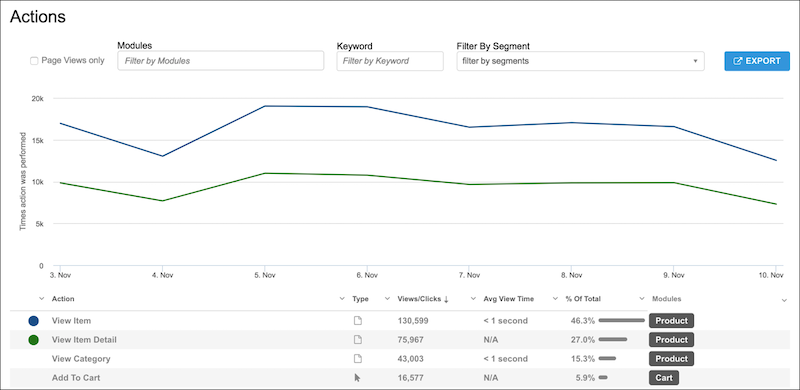
Actions are events that are assigned a name in Personalization. Actions such as page loads, clicks, or tracked events are captured during implementation.
When using the Actions report, keep the following in mind:
- Select **Page Views only** to see only page type actions.
- You can filter by modules, keyword, or segments.
- To narrow the results to visitors from a particular segment, apply segment filters.
To plot the data point for an action on the graph, select the action from the list view. You can see a comparison of different actions. The colored dot corresponds to the colored line on the graph.
#### See Also
- [Report Categories](https://help.salesforce.com/s/articleView?id=mktg.mc_pers_report_categories.htm&release=264.0.0&type=5 "Marketing Cloud Personalization provides reports that cover a number of categories. These reports provide metrics about user-focused activities, results and goal completions, customer visits and engagement, and metrics to help manage your Marketing Cloud Personalization product consumption.")
- [How to Access Reports](https://help.salesforce.com/s/articleView?id=mktg.mc_pers_report_access.htm&release=264.0.0&type=5 "Access Personalization reports to view sophisticated yet easy-to-understand analytics, statistics, and attribution metrics. By default, Personalization shows the Reports Dashboard as the first page.")
# Activate a User Account
A Marketing Cloud Engagement admin must enable Personalization features and add permissions for users. After this is done, a user can open Personalization in the marketing app, to finalize their account. Then, a Personalization administrator can assign role-based permissions.
### Required Editions
Permissions
Needed
To set Personalization permissions:
Marketing Cloud Administrator permissions
To create and assign roles:
Personalization Administrator permissions
1. In Engagement, select **Setup** | **Users** | **Users**.
2. Select the checkbox for the user that needs access to Personalization, and click **Manage Roles**.
3. On the Setup Users screen, under Permissions, click **Edit Permissions**.
4. To expand options, click **+** next to Personalization.
5. Assign the level of access.
1. To grant administrator access with full permissions to all datasets, in the Allow column, select **Administrator**.
2. To grant user access with varying permissions, in the Allow column, select **Access**.
6. Click **Save**.

Note Users can’t access any dataset in their Personalization account until an administrator assigns them a role in Personalization. Before an administrator can assign a user a role, the user must first select Personalization in Marketing Cloud Engagement.
7. Request that the user select **Personalization** from the main Engagement navigation.
1. Personalization creates the user account without any permissions to any datasets in the account.
2. The user sees the message “You don’t have any permissions for this dataset. Contact your administrator or switch datasets.”
8. After the user logs in to Personalization, grant role-based permissions to the user account.
9. After the user creates an account in Personalization, a Personalization administrator creates and assigns roles to the user account. For more information, see [Add a User Role](https://help.salesforce.com/s/articleView?id=mktg.mc_pers_user_role_add.htm&release=264.0.0&type=5 "Use a default role that you can modify, or create roles with permissions that meet your security requirements and business needs. Because roles are dataset-specific, Personalization users can have different roles in different datasets. Although a role is dataset-specific, when you add a role, it’s available to select in all datasets.").

Example
You can restrict access to certain datasets within an account by user. For example, you can give some users View Only access to your production dataset and also grant them full access to create campaigns on your test dataset.
#### See Also
- [Marketing Cloud Personalization Permissions in Marketing Cloud Engagement](https://help.salesforce.com/s/articleView?id=mktg.mc_pers_setup_marketing_cloud_permissions.htm&release=264.0.0&type=5 "You can open Personalization directly from Marketing Cloud Engagement after an administrator sets up access.")
# Activate an Email for Use in Marketing Automations
To use an Account Engagement email in Engagement Studio, automation rules, and completion actions, you must activate it for use in automation. To automate the most recent content, activate an email content record each time you make any changes.
### Required Editions
Available in: any Account Engagement Edition with Salesforce Professional, Enterprise, Performance, and Unlimited Editions
User Permissions Needed
To activate an email for automation:
Activate Email for Automation
1. Open the email content record that you want to use in an automation.
2. Click the action menu, and select **Activate for Automation**.

3. Select a campaign to attribute your email sends to.
4. Select a tracker domain to use for vanity URLs and link rewriting.
5. Enter the sender and reply-to information to use each time the email is sent, and click **Done**.
6. If prompted, review where the email is being automated, and then click **Overwrite**.
Each time you activate an email for automation, changes are made everywhere that the email is used. To make changes only in certain automations, clone the email and update the rules where needed.
After you activate an email for use in automation, it appears as an option for actions in Engagement Studio, completion actions on Account Engagement assets, and as automation rule criteria.
# Activate and Deactivate SMS Channels
You can activate or deactivate Short Message Service (SMS) channels in your sandbox and production orgs. However, the same SMS channel can't be activated in both orgs at the same time. SMS usage in the sandbox or production org will deduct from your SMS credits. Before activating the SMS code in a sandbox org, make sure that the code isn't being used in a production org.
Available in: Lightning Experience
Salesforce Enterprise and Unlimited Editions for Service Cloud AND Enterprise and Unlimited Editions with Marketing Cloud Next Growth and Advanced Editions
Not supported in Government Cloud Plus
To activate or deactivae an SMS channels in your sandbox or production org.
1. In Setup, in the Quick Find box, enter SMS Codes, and then select **SMS Codes**.
2. Click the SMS code that you want to activate or deactivate.
3. Click **Activate for This Org** to activate the SMS code if the code was deactivated. Or, click **Deactivate for This Org** to deactivate the SMS code if it's already active.
The status changes to Activated for This Org or Deactivated for This Org based on the action you selected.
# Activate Cascading Filters
You can activate cascading filters in widgets.
REQUIRED USER ROLE
To activate cascading filters
Admin and Power User
1. Go to the Visualize tab.
2. Select the dashboard page where the widget is located.
3. To enter edit mode, click the pencil icon.
4. Select the widget you want to apply the cascading filter to.
5. In the Edit Widget settings, select the Cascading Filters checkbox.
6. Save the page.
7. To apply the filter from another interactive filter widget, go to that widget’s settings, and add the interactive filter widget you want to apply the filter to.
8. If there are other widgets that you want to apply the filter to, select the relevant widgets from the Apply to Specific Widgets list.

Note It’s important to add all the widgets you want to apply the filter to from the Apply to Specific Widgets list. After you add the cascaded interactive filter widget to the list, you also must add all the other relevant widgets.
# Activate Einstein Engagement Frequency
Activate Einstein Engagement Frequency (EEF) at the MID level for your account. The activation process can take up to 72 hours to complete. Provision Journey Builder before you use Einstein Engagement Frequency. To use EEF for MobilePush, first provision Journey Builder and create at least one mobile app.

Note If your organization uses Einstein Engagement Frequency before the October 2020 Einstein Engagement Frequency upgrade, activating the updated version of the app removes the Einstein\_MC\_EMAIL\_Frequency\_Undersaturation and Einstein\_MC\_Email\_Frequency\_Oversaturation data extensions.
1. Navigate to Marketing Cloud Engagement Setup.
2. Click **Einstein**.
3. Click **Einstein Engagement Frequency**.
4. Select the Email or MobilePush tab.
5. Click **Activate Einstein Engagement Frequency**.
6. If you’re turning on EEF for MobilePush, select the apps to activate.
1. To deactivate an app, click  and click **Deactivate**.
# Activate Einstein Engagement Scoring
Turn on Einstein Engagement Scoring for Marketing Cloud Engagement in Setup. Einstein requires historical contact or subscriber engagement data, including at least 1,000 events in the 90 days before activation. It can take up to 90 days to generate initial scores, but engagement scores are typically available 24–48 hours after implementation.
Einstein Engagement Scoring currently has no admin-level permission controls. Up to 250 business units or MIDs per Enterprise ID can use Einstein Engagement Scoring for email.
Activate Einstein Engagement Scoring for mobile for each business unit, then choose mobile apps in the business unit to activate. Activate scoring and customize scoring thresholds for as many mobile apps as you wish. To make sure mobile apps are active and have sufficient data, check Setup.

Note Einstein Engagement Scoring is included with Corporate and Enterprise Edition, and is available as an add-on purchase to Pro Edition. For customers that purchased a Corporate or Enterprise Edition before October 27, 2017, Einstein Engagement Scoring is available at no additional charge upon execution of an Order Form with Additional Terms. Contact your account executive for details.
1. In Marketing Cloud Engagement, go to Setup.
2. Click **Einstein**.
3. Click **Einstein Engagement Scoring**.
4. Click **Activate Einstein Engagement Scoring**.
5. Click **Email** or **Mobile**.
1. For Email, click **Activate**.
2. For Mobile, click **Get Started**.
3. Select the mobile apps to activate Einstein Engagement Scoring for.
4. Click **Activate**.
After activation completes, edit the engagement score thresholds by clicking , then **Edit Thresholds**. Select **Use custom thresholds**, and save the updates you make.
- **[Einstein Engagement Scoring for Email Data Extension](https://help.salesforce.com/s/articleView?id=mktg.mc_anb_einstein_engagement_scoring_data_extension.htm&release=264.0.0&type=5)**
The Einstein\_MC\_Predictive\_Scores data extension stores Einstein Engagement Scoring for email metrics. Scoring metrics are updated weekly.
- **[Einstein Engagement Scoring for MobilePush Data Extension](https://help.salesforce.com/s/articleView?id=mktg.mc_anb_einstein_engagement_scoring_mobile_data_extension.htm&release=264.0.0&type=5)**
The Einstein\_MC\_MobilePush\_Scores data extension stores Einstein Engagement Scoring for MobilePush metrics. Scoring metrics are updated weekly.
#### See Also
- [Marketing Cloud Advertising](https://help.salesforce.com/s/articleView?id=mktg.mc_ads_advertising_studio.htm&language=en_US)
- [Audience Builder](https://help.salesforce.com/s/articleView?id=mktg.mc_ab_audience_builder.htm&language=en_US)
- [Journeys and Messages](https://help.salesforce.com/s/articleView?id=mktg.mc_jb_journey_builder.htm&language=en_US)
- [Prerequisites for Einstein Engagement Scoring](https://help.salesforce.com/s/articleView?id=mktg.mc_anb_prerequisites_einstein_engagement_scoring.htm&release=264.0.0&type=5 "Up to 250 business units or MIDs per Enterprise ID can use Einstein Engagement Scoring for email. You can also use Einstein Engagement Scoring for mobile if you’re using the Marketing Cloud Engagement Mobile SDK.")
# Activate Einstein Send Time Optimization
To find out how sending works for subscribers with low data, turn on Einstein Send Time Optimization (STO) in Marketing Cloud Engagement Setup.
### Required Editions
Available to customers with Marketing Cloud Engagement Einstein terms for Corporate, Enterprise, or Pro-edition accounts with the Journey Builder add-on.
To use this activity, activate Einstein Send Time Optimization for your business unit. In Setup, click **Send Time Optimization**. On the Email tab, click **Activate**. Allow up to 72 hours after activation to complete the data transfer and analysis required to optimize sends through Journey Builder or Automation Studio.
**Insufficient Data Option**
Einstein can only predict an optimal send time when there’s sufficient engagement data about a contact. When there isn’t enough data, it’s because a contact is new or hasn’t engaged. So, STO sends messages according to a general model it creates for sending within your Enterprise.

Tip Except in special circumstances, use this option’s default Enterprise setting.
Complete these steps for each business unit where you plan to use the feature. You need at least one push notification app before you turn on STO for push notification.
1. In the Setup app, expand Einstein, and click **Send Time Optimization**.
2. To choose a message channel, click a tab.
3. Click **Activate**.
4. Select the send time that the Einstein STO activity uses when there isn’t enough information about a subscriber to determine the optimal send time.
5. Click **Update**.
6. Click **Settings**.
7. Select the time zone that STO presents results in.

Example
For example, you’re part of a small B2B business unit in an Enterprise that also has a large B2C business unit. The larger B2C business unit’s contacts have different optimal send times than B2B customers. The B2C business unit has thousands of contacts. So analyzing all contacts in the Enterprise could potentially skew the Enterprise-level model heavily towards times that are unsuitable for the B2B business unit’s contacts. As a solution, the B2B business unit uses the Insufficient Data Option. This option decouples their send times from the personalized send times that the B2C business unit uses.
# Activate Forecasting
Forecasting is available within the bar graph widget when using a date dimension (day, month, or week).
REQUIRED USER ROLE
To activate forecasting
Admin and Power User
1. Click the measurement you want to add forecasting to.
2. Enter the **Options** menu.
3. To turn on forecasting, select **Forecasting**. These options are available:
Type
Auto — Extend the widget time frame by 25%.
Exactly — Choose the number of days in the forecast length.
Until — Choose the end date for the forecast period.
Forecast Length
Defined automatically based on the data you have in your workspace. The more data
and repeating patterns you have in your workspace, the better Marketing Cloud
Intelligence’s forecasting capabilities.
Forecast Model
The forecasting method with the highest-quality score is selected. You can keep the
automated process AUTO. Then, each time the widget is loaded, the platform selects a
different method depending on the data retrieved and the method’s quality score.
Alternatively, you can specify a model that is always used for this measurement from the
dropdown list. The quality score for each method is displayed next to the method’s name.
Ignore last X
This option allows you to ignore the number of days inserted in the forecasting
calculation. This option is suitable for cases where the data for the last number of days
is incomplete and you don’t want to include it in the calculation.
Show Description
When checked, a tool-tip appears at the top-right side of the widget displaying the
selected forecasting method and its quality score for each relevant measurement.
# Activate Offers
When your offers and offer treatments are approved, you can activate offers to share them with customers in different formats by using various communication channels.
## Offer Communication Strategies
You can send static, predetermined offers to segments or deliver personalized recommendations to individual customers.
- Static Offers: Use the same, predetermined offer treatments for all customers in a campaign. They’re best suited for predetermined offers, such as seasonal offers and product launches, that apply to all customers in a segment. For example, festive offers with discounts on all winter apparel in a specific geography.
- Personalized Offers: Use real-time personalization to deliver targeted offer treatments for each customer based on factors such as interests, purchase history, and behavior. They’re best suited for large product catalogs, behavioral targeting, and re-engagement campaigns. For example, end-of-season sale offers on large apparel catalogs.
## Offer Communication Mechanisms
Marketing managers create outbound engagements to send offer messages across
email, SMS, push notification, and WhatsApp channels at different stages of a user
journey, using content from offer treatments.
Integration users use the API to show personalized offers and offer treatments,
on external sites, based on real-time user activity.
- **[Send Offer Emails from Marketing Cloud Engagement](https://help.salesforce.com/s/articleView?id=mktg.offers_activation_mce.htm&release=264.0.0&type=5)**
Marketing managers can use the Offer content block to design personalized offer emails and send the emails by using journeys in Marketing Cloud Engagement.
- **[Send Offer Messages from Marketing Cloud Next with Outbound Engagement](https://help.salesforce.com/s/articleView?id=mktg.offers_activation_mc_next.htm&release=264.0.0&type=5)**
Marketing managers get communication templates with an offer launch message and a follow-up reminder message for email, SMS, push notification, and WhatsApp channels. After an offer is ready for activation, marketing managers can create an outbound engagement to automate message delivery to offer target audiences.
# Activate Promotions
Activate your promotion on the day when you want to launch the promotion for the target audience. After the promotion is activated, advocates can start joining the promotion from the promotion's start date.
### Required Editions
Available in: Lightning Experience
Available in: Enterprise, Performance, Unlimited, and Developer Editions with Referral Marketing
1. On the Promotions related list of a referral program, click the promotion name.
2. Click **Activate**.
It takes a few minutes for the promotion to be activated. You can review the activation status in the Journey tab of the promotion.
After a promotion is activated advocates who belong to the promotion's referral program and belong to the promotion's target audience can join the promotion and refer other businesses from the promotion's start date. Referred parties can also start to engage with the brand for the first time by using the advocate's referral link or code.
# Activate Promotions
Activate your promotion on the day when you want to launch the promotion for the target audience. If you've activated the promotion's launch email, then the launch email is sent to the target audience after the promotion is activated. After the promotion is activated, advocates can start joining the promotion from the promotion's start date.
### Required Editions
Available in: Lightning Experience
Available in: Enterprise, Performance, Unlimited, and Developer Editions with Referral Marketing
User Permissions Needed
To activate a referral promotion:
Referral Marketing permission set
Marketing Cloud Authorization permission set
AND
Edit permission on:
Loyalty Program
Promotion

Tip After a promotion is configured, don’t activate the promotion until its launch date. Emails are sent to the promotion's target audience after the promotion is activated. Activate the promotion on the day when you want to announce the promotion to the promotion's target audience. If Marketing Cloud Engagement sends the emails, the initial launch email is sent six hours after the promotion is activated. Subsequent journey runs occur at one-hour intervals.
1. On the Promotions related list of a referral program, click the promotion name.
2. Click **Activate**.
It takes a few minutes for the promotion to be activated. You can review the activation status in the Journey tab of the promotion.
After activation, journeys are created in the promotion's Marketing Cloud Engagement business unit for each promotion stage that contains active emails. The journeys automatically send emails to advocates and their referrals as they progress through each promotion stage.
If your communication method is Marketing Cloud Next, you can update the promotion journey stages.
# Activate RCS Agent Conversational Messaging
Enable conversational support and define inbound message routing.
Available in: Lightning Experience
Salesforce Enterprise and Unlimited Editions for Service Cloud and Marketing Cloud Next Growth and Advanced Editions with RCS add-on.
Not supported in Government Cloud Plus
1. In Setup, in the Quick Find box, enter RCS, and then select **RCS Sender Agents**.
2. Select the RCS agent for which you want to enable conversational support.
3. In the Capabilities section, click **Configure** for RCS Agent Conversational Support.
4. To determine how to route inbound messages, select a routing type.
| Routing Type | Description |
| --- | --- |
| Agentforce Service Agent | Routes the conversation directly to the specific service agent you configured. For more information, see [Set Up your Agent](https://help.salesforce.com/s/articleView?id=ai.agent_parent_setup.htm&type=5&language=en_US). |
| Omni-Flow | Uses a flow to route the message based on complex business logic. For more information, see [Omni-Channel Flow](https://help.salesforce.com/s/articleView?id=service.how_does_an_omni_channel_flow_work.htm&type=5&language=en_US). |
| Omni-Queue | Routes the conversation directly to a specific human queue. For more information, see [Omni-Channel Routing](https://help.salesforce.com/s/articleView?id=service.omnichannel_intro.htm&language=en_US&type=5). |
| User | Routes the conversation to a specific user. For more information, see [Route All Messages to One User](https://help.salesforce.com/s/articleView?id=service.messaging_route_single_user.htm&type=5&language=en_US). |
5. Based on the selected routing type, select the active agent, flow, queue, or user.
6. Select the fallback queue, in case you can’t route to the specified queue.
Queues hold incoming work items until an agent is available. For more information, see [Set Up Queues](https://help.salesforce.com/s/articleView?id=service.queues_overview.htm&language=en_US&type=5).
7. Save your changes and activate this capability.
# Activate the Hotel Gear
Activate the Hotel Gear to bring in data from your hotel booking systems. The Hotel Gear is dataset-specific, so you must activate it for each dataset that has campaigns or promotions that you want to target with booking system data. You send booking system data by the Booking ETL data feed.
### Required Editions
Permissions Needed
To activate the Hotel Gear:
A role with Administrator permissions
1. Select the dataset.
2. From the main navigation, select **Gears** | **Gears**.
3. From the list of gears, select **Hotel**.
4. From the dropdown in the right pane, select **Enabled**.
5. To complete configuration, click **Configure**.
6. Enter each **Booking Status** you plan to send through the Booking ETL data feed and press **Enter**.
| Tip | Description |
| --- | --- |
| Booking Status Match | Each booking status must match a booking status in the ETL file you send. |
| Case Insensitive | The booking statuses aren’t case-sensitive. For example, if you enter the booking status of “booked”, the status can be “Booked” in the ETL file. |
| Segments and Campaign Targeting Rules | After you complete Hotel Gear configuration, the booking statuses you enter are available for Hotel segments and Hotel campaign targeting rules. |
7. To sort booking and booking add-on ETL files by bookingID, select **Hotel Booking ETLSort Before Grouping**. If you don’t select this option, you must sort the ETL files by bookingID before you send it to Personalization.
8. Save your work.
9. Proceed to the next steps, which include:
| Option | Description |
| --- | --- |
| **Feeds Dashboard** | Use the Booking ETL data feed or the Booking Add-On ETL data feed to send data to Personalization. |
| **Segments and Campaign Targeting Rules** | Build segments and add campaign targeting rules using Hotel Gear Rules. |
| **Catalog** | Use the Booking ETL data feed to add properties and transaction types. Then use the Booking Add-On ETL data feed to create associations between transaction types, such as rooms or room service, and properties. If your product catalog isn’t configured, activate the Hotel Gear. Personalization creates a product catalog and associates it with the property catalog. |
#### See Also
- [Hotel Rules](https://help.salesforce.com/s/articleView?id=mktg.mc_pers_hotel_gear_hotel_rule.htm&release=264.0.0&type=5 "Use hotel rules for web and server-side campaign targeting, or for segmenting customers. You can group or target customers based on traveler details. For example, hotel rules can consider travel party size, booking status, scheduled check-in or check-out time, number of nights’ stay over a time range, or add-ons purchased.")
# Activate Your SMS Code
After your SMS code request is approved, your code appears in the SMS Codes section of Setup with an Inactive status. You must activate your SMS code to use it.
Available in: Lightning Experience
Salesforce Enterprise and Unlimited Editions for Service Cloud AND Enterprise and Unlimited Editions with Marketing Cloud Next Growth and Advanced Editions
Not supported in Government Cloud Plus
1. In Setup, in the Quick Find box, enter SMS Codes, and then select **SMS Codes**.
2. Click the code that you want to activate.
3. On the Consent tab, set your consent opt-in status to **Explicit** or **Double Opt-in**.
4. Enter your opt-in and keyword information.
5. Save your changes.
6. Activate the capabilities that you want to add to the code. These capabilities can require additional steps depending on how you configure your Salesforce org.
To send and receive SMS messages using Flow, in the Activate Send and Receive Messages via Flow section, click **Activate**.
7. To support agent and bot conversation via Service Cloud, in the Activate Access to Agent and Bot Conversational Support section, click **Configure** and complete these steps.
1. On the Messaging Settings page, in the Omni-Channel Routing section, click Edit and set the Omni-Channel Routing configuration to route service messages to queues, flows, or agents depending on your business needs.
2. Save your configuration.
3. Go to your SMS code details page and in the Activate Access to Agent and Bot Conversational Support section, click **Activate**.
# Activation Center
Use the Activation Center to connect to third-party platforms, such as Slack, Facebook Ads, and Google Ads, to trigger alerts, collaborate, and automate workflows in other systems. For example, you can create an action that sends a notification in Slack every time a certain campaign hits the target value you set for it.
You can create actions and customize them using Webhooks and Python. And then you can automatically trigger actions based on key performance indicators (KPIs) you set for your campaigns, media buys, and creatives.
## Actions and Action Rules
You can react, track, and manage your most important KPIs and benchmarks by using the activation center data optimization tools. Access the tools from the Activation Center menu in the Analyze & Act tab.
- Actions — Interact with your channel or campaign. For example, send a Slack message to your reporting channel, pause a campaign on Facebook, or send a custom email.
- Action Rules — Define the triggers for your actions. Triggers for your stored actions are automatically executed when the event you define occurs. You can trigger multiple actions for one action rule.
## Action Types
These action types are available.
- Email - send email to a list of contacts.
- Webhook - trigger actions over the web in other applications.
- IFTTT Connector - trigger an appellate in IFTTT.
- Twilio Connector - send an SMS through Twilio.
- Slack Connector - post to Slack.
- Python - trigger python scripts.
- Media Actions in Google, Twitter, and Facebook - trigger media actions such as stopping or starting campaigns, ad sets, or ads.
- **[Create Actions in the Activation Center](https://help.salesforce.com/s/articleView?id=mktg.dato_anlyz_act_cntr_actions.htm&release=264.0.0&type=5)**
Create actions for third-party providers and channel platforms such as Facebook Ads and Slack.
- **[Create Action Rules in the Activation Center](https://help.salesforce.com/s/articleView?id=mktg.dato_anlyz_act_cntr_rules.htm&release=264.0.0&type=5)**
Action rules define how a rule is triggered. For example, the action can be triggered by time or by a specific event. You can create a rule for several actions.
- **[Trigger an Action Rule from the Management Screen](https://help.salesforce.com/s/articleView?id=mktg.dato_anlyz_act_cntr_trigger.htm&release=264.0.0&type=5)**
Triggering an action manually allows you to run an action rule at any time. If the action rule condition is met, the rule executes the actions specified in it. For example, if your stakeholders ask for an updated report in the middle of the week, you can trigger the action rule and see the latest information.
# Active Prospects
An active prospect has performed an activity, such as submitting a form, visiting a page, or clicking a link. Active prospects have a green person icon next to their name. A prospect who has never been active has a red person icon.
Some activities are passive and aren’t good indicators of a prospect’s interest. The following activities don’t make a prospect active:
- Email send
- Email open
- Email bounce
- Opportunity
# Activities
An activity is a discrete unit of work in the application.

Note The API can’t act upon activities, but you can specify an external key to uniquely identify the activity for future API use.
- **[Import Activity in Email Studio](https://help.salesforce.com/s/articleView?id=mktg.mc_es_import_activity.htm&release=264.0.0&type=5)**
Each import activity uses information from an outside file to update a subscriber list or data extension.
- **[Report Activity](https://help.salesforce.com/s/articleView?id=mktg.mc_es_report_activity.htm&release=264.0.0&type=5)**
A report activity defines the parameters for a report for use every time the report runs using the activity. You can also run reports outside of activities.
- **[Server-Side JavaScript Activity](https://help.salesforce.com/s/articleView?id=mktg.mc_es_server_side_javascript_activity.htm&release=264.0.0&type=5)**
Use server-side JavaScript activities to host and run resources for landing pages. Server-side JavaScript allows you to customize and run these activities flexibly with Marketing Cloud Engagement.
# Activities That Don’t Trigger a Sync
Some prospect activities don’t trigger a sync from Account Engagement to Salesforce.
### Required Editions
Available in: All Account Engagement Editions
- Receiving or opening an email, unless the action is set to adjust prospect score
- Page views, unless the action is set to adjust prospect score
- Visitor sessions
- Prospect account changes
- Creating or mapping new custom fields
- Changes to formula fields in Salesforce
- Undeleting a prospect
# Activities That Trigger a Sync
Some prospect, user, and system activities trigger prospects to sync from Account Engagement to Salesforce.
### Required Editions
Available in: All Account Engagement Editions
These prospect activities cause prospect records to queue for syncing:
- Form submission
- Form handler submission
- Landing page submission
- Unsubscribe
These user actions cause prospect records to queue for syncing:
- Prospect import
- Prospect field changes (including opting out prospects via import or manually)
- Account Engagement campaign changes
- Changes to assigned user
- Manually syncing from the prospect record
- Saving a custom prospect field
- Using the Sync All Prospects option (for business units with fewer than 500,000 prospects)
These system actions cause prospect records to queue for syncing:
- [Campaign Member Sync](https://help.salesforce.com/s/articleView?id=sales.campaigns_pardot_campaign_member_sync_members.htm&language=en_US)
- Record changes that occur because of an automation rule or completion action
- Add to Salesforce campaign via automation rule, segmentation rule, completion action, or Engagement Program action
- Salesforce campaign status update via automation rule, segmentation rule, completion action, or Engagement Program action
# Activity IDs in Journey Builder
Find any activity’s unique identifier in a draft, running, paused, or stopped journey after the journey is saved. This feature helps customers and Support agents locate the issue when troubleshooting an activity.
You can also use the ActivityID in SQL query activities using the Journey Activity Data View.

Note
ActivityIDs can change when you create a journey version.
1. Open the journey canvas.
2. Press _Shift + Alt_ and click the activity.
3. Click **Copy**.
#### See Also
- [Data View: Journey Activity](https://help.salesforce.com/s/articleView?id=mktg.mc_as_data_view_journey_activity.htm&release=264.0.0&type=5 "To view data about activities used in your journeys, use the _JourneyActivity data view in Automation Studio.")
# Activity Log in Marketing Cloud Intelligence
Admin users can view and audit changes made in the account in the activity logs. The Account activity log shows high-level changes, such as adding and deleting users and changing the account row limits. The Entity activity log lists the changes made to a specific entity, such as a data stream, report, and collection.
- **[Manage the Account Activity Logs in Marketing Cloud Intelligence](https://help.salesforce.com/s/articleView?id=mktg.dato_getstarted_manage_acc_activity_log.htm&release=264.0.0&type=5)**
Admin users can view and audit changes made in the account in the activity logs. The Account activity log shows high-level changes, such as adding and deleting users and changing the account row limits.
- **[Manage the Entity Activity Log in Marketing Cloud Intelligence](https://help.salesforce.com/s/articleView?id=mktg.dato_getstarted_manage_entity_activity_log.htm&release=264.0.0&type=5)**
The entity activity log shows a detailed view of any changes made to a specific entity, such as a data stream, report, or collection.
# Activity Log in MDP
Users can view and audit changes made in the account in the activity logs. The Account activity log shows high-level changes, such as adding and deleting users. The Entity activity log lists the changes made to a specific entity, such as a data stream, report, and collection.
- **[Manage the Account Activity Logs in MDP](https://help.salesforce.com/s/articleView?id=mktg.mcidp_dato_getstarted_manage_acc_activity_log.htm&release=264.0.0&type=5)**
Users can view and audit changes made in the account in the activity logs. The Account activity log shows high-level changes, such as adding and deleting users.
- **[Manage the Entity Activity Log in MDP](https://help.salesforce.com/s/articleView?id=mktg.mcidp_dato_getstarted_manage_entity_activity_log.htm&release=264.0.0&type=5)**
The entity activity log shows a detailed view of any changes made to a specific entity, such as a data stream or report.
# Activity Reports
Activity Reports show a variety of metrics that are tracked on your site. You see a real-time list of recent visitors, the path that they took, and their actions while visiting.
- **[Recent Visitors Report](https://help.salesforce.com/s/articleView?id=mktg.mc_pers_report_activity_recent_visitors.htm&release=264.0.0&type=5)**
The Recent Visitors report shows the visitors who came to your site since the beacon was activated, updated in real time.
- **[Event Stream Report](https://help.salesforce.com/s/articleView?id=mktg.mc_pers_report_activity_event_stream.htm&release=264.0.0&type=5)**
View the Event Stream report to see a queue of all the events that occur within your dataset in real-time, automatically refreshed every 15 seconds. You can add filters for UserID, Company, and Event Type. And you can filter for a channel audience member, referred to as a user in Personalization.
- **[Cohorts Report](https://help.salesforce.com/s/articleView?id=mktg.mc_pers_report_activity_cohort.htm&release=264.0.0&type=5)**
Cohorts help you visualize the way your site visitors flow from one activity or status to another over an extended period. You see how the prevalence of certain goal activities changes over time so you can examine the net effectiveness of multiple campaigns pushing toward the same goal. You can also monitor how the general traffic to certain page groups changes to detect migrations away from or towards certain parts of your site.
- **[Actions Report](https://help.salesforce.com/s/articleView?id=mktg.mc_pers_report_activity_action.htm&release=264.0.0&type=5)**
Use the Actions report to see activity tracked by Personalization, organized by the actions tracked in the dataset.
- **[Modules Report](https://help.salesforce.com/s/articleView?id=mktg.mc_pers_report_activity_module.htm&release=264.0.0&type=5)**
Group actions using the Modules report to see aggregate stats across the group. You can add actions to more than one module.
- **[Paths Report](https://help.salesforce.com/s/articleView?id=mktg.mc_pers_report_activity_path.htm&release=264.0.0&type=5)**
See how visitors navigate your site using the Paths report, so you can better target your communications and content strategy.
- **[Funnels Report](https://help.salesforce.com/s/articleView?id=mktg.mc_pers_report_activity_funnel.htm&release=264.0.0&type=5)**
Use the Funnels report to view the stages or steps your visitors take, and the order in which they take them, based on a series of actions. When you configure a funnel, you select and order the actions that a user takes to move through the funnel.
- **[Day and Time Report](https://help.salesforce.com/s/articleView?id=mktg.mc_pers_report_activity_day_time.htm&release=264.0.0&type=5)**
Visually analyze trends or traffic spikes using the Day and Time report. This report provides view options for total visitor count, average length of visit time, total revenue, average revenue across each visit, and the bounce rate. Each dot on the graph represents an hour in a day.
- **[Engagement Score](https://help.salesforce.com/s/articleView?id=mktg.mc_pers_engagement_score.htm&release=264.0.0&type=5)**
The engagement score is an index that tracks how engaged your application users and site visitors are. The score is based on different factors—visit information, actions, key performance indicators (KPIs), and segments—during the defined business cycle.
# Activity Type Reference
This table identifies and explains Activity Type messages displayed on the Contacts page in Journey Builder.
Use Activity Type with the value shown in the Status column to understand exactly where a contact is at a given moment.

Note The Join activity isn’t shown as an Activity Type. Instead, when a Join activity sends a contact from one path to another, the next activity in that path is shown. Check the journey to see a contact's path after a Join activity and confirm the contact's route.
Activity Type
Meaning
EMAIL
The contact reached an Email activity.
The contact receives an email unless goal criteria was met at this step.
WaitActivity
The contact is in or has left a wait period.
The value shown in the Status column indicates whether the contact is in a wait period,
or has recently left a wait period.
When the Status value is Waiting, the contact is in a wait period.
When the Status value is Complete, the wait period expired. The contact continued to
the next activity.
CONTACTDECISION
The contact reaches a decision split and is sent down one of two or more paths depending
on the activity's settings.
Look for the next activity this contact reaches to find out which path the contact took.
StartInteractionActivity
The journey detected the event and started.
Trigger
The journey is evaluating contacts to see whether they meet filter criteria.
undefined
This type isn’t an activity. This message shows when the contact isn’t in the journey
yet.
The value shown in the Status column shows the state of the journey.
StopInteractionActivity
The contact exited the journey. Check the status column to see if this contact met
goal criteria before reaching the exit.
RANDOMSPLIT
The contact was sent down one of two or more paths at random based on this activity's
specific configuration.
REST
This type is an activity that was built via REST API. The person who created this
activity added the Activity Name.
Other
This type is for behind the scenes validation or compliance activities-such as contact
status checks, contact exit checks, and entry mode settings. These activities determine if
the contact continues through the journey.
DATAEXTENSIONUPDATE
The contact reached an Update Contact activity.
Check the activity's specific configuration to determine how this contact's data was
modified.
GoalCriteriaActivity
The journey is evaluating the contact against the journey's goal criteria. Journey
Builder checks goal criteria for every contact before sending them to the subsequent
activity.
When a contact meets goal criteria, and goal criteria has been set as exit criteria, the
contact exits the journey. Check the Status column for specific information.
# Activity Types
Learn what each Journey Builder activity does.
## Messages
| Activity Name | Description |
| --- | --- |
| Email | Sends any email created in Email Studio or Journey Builder to contacts that reach this activity. |
| SMS | Sends SMS messages configured in MobileConnect to contacts that reach this activity. |
| Push Notification | Sends push notifications to contacts that reach this activity. |
| Inbox | Sends a message to the app inbox of contacts that reach this activity. |
| In-App Message | Sends a full-page, window, or banner message to contacts that reach this activity. |
| LINE Carousel Message | Sends a LINE carousel or multi-content message to contacts that reach this activity. |
## Advertising
| Activity Name | Description |
| --- | --- |
| Advertising Audiences | Creates an Advertising Audience from available social networks. |
| Advertising Campaign | Creates an Advertising Audience and a simple Facebook advertising campaign. |
## Flow Control
| Activity Name | Description |
| --- | --- |
| Decision Split | Divides contacts based on a change in data associated with a contact. When you add a Decision Split activity, the journey evaluates contact data to decide the path to send each contact on. |
| Random Split | Divides the group of contacts in the journey into random groups in a configurable number of branches. |
| Engagement Split | Divides contacts based on a customer behavior. You configure the customer action that Journey Builder evaluates to determine which path to send contacts down. |
| Join | Directs contacts from one branch into another branch. Marketers split contacts into two or more branches and then reunite the contacts on the same branch so that they flow toward the same endpoint. |
| Wait By Duration | Keeps contacts from reaching the next activity for the time period set by a marketer. |
| Wait By Attribute | Keeps contacts from reaching the next activity until the day and time stored in a date-based attribute for that contact. |
| Wait Until Date | Keeps contacts from reaching the next activity until the specified end day and time. |
| Custom Split | Enables a marketer to customize a split activity to meet company-specific needs. |
## Customer Updates
Activity Name
Description
Update Contact
Automatically updates a contact’s data in a data extension. Marketers select a data
extension where the activity updates data and choose the Attribute or Value that the
activity is to update. Updating an Attribute or Value overwrites a value in an existing row.
The existing value doesn’t increase incrementally and new rows aren’t added.
If no rows
for the associated ContactKey exist, the system adds a row. If there are one or more
existing rows for the associated Contact Key, the system updates existing rows and doesn’t
add new rows.
## Sales and Service Cloud
| Activity Name | Description |
| --- | --- |
| Object Activity | Creates or updates a Sales and Service Cloud record in an object when a contact in the journey reaches it. Use this activity when a journey creates or updates a custom object. |
| Contact | Creates or updates a contact in the Sales and Service Cloud for each Marketing Cloud Engagement contact that reaches this activity. |
| Opportunity | Creates an opportunity record in the Sales and Service Cloud. You can use Marketing Cloud Engagement contact attributes to populate fields on the opportunity record. |
| Convert Lead | Converts qualified leads from Sales and Service Cloud |
| Task | Creates or updates a task in Sales and Service Cloud for each Marketing Cloud Engagement contact that reaches this activity. |
| Update Campaign Member | Updates a Campaign record in the Sales and Service Cloud. |
| Add Member to Campaign | Looks up Campaigns in Sales and Service Cloud, and adds Marketing Cloud Engagement contacts to them |
| Account | Creates or updates an account in Sales and Service Cloud for each contact that reaches this activity |
| Choose Object | Creates or updates any type of object record in Sales and Service Cloud. Select the object to update, and then select the fields to update with Marketing Cloud Engagement attribute data. |
| Lead | Creates or updates a lead record in the Sales and Service Cloud for each contact that reaches the activity. |
| Case | Creates a case and associates it to a Sales and Service Cloud contact that matches the Marketing Cloud Engagement contact’s ID. |
## Custom
| Activity Name | Description |
| --- | --- |
| {Custom} | An activity fully configured by the marketer |
#### See Also
- [MobileConnect and Journey Builder](https://help.salesforce.com/s/articleView?id=mktg.mc_moc_use_mobileconnect_with_journey_builder.htm&language=en_US)
- [MobilePush and Journey Builder](https://help.salesforce.com/s/articleView?id=mktg.mc_mp_configuring_mobilepush_for_use_with_journey_builder.htm&language=en_US)
- [Create Custom Activities](https://developer.salesforce.com/docs/marketing/marketing-cloud/guide/creating-activities.html)
# Actualized and Recalculated Costs in the Media Transparency Center
Learn about actualized and recalculated costs in the Media Transparency Center.
In working with Media Transparency Center, you’ll have noticed that quite a few new Cost Measurements have been added to your Workspace, most are variants of two main Cost Type Measurements:
IO Recalculated Cost
IO Recalculated Cost is a recalculation of the cost, based on the IO Cost Type, IO Rate, and actual units delivered, irrespective of any Budget limits.
Actualized Cost
Actualized Cost is the same recalculation of the IO Recalculated Cost, but with adherence to the Budget (IO Capped Cost) as its limit, ‘capping out’ as soon as that budget has been fulfilled.
## Definitions
IO Cost Type
Cost Type is usually an abbreviation of letters symbolizing both the calculation method used to calculate the cost of digital marketing activity in question. Common Cost Type examples are CPC (Cost per Click) and CPM (Cost per 1,000 Impressions).
IO Rate
The actual amount that each delivered unit will be charged in the cost recalculation. For example, the IO Rate used for a CPC Cost Type, of a certain IO is $0.2 for each Click.
IO Margin Rate
An additional charge, defined as percentage, added on top of the cost recalculation. Typically used by parties such as agencies, to factor in an additional commission charge.
Accumulative Costs
For example, IO Recalculated Cost (Accumulative), are cost recalculations that are date-based, whose value on any particular day, is the total of all the days which preceded it. Furthermore, Accumulative costs are always at the entire IO level, for all associated delivery items combined — that is, even if viewed for a single delivery item, the value shown will be that of all delivery items associated with the IO. Accumulative costs always start their accumulation from the IO Start Date, even if that date falls outside the filtered date range of any particular view.
IO Group Costs
For example, IO Group Actualized Cost, are cost recalculations processed at the group level, for multiple IOs defined as belonging to the same group.
IO Capped Cost
The value at which the IO’s Recalculated Cost caps — that is, the IO’s Budget. This Capping is observed by Actualized Cost calculations.
Prorated Actualized Cost Value
While the IO Capped Cost is defined at the entire IO level, some users may wish to view the Actualized Cost at the level of the IO’s Delivery Items, for example Media Buys, Campaigns and so on. Since Actualized Cost is dependent upon the IO Capped Cost, which itself is defined for the IO as a whole and not for each Delivery Item, there’s no way to derive the Actualized Cost for each Delivery Item. Therefore when the IO Capped Cost is exceeded, the only way to assign an Actualized Cost value to each Delivery item, is to prorate the entire IO Capped Cost by each of its associated Delivery Item’s weight. This value is hence an estimation.
## Re-Calculated Cost Measurements
Measurement Name
Description
IO Recalculated Cost
This measurement is a recalculation of the Cost based on the Measurement value and Cost
Type.
The recalculation varies depending on the IO’s Cost Type, as follows:
CPM: IO Rate * Impressions / 1000
CPC: IO Rate * Clicks
CPA: IO Rate * Conversions(from the conversion tags defined in the IO)
CPCV: IO Rate * Video Fully Played
CPE: IO Rate * Social Total Engagements
VCPM: IO Rate * Viewed IAB Impressions / 1000
CPV: IO Rate * Video Views
dCPM: Media Cost / ( 1- IO Margin Rate )
dCPC: Media Cost / ( 1 - IO Margin Rate )
FLAT: will show no value
If the ‘IO Margin Rate’ field contains a value, that value will be added to the IO
Recalculated Cost as follows: IO Recalculated Cost / (1 - Margin)
Can be used with: IO dimensions, IO items (Media Buy, Site, Campaign), Dates
IO Recalculated Cost (Accumulative)
For any particular date, this Measurement shows the total ‘IO Recalculated Cost’ for all
the days which preceded it, from the IO Start Date (even if the IO Start Date falls outside
the filtered date range of any particular view).
Can be used with: IO dimensions, Dates
IO Group Recalculated Cost (Accumulative)
For any particular date, this Measurement shows the total ‘IO Recalculated Cost’ for all
the IOs that belong to the same Group, for all the days which preceded it, from the IO
Start Date.
Can be used with: IO Dimensions, Dates
## Actualized Cost Measurements
Measurement Name
Description
IO Actualized Cost (Accumulative)
For any particular date, this Measurement shows the sum of all the Actualized Cost
values for all the days which preceded it, from the IO Start Date.
IO Actualized Cost (Total)
The total sum of the Actualized Cost with a maximum value of the IO Capped
Cost.
Actualized Cost
The total cost actualized (or used) out of the ‘IO Capped Cost’. This Measurement is
mostly intended for use at a Delivery Item level. This Measurement shows an assumed (or
prorated) value.
Calculation:
IO Share of Total X IO Actualized Cost (Total)
Can be used with: IO Dimensions, Dates, IO items (Media Buy, Site, Campaign)
IO Actualized Cost By Day
On each day, shows the IO Recalculated Cost while keeping track of its accumulated total.
The moment the accumulated total reaches or surpasses the IO Capped Cost, the IO Actualized
Cost by Day will show a zero value on any consecutive day from that point forth.
IO Actualized Cost By Day is calculated using the following formula:
If a negative value is returned, the IO Actualized Cost By Day value shows as ‘0’.
Can be used with: IO Dimensions, Dates, IO items (Media Buy, Site, Campaign)
IO Group Actualized Cost
The total cost actualized (or used) out of the total ‘IO Capped Cost’ of all the IOs that
belong to the same group. This Measurement is intended for use at a Delivery Item level and
its value is assumed (or prorated).
Calculation:
IO Group Share of Total * IO Group Actualized Cost (Accumulative)
Can be used with: IO Dimensions, Delivery Entities, Dates
IO Group Actualized Cost (Accumulative)
For any particular date, this Measurement shows the sum of all the IO Group Actualized
Cost values for all the days which preceded it, from the IO Start Date.
Can be used with: IO Dimensions, Dates
# Adaptive Campaign Audiences
Adaptive campaign audiences use AI arbitration to match customers with the agentic campaigns they're most likely to engage with, while keeping message frequency within the limits you set.
[View supported editions](https://help.salesforce.com/s/articleView?id=mktg.mktg_editions.htm&release=264.0.0&type=5 "Marketing Cloud Next is available in Growth and Advanced editions, and requires Salesforce Enterprise or Unlimited editions. Some features are limited by edition or purchased add-on. All functionality is available in Lightning Experience only.").
Adaptive campaign audiences solves the challenge of competing campaigns by using AI to decide which customers receive which marketing messages. Instead of your team manually creating complex audience segments to prevent campaign and message collisions, agentic campaigns evaluates each customer against all active campaigns and assigns them to the campaigns where they're the best fit.
## How Assignments Work
Agentic campaigns run an assignment process typically four times per day. Each run follows the same sequence.
- **Find eligible customers.** The system pulls customers who meet your campaign's eligibility criteria. It evaluates a subset of customers in each run, spaced across the campaign duration with budget goals in mind, and prioritizes customers who haven't been evaluated recently to give all campaigns fair coverage.
- **Group by behavior.** Customers are grouped into behavioral clusters based on patterns including purchase frequency and recency, email and SMS engagement, browsing behavior and product interests, and customer lifecycle stage and tenure.
- **Rank campaigns for each group.** An AI model ranks your active campaigns for each behavioral cluster, considering campaign goals and how well a customer's behavioral patterns and lifecycle stage fit each goal. This rank avoids forcing direct comparisons between campaigns with different objectives, such as awareness versus conversion.
- **Make assignments.** The system assigns customers to their highest-ranked campaigns, checking campaign cap limits before adding each customer. If a customer is eligible for multiple campaigns, they're added in order of the assigned rank of their behavioral group.
- **Activate automatically.** After they're assigned, customers enter the campaign automatically. Engagement data from those flows feeds back into the customer profile and influences future assignment decisions.
## Key Benefits
Adaptive campaign audiences reduce the manual audience management work that multi-campaign programs typically require.
- **Prevent message overload.** Enforces caps on the number of campaigns a customer can be on simultaneously so customers don't receive too many messages across all your campaigns.
- **Match customers to the right campaigns.** Assigns customers based on behavioral patterns and predicted engagement, rather than static rules.
- **Reduce manual segmentation.** Lessens the need for exclusion rules and coordinating campaign schedules across teams.
## Understanding Campaign Reach and Assignment Insights
Campaign insights provide transparency into every assignment decision so you can trust the system and identify issues when a campaign isn't reaching as many customers as expected.
After you launch a campaign, the reach insight accounts for the total audience evaluated, the number of customers held back due to frequency caps, and competition from other active campaigns.
For each behavioral group, you can see why campaigns were ranked in a particular order. These explanations describe how campaign goals, content, and timing align with each group's behaviors and lifecycle stage.

Note Campaign insights dashboard information can take up to 15 minutes to load after an assignment run completes.
## Assignment Outcome Reference
Every customer campaign evaluation has a status code that explains the outcome. Review these codes in campaign performance to identify common exclusion patterns.
| Status | Meaning |
| --- | --- |
| `ASSIGNED` | Customer was matched to the campaign and will receive it. |
| `NOT_A_FIT` | The customer's behavioral cluster ranked other campaigns higher. |
| `SATURATED` | Customer has reached their message frequency limit. |
| `BUDGET_EXHAUSTED` | Campaign reached its daily or total send limit based on the message budget. |
| `EXCLUDED_BY_HOLDOUT` | Customer is in the campaign's control group for testing. |
| `ALREADY_ENROLLED` | Customer is already in this campaign. Applies to one-time campaigns only. |
If a campaign isn't reaching as many customers as expected, review the outcome codes in campaign performance to find common exclusion patterns. Depending on what you find, you can ask your admin to adjust frequency caps, increase message budget, or refine eligibility criteria.
## Tips for Getting the Best Results
- **Give each campaign a distinct goal.** Give each campaign a distinct goal. Assignment works best when each campaign has a clear, different objective. Multiple campaigns with identical goals compete for the same customers and dilute each other's reach.
- **Check outcome codes when reach is low.** If a campaign isn't reaching as many customers as expected, the assignment outcome codes in campaign performance show which exclusion reasons are most common.
- **Balance frequency caps with campaign needs.** Tight frequency caps protect the customer experience but can limit reach for time-sensitive campaigns. Talk to your admin about temporarily raising caps during major promotional periods.
# Add a Button Block
Use Content Builder to add a linked button to your email.
Before and after you build your content, see Create Content Blocks.
1. Complete the Button Text field, and set your font type, size, and color.
2. Use the provided controls to style the button and button text.
3. Select a Link To option and complete the corresponding fields.
- Website: Enter the URL of the web site, without the preceding https:// (which inserts automatically).
- Secure Website: Enter the URL of the secure website without the preceding https:// (which inserts automatically)
- Email Address: Enter the full email address (the HTML code mailto: inserts automatically) and subject line of the email.
- Microsite: Select the site and page of the previously created microsite.
- Forward to a Friend: The system populates the code when you choose this value. You can still edit the tooltip and link alias.
- Document: Browse to content stored in your account or upload new content. As a best practice, always use document links rather than attach a document directly to an email. Document links offer the added benefit of allowing you to track how many subscribers open the document.
- Anchor to text: Select the name of the anchor you previously created in this email.
- Other: Enter a value that does not match the other types, such as a personalization string. For example, if you have an attribute that contains a URL, you can insert the personalization string to use the personalized URL for each subscriber.
4. Enter descriptive text in the Title field. This text appears when the recipient hovers over the text or image.
5. Enter a descriptive name in the Tracking Alias filed. When you view the tracking results, the tracking alias appears in the results. If a tacking alias is not provided what you entered in the link URL is used.
6. Use the Block Settings and HTML Editor tabs as needed.
7. Click **Done Editing**.
# Add a Call-to-Action Button in a WhatsApp Message
Add a button in your WhatsApp message that takes customers to a web page, such as an order status or product page. This makes navigation easier, helping increase engagement.
### Required Editions

Note CTA URL is supported only in accounts with Unified Messaging. For more information, contact your Account Executive.
1. In Content Builder, select **Create | Chat Messaging | WhatsApp Template Message**.
2. To see your approved templates, click **Browse**.
3. Select the template you want to use, and click **Select**.
4. Select the language you want to use, and click **Next**.
5. Enter the body text and replace the variable values.
6. In the button text field, enter the label displayed on the button. In the CTA URL field, enter the destination link that opens when the user taps the button.
7. Save your changes.
Your template message is ready to [send in Journey Builder](https://help.salesforce.com/s/articleView?id=mktg.mc_jb_whatsapp_send_template_messages_in_journey_builder.htm&release=264.0.0&type=5 "After you personalize your template messages, use Journey Builder to start sending.").
# Add a Campaign to Calendar
Use the calendar to create a visual representation of your campaign schedule.
1. On the Marketing Cloud Engagement dashboard, click **Calendar**.
2. Hover over the day on which you want to create a campaign, and then click **Add Campaign**.
3. On the Add Campaign window, enter the details of your campaign.
4. Save the campaign.
#### See Also
- [Campaigns in Marketing Cloud](https://help.salesforce.com/s/articleView?id=mktg.mc_ca_campaigns.htm&language=en_US)
- [Campaign Tags in Marketing Cloud](https://help.salesforce.com/s/articleView?id=mktg.mc_ca_campaigns_tags.htm&language=en_US)
# Add a Channel Member
Add a Marketing Cloud Engagement channel member and create login information under Email Studio Admin.
1. Click **Admin**.
2. Click the **Channel Management** folder.
3. Click **Organizational Chart**.
4. Right-click a node in the organizational chart and select **Add New Member**.
5. Enter the member’s account name. This name doesn’t appear in outgoing emails.
6. Enter the member’s name to display in outgoing emails.
7. Enter the email address. This email address is the From address for all outgoing emails.
8. Select the **On Your Behalf** or **Lock & Publish** member type.
9. To select a different node, click **Select Unit** and select the node.
10. Create the member.
11. On the Edit Member page, review the information.
12. To set up login information, click **Add a User** in the Users section.
13. Enter login information.
14. Click **Create User**.
15. Review the physical address. The address defaults to the one defined in your enterprise administrator account.
# Add a Clickjack-Compatible Tab in Account Engagement
If you don’t want to disable clickjack protection, you can create a compatible tab for Account Engagement.
### Required Editions
User Permissions Needed
To create a tab:
Customize Application

Note Pardot is now known as Marketing Cloud Account Engagement. We wish we could snap our fingers to update the name everywhere, but you can expect to see the previous name in a few places until we replace it, including in the app itself.
1. From Setup, enter Tabs in the Quick Find box, then select **Tabs**.
2. In the Visualforce Tabs section, click **New**.
3. From the Visualforce Page dropdown, select **Pardot Compatible With Clickjack**.
4. Enter a name and label for the tab.
5. Choose a tab style.
6. Click **Next**.
7. (Optional) Choose user profiles.
8. Click **Next**.
9. On the Add to Custom Apps page, select **Pardot Classic (pi\_\_ProspectInsight)** only.
10. Save the tab.
The new tab is now visible in the Account Engagement app.
# Add a Confirmation Link to an Email Template
To confirm their opt-in, a subscriber clicks the confirmation link in an email you send after they submit your signup form. You can add the confirmation link to an existing Account Engagement email template, or create a template to use.
### Required Editions
Available in: All Account Engagement Editions
User Permissions
Needed
To create or edit email templates:
Account Engagement Administrator or Marketing
role
Before you complete this task, have these assets ready:
- An email template that you want to send to subscribers to confirm their subscription.
- The endpoint URL for the form handler [you created in the previous step](https://help.salesforce.com/s/articleView?id=mktg.mcae_double_opt_in_form_handler.htm&release=264.0.0&type=5 "To mark a prospect as confirmed opt-in, create a form handler with a completion action to update the confirmed opt-in custom prospect field. The endpoint URL for the form handler is the confirmation link you include in your email to new subscribers. After the prospect clicks the link, the completion action updates the custom prospect field to confirm their opt-in status.").
1. Open an email template for editing.
1. In Account Engagement, select **Marketing** | **Emails** | **Templates**.
2. In the Lightning app, select **Account Engagement Email** and then **Templates**.
3. To use the enhanced email experience in the Lightning app, select **Email Content**.
2. Click the component that you want to edit.
3. Highlight the text you want to link, click the , and then paste the URL for your form handler.
4. Paste the URL for your form handler.
5. Copy the merge field string `?email={{Recipient.Email}}` and paste it on the end of the endpoint URL.
6. Click **OK**.
7. Save your work.
1. In classic email for Account Engagement, click **Publish to Template**.
2. In the enhanced email experience, click **Activate for Automations**.
Next, add a completion action to your signup form that sends the confirmation email when someone submits your signup form.
# Add a Custom Email Preference Center to an Email
You can create custom email preference center pages to let your subscribers manage which email lists they subscribe to. To use custom email preference center pages in your emails, add a variable tag for the page.
### Required Editions
User Permissions Needed
To edit an email draft or template:
Account Engagement Administrator or Marketing
role
1. While editing your email draft or email template, right-click the update subscription preferences link, and select **Edit Link**. If your email doesn’t have the link, highlight the text you want to link, and click the link icon in the editor.
2. From the Link Type dropdown, select **Email Preference Page**.
3. From the second dropdown, select the page you want to use.
4. When finished, click **OK**.
# Add a Custom Field to the Product Data Model Object
Add an Image URL field to the Product2 DMO to include pictures alongside recommended promotions.
### Required Editions
Available in: Lightning Experience
Available in: Enterprise, Unlimited, and Developer Editions with Real-Time Offer Management. Additionally, you need Data Cloud and Personalization.
1. In Data Cloud, go to the Data Streams tab.
2. Search for and select the **Product2** data stream.
3. Click **Review**.
The field-mapping canvas shows your source Data Lake Objects (DLOs) on the left and target DMOs on the right.
4. Under the Product DMO, click the arrow next to the unmapped fields.
5. Click **Add New Field**.
6. Provide these details:
| FIELD LABEL | FIELD API NAME | DATA TYPE |
| --- | --- | --- |
| Image URL | ImageUrl | Text |
7. Save your changes.
8. To establish the mapping connection, select **Display Url** in the DLOs and **Image Url** in the DMOs.
9. Save your changes.
# Add a Custom Widget to a Dashboard
Add a custom widget to apply more advanced use cases to your dashboard page. For example, use an EMI custom widget to surface AI-powered insights in your dashboards.
### Required Editions
User Permissions Needed
To use a custom widget:
Admin and Power User
1. In the Marketing Cloud Intelligence platform, select the Visualize tab.
2. Select the dashboard and the page that you want to add the widget to.
3. Click the pencil icon.
4. Click the + icon.
The available widgets appear under Custom widgets.
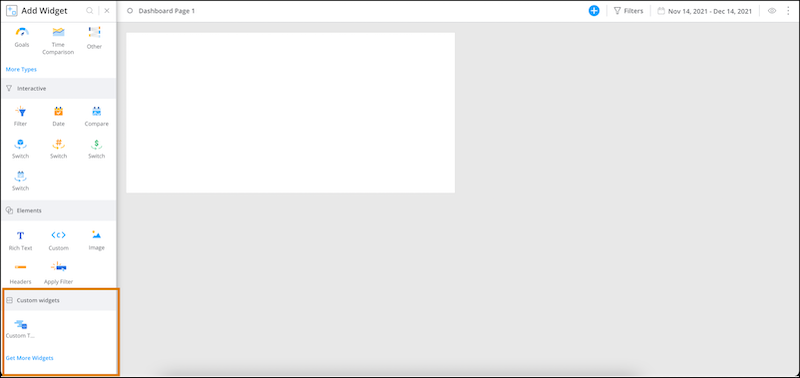
5. Select the widget.
6. Modify the code if needed.
Here’s an example of a custom widget that was added to the page.
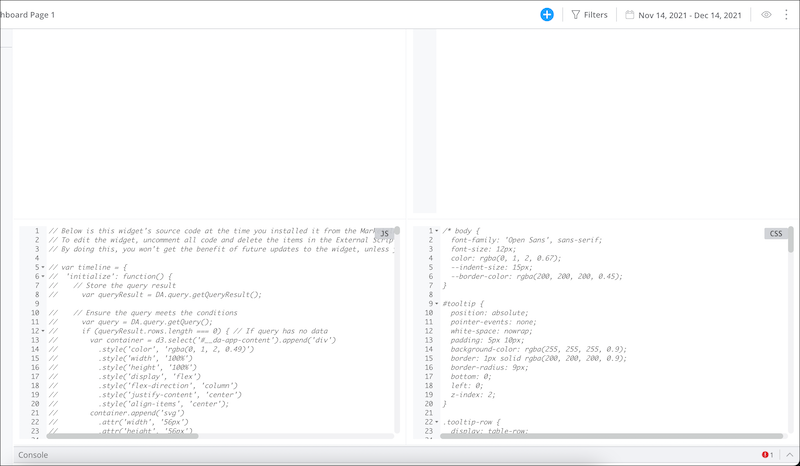
7. To add data to your widget, click the blue + icon.
# Add a Dashboard Page to a Collection
After you create a collection, you can add dashboard pages to suit your specific reporting needs. You can then add widgets to your dashboards to visualize and explore actionable insights.
### Required Editions
Available in: Intelligence Reports Advanced
User Permissions Needed
To add a dashboard page to a collection
Create & Edit

Note You can create up to 50 dashboards in Intelligence Reports advanced.
1. Click the collection you want to add a dashboard page to.
2. Click **Add New**.
3. To enter **Edit** mode, click the pencil icon. In edit mode you can customize and add widgets to your dashboard page.
# Add a Decision to a Personalization Point
A decision consists of targeting rules. The personalization point uses the decision to determine whether the individual who is engaging with your website or app is eligible to receive personalization content.
### Required Editions
User Permissions
Needed
To add personalization decisions to personalization points:
Create and Edit Personalization Points
Create and Edit Personalization Decisions
You can add multiple decisions to a personalization point. The order in which you create each decision initially determines its priority. The first decision created has the highest priority, followed by the next decision created, and so on. However, you can modify a decision’s priority at any time.
1. From the App Launcher, search for and select **Personalization Points**.
2. Open the personalization point where you want to add a decision.

3. On the Personalization Decisions tile, click **New**.
4. Name the decision and add an optional description.
The decision API name is auto-generated.
5. Select the state of the decision.
Live decisions are evaluated; draft decisions aren’t.
6. Click **Next**.
7. Enter display text for any of the personalization attributes that you added to the related personalization content schema.
To include profile data in the text, [add merge fields](https://help.salesforce.com/s/articleView?id=mktg.persnl_point_decision_add_merge_fields.htm&release=264.0.0&type=5 "To include profile data in personalization decision text, use merge fields."). For example, you can include your user's first name within an infobar text to greet them personally.
8. Click **Next**.
9. Select when you want the personalized content to appear for visitors. By default, no targeting rules are applied to a decision.
| Option | Description |
| --- | --- |
| Always (No Rules) | No targeting rules are applied, and all visitors are eligible to receive the personalized content. |
| All Rules Are Met | If all rules are met for a visitor, they’re eligible to receive the personalized content. |
| Any Rule Is Met | If any one of the rules is met for a visitor, they’re eligible to receive the personalized content. |
You can create or modify targeting rules for the decision at any time.
10. If you accept the **Always (No Rules)** option, save your work.
11. If you select the **All Rules Are Met** or **Any Rule Is Met** option, follow the instructions in [Create a Targeting Rule](https://help.salesforce.com/s/articleView?id=mktg.persnl_personalization_point_targeting_rules_create.htm&release=264.0.0&type=5 "A targeting rule determines who's eligible for a personalization decision and which personalized content to return.").
#### See Also
- [Configure a Personalization Point](https://help.salesforce.com/s/articleView?id=mktg.mc_persnl_personalization_point_configure.htm&release=264.0.0&type=5 "When you configure a personalization point, you define the data space that the personalization point uses for data and the profile data graph to use for making decisions. You also select a personalization type to define the kind of personalization to provide and a schema to ensure that decision responses appear in a consistent format.")
- [Create a Targeting Rule](https://help.salesforce.com/s/articleView?id=mktg.persnl_personalization_point_targeting_rules_create.htm&release=264.0.0&type=5 "A targeting rule determines who's eligible for a personalization decision and which personalized content to return.")
- [Modify a Decision](https://help.salesforce.com/s/articleView?id=mktg.persnl_personalization_point_decision_modify.htm&release=264.0.0&type=5 "You can change decision properties or priority for a personalization point.")
- [Add a Merge Field](https://help.salesforce.com/s/articleView?id=mktg.persnl_point_decision_add_merge_fields.htm&release=264.0.0&type=5 "To include profile data in personalization decision text, use merge fields.")
# Add a Distributed Marketing Attachment Block
Follow these steps to add the Distributed Marketing attachment block to Content Builder.
### Required Editions
To use attachments, enable them in Your Marketing Cloud Engagement account. After they’re enabled, update the connection information in the Distributed Marketing admin page.
User Permissions Needed
To add the Distributed Marketing Text Block:
Installed Package | Administer permission.
1. In Marketing Cloud Engagement, navigate to **Setup**.
2. Select **Apps** under Platform Tools.
3. Select **Installed Packages**.
4. Select the Distributed Marketing Package.
5. Select **Add Component**.
6. Select **Custom Content Block**.
7. Select **Next**.
8. Name the block.
9. Add a description, such as Allow DM business users to attach files.
10. Click the appropriate link. A window opens showing the URL you must copy and paste into your browser.
1. If your organization uses Hyperforce, use this link: https://distributed-marketing-content-blocks.s1.marketingcloudapps.com/attachment-block/v1/
2. If your organization doesn't use Hyperforce, use this link: https://distributed-marketing-content-blocks.{{stackKey}}.marketingcloudapps.com/attachment-block/v1/
# Add a Distributed Marketing Attachment Block to an Email Template
Add a Distributed Marketing attachment block to an email template so that business users can choose the attachments used in the email.
1. In Content Builder, drag the attachment block onto the canvas. Only one attachment block can be added to an email.
2. For Guidance Message, enter the message shown to business users while personalizing the content.
3. To choose attachments that users can select from when editing the email, click **Browse**.
4. Select at least one attachment to make available.
5. Click **Select**.
6. To add more attachments for users to choose from, select **Add Attachments**.
7. You can add up to 20 attachments per block. The max size for each attachment is 5 MB. Up to 5 default attachments can be selected.

Note The number of attachments that can be sent depends on the total size of the attachments. The max total attachment size is 20 MB.
# Add a Distributed Marketing Content Block Package
Follow these steps to create a Distributed Marketing Content Block package in Marketing Cloud Engagement. This package is where you can add the Distributed Marketing content blocks you want to use.
1. In Marketing Cloud Engagement, navigate to Setup.
2. Select **Apps** under Platform Tools.
3. Select **Installed Packages**.
4. Select **New**.
5. Name the package, such as Distributed Marketing.
6. Add a description, such as Custom Content Blocks for Distributed Marketing.
7. Save your work.
8. Add these Distributed Marketing content blocks to your package:
1. [Distributed Marketing Image Block](https://help.salesforce.com/s/articleView?id=mktg.mc_dm_add_dm_image_block.htm&language=en_US)
2. [Distributed Marketing Text Block](https://help.salesforce.com/s/articleView?id=mktg.mc_dm_add_dm_text_block.htm&language=en_US)
3. [Distributed Marketing Rich Text Block](https://help.salesforce.com/s/articleView?id=mktg.mc_dm_add_rich_text_block.htm&language=en_US)
4. [Distributed Marketing Multivariate Block](https://help.salesforce.com/s/articleView?id=mktg.add_a_distributed_marketing_multivariate_block.htm&language=en_US)
5. [Distributed Marketing Attachment Block](https://help.salesforce.com/s/articleView?id=mktg.mc_dm_add_dm_attachment_block.htm&language=en_US)
#### See Also
- [Enable Email Personalization with Distributed Marketing Content Blocks](https://help.salesforce.com/s/articleView?id=mktg.mc_dm_use_content_blocks.htm&release=264.0.0&type=5 "Use Distributed Marketing Content Blocks in Marketing Cloud Engagement to create sections of content for Distributed Marketing business users to personalize.")
# Add a Distributed Marketing Image Block
Follow these steps to add the Distributed Marketing image block to Content Builder.
### Required Editions
User Permissions Needed
To add the Distributed Marketing Image Block
Installed Package | Administer permission
1. In Marketing Cloud Engagement, navigate to Setup.
2. Select **Apps** under Platform Tools.
3. Select **Installed Package**.
4. Select the Distributed Marketing Package, such as Distributed Marketing.
5. Select **Add Component**.
6. Select **Custom Content Block**.
7. Select **Next**.
8. Name the block, such as Distributed Image.
9. Add a description, such as Allow DM business users to enter images.
10. Click the appropriate link. A window opens showing the URL you must copy and paste into your browser.
1. If your organization uses Hyperforce, use this link: https://distributed-marketing-content-blocks.s1.marketingcloudapps.com/image-block/v1/
2. If your organization doesn't use Hyperforce, use this link: https://distributed-marketing-content-blocks.{{stackKey}}.marketingcloudapps.com/image-block/v1/
#### See Also
- [Distributed Plain Text Block](https://help.salesforce.com/s/articleView?id=mktg.mc_dm_dist_text_block.htm&release=264.0.0&type=5 "Give Marketing Cloud Engagement business users more flexibility when personalizing messages with the ability to enter plain text in a message. Use this text block to let users contextualize images and marketing content, create their own messages and personal notes, and more.")
# Add a Distributed Marketing Image Block to an Email Template
Add a Distributed Marketing image block to an email template so that business users can choose the image used in the email. You can define up to 12 images per block area for business users to select from in the Image Library. At least one image must be defined. You can also let users add their own image using a URL or by uploading an image from their computer.
1. In Content Builder, drag the image block onto the canvas.
2. In Guidance Message, provide a message shown to business users while personalizing content.
3. To let users provide their own image using a URL, select **Allow users to provide their own image from a URL**.
4. Allow users to provide their own image from a local storage location.
5. To choose an image that users can select from when editing the email, click **Browse**. At least one image is required.
6. Select the image you want to make available.
7. Click **Select**.
8. In Selection Name, name the image.
9. In Alternate Text, enter the text to show for accessibility readers or if the image doesn’t display.
10. In Link URL, enter the URL to open if the image is clicked.
11. To add more images for users to choose, select **Add Image**. You can add up to 12 images per block.
#### See Also
- [Distributed Marketing Plain Text Block](https://help.salesforce.com/s/articleView?id=mktg.mc_dm_dist_text_block.htm&release=264.0.0&type=5 "Give Marketing Cloud Engagement business users more flexibility when personalizing messages with the ability to enter plain text in a message. Use this text block to let users contextualize images and marketing content, create their own messages and personal notes, and more.")
- [Distributed Marketing Rich Text Block](https://help.salesforce.com/s/articleView?id=mktg.mc_dm_formatted_text_general.htm&release=264.0.0&type=5 "Give Marketing Cloud Engagement business users more flexibility when personalizing messages with the ability to enter formatted text in a message. Use this to let users contextualize images and marketing content, create their own messages and personal notes, and more.")
# Add a Distributed Marketing Multivariate Block
Follow these steps to add the Distributed Marketing multivariate block to Content Builder.
### Required Editions
User Permissions Needed
To add the Distributed Marketing Multivariate Block
Installed Package | Administer permission
1. In Marketing Cloud Engagement, navigate to Setup.
2. Select **Apps** under Platform Tools.
3. Select **Installed Package**.
4. Select the Distributed Marketing Package, such as Distributed Marketing.
5. Select **Add Component**.
6. Select **Custom Content Block**.
7. Select **Next**.
8. Name the block, such as Distributed Content Variations.
9. Add a description, such as Allow DM business users to choose from content variations.
10. Click this link. A window opens showing the URL you must copy and paste into your browser.
1. If your organization uses Hyperforce, use this link: https://distributed-marketing-content-blocks.s1.marketingcloudapps.com/message-settings-block/v1/
2. If your organization doesn't use Hyperforce, use this link: https://distributed-marketing-content-blocks.{{stackKey}}.marketingcloudapps.com/message-settings-block/v1/
# Add a Distributed Marketing Multivariate Block to an Email Template
Add a multivariate block with up to 12 options to your email templates so that business users can choose between content variations.
1. In Content Builder, drag a Distributed Multivariate block onto the canvas.
2. Enter a selection name.
3. Enter a guidance message, if applicable.
4. Enter the variable name. Variable names can be 50 alphanumeric characters with no spaces or special characters.
5. Provide at least two options for the business user. Options can contain a maximum of 80 characters.
6. Click Done Editing. The variable is now available for use in AMPscript throughout the content.

Tip Define Multivariate blocks before the variable is used in the content. As a best practice, place all multivariate blocks at the top of the email.

Example Your organization wants to provide its business users with a blank Happy Birthday email using Quick Send. Instead of using a single subject line, you can provide the users with subject line options.
You can also add free-form text to your subject line by clicking the **Free-Form Text** option.
First, create the email in Content Builder and drag a Distributed Marketing Multivariate block on the canvas. Configure it with something like the following:
- Selection Name: Subject Line
- Guidance Message: Select the subject line for this email
- Variable Name: customSubjectLine
- Option 1: Happy Birthday!
- Option 2: It’s Your Special Day!
- Option 3: Enjoy this birthday treat on us!
Then, in the subject line, enter AMPscript using your new variable instead of a static subject line. For example, %%=v(@customSubjectLine)=%%.
# Add a Distributed Marketing Phrase Block to an Email Template
Add a phrase block to your email template
1. In Content Builder, drag the Phrases block onto the canvas.
2. In Guidance Message, enter a message to business users while personalizing the content.
3. To provide a phrase that users can select when editing the email, click **Browse**. At least one phrase is required.
4. Select the phrase you want to make available.
5. Click **Select**.
6. In Selection Name, name the phrase.
7. Enter the maximum number of characters that the user can enter in the Phrases block.
8. To add more phrases for users to choose, select **Add Phrase**. You can add up to 12 phrases per block.
# Add a Distributed Marketing Phrases Block
Add a phrase block to Content Builder so that users can enter custom phrases.
### Required Editions
User Permissions Needed
To add the Distributed Marketing Phrases Block
Installed Package | Administer permission
1. In Marketing Cloud Engagement, go to Setup.
2. Under Platform Tools, select **Apps**.
3. Select **Installed Package**.
4. Select the Distributed Marketing Package.
5. Select **Add Component**.
6. Select **Phrases Block**, and click **Next**.
7. Name the block, such as Distributed Phrase.
8. Add a description, such as Allow DM business users to enter phrases.
9. Click the link, and copy the appropriate URL into your browser.
- If your organization uses Hyperforce, use this link: https://distributed-marketing-content-blocks.s1.marketingcloudapps.com/phrases-block/v1/
- If your organization doesn't use Hyperforce, use this link: https://distributed-marketing-content-blocks.{{stackKey}}.marketingcloudapps.com/phrases-block/v1/
# Add a Distributed Marketing Plaintext Block to an Email Template
Add a plaintext block to your email templates so that users can enter custom plaintext.
1. In Content Builder, drag the block onto the canvas.
2. For Guidance Message, enter the message shown to business users while personalizing content.
3. For Selection Name, name the text area.
4. In Character Limit, enter the maximum number of characters the user can enter in the text block.
#### See Also
- [Distributed Marketing Image Block](https://help.salesforce.com/s/articleView?id=mktg.mc_dm_dist_image_block.htm&release=264.0.0&type=5 "To help your Marketing Cloud Engagement business users personalize a message, they can choose their own image using the distributed image block and select the image to use in a message. Options include traditional images, offers, head shots, and more.")
- [Distributed Marketing Rich Text Block](https://help.salesforce.com/s/articleView?id=mktg.mc_dm_formatted_text_general.htm&release=264.0.0&type=5 "Give Marketing Cloud Engagement business users more flexibility when personalizing messages with the ability to enter formatted text in a message. Use this to let users contextualize images and marketing content, create their own messages and personal notes, and more.")
# Add A Distributed Marketing Rich Text Block
Follow these steps to add the Distributed Marketing rich text block to Content Builder.
### Required Editions
User Permissions Needed
To add the Distributed Marketing Rich Text Block:
Installed Package | Administer permission.
1. In Marketing Cloud Engagement, navigate to Setup.
2. Select **Apps** under Platform Tools.
3. Select **Installed Package**.
4. Select the Distributed Marketing Package, such as Distributed Marketing.
5. Select **Add Component**.
6. Select **Custom Content Block**.
7. Select **Next**.
8. Name the block. For example: Distributed Rich Text.
9. Add a description. For example: Allow DM business users to enter formatted text.
10. Click the appropriate link. A window opens showing the URL you must copy and paste into your browser.
1. If your organization uses Hyperforce, use this link: https://distributed-marketing-content-blocks.s1.marketingcloudapps.com/rich-text-block/v1/
2. If your organization doesn't use Hyperforce, use this link: https://distributed-marketing-content-blocks.{{stackKey}}.marketingcloudapps.com/rich-text-block/v1/
#### See Also
- [Distributed Image Block](https://help.salesforce.com/s/articleView?id=mktg.mc_dm_dist_image_block.htm&release=264.0.0&type=5 "To help your Marketing Cloud Engagement business users personalize a message, they can choose their own image using the distributed image block and select the image to use in a message. Options include traditional images, offers, head shots, and more.")
- [Distributed Plain Text Block](https://help.salesforce.com/s/articleView?id=mktg.mc_dm_dist_text_block.htm&release=264.0.0&type=5 "Give Marketing Cloud Engagement business users more flexibility when personalizing messages with the ability to enter plain text in a message. Use this text block to let users contextualize images and marketing content, create their own messages and personal notes, and more.")
# Add a Distributed Marketing Rich Text Block to an Email Template
Add a rich text block to your email template so that business users can enter formatted text, including apply bold, italic, or underline formatting, set the justification, and embed hyperlinks.
1. In Content Builder, drag the rich text block onto the canvas.
2. For Guidance Message, enter the message shown to business users while personalizing content .
3. For Selection Name, name the text area .
4. In Character Limit, enter the maximum number of characters the user can enter in the text block.
#### See Also
- [Distributed Image Block](https://help.salesforce.com/s/articleView?id=mktg.mc_dm_dist_image_block.htm&release=264.0.0&type=5 "To help your Marketing Cloud Engagement business users personalize a message, they can choose their own image using the distributed image block and select the image to use in a message. Options include traditional images, offers, head shots, and more.")
- [Distributed Plain Text Block](https://help.salesforce.com/s/articleView?id=mktg.mc_dm_dist_text_block.htm&release=264.0.0&type=5 "Give Marketing Cloud Engagement business users more flexibility when personalizing messages with the ability to enter plain text in a message. Use this text block to let users contextualize images and marketing content, create their own messages and personal notes, and more.")
# Add a Distributed Marketing Text Block
Follow these steps to add the Distributed Marketing text block to Content Builder.
### Required Editions
User Permissions Needed
To add the Distributed Marketing Text Block:
Installed Package | Administer permission.
To prevent marketers from sending emails with empty text blocks, navigate to Compliance & Approvals in Administration and enable the Prevent Empty Text Blocks feature.
1. In Marketing Cloud Engagement, navigate to Setup.
2. Select **Apps** under Platform Tools.
3. Select **Installed Packages**.
4. Select the Distributed Marketing Package, such as Distributed Marketing.
5. Select **Add Component**.
6. Select **Custom Content Block**.
7. Select **Next**.
8. Name the block, such as Distributed Text.
9. Add a description, such as Allow DM business users to enter text.
10. Click this link. A window opens showing the URL you must copy and paste into your browser.
1. If your organization uses Hyperforce, use this link: https://distributed-marketing-content-blocks.s1.marketingcloudapps.com/free-text-block/v1/
2. If your organization doesn't use Hyperforce, use this link: https://distributed-marketing-content-blocks.{{stackKey}}.marketingcloudapps.com/free-text-block/v1/
# Add a Domain to the Export Email Allowlist
Add an entire domain to the Export Email allowlist if you trust all of the email addresses in that domain to receive data exported from your account. In some cases, Marketing Cloud Engagement prevents you from adding certain domains to the list. However, you can add any individual email address to the allowlist, regardless of its domain.
1. From Marketing Cloud Engagement Setup, in the Quick Find box, enter allowlist, and then select **Export Email Allowlist**.
2. Click **Create**.
3. In the **Domain** field, enter only the domain, such as example.com. Don't include any other part of the URL, such as https:// or www.
4. Save your changes.
# Add a Drill-Down Hierarchy to a Widget
You can add a hierarchy to a bar graph or pie chart widget.
REQUIRED USER ROLE
To add a drill-down hierarchy to a widget
Admin and Power User
1. On the Visualize tab, select the bar graph or pie chart widget.
2. Click the edit icon, and then click the **Design** tab.
3. Click **Interactions**, and select **Drill Down**.
4. In the dropdown, select the hierarchy.
# Add a Dynamic Content Block
Add a dynamic content block to a message to show different content to different recipients based on their attributes or behavior. Use dynamic content to personalize offers, imagery, or messaging without creating separate content assets for each audience segment.
### Required Editions
[View supported editions](https://help.salesforce.com/s/articleView?id=mktg.mktg_editions.htm&release=264.0.0&type=5 "Marketing Cloud Next is available in Growth and Advanced editions, and requires Salesforce Enterprise or Unlimited editions. Some features are limited by edition or purchased add-on. All functionality is available in Lightning Experience only.").
User Permissions Needed
To create or edit content:
Marketing Cloud Manager permission set
AND
Any CMS workspace contributor
role
To publish or unpublish content:
Marketing Cloud Manager permission set
AND
A CMS workspace contributor role
of content admin or content manager
Before adding dynamic content, add a data graph as a data source. Dynamic content isn't available in an email until a data graph is added. See [Set Up Personalization Features in Marketing Cloud Next](https://help.salesforce.com/s/articleView?id=mktg.mktg_data_graph_setup.htm&type=5&language=en_US).
1. Open a message in Content Builder and navigate to the content area where you want to add dynamic content.
2. Click **Add Dynamic Content**, or select **Dynamic Content** from the content palette.
3. In the Dynamic Content editor, define the default content block.
The default content block is what recipients see when no rule matches.
4. Click **Add Rule**.
Choose a data source from **Inputs** or **Data**, set the condition (for example, Field equals Value), and add the content to show when the rule matches.
5. Add more rules as needed.
Rules are evaluated in order; the first matching rule applies.
6. Click **Save**.
To reuse this dynamic content block in another message, open that message in Content Builder and add the saved block from the content library.
# Add a Fallback Value for Dynamic Content
If dynamic content doesn’t appear because there’s no correlating value, you can add a fallback value that shows instead.
### Required Editions
Available in: Premium Edition
Permissions
Needed
To create or edit mobile campaigns:
A role with Campaign Create/Edit permissions
1. [Add dynamic content to your mobile campaign](https://help.salesforce.com/s/articleView?id=mktg.mc_pers_mobile_campaign_dynamic_values.htm&release=264.0.0&type=5 "You can add dynamic values, such as the mobile app user’s name, location, and email, to all mobile campaign types.").
2. In the dynamic attribute for which you want to add a fallback value, add a second parameter in the following syntax, changing DEFAULT\_TEXT to the text you want to use: `#field(${user.userName}, "DEFAULT_TEXT")`
3. To create a dynamic message with a custom field, use the following syntax, replacing MY\_CUSTOM\_FIELD with your custom field name:`${user.attributes.MY_CUSTOM_FIELD}`
It’s important to add "attributes" between "user" and your custom field name for the message to display properly.
Also, this alternate syntax must be used if MY\_CUSTOM\_FIELD contains a space: `${user.attributes.get('MY_CUSTOM_FIELD')}`

Example
The following example uses the word "Visitor" as the second parameter. This dynamic content is part of a campaign message with the qualified visitor's userName. If there’s no value for the userName attribute, the message shows "Visitor" instead.
```
#field(${user.userName}, "Visitor")
```
# Add a Field
When you add more dimensions and measurements to the table, you add more columns. All column names appear as display names in the table. The display names are also used to set the system names, which are formatted using SQL standards.
### Required Editions
User Permissions Needed
To add a field to the Granular Data Center table:
Admin
1. From the **Connect & Mix** tab, select **Granular Data Center**, and then **Granular Data Center Data Streams**.
2. Create a Granular Data Center data stream, or edit an existing one.
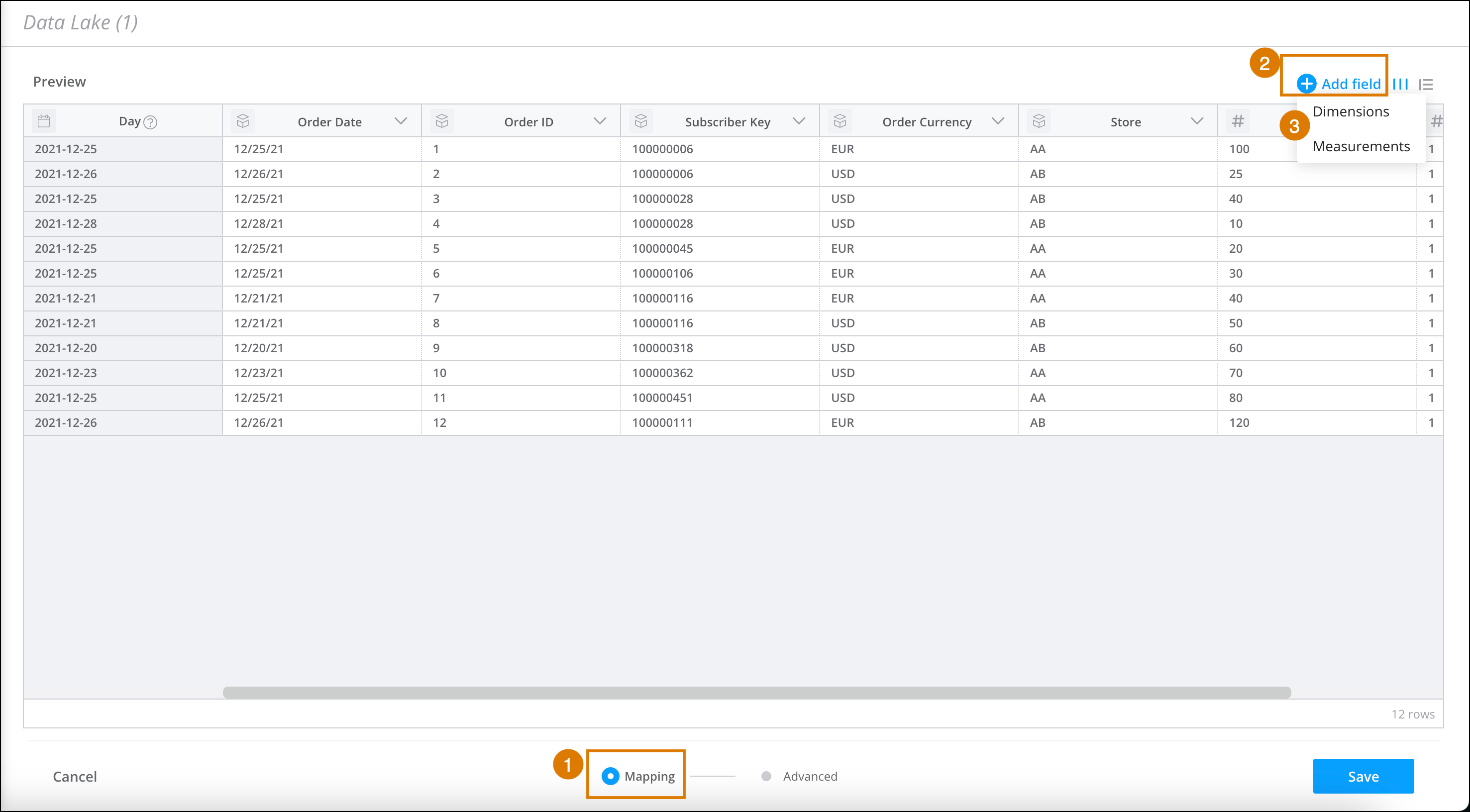
3. At the bottom of the **Granular Data Center** page, click **Mapping** (1).
4. In the table, click **Add Field** (2).
5. Select **Dimension** or **Measurement** (3).
6. Enter the column name.
7. Create or edit a formula. For more information, see [Use the Formula Editor to Map](https://help.salesforce.com/s/articleView?id=mktg.dato_data_mapping_formula.htm&language=en_US).
8. Save your work.
# Add a Filter to a Widget
Narrow what a widget shows by adding a filter, for example, limiting results to a particular campaign.
REQUIRED USER ROLE
To apply a filter to a widget
Admin and Power User
1. On the Visualize tab, select the widget you want to add a filter to, and then click the edit icon.
2. Click the **Filters** tab. The top of the page shows the date filter and how the widget results are sorted.
3. Click **Add Filter**. Search for the field that you want to filter by, and enter the condition.
You can add as many filters as you want.
4. Click **Close** and then save the page

Example
In the example below, the widget inherits its date filtering from the page and displays the top 20 results, which is the default setting for the Bar Graph widget. By default, this widget is sorted by the first measurement in descending order, but you can modify how it’s sorted by clicking the filter icon.

- **[Apply a Dimension Filter to a Page](https://help.salesforce.com/s/articleView?id=mktg.dato_visualize_widgets_dimension_filter.htm&release=264.0.0&type=5)**
Filter a page to a dimension from a widget. For example, filter the page to show the results of a specific product
# Add a Form to Your Website
If you don’t want to use an Account Engagement landing page to host your marketing form, you can place a form on your website using an iframe.
### Required Editions
Available in: All Account Engagement Editions
User Permissions
Needed
To view a form’s code:
Account Engagement Administrator or Marketing
role
You can place an iframed form on any web page, but you can also limit iframing to specific domains or restrict it completely. [Learn how to control iframing restrictions](https://help.salesforce.com/s/articleView?id=mktg.mcae_admin_restrict_iframing.htm&language=en_US).
1. Open the Forms page.
- In Account Engagement, select **Marketing** | **Forms** | **Forms**.
- In the Lightning app, select **Content** | **Forms**.
2. Open the form you want to work with.
3. Click the arrow, and select **View HTML code** from the dropdown.
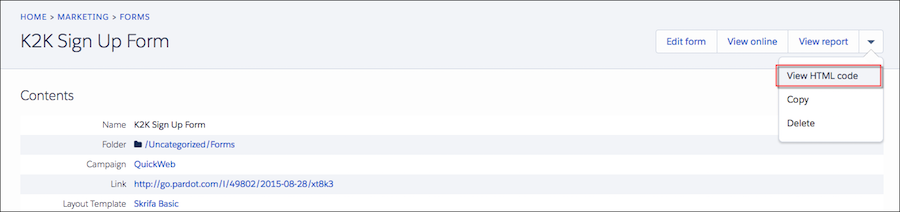
4. Copy the iframe code, and paste it into your web page source code.
# Add a Highlighting Rule to a Widget
After you create a highlighting rule, add it to a widget.
REQUIRED USER ROLE
To add a highlighting rule to a widget
Admin and Power User
1. Go to the **Visualize** tab.
2. Select the dashboard page where the widget is located.
3. Make sure that you’re in edit mode by clicking the pencil icon.
4. Click the widget you want to add the highlighting rule to, which opens the **Edit Widget** dialog.
5. Select the **Design** tab.
6. Scroll down and click **Interactions**.
7. Select the **Highlighting Rules** checkbox.
If highlighting rules exist, they appear in a list:
8. Select the highlighting rule you want to add. The rule automatically appears in your widget after it’s selected.
If you don’t have any existing highlighting rules, click the **+** sign to create a new rule. You’re automatically directed to the Highlighting Rules tab. If you only want the highlighting rule to apply to the dimensions or measurements in the widget, follow these steps:
1. Create your rule, and navigate to the **Data** tab.
2. Click the measurement or the dimension you want to apply the rule to.
3. Under **Highlighting Rules**, select the rule you want to add.
9. To remove a highlighting rule, click the **X** next to the highlighting rule you want to remove.
10. When you’re done, make sure that you save your dashboard page, otherwise you lose the changes.
To create a rule that applies to dimensions and measurements simultaneously, create two separate rules, and then apply them individually to the widget as explained previously.
For example, to highlight all banner placements that made less than 1,000 impressions, first create a rule that highlights all placement names that contain the word Banner. Then create another rule that highlights all impressions that are under 1,000. Attach these rules separately to the widget as a whole under the **Design** tab, or attach them to the measurement or dimension under the **Data** tab
# Add a Honeypot Field to External Forms
A honeypot is a hidden field that is visible to bots but not humans. When a bot fills out a form, the bot sees the hidden field and fills it out. Account Engagement rejects submissions that contain a value in the honeypot field. You can add the honeypot field to your external forms that you have integrated with form handlers.
### Required Editions
Available in: All Account Engagement Editions
In your external form, add this code:
```html
```
#### See Also
- [Create Custom Prospect Fields](https://help.salesforce.com/s/articleView?id=mktg.pardot_fields_create_custom_field.htm&release=264.0.0&type=5 "When the default fields in Account Engagement don’t capture the prospect data you need, create your own custom fields. You can map and sync your custom fields with the CRM.")
# Add a Journey to a Campaign in Marketing Cloud Engagement+
Organize your existing journeys in Marketing Cloud Next by adding them to campaigns. Adding your campaigns to journeys is a great way to view all of your journeys that are related to a specific theme or objective.
### Required Editions
Available in: Marketing Cloud Engagement Pro+, Corporate+, and Enterprise+ Editions
User Permissions Needed
To add a journey to a campaign Marketing Cloud Next:
A Salesforce account with the Marketing Cloud Manager permission set
Adding journeys to campaigns also gives you valuable reporting insights. When you add journeys to your campaigns, the unified reporting tools for Marketing Cloud Next automatically include the sending and engagement metrics for those journeys. You can view metrics for journey events by using the built-in, ready-to-use dashboards, or you can use the analytics tools to create custom reports.
A journey can be associated with one campaign. You can add a journey to a campaign only if it has a status of Draft, Running, Finishing, Pause, or Stopped. A campaign can include a maximum of 20 journeys.
You can add a journey to a campaign from within Journey Builder in Marketing Cloud Engagement, or from within the Campaigns section of Marketing Cloud Next.
## Add a Journey to a Campaign from Engagement
We’ve added some shortcuts that help you quickly add journeys to your Marketing Cloud Next campaigns.
This video shows how to add a journey to a campaign from Journey Builder in Marketing Cloud Engagement.
1. Log in to Marketing Cloud Engagement.
2. In Journey Builder, select a journey.
3. At the top of the page, click **Connect to Campaign**.
Marketing Cloud Next opens in a new window or tab.
4. Select the campaign that you want to add the journey to.
When you finish, return to Journey Builder and refresh the page. An icon () appears next to the name of the journey to indicate that it’s part of a campaign.
## Add a Journey to a Campaign from Marketing Cloud Next
If you’re logged in to Marketing Cloud Next, you can add a journey to a campaign directly.
This video shows how to add a journey to a campaign from within Marketing Cloud Next.
1. Log in to Salesforce.
2. On the App Launcher, select **Marketing**.
3. On the Campaigns tab, select the campaign that you want to add the journey to.
Alternatively, to add the journey to a new campaign, click **New**, and then follow the prompts.
4. Next to Journeys, click the plus sign (**+**).
5. Select the journeys to add to the campaign, and then click **Add**.

Note The list of available journeys contains only those journeys that aren’t associated with campaigns, and that are in the data spaces you have access to.
# Add a Link to the Subscription Center in an Email
Add a link to your subscription center to an email created in Email Studio.
If you're creating an email based on a standard template, a link to the Subscription Center is included by default in the email footer. However, there may be times you want to include a link in the body of your email. For example, you might want to encourage your readers to subscribe to other lists you have. In that case, you could say something like, "Visit our Subscription Center to sign up and receive our Monthly Newsletter."
1. Type or highlight the text in your content area to link. Example: Visit our Subscription Center.
2. Click **Insert Link**.
3. In Link URL, enter the Subscription Center personalization string: %%subscription\_center\_url%%
4. Select **Other** in the Link To field.
5. Click **OK**.
6. Click **Save** to save the content.
#### See Also
- [Headers and Footers](https://help.salesforce.com/s/articleView?id=mktg.mc_overview_headers_and_footers.htm&release=264.0.0&type=5 "Marketing Cloud Engagement can add text and images to the beginning and end of your email messages that ensures compliance with CAN-SPAM regulations.")
# Add a Merge Field
To include profile data in personalization decision text, use merge fields.
### Required Editions
User Permissions
Needed
To add merge fields to personalization decisions:
Create and Edit Personalization Points
Create and Edit Personalization Decisions
1. From the App Launcher, search for and select **Personalization Points**.
2. Open a personalization point.
3. Create or select a personalization decision.
4. On the Decision Configuration tab, click **Add Merge Field** next to a personalization attribute text field.
5. Select an attribute that you want to add as a merge field.
Attribute
Description
Direct Attributes
Attributes that are defined on the root data model object (DMO) of your
profile data graph. The direct attribute that you select relates to a single
value.
Related Attributes
Attributes from a related object on the profile data graph.
Note: One related attribute relates to multiple values. Therefore, when you
configure a related attribute, add a sort criteria to determine the values to
return.
Calculated Insights (CI)
Attributes from a calculated insight.
Note: One calculated insight relates to multiple values. Therefore, when you
configure a calculated insight, add a sort criteria to determine the values to
return.
Segment Memberships
List of segment IDs that an individual is a member of.
Note: If you want the segments to be selectable, add the segment memberships
object to your profile data graph and select the segment ID field on the data
graph definition.
6. Enter an API name for the merge field. The API name is auto-generated for a direct attribute, however you can edit the name if you prefer. Segment memberships have a per-defined API name.
7. Enter the default text that you want to appear in place of the merge field when no attribute value is found.
For example, If you provide “Valued Customer” as a default text for first name, Salesforce Personalization replaces “Dear {first\_name}” with “Dear Valued Customer” if no value is found for the first name. If you don't want any text to appear or if you want to use the available reference template to render segment memberships, leave this field blank.
8. Click **Save**.
- **[Display Segment Membership in Merge Fields (Example)](https://help.salesforce.com/s/articleView?id=mktg.persnl_point_decision_display_seg_membership_in_merge_fields.htm&release=264.0.0&type=5)**
To deliver Data 360 segment membership IDs on your website, use merge fields. In this example, we show you how to personalize customer experience by displaying Data 360 segment membership information on your website.
# Add a Mobile Push Frequency
To prevent spamming a mobile app user with excessive alerts from a Mobile Push campaign, you can limit the number of notifications a user can receive within a certain time frame.
### Required Editions
Available in: Premium Edition
Permissions Needed
To add a mobile push frequency:
A role with Administrator permissions
1. In the **Channels & Campaigns** section of the main navigation, select **Mobile** | **Mobile Push Settings.**
2. To change the default value from **Daily**, click the dropdown and select one of the following options:
- All time
- Hourly
- Weekly
- Monthly
- Custom
3. Enter a number in the **Limit of** field.
4. To add frequency limits, click **+New Frequency Limit**.
5. Click **Save**.
# Add a Personalization Dataset
Datasets in Marketing Cloud Personalization are collections of events, catalog configurations, and user profiles that keep your Personalization data separate and organized.
### Required Editions
Permissions Needed
To add a dataset:
A role with Configure Dataset permissions
1. Log in to Personalization.
2. Click the avatar icon () in the upper right corner of Personalization.
3. Select **Manage Datasets**.
4. Click **+Dataset**.
5. In the **ID** field, enter a unique identifier for the dataset.
6. In the **Name** field, enter a display name for the dataset.
7. Select the **Dataset Type**: Production, Staging, QA, or Development.
8. If you have B2B Detect and want to track accounts in addition to users, select **Enable Track Accounts**. Otherwise, the dataset tracks only users.
9. Review the information and ensure it’s correct because you can't edit a dataset after you create it.
10. Click **OK**.

Note When you delete a dataset, none of the data within it can be recovered.
#### See Also
- [B2B Detect](https://help.salesforce.com/s/articleView?id=mktg.mc_pers_b2b_detect.htm&release=264.0.0&type=5 "B2B Detect lets you access firmographic data about your users, such as their industry, beginning with their first interaction. The addition of firmographic data allows Marketing Cloud Personalization to provide more targeted personalization to your accounts and their users.")
# Add a Phone Number After WhatsApp Business Account Migration
To reduce the downtime associated with migrating a WhatsApp Business Account (WABA) and a phone number at the same time, migrate just the WABA first. When you choose to add a phone number later, template migration can begin within a few hours of WABA migration. If you migrate a phone number with your WABA, template migration can take 1-2 days.
### Required Editions
Available in: Enterprise and Unlimited Editions for Service Cloud
Available in: Growth or Advanced Editions Marketing Cloud Next
Available in: Pro+, Corporate+, and Enterprise+ Editions for Marketing Cloud Engagement
## Migrate a WABA without a Phone Number
Take the steps to migrate just your WABA.
1. From Setup, in the Quick Find box, enter Your Numbers, and select **Your Numbers**.
2. Click **Add Number**.
3. Select **Create a WhatsApp Business Account**.
4. Review the next steps, and click **Next**.
5. Sign into Meta, and click **Continue**.
1. Click **Continue**.
2. Select your Business Portfolio, choose whether to create a WABA or select an existing one, and click **Next**.
3. Select **Add a phone number later**, and click **Next**.
4. Click **Confirm**.
5. On Meta’s confirmation screen, click **Finish**.
6. On the Salesforce success notification that appears, click **Finish**.
## Migrate Your WhatsApp Templates
You can initiate a new migration job under the Migrate Templates tab of the Your Numbers page.
1. From Setup, in the Quick Find box, enter Your Numbers and select **Your Numbers**.
2. Select the Messaging Platform Key for the number you elected to add later.
3. Click the **Template Migration** tab.
4. Click **New Migration Job**.
5. Review the steps involved in migration, and click **Next**.
6. Enter a source WABA ID, and click **Next**.
7. Review the source and target WABA IDs, and click **Next** to confirm.
8. Your migration job can take up to 24 hours to complete. Check the status of your job in the Status column of the Template Migration Jobs list. When the status is Successful, your templates are ready.
## Migrate a Phone Number to an Existing WABA in Salesforce
After confirming that your templates have migrated successfully, migrate your phone number.
1. Ensure that the phone number you wish to migrate is [verified in Meta](https://www.facebook.com/business/help/456220311516626?id=2129163877102343).
2. From Setup, in the Quick Find box, enter Your Numbers, and select **Your Numbers**.
3. Click **Add Number**.
4. Select **Create a WhatsApp Business Account**.
5. Review the next steps, and click **Next**.
6. Sign into Meta, and click **Continue**.
1. Click **Continue**.
2. Select your Business Portfolio, select the existing WABA that you migrated in the previous set of steps, and click **Next**.
3. Select Use a new or existing WhatsApp number. Under Phone Number, select **Add a New WhatsApp Number** and enter the number.
4. Enter the verification code that was sent to you, and click **Next**.
5. Click **Confirm**.
6. On Meta’s confirmation screen, click **Finish**.
7. Back in Salesforce, in the setup modal, select your WABA from the WhatsApp Business Account field and select the phone number that you just migrated. Click **Finish** .
# Add a Phone Number to an Existing WhatsApp Business Account in Marketing Cloud Engagement
Connect a new phone number to your existing WhatsApp Business account. The phone number can’t be associated with another personal or business WhatsApp account.
1. In the app switcher, from the Mobile Studio dropdown list, select **WhatsApp**.
2. Click **Add Account**.
3. In the Facebook window, log in to the business Facebook account, and click **Continue** to give Salesforce access.
4. Click **Get Started** to register your account.
5. Click **Continue** to share account and billing permissions.
6. Select the existing Meta Business account that you want to add the phone number to, and click **Next**.
7. Select the existing WhatsApp Business account that you want to add the phone number to.
8. Select the existing WhatsApp Business profile that you want to add the phone number to, or create one.
To create a WhatsApp Business profile, click **Next** and enter the WhatsApp Business profile display name for this phone number. Choose a category for your business. Optionally, provide a business description and website URL.
When choosing a display name, follow the [Meta guidelines for WhatsApp Business display names](https://www.facebook.com/business/help/338047025165344#display-name-guidelines) to ensure that the phone number is usable.
9. Click **Next**.
10. Enter the phone number to use to send WhatsApp messages.
The phone number can’t be associated with an existing personal or business WhatsApp account.
11. Choose a verification method, and click **Next**.
12. Within 10 minutes, enter the verification code, and click **Verify**.
13. Complete the registration.
After setup, your phone number appears in the list of connected phone numbers first as pending and then as connected.
# Add a Reference Block
Use Content Builder to add a reference block to your content.
The reference block in Content Builder allows you to insert a pointer to an existing block in a template or email. The pointer ensures that the block always uses the latest content. Also, the editor shows the content of the referenced block instead of the AMPscript.
1. Drag the Reference Content block to a content area.
2. Click the block to edit.
3. To upload content, select content from the grid or click **Create**.
4. Click **Select**.
5. Use the arrow to delete, duplicate, or edit.
6. Click **Done Editing** or **Save**.
# Add a Repeater to a Marketing Email
Show a series of items such as new or best-selling products, recent order updates, upcoming events or promotions, and more with a repeater component. Connect the repeater to a data source, such as an event or default data graph attribute. Customize the repeater layout, and add merge fields to the nested components to show data from the repeater source.
### Required Editions
[View supported editions](https://help.salesforce.com/s/articleView?id=mktg.mktg_editions.htm&release=264.0.0&type=5 "Marketing Cloud Next is available in Growth and Advanced editions, and requires Salesforce Enterprise or Unlimited editions. Some features are limited by edition or purchased add-on. All functionality is available in Lightning Experience only.").
User Permissions Needed
To create or edit content:
Marketing Cloud Manager permission set
AND
any CMS workspace contributor
role
To publish or unpublish content:
Marketing Cloud Manager permission set
AND
a CMS workspace contributor role
of content admin or content manager
When you work with repeaters, keep these considerations in mind.
- If a repeater source doesn’t have data applicable to an email recipient, the repeater appears empty when that recipient opens the email in their inbox.
- There’s no limit to the number of items shown in a repeater, but too many items can increase the size of your entire email.
- If you change a repeater source after its attributes are used in merge fields, to save the content, you must delete those merge fields. Then, you can add a new repeater source and recreate the merge fields.
1. Create or open content for editing.
1. From the Campaigns tab, open a campaign or create one. Then, on the campaign record, next to the email that you want to work with, click **Edit**.
2. From the Content tab, open your preferred marketing workspace. Select **Add** | **Content** | **Email**.
3. From a flow, open a Send Email Message element, and edit the related email.
2. In the [Data Sources tab](https://help.salesforce.com/s/articleView?id=mktg.mktg_content_personalization_data_sources.htm&release=264.0.0&type=5 "To embed personalized data in your marketing content, add a data source. A data source represents an object or element from your org that contains fields and data. After you select a data source, its fields and attributes are available to use in merge fields, expressions, repeater components, and dynamic content.") of the email property panel, make sure that the data you want to include in a repeater is listed as a data source.
3. Drag a Repeater to the canvas.
4. On the Settings tab in the component property panel, adjust the properties in the Data Layout section. Select a Repeater Layout, then adjust the number of items and items per row.
If you change the repeater layout when it contains content or data, the content, data, and any style settings within the repeater get removed.
5. Also in the Settings tab, select a Repeater Source.
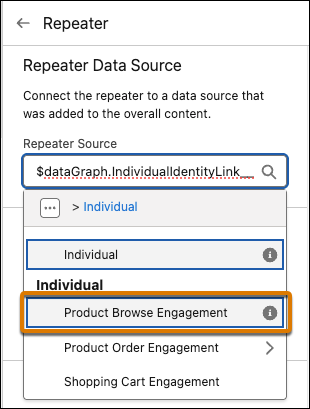
6. (Optional) To refine the items that appear in the repeater, click **Edit Expression**, and then define additional filter and sort conditions.
7. To populate the repeater with data, add a merge field to a component nested in the repeater. For example, to dynamically show an image, add a merge field to a nested image component.
1. Select an image component in the repeater to open the image property panel.
2. For the image source, select **Merge Field**, and then click **Add Merge Field** under the Source field.
3. In the Add Merge Field menu, expand the item with the same name as your repeater source.
It's the first item listed in the menu, and it contains attributes from the repeater source.
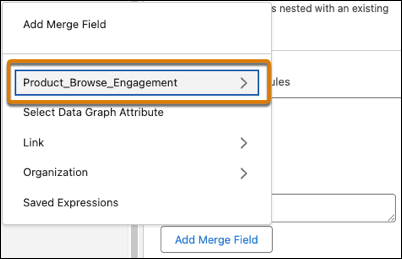
4. Select an image attribute, configure the rest of the merge field details, and click **Done**.
8. Continue adding merge fields to components in the repeater, and customize each component’s settings and style as desired.
9. Save your changes as you work.

Example
You're a marketer, and you want to promote products to returning customers who have recently engaged with your company’s website and products. In your email, add a repeater to the canvas and configure the data layout to show a total of four cards split in two rows. Select **Product Browse Engagement** as the Repeater Source from the default data graph.
Because you’re emailing returning customers, filter and sort the data to show the products they engaged with most recently. Click **Edit Expression**, and sort the Product Browse Engagement results by descending Engagement Date Time. On the canvas, add merge fields to the components in the repeater to dynamically show images, names, and links to each product.
When each customer opens the email, they see a personalized set of the four most recent products that they were interested in.
#### See Also
- [Manage Data Sources for Personalizing Content](https://help.salesforce.com/s/articleView?id=mktg.mktg_content_personalization_data_sources.htm&release=264.0.0&type=5 "To embed personalized data in your marketing content, add a data source. A data source represents an object or element from your org that contains fields and data. After you select a data source, its fields and attributes are available to use in merge fields, expressions, repeater components, and dynamic content.")
# Add a Scoring Category
Add a scoring category for each product you want to score prospects for.
### Required Editions
User Permissions Needed
To create a scoring category:
Account Engagement Administrator role

Important Before creating scoring categories, arrange your assets in folders based on how you want to score your products.
1. Open the Scoring page.
- In Account Engagement, select **Admin** and then **Scoring**.
- In the Lightning app, select **Account Engagement Settings** and then **Automation Settings** | **Scoring**.
2. Click **\+ Add Scoring Category**.
3. Name the scoring category.
4. Choose a start date, or select **Include all historical activity**. Choosing a start date attributes activity on assets in the selected folders from the chosen date onward. All historical activity attributes all past activity on the assets in the selected folders.
5. Choose folders to assign the scoring category to.
6. Click **Create Scoring Category**.
# Add a Send Classification in Marketing Cloud Engagement Business Unit for Promotion Launch Emails
The journeys that are created in connected Marketing Cloud Engagement business units for active pricing promotions send the promotion launch email to the promotion’s eligible customers. To uniquely classify emails sent for promotions, create Global Promotions Management-specific send classifications in the business unit that you want to connect with Global Promotions Management.
### Required Editions
Available in: Marketing Cloud
User Permissions Needed
To create a send classification:
Marketing Cloud Administrator role
Before you create a send classification for referral emails in a business unit, ensure that you create at least one delivery profile and sender profile for the business unit. If you don’t create a send classification for referral emails, the referral emails are sent by using the default Commercial send classification.
1. From Setup, in the Quick Find box, enter Send Classification, and then select **Send Classification**.
2. Click **Create**.
3. Enter the details of the send classification.
4. Save your changes.
Keep the name of the send classification handy after you create it. You must enter the name of the send classification when you connect the business unit with Global Promotions Management in the Global Promotions Management org.
#### See Also
- [_Salesforce Help_: Create a Send Classification](https://help.salesforce.com/s/articleView?id=mktg.mc_es_create_send_classification.htm&type=5&language=en_US)
# Add a Social Follow Content Block
Add a social follow content block to an email in Content Builder. Social Follow allows you to add links to your social networks in your email. Social Follow directs subscribers from your email to your social networks where they can then choose to follow your social accounts.
1. To select more social network links, click **Add a Social Network** .
2. Drag the items to reorder the way they will appear.
3. Use the provided controls to style the icons and text labels.
# Add a Social Share Content Block
Add a social share content block to your email in Content Builder. Social Share allows recipients to share the email on their preferred social network.
1. To select more social network links, click **Add a Social Network** .
2. Drag the items to reorder the way they appears.
3. Use the provided controls to style the icons and text labels.
#### See Also
- [Social Forward](https://help.salesforce.com/s/articleView?id=mktg.mc_es_social_forward.htm&language=en_US)
# Add a Subscriber Manually
Create Subscriber steps you through defining an individual subscriber in Email Studio. When you add one subscriber, you have the option of creating another individual subscriber with the same attribute selections. This information applies to accounts with the enhanced subscriber features enabled. If your account doesn’t have this feature enabled, refer to Subscribers without Enhanced Subscriber Features.

Note If you're using a reseller or enterprise account and have enabled unsubscribe management, you can’t add email addresses that appear on the Marketing Cloud Engagement global unsubscribe list or your account-level unsubscribe list.
1. Click **Subscribers**.
2. Click **Lists**.
3. Click the name of a list you’re adding the subscriber to.
4. Click **Create**.
5. Click **Next** in the wizard's introductory dialog box.
6. Complete the subscriber identity fields.
- Enter the full email address of the subscriber.
- Click one of the profile attributes defined in your account to activate its data entry field.
- If the attribute is set to accept specific values only, the data entry field is a drop-down list from which you select the desired value. Otherwise, the data entry field is a text box.
- If a default value is defined for the attribute, that value is displayed in the data entry field.
- Profile attributes displayed in red are required fields. Continue with the Create Subscriber wizard once these fields are completed.
- Select or deselect one of the corresponding preference attributes as appropriate for this subscriber.

Note For Enterprise Accounts, Channel Name is a required attribute field for all subscribers in your Enterprise administrator account. Associate each subscriber with an On Your Behalf account.
7. Click **Next**.
8. Expand the **My Lists** folder to view the lists defined in your account.

Note If the email address you entered exists in your account, a prompt appears with the option for you to view the existing subscriber's properties. To continue, enter a different email address for your new subscriber.
9. To add the subscriber to lists, select each list. If you opened the wizard from a particular list, that list is already selected. Deselect it if desired.

Note Every subscriber is added to your main All Subscriber list. Leave all other lists deselected if you don’t want to add the subscriber to any of your accounts' lists.
10. Click **Finish** when done choosing lists.
11. Create another individual subscriber if needed.
1. To start with a copy of the profile and preference attributes you defined for the previous subscriber, select **Use attribute values from previous subscriber,** and click **Create**.
2. To start from scratch, click **Create**.
12. When you’re done creating subscribers, click **Finish**.
Your new subscriber exists in your All Subscribers list and in any lists you selected in the wizard.

Note The subscriber isn’t automatically added to groups. If the subscriber's profile or preference attributes would make the subscriber eligible for a filtered group, refresh the group to add the subscriber.
#### See Also
- [Profile and Preference Attributes in Email Studio](https://help.salesforce.com/s/articleView?id=mktg.mc_es_profile_pref_attributes.htm&release=264.0.0&type=5 "Email Studio uses profile and preference attributes to store information about subscribers. The profile attribute contains information to characterize a subscriber profile. For example, each subscriber is asked to provide their birth date and email address. By default, every account has three profile attributes: Full Name, Email, and UserDefined, which is intended as a generic attribute that you can use as needed. By default, every account also receives an HTML Email preference attribute that is set to Yes. You can’t modify these attributes.")
# Add a Tracker Domain in Account Engagement
Use a tracker domain in Account Engagement to rewrite links and vanity URLs for tracking. To set up a tracker domain, work with an IT partner or a hosting provider to edit CNAME records.
### Required Editions
User Permissions Needed
To manage domains in Account Engagement:
Account Engagement Administrator role

Note Pardot is now known as Marketing Cloud Account Engagement. We wish we could snap our fingers to update the name everywhere, but you can expect to see the previous name in a few places until we replace it, including in the app itself.
1. Open the Domain Management page.
- In Account Engagement, select **Admin** and then select **Domain Management**.
- In the Lightning app, select **Account Engagement Settings** and then **Domain Management**.
2. Click **Add Tracker Domain**.
3. Enter a tracking domain.
If you use multiple tracker domains, make sure that each subdomain matches the root domain. For example, use go.siteA.com for the root domain siteA.com.
4. To allow Account Engagement form code to be used on web pages associated with the tracker domain, select **Allow iframed assets on this domain**.
Allowing iframing only for specific domains is an added layer of security for your Account Engagement assets. You can control general iframing restrictions in your Business Unit Settings. See [Restrict or Limit Iframing for Account Engagement Assets](https://help.salesforce.com/s/articleView?id=mktg.mcae_admin_restrict_iframing.htm&release=264.0.0&type=5 "To help secure your data, specify which web domains can render iframed Account Engagement forms and landing pages. You can restrict iframing completely, allow it only for specific domains, or have no restrictions.").
5. Select a default campaign.
6. Work with your IT team or hosting provider to set up a CNAME record for the subdomain you want to use. Set the record to point to go.pardot.com.
7. Work with your IT team or hosting provider to add validation keys to the DNS TXT record for your root domain.
To download a validation file in TXT format, click **Tools**. You can also copy the validation key for the domain and add it to a TXT file that you create.
8. Wait for your DNS to propagate, which can take up to 24 hours.
9. From the Domain Management page, click the gear icon for your domain, and click **Validate**.
After you validate a domain, change the default protocol to HTTPS. Then, add the tracking code on your web pages.
Business units created after February 15, 2021 use HTTPS for tracker domains by default. If your business unit was created before February 15, 2021, enable SSL for individual tracker domains to secure them with HTTPS.
#### See Also
- [Manually Enable SSL for Tracker Domains](https://help.salesforce.com/s/articleView?id=mktg.pardot_admin_tracker_domain_ssl_enable.htm&release=264.0.0&type=5 "If your business unit was created before February 15, 2021, you can enable SSL for individual tracker domains to access content over HTTPS. Business units created after February 15, 2021 automatically enable SSL for all tracker domains.")
# Add a Tracking Keyword
You can add a specific keyword to track.
### Required Editions
User Permissions Needed
To add search marketing keywords:
Account Engagement Administrator or Marketing
role
1. Open the Keywords page.
- In Account Engagement, select **Marketing** | **Search Marketing** | **Keywords**.
- In the Lightning app, select **Content** and then **Search** | **Keywords**.
2. Click **\+ Add Keyword**.
3. Enter a keyword.
4. (Optional) Enter a site. Leave the field blank to use your account’s default site.
5. Click **Create Keyword**.
It can take up to 48 hours for the initial lookup. After the initial lookup, the data is refreshed weekly.
# Add a User
Add users to your Marketing Cloud Engagement account.
1. In Marketing Cloud Engagement setup, in the Quick Find box, type Users, and then click **Users**.
2. Click **Create**.
3. Complete the basic user information fields on the Create a User page.
Field
Description
Name
The full name of the user as you want it to appear in the application.
Reply Email Address
The email address that’s used when the user sends an email message. Password reset
emails are also sent to this email address.
This field is only available when the
Multi-From Connect feature is enabled.
Add to From Name Dropdown
If you select this option, the address in the Reply Email Address field is also
added to the From menu for email sends. You must verify each address that you use as a
From address.
If you disable this option for one user, it’s disabled for all other users
with the same Reply To Address.
This field is only available when the Multi-From
Connect feature is enabled.
Notification Email Address
The user’s email address. Marketing Cloud Engagement delivers any application
request results to this email address.
Username
The username that the user enters when they log in to Marketing Cloud Engagement.
The username must be unique across all Marketing Cloud Engagement accounts.
External Key
The string that identifies this user in API calls. If you leave this value blank, a
key is generated automatically.
Time Zone
The default time zone for the user.
Culture Code
The language and locale for this user.
API User
If this option is selected, the user’s password doesn’t expire.
This field only
appears in accounts enabled for API usage.
Temporary Password
A temporary password for the user. The user must change the password when they first
login.
4. In the User Permissions area of the User Properties dialog box, select the permission that determines what the user can access.
5. Select the appropriate permissions and roles for the user. To create an administrator user, select the Add Users to Account permission.
6. Save the user.
7. Notify the user of their username and temporary password. Marketing Cloud Engagement doesn’t automatically send a notification when a new user is created.
#### See Also
- [Assign a Role to a User](https://help.salesforce.com/s/articleView?id=mktg.mc_overview_roles_assign_a_role.htm&release=264.0.0&type=5 "Grant Marketing Cloud Engagement users access to the areas and features that pertain to their job functions.")
# Add a User (Administrator Account)
Add a Marketing Cloud Engagement user under Email Studio Admin.

Note You can add the number of users specified in your contract.

Note If you have the advanced Engagement integration with Salesforce option enabled in your account, see Salesforce Administration for details on setting up your users.
1. Click **Admin**.
2. Click the **Account Settings** folder.
3. Click **My Users**.
4. Click **Create**.
5. Enter the user’s name.
6. Enter the reply email address.

Note The Reply Email Address field is only available if the Multi-From Connect advanced feature is enabled for your account.
7. Enter the notification email address.
8. Enter the username for the user.
9. Select if this user is authorized to access the application via the API.

Note The API User field appears only in accounts with the API advanced feature enabled.
10. Enter and reenter a temporary password.
11. Select permissions for the user:
1. Add Users to Account
- If you don’t select this permission, the user can’t see the My Users option.
- Manage account settings
- Create, view, update, and delete account users
- Create, view, update, and delete roles
- Manage roles for account users
- View reports and report activity
- In Enterprise 2.0 accounts: Create, view, update, and delete business units. Manage roles and view users for the business unit. Assign business units.
2. View Tracking Only
- View tracking. If you select this permission, it doesn’t limit a user's access to areas of the system other than tracking. Exclude access to other areas of the system that the user shouldn’t have access to.
3. View/Modify Published Emails Only
- Access emails published from the Enterprise administrator account only
- Can’t create emails
4. Remove Access to Templates
- Can’t access templates. Can’t see the My Templates folder in Email Studio.
- Create emails based on templates that other users build
5. Remove Ability to Send Emails
- Can’t send emails, including test emails
- Create emails
6. Remove Access to Interactions
- Can’t access the interactions tab
7. Remove Access to Delete Lists
- Can’t delete lists, groups, or publication lists
8. Remove Access to Modify Profile Attributes
- Can’t add, modify, or delete attributes
- Can access Profile Management to view attribute details
9. Remove Access to Lists
- Can’t view all subscribers list
- Can’t preview emails for a subscriber
- Can’t create, view, update, or delete groups
- Can’t create, view, update, or delete lists
- Can’t create, view, update, or delete publication lists
10. Remove Access to Delete Emails
- Can’t delete emails or email send definitions
11. Remove Access to Create Emails
- Can’t create emails or email send definitions
- Can access emails created by other users of this account, unlike users with the View/Modify Published Emails Only permission.
12. Select the applicable applications and role for the user in the Marketing Cloud Permissions and Roles section.
13. Click **Save**.

Note To send the temporary password to the user’s notification email address, select Send Password Change Confirmation Email in Security Settings.
# Add a User in Marketing Cloud Intelligence
When you add users, you can specify their user role and permissions to control which actions they can take and which features they have access to.
REQUIRED USER ROLE
To edit account settings
Admin
1. On the right side of the navigation bar, click the dropdown arrow and select **Manage Users**.
2. Click **Add New**.
3. Under **General** Info, enter the following information:
1. Enter the user’s email address. The email address is the username when logging in to Marketing Cloud Intelligence.
2. Enter the user’s first and last name.
3. For **Status**, select **Enabled** to give the user access to Marketing Cloud Intelligence. When the status is set to **Disabled**, the user can’t access Marketing Cloud Intelligence.
4. **View Original Account Dropdown** - Select this option to enable the Original Account dropdown list. Useful when you want to change the user’s original account.
5. **Original Account** - Displays the account that the user was created in. If you want to change the account, select **View Original Account Dropdown**. The user then receives all the permissions defined for this account, unless the user is assigned to a user group.
6. **Current Account** - The account the user is active in at this moment. If the user switches accounts, the name of the account appears instead.
7. Select the language of the Marketing Cloud Intelligence platform.
8. If you want to set the landing page that appears when the user logs in to Marketing Cloud Intelligence, select **Manage Home Screen** and select a landing page. If you select **Auto**, the user’s landing page is the first workspace in the list that the user set up for themselves.
4. Under Permissions, enter the following information:
1. Assign the user a role

Note Each account has a limit to the number of available user roles. Select the required permissions.
2. If you want to assign the user to a user group, select the **User Group** radio button and then select the name of the user group from the dropdown.

Note When a user is part of a user group, the user is no longer a separate entity. Therefore, the permissions for that user are managed through the user group settings.
3. Select the account and workspaces that the user is permitted to access.
4. Save your settings.
#### See Also
- [User Roles and Permissions](https://help.salesforce.com/s/articleView?id=mktg.dato_getstarted_roles.htm&release=264.0.0&type=5 "Marketing Cloud Intelligence includes three types of user roles: viewer, power user, and admin. A user role defines which actions a user can perform. Each user role has a default set of permissions, but you can assign users with the same role different permissions. For example, one user with the viewer role can view unpublished pages but another user with the viewer role can’t.")
# Add a User in MDP
When you add users, you can specify their user role and permissions to control which actions they can take and which features they have access to.
1. On the right side of the navigation bar, click the dropdown arrow and select **Manage Users**.
2. Click **Add New**.
3. Under **General** Info, enter the following information:
- Enter the user’s email address. The email address is the username when logging in to Salesforce Datorama.
- Enter the user’s first and last name.
- For **Status**, select **Enabled** to give the user access to Marketing Cloud Intelligence Data Pipelines. When the status is set to **Disabled**, the user can’t access MDP.
- **View Original Account Dropdown** - Select this option to enable the Original Account dropdown list. Useful when you want to change the user’s original account.
- **Original Account** - Displays the account that the user was created in. If you want to change the account, select **View Original Account Dropdown**. The user then receives all the permissions defined for this account, unless the user is assigned to a user group.
- **Current Account** - The account the user is active in at this moment. If the user switches accounts, the name of the account appears instead.
- Select the language of the MDP platform.
- If you want to set the landing page that appears when the user logs in to MDP, select **Manage Home Screen** and select a landing page. If you select **Auto**, the user’s landing page is the first workspace in the list that the user set up for themselves.
4. Under Permissions, enter the following information:
- If you want to assign the user to a user group, select the **User Group** radio button and then select the name of the user group from the dropdown.

Note When a user is part of a user group, the user is no longer a separate entity. Therefore, the permissions for that user are managed through the user group settings.
- Select the account and workspaces that the user is permitted to access.
- Save your settings.
# Add a User Role
Use a default role that you can modify, or create roles with permissions that meet your security requirements and business needs. Because roles are dataset-specific, Personalization users can have different roles in different datasets. Although a role is dataset-specific, when you add a role, it’s available to select in all datasets.
### Required Editions
Permissions Needed
To add a user role:
Administrator permissions
1. From the main navigation, select **Security** | **Manage Role Definitions**.
2. Click **Add Role**.
3. Enter the role name.
4. To add a dataset permission to the role, select its checkbox.
5. Save the role.
# Add a Wait Activity
Tell an automation how long to pause before proceeding to the next activity in Automation Studio.
Wait activities cause an automation to wait for a specific duration or until a specific time before performing the next step.
1. From the Overview page, select an automation to edit, or create an automation.
2. Click **Wait** and drag the activity into a drop zone on the canvas.
3. To tell Automation Studio to either wait for a duration of time or until a specific time, click **Choose**.
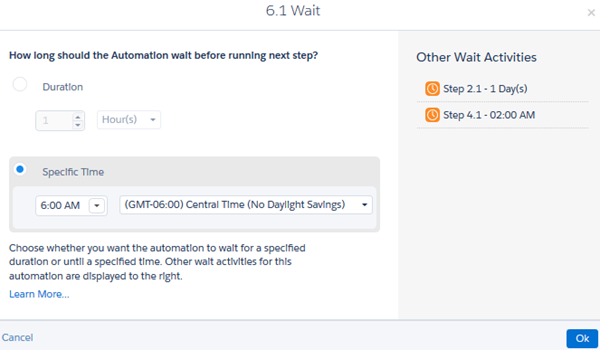
4. Save the activity's settings.

Tip You can set an automation to do both—to wait for a specified duration, but to not start before a specified time. Add a wait activity for the duration and save it. Then, in the next column, add a wait activity for the specified time.
# Add a Web Recommendation to a Page
Configure where Einstein Web Recommendations appear on your site and the type of recommendations to provide.
1. Select **Einstein Web Recommendations**.
2. Create a page, or select an existing one from the list.
The page name can’t have the same name as an existing page. Standard page names are Home, Cart, Product, Search, and Category.
3. Choose the recommendation type.
4. Click **Create**.
The Build tab opens with a recommendation area with the default name “igdrec\_1.”
# Add Account Engagement Data to Person Account Layouts
To use person accounts with Account Engagement, add a few components to your person account page layouts.
1. Follow the steps in [Show Account Engagement Data in Salesforce](https://help.salesforce.com/s/articleView?id=mktg.pardot_sf_connector_setup_show_pardot_data.htm&release=264.0.0&type=5 "The AppExchange application adds Account Engagement fields and Visualforce pages, but they’re not displayed automatically. To display them, add them to your Salesforce lead and contact page layouts."), but add the elements to your person account page layouts instead of lead and contact layouts.
2. Follow the steps in [Add the Send to Account Engagement Button to Person Account Records](https://help.salesforce.com/s/articleView?id=mktg.pardot_sf_connector_person_account_send_to_pardot.htm&release=264.0.0&type=5 "The Send to Account Engagement button makes it easy to sync person account records with Account Engagement prospects. After the custom button is created, add it to account page layouts in Salesforce.").
3. Follow the steps in [Create the Send Account Engagement Email Button for Person Accounts](https://help.salesforce.com/s/articleView?id=mktg.pardot_sf_connector_person_account_add_send_email.htm&release=264.0.0&type=5 "The Send Account Engagement Email button makes it easy to email prospects from Salesforce. Create the custom button, and then add it to account page layouts. Don’t add this button if your layout already has the Send Engage Email button.").
#### See Also
- [Enable Person Account Syncing](https://help.salesforce.com/s/articleView?id=mktg.pardot_sf_connector_person_accounts_enable.htm&release=264.0.0&type=5 "To sync prospects to person accounts instead of leads, enable a setting on the Salesforce connector.")
- [Create a Person Account](https://help.salesforce.com/s/articleView?id=mktg.pardot_sf_connector_person_account_reverse_syncing_enable.htm&release=264.0.0&type=5 "If you don’t use leads in Salesforce, or if you want to sync prospects to person accounts instead of leads, set up a person account.")
- [Add the Send to Account Engagement Button to Person Account Records](https://help.salesforce.com/s/articleView?id=mktg.pardot_sf_connector_person_account_send_to_pardot.htm&release=264.0.0&type=5 "The Send to Account Engagement button makes it easy to sync person account records with Account Engagement prospects. After the custom button is created, add it to account page layouts in Salesforce.")
- [Create the Send Account Engagement Email Button for Person Accounts](https://help.salesforce.com/s/articleView?id=mktg.pardot_sf_connector_person_account_add_send_email.htm&release=264.0.0&type=5 "The Send Account Engagement Email button makes it easy to email prospects from Salesforce. Create the custom button, and then add it to account page layouts. Don’t add this button if your layout already has the Send Engage Email button.")
# Add Advocates
Advocates of a referral program are the partners who are willing to refer your brand to another businesses. Channel managers can either add all partners as advocates or add a select set of partners to the referral program. If the number of partners to be added is small, partner managers can add the advocates one by one. Or, they can work with the admin to set up a process that adds all the advocates simultaneously.
### Required Editions
Available in: Lightning Experience
Available in: Enterprise, Performance, Unlimited, and Developer Editions with Referral Marketing
You can add business accounts in the org as your program advocates. Here are some of the key fields:
- Member Type—Select Business Accounts because referral program members are business partners of your company.
- Account—Select the account who you want to onboard as an advocate.
- Membership Number—Enter a value that uniquely identifies each advocate.
- Enrollment Date—Select the date when you onboarded the contact as an advocate.
- Active—Select the checkbox to indicate that the contact is active and can be sent referral promotions.
- Referral Code—Enter a unique referral code for the advocate. If you don’t provide a referral code, a code is automatically generated.
Referral code is the code that the referred parties use to sign up with the brand. And the referral code ties a referral back to the advocate.
Add one advocate at a time:
1. On the referral program, click **Advocates**.
2. On the Advocates related list, click **New**.
3. Enter the details of the advocate.
4. Save your changes.
# Add Advocates
Advocates of a referral program are the customers who are willing to refer your brand to their friends. Marketing managers can either add all customers as advocates or add a select set of customers to the referral program. If the number of customers to be added is small, marketing managers can add the advocates one by one. Or, marketing managers can work with the admin to set up a process that adds all the advocates simultaneously.
### Required Editions
Available in: Lightning Experience
Available in: Enterprise, Performance, Unlimited, and Developer Editions with Referral Marketing
User Permissions Needed
To add an advocate:
Referral Marketing permission set
AND
Edit permission on:
Loyalty Program
Loyalty Program Member
You can add contacts in the org as your program advocates. Here are some of the key fields:
- Member Type—Select Individual because referral program members are individual customers of your brand.
- Contact—Select the contact who you want to onboard as an advocate.
- Membership Number—Enter a value that uniquely identifies each advocate.
- Enrollment Date—Select the date when you onboarded the contact as an advocate.
- Active—Select the checkbox to indicate that the contact is active and can be sent referral promotions.
- Referral Code—Enter a unique referral code for the advocate. If you don’t provide a referral code, a code is automatically generated.
Referral code is the code that the referred friends use to sign up with the brand. And the referral code ties a referral back to the advocate.
- Add one advocate at a time:
1. On the referral program, click **Advocates**.
2. On the Advocates related list, click **New**.
3. Enter the details of the advocate.
4. Save your changes.
- Add multiple advocates by using one of these options with the help of admins:
Flows
Admins can create a flow to filter the contacts to be added as advocates and to create
Loyalty Program Member records for the advocates.
Data Loader
Admins can create a CSV file with the details of the advocates and import the advocate
data. Ensure that the advocate data in the file is related to a contact in the org.
Bulk API
Admins can run an asynchronous Bulk API request to add Loyalty Program Member records for
the advocates.
#### See Also
- [_Salesforce Help_: Flow Builder](https://help.salesforce.com/s/articleView?id=platform.flow.htm&language=en_US)
- [_Data Loader Guide_: Data Loader](https://developer.salesforce.com/docs/atlas.en-us.dataLoader.meta/dataLoader/data_loader_intro.htm)
- [_Bulk API 2.0 and Bulk API Developer Guide_: Bulk API](https://developer.salesforce.com/docs/atlas.en-us.api_asynch.meta/api_asynch/api_asynch_introduction_bulk_api.htm)
# Add an Activity Type to a Marketing App Extension
To capture prospect activity that happens externally, add an activity type to your marketing app extension.
### Required Editions
Available in: Account Engagement Plus, Advanced, and Premium Editions
User Permissions Needed
To access Marketing Setup in Salesforce:
Customize Application
1. Open a marketing app extension record, and click **Related**.
2. Next to Activity Types, click **New**.
3. Enter a name for the activity type.
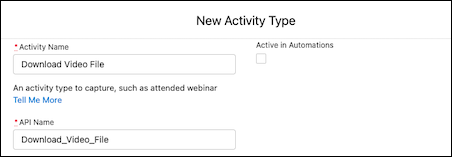
4. Enter an API name for your activity, or you can use the name that’s generated when you enter the name of your activity type.
5. If needed, enter a description for internal use.
6. Leave Active in Automations deselected for now.
After you complete the integration, return to this step to activate your activity.
7. Save your work.
Next, contact your developer to complete your integration.
#### See Also
- [External Activities: Next Steps](https://help.salesforce.com/s/articleView?id=mktg.pardot_external_activity_next_steps.htm&release=264.0.0&type=5 "After you set up a marketing app extension, assign it to a business unit, and add an activity type, it’s time to complete the integration. We recommend working with your developer to connect the activity types that you created to your third-party app or integration service.")
# Add an Asset
Upload an asset catalog file or use the Einstein Content Selection API to quickly add multiple assets at once. You can also add a single asset. For improved reliability, image size is limited to 2 MB when using the CSV catalog import option or the API. Images added through in the application are still limited to 1 MB.
1. Click **New Asset**.
2. Complete the standard fields and availability settings.

Note AMPscript isn’t accepted in an asset’s destination URL, but you can add personalized parameters using [Parameter Manager](https://help.salesforce.com/s/articleView?id=mktg.mc_overview_parameter_management.htm&language=en_US). The parameters set up in Parameter Manager are appended to your destination URL. If you can’t use Parameter Manager, see [Salesforce Stack Exchange](https://salesforce.stackexchange.com/questions/347478/how-can-you-add-ampscript-to-an-asset-url-in-einstein-content-selection) for options.
3. Complete the additional fields.
The additional fields that appear when you create a single asset are the same additional fields included in the initial asset file.
4. If your org uses Einstein Content Tagging, deselect the automatically generated tags that you don’t want to apply.
5. Save the asset.
# Add an Asset Attribute
Help Einstein make the best, most context-rich selections by adding attributes to your assets. An attribute is metadata about an asset that helps Einstein categorize it, making selections smarter when paired with subscriber profile information.
1. In Einstein Content Selection Settings, in the Configure Asset Attributes section, click **Edit**.
2. Click **New Attribute**.
3. Name the attribute, and provide attribute values.
When you select **Allow multiple values from a specified list**, you can supply the values in the text field that appears.
4. If you’re using the weather feature, click **Weather Attribute** and choose an attribute type.
If you don’t see the weather attributes, make sure that the weather feature is activated in Setup and that weather attributes are enabled in the asset class.
- **Temperature**—Name the value, such as Hot or Chilly, and define its temperature range.
- **Precipitation**—Choose the precipitation type, such as Rain or Snow, and define the probability of occurrence.
- **Indices**—Choose an index, and define the value of the index. For example, the UV Index is High, or the Air Quality is Good.
- **Alarms**—Allows you to select an alarm type for each weather asset. For example, Rain or Snow.
Weather forecasts use the AccuWeather API. For index and alarm threshold information, see the AccuWeather [Daily Index Categories and Level Values](https://developer.accuweather.com/documentation/index-categories) and the [Weather Alarm Thresholds](https://developer.accuweather.com/documentation/weather-alarm-thresholds).
5. Save your work.

Tip If you expect to add images daily or weekly, reduce manual work by using the [Einstein Content Selection API](https://developer.salesforce.com/docs/marketing/marketing-cloud-einstein/guide/mc-intro-einstein-content-selection-api.html). Also consider integrating with your website. Then when you add images to your website, they’re also added to the asset pool.
# Add an Attribute to Einstein Recommendations
An attribute describes a product or content characteristic, such as color, dimension, brand name, subject, or author.
1. At the end of the column heading, enter the attribute name. Don’t include spaces in the attribute name.
2. Specify the attribute value at the end of the attribute value list.
If an attribute has multiple values, separate them with a tilde (~). Each value can have up to 1,024 single-byte characters or 512 double-byte characters.
## Product Record

Example
`SkuID|ProductCode|ProductName|ProductType|ProductLink|ImageLink|RegularPrice| SalePrice|OnlineAvailability|ProductCost|ProductFamilyID|ProductDescription| BrandName|Manufacturer|Color|Material|Rating|NumReviews|ReleaseDate| Keywords 12345|XCode12345|Brand X Product Whiz 9000|Electronics| http://www.companyx.com/product|http://www.companyx.com/product/image.jpg| 99.99||Y|59.99|YCode12345|An amazing product.|Brand X|Company X|Blue~Red| Metal|4|25|2012-08-27|Technology~Music`
To delete a product, change its Online Availability attribute in the Catalog before uploading. For instance, in this example, change the Y in the field that precedes 59.99 to N. After you upload the catalog file, the N value prevents the product from showing up in product recommendations.
## Content Record

Example
`ContentID|Title|Link|ImageLink|Author|Category|PublicationDate|Keywords|Availability 12345|Crock Pot Lasagna Soup|http://www.companyx.com/lasagna_soup| http://www.companyx.com/soup/image.jpg||Recipes|2014-01-01| Italian~Soup~Slow Cooker|Y`
## Banner Record

Example
`BannerID|GroupID|Name|BannerType|Link|ImageLink|LocationSize|Category|PPC| StartDate|EndDate|Keywords|Availability 12345|GRPABC|Free Shipping on 3+ Cookbooks|Shipping| http://www.companyx.com/offer|http://www.companyx.com/offer/image.jpg|600x400| Cookbooks~Slow Cooker|0.0025|2014-01-01|2014-03-31||Y`
# Add an Email Address to the Export Email Allowlist
When you trust an email address to receive exported Marketing Cloud Engagement data, add it to the Export Email allowlist.
1. From Setup, in the Quick Find box, enter allowlist, and then select **Export Email Allowlist**.
2. Click **Create**.
3. Enter the first part of the email address as the username. For example, if the email address is jsmith@example.com, enter jsmith.
4. Enter the domain in the Domain field. For example, if the email address is jsmith@example.com, enter example.com.
5. Save your changes.
# Add an Email From Address
To add an email address to your account, you must use a previously Verified Domain.
1. In the app switcher, hover over your name and click **Setup**.
2. Search for From Address Management.
3. Click **Add Email Address**.
4. Enter a complete email address.
5. Click **Save**.

Note If you add a From Address that does not use one of your account's established Verified Domains, the address will not save, and an error message will display.
# Add an Event to a Widget in Marketing Cloud Intelligence
After you create an event in your workspace, you can add it to a widget so you can visualize the data.
REQUIRED USER ROLE
To add an event to a widget
Admin and Power User
The following widgets have date ranges and are therefore suitable for events:
- Bar graph
- Line chart
- Time comparison bar graph
- Calendar
1. On the **Visualize** tab, click a page and click the pencil icon to enter edit mode.
2. On the **Design** tab, click **Interactions**.
3. Select **Calendar Events**.
4. Select the event you want to add.
A bookmark icon for the event appears in the widget.
# Add an Event to the Calendar
Create events on your calendar to mark milestones and other important dates. You can create single-day and multi-day events.
1. On the Marketing Cloud Engagement dashboard, click **Calendar**.
2. Hover over the day on which you want to create an event, and then click **Add Event**.
3. On the Add Event window, enter the details of the event.
4. Save the event.
# Add an Event to the Marketing Calendar
Track important events by adding them to your calendar. You can also associate these events with campaigns.
1. Click any day on which you want to create an event, and then click **Add Event**.
2. On the **Add Event** window, enter the event details.
3. To link the event to a campaign, click the dropdown icon in the **Related To** field and then select **Campaigns**.
4. Enter the name of the campaign to which you want to link this event.
5. Save the event.
# Add an Exchange Rate at the Account Level in Marketing Cloud Intelligence
You can select an exchange rate at both the account and workspace levels. You can set your workspace to inherit the exchange rate set at the account level.
REQUIRED USER ROLE
To edit account settings
Admin
1. To the right of the navigation bar, click the dropdown arrow and select **Account Settings** gear icon.
2. In the account menu, select **Exchange Rates**.
3. To add a new exchange rate, click the plus (**+**) icon.
# Add an Exchange Rate at the Account Level in MDP
You can select an exchange rate at both the account and workspace levels. You can set your workspace to inherit the exchange rate set at the account level.
1. To the right of the navigation bar, click the dropdown arrow and select **Account Settings** gear icon.
2. In the account menu, select **Exchange Rates**.
3. To add a new exchange rate, click the plus (**+**) icon.
# Add an Exchange Rate at the Workspace Level
If you are setting an exchange rate at the workspace level, then you have the option to inherit the account level exchange rates by checking the Inherit account rates checkbox. If the inherit account rates checkbox is checked you can’t add new currency exchange rates on the workspace level.
REQUIRED USER ROLE
To edit account settings
Admin
To create a new exchange rate at the workspace level complete these steps:
1. To the left of the navigation bar click your workspace name and then click the workspace setting gear icon.
2. In the workspace, menu select **Exchange Rates**.
3. Make sure that **Inherit account rates** isn’t selected. If this option is selected, you can’t add a currency exchange rate at the workspace level because it uses the exchange rate set at the account level.
4. To add an exchange rate, click the plus (**+**) icon and enter this information:
1. Select the date range to use. The date range is the timespan specifying the currency conversion.
2. Enter the value of the currency rate in relation to U.S. dollars.
3. Select the currency from the dropdown.
4. Click **Create**. The currency rate is added to your currency table.

Note For the data to reflect the changes you are applying, rerun the relevant data streams.
# Add an Exchange Rate at the Workspace Level
If you are setting an exchange rate at the workspace level, then you have the option to inherit the account level exchange rates by checking the Inherit account rates checkbox. If the inherit account rates checkbox is checked you can’t add new currency exchange rates on the workspace level.
To create a new exchange rate at the workspace level complete these steps:
1. To the left of the navigation bar click your workspace name and then click the workspace setting gear icon.
2. In the workspace, menu select **Exchange Rates**.
3. Make sure that **Inherit account rates** isn’t selected. If this option is selected, you can’t add a currency exchange rate at the workspace level because it uses the exchange rate set at the account level.
4. To add an exchange rate, click the plus (**+**) icon and enter this information:
1. Select the date range to use. The date range is the timespan specifying the currency conversion.
2. Enter the value of the currency rate in relation to U.S. dollars.
3. Select the currency from the dropdown.
4. Click **Create**. The currency rate is added to your currency table.

Note For the data to reflect the changes you are applying, rerun the relevant data streams.
# Add an External Action to a Marketing App Extension
To execute a task externally, add an action type and an invocable action to your marketing app extension. Standard invocable actions are available in Marketing Setup. You can also install an action from AppExchange or work with your developer to create one.
### Required Editions
Available in: Account Engagement Plus, Advanced, and Premium Editions
User Permissions Needed
To access Marketing Setup in Salesforce:
Customize Application
1. Open a marketing app extension record, and click **Related**.
2. Next to Action Types, click **New**.
3. Enter a name for the action.
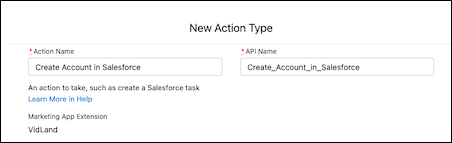
4. Enter an API name for your action, or you can use the name that’s generated when you enter the name of your action type.
5. Verify that the marketing app extension is correct.
6. Use the search bar to select a standard or custom invocable action.
After you select the invocable action, Salesforce generates the schema and parameters for you.
7. Leave Active in Automations deselected for now, and save your work.
After you save the action type record, review the next steps and make a plan for your external action. Contact your developer to customize the action schema to fit your needs.
#### See Also
- [External Actions: Next Steps](https://help.salesforce.com/s/articleView?id=mktg.pardot_external_actions_next_steps.htm&release=264.0.0&type=5 "After you have a marketing app extension, a business unit assignment, and an action type, work with a developer to customize the action for Engagement Studio. Control which inputs are required when the action is added as a step in an Engagement Studio program. You can also use HML merge fields to automatically populate certain fields when the action executes.")
# Add an Image Carousel Block
Use Content Builder to add an image carousel block to your content.
The Image Carousel block allows you to add blocks of up to ten rotating images. You can set these images to auto-rotate every 7.5 seconds. Navigation arrows and radio indicators allow the recipient to manually rotate through the images.
1. Drag the Image Carousel block to a content area.
2. Click the block to edit.
3. Add an image by clicking **Browse** or inserting a URL.
4. Add alt text that describes the appearance and function of the image for recipients who use assistive technology to view the email.
5. If necessary, add a link, then complete Image Settings.
6. To add more images, click **Add Image**
7. If needed, complete options on the Block Settings tab.
8. Click **Done Editing** or **Save**.
Interactive Image Carousel Block Email Client Support
- Apple mail iOS
- Apple mail Mac
- Outlook Mac
- Outlook webmail\*
- Outlook iOS app\*
- Outlook Android app\*
- Outlook progressive web app\*
- Yahoo\*
- AOL\*
- Samsung\*
- Thunderbird\*
- Freenet webmail\*
- Freenet on iOS
- Fastmail webmail\*
- Fastmail Android\*
- Fastmail iOS\*
- GMX iOS app
- [web.de](http://web.de) iOS app
- [mail.com](http://mail.com) iOS app
- Edison iOS
- Edison Android
- QQ mail Android

Note Some email clients don’t support the auto-rotate animation.

Important Outlook Windows app and Gmail aren’t supported. Consult [this third-party, open-source resource](https://www.caniemail.com/features/css-pseudo-class-checked/) for more information. Email clients that don’t support the carousel show the first image, including the same alt text and link, if added.
The carousel is fully usable with a keyboard input. Users can tab to the carousel, then move left and right with the left and right arrow keys. Focus indicators show which slide is selected. The carousel also works with a screen reader. Users can focus on the carousel and move left and right to select a slide. However, this behavior is described as radio buttons along with the associated alt text of the image, rather than as slides on the carousel. If a user has set their system preferences to say that they prefer reduced motion on the screen, the animation of looping through all images in the carousel doesn’t play.
# Add an ML-Based Recommender to a Marketing Email
Instead of writing rules to decide which content each contact sees, let a recommender choose the best content for each contact at send time. The recommender is powered by Salesforce Personalization and improves over time as it learns from engagement.
[View supported editions](https://help.salesforce.com/s/articleView?id=mktg.mktg_editions.htm&release=264.0.0&type=5 "Marketing Cloud Next is available in Growth and Advanced editions, and requires Salesforce Enterprise or Unlimited editions. Some features are limited by edition or purchased add-on. All functionality is available in Lightning Experience only.").
Before adding recommender fields, make sure your ML-based recommender is connected and your data graph is configured. The data graph determines which recommender attributes are available as merge fields.
## Add Recommender Fields to an Content Block
1. Navigate to the data sources panel and add your ML-based recommender as a data source.
2. In the email you're building, select the image content block where you want to apply recommender fields.
3. In the block settings, select **Merge Field** as image source.
4. Under source, select **Personalization Recommendation Data Provider**.
5. Select **Recommended Items**, then choose the specific fields or attributes you want to display, and configure the merge field details. Optionally, configure additional attributes such as caption or URL.
6. Save the configuration. The recommender attributes are visible when you preview the email.
## Preview Recommender Content
The recommender chooses content per contact so the design canvas shows a placeholder rather than a single fixed result.
1. Open Preview.
2. Enter parameters such as a segment to simulate a contact context.
3. Review the content the recommender returns for that context.
# Add an Organization-Wide Email Address
Promotion launch emails are sent to the promotion’s eligible audience from an organization-wide email address. The admin works with the marketing manager to decide the name and address of the email that’s used to send the emails. Then, the admin has to add the email as an organization-wide email address.
### Required Editions
Available in: Lightning Experience
Available in: Enterprise, Unlimited, and Developer Editions with Real-Time Offer Management
User Permissions Needed
To create an organization-wide address
Modify All Data
1. From Setup, in the Quick Find box, enter Organization-Wide Addresses, and then select **Organization-Wide Addresses**.
2. Click **New**.
3. Enter the display name and email address of the organization-wide email address.
4. Select the purpose of the organization-wide email address.
5. Save your changes

Example
You can set the display name and email address as per the name of the promotion.
#### See Also
- [_Salesforce Help_: Organization-Wide Email Addresses](https://help.salesforce.com/s/articleView?id=sales.orgwide_email.htm&type=5&language=en_US)
# Add and Manage Contacts
Use the Contacts feature in GroupConnect to view and interact with GroupConnect-related contact information for a contact. Use the contact information made available by Contacts to GroupConnect to better segment and target the correct audience for your messaging.
Contact Builder, an app external to GroupConnect, gives you greater control over the contact information available to GroupConnect. Use Contact Builder to determine which information GroupConnect can access and to manage the data relationships among your attribute groups and data extensions.
The Contacts feature uses system tables to store this information: the GroupConnect LINE Demographics table and the GroupConnect LINE Subscriptions table. The system tables also contain an automatically incremented identity column used for the primary key. Add more attributes for your contacts to include custom information for sending messages. The information in the system tables cannot be queried or exported.
# Add and Verify a Domain for Email Sending
To send emails in Account Engagement, you must add at least one verified sending domain. A domain is verified by a validation key that you add to your DNS records.
### Required Editions
Available in: All Account Engagement Editions
User Permissions Needed
To manage sending domains:
Account Engagement Administrator role

Note Looking for a quick overview? Check out this demo video: [Configure Email Sending Domain Authorization](https://salesforce.vidyard.com/watch/kwQ2UjbXxB9j9NQrHXhvCJ)
1. Open the Domain Management page.
- In Account Engagement, select **Admin** and then select **Domain Management**.
- In the Lightning app, select **Account Engagement Settings** and then **Domain Management**.
2. Click **Add New Domain**.
3. Enter the domain that you want to send emails from, and click **Create domain**.
4. In the Actions column, click **Expected DNS Entries** and copy the validation key.
5. Work with your IT team to add the validation key to your DNS configuration as a TXT record for the specific domain or subdomain that you want to verify.
6. After you update your DNS configuration, return to the Domain Management page in Account Engagement.
7. In the Actions column, click **Check DNS Entries** to verify your domain.
Repeat these steps for each domain that you want to send from in Account Engagement.
# Add App Pages to Collections
An app page displays a view of an app instance without overriding the app instance’s settings. The name of the app appears as the app’s instance name and can’t be modified. If you want to change the name, go to the app page in the collection. If you must add another app page based on the same instance to the same collection, this can be done in the collection as well.
### Required Editions
User Permissions Needed
To add an app page to a collection:
Admin and Power User

Note Admins can add all apps that are in their account to collections. Power users can add any apps that were shared with them, while viewers can’t see this option at all.
1. Access the Marketplace main page from the **Marketplace** tab in Marketing Cloud Intelligence.
2. Click **Go to Installed Solutions**.
3. On the tile of the app you want to add to a collection, click **Settings**, and then select **Manage App in Collections**.
4. To add the app to a collection, click **Add to collection**.
5. To select the collection, click the blue plus sign.
6. The app page can be added to more than one collection.
7. Save your work.
# Add Assets to a Promotion
For a promotion to appear in a campaign, it must have an associated asset, such as an uploaded image or a URL that points to an external image.
### Required Editions
Permissions Needed
To add assets:
A role with Catalog Create/Edit permissions
1. In the Catalog section of the main navigation, click **Promotions**.
2. Select a promotion, and click **Edit**.
3. On the Assets tab, click **Add Asset**.
4. To upload an image, in the Manage Asset window, click **Image Upload**, and select a file or drag the image within the dotted lines of the Edit Media area.

Note The image must be in .png, .jpg, .jpeg, or .gif format.
5. To reference an external image, click **External Image**. Then, in the **Edit Image URL** field, enter the URL.
6. Assign a content zone or tag to the asset.

Note Content zones and tags determine which promotions are eligible to be displayed in a campaign. A promotion can have multiple assets, but you can assign an individual content zone or tag to only one asset. For example, you can assign the promotion’s Homepage|Hero content zone to Asset A or to Asset B, but you can’t assign it to both assets.
7. Save your changes.
#### See Also
- [Create a Promotion](https://help.salesforce.com/s/articleView?id=mktg.mc_pers_promotion_create.htm&release=264.0.0&type=5 "Create a campaign promotion to offer special deals and promote specific products. When creating a promotion, the only required information is the name and the URL of the landing page. For a promotion to return in a campaign, you must have an asset associated with the promotion. Adding eligibility criteria, promotion attributes, and related catalog objects is recommended. A promotion attribute determines which promotions appear in a campaign. Personalization uses related catalog objects to track and measure customer affinities across item types in your catalog.")
# Add Audience Activity to Journeys
Add Audience Activity to Journey Builder journeys.
Create an audience to integrate activities into customer journeys. To add an Advertising Audience Activity to Journey Builder Interactions, configure the target ad network for this activity in [Advertising Audiences Administration.](https://help.salesforce.com/s/articleView?id=mktg.mc_ads_advertising_audiences_administration_tab.htm&release=264.0.0&type=5 "A Marketing Cloud Engagement admin can add and authenticate ad networks for access to topic profiles. The associated ad accounts are used for creating and activating audiences. To remove existing social accounts and Social Studio accounts, open the Ad Accounts section.")
#### See Also
- [Journeys and Messages](https://help.salesforce.com/s/articleView?id=mktg.mc_jb_journey_builder.htm&language=en_US)
# Add Business Units to Your Org
After installing the Distributed Marketing managed package, you can add up to 200 business units to your account. You can choose which users to share the business units with to control access to content. Distributed Marketing uses named principal authentication with the OAuth 2.0 protocol.
### Required Editions
User Permissions Needed
To configure account authentication:
DMAdministrator License permission set, Administrator permission (mcdm_15 namespace),
Manage Auth Providers, Modify All Data, and Customize Application
To maintain an active integration:
Custom Application

Important Authenticated calls execute in the context of the user who adds a business unit to Distributed Marketing. So any requests for new authenticated tokens run in the context of this user on behalf of all Distributed Marketing users. The authenticating user for each business unit is logged in the Execute As field on the named credential’s associated Auth. Provider. This user must have the permissions outlined to maintain an active integration and must be an active user for the duration of Distributed Marketing being used. You can change this user for a specific business unit by editing the business unit’s associated Auth. Provider.
A dedicated Marketing Cloud Engagement user is recommended for system authentication, is required per authenticated business unit, and needs these Marketing Cloud Engagement permissions:
Content Builder: Assets
View, Subscriber Preview
Content Builder: Folders
View
Email: Subscribers: Subscriber
Create, View, Update
Email: Subscribers: Data Extension
Create, View, Update, Delete, Manage Data
Email: Content: Email
Preview, View
Interaction Studio
Access
Journey Builder
Access, View

Note
- Distributed Marketing uses custom components.
- If you’re using Financial Services Cloud, access the Distributed Marketing Business Unit Setup page directly. Navigate to Visualforce Pages in Setup, select **PostInstallPage**, and click **Preview**. Then continue with step 5.
- Deselect **Enforce login IP Ranges on every request** for Session Settings. You can enable it again after account authentication.
- Content Builder: Assets > Subscriber Preview is only needed for customers using SMS.
1. Log out of all Marketing Cloud Engagement sessions.

Important Salesforce automatically authenticates against logged-in Marketing Cloud Engagement sessions. If you don’t log out of active sessions, Salesforce can connect to the incorrect Marketing Cloud Engagement account.
2. In Salesforce, from the App Launcher, find, and open **Distributed Marketing Administration**.
3. In Business Units, select **Add Business Unit**.

Note The system redirects you from Distributed Marketing Administration to the Distributed Marketing Business Unit Setup page.
4. Follow the prompts on the Distributed Marketing Business Unit Setup page to configure your account.
5. To get the latest authentication status for connected business units, navigate to Distributed Marketing Administration, and click the **Update Connection Information** button.

Tip To change the display name for the business unit, hover over the display name, and select the pencil.

Note Don’t forget to re-enable **Enforce Login IP Ranges on every request**.
- **[Upgrade to Tenant-Specific Endpoints Authentication](https://help.salesforce.com/s/articleView?id=mktg.mc_dm_add_tse_bu_flow.htm&release=264.0.0&type=5)**
To enhance the performance of the Marketing Cloud Engagement platform, tenant-specific subdomains are assigned automatically to all customers. This automatic assignment improves API performance, creates a faster experience, and is required for some Marketing Cloud Engagement data centers. You can self-update any connected business units not already using Tenant-Specific Endpoints (TSE) authentication without disrupting any existing connections. All new connections automatically use TSE authentication.
# Add Campaign Messages Component
Customize your Campaigns page layout for Distributed Marketing to include this custom Campaign Messages component. This component provides access to review Marketing Cloud Engagement messages within the connected journey, preview content, review pending campaign members for approval, and more. Think of the Campaign Messages component as a Distributed Marketing campaign’s “home base.”
### Required Editions
User Permissions Needed
To create, customize, or publish an experience:
Create and Set Up Experiences AND View Setup and Configuration
1. Access the Experience Builder. In Sales or Service Cloud, navigate to **Setup**. Use Quick Find to navigate to **All Experiences**. Click **Builder** for the Experience that you’re editing.
2. Click **Home**.
3. Click **\+ New Page**.
4. Click **Object Pages**.
5. Click **Campaign** for the object.
6. Click **Create**.
7. To customize components, click ****.
8. To add the Distributed Marketing component to the Campaign page, drag the custom component **MCDM Campaign Messages** onto the page.
# Add Commerce Fields to Google Analytics Connector in Marketing Cloud Intelligence
Add commerce fields to your Google Analytics connector to view Product and Order level data—displaying engagement and performance data alongside analytics data. With this view you can learn more about your commerce marketing spend and generated revenue.
The [ecommerce fields](https://help.salesforce.com/s/articleView?id=mktg.dato_data_stream_types_ecomm_entities.htm&language=en_US) are added to your Google Analytics mapping. The campaign and order ID are connected in Google Analytics, allowing you to view a direct correlation of marketing spend to revenue generated.
To retrieve ecommerce product and order level data, select **Get Product Level Data** in the **Extended Properties** section of the Google Analytics connector.
# Add Commerce Fields to Google Analytics Connector in Marketing Cloud Intelligence Data Pipelines
Add commerce fields to your Google Analytics connector to view Product and Order level data—displaying engagement and performance data alongside analytics data. With this view you can learn more about your commerce marketing spend and generated revenue.
The [ecommerce fields](https://help.salesforce.com/s/articleView?id=mktg.dato_data_stream_types_ecomm_entities.htm&type=5&language=en_US) are added to your Google Analytics mapping. The campaign and order ID are connected in Google Analytics, allowing you to view a direct correlation of marketing spend to revenue generated.
To retrieve ecommerce product and order level data, select **Get Product Level Data** in the **Extended Properties** section of the Google Analytics connector.
# Add Competitors to Track
Track how well your site stacks up against your competitors in general SEO terms. View competitor data, like the number of inbound links, page and domain authority, links to the root domain, root domain external links, and Alexa Rating.
### Required Editions
User Permissions Needed
To add competitors:
Account Engagement Administrator or Marketing
role

Note If you don’t add competitors, Account Engagement creates your company as a competitor the first time a user visits the Search Marketing screen.
1. Open the Competitors page.
- In Account Engagement, select **Marketing** | **Search Marketing** | **Competitors**.
- In the Lightning app, select **Content** and then **Search** | **Competitors**.
2. Click **\+ Create New Competitor**.
3. Enter the competitor name and URL.
4. Click **Create Competitor**.
It can take up to an hour for the initial lookup. After the initial lookup, the data is refreshed weekly.
# Add Completion Actions to Assets
Add completion actions to your Account Engagement assets to take action when prospects interact with them. You can combine standard and conditional actions on a single asset. Completion actions are available on forms, form handlers, files, custom redirects, emails, and page actions. Conditional completion actions aren’t available for classic emails.
### Required Editions
Available in: All Account Engagement Editions
User Permissions Needed
To add completion actions:
Account Engagement Administrator or Marketing
role
When adding completion actions to assets, keep these limits in mind.
- You can have up to 15 total completion actions on an asset.
- You can have up to 6 conditional groups.
- Each conditional group can have only 1 prospect condition.
1. Navigate to completion actions for the asset you’re working with.
1. For forms, edit the asset and select the **Completion Actions** step in the setup flow.
2. For classic emails, click **Edit Completion Actions** on the record home. Conditional actions aren’t available for classic emails.
3. For enhanced emails, click **Send** on the record home to edit the send settings and add completion actions.
4. For form handlers, custom redirects, files, and page actions, edit the asset and scroll to the Completion Actions section.
2. If you’re adding actions to an email, choose at least one trigger. You can trigger actions based on when prospects open the email, click a link in the email, or unsubscribe via the email.
3. Use the dropdown menus to select actions and add required details. To add standard actions, click **+Add Action**.
4. To add a conditional action, click **+Add Conditional Group**. Then, use the dropdowns to specify prospect criteria, select actions, and add required details.
5. To add another action in the same conditional group, click **+Add Action to Group**.
6. Save your work.
# Add Compliance Controls for Governance in Marketing Planning and Operations
Marketing Planning and Operations supports only manual compliance controls, not automated validations. After you create a control and activate a version of it, the marketing team can add it as a review on their marketing work.
### Required Editions
Marketing Planning and Operations Compliance Admin permission set group

Tip Create and activate your compliance controls from the Compliance Controls list view, accessible on the App Launcher.
1. Create a manual compliance control.
See [Create a Non-Validation Compliance Control](https://help.salesforce.com/s/articleView?id=ind.business_compliance_suite_nonvalidation_controls_setup.htm&language=en_US).
2. Add a version to the control, and then set the version to active.
A control is available to the marketing team only after it has an active version. See [Activate a Compliance Control](https://help.salesforce.com/s/articleView?id=ind.business_compliance_suite_validation_control_activate.htm&language=en_US).
After you activate a control, the marketing team can add it as a review on a campaign, marketing program, or marketing tactic.
#### See Also
- [_Salesforce Help:_ How Compliance Reviews Work](https://help.salesforce.com/s/articleView?id=mktg.mktg_pln_oper_components_governance_mandatory_rules.htm&release=264.0.0&type=5 "A compliance review applies to marketing work in one of two ways. Someone requests a review for a specific piece of work, or a company requires a control across a whole category of work. Either way, the owner sends the review requests, and each review goes to a reviewer, who checks the work and notes whether it passes. Each record then rolls up its reviews into one overall compliance status.")
- [_Salesforce Help:_ Create Rules for Mandatory Controls](https://help.salesforce.com/s/articleView?id=mktg.mktg_pln_oper_components_governance_mandatory_controls_rules.htm&release=264.0.0&type=5 "A company can require compliance controls across a whole category of marketing work. A mandatory compliance rule captures that requirement and applies controls to a type of work. When someone creates work that matches an active rule, that work gets its required reviews automatically.")
# Add Contacts
Under Manage, you can add contacts to a standard list in MobileConnect.
1. Navigate to Contacts in MobileConnect and select the list to manage.
2. Click **Add Contacts**.
3. Repeat the process to import contacts to a standard list.
# Add Contacts and Capture Their Information
Store contact information using the MobileConnect mobile opt-in and info capture templates in Marketing Cloud Engagement.
For example, Northern Trail Outfitters (NTO) wants to add new contacts and tailor marketing campaigns to these contacts’ ZIP codes. They create a mobile opt-in message with the keyword SIGNUP. When customers respond, Northern Trail Outfitters prompts them to text in their ZIP code. NTO then stores this information in a contact record. NTO also sends a confirmation message that includes a coupon code for 10 percent off the next in-store purchase when the customers show the coupon on their phone.

Note You can capture multiple attributes in a single Info Capture message, but each attribute results in a separate SMS message. More messages can cost more for subscribers who have limited text and data plans.
1. Create a mobile opt-in message.
1. In the confirmation message, include the keyword in the info capture template. For example: Thanks for subscribing! You will receive approx. 4 messages per month. Text ZIPCODE to find deals in your area!
2. Create an info-capture message.
1. Include the attribute you want to capture. For example: ZipCode
2. To prompt the subscriber to send in information, include an outbound response message. For example: Text in your ZIP code to find deals in your area!
3. To confirm receipt of the information, include a confirmation message. For example: Thanks for the information. Talk to you soon!
You can also include a coupon code in your confirmation message.
3. Schedule or send the mobile message.
4. Schedule or send the info capture opt-in message.
5. Distribute the call to action.
# Add Contacts to a Campaign
Use the Add to Campaign activity to add Marketing Cloud Engagement contacts to a Sales and Service Cloud campaign.
Add to a Campaign is a legacy activity included in some old journeys but is no longer available as an option for new journey activities. Use the Object activity, Campaign activity, or Convert Lead activity when creating journeys.
1. Drag the Add to Campaign activity onto the canvas.
2. Hover over the Add to Campaign activity icon on the canvas.
3. To rename the activity, click **Add to Campaign**.
4. Click **Configure**.
5. Select a campaign.
1. If the campaign isn’t shown, leave the campaign field blank and identify it using Campaign ID on Step 2.
6. To determine each new member's status, choose a value from the Campaign Member Status dropdown menu.
7. If Journey Builder can't match a contact entering the journey to a Salesforce contact, identify where a lead or contact ID is stored.
Use the first option to search within Marketing Cloud Engagement with an ID value you already know. Enter this value in the search field, or navigate through attribute groups.
Use the second option if you know which Marketing Cloud Engagement attribute contains a key value that matches a value in Sales Cloud. Use the key value to match the contact added to the campaign with a data record in Sales Cloud. To make this association, drag an attribute from the Marketing Cloud Engagement pane onto the Sales Cloud lookup field.
Use both options to look up an ID. Then provide an attribute field where that ID value is found when looking it up is unsuccessful.
8. Select an option under **If more than one record is found:**.
9. Click **Next**.
10. To locate a specific attribute, click an attribute group in the Marketing Cloud column.
11. To view its path, hover over the name of the data extension.
12. Drag a Marketing Cloud Engagement attribute that identifies the campaign to the corresponding Sales and Service Cloud campaign value.
13. Use **Set Fixed Values** when the same value is used to identify the campaign each time.
14. Click **Next**.
15. Click **Done**.
# Add Contacts to a MobilePush List
Add contacts to a standard list in MobilePush.
1. In Marketing Cloud Engagement, on the Mobile Studio menu, click **MobilePush**.
2. In the Contacts section, click **Add Contacts**.
3. On the Select List window, click **To an Existing Standard List**.
4. On the Select List window, select the list that you want to add contacts to.
5. Select the file to upload. Before uploading, certify whether you have opt-in permission from contacts in the file.
6. Select the application that you want to associate the contacts with.
7. Map the column headings in the file to the supported MobilePush columns. To match the columns by name, select **Map by Header Rows**. To match the columns by order in the file, select **Map by Ordinal**. To match the columns manually, select **Map Manually**.
8. Review the column mapping. Make sure that the column headings match the data in the columns.
9. Enter your email address to receive a notification when the import completes.
# Add Contacts to GroupConnect
Add GroupConnect Contacts to your LINE Address ID.
You can add GroupConnect contacts using Contact Import in Contact Builder or by using [Contacts API](https://developer.salesforce.com/docs/marketing/marketing-cloud/references/mc_rest_contacts/createContacts.html).
In Contacts Import, select the feature and use **Import to a List** to create the Import Definition. To use this definition, upload your contact file to your Marketing Cloud Engagement FTP location.
## Contact Considerations
- If an import has multiple ContactKeys for the same LINE Address ID, the system keeps one ContactKey and the remaining ContactKeys are orphaned.
- In Import Clean-up, create a DataView (MobileLineOrphanContactView) with orphaned ContactKeys. You can use Automation Studio to import these contacts into a data extension and use the data extension to trigger the contact delete process.
- When you import a new ContactKey for an existing LINE Address ID, the billable Contact count always increases. The old ContactKey remains in the system as either an orphaned contact or as a contact still associated with other channel subscriptions. To manage your billable Contact count, periodically delete orphaned contacts.
- When you change the ContactKey associated with a LINE Address ID, refresh your audiences before sending a message if the filter is using the ContactKey value. Before you send Journey Builder messages, update the journey entry data extensions to prevent a send fail.
- If a contact is included twice in an import, which ContactKey is applied isn’t guaranteed.
- Use the GroupConnect LINE Contact import feature for Update only.
#### See Also
- [Contact Builder in Marketing Cloud Engagement](https://help.salesforce.com/s/articleView?id=mktg.mc_cab_contact_builder.htm&language=en_US)
- [Prompt a Contact to Follow Your Account](https://help.salesforce.com/s/articleView?id=mktg.mc_gc_prompt_a_contact_to_follow_your_account_and_send_attribute_information.htm&release=264.0.0&type=5 "Steps to prompt a contact to follow your account and send attribute information using the Follow template in GroupConnect. You can use only one active follow message per account. To use another follow message, inactivate the current follow message. Any user who follows your account sees these messages.")
# Add Content to a Paste HTML Template
If you have HTML email content, add it to this Content Builder template.
Contact your relationship manager if you don't have this feature enabled in your account.
Use these options to add content to the email. Use the toolbar to insert system-provided options.

Note Editing a template doesn't automatically affect emails you used the template to create. Deleting a template doesn't delete emails created using that template.
1. Enter or paste your HTML into the editor.
2. To select your HTML from Content Builder or your computer, click **Browse**.
3. To add a file, drag files from your computer to the upload window.
4. Use the insert code snippet  to add system links and HTML elements.
5. Use the insert attributes controls  to add personalization.
6. Insert a content area.
1. Place your cursor in the HTML code where you want the content area to appear in the template. Insert a content box anywhere you can insert a table. If you're using HTML tables, use one content box per tag.
2. Click **Insert Code Snippet**.
3. Click **Content Area**. To size and format the content box you have created, add formatting tags. Make sure your content area name is alphanumeric and less than 17 characters and contains no spaces or uppercase characters.

Note To set the maximum number of blocks a content area accepts, update the `data-max-blocks` attribute in the HTML. In the example, the content area allows for a maximum of one block. The block must be an image, text, freeform, a/b test, or dynamic content block. The message shown inside the empty content area is “Place Hero Image Here”.
```
```
7. To track how many people open your email, select **Insert Code Snippet** and then click **Track Email Opens**. Insert the tracking pixel immediately after the opening `` tag.
8. Use **Insert Code Snippet** to add the required fields, physical mailing address, and profile center. Type the physical mailing address and profile center in the template or the email created from this template.
9. To display an account header or footer in your paste HTML template, add the tag where you want the header to display or the tag where you want the footer to display. This feature is only available for HTML paste templates.
# Add Content to a Template
Use one or more options to add content in Content Builder to display in the email.
1. Drag one or more blocks from the Blocks tab to create content in your template, and follow the instructions according to the type of block selected.
2. To select existing content to add to your template, select **Content**. You can also search to find saved content and drag the content directly from search.
3. To drag a grouping of blocks to the canvas, select **Layouts**.
4. To set or change template styles, select **Design**. You can also lock and unlock features to restrict edit access to certain style elements in your template. See [Lock a Content Area](https://help.salesforce.com/s/articleView?id=mktg.mc_ceb_lock_a_content_area.htm&release=264.0.0&type=5 "Follow these steps to lock content areas in Content Builder. This feature allows you to add content to a template and then lock the content. You cannot change that content when using that template to create an email.").
5. Duplicate, edit, nest, or delete blocks with the Tree View.
In the Tree View, you can see and edit the email structure without scrolling the preview or dragging blocks. The Tree View is optimized for screen reader and keyboard navigation.
6. To insert more content areas in your template, follow these steps:
You can place a content box anywhere a table can be placed. If you're using HTML tables, you can include one content box per tag.
1. Click **Code View**.
2. Place your cursor in the HTML code at the location where you want the content area to appear in the template.
3. Click **Insert Code Snippet**.
4. Click **Content Area**.
5. Place the content area between the open and close body tag. To size and format the content box you’ve created, add formatting tags.

Note When you edit a template, the edits don’t automatically affect emails already created from that template. Deleting a template doesn't delete the emails created from that template.
7. To view the full HTML, click **Code View**.
The full HTML of the email displays in a view-only pane on the left. A lock icon indicates that you can’t edit the HTML.

Note When editing template HTML, a new option at the bottom of the HTML editor lets you toggle to the full view of the HTML. You can’t edit HTML in this view, and block HTML is highlighted.
- **[Complete Create Template Fields](https://help.salesforce.com/s/articleView?id=mktg.mc_ceb_complete_create_template_fields.htm&release=264.0.0&type=5)**
Follow these steps to complete the field information and steps when creating a template in Content Builder.
- **[Lock a Content Area](https://help.salesforce.com/s/articleView?id=mktg.mc_ceb_lock_a_content_area.htm&release=264.0.0&type=5)**
Follow these steps to lock content areas in Content Builder. This feature allows you to add content to a template and then lock the content. You cannot change that content when using that template to create an email.
- **[Modify the Content Area Properties](https://help.salesforce.com/s/articleView?id=mktg.mc_ceb_modify_content_area_properties.htm&release=264.0.0&type=5)**
Follow these steps modify the content properties in Content Builder. Limit the number of blocks added to a content area. You can also specify the types of blocks added to a content area or change the default message displayed for a content block.
# Add CSS Classes to Fields in Forms
You can add CSS classes to individual fields. Adding a class to a field lets you target that field with CSS.
### Required Editions
Available in: All Account Engagement Editions
User Permissions Needed
To edit fields on a form:
Account Engagement Administrator or Marketing
role
1. On your form, edit the field you want to target with CSS.
2. Click the **Advanced** tab.
3. Enter the CSS classes. Separate the classes with a space.
4. Save your field.
To target the class in your CSS, include `#pardot-form` before your class.
#### See Also
- [Edit Form Fields](https://help.salesforce.com/s/articleView?id=mktg.pardot_fields_edit_fields_on_a_form.htm&release=264.0.0&type=5 "Tailor prospect fields on individual forms. For example, customize a form’s field labels for a seasonal campaign, or change the values in a dropdown for a specific use.")
# Add Custom Attributes to a Workspace in Marketing Cloud Intelligence
Add custom attributes so that you can filter workspaces.
REQUIRED USER ROLE
To add custom attributes to a workspace
Admin
1. On the left side of the navigation bar, click the workspace name.
2. Click the workspace settings gear icon.
3. In the left panel under General, scroll down to **workspace custom attributes**.
4. Type in the dimension value for the workspace and click **Save**. The new name is displayed under workspace custom attributes and applies to only that workspace.
5. To change the custom attributes for a specific workspace, on the Connect & Mix tab, select **Dimensions**.
# Add Custom Attributes to a Workspace in MDP
Add custom attributes so that you can filter workspaces.
1. On the left side of the navigation bar, click the workspace name.
2. Click the gear icon.
3. In the left panel, click **Tagging**.
4. Enter the dimension value for the workspace. The new name displays in the Tagging sub-tab and applies to only that workspace.
5. To change the custom attribute dimension's display name for a specific workspace, on the Import tab, select **Data Model** and then click **Dimension List**.
# Add Custom Buttons to Salesforce Page Layouts
You can add two custom actions to lead and contact pages: Send to Account Engagement and Send Account Engagement Email. To sync Salesforce leads or contacts with prospects in Account Engagement, use the Send to Account Engagement button. By using the Send Account Engagement Email button, Salesforce users who are assigned the Account Engagement permission set can send a tracked email from Salesforce.
### Required Editions
User Permissions
Needed
To customize page layouts:
Customize Application
To use the Send to Account Engagement button, a user must be SSO-enabled.
1. Open a lead or contact page layout for editing.
2. In the editor, find the button to add.
- In Lightning Experience, open the Mobile & Lightning Actions section.
- In Salesforce Classic, open the Buttons section.
3. Drag the **Send to Account Engagement** button and **Send Account Engagement Email** button into the corresponding section of the page.
4. Save your work.
Repeat these steps for each lead and contact page layout.
# Add Custom Fields to the Goods Product Data Model Object
If you want to use the Salesforce Personalization Maximize Revenue recommender for a retail configuration, add these fields to the Goods Product data model object.
### Required Editions
User Permissions Needed
To create or change custom fields:
Customize Application
1. In Data 360, on the Data Model Objects tab, open the Goods Product object.
2. Refer to [Create Custom Fields](https://help.salesforce.com/s/articleView?id=platform.adding_fields.htm&type=5&language=en_US), and add these fields to the Goods Product object.
| Field Label | Field API Name | Data Type | Primary Key |
| --- | --- | --- | --- |
| Unit Price | UnitPrice\_\_c | number | No |
| Image URL | ImageUrl\_\_c | text | No |
3. Save your work.
# Add Custom Personalization Interactions
The Distributed Marketing personalization flow includes these interaction tabs: Edit and Send Settings. Add one or more interaction tabs for more complex use cases, such as carbon copying or sending to alternate email addresses. To extend Distributed Marketing interactions, create a custom external integration Lightning component, register it with Distributed Marketing, and name the new tab in Distributed Marketing Administration.
### Required Editions
User Permissions Needed
To add custom personalization interactions:
DMAdministrator License permission set and Administrator permission (mcdm_15
namespace)
All Custom Personalization Interactions can add and modify the same custom data properties for each member. Two separate custom tabs can overwrite each other if you save changes using the same data properties. This can cause conflicts or, if intentional, can enable multiple tabs to work together.
1. **[Configure an External Integration Component](https://help.salesforce.com/s/articleView?id=mktg.mc_dm_configure_external_integration_component.htm&release=264.0.0&type=5)**
The first step to create an interaction in Distributed Marketing is to configure an external integration component. Your component works with Distributed Marketing as follows.
2. **[Register Component with Distributed Marketing](https://help.salesforce.com/s/articleView?id=mktg.mc_dm_register_component.htm&release=264.0.0&type=5)**
After building the external integration component for the new interaction tab, register your component with Distributed Marketing. This registration allows Distributed Marketing to render your custom interaction within the personalization modal. Insert a mcdm\_15\_\_JourneyApprovalsPlugin\_\_c record for the external integration component.
3. **[Name the Custom Tab](https://help.salesforce.com/s/articleView?id=mktg.mc_dm_name_custom_tab.htm&release=264.0.0&type=5)**
To complete the setup of your new personalization interaction in Distributed Marketing, name the custom tab for the component you created and registered. If you don’t name the tab, the tab name defaults to More.
4. **[Remove a Custom Personalization Interaction](https://help.salesforce.com/s/articleView?id=mktg.mc_dm_remove_personalization_interaction.htm&release=264.0.0&type=5)**
To remove your custom interaction from the personalization modal in Distributed Marketing, delete the registered external integration component.
5. **[Custom Personalization Interaction Examples](https://help.salesforce.com/s/articleView?id=mktg.mc_dm_cpi_examples.htm&release=264.0.0&type=5)**
Use these common use case examples to guide your custom personalization interaction setup in Marketing Cloud Engagement.
#### See Also
- [Components](https://developer.salesforce.com/docs/atlas.en-us.lightning.meta/lightning/intro_components.htm)
# Add Custom Personalization Interactions for Bulk Sends
You can make custom personalization interaction tabs available in the Bulk Send workflow, including Auto Send. To extend Distributed Marketing interactions, create an Apex class. Then register the new Apex class, a custom interaction Lightning component, with Distributed Marketing. Optionally, name the new tab in Distributed Marketing Administration. Custom personalization interactions can be approved individually or for all quick sends.
### Required Editions
User Permissions Needed
To add custom personalization interactions for Bulk Sends:
DMAdministrator License permission set and Administrator permission (mcdm_15
namespace)
The Custom Personalization Interaction for Bulk Send workflow accepts input on the front end using a customer-defined Lightning Component. This front-end input gets passed to the back end in the customer-defined Apex class. Implement the Apex class in the Distributed Marketing (mcdm\_15) BulkSendPlugin interface. After the CPI component is registered as a Bulk Send Plugin, it processes on the back end even when no input is provided on the front end. The customer’s defined class determines how to process the data. Back-end processing executes in the order that the CPI components are registered. Each successive component processing class can access the previously processed data.
- **[Create an Apex Class to Process Custom Personalization Information Input](https://help.salesforce.com/s/articleView?id=mktg.mc_dm_apex_class_to_process_cpi_input.htm&release=264.0.0&type=5)**
For every Custom Personalization Interaction component that’s registered, you must provide an Apex class, which implements the Distributed Marketing (mcdm\_15) BulkSendPlugin interface.
- **[Configure an External Integration Component for Bulk Sends](https://help.salesforce.com/s/articleView?id=mktg.mc_dm_configure_external_integration_for_bulk_sends.htm&release=264.0.0&type=5)**
To create an interaction for bulk sends in Distributed Marketing, configure an external integration component.
- **[Register Component with Distributed Marketing for Bulk Sends](https://help.salesforce.com/s/articleView?id=mktg.mc_dm_register_component_for_bulk_sends.htm&release=264.0.0&type=5)**
To see your component on the personalization window, register your Custom Integration Component with Distributed Marketing after building it.
- **[Custom Personalization Interaction Examples for Bulk Sends](https://help.salesforce.com/s/articleView?id=mktg.mc_dm_cpi_bulk_sends_examples.htm&release=264.0.0&type=5)**
Use these common use case examples to guide your custom personalization interaction setup for bulk sends.
# Add Data to Your Widget
You can add data to your widget by selecting the measurements and dimensions you want to display. This step is mandatory because you can’t save the widget without data.
REQUIRED USER ROLE
To add data to your widget
Admin and Power User
These icons help you recognize the difference between measurements and dimensions:
Measurements
Dimensions
Dates
Filtered Measurements
Calculated measurements and dimensions
1. Go to the widget you’re adding data to. Make sure that you’re in edit mode.
2. Select the **Data** tab.
3. Click the plus sign (**+** Add Field).
By default, Marketing Cloud Intelligence enables the Suggested quick filter and suggests fields based on the fields you have in other widgets on the page. You can use these suggestions or select your own measurements or dimensions.
4. Select the measurements and dimensions you want to display in your widget. Your data is added automatically to the widget, and it updates in real time.
5. To add calculated fields, including calculated dimensions, calculated measurements, and filtered measurements, click **Add Calculated Fields**.
6. After you’re done adding data, save your widget.
Now you can add filters and design your widget.
# Add Data to Your Widget
You can add data to your widget by selecting the measurements and dimensions you want to display. This step is mandatory because you can’t save the widget without data.
### Required Editions
Available in: Intelligence Reports Advanced
User Permissions Needed
To create, edit, and apply filters
Create & Edit
Intelligence Reports has icons for measurements and dimensions to help you easily recognize and select the entities you’re looking for.
Measurements
Dimensions
Dates
Filtered Measurements
Calculated measurements and dimensions
1. In edit mode, select the widget you’re adding data to.
2. Make sure that you’re in the **Data** tab.
3. If you’re adding data to a new widget, click the plus (**+**) icon and add the data.
4. If you’re adding data to an existing widget, click the plus (**+**) icon in the Fields section.

Note
- By default, Intelligence Reports enables the suggested quick filter and suggests fields based on the fields you have in other widgets on the page. You can use these suggestions or select your own measurements or dimensions. To disable the suggestions, click **Suggestion**.
- If the max number of allowed measurements or dimensions are already added to the widget, you must remove the existing entity, and only then add the new dimension or measurement.
5. Select the measurements or dimensions you want to display in your widget. Your data is added to the widget automatically, and it updates in real time.
6. To add customized dimensions and measurements, Click **Add Calculated Fields**. You can also create and manage your calculated fields in the Setup tab.
7. Save your widget.
8. Add filters and design your widget.
# Add Default Mail Merge Values to Fields
Set up a default mail merge value to appear when there’s no value available for a prospect field. For example, set the First Name field to show 'Valued Customer' if the first name is missing from a prospect record.
### Required Editions
Available in: All Account Engagement Editions
User Permissions Needed
To configure the fields:
Account Engagement Administrator role
1. In the Lightning app, go to **Account Engagement Settings** | **Configure Fields** | **Prospect Fields**.
2. Find the field that you want to work with and click **Edit**.
3. Select **Set a default mail merge value to be used when this field doesn’t have a value**.
4. Enter Default Mail Merge Value, then save the field.
# Add Domains to the Visual Editor Allowlist
You can use the Visual Editor only with website domains that you include on the Allowed Domains list. If you don’t list your domains on the allowlist, you can’t log in to the Visual Editor.
### Required Editions
Permissions Needed
To add a domain:
A role with Administrator permissions
Add domains to the Allowed Domains list for each dataset in your account.
1. Select the desired dataset from the Marketing Cloud Personalization menu bar.
2. From the **Channels & Campaigns** section of the main navigation, select **Web > Website Configuration**.
3. On the **Allowed Domains** tab, click **+New Domain**.
4. Enter the domain name of your website, such as northerntrailoutfitters.com.

Note Don’t include the HTTPS protocol, wildcards, or slashes in the name.
5. To include all subdomains on the allowlist, set **Include Subdomain** to **true**.
6. Click **Save**.
7. Repeat the process for your other datasets.
# Add Dynamic Content to Pages
You can add dynamic content to your web page or to landing pages, forms, and layout templates that you create with Account Engagement. The CSS on your web page or layout template affects the embedded content.
### Required Editions
Available in: Account Engagement Plus, Advanced, and Premium Editions.
Available for an additional cost in: Account Engagement Growth Edition
User Permissions Needed
To view the content’s embed code:
Account Engagement Administrator or Marketing
role

Note If your account uses Handlebars Merge Language (HML), insert dynamic content on landing pages and forms with the  in the asset’s editor. See [Use Dynamic Content in an Email](https://help.salesforce.com/s/articleView?id=mktg.pardot_content_dynamic_content_emails.htm&release=264.0.0&type=5 "To add variations of content for different people in a classic email, add dynamic content with merge fields.").
1. Open the dynamic content that you want to work with.
2. Click **View Embed Code**, and copy the code.
3. To place your content, paste the embed code in your page’s HTML source code.
You can also paste the embed the code in the source editor of these elements:
- Above or below form content
- Form’s thank-you content
- Landing page opening general content
- Layout template
# Add Email Signatures
Make sure that prospects have all your contact details and other relevant information in every message you send.
### Required Editions
Available in: All Account Engagement Editions
User Permissions
Needed
To create your own email signature:
Account Engagement Sales role or higher
1. Edit your user profile. Select **Admin** (or **Account Engagement Settings** in the Lightning app) | **My Profile**, then click **Edit**.
2. For HTML Email Signature, enter the content you want to include.
3. For Text Email Signature, enter the content you want to include.
4. Click **Save user**.
Admins can update these signatures for any user. Navigate to **Admin** | **User Management** | **Users**, and choose the user to edit. Change the email signature fields, and save.
# Add EMI APIs to Custom Widgets
Einstein Marketing Insights (EMI) is an insights discovery tool used to analyze a data set and uncover key highlights that affect your performance in a positive or negative manner. This tool enables you to become proactive with your marketing efforts. The EMI APIs allow you to pull your insight bots and insights into custom widgets.
REQUIRED USER ROLE
To add EMI APIs to widgets
Admin and Power User
There are three EMI APIs created for custom widgets: Get Bot Details, List Bots, and Get Bot Results.
1. In a custom widget, click the edit icon to open the **Custom Widget Editor** dialog panel.
2. In the snipped library, click **Javascript**.
3. At the bottom, click **Einstein Marketing Insights API**.
4. To add the API, click the plus **+** icon next to the API name.
- **Get Bot Details** — This API returns the bot parameters in JSON format. For example, bot name, types of analyses it runs, and its scheduling. When adding the snippet, insert the bot ID in the code so the query knows which bot information to pull. The bot ID can be found in the bot URL. Select the desired bot, then copy the ID from the URL.

- **List Bots** — This API returns a list of available bots and their general details in the current workspace in JSON format. For example, bot name, KPI, date, and the types of analyses it runs.
Here is an example of JS code you can copy and paste to utilize the List Bots API:

Note Be sure to change the bot id to the bot id you want to retrieve data for. This code snippet returns raw data. You can customize the code to create a visual display of your choice.
```
DA.api.EMI.getBotsSummary({cb: (err, data) => {
var toPrint = "";
data.bots.forEach((item, i) => {
toPrint+= JSON.stringify(data.bots[i]) + "
"
})
document.getElementById("demo").innerHTML = toPrint;
}});
```
- **Get Bot Results** — This API extracts the actual insights from a specific bot in JSON format. It includes data for each insight, such as the dimension and value of the insight, its performance, and its volume. Insert the bot ID that you want to populate. The bot ID appears in the URL.
Here is an example of JS code you can copy and paste to utilize the Get Bot Results API:

Note Be sure to change the bot id to the bot id you want to retrieve data for. This code snippet returns raw data. You can customize the code to create a visual display of your choice.
```
DA.api.EMI.getInsightsByBotId({botId: 55149, cb: (err, data) => {
var toPrint = "";
data.insights.forEach((item, i) => {
toPrint+= JSON.stringify(data.insights[i]) + "
"
})
document.getElementById("demo").innerHTML = toPrint;
}});
```
If you want to populate several bots, dedicate each API call to a single bot by inserting the desired ID into each API.
Here’s a video about custom widgets:
# Add External Content
Add external content blocks to an email in Content Builder
Before and after you build out your content, see Create Content Blocks for more details.
1. Drag the External Content block to a content area.
2. Enter the complete URL, including http://, of the external content to embed into a message.
3. Select when to retrieve the content:
- **Immediately** - immediately retrieves the URL content. Use this feature to get the content as it appears at the URL right now. If you select this option, you can’t include personalization in the URL. You can edit and preview the content in the Layout and Plain Text preview of an Email.
- **Send Time** - retrieves the URL content at the time the system processes the email for sending. Use this feature to get the latest content at the URL at the time the email is sent. If you choose this option and select a failure protocol, you can include personalization in the URL . When used in an Email, you can’t edit the content but you can preview the content for a test subscriber.
4. If you select Send Time, choose a retrieval option:
- **Email Level** - retrieves the URL external content only once, and every recipient receives the same content. Example: A newspaper sends a daily email with the latest news headlines. When the email is sent, the external content block pulls headlines from a web service the newspaper created to serve the headlines and links to full stories. Since the headlines are the same for everyone, this retrieval is only called once for the entire send.
- **Subscriber Level** - retrieves the URL external content for or each individual recipient, and each recipient receives unique content. Example: an airline newsletter contains the recipients’ award miles balance. Since each recipient's balance is different, the external content block calls a web service once for each recipient to get their miles balance.

Warning Since this retrieval can result in millions of external calls in a large send, we recommend Email Level.
# Add Fields to a LiteConnect Data Stream in Marketing Cloud Intelligence
You can add fields that don’t exist in the source data. Define the new fields by either applying code that is based on the existing columns or creating a new value.
### Required Editions
User
Permissions Needed
To add fields to a LiteConnect data stream:
Admin
1. From the **Connect & Mix** tab, select **Data Streams**, and then **Data Streams List**.
2. Select a LiteConnect data stream.
3. To add a column, click **Add Field.**
4. Select the type of field: dimension or measurement. The **Formula Editor** appears.
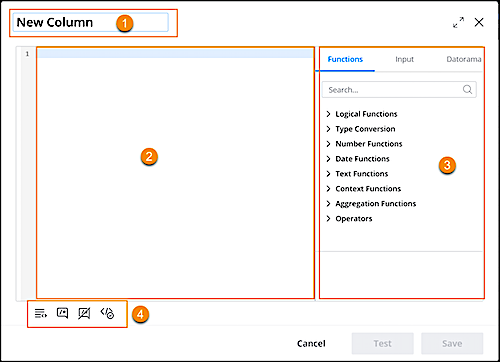
1. Enter a name. (1)
2. Enter the formula. You can type your formula manually or select one from the available functions or fields.(2)
3. Functions/Fields — Select a function or field from the list. These types are available (3).
- Functions – A list of available functions that can be implemented on dimensions, and measurements.
- Input – A list of all fields from the source file that were uploaded to the data stream.
- Datorama – (Marketing Cloud Intelligence) A list of available data fields in the "transformed" file currently being manipulated by a data stream. The values are affected by formula manipulation (like you see in the data preview).
4. Additional Options – These options are also available (4)
- **Auto Format Code** – Formats your code into the standard structure.
_Before Auto Format:_
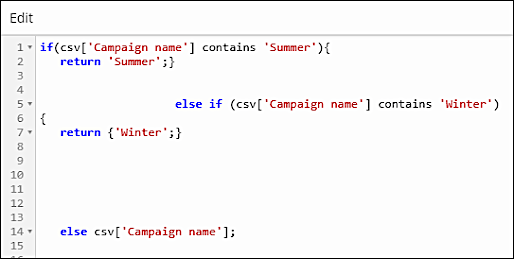
_After Auto Format_
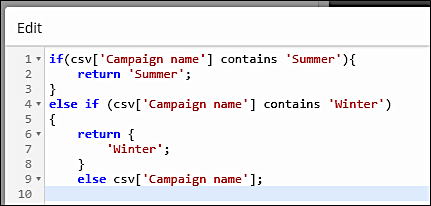
- **Comment Out** — Allows you to mark a comment in the code for the formula. This code is processed, even if it has dimensions or measurements.
- **Ucomment** — Allows you to remove the comment from the code.
- **Validate Syntax** — Ensures that your syntax is free of errors.
- **Evaluate** — Runs the code on manually entered values.
5. Save your work.
# Add Filters to Your Page
You can add filters to your page when you want to filter the page by any dimension, measurement, or date. Filters are defined in the Filters tab when in Edit Mode.
REQUIRED USER ROLE
To add filters to a page
Admin and Power User
The two types of filters are:
Page Filters
Enable you to filter the page by any dimension, measurement, or date.
Interactive FilterSet
Enables you to save different views of your dashboard page by saving the selections made to the interactive filter widgets on the page. The filtersets can then be applied as a filter option within the dashboard page.
To create a page filter.
1. In the dashboard page, click the pencil icon to enter edit mode.
2. In the Edit Page pane on the left, click **Page Filters**. Here you can see if there are any existing page filters.
3. Click **Add Filter**.
4. Select a dimension, measurement or date field. For example, select **Campaign Name**.
5. (Optional) Define a condition. For example, select **List Of** and then select the name of the campaign you are filtering by. Note that the condition options change according to the type of field you select.
6. If you add more than one filter, click **Group**. This groups the filters using an AND/Or condition and forms a single filter. Note that you can only create groups on dimension filters.
# Add Forward to a Friend to an Email
Use the Forward to a Friend feature to let subscribers share your emails, track forwards, and gain new subscribers. Follow these steps to add Forward to a Friend to an email message in Email Studio.
1. Click **Content**.
2. Select the email to add Forward to a Friend to.
3. Click the  for the email you want to add Forward to a Friend to and select **Edit**.
4. To create content, select **Content** and choose a layout that includes an image in the Select Orientation dialog box. To modify existing content, select the image in the Modify Content dialog box.
5. Drag an HTML block onto the canvas.
6. Click **Insert Code Snippet** and select **Forward to a Friend**.
7. Select a Forward to a Friend design to use in your email. All Forward to a Friend images are the same size.
8. Continue with the rest of the steps to define your content box.
9. When you're finished, select **Done Editing** and save your work.
To insert Forward to a Friend in an HTML Paste email, use the personalization string %%ftaf\_url%%.
# Add Free Form Content
To add text, links, images, and more, use the free form content block in Content Builder.

Tip
HTML code pasted from Word can cause formatting changes that affect your email preview. To prevent formatting problems, use Paste from Word to paste from Notepad or Word Document.
When using HTML in a Text block or Free Form block, use valid HTML 4.
Because the editor can modify the HTML in these blocks to standardize the editor view display, consider using the HTML block or Code Snippets if this is an issue.
1. Type content in the editor window on the left side of the screen.
2. Use the editor toolbar controls to format and style your text.
3. To display toolbar controls, click .
4. Use the insert control  to add system links and HTML elements.
5. Use the insert attributes controls  to add personalization.
6. To insert tables, anchors, and links, use a text content block.
7. To insert an image, click the image control.
# Add Goals to a Campaign in Marketing Planning and Operations
Campaign managers add goals to a campaign to set the targets it drives, such as leads, registrations, or revenue. Campaign goals can track their actuals manually. They're the only goals that also calculate them automatically from a metric.
### Required Editions
Marketing Planning and Operations Leader permission set group
OR
Marketing Planning and Operations Specialist permission set group
Keep these key aspects in mind when you add goals to a campaign.
| Area | Things to Keep in Mind |
| --- | --- |
| Goal basics and time frame | The goal's name identifies it, and its start and end dates set the time frame for measuring it. When a goal rolls up to a parent goal, its dates fall within the parent goal's dates. |
| Goal hierarchy and rollup | A campaign goal can roll up to a parent goal, so results aggregate up through the goal hierarchy. Each child goal's target can add up to the parent goal's target, without exceeding it. |
| Goal focus and indicator | A goal's type is the business pillar that it affects, such as revenue or retention. Its subtype is the specific indicator within that type, such as annual recurring revenue or churn rate. A child goal matches its parent goal's type and subtype. |
| Target value type | A goal tracks either a financial value or a number. Financial goals track monetary targets, such as revenue, bookings, or pipeline value. Number goals track counts such as leads, impressions, clicks, or customers. |
| Measurement and success rule | The measure type sets the unit that the goal tracks, such as customers or revenue. Its rule type sets how progress reads. An At Least rule succeeds when actuals meet or exceed the target, and an At Most rule succeeds when they stay at or below it. Use At Most for cost or efficiency metrics, where lower is better. |
| Actuals source | A campaign goal gets its actual values from manual entry or a semantic model metric. The goal can use a metric for its actuals only when it has no child goals. |
#### See Also
- [_Salesforce Help:_ How Marketing Goal Actuals Update and Roll Up](https://help.salesforce.com/s/articleView?id=mktg.mktg_pln_oper_components_goals_actuals_calculation.htm&release=264.0.0&type=5 "Goal actuals update from the bottom up. When a campaign goal's actual value changes, that change rolls up to its parent goals on its own, keeping the totals current.")
- [_Salesforce Help:_ Set Up Metrics for Marketing Goals](https://help.salesforce.com/s/articleView?id=mktg.mktg_pln_oper_components_goals_setup_metrics.htm&release=264.0.0&type=5 "With a semantic metric, a campaign goal calculates its actual from your Data 360 data and refreshes it daily without manual updates. Complete these tasks to make metrics available for goal owners to select for their goals.")
## Add a Goal to a Campaign
1. On a campaign, click **Add Goal** from the highlights panel.
Also add a goal from the Goals tab of the campaign's Planning & Operations area.
2. Enter the goal's details and set its current stage.
3. If the goal derives its actuals from a semantic model metric, select **Semantic Model** from the **Actual Source Type** list.
4. Save the goal.
Update the goal's actual value to track progress as the campaign runs, or have a metric update it for you.
## Set a Metric to Drive a Campaign Goal's Actuals
Link a campaign goal to a semantic model metric so it calculates its actual from your Data 360 data and refreshes daily, without manual updates.
A campaign goal can pull its actuals from a semantic model metric, so you don't enter or import results. The goal reads only the metric data that matches its own campaign and date range, then refreshes the actual early each day. This automatic calculation applies to campaign goals only, and only when the goal has no child goals. Your Salesforce admin sets up the metrics that you can select from.
1. From the Goals tab on the campaign, click the name of the goal that you want to select the semantic model metric for.
2. On the Goal Metric component, click **Configure Metric**.
3. Select the Data 360 data space that contains the semantic model with the metric.
4. Select the semantic model that contains the metric.
5. Select the metric.
Select a metric whose data resolves to the campaign. If it can't resolve to the campaign, the goal's actual returns 0.
6. If the goal doesn't have start and end dates, add the goal's time frame.
The goal uses its time frame to filter the metric's data and set the actual value for that period.
7. Preview the metric and save your changes.
The goal calculates its actual from the metric and refreshes it early each day in the org's time zone.
Besides the automated daily refresh, refresh a goal's actual value on-demand from the Goal Metric component. From there, also change the source metric or remove the metric.
# Add Goals to a Marketing Program in Marketing Planning and Operations
Marketing leaders such as CMOs, VPs, and directors add goals at higher planning levels. Marketing managers add and track goals on programs that they run.
### Required Editions
Marketing Planning and Operations Leader permission set
group
OR
Marketing Planning and Operations Specialist permission set
group
Keep these key aspects in mind when adding goals to a marketing program:
| Area | Things to Keep in Mind |
| --- | --- |
| Goal basics and time frame | The goal's name identifies it, and its start and end dates set the period that it's measured over. When a goal rolls up to a parent goal, its dates fall within the parent goal's dates. |
| Goal hierarchy and rollup | A goal can roll up to a parent goal, so results aggregate up through the goal hierarchy. Each child goal's target can add up to the parent goal's target, without exceeding it. |
| Goal focus and indicator | A goal's type is the business pillar that it affects, such as revenue or retention. Its subtype is the specific indicator within that type, such as annual recurring revenue or churn rate. A child goal matches its parent goal's type and subtype. |
| Target value type | A goal tracks either a financial value or a number. Financial goals track monetary targets, such as revenue, bookings, or pipeline value. Number goals track counts such as leads, impressions, clicks, or customers. |
| Measurement and success rule | The measure type sets the unit that the goal tracks, such as customers or revenue. The rule type sets how progress reads: an At Least rule succeeds when actuals meet or exceed the target, and an At Most rule when they stay at or below it. Use At Most for cost or efficiency metrics, where lower is better. |
1. On the Goals tab of a marketing program, click **Add Goal**.
2. Enter the details of the goal and set its current stage.
3. Save the goal.
The new goal appears on the program's Goals tab with its key details.
4. To edit a goal, click its name on the Goals tab.
After you add a goal, update its actual value to track its progress against the target. The actual value reflects the results achieved, such as leads captured or revenue earned. Update actuals manually or through an integration.
You update actual values only on a goal at the lowest level of a hierarchy. Those actuals roll up to the parent goals above it.
#### See Also
- [_Salesforce Help:_ How Marketing Goal Actuals Update and Roll Up](https://help.salesforce.com/s/articleView?id=mktg.mktg_pln_oper_components_goals_actuals_calculation.htm&release=264.0.0&type=5 "Goal actuals update from the bottom up. When a campaign goal's actual value changes, that change rolls up to its parent goals on its own, keeping the totals current.")
# Add Headers and Footers in MobileConnect
This action creates SMS headers and footers in Marketing Cloud Engagement.
1. In the app switcher, hover over your name and click **Setup**.
2. Search for MobileConnect.
3. Click **Edit** next to Headers and Footers.
4. Click **Add New**.
5. Enter the header or footer text.
6. Save your text.
# Add HTML Content
HTML Content allows you to paste in HTML or upload HTML in Content Builder.

Important
Contact your relationship manager if you do not have this feature enabled in your Marketing Cloud account.
1. Add your HTML in the editor using one of these options.
HTML Options
| Option | Steps to Follow |
| --- | --- |
| Enter or Paste HTML | Enter or paste your HTML directly into the editor window on the left side of the screen. |
| Existing HTML | To add existing HTML, click browse then select your HTML from Content Builder. |
| Drag Files | Drag files from your computer to the upload window to add one or more files. |
| Browse for Files | To upload files from your computer, manually search for files. |
2. Use insert code snippet  to add system links.
3. Use the insert attributes controls  to add personalization.

Important HTML content blocks can add extra code wrappers in your message. To preserve your code, use code snippets instead. See [Create a Code Snippet](https://help.salesforce.com/s/articleView?id=mktg.mc_ceb_create_code_snippet.htm&release=264.0.0&type=5 "Use code snippets in Marketing Cloud Engagement Content Builder to save reusable bits of HTML, AMPscript, and Guide Template Language. Insert snippets when editing HTML via the Code Snippets toolbar selector, or by typing the Customer Key value for the snippet followed by the Tab key. You can also create a code snippet content block by clicking Create > Content Blocks > Code Snippet. You can reference Code Snippets with the AMPscript ContentBlockByKey and ContentBlockByID functions.").
# Add Image Content
Add images to the Content Blocks that you create in Content Builder. Content Builder supports .jpg, .gif, .png, and .svg images.
Start by creating an image element. Then, choose a method for adding the image content.
In Content Builder, click **Create** | **Content Blocks** | **Image Blocks** or **Create** | **Content Blocks** | **Image Carousel**.
## Use an Image That’s Already Been Uploaded to Content Builder
1. Under Add an Image, click **Browse**.
2. Select the image that you want to add.
3. Click **Select**.
## Upload an Image from Your Computer
1. Under Add an Image, click **Browse**.
2. Drag a file from your computer onto the Upload or Select Existing Content window.
3. Click **Upload and Publish**.
## Upload an Image from a URL
1. Under Add an Image, enter the URL in the text field.
2. Click **Save**.
3. On the Create Image Block window, enter a name for the image.
4. Save your changes.
# Add IP Addresses to Allowlist in Marketing Cloud Connect
If you didn’t use the Marketing Cloud Connect Setup Wizard, follow these steps to manually add IP addresses to your allowlist. The allowlist identifies them as safe and grants access to trusted networks, allowing Marketing Cloud Connect for Marketing Cloud Engagement to communicate across networks.
1. In the Sales or Service Cloud Setup menu, click **Security Controls**.
2. Click **Network Access**.
3. Enter the IP address ranges [listed here](https://help.salesforce.com/s/articleView?id=mktg.mc_es_ip_addresses_for_salesforce_managed_packages.htm&language=en_US).
4. Save the allowlisted IP address ranges.
# Add IP Addresses to the Login IP Allowlist
Add IP addresses and ranges to the login IP allowlist for Marketing Cloud Engagement.
### Required Editions
Available in: All Marketing Cloud Engagement editions
User Permissions Needed
To add IP ranges to the login IP allowlist:
Marketing Cloud Administrator
1. In Marketing Cloud Engagement setup, in the Quick Find box, enter allowlist, and then select **Login IP Allowlist**.
2. Click **Create**.
3. Enter the beginning and ending IP addresses of the range that you want to add to the allowlist.
4. For **Login Source**, select a login method for the IP range. Choose from these options:
- **Any**: Users from the specified IP range can access Marketing Cloud Engagement by using the API or web interface.
- **API**: Users from the specified IP range can access the API.
- **User Interface**: Users from the specified IP range can access the web interface.
5. Save your changes.
After you add addresses to the allowlist, [configure the login IP allowlist enforcement settings](https://help.salesforce.com/s/articleView?id=mktg.mc_overview_enable_allowlisting.htm&release=264.0.0&type=5 "Configure the behavior of the login IP allowlist in your Marketing Cloud Engagement account.").
# Add Load Rules to a Data Stream
Add load rules to a data steam to filter out unwanted data.
### Required Editions
User Permissions Needed
To apply or create load rules:
Admin
1. Navigate to the **Connect & Mix** tab.
2. Expand **Data Streams**, and then expand **Data Streams List**.
3. Create a data stream or edit an existing one.
4. At the bottom of the Data Stream page, click **Advanced**.
5. Scroll to the **Load Rules** section.
6. Select a load rule from the dropdown or create one.
# Add Mobile Campaign Targeting Rules
Campaign-wide rules control the visibility of mobile campaigns based on things like segments, visit count and duration, and user actions. Set rules at the campaign level when you want to holistically control how a campaign displays.
### Required Editions
Available in: Premium Edition
Permissions
Needed
To add mobile campaign rules:
A role with Campaign Create/Edit permissions
Add the rules that support your campaign strategy. If you include multiple rules in the same campaign, to qualify for the campaign, mobile app users must satisfy all rules regardless of the order (and logic). For a list of mobile campaign rules, see [Mobile Campaign-Wide Rules](https://help.salesforce.com/s/articleView?id=mktg.mc_pers_mobile_campaign_global_rules.htm&release=264.0.0&type=5 "For all types of mobile campaigns, campaign-wide rules control visibility at the campaign level based on things such as segments, visit count, visit duration, user actions, and date and time. Set rules at the campaign level when you want to holistically control how a campaign displays for qualified mobile app users.").
1. Create or edit a Mobile In-App Message, Mobile Data, or Mobile Push campaign. For more information, see [Create a Mobile In-App Message Campaign](https://help.salesforce.com/s/articleView?id=mktg.mc_pers_mobile_campaign_in_app_message.htm&release=264.0.0&type=5 "You can use a Mobile In-App Message campaign to build and deploy messages within mobile apps. Mobile In-App Message campaigns are similar to the infobar messages you can add to your website. You build, manage, and deploy Mobile In-App Message campaigns from within Personalization so you get the same real-time data and personalization you rely on with your other campaigns. You don't need an engineer's help or App Store approval to deploy new or changed messages."), [Create a Mobile Data Campaign](https://help.salesforce.com/s/articleView?id=mktg.mc_pers_mobile_campaign_data.htm&release=264.0.0&type=5 "Create Mobile Data campaigns so your iOS and Android apps can process Personalization campaign data. Personalization triggers campaigns and delivers the data to your app."), and [Create a Mobile Push Campaign](https://help.salesforce.com/s/articleView?id=mktg.mc_pers_mobile_campaign_push.htm&release=264.0.0&type=5 "Create a Mobile Push campaign to send push notifications to your iOS and Android app users. For Android users, the campaigns support Firebase Cloud Messaging (FCM) and require an app integration with the Personalization Android SDK 1.3 and later. For iOS users, the campaigns support Apple Push Notification service (APNs) and Firebase Cloud Messaging (FCM), and require an app integration with Personalization iOS SDK 1.3 and later.").
2. Click **Setup**.
3. Select **Campaign Settings**.
4. In the **Campaign Wide Rules** section, click **+New Rule** for the desired group of rules.
5. To select a rule category, click **Select Rule Type**.
6. Complete the other options, which vary by category and rule.
7. To add additional rules for the same campaign, click **+New Rule**.
8. To save your campaign, click **Save**.
9. Next, review targeting rule options for experiences and messages against your strategy and goals for your campaign. Add any that support the success of your campaign.
# Add Mobile Experience Targeting Rules
Experience-level rules are available only for rule-based campaigns. They control qualification criteria of campaign experiences based on segments and the actions of mobile app users.
### Required Editions
Available in: Premium Edition
Permissions
Needed
To add mobile campaign rules:
A role with Campaign Create/Edit permissions
Add the rules that support your campaign strategy. If you include multiple rules in the same experience, to qualify for the experience, mobile app users must satisfy all rules regardless of the order (and logic). For a list of mobile experience rules, see [Mobile Experience-Level Rules](https://help.salesforce.com/s/articleView?id=mktg.mc_pers_mobile_campaign_experience_level_rules.htm&release=264.0.0&type=5 "For all types of mobile campaigns, if you set experience-level rules, each experience needs a qualifying rule. Mobile app users who qualify for the campaign see the first experience in the list for which they qualify. If you set a control percentage, it applies only to users who have qualified for the experience.").
1. Create or edit a Mobile In-App Message, Mobile Data, or Mobile Push campaign.
2. Click **Setup**.
3. Select **Experiences**.
4. Set the **Test Mode** to **Rule-Based**.
5. Set the **Control Mode**:
| Mode | Description |
| --- | --- |
| **Percentage** | Specify a percentage of qualified users who see the original experience. |
| **Experience** | Specify an experience as the control group. |
6. Select each experience that you want to apply rules to.
7. In the **Experience Level Rules** section, click **+New Rule** for the desired group of rules.
8. To select a rule category, click **Select Rule Type**.
9. Complete the other options, which vary by category and rule.
10. To add additional rules for the same experience, click **+New Rule**.
11. Select each additional experience and add at least one rule.
12. To save your campaign, click **Save**.
Review targeting rule options for campaigns and messages against your strategy and goals for your campaign. Add any that support the success of your campaign.
#### See Also
- [Create a Mobile Push Campaign](https://help.salesforce.com/s/articleView?id=mktg.mc_pers_mobile_campaign_push.htm&release=264.0.0&type=5 "Create a Mobile Push campaign to send push notifications to your iOS and Android app users. For Android users, the campaigns support Firebase Cloud Messaging (FCM) and require an app integration with the Personalization Android SDK 1.3 and later. For iOS users, the campaigns support Apple Push Notification service (APNs) and Firebase Cloud Messaging (FCM), and require an app integration with Personalization iOS SDK 1.3 and later.")
- [Create a Mobile In-App Message Campaign](https://help.salesforce.com/s/articleView?id=mktg.mc_pers_mobile_campaign_in_app_message.htm&release=264.0.0&type=5 "You can use a Mobile In-App Message campaign to build and deploy messages within mobile apps. Mobile In-App Message campaigns are similar to the infobar messages you can add to your website. You build, manage, and deploy Mobile In-App Message campaigns from within Personalization so you get the same real-time data and personalization you rely on with your other campaigns. You don't need an engineer's help or App Store approval to deploy new or changed messages.")
- [Create a Mobile Data Campaign](https://help.salesforce.com/s/articleView?id=mktg.mc_pers_mobile_campaign_data.htm&release=264.0.0&type=5 "Create Mobile Data campaigns so your iOS and Android apps can process Personalization campaign data. Personalization triggers campaigns and delivers the data to your app.")
# Add Mobile Message Targeting Rules
After you create a Mobile In-App Message or Mobile Data campaign, you can add message rules and promote content in **Message Rules**. Message rules control when a mobile in-app message shows for a visitor. For example, show the message when a visitor takes a specific action. Or only show the message a certain number of times per visit, during a specific time period, or all of the time. Use Promoted Content to promote a specific item or multiple items either by selecting the item or by using Einstein Recipes algorithms or Einstein Decisions AI.
### Required Editions
Available in: Premium Edition
Permissions
Needed
To create or edit mobile campaigns:
A role with Campaign Create/Edit permissions
To publish or delete mobile campaigns:
A role with Campaign Publish/Delete permissions

Note Message rules control when a mobile app user sees a message either based on frequency or after performing an action. For example, you can configure the message to appear only if the user adds an item to the shopping cart. For more information, see [Use Mobile Campaign Rules](https://help.salesforce.com/s/articleView?id=mktg.mc_pers_mobile_campaign_rules.htm&release=264.0.0&type=5 "A critical part of a good personalization strategy is giving mobile app users information related to what they’re doing or feeling in the moment. Use campaign, experience, and message rules to deliver your message to the right person at the best time for them.").
1. Create a Mobile In-App Message or Mobile Data campaign. For more information, see [Create a Mobile In-App Message Campaign](https://help.salesforce.com/s/articleView?id=mktg.mc_pers_mobile_campaign_in_app_message.htm&release=264.0.0&type=5 "You can use a Mobile In-App Message campaign to build and deploy messages within mobile apps. Mobile In-App Message campaigns are similar to the infobar messages you can add to your website. You build, manage, and deploy Mobile In-App Message campaigns from within Personalization so you get the same real-time data and personalization you rely on with your other campaigns. You don't need an engineer's help or App Store approval to deploy new or changed messages.") and [Create a Mobile Data Campaign](https://help.salesforce.com/s/articleView?id=mktg.mc_pers_mobile_campaign_data.htm&release=264.0.0&type=5 "Create Mobile Data campaigns so your iOS and Android apps can process Personalization campaign data. Personalization triggers campaigns and delivers the data to your app.").
2. Click **Message Rules**.
3. To show the message for a specific action or an item action using a **Target Pages** rule:
1. Select the rule.
2. Complete the configuration options.
3. To add more **Target Pages** rules, click **+New Rule**, select the rule, and complete the configuration options.
4. Each mobile in-app message includes a default **Display Frequency** rule that shows the message only one time for all time. To change the default **Display Frequency** rule:
1. Select **Current Visit** or **Interval** from the dropdown.
2. Complete the configuration options.
3. To add more **Display Frequency** rules, click **+New Rule**, select the rule, and complete the configuration options.
5. To save your changes, click **OK**.

Example
Target Pages: To show the message when the mobile app user adds an item to the cart, select **Add To Cart** from the dropdown.
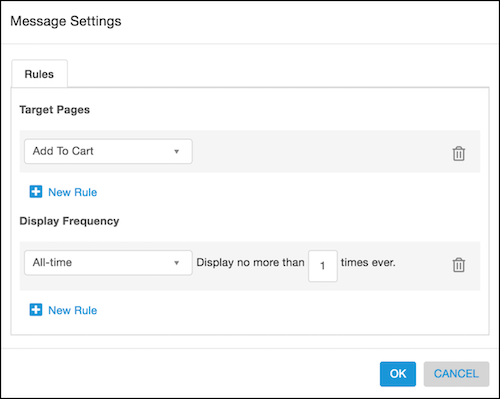
Display Frequency:
- To show the message only one time for all time, select **All-time** from the dropdown and enter 1 in the field for **Display no more than \_\_ times ever**.
- To show the message only one time for the visit, select **Current Visit** from the dropdown and enter 1 in the field for **Display no more than \_\_ times per visit**.
- To show the message only one time every three days, select **Interval** from the dropdown and enter 3 in the field for **Display no more than one time every \_\_ days**.
# Add Multiple Prospects to a List
You can add multiple prospects to a list from the prospect table in Account Engagement or from a list view in Salesforce.
### Required Editions
User Permissions
Needed
To add prospects to a list from Account Engagement:
Edit on prospects
To add prospects to an Account Engagement list from Salesforce:
Account Engagement User, CRM User, Sales Cloud
User, or Service Cloud User
In Account Engagement, open the Prospects page, select multiple prospects to add to a list, select **Tools**, and then click **Add to List**.

From a Salesforce list view, select up to 200 lead or contact records and click **Add to Prospect List** or **Add to Engagement Studio List**.

# Add Next-Best Components to a Contacts or Leads Page
Add components to view next-best offers or recommendations for a contact or lead.
### Required Editions
Available in: Premium edition
Permissions
Needed
To add components:
A role with Administrator permissions
Before adding the next-best components, set up your environment as described in [Personalization for Sales and Service Cloud Integration Setup](https://help.salesforce.com/s/articleView?id=mktg.mc_pers_salesforce_sales_service_cloud_connector_prereqs.htm&release=264.0.0&type=5 "Before configuring Personalization experiences, make sure to set up your environment by completing these prerequisites in order.").
You must also have these components configured:
- Recipes built to support your business strategy for recommendations.
- A configured Einstein Decisions feature set.
1. Next to Setup, select the **Sales** or **Service** app.
2. Open a **Contact** or **Lead** record.
3. Click the Setup icon and select **Edit Page**.
4. In the **Components** pane, in the Custom section, drag **Next Best Product** and **Next Best Promotion and Action** onto the page. The contact page loads with the two new components.
#### See Also
- [Configure Server-Side Campaigns for Next-Best-Offers](https://help.salesforce.com/s/articleView?id=mktg.mc_pers_salesforce_sales_service_cloud_connector_server_side_campaign_next_best_offers.htm&release=264.0.0&type=5 "To use the next-best offers component, you must configure server-side campaigns in Marketing Cloud Personalization. A developer must create the server-side template.")
- [Configure Server-Side Campaigns for Next-Best-Recommendations](https://help.salesforce.com/s/articleView?id=mktg.mc_pers_salesforce_sales_service_cloud_connector_server_side_campaign_next_best_recommendations.htm&release=264.0.0&type=5 "To use the next-best recommendations component, you must configure server-side campaigns in Marketing Cloud Personalization. A developer must create the server-side template.")
# Add or Edit Profile Attributes
You can add and edit attribute values.
1. In Einstein Content Selection Settings, in the Configure Profile Attributes section, click **Edit**.
2. Click **Manage Attributes**.
3. Select the data extension that includes the profile attribute that you want to add.
4. Click **Next**.
5. Set the notification and sync settings, if necessary.

Tip You can set the data extension to sync on a recurring schedule.
6. Click **Next**.
7. Select the attribute to add.
8. If weather is enabled, choose the location attributes for the profile.

Note
- For a full list of supported countries, see Accuweather’s [supported locations](https://developer.accuweather.com/core-weather/list#countries-list-by-region-code).
- Postal codes are fully supported in the United States, Canada, the United Kingdom, and Germany. We recommend you use the city as a backup in countries where the postal codes are only partially supported. This includes Andorra, Argentina, Australia, Austria, Belgium, Brazil, Bulgaria, Croatia, Czech Republic, Denmark, Finland, France, Guatemala, Hungary, India, Italy, Luxembourg, Mexico, Moldova, Netherlands, New Zealand, Norway, Poland, Russia, Slovakia, Slovenia, Spain, Sweden, Switzerland.
- Provide the location using either City and Postal Code, or Latitude and Longitude coordinates that are supported to the 100th decimal place.
- You can provide City, State, and Country names in a local language instead of its English equivalent For example, you use the city name København instead of Copenhagen. When using a non-English location name, indicate the language by providing a column in the profile data extension named Language and include the standardized [ISO 639-1](https://en.wikipedia.org/wiki/List_of_ISO_639_language_codes) language code. In this example, the Language column includes the ISO code NL to indicate the correct language.
9. Click **Next**.
10. If necessary, edit the attribute’s values. To define one or more values for this attribute, click **Add Value**.
11. Save your work.
# Add or Remove Campaign Associations in Marketing Cloud Engagement
You can add or remove an association to a campaign from the Campaigns app or from the app where the association lives.
## Add an Association to a Campaign
1. On the Campaigns Overview page, select a campaign.
2. Click **Add to Campaign**, and select a campaign association from the list.
3. Go to the item that you want to add as an association and select it. A check mark appears next to the item. Click again to remove it.
4. Click **Finished**.
When you add an association to a campaign, only the future activity for that association is associated with the campaign.
## Remove an Association from a Campaign
1. On the Campaigns Overview page, select the campaign that you want to remove the association from.
2. In the campaign’s storyboard, hover over the association name and click **Remove from Campaign**.
3. Click **Remove**.
Removing an association from a campaign doesn’t delete the association. It’s still available in Engagement.
# Add Pages to a Collection
After you create a collection, you can start adding pages to the collection.
REQUIRED USER ROLE
To add pages to a collection
Admin and Power User
1. Within your collection, click **Add New**.
2. Select the type of page you want to add:
Blank Dashboard Page
Create a brand new, blank dashboard page.
Dashboard Templates
Create a new dashboard page that is aligned to the dashboard template you select. When you create a template, all the data and design, including theme, widgets, and filters, are cloned into the new dashboard page. You can browse for any dashboard template that is available within your workspace.
Apps Page
Create an app page to visualize and customize a marketplace app within your collection. You can browse for any app that is installed in your workspace.

Note Admins see all the installed apps in the workspace or can head straight to the marketplace to install a new app. Power users see all the installed apps that they have access to.
# Add Pages to a Survey
You can add pages to a survey.
### Required Editions
Available in: Premium Edition
Permissions Needed
To edit a survey:
A role with Configure Dataset and Campaign View permissions
1. Select **Surveys** from the main navigation.
2. In the survey folder, select the survey you want to edit.
3. Click **\+ Page.**
4. Drag questions from the **Toolbox** to the canvas.
5. If you have existing questions you want to move to a different page, click the diskette icon, which saves the question to the Toolbox. You can then drag it to the canvas.
6. To change the page order, drag the page buttons.

Note You can’t drag questions directly between pages, but you can save a question to the Toolbox to reuse it by clicking the diskette icon.
7. To change a page name or title, click the page button and then click **Edit**.
1. Page name: enter a new name in the **Question** field. This name only appears in the Survey Designer.
2. Page title: Enter a new name in the **Title** field. This name appears to respondents as a header on the page.
3. Click **OK**.
8. To change order of questions on the page from the default order, click the page button and then click **Edit**:
- **Default**— Keep the existing order of questions.
- **Initial**—order questions in the way they were added in the survey editor.
- **Random**—Randomly change the order of questions each time the survey loads.
9. To add page visibility conditions, click the page button and then click **Edit**.
1. To make the page invisible to all respondents, uncheck **Is visible?**.
2. To add visibility conditions, expand the Visible If section and add visibility expressions. For more information, see [Add Question Visibility Conditions](https://help.salesforce.com/s/articleView?id=mktg.mc_pers_survey_question_visibility_condition.htm&release=264.0.0&type=5 "All survey questions are visible to all visitors who qualify to see the survey campaign. You can use the visibility setting to make a question invisible or apply visibility conditions. Visibility conditions always take priority over the visibility setting. With visibility conditions, you can make questions appear only if respondents answer in a certain way. For example, only show a follow-up question if the respondent gave a specific answer to the initial question.").
3. Click **OK**.
10. To delete the page, click the trash can icon.
11. To adjust when survey responses are sent to Personalization, click **Setup.**
1. To send survey results to Personalization after each page is complete, select this checkbox, in the General section select **Send survey results on page next**
2. To send survey results to Personalization at completion of the survey, uncheck **Send survey results on page next**.
12. Save your changes.
# Add Pending Approvals Page
Add a Pending Approvals page to continue setting up Distributed Marketing in your Experience Cloud. Through this page, you can review contacts, leads, and others to approve or reject them for receiving campaign messages.
### Required Editions
User Permissions Needed
To create, customize, or publish an experience:
Create and Set Up Experiences AND View Setup and Configuration
1. In Experience Builder, click **Home**.
2. Under Pages, click **\+ New Page**.
3. Click **Object Pages**.
4. Click **Linked Journey**.
5. Click **Create**.
6. Remove any existing components from the new page.
7. To customize components, click ****.
8. Drag the custom component **MCDM Pending Submissions** onto the page.
# Add Progressive Profiling and Turn On Pre-Fill for Forms
Use progressive profiling to dynamically show new fields to returning users based on previously gathered information. Turn on pre-fill to automatically provide known profile values in mapped fields when a form loads, which helps reduce friction for your users. Progressive profiling and pre-fill require that you associate a read data provider with the form.
### Required Editions
[View supported editions](https://help.salesforce.com/s/articleView?id=mktg.mktg_editions.htm&release=264.0.0&type=5 "Marketing Cloud Next is available in Growth and Advanced editions, and requires Salesforce Enterprise or Unlimited editions. Some features are limited by edition or purchased add-on. All functionality is available in Lightning Experience only.").
User Permissions Needed
To create or edit a form:
Marketing Cloud Manager permission set
AND
Any CMS workspace
contributor role
To publish or unpublish a form:
Marketing Cloud Manager permission set
AND
A CMS workspace contributor
role of content
## Add a Data Source to Your Form
Before you can add progressive profiling rules or turn on pre-fill, you must connect your form to a read data provider.
1. Open your form in the editor.
2. On the Data Sources tab, click **Manage Data Sources**.
3. Select the read data provider that you want to use, and choose its data source—a data graph, a marketing object, or a Prospect object.
When you add the form to a landing page, make sure that the landing page uses the same data graph. If a returning visitor can’t be identified—for example, because their identity token expired—the form shows its default fields instead of the progressive profiling variation.
## Add a Progressive Profiling Rule
Create rules to control when a field appears to a user. For example, show a Business Phone field only when the Email field already has a value in the read data provider.
1. In the form editor, select the field that you want to make conditional.
2. In the properties panel, click the **Rules** tab.
3. Under Progressive Profiling Rules, click **New Rule**.
4. In the Add progressive profiling rule window, set the conditions that determine when the field appears.
You can’t add a rule to a hidden field. To unhide a field, on the Setting tab, deselect **Always Hide**. You also can’t hide a field that has a profile rule. You can’t apply a progressive profiling rule to a related object.
5. Save your work.
If you change the read data provider or its data source, all connections for the progressive profiling rules that were associated with the previous data source are removed. Delete the invalid rules and create new ones.
## Pre-Fill Fields with Profile Data
Turn on pre-fill to populate fields with known user data. For example, when a returning user opens a form, their First Name and Last Name are already filled in.

Warning Avoid pre-filling fields that contain personally identifiable information, such as Social Security numbers or credit card numbers.
1. In the form editor, select the field for which you want to turn on pre-fill.
2. In the properties panel, under Pre-Fill, click **Select Pre-Fill Attribute**.
3. Select the data source and attribute to map to the field.
For example, to pre-fill a Last Name field, select the Last Name attribute from the Primary Objects list of your recipient data graph. To pre-fill from a marketing object or a Prospect object instead, select that data source, and then select its attribute. Pre-fill attributes are namespaced by data source, such as `dataGraph.LastName`, `myObject__mo.LastName`, or `prospect.LastName`.
4. Review the attribute and resource path, which are populated from your selection.
5. Enter a merge field API name that identifies the attribute for content creators and appears in the API.
6. (Optional) Enter the default text that appears for the merge field when no profile value is found for the user.
If the read data provider’s data source changes or a returning visitor can’t be identified—for example, because their identity token expired—the field shows this default text instead of a pre-filled value.
7. Click **Done**.
8. Save your work.
# Add Promotion Limits
To keep the promotion within the approved budget and prevent malicious activities, on the Add Promotion Limits step of the wizard, marketing managers can set promotion limits for the whole promotion and for individual customers.
### Required Editions
Available in: Lightning Experience
Available in: Enterprise, Unlimited, and Developer Editions with Real-Time Offer Management
## Promotion Limits
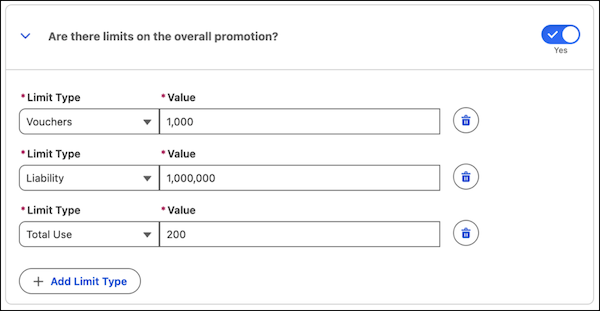
Here are the limits that you can set for the promotion.
| Limit Type | What It Does | Example |
| --- | --- | --- |
| Voucher | The maximum vouchers that a promotion can issue. | The promotion can't issue more than 1,000 vouchers to eligible customers. |
| Liability | The maximum financial liability that the promotion can incur across all the rewards. | The promotion can't incur a liability of more than US$1 million across all the rewards offered by the promotion. |
| Total Use | The maximum number of times the promotion can be redeemed | The promotion can be used up to 200 times by all customers. |
## Customer Limits
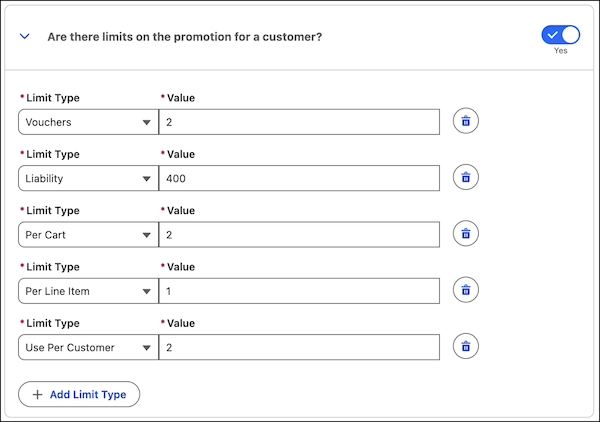
Here are the limits that you can set for each customer.
| Limit Type | What It Does | Example |
| --- | --- | --- |
| Voucher | Marketing managers decide the maximum number of vouchers that a promotion can issue to each customer. | The promotion can't issue more than 2 vouchers to a single customer. |
| Liability | Marketing managers decide the maximum financial liability that the promotion can incur across all the rewards for each customer. | The promotion can't incur a liability of more than US$400 across all issued rewards for a single customer. |
| Per Cart | Marketing managers decide the maximum number of times each customer can apply the promotion to an individual cart. | If a promotion offers a 10% discount with a limit of 3 uses per cart, the discount can be applied to the total cart value up to three times. |
| Per Line Item | Marketing managers decide the maximum number of times each customer can apply the promotion on a line item. | If a promotion offers buy one, get one free with a per line item limit of 5, you can apply it up to five times per eligible item. If a customer has 10 eligible items in their cart, the promotion applies to the first five items. |
| Use per Customer | Marketing managers decide the maximum number of times each customer can use the promotion. | A customer can use the promotion only 2 times. |
The current usage of promotion limits is stored in the PromotionLimitUsage record.
When you set limits for a promotion, some limits are automatically managed whereas others require you to set up processes to manage them. See [Promotion Reward Application API](https://help.salesforce.com/s/articleView?id=mktg.global_promotions_management_run_pricing_reward_application_api.htm&release=264.0.0&type=5 "Issue non-pricing rewards and update promotion and customer limits after customers place their orders.").
# Add Prospects Manually
If you often meet prospects in person or want to test a prospect record, you can create a prospect record manually.
### Required Editions
User Permissions Needed
To create prospects:
Account Engagement Sales role or higher
1. Open the Prospects page.
- In Account Engagement, select **Prospects** | **Prospect List**.
- In the Lightning app, select **Prospects**.
2. Click **\+ Add Prospect**.
3. Enter the prospect’s information and save.
# Add Prospects to a List from a Table View
You can add all prospects in a prospect list table view to a new or existing list.
### Required Editions
User Permissions Needed
To add prospects to a list using table views:
Account Engagement Administrator or Marketing
role
1. Open the Prospects page.
2. Select a table view.
3. Click **Tools**, then select **Add to List**.
4. Choose to create a list or add prospects to an existing list.
5. Click **Save list**.
#### See Also
- [Prospect List Table Views](https://help.salesforce.com/s/articleView?id=mktg.pardot_prospect_list_views.htm&release=264.0.0&type=5 "Marketing, administrator, and sales manager users can change the prospect table view to sort and filter prospects by category.")
# Add Prospects to Lists from Records
You can add a prospect to a static list from the prospect’s record in Account Engagement and Salesforce. You can also add prospects to Engagement Studio programs from Salesforce.
### Required Editions
User Permissions Needed
To add an individual prospect to a list:
Edit on prospects
In Account Engagement, you can manage list membership on the List tab of a prospect record.
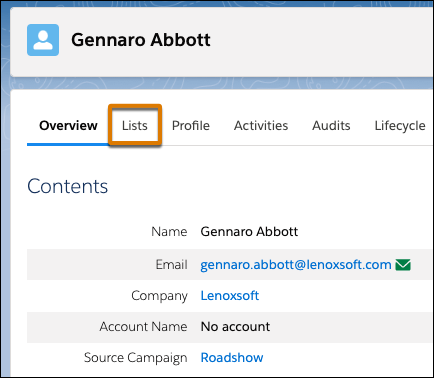
From Salesforce, you can add to an Account Engagement list or engagement program from the prospect record. Add the prospect to up to five lists at a time and find related engagement program information, when it’s available.
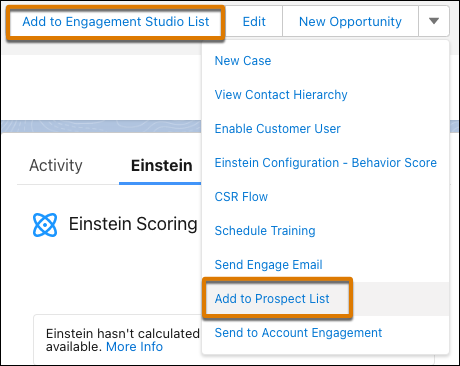
# Add Provisioning Info to Your App
To connect your mobile app to the correct Marketing Cloud Engagement account, add the provisioning information to the MobilePush app.
1. In the app switcher, hover over your name and click **Setup**.
2. Search for MobilePush.
3. To select the app to update, click the arrow by the app and select **Settings**.
4. You can update existing fields such as name, description, or the icon that represents your app.

Note The uploaded icon is displayed only in the Marketing Cloud UI and message previews. The icon for your app notifications isn't changed.
5. The required app endpoint is automatically generated. Copy the app endpoint into your project using the latest [Android](https://developer.salesforce.com/docs/marketing/mobile-unified-sdk/guide/mc_next_integrate_android.html) or [iOS](https://developer.salesforce.com/docs/marketing/mobile-unified-sdk/guide/mc_next_integrate_ios.html) SDK.
6. Enter Sending Services credentials:
- For iOS .p8 Auth Key:
- Select the environment that your application is registered to send push notifications. Select either **Production** or **Development**.
- Obtain [these identifiers](https://help.salesforce.com/s/articleView?id=mktg.mc_mp_apple_provisioning_info.htm&release=264.0.0&type=5 "To send iOS push notifications, you need an APNs authentication token signing key, or Auth Key, a Key ID, Bundle ID, and Team ID. Check out how to obtain these items from Apple.") from the [iOS Provisioning Portal](https://idmsa.apple.com/IDMSWebAuth/signin?appIdKey=891bd3417a7776362562d2197f89480a8547b108fd934911bcbea0110d07f757&path=%2Faccount%2F&rv=1):
- Auth Key: unmodified .p8 file
- Key ID: 10-character key ID associated with the .p8 file
- Team ID: 10-character Team ID associated with your Apple developer account
- App Bundle ID: ID for the app you’re using with MobilePush
- Upload all four credentials in MobilePush Administration.

Tip You can use the same Auth Key, Key ID, and Team ID for multiple MobilePush apps, but your Bundle ID must be unique.
- Save your changes.
- For iOS .p12 certificates:

Note When APNs certificates expire for a specific app, MobilePush prevents you from creating and sending messages through that app. MobilePush also prevents selecting a message to use in Journey Builder or Automation Studio. If your app is provisioned with iOS and Android, sends to Android devices through apps with expired APNs certificates aren’t affected.
- In the APNs Client field, click **Choose File** and upload the APNs certificate provided when you created your app in the [iOS Provisioning Portal](https://idmsa.apple.com/IDMSWebAuth/signin?appIdKey=891bd3417a7776362562d2197f89480a8547b108fd934911bcbea0110d07f757&path=%2Faccount%2F&rv=1).
- Enter the APNs certificate password, if applicable.
- Enter the **Bundle ID**.
- Save your changes.
- For Android:
Under **Android Sending**, click **Choose File** and upload the Firebase Service Account JSON file downloaded from your Firebase Console.
7. Enter or update optional settings.
8. After you populate the required fields for all applicable application platforms, click **Save**.
9. Review the information you provided and check for any potential errors.
10. Click **Finish**.
The MobilePush Setup page shows a message that the process is completed successfully with a summary of your app information.
- **[Obtain Required Items from Apple to Send iOS Push Notifications](https://help.salesforce.com/s/articleView?id=mktg.mc_mp_apple_provisioning_info.htm&release=264.0.0&type=5)**
To send iOS push notifications, you need an APNs authentication token signing key, or Auth Key, a Key ID, Bundle ID, and Team ID. Check out how to obtain these items from Apple.
# Add Question Visibility Conditions
All survey questions are visible to all visitors who qualify to see the survey campaign. You can use the visibility setting to make a question invisible or apply visibility conditions. Visibility conditions always take priority over the visibility setting. With visibility conditions, you can make questions appear only if respondents answer in a certain way. For example, only show a follow-up question if the respondent gave a specific answer to the initial question.
### Required Editions
Available in: Premium Edition
Permissions Needed
To edit or create surveys:
A role with Configure Dataset and Campaign View or higher permissions
1. From the main navigation, select **Surveys.**
2. Create or edit a survey.
3. On the Survey Designer tab, click the pencil icon for the question.
4. To make a question invisible, deselect **Is visible ?**, and then click **OK**.
5. To make a question invisible when a condition is met, from the **Visible If** dropdown:
1. Click **Select question** and choose the question.
2. Select the conditions and enter a value.
3. Click **ADD**.
4. Repeat the process to add more conditions.
5. Click **OK**.
6. To confirm the survey is configured correctly and the question is no longer visible, select the **Test Survey** tab. You can enter responses to each survey question.
7. To make additional changes, click the **Survey Designer** tab.
8. To hide question text only, click the eye icon. Respondents only see answer options. To show the hidden question text, click the blank space where the icon was.
# Add Quick Send Components
To help your business users send a single email to a part of their book of business, add one or more of the Distributed Marketing Quick Send components to their experience.
### Required Editions
User Permissions Needed
To create, customize, or publish an experience:
Create and Set Up Experiences AND View Setup and Configuration
1. In Experience Builder, click **Home**.
2. Click **\+ New Page**.
3. Click **Object Pages**.
4. Select an object using the following table, and click **Create**. Then, drag on the corresponding Quick Send component.
| Quick Send Workflow | Object | Quick Send Component |
| --- | --- | --- |
| Quick Send from Contacts, Leads, and Accounts | Contact, Lead, or Account | MCDM Quick Send Message |
| Quick Send from Cases | Case | MCDM Quick Send Message |
| Quick Send from Quick Send Message Record | Quick Send Message | MCDM Quick Send Audience |

Note Quick Send from List Views and Quick Send from Opportunity Records aren’t supported in Experience Cloud experiences.
#### See Also
- [Quick Send Messages](https://help.salesforce.com/s/articleView?id=mktg.mc_dm_set_up_quick_send.htm&release=264.0.0&type=5 "Quick Send messages enable your business users to rapidly send a single, personalized Marketing Cloud Engagement email or SMS message to contacts, leads, and person accounts from throughout the Salesforce platform.")
# Add Recommendation Filters
Use filters to control exactly which items appear in your recommendations.
### Required Editions
User Permissions Needed
To configure recommendation filters:
Change and Edit Recommenders
1. In the App Launcher, find and select Recommenders.
2. Open your recommender and click **Edit**.
3. Click **Next** until you reach the Filters page.
4. Select the **Include** or **Exclude** filter tab.
5. Choose when the filter applies: **All conditions are met** or **Any condition is met**.
6. Click **Add Condition**.
7. Select an item data graph resource.
Personalization uses this to decide if an item is a good fit for a recommendation. You can pick a direct attribute, a related attribute, or a calculated insight. When you select an option, use the subcategories to narrow your choice.
8. Select a filter type.
Option
Description
Decision Context
Matches attributes to the item a visitor is currently viewing. For example,
if you choose the Color resource, Personalization includes or
excludes items that match the color of the visitor's current item.
Static
Filters items using specific attributes like price, category, or date. For
example, include items under $10 or exclude those published before a certain
date.
Uses visitor behavior, such as purchase history, based on calculated
insights. For example, you can hide items a user already bought or show specific
items only to returning visitors.
Prerequisite: Before
you choose this option, create a calculated insight associated with your
selected profile data graph.
9. Select an operator to evaluate the filter. Available operators depend on the filter type and field data type. For details on available operators, see [Recommendation Filter Operators](https://help.salesforce.com/s/articleView?id=mktg.persnl_recommender_filters_operators.htm&release=264.0.0&type=5 "Select the appropriate operator to compare catalog fields against static values, customer profile attributes, or session context to refine recommendation logic.").
10. Define the filter value or resource anchor:
- **Static:** Enter the specific value to filter against.
- **Decision Context:** Choose an attribute to act as the context anchor (your point of reference).
- **Profile Data Graph:** Filter recommendations based on visitor behavior and history. Select a direct attribute, related attribute, or calculated insight. To narrow results, apply optional metrics for loyalty targeting (such as specific brands) or value constraints. As a prerequisite, create a calculated insight for your selected profile data graph before using this option.
11. (Optional) Add another filter condition.
12. Click **Save**.
Personalization creates the recommender, and you can use it as a personalization point decision.
# Add Recommended IP Ranges to the Login Allowlist
Review recommended IP address ranges and quickly add them to your login IP allowlist. Marketing Cloud Engagement tracks the IP addresses of users who log in to your org, and then suggests trusted IP ranges for your allowlist. Instead of entering IP ranges by hand, you review the suggested ranges and add the ones you trust to your allowlist.
### Required Editions
Available in: All Marketing Cloud Engagement editions
User Permissions Needed
To add IP ranges to the login IP allowlist:
Marketing Cloud Administrator
To accept suggested login IP ranges, log in to your top-level Enterprise business unit. If you log in to a child business unit, you can view suggested ranges, but you can’t add the ranges to the allowlist.

Important Before you [enable the login allowlist](https://help.salesforce.com/s/articleView?id=mktg.mc_overview_enable_allowlisting.htm&release=264.0.0&type=5 "Configure the behavior of the login IP allowlist in your Marketing Cloud Engagement account."), review the recommended ranges and confirm with your network team that the ranges are correct for your environment. If you’re logged in with an IP address that isn’t in a configured range and you turn on enforcement, Marketing Cloud Engagement blocks your session.
1. Log in to the top-level Enterprise business unit.
2. In Setup, search for and select **Login IP Allowlist**.
3. In the Salesforce Recommended IP Ranges section at the bottom of the page, review each recommended range and its login source.
Each row in the Salesforce Recommended IP Ranges section contains this information.
- **Start IP Address**—The first IP address in the recommended range.
- **End IP Address**—The last IP address in the recommended range. If the range includes a single address, this value is the same as the Start IP Address.
- **Login Source**—The source of the logins for the IP range. Possible values are API Calls, User Interface, or API Calls + User Interface.
4. Select the checkbox next to each range that you want to add.
5. Click **Accept Selected**.
6. Review the information on the confirmation window, and then click **Accept IP Ranges**.
A message appears, confirming the number of IP ranges successfully added to the login allowlist. The ranges you accepted move from the Salesforce Recommended IP Ranges section to the Login IP Allowlist table. For each IP range you add this way, the value in the Description column is Recommendation accepted based on tenant traffic patterns.
After you add addresses to the allowlist, [configure the login IP allowlist enforcement settings](https://help.salesforce.com/s/articleView?id=mktg.mc_overview_enable_allowlisting.htm&release=264.0.0&type=5 "Configure the behavior of the login IP allowlist in your Marketing Cloud Engagement account.").
For best results, after you add suggested IP ranges to the allowlist, configure your account to log allowlist violations without denying access. Observe the log and adjust your allowlist over the next few weeks. When there aren’t any violations from known IP ranges, configure your account to log violations and deny access to IP addresses that aren’t on the allowlist.
#### See Also
- [Enable and Configure the Login IP Allowlist](https://help.salesforce.com/s/articleView?id=mktg.mc_overview_enable_allowlisting.htm&release=264.0.0&type=5 "Configure the behavior of the login IP allowlist in your Marketing Cloud Engagement account.")
- [Add IP Addresses to the Login IP Allowlist](https://help.salesforce.com/s/articleView?id=mktg.mc_overview_allowlist_ip.htm&release=264.0.0&type=5 "Add IP addresses and ranges to the login IP allowlist for Marketing Cloud Engagement.")
- [Using the Login IP Allowlist with Broad or Dynamic IP Ranges](https://help.salesforce.com/s/articleView?id=mktg.mc_overview_allowlist_large_ranges.htm&release=264.0.0&type=5 "For the login IP allowlist to be effective, traffic that accesses your Marketing Cloud Engagement account must come from a stable IP range. If your organization uses the public cloud, dynamic infrastructure, or distributed networks, or if you have many remote employees, your users can access Marketing Cloud Engagement from a diverse range of IP addresses. In these situations, establish a stable egress path for your users before you turn on the login IP allowlist in blocking mode.")
# Add Recommended Rules to Your Identity Resolution Ruleset
To get the most out of Identity Resolution, we recommend adding two custom rules to the Individual object ruleset. First, add a rule to match exact values when a lead converts to a contact. If you use web tracking on Marketing Cloud Next landing pages or a connected external site, add a rule that attributes activity to the correct unified individual.
Because Salesforce Personalization supports real-time identity resolution, you can also configure rules that best support your business needs and use cases. Consider these notes as you develop your strategy.
- Real-time identity resolution is supported on exact match and exact normalized matching for emails and phone numbers.
- Fuzzy matching conditions are batch processed at the data lake level.
- To make sure that real-time data is applied to identity resolutions, use the unified individual object for your profile data graph.
For more recommendations, see [Real-Time Identity Resolution for Personalization](https://help.salesforce.com/s/articleView?language=en_US&id=mktg.mktg_admin_data_identity_resolution.htm&type=5).
1. Go to the Identity Resolutions tab, and then open the ruleset that you created for the Individual object.
2. Under Match Rules, click **Edit**, and then click **Next**.
3. Click **Add Match Rule**.
4. Click **Custom Rule**, and then click **Next**.
5. Name your rule. For example, "Lead to Contact" or "Device Visitor Identification."
6. Select the match criteria.
1. For Data Model Object, select **Identity Match**.
2. For Field, select **Identity Match Type**.
3. For Match Method, select **Exact**.
7. Under Advanced Settings, click **Configure**, and then enter the Identity Match Type for the first custom rule.
- For lead to contact conversion, enter lead-to-contact.
- For web tracking attribution, enter device-to-known.
8. Click **Back To Basic Settings**, and then click **Next**.
9. To add the second rule, repeat steps 3 through 8 and use the remaining Identity Match Type.
10. Save your work.
# Add Required Consent Details to Promotional Emails
To comply with privacy and consent laws and regulations, including the U.S. CAN-SPAM Act, add an opt-out link and a physical mailing address to emails. Use the corresponding merge fields in text-based components in the email body.
### Required Editions
[View supported editions](https://help.salesforce.com/s/articleView?id=mktg.mktg_editions.htm&release=264.0.0&type=5 "Marketing Cloud Next is available in Growth and Advanced editions, and requires Salesforce Enterprise or Unlimited editions. Some features are limited by edition or purchased add-on. All functionality is available in Lightning Experience only.").
User Permissions Needed
To create or edit content:
Marketing Cloud Manager permission set
AND
any CMS workspace contributor
role
To publish or unpublish content:
Marketing Cloud Manager permission set
AND
a CMS workspace contributor role
of content admin or content manager
Merge fields easily populate the required information into your email. You can insert the merge fields anywhere in your email, but they commonly appear at the end in a footer. At send time, the Physical Address merge field inserts your organization’s address from Salesforce Setup, and the opt-out merge fields resolve to URLs.
Certain merge field links, such as the Preference Manager and Unsubscribe links, aren’t functional when you preview an email, SMS, or WhatsApp message. You can review default preference pages on the Consent tab.
1. From your marketing workspace, create or open a promotional email.
2. On the canvas, click a text-based component, such as a paragraph or a heading.
3. To add your organization’s address, click  in the component toolbar.
4. Select **Organization** | **Physical Address**.
5. To add an opt-out link in the same text-based component, click , and enter descriptive, accessible link text in the Link Text field.
6. For the URL field, click **Add Merge Field** | **Link**.
- To give the recipient a way to unsubscribe only from the communication subscription related to the email, select **Unsubscribe**. When the recipient clicks this link, Salesforce immediately unsubscribes them and shows a confirmation page.
- To link to a page where the recipient can manage individual email preferences, select **Preference Manager**.
- To link to a custom preference page, add your URL instead of using a merge field.
7. Save your work.
# Add Rewards
Incentivize advocates and their referred parties to engage with your brand by adding rewards to your referral program. Channel managers can include rewards like vouchers and payout commissions that resonate with their audience. They can add multiple reward types within a referral program, tailored for both advocates and their referred parties. If a referral program includes several promotions, each can offer its own unique set of rewards to create a personalized experience.
### Required Editions
Available in: Lightning Experience
Available in: Enterprise, Performance, Unlimited, and Developer Editions with Referral Marketing
- **[Create Voucher Definition](https://help.salesforce.com/s/articleView?id=mktg.b2b_referral_add_rewards_voucher.htm&release=264.0.0&type=5)**
Channel managers can create voucher definitions to incentivize advocates and their referred parties with diverse rewards. They can add multiple vouchers to a referral program, offering different reward types to advocates and their referred parties. Each referral promotion within a program can feature its own unique set of vouchers, enhancing engagement and driving conversions.
- **[Create Extended Reward Definitions](https://help.salesforce.com/s/articleView?id=mktg.b2b_referral_add_rewards_extended_rewards.htm&release=264.0.0&type=5)**
Channel managers can design diverse reward types for the company's referral program, including payout comissions for both advocates and referred parties. With extended rewards, channel managers get the flexibility to adjust reward values at runtime and control when rewards are issued. Use services like Flows or Apex to define processes for integrating with external downstream rewarding systems.
# Add Rewards
Referral programs incentivize the advocates and referred friends for engaging with the brand. Marketing managers can design a range of rewards such as commission payouts, cashbacks, or gift cards that appeal to the target audience. They can add multiple rewards types in a referral program and offer different rewards to advocates and their friends. If a referral program includes multiple promotions, each promotion can offer a unique set of rewards to both advocates and their friends.
### Required Editions
Available in: Lightning Experience
Available in: Enterprise, Performance, Unlimited, and Developer Editions with Referral Marketing
- **[Create Voucher Definitions](https://help.salesforce.com/s/articleView?id=mktg.referral_create_voucher_definitions.htm&release=264.0.0&type=5)**
Marketing managers create voucher definitions that act as templates to issue vouchers. The values that marketing managers add in a voucher definition are used as the values of the vouchers.
- **[Create Extended Reward Definitions](https://help.salesforce.com/s/articleView?id=mktg.referral_extended_rewards.htm&release=264.0.0&type=5)**
Marketing managers can design various reward types for your company's referral program, such as gift cards and cashback for both advocates and referrals. With extended rewards, marketing managers can add multiple reward types within a referral program that resonate with the target audience.
# Add Scoring Category Scores to Page Layouts
Update page layouts to include scoring category fields on lead and contact records.
### Required Editions
Available in: Account Engagement Plus, Advanced, and Premium Editions
User Permissions Needed
To customize page layouts:
Customize Application (in Salesforce)

Note Pardot is now known as Marketing Cloud Account Engagement. We wish we could snap our fingers to update the name everywhere, but you can expect to see the previous name in a few places until we replace it, including in the app itself.
1. Open your lead or contact page layout for editing.
2. In the editor, click **Related Lists**.
3. Drag **Pardot Category Score** to the layout.
4. (Optional) Edit the Pardot Category Score properties to include only Scoring Category Name, Score, and Last Modified Date, and sort descending by score.
# Add Send Classifications for Referral Marketing Emails
Send emails to advocates and their referred friends using journeys in connected Marketing Cloud Engagement business units for active referral promotions. To uniquely classify emails sent for referral promotion, create Referral Marketing-specific send classifications in the business units that you want to connect with Referral Marketing.
### Required Editions
Available in: Marketing Cloud Engagement
User Permissions Needed
To create a send classification:
Marketing Cloud Administrator role
Before you create a send classification for referral emails in a business unit, ensure that you create at least one delivery profile and one sender profile for the business unit. If you don’t create a send classification for referral emails, the referral emails are sent by using the default Commercial send classification.
1. From Setup, in the Quick Find box, enter Send Classification, and then select **Send Classification**.
2. Click **Create**.
3. Enter the details of the send classification.
4. Save your changes.
Keep the name of the send classification that you created handy. You must enter the name of the send classification when you connect the business unit with Referral Marketing in the Referral Marketing org.
#### See Also
- [_Salesforce Help_: Send Classifications for Marketing Cloud Engagement Email](https://help.salesforce.com/s/articleView?id=mktg.mc_es_send_classifications.htm&language=en_US)
# Add Send Engage Email Button
With campaigns in Sales Emails and Alerts (Engage Campaigns), users can send emails to leads, contacts, and campaign members. To use this feature, add the Send Engage Email button to your lead, contact, opportunity, and account search layouts and detail pages. You can also add the button to your campaign detail pages.
### Required Editions
User Permissions Needed
To customize page layouts:
Customize Application

Note
- Salesforce Engage is now known as Sales Emails and Alerts. You can expect to see the previous name in a few places until we replace it, including in the app itself.
- Pardot is now known as Marketing Cloud Account Engagement. We wish we could snap our fingers to update the name everywhere, but you can expect to see the previous name in a few places until we replace it, including in the app itself.

Note If the Send Pardot Email button is on your page layout, remove it before adding the Send Engage Email button.
1. Add the Send Engage Email button to the lead, contact, campaign, opportunity, and account search layouts and detail pages. See [Create and Edit Page Layouts](https://help.salesforce.com/s/articleView?id=platform.customize_layoutcreate.htm&language=en_US) . To add the button to Lightning Experience, drag it to the Salesforce Mobile and Lightning Experience Actions section.
2. Add the Send Engage Email button to the contacts related list on an account page layout.
1. Edit the account page layout assigned to Sales Emails and Alerts users.
2. Select **Related Lists**, and click the wrench icon in the Contacts section.
3. Expand the Buttons section.
4. From the Available Buttons list, click **Send Engage Emails**, and then click **Add**.
# Add Settings Page
Add a Distributed Marketing Settings page to continue setting up Distributed Marketing in your Experience Cloud. Through this page, you can select the default personalization and create options for personalizing messages, such as selecting how the message recipient is greeted.
### Required Editions
User Permissions Needed
To create, customize, or publish an experience:
Create and Set Up Experiences AND View Setup and Configuration
1. In Experience Builder, click **Home**.
2. Under Pages, click **\+ New Page**.
3. Click **Standard Page**.
4. Select a layout.

Tip The one full-width column layout is recommended.
5. Click **Next**.
6. Enter a helpful name, such as Distributed Marketing Settings.
7. Modify the URL as desired.
8. Click **Create**.
9. To customize components, click ****.
10. Drag the custom component **MCDM User Settings** onto the page.
11. Select **Publish**, and publish these changes to your Experience Cloud.
# Add Site Contributors to Marketing Cloud Next
To let users preview landing pages in Marketing Cloud Next as authenticated users, add contributors to the Marketing Landing Pages site. Assign the Viewer role to each contributor. Site contributors must also be site members.
### Required Editions
[View supported editions](https://help.salesforce.com/s/articleView?id=mktg.mktg_editions.htm&release=264.0.0&type=5 "Marketing Cloud Next is available in Growth and Advanced editions, and requires Salesforce Enterprise or Unlimited editions. Some features are limited by edition or purchased add-on. All functionality is available in Lightning Experience only.").
User permissions needed
To add contributors to a site:
System Administrator profile
OR
Be a site member
AND
View
Setup and Configuration
AND
Create and Set Up Experiences
When you add site contributors, you choose from a list of users who are site members. Before adding site contributors, see [Add Members to Your Experience Cloud Site](https://help.salesforce.com/s/articleView?id=platform.networks_customize_members.htm&language=en_US). Only Salesforce admins can add themselves as site contributors.
1. From Setup, in the Quick Find box, enter All Sites, and then select **All Sites** under Digital Experiences.
2. Next to Marketing Landing Pages, select **Workspaces** from the Action column.
3. Select the **Administration** workspace.
4. To add contributors, select **Contributors** | **Add Contributors**.
5. Next to the users that you want to add, click **+**, and then click **Next**.
6. For each user, assign the Viewer role.
7. Click **Finish**.
#### See Also
- [Apply Role-Based Access to an Experience Cloud Site](https://help.salesforce.com/s/articleView?id=experience.networks_access_control_overview.htm&language=en_US)
# Add Steps to an Engagement Program
After you create an engagement program, add steps and branching paths. For best performance, add up to 300 steps.
### Required Editions
Available in: All Account Engagement Editions
User Permissions Needed
To create an engagement program:
Account Engagement Administrator or Marketing
role
1. Open Engagement Studio.
- In Account Engagement, select **Marketing** and then select **Engagement Studio**.
- In the Lightning app, select **Automations** and then **Engagement Studio**.
2. Open the program that you want to work with. If you’re editing an existing program, click **Pause**.
3. Select the **Build** tab.
4. On the program canvas, use the **+** icon to add steps.
5. Select a step type, such as Action. Then, select an option for that step type, such as Assign to User.
6. Fill in the required fields, and then click **Save**.
To save time, copy and paste the steps you’ve created that you want to repeat. Click **Select**, choose the steps you want, and then click **Copy**. To add the steps, select **Copied Steps**.

Note Only steps without branches can be copied. When you select steps to copy, don't include end nodes.
An engagement program can have up to 10 copied steps.
# Add Stickers to a WhatsApp Message
Strengthen your brand by adding static or animated stickers to your WhatsApp messages. For example, if a customer makes a purchase, send a branded sticker to acknowledge their order. Customers can also download and forward stickers, increasing brand awareness.
### Required Editions

Note Sticker messages are supported only in accounts with Unified Messaging. For more information, contact your Account Executive.
1. In Content Builder, select **Create | Chat Messaging | WhatsApp Session Message.**
2. For Message Type, select **Sticker**.
3. Enter the sticker’s URL.
The format must be .webp. The maximum size for an animated sticker is 500 KB, and 100 KB for a static sticker.
4. In the Display Preview, review the message.
5. Save your changes.
After you create a session message, [add it to a journey](https://help.salesforce.com/s/articleView?id=mktg.mc_jb_whatsapp_send_session_messages_in_journey_builder.htm&release=264.0.0&type=5 "After you personalize your session messages, use Journey Builder to start sending.").
#### See Also
- [_External Site_: Sticker Messages](https://developers.facebook.com/docs/whatsapp/cloud-api/messages/sticker-messages/)
# Add Structure and Logic to a Marketing Flow
A marketing flow contains elements that represent certain actions along a customer's journey. To create the structure, you can add, remove, and move elements around the flow canvas. To customize the customer experience more, you can also add logic, such as branching paths and exit rule filters.
### Required Editions
[View supported editions](https://help.salesforce.com/s/articleView?id=mktg.mktg_editions.htm&release=264.0.0&type=5 "Marketing Cloud Next is available in Growth and Advanced editions, and requires Salesforce Enterprise or Unlimited editions. Some features are limited by edition or purchased add-on. All functionality is available in Lightning Experience only.").
User Permissions
Needed
To create and edit flows:
Marketing Cloud Manager permission set
OR
View Flows and Create and
Edit Flows user permissions
AND
Permissions to all elements in the
flow
To add a decision element to a flow:
Add Decision Element to Flows
In this topic:
- [Add and Move Elements](https://help.salesforce.com/s/articleView?id=mktg.mktg_flow_elements_add_move.htm&release=264.0.0&type=5 "To organize the steps in a customer journey, position flow elements on the canvas from top to bottom. Click an element to move it or to open its detail panel.")
- [Branch a Flow Path](https://help.salesforce.com/s/articleView?id=mktg.mktg_flow_elements_add_move.htm&release=264.0.0&type=5 "The Decision element creates a branch in your marketing flow, similar to an IF/ELSE statement in code. You configure one or more outcome paths, and any remaining records follow the default outcome path.")
- [Remove a User from a Flow](https://help.salesforce.com/s/articleView?id=mktg.mktg_flow_elements_add_move.htm&release=264.0.0&type=5 "To remove a customer from a flow when they meet certain conditions, apply an exit rule. An exit rule is like a filter that identifies people to remove from a flow. For example, you can create a rule that sends someone to the end of a flow after they renew a contract.")
## Add and Move Elements
To organize the steps in a customer journey, position flow elements on the canvas from top to bottom. Click an element to move it or to open its detail panel.
1. To add an element between two elements, hover over the circle and click **+**.
2. Select an element from the list.
3. In the panel, add a label and any other required information.
4. To move one element:
1. Click the element that you want to move.
2. Select **Cut Element**.
3. In the new location, hover over the circle between two elements and click the plus sign that appears.
The element appears in that location.
5. To copy and paste one element:
1. Click the element that you want to copy.
2. Select **Copy Element**.
3. In the new location, hover over the circle between two elements and click the plus sign that appears. Then select **Paste 1 Element**.
6. To copy and paste multiple elements:
1. Click **Select Elements** on the button bar.
2. Click the plus sign for each element you want to copy.
3. Click the clipboard icon on the button bar.
4. In the new location, hover over the circle between two elements and click the plus sign that appears. Then select **Paste Elements**.
7. To delete an element, click the element, and then select **Delete Element**.
## Branch a Flow Path
The Decision element creates a branch in your marketing flow, similar to an IF/ELSE statement in code. You configure one or more outcome paths, and any remaining records follow the default outcome path.
To select record fields in a Decision outcome, first select a segment in the Start element. The system evaluates Decision outcomes in the order that they appear in the outcome list. For data graph resources, you can add nested condition groups, use aggregation functions on related numeric fields, and use date and calendar operators when the resource data type is date. For more operator behavior information, see [Flow Operators in Decision, Wait, and Collection Filter Elements](https://help.salesforce.com/s/articleView?id=platform.flow_ref_operators_condition.htm&type=5&language=en_US) and [Decision Flow Element](https://help.salesforce.com/s/articleView?id=platform.flow_ref_elements_decision.htm&type=5&language=en_US).
1. On the flow canvas, add a Decision element.
2. Give the element an internal name.
3. Configure outcome conditions for each flow path.
4. To add another outcome and flow path, click the plus sign icon in the Outcome Order section.
5. To change the order flow follows to evaluate outcomes, drag and rearrange the outcome elements.

Example
Ursa Major Solar hosts an event at their industry convention. Account rep Lincoln wants to send a welcome email to contacts created after the conference and send a conference recap email to remaining contacts. In a flow with a series of messages, they add a decision element at the beginning of the flow canvas.
Then, Lincoln configure the Decision element.
- They label the Decision element New Conference Contact? and the first outcome Yes.
- For Condition Requirement to Execute Outcome, Lincoln selects **All Conditions are Met (AND)**.
- For the Resource, Lincoln selects **$Record > ssot\_\_Created Date\_\_c**.
- For the Operator, Lincoln selects **Greater Than or Equal to** and gives the Value the start date and time of the conference.
- For the default outcome, Lincoln changes the name to No, so that it’s clear on the canvas which path is which.
Then, Lincoln adds a Send Email Message element to each path, and selects the right message for each one. New contacts receive the welcome email and remaining contacts on the default outcome path receive an email with a recap of the conference. Lincoln notices an extra Wait element on the canvas, but they don't need it. Lincoln deletes the Wait element, and activates the flow.
They could also branch on recency with an expanded operator—for example, **Last Number of Days** with Value set to 7.
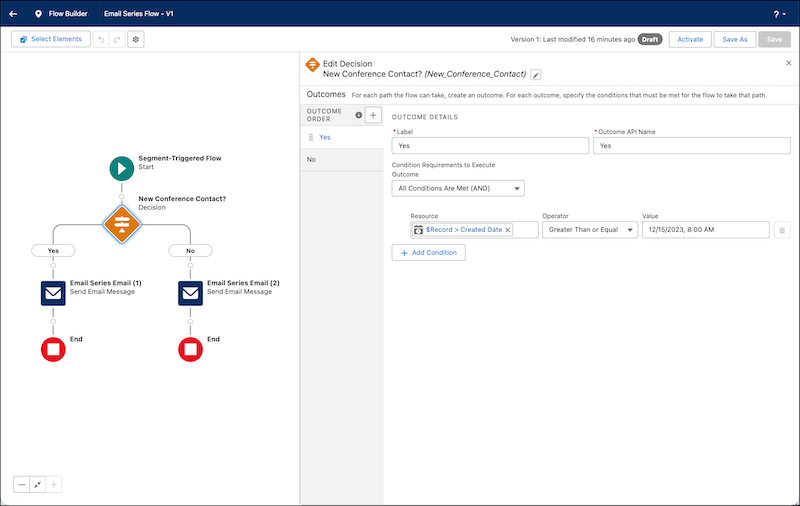
When someone in the flow meets the condition for an outcome, they take that path. If an individual meets multiple outcome conditions, the flow takes the first one listed. If no outcome conditions are met, the flow follows the default outcome path.
## Remove a User from a Flow
To remove a customer from a flow when they meet certain conditions, apply an exit rule. An exit rule is like a filter that identifies people to remove from a flow. For example, you can create a rule that sends someone to the end of a flow after they renew a contract.
The flow evaluates the exit rules each time a user starts a flow or resumes a flow after a pause. You can add up to 10 exit rules to a flow. Create rule conditions based on global attributes of the flow or Data 360 data graph attributes, related attributes, or calculated insights. Available operators depend on the attribute’s data type. When you use a numeric attribute, you can use aggregation functions, such as Average, Sum, Max, or Min.
1. Open a flow for editing.
- From a single email campaign, click the action menu, and then select **Edit Flow**.
- From other campaigns, click **Edit Flow**.
- From the Flows tab, click a row action menu, and then select **View Flow**.
2. In the Start node, click **Edit** next to the count of exit rules.
3. In the Exit Rules pane, click **Add Exit Rule**
4. Configure the exit rule.
1. Enter a label.
2. Use the default API name or enter a unique value without any spaces.
3. Add conditions to determine when to end a flow for someone.
5. Configure the first condition of the exit rule.
1. In the Resource field, select the attribute you want to filter on.
2. Select an operator, such as **Contains**.
3. Enter a value.
6. To add more conditions to the exit rule, click **Add Condition**.
7. To add more exit rules, click **Add Exit Rule**.
8. Save your work.
# Add Subscribers to an Auto-Suppression List
To prevent extra subscribers from receiving triggered sends, add them to an auto-suppression list in Email Studio.
1. In Email Studio, click **Admin**.
2. Click **Auto-Suppression Configuration** under Send Management.
3. Select the auto-suppression list for the additional subscribers.
4. Click **Create**.
5. Fill out these fields.
| | |
| --- | --- |
| Email Address | The email address of the unsubscribed subscriber |
| Date Added | The date the subscriber joined the list |
| Any other custom attributes you defined for this list | Varies |
6. Click **Save**.
To add multiple subscribers at once, use an import activity in Automation Studio. When creating a new copy or import definition, select the suppression list as the import destination. See [Import or Copy Large Datasets](https://help.salesforce.com/s/articleView?id=mktg.mc_as_data_copy_or_import.htm&type=5&language=en_US)
#### See Also
- [Import or Copy a Large Dataset Using a Data Extension as the Source](https://help.salesforce.com/s/articleView?id=mktg.mc_as_copy_large_datasets_using_data_extension.htm&language=en_US)
# Add the Affinities Component to a Contacts or Leads Page
Add the Affinities component to view affinity data from Marketing Cloud Personalization for a lead or contact.
### Required Editions
Available in: Premium Edition
Permissions Needed
To add the Affinities component:
A role with Administrator permissions
Before adding the Affinities component, set up your environment as described in [Personalization for Sales and Service Cloud Integration Setup](https://help.salesforce.com/s/articleView?id=mktg.mc_pers_salesforce_sales_service_cloud_connector_prereqs.htm&release=264.0.0&type=5 "Before configuring Personalization experiences, make sure to set up your environment by completing these prerequisites in order.").
1. Next to Setup, click the **App Launcher**.
2. Select the Sales or Service app.
3. Open a **Contact** or **Lead** record.
4. Click the Setup icon and select **Edit Page**.
5. In the Components pane, in the Custom section, drag the Affinities component onto the page.
6. Select a unique User Identifier for identity lookup.
For example, the Phone Number identity type is valid for both home and business phone number user identifiers.
7. Select the Personalization identity type that matches the lead or contact’s User Identifier.
For example, if you select **Email** as the user identifier, select **Email Address** as the Personalization identity type.
8. Select the dataset and default catalog object type that you want to view.
The dataset name includes the catalog object type in parentheses.
9. (Optional) Select the default settings for filters, such as Show By and Date Range.
10. (Optional) Select the catalog objects that you want to hide from the contact or lead’s view.
11. Click **Save**, and then click **Activate**.
For non-administrator users to view the Affinities component, enable access to the `InteractionStudioService` Apex class. For more information, see [Class Security](https://developer.salesforce.com/docs/atlas.en-us.apexcode.meta/apexcode/apex_classes_security.htm).
#### See Also
- [Identity Types and Attributes](https://help.salesforce.com/s/articleView?id=mktg.mc_pers_identity_type_attributes.htm&release=264.0.0&type=5 "Personalization’s identity system uses deterministic matching to create a Unified Customer Profile for each of your customers. Specific identifiers, called identity types, determine how to process web events, API events, and channel events to identify users from various sources. Personalization includes several built-in identity types, such as email address and customer ID. If the built-in identity types don’t meet the needs of your organization, you can create additional identity types.")
- [Sales to Service Cloud Use Cases](https://help.salesforce.com/s/articleView?id=mktg.mc_pers_use_case_sales_service.htm&language=en_US)
# Add the Bitly Connector
You can generate a default Bitly short link for landing pages, multivariate tests, and files. To track link performance, set up the Bitly connector. If you use a custom domain Bitly account, that domain is used in your shortened URLs.
### Required Editions
Available in: All Account Engagement Editions
User Permissions Needed
To add a connector:
Account Engagement Administrator role
1. Open the Connectors page.
- In Account Engagement, select **Admin** and then select **Connectors**.
- In the Lightning app, select **Account Engagement Settings** and then **Connectors**.
2. Click **\+ Add Connector**.
3. Click **bit.ly**.
4. Enter the Generic Access Token. Find this information in your Bitly account.
5. Click **Create Connector**.
6. In the Status column, click **verify now**.
# Add the Business Unit Field to Your Campaign Page
By default, the business unit field doesn’t appear on a campaign page. To see the business unit lookup field in the campaign page, add it to the page layout of the Campaign object.
### Required Editions
Available in: Salesforce Enterprise and Unlimited Editions with Marketing Cloud Next Advanced Edition
User Permissions Needed
To create page layouts:
Customize Application
1. From Setup, select **Object Manager**.
2. Select the **Campaign** object.
3. Select Page Layouts and click **Campaign Layout**.
4. Drag the **Business Unit** lookup field to the **Campaign Information** section.
5. Save your changes.
# Add the Customer Event Stream Component to a Contacts or Leads Page
Watch your customers interact with your business in real-time as well as view historical activities right on a Contacts or Leads page with the event stream component of the Personalization managed package. Events are based on the data provided by the Interactions SDK or Sitemap. For custom events, you can view event name, URL (if applicable), timestamp, and channel.
### Required Editions
Available in: Premium Edition
Permissions Needed
To add the Event Stream component:
A role with Administrator permissions
Before adding the Event Stream component, set up your environment as described in [Personalization for Sales and Service Cloud Integration Setup](https://help.salesforce.com/s/articleView?id=mktg.mc_pers_salesforce_sales_service_cloud_connector_prereqs.htm&release=264.0.0&type=5 "Before configuring Personalization experiences, make sure to set up your environment by completing these prerequisites in order.").

Note In the event stream, inventory status reflects the status at the time of the event. To view inventory status, make sure to specify the inventory count in the sitemap. Inventory count is stored in the product catalog. For more information about sitemaps, including catalog information examples, see the developer documentation [Getting Started with Site Mapping](https://developer.salesforce.com/docs/marketing/personalization/guide/sitemapping-getting-started.html?q=sitemap).
1. From the App Launcher, find and select the Sales or Service app.
2. Open a contact or lead record.
3. From Setup, select **Edit Page**.
4. In the Components pane, in the Custom section, drag the Event Stream component onto the page.
5. Select a unique user identifier for identity lookup.
6. Select the Personalization identity type that matches the lead or contact’s User Identifier.
For example, if you select **Email** as the user identifier, select **Email Address** as the Personalization identity type.
7. Select the dataset that you want to view.
8. Enter the number of events to show, and select the event types that you want to hide.
9. Click **Save**, and then click **Activate**.
To let non-admin users view the Event Stream component, grant access to the `InteractionStudioService` Apex class. For more information, see [Class Security](https://developer.salesforce.com/docs/atlas.en-us.apexcode.meta/apexcode/apex_classes_security.htm).
# Add the Engagement History Custom Lightning Component
Add the Engagement History Custom Lightning component to your lead, contact, and person account records to show how people interact with your marketing assets. This component comes with your Account Engagement AppExchange package.
### Required Editions
Available in: Salesforce Professional, Enterprise,
Performance, and Unlimited Editions with any
Account Engagement Edition
User Permissions
Needed
To view Engagement History metrics:
Account Engagement User, CRM User, Sales Cloud User, OR Service Cloud User
permission set
AND
Account Engagement Package permission set
AND
Marketing User checkbox selected on the user record
**What’s Included?**
- Engagement activities from all asset types that originate in Account Engagement
- Some automated email activities, depending on where the related list is
- Localization based on your business unit locale setting (or based on Salesforce, when User Sync is enabled)

Note
This component doesn’t show filtered visitor activity or activity associated with archived prospects.
1. From Setup, in the Quick Find box, enter Lightning App Builder, and then select **Lightning App Builder**.
2. Select the Lead or Contact page that you want to work with, and click **Edit**.
3. In the Components list, enter Engagement History, and then select **Engagement History**.
4. Drag the **Engagement History** component where you want it to appear in the page layout.
5. Save your work.
6. To manage assignment details, click **Activation**.
- **[Engagement History Custom Lightning Component Activity Glossary](https://help.salesforce.com/s/articleView?id=mktg.pardot_engagement_history_glossary.htm&release=264.0.0&type=5)**
These prospect activities appear in the Engagement History Custom Lightning component. The component doesn’t show activities for archived prospects.
#### See Also
- [_Knowledge Article_: Engagement History Lightning Component Displays Error](https://help.salesforce.com/s/articleView?id=000383548&type=1&language=en_US)
# Add the Eventbrite Connector
To sync event data, add the Eventbrite connector.
### Required Editions
User Permissions Needed
To add a connector:
Account Engagement Administrator role
1. Open the Connectors page.
- In Account Engagement, select **Admin** and then select **Connectors**.
- In the Lightning app, select **Account Engagement Settings** and then **Connectors**.
2. Click **\+ Create New Connector**.
3. In the Event Connectors section, click **Eventbrite**.
4. (Optional) Deselect **Create prospects if they don’t exist**.
To create prospects out of new event participants, keep this setting selected.
5. Choose a campaign.
6. (Optional) Select **Pull historical events**. This setting syncs past events.
When you select **Pull historical events** and **Create prospects if they don’t exist**, prospects are created retroactively for your previous event participants.
7. (Optional) Select **Pull Additional Prospect Fields**.
For more information, see [Eventbrite Field Mappings](https://help.salesforce.com/s/articleView?id=mktg.pardot_connectors_eventbrite_fields.htm&release=264.0.0&type=5 "When you enable the Pull Additional Prospect Fields connector setting, extra fields are mapped and synced. Eventbrite doesn’t overwrite prospect data, but it adds data when the field is empty in Account Engagement.").
8. Click **Create Connector**.
9. In the Status column, click **verify now**.
10. When prompted, log in to Eventbrite and grant access.
Repeat this process for each Eventbrite account that you want to integrate.
# Add the Extended Rewards Related List
In Referral Marketing orgs, advocates have a Contact record, Person Account record, and a Loyalty Program Member record, while referred friends have a Person Account record and a Contact record. To ensure marketing managers can view issued extended rewards on Contact, Loyalty Program Member, and Person Account records, add the Extended Rewards related list to the Contact, Loyalty Program Member, and the Person Account page layouts.
### Required Editions
Available in: Lightning Experience
Available in: Enterprise, Performance, Unlimited, and Developer Editions with Referral Marketing
User Permissions Needed
To add a related list to a page layout:
Customize Application
1. From Setup, click **Object Manager**.
2. In the Quick Find box, enter Contact, Loyalty Program Member, or Person Account and select it.
3. Click **Page Layouts**.
4. Open the page layout that marketing managers view.
5. From the Related Lists section, add the Extended Rewards related list to the page layout.
6. Save your changes.
# Add the Extended Rewards Related List to Business Account
In B2B Referral Management orgs, advocates have Account and Loyalty Program Member records, while referred parties have Lead, Opportunity, and Account records. Channel managers can view extended rewards that are issued to advocates and their referred parties on their Account and Loyalty Program Member records. Channel managers can view issued extended rewards on Loyalty Program Member records by default. To also view issued vouchers on Account records, add the Vouchers related list to Account page layout.
### Required Editions
Available in: Lightning Experience
Available in: Enterprise, Performance, Unlimited, and Developer Editions with Referral Marketing
1. From Setup, click **Object Manager**.
2. In the Quick Find box, enter Account.
3. Click **Page Layouts**.
4. Open the page layout that channel managers view.
5. From the Related Lists section, add the Extended Rewards related list to the page layout.
6. Save your changes.
# Add the Facebook Connector
To post to Facebook pages and track engagement, add the Facebook connector. You can add up to 25 connectors for company pages.
### Required Editions
Available in: All Account Engagement Editions
User Permissions Needed
To add a connector:
Account Engagement Administrator role
1. Log in to Facebook as a user with admin access to your company page.
2. Open the Connectors page.
- In Account Engagement, select **Admin** and then select **Connectors**.
- In the Lightning app, select **Account Engagement Settings** and then **Connectors**.
3. Click **\+ Add Connector**.
4. In the Social Posting Connectors section, click **Facebook**.
5. Click **Create Connector**.
6. In the Status column, click **verify now**.
7. Accept every permission. If you skip or deny a requested permission, the connector doesn’t work properly.
8. Click the gear icon next to the connector, and select **Edit**.
9. From the Post As dropdown, choose a company page.
10. Save the connector.
Users can now post to Facebook from the Social page.
#### See Also
- [Create Social Posts](https://help.salesforce.com/s/articleView?id=mktg.pardot_connectors_create_social_post.htm&release=264.0.0&type=5 "Social posting tools help you manage and post content on Facebook and LinkedIn.")
# Add the Google Ads Connector
Add the Google Ads connector to track prospects that reach your marketing assets via paid search. To add the connector, you need an Account Engagement admin and a Google Ads admin.
### Required Editions
Available in: Account Engagement Plus, Advanced, and Premium Editions
User Permissions Needed
To add a connector:
Account Engagement Administrator role
Pardot is now known as Marketing Cloud Account Engagement. We wish we could snap our fingers to update the name everywhere, but you can expect to see the previous name in a few places until we replace it, including in the app itself.
1. Open the Connectors page.
- In Account Engagement, select **Admin** and then select **Connectors**.
- In the Lightning app, select **Account Engagement Settings** and then **Connectors**.
2. Click **+Add Connector**.
3. Click **Google Ads**.
4. Click **Create Connector**.
5. In the popup, log in to Google as an Ads admin, and allow access to Account Engagement.
6. Enter the Google Ads account number.
1. **Optional:** To add a manager account, check **Specify a manager account**. Enter the manager account number.
7. Save the connector.
8. In the Status column, click **verify now**.

Note If you’re having trouble verifying your connector, make sure that the Google user is an admin for the Google Ads account you chose during setup.
After the connector is verified for the first time, your Google Ads campaigns, groups, and ads are imported within 10–20 minutes. During the import, an Account Engagement campaign called Google Ads is created. If a campaign was previously manually created with this name, the previous campaign is used rather than creating one. Prospects that come to your site for the first time through a Google ad are tagged with this campaign.
You can find your Google Ads data by navigating to **Marketing** | **Search Marketing** | **Paid Search**.
To track Google ads in Account Engagement, set up tracking templates.
# Add the Google Analytics Connector
Adding the Google Analytics connector can simplify the flow of information between Google Analytics, Account Engagement, and Salesforce.
### Required Editions
Available in: All Account Engagement Editions
User Permissions Needed
To add the Google Analytics connector:
Account Engagement Administrator role
1. Open the Connectors page.
- In Account Engagement, select **Admin** and then select **Connectors**.
- In the Lightning app, select **Account Engagement Settings** and then **Connectors**.
2. Click **\+ Add Connector**.
3. Click **Google Analytics**.
4. Click **Create Connector**.
# Add the GoToWebinar Connector
To sync webinar data, add the GoToWebinar connector.
### Required Editions
User Permissions Needed
To add a connector:
Account Engagement Administrator role
1. Open the Connectors page.
- In Account Engagement, select **Admin** and then select **Connectors**.
- In the Lightning app, select **Account Engagement Settings** and then **Connectors**.
2. Click **\+ Create New Connector**.
3. In the Webinars section, click **GoToWebinar**.
4. Enter your GoToWebinar username. This user must be a GoToWebinar organizer.
5. (Optional) Deselect **Create prospects if they don’t exist**.
If you use Account Engagement forms and completion actions for registration, deselect this setting. To create prospects out of new participants, keep this setting selected.
6. To backfill webinar data the first time you set up your connector, select **Pull historical webinars**.
For better performance, we recommend that you deselect this setting after your first sync.
7. Select a campaign.
8. Click **Create Connector**.
9. In the Status column, click **verify now**.
Repeat this process for each GoToWebinar account you want to integrate.
# Add the LinkedIn Profile Lookup Connector
The LinkedIn profile lookup connector lets you view LinkedIn profiles for your prospects based on their first name, last name, and company (if provided). This connector is automatically enabled in new accounts.
### Required Editions
Available in: All Account Engagement Editions
User Permissions Needed
To add a connector:
Account Engagement Administrator role
If the LinkedIn profile lookup connector isn’t already enabled in your account, add it. Creating the connector activates the lookup feature for all your users. You don’t have to use your LinkedIn credentials to create a connector. You might be prompted to sign in to LinkedIn to view a prospect’s information.
1. Open the Connectors page.
- In Account Engagement, select **Admin** and then select **Connectors**.
- In the Lightning app, select **Account Engagement Settings** and then **Connectors**.
2. Click **\+ Add Connector**.
3. From the Social Media section, click **LinkedIn**.
4. Click **Create Connector**.
Now you can click the LinkedIn icon on prospect records and view their LinkedIn information.
# Add the LinkedIn Social Posting Connector
The LinkedIn social posting connector posts to individual accounts and company pages, but not LinkedIn Groups. Choose where you want to post during setup. You can have as many LinkedIn social posting connectors as you want.
### Required Editions
Available in: All Account Engagement Editions
User Permissions Needed
To add a connector:
Account Engagement Administrator role
1. Log out of LinkedIn.
2. Open the Connectors page.
- In Account Engagement, select **Admin** and then select **Connectors**.
- In the Lightning app, select **Account Engagement Settings** and then **Connectors**.
3. Click **\+ Add Connector**.
4. In the Social Posting Connectors section, click **LinkedIn**.
5. Click **Create Connector**.
6. In the Status column, click **verify now**.
7. Log in to the account that you want to use. If it’s a company page, log in as the company page owner.
8. Click **Authorize app**.
9. Save the connector.
If you already have personal account connectors set up, reverify them to post to a company page. Then, users can post to LinkedIn from the Social page. To prevent service disruptions, reverify the LinkedIn connector every 60 days.
#### See Also
- [Create Social Posts](https://help.salesforce.com/s/articleView?id=mktg.pardot_connectors_create_social_post.htm&release=264.0.0&type=5 "Social posting tools help you manage and post content on Facebook and LinkedIn.")
# Add the Olark Connector
To track visitors who engage with you via Olark chat, add the Olark connector.
### Required Editions
User Permissions Needed
To add a connector:
Account Engagement Administrator role
1. Open the Connectors page.
- In Account Engagement, select **Admin** and then select **Connectors**.
- In the Lightning app, select **Account Engagement Settings** and then **Connectors**.
2. Click **\+ Create New Connector**.
3. Click **Olark**.
4. Enter your Olark ID.
5. (Optional) To create a prospect when visitors enter their email in a pre-chat survey, select **Make Prospects from the Pre-Chat Survey**.
When this setting is enabled, configure the pre-chat survey in Olark.
6. Save the connector.
Add an Olark chat window to a tracked web page to start capturing visitor data.
# Add the Personalization Data Action Element to a Flow
Create an action element that maps how to send data to a specific Personalization dataset after changes to a record occur.
### Required Editions
Available in: Premium edition
Permissions Needed
To add an Action element to a flow:
A role with permissions to access and work with action flows
Before adding the Personalization Data Action Element to a flow, make sure to set up your environment as described in [Personalization for Sales and Service Cloud Integration Setup](https://help.salesforce.com/s/articleView?id=mktg.mc_pers_salesforce_sales_service_cloud_connector_prereqs.htm&release=264.0.0&type=5 "Before configuring Personalization experiences, make sure to set up your environment by completing these prerequisites in order.").
Make sure to provide non-administrator users with proper Apex class access permissions for working with the Personalization Data Action flow element. For more information, see [Set Apex Class Access from Profiles](https://help.salesforce.com/s/articleView?id=platform.users_profiles_apex_access.htm&language=en_US).
When adding the Personalization data action element to a flow, also keep the following in mind:
- To save the action element, you must map a **Value** and **Attribute** pair for at least one Identity.
- Mapping any **Value** and **Attribute** pairs for user attributes or profile objects is optional.
- Values are sourced from Sales or Service Cloud. Value data is sent to its associated Attribute or Object Type destination in Personalization when the flow is triggered. Attributes and object types are sourced from the Personalization dataset that you select.
1. If you’re modifying an existing Record-Triggered flow, open Flow Builder, and then open the flow you want to modify.
2. Under the Run Asynchronously branch of the flow, and after any other Get Records or Assignment elements, click the Add Element option ().
3. Under **Interaction**, select the **Action** flow element.
4. In the left pane, click **Personalization**.
5. Click the **Action** field in the right panel and select the **Automate Data Sent for Personalization** action.
6. Give the new Action element a label. The element assigns an API Name value for the element.

7. (Optional) Provide a description for the element.
8. Provide an **Interaction Name**. This value identifies the flow action within Marketing Cloud Personalization and enables more streamlined segment creation based on events coming from Sales and Service Cloud.
9. From the **Dataset** dropdown menu, select a Personalization dataset.
10. In the **Identities** section, map Sales or Service Cloud values to their respective Personalization attributes. The identity value either resolves to an existing Named Individual Profile, or creates a New Named Individual profile.

11. (Optional) In the **User Attributes** section, click **Add Attribute**, and then map Sales or Service Cloud values to their respective Personalization attributes.

12. (Optional) In the **Profile Objects** section, click **Add Profile Object**, and then map Sales or Service Cloud ID values to their respective profile object types.

13. (Optional) Add profile object attributes by mapping their Sales or Service Cloud values to their respective Personalization attributes.
14. (Optional) If an Asynchronous Apex process handles the creation or update of records and fields that trigger the Record-Triggered Flow, select **Increase Batch Size** to change the batch processing limit from 25 to 100 records per transaction.

Note This increased processing limit matches the Apex limit of 100 total callouts (HTTP requests or web services calls) in a transaction. It improves performance but results in the removal of runtime validation for datasets, attributes, and profile objects. For more information, see the developer documentation: [Apex Governor Limits](https://developer.salesforce.com/docs/atlas.en-us.salesforce_app_limits_cheatsheet.meta/salesforce_app_limits_cheatsheet/salesforce_app_limits_platform_apexgov.htm).
15. Click **Done** to save your changes.
#### See Also
- [Mapping Values From Sales and Service Cloud to Personalization](https://help.salesforce.com/s/articleView?id=mktg.mc_pers_salesforce_sales_service_cloud_mgd_pkg_automate_mapping.htm&release=264.0.0&type=5 "Using the Personalization action element, you select a dataset to send Sales and Service Cloud data to. You can then map data from Sales and Service Cloud to identities, user attributes, and profiles to attributes or profile object types in the Personalization dataset.")
- [Sales to Service Cloud Use Cases](https://help.salesforce.com/s/articleView?id=mktg.mc_pers_use_case_sales_service.htm&language=en_US)
# Add the Salesforce Connector in Account Engagement (v1)
Now that the app is installed and the connected user is configured, you’re ready to create and configure the connector itself. This process applies only to version 1 of the Salesforce connector.
### Required Editions
User Permissions Needed
To add the Salesforce connector in Account Engagement:
Account Engagement Administrator role
1. Open the Connectors page.
- In Account Engagement, select **Admin** and then select **Connectors**.
- In the Lightning app, select **Account Engagement Settings** and then **Connectors**.
2. Click **\+ Add Connector**.
3. Click **Salesforce**.
4. Click **Create Connector**.
5. Log in to Salesforce using the connector user’s credentials.
6. After you’re logged in, click **Allow** to give the connector user access to your business unit.
7. Choose your connector settings.
8. Click **Finish**.
When Account Engagement can send and receive data to and from Salesforce, the connector is marked as verified.
# Add the Send to Account Engagement Button to Person Account Records
The Send to Account Engagement button makes it easy to sync person account records with Account Engagement prospects. After the custom button is created, add it to account page layouts in Salesforce.
### Required Editions
User Permissions
Needed
To customize page layouts:
Customize Application

Note Pardot is now known as Marketing Cloud Account Engagement. We wish we could snap our fingers to update the name everywhere, but you can expect to see the previous name in a few places until we replace it, including in the app itself.
1. Open an account page layout for editing.
2. In the editor, find the button to add.
- In Lightning Experience, open the Mobile & Lightning Actions section.
- In Salesforce Classic, open the Buttons section.
3. Drag the **Send to Account Engagement** button into the corresponding section of the page.
Use the Mobile & Lightning Actions in Lightning Experience and Custom Buttons box in Salesforce Classic.
4. Save your work.
#### See Also
- [Enable Person Account Syncing](https://help.salesforce.com/s/articleView?id=mktg.pardot_sf_connector_person_accounts_enable.htm&release=264.0.0&type=5 "To sync prospects to person accounts instead of leads, enable a setting on the Salesforce connector.")
- [Create a Person Account](https://help.salesforce.com/s/articleView?id=mktg.pardot_sf_connector_person_account_reverse_syncing_enable.htm&release=264.0.0&type=5 "If you don’t use leads in Salesforce, or if you want to sync prospects to person accounts instead of leads, set up a person account.")
- [Add Account Engagement Data to Person Account Layouts](https://help.salesforce.com/s/articleView?id=mktg.pardot_sf_connector_person_add_to_layouts.htm&release=264.0.0&type=5 "To use person accounts with Account Engagement, add a few components to your person account page layouts.")
- [Create the Send Account Engagement Email Button for Person Accounts](https://help.salesforce.com/s/articleView?id=mktg.pardot_sf_connector_person_account_add_send_email.htm&release=264.0.0&type=5 "The Send Account Engagement Email button makes it easy to email prospects from Salesforce. Create the custom button, and then add it to account page layouts. Don’t add this button if your layout already has the Send Engage Email button.")
# Add the Twilio Connector
If you use Twilio, create a connector to instantly follow up with prospects via phone. The selected user gets a call when a prospect submits a connected form so that the user can connect with the prospect by phone. Twilio activities appear on prospect records, where you can view details about calls.
### Required Editions
Available in: All Account Engagement Editions
User Permissions Needed
To add a connector:
Account Engagement Administrator role
1. Open the Connectors page.
- In Account Engagement, select **Admin** and then select **Connectors**.
- In the Lightning app, select **Account Engagement Settings** and then **Connectors**.
2. Click **\+ Add Connector**.
3. Click **Twilio**.
4. Enter your Twilio account information.
5. Click **Create Connector**.
6. In the Status column, click **verify now**.
To use the integration, enable **Notify user via Twilio of form submission** on the completion action step of the form wizard.

Note International numbers must begin with + and the country code. Make sure that your forms ask prospects for the country code, if applicable. Phone extensions must precede with “ext”.
# Add the UserVoice Connector
To add suggestions, support tickets, and other UserVoice data to prospect records, add the UserVoice connector.
### Required Editions
Available in: All Account Engagement Editions
User Permissions Needed
To add a connector:
Account Engagement Administrator role

Note Pardot is now known as Marketing Cloud Account Engagement. We wish we could snap our fingers to update the name everywhere, but you can expect to see the previous name in a few places until we replace it, including in the app itself.
1. Open the Connectors page.
- In Account Engagement, select **Admin** and then select **Connectors**.
- In the Lightning app, select **Account Engagement Settings** and then **Connectors**.
2. Click **\+ Add Connector**.
3. In the Other Connectors section, select **UserVoice**.
4. Enter your UserVoice subdomain.
5. Select your options.
6. Choose a campaign.
7. Click **Create Connector**.
8. In the Status column, click **verify now**.
9. Enter your UserVoice credentials and grant access to Account Engagement.
Records are synced about every 12 hours.

Note Don’t delete the Pardot service hook in UserVoice.
# Add the Vouchers Related List to Person Account and Contact
In Referral Marketing orgs, advocates have a Contact record and a Loyalty Program Member record, while referred friends have a Person Account record and a Contact record. Marketing managers can view vouchers that are issued to advocates and friends on their Contact, Loyalty Program Member, or Person Account records. The Voucher related list is added by default on the Loyalty Program Member page layout. To ensure marketing managers can view issued vouchers on Contact and Person Account records, add the Vouchers related list to the Contact page layouts and the Person Account page layouts that marketing managers view.
### Required Editions
Available in: Lightning Experience
Available in: Enterprise, Performance, Unlimited, and Developer Editions with Referral Marketing
User Permissions Needed
To add a related list to a page layout:
Customize Application
1. From Setup, click **Object Manager**.
2. In the Quick Find box, enter Contact, or Person Account and select it.
3. Click **Page Layouts**.
4. Open the page layout that marketing managers view.
5. From the Related Lists section, add the Vouchers related list to the page layout.
6. Save your changes.
# Add the Web SDK to Your Website
To power intelligent agent conversations with real-time customer context, add the connector script to your web pages. This setup connects Data 360 behavioral tracking, session storage, and the Adaptive Web Agent Component (AWAC) using your specific deployment configuration.
1. Add the Web SDK script.
1. From Setup, go to your web connector definition, and then locate your unique CDN script URL at the bottom.
2. Add this script URL to the `` tag of your web pages.
2. Initialize the Web SDK.
Initialize the SDK by calling `SalesforceInteractions.init()`. During development, we recommend setting the logging level to 4 (Debug).
```
```
When you load your website, the Adaptive Web Agent Component loads on the page.
#### See Also
- [_Developers:_ Initialization](https://developer.salesforce.com/docs/data/salesforce-interactions-sdk/guide/c360a-api-initialization.html)
# Add the Web SDK with the Personalization Module to Your Site
Salesforce Personalization requires the Salesforce Interactions SDK with the Personalization module.
To set up the Salesforce Interactions SDK, see _Salesforce Developers_: [Personalize Web Experiences with the Salesforce Interactions SDK](https://developer.salesforce.com/docs/marketing/einstein-personalization/guide/personalize-web-experiences.html).
# Add the Wistia Connector
To track prospect video engagement, set up the Wistia connector. After you create the connector, it pulls in only new engagement data as it becomes available. The connector requires an Advanced or Premium Wistia plan.
### Required Editions

Important Before setting up the Wistia connector, you must add your Account Engagement Business Unit ID to your Wistia account. [Learn more here](https://support.wistia.com/en/articles/8261815-wistia-and-pardot-integration).
User Permissions
Needed
To add a connector:
Account Engagement Administrator role
1. Open the Connectors page.
- In Account Engagement, select **Admin** and then select **Connectors**.
- In the Lightning app, select **Account Engagement Settings** and then **Connectors**.
2. Click **\+ Create New Connector**.
3. Click **Wistia**.
4. Enter the Wistia API password of a Wistia admin. Generate the password from the API option in your Wistia account dashboard.
A Wistia admin can generate passwords from the API Settings tab in Wistia.
5. (Optional) Select **Show video play heatmaps**, and enter a Wistia public token.
6. Click **Save Connector**.
7. In the Status column, click **verify now**.
#### See Also
- [_Wistia Help Center_: Integrations](https://support.wistia.com/en/collections/5604187-integrations-lead-generation)
# Add User-Created Attribute
Create attributes in Audience Builder to segment the messages that you send from Marketing Cloud Engagement. These attributes map information from Contact Builder.
1. Select **Setup** | **Feature Settings** | **Audience Builder** | **Audience Builder Settings** | **Manage Attributes**.
2. Choose the attributes from the list of available attributes in Contact Builder.
3. Choose whether to use raw data or display unique values.
4. To make the attributes available as personalization strings in your messaging activities, select **Use as appendable attribute**. You can choose this option only for attributes with a 1:1 relationship in Contact Builder.
5. Click **Next**.
6. Leave the default automation in place unless you need a different automation for your activities.
7. Enter the email addresses that receive a notification when the attribute deploys for the first time.
8. Click **Next**.
9. Review the summary of added attributes, their configuration, and the chosen automation.
10. Click **Done**.
# Add Users to a Business Unit
When you create your first business unit, users with the required Marketing Cloud Admin or Marketing Cloud Manager permission set are automatically added as members. For the second business unit and any additional business units you create, you can manually add users with one of the required permission sets. Only the users who you add to a business unit can use segments, flows, personalization, and Marketing Performance Intelligence, and activate flows in campaigns within the business unit.
### Required Editions
[View supported editions](https://help.salesforce.com/s/articleView?id=mktg.mktg_editions.htm&release=264.0.0&type=5 "Marketing Cloud Next is available in Growth and Advanced editions, and requires Salesforce Enterprise or Unlimited editions. Some features are limited by edition or purchased add-on. All functionality is available in Lightning Experience only.").
User Permissions Needed
To add users to business units:
Marketing Cloud Admin permission set
| Capability | Marketer-Standard | Marketer-ReadOnly |
| --- | --- | --- |
| View campaigns and content | Yes | Yes |
| Create and edit campaigns | Yes | No |
| Activate flows in campaigns | Yes | No |
| Access marketing CMS workspaces | Yes | No |
| View performance dashboards | Yes | Yes |
1. From Setup, in the Quick Find box, enter Business Units and select it.
2. From the Business Units page, select a business unit.
3. From the selected business unit's settings page, click **Add Users**.
4. Select the users that you want to add to the business unit and click **Next**.
5. Assign one of these roles to each of the selected users.
- Marketer-Standard: Only users with the Marketing Cloud Admin or Marketing Cloud Manager permission sets can be added in this role. Only members with this role can activate flows in campaigns in the business unit. In the marketing workspaces of the business unit, these users have the Content Manager role and can create, edit, view, and publish content in the workspace.

Note You can't add the user as a Marketer-Standard member if the permission set is assigned through a permission set group or if the user has a custom permission set, including a clone of a supported standard permission set. See [Assign Permission Sets](https://help.salesforce.com/s/articleView?id=mktg.mktg_admin_setup_perms_assign.htm&release=264.0.0&type=5 "After you set up data streams, create users and assign permissions. To make sure that users have access to the right objects and features, use the Marketing Cloud Admin or Marketing Cloud Manager permission sets. You can assign permission sets to individual users or assign them in bulk.").
- Marketer-ReadOnly: Members with this role can't activate campaigns in the business unit. They can send promotional messages and view performance dashboards. They don't have access to the marketing workspaces in the business unit. You can provide this role to non-marketing users, such as sales reps and other Salesforce users. See [Distributed Marketing and Alerts](https://help.salesforce.com/s/articleView?id=mktg.mktg_dm_overview.htm&type=5&language=en_US).
6. Confirm that each user that you selected has a required permission set, and then click **Next**. If a user doesn't qualify, assign a required permission set and repeat steps 1–4. See [Assign Permission Sets](https://help.salesforce.com/s/articleView?id=mktg.mktg_admin_setup_perms_assign.htm&language=en_US).
7. To save your changes, click **Done**.
In the marketing workspaces of the business unit, users with the Marketer-Standard role get the Content Manager role and can create, edit, view, and publish content in the workspace. Users with the Marketer-ReadOnly role don't have access to the marketing workspaces in the business unit.
To increase a member's access to a workspace, add them as a [contributor](https://help.salesforce.com/s/articleView?id=xcloud.cms_access_control_contributors.htm&type=5&language=en_US) to the workspace, and assign them the **Content Admin** role. You can't decrease a member's access to CMS workspaces. See [Manage User Access](https://help.salesforce.com/s/articleView?id=mktg.mktg_admin_user_access.htm&language=en_US).
## Edit User Roles in a Business Unit
To adjust their access to the business unit's marketing CMS workspaces and ability to activate campaigns, change the user’s role. You can only assign the Marketing-Standard role to users with the Marketing Cloud Manager or Marketing Cloud Admin permission set.
1. From Setup, in the Quick Find box, enter Business Units and select it.
2. From the Business Units page, select a business unit.
3. In the Business Unit Members section, select one or more members.
4. Click the dropdown menu and select **Edit Role** for a single user or **Edit Roles** for multiple users.
5. In the Edit User Roles dialog box, change the role for each user.
6. Save your changes.
# Add Values to Type Picklist on Extended Reward Definition
Marketing managers can use extended rewards to design diverse incentives like gift cards and cashback for both advocates and referred friends in the company's referral program. To define these varied reward types, configure the values for the Type picklist on Extended Reward Definition.
### Required Editions
Available in: Lightning Experience
Available in: Enterprise, Performance, Unlimited, and Developer Editions with Referral Marketing
To add or edit picklist values for Type field on extended reward definition, see [Add or Edit Picklist Values](https://help.salesforce.com/s/articleView?id=platform.updating_picklists.htm&language=en_US&type=5).
# Add Widgets to Dashboard Pages
After you create a collection, you can add dashboard pages to segment your data. You can then add widgets to your dashboards to visualize and receive actionable insights.
### Required Editions
Available in: Intelligence Reports Advanced
- **[Create a Widget](https://help.salesforce.com/s/articleView?id=mktg.mc_dat_dash_pages_widgets_create.htm&release=264.0.0&type=5)**
The widget creation process is streamlined so you can build your widget in just three steps.
- **[Add Data to Your Widget](https://help.salesforce.com/s/articleView?id=mktg.mc_dat_dash_pages_widgets_data.htm&release=264.0.0&type=5)**
You can add data to your widget by selecting the measurements and dimensions you want to display. This step is mandatory because you can’t save the widget without data.
- **[Apply a Filter to Your Widget](https://help.salesforce.com/s/articleView?id=mktg.mc_dat_dash_pages_widgets_filter_apply.htm&release=264.0.0&type=5)**
The Filters tab allows you to go over all the filters applied to the widget through the page, for example, date filters or top results.
# Add Workspace Contributors to Marketing Cloud Next
When marketers create content in Marketing Cloud Next, they use Digital Experiences tools, which require a different set of permissions. Choose a contributor role for each user who needs access to manage or create marketing content, such as emails and forms.
### Required Editions
[View supported editions](https://help.salesforce.com/s/articleView?id=mktg.mktg_editions.htm&release=264.0.0&type=5 "Marketing Cloud Next is available in Growth and Advanced editions, and requires Salesforce Enterprise or Unlimited editions. Some features are limited by edition or purchased add-on. All functionality is available in Lightning Experience only.").
User permissions needed
To add contributors to a workspace:
Content Admin role
These contributor roles are available.
- Content Admin: Users who have this role can manage users and sharing settings, create and publish all content in a CMS workspace, and assign a default brand to a marketing workspace.
- Content Manager: Users who have this role can create and publish all content in a CMS workspace and assign a default brand to a marketing workspace.
- Content Author: Users who have this role can view, edit, and create all content in a CMS workspace.
1. In the Marketing app, go to the Content tab and open your workspace.
2. Click , and then select **Contributors**.
3. On the Contributors page, click **Add Contributors**.
4. Search for users or public groups.
5. Next to the users or public groups that you want to add, click **+**.
6. Click **Next**.
7. For each user or public group, assign a contributor role.
8. Click **Finish**.
# Add, Reauthorize, or Remove Ad Accounts
To use Marketing Cloud Advertising, add ad accounts for Facebook, Instagram, Google Ads, LinkedIn, Twitter, Pinterest, or Snapchat.
When you remove an account, it’s no longer available for Advertising Audiences and the related audiences stop refreshing.
1. To add an account:
1. Create an ad account on the social network where you want to send audiences.
2. Click **Administration**, and select the advertising network of the account you want to add.
3. Enter the email address and password for the ad network.
4. Click **Done**.
2. To reauthorize an account:
1. Next to the name of the account you want to reauthorize, click the red circle icon.
2. To log in, enter your account information.
3. To remove an account:
1. Next to the name of the account you want to remove, click the trash icon.
2. Click **Delete**.
#### See Also
- [Roles and Permissions for Advertising Audiences](https://help.salesforce.com/s/articleView?id=mktg.mc_ads_advertising_audiences_roles_and_permissions.htm&release=264.0.0&type=5 "Learn how user roles determine permissions for Advertising Audiences in Marketing Cloud Advertising.")
# Adding a Date in the Mapping Process
If your file doesn’t include a date in any of the fields, you can add a date in the mapping process, without having an existing date field in your file.
### Required Editions
User Permissions Needed
To add a date in the mapping process:
Admin
1. From the **Connect & Mix** tab, select **Data Streams**, and then **Data Streams List**.
2. Click **Create New**, and upload your file.
3. In the **Map to Model** window click **Date** to add a date field, and apply a formula in the formula editor.
There are several date formulas you can apply.
TODAY()
Adds today's date to the file. The uploading date is applied to the file.
DATEADD(interval,number,date)
Adds or subtracts time from a given date according to the entity you entered as the interval. For example, DATEADD('d',-1,TODAY()) retrieve yesterday's date and DATEADD('m',-1,TODAY()) retrieves last months date.
DATE(year,month,day)
Enter a date of your choice, for example DATE(2022,06,01).

Note When mapping files with the same date you may lose data as time goes by. Data entered for a certain date replaces existing data for the selected date. To prevent losing your data, enter a new date for each file uploaded without reprocessing the data.
# Adding Account Engagement Marketing Content to Salesforce CMS
Copy your Account Engagement marketing assets to Salesforce CMS for use in your marketing campaigns.
### Required Editions
Available in: Account Engagement Growth Edition with Data 360 enabled
To add your Account Engagement marketing assets to Salesforce CMS, use Copy to CMS.
- **[Enable Copy to CMS for Account Engagement Business Units](https://help.salesforce.com/s/articleView?id=mktg.mcae_copy_image_files_to_cms_setup.htm&release=264.0.0&type=5)**
To let marketers use their Account Engagement marketing content for future marketing campaigns, enable copying assets to a CMS Marketing workspace in Salesforce. When you enable copying assets, a new content workspace is created.
- **[Copy Sent Emails from Your Account Engagement Business Unit to a CMS Workspace](https://help.salesforce.com/s/articleView?id=mktg.mcae_copy_emails_to_cms.htm&release=264.0.0&type=5)**
To use your Account Engagement emails for future marketing campaigns, copy the emails to a CMS Marketing workspace. When you copy an email, the folder permissions in Account Engagement don’t transfer to the CMS workspace.
- **[Copy Files from Your Account Engagement Business Unit to a CMS Workspace](https://help.salesforce.com/s/articleView?id=mktg.mcae_copy_image_files_to_cms.htm&release=264.0.0&type=5)**
To use your Account Engagement files for future marketing campaigns, copy the files to a CMS Marketing workspace. When you copy a file, the folder permissions in Account Engagement don’t transfer to the CMS workspace.
- **[CMS File Types](https://help.salesforce.com/s/articleView?id=mktg.mcae_supported_cms_file_types.htm&release=264.0.0&type=5)**
You can copy these file types to Salesforce CMS from your Account Engagement business unit.
- **[Copy Forms from Your Account Engagement Business Unit to a CMS Workspace](https://help.salesforce.com/s/articleView?id=mktg.mcae_copy_forms_to_cms.htm&release=264.0.0&type=5)**
To use your Account Engagement forms for future marketing campaigns, copy the forms to a CMS Marketing workspace. When you copy a form, the folder permissions in Account Engagement don’t transfer to the CMS workspace.
- **[Copy Landing Pages from Your Account Engagement Business Unit to a CMS Workspace](https://help.salesforce.com/s/articleView?id=mktg.mcae_copy_landing_pages_to_cms.htm&release=264.0.0&type=5)**
To use landing pages in future marketing campaigns, copy them to a CMS Marketing workspace.
# Adding Account Engagement Standard Actions to Salesforce
Add Account Engagement buttons and actions to Salesforce as standard actions in list views and on certain record pages. Quick action record buttons are only supported in production orgs, not in Salesforce sandboxes.
### Required Editions
User Permissions Needed
To create custom buttons:
Customize Application

Note Pardot is now known as Marketing Cloud Account Engagement. We wish we could snap our fingers to update the name everywhere, but you can expect to see the previous name in a few places until we replace it, including in the app itself.
Add actions to record pages in Salesforce in the Page Layout of the standard object such as the Lead or Contact object. To add actions to list views, customize a page layout from the management settings for the appropriate object.
To use these buttons, users must be assigned a Sales Cloud, Service Cloud, or CRM User permission set. These buttons don’t create prospects unless you enable the Automatically create prospects in Account Engagement if they’re created in Salesforce setting for the Salesforce connector.
Action
Availability in Salesforce
Add to
Prospect
List
Object Page Layouts
Lead
Contact
List View Objects
Lead
Contact
Add to Engagement Studio List
Object Page Layouts
Lead
Contact
List View Objects
Lead
Contact
#### See Also
- [Actions in Lightning Experience](https://help.salesforce.com/s/articleView?id=platform.actions_in_lex.htm&language=en_US)
- [Page Layouts](https://help.salesforce.com/s/articleView?id=platform.customize_layout.htm&language=en_US)
- [Customize Search Layouts](https://help.salesforce.com/s/articleView?id=ai.customizing_search_layouts.htm&language=en_US)
# Adding or Editing Database Integrations
Before creating a database export, configure an external database to import data from Marketing Cloud Intelligence. The database user requires INSERT and DELETE permissions for at least one table. Capitalize the table name for Snowflake databases to avoid connection failures.
### Required Editions
User Permissions Needed
To add or edit database integrations:
Admin
1. From your workspace settings, on the left window, click **Integrations**.
2. Select the **Database** tab.
3. All database integrations appear here. To create an integration, click **Create New Integration**.
4. Select the vendor.
5. Enter a name.
6. Configure the connection details, including host, port, database, warehouse, role, and account.
7. To use a connection string instead, click **Or**, and then enter the string used for the connection.
8. Define the authentication details, including user, password, and if necessary, private key.
9. Before you create the integration, check it to make sure that it works and is valid. At the top right-hand side of the page, click **Validate Connection**.
10. If there are any errors, a red information icon appears that you can click to view more details. If the integration is valid, click **Create**.
# Adding or Editing Database Integrations
Configure an external database to import data from Marketing Cloud Intelligence Data Pipelines. You configure the database before creating a database export. The user whose credentials are used when connecting to the database must have INSERT and DELETE permissions for at least one table in the database.
1. From your workspace settings, on the left window, click **Workspace Integration**.
2. Select the **Database** tab.
3. All database integrations appear here. To create an integration, click **Add Integration**.
4. Select the vendor.
5. Enter a name.
6. Configure the connection details, including host, port, database, warehouse, role, and account.
7. To use a connection string instead, click **Or**, and then enter the string used for the connection.
8. Define the authentication details, including user, password, and if necessary, private key.
9. Before you create the integration, check it to make sure that it works and is valid. At the top right-hand side of the page, click **Validate Connection**.
10. If there are any errors, a red information icon appears that you can click to view more details. If the integration is valid, click **Create**.
# Additional Widgets
You can find an array of widgets in the Visualize tab.
- **[Create a Goal Widget](https://help.salesforce.com/s/articleView?id=mktg.dato_visualize_widgets_goal.htm&release=264.0.0&type=5)**
After you create a goal in your workspace, you can visualize the goal using a goal widget. A goal widget can only be set up if you have a goal in your workspace.
# Address Book and Safe Senders List for Email Studio
Add email addresses to your address book or safe senders list to better receive Email Studio messages.
Adding email addresses to your address book or safe senders list helps ensure that the messages arrive in your inbox instead of a spam filter.
## Gmail (Current)
1. Open a message from your preferred sender.
2. Click the arrow next to Reply.

3. Select **Add to Contacts list**.

Gmail notifies you that the sender is on your contacts list.
## Gmail
1. Mouse over the Settings menu icon and select **Settings**.
2. Click **Filters** and then **Add**.
3. Enter a Filter Name.
4. Complete one of these steps:
1. Enter the domain of the email you want to allowlist in the Sender field
2. Select Inbox as the folder to deliver the email to.
5. Click **Save** and then click **Save** again.
## Hotmail
1. Open a message from your preferred sender.
2. Click the **Add to Contacts** link next to the sender's name.
3. Hotmail now contains the sender's email address in your address book. You can click the **Edit Contact** link next to the name now to add more information.
4. Enter more contact information and click **Save** when you finish.
## AOL
1. In your AOL account, click the **Contacts** button.
2. In Contacts, click **New**.
3. Enter the contact information and click **Create**.
## Yahoo
1. Open a message from your preferred sender.
2. Click the icon next to the sender's email address.

3. Enter any additional information about the sender and click **Add to Address Book**.
## Juno
1. Open a message from your preferred sender.
2. Click the **Add to Contacts** link next to the email address.
3. Enter any additional information about your contact and click **Save**.
## Outlook
1. Open an email message from your preferred sender.
2. Right-click on the name of the preferred sender and select **Add to Outlook Contacts**.
3. Add any additional information to the contact record and click **Save**.
## Thunderbird
1. In Thunderbird, click **Address Book**.
2. Click **New Contact**.
3. Enter your preferred sender's information and click **OK**.
## Mail
1. Open a message from your preferred sender.
2. Click **Message** and select **Add Sender to Address Book**.
3. You can also right-click the sender's name and select **Add to Address Book**.
4. Enter any additional information and click **Save**.
# Addressing Delivery and Reputation Issues
To help you identify and address deliverability and reputation issues, Salesforce provides metrics and reports that help you monitor your messaging performance. We recommend evaluating these metrics every three to six months.
## What to Look For
Each spam complaint, unsubscribe, or hard bounce can tell you something about your marketing campaign or its recipients.
Here’s how you can get details about specific complaints.
- Marketing Cloud Engagement: [Data Views: Complaint](https://help.salesforce.com/s/articleView?id=mktg.mc_as_data_view_complaint.htm&language=en_US&type=5)
- Marketing Cloud Account Engagement: [List Email Report](https://help.salesforce.com/s/articleView?id=mktg.pardot_list_email_report.htm&type=5&language=en_US)
- Marketing Cloud Next: [Email Engagement Data Model Object](https://help.salesforce.com/s/articleView?id=mktg.um_channel_email_engagement.htm&language=en_US&type=5)
## Recommendations
Review the table for recommendations on how you can address some causes of negative engagement. Items marked with an asterisk aren’t available in every Salesforce marketing app.
Find addresses that flagged a message as spam, and remove them from your
list.
Does this recipient still want to receive emails from you?
Use dynamic content and personalization to tailor message content to each
recipient.
Try AI Send Time Optimization.
Periodically send messages that ask recipients to update their
preferences.
# Adform API Connector
The Adform API connector retrieves Leads data. The data is aggregated and can only be seen at the campaign level.
You might see some discrepancies in the Media Cost data, due to a difference between the API report and the report sent to the user.
- Channel: Display
- Cost Data lagging: 1 Day back
## Prerequisites
- A valid Adform username and password with user level API access enabled. To enable API access, go to your user profile screen and check the 'External API' checkbox
- If your username and password don’t grant you access to the API, contact your Adform representative.
- Adform has password complexity requirements for API users. If these requirements aren’t fulfilled, an ‘Invalid credentials’ error appears and you won’t be able to create the OAuth.
- Password requirements:
- Minimum 6 symbols
- Upper and lower case letters
- Numbers
- At least 1 Special character
## Additional Details
- The maximum date range accessible through the API is 365 days from today. For example, last year's data is available through the Adform API.
- If the same credentials used to set this API are used in an additional Workspace, make sure to set the Level to 'Account' through the Authentication edit window.
## Extended Properties
- **Cost Type** – Set the Cost type to match the Cost Type set in your Adform account. You can see the cost type set in your Adform account be clicking the Cost column.
- **Get Banner Data** – This checkbox pulls Creative Level Dimensions from Adform. After choosing this checkbox, the following Dimensions are pulled to the Data Stream:
- Creative Key (AdID)
- Creative Name (AdName)
- Creative Category (bannerFormat)
- Creative Format (AdType)
- Creative Custom Attribute 01 (AdWidthxAdHeight)
- Creative Custom Attribute 02 (AdFileSize)
- **Get Conversion Data** – This checkbox pulls Conversion Data to the ‘Conversion Tag’ Bucket. The following Dimensions and Measurements are pulled to the Data Stream:
- Conversion Tag Key (pageID)
- Conversion Tag Name (page)
- Total Conversions (conversions)
- Post Impression Conversions (PostImpressionLeads)
- Post Click Conversions (PostClickLeads)
- Post Impression Revenue (PostImpressionSales)
# Adform API Connector
The Adform API connector retrieves Leads data. The data is aggregated and can only be seen at the campaign level.
You might see some discrepancies in the Media Cost data, due to a difference between the API report and the report sent to the user.
- **Channel**: Display
- **Cost Data lagging**: 1 Day back
## Prerequisites
- A valid Adform username and password with user level API access enabled. To enable API access, go to your user profile screen and check the 'External API' checkbox
- If your username and password don’t grant you access to the API, contact your Adform representative.
- Adform has password complexity requirements for API users. If these requirements aren’t fulfilled, an ‘Invalid credentials’ error appears and you won’t be able to create the OAuth.
- Password requirements:
- Minimum 6 symbols
- Upper and lower case letters
- Numbers
- At least 1 Special character
## Additional Details
- The maximum date range accessible through the API is 365 days from today. For example, last year's data is available through the Adform API.
- If the same credentials used to set this API are used in an additional Workspace, make sure to set the Level to 'Account' through the Authentication edit window.
## Extended Properties
- **Cost Type** – Set the Cost type to match the Cost Type set in your Adform account. You can see the cost type set in your Adform account be clicking the Cost column.
- **Get Banner Data** – This checkbox pulls Creative Level Dimensions from Adform. After choosing this checkbox, the following Dimensions are pulled to the Data Stream:
- Creative Key (AdID)
- Creative Name (AdName)
- Creative Category (bannerFormat)
- Creative Format (AdType)
- Creative Custom Attribute 01 (AdWidthxAdHeight)
- Creative Custom Attribute 02 (AdFileSize)
- **Get Conversion Data** – This checkbox pulls Conversion Data to the ‘Conversion Tag’ Bucket. The following Dimensions and Measurements are pulled to the Data Stream:
- Conversion Tag Key (pageID)
- Conversion Tag Name (page)
- Total Conversions (conversions)
- Post Impression Conversions (PostImpressionLeads)
- Post Click Conversions (PostClickLeads)
- Post Impression Revenue (PostImpressionSales)
# Adglow API Connector
Adglow is a Social Media Advertising Campaign Management Tool.
- Channel: Display
- Data Stream Type: Ads and Conversion Tag
- Data Lag: 1 Day
## Details
- To retrieve data via the Adglow API, your campaigns must be listed within Adglow’s billing system. Contact your Adglow representative to list your campaigns in their billing system.
- Currently, Marketing Cloud Intelligence only supports Facebook data.
## Prerequisites
A valid Adglow username and password required. Contact your Adglow representative to receive these credentials.
## QA Your Data
- Create the desired report in Adglow for the required date range. Only Facebook reports can currently be retrieved. Next, process the relevant Data Stream in Marketing Cloud Intelligence for the same date range.
- Create a Report/Table Widget/Pivot Table within Marketing Cloud Intelligence containing the exact same Dimensions and Measurements for the same report and date range.
- Compare the Measurement Totals and make sure they’re aligned.
# Adglow API Connector
Adglow is a Social Media Advertising Campaign Management Tool.
- **Channel**: Display
- **Data Stream Type**: Ads and Conversion Tag
- **Data Lag**: 1 Day
## Details
- To retrieve data via the Adglow API, your campaigns must be listed within Adglow’s billing system. Contact your Adglow representative to list your campaigns in their billing system.
- Currently, Marketing Cloud Intelligence Data Pipelines only supports Facebook data.
## Prerequisites
A valid Adglow username and password required. Contact your Adglow representative to receive these credentials.
## QA Your Data
- Create the desired report in Adglow for the required date range. Only Facebook reports can currently be retrieved. Next, process the relevant Data Stream in Marketing Cloud Intelligence Data Pipelines for the same date range.
- Create a Report/Pivot Table within Marketing Cloud Intelligence Data Pipelines containing the exact same Dimensions and Measurements for the same report and date range.
- Compare the Measurement Totals and make sure they’re aligned.
# Adjust API Connector
Adjust provides analytics, measurement, and fraud prevention solutions for mobile app marketers worldwide.
**Channel**: Display
**Data Stream Type**:
- Ads
- Conversion Tags
- Conversion Tag Keywords
- Generic
- Search Keywords
- Web Analytics
- Web Analytics Events
- Web Analytics Pages
- Web Analytics Tags
**Data Lagging**: 1 Day
## Prerequisites
A valid API Token. To retrieve your API Token, log in to your Adjust account and under My Profile select API Token. Copy and paste your API Token into the Authentication box in Marketing Cloud Intelligence.
## Extended Properties
**Data Stream Type** – Select one of the available Data Stream Types you want to map your data to. You can only select one Data Stream Type in any given Adjust API Data Stream.
## QA Your Data
1. Download a compatible report from the Adjust platform
1. Navigate to the Menu and select Statistics.
2. Select the App you want to pull data for.
3. Click the download icon and under Type, select Drill Down.
4. Download the Report.
2. Process the relevant Data Stream in Marketing Cloud Intelligence for the same date range. Make sure that you select the same App that you selected in the Adjust platform under the Statistics tab.
3. Create a Report/Table Widget/Pivot Table within Marketing Cloud Intelligence containing the exact same Dimensions and Measurements for the same report and date range.
4. Compare the Measurement Totals and make sure they’re aligned.
# Adjust API Connector
Adjust provides analytics, measurement, and fraud prevention solutions for mobile app marketers worldwide.
- **Channel**: Display
- **Data Stream Type**:
- Ads Conversion
- Tag Conversion
- Tag Keywords
- Generic
- Search Keywords
- Web Analytics
- Web Analytics Events
- Web Analytics Pages
- Web Analytics Tags
- **Data Lag**: 1 Day
## Prerequisites
A valid API Token. To retrieve your API Token, log in to your Adjust account and under My Profile select API Token. Copy and paste your API Token into the Authentication box in Marketing Cloud Intelligence Data Pipelines.
## General Setup
After an App is selected, you can choose to retrieve single or several Trackers, or leave the field empty to retrieve all. Retrieving many Trackers could result with a large amount of data, which can cause a timeout. If this happens, reduce the number of Trackers per Data Stream.
## Extended Properties
- **Data Stream Type** – Select one of the available Data Stream Types you want to map your data to. You can only select one Data Stream Type in any given Adjust API Data Stream.
## QA Your Data
- Download a compatible report from the Adjust platform
- Navigate to the Menu and select Statistics.
- Select the App you want to pull data for.
- Click the download icon and under Type, select Drill Down.
- Download the Report.
- Process the relevant Data Stream in Marketing Cloud Intelligence Data Pipelines for the same date range. Make sure that you select the same App that you selected in the Adjust platform under the Statistics tab.
- Create a Report/Pivot Table within Marketing Cloud Intelligence Data Pipelines containing the exact same Dimensions and Measurements for the same report and date range.
- Compare the Measurement Totals and make sure they’re aligned.
# Adjust Guardian Notification Settings
You can adjust Guardian notification settings to customize the email alerts you receive based on what’s most important to you. Guardian automatically sends notification emails to anyone @mentioned using the Add Comment feature for any metrics.
### Required Editions
Permissions
Needed
To view Guardian data:
All roles
The settings page provides several notification options.
| Item | Description |
| --- | --- |
| New Signal Alerts | To receive notifications for new signals each hour Guardian detects a new signal, select the minimum signal level (**Minor**, **Important**, **Critical**). |
| Active Signal Summaries | To receive a summary of all active signals that meet the minimum level you must set the minimum signal level (**Minor**, **Important**, **Critical**) and the frequency (**Daily** or **Weekly**). |
| Topic Comments | Receive an email alert when someone makes a comment on a topic you subscribe to. To subscribe to a topic, select it on the **Topics** tab and click **Subscribe**. |
| Newly Published Campaigns | Receive an email anytime someone publishes a campaign in this dataset. |
| ETL Job | Set the minimum error percentage to receive an email alert when a data feed runs and has the minimum percentage of errors. |
| Segment Export Job | Receive an email alert when a segment export job experiences an error. |
1. To open Guardian, click the purple **Guardian** shield.
2. Click the **Settings** tab.
3. To turn on notifications, select **Enable** or select a specific notification from the list.
Selecting Enable automatically selects the New Signal Alerts and Active Signal Summaries options at the minimum level of **Critical**. You can optionally specify a frequency for Active Signal Summaries notifications. If you don’t specify a frequency, Guardian uses **Daily** (the default) as the frequency.
4. Select any options that you want to track.
5. Save your changes.
# Admin Setup for Marketing Cloud Engagement Email
Use Setup Assistant to configure Marketing Cloud Engagement Email.
[Setup Assistant](https://help.salesforce.com/s/articleView?id=mktg.mc_overview_setup_assistant.htm&language=en_US) guides you to make full use of Engagement. Access **Setup Assistant** in the Setup menu of your Engagement account.
- **[Purchase and Configure a Domain](https://help.salesforce.com/s/articleView?id=mktg.mc_es_purchase_and_configure_domain.htm&release=264.0.0&type=5)**
Purchase and configure a Marketing Cloud Engagement domain if you don’t already have one. Purchase a domain then configure it to point to Salesforce DNS servers for Engagement.
#### See Also
- [Email Studio Admin](https://help.salesforce.com/s/articleView?id=mktg.mc_es_admin.htm&release=264.0.0&type=5 "Use Email Studio admin to perform actions in your Email Studio.")
# Administer Compliance and Approvals
Ensure that your content remains on brand and legally compliant. Use a Salesforce Approval Process to route Distributed Marketing content to other Salesforce users to review, automatically block sends containing customer-defined restricted words, and define a list of domains that user-defined images can come from.
- **[Enable Manual Approval](https://help.salesforce.com/s/articleView?id=mktg.mc_dm_approvals_general.htm&release=264.0.0&type=5)**
Ensure that content sent through Distributed Marketing is compliant by routing sends through other Salesforce users for review. To enable manual approval, create an approvals process for Distributed Marketing content. Then enable manual approvals in the Distributed Marketing Administration app. Designated approvers review content before it's sent.
- **[Define Restricted Words](https://help.salesforce.com/s/articleView?id=mktg.mc_dm_restrict_words_general.htm&release=264.0.0&type=5)**
Define a list of words that, when detected in Distributed Marketing rich or plain text areas, automatically disable sending through Distributed Marketing. You can define specific words to restrict, and you can use standard regular expressions to prevent business users from sending information that’s deemed sensitive, such as account numbers.
- **[Define Valid Image Domains](https://help.salesforce.com/s/articleView?id=mktg.mc_dm_define_valid_image_domains.htm&release=264.0.0&type=5)**
Provide up to 10 domains that business users can add images from when providing a custom image via a URL. If a business user enters a URL with an invalid domain, sending features are disabled.
# Administer Default Greeting Options
To help control voice and tone, select the greeting options for standard Distributed Marketing users to choose from. Distributed Marketing automatically includes First Name and Full Name options, which can’t be edited or removed. If you use custom fields, such as Preferred Name, add up to eight more greeting options.
### Required Editions
User Permissions Needed
To set default personalization and options:
DMAdministrator License permission set and Administrator permission (mcdm_15
namespace)
1. In Salesforce, from the App Launcher, find and open **Distributed Marketing Administration**.

Tip You can also access Distributed Marketing Administration by clicking **Administration** from the Campaign Messages component on a Campaign record page.
2. To add custom greeting options, click **Add Another Greeting**.

Note Each greeting requires an associated field for every object.
3. To set a default greeting option, click **Set Default** for that option.
4. To save your changes, click **Apply Changes**.

Tip You can remove any greeting option that isn’t set as the default option.
# Administer Frequency Capping
Define the maximum number of sends a user can initiate through Distributed Marketing. Users see the number of messages remaining before they send a message. When the cap is reached, sending is disabled until the cap is reset. The frequency send cap can be reset daily, weekly, or monthly. The cap resets at midnight in the user’s time zone and is a rolling reset. Sends are credited back 1, 7, or 30 days after they’re consumed. If your organization uses Bulk Sends, users can’t target an audience with more recipients than remaining sends.
### Required Editions
User Permissions Needed
To administer frequency capping:
DMAdministrator License permission set and Administrator permission (mcdm_15
namespace)
To define the audience batch cap, follow these steps:
1. In App Launcher, search for and select Distributed Marketing Administration.
2. In the Configuration section, select Compliance & Approvals.
3. In the Frequency Capping section, enter a maximum number of sends per user.
4. Select the duration.
5. Click Apply Changes.

Example
1. If today is May 26 and the send cap allows you 10 messages daily, anything that you send on May 26 is counted for that day. At 12:00:00 AM on May 27, the send cap resets and you can send 10 more messages.
2. If the send cap is set to 6 messages weekly, your sends could look like this:
- Monday: you send 2 messages
- Tuesday: you send 0 messages
- Wednesday: you send 4 messages
- Thursday: blocked - you reached your weekly limit
- Friday: blocked - you reached your weekly limit
- Saturday: blocked - you reached your weekly limit
- Sunday: blocked - you reached your weekly limit
- Monday: you now have 2 sends available
- Tuesday: you still have 2 sends available
- Wednesday: you now have 6 sends available
# Administer Org-Wide Pending Member Table Defaults
After contacts, leads, or person accounts are added to campaigns, standard Distributed Marketing users review campaign members to personalize content and to approve or reject them for receiving messages. You can define the default fields your users see. By default, the list of pending campaign members is sorted by the creation date, which is when the member was added to the campaign.
### Required Editions
User Permissions Needed
To customize the pending member table:
DMAdministrator License permission set and Administrator permission (mcdm_15
namespace)
1. In Salesforce, from the App Launcher, find and open **Distributed Marketing Administration**.
2. In the Pending Campaign Member Table section, move fields between **Available Fields** and **Visible Fields** using the left and right arrows.
3. Reorder the fields using the up and down arrows.

Tip You can’t remove Created Date or Name fields, but you can change where they show up in the table.
4. Select **Apply Changes**.
# Administer the Campaign Send Audience Batch Cap
Set the maximum number of campaign members that can be sent to at once when performing a Segmented Send. Reducing the number of individuals included in segments can help improve performance for customers who have backend processes based on campaigns or campaign members. If your organization uses Bulk Send, the batch cap doesn’t apply.
User Permissions Needed
To administer the campaign send audience batch cap:
DMAdministrator License permission set and Administrator permission (mcdm_15
namespace)
To define the audience batch cap, follow these steps:
1. In App Launcher, search for and select Distributed Marketing Administration.
2. In the Configuration section, select Compliance & Approvals.
3. In the Campaign Send Audience Batch Cap section, enter from 1 through 500.

Note If manual approvals are enabled the maximum number of individuals that can be sent to at once in the campaign decreases. Results can vary, but 200 is likely the max when approvals are on.
4. Click Apply Changes.

Example Define a campaign batch cap of 300. When users perform a segmented send, they can select, personalize, and submit up to 300 campaign members at once.
# Administer the Email Header
Show business users who an email is going to, and who it is sent from, as part of the Distributed Marketing preview. The To information displays the standard Name and Email Address fields on the recipient’s contact or lead record. The From information displays the standard Name and Address fields on the record of the running user or record owner.
### Required Editions
User Permissions Needed
To Administer the Email Header
DMAdministrator License permission set and Administrator permission (mcdm_15
namespace) are required.
Here are some considerations for displaying the email header information:
- Display the email header information only if you’re using the standard Distributed Marketing sender profile. The email header information doesn’t update to show custom solutions, such as dynamic sender profiles.
- When enabled, email header information appears in the Distributed Marketing personalization modal preview. It’s not shown when editing.
- This global setting applies to all users.
Follow these steps to administer the email header:
1. In Salesforce, from the App Launcher, find and open **Distributed Marketing Administration**.
2. Select the **Email Header** section.
3. To display Send To information, enable the **Display “Send To” Information?** option.
4. To display Send From information, enable the **Display “Send From” Information?** option and select the Send From options to enable for your users. A default option is required.
# Administer the Personalization Experience Default Mode
Help business users more efficiently engage with distributed content by defining whether their personalization experience opens in edit or preview mode.
### Required Editions
User Permissions Needed
To define the default personalization experience default mode:
Installed Package | DM Administrator permission
1. In Salesforce, navigate to AppLauncher.
2. Select **Distributed Marketing Administration**.
3. In the Personalization Modal section, select the default mode.
4. Select **Apply Changes**.

Tip If you’ve created content with lots of Distributed Marketing content blocks for collaboration, consider changing the default mode to **Edit** to reduce clicks.
# Admit Contacts Via an API
The API event in Journey Builder connects the journey canvas to an API used to admit contacts into a journey. When the API fires an event, the contacts entering the journey are stored in your chosen Marketing Cloud Engagement data extension. You can set a filter using Marketing Cloud Engagement data attributes to ensure that only intended customers enter the journey.
This event type requires some development work to configure an API. If needed, seek technical help to set up and use an API to put customers into journeys. Here are some items to consider as you work with an IT resource.
- Note where you capture opt-ins and customer data.
- Review the information about your customers, such as demographic data, web browsing data, purchase data, and where it’s stored.
- Determine the data needs, such as customer data used to target or personalize messages or customer interactions that drive your marketing program.
- Determine which customer behaviors you want to act on and how. Consider timing and targeting.
Create a data extension to store contacts fired via an API if you don’t want to use an existing data extension for this purpose.
1. Drag **API Event** onto the canvas. Use the Event Definition Key to connect this journey to your API.

Warning Don’t include a period in the Event Definition Key.
2. Click **API Event**.
3. Choose an API event, or click create an event.

Tip Events shown in the API Event Summary were created on the Entry Sources page.
4. If you create an API event, choose the data extension to populate.
5. Click **Filter Contacts** and create a filter, if necessary.

Tip Use the final step to find the Event Definition Key.
6. If contacts meet filter and entry mode criteria, the journey admits the contacts in response to an API request.
For reference, find the Event Definition Key on the Summary tile on the canvas.
- **[API Event Entry Source Use Case](https://help.salesforce.com/s/articleView?id=mktg.mc_jb_api_entry_source_use_case_1.htm&release=264.0.0&type=5)**
A marketer at Northern Trails Outfitters (NTO) works with a developer to set up an API that admits customers into a Marketing Cloud Engagement journey every day. In this example, the marketer and developer work to set up the API Event and API request, and then test sending a single contact into a journey. The API is intended to send a single contact at a time. It admits contacts when they’re ready to enter the journey rather than queuing or batching them.
#### See Also
- [Journey Builder API](https://developer.salesforce.com/docs/marketing/marketing-cloud/guide/journey-builder-api-overview.html)
- [Get Started with Contact Builder](https://help.salesforce.com/s/articleView?id=mktg.mc_cab_getting_started_with_contact_builder.htm&language=en_US)
- [Configure a Wait Until API Event Activity](https://help.salesforce.com/s/articleView?id=mktg.mc_jb_wait_until_api_event.htm&release=264.0.0&type=5 "Follow these steps to configure a Wait Until API Event activity in Journey Builder. This feature uses the same API events configured for journey entry events.")
# Adobe Analytics API Connector
Adobe Analytics is a Web Analytics service that tracks and reports website traffic and interaction.
- **Channel**: Web Analytics
- **Data Stream Type**:
- Web Analytics
- Web Analytics Pages
- **Data Lag**: 1 Day
## Prerequisites
To connect to Adobe Analytics, you need a valid username and Secret Key.
- To retrieve your User Name value, combine your User Name and Company Name values in the following format: Username:Company.
- The Secret Key is different from a password and is found within the Adobe Analytics platform, under My Account > Edit Profile > Web Service. Copy the string in the Shared Secret field. If you are unable to see your Shared Key, contact your Adobe Analytics Administrator.
## General Setup
Enter your credentials and select the Profile you want to pull data for.
## Extended Properties
- **Location Breakdown** – Select this to add a further breakdown to the data retrieved by the API, resulting in a higher level of granularity on which the Measurements can be sliced. The following Breakdown is available when pulling data from the Adobe Analytics API, in addition to the standard data being pulled:
- **Country** – Select to pull country data and add the Dimension ‘Country’ to the dataset.
- **Get Pages** – Select this checkbox to retrieve page-level data. The following fields are added to the Web Analytics Pages Data Stream Type:
- Web Analytics Page Path Level 1
- Web Analytics Page Path Level 2
- Web Analytics Page Path
- Web Analytics Page Hostname
## QA Your Data
- Create the desired report in the Adobe Analytics platform for the required date range. Next, process the relevant Data Stream in Marketing Cloud Intelligence Data Pipelines for the same date range.
- Create a Report/Pivot Table within Marketing Cloud Intelligence Data Pipelines containing the exact same Dimensions and Measurements for the same report and date range.
- Compare the Measurement Totals and make sure they’re aligned.
# Adobe Analytics Custom 2.0 API Connector
The Adobe Analytics 2.0 Custom API Connector integrates with the latest Adobe Analytics 2.0 API endpoints. The new custom connector allows for simplified query methods and increased capacity for multiple breakdown reports making it the optimal choice for high volume use cases.
The standard Adobe Analytics API connector is preset to be accurately mapped to the Data Model, while the Custom connectors require manual setup.
- **Channel**: Web Analytics
- **Data Stream Type**:
- Ads Conversion Tag
- Generic
- Web Analytics
- Web Analytics Events
- Web Analytics Tags
- Web Analytics Pages
- **Data Lag**: 1 Day
## Prerequisites
To connect to Adobe Analytics, you need valid OAuth credentials (Client Id + Client Secret).
## General Setup
Enter your credentials and select the Profile you want to pull data for.
- **Account** – Select the Adobe Analytics account you want to retrieve data for. Account correlates to the Report Suite in Adobe Analytics.
- **Segments** – Select the Segment you want to retrieve data for. This section is optional and you can only select one segment per Data Stream; however, you can add multiple Segment values within the Extended Properties.
- **Fields** – Select the fields you require. You can select up to 3 Dimensions per Data Stream and up to 30 Measurements. Dimension fields are identified with the prefix (ELEMENT) and Measurements are prefixed with (METRIC).
## Extended Properties
- **Override Segments** – Insert the Segment IDs of the segments you want to pull. Only relevant if you want to query more than one segment per Data Stream. Separate each segment ID with a comma.

Note The values inserted here override the segment selected in the General Setup section.
- **Date Granularity** – Select the date granularity you want to retrieve your data for:
- **Daily**
- **Aggregated**

Note If Aggregated is set, the data is retrieved without a Day Dimension, you must apply a Date in the Mapping Screen.
- **Data Stream Type** – Select one of the available Data Stream Types you want to map your data to. You can only select one type of Data Stream Type in any given Adobe Analytics Custom API Data Stream. You can map into the following Data Stream Types:
- Ads
- Conversion Tag
- Generic
- Web Analytics
- Web Analytics Events
- Web Analytics Tags
- Web Analytics Pages
## QA Your Data
- Create the desired report in the Adobe Analytics platform for the required date range. Next, process the relevant Data Stream in Marketing Cloud Intelligence for the same date range.
- Create a Report, Table Widget, or Pivot Table containing the exact same Dimensions and Measurements for the same report and date range.
- Compare the Measurement Totals and make sure they’re aligned.
## QA Unique Measurements
When Day is selected as the Date Granularity in the Extended Properties, Instead of comparing the Measurement Totals, compare each line measurement.
Using the example below, you can see that each line matches even though the Total doesn’t.
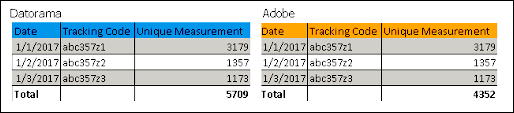
When Aggregated is selected as the Date Granularity in the Extended Properties, look in the Data Stream log within Marketing Cloud Intelligence to identify the processing batches’ date ranges.
- After the date range is identified, create the desired report in the Adobe Analytics platform, with the same Dimensions and date ranges like one of the batches that were found.
- Create a Report, Table Widget, or Pivot Table containing the same Dimensions and Measurements for the same report and date range.
- Instead of comparing the Measurement Totals, compare each line measurement.
# Adobe Analytics Custom 2.0 API Connector
The Adobe Analytics 2.0 Custom API Connector integrates with the latest Adobe Analytics 2.0 API endpoints. The new custom connector allows for simplified query methods and increased capacity for multiple breakdown reports making it the optimal choice for high volume use cases.
The standard Adobe Analytics API connector is preset to be accurately mapped to the Data Model, while the Custom connectors require manual setup.
- **Channel**: Web Analytics
- **Data Stream Type**:
- Ads Conversion Tag
- Generic
- Web Analytics
- Web Analytics Events
- Web Analytics Tags
- Web Analytics Pages
- **Data Lag**: 1 Day
## Prerequisites
To connect to Adobe Analytics, you need:
1. Valid Client ID and Client Secret
2. Tech Account ID
3. Organization ID
4. Private Key
## General Setup
Enter your credentials and select the Profile you want to pull data for.
- **Account** – Select the Adobe Analytics account you want to retrieve data for. This correlates to the Report Suite in Adobe Analytics.
- **Segments** – Select the Segment you want to retrieve data for. This section is optional and you can only select one segment per Data Stream; however, you can add multiple Segment values within the Extended Properties (see below).
- **Fields** – Select the fields you require. You can select up to 3 Dimensions per Data Stream and up to 30 Measurements. Dimension fields are identified with the prefix (ELEMENT) and Measurements are prefixed with (METRIC).
## Extended Properties
- **Override Segments** – Insert the Segment IDs of the segments you want to pull. This is only relevant if you want to query more than one segment per Data Stream. Separate each segment ID with a comma.

Note The values inserted here override the segment selected in the General Setup section (see above).
- **Date Granularity** – Select the date granularity you want to retrieve your data for:
- **Daily**
- **Aggregated**

Note If Aggregated is set, the data is retrieved without a Day Dimension, so you’ll need to apply a Date in the Mapping Screen.
- **Data Stream Type** – Select one of the available Data Stream Types you want to map your data to. You can only select one type of Data Stream Type in any given Adobe Analytics Custom API Data Stream. You can map into the following Data Stream Types:
- Ads
- Conversion Tag
- Generic
- Web Analytics
- Web Analytics Events
- Web Analytics Tags
- Web Analytics Pages
## QA Your Data
- Create the desired report in the Adobe Analytics platform for the required date range. Next, process the relevant Data Stream in Marketing Cloud Intelligence for the same date range.
- Create a Report/Table Widget/Pivot Table within Marketing Cloud Intelligence containing the exact same Dimensions and Measurements for the same report and date range.
- Compare the Measurement Totals and make sure they’re aligned.
## QA Unique Measurements
When Day is selected as the Date Granularity in the Extended Properties, Instead of comparing the Measurement Totals, compare each line measurement.
Using the example below, you can see that each line matches even though the Total does not:
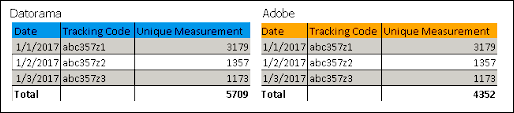
When Aggregated is selected as the Date Granularity in the Extended Properties, look in the Data Stream log within Marketing Cloud Intelligence to identify the processing batches’ date ranges.
- After it is identified, create the desired report in the Adobe Analytics platform, with the same Dimensions and date ranges like one of the batches that were found.
- Create a Report/Table Widget/Pivot Table within Marketing Cloud Intelligence containing the same Dimensions and Measurements for the same report and date range.
- Instead of comparing the Measurement Totals, compare each line measurement.
# Adobe Analytics Custom API Connector
The Adobe Analytics Custom API Connector allows you to retrieve a custom set of Measurements and Dimensions from the Adobe Analytics API into Marketing Cloud Intelligence Data Pipelines.
The standard Adobe Analytics API connector is preset to be accurately mapped to the Data Model, while the Custom connectors require manual setup. Use the Adobe Analytics Custom Connectors to retrieve unique measurements, data from the Data Warehouse reports, or if you want to retrieve calculated metrics and segments from the Analytics reports.
- **Channel**: Web Analytics
- **Data Stream Type**:
- Ads Conversion Tag
- Generic
- Web Analytics
- Web Analytics Events
- Web Analytics Tags
- Web Analytics Pages
- **Data Lag**: 1 Day
## Prerequisites
To connect to Adobe Analytics, you need a valid username and Secret Key.
- To retrieve your User Name value, combine your User Name and Company Name values in the following format: Username:Company.
- The Secret Key is different from a password and is found within the Adobe Analytics platform, under My Account > Edit Profile > Web Service. Copy the string in the Shared Secret field.
- If you’re unable to see your Shared Key, contact your Adobe Analytics Administrator.
## General Setup
Enter your credentials and select the Profile you want to pull data for.
- **Account** – Select the Adobe Analytics account you want to retrieve data for. This correlates to the Report Suite in Adobe Analytics.
- **Segments** – Select the Segment you want to retrieve data for. This section is optional and you can only select one segment per Data Stream; however, you can add multiple Segment values within the Extended Properties (see below).
- **Fields** – Select the fields you require. You can select up to 3 Dimensions per Data Stream and up to 30 Measurements. Dimension fields are identified with the prefix (ELEMENT) and Measurements are prefixed with (METRIC).
## Extended Properties
- **Override Segments** – Insert the Segment IDs of the segments you want to pull. This is only relevant if you want to query more than one segment per Data Stream. Separate each segment ID with a comma.

Note The values inserted here override the segment selected in the General Setup section (see above).
- **Date Granularity** – Select the date granularity you want to retrieve your data for:
- **Daily**
- **Aggregated**

Note If Aggregated is set, the data is retrieved without a Day Dimension, so you’ll need to apply a Date in the Mapping Screen.
- **Data Stream Type** – Select one of the available Data Stream Types you want to map your data to. You can only select one type of Data Stream Type in any given Adobe Analytics Custom API Data Stream. You can map into the following Data Stream Types:
- Ads
- Conversion Tag
- Generic
- Web Analytics
- Web Analytics Events
- Web Analytics Tags
- Web Analytics Pages
## QA Your Data
- Create the desired report in the Adobe Analytics platform for the required date range. Next, process the relevant Data Stream in Marketing Cloud Intelligence Data Pipelines for the same date range.
- Create a Report/Pivot Table within Marketing Cloud Intelligence Data Pipelines containing the exact same Dimensions and Measurements for the same report and date range.
- Compare the Measurement Totals and make sure they’re aligned.
## QA Unique Measurements
When Day is selected as the Date Granularity in the Extended Properties, Instead of comparing the Measurement Totals, compare each line measurement.
Using the example below, you can see that each line matches even though the Total does not:

When Aggregated is selected as the Date Granularity in the Extended Properties, look in the Data Stream log within Marketing Cloud Intelligence Data Pipelines to identify the processing batches’ date ranges.
- After it is identified, create the desired report in the Adobe Analytics platform, with the same Dimensions and date ranges like one of the batches that were found.
- Create a Report/Pivot Table within Marketing Cloud Intelligence Data Pipelines containing the same Dimensions and Measurements for the same report and date range.
- Instead of comparing the Measurement Totals, compare each line measurement.
# Adobe Analytics Data Warehouse 2.0 API Connector
Retrieve Adobe Analytics Data Warehouse reports with the 2.0 API. Use this connector to pull Data Warehouse data into Marketing Cloud Intelligence. Data Warehouse reports don’t include calculated metrics, and only supported segments are available.

Important Adobe Analytics API version 1.4 is no longer available. Use this connector instead of the Adobe Analytics Data Warehouse API connector. You can’t create new streams with the earlier connector, and existing streams on that connector no longer retrieve data.
- Channel: Web Analytics
- Data Stream Type:
- Web Analytics
- Web Analytics Pages
- Data Lag: 1 Day
## Prerequisites
To connect to Adobe Analytics, you need valid OAuth credentials (Client Id + Client Secret).
In Adobe Analytics, complete a one-time Data Warehouse request to initialize your organization. A test request with one metric and a short date range is enough. After you submit the request in Adobe Analytics, the organization is initialized even if the report hasn’t finished. See: [Create a Data Warehouse request](https://experienceleague.adobe.com/en/docs/analytics/export/data-warehouse/dw-create-request/t-dw-create-request)
## Create a Data Stream
After you initialize your organization, create a new data stream using the new Adobe Data Warehouse 2.0 connector.
## General Setup
Select your Account. Account correlates to the ‘Report Suite’ value in Adobe Analytics. Only after segment can be selected at a time. To add more than one segment see the Extended Properties.
In the Fields dropdown list, all Dimension fields are identified with the prefix (ELEMENT) and metrics are prefixed with (METRIC). Calculated fields can’t be selected.
## Extended Properties
To get the best results from the Adobe Analytics Data Warehouse connector, select a specific segment in Extended Properties.
**Override Segments** – Enter the segment IDs of the segments you want to pull. Use this setting only if you want to query more than one segment per data stream. Separate each segment ID with a comma.

Note
The values entered here override the segment selected in General Setup.
**Date Granularity** – Select the date granularity you want to retrieve your data for:
- Daily
- Aggregated

Note : If Aggregated is set, the data is retrieved without a Day dimension. Apply a date on the Mapping screen.
**Data Stream Type** – Select the data stream type to map the retrieved fields to. You can select only one data stream type in a Data Warehouse 2.0 data stream. You can map to **Web Analytics** or **Web Analytics Pages**.
## Additional Information
- The Segment List in Marketing Cloud Intelligence populates ALL the available segments from Adobe, some Segments might not be compatible with Data Warehouse Report Type (as per Adobe’s internal limitation). Thus, if you select a Segment that isn’t supported in Data Warehouse, the Data Stream processing fails with an error message to that effect. If you’re unsure which Segments are supported in Data Warehouse, then as best practice we suggest you verify this from within the Adobe platform prior to creating the Data Stream. To do so, simply check which Segments were populated in the list of Segments in the DW Report Builder itself.
- As for your selection of Dimensions (identified with the prefix ELEMENT) note that you can only combine Dimensions from within the same ‘Group’ (or ‘Type Breakdown’). The two available groups are ‘Traffic’ and ‘Commerce’.
- Not all Dimensions are supported in the Data Warehouse Report Type. To find out which Dimensions are supported, drag & drop a Dimension (Element) into the Segment Builder’s Definitions field to find out about its Report Type compatibility.
- In the Fields dropdown list, due to security reasons, all HTML tags are removed from the field names. As a result, field names that have HTML tags (such as < >) won’t match perfectly to their names in Adobe.
## Pulling Unique Measurements in Adobe Analytics
The Unique Measurement values will only match those on the Adobe platform for the exact same combination of Dimensions (including Date), but not at any other level and not as a total of these rows of data.
## QA Your Data: Regular Measurements
- Generate a report in the Adobe Data Warehouse Report Builder with the exact same set of Dimensions and Measurements that exist in the Data Stream query, for a certain date range.
- Create a Report/Table Widget/Pivot table within Marketing Cloud Intelligence containing the exact same Dimensions and measurements for the same date range.
- Compare the measurement totals and make sure they’re aligned.
- Make sure that you’ve mapped correctly in terms of entity relationships. Filter the Adobe report for a certain dimension value and make sure that the list of associated Dimensions seen in the Adobe report corresponds to that seen in Marketing Cloud Intelligence when the same filtering is applied.
- Make sure that the metric values are aligned.
## QA Your Data
- Create the desired report in Adobe Analytics for the required date range. Then process the relevant data stream in Marketing Cloud Intelligence for the same date range.
- Create a report, table widget, or pivot table that contains the same dimensions and measurements for the same report and date range.
- Compare the measurement totals and make sure they’re aligned.
## QA Unique Measurements
When Day is selected as the Date Granularity in the Extended Properties, Instead of comparing the Measurement Totals, compare each line measurement.
Using the example below, you can see that each line matches even though the Total doesn’t.

When Aggregated is selected as the Date Granularity in the Extended Properties, look in the Data Stream log within Marketing Cloud Intelligence to identify the processing batches’ date ranges.
- After the date range is identified, create the desired report in the Adobe Analytics platform, with the same Dimensions and date ranges like one of the batches that were found.
- Create a Report, Table Widget, or Pivot Table containing the same Dimensions and Measurements for the same report and date range.
- Instead of comparing the Measurement Totals, compare each line measurement.
# Adobe Analytics Data Warehouse API Connector
Adobe Analytics is a Web Analytics service that tracks and reports website traffic and interaction.
This connector retrieves data from the ‘Data Warehouse’ reports section in Adobe Analytics. Pulling data from Data Warehouse means that you can’t retrieve Calculated Metrics —— you can only retrieve data for a selection of supported Segments.
- **Channel**: Web Analytics
- **Data Stream Type**:
- Web Analytics
- Web Analytics Pages
- **Data Lag**: 1 Day
## Prerequisites
- Valid user & password
- Secret key (Different from the password)
- Permissions to the Data Warehouse Reports Section
- Report Suites that have Data Warehouse enabled – These are also the only Report Suites that you’re able to query (that is, create a Data Stream for).
## Details
When Authenticating Adobe Analytics, you’re required to enter a Username and the Secret Key. For the Username value, you have to combine your User Name and Company Name values in the following format: Username:Company and the Secret Key, is your Shared Secret value in Adobe
If you’re not sure how to find your Shared Secret value in Adobe, go to the User Settings and under the Web Service section, you’ll see a string that is referred to as your Shared Secret.
## General Setup
Select your Account. Account correlates to the ‘Report Suite’ value in Adobe Analytics. Only after segment can be selected at a time. To add more than one segment see the Extended Properties.
In the Fields dropdown list, all Dimension fields are identified with the prefix (ELEMENT) and metrics are prefixed with (METRIC). Calculated fields can’t be selected.
## Extended Properties
- **Override Segments** – This setting is only relevant if you need to query on more than one Segment, as it allows you to enter up to 4 Segment values (which you can’t do from the Segment dropdown at the top). Enter the segment values ids separated by commas. Be advised that the values entered in the Override Segments section overrides any Segment selection you have made in the dropdown at the top. To obtain the Segment ID values from within the Adobe platform, edit a certain Segment and retrieve the ID value from the URL component.
- **Data Stream Type** – The data being pulled is unmapped, so select the Data Stream Type to which the retrieved fields should be mapped to.
## Additional Information
- The Segment List in Marketing Cloud Intelligence Data Pipelines populates ALL the available segments from Adobe, some Segments might not be compatible with Data Warehouse Report Type (as per Adobe’s internal limitation). Thus, if you select a Segment that isn’t supported in Data Warehouse, the Data Stream processing fails with an error message to that effect. If you’re unsure which Segments are supported in Data Warehouse, then as best practice we suggest you verify this from within the Adobe platform prior to creating the Data Stream. To do so, simply check which Segments were populated in the list of Segments in the DW Report Builder itself.
- As for your selection of Dimensions (identified with the prefix ELEMENT) note that you can only combine Dimensions from within the same ‘Group’ (or ‘Type Breakdown’) again, as per an Adobe limitation. The two available groups are ‘Traffic’ and ‘Commerce’. You can’t for example have both 'browserheight' (Traffic) and 'category' (Commerce) as 2 Dimensions queried within the same Data Stream, as each belongs to a different group and would, therefore, cause the Data Stream processing to fail.
- Not all Dimensions are supported in the Data Warehouse Report Type. To find out which Dimensions are supported, drag & drop a Dimension (Element) into the Segment Builder’s Definitions field to find out about its Report Type compatibility.
- In the Fields dropdown list, due to security reasons, all HTML tags are removed from the field names. As a result, field names that have HTML tags (such as < >) won’t match perfectly to their names in Adobe.
- The reporting UI (Adobe Workspace) doesn’t produce a flat CSV report, rather it provides a drill-down report with a limit of only 400 rows. This can be challenging when trying to compare data with maximum granularity.
## Pulling Unique Measurements in Adobe Analytics
The Unique Measurement values will only match those on the Adobe platform for the exact same combination of Dimensions (including Date), but not at any other level and not as a total of these rows of data.
## QA Your Data
**Regular Measurements**
1. Generate a report in the Adobe Data Warehouse Report Builder with the exact same set of Dimensions and Measurements that exist in the Data Stream query, for a certain date range.
2. Create a Report/Pivot table within Marketing Cloud Intelligence Data Pipelines containing the exact same Dimensions and measurements for the same date range.
3. Compare the measurement totals and make sure they’re aligned.
4. Make sure that you’ve mapped correctly in terms of entity relationships. Filter the Adobe report for a certain dimension value and make sure that the list of associated Dimensions seen in the Adobe report corresponds to that seen in Marketing Cloud Intelligence Data Pipelines when the same filtering is applied.
5. Make sure that the metric values are aligned.
**Unique Measurements**
1. Generate a report in Adobe DW Report Builder that has the exact same set of Dimensions including Date and unique measurements that exist in the Data Stream query.
2. Create a Report/Pivot table within Marketing Cloud Intelligence Data Pipelines containing the exact same Dimensions and unique measurement/s, for the same date range.
3. Instead of comparing the Measurement Totals, compare each line measurement.

# Adocean Gemius API Connector
Adocean is an Ad Server platform that offers advertising space to several Ad Providers at the same time, allowing the same space to be used for direct sales. This enables the automatic optimization of revenue from a single advertising space.
- Channel: Display
- Data Stream Types:
- Ads
- Conversion Tags
- Data Lag: 1 Day
## Prerequisites
A valid Gemius username and password is required.
## Setup Process
- Enter your Gemius credentials, and after it is authenticated, a list of all the Clients that you have access to is populated.
- Select the Client you wish to pull data for from the ‘Users’ dropdown.
## Details
The following Dimensions and Measurements are pulled by default and mapped to the Ads Data Stream Type:
AdOcean Field
INTELLIGENCE Field
Type
date_id
Day
Dimension
campaign_external_id (CampaignId)
Campaign Key
Dimension
campaign_name (CampaignName)
Campaign Name
Dimension
campaign_start_time (startTS)
Campaign Start Date
Dimension
campaign_end_time (endTS)
Campaign End Date
Dimension
media_buy_external_id (PlacementId)
Media Buy Key
Dimension
media_buy_name (PlacementName)
Media Buy Name
Dimension
exchange_external_id (PublisherId)
Exchange Key
Dimension
exchange_name (PublisherName)
Exchange Name
Dimension
currency
Currency
Attribute
ad_key (CreativeId)
Creative Key
Dimension
ad_name (CreativeName)
Creative Name
Dimension
ad_category (creativeTypeName)
Creative Category
Dimension
ad_format (creativeFormName)
Creative Format
Dimension
impressions (impressions)
Impressions
Measurement
clicks (clicks)
Clicks
Measurement
media_cost (totalCost)
Media Cost
Measurement
frequency (frequency)
Frequency
Measurement
reach (reach)
Reach
Measurement
The following Dimensions and Measurements are pulled by default and mapped to the Conversion Tag Data Stream Type:
AdOcean Field
INTELLIGENCE Field
Type
date_id
Day
Dimension
campaign_external_id (CampaignId)
Campaign Key
Dimension
campaign_name (CampaignName)
Campaign Name
Dimension
media_buy_external_id (PlacementId)
Media Buy Key
Dimension
media_buy_name (PlacementName)
Media Buy Name
Dimension
exchange_external_id (PublisherId)
Exchange Key
Dimension
exchange_name (PublisherName)
Exchange Name
Dimension
currency
Currency
Attribute
conversion_tag_external_id (campaignActionID)
Conversion Tag Key
Dimension
conversion_tag_name (campaignActionName)
Conversion Tag Name
Dimension
total_conversions (actions)
Total Conversions
Measurement
post_impressions (postViewActions)
Post Impression Conversions
Measurement
post_clicks (postClickActions)
Post Click Conversions
Measurement
ad_key (CreativeId)
Creative Key
Dimension
ad_name (CreativeName)
Creative Name
Dimension
ad_category (creativeTypeName)
Creative Category
Dimension
ad_format (creativeFormName)
Creative Format
Dimension
There are additional unmapped fields that you can map manually for both Data Stream Types.
## Extended Properties
- Date Breakdown
- Day - This is the default Date Breakdown and aggregates the data by a daily Date Breakdown.
- Week - Selecting this aggregates the date by a weekly Date Breakdown.
- Aggregated - Selecting this setting means that the data won’t be aggregated on a Daily or Weekly level. Instead, the data is assigned a Data Date based on the day of its retrieval. This setting is most useful for viewing Unique Measurements, such as Reach and Frequency without having a Daily or Weekly aggregation applied to them.
- Placement Display Mode - From here you can determine whether to retrieve Placements, Folders or both:
- Leaves - Selecting this retrieves Placements
- Nodes - Selecting this retrieves Folders
- All - Selecting this retrieves both Placements and Folders. Selecting this option could lead to duplications of the Measurements data.
- Get Conversions - This is checked by default and pulls Conversions data to the Conversion Tag Data Stream Type.
- Get Creative Interactions - Selecting this pulls Video Interaction Measurements (such as Video Completions) into the Ads Data Stream Type.
- Get Full Placement Path - Retrieve the full directory path of the Placement in a Dimension called placementFullPath unmapped in Ads and Conversion Tag buckets.
In AdOcean’s UI, Creative Interactions are represented as different values under a Dimension called ‘Creative Interaction’, where the quantity of each type of Creative Interaction is placed under a Measurement called ‘Interactions’, as shown below:
| Creative | Campaign | Creative Interaction | Interactions (#) |
| --- | --- | --- | --- |
| Y | X | 25% Viewed | 5 |
| Y | X | 50% Viewed | 2 |
| Y | X | Fully Viewed | 1 |
For this data to appear correctly in Marketing Cloud Intelligence, Marketing Cloud Intelligence performs a process similar to a Pivot Transformer, whereas the Dimension and Measurement are parsed as four separate Measurements - Video Views 25%, Video Views 50%....etc. As illustrated below:
Creative
Campaign
25% Viewed
50% Viewed
Fully Viewed
Y
X
5
2
1
## Known Issues
Checking the ‘Get Creative Interactions’ box in the Extended Properties retrieves an additional report from AdOcean. This means that every time the Data Stream is processed, it will be processing an additional report - potentially adding to the processing time. Additionally, due to the structure of the Creative Interactions data, as detailed above, Marketing Cloud Intelligence may not automatically parse some Creative Interaction Types.
## QA Your Data
- Within Marketing Cloud Intelligence, create a Pivot Table for the same Date Range and Client as the Report you generated in AdOcean.
- Since the AdOcean UI is limited to showing only three Dimensions at a time, your view in Marketing Cloud Intelligence should only include three Dimensions to match what you see in AdOcean.
- Match the Date Range of your view in Marketing Cloud Intelligence to the Date Range you’re looking at within the AdOcean UI.
- Compare the Measurement Totals per row to ensure the data is correct.
# Adocean Gemius API Connector
Adocean is an Ad Server platform that offers advertising space to several Ad Providers at the same time, allowing the same space to be used for direct sales. This enables the automatic optimization of revenue from a single advertising space.
- **Channel**: Display
- **Data Stream Types**:
- Ads
- Conversion Tags
- **Data Lag**: 1 Day
## Prerequisites
A valid Gemius username and password is required.
## Setup Process
- Enter your Gemius credentials, and after it is authenticated, a list of all the Clients that you have access to is populated.
- Select the Client you wish to pull data for from the ‘Users’ dropdown.
## Details
The following Dimensions and Measurements are pulled by default and mapped to the Ads Data Stream Type:
AdOcean Field
INTELLIGENCE Field
Type
date_id
Day
Dimension
campaign_external_id (CampaignId)
Campaign Key
Dimension
campaign_name (CampaignName)
Campaign Name
Dimension
campaign_start_time (startTS)
Campaign Start Date
Dimension
campaign_end_time (endTS)
Campaign End Date
Dimension
media_buy_external_id (PlacementId)
Media Buy Key
Dimension
media_buy_name (PlacementName)
Media Buy Name
Dimension
exchange_external_id (PublisherId)
Exchange Key
Dimension
exchange_name (PublisherName)
Exchange Name
Dimension
currency
Currency
Attribute
ad_key (CreativeId)
Creative Key
Dimension
ad_name (CreativeName)
Creative Name
Dimension
ad_category (creativeTypeName)
Creative Category
Dimension
ad_format (creativeFormName)
Creative Format
Dimension
impressions (impressions)
Impressions
Measurement
clicks (clicks)
Clicks
Measurement
media_cost (totalCost)
Media Cost
Measurement
frequency (frequency)
Frequency
Measurement
reach (reach)
Reach
Measurement
The following Dimensions and Measurements are pulled by default and mapped to the Conversion Tag Data Stream Type:
AdOcean Field
INTELLIGENCE Field
Type
date_id
Day
Dimension
campaign_external_id (CampaignId)
Campaign Key
Dimension
campaign_name (CampaignName)
Campaign Name
Dimension
media_buy_external_id (PlacementId)
Media Buy Key
Dimension
media_buy_name (PlacementName)
Media Buy Name
Dimension
exchange_external_id (PublisherId)
Exchange Key
Dimension
exchange_name (PublisherName)
Exchange Name
Dimension
currency
Currency
Attribute
conversion_tag_external_id (campaignActionID)
Conversion Tag Key
Dimension
conversion_tag_name (campaignActionName)
Conversion Tag Name
Dimension
total_conversions (actions)
Total Conversions
Measurement
post_impressions (postViewActions)
Post Impression Conversions
Measurement
post_clicks (postClickActions)
Post Click Conversions
Measurement
ad_key (CreativeId)
Creative Key
Dimension
ad_name (CreativeName)
Creative Name
Dimension
ad_category (creativeTypeName)
Creative Category
Dimension
ad_format (creativeFormName)
Creative Format
Dimension
There are additional unmapped fields that you can map manually for both Data Stream Types.
## Extended Properties
- Date Breakdown
- Day - This is the default Date Breakdown and aggregates the data by a daily Date Breakdown.
- Week - Selecting this aggregates the date by a weekly Date Breakdown.
- Aggregated - Selecting this setting means that the data won’t be aggregated on a Daily or Weekly level. Instead, the data is assigned a Data Date based on the day of its retrieval. This setting is most useful for viewing Unique Measurements, such as Reach and Frequency without having a Daily or Weekly aggregation applied to them.
- Placement Display Mode - From here you can determine whether to retrieve Placements, Folders or both:
- Leaves - Selecting this retrieves Placements
- Nodes - Selecting this retrieves Folders
- All - Selecting this retrieves both Placements and Folders. Selecting this option could lead to duplications of the Measurements data.
- Get Conversions - This is checked by default and pulls Conversions data to the Conversion Tag Data Stream Type.
- Get Creative Interactions - Selecting this pulls Video Interaction Measurements (such as Video Completions) into the Ads Data Stream Type.
- Get Full Placement Path - Retrieve the full directory path of the Placement in a Dimension called placementFullPath unmapped in Ads and Conversion Tag buckets.
In AdOcean’s UI, Creative Interactions are represented as different values under a Dimension called ‘Creative Interaction’, where the quantity of each type of Creative Interaction is placed under a Measurement called ‘Interactions’, as shown below:
| Creative | Campaign | Creative Interaction | Interactions (#) |
| --- | --- | --- | --- |
| Y | X | 25% Viewed | 5 |
| Y | X | 50% Viewed | 2 |
| Y | X | Fully Viewed | 1 |
For this data to appear correctly in Marketing Cloud Intelligence Data Pipelines, Marketing Cloud Intelligence Data Pipelines performs a process similar to a Pivot Transformer, whereas the Dimension and Measurement are parsed as four separate Measurements - Video Views 25%, Video Views 50%....etc. As illustrated below:
Creative
Campaign
25% Viewed
50% Viewed
Fully Viewed
Y
X
5
2
1
## Known Issues
Checking the ‘Get Creative Interactions’ box in the Extended Properties retrieves an additional report from AdOcean. This means that every time the Data Stream is processed, it will be processing an additional report - potentially adding to the processing time. Additionally, due to the structure of the Creative Interactions data, as detailed above, Marketing Cloud Intelligence Data Pipelines may not automatically parse some Creative Interaction Types.
## QA Your Data
- Within Marketing Cloud Intelligence Data Pipelines, create a Pivot Table for the same Date Range and Client as the Report you generated in AdOcean.
- Since the AdOcean UI is limited to showing only three Dimensions at a time, your view in Marketing Cloud Intelligence Data Pipelines should only include three Dimensions to match what you see in AdOcean.
- Match the Date Range of your view in Marketing Cloud Intelligence Data Pipelines to the Date Range you’re looking at within the AdOcean UI.
- Compare the Measurement Totals per row to ensure the data is correct.
# Adroll API Connector
AdRoll is an Ecommerce Growth Platform helping brands grow revenue through marketing and ads.
- Channel: Display
- Data Stream Types:
- Ads
- Conversion Tags
- Data Lag: 1 Day
## Prerequisites
A valid AdRoll Username and Password is required.
## Extended Properties
- Get Ads Data Level - When this box is checked, an Ads Data Report is retrieved in addition to the Display data retrieved by the API by default, this added report is mapped to the Ads Data Stream Type.
- Get Conversions - This box is checked by default, and will retrieve a Conversions Report in addition to the Display data retrieved by the API by default, this added report is mapped to the Conversion Tag Data Stream Type.
## QA Your Data
- Create the desired report in the AdRoll UI for the required date range. Then, process the relevant Data Stream in Marketing Cloud Intelligence for the same date range.
- Select the relevant AdRoll Report, as specified in the Extended Properties of the Data Stream.
- Create a Report/Table Widget/Pivot Table within Marketing Cloud Intelligence containing the exact same Dimensions and Measurements for the same report and date range.
- Compare the Measurement Totals and make sure they’re aligned.
# Adroll API Connector
AdRoll is an Ecommerce Growth Platform helping brands grow revenue through marketing and ads.
- **Channel**: Display
- **Data Stream Types**:
- Ads
- Conversion Tags
- **Data Lag**: 1 Day
## Prerequisites
A valid AdRoll Username and Password is required.
## Extended Properties
- Get Ads Data Level - When this box is checked, an Ads Data Report is retrieved in addition to the Display data retrieved by the API by default, this added report is mapped to the Ads Data Stream Type.
- Get Conversions - This box is checked by default, and will retrieve a Conversions Report in addition to the Display data retrieved by the API by default, this added report is mapped to the Conversion Tag Data Stream Type.
## QA Your Data
- Create the desired report in the AdRoll UI for the required date range. Then, process the relevant Data Stream in Marketing Cloud Intelligence Data Pipelines for the same date range.
- Select the relevant AdRoll Report, as specified in the Extended Properties of the Data Stream.
- Create a Report/Pivot Table within Marketing Cloud Intelligence Data Pipelines containing the exact same Dimensions and Measurements for the same report and date range.
- Compare the Measurement Totals and make sure they’re aligned.
# Adthena API Connector
Adthena provides search competitive data.
- Data Stream Types: Unmapped
- Data Lag: 2 Days
## General Setup
Select the dates for which you wish to process the Data, under Initial Data Fetch.
## Extended Properties
- Data Stream Type - Select the Data Stream Type for the Data you wish to retrieve.
- Reports Type - Select one of the available Report Types: Market Share, Market Trends, Top Ads, Google Shopping (or Top PLAs, which is called ‘Google Shopping’ on the Adthena UI (Product Listing Ads - Google Shopping in the Adthena UI).
- Results Filter - Whole Market filters the report by general market terms, My Terms filters the report according to your search terms.
- Device Breakdown - Select By Devices or Totals. By Devices means that Marketing Cloud Intelligence adds a device breakdown via the Device Dimension. Totals returns the totals without the device breakdown.

Note
- The Top Ads and Google ShoppingTop PLA Reports always includes Device Breakdown, regardless of the setting you apply here.
- Marketing Cloud Intelligence allows you to retrieve all the available Measurements at once.
## Additional Details
- Adthena has four different types of Reports:
- Market Share
- Market Trends
- Top Ads
- Top PLAs (Product Listing Ads) - Google Shopping in Adthena UI
- For the Market Share and Market Trend reports, Marketing Cloud Intelligence pulls the actual percentage Measurements.
- It’s recommended to change the Measurement format to percentage for ease of analysis.
- With Percentage Measurements it’s also recommended to consume the Data at the granularity with which it was pulled as viewing it at any other granularity could result in discrepancies.
## Advanced Settings
- The Market Trends Report is retrieved with a Daily Breakdown.
- Other reports can’t be retrieved with a Daily Breakdown. For these Reports Marketing Cloud Intelligence queries Adthena for 7-day batches and receives the aggregated Measurement values for that duration. The End Date of the 7-day period is the value that is mapped to the Marketing Cloud Intelligence ‘Day’ value.
- The ‘Statistic Span days’ is what determines the number of days in the processing batch while the ‘Sliding Window’ setting determines the number of days queried on each of the Stream’s automatic daily runs. In light of this, the ‘Sliding Window’ setting should also be configured to the same number as the ‘Statistic Span Days’ to allow the Stream to query the source for the number of days that it is configured to process. Should your processing Date Range consist of a sum of days that can’t be divided by the number set as the Statistic Span Days - in this example, 7 - any days that are left over will be aggregated for their own Duration Period.
- If you wish to create a Daily Breakdown for the Data Stream you create, set both the ‘Statistic Span Days’ and ‘Sliding Window’ to 1 day.
## QA Your Data
- Create the relevant Adthena Report Type for a certain Date Range.
- In Marketing Cloud Intelligence, create a Pivot Table for the same Date Range as the Report you generated in Adthena.
- Compare the Measurement values per row. Be sure not to compare the total Measurement values for more than one row at a time, as the fact that Marketing Cloud Intelligence pulls the Percentage values rather than the raw Measurement values that will lead to a difference between the two views.
## QA Market Share, Top Ads and Google Shopping
- When creating one of these Reports in the Adthena UI, you’ll have to comply with at least one of the processing batches’ Date Ranges and compare your data based on that Date Range. To view the Batch Date Range for which you’ll need to generate the report in the Adthena UI, refer to the relevant Data Stream’s Execution Log.
- When creating the Pivot Table in Marketing Cloud Intelligence, filter it for one Date value - the last day in the Adthena Report’s Date Range.
- As in the Marketing Trends Report, any comparisons for Percentage Measurements should be performed per row, rather than for several rows at a time.
# Adthena API Connector
Adthena provides search competitive data.
- **Data Stream Types**: Unmapped
- **Data Lag**: 2 Days
## General Setup
Select the dates for which you wish to process the Data, under Initial Data Fetch.
## Extended Properties
- Data Stream Type - Select the Data Stream Type for the Data you wish to retrieve.
- Reports Type - Select one of the available Report Types: Market Share, Market Trends, Top Ads, Google Shopping (or Top PLAs, which is called ‘Google Shopping’ on the Adthena UI (Product Listing Ads - Google Shopping in the Adthena UI).
- Results Filter - Whole Market filters the report by general market terms, My Terms filters the report according to your search terms.
- Device Breakdown - Select By Devices or Totals. By Devices means that Marketing Cloud Intelligence Data Pipelines adds a device breakdown via the Device Dimension. Totals returns the totals without the device breakdown.

Note
- The Top Ads and Google ShoppingTop PLA Reports always includes Device Breakdown, regardless of the setting you apply here.
- Marketing Cloud Intelligence Data Pipelines allows you to retrieve all the available Measurements at once.
## Additional Details
- Adthena has four different types of Reports:
- Market Share
- Market Trends
- Top Ads
- Top PLAs (Product Listing Ads) - Google Shopping in Adthena UI
- For the Market Share and Market Trend reports, Marketing Cloud Intelligence Data Pipelines pulls the actual percentage Measurements.
- It’s recommended to change the Measurement format to percentage for ease of analysis.
- With Percentage Measurements it’s also recommended to consume the Data at the granularity with which it was pulled as viewing it at any other granularity could result in discrepancies.
## Advanced Settings
- The Market Trends Report is retrieved with a Daily Breakdown.
- Other reports can’t be retrieved with a Daily Breakdown. For these Reports Marketing Cloud Intelligence Data Pipelines queries Adthena for 7-day batches and receives the aggregated Measurement values for that duration. The End Date of the 7-day period is the value that is mapped to the Marketing Cloud Intelligence Data Pipelines ‘Day’ value.
- The ‘Statistic Span days’ is what determines the number of days in the processing batch while the ‘Sliding Window’ setting determines the number of days queried on each of the Stream’s automatic daily runs. In light of this, the ‘Sliding Window’ setting should also be configured to the same number as the ‘Statistic Span Days’ to allow the Stream to query the source for the number of days that it is configured to process. Should your processing Date Range consist of a sum of days that can’t be divided by the number set as the Statistic Span Days - in this example, 7 - any days that are left over will be aggregated for their own Duration Period.
- If you wish to create a Daily Breakdown for the Data Stream you create, set both the ‘Statistic Span Days’ and ‘Sliding Window’ to 1 day.
## QA Your Data
- Create the relevant Adthena Report Type for a certain Date Range.
- In Marketing Cloud Intelligence Data Pipelines, create a Pivot Table for the same Date Range as the Report you generated in Adthena.
- Compare the Measurement values per row. Be sure not to compare the total Measurement values for more than one row at a time, as the fact that Marketing Cloud Intelligence Data Pipelines pulls the Percentage values rather than the raw Measurement values that will lead to a difference between the two views.
## QA Market Share, Top Ads and Google Shopping
- When creating one of these Reports in the Adthena UI, you’ll have to comply with at least one of the processing batches’ Date Ranges and compare your data based on that Date Range. To view the Batch Date Range for which you’ll need to generate the report in the Adthena UI, refer to the relevant Data Stream’s Execution Log.
- When creating the Pivot Table in Marketing Cloud Intelligence Data Pipelines, filter it for one Date value - the last day in the Adthena Report’s Date Range.
- As in the Marketing Trends Report, any comparisons for Percentage Measurements should be performed per row, rather than for several rows at a time.
# Advanced Approvals for Offers
After finalizing an offer and its treatment, the marketing team initiates a review and approval cycle that typically spans multiple departments. This includes teams such as marketing, finance, content, compliance, and legal to ensure regulatory adherence and quality. The review process can also include collaboration with external agencies. To accelerate approval process setup, Offer Management provides a set of preconfigured flow templates. Admins can clone these templates and customize the flow logic to mirror the company’s offer approval stages. To trigger the approval process, the admin can configure a simple automation.
- **[Approval Flows for Offers](https://help.salesforce.com/s/articleView?id=mktg.offers_setup_approval_flows.htm&release=264.0.0&type=5)**
The flow templates for offer approval are designed to manage the end-to-end offer review and approval process across departments. The flow templates mimic the approval lifecycle that most companies align with. Admins can customize the flows based on the company's unique review process and requirements.
- **[Ways to Inform Approvers About Offers Pending Review](https://help.salesforce.com/s/articleView?id=mktg.offers_setup_approval_approvers.htm&release=264.0.0&type=5)**
The Offers Console tab of the Promotions & Offers app provides users an option to manage offer approvals. On the Approvals page, approvers can view offers pending their review and submitters can view the approval status of their offers. You can also embed Lightning App Builder components on pages that approvers visit frequently to inform them about offers that are in their queue.
# Advanced Audit Trail Metrics
Advanced Audit Trail is available as an add-on. It includes all the metrics that Basic Audit Trail provides, and extra metrics related to channels, sites, analytics, and automations. Advanced Audit Trail retains data for 60 days.
For more information about adding Advanced Audit Trail to your account, contact your account executive.
## Setup Metrics
Advanced Audit Trail logs all the [setup metrics that Basic Audit Trail logs](https://help.salesforce.com/s/articleView?id=mktg.mc_overview_audit_trail_basic_metrics.htm&release=264.0.0&type=5 "Basic Audit Trail provides fundamental security-related metrics. With Basic Audit Trail, Marketing Cloud Engagement retains 30 days of data. Basic Audit Trail is on by default in all accounts."), and also includes these metrics:
- User agents
- Session IDs
- Changes to business units
## Email Studio Metrics
Advanced Audit Trail logs the username and timestamp for edits to Email Studio content.
## CloudPages Metrics
Advanced Audit Trail logs the username and timestamp for these actions on CloudPages content and collections:
- Creation
- Modification
- Publishing
- Unpublishing
- Deletion
## MobilePush Metrics
Advanced Audit Trail logs the username and timestamp for changes to MobilePush content.
## MobileConnect Metrics
Advanced Audit Trail logs the username and timestamp for successful edits to SMS content. It doesn’t log failed SMS edits, and doesn’t provide a before-and-after comparison of successful edits.
## Google Analytics Integration Metrics
Advanced Audit Trail logs these changes to your Google Analytics Integration configuration:
- Linking or unlinking a Google Analytics account to Marketing Cloud Engagement
- Linking or unlinking a Marketing Cloud Engagement account to Google Analytics
- Changes to the Google Analytics Account, Property, and Views configuration
- Changes to UTM parameters
## Journey Builder and Automation Studio Metrics
Advanced Audit Trail logs the user and action for these journey and automation events:
- Automation: start, stop, pause, schedule, delete, copy, and skip
- Schedule: delete, pause, update, and update time
- Activity: save and update
- File trigger: publish and delete
- Notification: update and delete
- File transfer, data copy, data import, query, script, extracts, reports, wait, and data verification activities: create, update, and delete
- Journey entry: audience and event trigger
- GroupConnect: send
## Data Extension Metrics
Advanced Audit Trail logs the username and timestamp for these data extension events:
- Viewing data in a data extension
- Creating an import definition in Email Studio, Contact Builder, or Automation Studio
- Creating an import definition with REST API
- Creating an export definition in Email Studio or Contact Builder
#### See Also
- [Audit Trail](https://help.salesforce.com/s/articleView?id=mktg.mc_overview_audit_trail.htm&release=264.0.0&type=5 "View Marketing Cloud Engagement access and activity records with Audit Trail. Pull Audit Trail records in Automation Studio data extracts or by using REST API. Analyze the information from Audit Trail in your preferred tools or archive it for later reference.")
- [Basic Audit Trail Metrics](https://help.salesforce.com/s/articleView?id=mktg.mc_overview_audit_trail_basic_metrics.htm&release=264.0.0&type=5 "Basic Audit Trail provides fundamental security-related metrics. With Basic Audit Trail, Marketing Cloud Engagement retains 30 days of data. Basic Audit Trail is on by default in all accounts.")
# Advanced Customizations
Apply advanced customizations to your widgets such as forecasting, highlighting rules, and cascading filters.
- **[Forecasting](https://help.salesforce.com/s/articleView?id=mktg.dato_visualize_widgets_advanced_forecasting.htm&release=264.0.0&type=5)**
Forecasting allows you to activate sophisticated algorithms that predict the behavior of a specific measurement.
- **[Highlighting Rules](https://help.salesforce.com/s/articleView?id=mktg.dato_visualize_widgets_advanced_high_rules.htm&release=264.0.0&type=5)**
Highlighting rules enable you to highlight values in a widget, allowing you to track specific values associated with measurements and dimensions. For example, you can use a highlighting rule to track the click-through rate (CTR) of a specific campaign to make sure that you remain within your key performance indicators (KPIs). Or you can use a highlighting rule to mark a specific media buy that you want to monitor.
- **[Cascading Filters](https://help.salesforce.com/s/articleView?id=mktg.dato_visualize_widgets_advanced_casc_filters.htm&release=264.0.0&type=5)**
Cascading filters allow you to apply a filtering component such as a page filter or an interactive filter widget to other interactive filter widgets. After you apply a cascading filter, the list of values in the selected interactive filters widgets are filtered to only contain values that are relevant to the selected value.
# Advanced Email Analytics Reports
This add-on package offers engagement and email client reporting, which enhance built-in email marketing testing and metrics.
### Required Editions
Available in: Account Engagement Plus, Advanced, and Premium Editions
Available for an additional cost in: Account Engagement Growth Edition
## Engagement Reporting
Advanced analytics appear on the standard email marketing report. Data for emails older than 14 months aren’t recorded.
The Interaction tab contains engagement and activity metrics, which gauge how much time a recipient spent with your email. Total Email Engagement shows metrics for everyone who received your email. Opened Email Engagement shows metrics for people who opened your email.
Glanced or Unread Percentage
The email was open for less than 2 seconds.
Skimmed Percentage
The email was open 2–8 seconds.
Read Percentage
The email was open for 8 seconds or more.
The graphs and tables on the Email Clients tab show which email clients and operating systems are used to open the list emails. To get more information about each email client, click the pie chart.
# Advanced FAQs
Answers to your advanced questions about Marketing Cloud Connect for Marketing Cloud Engagement.
Can I Use Personalization with Marketing Cloud Connect?
Yes. Map attributes between Engagement and Salesforce CRM to use personalization.
Can I Map Custom Attributes Between Engagement and Sales or Service Cloud for Advanced Personalization?
Yes. Custom attributes that are based on the Lead, Contact, Account, or Person Accounts objects can be mapped. Mapping to custom objects isn’t currently available.
Can I Use Data Extensions with Marketing Cloud Connect?
Yes. Data extensions can be used when email sends are performed within Marketing Cloud Engagement. Data Extensions can be populated using synchronized data extensions or Automation Studio imports.
Can I Use Custom Links and Server-Side JavaScript Buttons in Page Layouts with Marketing Cloud Connect?
No. Replace custom links and Server-Side JavaScript buttons with Visualforce pages that provide secure and appropriate links and buttons.
Can Engagement Help with App Changes?
Engagement doesn’t help with app development or modification but does recommend using one of our development partners. Speak with your account representative for more information.
Why Do I Need to Install the Metadata API?
Salesforce uses the Metadata API remote site to automatically allowlist IP addresses and create time-based workflows through the configuration wizard. If we’re unable to add the remote site automatically, add it manually. If you perform IP allowlisting and workflow creation manually, you don’t need to install the Metadata API remote site.
How Do I Install the Metadata API Remote Site Manually?
Search for Remote Site Settings in the Sales or Service Cloud setup. Select **New Remote Site** and edit it with the following information:
- Remote Site Name: MetadataAPI
- Remote Site URL: https://MyDomainName.my.salesforce.com
- Description: Remote Site setting to make callouts.
Can Integrated Accounts Be Disconnected?
Yes. The ability to disconnect an Engagement account from the Sales or Service Cloud account is only available for Enterprise 2.0, Core, and Lock & Publish accounts with version 5.493 or greater of the package. The account must use connected app authentication. The Engagement admin can disconnect the accounts by editing the Salesforce Integration in the Marketing Cloud Email Studio admin. There’s a known issue with Google Chrome. If you cancel after clicking Disconnect Account and try disconnecting again, the process will fail.
What Happens After Disconnecting an Integrated Account?
After disconnecting, the Salesforce system user’s credentials are removed, resetting the connection at the account level. User mappings in the disconnected business unit and synchronized data extensions are removed. All disconnected business units, orgs, and users can be remapped and synchronized data extensions can be reconfigured in a new connection as needed.
Is Tracking Maintained After Disconnecting an Account?
Tracking subscriptions are canceled. Any tracking for previous sends isn’t pushed to the previous Sales or Service Cloud org. If a new connection is made, tracking for previous sends isn’t pushed to the new org. Tracking isn’t affected in Engagement.
How Do I Refresh an Integrated Sandbox Org?
Follow these steps to refresh an integrated sandbox org.
1. [Disconnect the integration.](https://help.salesforce.com/s/articleView?id=mktg.mc_co_disconnect_account.htm&release=264.0.0&type=5 "The ability to disconnect a Marketing Cloud Engagement account from a Sales or Service Cloud account is only available for Enterprise 2.0, Core, and Lock & Publish accounts. Install managed package version 5.493 or later. The account must use connected app authentication. The Engagement admin can disconnect the accounts by editing the Salesforce Integration in the Email Studio admin. Disconnecting takes from 5 minutes to several hours depending on the number of synchronized data extensions. The Sales or Service Cloud admin then uninstalls the package.")
The ability to disconnect an Engagement account from the Sales or Service Cloud account is only available for Enterprise 2.0, Core, and Lock & Publish accounts with version 5.493+ of the package. The account must use connected app authentication.
2. [Refresh the sandbox.](https://help.salesforce.com/s/articleView?id=platform.data_sandbox_refresh.htm&language=en_US)
Sandbox refreshes complete in hours, days, or even more than a week, depending upon the number of customizations, data size, number of objects, configuration choices, and server load. Also, sandbox refreshes are queued, so there could be a delay after your request.
3. [Reconnect the accounts.](https://help.salesforce.com/s/articleView?id=mktg.mc_co_connect_accounts.htm&release=264.0.0&type=5 "Connect your Marketing Cloud Engagement account to the corresponding Sales or Service Cloud org at the account level to continue Marketing Cloud Connect setup.")
This process connects your Engagement account to the corresponding Sales or Service Cloud org.
4. [Complete Connected App authentication setup.](https://help.salesforce.com/s/articleView?id=mktg.mc_co_set_up_authentication.htm&release=264.0.0&type=5 "Set up connected app authentication for Marketing Cloud Connect for Marketing Cloud Engagement. This mechanism authenticates between Sales Cloud, Service Cloud, and Engagement without requiring you to store passwords in Engagement. It also prevents SOAP and REST API calls made by Marketing Cloud Connect from counting against your rolling 24-hour limit.")
Complete these steps to finalize the connected app authentication setup, which manages all cross-cloud authentication from Engagement into the Sales and Service Clouds.
5. [Synchronize data sources.](https://help.salesforce.com/s/articleView?id=mktg.mc_co_synchronized_data_sources.htm&release=264.0.0&type=5 "Use Synchronized Data Sources with Marketing Cloud Connect for Marketing Cloud Engagement to access data from Sales and Service Clouds in Engagement for use in your marketing activities. As changes occur in the Sales or Service Cloud, Engagement receives those updates.")
If you use Synchronized Data Sources, all synched objects and data are deleted after disconnecting the integration and must be recreated.
Can I Restrict My Connectivity to a Specific Stack or Set of IPs in Engagement with Marketing Cloud Connect?
For connectivity from Sales or Service Cloud to Engagement through Marketing Cloud Connect, use the Advanced Setting for Tenant-Specific Endpoints. This setting ensures stack-specific connectivity. When using Connected App for connectivity from Engagement to Sales or Service Cloud, apply the IP allowlist ranges to the Connected App user’s profile. The ranges are enforced at the time of initial connectivity. Marketing Cloud Connect currently doesn’t maintain application-level or profile-level allowlist support.
Does Marketing Cloud Connect Support Single Sign-on?
Single sign-on is supported for customers that salesforce-sites.com, site.com, and vf.force.com domains for their single sign-on. Custom domains aren’t supported for single sign-on through Marketing Cloud Connect.
# Advanced Run Once
Automation Studio includes options to schedule an automation, run it automatically when a file is dropped, or run an automation once. Use Advanced Run Once to run only a portion of an automation.
Use Advanced Run Once to run only a portion of the automation, or to restart the automation from an activity that follows an errored activity. Or fix a single activity that errors and run that activity only. Select an entire step, individual activities, or any combination of steps and activities. Run a subset of activities you select by clicking **Run Once** in an automation, then selecting the activities to run.
## Considerations
- Only scheduled automations support Advanced Run Once.
- The last run's result appears in the right pane. Select the activities to run, then confirm the activities that you want to run before the automation's run begins.
- Users can select an entire step, individual activities, or any combination of steps and activities.
- To run an entire automation once without selecting or deselecting activities, hover over the automation's name on the Automation Overview page and click **Run Once**.
- Notification settings are carried over from the automation-level notification settings.
- Notification Settings are edited on an automation’s Activity tab, not in the Run Once Confirmation modal. Notification email addresses appear in the modal for reference only.
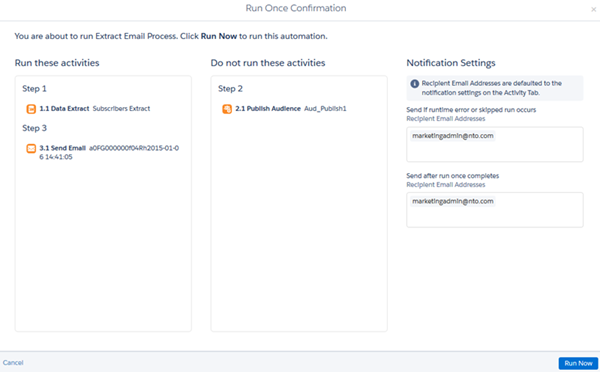

Note The hierarchy of statuses is important. Not Selected is an option for Run Once automations only. So if a user sees Completed status, that could mean that only the selected activities in the step completed. Activities that were not selected did not complete, or run at all.
# Advanced Settings in Data Streams in Marketing Cloud Intelligence
Define advanced settings to your data stream to select load modes, load rules, or configure additional settings. The available settings vary based on the type of data stream that you’re creating.
- **[Data Stream Version History](https://help.salesforce.com/s/articleView?id=mktg.dato_data_adv_streams_history.htm&release=264.0.0&type=5)**
Use data stream version history to save versions of your data streams. Save your changes without processing the data, and then edit the data stream later. Create versions to compare their settings and apply the settings that you prefer.
- **[Automatic Data Refresh in Data Streams](https://help.salesforce.com/s/articleView?id=mktg.dato_data_adv_streams_refresh.htm&release=264.0.0&type=5)**
You can use automatic data refresh to import data from a third-party technical vendor or to have data sent automatically via email or FTPS/SFTP. Automatic data refresh allows you to avoid uploading your data manually each time new data must be ingested into the data stream.
- **[Configure Data Stream Refresh and Frequency](https://help.salesforce.com/s/articleView?id=mktg.dato_data_adv_streams_configure.htm&release=264.0.0&type=5)**
If you’re creating or editing an API connector data stream, you can define the frequency and schedule for refreshing the data stream.
- **[Define Data Stream Attributes](https://help.salesforce.com/s/articleView?id=mktg.dato_data_adv_streams_attrib.htm&release=264.0.0&type=5)**
You can define or modify the data stream attributes, including custom attributes and channels.
- **[Data Load Modes](https://help.salesforce.com/s/articleView?id=mktg.dato_data_adv_streams_updates.htm&release=264.0.0&type=5)**
When Marketing Cloud Intelligence receives new data, it checks whether the dates contained in the file are new or if they overlap with a previous file that was processed. If the dates are new, the information is added to the data stream. If the dates are already accounted for, the specified load mode determines how the new data is displayed.
- **[Data Load Rules](https://help.salesforce.com/s/articleView?id=mktg.dato_data_adv_streams_rules.htm&release=264.0.0&type=5)**
You can use Data Load rules to filter out unwanted data before you upload it to Marketing Cloud Intelligence. Create a load rule to set the criteria for the data that you want to upload. Then apply that rule to a data stream, and then apply a rule to filter out data before it’s loaded. For example, you want to upload data from your latest campaign, but due to an input error, the campaign dates are incorrect in your spreadsheet. Rather than create another spreadsheet, you can create a rule that tells Marketing Cloud Intelligence to ignore this campaign’s data.
- **[Apply Parent-Child Relationships to Share Attributes Across Data Streams](https://help.salesforce.com/s/articleView?id=mktg.dato_data_adv_streams_share.htm&release=264.0.0&type=5)**
To share dimensional values across data streams, you can create parent-child relationships.
- **[Define Additional Settings to a Data Stream](https://help.salesforce.com/s/articleView?id=mktg.dato_data_adv_streams_settings.htm&release=264.0.0&type=5)**
Define additional settings to your data stream, such as ignore empty rows, execute only when part of a workflow and more. The settings are dynamic according to the data stream type you’re creating or editing.
# Advanced Troubleshooting
Tips for advanced troubleshooting with Marketing Cloud Connect for Marketing Cloud Engagement.
## Marketing Cloud Connect Doesn’t Work After September 2016 Release
As of the September 2016 Marketing Cloud release, configure Connected App Authentication to ensure that Connect continues working in your account. If your Connected App OAuth Policies aren’t correctly configured, authentication from Engagement into Salesforce CRM is broken. Core Engagement functionality including triggered sends, automations, and Journey Builder sends are offline until OAuth Policies are configured correctly.
- How do I complete the Connected App Authentication?
Don’t disconnect and reconnect your account. Have your Salesforce CRM Admin complete all steps for setting up Connected App Authentication. When completed, Marketing Cloud Connect resumes full functionality.
- Is there a specific error in Sales or Service Cloud?
No. However, all Marketing Cloud Connect functionality that requires authentication from Engagement into Sales or Service Cloud fails.
- Is there a specific error in Engagement?
No, but you can perform a quick account verification test by performing a guided send to a Salesforce Report. If the account is configured correctly, the send completes. If configuration isn’t complete, you receive this error: An embedded page at members.exacttarget.com says: An exception occurred while retrieving Salesforce credentials or attempting to log in to Salesforce. Confirm your Salesforce credentials and if the problem persists, contact your System administrator.
## Do Deep Links Work with Enterprise 2.0 Multi-Org Accounts?
Yes, but consider the following.
- When using deep links with Enterprise 2.0 multi-org accounts, you’re logged in to your default Engagement business unit. This login happens, regardless of whether that business unit has been configured for use with the Sales or Service Cloud by Marketing Cloud Connect.
- To access a business unit other than your default, log directly in to the desired Engagement business unit instead of using deep links to avoid changing the incorrect business unit.
# Advertising Audiences
Marketing Cloud Advertising helps you target your digital advertising campaigns across various platforms with Advertising Audiences. These platforms include Facebook, Instagram, Google Ads, LinkedIn, X (Twitter), Pinterest, and Snapchat.
Use Advertising Audiences to:
- Reach existing customers with targeted and specific messaging.
- Acquire new customers by creating seed audiences that can be expressed as lookalike audiences on destination networks.
- Suppress existing customers for acquisition campaigns.
- Re-engage unengaged email subscribers.
You can also configure audiences to refresh automatically. If you discontinue your Ad Studio license, you must delete all audiences and authorized accounts.
#### See Also
- [Advertising Audiences Administration](https://help.salesforce.com/s/articleView?id=mktg.mc_ads_advertising_audiences_administration_tab.htm&release=264.0.0&type=5 "A Marketing Cloud Engagement admin can add and authenticate ad networks for access to topic profiles. The associated ad accounts are used for creating and activating audiences. To remove existing social accounts and Social Studio accounts, open the Ad Accounts section.")
- [Create an Audience in Marketing Cloud Advertising](https://help.salesforce.com/s/articleView?id=mktg.mc_ads_create_an_audience.htm&release=264.0.0&type=5 "You can create an audience in Marketing Cloud Advertising for Facebook, Instagram, Google Ads, LinkedIn, Twitter, Pinterest, and Snapchat ad accounts.")
- [Journeys and Messages](https://help.salesforce.com/s/articleView?id=mktg.mc_jb_journey_builder.htm&language=en_US)
# Advertising Audiences Administration
A Marketing Cloud Engagement admin can add and authenticate ad networks for access to topic profiles. The associated ad accounts are used for creating and activating audiences. To remove existing social accounts and Social Studio accounts, open the Ad Accounts section.
The Administration tab also lists configured onboarding partners so that first-party data can be connected to display advertising.
- **[Add, Reauthorize, or Remove Ad Accounts](https://help.salesforce.com/s/articleView?id=mktg.mc_ads_add_or_remove_ad_accounts.htm&release=264.0.0&type=5)**
To use Marketing Cloud Advertising, add ad accounts for Facebook, Instagram, Google Ads, LinkedIn, Twitter, Pinterest, or Snapchat.
#### See Also
- [Roles and Permissions for Advertising Audiences](https://help.salesforce.com/s/articleView?id=mktg.mc_ads_advertising_audiences_roles_and_permissions.htm&release=264.0.0&type=5 "Learn how user roles determine permissions for Advertising Audiences in Marketing Cloud Advertising.")
# Advertising Audiences Overview Tab
This page describes the Overview Tab in Advertising Audiences.
The Overview Tab in Advertising Audiences provides a high-level view of your activities, audience status, overall population, best performing audiences, contacts, and errors. From this screen, you can drill down for more details about specific audiences or create audiences.
## Audience List View
Click the list view icon to change the view of created audiences to a table format. The page shows the audience information in the following columns:
- Audience name
- Audience status
- Audience count and match
- Date and time of latest refresh
- Date and time audience was created
## Audience Card View
New or existing audiences appear in a grid by default. Each tile displays detailed information about the audience including:
- Audience name
- Ad network and name of account
- Audience status
- Total audience count
- Audience match rate
- Pie chart showing the audience match out of 100%
- Date and time the audience was created or last refreshed
From here, you can click the refresh icon to refresh the audience.
## Lookalike Audience Cards
New or existing lookalike audiences appear in a grid by default. Each card displays detailed information about the lookalike audience including:
- Audience name
- Source audience
- Audience status and the date time stamp
- Audience size
- Optimized attribute
- The country the lookalike is targeting
- When the lookalike was created
## Audience Details Block
The Audience Details block appears when clicking the name of a specific audience, either in card or list view. The view also displays the specifics of the audience. Parameters shown include:
| Parameter | Description |
| --- | --- |
| Source Audience Count | The total number of members in the source audience. If an audience was created and connected to an Onboarding Partner, the name of the Onboarding Partner is displayed along with the destination ad network. |
| Audience Count | Number of audience members on the ad network. |
| Status of the Audience | Shows whether the audience is active, in draft, error, refreshed, or processing on the destination network |
| Date and Time | Identifies when the audience was created. |
| Description | Provides more information about the audience (optional). |
## Notifications
The Notifications panel appears hen the audience is activated and shows audience event notifications settings and the destination email addresses. To edit notification settings, click **Change**.
#### See Also
- [Create an Audience in Marketing Cloud Advertising](https://help.salesforce.com/s/articleView?id=mktg.mc_ads_create_an_audience.htm&release=264.0.0&type=5 "You can create an audience in Marketing Cloud Advertising for Facebook, Instagram, Google Ads, LinkedIn, Twitter, Pinterest, and Snapchat ad accounts.")
# Advertising Campaign Activity
Create an Advertising Audience and a simple Facebook advertising campaign without leaving Journey Builder. The Advertising Campaign activity creates an advertising campaign and posts your advertising content on social media. As the journey continues, customers populate the advertising campaign and see your advertisement.
The activity includes a setup assistant to help you link Marketing Cloud Advertising to Journey Builder. You can also set a retention period for campaign members to prevent oversaturating social media feeds with your advertisement.
The Advertising Campaigns activity supports only Facebook. The Advertising Audience activity supports multiple social networks.
## Considerations
- To access this activity, enable Marketing Cloud Advertising and Journey Builder in your Marketing Cloud Engagement account. Contact your account executive if your account doesn’t include access to this feature.
- How often your advertisement displays on social media sites depends on many factors, such as your campaign budget and the size of your audience.
- Campaigns built using this activity optimize toward daily unique reach.
- Edit the activity at any time before journey activation. The campaign doesn’t begin until the journey is active.
- To edit the activity while a journey is in progress, create a journey version. You can adjust settings such as campaign name and budget, but you can’t modify campaign creative in Journey Builder.
- To increase reach for smaller audiences, a larger advertising spend can be necessary. When there are more people in an audience, there’s a greater chance that the advertisement is delivered to audience members in their newsfeed.
#### See Also
- [Create a Journey Builder Advertising Campaign](https://help.salesforce.com/s/articleView?id=mktg.mc_ads_create_journey_builder_ad_campaign.htm&language=en_US)
- [Add Audience Activity to Journeys](https://help.salesforce.com/s/articleView?id=mktg.mc_ads_add_audience_activity_to_journeys.htm&language=en_US)
# Advertising in Journey Builder
In Journey Builder, you can create a Facebook campaign or build ad audiences for Facebook, Google Ads, LinkedIn, Twitter, or Pinterest. To use this feature, make sure you have enabled Marketing Cloud Advertising and Journey Builder.
With Journey Builder Advertising, you can build cross-channel journeys that combine email, mobile, and Facebook advertising. Use the Ad Campaigns activity to increase the reach of your email campaigns.
- **[Create a Journey Builder Advertising Campaign](https://help.salesforce.com/s/articleView?id=mktg.mc_ads_create_journey_builder_ad_campaign.htm&release=264.0.0&type=5)**
Complete these steps to create and launch an Advertising Campaign in Journey Builder.
#### See Also
- [Advertising Audiences](https://help.salesforce.com/s/articleView?id=mktg.mc_ads_advertising_audiences.htm&release=264.0.0&type=5 "Marketing Cloud Advertising helps you target your digital advertising campaigns across various platforms with Advertising Audiences. These platforms include Facebook, Instagram, Google Ads, LinkedIn, X (Twitter), Pinterest, and Snapchat.")
# Advocate Data Export from B2C Commerce to Referral Marketing
If any issues occur while syncing advocate data from the B2C Commerce site to Referral Marketing, run the Referral Marketing Enrollment Fallback Sync job to get the unsynced advocate data. The job gets details of the advocates who joined or left the referral program but whose Loyalty Program Member records haven't been synced in Referral Marketing or on your site.
### Required Editions
Available in: Lightning Experience
Available in: Enterprise, Performance, Unlimited, and Developer Editions with Referral Marketing
After running the job, a .csv file is exported with the unsynced advocate details. The job uses [Bulk API 2.0](https://developer.salesforce.com/docs/atlas.en-us.api_asynch.meta/api_asynch/asynch_api_intro.htm) to automatically import the advocate details into the Loyalty Program Member object in your Salesforce org.
# Advocate Enrollment
After channel managers activate referral promotions, you can use a flow action to process advocate enrollments.
### Required Editions
Available in: Lightning Experience
Available in: Enterprise, Performance, Unlimited, and Developer Editions with Referral Marketing
- **[How Advocate Enrollment are Tracked in B2B Referral Management](https://help.salesforce.com/s/articleView?id=mktg.b2b_referral_config_advocate_track.htm&release=264.0.0&type=5)**
Each time a referral program advocate or a partner joins a referral promotion, the enrollment is tracked by using a Transaction Journal record and a set of related records.
- **[Enroll Advocate in B2B Referral Promotion Action](https://help.salesforce.com/s/articleView?id=mktg.b2b_referral_config_advocate_action.htm&release=264.0.0&type=5)**
Use the Enroll Advocate in B2B Referral Promotion Enrollment action to enroll business account as an advocate if B2B referral promotions. Integrate the action with external system or site where partners can join the referral promotion.
# Advocate Enrollment
After marketing managers activate referral promotions, the marketing manager, the admin, and the developer can decide how they want the brand’s advocates to join the referral promotions. For a promotion, the brand can choose to either embed the promotion’s widget on a site or use a business API to process advocate enrollments.
- **[How Advocate Enrollments are Tracked in Referral Marketing](https://help.salesforce.com/s/articleView?id=mktg.referral_program_config_enrollment_explain.htm&release=264.0.0&type=5)**
Each time a referral program advocate or a customer joins a referral promotion, the enrollment is tracked by using a Transaction Journal record and a set of related records. An email is also sent to the enrolled advocates.
- **[Advocate Enrollment by Using Refer A Friend Widget](https://help.salesforce.com/s/articleView?id=mktg.referral_program_config_enrollment_widget.htm&release=264.0.0&type=5)**
The Refer A Friend widget is available with every referral promotion and the marketing manager can customize the widget based on the brand’s requirements. The widget lets advocates join the promotion and refer their friends. The widget also lets new customers sign up with the brand, join the promotion, and then refer their friends. You can embed the widget on Experience Cloud sites and on external websites.
- **[Advocate Enrollment by Using Business API](https://help.salesforce.com/s/articleView?id=mktg.referral_program_config_enrollment_api.htm&release=264.0.0&type=5)**
Use the Referral Advocate Enrollments Business API to enroll existing and new customers in referral promotions. Integrate the API with any site or external system where customers can join the referral promotion. For example, you can integrate the API with your brand’s ecommerce site or POS system.
- **[Advocate Enrollment Without Person Account](https://help.salesforce.com/s/articleView?id=mktg.referral_enrollment_without_person_account.htm&release=264.0.0&type=5)**
When you don’t have person accounts enabled in your org, the process of enrolling advocates differs from the standard procedure.
# Advocate Enrollment by Using Business API
Use the Referral Advocate Enrollments Business API to enroll existing and new customers in referral promotions. Integrate the API with any site or external system where customers can join the referral promotion. For example, you can integrate the API with your brand’s ecommerce site or POS system.
### Required Editions
Available in: Lightning Experience
Available in: Enterprise, Performance, Unlimited, and Developer Editions with Referral Marketing
## Learn About the Advocate Enrollment Business API
To learn about the Advocate Enrollment Business API’s resource, request body, and response body, see [Referral Advocate Enrollments](https://developer.salesforce.com/docs/atlas.en-us.referral_marketing.meta/referral_marketing/connect_resources_enroll_referral_member.htm) in the Referral Marketing Developer Guide.
## Enroll Existing Referral Program Advocates
To enroll an advocate of your referral program in a promotion, run the API with the membership number of the advocate. The advocate’s membership number is stored in the Membership Number field on the advocate’s Loyalty Program Member record.
## Enroll Existing Customers
To enroll an existing customer who isn’t an advocate of your referral program in a promotion, run the API with the ID of the customer’s contact record.
## Enroll New Customers
To enroll a person who hasn’t signed up with the brand and who doesn’t have a contact record in the org, run the API with the person’s contact details.

Tip For new customers who are joining as advocates, you can also specify a unique membership number. Use the membershipNumber field in the API request body to specify a unique membership number that you want to provide to the advocate or that the advocate has specified. If you don’t specify a membership number, an eight-character membership number is automatically generated for the advocate.
# Advocate Enrollment by Using Refer A Friend Widget
The Refer A Friend widget is available with every referral promotion and the marketing manager can customize the widget based on the brand’s requirements. The widget lets advocates join the promotion and refer their friends. The widget also lets new customers sign up with the brand, join the promotion, and then refer their friends. You can embed the widget on Experience Cloud sites and on external websites.
### Required Editions
Available in: Lightning Experience
Available in: Enterprise, Performance, Unlimited, and Developer Editions with Referral Marketing
## Embed Widget on Experience Cloud Site
After the marketing manager customizes the Refer A Friend widget for a promotion, the widget must be activated. Activated widgets are available as FlexCard components on the Experience Cloud site builder.
Admins can embed the widget’s FlexCard on the brand’s Experience Cloud site. See [Add a FlexCard to an Experience Cloud Page](https://help.salesforce.com/s/articleView?id=xcloud.os_add_a_flexcard_to_an_experience_page_25183.htm&language=en_US).
## Embed Widget on External Site
After the marketing manager customizes the Refer A Friend widget for a promotion, the widget must be downloaded. The widget is downloaded as a FlexCard Lightning Web Component (LWC) and the marketing manager can share the downloaded files with the admin.
The admin can use OmniOut to embed the widget on an external site. To learn how to embed widgets by using OmniOut, see [Add a FlexCard LWC to OmniOut](https://help.salesforce.com/s/articleView?id=xcloud.os_add_a_flexcard_lwc_to_omniout.htm&language=en_US).
## Track Referral Emails Sent by Advocates from the Widget
After a customer or an advocate joins a referral promotion by using the Refer A Friend widget, they can send referral emails to their friends. To learn how advocate referrals are tracked, see [How Activities are Tracked in Referral Marketing](https://help.salesforce.com/s/articleView?id=mktg.referral_program_config_activities_explain.htm&release=264.0.0&type=5 "A referral promotion must track activities that advocates and their referred friends complete through the promotion's stages. For activities in each stage, a set of records is created or updated, and emails are sent to either the advocates or their referred friends.").
An advocate can send referral emails to 10 friends at a time by using the Refer A Friend widget. The program manager can set a limit on the number of friends that the advocate can refer each day. For example, if the limit is five, the advocate can send the referral email to only five friends in a day. If the limit is 15, the advocate can send the referral email to ten friends first and then send the email to five more friends.
## Watch and Learn
To learn how to embed widgets on Experience Cloud sites and external sites, watch [ Embed Widgets](https://salesforce.vidyard.com/watch/mLa4EzCT7E8XFgpePYeYdp)
#### See Also
- [_Salesforce Help_: Widgets](https://help.salesforce.com/s/articleView?id=mktg.referral_promotion_wizard_step_content_widget.htm&release=264.0.0&type=5 "Every referral promotion comes with a widget that allows advocates to sign up for the promotion and then send referral emails and SMS messages to their friends.. The widget also allows people visiting the brand’s site to sign up with the brand and then join the referral promotion. After you customize the widget based on the brand’s guideline, admins can embed the widget’s flexcard on Experience Cloud sites or external sites. On the Referral Promotion guided flow, the widget is placed in the Promotion Launched stage.")
# Advocate Enrollment Without Person Account
When you don’t have person accounts enabled in your org, the process of enrolling advocates differs from the standard procedure.
With no person accounts, the existing contacts in your org can sign up as advocates for your referral promotions. New customers that don’t exist as contacts in your org can't sign up as advocates. Set up a custom process to create Contact records to enroll in your company's referral promotions. You can also execute the Referral Advocate Enrollment API to enroll customers in to a referral promotion.
# Advocate Participation and Referral Channel Performance
Use the Advocate Participation and Referral Channel Performance dashboard to get insights into advocate participation, the effectiveness of referral channels, and advocate performance.
### Required Editions
Available in: Lightning Experience
Available in: Enterprise, Performance, Unlimited, and Developer Editions with Referral Marketing

- Analyze the overall sign-up count for a specific referral program and the distribution of sign-ups from various referral channels to identify the effective referral channels. (1)
- Get a comprehensive understanding of advocate engagement and performance by identifying the top-performing advocates for the selected referral program based on the number of referrals and the revenue generated. (2)
# Affiliate Future API Connector
Affiliate Future provides advertisers with an effective marketing solution through its affiliate network and tools.
- Channel: Affiliate Network
- Data Stream Types:
- Ads
- Conversion Tags
- Data Lag: 1 Day
## Prerequisites
A valid Affiliate Future API Key and API Password are required.
- Log in to your Affiliate Future Advertiser account
- Click the Bar Chart icon and select ‘Reporting APIs’
- Scroll to the bottom of the page and click ‘Click here’.
- Under the API Details you’ll find your API Key and API Password.
- Enter your API Key and Password into the Authentication box.
## General Setup
After you authenticate, in the General section, select the Account you want to connect to Marketing Cloud Intelligence.
## Extended Properties
- Reports Type - The following two reports are available for retrieval from Affiliate Future:
- Publisher Report
- Transaction Report (includes both the Sales and Leads reports).
## QA Your Data
- Create the desired report in the Affiliate Future UI for the required date range. Then, process the relevant Data Stream in Marketing Cloud Intelligence for the same date range.
- Select the relevant Affiliate Future Report, as specified in the Extended Properties of the Data Stream.
- Create a Report/Table Widget/Pivot Table within Marketing Cloud Intelligence containing the exact same Dimensions and Measurements for the same report and date range.
- Compare the Measurement Totals and make sure they’re aligned.
# Affiliate Future API Connector
Affiliate Future provides advertisers with an effective marketing solution through its affiliate network and tools.
- **Channel**: Affiliate Network
- **Data Stream Types**:
- Ads
- Conversion Tags
- **Data Lag**: 1 Day
## Prerequisites
A valid Affiliate Future API Key and API Password are required.
- Log in to your Affiliate Future Advertiser account
- Click the Bar Chart icon and select ‘Reporting APIs’
- Scroll to the bottom of the page and click ‘Click here’.
- Under the API Details you’ll find your API Key and API Password.
- Enter your API Key and Password into the Authentication box.
## General Setup
After you authenticate, in the General section, select the Account you want to connect to Marketing Cloud Intelligence Data Pipelines.
## Extended Properties
- Reports Type - The following two reports are available for retrieval from Affiliate Future:
- Publisher Report
- Transaction Report (includes both the Sales and Leads reports).
## QA Your Data
- Create the desired report in the Affiliate Future UI for the required date range. Then, process the relevant Data Stream in Marketing Cloud Intelligence Data Pipelines for the same date range.
- Select the relevant Affiliate Future Report, as specified in the Extended Properties of the Data Stream.
- Create a Report/Pivot Table within Marketing Cloud Intelligence Data Pipelines containing the exact same Dimensions and Measurements for the same report and date range.
- Compare the Measurement Totals and make sure they’re aligned.
# After Your Upgrade
Now that you’ve prepared your tracking spreadsheet and upgraded the B2B Marketing Analytics app, reinstate your customizations.
### Required Editions
Available in: Account Engagement Plus, Advanced, and Premium Editions with Salesforce Enterprise Edition or higher
Available for additional cost in legacy Account EngagementPro or Ultimate Editions with Salesforce Enterprise Edition or higher
The upgraded app uses new dataset IDs. To make sure that your custom apps continue to puto pull the correct data from. ll the correct data from Account Engagement, replace the older IDs with the new dataset IDs. First, test the changes in your private or shared app, and then copy the changes to the upgraded app.
1. Open Analytics Studio, and select **Data Manager**.
2. For any datasets used in a B2B Marketing Analytics app, click the action menu and select **Edit Dataset**.
3. In the page URL, find the dataset ID and add it to your tracking document.

4. In My Private App or My Shared App, open the custom dashboard you saved.
5. Click CTRL+E or CMD+E to open the JSON editor.
6. In the Layouts section, look for the old dataset IDs and replace them with the new IDs.
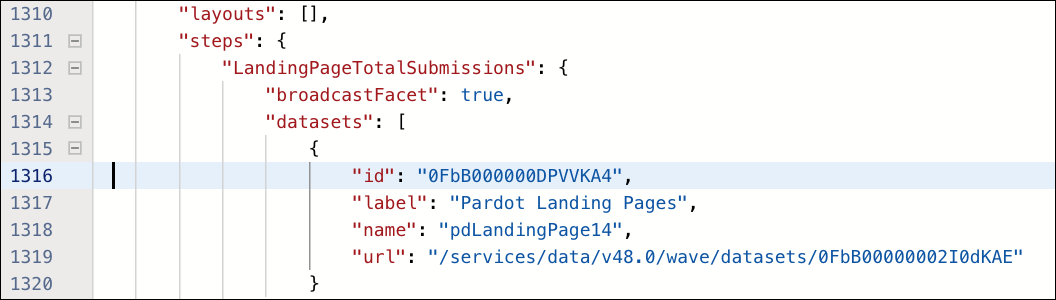
7. Test these changes in the private or shared folder, and make sure that data appears as expected.
8. When everything is working properly, save or clone your testing app into your upgraded B2B Marketing Analytics app.
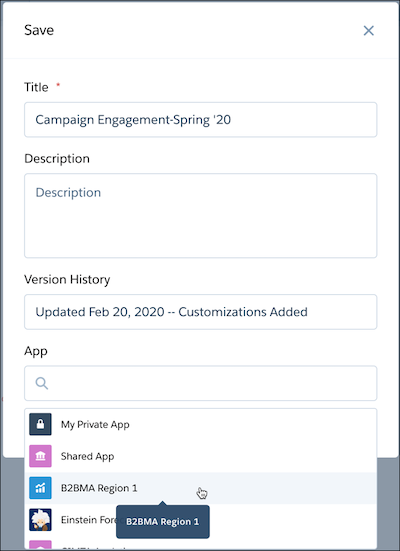
# Agent or Bot Transfer Report Sample Queries
Use these sample queries to monitor WhatsApp engagement by tracking how many conversations were sent to agents or bots for resolution.
Available in: Lightning Experience
Available in:
Enterprise and Unlimited Editions for Service Cloud
Growth or Advanced Editions Marketing Cloud Next
Pro+, Corporate+, and Enterprise+ Editions for Marketing
Cloud Engagement
## Number of Conversations That Required an Agent or Bot Transfer
This query groups information by journey and activity details. Information returned includes a conversation count and applicable channels. You can filter using a specified time period.
```
SELECT
ssot__WorkflowId__c,
COUNT(*) AS COUNT
FROM
ssot__MessageEngagement__dlm
WHERE
ssot__EngagementChannelActionId__c = 'ROUTE' AND
ssot__EngagementNotesTxt__c IN ('SERVICE_CLOUD', 'DIGITAL_MARKETING') AND
ssot__EngagementDateTm__c BETWEEN from_iso8601_timestamp('START_DATE') AND
from_iso8601_timestamp('END_DATE')
GROUP BY
ssot__WorkflowId__c
```
## Number of Conversations That Required an Agent or Bot Transfer with Average Transfer Time
This query groups information by journey and activity details. Information returned includes a conversation count, journey name, activity name, and applicable channels. You can filter using a specified time period.
```
SELECT
e.ssot__SendTimePhoneNumber__c AS contact,
e.ssot__EngagementDateTm__c AS transferred_event_time,
MAX(p.ssot__EngagementDateTm__c) AS transfer_event_time,
e.ssot__EngagementDateTm__c AS message_after_transfer_time,
date_diff(
'second',
MAX(p.ssot__EngagementDateTm__c),
e.ssot__EngagementDateTm__c
) AS time_difference_seconds,
e.ssot__SenderCode__c AS senderCode
FROM
ssot__MessageEngagement__dlm p
INNER JOIN ssot__MessageEngagement__dlm e ON
e.ssot__EngagementChannelActionId__c = 'ROUTE' AND
e.ssot__EngagementDateTm__c > p.ssot__EngagementDateTm__c AND
e.ssot__EngagementNotesTxt__c IN ('SERVICE_CLOUD', 'DIGITAL_MARKETING') AND
e.ssot__SendTimePhoneNumber__c = p.ssot__SendTimePhoneNumber__c AND
e.ssot__SenderCode__c = p.ssot__SenderCode__c
GROUP BY
e.ssot__SendTimePhoneNumber__c,
e.ssot__EngagementDateTm__c,
e.ssot__SenderCode__c
```
## Number of Conversations That Required an Agent or Bot Transfer with Average Number of Messages Before Transfer
This query groups information by journey and activity details. Information returned includes a conversation count, average number of messages before the transfer, journey name, and applicable channels. You can filter using a specified time period.
```
SELECT
COUNT(*) AS numberOfMessagesSendBeforeTransfer,
e.ssot__SendTimePhoneNumber__c,
e.ssot__SenderCode__c
FROM
ssot__MessageEngagement__dlm e
LEFT JOIN ssot__MessageEngagement__dlm p ON
p.ssot__EngagementChannelActionId__c = e.ssot__EngagementChannelActionId__c AND
p.ssot__EngagementNotesTxt__c = 'MARKETING_CLOUD_ENGAGEMENT' AND
e.ssot__SendTimePhoneNumber__c = p.ssot__SendTimePhoneNumber__c AND
e.ssot__SenderCode__c = p.ssot__SenderCode__c AND
(
p.ssot__EngagementChannelActionId__c = 'SEND_STATUS' OR
p.ssot__EngagementChannelActionId__c = 'INBOUND'
)
WHERE
e.ssot__EngagementNotesTxt__c IN ('SERVICE_CLOUD', 'DIGITAL_MARKETING') AND
e.ssot__EngagementChannelActionId__c = 'ROUTE'
GROUP BY
e.ssot__SendTimePhoneNumber__c,
e.ssot__SenderCode__c
```
## Percentage of Conversations That Transferred and Failed to Transfer
This query groups information by error reason code. Information returned includes the transfer count, error count, error code, and the reason for failures. You can filter using the journey name and a specified time period.
```
SELECT
ssot__WorkflowId__c,
(
COUNT(
CASE
WHEN ssot__MessageRecipientSendStatus__c is NOT NULL THEN 1
END
) / COUNT(*)
) * 100 AS percentageOfError
FROM
ssot__MessageEngagement__dlm
WHERE
ssot__EngagementChannelActionId__c = 'ROUTE' AND
ssot__EngagementNotesTxt__c IN ('SERVICE_CLOUD', 'DIGITAL_MARKETING') AND
ssot__EngagementDateTm__c BETWEEN from_iso8601_timestamp('START_DATE') AND
from_iso8601_timestamp('END_DATE')
GROUP BY
ssot__WorkflowId__c
```
## Time Elapsed Between Transfer and First Bot or Agent Contact
This query groups information by error reason code. You can return information at an individual level or aggregated by channel identifier. Information returned includes the transfer count, average wait time, number or channel, error code, and the reason for failures. You can filter using the journey name and a specified time period.
```
SELECT
e.ssot__SendTimePhoneNumber__c AS contact,
e.ssot__EngagementDateTm__c AS transfer_event_time,
MIN(e.ssot__EngagementDateTm__c) AS message_after_transfer_time,
date_diff(
'second',
e.ssot__EngagementDateTm__c,
MIN(p.ssot__EngagementDateTm__c)
) AS time_difference_seconds,
e.ssot__SenderCode__c AS senderCode
FROM
ssot__MessageEngagement__dlm p
INNER JOIN
ssot__MessageEngagement__dlm e ON
p.ssot__EngagementChannelActionId__c = 'ROUTE' AND
e.ssot__EngagementDateTm__c = p.ssot__EngagementDateTm__c AND
e.ssot__EngagementNotesTxt__c IN ('SERVICE_CLOUD', 'DIGITAL_MARKETING') AND
e.ssot__SendTimePhoneNumber__c = p.ssot__SendTimePhoneNumber__c AND
e.ssot__SenderCode__c = p.ssot__SenderCode__c
WHERE
p.ssot__EngagementNotesTxt__c IN ('SERVICE_CLOUD', 'DIGITAL_MARKETING')
GROUP BY
e.ssot__SendTimePhoneNumber__c,
e.ssot__EngagementDateTm__c,
e.ssot__SenderCode__c
```
## Time Spent in Transferred Conversations
Information returned includes the transfer count, average time spent in the chat before case resolution in Service Cloud, and number or channel. You can filter using the journey name and a specified time period.
```
SELECT
e.ssot__sendtimephonenumber__c AS contact,
e.ssot__engagementdatetm__c AS transfer_event_time,
Min(e.ssot__engagementdatetm__c) AS message_after_transfer_time,
date_diff(
'second',
Min(p.ssot__engagementdatetm__c),
Max(p.ssot__engagementdatetm__c)
) AS time_spend_agent,
e.ssot__sendercode__c AS senderCode
FROM
ssot__messageengagement__dlm p
INNER JOIN ssot__messageengagement__dlm e ON
p.ssot__engagementchannelactionid__c = 'ROUTE' AND
e.ssot__engagementdatetm__c = p.ssot__engagementdatetm__c AND
e.ssot__engagementnotestxt__c = 'ENGAGEMENT_SERVICE' AND
e.ssot__sendtimephonenumber__c = p.ssot__sendtimephonenumber__c AND
e.ssot__sendercode__c = p.ssot__sendercode__c
WHERE
p.ssot__engagementnotestxt__c IN ('SERVICE_CLOUD', 'DIGITAL_MARKETING')
GROUP BY
e.ssot__sendtimephonenumber__c,
e.ssot__engagementdatetm__c,
e.ssot__sendercode__c
```
# Agent Topic: Offer Content Generation
Marketing managers can use the Offer Content Generation topic to instantly draft specific promotional offer assets, such as offer heading, offer body, or call-to-action (CTA) text.
### Required Editions
Available in: Lightning Experience
Available in: Enterprise, Performance, Unlimited, and Developer Editions with Agentforce, Offer Management, Salesforce Foundations, and Data Cloud.
## Topic Details
API Name
OfferContentGeneration
Included Agent Actions
GenerateOfferContent
## Agent Action: Generate Offer Content
Identifies the specific type of asset requested by the user such as offer heading, offer body, or call to action text, and produces exactly one requested content. The agent also ensures that the output adheres to character limits and professional standards.
Here are a few example utterances for the action:
- Suggest an offer heading for 20% off hiking shoes.
- Write the offer body for trail running shoes that ends on Sunday.
- Give me a call to action text for booking a fitting.

Example
A marketing manager wants to generate an offer body for electronics sale ending Sunday.
The marketing manager launches Agentforce and enters the following utterance: Write offer body for electronics sale ending Sunday.
The agent generates the offer body following the offer, product, and occasion provided in the utterance.
# Agent Topic: Offer List
Marketing managers can use the Offer List topic to retrieve, filter, and view specific offers in a list by using criterias, such as Data Cloud segments, promotions, product, categories, specific channels, or time ranges.
### Required Editions
Available in: Lightning Experience
Available in: Enterprise, Performance, Unlimited, and Developer Editions with Agentforce, Offer Management, Salesforce Foundations, and Data Cloud.
## Topic Details
API Name
OfferList
Included Agent Actions
GetOffers
## Agent Action: Get Offers
Gets a list of offers that are sorted based on criteria fetched from the user conversation. The agent can filter offers based on a wide variety of parameters including offer name, Data Cloud segment name, channel, product, category, and start and end date.
Here are a few example utterances for the action:
- Get all the offers starting between Jan 2025 and March 2025.
- Show me the offers that are activated and have WhatsApp channel in the last 1 month.
- Can you give me details of my last offer on Shoes category for Hiking Enthusiasts.

Example
A marketing manager at Cloud Kicks wants to find all offers that are running on the email channel for the 'male above 30' segment during the first half of 2025.
The marketing manager launches Agentforce and enters the following utterance: Get all the offers with segment name Males greater than 30, associated with email, active between Jan 2025 and June 2025.
The agent extracts the channelName, segmentName, and startDateTime range from the utterance and validates that the dates are in the correct chronological order. Then presents a formatted list of offers that match the details.
# Agent Topic: Promotion With Spend X Rule
Marketing managers can use the Promotion With Spend X Rule topic to create and update promotions that reward customers for placing orders worth a specific amount.
### Required Editions
Available in: Lightning Experience
Available in: Enterprise, Unlimited, and Developer Editions with Agentforce, Real-Time Offer Management, Salesforce Foundations, and Data Cloud.
## Agent Action: Create or Update Pricing Promotion
Gathers information about the pricing promotion that the marketing managers wants to create or update. The output includes the details of the promotion that was created or updated.
Here are a few example utterances for the action:
- Make a Spend X promotion called Wardrobe Refresh Sale. It's for all customers, starting Feb 5, 2025, at midnight, and ending Dec 31, 2025, at noon.
- Create a Buy X promotion 'Active wear Attack', set the eligible campaign to 'Black Friday Deals and eligible segments to 'New Subscribers.
- Create a promotion titled Carry More Saver. Add the description 'Buy Mocha for $194.89 from the Beverages catalog and receive a 9.99% unit price discount on Mocha'. Set the eligible customer events to Customer Birthday.
## Agent Action: Create or Update Promotion using a Spend X Template
Gathers information about the promotion that the marketing manager wants to create or update for rewarding customers based on their order value. The output includes the details of the promotion that was created or updated.
Here are a few example utterances for the action:
- Create line promotion 'Spring Promotion'. Promotion starts on March 1, 2025 and rewards 10% off on apparel category when total spend is between $100 and $200. Promotion description is 'Get 10% off on apparel when total spend is between $100 and $200 this Spring'.
- Create unit promotion 'Spring Promotion Bonanza'. Promotion starts on 1st March this year and rewards 10% off on Red Shirt when total spend is greater than $100.
- Run a cart promotion named 'March Madness Discount' that starts on March 1, 2025 and offers a 10% discount on all purchases over $100.
## Agent Action: Add or Update Limits in Pricing Promotion
Gathers information about the limits that the marketing managers wants to add or update in a pricing promotion. The output includes details of the limits added or updated for the pricing promotion.
Here are a few example utterances for the action:
- Update the 'Season Buy Out Sale',to add an overall limit of 500 vouchers and a per-customer limit of 1 voucher.
- I need to add limits to the 'Winter Sale' promotion. The promotion should have an overall limit of 500 redemptions and a per-customer limit of 1 redemption.

Example
A marketing manager at Cloud Kicks wants to create a promotion named 'Summer Savings' starting on June 1, 2025 that rewards customers for placing orders worth a specific amount. This promotion offers a 20% discount on all items in the cart when the total spend is $100 or more.
The marketing manager launches Agentforce and enters the following utterance: Create a promotion named Summer Savings using Spend X template. This promotion is eligible for the cart and offers a 20% discount when the total spend is $100 or more.
The agent generates the promotion with the specified details. You can enhance your promotion by adding additional detailed eligibility criteria, limits, and rewards.
# Agent Topics for Promotion and Offer Briefs
Use the Brief Preview, Offer Management: Brief Generation, and Offer Save topics to draft briefs, preview promotions and offers, and create offers from approved previews.
### Required Editions
Available in: Lightning Experience
Available in: Enterprise, Unlimited, and Developer Editions with Agentforce, Real-Time Offer Management, and Data Cloud.

Important Before using these topics, confirm that Agentforce is enabled in your org and that you have access to the Marketing standalone app and the Brief entity. In Agent Builder, add the Brief Preview, Offer Management: Brief Generation, and Offer Save topics to the agent. To create promotions, also add the Promotion With Buy X Rule and Promotion With Spend X Rule topics. The agent can recognize the example utterances and run the appropriate actions only after you add the topics.
## Agent Topic: Brief Preview
From an existing Brief record, this topic drafts one complete, non-persisted promotion or offer preview. It doesn't create or save a brief, promotion, or offer. Use this topic for a complete preview, not to edit an individual heading, message body, or call to action.
API Name
OfferMgmt__PromotionPreviewTopic
Supported Agent Types
Employee, Agentforce Employee Agent
The topic includes these actions.
Generate Promotion Preview from Brief
Generates a promotion preview that includes duration, audience, eligibility and rewarding rules, limits, and a success metric. The active record must be a brief with the usage type Promotion.
Generate Offer Preview from Brief
Generates an offer preview that includes offer-level fields and Email and SMS content. The preview can use a linked promotion or promotion brief as a source. The active record must be a brief with the usage type Offer.
The agent uses the wording of the request to select an action and uses the brief's usage type when the request doesn't indicate whether to draft a promotion or an offer.
Example utterances include:
- Draft a promotion from this brief.
- Outline a promotion based on this brief.
- Show me a promotion summary for this brief.
- Draft an offer preview from this brief.
- Outline offer treatments for this brief.
- Show me email and SMS offer copy for this brief.
## Agent Topic: Offer Management: Brief Generation
This topic creates, drafts, and saves promotion and offer brief documents. It doesn't generate previews or create promotion or offer records.
API Name
OfferMgmt__PromotionBriefGeneration
Supported Agent Types
Employee, Agentforce Employee Agent
The topic includes these actions.
Generate Promotion Brief
Generates a promotion brief from a campaign objective.
Generate Offer Brief
Generates an offer brief with content for each channel. The action can use a promotion or promotion brief as a source.
Save Promotion Brief
Saves a brief with the usage type Promotion.
Save Offer Brief
Saves a brief with the usage type Offer and links it to its source promotion brief.
Get Promotion Context
Gets the name, description, start and end dates, and objective from a promotion.
Search Promotions by Name
Finds promotions by name.
Search Promotion Briefs by Name
Finds promotion briefs by name.
Identify Business Unit, Query Records, and Update Record Fields
Identifies or verifies a business unit, queries records, and updates record fields.
Example utterances include:
- Create a promotion brief.
- Draft a promotion brief for our holiday promotion.
- Save this promotion brief.
- Create an offer brief.
- Draft an offer brief for our summer back-to-school promotion.
- Create an offer brief based on the Holiday Q4 promotion brief.
- Save this offer brief.
## Agent Topic: Offer Save
From an offer brief with an approved in-memory preview, this topic creates an offer and one offer treatment for each channel. It links the records to the source brief. The active record must be a brief with the usage type Offer. The topic doesn't regenerate content, generate another preview, or save a brief.
API Name
OfferMgmt__OfferSaveTopic
Supported Agent Types
Employee, Agentforce Employee Agent
The Create Offer from Brief action creates the offer and its treatments from the preview. It uses the brief ID, an optional promotion ID, the channel, heading, message body, and call to action for each treatment, and the offer's start and end date and time.
Example utterances include:
- Save the offer for this brief.
- Commit the offer preview to records.
- Persist the offer and treatments for this brief.
# Agentforce Adaptive Websites
Agentforce Adaptive Websites transform static web pages into intelligent, personalized customer experiences. By combining real-time user behavior signals from Data 360 with Agentforce conversational AI, your website dynamically adjusts content, recommendations, images, and messaging based on individual customer preferences and behaviors.
When customers visit your website, they receive personalized product recommendations and contextual assistance through natural conversation. The AI agent understands customer preferences, purchase history, and current interests, enabling a high-touch experience that guides customers to relevant content without browsing static catalogs.
This system creates a bridge between three primary technologies:
- **Salesforce Data 360** For unified data and profiles.
- **Agentforce** For intelligent reasoning and conversation.
- **Your website** For the visual, customer-facing experience.
## Key Benefits
Customers often leave websites when they can't find information or answers quickly. Adaptive Websites reduces this friction by delivering:
- **Increased conversions** - Show relevant content, offers, and calls to action (CTAs) for specific visitors to reduce decision paralysis and drive sales.
- **Reduced bounce rates** - Engage visitors immediately with personalized browsing experiences that prevent them from leaving to search for answers elsewhere.
- **Immersive, one-to-one experiences** - Provide a unique experience tailored to the visitor's unified customer profile. Make digital interactions feel as personal as in-store assistance.
- **Continuous learning** - Learn from every interaction. The system sends behavioral data to Data 360 to improve future personalization.
## How It Works
The Adaptive Web Agent Component (AWAC) bridges Data 360, Agentforce AI, and your website. When customers interact with the agent, Einstein Prompt Templates and Retrievers query Data 360 and return structured responses. These responses include both conversational replies and curated product data from your catalog.
The component consists of these elements:
- **Initialization**: This component serves as the entry point for the user journey, launching the full adaptive web experience. It typically takes the form of a search bar or a traditional chat bubble.
- **Chat Window**: Shows the agent's conversational response and optional quick-action buttons.
- **Content Zone**: Renders personalized content by using configurable templates.
#### See Also
- [Set Up Agentforce Adaptive Websites](https://help.salesforce.com/s/articleView?id=mktg.persnl_agentforce_adaptive_websites_setup.htm&release=264.0.0&type=5 "Building an adaptive website involves orchestrating five key layers of technology: data, AI, conversation, web integration, and behavioral tracking. The process moves from establishing a data foundation to deploying client-side components that render the experience.")
# Agentforce Agents in Marketing Cloud Next
Use AI to draft, refine, and generate multichannel and conversational marketing campaigns. Start by drafting a campaign brief and describing your campaign objective when prompted. View and refine campaign previews directly in the brief record for faster, more effective campaign creation. Use AI to refine saved campaign content directly in Content Builder, and use AI to analyze and optimize campaign performance.
[View supported editions](https://help.salesforce.com/s/articleView?id=mktg.mktg_editions.htm&release=264.0.0&type=5 "Marketing Cloud Next is available in Growth and Advanced editions, and requires Salesforce Enterprise or Unlimited editions. Some features are limited by edition or purchased add-on. All functionality is available in Lightning Experience only.").
For information about currently supported languages, see the agent [Considerations](https://help.salesforce.com/s/articleView?id=mktg.mktg_einstein_considerations_modelcards_overview.htm&type=5&language=en_US) documentation.
#### See Also
- [_Salesforce Help_: Activate AI Features in Marketing Cloud](https://help.salesforce.com/s/articleView?id=mktg.mktg_admin_setup_einstein.htm&release=264.0.0&type=5 "Marketing Cloud Next includes features that use generative AI and predictive AI to save time and improve your key performance indicators (KPIs). These features aren't dependent on each other, so you can choose the features that best fit the needs of your business.")
- [Content Personalization in Marketing Cloud Next](https://help.salesforce.com/s/articleView?id=mktg.mktg_content_personalization.htm&release=264.0.0&type=5 "To increase customer engagement and improve conversations, personalize your marketing content. Create one email with dynamic content variations that appear for different recipients based on targeting rules. Get timely and accurate results for merge fields in marketing messages, landing pages, and reusable content blocks by referencing personalized data. For example, include a name attribute from a customer’s unified individual profile, include product purchase or subscription event data, or reference attributes from across related data objects, such as a contact from an account.")
## Generate Campaigns with Agentforce
Draft a campaign brief, refine campaign messages and flow, and generate a campaign with Agentforce.

Note You may see a Brand Center workspace in your Marketing Cloud Next org. This is a placeholder — Brand Center is currently in limited GA and not yet available for general use. No action is required.
1. On your Marketing App home page, click **New Campaign** | **Draft with Agentforce**. Or, click the Agentforce icon to open the Agentforce chat window and generate a brief.
2. Describe your campaign objective when prompted. Provide as much detail as possible to ensure that the Campaign Creation agent generates an accurate draft brief and campaign preview. For example, use a prompt like "`Create a campaign based on the New Fall Clothing Line brief that targets customers who have purchased hiking gear in the past.`"
You can also reference an [existing brief](https://help.salesforce.com/s/articleView?id=mktg.mktg_campaigns_create_brief.htm&release=264.0.0&type=5 "Define your campaign goals, audience, measures, key messages, and calls to action in a marketing brief.") or a strategic document you’ve uploaded to [Salesforce Files](https://help.salesforce.com/s/articleView?id=experience.collab_files_uploading.htm&language=en_US). For example, in the Agentforce panel, enter: “`Create a brief based on the May Customer Re-engagement brief.`” or “`Create a brief based on the June Promotion file I just uploaded.`”
3. You can ground your campaign brief in the tone and voice of your brand or by defining fields that provide more context. On the brief Details tab, add your CMS brand or define strategic grounding fields such as goals, KPIs, priority, or guardrails in the brief.
4. If prompted, specify whether the campaign should be conversational for two-way engagement with your audience.
5. Review the draft brief details and save your brief.
6. Generate and preview your new campaign. Based on the brief details, the agent generates a campaign preview, which is also saved as part of the brief. The campaign preview includes a proposed name, campaign flow, and message content for multiple channels, or campaign steps, such as email and SMS.
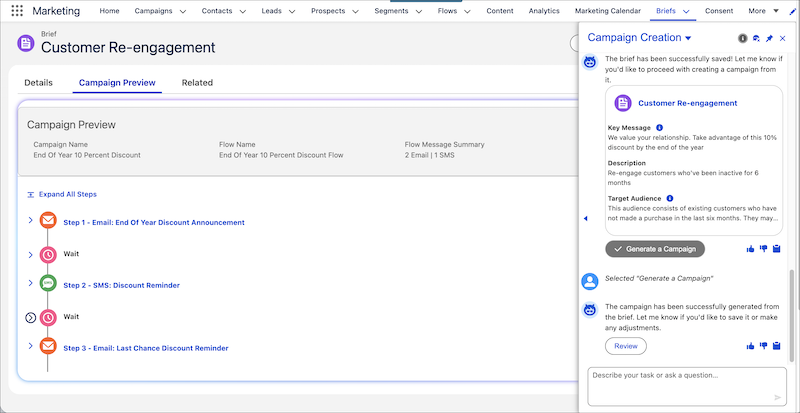
7. Review and refine the campaign preview as needed.
1. To refine campaign structure such as changing the flow to one email, on the brief’s Campaign Preview tab, click **Refine Flow**. Or, in the chat panel, give the agent instructions, such as “`Revise the brief to include an additional SMS reminder about the promotion.`”
2. To modify messages, the message channel, or the tone, click **Refine Message**.
3. You can also adjust wait times between messages.
If your campaign is conversational, you’ll see a final step in the campaign preview called “Forward to Agent,” which is added to the underlying campaign flow. This final step specifies how to handle the email response from your customer.
8. Save the campaign. When you’re satisfied with the campaign preview, you can save it as a final campaign. This final campaign record includes all messages, adjusted wait times, and links to the associated brief.
After you save a campaign, you can no longer refine preview steps. You would need to unlink the campaign from the brief to start a new campaign preview.
If you remove a brief from a campaign, the related segments and content remain, but the agent can no longer help you with that campaign.
## Summarize Campaign Results and Optimize Campaign Performance
Agentforce empowers marketers to improve campaign effectiveness with metrics and insights.
1. In the Agentforce chat panel, simply ask the agent to provide a summary of your campaign. The agent tells you the number of opens, the clickthrough rate, and message delivery stats.
2. You can also ask for insights about a campaign’s performance. For example, ask the agent "`Show me insights for the Summer ‘25 promotion campaign.`"
The agent action, Generate Campaign Insights, analyzes the first flow in the campaign to provide insights, such as which channels demonstrated better engagement over time, and recommendations for improving future campaigns.
## Agent Actions and Flows
The agent actions Create a Campaign from a Brief, Draft a Campaign Brief, Save Campaign Brief, and Save Campaign are powered by Salesforce Flow. Your admin can modify the flows that power these actions in Flow Builder, tailoring them to your specific business needs. For example, integrate with other systems, assign a campaign owner, send notifications to other teams, or add business logic like approval steps.

Important If you use required custom fields in a campaign, you need to modify the flows that support the Save Campaign Brief and Save Campaign actions to provide the correct values for the custom fields.
## Agentforce in Marketing Cloud Next in Action
## Refine Campaign Content with AI in Content Builder
Another way to use AI to refine content in your campaign process is directly in Content Builder. When you click a sparkle button , the agent drafts or revises text for your email, landing page, or SMS message. The content that the agent generates is grounded in your campaign brief, the assigned brand, and the existing content on the canvas. To revise the text, click **Try Again**, select a follow-up action to change the length or tone, or refine the text by key message or target audience.
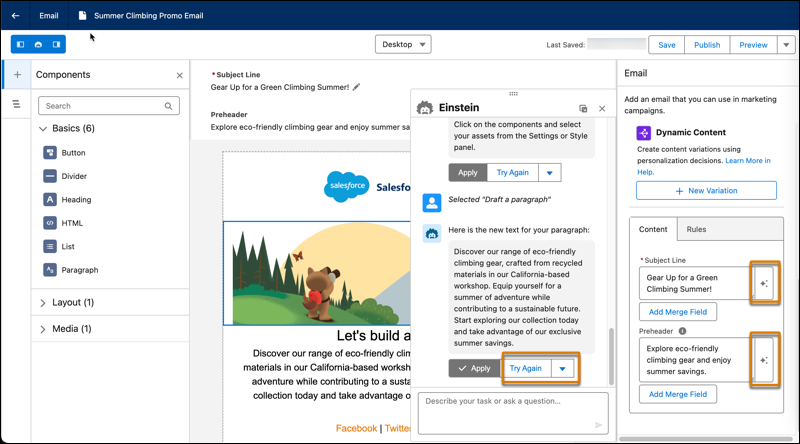
You can also ask the AI agent to create an entire section for your email or landing page. Specify the number of columns in the section and the components in each column. And, you can ask the agent to create content for the components in the section.
# Agentforce and Einstein Data Usage in Marketing Cloud Account Engagement
Einstein is built on data. When using Marketing Cloud Account Engagement, review this table to understand the type of data used by Einstein features.
The table lists both the Customer Data that is used, which is data submitted by the Customer to our services as defined in our [Main Services Agreement (MSA)](https://www.salesforce.com/en-us/wp-content/uploads/sites/4/documents/legal/Salesforce_MSA.pdf), and the usage data that is used, which is data relating to users’ interactions with Salesforce. Data submitted to an Einstein feature may be used to train AI models, to improve your services and features, or to develop new features that you can access without additional cost.
The table also indicates which features use global models, which are models that look for aggregated trends across multiple Salesforce Customers. The Customer has control over whether their data contributes to global models. For more information on how to control how your data is used, see [Manage Salesforce Access to Customer Data](https://help.salesforce.com/s/articleView?id=ai.generative_ai_consent_optout.htm&type=5&language=en_US).
Product
Feature
Customer Data and Salesforce Objects Used
Usage Data Used
Global Model Used
Account Engagement(Pardot) Agentforce
Lead Management Agent Actions
Prospect, Engagement Studio Program, Marketing List, Marketing List
Membership
Analyzes the past 90 days’ email engagement history for all business unit level
subscribers over different frequencies. The engagement history that Einstein
Engagement Frequency analyzes includes these factors: Engagement behavior such as
sends, clicks, opens, unsubscribes, spam complaints, and associated timestamps. Data
and metadata about customer sending patterns, including how campaigns are
executed.
Engagement data based on usage (such as opens, clicks, unsubscribes) and
timestamps associated with them
Engagement behavior (sends, clicks, opens, unsubscribes, spam complaints) and
associated timestamps. Data and metadata about customer sending patterns and how
campaigns are executed.
Engagement data based on usage (such as opens, clicks, unsubscribes) and
timestamps associated with them
No
Content Creation for Account Engagement Einstein
Assistant
Forms, landing pages, email subject lines, and body copy
Yes
No
# Agentforce for Real-Time Offer Management
Marketing managers can use Agentforce to efficiently create and update promotions. Agentforce in self-service channels empowers customers to easily retrieve details about their profile and promotions. The topics are available in the Agentforce (Default) agent.
- **[Set Up Agentforce for Real-Time Offer Management](https://help.salesforce.com/s/articleView?id=mktg.rtom_set_up_agentforce.htm&release=264.0.0&type=5)**
Admins must set up Einstein Generative AI and Agentforce to enable marketing managers and other users to work with the standard Agentforce topics.
- **[Assign Permission Sets to Work with Agentforce in Real-Time Offer Management](https://help.salesforce.com/s/articleView?id=mktg.rtom_assign_agentforce_permission_sets.htm&release=264.0.0&type=5)**
Assign marketing managers and users the permission sets they require to create promotions using Agentforce.
- **[Agent Topic: Promotion With Spend X Rule](https://help.salesforce.com/s/articleView?id=mktg.loyalty_agentforce_topic_spendx_template.htm&release=264.0.0&type=5)**
Marketing managers can use the Promotion With Spend X Rule topic to create and update promotions that reward customers for placing orders worth a specific amount.
- **[Agent Topic: Offer Content Generation](https://help.salesforce.com/s/articleView?id=mktg.rtom_agentforce_topic_offercontentgeneration.htm&release=264.0.0&type=5)**
Marketing managers can use the Offer Content Generation topic to instantly draft specific promotional offer assets, such as offer heading, offer body, or call-to-action (CTA) text.
- **[Agent Topic: Offer List](https://help.salesforce.com/s/articleView?id=mktg.rtom_agentforce_topic_offerlist.htm&release=264.0.0&type=5)**
Marketing managers can use the Offer List topic to retrieve, filter, and view specific offers in a list by using criterias, such as Data Cloud segments, promotions, product, categories, specific channels, or time ranges.
- **[Agent Topics for Promotion and Offer Briefs](https://help.salesforce.com/s/articleView?id=mktg.offers_agent_topic_promotion_offer_brief.htm&release=264.0.0&type=5)**
Use the Brief Preview, Offer Management: Brief Generation, and Offer Save topics to draft briefs, preview promotions and offers, and create offers from approved previews.
# Agentforce for Salesforce Personalization
Learn how Agentforce for Salesforce Personalization in Marketing Cloud Next creates and delivers personalized recommendations, content, and how it can provide essential contextual data for other agents.
# Agents and Data Usage in Marketing Intelligence (Beta)
When using Agentforce along with Marketing Intelligence, review this table to understand the type of data used by agents.
### Required Editions
Available in: Lightning Experience in Enterprise, Unlimited, Professional, and Developer editions with Data 360.

Note Paid Media Optimization Agent is a pilot or beta service that is subject to the Beta Services Terms at [Agreements - Salesforce.com](https://www.salesforce.com/company/legal/agreements/) or a written Unified Pilot Agreement if executed by Customer, and the Non-GA Credit Consumption, Non-GA Gen AI, and the Non-GA Open AI LLM Provider terms in the [Product Terms Directory](https://ptd.salesforce.com/?_ga=2.247987783.1372150065.1709219475-629000709.1639001992). Use of this pilot or beta service is at the Customer's sole discretion.
The table lists both the Customer Data that is used, which is data submitted by the Customer to our services as defined in our Main Services Agreement (MSA), and the usage data that is used, which is data relating to users’ interactions with Salesforce. Data submitted to an agent may be used to train AI models, to improve your services and features, or to develop new features that you can access without additional cost.
feature
Customer data and salesforce objects used
generative ai model used
global model used
deep learning model used
Marketing Intelligence: Get Channel Types
User engagement data from DMOs
Yes
No
No
Marketing Intelligence: Get Campaign Objectives
User engagement data from DMOs
Yes
No
No
Marketing Intelligence: Get Metrics
User engagement data from DMOs
Yes
No
No
Marketing Intelligence: Get Low Performing Ads
User engagement data from DMOs
Yes
No
No
# Agents and Data Usage in Personalization
When using Agentforce along with Salesforce Personalization, review this table to understand the type of data used by agents.
### Required Editions
Available in: Lightning Experience in Enterprise, Unlimited, Professional, and Developer editions with Data 360.
The table lists both the Customer Data that is used, which is data submitted by the Customer to our services as defined in our Main Services Agreement (MSA), and the usage data that is used, which is data relating to users’ interactions with Salesforce. Data submitted to an agent may be used to train AI models, to improve your services and features, or to develop new features that you can access without additional cost.
feature
Customer data and salesforce objects used
generative ai model used
global model used
Agent Action: Understand User Intent
NA
Yes
No
Agent Action: Get Personalized Recommendations
User engagement data from DMOs
Yes
No
Agent Action: Get Personalized Context
Data graphs and related objects
Yes
No
#### See Also
- [_Salesforce Help:_ Personalization: Get Recommendations](https://help.salesforce.com/s/articleView?id=ai.copilot_actions_ref_persnl_get_personalized_recommendations.htm&language=en_US)
- [_Salesforce Help:_ Personalization: Understand User Intent](https://help.salesforce.com/s/articleView?id=ai.copilot_actions_ref_persnl_understand_user_intent.htm&language=en_US)
- [_Salesforce Help:_ Personalization: Get Context](https://help.salesforce.com/s/articleView?id=ai.copilot_actions_ref_personalization_get_context.htm&language=en_US)
# Aggregate the Requests Served to Individuals per Day
This query gets the number of requests served and how many individuals received those requests on a daily basis.
```
SELECT
DATE_TRUNC('day',RequestDateTime__c) as Day,
COUNT(DISTINCT PersonalizationRequestId__c) as NumRequests,
COUNT(DISTINCT IndividualId__c) as UniqueIndividuals
FROM
PersonalizationLog__dlm
GROUP BY
1
ORDER BY
1
```
# Aggregation and Total Aggregation Functions
An aggregation function computes numerical calculations on data, allowing the query to return summarized information about a given column or result set. You can use an aggregation function to calculate each row at the dimension level or the total value. In Marketing Cloud Intelligence, you define the aggregation function when creating a calculated measurement.
For example, to perform a different calculation per row, such as getting the average value for each dimension while summing all the values in the total row, set the aggregation function to AVG and the total aggregation function to SUM to sum the values in the different rows.
## Use Case
You can use both the aggregated function and the total aggregation function in cases where you have a calculated measurement with a formula that includes a dimension with an aggregation function set to Auto, and the total value in the query for this calculated measurement is zero. The reason there’s no total value is because the total row doesn’t include the formulas’ required dimension for this calculated measurement. To solve this issue and display a total value, you can set a total aggregation function to display a total value based on the value of each row in the query.
# AI Data Usage in Marketing Cloud Next
AI is built on data. When using Marketing Cloud Next, review this table to understand the type of data used by AI agents and features.
The table lists the Customer Data that is used, which is data submitted by the Customer to our services as defined in our [Main Services Agreement (MSA)](https://www.salesforce.com/en-us/wp-content/uploads/sites/4/documents/legal/Salesforce_MSA.pdf), and the usage data that is used, which is data relating to users’ interactions with Salesforce. Data submitted to an AI feature can be used to train AI models, to improve your services and features, or to develop new features that you can access without additional cost.
Product
Feature
Customer Data and Salesforce Objects Used
Uses Generative AI Model
Uses Global Model
Marketing Cloud Next: Growth and Advanced Editions
Agentic Content
Briefs, brands, assets
Yes
No
Agentforce - Campaign Creation Agent
Campaigns, Briefs, Engagement Data from Data Cloud, CMS Assets, Flows
Data, and metadata about customer sending patterns
No
No
# AI Data Usage, Considerations, and Model Cards for Marketing Cloud Next
Review the data usage information, support, limits, and considerations for generative AI features, and the model details and usage for predictive AI features in Marketing Cloud Next.
- **[AI Data Usage in Marketing Cloud Next](https://help.salesforce.com/s/articleView?id=mktg.mktg_einstein_data_usage.htm&release=264.0.0&type=5)**
AI is built on data. When using Marketing Cloud Next, review this table to understand the type of data used by AI agents and features.
- **[Considerations for Agentic Campaigns](https://help.salesforce.com/s/articleView?id=mktg.mktg_considerations_agentic_campaigns.htm&release=264.0.0&type=5)**
To use agentic campaigns, consider supported functionality, usage, limitations and allowances, limits, and other issues.
- **[Considerations for Agentic Content](https://help.salesforce.com/s/articleView?id=mktg.mktg_considerations_agentic_content.htm&release=264.0.0&type=5)**
To use agentic content, consider supported functionality, usage, and limitations and allowances.
- **[Considerations for the Campaign Creation Agent in Marketing Cloud Next](https://help.salesforce.com/s/articleView?id=mktg.mktg_einstein_campaign_creation_considerations.htm&release=264.0.0&type=5)**
To use the Campaign Creation agent, consider supported functionality, usage, limitations and allowances, limits, and other issues.
- **[Considerations for the Account Discovery Agent](https://help.salesforce.com/s/articleView?id=mktg.mktg_einstein_ada_considerations.htm&release=264.0.0&type=5)**
Before you create an agent with the Account Discovery agent template, consider supported functionality, usage, limitations and allowances, limits, and other issues.
- **[Considerations for the Journey Decisioning Agent in Marketing Cloud Next](https://help.salesforce.com/s/articleView?id=mktg.mktg_einstein_journey_decisioning_considerations.htm&release=264.0.0&type=5)**
To use the Journey Decisioning agent, consider supported functionality, usage, limitations and allowances, limits, and other issues.
- **[Considerations for the Distributed Marketing Agent](https://help.salesforce.com/s/articleView?id=mktg.mktg_einstein_dma_considerations.htm&release=264.0.0&type=5)**
Before you create an agent with the Distributed Marketing agent template, consider supported functionality, usage, limitations and allowances, limits, and other issues.
- **[Considerations for the Content Creation Agent in Marketing Cloud Next](https://help.salesforce.com/s/articleView?id=mktg.mktg_einstein_draft_content_considerations.htm&release=264.0.0&type=5)**
When using the Agentforce Content Creation agent to generate content, keep in mind these usage limits and considerations.
- **[Considerations for the Marketing Planning and Operations Agent in Marketing Cloud Next](https://help.salesforce.com/s/articleView?id=mktg.mktg_pln_oper_agent_considerations.htm&release=264.0.0&type=5)**
Before you set up an agent with the Marketing Planning and Operations agent template, review the supported languages, models, regions, usage, and other considerations.
- **[Model Card: Einstein Engagement Frequency](https://help.salesforce.com/s/articleView?id=mktg.mktg_einstein_model_card_eef.htm&release=264.0.0&type=5)**
In Marketing Cloud Next, Einstein Engagement Frequency analyzes each contact’s engagement record to determine the optimal frequency for sending messages to that contact.
- **[Model Card: Einstein Engagement Scoring](https://help.salesforce.com/s/articleView?id=mktg.mktg_einstein_model_card_ees.htm&release=264.0.0&type=5)**
In Marketing Cloud Next, Einstein Engagement Scoring predicts email opens and clicks, subscriber retention, web conversion, and overall engagement for each individual consumer contact.
- **[Model Card: Einstein Metrics Guard](https://help.salesforce.com/s/articleView?id=mktg.mktg_einstein_model_card_emg.htm&release=264.0.0&type=5)**
In Marketing Cloud Next, Einstein Metrics Guard analyzes email open and click events and calculates the likelihood that each event is real. The model primarily focuses on filtering emails through large-scale email providers that open messages before the customer opens them. The model is also effective for opens and clicks from email scanners on private, corporate email servers.
- **[Model Card: Einstein Send Time Optimization](https://help.salesforce.com/s/articleView?id=mktg.mktg_einstein_model_card_esto.htm&release=264.0.0&type=5)**
In Marketing Cloud Next, Einstein Send Time Optimization analyzes the optimal time to send a message to an individual to maximize the probability of the individual engaging with the message.
# AI Reporting and Analytics in Marketing Cloud Next
Monitor your campaigns with AI. Use reports, the command center, and insights to track performance, surface anomolies, and act on AI-powered recommendations.
[View supported editions](https://help.salesforce.com/s/articleView?id=mktg.mktg_editions.htm&release=264.0.0&type=5 "Marketing Cloud Next is available in Growth and Advanced editions, and requires Salesforce Enterprise or Unlimited editions. Some features are limited by edition or purchased add-on. All functionality is available in Lightning Experience only.").
- **[Data 360 Reports for Einstein Features in Marketing Cloud Next](https://help.salesforce.com/s/articleView?id=mktg.mktg_einstein_dc_reports.htm&release=264.0.0&type=5)**
Review the effectiveness of Einstein Engagement Frequency and Einstein Engagement Scoring in your marketing campaigns using Data Model Objects in Data 360.
- **[Monitoring Weekly Einstein Send Time Optimization Predictions](https://help.salesforce.com/s/articleView?id=mktg.mktg_einstein_chart_esto_weekly_predictions.htm&release=264.0.0&type=5)**
Visualize and analyze customer engagement over the course of a week. Using Data 360 Data Model Object (DMO) information, you can create a chart that shows Einstein Send Time Optimization scores per contact point email rather than by a unified individual. Use the information to adjust your send time parameters and align with maximum engagement send times. Access and run your Email Send Time Optimization report from Data 360 reports or Analytics in the Marketing app.
- **[Monitor Agentic Campaigns with Agentic Campaign Insights](https://help.salesforce.com/s/articleView?id=mktg.mktg_agentic_campaigns_monitor_with_insights.htm&release=264.0.0&type=5)**
Use Agentic Campaign Insights to track goal progress, review the campaign forecast and audience assignment, and compare channel and message performance. Insights populate as the campaign records sends, attributes conversions, and completes assignment runs.
# AI-Powered Personalization
Marketing Cloud Personalization uses advanced machine learning algorithms to capture a deep understanding of your business and your users. Einstein Recipes and Einstein Decisions use those algorithms to present personalized recommendations and offer the most relevant experiences to your users in real time.
- **[Einstein Recipes](https://help.salesforce.com/s/articleView?id=mktg.mc_pers_einstein_recipe.htm&release=264.0.0&type=5)**
Einstein Recipes are Personalization's machine learning algorithms. With Einstein Recipes, you can create configurable algorithmic strategies to present each customer with customized product and content recommendations throughout your various channels. You can use Einstein Recipes to support specific scenarios, such as cross-sells, content promotions, and trending products.
- **[Einstein Decisions](https://help.salesforce.com/s/articleView?id=mktg.mc_pers_einstein_decision.htm&release=264.0.0&type=5)**
When a user views a promotion on your website, Marketing Cloud Personalization captures the user's context—including whether they’re a returning visitor, the device they’re using, and other information that provides insight into that user. Einstein Decisions, Personalization’s machine learning approach for next-best-offer decisioning, uses that context to predict the value of showing a specific offer to a particular user.
#### See Also
- [_Video_: Marketing Cloud Personalization Powered by Einstein](https://www.youtube.com/watch?v=ZNEt2HjsckQ)
# AirPush API Connector
Airpush is a mobile ad network that displays data on mobile advertising.
- Channel: Display
- Data Stream Types:
- Ads
- Conversion Tags
- Data Lag: 1 Day
## Prerequisites
Authentication Key - The Authentication Key can be found in AirPush under the API tab
## Details
- The Airpush API retrieves all the data relevant to the Account. Since there are no profiles in Airpush, the profile in Marketing Cloud Intelligence is set to 'Default'
- To validate your data compare it to the view in the Custom Reports section under the Reports tab in Airpush. Make sure that the date range in Airpush is compatible with the date range in Marketing Cloud Intelligence.
- When validating your data the Campaign level view in the Custom Report section displays rows with no Measurements data. Dates with no Measurements data are not processed in Marketing Cloud Intelligence, so they won’t be displayed in the Marketing Cloud Intelligence view. If you see dates in Airpush that aren’t displayed in Marketing Cloud Intelligence check to see if they have delivery metrics, if not they were not processed.
# AirPush API Connector
Airpush is a mobile ad network that displays data on mobile advertising.
- **Channel**: Display
- **Data Stream Types**:
- Ads
- Conversion Tags
- **Data Lag**: 1 Day
## Prerequisites
Authentication Key - The Authentication Key can be found in AirPush under the API tab
## Details
- The Airpush API retrieves all the data relevant to the Account. Since there are no profiles in Airpush, the profile in Marketing Cloud Intelligence Data Pipelines is set to 'Default'
- To validate your data compare it to the view in the Custom Reports section under the Reports tab in Airpush. Make sure that the date range in Airpush is compatible with the date range in Marketing Cloud Intelligence Data Pipelines.
- When validating your data the Campaign level view in the Custom Report section displays rows with no Measurements data. Dates with no Measurements data are not processed in Marketing Cloud Intelligence Data Pipelines, so they won’t be displayed in the Marketing Cloud Intelligence Data Pipelines view. If you see dates in Airpush that aren’t displayed in Marketing Cloud Intelligence Data Pipelines check to see if they have delivery metrics, if not they were not processed.
# Alert Manager
Use Alert Manager to specify the email addresses that receive critical system alerts for email batch sends and email triggered sends.
1. From Marketing Cloud Engagement Setup, in the Quick Find box, enter alert, and then select **Alert Manager**.
2. Click **Edit**.
3. Select the user that you want to receive account alerts.
4. Save your changes.
# Align Sender ID with SMS Campaigns
To adhere to compliance guidelines, build customer trust, and improve deliverability, choose the right sender ID for your SMS campaigns based on message type.

Note Using the same code for transactional and marketing messages isn't allowed in some countries. Contact your Salesforce or aggregator representative for guidance.
Using separate SMS sender IDs helps users opt out of marketing messages without blocking important notifications from your brand. This method meets regulations for easy opt-outs, and carriers are less likely to filter messages. You can also measure the performance and user engagement of each message type. This table shows the appropriate sender ID to use for different SMS types.
| Message Type | Sender ID |
| --- | --- |
| Transactional (OTPs, receipts, appointments) | Dedicated Short or Long Code |
| Alerts (outages or shipping status) | Long Code or FromName (Alpha) |
| Promotions (sales, coupons) | Short Code or FromName |
# All Contacts in Contact Builder
Reference information for the All Contacts screen in Contact Builder
The All Contacts tab provides a list of all contacts contained within your Marketing Cloud account. From that list, you can view additional information on that contact:
- Engagement - activity related to specific messages
- Membership - subscriptions to messages or lists on all available channels
- Attributes - information on the specific contact
The All Contacts view provides a full view of all available information on the contact and their interactions with your marketing efforts. Using the All Contacts view allows you to centralize your data-based activities and gain a full cross-channel view of your contact.
- **[Sort and View All Contacts in Contact Builder](https://help.salesforce.com/s/articleView?id=mktg.mc_cab_sort_and_view_all_contacts.htm&release=264.0.0&type=5)**
Follow these steps to sort and view contacts in Contact Builder.
- **[Contact Deletion in Contact Builder](https://help.salesforce.com/s/articleView?id=mktg.mc_cab_contact_deletion.htm&release=264.0.0&type=5)**
To remove contact information from Marketing Cloud Engagement for any reason, including compliance regulations, delete contacts from Contact Builder. This feature applies only to contacts in Email Studio - All subscribers, MobileConnect, MobilePush, Journey Builder, and Contact Builder.
- **[Edit Contact Attributes in Contact Builder](https://help.salesforce.com/s/articleView?id=mktg.mc_cab_edit_contact_attributes.htm&release=264.0.0&type=5)**
To edit contact attribute information, use the Contact Builder app for Marketing Cloud Engagement. Make sure that you understand how changing the attribute value affects how this contact interacts with journeys, segmentation, and other attribute-based activities. System-generated attributes aren’t editable.
- **[Create Mobile Contacts in Contact Builder](https://help.salesforce.com/s/articleView?id=mktg.mc_cab_create_mobile_contacts_in_cb.htm&release=264.0.0&type=5)**
You can create mobile channel lists in Contact Builder. For multichannel mobile customers, creating the mobile lists in Contact Builder streamlines the contact creation process.
# All Journeys Dashboard View
This default Journey Builder dashboard shows available journeys in your Marketing Cloud Engagement account.
- Journey—The name of the journey.
- Status—Possible journey statuses include:
- Canceled—A Single Send journey was canceled before the scheduled send date and time.
- Deleted—The journey was deleted.
- Draft—The journey is ready for editing.
- Running—The journey is published and active.
- Scheduled—The Single Send journey is scheduled to send at the specified date and time.
- Sent—A Single Send journey started or sent a message on the specified send date and time.
- Stopped—The journey was stopped.
- Performance—How the journey is performing according to the goals set for that journey.
- Last Modified—The time and date when the journey’s most recent update occurred.
The campaign icon shows which journeys are part of a campaign. The HTS icon shows when a journey has High-Throughput Sending enabled, and the Last Activity Date column shows you the last time the journey processed a contact.
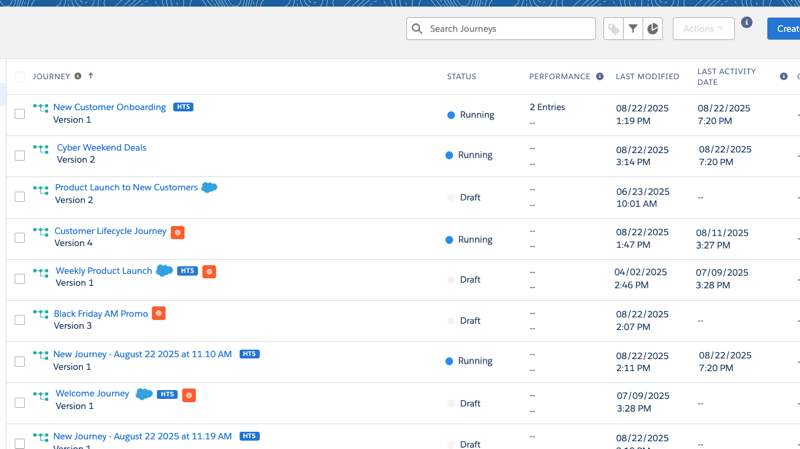
# All Subscribers List in Email Studio
The All Subscribers list is considered the main list of records for the Email Studio account. Every subscriber in your account appears in the All Subscribers list. Subscribers added to a subscriber list join the All Subscribers list at the same time. Subscribers stored on data extensions join the All Subscribers list when you send your first message to that subscriber. If a subscriber is unsubscribed in the All Subscribers list, the subscriber is unsubscribed from all lists and groups. When a subscriber is set back to active on the All Subscribers list, the subscriber must also opt in for any other list and group separately. A subscriber can be unsubscribed on lists and groups and be active on the All Subscribers lists.
Click All Subscribers in the navigation pane and then find the subscriber in the All Subscribers workspace in one of the following ways.
- Sort: You can sort by clicking the column heading of any column with an arrow to the right of the column name. For example, to sort alphabetically by email address, click **Email Address**. To reverse the sort, click the heading again. A small arrow in the column heading indicates the direction of the sort. The columns you can sort by vary by feature.
- Search: Use the Search feature to search by specific search criteria. Click **View Properties** that accompanies the search results to view the subscriber's properties.

Note The maximum number of subscribers that All Subscribers can store is 2,147,483,647.
#### See Also
- [Subscriber Filters in Marketing Cloud](https://help.salesforce.com/s/articleView?id=mktg.mc_es_subscriber_filters.htm&language=en_US)
- [Enhanced Subscribers in Email Studio](https://help.salesforce.com/s/articleView?id=mktg.mc_es_enhanced_subscribers.htm&release=264.0.0&type=5 "Subscribers functionality with the enhanced subscriber features enabled in Email Studio.")
- [Unsubscribe Settings](https://help.salesforce.com/s/articleView?id=mktg.mc_es_unsubscribe_settings.htm&language=en_US)
# Allocations and Limits in Marketing Cloud Next
Some features have limits that impact how much of something you can store or how frequently you can do certain tasks.
[View supported editions](https://help.salesforce.com/s/articleView?id=mktg.mktg_editions.htm&release=264.0.0&type=5 "Marketing Cloud Next is available in Growth and Advanced editions, and requires Salesforce Enterprise or Unlimited editions. Some features are limited by edition or purchased add-on. All functionality is available in Lightning Experience only.").
## Campaigns and Flows
| Resource | GROWTH EDITION | ADVANCED EDITION |
| --- | --- | --- |
| Total active flows | 500 simultaneously active flows | 750 simultaneously active flows |
| Total saved flows | 50,000 saved flows | 50,000 saved flows |
| Versions per flow | 50 versions | 50 versions |
## Segments
For more information about limits that apply to segments, see [Data 360 Limits and Guidelines](https://help.salesforce.com/s/articleView?id=data.c360_a_limits_and_guidelines.htm&language=en_US).
To estimate your Data 360 consumption, see [Data 360 Pricing Calculator](https://www.salesforce.com/data/pricing/calculator/).
## Content and Messaging
For the latest information about message credits and rates, review [Multipliers for Salesforce Message Credits](https://www.salesforce.com/marketing/salesforce-message-credits/). This chart shows credits based on a yearly contract, but the total number of credits depends on the actual contract length. You can use credits at any time over the course of your contract.
SMS credits aren't included with any Marketing Cloud Next edition, but can be purchased as an add-on.
| Resource | GROWTH EDITION | ADVANCED EDITION |
| --- | --- | --- |
| Salesforce Message Credits - Email | 180,000 credits per year | 360,000 credits per year |
| CMS storage | 10 GB plus 2 GB per user | 10 GB plus 2 GB per user |
## Agentic Content
When limits are met, agentic generation features are turned off for all users in the org and are unavailable in the agentic content workspace UI. Usage limits reset on the first of every month at 12:00 AM in the org's local system time. Unused allocations from the previous month don't carry over. For more information, see [AI Usage Limits for Agentic Content](https://help.salesforce.com/s/articleView?id=mktg.mktg_ac_setup.htm&release=264.0.0&type=5).
| Resource | GROWTH EDITION | ADVANCED EDITION |
| --- | --- | --- |
| Content generation | 30 per org per month | 30 per org per month |
| Image generation | 10 per org per month | 10 per org per month |
## Scoring and Data
| Resource | GROWTH EDITION | ADVANCED EDITION |
| --- | --- | --- |
| Fit scoring rules | 30 rules | 30 rules |
| Engagement scoring rules | 30 rules | 30 rules |
| Scoring models | 1 model | 2 models |
## Marketing Objects Limits
Additional Marketing Objects storage can be purchased as an add-on.
| Resource | GROWTH EDITION | ADVANCED EDITION |
| --- | --- | --- |
| Total Marketing Objects storage | 10 GB | 50 GB |
| Engagement scoring rules | 25 | 100 |
#### See Also
- [_Knowledge Article_: Tips for Managing Data Cloud Credit Consumption](https://help.salesforce.com/s/articleView?id=004633782&type=1&language=en_US)
# Allow Customized Local Content
Allow customized local content for a new email or an existing email under Content in Email Studio.
1. For a New Email
1. Click **Content**.
2. Open the Shared Items folder.
3. Click **Create**.
4. Select **Build New Email from Existing Template**.
5. Click **Next**.
6. Select a template.
7. Enter the email name and subject.
8. Select **Local**.
9. Save your email.
2. For an Existing Email
1. Click **Content**.
2. Open the Shared Items folder.
3. Open the Shared Emails subfolder.
4. Select the email.
5. Click **Properties**.
6. Select **Unlocked Content**.
7. Select **Local**.
8. Save your changes.
To localize content for an HTML-built email, create the email first. Then use the steps for an existing email.
# Allowed Characters in Email Addresses
Account Engagement complies with the RFC’s 2822 standard for email address verification for both prospect and user email addresses. Addresses with non-UTF8 characters, such as Japanese or Russian characters, can’t be validated.
### Required Editions
Available in: All Account Engagement Editions
Account Engagement validates addresses only with these characters, which can appear in any part of the email address.
- 0–9
- a–z
- A–Z
- !#$%&'\*/=?^\_+-\`{|}~
The period character (.) is supported as long as it’s not the first or last character in the unique part that appears before the @.
For more information, see [RFC’s 2822](https://datatracker.ietf.org/doc/html/rfc3696#section-3) documentation.
# Allowing Multiple Prospects with the Same Email Address
Choose whether to use an email address or CRM ID as the unique identifier for your prospects. The identifier we use is based on whether the record was created via prospect import, the Salesforce connector, a form submission, or a third-party connector. This feature is enabled by default for business units created after June 14, 2016.
### Required Editions
Available in: All Account Engagement Editions

Important Allow Multiple Prospects with the Same Email Address (AMPSEA) was enabled by default after June 14, 2016. Whether your business unit was created after that date or an admin enabled this feature, it can’t be turned off.
## Matching Existing Prospects
Whether the CRM ID or an email address is used to match depends on the situation.
Prospect Import
Prospect import serves two purposes: creating records and updating existing records. You can now use CRM ID (Lead ID, Contact ID, or Person Account ID) as an optional matching criteria for prospect import. Importing by CRM ID is ideal when you import new records from Salesforce, because the new prospects are associated with the Salesforce record upon creation.
Although we recommend using CRM ID for imports whenever possible, you can still use an email address as matching criteria for prospect imports. Records with an email address that doesn’t match an existing prospect creates a prospect record. Records with an email address that matches more than one existing prospect updates the prospect with the most recent activity.
Salesforce Connector
The most important aspect of the Salesforce sync is creating a one-to-one relationship between a prospect and a Salesforce lead, contact, or person account. The Salesforce connector uses CRM ID as the matching criteria for sync in both directions.
Syncing from Salesforce to Account Engagement—When Salesforce creates a record with a specific email address, and the connector user has permission to view that record, Account Engagement creates a prospect with a matching CRM ID.
Syncing from Account Engagement to Salesforce—When a new prospect is created and the record meets your criteria to begin syncing, it creates a record in Salesforce following your connector’s settings.
Connector settings—There are fewer connector settings. The connector creates prospects when it finds new leads, contacts, or person accounts, and it syncs changes among those records. When the connector detects merged or deleted records in Salesforce, it updates the corresponding prospects.
Form Submissions
When someone submits a form, Account Engagement uses the visitor cookie to attempt to associate the activity with a prospect. If the visitor’s cookie is associated with a prospect, the activity is saved to that prospect record. If that prospect record is in the recycle bin, it’s undeleted.
If the visitor cookie isn’t associated with a prospect, Account Engagement uses the email address submitted in the form to look for a matching prospect. If only one prospect has that email address, the activity is saved to that record. If more than one prospect has that email address, the activity is saved to the prospect that has the most recent activity. If no active prospects have that email address, we attempt to match a record in the recycle bin and undelete the record if found. If we can’t find any prospects with the given email address, we create a prospect and saves the activity to the new record.
In all these cases, the visitor cookie is updated to match the prospect record. Future activity related to that cookie goes to the associated prospect record.
Third-Party Connectors
Some third-party connectors rely on the email address to sync data from the third party into Account Engagement. When we bring in data from these connectors, we look for matching prospects with the same email address.
If only one prospect has that email address, the activity is saved to that record. If more than one prospect has the email address, the activity is saved to the prospect that has the most recent activity. If no active prospects have that email address, we attempt to match a record in the recycle bin and undelete the record if found. If we can’t find any prospects with the given email address, we create a prospect and saves the activity to the new record.
## Acting on Prospects with the Same Email Address
When multiple prospects have the same email address, the biggest behavior changes relate to email sends and lead nurturing.
Email Sending
To protect your sending reputation, we don’t send the same list email to more than one prospect with the same email address. Even with built-in protection, it’s a good idea to segment your lists appropriately.
When you send a list email, Account Engagement deduplicates by email address. If multiple prospects in the list send have the same email address, the email goes to the one with the most recent activity. If multiple prospects in the list send have the same email address, but no activity, the email goes to the most recently created prospect.
A suppression list matches on prospect ID, not email address. If you have multiple prospects with the same email address and one is on a suppression list, that email address isn’t suppressed.
However, a dynamic suppression list that’s based on recency and frequency does match on email address. If any prospect with that email address meets the criteria of your recency and frequency suppression list, all prospects with that email address are suppressed.
Email Deliverability
Your emails are delivered only to the people who want them, which protects your brand and email sending reputation. If a prospect globally opts out of emails, all prospects with the same email address are also opted out. If a prospect unsubscribes from specific email lists, all prospects with the same email address are unsubscribed from those lists. This way, you don’t run the risk of your emails being marked as spam, even if your intended recipient is a different prospect.
If a prospect hard bounces or soft bounces five times, all prospects with the same email address are marked as unmailable.
Lead Nurturing
Engagement programs allow one prospect per email address per program. This limitation ensures that an email address associated with multiple prospects doesn’t receive more than one copy of the same email.
If an email address is used for a prospect in an Engagement Studio program, it gets tied to that prospect, and can't be used by any other prospects. If a prospect's email address is changed after they complete an Engagement Studio program, the original email address associated with that prospect can't be used by another prospect.
Prospect Tracking
If you have multiple prospects with the same email address and some are archived, only the Opt Out and Do Not Email fields are updated on the archived prospects. No other activity is updated on archived prospects.
## Account Engagement API
This feature uses a different version of the Account Engagement API. The APIs are similar, but many functions related to prospects can now return more than one result. If you use custom integrations, make sure that they use Version 4 of the API before you enable this feature. Supported connectors are already compatible with Version 4, so no further action is necessary.
- If you’re using custom apps, update them to use Version 4 of the API.
- If you’re using apps built by a third party (for example, Zapier or DataHero), make sure that they’re compatible with Version 4 of the API.
## How This Feature Affects Legacy Integrations
Some legacy add-ons and connectors aren’t compatible with AMSPEA.
- Gmail extension
- Outlook add-on
- Thunderbird plug-in
- Apple Mail plug-in
# Allowlist in an Enterprise Account
Allowlist IP ranges at the enterprise level in Marketing Cloud Engagement.
If you have an Enterprise account, you can define different IP ranges for each business unit. You can also allowlist IP ranges at the enterprise level and have each business unit inherit your settings.
# Allowlist IP Ranges for Salesforce Managed Packages
View the addresses to allowlist for Salesforce managed packages when using them with Marketing Cloud Engagement and Marketing Cloud Connect.

Note We recommend using tenant-specific endpoints for all new managed package and Marketing Cloud Connect integrations. The addresses in this document apply only to existing customers who use legacy connections. Upgrade to your new endpoints as soon as possible.

Note Review the User Profile IP restrictions if you experience issues after adding the IP addresses to your allowlist.
## Notification and Identity Validation Emails
- S1 Instance: 207.67.38.45
- S4 Instance: 68.232.207.20
- S6 Instance: 207.67.38.45
## Engagement
- 52.202.243.196/32
- 54.146.5.111/32
- 34.239.32.249/32
- 3.7.40.253/32
- 13.127.242.165/32
- 3.111.207.196/32
## IP Allowlist Ranges
- 207.67.38.20
- 207.67.38.21
- 207.67.38.30 (xtinmta02-30.exacttarget.com)
- 207.67.38.40
- 207.67.38.41
- 207.67.38.42 (xtinmta06-42.exacttarget.com)
- 207.67.38.43
- 207.250.68.26 (xtinmta04-26.exacttarget.com)
- 207.250.68.36
- 66.231.85.170
- 66.231.85.201 (ai201.mta.exacttarget.com)
- 66.231.90.212 (ak212.mta.exacttarget.com)
- 64.132.92.251
- 64.132.92.253 (av253.mta.exacttarget.com)
- 64.132.92.254
- 66.231.93.28 (ap28.mta.exacttarget.com)
- 66.231.93.184
- 66.231.93.185
- 66.231.93.186
- 68.232.199.1 (bz1.mta.exacttarget.com)
- 68.232.192.104 (ar104.mta.exacttarget.com)
- 68.232.192.105 (ar105.mta.exacttarget.com)
- 68.232.192.106 (ar106.mta.exacttarget.com)
- 68.232.193.146 (as146.mta.exacttarget.com)
- 68.232.193.193 (as193.mta.exacttarget.com)
- 68.232.192.196 (ar196.mta.exacttarget.com)
- 68.232.192.198 (ar198.mta.exacttarget.com)
- 68.232.200.1
- 68.232.200.2
- 68.232.200.3
## Marketing Cloud Connect
Allowlist these Salesforce IP ranges for the Salesforce integration.
10.166.0.0
to
10.166.127.254
13.111.17.0
to
13.111.17.17
13.111.250.1
to
13.111.250.14
13.111.250.16
to
13.111.250.31
13.111.251.0
to
13.111.251.28
64.79.134.164
to
64.79.134.164
66.231.91.195
to
66.231.91.195
66.231.91.251
to
66.231.91.251
66.231.94.247
to
66.231.94.247
66.231.94.250
to
66.231.94.252
68.232.200.1
to
68.232.200.2
68.232.203.56
to
68.232.203.63
68.232.204.99
to
68.232.204.99
99.50.81.121
to
99.50.81.140
100.64.0.0
to
100.65.255.254
136.147.128.1
to
136.147.128.14
136.147.129.15
to
136.147.129.15
136.147.131.11
to
136.147.131.18
161.71.32.0
to
161.71.35.254
172.30.0.0
to
172.30.127.254
184.72.230.214
to
184.72.230.214
199.122.126.99
to
199.122.126.99
206.246.157.1
to
206.246.157.6
207.67.53.64
to
207.67.53.78
207.67.66.192
to
207.67.66.222
207.67.98.216
to
207.67.98.216
207.250.76.176
to
207.250.76.183
207.250.79.96
to
207.250.79.110
209.43.14.97
to
209.43.14.97
# Amazon Advertising API Connector
This API connector retrieves data for Amazon Campaign Types Sponsored Products and Headline Search Ads
- Channel: Display
- Data Stream Types:
- Ads (for Delivery Data)
- Conversion Tag (for Conversions Data)
- Search Keywords (for Keywords data with Delivery Data)
- Conversion Tag with Keywords (for Keywords data with Conversions Data)
- Data Lag: 1 Day
## Prerequisites
A valid User Name and Password as a ‘Merchant’ account with access to Amazon’s Seller Central is required.
## Details
Data retrieval is only available for the last 60 days.
## Extended Properties
This connector always retrieves datasets for both Amazon Campaign Types—Sponsored Products, and Headline Search Ads regardless of what is configured in the Extended Properties of the Data Stream.
- Get Conversions - retrieves additional Conversions and Revenue Measurements (including many Conversions Measurements that are unmapped by default), and that data are mapped into the Conversion Tag Data Stream Type. Despite it being Conversions data, it won’t be retrieved with a Conversion Name/Tag Dimension, but rather with the same set of Dimensions used in the Ads Data Streams type
- Get Keywords - retrieves an additional Keyword Dimension, and that dataset is mapped into the Search Keywords Data Stream Type. Beyond the Measurements already retrieved into the Ads Data Stream Type, no additional Measurements are retrieved within the Keyword dataset.
## QA Your Data
- Compare data for each Campaign Type separately.
- Create a Report in Amazon for the relevant Campaign Type, consisting of the same Date Range, Dimensions and Measurements that are included in the Report/Pivot Table/Widget created in Marketing Cloud Intelligence.
- Start off by simply comparing the Measurement totals and make sure those are aligned.
- Filter both the Marketing Cloud Intelligence and Amazon reports for a certain Dimension value and make sure that the Measurement totals are still aligned.
# Amazon Advertising API Connector
This API connector retrieves data for Amazon Campaign Types Sponsored Products and Headline Search Ads
- **Channel**: Display
- **Data Stream Types**:
- Ads (for Delivery Data)
- Conversion Tag (for Conversions Data)
- Search Keywords (for Keywords data with Delivery Data)
- Conversion Tag with Keywords (for Keywords data with Conversions Data)
- **Data Lag**: 1 Day
## Prerequisites
A valid User Name and Password as a ‘Merchant’ account with access to Amazon’s Seller Central is required.
## Details
Data retrieval is only available for the last 60 days.
## Extended Properties
This connector always retrieves datasets for both Amazon Campaign Types—Sponsored Products, and Headline Search Ads regardless of what is configured in the Extended Properties of the Data Stream.
- Get Conversions - retrieves additional Conversions and Revenue Measurements (including many Conversions Measurements that are unmapped by default), and that data are mapped into the Conversion Tag Data Stream Type. Despite it being Conversions data, it won’t be retrieved with a Conversion Name/Tag Dimension, but rather with the same set of Dimensions used in the Ads Data Streams type
- Get Keywords - retrieves an additional Keyword Dimension, and that dataset is mapped into the Search Keywords Data Stream Type. Beyond the Measurements already retrieved into the Ads Data Stream Type, no additional Measurements are retrieved within the Keyword dataset.
## QA Your Data
- Compare data for each Campaign Type separately.
- Create a Report in Amazon for the relevant Campaign Type, consisting of the same Date Range, Dimensions and Measurements that are included in the Report/Pivot Table created in Marketing Cloud Intelligence Data Pipelines.
- Start off by simply comparing the Measurement totals and make sure those are aligned.
- Filter both the Marketing Cloud Intelligence Data Pipelines and Amazon reports for a certain Dimension value and make sure that the Measurement totals are still aligned.
# Amazon Attribution API Connector
Amazon Attribution is a platform that gives marketers insights into how their non-Amazon marketing channels across search, social, video, and display impact shopping activity and sales performance on Amazon.
- Channel: Web Analytics
- Data Stream Types:
- Web Analytics
- Data Lag: 1 Day
## Prerequisites
To connect to the Amazon DSP API, you need a valid Username and Password.
## General Setup
After entering your credentials, select the relevant profile and advertisers you want to retrieve data for. You must specify at least one advertiser and up to 15 advertisers per data stream.
## QA Your Data
- Create the desired report in the Amazon Attribution platform for the required date range.
- Next, process the relevant Data Stream in Marketing Cloud Intelligence for the same date range.
- Create a Report/Table Widget/Pivot Table within Marketing Cloud Intelligence containing the exact same Dimensions and Measurements for the same report and date range.
- Compare the Measurement Totals and make sure they’re aligned.
# Amazon Attribution API Connector
Amazon Attribution is a platform that gives marketers insights into how their non-Amazon marketing channels across search, social, video, and display impact shopping activity and sales performance on Amazon.
- **Channel**: Web Analytics
- **Data Stream Types**:
- Web Analytics
- **Data Lag**: 1 Day
## Prerequisites
To connect to the Amazon DSP API, you need a valid Username and Password.
## General Setup
After entering your credentials, select the relevant profile and advertisers you want to retrieve data for. You must specify at least one advertiser and up to 15 advertisers per data stream.
## QA Your Data
- Create the desired report in the Amazon Attribution platform for the required date range.
- Next, process the relevant Data Stream in Marketing Cloud Intelligence Data Pipelines for the same date range.
- Create a Report/Pivot Table within Marketing Cloud Intelligence Data Pipelines containing the exact same Dimensions and Measurements for the same report and date range.
- Compare the Measurement Totals and make sure they’re aligned.
# Amazon DSP API Connector
Amazon DSP is a demand-side platform that enables advertisers to programmatically buy display, video, and audio ads both on and off Amazon.
- Channel: Display
- Data Stream Types:
- Ads
- Conversion Tag
- Data Lag: 1 Day
## Prerequisites
To connect to the Amazon DSP API, you need a valid Username and Password.
## Details
The Amazon DSP data stream is only able to process data for the past 90 days.
## General Setup
After entering your credentials, select the relevant profile you want to retrieve data for.
## Extended Properties
This connector always retrieves datasets for both Amazon Campaign Types—Sponsored Products, and Headline Search Ads regardless of what is configured in the Extended Properties of the Data Stream.
- Get Conversions - Select this checkbox to retrieve Conversion data in addition to the Delivery data retrieved by the API by default
## QA Your Data
- Create the desired report in the Amazon DSP platform for the required date range.
- Next, process the relevant Data Stream in Marketing Cloud Intelligence for the same date range.
- Create a Report/Table Widget/Pivot Table within Marketing Cloud Intelligence containing the exact same Dimensions and Measurements for the same report and date range.
- Compare the Measurement Totals and make sure they’re aligned.
# Amazon DSP API Connector
Amazon DSP is a demand-side platform that enables advertisers to programmatically buy display, video, and audio ads both on and off Amazon.
- **Channel**: Display
- **Data Stream Types**:
- Ads
- Conversion Tag
- **Data Lag**: 1 Day
## Prerequisites
To connect to the Amazon DSP API, you need a valid Username and Password.
## Details
The Amazon DSP data stream is only able to process data for the past 90 days.
## General Setup
After entering your credentials, select the relevant profile you want to retrieve data for.
## Extended Properties
This connector always retrieves datasets for both Amazon Campaign Types—Sponsored Products, and Headline Search Ads regardless of what is configured in the Extended Properties of the Data Stream.
- Get Conversions - Select this checkbox to retrieve Conversion data in addition to the Delivery data retrieved by the API by default
## QA Your Data
- Create the desired report in the Amazon DSP platform for the required date range.
- Next, process the relevant Data Stream in Marketing Cloud Intelligence Data Pipelines for the same date range.
- Create a Report/Pivot Table within Marketing Cloud Intelligence Data Pipelines containing the exact same Dimensions and Measurements for the same report and date range.
- Compare the Measurement Totals and make sure they’re aligned.
# Amazon Seller Central API Connector in Marketing Cloud Intelligence
Amazon Seller Central is a web interface used by brands and merchants to market and sell their products directly to Amazon customers.
With the Amazon Seller Central API connector, you connect your advertising and ecommerce data to bring in sales data, such as inventory, pricing, orders, and performance analysis. This connector provides both order and item-level data using the SKU of the products. The data stream type is ecommerce, and data lagging is 1 day.

Important Due to Amazon’s new authentication process, you must re-authenticate all Amazon accounts once a year to ensure your data is up-to-date. For more information about this workflow, see [Amazon Authentication Workflow](https://developer-docs.amazon.com/sp-api/docs/selling-partner-appstore-authorization-workflow).
More details about the Amazon Seller Central API connector
- The Amazon Seller Central API connector brings in the ASIN product number as shown in Amazon Seller Central and maps it as ‘Product Key’ automatically.
- You can connect more than one marketplace to the connector, however you must create a separate data stream per each marketplace.
- Amazon sometimes requires your approval to share data with Marketing Cloud Intelligence.
- **[Create an Amazon Seller Central Data Stream in Marketing Cloud Intelligence](https://help.salesforce.com/s/articleView?id=mktg.dato_data_streams_api_connect_amznseller_create.htm&release=264.0.0&type=5)**
Connect your advertising and ecommerce data to bring in sales data.
# Amazon Vendor Brand Analytics API Connector in Marketing Cloud Intelligence
First-party sellers, such as manufacturers and distributors, use the Amazon Vendor Central web interface for selling products directly to Amazon. Connecting to the Amazon Vendor Brand Analytics API gives you information about sales and traffic, consumer behavior, and operations.
You can view both order and item-level data using products’ Amazon Standard Identification Number (ASIN). The data stream type is ecommerce, and data lagging is 1 day.
This API connector brings in consumer data, but if you want inventory data, see [Amazon Vendor Central Inventory API Connector](https://help.salesforce.com/s/articleView?id=mktg.dato_data_streams_api_connect_amznvendor.htm&release=264.0.0&type=5 "Amazon Vendor Central Inventory is a web interface used by first-party sellers, such as direct manufacturers and distributors, for selling products directly to Amazon.").

Important Due to Amazon’s new authentication process, you must re-authenticate all Amazon accounts once a year to ensure your data is up-to-date. For more information about this workflow, see [Amazon Authentication Workflow](https://developer-docs.amazon.com/sp-api/docs/selling-partner-appstore-authorization-workflow).

Note Because of an Amazon limitation, you can fetch only the past 7 days of your data. After connecting your data to Marketing Cloud Intelligence, the API brings in data according to the set schedule. The default is daily, and it accumulates in Marketing Cloud Intelligence.
More details about the Amazon Vendor Brand Analytics API connector:
- The connector brings in the product’s ASIN as shown in Amazon Seller Central and maps it as Product Key.
- You can connect more than one marketplace to the connector. However, you must create a separate data stream per marketplace.
- Amazon sometimes requires your approval to share data with Marketing Cloud Intelligence.
- Amazon Vendor Central allows you to query only up to the past 7 days of data. After you connect your data to Marketing Cloud Intelligence, the API continues bringing in data according to the specified cadence, which is by default is daily.
Here’s a video about the Amazon Vendor Brand Analytics API connector:
- **[Create an Amazon Vendor Brand Analytics Data Stream in Marketing Cloud Intelligence](https://help.salesforce.com/s/articleView?id=mktg.dato_data_streams_api_connect_amznbrand_create.htm&release=264.0.0&type=5)**
Connect your Amazon Vendor Brand Analytics data to Marketing Cloud Intelligence to pull in customer purchase data.
# Amazon Vendor Brand Analytics API Connector in Marketing Cloud Intelligence Data Pipelines
First-party sellers, such as manufacturers and distributors, use the Amazon Vendor Central web interface for selling products directly to Amazon. Connecting to the Amazon Vendor Brand Analytics API gives you information about sales and traffic, consumer behavior, and operations.
You can view both order and item-level data using products’ Amazon Standard Identification Number (ASIN). The data stream type is ecommerce, and data lagging is 1 day.
This API connector brings in consumer data, but if you want inventory data, see [Amazon Vendor Central Inventory API Connector](https://help.salesforce.com/s/articleView?id=mktg.mcidp_data_streams_api_connect_amznvendor.htm&release=264.0.0&type=5 "Amazon Vendor Central is a web interface used by first-party sellers, such as direct manufacturers and distributors, for selling products directly to Amazon.").

Note Because of an Amazon limitation, you can fetch only the past 7 days of your data. After connecting your data to Marketing Cloud Intelligence Data Pipelines, the API brings in data according to the set schedule. The default is daily, and it accumulates in Marketing Cloud Intelligence Data Pipelines.
More details about the Amazon Vendor Brand Analytics API connector:
- The connector brings in the product’s ASIN as shown in Amazon Seller Central and maps it as Product Key.
- You can connect more than one marketplace to the connector. However, you must create a separate data stream per marketplace.
- Amazon sometimes requires your approval to share data with Marketing Cloud Intelligence Data Pipelines.
- Amazon Vendor Central allows you to query only up to the past 7 days of data. After you connect your data to Marketing Cloud Intelligence Data Pipelines, the API continues bringing in data according to the specified cadence, which is by default is daily.
- **[Create an Amazon Vendor Brand Analytics Data Stream in Marketing Cloud Intelligence Data Pipelines](https://help.salesforce.com/s/articleView?id=mktg.mcidp_data_streams_api_connect_amznbrand_create.htm&release=264.0.0&type=5)**
Connect your Amazon Vendor Brand Analytics data to Marketing Cloud Intelligence Data Pipelines to pull in customer purchase data.
#### See Also
- [Video: Amazon Vendor Brand Analytics](https://salesforce.vidyard.com/watch/SdnpHoxAkh9Ra41hxaHaD1)
# Amazon Vendor Central Inventory API Connector in Marketing Cloud Intelligence
Amazon Vendor Central Inventory is a web interface used by first-party sellers, such as direct manufacturers and distributors, for selling products directly to Amazon.
By connecting to the Amazon Vendor Central Inventory API, you get information about sales and traffic, consumer behavior, operations, and more. You can view this data using the Amazon Standard Identification Number (ASIN) of the products. The data stream type is ecommerce, and data lagging is 1 day.

Important Due to Amazon’s new authentication process, you must re-authenticate all Amazon accounts once a year to ensure your data is up-to-date. For more information about this workflow, see [Amazon Authentication Workflow](https://developer-docs.amazon.com/sp-api/docs/selling-partner-appstore-authorization-workflow).

Note Because of an Amazon limitation, you can fetch only the past 7 days of your data. After connecting your data to Marketing Cloud Intelligence, the API brings in data according to the set schedule (the default is daily), and it accumulates in Marketing Cloud Intelligence.
More details about the Amazon Vendor Central Inventory API connector:
- The Amazon Vendor Central Inventory API connector brings in the ASIN product number as shown in Amazon Vendor Central and maps it as ‘Product Key’ automatically.
- You can connect more than one marketplace to the connector, however you must create a separate data stream per each marketplace.
- Amazon sometimes requires your approval to share data with Marketing Cloud Intelligence.
- Amazon Vendor Central Inventory allows you to query 7 days back of data. After you connect your data to Marketing Cloud Intelligence the API continues bringing in data according to the set cadence, which is automatically set to daily.
- Currently you can’t retrieve direct-fulfillment data with this connector; however a new connector is being developed to handle this use case. For more information, contact Marketing Cloud Intelligence support.
- **[Create an Amazon Vendor Central Inventory Data Stream in Marketing Cloud Intelligence](https://help.salesforce.com/s/articleView?id=mktg.dato_data_streams_api_connect_amznvendor_create.htm&release=264.0.0&type=5)**
Connect your Amazon Vendor Central Inventory data to Marketing Cloud Intelligence.
# AMP for Email
AMP for Email is a new open-source email standard that allows customers to interact with messages directly in their inbox and offers real-time content and data at open. Use Marketing Cloud Content Builder to build AMP emails. Common use cases include carousels, confirmations and opt-ins, real-time data, browsing and research, and appointment booking.
- **[Get Started with AMP for Email](https://help.salesforce.com/s/articleView?id=mktg.mc_ceb_amp_get_started.htm&release=264.0.0&type=5)**
To build an AMP email in Marketing Cloud Engagement Content Builder, first create the email by choosing an AMP email template or accessing the AMP editor view in an email.
- **[AMP for Email Best Practices](https://help.salesforce.com/s/articleView?id=mktg.mc_ceb_amp_best_practices.htm&release=264.0.0&type=5)**
Use these tips and best practices when building AMP emails in Marketing Cloud Engagement Content Builder.
- **[Appendix: Use GTL with AMP for Email Mustache Syntax](https://help.salesforce.com/s/articleView?id=mktg.mc_ceb_amp_appendix_gtl.htm&release=264.0.0&type=5)**
Guide Template Language and AMP Mustache templates use the same delimiters (double curly braces {{ and }}). Therefore, when sending AMP containing Mustache templates through Marketing Cloud Engagement, ensure that you add a snippet of code at the top to change the GTL delimiters.
# AMP for Email Best Practices
Use these tips and best practices when building AMP emails in Marketing Cloud Engagement Content Builder.
## General
- Ensure that your AMP email has an HTML fallback for email clients that can’t display AMP content.
- Ensure that you create content for all three MIME types.
- There’s one subject line and one preheader for all three MIME types.
- Design using familiar UI conventions.
- Use the built-in state options provided by AMP.
- AMP-list: placeholder, fallback. In this case, fallback is the name of the attribute used by AMP.
- AMP-form: submitting, submit-success, and submit-error
- Test with the validator AND in email clients.
- For AMP to work correctly, Multipart MIME must be enabled.
## Use HTML and CSS in AMP
- AMP supports most CSS and HTML. Follow modern web standards when coding.
- You can also copy the code over from your HTML version. As a shortcut to get started, copy over your HTML version, then make edits to pass AMP validation.
- Include AMP attribute in HTML
- Include AMP
Check out these latest deals from our store!
{{#cart_items}}
{{name}}{{price}}
{{/cart_items}}
{{^cart_items}}
There are no featured products available. Please check back again later.
{{/cart_items}}
```
# AppExchange Deliverability Partners
Marketing Cloud Engagement offers both standard deliverability features and access to a network of partners with advanced deliverability tools whose products can be purchased via AppExchange . AppExchange deliverability partners have developed products and features that meet various deliverability needs.
Two primary areas in which our partner products excel:
- **External data sources**: For example, seed lists, blocklists, spam traps, Microsoft SNDS, Google Postmaster, other third-party tools and dashboards. Engagement doesn’t retrieve and store data from these sources, but recognizes the insights that our partners’ investment in these data sources bring to our customers.
- **Ease of use**: For example, alerts and dashboards. Our partners have developed monitoring features to help our customers.
For more information, see the knowledge article [Marketing Cloud Engagement Deliverability Options](https://help.salesforce.com/s/articleView?id=000388916&type=1&language=en_US).
# Apple News Publisher API Connector
Apple News Publisher places ads in Channels in the Apple News App on iPhone and iPad.
- Channel: Display
- Data Lag: 1 Day
## Prerequisites
- Access Token
- Certificate
- Private Key
To obtain the these credentials from the Apple News platform, go to the ‘API’ tab on the ‘Account’ page. Then, click Create Key to generate a new API Key. After a key has been created, you will receive a ZIP file containing an Access Token, a Certificate, and a Private Key. We recommend opening the files in a Text Editor and then copying and pasting the text as is, into the corresponding text boxes in our platform.
You can also use an existing API Key Name but note that in case you download an existing Key Name that has already been used, the existing Access Token, Certificate, and Private Key will expire. In such a case, you’ll have to replace the existing prerequisites in our platform with the updated ones.
## Details
The API connector retrieves Campaign Performance data including Line and Ad level data. The data includes Delivery, Conversion, and Video Measurements.
## QA Your Data
Apple News platform allows you to see the performance of Ads that are associated with a single Campaign in a single view. Our platform allows you to see the performance of Ads from different Campaigns in a single view. Therefore, when comparing your data between the platforms make sure that both of your views are filtered accordingly.
# Apple News Publisher API Connector
Apple News Publisher places ads in Channels in the Apple News App on iPhone and iPad.
- **Channel**: Display
- **Data Lag**: 1 Day
## Prerequisites
- Access Token
- Certificate
- Private Key
To obtain the these credentials from the Apple News platform, go to the ‘API’ tab on the ‘Account’ page. Then, click Create Key to generate a new API Key. After a key has been created, you will receive a ZIP file containing an Access Token, a Certificate, and a Private Key. We recommend opening the files in a Text Editor and then copying and pasting the text as is, into the corresponding text boxes in our platform.
You can also use an existing API Key Name but note that in case you download an existing Key Name that has already been used, the existing Access Token, Certificate, and Private Key will expire. In such a case, you’ll have to replace the existing prerequisites in our platform with the updated ones.
## Details
The API connector retrieves Campaign Performance data including Line and Ad level data. The data includes Delivery, Conversion, and Video Measurements.
## QA Your Data
Apple News platform allows you to see the performance of Ads that are associated with a single Campaign in a single view. Our platform allows you to see the performance of Ads from different Campaigns in a single view. Therefore, when comparing your data between the platforms make sure that both of your views are filtered accordingly.
# Apple Private Relay Configuration
Apple maintains a special subscriber email domain called privaterelay.appleid.com for their Private Email Relay Service. Senders use this domain to communicate with users who opted to use an anonymous email address with Apple’s “Sign in with Apple” functionality.
Before you send to this domain, you must properly register your sending domains with Apple. If you don’t register with Apple, all mail delivery attempts to the privaterelay.appleid.com domain is rejected.
## Requirements
Apple requires that email messages authenticate with Sender Policy Framework (SPF) and DomainKeys Identified Mail (DKIM). This requirement means that you must have Sender Authentication Package (SAP) or a private domain in place. You must also send using a from address at the SAP or private domain. If your SAP or private domain is email.domain.com, you must send using a From Name of (something)@email.domain.com.
The bounce or return path domain must be registered with Apple. If your SAP domain is email.domain.com, then the bounce domain or return path domain is bounce.email.domain.com. In other words, it’s the word bounce followed by a period followed by the SAP domain. If you don’t correctly register this domain with Apple, all email delivery attempts are rejected.
## How to Register
After you register the domain with Apple, email delivery attempts to the privaterelay.appleid.com domain are no longer rejected. Keep in mind that individual users can revoke access to their individual inboxes at any time. If a subscriber does revoke access to a sender, any future attempts to send email to that address can result in bounced messages. Some bounces can still occur. One hundred percent email delivery (or even inbox delivery) isn’t guaranteed.
#### See Also
- [_Apple Developer Documentation:_ Communicating Using the Private Email Relay Service](https://developer.apple.com/documentation/signinwithapple/communicating-using-the-private-email-relay-service)
- [_Apple Developer Documentation:_ Configure Private Email Relay Service](https://developer.apple.com/help/account/capabilities/configure-private-email-relay-service/)
- [_Apple Developer Documentation:_ Sign in with Apple Tutorial: Private Email Relay Service](https://sarunw.com/posts/sign-in-with-apple-2/)
# Apple Search Ads API Connector
The Apple Search Ads API retrieves data related to Search Campaigns advertised on Apple App Store. By using this API, you’ll be able to retrieve standard Display data. The Dimensions and Measurements that are pulled through the API match the data that’s displayed on each of the Ad Groups views within the Apple Search UI.
- Channel: Search
- Data Lag: 1 Day
## Prerequisites
A valid Apple user with admin level permissions to an Ads Account.
## Extended Properties
- Available Breakdowns – The Breakdowns that are available in the API match the options that are available on the left menu under the ‘Reports’ view in the Apple Search UI.
## Known Issues
- Search Keyword data is currently unavailable.
- When a Breakdown is selected, Delivery Data might be missing for rows that are below Apple's privacy threshold. For example, Search Terms must reach at least 10 Impressions, otherwise data won’t appear in the reports and won’t be retrieved by the API connector. Media Cost Value is returned regardless of Delivery Data volume.
# Apple Search Ads API Connector
The Apple Search Ads API retrieves data related to Search Campaigns advertised on Apple App Store. By using this API, you’ll be able to retrieve standard Display data. The Dimensions and Measurements that are pulled through the API match the data that’s displayed on each of the Ad Groups views within the Apple Search UI.
- **Channel**: Search
- **Data Lag**: 1 Day
## Prerequisites
A valid Apple user with admin level permissions to an Ads Account.
## Extended Properties
- Available Breakdowns – The Breakdowns that are available in the API match the options that are available on the left menu under the ‘Reports’ view in the Apple Search UI.
## Known Issues
- Search Keyword data is currently unavailable.
- When a Breakdown is selected, Delivery Data might be missing for rows that are below Apple's privacy threshold. For example, Search Terms must reach at least 10 Impressions, otherwise data won’t appear in the reports and won’t be retrieved by the API connector. Media Cost Value is returned regardless of Delivery Data volume.
# Apply a CSS File from Portfolio to Shared Content
When IDs receive multiple attributes from different style sheets or instances in the same style sheet, the resulting landing page may not appear as you expected. For best results, create a dedicated style sheet that provides the CSS for the landing page. This step prevents problems with cascading attributes from multiple style sheets.
Be sure to test your landing page in multiple browsers to make sure the page appears according to your specifications. This step helps you avoid problems later when your subscribers view the pages in an environment different than the one you used for creating.
1. Create your email content.
2. Click **Edit** and choose **Social Properties**.
3. Choose the **Allow Content To Be Shared** checkbox and enter the information in each field.
4. For the Stylesheet (CSS) field, locate the style sheet to apply to the shared content slot after it has been published to a social network.
5. Click **OK**.
6. Click **Insert**, then choose **Social Forward**.
7. Choose the checkboxes next to the links for the social networks to include in your email content area.
8. Select the content area to associated with these networks from the Associate with Shared Content Slot dropdown menu.
# Apply a Data Load Mode to Your Data Stream
Configure how new data updates the existing data in the data stream.
### Required Editions
User Permissions Needed
To specify a load mode:
Admin
1. From the Connect & Mix tab, select **Data Streams**, and then select **Data Streams List**.
2. Create a data stream or edit one.
3. At the bottom of the Data Stream page, click **Advanced**.
4. Under Load Mode, select the mode.
The default option is Replace.
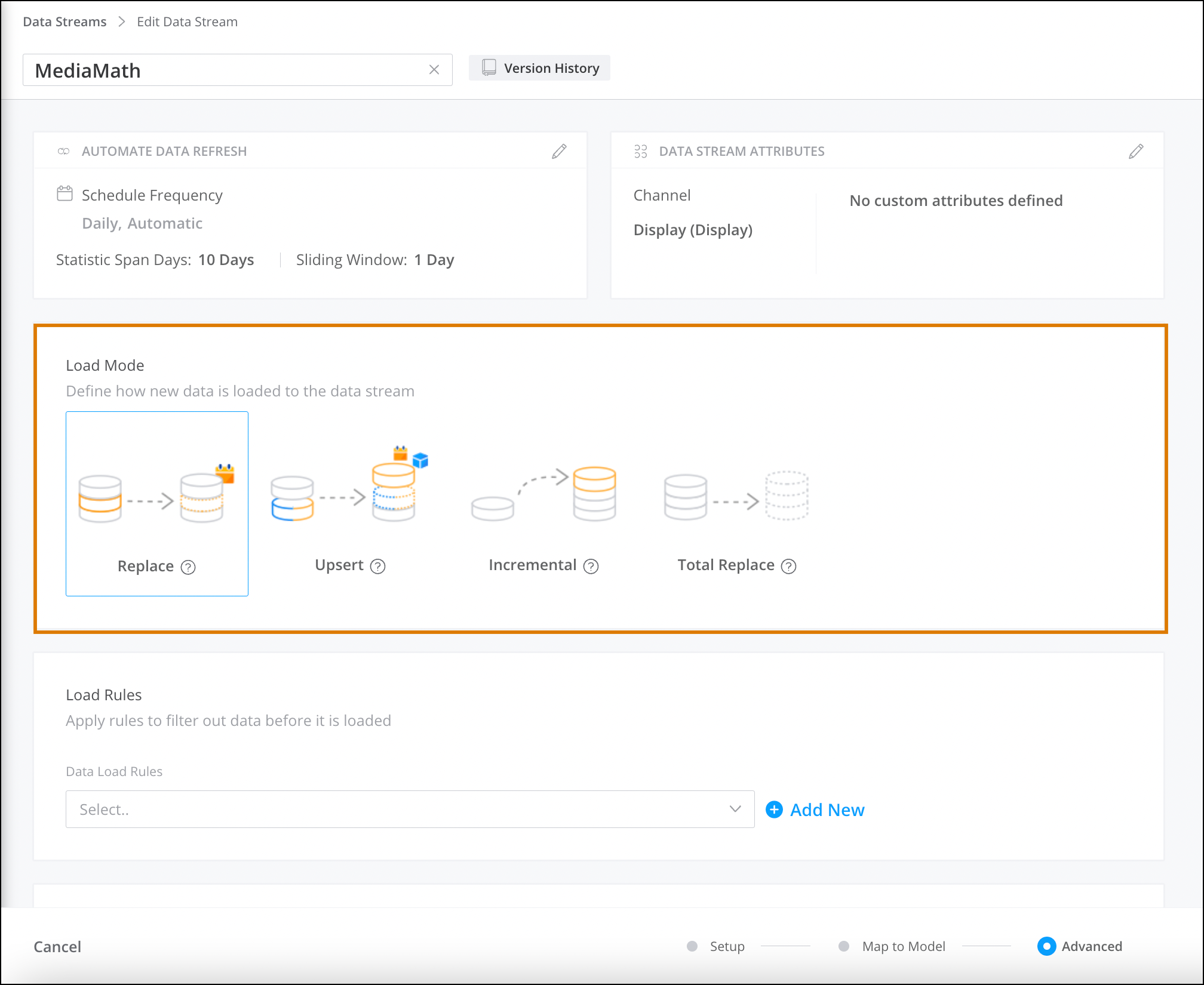
5. Save your work.
# Apply a Data Stream Template
Apply data stream templates to create a data stream.
### Required Editions
User Permissions Needed
To apply a data stream template:
Admin
1. From the **Connect & Mix** tab, select **Data Streams** and then **Data Stream List**.
2. Click **Create New**, and then click **TotalConnect**.
3. Click **Use Template**, and select the template you want to use.
4. You can either upload your source file or continue without one:
1. To upload a file, click **Browse** or drag your file. You can preview your source file, then continue to the mapping stage and advanced settings. The mapping and settings are based on your template. You can edit if needed.
2. If you decide to upload your file at a later time, move to the mapping stage. You can map your source fields to the Marketing Cloud Intelligence data fields. You can upload your data at any time.
Since you didn’t upload data initially, the first file you upload to the data stream serves as the data stream’s source file.
5. Continue setting up your data stream as required.
#### See Also
- [Create Data Streams in Marketing Cloud Intelligence](https://help.salesforce.com/s/articleView?id=mktg.dato_data_streams.htm&release=264.0.0&type=5 "Whenever you upload data, data streams are created. These data streams can be referenced throughout the Marketing Cloud Intelligence platform, for example in pivot tables, reports, and dashboards. There are several methods available for creating data streams in Marketing Cloud Intelligence. You can use an API connector to connect via API, TotalConnect to upload external files, LiteConnect if you have data from a single source, or even Granular Data Centers if you have granular data. You can choose which method is best for you.")
# Apply a Data Stream Template
Apply data stream templates to create a data stream.
1. From the **Import** tab, select **Data Stream List**.
2. Click **Create New**, and then click **TotalConnect**.
3. Click **Use Template**, and select the template you want to use.
4. You can either upload your source file or continue without one:
1. To upload a file, click **Browse** or drag your file. You can preview your source file, then continue to the mapping stage and advanced settings. The mapping and settings are based on your template. You can edit if needed.
2. If you decide to upload your file at a later time, move to the mapping stage. You can map your source fields to the MDP data fields. You can upload your data at any time.
Since you didn’t upload data initially, the first file you upload to the data stream serves as the data stream’s source file.
5. Continue setting up your data stream as required.
# Apply a Dimension Filter to a Page
Filter a page to a dimension from a widget. For example, filter the page to show the results of a specific product
REQUIRED USER ROLE
To apply a dimension filter to a page
Admin and Power User
1. In the widget, click a dimension.
2. Hover over the dimension name, and click the slice page filter icon.
3. The page is now filtered by the selected dimension.
4. To remove the slice page filter, click **Clear Filter**.
# Apply a Filter to Your Widget
The Filters tab allows you to go over all the filters applied to the widget through the page, for example, date filters or top results.
### Required Editions
Available in: Intelligence Reports Advanced
User Permissions Needed
To create, edit, and apply filters
Create & Edit
To modify a filter, click it.
1. From the widget you want to apply a filter to, make sure that you’re in edit mode.
2. Select the **Filters** tab.
3. To add a filter, click the plus (**+**) icon. You can add Dimension Filters, Measurement Filters, or both:
- Dimension Filters – Allow you to filter by the dimension values and apply the filter to the page. When filtering by a dimension, the two types of filters are:
- List filtering – The selected dimensions can be included or excluded in the filter:
- List of – Filter to include
- Not List of – Filter to exclude
Select the dimension values you want to filter by from the dropdown. You can apply only one List Filter per dimension. List Filters can be combined with multiple Conditional Filters.
Conditional filtering – Filter using logical conditions applied to Dimension values.
- Equals
- Not Equal
- Contains
- Not contains
Select the function you want to filter by, and add the condition. You can apply Multiple Conditional Filters to a Dimension.
4. To edit a filter, click the pencil icon on the filter, and edit as needed.
# Apply a Header Transformer to a Granular Data Center Table
A header transformer customizes the header structure when headers aren’t available. If you leave the table as is, the first row values appear as the column headers.
### Required Editions
User Permissions Needed
To apply a header transformer:
Admin
1. From the **Connect & Mix** tab, select **Granular Data Center**, and then **Granular Data Center Data Streams**.
2. Create a Granular Data Center data stream, or edit an existing one.
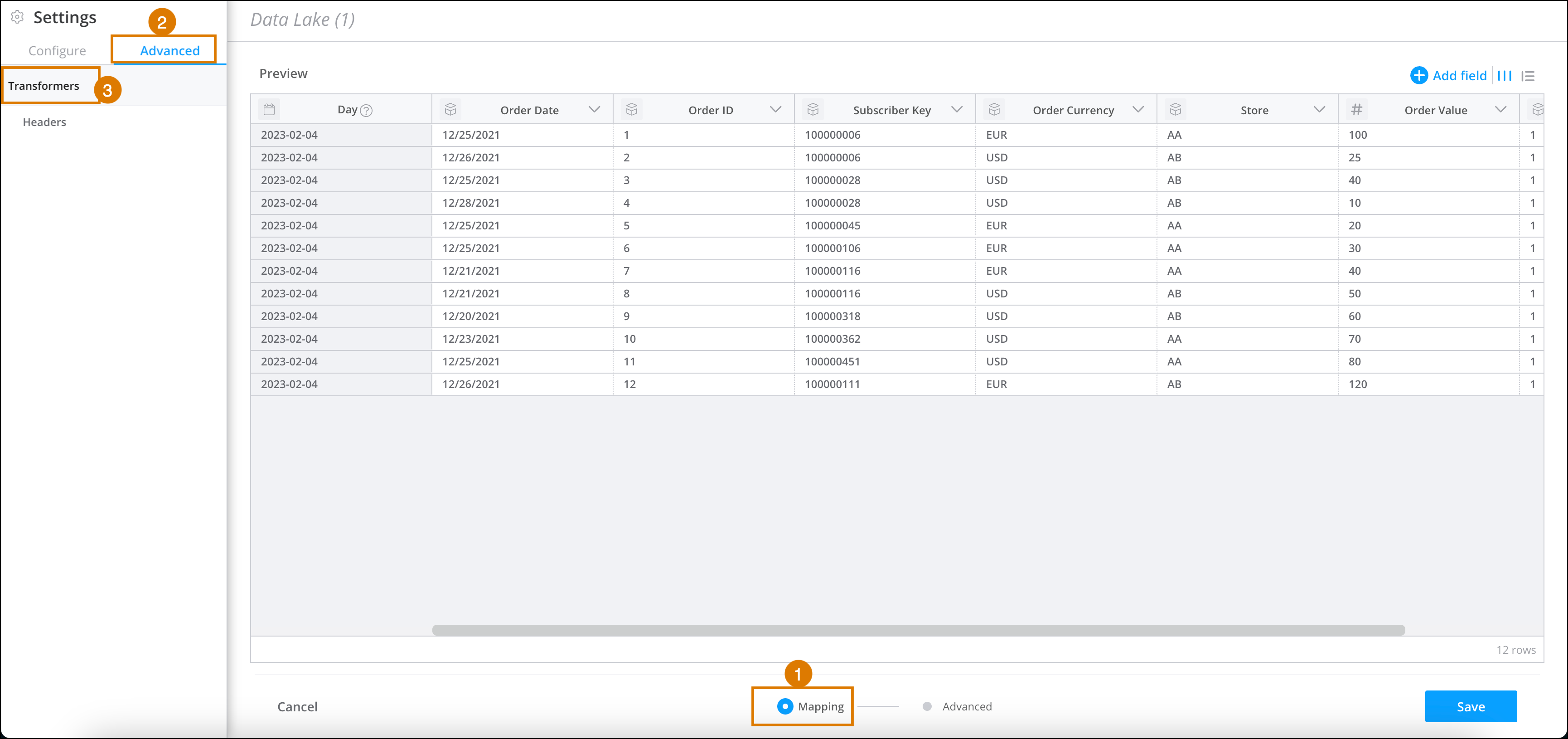
3. At the bottom of the **Granular Data Center** page, click **Mapping** (1).
4. On the left-hand side of the page, go to **Settings**, and then select the **Advanced** tab (2).
5. Select **Headers** (3).
6. If your file doesn’t have headers, and you don’t want the platform to choose the first row automatically in the mapping process, select **File has no headers**.
7. Click **Done**.
# Apply a Publication List to a Marketing Cloud Engagement Send
Apply publication lists to guided sends, and user-initiated emails in Email Studio.
1. Follow the steps for the sending method you’re using to send the email.
2. Select the publications to opt-out of this email on the select audience step.
# Apply a Suppression List to a Marketing Cloud Engagement Send
Apply suppression lists to guided sends, user-initiated, and triggered emails in Email Studio.
1. Follow the steps for the sending method you’re using to send the email.
2. Select the suppression to opt-out of this email on the select audience step.
# Apply an Interactive Filterset to a Dashboard Page
After you create an Interactive filterset, any user with access to the dashboard page can apply the interactive filterset to the dashboard page.
### Required Editions
Available in: Intelligence Reports Advanced
User Permissions Needed
To create, edit, and apply filters
Create & Edit
1. Click the filter icon at the top of the dashboard page to open the **Page Filters** window.
2. Under the **Interactive FilterSet** tab, select the interactive filterset you want to apply to the dashboard page. All widgets that have interactive filters enabled on the dashboard page are filtered according to the selected interactive filterset.
3. To see the details of the filterset, hover over the information icon next to the filterset name.

Note If a widget is deleted from a filterset, the filterset still functions. To indicate that the deleted widget is no longer being loaded as part of the filterset, it’s highlighted with red strikethrough text.
# Apply Changes to Data Streams
You have multiple options to make changes to the data that’s pulled into your data stream. Choose the option that fits your use case the best.
- **[Update Data Manually](https://help.salesforce.com/s/articleView?id=mktg.dato_data_manage_changes_manually.htm&release=264.0.0&type=5)**
You can edit raw measurement data for specific data in a data stream. Dimension data can’t be edited and remains as is. Also, dimension values appear as they do in the raw data. If you made changes in the Dimension Explorer, you don’t see those changes here.
- **[Re-run and Recreate Data Streams](https://help.salesforce.com/s/articleView?id=mktg.dato_data_manage_changes_re.htm&release=264.0.0&type=5)**
When you make changes to data streams, for the changes to take effect, sometimes you must rerun some of your data or recreate your data stream. Other times, such as when the changes only apply to data going forward, all it takes is saving the data stream.
# Apply Data Transformer in Marketing Cloud Intelligence
Select the data transformer checkbox to manipulate actual data contained in the files you upload.
### Required Editions
User Permissions Needed
To apply transformers:
Admin
Such as transforming currency data to include a zero before the decimal point. For example: .5 (½) appears as 5 and is calculated as a whole number instead of 0.5. The Data transformer adds the necessary zeros to currency data.
1. On the **Connect & Mix** tab, expand **Data Streams**, and then expand **Data Streams List**.
2. Create a data stream, or edit an existing one.
3. In the **Preview Source** screen, click **Edit Transformers**.
4. In the **Add Transformers** section, next to **Data**, click the plus icon.
5. Select the checkbox and click **Done**.
# Apply File Transformers in Marketing Cloud Intelligence
Use file transformers when you want to transform a file that has special characteristics like uncommon delimiters, multiple sheets, or specific file encoding. For example, if a file uses ~~ as the delimiter instead of a comma or a tab, use the file transformer to specify the custom delimiter so that you can map the file correctly.
### Required Editions
User Permissions Needed
To apply transformers:
Admin
1. From the **Connect & Mix** tab, select **Data Streams**, and then **Data Streams List**.
2. Create a data stream, or edit an existing one.
3. In the **Preview Source** screen, click **Edit Transformers**. File transformers are added by default.
4. In the **Transformers in Use** section, next to the File transformer, click **Edit**.
5. In the **File Format** dialog, in the **Detection** area, select how you want to detect the file types.
Auto
Detects any format type
Custom
Manually defines allowed formats and the order of detection. If you select this option, you can change the order of the format types and decide which to include or not to include.
6. In the **Settings** area, click on a format type to edit the settings.
7. Click **Done**.
CSV Options
- **Use Unquoted Multiline Fields Format** — The standard in text files is that quotation marks surround each value. For example, "campaign name". The quotation marks indicate where the value starts and ends. When “Enter” is used, it marks a new line of data. When these settings don’t exist, you need a special configuration so that the platform understands the file correctly. Before selecting this option, it’s advisable to consult with the R&D team.
- **Use Custom Delimiter** — All text files have a delimiter that separates between different columns. Two of the more common separators are CSV, which uses a comma-separated file, and TSV, which uses a tab-separated file. You can also create a text file that has a special separator. Typically you use this option when there are tabs and commas inside the data.
- **Use Custom Quote Character** — The standard in text files is that quotation marks surround. For example, "campaign name". The quotation marks indicate where the value starts and ends. In some cases, there’s no separator between values. When quotation marks or separators don’t exist, you need a special configuration so that the platform understands the file correctly.
- **Use Custom Escape Character** — An escape character allows you to insert characters that are usually part of a file’s string and not as standalone characters. In text files, the standard escape character is usually a backslash \\. For example, you have inches in your file, say, 21", and your quote character is ". The escape character allows the platform to understand that the quotes aren’t used as quote characters, but rather as part of the data. So if you enter 21", the data looks like 21" at the end. However, if your file contains a different escape character, other than a backslash, select this option, and then insert the custom escape character that’s in your file.
- **File Encoding** — It’s recommended that you set this option to **Auto Detect**. In cases where you see that the encoding wasn’t properly detected, for example, the field names read like gibberish or are sliced incorrectly, set the encoding manually.
Excel Options
- **Sheet Name** — If you have multiple sheets in your file, select the sheet that you want to upload. Or you can use a wildcard with an asterisk for the sheet name in case it changes. For example, the sheet contains today’s date, such as Report Jan 1, and the date changes with every upload (Report Feb 2, Report Mar 3, etc). In that case, you can use a wildcard (Report\*) and then choose the sheet dynamically.
- **Use first sheet as default** — Select this option, if you want the first sheet to be selected in cases where the selected sheet isn’t found in the file.
- **Protected Workbook Password** — If the Excel file you uploaded is password-protected, enter the password here. Upload the file after the password is provided. If you didn’t know the file was encrypted, and you uploaded it before being asked to supply a password, upload it again after providing the password. Decryption is available only for workbook encryption for Excel version 2007 and above. Sheet encryption isn’t supported.
- Best practice — Marketing Cloud Intelligence must be able to open the source file of the data stream, which is the first file uploaded. After the source file is encrypted, you want the password for the data stream to always match this file so that it can always be opened. When using passwords in encrypted files the password can’t be changed. If you know the password could change over time, it’s best to upload the first file in a non-protected format, and then all files after can be encrypted. If the password changes over time, change it in the file transformers before uploading the file with the new password.
XML Options
- **RSS Feed Format** — If the file you’re uploading is in an RSS format, select this option.
- **RSS Custom Header Name** — When you don’t want to use the standard RSS headers, enter the desired headers in this field.
- **XML XSL Transformation** — If you have XSL for the XML file that you’re uploading, enter it here. XSL is a scripting language used to access XML elements. XSL is often used to reorganize the file’s structure. You want your XSL script to reorganize the XML into a comma-delimited format, similar to that of a CSV file. For more information on XSL functions and syntax, refer to this [tutorial](https://www.w3schools.com/xml/func_functionavailable.asp).
PDF Options
- **Pages** — Insert the pages that you want to use in the file transformers. You can insert ranges separated by a comma or all. For example, 1-3,5-7,9 or all.
- **Protected Workbook** — If your PDF is password-protected, insert the password here, and then upload the file again to process it.
- **Page Area** — Insert the portion of the page to analyze, such as top, left, bottom, or right. For example, 269.875,12.75,561.
- **Use Spreadsheet Mode** — To force the PDF to be extracted using spreadsheet-style extraction, select this option.
- **Use Non-Spreadsheet Mode** — To force the PDF to not be extracted using spreadsheet-style extraction, select this option.
JSON Options
- **Use JSON Path** — When uploading a JSON file that includes hierarchies, you can use a JSON path to access the specific hierarchy that you want to upload. For an explanation on the JSON path, refer to this [documentation](https://github.com/json-path/JsonPath).
- **Use Keys as Values** — The default behavior when uploading a JSON file is to use the keys as the column names. The key values appear in the Source Fields section. When this option is selected, the keys are counted as values and the columns receive a name from Marketing Cloud Intelligence.
Example:
```
JSON file -
{
"id": 1, 2
"name": [“A green door", “window frame”]
"price": [12.50, 10.50]
"tags": [“home", “home”]
}
```
Default Behavior
id
name
tags
1
a green door
home
2
window frame
home
With 'Use Keys as Values" Checked
Header 1
Header 2
Header 3
id
1
2
name
a green door
window frame
price
12.5
10.5
tags
home
home
- **Flatten Nested Objects** — When uploading a JSON file with hierarchies, Marketing Cloud Intelligence recognizes only the top hierarchy by default. If you want to process lower hierarchies, you must flatten the file. When the Flatten Nested Objects option is selected, the platform flattens the nested objects and creates additional columns for them. It’s similar to the action performed by JSON to CSV tools. (_Currently_, _nested arrays aren’t supported_.)
# Apply Filters to a Pivot Table
Add filters to a pivot table to narrow down the data and focus on what’s relevant to your use case. For example, add a filter to focus on a specific email name instead of all the emails in the campaign. Or filter by a campaign name to focus on that campaign.
### Required Editions
Available in: Intelligence Reports and Intelligence Reports Advanced
User Permissions Needed
To apply filters to pivot tables:
Create & Edit
Let’s see how to set up a filter for the following scenario: you want to see data only for campaigns that contains the words ‘Welcome’ or ‘Birthday’, and whose bounce rate was greater than 60%.
1. Go to Analytics Builder, select **Intelligence Reports**.
2. On the Pivot Tables tab, select the table that you want to apply a filter to.
3. In the Pivot Table Settings window, under **Add Filters**, click the **\+** icon.
4. You can also add a filter directly from the column header.
5. Search for the dimension or measurement that you want to filter by, for example, Campaign.
6. Use the operators to specify how you want to filter. For our example, select **Contains** and enter the value Welcome.
7. To add another condition, click **+Condition**. For example, enter Birthday.
8. To apply both conditions, use an AND statement. If you want to filter for campaigns that contain either word, use an OR statement.

9. To add another filter, click **+Add New Filter**.
For example, select **Email Bounce Rate**, set the operator to **Greater Than**, and enter 60%.

10. Save your work.
Here you can see that the filter was set up correctly.


Tip To add a filter to exclude test emails, search for the Test Email Indicator dimension, and set it to False.
# Apply Filters to a Report
Add filters to a report to narrow down the data that you see in reports and focus on what’s relevant to your use case. You can filter by a standard or custom dimension, such as a campaign, email domain, or country, or by a custom measurement, such as an email bounce rate over 60%.
### Required Editions
Available in: Intelligence Reports and Intelligence Reports Advanced
User Permissions Needed
To apply filters to reports:
Create & Edit
There are three different types of filters:
- **Dimensions** — Filters by a dimension. For example, campaign, email domain, or country.
- **Custom dimensions** — Filters by a customized dimension. For example, filter by an email name that contains the characters “NTO.”
- **Custom measurements** — Filters by a customized measurement. For example, filter by email bounce rate that is over 60%.
1. In Analytics Builder, select **Intelligence Reports**.
2. On the Reports tab, select a report.
3. Under Configuration, click **Add Filter**.
4. To add a dimension, for example, if you want to filter by the campaign name “Birthday”:
1. Select **Custom Dimensions**.
2. Search for the required dimension, and enter **Campaign**.
3. Select the value. In this case, **Birthday**.
4. To apply the filter, save your work.
5. To add a custom dimension, for example, if you want to filter by an email name that contains the characters “NTO”:
1. Select **Custom Dimensions**.
2. Select the dimension from the dropdown list, and select **Email Content Name**.
3. Select the operator from the dropdown list, and select **Contains**.
4. Enter the value in the field. In this case, enter “NTO.”
5. To apply the filter, save your work.
6. You can add multiple operators when filtering to retrieve dimensions that contain specific information according to defined rules. For example, get all the campaigns that contain the names, ‘“welcome” or “birthday” and that come from audiences that contain the letters DE.

1. Define the first rule. For example, Audience Name contains DE.
- Select the dimension from the dropdown list, and select **Audience Name**.
- Select the operator from the dropdown list, and select **Contains**.
- Enter the value in the field, in this case, enter DE.
2. Define the match either rule. For example, Campaign matches either ‘Welcome’ or ‘Birthday’
- Select the dimension from dropdown list, and select **Campaign**.
- Select the operator from the dropdown list, and select **Matches Either**.
- Enter the value in the field. In this case, use an asterisk (\*) at the beginning and at the end of the value with a comma separating the values. For example, \*Welcome\*, \*Birthday\*.
3. To apply the filter, save your work.
7. To add a custom measurement, for example, if you want to filter by email bounce rate that equals 80%:
1. Select **Custom Measurements**.
2. Select the measurement from the dropdown list, and select **Email Bounce Rate**.
3. Select the operator from the dropdown list, and select **Greater Than**.
4. Enter the value in the field. In this case, enter 80%.
5. To apply the filter, save your work.

Tip To add a filter to exclude test emails, search for the Test Email Indicator dimension, and then set it to False. After you do, test emails don’t appear in your pivot tables or reports.
# Apply Filters to Dashboards
Filters enable you to focus on the data most relevant to you. When you select a filter in a dashboard, it applies to all dashboards.
### Required Editions
Available in: Intelligence Reports and Intelligence Reports Advanced
To clear a filter, from the options menu at the top right, select **Clear User Filters Cache**.
To apply filters to the dashboard, select the filters, and click **Apply**.

Note If you don’t see this option, make sure that you have the correct user permission.
These filters are available:
- **Send Date** – The date the email or message was sent. In some dashboards you can filter the send date by:
- **Current** – The current date includes emails or messages sent within the selected timeframe, even if the emails or messages were opened after the selected timeframe. For example, if you set the time period to the month of October and sent an email on October 25 that wasn’t opened until November 2, the email is still included in the current time period.
- **Compare to** – Identifies the timeframe you want to compare to. The comparison period shows whether the amount increased or decreased, by how much, and the percentage change.
- **Business Unit** – Filters dashboards by business unit. This filter is available only if you have permissions and are logged into the enterprise business account (the parent account).

Note You can filter the data by more than one selection.
- **Campaign** – Filters dashboards by campaign. This filter is available only if you assign a campaign to your emails in Marketing Cloud Engagement.
- **Email Name** – Filters dashboards by a specific email name.
- **Email Subject** – Filters dashboards by a specific email subject
- **Journey Name** – Filters dashboards by a specific journey name. (Only available if you have Journey Builder enabled in your account.)
- **Journey Version** – Filters dashboards by a specific journey version. (Only available if you have Journey Builder enabled in your account.)
- **Journey Activity Name** – Filters dashboards by a specific journey activity name. (Only available if you have Journey Builder enabled in your account.)
- **Mobile App** – Filters dashboards by a specific mobile app. This is the app name that the message was sent to.
- **Mobile OS** – Filters the dashboards by a specific mobile operating system, for example, Android or iOS.
- **Push Send Name** – Filters the dashboards by the name of the push message that was sent.
- **Push Send Title** – Filters the dashboards by the title used in the message content shown to the end user.
# Apply Header Transformers in Marketing Cloud Intelligence
If you want to customize the header structure when headers aren’t available or span multiple rows, you can use a header transformer. For example, if a file has a two-line header that must be combined into one row.
### Required Editions
User Permissions Needed
To apply transformers:
Admin
1. From the **Connect & Mix** tab, select **Data Streams**, and then **Data Streams List**.
2. Create a data stream, or edit an existing one.
3. In the **Preview Source** screen, click **Edit Transformers**. File transformers are added by default.
4. In the **Transformers in Use** section, next to the Header transformer, click **Edit**.
5. If your file doesn’t have headlines, and you don’t want the platform to choose the first row automatically in the mapping process, select the **File has no headers** checkbox.
6. When the dimension’s value is in a merged cell above the measurements, select the **Merge multiline headers** checkbox. Typically, this scenario happens with conversion tags.
The Merge Multiline Headers process looks like:

In this example, you also must apply the Transpose Transformer.
7. If you select the **Merge multiline headers** checkbox, and you want the platform to use the bottom header when the top header column is empty, you can select the **Top multiline header columns aren’t empty** checkbox.
8. Click **Done**.
# Apply Interactive Filters via a URL
Marketing Cloud Intelligence allows you to include the interactive filter values you want to apply to a page inside the page URL. You can use this feature when you want to send pages that are filtered by different values to different users. For example, if your page is filtered at a high-level view, you can send different market heads this high-level view filtered by specific markets.
REQUIRED USER ROLE
To apply an interactive filter widget
Admin and Power User
1. Go to the page you want to apply the filter to, and then copy the ID of the interactive filter widget.

Note If there are no interactive filter widgets on the page, create them according to your needs.
2. To copy the interactive filter ID, open the widget’s Options Menu, and select **Info**.
3. To copy the widget’s ID, click **Copy**.
4. Insert the relevant details into this snippet, and add it to the end of the page’s URL: `&wf`\[INTERACTIVE\_FILTER\_WIDGET\_ID\]`=`\[Comma separated filter values\]

Note The values added here are case-sensitive and must be an exact match to the values as they appear in the interactive filter.
The example below shows what it should look like after inserting the parameters, this is for display only.

Example `https://platform.datorama.com/1111/visualize/11111/page/v2/111111?viewMode=VIEW&wf12345=NA,LATAM`
You can also include multiple interactive filters in the URL: `https://platform.datorama.com/1111/visualize/11111/page/v2/111111viewMode=VIEW&wf12345=NA&wf56789=Campaign12`
#### See Also
- [Create an Interactive Filter Widget](https://help.salesforce.com/s/articleView?id=mktg.dato_visualize_widgets_interactive_create.htm&release=264.0.0&type=5 "The interactive filter widget manages the filter settings for other widgets in a dynamic, flexible manner. It displays all values contained in a given dimension, and it can be applied to specific widgets on the page.")
# Apply Parent-Child Relationships to Share Attributes Across Data Streams
To share dimensional values across data streams, you can create parent-child relationships.
### Required Editions
User Permissions Needed
To create parent-child relationships:
Admin
1. Navigate to the **Connect & Mix** tab.
2. Expand **Data Streams**, and then expand **Data Streams List**.
3. Create a data stream or edit one.
4. At the bottom of the Data Stream page, click **Advanced**.
5. Scroll to the **Parent Child** section.
6. From the dropdown, select a parent data stream.
7. Define how to update data.
Update Attributes
Update existing mapped attributes across all data streams in the parent-child data pool. The update occurs based on matching entity keys each time data is ingested.
Inherit Attributes and Hierarchy
The data stream’s mapped attributes and media buy, campaign, and site hierarchy are updated across other data streams in the parent-child data pool. The update occurs based on matching entity keys each time data is ingested.
Update Attributes and Hierarchy
Update the existing mapped attributes and media buy, campaign, and site hierarchy across all data streams in the parent-child data pool. The update occurs based on matching entity keys each time data is ingested.

Note These permissions replace the previous checkboxes: **Update Entities’ Attributes When They Change** and **Override Dimension Hierarchies**.
# Apply PGP/GPG Decryptor Transformers in Marketing Cloud Intelligence
You can use the PGP/GPG transformer when you want to decrypt uploaded encrypted files with a PGP/GPG decrypting tool.
### Required Editions
User Permissions Needed
To apply transformers:
Admin
For more details about PGP, see [https://www.techtarget.com/searchsecurity/definition/Pretty-Good-Privacy](https://www.techtarget.com/searchsecurity/definition/Pretty-Good-Privacy). To enable this transformer, you need a passphrase and PGP/GPG private key.
1. From the **Connect & Mix** tab, select **Data Streams**, and then **Data Streams List**.
2. Create a data stream, or edit an existing one.
3. In the **Preview Source** screen, click **Edit Transformers**.
4. In the **Add Transformers** area, next to the **PGP/GPG Transformer**, click the blue plus icon.
5. (Optional) In the **Passphrase** field, if you defined a passphrase to encrypt the file or the data on top of an existing PGP key pair, enter it here.
6. (Optional) In the **Private Key Password** field, if you defined a password for the private key, enter it here.
7. In the **PGP/GPG Private Key** field, enter the private key.
8. The **Automatically remove the PGP/GPG file extension after decryption** checkbox is selected by default.
9. Click **Done**.
# Apply Pivot Transformers in Marketing Cloud Intelligence
The pivot transformer can transform values from selected columns into new individual columns, which then contain aggregated values for the measurements.
### Required Editions
User Permissions Needed
To apply transformers:
Admin
1. From the **Connect & Mix** tab, select **Data Streams**, and then **Data Streams List**.
2. Create a data stream, or edit an existing one.
3. In the **Preview Source** screen, click **Edit Transformers**.
4. In the **Add Transformers** area, next to the **Pivot Transformer**, click the blue plus icon.
5. In the **Pivot Column** field, select the column that you want to serve as the X. You can only select one column.
6. In the **Value Column** field, select the column that you want to serve as the Y. You can only select one column.
7. Click **Done**.
Example
Original file:
Day
Measurement
Value
3/5/2017
Media Cost
$43.50
3/5/2017
Impressions
300
4/5/2017
Media Cost
$37.20
4/5/2017
Impressions
260
5/5/2017
Media Cost
$52.00
5/5/2017
Impressions
400
The pivot transformer applied to the file:
The result:
Day
Impressions
Media Cost
3/5/2017
300
$43.50
4/5/2017
260
$37.20
5/5/2017
400
$52.00
# Apply Table Transformers in Marketing Cloud Intelligence
The table transformer enables you to customize a table’s start and end rows and columns.
### Required Editions
User Permissions Needed
To apply transformers:
Admin
**Example:**
This file is several tables positioned one under the other. In this case, when uploading the file, the platform recognizes the first table. If you want to create a data stream based on one of the lower tables, for example, the table titled “Spring 2016”, you must use the table transformer.
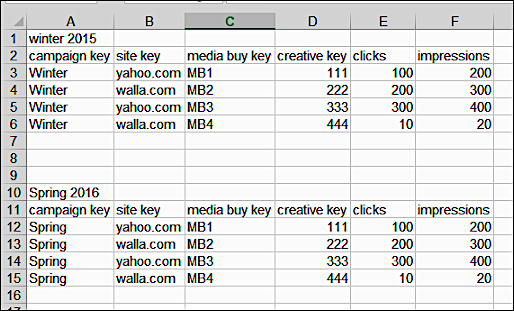
**Another example:**
The data in this file is spread across the columns. In this case, the platform sometimes recognizes the table located in later columns, but this isn’t always the case. If you want to upload a table located in later columns, use the table transformer and set the starting column manually.

1. From the **Connect & Mix** tab, select **Data Streams**, and then **Data Streams List**.
2. Create a data stream or edit an existing one.
3. In the **Preview Source** screen, click **Edit Transformers**. File transformers are added by default.
4. In the **Transformers in Use** section, next to the Table transformer, click **Edit**. Table transformers are added by default.
You can define the table’s boundaries by defining the start and end of the table (rows or columns) or by using an expression.
- To define the table’s start and end:
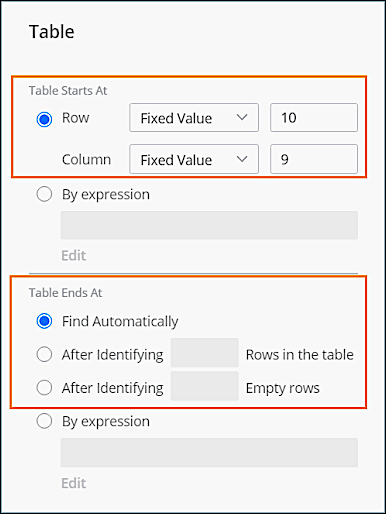
1. In the **Table Start At** section, set the table’s start rows and columns. The starting row and column can be set according to row and column number. The count starts at zero, meaning the first row of the file is row number 0 and the first column is column number 0.
2. If you want the platform to automatically recognize the start row or column, use the **Auto settings**. If set to auto, the platform uses the regular algorithm to recognize the data placement.
3. In the **Table End At** section, use one of these options:
- **Find Automatically** — Find the table’s end using the platform's algorithm.
- **After Identifying Rows in the Table** — Find the table’s end according to a set number of rows or columns.
- **After Identifying Empty Rows** — Find the table’s end according to the number of empty rows after the last row.
- To define the table’s start or end with an expression:
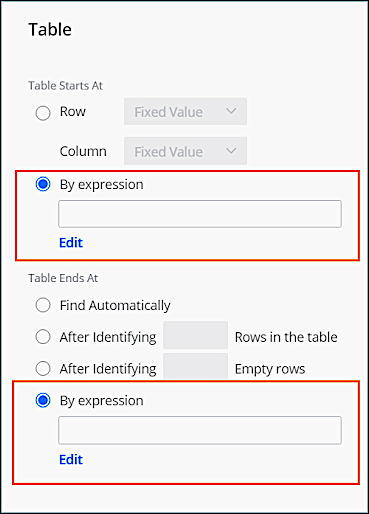
This is appropriate when the table’s location in the file changes from upload to upload. The relevant variables for these expressions are:
- csv\['row'\] — Returns the array of each row’s values. You can specify the column by using \[index\]. For example, csv\['row'\]\[0\] returns the value of the first cell for each row, and csv\['row'\]\[1\] returns the value of the second cell for each row, etc.
- csv\['prev\_row'\] — Returns the array of values of the previous row relative to csv\['row'\].
- csv\['row\_non\_empty\_cells'\] — Returns the number of non-empty cells found in each csv\['row'\].
# Apply Transpose Transformers
Apply a transpose transformer when you want to reconstruct a flat-file format by translating columns of data into rows.
### Required Editions
User Permissions Needed
To apply transformers:
Admin
If headers in your file look like this, and you want to transpose View Through Conversions and Click Through Conversions into separate rows, this example shows how to apply a transpose transformer:
Date
Campaign
Activity 1 View Through Conversions
Activity 1 Click Through Conversions
Activity 2 View Through Conversions
Activity 2 Click Through Conversions
Activity 3 View Through Conversions
Activity 3 Click Through Conversions
08-14-15
ABC_FY15
10
4
100
20
43
31
1. From the **Connect & Mix** tab, select **Data Streams**, and then **Data Streams List**.
2. Create a data stream, or edit an existing one.
3. In the **Preview Source** screen, click **Edit Transformers**.
4. Transpose transformers aren’t added by default, so you must add them. In the **Add Transformers** area, next to the **Transpose Transformer**, click the blue plus icon.
5. Define the details:
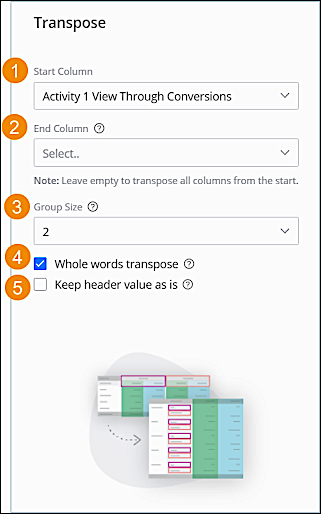
Start Column (1)
Sets the column that you want to start the transpose from, meaning the first column with the dimension and measurements together in the header. In this case, set to Activity 1 View Through Conversions.
End Column (2)
Sets the column where you want to stop the transpose. The column specified isn’t transposed. When using this option, don’t map the non-transposed measurements because doing so causes the data to be duplicated. (This option isn’t the default. In most files, it isn’t necessary to stop the transpose process. )
Group Size (3)
Sets the number of columns relevant to the same dimension value. Set the group size throughout the file, otherwise you risk linking measurements to the wrong dimension values. If some columns are missing, you receive the "Transpose groups are incomplete" error and can’t continue to the mapping screen. In this case, set the group size to 2 because you’re creating two groups.
Whole words transpose (4)
If you want to transpose whole words, select this option. If there are repeating words, they must have a space before and after them. This option doesn’t split words when creating the transpose object dimension.
Keep header value as is (5)
After locating the repeating words in the group, the transpose creates the transpose object dimension so that it includes the entire column header without separating the measurement section. When there are groups of more than one column, the value that appears as the dimension is the first value in the group. This option isn’t a default, and it’s used to transpose columns of dates. This way, the year, which is a repeating word, isn’t separated from the rest of the date. For example, if you want to transpose dates 01-01-2020 and 01-02-2020, select this checkbox.
6. Click **Done**.
Here’s what the table looks like after transpose:

# Apply Unnest Transformers in Marketing Cloud Intelligence
The unnest transformer enables you to transform concatenated values into separate rows. The measurement values linked to the nested row are duplicated to each new row. For example, If there are three values, comma-separated, and one field must be broken out into individual rows of data, this transformer creates individual rows for each value in that field.
### Required Editions
User Permissions Needed
To apply transformers:
Admin
1. From the **Connect & Mix** tab, select **Data Streams**, and then **Data Streams List**.
2. Create a data stream, or edit an existing one.
3. In the **Preview Source** screen, click **Edit Transformers**.
4. In the **Add Transformers** area, next to the **Unnest Transformer**, click the blue plus icon.
5. In the **Column** field, select the column that you want to transform.
6. In the **Delimiter** field, enter the delimiter that is used in the selected column data to separate between the values to be unnested.
7. In the **Unnest Column Name** field, enter the name of the new column to be created in the file. The column specifies the number of values included in the nested row. If you want to divide the measurement values between the new rows, set a function in the mapping process that divides the measurement value by the number specified in this column.
8. To indicate which column that you want to initiate the process, select the **By Column Index** checkbox. (If necessary, you can apply multiple unnest transformers to the same column.)
9. Click **Done**.
Example of Unnest
Original file:
Day
Campaign Name
Campaign Key
media buy Key
Impressions
Clicks
Media Cost
3/5/2015
Camp1
8423517
mb1, mb4;mb5
500
50
2500
3/5/2015
Camp2
8423518
mb2, mb22, mb10;mb11
900
90
9000
3/6/2015
Camp3
8423519
mb3,mb6;mb7,mb8;mb9
1000
1000
1000
Unnest transformer:
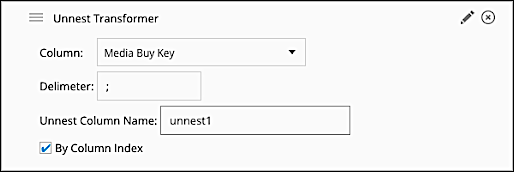
Result:
Day
Campaign Name
Campaign Key
media buy Key
unnest1
Impressions
Clicks
Media Cost
3/5/2015
Camp1
8423517
mb1, mb4
2
500
50
2500
3/5/2015
Camp1
8423517
mb5
2
500
50
2500
3/5/2015
Camp2
8423518
mb2, mb22, mb10
2
900
90
9000
3/5/2015
Camp2
8423518
mb11
2
900
90
9000
3/6/2015
Camp3
8423519
mb3,mb6
3
1000
1000
1000
3/6/2015
Camp3
8423519
mb7,mb8
3
1000
1000
1000
3/6/2015
Camp3
8423519
mb9
3
1000
1000
1000
If you want to divide the measurement values by the number of new rows, add a function to the measurement’s mapping. For example, for Impressions, use this formula: `csv['Impressions']/csv['unnest 1']`
You can further separate the values from the previous file by adding a second unnest transformer:
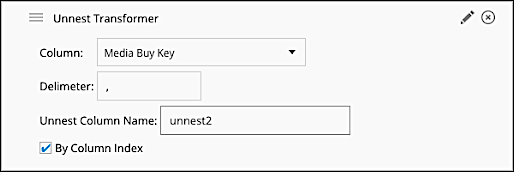
Result:
Day
Campaign Name
Campaign Key
media buy Key
unnest1
unnest2
Impressions
Clicks
Media Cost
3/5/2015
Camp1
8423517
mb1
2
2
500
50
2500
3/5/2015
Camp1
8423517
mb4
2
2
500
50
2500
3/5/2015
Camp1
8423517
mb5
2
1
500
50
2500
3/5/2015
Camp2
8423518
mb2
2
3
900
90
9000
3/5/2015
Camp2
8423518
mb22
2
3
900
90
9000
3/5/2015
Camp2
8423518
mb10
2
3
900
90
9000
3/5/2015
Camp2
8423518
mb11
2
1
900
90
9000
3/6/2015
Camp3
8423519
mb3
3
2
1000
1000
1000
3/6/2015
Camp3
8423519
mb6
3
2
1000
1000
1000
3/6/2015
Camp3
8423519
mb7
3
2
1000
1000
1000
3/6/2015
Camp3
8423519
mb8
3
2
1000
1000
1000
3/6/2015
Camp3
8423519
mb9
3
1
1000
1000
1000
To divide the measurement’s values, you must add the unnest2 column to the formula, for example, for Impressions: `csv['Impressions']/(csv['unnest1']*csv['unnest2']`)
# Apply UTM Tracking Parameters to Your Content
UTM parameters are set at the org level and apply to all content by default. When you're building a message, you can override those defaults for a specific content asset or for individual links.
### Required Editions
[View supported editions](https://help.salesforce.com/s/articleView?id=mktg.mktg_editions.htm&release=264.0.0&type=5 "Marketing Cloud Next is available in Growth and Advanced editions, and requires Salesforce Enterprise or Unlimited editions. Some features are limited by edition or purchased add-on. All functionality is available in Lightning Experience only.").
User Permissions Needed
To create or edit content:
Marketing Cloud Manager permission set
AND
Any CMS workspace contributor
role
To publish or unpublish content:
Marketing Cloud Manager permission set
AND
A CMS workspace contributor role
of content admin or content manager
## Override Parameters at the Content Level
Customize UTM parameter values for a specific content asset, replacing the defaults set at the org level. Content-level values apply to all links in that asset unless you set an override on a specific link.
1. Open the content asset in its builder (Email, SMS, or WhatsApp).
2. In the **Manage Link Parameters** panel, review the parameters inherited from the org level.
3. For any parameter you want to override, enter a new value.
Leave the field blank to keep the inherited org value.
4. Save the content asset.
## Add a Link with Individual Parameter Overrides
Use Link Builder to insert a link with UTM parameter overrides that apply only to that link, overriding both org-level and content-level defaults.
1. In the content builder, place your cursor where you want to insert a link and click **Add Link**.
2. In the **Link Builder** panel, complete the required fields.
3. Open the **Link Parameters** section.
The inheritance tag on each parameter indicates whether its value comes from the org level or the content level.
4. To override a parameter for this link only, enter a new value.
5. Review the **Live Preview** at the bottom of the panel.
6. Save your changes.
## Edit or Remove an Inserted Link
Update a link's destination, text, or UTM parameter overrides, or remove it from your content.
1. To edit a link, select the link in your content to reopen the **Link Builder**.
Update the destination URL, link text, link title, or any parameter overrides, and then click **Save**.
2. To remove a link, select the link in your content and click **Remove Link**.

Note You can't edit UTM parameters on a link after the message has been sent. Parameter values are resolved at send time.
# Apply Your Brand in Marketing Cloud Engagement
To customize the look and feel of your Marketing Cloud Engagement app, use BrandBuilder.
1. Click your name to open Setup.
2. Under Company Settings, click **BrandBuilder**.
3. Click **New Brand**.
4. Enter a name for your brand and click **Save Changes**.
5. Click the name of the brand you created.
6. In Brand Details, click **Edit**.
7. In the Marketing Cloud Name field, enter the login page name.
8. Upload a logo to BrandBuilder.
1. Click **Browse**.
2. Navigate to the location of the logo on your computer.
3. Click **Open**.
4. Review your work and make any other changes.
9. To change the color for these elements, click the colors under Color Palette.
Login Page Background Top
Login Page Background Bottom
Email Login Page Background Top
Email Login Page Background Bottom
Application Header Bar Background
Application App Switcher Background
10. To customize the color, select a color from the palette or click **More colors...** .
1. To select a custom color for the element, move your cursor over the color picker or type a hex code.
2. Click **Select**.
11. To open a color picker, click **Preview**. To see your current pages, select them from the Preview.
12. After you complete your choices, save your changes.
13. Click **OK**.
# Applying Filters to Fused Dimensions
When applying a filter to fused dimensions, the filtering impacts the datasets associated with all the fused dimensions.
For example, when filtering on Unit Name “d” (from the generic data stream), values of the Media Buy Name dimension from the Ads data stream are also filtered accordingly.

# Applying Pacing Dimensions
When viewing periodic data at a daily level, the data appears as spikes of metrics on the first day of the week or month. To avoid data spikes, you can map one or more pacing dimensions to the data stream. Pacing equally divides periodic data into multiple chunks of rows and spreads the chunks over the selected time period. Because pacing creates multiple new rows across the time period, using a pacing dimension can increase your row count.
- **[Mapping Measurements with a Pacing Period](https://help.salesforce.com/s/articleView?id=mktg.dato_pacing_dimensions_pacing_period.htm&release=264.0.0&type=5)**
When using a pacing period, it’s important to map the measurements correctly. For example, if you map impressions or clicks, their type is Integer. However, mapping an Integer type can result in the calculation being rounded down. You can avoid miscalculations by using a delivery custom metric.
- **[Map a Pacing Dimension](https://help.salesforce.com/s/articleView?id=mktg.dato_pacing_dimensions_map.htm&release=264.0.0&type=5)**
A pacing dimension divides data into shorter time periods to avoid data spikes. Map a pacing dimension according to the way your data is brought in. For example, if your data stream uses only the start date, map the Start Date to the Day dimension and then set the pacing period.
# AppNexus Advertiser API Connector
AppNexus is a global internet technology company that operates an independent marketplace for digital advertising, and enterprise technology for buyers and sellers of digital ads. AppNexus Advertiser is used to retrieve performance, revenue, and profit data across a selected advertiser's creatives and campaigns.
- Channel: Display
- Data Stream Type:
- Ads
- Conversion Tag
- Data Lag: 1 Day
## Prerequisites
To connect to AppNexus Advertiser, you need a valid AppNexus user with API access enabled on the user level. If your username and password don’t grant you access to the API, contact your AppNexus representative.
## General Setup
After you’ve entered your credentials, select the Profile you want to pull data for.
## Extended Properties
- Location Breakdown - Select this to add a further breakdown to the data retrieved by the API, resulting in a higher level of granularity on which the Measurements can be sliced. The following Breakdown is available when pulling data from the AppNexus Advertiser API, in addition to the standard data being pulled:
- Country - Select this to pull country data and add the Dimension ‘Country’ to the dataset.
- TimeZone Breakdown - Select the time zone for which you want to pull data. (This is only available for the Geo Analytics Report. Billing data is always be based in the UTC Time Zone.)
- Get Conversions Data - Select this checkbox to retrieve Conversion and Revenue data in addition to the Delivery data retrieved by the API by default. The following fields are added and mapped to the Conversion Tag Data Stream Type:
- Total Conversions
- Revenue
- Post Impression Revenue
- Post Impression Conversions
- Post Click Revenue
- Post Click Conversions
- Conversion Tag Key
- Get Creative Level Data - Select this checkbox to retrieve creative level data in addition to the Delivery data retrieved by the API by default. The following fields are added and mapped to the Conversion Tag Data Stream Type:
- Creative Name
- Creative Key
- Creative Format
- Get Video Metrics - Select this checkbox to retrieve video metric data in addition to the Delivery data retrieved by the API by default. (Note that Video Measurements can’t be retrieved along with Billing Period Values). The following fields are added and mapped to the Ads Data Stream Type:
- Video Plays
- Video Fully Played
- Video Competitions 75%
- Video Competitions 50%
- Video Competitions 25%
## Known Issues
AppNexus stopped supporting Campaigns in Augmented Line Items (ALI) in August 2019. Instead, they use Splits. Since Campaign ID and Name fields are mapped by default, these fields return empty for ALIs. Split ID and Name are available unmapped.
## QA Your Data
- Create the desired report in the AppNexus platform for the required date range.
- Process the relevant Data Stream in Marketing Cloud Intelligence for the same date range.
- Create a Report/Table Widget/Pivot Table within Intelligence containing the exact same Dimensions and Measurements for the same report and date range.
- Compare the Measurement Totals and make sure they’re aligned.
# AppNexus Advertiser API Connector
AppNexus is a global internet technology company that operates an independent marketplace for digital advertising, and enterprise technology for buyers and sellers of digital ads. AppNexus Advertiser is used to retrieve performance, revenue, and profit data across a selected advertiser's creatives and campaigns.
- **Channel**: Display
- **Data Stream Type**:
- Ads
- Conversion Tag
- **Data Lag**: 1 Day
## Prerequisites
To connect to AppNexus Advertiser, you need a valid AppNexus user with API access enabled on the user level. If your username and password don’t grant you access to the API, contact your AppNexus representative.
## General Setup
After you’ve entered your credentials, select the Profile you want to pull data for.
## Extended Properties
- Location Breakdown - Select this to add a further breakdown to the data retrieved by the API, resulting in a higher level of granularity on which the Measurements can be sliced. The following Breakdown is available when pulling data from the AppNexus Advertiser API, in addition to the standard data being pulled:
- Country - Select this to pull country data and add the Dimension ‘Country’ to the dataset.
- TimeZone Breakdown - Select the time zone for which you want to pull data. (This is only available for the Geo Analytics Report. Billing data is always be based in the UTC Time Zone.)
- Get Conversions Data - Select this checkbox to retrieve Conversion and Revenue data in addition to the Delivery data retrieved by the API by default. The following fields are added and mapped to the Conversion Tag Data Stream Type:
- Total Conversions
- Revenue
- Post Impression Revenue
- Post Impression Conversions
- Post Click Revenue
- Post Click Conversions
- Conversion Tag Key
- Get Creative Level Data - Select this checkbox to retrieve creative level data in addition to the Delivery data retrieved by the API by default. The following fields are added and mapped to the Conversion Tag Data Stream Type:
- Creative Name
- Creative Key
- Creative Format
- Get Video Metrics - Select this checkbox to retrieve video metric data in addition to the Delivery data retrieved by the API by default. (Note that Video Measurements can’t be retrieved along with Billing Period Values). The following fields are added and mapped to the Ads Data Stream Type:
- Video Plays
- Video Fully Played
- Video Competitions 75%
- Video Competitions 50%
- Video Competitions 25%
## Known Issues
AppNexus stopped supporting Campaigns in Augmented Line Items (ALI) in August 2019. Instead, they use Splits. Since Campaign ID and Name fields are mapped by default, these fields return empty for ALIs. Split ID and Name are available unmapped.
## QA Your Data
- Create the desired report in the AppNexus platform for the required date range.
- Process the relevant Data Stream in Marketing Cloud Intelligence Data Pipelines for the same date range.
- Create a Report/Pivot Table within Intelligence Data Pipelines containing the exact same Dimensions and Measurements for the same report and date range.
- Compare the Measurement Totals and make sure they’re aligned.
# AppNexus Network API Connector
AppNexus is a global internet technology company that operates an independent marketplace for digital advertising, and enterprise technology for buyers and sellers of digital ads. AppNexus Network is used to retrieve high-level performance data for a selected member of the AppNexus Network.
- Channel: Display
- Data Stream Type:
- Ads
- Conversion Tag
- Data Lag: 1 Day
## Prerequisites
To connect to AppNexus Advertiser, you need a valid AppNexus user with API access enabled on the user level. If your username and password don’t grant you access to the API, contact your AppNexus representative.
## Details
If you don't want to retrieve data for all the available Advertisers, use the Data Load Rules to filter out Advertisers.
## General Setup
After you’ve entered your credentials, select the Member you want to pull data for.
## Extended Properties
- Location Breakdown - Select this to add a further breakdown to the data retrieved by the API, resulting in a higher level of granularity on which the Measurements can be sliced. The following Breakdown is available when pulling data from the AppNexus Network API, in addition to the standard data being pulled:
- Country - Select this to pull country data and add the Dimension ‘Country’ to the dataset.
- TimeZone Breakdown - Select the time zone for which you want to pull data. (This is only available for the Geo Analytics Report. Billing data is always be based in the UTC Time Zone.)
- Get Conversions Data - Select this checkbox to retrieve Conversion and Revenue data besides the Delivery data retrieved by the API by default. The following fields are added and mapped to the Conversion Tag Data Stream Type:
- Total Conversions
- Revenue
- Post Impression Revenue
- Post Impression Conversions
- Post Click Revenue
- Post Click Conversions
- Conversion Tag Key
- Get Creative Level Data - Select this checkbox to retrieve creative level data besides the Delivery data retrieved by the API by default. The following fields are added and mapped to the Conversion Tag Data Stream Type:
- Creative Name
- Creative Key
- Creative Format
- Get Video Metrics - Select this checkbox to retrieve video metric data besides the Delivery data retrieved by the API by default. (Note that Video Measurements can’t be retrieved along with Billing Period Values). The following fields are added and mapped to the Ads Data Stream Type:
- Video Plays
- Video Fully Played
- Video Competitions 75%
- Video Competitions 50%
- Video Competitions 25%
## Known Issues
AppNexus stopped supporting Campaigns in Augmented Line Items (ALI) in August 2019. Instead, they use Splits. Since Campaign ID and Name fields are mapped by default, these fields return empty for ALIs. Split ID and Name are available unmapped.
## QA Your Data
- Create the desired report in the AppNexus platform for the required date range.
- Process the relevant Data Stream in Marketing Cloud Intelligence for the same date range.
- Create a Report/Table Widget/Pivot Table within Intelligence containing the exact same Dimensions and Measurements for the same report and date range.
- Compare the Measurement Totals and make sure they’re aligned.
# AppNexus Network API Connector
AppNexus is a global internet technology company that operates an independent marketplace for digital advertising, and enterprise technology for buyers and sellers of digital ads. AppNexus Network is used to retrieve high-level performance data for a selected member of the AppNexus Network.
- **Channel**: Display
- **Data Stream Type**:
- Ads
- Conversion Tag
- **Data Lag**: 1 Day
## Prerequisites
To connect to AppNexus Advertiser, you need a valid AppNexus user with API access enabled on the user level. If your username and password don’t grant you access to the API, contact your AppNexus representative.
## Details
If you don't want to retrieve data for all the available Advertisers, use the Data Load Rules to filter out Advertisers.
## General Setup
After you’ve entered your credentials, select the Member you want to pull data for.
## Extended Properties
- Location Breakdown - Select this to add a further breakdown to the data retrieved by the API, resulting in a higher level of granularity on which the Measurements can be sliced. The following Breakdown is available when pulling data from the AppNexus Network API, in addition to the standard data being pulled:
- Country - Select this to pull country data and add the Dimension ‘Country’ to the dataset.
- TimeZone Breakdown - Select the time zone for which you want to pull data. (This is only available for the Geo Analytics Report. Billing data is always be based in the UTC Time Zone.)
- Get Conversions Data - Select this checkbox to retrieve Conversion and Revenue data besides the Delivery data retrieved by the API by default. The following fields are added and mapped to the Conversion Tag Data Stream Type:
- Total Conversions
- Revenue
- Post Impression Revenue
- Post Impression Conversions
- Post Click Revenue
- Post Click Conversions
- Conversion Tag Key
- Get Creative Level Data - Select this checkbox to retrieve creative level data besides the Delivery data retrieved by the API by default. The following fields are added and mapped to the Conversion Tag Data Stream Type:
- Creative Name
- Creative Key
- Creative Format
- Get Video Metrics - Select this checkbox to retrieve video metric data besides the Delivery data retrieved by the API by default. (Note that Video Measurements can’t be retrieved along with Billing Period Values). The following fields are added and mapped to the Ads Data Stream Type:
- Video Plays
- Video Fully Played
- Video Competitions 75%
- Video Competitions 50%
- Video Competitions 25%
## Known Issues
AppNexus stopped supporting Campaigns in Augmented Line Items (ALI) in August 2019. Instead, they use Splits. Since Campaign ID and Name fields are mapped by default, these fields return empty for ALIs. Split ID and Name are available unmapped.
## QA Your Data
- Create the desired report in the AppNexus platform for the required date range.
- Process the relevant Data Stream in Marketing Cloud Intelligence Data Pipelines for the same date range.
- Create a Report/Pivot Table within Intelligence Data Pipelines containing the exact same Dimensions and Measurements for the same report and date range.
- Compare the Measurement Totals and make sure they’re aligned.
# AppNexus Reports API Connector
AppNexus is a global internet technology company that operates an independent marketplace for digital advertising, and enterprise technology for buyers and sellers of digital ads. AppNexus for Reports is used to retrieve a selection of AppNexus reports.
- Channel: Display
- Data Stream Type:
- Ads
- Conversion Tag
- Generic
- Data Lag: 1 Day
## Prerequisites
In order to connect to AppNexus Advertiser, you need a valid AppNexus user with API access enabled on the user level. If your username and password don’t grant you access to the API, contact your AppNexus representative.
## General Setup
After you’ve entered your credentials, select the Member you want to pull data for.
## Extended Properties
- Report Type - Select the report you want to pull data for. The following Report Types are available:
- Buyer Segment Performance Report - This report provides buyers with segment performance across campaigns and multiple advertisers.
- Device Analytics Report - This report enables you to retrieve buy-side and sell-side performance data based on devices where impressions were served.
- Geo Analytics Report - This report allows you to break down campaign delivery and performance by geographic area.
- Network Site Domain Performance Report - This report shows performance and optimization data by domain for all of a network's advertisers.
- Data Usage Report - This report provides details related to your usage of data provided by third parties (for example, user segment providers), the costs of data usage and line items/campaigns in which that data was used to target users.
- Buying Billing Report - This report shows billing data across direct advertiser impressions (bought across direct publishers and real-time inventory).
- Seller Billing Report - This report shows billing data across direct publishers (sold across direct advertisers and other platform buyers).
- TimeZone Breakdown - Select the time zone for which you want to pull data. (This is only available for the Geo Analytics Report. Billing data are always based in the UTC Time Zone.)
- Data Stream Type - Select one of the available Data Stream Types you want to map your data to. You can only select one type of Data Stream Type in any given AppNexus Reports API Data Stream. You can map into the following Data Stream Types:
- Ads
- Conversion Tag
- Generic
## Known Issues
Currently, you can’t pull data older than 45 days in AppNexus Reports.
## QA Your Data
- Create the desired report in the AppNexus platform for the required date range.
- Process the relevant Data Stream in Marketing Cloud Intelligence for the same date range.
- Create a Report/Table Widget/Pivot Table within Intelligence containing the exact same Dimensions and Measurements for the same report and date range.
- Compare the Measurement Totals and make sure they’re aligned.
# AppNexus Reports API Connector
AppNexus is a global internet technology company that operates an independent marketplace for digital advertising, and enterprise technology for buyers and sellers of digital ads. AppNexus for Reports is used to retrieve a selection of AppNexus reports.
- **Channel**: Display
- **Data Stream Type**:
- Ads
- Conversion Tag
- Generic
- **Data Lag**: 1 Day
## Prerequisites
In order to connect to AppNexus Advertiser, you need a valid AppNexus user with API access enabled on the user level. If your username and password don’t grant you access to the API, contact your AppNexus representative.
## General Setup
After you’ve entered your credentials, select the Member you want to pull data for.
## Extended Properties
- Report Type - Select the report you want to pull data for. The following Report Types are available:
- [Buyer Segment Performance Report](https://wiki.appnexus.com/display/api/Buyer+Segment+Performance+Report) - This report provides buyers with segment performance across campaigns and multiple advertisers.
- [Device Analytics Report](https://wiki.appnexus.com/display/api/Network+Device+Analytics) - This report enables you to retrieve buy-side and sell-side performance data based on devices where impressions were served.
- [Geo Analytics Report](https://wiki.appnexus.com/display/api/Geo+Analytics+Report) - This report allows you to break down campaign delivery and performance by geographic area.
- [Network Site Domain Performance Report](https://wiki.appnexus.com/display/api/Network+Site+Domain+Performance) - This report shows performance and optimization data by domain for all of a network's advertisers.
- [Data Usage Report](https://wiki.appnexus.com/display/api/Data+Usage+Report) - This report provides details related to your usage of data provided by third parties (for example, user segment providers), the costs of data usage and line items/campaigns in which that data was used to target users.
- [Buying Billing Report](https://wiki.appnexus.com/display/api/Buying+Billing+Report) - This report shows billing data across direct advertiser impressions (bought across direct publishers and real-time inventory).
- [Seller Billing Report](https://wiki.appnexus.com/display/api/Selling+Billing+Report) \- This report shows billing data across direct publishers (sold across direct advertisers and other platform buyers).
- TimeZone Breakdown - Select the time zone for which you want to pull data. (This is only available for the Geo Analytics Report. Billing data are always based in the UTC Time Zone.)
- Data Stream Type - Select one of the available Data Stream Types you want to map your data to. You can only select one type of Data Stream Type in any given AppNexus Reports API Data Stream. You can map into the following Data Stream Types:
- Ads
- Conversion Tag
- Generic
## Known Issues
Currently, you can’t pull data older than 45 days in AppNexus Reports.
## QA Your Data
- Create the desired report in the AppNexus platform for the required date range.
- Process the relevant Data Stream in Marketing Cloud Intelligence Data Pipelines for the same date range.
- Create a Report/Pivot Table within Intelligence Data Pipelines containing the exact same Dimensions and Measurements for the same report and date range.
- Compare the Measurement Totals and make sure they’re aligned.
# Approval Flows for Offers
The flow templates for offer approval are designed to manage the end-to-end offer review and approval process across departments. The flow templates mimic the approval lifecycle that most companies align with. Admins can customize the flows based on the company's unique review process and requirements.
### Required Editions
Available in: Lightning Experience
Available in: Enterprise, Unlimited, and Developer Editions with Real-Time Offer Management
## Flow Templates
Flow Template
Purpose
Customizations
Offers: Run Offer Through Approval Workflow
The flow is designed to take an offer through the approval lifecycle stages.
Before starting the first approval stage, the flow verifies whether the offer
consists of all the information required to start approvals. The flow automates the
sequential movement of the offer from one department to another, including managing
rejections. After the final approval, the offer is activated.
When customizing the flow, you must add the people who the offer is sent for
approval at each approval stage.
The flow has two required variables to get the
details of the person who submitted the offer for approval and their submission
comments. Make sure to pass these variable values into the flow.
Offers: Set Offer Status from Approval Stage
The Offers: Run Offer Through Approval Workflow flow runs this flow. This flow
sets the status of offers based on whether offers are ready for the approval
lifecycle and the decision made by approvers.
When customizing the flow, you can change the statuses that offers are set to
based on the offer statuses that your company uses.
By default, the templates create autolaunched flows that require users to manually submit offers for approval. To submit offers automatically based on the status, use record-triggered flows. For example, configure a record-triggered flow that submits an offer for approval when its status is changed to Pending Approval.
See [Make Autolaunched Flow Approval Processes Available to Users](https://help.salesforce.com/s/articleView?id=platform.automate_automated_approvals_deploy_allow_users_to_submit_approval.htm&type=5&language=en_US) and [Getting Started with Record-Triggered Flows](https://help.salesforce.com/s/articleView?id=platform.automate_flow_build_get_started_record_triggered_flows.htm&type=5&language=en_US).
# Approval Routing Configuration in Marketing Planning and Operations
An approval routes a piece of marketing work to a person for sign-off before it goes live, such as a marketing director approving a tactic. The marketing team can submit a campaign, marketing program, or marketing tactic for approval. An approval is separate from a compliance review.
### Required Editions
Approvals run on Salesforce Advanced Approvals, by using three Marketing Planning and Operations flows that work together. One flow determines which approval process to use. Another routes the record to an approver for sign-off. A third looks up who that approver is. You can customize how each type of work routes.
## The Approval Flows
Each flow plays a specific role, and you can customize how work routes by overriding it.
| Flow | Flow API Name | What It Does | Sample Customization |
| --- | --- | --- | --- |
| Marketing Planning Operations: Resolve Approval Routing | `mkt_ops_flows__ResolveApprovalRouting` | Takes the record's object type and returns the approval process to run. This flow is the customization point for routing. | Override it to route each type of work differently. For example, send marketing tactics to a stricter process while campaigns keep the default. |
| Marketing Planning Operations: Route Record for Approval | `mkt_ops_flows__RouteRecordForAppvl` | The approval process that runs. It routes the record to an approver and handles recall. | Build your copy to change the approval steps. For example, require two approvers instead of one. |
| Marketing Planning Operations: Get Manager for User | `mkt_ops_flows__GetManagerForUser` | A background step that Route Record for Approval calls to find the submitter's manager. If there's no manager, it sends the Approver Not Configured alert. | Override it to pick the approver another way, such as by a custom field instead of the submitter's manager. |
## Default Behavior
When someone submits a campaign, marketing program, or marketing tactic, the Resolve Approval Routing flow returns the approval process to run. By default, every object type returns the same one, the Route Record for Approval flow. That process launches and looks up the submitter's manager. The work then routes to the manager for sign-off. A submitter without an assigned manager gets an alert instead.
## Approver Setup
Because approvals route to the submitter's manager, complete these steps so requests reach an approver:
- Assign a manager to each user who submits work for approval.
- Create a custom notification type named `Approver_Not_Configured` in Notification Builder.
## Customization Options
The three flows are active, so approvals work without setup. To change how approvals route, override a flow with your own copy and point Resolve Approval Routing to the process you want it to use.

Route a Tactic to a Stricter Review
Northern Trail Outfitters wants extra sign-off on paid ads. You build a two-step legal approval process, modeled on the Route Record for Approval flow. You then override Resolve Approval Routing and set the marketing tactic branch to return the new process. Campaigns and marketing programs keep the default.
Now, when a marketer submits a paid social tactic, it routes to legal for sign-off. When they submit a campaign, it still routes to the submitter's manager.
#### See Also
- [_Salesforce Help:_ Advanced Approvals](https://help.salesforce.com/s/articleView?id=ind.approvals_advanced_approvals.htm&language=en_US)
- [_Salesforce Help:_ Track Your Approvals](https://help.salesforce.com/s/articleView?id=mktg.mktg_pln_oper_manage_approvals.htm&release=264.0.0&type=5 "When you submit a program, campaign, or tactic for approval, it goes to an approver to review before it goes live. You can follow where each request stands from submission to decision, and act on the requests that others send you to approve.")
# Approval Tracking in Marketing Planning and Operations
When you submit a program, campaign, or tactic for approval, it goes to an approver to review before it goes live. You can follow where each request stands from submission to decision, and act on the requests that others send you to approve.
### Required Editions
An approval sends a piece of marketing work to a person for sign-off before it goes live. It's a separate check from a compliance review. You submit a marketing program, campaign, or tactic, and an approver signs off before the work moves ahead.
## Who Approves Your Work
By default, your work goes to your manager for sign-off. If you don't have a manager, you get a notification when you submit, and the work can't route until your Salesforce admin sets your manager.
Your Salesforce admin can change how approvals route to fit your company's process, such as adding a legal team or more than one approver.
## Track a Request You Submitted
After you submit, the work stays locked while the approval is pending. To pull back a pending request, use the Submit for Approval or Recall quick action again on the work's highlights panel. The Approvals tab on the record shows a read-only history of the request.
## Approve Work Sent to You
When someone sends you work to approve, it appears in the My Approvals card on the home page of the Marketing Planning & Operations app. The card lists up to two of your pending requests, the oldest first, and shows a count of how many are waiting in total. Open an approval request from the card to review it and make a decision.
#### See Also
- [_Salesforce Help:_ Submit a Marketing Program for Approval](https://help.salesforce.com/s/articleView?id=mktg.mktg_pln_oper_programs_submit_approval.htm&release=264.0.0&type=5 "Marketing managers submit a program for approval to route it to the right reviewers for sign-off before it goes live. They can recall a submission while it's still pending. While approval is pending, the program stays locked.")
- [_Salesforce Help:_ Submit a Campaign for Approval](https://help.salesforce.com/s/articleView?id=mktg.mktg_pln_oper_campaigns_submit_approval.htm&release=264.0.0&type=5 "Campaign managers submit a campaign for approval to route it to an approver for sign-off before work goes ahead. They can recall a submission while it's still pending.")
- [_Salesforce Help:_ Submit a Marketing Tactic for Approval](https://help.salesforce.com/s/articleView?id=mktg.mktg_pln_oper_tactics_submit_approval.htm&release=264.0.0&type=5 "Campaign and marketing managers submit a tactic for approval to route it to a reviewer for sign-off before it goes live. They can recall a submission while it's still pending.")
- [_Salesforce Help:_ Configure Approval Routing](https://help.salesforce.com/s/articleView?id=mktg.mktg_pln_oper_setup_approvals.htm&release=264.0.0&type=5 "An approval routes a piece of marketing work to a person for sign-off before it goes live, such as a marketing director approving a tactic. The marketing team can submit a campaign, marketing program, or marketing tactic for approval. An approval is separate from a compliance review.")
# AppsFlyer API Connector
The AppsFlyer API connector retrieves App Analytics data. Through our API, you can retrieve the data that’s available in the Geo Daily Report in the AppsFlyer Reports section. The report includes Campaigns data, broken down by Countries and Media Sources.
The Total Conversions measurement represents the App Installs data. Currently, we provide an aggregated report only, therefore Event and User level data isn’t available through the API.
- Channel: Display
- Data Lag: 1 Day
## Prerequisites
- Valid Account owner API Key – Contact your AppsFlyer representative in order to receive your Key details.
- App ID – The App ID represents the App for which you’re retrieving data, and can be copied from the Apps list in AppsFlyer, or from the URL in a specific App View. App ID should be in the format `idxxxxxxxxxx`.
## Known Issues
AppFlyer applies API rate limit at both the Account level and the App level. We recommend that you process AppsFlyer Data Streams gradually whenever changes are made and re-creations are required.
See _AppsFlyer Help Center_: [Report generation quotas (rate limitations)](https://support.appsflyer.com/hc/en-us/articles/207034366-Report-generation-quotas-rate-limitations).
# AppsFlyer API Connector
The AppsFlyer API connector retrieves App Analytics data. Through our API, you are able to retrieve the data that’s available under the ‘Geo Daily Report’ in the AppsFlyer Reports section. The report includes Campaigns data, broken down by Countries and Media Sources.
The ‘Total Conversions’ measurement represents the ‘App Installs’ data. Currently, we provide an aggregated report only, therefore Event and User level data is not available through the API.
- **Channel**: Display
- **Data Lag**: 1 Day
## Prerequisites
- Valid Account owner API Key – Contact your AppsFlyer representative in order to receive your Key details.
- App ID – The App ID represents the App for which you're retrieving data, and can be copied from the Apps list in AppsFlyer, or from the URL in a specific App View. App ID should be in the following format “idxxxxxxxxxx”. Example: id123456.
## Known Issues
The API Rate limit is strict, and is applied on both the Account level and the App level. For this reason, we advise you to process AppsFlyer Data Streams gradually whenever changes are made and re-creations are required.
Additional information on this can be found [here](https://support.appsflyer.com/hc/en-us/articles/207034366-API-Policy).
# April 2021 Features in Interaction Studio
This functionality was released in April, 2021.
## Interaction Studio Surveys
Interaction Studio Surveys make it easy for you to configure and deploy web surveys using an intuitive in-app survey editor and corresponding [web template](https://developer.salesforce.com/docs/marketing/personalization/guide/web-surveys.html). You can direct surveys to customers or prospects based on the full set of campaign targeting logic available in Interaction Studio. Survey responses are captured and stored in real-time in each respondent's unified customer profile. Responses can be used for further experience targeting and segmentation during the same interaction so you can immediately act on the explicit data you capture. Survey's are available to premium edition clients.
## Hotel Gear
Interaction Studio's Hotel Gear represents one of the first industry accelerator gears and is designed to help travel and hospitality clients maximize booking data. The Hotel Gear comes equipped with two ETLs ([Booking](https://help.salesforce.com/s/articleView?id=mktg.mc_pers_hotel_gear_etl.htm&language=en_US) and [Booking Add-On](https://help.salesforce.com/s/articleView?id=mktg.mc_pers_hotel_gear_booking_add_on.htm&language=en_US)) and five rules designed to reference the data brought in through segmentation and campaign targeting data feeds. The Hotel Gear is available to both Growth and Premium Edition clients.
## Comparison Shopping
Comparison Shopping is a use case designed to identify customers who might be "deal shopping" and looking to find one of your products on a different site. Using the [developer doc](https://developer.salesforce.com/docs/marketing/personalization/guide/comparison-shopping.html), you can configure your sitemap to recognize when a shopper highlights the name of one of your products on the product display page and then use this action to trigger a campaign experience encouraging the shopper to buy directly from you. This action can be configured as part of any sitemap.
# Archive a Content Test
Clean up your list of content tests by archiving tests that are no longer relevant.
1. In Einstein Content Selection, click **Content Test**.
2. Next to the test to archive, click .
3. Click **Archive**.
Access archived tests by clicking  next to Active Tests.
# Archive a List
Archive lists to clean up the number of lists displayed in your Lists table. When a list is archived, you can’t add prospects or use it for list emails. Automations continue to work as expected.
### Required Editions
Available in: All Account Engagement Editions
User Permissions Needed
To archive a list:
Account Engagement Administrator or Marketing
role
1. Open the Lists page.
2. Next to the list you want to archive, click the gear icon, then select **Edit**.
3. Click **Basic Info**.
4. Choose an archive date.
5. Save the list.
# Archive an Asset
When an image asset isn’t available for use, archive it.
1. Navigate to your organization's assets by clicking **View All Assets**.
2. Find the asset to archive.
3. Click .
4. Click **Archive**.
# Archive and Restore Files
You can archive files to prevent them from processing. You can restore archived files at any time.
### Required Editions
Available in: Salesforce Enterprise and Unlimited Editions with Marketing Cloud Next Advanced Edition
User Permissions Needed
To assign communication subscriptions:
Marketing Cloud Admin permission set
1. From the Consent page, select Subscriptions, and then click **New Subscription**.
If Custom Preference Pages isn’t enabled by your admin, select Preference Pages and Subscriptions.
2. Select a scope for the subscription:
1. **All Business Units**
2. **Single Business Unit**: If you select this scope, select the business unit to assign to the subscription.

Note You can’t edit the scope of a subscription after you create it.
3. Enter a name for the subscription, such as Product Updates.
4. Select at least one channel.
If you assign a subscription to all business units, you can add any channel to that subscription. If you assign a subscription to a single business unit, you can add only channels that are assigned to that business unit.
5. If you selected SMS or WhatsApp as a channel, select at least one sender code or channel number.
6. Save your work.
If Custom Preference Pages is enabled by your admin, you can create custom preference pages for each channel type and assign it to either a single business unit or all business units. When assigning a custom preference page to a specific business unit, you can only select the business unit that’s associated with the CMS workspace of the preference page.
# Assign a Default Data Graph to a Data Space
You can assign default profile data graphs to specific data spaces, providing selection guidance for Salesforce Personalization configurations. After the data graph is assigned, it is automatically populated as the default data graph whenever you select its associated data space in a Salesforce Personalization configuration.
### Required Editions
User Permissions
Needed
To assign default data graphs to data spaces:
Personalization Admin
When selecting a default data graph for a data space, keep these considerations in mind:
- Profile data graph assignments are on by default. However, you can turn them off at any time using the Data Graph Defaults toggle switch.
- Turning off data graph defaults using the toggle switch globally disables all default data graph assignments to all data spaces. You can’t disable only a single default assignment.
- After you assign a default profile data graph to a data space, you can edit or delete the assignment at any time.
- Editing the default profile data graph value doesn’t affect existing Salesforce Personalization configurations.
To assign a default profile data graph to a data space:
1. In the org containing your Personalization install, click **Setup** and select **Personalization Setup**.
2. Under Personalization Setup Options, click the **Data Graph Defaults** tab.
3. From the Data Space menu, select a data space that you want to assign a default profile data graph to.
4. From the Default Profile Data Graph menu, select a profile data graph that you want the selected data space to use when configuring Salesforce Personalization.
5. Save your work.
You can edit or delete the default data graph assignment at any time.
#### See Also
- [Create a Personalization Campaign](https://help.salesforce.com/s/articleView?id=mktg.persnl_campaign_create.htm&release=264.0.0&type=5 "Configure a personalization campaign using a guided configuration process that steps you through creating, mapping, and deploying a personalized experience.")
# Assign a Drill Tree to a Business Unit
After you create a drill tree, assign it to a Marketing Cloud Engagement business unit in Audience Builder.
Assigning a drill tree to a business unit isn’t available in all Audience Builder implementations. Contact your account executive for more information.
1. In Marketing Cloud Engagement, hover over your username and click **Setup**.
2. In the Feature Settings section, click **Manage Dimension Drill Trees** in Audience Builder Settings under Audience Builder.
3. Click  next to the drill tree that you want to assign.
4. On the Assign Business Units tab, select the business units.
5. To delete an assigned business unit, click **X**.
# Assign a Marketing App Extension to a Business Unit
To flow data through a marketing app extension, associate it with a business unit and at least one activity or action type. Create an assignment for each business unit that you want to have access to the external activity data.
### Required Editions
Available in: Account Engagement Plus, Advanced, and Premium Editions
User Permissions Needed
To access Marketing Setup in Salesforce:
Customize Application
1. Open a marketing app extension record, and click **Related**.
2. Next to Business Unit Assignments, click **New**.
3. Start typing the name of the business unit that you want to work with, and then select it in the dropdown menu.
4. Save your work.
Add at least one activity or action type to your marketing app extension.
#### See Also
- [Capture External Prospect Activity](https://help.salesforce.com/s/articleView?id=mktg.pardot_external_activity_parent.htm&release=264.0.0&type=5 "Use external activities to capture important prospect activity that happens outside of Account Engagement. Use the prospect data to enhance your automations and Engagement Studio programs. For example, send an email when a prospect registers for a webinar.")
- [Execute External Actions on Prospects](https://help.salesforce.com/s/articleView?id=mktg.pardot_external_actions_parent.htm&release=264.0.0&type=5 "Use External Actions with Engagement Studio programs to execute tasks outside of Account Engagement. For example, register a prospect for a webinar or create a new lead in Salesforce.")
# Assign a Prospect from a Prospect Record
You can assign or reassign a prospect from the prospect’s record.
### Required Editions
User Permissions Needed
To edit a prospect not assigned to yourself:
Account Engagement Administrator,
Marketing, or Sales Manager role
To edit a prospect assigned to yourself:
Account Engagement Sales role or higher

Note If the prospect is already syncing with Salesforce, the prospect record reverts to the record owner in Salesforce. Reassign the record in Salesforce instead.
1. Navigate to the prospect record.
2. Edit the prospect record.
3. From the Assign To dropdown, select an assignment action.
4. Choose a user, group, or queue.
5. Save the prospect.
# Assign a Role and Permissions from the Users Screen
Assign your users a role and specific permissions from the Users screen in Marketing Cloud Engagement.
To assign a role to a user, you must meet one of these conditions.
- Administrator role
- Manage Roles permission enabled in Email permissions
- Core, Advanced, or Enterprise 1.0 user with the Add Users to Account permission
1. In the app switcher, hover over your name and click **Setup**.
2. Click **Users**.
3. Find the user and select the checkbox next to the name. Use the search field or page through the available options.
4. Click **Manage Roles**.
5. Select whether you assign the role directly to the user or in the context of a specific business unit in the **Business Unit** dropdown.
This step applies only to Enterprise accounts. Roles assigned directly to users retain that role for all business units.
6. Click **Edit Roles**. Select the checkbox next to the appropriate roles to assign.
7. Click **Save**.
8. To edit specific permissions for that user, click **Edit Permissions** and select the checkboxes next to permissions to assign.
9. Click **Save**.

Warning Don’t assign all permissions to a user. All permissions assignment creates conflicts and makes features inaccessible.
# Assign a Role to a User
Grant Marketing Cloud Engagement users access to the areas and features that pertain to their job functions.
- **[Assign a Role and Permissions from the Users Screen](https://help.salesforce.com/s/articleView?id=mktg.mc_overview_roles_assign_a_role_users_screen.htm&release=264.0.0&type=5)**
Assign your users a role and specific permissions from the Users screen in Marketing Cloud Engagement.
#### See Also
- [Assign a Role and Permissions from the Users Screen](https://help.salesforce.com/s/articleView?id=mktg.mc_overview_roles_assign_a_role_users_screen.htm&release=264.0.0&type=5 "Assign your users a role and specific permissions from the Users screen in Marketing Cloud Engagement.")
# Assign a Role to All Business Unit Users
In Marketing Cloud Engagement, you can assign a role to all users in a business unit. Additional roles can be assigned directly to the user. When roles conflict, deny settings override allow roles.
1. In the app switcher, hover over your name and click **Setup**.
2. Click **Business Units.**.
3. Select the business unit you want to work with.
4. Click **Manage Roles**.
5. To assign or remove a role, select a role. To assign the selected role to all child business units, select **force inheritance**.
6. Save your work.
# Assign a Saved Segment to a Business Unit
You can make segments available to Marketing Cloud Engagement business units. Save a segment, and then assign it to the correct business unit.
1. In Marketing Cloud Engagement, hover over your username and click **Setup**.
2. In the Feature Settings section, click **Manage Segment Templates**.
3. Next to the segment template, click **Assign Business Units**
4. Select the applicable business units.
5. Save your work.
The business units assigned to segment templates are listed under Assigned Business Units. To delete an assigned business unit, click **X** next to the business unit.
# Assign a Standard Permission Set
Select a predefined set of permissions to assign Personalization Admin or Personalization user roles to users.
### Required Editions
User Permissions Needed
To create permission sets
Manage Profiles and Permission Sets
To assign permission sets
Assign Permission Sets
View Setup and Configuration
1. In Setup, search for and select Users.
2. Select a user.
3. In the Permission Set Assignments section, click **Edit Assignments**.
4. Select the Personalization Admin or Personalization User permission set.
5. Click **Add** and then save your work.
#### See Also
- [_Salesforce Help:_ Manage Permission Set Assignments](https://help.salesforce.com/s/articleView?id=platform.perm_sets_manage_assignments.htm&language=en_US)
# Assign Admin Permissions for Enhanced Email
Make sure that the person configuring enhanced email in Account Engagement has the appropriate access. You can quickly create a permission set with the necessary permissions on the Content Setup page. A Salesforce admin is best equipped to assign the permissions that are required.
### Required Editions
Available in: any Account Engagement Edition with Salesforce Professional, Enterprise, Performance, and Unlimited Editions
User Permissions Needed
To access Marketing Setup:
View Setup and Configuration
AND
Customize Application
To create permission sets:
Manage Profiles and Permission Sets
To assign permission sets:
Assign Permission Sets
1. From Marketing Setup, in the Quick Find Box, enter Content, and then select **Content Setup**.
2. To create the necessary permission set, click **Create Permission Set** and save.
3. From Setup, click **Manage Assignments**.
4. On the permission set page, click **Manage Assignments** again.
5. To select the admin user who configures email, click **Add Assignments**.
6. Select a user, and then click **Assign**.
7. For easy access to Salesforce Digital Experiences, add the CMS Workspaces and CMS Channels tabs to your Account Engagement Lightning App toolbar.
#### See Also
- [Create Permission Sets](https://help.salesforce.com/s/articleView?id=platform.perm_sets_create.htm&language=en_US)
- [Manage Permission Set Assignments](https://help.salesforce.com/s/articleView?id=platform.perm_sets_manage_assignments.htm&language=en_US)
# Assign Attributes to a Custom Data Source
Follow these steps to assign an attribute to a custom data source in Contact Builder.
1. Click **Data Sources**.
2. Click **Select Data Sources Now**.

Note If you don’t have any unassigned attributes, you don’t see the Select Data Sources Now option.
3. Choose the checkboxes next to the attributes to assign.

Note You can’t assign attributes created from system-created attribute groups.
4. After you click all applicable check boxes, click **Select Data Source**.
5. Select the data source to which you want to assign the attributes.
6. Click **Done**.
# Assign Business Units
For Marketing Cloud Engagement Enterprise 2.0 accounts, assign applicable business units to the Marketing Cloud Engagement API user. The Marketing Cloud Connect API user’s business unit access in Engagement determines which business units are available for use within Sales or Service Cloud.

Note If your Engagement account isn’t Enterprise 2.0, proceed to the next topic. Not sure what type of account you have? Review Marketing Cloud Engagement editions to learn your account type or talk to your account representative.
1. In Engagement, go to **Email Studio**.
2. Click **Admin**.
3. Click **My Users**.
4. Select the Marketing Cloud Engagement API User.
5. Click **Manage Business Units** at the top of the Users table.
6. Ensure that the selection under Default Business Unit is the top-level business unit.
7. In the Associated Business Units section, select all business units to be used with Marketing Cloud Connect.
8. Save the changes to the Marketing Cloud Engagement API User.

Note Repeat this process when creating business units in the future for use with Marketing Cloud Connect.

# Assign Contributors to the Marketing Landing Pages Site
Salesforce Experience Cloud helps you create branded digital experiences using no-code, low-code, and pro-code tools. With Marketing Cloud Next, you can use Experience Cloud to create landing pages for your marketing campaigns. You can assign permissions to your users based on the level of access they need for your landing pages.
1. Add the necessary users to your Marketing Landing Pages site. See [Add Members to Your Experience Cloud Site](https://help.salesforce.com/s/articleView?id=platform.networks_customize_members.htm&language=en_US).
2. In Setup, go to **Marketing Cloud** | **Assisted Setup** | **User Access**.
3. In the Add Contributors to Marketing Landing Pages Site section, click **Go to Site Contributors**.
4. Click **Add Contributors**.
5. In the list of users, select the users who should be able to manage content in the site.
6. In the list of users, select the users who should be able to manage content in the site.

Note Only members of your site appear in this list.
7. Click **Next**.
8. For each user, for **New Contributor Role**, select the type of contributions the user can make.
# Assign Licenses and Permission Sets for Sales Emails and Alerts
You can assign and unassign licenses and permission sets in bulk to your users who have Sales Cloud, Service Cloud, or CRM licenses.
### Required Editions
User Permissions Needed
To assign permission set licenses:
Manage Users

Note Salesforce Engage is now known as Sales Emails and Alerts. You can expect to see the previous name in a few places until we replace it, including in the app itself.
When you assign the Salesforce Engage license and permission set, the required API permissions are automatically granted. See [API Permissions for Sales Emails and Alerts](https://help.salesforce.com/s/articleView?id=mktg.pardot_sf_engage_api_reference.htm&release=264.0.0&type=5 "Sales Emails and Alerts requires some API permissions to function correctly. Assign a Salesforce Engage permission set and license to a user to grant these required permissions.")
1. Navigate to the **Salesforce Engage License Assignment** tab.

Note If you don’t see this tab, on the profile assigned to your admins, change the tab’s setting to **Default On**.
2. From the Action Type dropdown, select **Assign**.
3. Select which users you want to assign Salesforce Engage permission sets and licenses, and click **Add License**.
# Assign Object Permissions to the Connector User
Because of Salesforce security restrictions, an admin must manually configure your connector user’s permissions for Salesforce standard objects. These objects aren’t covered by the Pardot Connector User permission set. This step applies only to Account Engagement business units with Salesforce connector v1, or business units using Marketing Data Sharing.

Note Pardot is now known as Marketing Cloud Account Engagement. We wish we could snap our fingers to update the name everywhere, but you can expect to see the previous name in a few places until we replace it, including in the app itself.
The Account Engagement connector user needs these permissions for these standard objects. How you apply these permissions is up to you. For more information about permissions, see the [User Permissions documentation](https://help.salesforce.com/s/articleView?id=platform.admin_userperms.htm&language=en_US).
| Object Name | Object Permissions | Field Permissions |
| --- | --- | --- |
| Accounts | View All Records | All standard and custom fields syncing with Account Engagement |
| Campaigns | Create/Edit/Read/View All Records | All standard and custom fields syncing with Account Engagement |
| CampaignMember | Create/Read/Edit | All standard and custom fields syncing with Account Engagement |
| Contacts | Create/Edit/Read/View All Records/Modify All Records | All standard and custom fields syncing with Account Engagement |
| Leads | Create/Edit/Read/View All Records/Modify All Records | All standard and custom fields syncing with Account Engagement |
| ObjectChangeLogs | View All Records/Modify All Records | All |
| Opportunity | View All Records | All standard and custom fields syncing with Account Engagement |
| Task | Edit Tasks | All standard and custom fields syncing with Account Engagement |
| Users | View All Users | All standard and custom fields syncing with Account Engagement |

Note To streamline future troubleshooting assign the View Setup and Configuration to your connector user.
# Assign Offers to Offer Groups
Use offer groups to organize offers for contextual delivery and ensure that customers receive targeted promotions at specific touchpoints in their journey. An offer group categorizes and bundles related offers. You can assign a single offer to one or more groups to support targeted delivery and reuse across different engagement channels and experiences.
### Required Editions
Available in: Lightning Experience
Available in: Enterprise, Unlimited, and Developer Editions with Real-Time Offer Management
On the offer creation page, use the Offer Group field to assign the offer to a group. Only active offer groups appear in the dropdown. This assignment categorizes the offer correctly for contextual communications and helps the right promotions reach the right customers.
# Assign Permission Set to Activate Promotions
A permission set named Marketing Cloud Authorization is created when you connect Global Promotions Management with a Marketing Cloud Engagement business unit. Users with this permission set can activate pricing promotions and launch the automated process to create journeys in the connected Engagement business unit for the activated promotion. Assign the authorization permission set to marketing managers or other users who activate promotions.
### Required Editions
Available in: Lightning Experience
Available in: Enterprise, Unlimited, and Developer Editions with Real-Time Offer Management
User Permissions Needed
To assign permission sets:
Assign Permission Sets
AND
View Setup and Configuration
1. From Setup, in the Quick Find box, enter Permission Sets, and then select **Permission Sets**.
2. Click **Marketing Cloud Authorization**.
3. Click **Manage Assignments** | **Add Assignment**.
4. Select the users who require the permission to activate promotions.
5. Save your changes.
#### See Also
- [_Salesforce Help_: Assign a Permission Set to Multiple Users](https://help.salesforce.com/s/articleView?id=platform.perm_sets_mass_assign.htm&type=5&language=en_US)
# Assign Permission Set to Activate Referral Promotions
A permission set named Marketing Cloud Authorization is created when you connect Referral Marketing with a Marketing Cloud Engagement business unit. With this permission set, users can activate promotions and launch the automated process to create journeys in the connected Engagement business unit for the activated promotion. Assign this permission set to marketing managers or to other users who activate referral promotions.
### Required Editions
Available in: Lightning Experience
Available in: Enterprise, Performance, Unlimited, and Developer Editions with Referral Marketing
User Permissions Needed
To assign permission sets:
Assign Permission Sets
AND
View Setup and Configuration

Note Marketing Cloud was rebranded to Marketing Cloud Engagement. Some features and labels in the apps continue to refer to the old name.
1. From Setup, in the Quick Find box, enter Permission Sets, and then select **Permission Sets**.
2. Click **Marketing Cloud Authorization**.
3. Click **Manage Assignments** | **Add Assignment**.
4. Select the users who require the permission to activate promotions.
5. Save your changes.
#### See Also
- [_Salesforce Help_: Assign a Permission Set to Multiple Users](https://help.salesforce.com/s/articleView?id=platform.perm_sets_manage_assignments.htm&language=en_US)
# Assign Permission Sets for Marketing Cloud Next
After you set up data streams, create users and assign permissions. To make sure that users have access to the right objects and features, use the Marketing Cloud Admin or Marketing Cloud Manager permission sets. You can assign permission sets to individual users or assign them in bulk.
### Required Editions
[View supported editions](https://help.salesforce.com/s/articleView?id=mktg.mktg_editions.htm&release=264.0.0&type=5 "Marketing Cloud Next is available in Growth and Advanced editions, and requires Salesforce Enterprise or Unlimited editions. Some features are limited by edition or purchased add-on. All functionality is available in Lightning Experience only.").
User Permissions Needed
To assign permission sets:
Assign Permission Sets system permission
OR
Marketing Cloud Admin
permission set
## Assign Permissions to a Single User
You can add or remove permission set assignments from an individual user profile.
1. From Setup, in the Quick Find box, enter Users, and then select **Users**.
2. Select a user.
3. In the Permission Set Assignments related list, click **Edit Assignments**.
- To assign a permission set, select it under Available Permission Sets, and then click **Add**.
- To remove a permission set assignment, select it under Enabled Permission Sets, and then click **Remove**.
4. Save the permission set assignment.
## Assign Permissions in Bulk
Assign the same permission sets to multiple users from the Permission Sets page in Setup.
1. From Setup, in the Quick Find box, enter Permission, and then select **Permission Sets**.
2. Select a permission set, and then click Manage Assignments.
3. Click **Add Assignments**.
4. Select users to assign the permission set to, and then click **Assign**.
# Assign Permission Sets to Administer B2B Referral Management
Assign admins the permission set that they require to administer B2B Referral Management in the org and to complete the setup tasks.
### Required Editions
Available in: Lightning Experience
Available in: Enterprise, Performance, Unlimited, and Developer Editions with Referral Marketing
Here is the permission set that admins needs:
| NAME | USE | BUSINESS REQUIREMENT |
| --- | --- | --- |
| Manage B2B Referrals | Provides users access to the B2B Referral Management app. | Admins can go to the B2B Referral Management app and view records in the app. |
1. From Setup, in the Quick Find box, enter Users, and then select **Users**.
2. Open the user record of the B2B Referral Management administrator.
3. Click **Permission Set Assignments** |**Edit Assignments**.
4. Move the Manage B2B Referrals permission set to the Enabled Permission Sets list.
5. Save your changes.
# Assign Permission Sets to Administer Referral Marketing
Assign admins the permission sets that they require to administer Referral Marketing in the org and to complete the setup tasks.
### Required Editions
Available in: Lightning Experience
Available in: Enterprise, Performance, Unlimited, and Developer Editions with Referral Marketing
User Permissions Needed
To assign permission sets:
Assign Permission Sets
AND
View Setup and Configuration
Here are the permission sets that admins need:
Name
Use
Business Requirement
Referral Marketing
Provides users access to the Referral Marketing app.
Admins can go to the Referral Marketing app and view records in the app.
CRM Analytics Plus Admin
OR
CRM Analytics Admin
Provides users access to administer CRM Analytics.
Admins can enable CRM Analytics in the org.
Loyalty Analytics Admin
Provides users access to the Referral Marketing Analytics app template.
Admins can create an analytics app by using the Referral Marketing Analytics app
template.
OmniStudio Admin
Provides users Create, Read, Update, and Edit access to OmniStudio objects.
Admins can deploy OmniStudio flexcards on Experience Cloud sites and external
websites.
1. From Setup, in the Quick Find box, enter Users, and then select **Users**.
2. Open the user record of the Referral Marketing administrator.
3. Click **Permission Set Assignments** | **Edit Assignments**.
4. Move these permission sets to the Enabled Permission Sets list:
- Referral Marketing
- CRM Analytics Plus Admin
- Loyalty Analytics Admin
- OmniStudio Admin
5. Save your changes.
With Referral Marketing, tools like Data Processing Engine, Batch Management, and Decision Table are also added to your org. You can also assign admins the permission sets or system permissions to administer and work with Data Processing Engine, Batch Management, and Decision Tables.
#### See Also
- [_Salesforce Help_: Permission Sets](https://help.salesforce.com/s/articleView?id=platform.perm_sets_overview.htm&language=en_US)
# Assign Permission Sets to Integrate Global Promotions Management with External Systems
Global Promotions Management comes with a set of Connect APIs that companies use to integrate Global Promotions Management with external systems. Provide users who execute the APIs from external systems the permission sets that they require.
### Required Editions
Available in: Lightning Experience
Available in: Enterprise, Unlimited, and Developer Editions with Real-Time Offer Management
User Permissions Needed
To assign permission sets:
Assign Permission Sets
AND
View Setup and Configuration
Users who work with promotions need these permission sets.
Name
Use
Business Requirement
Promotion Designer Basic
Provides users the required object access to run
promotions.
Users can execute the Eligible Promotions API to find the list of
promotions that are eligible for a customer's cart.
Promotion Designer Extension
Data Cloud Segment Access for Promotion Designer
Provides users the required object access to run promotions whose target
audience is a Data Cloud segment.
The permission set is only available in orgs
where Data Cloud is enabled.
Context Service Runtime
Provides users read access for context definitions and read and write access to
all the context that’s present in the cache
Users get access to the standard CartDetailGetEligiblePromotion context
definition that’s used to get a customer’s list of eligible promotions when the
Eligible Promotions API is executed.
Salesforce Pricing Run Time User
Provides users access to execute promotion evaluation and execution
Users can execute the Promotion Evaluation and Execution API to determine and
apply promotions to customer carts based on the evaluation method selected by the
marketing manager.
Here’s the list of objects that system integrators need.
Business requirement
Object
Access Level
Users can run promotions that belong to a Marketing Cloud business
unit
Internal Organization Unit
Read
Promotion
Promotion Stage
Read
Create
Edit
Delete
Promotion Stage Email Template
1. Assign the required permission sets to the marketing managers.
See [Assign Permission Sets to Users](https://help.salesforce.com/s/articleView?id=xcloud.assign_permission_set_to_user.htm&language=en_US).
2. Provide marketing managers access to required objects by using either a custom permission set or a custom profile.
See [Create Permission Sets](https://help.salesforce.com/s/articleView?id=platform.perm_sets_create.htm&language=en_US).
# Assign Permission Sets to Work with Agentforce in Real-Time Offer Management
Assign marketing managers and users the permission sets they require to create promotions using Agentforce.
### Required Editions
Available in:
Assign these permission sets to marketing managers to create promotions by using Agentforce. See [Manage Permission Set Assignments](https://help.salesforce.com/s/articleView?id=platform.perm_sets_manage_assignments.htm&type=5&language=en_US).
- Agentforce Service Agent Configuration
- Agentforce Default Admin
- Promotion Designer
- Manage Data Cloud Segments in Global Promotions Management
- Prompt Template Manager or Prompt Template User
- Data Cloud Architect or Data Cloud Activation Manager.
- Access Brief, to view and create promotion briefs and offer briefs, and to generate a promotion or offer preview from a brief using the Brief Preview topic.
- Manage Briefs, in addition to Access Brief, to edit existing promotion briefs and offer briefs.
# Assign Permissions
To grant access to Distributed Marketing, follow these steps to assign the installed permission sets.
### Required Editions
User Permissions Needed
To manage permission set assignments:
Assign Permission Sets
Custom permissions and permission sets provide users access to Distributed Marketing licenses, objects, and functionality. Distributed Marketing has different permissions sets designed to give users, or groups of users, access to the functionality you want them to have. All Distributed Marketing permissions and permission sets have the mdcm\_15 Namespace prefix.
These Distributed Marketing custom permissions and permission sets are provided:
- DM Administrator
- DM Administrator License
- DM Approver
- DM Bulk Send
- DM Standard
- DM Standard License
The DMAdministrator License or DMStandard License permission sets must be assigned to use Distributed Marketing functionality, unless otherwise indicated. You use a single license when either permission set is assigned to a user. We recommend that you manage license access exclusively with these permission sets. You can view the remaining licenses in your organization by navigating to Setup, choosing Company Information, and then reviewing the Distributed Marketing row in Permission Set Licenses.

Note Different tasks within Distributed Marketing administration can require other custom or standard permissions. The minimum permissions required to perform any task are outlined in that task’s help and training documentation.

Note A Distributed Marketing [permission set license](https://help.salesforce.com/s/articleView?id=platform.users_permissionset_licenses_overview.htm&language=en_US) is assigned automatically when you assign the DM Administrator License or the DM Standard License permission set to a user. Avoid assigning the Distributed Marketing permission set license to users because it can cause difficulties when managing license consumption. Instead, manage licenses through permission set assignment as outlined on this page.
1. In Salesforce, navigate to **Setup**.
2. Use Quick Find to navigate to **Permission Sets**.

Tip To assign multiple permissions, instead of navigating to Permission Sets, search for the user you want to assign permissions to. Select Edit Assignments under Permission Set Assignments. Assign multiple permissions from Available Permission Sets to Enabled Permission Sets, and save the changes.
3. Select a Distributed Marketing permission set or permission set license.
4. Click **Manage Assignments**.
5. Click **Add Assignments**.
6. Select users for the Distributed Marketing permission set or permission set license.
7. Click **Assign**.
8. Click **Done**.
9. To assign more permission sets, repeat the steps.
- **[Distributed Marketing Permissions](https://help.salesforce.com/s/articleView?id=mktg.mc_dm_permissions.htm&release=264.0.0&type=5)**
Control access to Distributed Marketing using custom permissions and permission sets.
- **[Remove Distributed Marketing Licenses from Users](https://help.salesforce.com/s/articleView?id=mktg.mc_dm_remove_permset.htm&release=264.0.0&type=5)**
Make Distributed Marketing licenses available for others by removing the permission sets and the permission set licenses from existing users.
# Assign Permissions to Creative Designers for Offer Management
Assign creative designers the permission sets that they require to create visual assets.
### Required Editions
Available in: Lightning Experience
Available in: Enterprise, Unlimited, and Developer Editions with Real-Time Offer Management
User Permissions Needed
To assign permission sets:
Assign Permission Sets
AND
View Setup and Configuration
Required Permission Sets for Creative Designers
| Name | Usage | Business Requirement |
| --- | --- | --- |
| Offer Designer | Provides access to create, edit, and manage offers and offer treatments. | Create the visual assets used in offer treatments, and approve offer treatments. |
# Assign Permissions to Integration Users for Offer Management
Offer Management provides Connect APIs for integration with external systems. Assign the required permission sets to integration users so they can execute these APIs.
### Required Editions
Available in: Lightning Experience
Available in: Enterprise, Unlimited, and Developer Editions with Real-Time Offer Management
User Permissions Needed
To assign permission sets:
Assign Permission Sets
AND
View Setup and Configuration
Required Permission Sets for Integration Users
| Name | Usage | Business Requirement |
| --- | --- | --- |
| Offer Designer | Provides access to create, edit, and manage Offer records and Offer Treatments. | Execute the Eligible Offers API to find the list of promotions that are eligible for a customer's cart. |
| Data Cloud User | Provides access to segments used for offer targeting. | Create segments from demographic and behavioral data to target high-intent customer groups. |
# Assign Permissions to Marketing Managers for Global Promotions Management
Assign marketing managers and users who create and manage promotions the permissions that they require to design and manage promotions, and configure promotion evaluation and execution.
### Required Editions
Available in: Lightning Experience
Available in: Enterprise, Unlimited, and Developer Editions with Real-Time Offer Management
User Permissions Needed
To assign permission sets:
Assign Permission Sets
AND
View Setup and Configuration
Here’s the list of permission sets that marketing managers need.
Name
Use
Business Requirement
Promotion Designer Basic
Provides users the required object access to basic Global Promotions Management
capabilities, such as context definition, rule library, Quick Promotions guided
setup, and pricing rewards
Users can create promotions that offer rewards.
Promotion Designer Extension
Provides users the required object access to Global Promotions Management’s
advanced capabilities, such as pricing promotions, templates, limits, vouchers and
games
Data Cloud Segment Access for Promotion Designer
Provides users the required object access to associate a Data Cloud segment
with a promotion.
The permission set is only available in orgs where Data Cloud’s
Segmentation and Activation add-on license is enabled.
Users can select Data Cloud segments as the target audience for
promotions.
Context Service Runtime
Provides users read access for context definitions and read and write access to
all the context that’s present in the cache
Users can activate promotions that they create by using the Quick Promotion
wizard.
Data Cloud Activation Specialist
OR
Data Cloud Activation Manager
OR
Data Cloud Architect
Provides users access to Data Cloud’s Segmentation and Activation
capabilities.
Users can select a Data Cloud segment as a promotion’s target audience.
Salesforce Pricing Run Time User
Provides users access to view pricing procedures
Users get read access on the pricing procedures associated with rule libraries
for promotion evaluation and execution.
Product Catalog Management Viewer
Provide users access to browses catalogs and products
Users can design promotions for bundled products and for specific product
variants.
Promotion Viewer
Provide users access to view the configuration of promotions
Users can view the promotions created by their peers.
Here’s the list of objects that marketing managers need.
Business requirement
Object
Access Level
Users can select the Marketing Cloud Engagement business unit that
promotions belong to and design promotion launch emails.
Internal Organization Unit
Read
Promotion
Promotion Stage
Read
Create
Edit
Delete
Promotion Stage Email Template
Users can create eligibility criteria for promotions that are
designed for bundled products and for specific product variants.
Attribute Category Attribute
Read
Attribute Definition
Attribute Picklist
Attribute Picklist Excluded Value
Product Attribute Definition
Product Classification
Product Component Group
Product Component Group Override
Product Usage Grant
1. Assign the required permission sets to the marketing managers.
See [Assign Permission Sets to Users](https://help.salesforce.com/s/articleView?id=xcloud.assign_permission_set_to_user.htm&language=en_US).
2. Provide marketing managers access to required objects based on your business requirements by using either a custom permission set or a custom profile.
See [Create Permission Sets](https://help.salesforce.com/s/articleView?id=platform.perm_sets_create.htm&language=en_US).
# Assign Permissions to Marketing Managers for Offer Management
Assign marketing managers that the permission sets they require to design strategic offers, create tailored treatments, and manage the end-to-end offer lifecycle.
### Required Editions
Available in: Lightning Experience
Available in: Enterprise, Unlimited, and Developer Editions with Real-Time Offer Management
User Permissions Needed
To assign permission sets:
Assign Permission Sets
AND
View Setup and Configuration
Required Permission Sets for Marketing Managers
| Name | Usage | Business Requirement |
| --- | --- | --- |
| Offer Designer | Provides access to create, edit, and manage Offer records and Offer Treatments. | Design targeted offers with tailored content assets and specific eligibility criteria. |
# Assign Permissions to Other Users
Global Promotions Management has varying user roles based on company requirements. Assign users permissions to create and manage a product portfolio, configure pricing procedures, and view promotions.
### Required Editions
Available in: Lightning Experience
Available in: Enterprise, Unlimited, and Developer Editions with Real-Time Offer Management
User Permissions Needed
To assign permission sets:
Assign Permission Sets
AND
View Setup and Configuration
| User | Business Requirement | Permission Set |
| --- | --- | --- |
| Product Designer | Users can create and manage products, product categories, product attributes, product components, product relationships, and Qualification Rules. The Product Designer also assigns products to product categories. | Product Catalog Management Designer |
| Pricing Admin | Users can configure a pricing procedure and associate it with a promotion group to determine how the evaluation happens. | Pricing Admin OR Pricing Design Time User |
| Business Executive | Users can view the configuration of promotions created by others in their team. | Promotion Viewer |
| Translators | Users who translate promotions | Promotion Viewer |
Assign the required permission sets to the users.
See [Assign Permission Sets to Users](https://help.salesforce.com/s/articleView?id=xcloud.assign_permission_set_to_user.htm&language=en_US).
# Assign Permissions to System Administrators for Offer Management
Assign administrators the permission sets that they require to use Data Cloud segments and manage offer lifecycle.
### Required Editions
Available in: Lightning Experience
Available in: Enterprise, Unlimited, and Developer Editions with Real-Time Offer Management
User Permissions Needed
To assign permission sets:
Assign Permission Sets
AND
View Setup and Configuration
Required Permission Sets for Admins
| Name | Usage | Business Requirement |
| --- | --- | --- |
| Data Cloud Architect | Provides access to manage Data Cloud objects and segments used for offer targeting. | Create segments from demographic and behavioral data to target high-intent groups. |
| Offer Designer | Provides access to create, edit, and manage offers and offer treatments. | Set up the core offer structure and oversee record access for the team. |
# Assign Permissions to System Admins for Global Promotions Management
Assign admins the permission sets they require to extend the mappings of the context definition that comes with Global Promotions Management.
### Required Editions
Available in: Lightning Experience
Available in: Enterprise, Unlimited, and Developer Editions with Real-Time Offer Management
Here are the permission sets that admins need:
| Name | Use | Business Requirement |
| --- | --- | --- |
| Context Service Admin | Provides admins access to create and manage all context service objects and context definitions. | Admins can edit the standard CartDetailGetEligiblePromotion context definition to include mappings for custom promotion fields. |
| Data Cloud Architect | Provides access to set up Data Cloud. | Set up Data 360 to turn on the flow of promotion data from objects. |
# Assign Prospects During Import
You can assign or reassign prospects during an import.
### Required Editions
User Permissions Needed
To import prospects:
Account Engagement Administrator or Marketing
role
1. In your CSV file, add an Assigned User column, and enter each prospect’s Salesforce username.
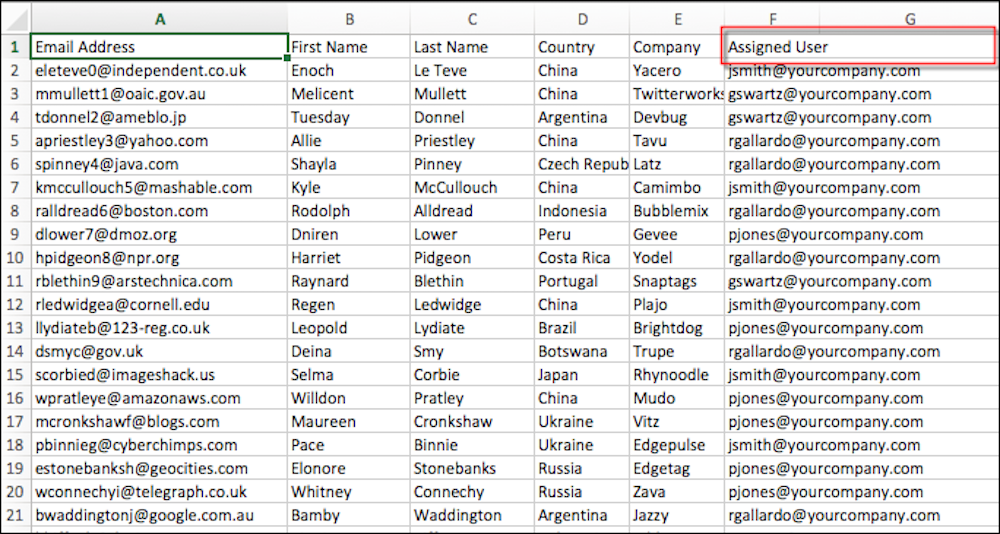
2. During import, map your Assigned User column to the **Assign to User** field.
#### See Also
- [Importing Prospects](https://help.salesforce.com/s/articleView?id=mktg.pardot_prospect_imports.htm&release=264.0.0&type=5 "You can import a CSV file of new prospects or perform a bulk update of existing prospects.")
# Assign Prospects from the Prospect List
You can assign and reassign prospects quickly from the prospect list.
### Required Editions
User Permissions Needed
To assign prospects:
Account Engagement Administrator,
Marketing, or Sales Manager role
To reassign your own prospects:
Account Engagement Sales role or higher

Note If the prospect is already syncing with Salesforce, the prospect record reverts to the record owner in Salesforce. You must reassign the record in Salesforce.
1. Open the Prospects page.
2. Find the prospect you want to assign, click the gear icon, then select **Assign** or **Reassign**.
3. From the Assign To dropdown, choose your assignment action.
4. Choose a user, group, or queue.
5. Click **Assign Prospect**.
# Assign Salesforce Users to Account Engagement
From Marketing Setup in Salesforce, assign users to Account Engagement. You can assign users individually, or based on public group, role, or role and subordinates.
### Required Editions
Available in: All Account Engagement Editions
User Permissions Needed
To assign Salesforce users to business units:
Customize Application and Manage Users
To enable Salesforce User Sync or transfer
user management to Salesforce:
Account Engagement Administrator role

Note We recommend that most users, including admins, be assigned to the Marketing Users group. Use the Sales Users group for Sales reps only.
1. From Marketing Setup, in the Quick Find box, enter Business, then select **Business Unit Setup**.
2. Next to your business unit, click **Manage Users**.
3. Click **Edit User Assignments**.
4. Add users to the Marketing Users group and the Sales Users group.
5. Save your changes. To see a complete list of your assigned users, click View All Users.
After you assign users, the Account Engagement admin can update the roles for users in the Marketing Users group, and then transfer user management to Salesforce.
#### See Also
- [Managing Multiple Business Units](https://help.salesforce.com/s/articleView?id=mktg.pardot_sf_connector_pbus_parent.htm&release=264.0.0&type=5 "Whether your enterprise has marketing goals based on geography or product lines, help each division focus on their own unique marketing objectives using multiple Account Engagement business units. Prospects and marketing assets are partitioned by business unit, so your divisions can market independently and still get a global view with B2B Marketing Analytics.")
# Assign Send on Behalf of Permissions
To delegate sending for campaigns in Sales Emails and Alerts, assign the appropriate permissions.
### Required Editions
User Permissions Needed
To enable custom permissions in profiles:
Manage Profiles and Permission Sets
For the users who need access, enable the necessary permissions on their related profile.
- Send on Behalf of Another User in Engage Campaigns using Account Teams—Assign this permission to let users send as the contact or account owner when they’re a member of the same account team.
- Send on Behalf of Another User in Engage Campaigns—Assign this permission to let users send as the lead, contact, or account owner when they have write access to the lead, contact, or account they’re emailing.
#### See Also
- [Enable Custom Permissions in Profiles](https://help.salesforce.com/s/articleView?id=platform.users_profiles_custom_perms.htm&language=en_US)
# Assign Static Relationships Manually
After you define static relationships for your catalog, you can associate products with one another. You can then use static relationships in an Einstein Recipe so that Personalization can recommend associated products to your customers. Before you can associate products with one another in a static relationship, you must define the static relationships for your catalog.
### Required Editions
Permissions
Needed
To assign static relationships:
A role with Catalog Create/Edit permissions

Note If you have a large number of products to associate in a static relationship, you can upload a CSV file rather than follow this manual process. For more information, see [Upload Static Relationships](https://help.salesforce.com/s/articleView?id=mktg.mc_pers_catalog_static_relationship_upload.htm&release=264.0.0&type=5 "After you define static relationships for your catalog, you can upload a CSV file to associate products with each other. You can then use static relationships in an Einstein Recipe so that Personalization can recommend associated products to your customers.").
1. In the **Catalog** section of the main navigation, select **Catalog** | **Products**.
2. Select the product you want to associate another product with, and click **Edit**.

Note The product you select is called the anchor product.
3. Click the **Relationships** tab.
4. Click **Add Product** for the static relationship you want to use.
5. To search for the product you want to associate with the anchor product, enter the product name or ID.
6. Select the product from the list of options.
7. Add any additional products you want to associate with the anchor product, using the same static relationship or a different one.

Note The product association isn’t bidirectional. For example, if product A is the anchor product and you associate product B with it, only product B returns for product A. For product A to also return for product B, you must also associate product A with product B when product B is the anchor product.
8. When you finish, click the **Details** tab.
9. Click **Save**.

Note When you use the static relationships in an Einstein Recipe, Personalization recommends all associated products for that anchor product.
#### See Also
- [Upload Static Relationships](https://help.salesforce.com/s/articleView?id=mktg.mc_pers_catalog_static_relationship_upload.htm&release=264.0.0&type=5 "After you define static relationships for your catalog, you can upload a CSV file to associate products with each other. You can then use static relationships in an Einstein Recipe so that Personalization can recommend associated products to your customers.")
- [Use a SmartBundle Relationship in an Einstein Recipe](https://help.salesforce.com/s/articleView?id=mktg.mc_pers_einstein_recipe_smartbundle_relationship.htm&release=264.0.0&type=5 "After you associate categories with each other in a SmartBundle relationship, you can use the SmartBundle ingredient in Einstein Recipes to define which items to recommend with other items. When making recommendations, Personalization considers items from SmartBundle-related categories that customers bought together in the same cart.")
# Assign the Connector User Permission Set
After the Account Engagement package is installed in your Salesforce org, you grant the connector user the Account Engagement Connector User permission set.
### Required Editions
User Permissions
Needed
To assign permission sets:
Assign Permission Sets
To edit object permissions:
Manage Profiles and Permission Sets
AND
Customize
Application

Note Pardot is now known as Marketing Cloud Account Engagement. We wish we could snap our fingers to update the name everywhere, but you can expect to see the previous name in a few places until we replace it, including in the app itself.
Before you begin, make sure that the connector user has these permissions:
- API Enabled
- Profile with the administrative permissions:
- Manage Profiles and Permission Sets
- Customize Application
- View All Users
- View Setup and Configuration
Apply the Account Engagement Connector User permission set only to your Account Engagement connector user. Don’t assign the Engage permission set from this page. The Engage permission is assigned from the licensing page.
1. From Marketing Setup, enter Users in the Quick Find box, then select **Users**.
2. Select the connector user.
3. Scroll to Permission Set Assignments, and click **Edit Assignments**.
4. In the Available Permission Sets box, click **Account Engagement Connector User** to highlight it, then click the **Add** arrow button.
5. Save your work.
# Assign User Access
Create accounts for your marketing users and assign them the permissions that they need to complete their work.
### Required Editions
Available in: Marketing Cloud Engagement Pro+, Corporate+, and Enterprise+ editions
User Permissions Needed
To configure Marketing Cloud Next:
A Salesforce account with the Marketing Cloud Admin permission set.
## Copy Existing Marketing Cloud Engagement Users
To quickly create user accounts in Marketing Cloud Next, duplicate existing user accounts from Marketing Cloud Engagement. When you create user accounts in this way, the new accounts are preconfigured with the permissions necessary to start using Marketing Cloud Next.

Note To create accounts for users that don’t exist in your Marketing Cloud Engagement account, complete the steps in [Create Users](https://help.salesforce.com/s/articleView?id=mktg.mke_configure_user_access.htm&release=264.0.0&type=5 "Salesforce accounts are different from Marketing Cloud Engagement accounts, so you need to create Salesforce accounts for your marketing users.") and [Assign User Permissions](https://help.salesforce.com/s/articleView?id=mktg.mke_configure_user_access.htm&release=264.0.0&type=5 "After you create Salesforce accounts for your marketing users, assign permission sets to them. Permission sets help you quickly assign a predefined set of permissions to a group of users based on the specific jobs those users need to complete.").
1. In Marketing Cloud Engagement Setup, go to **Administration** | **Users**.
2. Select the user accounts to duplicate, and then click **Add to MC Next**.
3. Verify the list of selected users, and confirm their usernames in the MC Next Username column.
4. For Core Org, select the Salesforce org that contains the Marketing Cloud Next account you want to add the users to.
5. Save your changes.
After you save your changes, Marketing Cloud Engagement sends a request to create the selected user accounts in Marketing Cloud Next. The Status column in the resulting table indicates whether the user accounts were created successfully.
You can resolve some account creation failures from directly within the table. For example, if you see a `DUPLICATE_USER` error, change the value in the MC Next Username column to a unique value, and then save your changes. For issues related to Data 360, see [Set Up a Marketing Cloud Engagement Connection in Data 360](https://help.salesforce.com/s/articleView?id=data.c360_a_set_up_marketing_cloud_connection.htm&language=en_US).
After you create a user, the user receives an email requesting that they set their password. This new password applies only to the user’s Marketing Cloud Next login, not their Marketing Cloud Engagement login.
## Create Users
Salesforce accounts are different from Marketing Cloud Engagement accounts, so you need to create Salesforce accounts for your marketing users.
1. In Setup, go to **Marketing Cloud** | **Assisted Setup** | **User Access**.
2. In the Invite Users section, click **Go to Users**.
3. Click **Add Multiple Users**.
4. For User License, select **Identity**.
5. For each user you want to add, specify a first name, last name, email address, and profile.
6. Select **Generate passwords and notify user via email**.
7. To create more users, click **Add More Users**, and then provide the information for the additional users.
8. Save your changes.
## Assign User Permissions
After you create Salesforce accounts for your marketing users, assign permission sets to them. Permission sets help you quickly assign a predefined set of permissions to a group of users based on the specific jobs those users need to complete.
We recommend that you set up users with the Marketing Cloud Manager, Data Cloud Architect, and Tableau Next Included App Business User permission sets. For more information about these permission sets, see [User Permissions in Marketing Cloud Next](https://help.salesforce.com/s/articleView?id=mktg.mktg_admin_permissions_ref.htm&language=en_US).
1. In Setup, go to **Users** | **Permission Sets**.
2. Assign Marketing Cloud Manager permissions.
1. From the list of permission sets, select **Marketing Cloud Manager**.
2. Click **Manage Assignments**.
3. Click **Add Assignment**.
4. In the list of users, select the users to assign permissions to.
5. Click **Assign**.
6. Click **Done**.
3. Assign Data Cloud Architect permissions.
1. From the list of permission sets, select **Data Cloud Architect**.
2. Click Manage Assignments.
3. Click **Add Assignment**.
4. From the list of users, select the users to assign permissions to.
5. Click **Assign**.
6. Click **Done**.
4. Assign Tableau Next Included App Business User permissions.
1. From the list of permission sets, select **Tableau Next Included App Business User**.
2. Click **Manage Assignments**.
3. Click **Add Assignment**.
4. In the list of users, select the users to assign permissions to.
5. Click **Assign**.
6. Click **Done**.
## Select Default Tabs for a User
After you assign user permissions, ask your users to log in to Marketing Cloud Next and confirm that they can access the tabs that they need to do their work. For example, a marketer who creates and views reports needs access to the Marketing Performance and Analytics tabs. A marketer who manages segments and content needs access to the Content and Segments tabs. Users can complete these steps to add tabs that aren’t yet visible to them.
If you’re a marketer, consider adding some or all of these tabs:
- Activations
- Analytics
- Briefs
- Campaigns
- Consent
- Contacts
- Content
- Engagement Signals
- Flows
- Marketing Calendar
- Marketing Performance
- Segments
If you’re a Marketing Cloud Admin, consider adding these tabs:
- Activations
- Activation Targets
- Analytics
- Briefs
- Campaigns
- Consent
- Contacts
- Content
- Data Actions
- Data Action Targets
- Data Graphs
- Data Model
- Data Spaces
- Data Streams
- Engagement Signals
- Flows
- Identity Resolution
- Marketing Calendar
- Marketing Performance
- Calculated Insights
- Data Transforms
- Profile Explorer
- Query Editor
- Segments
1. Click the pencil icon () on the right side of the navigation bar.
2. Click **Add More Items**.
3. Search for the name of the tab to add.
4. Select the tab to add, and then click **Add Nav Items**.
If you still can’t find the tabs you need, see _Knowledge Article_: [Data 360: Object Tabs are Missing](https://help.salesforce.com/s/articleView?id=000395267&type=1&language=en_US).
# Assign User Permissions for Enhanced Email
To give users access to the Email Content object and to Salesforce Digital Experiences, assign permissions. A Salesforce admin is best equipped to assign the required permissions.
### Required Editions
Available in: any Account Engagement Edition with Salesforce Professional, Enterprise, Performance, and Unlimited Editions
User Permissions Needed
To access Marketing Setup:
View Setup and Configuration
AND
Customize Application
To create permission sets:
Manage Profiles and Permission Sets
To assign permission sets:
Assign Permission Sets
1. From Marketing Setup, in the Quick Find box, enter Content, and then select **Content Setup**.
2. Click **Manage Assignments**.
3. On the Create Account Engagement Content permission set page, click **Manage Assignments**.
4. Click **Add Assignments**, and then select the users who need the permission set.
5. Click **Assign**.
6. For easy access to files, encourage users to add CMS Workspace and CMS Channel tabs to their navigation.
1. Open the Account Engagement Lightning App.
2. To edit tabs, click  on the navigation.
3. Click **Add More Items**.
4. With **All** selected, search for CMS and select **CMS Workspaces** and **CMS Channels**.
5. Click **Add 2 Nav Items** and save.
To allow a non-admin user to create workspaces and channels in the Digital Experiences app, assign the user the Create CMS Channels and Workspaces system permission.
#### See Also
- [Design, Test, and Send Emails](https://help.salesforce.com/s/articleView?id=mktg.pardot_eilex_create_emails_parent.htm&release=264.0.0&type=5 "Interactively design emails from scratch or from a template and send emails from the email content record. You can also preview and test your email before sending it.")
# Assign Users the Permission Set to Work with Omnistudio
The Omnistudio package adds two permission sets in the org. The Omnistudio Admin permission set provides users the Read, Create, Edit, and Delete access to Omnistudio objects. The Omnistudio User permission set provides Read access to Omnistudio objects. Marketing managers and admins need the OmniStudio Admin permission set to design and deploy referral promotion widgets.
### Required Editions
Available in: Lightning Experience
Available in: Enterprise, Performance, Unlimited, and Developer Editions with Referral Marketing and Omnistudio
User Permissions Needed
To assign permission sets:
Assign Permission Sets
AND
View Setup and Configuration
1. From Setup, in the Quick Find box, enter Permission Sets, and then select **Permission Sets**.
2. Click **OmniStudio Admin** | **Manage Assignments** | **Add Assignments**.
3. Select the user records of the Referral Marketing admin and of the marketing managers who create referral programs.
4. Click **Assign**.
To provide users access to view referral promotion widgets in the Flexcard Designer, assign the users the OmniStudio User permission set.
#### See Also
- [_Salesforce Help_: OmniStudio Permission Sets Licenses](https://help.salesforce.com/s/articleView?id=xcloud.os_omnistudio_permission_sets_licenses.htm&language=en_US)
# Assign Users the Permission Sets to Work with B2B Referral Management
Assign channel managers the permission set that they require to design and run referral programs.
### Required Editions
Available in: Lightning Experience
Available in: Enterprise, Performance, Unlimited, and Developer Editions with Referral Marketing
Here is the permission set that channel managers need:
| NAME | USE | BUSINESS REQUIREMENT |
| --- | --- | --- |
| Manage B2B Referrals | Access to the Referral Management app. | Channel managers can go to the B2B Referral Management app and view records in the app. |
1. From Setup, in the Quick Find box, enter Users, and then select **Users**.
2. Open the user record of the partner manager.
3. Click **Permission Set Assignments** | **Edit Assignments**.
4. Move the Manage B2B Referrals permission set to the Enabled Permission Sets list.
5. Save your changes.
# Assign Users the Permission Sets to Work with Referral Marketing
Assign marketing managers the permission sets that they require to design and run referral programs.
### Required Editions
Available in: Lightning Experience
Available in: Enterprise, Performance, Unlimited, and Developer Editions with Referral Marketing
User Permissions Needed
To assign permission sets:
Assign Permission Sets
AND
View Setup and Configuration
Here are the permission sets that marketing managers need:
Name
Use
Business Requirement
Referral Marketing
Access to the Referral Marketing app.
Marketing managers can go to the Referral Marketing app and view records in the
app.
CRM Analytics Plus User
OR
CRM Analytics User
Access to view CRM Analytics apps and dashboards.
Marketing managers can view dashboards that track the performance of
referral programs and the programs’ promotions.
Loyalty Analytics User
Access to view the app created by using the Referral Marketing Analytics app
template.
OmniStudio User
Read access to OmniStudio objects.
Marketing managers can design referral promotion widgets.
1. From Setup, in the Quick Find box, enter Users, and then select **Users**.
2. Open the user record of the marketing manager.
3. Click **Permission Set Assignments** | **Edit Assignments**.
4. Move these permission sets to the Enabled Permission Sets list:
- Referral Marketing
- CRM Analytics Plus User
- Loyalty Analytics User
- OmniStudio User
5. Save your changes.
#### See Also
- [_Salesforce Help_: Permission Sets](https://help.salesforce.com/s/articleView?id=platform.perm_sets_overview.htm&language=en_US)
# Assign Workspace Contributors
Marketing Cloud Next gives you a dedicated content workspace where you can store message content, images, and notes to use with your campaigns. To give a user the ability to interact with the content in the Marketing workspace, add them as a contributor.
1. In Setup, go to **Marketing Cloud** | **Assisted Setup** | **User Access**
2. In the Add Contributors to Your Default CMS Workspace section, click **Go to Workspace Contributors**.
3. Click **Add Contributors**.
4. In the list of users, select the users who can manage content in the Marketing Content Workspace.
5. Click **Next**.
6. For each user, for **New Contributor Role**, select the type of contributions the user can make.
- **Content Admin**—These contributors can add or remove other contributors and manage all content in the workspace.
- **Content Manager**—These contributors can manage and publish all content in the workspace. They can't manage other contributors.
- **Content Author**—These contributors can add content to the workspace, but can't publish it.
7. Click **Finish**.
# Assigning Marketing Roles
When you assign roles in Marketing Cloud Engagement, consider the jobs and tasks that each team member performs. Defining these tasks helps you determine the correct product roles and associated permissions to be assigned to each team member. Give each team member only the roles and permissions that are necessary to perform their job. This example reviews the roles and permissions assigned to a sample team from Northern Trail Outfitters.
Team Member Name
Tasks
Assigned Roles
Ralph Vasquez, VP of Marketing
View journey performance
View reports
Run reports as needed
Analyst
Marketing Cloud Channel Manager
Pia Larson, Enterprise Architect
Review work completed by other team members
Review data extensions and automations
Implement Marketing Cloud Connect
Create and run data extracts as needed
Map and review the account’s contact model
Administrator
Marketing Cloud Administrator
Isabelle Givens, Manager of Digital Marketing
Add new users
Set up new features
View and run reports
Check contact counts
Review Journey Builder campaign performance
Review work completed by other team members
Administrator
Marketing Cloud Administrator
Michele Hansley, Technical Marketer
Create filter-based data extensions
Write SQL queries for advanced audience segments
Send test emails for QA purposes
Create automations for email sends
Configure email sends in Journey Builder
Create and manage assets in Content Builder
Run reports as needed
Content Creator
Data Manager
Marketing Cloud Channel Manager
Warren Mehta, IT Specialist
Develop API requests for campaigns
Create and view automations in Automation Studio for external data integrations
Help Michele when needed with technical configuration
Help Isabelle with security and compliance tasks
Data Manager
Marketing Cloud Channel Manager
# Assigning Permissions to Admins and Users
To set up Salesforce Personalization, you work in Salesforce Setup, Data 360 Setup, and the Data 360 and Salesforce Personalization apps. Before you begin, make sure you and other admins on your team have the necessary roles and permissions.
For users who create personalization experiences, we recommend creating a permission set that contains the permissions listed in the standard . Additional permissions can be added individually or to a permission set, based on a user’s business needs. You can also create permission sets for users who create content or analyze reporting data.
## Using Standard Permission Sets
Streamline Salesforce Personalization user permission setup using predefined, standard permission sets. You can choose permissions for either the Personalization Admin or Personalization User roles.
For details about system permissions and default object settings for each permission set role, see [Personalization Standard Permission Sets](https://help.salesforce.com/s/articleView?id=mktg.persnl_setup_assign_standard_permission_sets_to_users.htm&release=264.0.0&type=5 "Use standard, predefined permission sets to define Salesforce Personalization user roles, or clone a standard permission set and customize it.").
## Update the Data 360 Connector Permissions
Configure the Data 360 permission set with the appropriate Salesforce Personalization access and permissions. For detailed steps, see [Update the Data 360 Connector Permissions](https://help.salesforce.com/s/articleView?id=mktg.persnl_setup_permission_set_update_data_cloud_connector_permissions.htm&release=264.0.0&type=5 "Configure the Data 360 permission set with the appropriate Salesforce Personalization access and permissions.").
#### See Also
- [Update the Data 360 Connector Permissions](https://help.salesforce.com/s/articleView?id=mktg.persnl_setup_permission_set_update_data_cloud_connector_permissions.htm&release=264.0.0&type=5 "Configure the Data 360 permission set with the appropriate Salesforce Personalization access and permissions.")
# Assigning Prospects
Assign a prospect to an Account Engagement user to give the user ownership of the record and sync it to Salesforce. You can manually assign a prospect or use automation rules and completion actions to assign a prospect to the appropriate rep based on activity and information.
### Required Editions
Available in: All Account Engagement Editions
- **[Assignment Actions](https://help.salesforce.com/s/articleView?id=mktg.pardot_prospect_assignment_actions.htm&release=264.0.0&type=5)**
Use actions to assign a prospect to a user, group, queue, or active assignment rule. However, assignment actions don’t reassign prospects who have an owner. You can use assignment actions with manual assignments, automation rules, and completion actions.
- **[Assignment Actions for Salesforce](https://help.salesforce.com/s/articleView?id=mktg.pardot_prospects_assigments_salesforce.htm&release=264.0.0&type=5)**
You can integrate prospect assignment with Salesforce with Account Engagement automation tools. Assign prospects to queues, or use active assignment rules.
- **[Automating Prospect Assignments](https://help.salesforce.com/s/articleView?id=mktg.pardot_automating_prospect_assignments.htm&release=264.0.0&type=5)**
Account Engagement offers tools to automate prospect assignment based on a prospect’s information and actions.
- **[Assign Prospects from the Prospect List](https://help.salesforce.com/s/articleView?id=mktg.pardot_prospect_assignment_from_list.htm&release=264.0.0&type=5)**
You can assign and reassign prospects quickly from the prospect list.
- **[Assign a Prospect from a Prospect Record](https://help.salesforce.com/s/articleView?id=mktg.pardot_assign_prospect_from_record.htm&release=264.0.0&type=5)**
You can assign or reassign a prospect from the prospect’s record.
- **[Assign Prospects During Import](https://help.salesforce.com/s/articleView?id=mktg.pardot_assign_prospects_during_import.htm&release=264.0.0&type=5)**
You can assign or reassign prospects during an import.
# Assignment Actions
Use actions to assign a prospect to a user, group, queue, or active assignment rule. However, assignment actions don’t reassign prospects who have an owner. You can use assignment actions with manual assignments, automation rules, and completion actions.
These actions are available in all business units.
- Assign to group — Assigns a prospect to a user in a specific group (round-robin lead assignment) when the requirements of the rule are met.
- Assign to user — Assigns a prospect to the specified user when the requirements of the rule are fulfilled.
These actions are available when you have a verified Salesforce connector.
- Assign to queue — Assigns a prospect to the Salesforce lead queue when the rule’s criteria is met. Prospects assigned to a queue are considered assigned to an owner and aren’t reassigned. Don’t use this action if your connector is set up for Account Engagement to sync to contacts instead of leads. You can assign only leads to Salesforce lead queues.
- Assign prospect via Salesforce active assignment rule — Pushes a prospect to your Salesforce active assignment rule when the rule’s criteria is met. The prospect syncs to Salesforce without an owner. The assigned user is synced to Account Engagement when the active assignment rule determines who to assign it to.
# Assignment Actions for Salesforce
You can integrate prospect assignment with Salesforce with Account Engagement automation tools. Assign prospects to queues, or use active assignment rules.
## Assignment Action Options with Salesforce
These assignment actions are available in business units with a verified Salesforce connector.
- Assign to queue—Assigns a prospect to a Salesforce lead queue when the requirements of the rule are fulfilled. This action doesn’t reassign prospects who already have an owner. Don’t use this action if your connector is set up for reverse syncing.
- Assign prospect via Salesforce active assignment rule—Pushes a prospect to your Salesforce active assignment rule when the rule requirements are met. The prospect is synced to Salesforce without an owner. After the rule assigns the prospect, it’s synced back to Account Engagement with the assigned owner. This action doesn’t reassign prospects who already have an owner.
## Reassignments and Connected Users
We recommend creating and connecting Account Engagement users for each Salesforce user that is regularly assigned leads or contacts. Use Salesforce User Sync or manually map users so that assignments sync seamlessly between the two systems. If the Salesforce user isn’t connected with the Account Engagement user, a prospect’s assigned owner doesn’t match between systems.
After a record is assigned in both systems, the reassignment must be made in Salesforce.
Assignment and Reassignment Scenarios
Scenario
Action
Result
Salesforce record doesn’t exist.
Account Engagement record exists and is ready to be assigned.
Account Engagement record is assigned to a user that isn’t connected to a Salesforce
user.
Record is created in Salesforce and assigned to the connector user. This assignment is
the default assignment.
Salesforce record is created.
Account Engagement record doesn’t exist.
Salesforce record is created and assigned to a user that isn’t connected to an Account Engagement user.
If your connector is configured to create prospects when a record is created in
Salesforce, an unassigned prospect is created in Account Engagement.
Salesforce record exists in Salesforce and is ready to be reassigned.
Account Engagement record exists in Account Engagement.
Salesforce record is reassigned to a user that isn’t connected to an Account Engagement user.
Account Engagement record remains assigned to the original assigned user.
Salesforce record exists in Salesforce and is ready to be reassigned.
Account Engagement record exists in Account Engagement.
Salesforce record is reassigned to a user that is connected to an Account Engagement
user.
The assigned user is updated in Account Engagement.
# Associate a Campaign with a Marketing Program in Marketing Planning and Operations
Campaign managers associate a campaign with one marketing program to roll it up into the planning hierarchy. Its work then aligns with the program's goals and the broader company targets.
### Required Editions
Marketing Planning and Operations Leader permission set group
OR
Marketing Planning and Operations Specialist permission set group
When you associate a campaign with a marketing program, the campaign rolls up into the planning hierarchy under that program. Its goals and results then contribute to the program's goals and to the broader company targets. A campaign relates to one program at a time.
1. On a campaign, click **Associate with Program** from the highlights panel.
2. Select the marketing hierarchy group that contains the program that you want to associate.
3. Select the marketing program to associate with the campaign.
4. Save your changes.
The campaign links to the program and rolls up in the planning hierarchy.
To change the program later, use the Associate with Program quick action again.
# Associate a Visitor with a Prospect
Most prospects are related to their visitor activity when they convert, but you can manually associate a visitor with a prospect. This feature comes in handy when you’re in contact with a potential prospect whose company is in your visitor report.
### Required Editions
User Permissions Needed
To create or associate a visitor to a prospect:
Account Engagement Administrator or Marketing
role

Note When you manually associate a visitor, the email address you enter for the prospect is prefilled in Account Engagement forms.
1. Navigate to **Prospects** | **Visitors** and find the visitor you want to associate.
2. Click **Create / Associate** next to the visitor.
3. Enter an email address for the prospect record. If you have multiple prospects with the same email address, Account Engagement associates the visitor to the prospect with the most recent value in the Last Activity field.
#### See Also
- [Converting Visitors to Prospects](https://help.salesforce.com/s/articleView?id=mktg.pardot_converting_visitors_to_prospects.htm&release=264.0.0&type=5 "A prospect is a visitor with a known email address. Account Engagement tracks visitors and converts them to prospects when an email address can be assigned, which typically happens via a form submit.")
# Associate Cases and Tasks to Person Accounts
Journey Builder associates cases and tasks to person accounts using the corresponding activities.
1. Drag a Case or Task activity onto the Journey Builder canvas.
2. Click **Configure**.
3. Follow the steps listed.
For Tasks, under How do you want to associate a Contact or Lead, select **Associate the task to the Marketing Cloud Engagement contact in this journey**.
For Cases, under How do you want to associate a Contact or Lead, select **Associate the task to a mapped contact or lead**. Map the case to a Marketing Cloud Engagement contact ID.
# Associate Users with Business Units
In Enterprise 2.0 accounts, an admin can add users to Marketing Cloud Engagement business units. Users who have access to multiple business units can switch between business units manually after they log in.
1. From Setup, in the Quick Find box, enter users, and then select **Users**.
2. Select a user, and click **Manage Business Units**.
3. Under Default Business Unit, select a default business unit for the user. For standard users, the business unit that you select is the one that the user sees when they log in. For API users, the business unit that you select is the one that their API requests operate in. If the user has access to other business units, they can interact with the business units by specifying the `Options.Client.Id` property in SOAP API requests.

Note
If you select the enterprise business unit for an API user, they can use SOAP API to access all of the child business units in the enterprise. To limit business unit access for SOAP API users, select a child business unit as the default.
4. To give the user access to additional business units, select them under Associated Business Units.

Note
If you select additional business units, the user’s default business unit is selected and can’t be removed from the Associated Business Units section.
5. Save your changes.
# Associate Your Brand
The Associate Your Brand page in BrandBuilder lists the subaccounts associated with your Marketing Cloud Engagement administrative account. To associate your brand, follow these steps in Email Studio after you create a brand.
1. Select each account to which you want to apply this brand.
2. Click **Finish**.
When users log in to the accounts associated with this brand, they see the new color scheme. The first time users log in, they see the standard Engagement login page unless they go directly to your branded URL. However, when they log in, they see the branded application page. The next time they log in from the same machine, they see the branded login page.
# Associate Your Brand
Use BrandBuilder to associate your brand to content in Marketing Cloud Engagement.
1. Click **Edit** for the brand you wish to relate to your account.
2. Click **Where Used**.
3. Click **Edit Accounts**.
4. Select the checkbox next to each account you wish to associate with this brand. In Enterprise 2.0 accounts, you can select parent and child accounts from this screen.
5. Save your changes.
6. Return to the main BrandBuilder window, and make sure that the associated brand shows an Applied status.
# Associating Prospects with Campaigns
A prospect is related to an Account Engagement campaign based on the first marketing asset that they interact with as a visitor, even before converting to a prospect.
You can set or update campaigns in a few ways.
- When prospects are imported
- When the prospect’s campaign is manually edited on the prospect record
- Using a completion or page action to change or associate prospects with a campaign
- Using an automation rule to associate prospects with a campaign
- When the Google Analytics connector is configured to create and associate Account Engagement campaigns
A prospect is associated with only one campaign at a time, which helps with ROI analysis. You can define the campaign as what asset generated the lead for the prospect.
#### See Also
- [Google Analytics Connector](https://help.salesforce.com/s/articleView?id=mktg.pardot_google_analytics_connector.htm&release=264.0.0&type=5 "The Google Analytics connector pulls UTM parameters into Account Engagement, where they can then sync with Salesforce. Five Google Analytics tags are collected: campaign name, medium, source, content, and term. This connector simplifies the flow of Google Analytics data between Account Engagement and Salesforce.")
# Attaching a Delivery Item to an IO in the Media Transparency Center
Learn how to attach a delivery item to an IO in the Media Transparency Center.
An IO holds financial data which together with delivery data enables recalculating media cost. In order to attribute delivery data to an IO you will need to attach delivery items to an IO.
A delivery item can be a Media Buy, Site, Campaign, Vendor or Classification. These items hold Delivery Data like Impressions, Clicks and other measurements which enables Cost Calculation.

Note For the MTC correlation between Delivery Items and IO's to take place correctly, you must add your Buy Data and your Delivery Data to the same Workspace.
There are two ways to add an item to an IO:
1. Add the item through the Media Transparency Center (MTC) **IO Management** sub tab .
2. Add a data stream of Buy Data into the platform with TotalConnect.
## Method 1: IO Management
In the Media Transparency Center (MTC), under the **Connect & Mix** tab, select **IO Management** and choose the IO you want to add an item to. In the **Items** section, click **Add Item**.
Then insert the appropriate key in its assigned field.
Each row should contain one combination of keys that describes a delivery item (for example. a Media Buy Key or a Site key together with a Campaign Key).

In the **Classification** field enter the relevant value of the Media Buy IO Classification Dimension. When adding an item based on Classification you must enter a **Campaign Key** as well.
## Method 2: TotalConnect
To connect between an IO and an Item you can add a file through the TotalConnect Connector. The file should be Dimension only and include the IO key and the relevant item key.
When uploading, the file automatically appears in the IO screen (there is no need to connect the two Data Streams with a parent-child connection).
Notes:
- If an IO's Delivery Items don't have Delivery Data for its Time period and filters, that IO is considered never to have been fulfilled in terms of Delivery, and will not be visible in a Database Query. The planned, or Buy Data, has to be matched with Measurements data in order to show up in a Widget, Report, or Pivot Table. You will be able to see the IO planned data in Media Cost Center, but not in queries.
- When you attach a Delivery Item that doesn’t bring in any Data for the relevant IO date range it will receive the 'Other' Value.
# Attribute by Tracking Event Report for Email Studio in Analytics Builder
Use the Attribute by Tracking Event Report for Email Studio in Analytics Builder to check how your subscribers reacted to a certain email send. The report lists the subscribers who interacted with an email send during the timeframe you select. Choose a subscriber attribute to include in the report. The report works only with values of the chosen attribute at the time of reporting and not the value at the time of send. For example, use this report to evaluate the effectiveness of a campaign in generating subscriber clicks for men versus women.
Field Name
Description
Subscriber Key
Unique ID for the subscriber
Tracking Activity
The tracking activity included on the account. Valid values
include:
All
Bounce
Open
Click
Unsubscribe
Event Time
Date and time tracking activity occurred
[Attribute]
Subscriber attribute you chose; valid selections include
subscriber attributes defined in your account
Default
Default value you set when you created the attribute; if no
default value is defined, an asterisk appears.
#### See Also
- [Email Studio Reports in Analytics Builder](https://help.salesforce.com/s/articleView?id=mktg.mc_re_email_studio_reports.htm&release=264.0.0&type=5 "View a list and description of available Email Studio reports available in the Reporting tool.")
- [Create a Standard Report in Analytics Builder](https://help.salesforce.com/s/articleView?id=mktg.mc_re_create_a_report.htm&release=264.0.0&type=5 "Create and run a standard report in Marketing Cloud Engagement.")
# Attribute Group Creation in Contact Builder
Attribute groups enable you to organize your data in Contact Builder. Each attribute group includes a data model consisting of data extensions linked to either the contact record or other data extensions. You can create attribute groups including all relevant data extensions at the same time to ensure that all necessary data resides in the correct group.
After you create your attribute group, you can perform either one of these procedures and begin creating your data model:
- Create a data extension linked to the contact record.
- Link an existing data extension to the contact record.
You can also use templates containing predefined attribute groups within Contact Builder.
These templates include existing data relationships, and you can customize these attributes and relationships as needed.
#### See Also
- [Create an Attribute Group in Contact Builder](https://help.salesforce.com/s/articleView?id=mktg.mc_cab_create_an_attribute_group.htm&release=264.0.0&type=5 "Create an attribute group in Contact Builder.")
- [Create Attribute Groups with Templates](https://help.salesforce.com/s/articleView?id=mktg.mc_cab_create_attribute_groups_with_templates.htm&release=264.0.0&type=5 "Follow these steps to create attribute groups with templates in Contact Builder.")
- [Manage Data Extensions](https://help.salesforce.com/s/articleView?id=mktg.mc_cab_data_extensions_manage.htm&release=264.0.0&type=5 "In Marketing Cloud Engagement, a data extension is a table that contains data that you provide. Use data extensions to hold customer data, track loyalty points, collect tracking and usage data, and any other use case that requires you to store information in a table.")
- [Link Data Extensions in Contact Builder](https://help.salesforce.com/s/articleView?id=mktg.mc_cab_link_data_extensions.htm&release=264.0.0&type=5 "Link data extensions within Data Designer for Contact Builder.")
# Attribute Properties in Marketing Cloud Engagement
Use this topic as reference as you configure subscriber attributes in Email Studio.
General Tab
Name
Enter the external name for this attribute. The name is what see when you choose
attributes for personalization in emails and for group creation. Unless the attribute is
defined as hidden, subscribers will also see this name in the Profile Center.
When you import subscribers, you are able to map subscriber data fields to attribute
fields manually. If the data field name in your subscriber data exactly matches the profile
name you enter here, the application is able to default the mapping of those fields to each
other.
The first character of an attribute name must be alphabetic. Do not begin an attribute
name with a number or any other kind of nonalphabetic character.
Description
Enter an internal description of the attribute. This description is displayed in the
profile management workspace only and is not exposed to subscribers.
Descriptions are limited to 200 characters.
Display Order
The Display Order field reflects this attribute's placement among the profile attributes
when displayed to subscribers in the Profile Center and also when displayed within the
application in attribute drop-down lists, for personalization in emails and for group
creation.
In the navigation pane of the application, the attributes are always displayed in
alphabetical order; not in the customizable display order.
To change this attribute's placement in the list of attributes, click the Change button
beside the Display Order field. The Profile Display Order dialog box that appears shows all
the profile attributes in display order. Use the Move Up or Move Down buttons to move this
attribute up or down in the list.
You can change only a single attribute's placement at a time. To change another
attribute's placement, you need to edit that attribute's properties.
Created or Modified
The Created and Modified fields automatically record when the attribute was created and
when it was last modified.
Attributes
You define whether the attribute is required and whether subscribers can see and edit it.
Required: When you create or import subscribers, this attribute is a required field. Once
an attribute is set up as required or not required, the configuration cannot be changed
after creation.
Hidden: If you select this check box, the attribute will not be displayed in the Profile
Center. Subscribers will not be able to view or edit this attribute.
Read-only: If you select this check box, the attribute is displayed but will not be
editable in the Profile Center. Subscribers are able to see their value for this attribute
but will not be able to change it.
Attributes that are both required and hidden must include a default value before a
subscriber is added to the list using Forward To a Friend in an email send.
Do not update subscriber values with send time values. If the subscriber who exists in
your system triggers a triggered send, this checkbox determines whether the system updates
the attribute with the attribute values provided with the triggered send trigger.
Data Tab
Data Type
You have the following options for the type of data that this attribute will accept as
values:
Text: Attributes of a text type accepts all alphanumeric characters and common
symbols. The Text type is appropriate for strings of numbers that would not be involved
in calculations. Use the Text type for zip codes, phone numbers, and credit cards.
Numeric: Use this data type only if your attribute values contain nothing but numbers.
You will not be able to enter a dollar sign, a dash, or any other symbol or alphabetic
character into a numeric field. For best results, do not use Numeric for such data as zip
codes, phone numbers, and credit cards. Restrict use of the Numeric type to values on
which you may want to perform calculations. Integers are supported in numeric fields.
Scientific numbers and floating decimal points are not supported.
Date: Attributes of a date type will accept dates in various formats, such as 1/1/2005
or January 1, 2005. All dates are stored in the format MM/DD/YYYY, and if a date is
entered in a different format, the system converts it to the proper format when storing
it.
Default Value
If you specify a default value for this attribute, this value is used for all subscribers
who do not have a value entered for the attribute.
If you're defining a set of possible values for this attribute, you must include the
default value that you enter here in that list on the Values tab.
If you save the attribute with a default value that is then applied to all your
existing subscribers, and you later delete the default value, that value will be deleted
from all the subscriber records to which it was automatically applied.
Attributes that are both required and hidden must include a default value before a
subscriber is added to the list using Forward To a Friend in an email send.
Minimum Length/Value and Maximum Length/Value
For text and date attributes, you can dictate the minimum number of characters that are
accepted when a value is entered for this attribute.
For numeric attributes, you can dictate the minimum value that is accepted.
Likewise, you can control the maximum length or value as well. If no maximum is set, the
application only allows 50 characters for Ent 2.0 accounts and 2,000 characters for all
other accounts; however, if the attribute is set up as a triggered send send-time
attribute, there is no character limit.
Minimum/maximum value refers to the amount, not the number of digits in the number. If
you want to control the number of digits in the entry, then the data type of the attribute
should be Text rather than Numeric. For example, a zip code, phone number, or credit card
number is a case where you would want to specify the number of digits in the number, not
the "value" of the number; in these cases, the attribute should be marked as Text, not
Numeric. To specify a minimum and/or maximum, click the appropriate radio button and then
enter the minimum or maximum in the corresponding text box.
For example, if the attribute is Year Born and you want to ensure that only four-digit
years are entered, you would enter 4 as both the minimum length and the maximum length. To
specify the number of characters that can be entered, the attribute data type must be
text.
Values Tab
Add Value
To limit this attribute to a specific set of possible values, enter those values on the
Values tab.
Once you define a value for this attribute, users and subscribers will no longer be
able to type in their own value; they will only be able to select a value from the
drop-down list of the values specified on the Values tab.
If you are defining possible values for an existing attribute that did not previously
have value limitations, any values currently entered in subscriber records are retained,
even if those values are not included in the list of possible values you've defined.
If you entered a default value on the Data tab, you must include that value in the
list of possible values on the Values tab.
On the Values tab, follow these steps to define the possible values for this
attribute:
Click the Add button to generate a new blank value.
Type in the value.
Repeat Steps 1 and 2 to add more values.
Reorder Values
If you want to change the order in which these values appear in the drop-down list, click
a value and then click the Move Up or Move Down button.
Remove Values
To remove a value from the list, click the value and then click the Remove button.
If any existing subscriber record contains the value you're removing from the list, the
subscriber will not be affected. That value remains in the subscriber's record.
Salesforce Tab
Map to Salesforce Lead Field
Select the field you'd like to link to in Salesforce.
Map to Salesforce Contact/Account Field
Select the field you'd like to link to in Salesforce.
Display on Salesforce Profile Center for Leads
Checking this box displays the information in the Salesforce Profile Center.
Display on Salesforce Profile Center for Contacts
Checking this box displays the information in the Salesforce Profile Center.
## Important Information About the Values Tab and Default Values
If you specify a default value on the Data tab and then, on the Values tab, define a set of possible values that does not include the default value you entered, the application changes the default value on the Data tab to be the first value from the Values tab.
If this attribute had existed with the original default value, then all subscribers to whom the default value was automatically applied is adjusted to have the new default value. Subscribers for whom a value had been entered manually by a user or by an import will not be affected.
# Attribute Revenue to a Specific Campaign
Opportunity Influence for Marketing Cloud Next uses engagement data to tie opportunity revenue back to a specific campaign. An engagement activity is eligible for attribution 30 days before the related opportunity is created to the date that the opportunity is set to Closed/Won. Use this attribution data to help you report on ROI, adjust your strategy for current campaigns, and make decisions about future campaigns.
### Required Editions
Available in: Salesforce Enterprise and Unlimited Editions with Marketing Cloud Next Growth or Advanced Edition
User Permissions
Needed
To enable Opportunity Influence:
Modify All Data OR Marketing Cloud Admin permission
set
To attribute revenue, Opportunity Influence identifies people who have engaged with campaign content and have a contact role on a Closed/Won opportunity. Opportunity Influence uses email and SMS click engagement activities to attribute revenue.
Opportunity Influence doesn't use activity data from external sites.

Note Opportunity Influence replaces previous campaign attribution features. You must disable previous versions before you enable Opportunity Influence. To avoid confusion, remove the metrics fields for Campaign Influence or Customizable Campaign Influence from your campaign page layout. These fields aren’t used for Opportunity Influence.
Before you enable this feature, keep these considerations in mind.
- If your org uses multiple currencies, revenue amounts aren’t converted but they show the currency symbol defined in each user’s settings.
- Campaign hierarchies aren't reflected in Opportunity Influence revenue data.
- Opportunity Influence attributes revenue based on engagement data related to Individual objects. It doesn’t use unified profile data. For more information, see [Unify Source Profiles](https://help.salesforce.com/s/articleView?id=data.c360_a_identity_resolution.htm&type=5&language=en_US).
1. From Setup, in the Quick Find box, enter and then select **Opportunity Influence**.
2. Review the Readiness Check section and complete any remaining tasks.
3. Click **Enable**, and then turn on the attribution models that you want to use.
First-touch attribution gives credit to the first campaign that an opportunity contact engages with. Last-touch attribution gives credit to the last campaign they engaged with before closing.
When you enable Opportunity Influence, all eligible opportunity records and engagement activity are evaluated to generate attribution data. This process can take up to 1 hour. After that, all opportunity records and related engagement data are assessed hourly. Attribution records are created for opportunities created in the past 30 days based on engagements that have happened in the past 60 days.
After you enable the feature, the Opportunity Influence related list appears on campaign records under Performance. The list shows up to 1,000 opportunity records, in order of revenue.
# Attribute to Attribute Comparison
Compare an attribute value to another attribute in entry events and decision splits in Journey Builder.
Use filters to ensure that the intended contacts enter their journeys, follow the intended branch after a decision split, or reach the journey's goal. Many journeys use a simple filter to admit any contact with the specified value in a data field on its contact record. Use attribute to attribute comparison to compare the contact’s values in two data fields to determine whether to admit the contact.

Note Attribute to Attribute Comparison can only be applied to the WhoID or the Primary Object ID from the Salesforce Data Entry Event.
Attribute to attribute comparison is useful when a single contact can enter a journey more than once. Or, you can compare a journey data attribute to a contact data attribute to determine if a change occurred between time of entry and current time. To perform the comparison, drag the contact data attribute into the filter.
For example, in a Multiple Entry journey, customers enter the journey each time they make a purchase. The journey includes multiple paths that are each setup for purchasers of a different product. Each customer has a fixed contactID and is assigned a unique purchaseID for each purchase. The same contactID exists in the journey multiple times, each time with a unique purchaseID.
To confirm that the customer sees messaging for the right purchase, set the purchaseID from Contact Data to equal the purchaseID from Journey Data. This expression confirms that journey sends messaging for the correct purchase by confirming that the purchaseID values are the same.
## Considerations
- Compare only attributes of the same data type.
- Attributes that allow null values cannot be used in attribute-to-attribute comparison.
- Encrypted fields are not supported.
#### See Also
- [Linked Data Extensions in Journey Builder](https://help.salesforce.com/s/articleView?id=mktg.mc_jb_data_relationships.htm&release=264.0.0&type=5 "Your data setup affects how Marketing Cloud Engagement evaluates the contact attributes used in journey entry source filters, wait activities, or decision splits. Review what happens when a data extension is linked to one or more other data extensions.")
# Attribute Update Logic
You can use multiple sources to update attributes. Attributes retain values from authenticated sources such as ETL or Channel: Server (/authevent API) over lower priority sources, such as the web.
Attribute updates following an order of priority to determine which value to retain.
- Authenticated source
The ETL, Salesforce CRM integration, and channel Server in the authenticated Event API (/authevent endpoint) are prioritized over unauthenticated sources such as web, mobile, and non server-side events.
- An attribute value sent in using an unauthenticated channel won’t overwrite the value set by a trusted channel. For example, an attribute value from ETL won’t be overwritten by an update from the web, even if the web attribute update has a more recent timestamp.
- Trusted channels can overwrite each other. The timestamp is used to determine which attribute is kept when deciding between two values that are both from authenticated channels. For example, an attribute value set via Channel: Server can get overwritten by an attribute value provided by ETL (if the timestamp is more recent on the ETL attribute update).
- Unauthenticated Sources
Unauthenticated sources are prioritized behind authenticated sources and won’t update an attribute that has been set by an authenticated source. The timestamp of the update determines the priority for all other sources, such as web, mobile, and non-server-side event API updates.
#### See Also
- [Create an Account Profile Attribute](https://help.salesforce.com/s/articleView?id=mktg.mc_pers_account_profile_attributes_create.htm&release=264.0.0&type=5 "Account profile attributes can collect data you can use in segmentation, reporting, or with integrated third-party systems. For example, if you create a form in Personalization, you can assign each field to an existing attribute. Depending on the configuration of your dataset, the attributes can either collect the data for reporting, or can write it to a third-party integrated system.")
- [Create a User Profile Attribute](https://help.salesforce.com/s/articleView?id=mktg.mc_pers_user_profile_attributes_create.htm&release=264.0.0&type=5 "User profile attributes can collect data you can use in segmentation, reporting, or with integrated third-party systems. For example, if you create a form in Personalization, you can assign each field to an existing attribute. Depending on the configuration of your dataset, the attributes can either collect the data for reporting, or can write it to a third-party integrated system.")
# Attributes
The attributes tracking extract output file contains the attributes associated with subscribers in an account.
This extract only outputs data for subscribers who received one of these events over the specified time:
- Bounce
- Click
- FTAF
- Open
- Send
- Survey
- Unsubscribe
For Enterprise and Enterprise 2.0 accounts, not all attributes specified in the Attributes extract property exist in a child account. In this case, the attribute value is left blank in the file.
## Output Types
- CVS
- TAB
## Columns
This file can include more columns depending on the attribute set specified in the Attributes extract property.
Attributes
| Name | Description | Possible Values | Data Type | Character Length |
| --- | --- | --- | --- | --- |
| ClientID | The system account identifier associated with attribute set | \-2^63 (-9,223,372,036,854,775,808) to 2^63-1 (9,223,372,036,854,775,807) | Numeric | Maximum length - big integer |
| SubscriberKey | Customer-specified subscriber unique identifier associated with attribute set. By default, the value is the same as EmailAddress. | | String | 254 |
| EmailAddress | Subscriber email address identifier associated with attribute set | | String | 254 |
| SubscriberID | System-generated subscriber unique identifier associated with attribute set. SubscriberID relates to the Subscribers file SubscriberID column. | | Numeric | Maximum length - big integer |
# Attribution in Marketing Intelligence
Attribution in Marketing Intelligence is the practice of identifying which marketing activities, channels, and touchpoints contribute to a desired business outcome—such as a lead conversion, pipeline creation, or closed deal. By understanding attribution, marketing teams can make smarter investment decisions, optimize campaign performance, and demonstrate the business impact of their work.
Marketing attribution sits at the intersection of data, buyer behavior, and business strategy. It answers the fundamental question: What is driving results, and how much credit should each effort receive?
## Key Attribution Concepts
Before diving into specific attribution models, it's important to understand the foundational concepts that apply across all approaches:
**Engagement Signal / Touchpoint**
A tracked interaction such as an email open, SMS reply, website visit, or ad click, that a user has with your brand before you convert them.
**Conversion Event**
The single, defined outcome in the customer journey that attribution evaluates. For example, completing a checkout, submitting a contact form, or subscribing to a newsletter.
**Conversion Metric**
The metric that represents or quantifies the conversion event for reporting and analysis. For example, total purchases, leads generated, or newsletter sign-ups.
**Lookback Window**
The time period in which touchpoints are considered eligible for credit. For example, a 90-day window means touchpoints expire after 3 months. If a lead attends a webinar in January but converts in April, that webinar receives zero credit and won't appear in your revenue reporting.
**Revenue Attribution**
Connecting marketing activity directly to pipeline or bookings. For example, proving a LinkedIn campaign generated $2.4M in pipeline and 12 closed deals allows a team to justify their budget with a clear ROI figure.
**Multi-touch vs. Single-touch**
Whether credit is distributed across multiple interactions or assigned to one. For example, a lead clicks an ad, attends a webinar, and then responds to a sales email before converting. Single-touch gives 100% of the credit to just one of those interactions. Multi-touch splits credit across all three interactions.
**First-party Data**
Data that your organization owns and collects directly. For example, CRM records, form submissions, and email engagement. Unlike third-party data, it reflects your actual customer interactions, making it a more accurate and reliable foundation for attribution reporting.
## Supported Attribution Types in Marketing Intelligence
Marketing Intelligence supports two primary attribution model families, each designed for different analytical needs.
**Touch-Based Attribution**
Assign credit based on the individual interactions (touches) a prospect has with marketing content and campaigns across their buyer journey. Best for understanding which campaigns and channels influence pipeline.
**Key Characteristic**: Touch-Based Attribution distributes credit across individual marketing interactions without requiring predefined funnel stages. Use the **Path Exploration** tab in the attribution dashboards to visualize the order of touchpoints across channels and identify common paths and drop-off points.
**Focus:** Breadth—the "What".
**Funnel-Based Attribution**
Assign credit based on the stage transitions a prospect moves through in the revenue funnel. For example, Lead → Marketing Qualified Lead (MQL) → Opportunity. Best suited for understanding which activities accelerate progression through the buyer journey.
**Key Characteristic:** The order of engagement signals matters. Users are tracked through predefined checkpoints in a sequence, whereas Touch-Based Attribution evaluates interactions globally without requiring a specific progression.
**Focus:** Momentum—the "When".
## Choosing the Right Attribution Model
| | Touch-Based Attribution | Funnel-Based Attribution |
| --- | --- | --- |
| **Primary Goal** | Measure touchpoint influence | Track pipeline progression and conversion |
| **Focus** | Marketing interactions across the journey | Lifecycle stage transitions |
| **Best Use Case** | Budget allocation and media mix optimization | Sales and marketing velocity and alignment |
| **Supported Models** | First Touch, Last Touch, Linear, Time decay, U shape | First touch , Last touch |
| **Salesforce Object** | Campaign Members, Leads, Custom Touch Objects | Opportunities, Lead History, Account Stages |
- **[Multi-Touch Attribution in Marketing Intelligence](https://help.salesforce.com/s/articleView?id=mktg.mc_mi_multi_touch_attribution.htm&release=264.0.0&type=5)**
Multi-Touch Attribution (MTA) in Marketing Intelligence shows how each engagement contributes to conversions across your marketing efforts. MTA connects first-party and third-party interactions across email, SMS, social, search, and other channels to help you understand the true impact of your campaigns.
- **[Funnel-Based Attribution in Marketing Intelligence](https://help.salesforce.com/s/articleView?id=mktg.mc_mi_funnel_attribution.htm&release=264.0.0&type=5)**
Funnel-based attribution in Marketing Intelligence tracks how prospects progress through defined stages of a conversion funnel, such as Email Send → Click → Add to Cart → Order Placed. Funnel-Based Attribution evaluates engagement signals in a defined sequence, so the order in which prospects reach the stages matters.
# Attribution Time Frame Explained in Campaign Statistics
Personalization attributes your visitors’ purchase goal completions based on their interaction, and their level of interaction, with Personalization campaigns.
Personalization attribution considers only things inside the time frame you select. Purchases, click-throughs, conversions, and impressions outside of the specified time frame aren’t considered. Both the Impressed Visit (IV) and the goal completion or purchase must happen within the time frame that you select.
## Example
Suppose three people visit a website over the course of 2 days. On Day 1, only Visitors 1 and 2 come to the site. Visitor 1 has an impressed visit and makes a purchase. Visitor 2 has an impressed visit (IV) but leaves without purchasing. On Day 2, Visitor 1 has an IV and a purchase. Visitor 2 has two purchases but doesn’t have an IV. Visitor 3 has one purchase but doesn’t have an IV. The table summarizes the scenario.
If you select Day 1 as the time frame, Campaign Statistics shows Visitor 1’s attributed purchase because there’s a campaign impression and a conversion in the selected time frame.
If you select Day 2 as the time frame, Campaign Statistics shows Visitor 1’s attributed purchase that occurred on Day 2. The other purchases didn’t happen after impressed visits during the selected time frame, so they aren’t attributed to the campaign.
If you include both days in the time frame, Campaign Statistics shows three attributed purchases: two for Visitor 1 and one for Visitor 2. It’s important to note that Visitor 2’s on Day 2 doesn’t count towards the conversion rate. Personalization only counts purchases that follow an impressed visit towards the conversion rate. Personalization didn’t record an impression for Visitor 3 during the selected time frame, so their purchase isn’t attributed to the campaign.
Day 1
Day 2
Visitor 1
IV - > Purchase
IV -> Purchase
Visitor 2
IV
- > Purchase -> Purchase
Visitor 3
Purchase
# Audience Builder
Segment your customers in a variety of ways with Audience Builder in any Marketing Cloud Engagement org. Enterprise 2.0 customers can contact an account executive to enable additional features, such as business unit filters.
## Audiences
An audience represents a collection of contacts that are grouped based on attributes that are used when they receive a message. An audience draws information from a sendable data extension. Audience Builder sets a flag in the header of the data extension noting it as an audience. Outbound Mail Manager (OMM) uses this information to determine which channel, audience, and segment engaged the contact with a message.
You can publish an audience for use in a send or other activities.
Audience Builder can use any lists, groups, or data extensions linked through a common subscriber key or ID. You can add attributes to Audience Builder without adding more dimensions to them. Audience Builder only supports queries performed via the expression builder.

Note We recommend using a subscriber key with Audience Builder. You can implement Audience Builder to use the email address as the customer key.
To send an email via Marketing Cloud Engagement, use the audience data extension template. When sending to the audience object, subscriber behavior is tracked in the template. Audience Builder also supports other channels, such as mobile and social.
You can use audiences for suppression with user-initiated and wizard-based sending tools.
Audiences can include ID and code values:
- IDs and Codes represent distinct entities.
- Audience Builder requires IDs. Codes represent optional values.
- IDs uniquely identify the audience object.
- IDs help reporting and tracking activities. Use these values to manage audiences and segments.
- The Summary screen lists a field labeled Audience ID that actually displays a code value.
- Codes don’t require unique values. You can use any applicable value as a code.
- Codes help manage or associate an audience with a campaign.
Audience Builder lists activities in Automation Studio under Data Factory and the Audience Builder Folder. To pick an audience to refresh, use the Build Audience activity.
## Segments
A segment represents a group of people who meet a set of user-defined criteria. Use segments for analysis and for targeting in an audience. If you choose not to add a filter, Audience Builder builds segments using the entire available population of contacts from your account. Audiences don’t require segments or audience filters.
You can append attributes to segments in the Publish tab. Appending attributes to segments associates contact content with a segment. Also, you can use AMPscript and Server-Side JavaScript to power a content decision in email. The action is based on a contact’s segment assignment in a specific audience.
## Reporting
You can use audiences and segments for reporting. Audience Builder provides a report in the standard email reports section that breaks down the campaign metrics by segment name.
## Performance
Every Audience Builder implementation has unique performance characteristics. Work with your implementation team to understand performance expectations.
All systems that process more instructions take longer to complete, but this operation can occur many times faster than a standard query.
We recommend one refresh of Audience Builder data per day. The refresh updates lists and data extensions.
## Enterprise Accounts
Audience Builder limits the number of values per dimension to under 1,000. You can use attributes with more than 100 values. Also, you can manage the total at the enterprise, such as 100 dimensions in business unit A and 100 dimensions in business unit B. With this method, despite the same number of dimensions in both business units, the dimensions aren’t from the same dataset. By using the custom attribute selectors, such as starts with, ends with, contains, greater than, and less than, users can access all the values stored in the attribute and use that for criteria in a selection.
- **[Get Started with Audience Builder](https://help.salesforce.com/s/articleView?id=mktg.mc_ab_getting_started_with_audience_builder.htm&release=264.0.0&type=5)**
Audience Builder dynamically creates targeted audiences from contacts stored in your account based on stored attribute and behavioral values. Use these audiences to either target or exclude contacts from activities in Marketing Cloud Engagement.
- **[Filter Tab](https://help.salesforce.com/s/articleView?id=mktg.mc_ab_filter_tab.htm&release=264.0.0&type=5)**
The Filter tab in Audience Builder allows you to take your total population and query it to match the subscriber data of interest. Filter an audience either for send purposes, such as sending emails to specific subscribers that match your query target. You can also filter for analytic purposes, such as examining the number of subscribers that match a given criteria.
- **[Exclusions Tab](https://help.salesforce.com/s/articleView?id=mktg.mc_ab_exclusions_tab.htm&release=264.0.0&type=5)**
Use the Exclusions tab in Audience Builder to create suppression criteria from your attribute library. You can then remove a subset of contacts from a filtered audience or segment.
- **[Segment Tab](https://help.salesforce.com/s/articleView?id=mktg.mc_ab_segmenting_an_audience.htm&release=264.0.0&type=5)**
Segment an audience in Audience Builder to suppress certain subscribers from either your total population or a filtered population.
- **[Audience Publishing](https://help.salesforce.com/s/articleView?id=mktg.mc_ab_publishing_an_audience.htm&release=264.0.0&type=5)**
After you filter and segment your audience in Audience Builder, you can publish your audience as a publish definition. Publish definitions represent data extensions containing the filter and segment data you defined in the audience. Use publish definitions across the Marketing Cloud Engagement in other applications. Access your published definition in the Audience data extension folder, located in Email Studio under the Subscribers tab.
- **[Dimension Packages](https://help.salesforce.com/s/articleView?id=mktg.mc_ab_dimension_packages.htm&release=264.0.0&type=5)**
Dimension packages describe the way you use Audience Builder to interact with the subscriber data in Marketing Cloud Engagement. Dimension packages translate raw subscriber attributes into readable information in your Attribute Library. Use this information to build and segment audiences.
- **[Audience Builder for Administrators](https://help.salesforce.com/s/articleView?id=mktg.mc_ab_administration.htm&release=264.0.0&type=5)**
A Marketing Cloud Engagement admin can manage user access to Audience Builder attributes, existing dimensions, and segment templates.
- **[Audience Builder Attribute Library](https://help.salesforce.com/s/articleView?id=mktg.mc_ab_attribute_library.htm&release=264.0.0&type=5)**
Use the Attribute Library in Audience Builder to drag subscriber criteria onto the canvas as you filter or segment your audience. The Attribute Library displays raw subscriber data as readable attribute labels. The data that appears in the Attribute Library depends on the Data Packages in your Marketing Cloud Engagement org.
- **[Audience Builder Scenarios](https://help.salesforce.com/s/articleView?id=mktg.mc_ab_audience_builder_scenarios.htm&release=264.0.0&type=5)**
Review these Audience Builder scenarios for examples on how to use this Marketing Cloud Engagement feature. These scenarios use sample data that doesn’t always match your own data.
- **[Audiences and Segments](https://help.salesforce.com/s/articleView?id=mktg.mc_ab_audiences_and_segments.htm&release=264.0.0&type=5)**
These diagrams show the relationship between audience filters and segments in Audience Builder for Marketing Cloud Engagement.
- **[Operator Use Cases](https://help.salesforce.com/s/articleView?id=mktg.mc_ab_use_case.htm&release=264.0.0&type=5)**
When you define and segment your audience in Audience Builder, work with operators to change the logic of your expressions.
- **[Publish an Audience to Salesforce Data Extension Folder](https://help.salesforce.com/s/articleView?id=mktg.mc_ab_audience_builder_publish_to_salesforce.htm&release=264.0.0&type=5)**
Publish an audience of your subscribers to the Salesforce data extension folder so that you can use a user-initiated Salesforce send. Marketing Cloud Engagement receives only subscriber tracking data that’s returned from Salesforce. Subscribers without a Salesforce ID can’t send data back to Salesforce.
- **[Automation Studio Activities for Audience Builder](https://help.salesforce.com/s/articleView?id=mktg.mc_ab_audience_builder_activities.htm&release=264.0.0&type=5)**
You can increase productivity in Marketing Cloud Engagement when you use a combination of tools. Audience Builder actions are available as activities in Automation Studio and are related to an Email Studio program. Add one or more activities to an automation to accomplish your tasks.
- **[Supported Characters for Audience Builder](https://help.salesforce.com/s/articleView?id=mktg.mc_ab_supported_characters_for_audience_builder.htm&release=264.0.0&type=5)**
Audience Builder supports these characters for the specified locations.
# Audience Builder Attribute Library
Use the Attribute Library in Audience Builder to drag subscriber criteria onto the canvas as you filter or segment your audience. The Attribute Library displays raw subscriber data as readable attribute labels. The data that appears in the Attribute Library depends on the Data Packages in your Marketing Cloud Engagement org.
Depending on your data configuration, attributes appear in two panes or in a drill tree format. Click through to select filter and segment attributes.
## Drill Tree Searching
Use advanced drill searching to search for a specific term across your entire data package library. These searches require at least three characters and return results alphabetically by value, then path. For example, a search for shirts can return Shirts, biking; Shirts, hiking. Hover over the results to see the full path. Click the path to view the data package in the drill tree.
## Data Packages
- Raw Attributes—This data package doesn’t display distinct values in the drill tree. You need to know the possible values contained within Raw Attributes. For example, to select all females using the Gender Raw Attribute, you must know that the values include F, Female, or Mujer.
- Raw Dimensions—This data package displays distinct values in the drill tree along with the count of contacts in the data for each value.
- Banded—This data package displays ranges with a defined start and end value. For example, Age can display 18-25 and 26-35.
- Bucketed—This data package displays various ranges with a standard start value and various end values. For example, Last open can display yesterday; last 7 days; last 14 days;.
- Aggregated—This data package adds data into an aggregated form. For example, this data package can display the number of published messages in a certain number of days.
- Custom Criteria Selectors or Gears—This data package uses values such as Equals, Greater than, Less than, and Range to create custom data displays. The two-pane view uses custom criteria selectors to query against raw data. Not all data packages use custom criteria selectors. Marketing Cloud Engagement enables this feature per data package set and associates these selectors with data, numeric, or text data types.
If you see a count of zero next to an attribute, no subscribers in your audience match the parameters for the attribute. Ensure that the source data extension includes the necessary data and that the audience refreshes ran for the specified day.
# Audience Builder Channels
Audience Builder can add filters to your overall population, such as by channel. When Marketing Cloud Engagement includes more than one channel-activated application, the channel selector filter appears in the Filter tab.
Channel Name
Channel Application
Population Effect
Email
Email Studio
This option preselects all subscribers associated with Email
Studio.
The publish action creates an audience data extension in Email
Studio.
MobileConnect
MobileConnect
This option preselects all subscribers associated with the
MobileConnect application.
The publish action creates a contact list in the MobileConnect
application.
MobilePush
MobilePush
This option preselects all subscribers associated with the
MobilePush application.
The publish action creates a contact list in the MobilePush
application.
Entire Population
None
This option removes all selection criteria from the filter.
The publish action creates a non-sendable audience data
extension in Email Studio.
The starting population includes subscribers from all channels
available in Audience Builder.
Salesforce
Salesforce - Sales Cloud
This option creates a sendable Salesforce data extension.
This option only sends tracking data back to Salesforce for
subscribers with Salesforce contact or lead IDs.
# Audience Builder for Administrators
A Marketing Cloud Engagement admin can manage user access to Audience Builder attributes, existing dimensions, and segment templates.
### Required Editions
Available in: Marketing Cloud Engagement Core, Advanced, and Enterprise 2.0 Editions
To assign customized drill trees to business units, configure Audience Builder at the business unit level.
- **[Manage User Roles and Permissions for Audience Builder](https://help.salesforce.com/s/articleView?id=mktg.mc_ab_manage_user_roles_and_permissions_for_audience_builder.htm&release=264.0.0&type=5)**
Enable users to use Audience Builder functionality by assigning roles or permissions to that user. Review the Marketing Cloud Engagement Roles for Audience Builder page to view which permissions match the assigned role.
- **[Load Data into Audience Builder](https://help.salesforce.com/s/articleView?id=mktg.mc_ab_load_data_into_audience_builder.htm&release=264.0.0&type=5)**
Audience Builder requires professional services to load data extension information into Marketing Cloud Engagement for all activities. Contact your account executive to discuss your options.
- **[Manage Segment Templates](https://help.salesforce.com/s/articleView?id=mktg.mc_ab_manage_segment_templates.htm&release=264.0.0&type=5)**
Follow these steps to manage segment templates in Audience Builder.
- **[Data Load Widget](https://help.salesforce.com/s/articleView?id=mktg.mc_ab_data_load_widget.htm&release=264.0.0&type=5)**
In Marketing Cloud Engagement, you can work faster with the data load widget. Add up to 10 programs that load Audience Builder data.
- **[Assign a Saved Segment to a Business Unit](https://help.salesforce.com/s/articleView?id=mktg.mc_ab_assign_a_saved_segment_to_a_business_unit.htm&release=264.0.0&type=5)**
You can make segments available to Marketing Cloud Engagement business units. Save a segment, and then assign it to the correct business unit.
- **[Dimension Drill Tree in Marketing Cloud Engagement](https://help.salesforce.com/s/articleView?id=mktg.mc_ab_dimension_drill_tree.htm&release=264.0.0&type=5)**
In Audience Builder Setup, create and assign drill trees based on specific attributes and data packages. You can then assign drill trees to specific business units.
- **[User-Created Attribute Management](https://help.salesforce.com/s/articleView?id=mktg.mc_ab_user_created_attributes.htm&release=264.0.0&type=5)**
Manage attributes in Marketing Cloud Engagement choose data for creating and segmenting audiences. Available data includes raw data or unique values taken from the data model created in Contact Builder. For example, you can use attributes added via this tool to create and segment audiences using stored demographic and purchasing information.
# Audience Builder Roles
View Audience Builder roles in Marketing Cloud Engagement.
Key
permission granted
permission denied
permission not explicitly granted or denied
An explicitly denied permission always
overrides all other permissions. When a permission isn’t explicitly granted or denied, the
permission defaults to denied unless another role grants that permission.
Audience Builder Roles
Marketing Administrator
Marketing Viewer
Marketing Channel Manager
Marketing Security Administrator
Marketing Content Editor or Publisher
General Permission Set
Access
Configure
Audience
Create
Edit (Owner)
Delete (Owner)
Copy
Refresh
Publish
Shared Access
# Audience Builder Scenarios
Review these Audience Builder scenarios for examples on how to use this Marketing Cloud Engagement feature. These scenarios use sample data that doesn’t always match your own data.
- **[Send - Append Attributes to the Audience for Easier Email Creation](https://help.salesforce.com/s/articleView?id=mktg.mc_ab_sending_appending_attributes_to_the_audience_for_easier_email_creation.htm&release=264.0.0&type=5)**
Northern Trail Outfitters wants to use Audience Builder to personalize a message by adding the subscriber's age without writing complex AMPscript or executing a query activity to join data relational data in the system.
- **[Target and Suppress - Limit the Segment to a Desired Size](https://help.salesforce.com/s/articleView?id=mktg.mc_ab_targeting_and_suppression_limiting_the_segment_to_a_desired_size.htm&release=264.0.0&type=5)**
Northern Trail Outfitters wants to use Audience Builder to send an offer to all recent buyers of hiking gear. They also want to suppress all contacts sent to yesterday or contacts interested in cycling. The company uses a limited number of promotional SKUs reserved for hiking buyers. And the marketers don’t want to over-send messages to contacts.
# Audience Counts
The counts for total targeted, total excluded, and total suppressed represent the total number of rows found within the selected audiences in Email Studio.
The counts don’t match exclusions or suppressions against the targeted audience. These counts also don’t take subscriber statuses, such as unsubscribed, held, and bounced, into consideration. Finally, the counts don’t check auto-suppressions, exclusions scripts, domain suppressions, or domain exclusion lists. Counts for data filters, Salesforce Campaigns, Salesforce Reports, and Salesforce Data Extensions can’t be retrieved.
# Audience Insights for Advertising Studio App
Optimize your audience strategy with a single, cross-channel view to analyze the effectiveness of your Facebook and Twitter audiences. The Audience Insights for Advertising Studio app connects Marketing Cloud Advertising to your paid media channels.

Note Advertising Studio is now Marketing Cloud Advertising.
Here’s a video about the Audience Insights for Advertising Studio (Marketing Cloud Advertising) app:
- **[Set Up the Audience Insights for Advertising Studio App](https://help.salesforce.com/s/articleView?id=mktg.dato_market_audience_setup.htm&release=264.0.0&type=5)**
The Audience Insights for Advertising Studio app provides a single, cross-channel view of your Facebook and Twitter audiences. Setting up the app involves classifying your campaign strategies.
- **[Run the Intelligence App for Marketing Cloud Advertising](https://help.salesforce.com/s/articleView?id=mktg.dato_market_audience_run.htm&release=264.0.0&type=5)**
After installing the Intelligence App for Marketing Cloud Advertising, the Audience Insights for Marketing Cloud Advertising dashboard appears on the Visualize tab. Use the dashboard to see how your campaigns using first-party audiences are performing.
# Audience Insights for Advertising Studio App
Connect Marketing Cloud Advertising, formerly known as Advertising Studio to your paid media channels to optimize your audience strategy with a single, cross-channel view, and analyze the effectiveness of your first-party audiences. Explore how your audiences are performing across channels with a ready-made dashboard.
### Required Editions
Available in: Intelligence Reports Advanced

Note Advertising Studio is now Marketing Cloud Advertising. We are still working on updating the platform so all instances will still be referred to as Advertising Studio until this is done.
Installing the app involves these high-level steps.
- Connect Marketing Cloud Advertising data.
- Connect advertising platform data.
- Classify campaign strategies.
- Review data model mapping.
- **[Install the Audience Insights for Advertising Studio App](https://help.salesforce.com/s/articleView?id=mktg.mc_dat_cross_sol_aud_ins_install.htm&release=264.0.0&type=5)**
Measure how your activated audiences are affecting your leading KPIs, prove the impact of first-party audiences in your campaigns, and track when and where your first-party audiences are being used.
- **[View Audience Insights for Advertising Studio Data](https://help.salesforce.com/s/articleView?id=mktg.mc_dat_cross_sol_aud_ins_view.htm&release=264.0.0&type=5)**
Use the Audience Insights for Advertising Studio dashboard to optimize campaigns using first-party audiences.
# Audience Publishing
After you filter and segment your audience in Audience Builder, you can publish your audience as a publish definition. Publish definitions represent data extensions containing the filter and segment data you defined in the audience. Use publish definitions across the Marketing Cloud Engagement in other applications. Access your published definition in the Audience data extension folder, located in Email Studio under the Subscribers tab.
## Publish Features
- Status - Shows status of an audience as either published or not published
- Channel - Shows which channel this audience published to
- Notifications Settings - Enter email addresses to notify upon the success or failure of a publish.
- Save Location - Navigate to the data extension folder to which to publish your audience
- Save Behavior - Defines how the system handles the published audience and its records if the data extension exists in the selected location.
- Overwrite existing records - This option replaces all records in the audience with new records.
- Save as new audience - This option saves records in a new data extension in the selected save location.

Warning Warning: Updates to the save behavior or audience name deletes the associated data extension, and active messages that use the edited audience fail.
- Tracking Code - Enter a tracking a code for analytics and tracking purposes.
- Create Publish Activity - After you select this checkbox, the system creates a new activity located in the Email Studio Interactions Section under Audience Builder. Use this activity in Email Studio Interactions or Automation Studio. The system only creates this activity once, and the activity inherits the name of the audience and is no longer selectable. We DO NOT change the name of the activity when you change the name of the audience.
- Segments to be published - Segments from the Segment tab appear here. You can select which ones you want to include in your published audience.
- Publish audience for each segment - Select this box to publish each segment selected as its own sendable audience.
- Attributes to be Appended - Select the attributes you want to append to your audience to use simple substitution strings to look up personalization values.
- Publish Preview - View an audience and segments before you publish the audience. Search for a specific subscriber key and see which segment they appear in. View appendable attributes of the preview subscribers.
- Save and Publish or Refresh and Publish - Click Save and Publish to publish the audience for the first time. Click Refresh and Publish to publish that audience again with refreshed information.
## Publish Preview
Publish preview lets you view an audience and segments before you publish the audience in your account. Search for up to 10 specific subscriber keys and see which segment they appear in. You can also view appendable attributes of the previewed subscribers. If appending attributes for subscribers, you can view them in the appropriate column to validate your expectations before publishing.
Contact Global Support or your Engagement account executive to enable this feature for your account.

Note If you use capping and splitting, the previewed audience includes random contacts. We do not guarantee that the existence of a subscriber in the preview indicates that contacts appear in the published audience.

Note If you uncheck a segment, the counts do not reflect the actual count of subscribers. We plan to resolve this known issue.
- **[Include an Appended Attribute in Your Audience](https://help.salesforce.com/s/articleView?id=mktg.mc_ab_include_appended_attributes_in_your_audience.htm&release=264.0.0&type=5)**
Follow these steps to include an appended attribute in your Audience Builder audience.
- **[Navigate to a Publish Definition](https://help.salesforce.com/s/articleView?id=mktg.mc_ab_navigate_to_a_publish_definition.htm&release=264.0.0&type=5)**
Follow these steps to navigate to a publish definition in Audience Builder.
- **[Publish an Audience](https://help.salesforce.com/s/articleView?id=mktg.mc_ab_publish_an_audience.htm&release=264.0.0&type=5)**
Publish an audience in Audience Builder to use with messaging in Marketing Cloud Engagement.
# Audience Rules
When you add audiences in Email Studio’s Send Flow to the targeted, excluded, and suppressed areas, not all combinations are valid, and you receive an error message if there’s a conflict with one or more audience types. These rules describe which combinations are permitted and which are invalid.
## Targeted
- Lists and Groups
- Any number of lists and groups can be targeted.
- Lists and groups can be targeted together.
- Data Extensions
- Any number of data extensions can be targeted.
- If data extensions are targeted, they’re the only audience type that can be targeted. You can't also target a list, group, filter, or other audience type.
- Data Filters
- Only one data filter can be targeted.
- The data filter can’t be combined with another audience.
- Suppression Lists
- Suppression Lists can’t be targeted.
- Audience Builder Audiences and Shared Audience Builder Audiences
- Any number of audiences can be targeted.
- Shared and non-shared audiences can be combined.
- If Audience Builder audiences are targeted, they’re the only audience type that can be targeted. You can't also target a list, group, filter, or other audience type.
- Salesforce Data Extension
- Only one Salesforce Data Extension can be targeted.
- If one Salesforce Data Extension is targeted, it can’t be combined with any other audience.
- Salesforce Campaign
- Only one Salesforce Campaign can be targeted.
- If one Salesforce Campaign is targeted, it can’t be combined with any other audience, except for a Salesforce Report.
- Salesforce Report
- Any number of Salesforce Reports can be targeted.
- If a Salesforce Report is targeted, one Salesforce Campaign can also be targeted.
- A Salesforce Report can’t be targeted with any other audience type, except a Salesforce Campaign.
- The same rules apply for shared versions of each audience type, such as Shared Data Extensions.
## Excluded
- Any number of any audience type can be excluded, except Data Filters and Suppression Lists.
- Data Filters can’t be used as an exclusion.
- Subscribers that appear in both the Target and the Excluded areas are excluded from the send.
## Suppressed
- Only Suppression Lists and Shared Suppression Lists can be suppressed.
- Only one Suppression List or Shared Suppression List can be suppressed per send.
- Subscribers that appear in both the target and the suppressed are excluded from the send.
## Difference Between Excluded and Suppressed
At the time of send, exclusions and suppressions are treated the same, they’re removed from the final audience receiving the email. The difference is how they’re treated in the user interface.
- Suppression Lists are their own entity in Marketing Cloud Engagement, with Suppression List and Shared Suppression List categories.
- Exclusions can be any audience type except Data Filters.
This distinction creates a sense of permanence with suppression lists. If a subscriber is on a suppression list, that list only ever excludes that subscriber from the send, whereas a subscriber can be a part of an audience for targeting or exclusion.
# Audiences
Use the contact information made available by Contacts in MobilePush to segment and target audiences for your push notifications.
The Contacts feature allows you to view and interact with information about an app user. You can use the contact information made available by Contacts to MobilePush to segment and target audiences for your push notifications.
To send only to contacts who meet certain criteria, [create a filtered list](https://help.salesforce.com/s/articleView?id=mktg.mc_mp_create_filtered_list.htm&release=264.0.0&type=5 "A filtered list is a list of contacts who are filtered based on their demographic or interest data, such as ZIP code, income, products purchased, or birth date. In MobilePush for Marketing Cloud Engagement, you can use a filtered list to send push messages to a specific audience based on their demographics, such as age, gender, or interests.") or [create a data extension](https://help.salesforce.com/s/articleView?id=mktg.mc_cab_data_extensions_manage.htm&language=en_US) in Contact Builder.

Note Shared data extensions aren’t available in MobilePush.
The Contacts feature uses a system table to store information along with an automatically incremented identity column for the primary key. You can also include custom information required to send messages by adding attributes for your contacts. You can’t query or export the information in a system table. The system table contains the following attributes:
| Attribute | Description |
| --- | --- |
| Application | The ID of the app that the user is associated with. |
| Badge | The number of messages shown in the iOS app badge. |
| Channel | The channels that you can use to send messages to the contact. |
| City | The contact's city of residence. |
| Contact ID | A system-generated unique identifier for the contact. |
| Contact Key | A unique identifier for the contact that is used to link data about the contact across channels. Also known as Subscriber Key. |
| Created Date | The date the contact data was entered into Marketing Cloud Engagement. |
| Device | The mobile device used by the contact. |
| Device ID | A universally unique identifier (UUID) that the SDK generates when the app is installed on a device. This ID is sometimes called the Installation ID. A device ID isn’t considered a persistent unique identifier for the physical device. |
| Device Type | The type of mobile device used by the contact, such as a phone or tablet. |
| First Name | The contact's first or given name. |
| Hardware ID | An identifier for the type of mobile device used by the contact, such as `iPhone7,1`. |
| Is Honor DST | Indicates whether the contact lives in a location that follows Daylight Saving Time. |
| Last Name | The contact's last or family name. |
| Location Enabled | Indicates that the contact opted to receive location-based push messages. |
| Modified Date | The last date and time that a person or application modified data for the contact. |
| Platform | The operating system for the contact's device, such as iOS or Android. |
| Platform Version | The version of the operating system used on the contact's mobile device. |
| SDK Version | The version of the MobilePush SDK that your app uses. |
| Source | Indicates how the contact information entered the system, such as Mobile Opt-in or Import |
| State | The contact's state, province, or other subnational unit. |
| Status | Indicates whether the contact currently subscribes to push messages |
| System Token | A unique identifier generated by Apple or Google for the contact's mobile device |
| UTC Offset | The number of hours that the contact's time zone differs from UTC time. |
| Zip Code | The contact's ZIP or postal code. |
| Device Language | The language setting used on the contact's mobile device. |
| GCM Sender ID | A unique identifier for Google Cloud Messaging push message sender for the app |
| Application Version | The version of the app installed on the contact's mobile device. |
| Last Application Open | The most recent time and date the app was opened on the mobile device. |
| Last Message Open | The most recent time and date that a push message was opened on the mobile device. |
| Last Send | The time and date of the most recent push message sent to the contact. |
| Send Count | The total number of push messages sent to the contact. |
| Message Open Count | The total number of push messages opened by the contact. |
- **[Create a MobilePush Audience](https://help.salesforce.com/s/articleView?id=mktg.mc_mp_create_an_audience.htm&release=264.0.0&type=5)**
In MobilePush, an audience is a group of contacts that you can send a notification or message to.
- **[Contacts and Devices](https://help.salesforce.com/s/articleView?id=mktg.mc_mp_contact_or_subscriber_key.htm&release=264.0.0&type=5)**
The contact key, also known as a subscriber key, is a unique identifier for a contact in MobilePush. Use this value to associate cross-channel addresses and subscriptions for a single contact. You can use the same key for a contact across multiple channels, such as email, SMS, and push messaging.
- **[Who Receives Your Push Notification](https://help.salesforce.com/s/articleView?id=mktg.mc_mp_who_receives_your_message.htm&release=264.0.0&type=5)**
Learn how MobilePush determines which devices to send to.
- **[Manage Filtered Lists](https://help.salesforce.com/s/articleView?id=mktg.mc_mp_manage_filtered_lists.htm&release=264.0.0&type=5)**
In MobilePush, manage is the first step to editing filters, duplicating a filtered list, etc.
- **[Manage Standard Lists](https://help.salesforce.com/s/articleView?id=mktg.mc_mp_manage_standard_lists.htm&release=264.0.0&type=5)**
In MobilePush, add contacts, delete lists, and export contacts.
- **[Previous Version of Contacts](https://help.salesforce.com/s/articleView?id=mktg.mc_mp_previous_version_of_contacts.htm&release=264.0.0&type=5)**
Complete instructions for using the previous version of Contacts in MobilePush.
- **[Upgrade Contacts in MobilePush](https://help.salesforce.com/s/articleView?id=mktg.mc_mp_upgrade_contacts.htm&release=264.0.0&type=5)**
Upgrading Contacts in MobilePush provides access to functionality that makes it easier to manage contacts across channels.
# Audiences and Segments
These diagrams show the relationship between audience filters and segments in Audience Builder for Marketing Cloud Engagement.
## Audience Components
This diagram shows the main component of an audience.
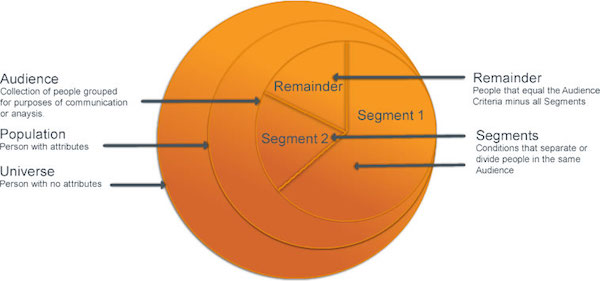
## Segment Components and Sample Audience Dissection
This diagram shows the basic components of a segment and the dissection of a sample audience.
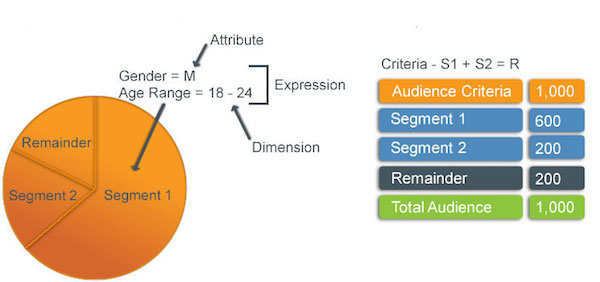
# Audit Trail
View Marketing Cloud Engagement access and activity records with Audit Trail. Pull Audit Trail records in Automation Studio data extracts or by using REST API. Analyze the information from Audit Trail in your preferred tools or archive it for later reference.
Keep these considerations in mind when you use Audit Trail:
- Beginning in August 2026, Basic Audit Trail is on by default in all accounts where either Basic or Advanced Audit Trail wasn’t previously active. It can’t be turned off.
- The parent business unit can view audit and security events for itself and all its child accounts.
- Audit Trail data uses the Central Standard Time (CST) time zone.
- **[Basic Audit Trail Metrics](https://help.salesforce.com/s/articleView?id=mktg.mc_overview_audit_trail_basic_metrics.htm&release=264.0.0&type=5)**
Basic Audit Trail provides fundamental security-related metrics. With Basic Audit Trail, Marketing Cloud Engagement retains 30 days of data. Basic Audit Trail is on by default in all accounts.
- **[Advanced Audit Trail Metrics](https://help.salesforce.com/s/articleView?id=mktg.mc_overview_audit_trail_advanced_metrics.htm&release=264.0.0&type=5)**
Advanced Audit Trail is available as an add-on. It includes all the metrics that Basic Audit Trail provides, and extra metrics related to channels, sites, analytics, and automations. Advanced Audit Trail retains data for 60 days.
- **[Use Audit Trail](https://help.salesforce.com/s/articleView?id=mktg.mc_overview_use_audit_trail.htm&release=264.0.0&type=5)**
A security admin user can view access and activity records from user tasks in Marketing Cloud Engagement.
#### See Also
- [Use Audit Trail](https://help.salesforce.com/s/articleView?id=mktg.mc_overview_use_audit_trail.htm&release=264.0.0&type=5 "A security admin user can view access and activity records from user tasks in Marketing Cloud Engagement.")
- [Create an Audit Trail Data Extract Activity](https://help.salesforce.com/s/articleView?id=mktg.mc_as_create_an_audit_trail_data_extract_activity.htm&language=en_US)
# Audit Trail Access Log Fields
View the audit data from the Audit Trail security event extract available in Automation Studio.
## Security Event Extract Fields
This table describes the columns and values that are present in the Audit Trail Access Log.
Column
Description
User
UserName
AccessDate
FromIP
The field values contain IP addresses included on allowlists.
SecurityEventTypeID
See Security Events.
SecurityEventType
LoginStatusID
See Login Status.
LoginStatusName
UserAgent
The session ID associated with the access event. This column is only available
to Advanced Audit Trail users.
Event Source
The source of the access event.
## Security Events
This table lists the possible values for SecurityEventTypeID and SecurityEventType.
| SecurityEventTypeID | SecurityEventType | Description |
| --- | --- | --- |
| 1 | Login Attempted | Duplicate values can be present when users log in from different machines, or when viewed using spreadsheet software that truncates milliseconds from time values. |
| 2 | Security Question Answered | |
| 3 | Password Changed | |
| 4 | Administrator Access | A member of the Salesforce Support team has logged in to the account as an account user. |
| 5 | Administrator Unlock | An administrator unlocked a user. |
| 6 | Redirect | For users provisioned with IMH Redirect flow, the user is redirected to CAS pages and they try to log in from Members. |
| 7 | Security Setting Changed Impersonation | |
| 8 | Logout | |
| 9 | Request Authorization Code | |
| 10 | Request Token | |
For context, review the Security Events table alongside the Login Status table. For example, a Login Attempted event (SecurityEventTypeID = 1) can have one of these statuses:
Failed (LoginStatusID = 1): The login attempt failed.
Successful (LoginStatusID = 4): The login attempt is successful.
## Login Status
This table lists the possible values for LoginStatusID and LoginStatusName.
| LoginStatusID | LoginStatusName | Description |
| --- | --- | --- |
| 0 | AccountDisabled | The account is disabled. |
| 1 | Failed | The login attempt failed. |
| 2 | MustChangePassword | The user's password has expired and must be changed. |
| 3 | NotSet | The login status hasn’t been set. |
| 4 | Successful | The login was successful. |
| 5 | UserAccountDisabled | The user's account is disabled. |
| 6 | InMaintenance | The login was unsuccessful because of a maintenance event. |
| 7 | UsernamePasswordLock | The user account was locked because they entered an incorrect password too many times. |
| 8 | SecurityQuestionAnswerLock | The user account was locked because they entered incorrect security question answers too many times. |
| 9 | BusinessUnitDisabled | The Business Unit account is no longer active. |
| 10 | SystemDBUnavailable | An internal database error occurred in the process of verifying a user. |
| 11 | AccountLocked | The account is locked. |
| 12 | FailedNotOnWhitelist | |
| 13 | FailedInvalidActivationLink | The login failed because the user clicked an invalid or expired activation link. |
| 14 | FailedDeviceNotActivated | Unable to activate the device using two-factor authentication. |
| 15 | FailedDeviceNotActivateNeedMobile | The login failed because the user's device isn’t activated as required by the account's security settings, and a mobile number is required for SMS verification. |
| 16 | FailedSsoOnlyLogin | Single Sign-On (SSO) is required to log in to the account, but the user attempted to log in using a different method. |
| 17 | SecurityActivationCodeLock | The user has been locked out from using their username or password, security question or answer, and activation code. |
| 18 | MustChangePasswordNoIDV | The user must change their password. |
| 19 | InvalidCasApplication | |
| 20 | Logout | The user logged out. |
| 21 | AppNotAuthorized | The app wasn't authorized using the OAuth2 Authorize API. |
# Audit Trail Activity Log Fields
Learn about the data that's available in the Audit Trail Activity Log extract in Automation Studio.
| Column | Description |
| --- | --- |
| **CreatedDate** | Date and time of the security action. Date and time values are based on the time zone that was selected when the extract was created. |
| **EID** | The Enterprise ID that represents the top-level account or business unit ID. |
| **MID** | The Member ID that represents the account or business unit ID. |
| **UserID** | The ID of the user performing the security action. |
| **EmployeeID** | The ID of the employee performing the security action. |
| **EmployeeName** | The name of the employee who performed the action. |
| **ObjectTypeID** | The ID of the object. |
| **ObjectTypeName** | The name of the object associated with the ObjectTypeID. |
| **OperationID** | The ID of the operation being performed against the object. |
| **OperationName** | The name of the operation being performed against the object associated with the OperationID. |
| **ObjectID** | The specific ID of the object that is the subject of the security action. |
| **ObjectName** | The name of the object that is the subject of the security action associated with the ObjectID. |
| **TransactionID** | An ID to represent related security actions. |
# August 2021 Features in Interaction Studio
This functionality was released in August, 2021.
## Use Interaction Studio to Personalize Experience Cloud Websites
Track user behavior in Experience Cloud to enhance the user profile in Experience Cloud and other marketing channels. Personalize across all marketing channels in the Experience Cloud platform. Drive a better customer experience while collecting and tracking key user behaviors. Understand your customer and inform experiences across all your marketing channels.
Set aside three hours to complete this integration, which is available to all Growth and Premium Interaction Studio customers with Enterprise, Performance, Unlimited, or Developer Editions of Experience Cloud. Install and use [Salesforce CLI](https://developer.salesforce.com/tools/salesforcecli) to make the integration process easier. Read the [solution kit](https://help.salesforce.com/s/articleView?id=xcloud.use_interaction_studio_to_personalize_websites.htm&language=en_US) for detailed instructions on how to:
- Add an Interaction Studio JavaScript beacon to an Experience Cloud website.
- Deploy Interaction Studio lightning web components such as Data Capture and Personalization to the Experience Cloud organization.
- Add Data Capture and Personalization components to the Experience Cloud website.
- Configure the Interaction Studio sitemap and web templates to work with Data Capture and Personalization components on the Experience Cloud website.
- Understand which Interaction Studio use cases can be accomplished in Experience Cloud.
# Authenticate a From Address for Unified Messaging
Add an authenticated From address using an authenticated domain when sending messages from a Unified Messaging email channel. This address appears in the From section of all emails sent from this channel.
Available in: Lightning Experience
Available in: Salesforce Enterprise and Unlimited Editions for Service Cloud AND Enterprise and Unlimited Editions with Marketing Cloud Next Growth and Advanced Editions
Not supported in Government Cloud Plus
1. From Setup, in the Quick Find box, enter Authenticated From Addresses, and then select **Authenticated From Addresses**.
2. Click **Add From Addresses**.
3. Enter a Display Name value.
The Display Name is who the email appears to be sent from.
4. Enter the username portion of the address, and then select an authenticated domain.
The username is the part of the email address that comes before the @, such as username@example.com.
5. Save your changes.
After the process is complete, your From address is ready for use.
# Authenticate and Configure Domains in Unified Messaging
To send authenticated emails, you must set up and verify your sending domains in Unified Messaging. Authenticating your sending domains helps Internet Service Providers (ISPs) and enterprise mail servers recognize emails sent through Salesforce originate from your organization, not Salesforce itself. This authentication builds trust with Email Service Providers (ESPs), improves email deliverability, and strengthens your sender reputation.
Set up your domain and DNS records in Unified Messaging to verify sender identity and ensure compliance with DKIM, SPF, and DMARC.

Note DNS changes can take up to 48 hours to take effect across systems.
Available in: Lightning Experience
Available in: Salesforce Enterprise and Unlimited Editions for Service Cloud AND Enterprise and Unlimited Editions with Marketing Cloud Next Growth and Advanced Editions
Not supported in Government Cloud Plus
## Understand Root Domains and Subdomains
A domain can include a root domain and subdomains that serve different purposes.
The root domain represents your organization’s main domain, while a sending subdomain is specifically for sending or tracking emails. Using subdomains helps you build a sending reputation separate from your corporate or transactional mail streams.
For example, if your From address is `noreply@marketing.yourcompany.com`,
- Root domain: `yourcompany.com`
- Sending subdomain: `marketing.yourcompany.com`
The subdomain appears in the From address of your emails and helps ESPs or mailbox providers associate your messages with your brand.
- **[Set Up and Authenticate a Sending Domain](https://help.salesforce.com/s/articleView?id=mktg.um_channel_email_set_up_and_authenticate_a_sending_domain.htm&release=264.0.0&type=5)**
Set up and verify your sending domains in Unified Messaging to authenticate that emails originate from your organization and not from Salesforce itself.
- **[Functional Subdomains in Unified Messaging](https://help.salesforce.com/s/articleView?id=mktg.um_channel_email_functional_subdomains_in_unified_messaging.htm&release=264.0.0&type=5)**
After you send an email, Email Service Providers (ESPs) and subscribers communicate back to the sender for scenarios, such as bounces, replies, or unsubscribes. To manage these inbound communications, Unified Messaging uses functional subdomains.
- **[CNAME Records for Functional Subdomains](https://help.salesforce.com/s/articleView?id=mktg.um_channel_email_cname_records_for_functional_subdomains.htm&release=264.0.0&type=5)**
To route inbound email responses correctly, each functional subdomain must have a corresponding CNAME record in your DNS provider.
- **[Configure CNAME Records with Your DNS Provider](https://help.salesforce.com/s/articleView?id=mktg.um_channel_email_configure_cname_records_with_your_dns_provider.htm&release=264.0.0&type=5)**
To simplify setup, Unified Messaging provides the complete CNAME record names and values. You can copy the values directly into your DNS provider’s interface.
- **[DNS Provider Behavior](https://help.salesforce.com/s/articleView?id=mktg.um_channel_email_dns_provider_behavior.htm&release=264.0.0&type=5)**
DNS providers differ in how they handle domain naming conventions. Understanding these differences helps prevent configuration errors.
- **[Verify and Activate Your Domain](https://help.salesforce.com/s/articleView?id=mktg.um_channel_email_verify_and_activate_your_domain.htm&release=264.0.0&type=5)**
After you add all DNS records, verify your configuration in Unified Messaging to confirm that Salesforce recognizes and authenticates your domain. Salesforce checks the correctness of all records before activating the domain for authenticated sending in Unified Messaging.
#### See Also
- _Knowledge Article:_
- [Knowledge Article: Marketing Cloud Next Email Authenticated Domains Setup and DNS Tips](https://help.salesforce.com/s/articleView?id=001533984&type=1&language=en_US)
# Authentication
Email authentication is like showing your ID to prove that you are who you say you are. Mailbox providers (MBPs) and spam filters check for authentication to verify that your emails come from a legitimate source. Authenticate your emails with DomainKeys Identified Mail (DKIM) and Sender Policy Framework (SPF). Most MBPs, including Gmail and Microsoft, use these methods along with DMARC (Domain Message Authentication Reporting and Conformance), when they evaluate incoming messages.
## SPF
Sender Policy Framework (SPF) prevents phishing and unauthorized domain use by identifying authorized senders for your business. When configuring an SPF policy, an IT or web admin adds a Domain Name Service (DNS) TXT record to the envelope domain. That record specifies the IP addresses that can send email on your behalf.
During email delivery, receiving mail servers query this record to verify the sending server's authorization. The DMARC standard introduces an additional requirement for SPF evaluation called identifier alignment. When you pass DMARC, your SPF policy authorizes the sending IP and matches the domain used in the From address.
## DKIM
A DKIM (DomainKeys Identified Mail) signature acts like a seal that protects the content of your email from changes during transit. Receiving mail servers check the signature, and pass messages through when the signature matches a public key.
Work with your domain registrar to add the Salesforce-generated public key to your DNS record. Then store the private key with Salesforce so that we can sign outgoing messages.
## DMARC
DMARC (Domain Message Authentication Reporting and Conformance) picks up where DKIM leaves off. It tells receiving servers how to handle emails that have failed authorization checks.
An admin can configure DMARC policies with your domain registrar.
If you’re new to DMARC, start in monitoring mode. The system delivers unauthenticated emails and logs a report, allowing you to investigate DKIM or SPF failures without impacting customer engagement. After everything works properly, select the strictest policy to protect your brand and business.
## Further Reading
To find detailed information and instructions about authentication for each marketing app, review this table.
- Marketing Cloud Next: [Authenticate a Domain for Unified Messaging](https://help.salesforce.com/s/articleView?id=mktg.um_channel_email_domain.htm&type=5&language=en_US)
- Marketing Cloud Account Engagement: [Add and Verify a Domain for Email Sending](https://help.salesforce.com/s/articleView?id=mktg.mcae_email_add_domain.htm&type=5&language=en_US)
- [Knowledge: DMARC Support in Account Engagement](https://help.salesforce.com/s/articleView?id=000395298&type=1&language=en_US)
- [Knowledge: DNS configuration tips and tricks for Account Engagement](https://help.salesforce.com/s/articleView?id=000381907&type=1&language=en_US)
- Marketing Cloud Engagement: [Add and Verify a Domain for Email Sending](https://help.salesforce.com/s/articleView?id=mktg.mcae_email_add_domain.htm&type=5&language=en_US), [Reply Mail Management](https://help.salesforce.com/s/articleView?id=mktg.mc_es_reply_mail_management.htm&type=5&language=en_US)
# Authentication Between Clouds
Connected App Authentication is a secure authentication mechanism used by Marketing Cloud Connect to connect from Marketing Cloud Engagement to Sales or Service Cloud. Now your users are authenticated automatically without Sales or Service Cloud user password management.
Authentication tools connect your users automatically between Engagement, Sales Cloud, and Service Cloud to create a secure, seamless experience working with Marketing Cloud Connect. After Salesforce admins complete the initial setup and configuration, users log in once to Marketing Cloud Connect and are automatically authenticated in the future.
## Authentication from Engagement into the Sales and Service Clouds
Connected App Authentication is a secure authentication mechanism used by Marketing Cloud Connect. It removes SOAP and REST API limits for Marketing Cloud Connect. Connected App Authentication doesn’t lift BULK API limits. API calls made into Engagement don’t count against your daily limit.
Connected App authentication is required for all Marketing Cloud Connect customers as of June 1, 2016. It’s available with all versions of Marketing Cloud Connect. New customers who complete all steps to connect clouds installed Connected App authentication. If you’re an existing customer with an older version of the managed package, complete all steps to upgrade to Connected App Authentication.
## Authentication from the Sales and Service Cloud into Engagement
Tenant-specific OAuth Authentication uses the JWT bearer token flow and access tokens to provide a secure connection between the clouds, without storing Engagement user passwords within Sales and Service Clouds. This enhanced authentication is available with the 220 or newer managed package release.
To reduce downtime or impact to your business, follow these steps if you’re upgrading from an older version of the managed package.
- Allow all scheduled sends to complete before starting the upgrade, if possible.
- Ensure that you can log in to Engagement using the current API user credentials.
- To minimize downtime if an unexpected error occurs, schedule the upgrade during off-peak hours.
- Install the managed package.
- In Sales or Service Cloud in the Marketing Cloud Configuration Settings, enable tenant-specific OAuth Endpoints.
- Click **Connect to Marketing Cloud**.
- Enter the API user credentials.
- Click **Log-in**.
When the upgrade completes, verify that Marketing Cloud Connect API user credentials converted to the new authentication framework by navigating to the Marketing Cloud tab in Sales or Service Cloud. If the API user didn’t migrate, you’re prompted to enter the API user credentials. If you have an Enterprise 2.0 Engagement account, click Manage Business Units and confirm that previously active business units are active. Add business units if needed and save. Also, confirm the API user migration for non-Enterprise 2.0 accounts by completing a triggered send test.
- **[Upgrade to Connected App](https://help.salesforce.com/s/articleView?id=mktg.mc_co_upgrade_to_connected_app_authentication.htm&release=264.0.0&type=5)**
Upgrade your account to use Connected App Authentication, which is required for all Marketing Cloud Connect for Marketing Cloud Engagement accounts as of June 1, 2016.
- **[Troubleshoot Connected App](https://help.salesforce.com/s/articleView?id=mktg.mc_co_troubleshoot_connected_app.htm&release=264.0.0&type=5)**
Follow these tips to troubleshoot your Connected App authentication for Marketing Cloud Connect for Marketing Cloud Engagement.
#### See Also
- [Connected Apps](https://help.salesforce.com/s/articleView?id=xcloud.connected_app_overview.htm&language=en_US)
- [Authorize Apps with OAuth](https://help.salesforce.com/s/articleView?id=xcloud.remoteaccess_authenticate.htm&language=en_US)
- [Set Up Connected App Authentication](https://help.salesforce.com/s/articleView?id=mktg.mc_co_set_up_authentication.htm&release=264.0.0&type=5 "Set up connected app authentication for Marketing Cloud Connect for Marketing Cloud Engagement. This mechanism authenticates between Sales Cloud, Service Cloud, and Engagement without requiring you to store passwords in Engagement. It also prevents SOAP and REST API calls made by Marketing Cloud Connect from counting against your rolling 24-hour limit.")
# Authentication FAQs
Answers to your questions about Marketing Cloud Connect for Marketing Cloud Engagement authentication, including Connected Apps and OAuth 2.0.
How Do We Authenticate Between the Clouds?
Marketing Cloud Connect uses Connected App and OAuth 2.0, trusted authentication tools. These tools allow you to work seamlessly across Sales Cloud, Service Cloud, and Engagement without the need to store credentials. Connected App authenticates users from Engagement into Sales and Service Clouds. OAuth 2.0 authenticates users from Sales and Service Clouds into Engagement.
What Are Connected Apps?
Connected Apps are Salesforce managed packages used to connect applications to Salesforce using APIs.
What Are the Benefits of Connected App Authentication?
Connected App authentication is a secure connection and authentication mechanism between Sales Cloud, Service Cloud, and Engagement. Connected App doesn’t require you to store Sales or Service Cloud passwords in Engagement. It also prevents SOAP and REST API calls made by Marketing Cloud Connect from counting against your rolling 24-hour limit.
Does Connected App Authentication Remove All API Limits?
No. Connected App Authentication only excludes SOAP, REST, and BULK API calls made by Marketing Cloud Connect. Concurrent API request limits are still enforced. Most calls made by Marketing Cloud Connect are SOAP and REST. BULK API calls are only used by Synchronized Data Extension Refresh when the feature is enabled.
Is Connected App Authentication Required?
Yes. As of June 1, 2016, all Marketing Cloud Connect customers are required to use Connected App Authentication.
Can I Send to CRM Audiences While Upgrading to Connected App Authentication?
No. The connection between Sales Cloud, Service Cloud, and Marketing Cloud Engagement is broken during the upgrade process, so ensure that all Marketing Cloud Connect activities are paused. All sends to reports, campaigns, contacts, leads, and Salesforce data extensions fail. Marketing Cloud Engagement sends that don’t involve Marketing Cloud Connect aren’t affected. We suggest scheduling a 1–2 hour outage depending on your number of connected users.
Can I Send to Traditional Engagement Audiences While Upgrading My Account Authentication?
Yes. Normal Engagement sends continue to work.
Can Connected App Authentication Be Rolled Back After It’s Enabled?
No. After you authenticate using Connected App Authentication, you can’t revert to legacy authentication.
What Is OAuth 2.0?
OAuth 2.0 Authentication uses access tokens to provide a secure connection between the clouds, without storing any Engagement user passwords in Sales and Service Clouds.
When Is OAuth Implemented? Will the User Experience Change?
This enhanced authentication is available starting with the 208.1 managed package release. After upgrading, existing Marketing Cloud Connect users are prompted to reenter their Marketing Cloud Engagement credentials the next time they access Marketing Cloud Connect. The rest of the user experience remains the same.
Is OAuth 2.0 Authentication Required?
Yes. All accounts that are upgraded to the 208.1 managed package or newer use OAuth 2.0.
How Do I Download and Complete This Update?
To reduce downtime or impact to your business, follow these steps if you’re upgrading from an older version of the managed package:
1. To understand feature changes in the 208.1 managed package, review the [latest releases](https://help.salesforce.com/s/articleView?id=mktg.mc_co_upgrade_to_the_latest_features.htm&release=264.0.0&type=5 "To make sure that you have the most recent features and bug fixes before each release, we automatically update the managed package in your production org to the previously released version. In addition, your non-production org is upgraded to the newest version when the managed package is released. This process provides you with a full release cycle to test the new package before we auto-update your production org.") page.
2. To minimize downtime if an unexpected error occurs, schedule the upgrade during off-peak hours.
3. Allow all scheduled sends to complete before starting the upgrade, if possible.
4. Ensure that you can log in to Engagement using the current API user credentials.
5. Follow the steps on the [Install Managed Package](https://help.salesforce.com/s/articleView?id=mktg.mc_co_install_marketing_cloud_connect.htm&release=264.0.0&type=5 "Install the Marketing Cloud Connect for Marketing Cloud Engagement managed package in your account.") page.
After upgrading, existing Marketing Cloud Connect users are prompted to reenter their Engagement credentials the next time they access Marketing Cloud Connect.
6. Verify that Marketing Cloud Connect API user credentials migrated after upgrading by navigating to the Marketing Cloud tab in Sales or Service Cloud.
How Can I Verify That Marketing Cloud Connect API User Credentials Migrated After Upgrading to OAuth 2.0?
If the user didn’t migrate, non-Enterprise 2.0 accounts are prompted to enter Marketing Cloud Connect API user credentials. Enterprise 2.0 accounts follow these steps to confirm:
1. In Sales or Service Cloud, navigate to the Marketing Cloud tab.
2. Click **Configure Marketing Cloud Connector**.
3. Click **Manage Business Units**.
4. Confirm that previously active Business Units are still active.
5. If Marketing Cloud Connect API user credentials didn’t migrate, click **Change API User** from the configuration page.
6. Enter the Marketing Cloud Connect API user credentials and save.
7. Click **Manage Business Units**.
8. Confirm that previously active Business Units are now active.
#### See Also
- [Authentication Between Clouds](https://help.salesforce.com/s/articleView?id=mktg.mc_co_authentication.htm&release=264.0.0&type=5 "Connected App Authentication is a secure authentication mechanism used by Marketing Cloud Connect to connect from Marketing Cloud Engagement to Sales or Service Cloud. Now your users are authenticated automatically without Sales or Service Cloud user password management.")
- [Upgrade to Connected App](https://help.salesforce.com/s/articleView?id=mktg.mc_co_upgrade_to_connected_app_authentication.htm&release=264.0.0&type=5 "Upgrade your account to use Connected App Authentication, which is required for all Marketing Cloud Connect for Marketing Cloud Engagement accounts as of June 1, 2016.")
- [Connected Apps](https://help.salesforce.com/s/articleView?id=xcloud.connected_app_overview.htm&language=en_US)
- [API Request Limits and Allocations](https://developer.salesforce.com/docs/atlas.en-us.salesforce_app_limits_cheatsheet.meta/salesforce_app_limits_cheatsheet/salesforce_app_limits_platform_api.htm)
- [Authorize Apps with OAuth](https://help.salesforce.com/s/articleView?id=xcloud.remoteaccess_authenticate.htm&language=en_US)
# Authorizing File Locations
A file transfer location is an external public cloud file storage location or FTP site used to transfer files to or from Marketing Cloud Engagement. For example, to import encrypted files from an Amazon Simple Storage Service (S3) bucket, you set up an Amazon S3 file location. The location settings give authorization details to access the files in your bucket.
Here are the supported file location types.
| Location Type | Description |
| --- | --- |
| Amazon S3, Google Cloud Storage, or Microsoft Azure Blob Storage | Transfer files directly to or from your external cloud storage location. Direct transfer can be faster than Enhanced FTP and offers more granular control over file and folder permissions. |
| Marketing Cloud Engagement Enhanced FTP Site | Transfer files to or from the default Import and Export directories or any other subfolder of the Enhanced FTP. |
| Marketing Cloud Engagement Safehouse | Decrypt or encrypt files before import or extract without exposing these files to the Enhanced FTP directories. Only authenticated users can access the Safehouse, which resides on highly redundant, highly available central storage servers. |
| External FTP, SFTP, or FTPS | Transfer files from your own FTP, SFTP, or FTPS site. |
| Salesforce Objects and Reports | Import Salesforce objects or reports into a data extension. |
- **[Set Up an Amazon Simple Storage Service File Location](https://help.salesforce.com/s/articleView?id=mktg.mc_overview_set_up_amazon_s3_location.htm&release=264.0.0&type=5)**
Import and export files with Amazon Simple Storage Service (S3). Transferring files from Amazon S3 is faster than transferring them from the Enhanced FTP server that’s built in to Marketing Cloud Engagement. You can fine-tune access to buckets and folders, and manage data access with an AWS Access Key or IAM role.
- **[Set Up a Google Cloud Storage File Location in Marketing Cloud Engagement](https://help.salesforce.com/s/articleView?id=mktg.mc_overview_set_up_google_cloud_location.htm&release=264.0.0&type=5)**
Import and export files with Google Cloud Storage. Directly transferring files from Google Cloud Storage is faster than transferring them from the Enhanced FTP server that’s built in to Marketing Cloud Engagement.
- **[Set Up a Microsoft Azure Blob Storage File Location in Marketing Cloud Engagement](https://help.salesforce.com/s/articleView?id=mktg.mc_overview_set_up_microsoft_azure_location.htm&release=264.0.0&type=5)**
Transferring files directly from Microsoft Azure is faster than transferring files from the Enhanced FTP server that’s built in to Marketing Cloud Engagement. You can grant Marketing Cloud Engagement access to your cloud storage through Microsoft Azure Directory or Shared Access Signatures.
- **[Set Up an Enhanced FTP or Safehouse File Location](https://help.salesforce.com/s/articleView?id=mktg.mc_overview_create_file_transfer_location.htm&release=264.0.0&type=5)**
Transfer files to and from Marketing Cloud Engagement using a file location with Enhanced FTP. Available locations are the import directory, export directory, a subfolder, or the Safehouse. Files stored in Enhanced FTP and the Safehouse are available for 21 days and then deleted.
- **[Perform a File Transfer to a Safehouse Location](https://help.salesforce.com/s/articleView?id=mktg.mc_overview_perform_file_transfer_to_safehouse_location.htm&release=264.0.0&type=5)**
When you import an encrypted file with your Marketing Cloud Engagement safehouse location set as the default location, follow these steps to perform an encrypted file transfer
- **[Set Up an External FTP File Location with Marketing Cloud Engagement](https://help.salesforce.com/s/articleView?id=mktg.mc_overview_set_up_external_ftp_location.htm&release=264.0.0&type=5)**
Transfer files with an external FTP, SFTP, or FTPS site using a file location. The file location contains the site URL, port, and login details that Marketing Cloud Engagement uses to access your site.
#### See Also
- [How to Use the File Transfer Activity in Automation Studio](https://help.salesforce.com/s/articleView?id=mktg.mc_as_using_the_file_transfer_activity.htm&language=en_US)
- [Import File Activity](https://help.salesforce.com/s/articleView?id=mktg.mc_as_use_an_import_activity.htm&language=en_US)
- [_Knowledge Article:_ Create a Marketing Cloud Import Interaction for Salesforce Objects and Reports](https://help.salesforce.com/articleView?id=000316824&type=1&language=en_US)
# Auto-Suppression Lists
Assign a suppression list for use across an entire Marketing Cloud Engagement tenant or for specific business units for specific send classifications. You can assign auto-suppression lists at different levels of your account. Suppression lists filter out email addresses and prevent those addresses from receiving Email Studio messages. Suppression lists serve as a do-not-contact list for your email sends. Auto-suppression lists typically include addresses with a history of spam complaints, unsubscribe lists from previous providers or advertisers, addresses of your competitors, and canceled customers.

Note Enabling this feature republishes the suppression list changes for the triggered send. Triggered send content isn’t updated. Clear your triggered send queues before enabling. Subscribers in a triggered send queue when this feature is enabled aren’t auto-suppressed. The auto-suppression isn’t applied to the send already in the queue.
Fields on auto-suppression lists are similar to attributes on a regular list. However, you can't use fields for personalization or segmenting. Fields on suppression lists serve as informational data for you and other users of Marketing Cloud. When you create an auto-suppression list, the system generates default fields.
- Email Address
- Date Added
Add as many fields as necessary.

Note Auto-Suppression lists created in a child Business Unit impacts only the child BU. Auto-Suppression lists created in an Enterprise BU impacts the whole account.
- **[Create an Auto-Suppression List](https://help.salesforce.com/s/articleView?id=mktg.mc_es_create_auto_suppression_list.htm&release=264.0.0&type=5)**
To automatically prevent sends to selected contacts, create an auto-suppression list in Email Studio.
- **[Edit an Auto-Suppression List](https://help.salesforce.com/s/articleView?id=mktg.mc_es_edit_auto_suppression_list.htm&release=264.0.0&type=5)**
Edit an existing auto-suppression list in Email Studio to change any applicable properties and update the associated triggered sends. Enabling this feature republishes the suppression list changes for the triggered send. Triggered send content isn’t updated. Clear your triggered send queues before enabling. Subscribers in a triggered send queue when this feature is enabled aren’t auto-suppressed. The auto-suppression isn’t applied to the send already in the queue.
- **[Add Subscribers to an Auto-Suppression List](https://help.salesforce.com/s/articleView?id=mktg.mc_es_add_subscribers_to_auto_suppression_list.htm&release=264.0.0&type=5)**
To prevent extra subscribers from receiving triggered sends, add them to an auto-suppression list in Email Studio.
- **[Turn Off Auto-Suppression Lists for an Account](https://help.salesforce.com/s/articleView?id=mktg.mc_es_turn_off_auto_suppression_lists.htm&release=264.0.0&type=5)**
To include all subscribers in triggered sends, you can turn off auto-suppression lists in Marketing Cloud Engagement.
# Automate Data Retrieval in Marketing Intelligence
Configure automated data retrieval for TotalConnect data pipelines to regularly import data from Amazon S3 or email sources into Marketing Intelligence.
### Required Editions
Before you begin:
- To automate data retrieval using Amazon S3, ensure you have an existing S3 connection configured.
- To automate data retrieval using Email, an administrator must enable Automate Data Retrieval with Email on the Advanced Settings tab in Setup.
Available in: Developer, Enterprise, Performance, and Unlimited editions
User Permissions Needed
To automate data retrieval in Marketing Intelligence:
Marketing Intelligence Admin
1. From Marketing Intelligence, go to the Data Management tab.
2. Under Data Pipelines, click the dropdown arrow and select **Automate Retrieval**.
3. Select a source and then click **Next**.
4. Configure your selected source.
If you selected Amazon S3:
1. Select a connection.
2. Select the file type.
3. (Optional) To import files from a specific folder in your S3 bucket, enter the folder path under Import from Directory.
4. Click **Deploy**.
If you selected Email:
1. To restrict who can send data, define authorized senders and domains. Leave blank to accept data from any source.
2. Click **Deploy**.
After deployment, a unique email address is generated for receiving data files.
3. To view the email address, in the pipeline list click the dropdown arrow and select **View Email Address**, or open the pipeline record page and view the Email field.
# Automate Data Sent for Personalization Using Flows
Automatically send data that is specific to a Named Individual Profile from Sales or Service Cloud to Personalization.
- **[Mapping Values From Sales and Service Cloud to Personalization](https://help.salesforce.com/s/articleView?id=mktg.mc_pers_salesforce_sales_service_cloud_mgd_pkg_automate_mapping.htm&release=264.0.0&type=5)**
Using the Personalization action element, you select a dataset to send Sales and Service Cloud data to. You can then map data from Sales and Service Cloud to identities, user attributes, and profiles to attributes or profile object types in the Personalization dataset.
- **[Add the Personalization Data Action Element to a Flow](https://help.salesforce.com/s/articleView?id=mktg.mc_pers_salesforce_sales_service_cloud_mgd_pkg_automate_pers_action_element_add.htm&release=264.0.0&type=5)**
Create an action element that maps how to send data to a specific Personalization dataset after changes to a record occur.
# Automate Data Sharing with Third-Party Apps
If you use multiple platforms to engage with prospects, connect them to Account Engagement to simplify data sharing and workflows. For each external app that you use, create a marketing app extension in Marketing Setup in Salesforce. You can then take advantage of External Activity and External Actions to supercharge your automations. External Activity captures prospect activity that occurs outside Account Engagement. Use External Actions to automate actions in third-party apps.
### Required Editions
Available in: Account Engagement Plus, Advanced, and Premium Editions
- **[Considerations for Working with Marketing App Extensions](https://help.salesforce.com/s/articleView?id=mktg.pardot_extensions_considerations.htm&release=264.0.0&type=5)**
Keep these considerations in mind when working with marketing app extensions and their related objects.
- **[How Marketing App Extensions Work](https://help.salesforce.com/s/articleView?id=mktg.pardot_extensions_overview.htm&release=264.0.0&type=5)**
A marketing app extension represents a third-party app that you use with prospects. You can add activity types or action types to an extension to capture external prospect activity or make external actions available to use in Engagement Studio programs.
- **[Create a Marketing App Extension](https://help.salesforce.com/s/articleView?id=mktg.pardot_external_activity_create.htm&release=264.0.0&type=5)**
A marketing app extension represents a third-party app that you use to work with prospects outside of Account Engagement. We recommend setting up a marketing app extension for each third-party app that you use to interact with prospects and store data. For example, if you have a webinar provider, a video platform, and you send out surveys, set up an extension for each vendor.
- **[Assign a Marketing App Extension to a Business Unit](https://help.salesforce.com/s/articleView?id=mktg.pardot_external_activity_assign.htm&release=264.0.0&type=5)**
To flow data through a marketing app extension, associate it with a business unit and at least one activity or action type. Create an assignment for each business unit that you want to have access to the external activity data.
- **[Capture External Prospect Activity](https://help.salesforce.com/s/articleView?id=mktg.pardot_external_activity_parent.htm&release=264.0.0&type=5)**
Use external activities to capture important prospect activity that happens outside of Account Engagement. Use the prospect data to enhance your automations and Engagement Studio programs. For example, send an email when a prospect registers for a webinar.
- **[Execute External Actions on Prospects](https://help.salesforce.com/s/articleView?id=mktg.pardot_external_actions_parent.htm&release=264.0.0&type=5)**
Use External Actions with Engagement Studio programs to execute tasks outside of Account Engagement. For example, register a prospect for a webinar or create a new lead in Salesforce.
# Automate Processes in Automation Studio
Use an automation to start a process when specific criteria are met. For example, when a file is uploaded to the Enhanced SFTP, you can automatically run activities, like an import, a file transfer, or an email send.
To build an automation, you choose a starting source, which determines how the automation starts. Then you add the activities that occur when the automation runs. These activities can run sequentially or simultaneously.
When deciding whether to run activities sequentially or simultaneously, consider whether any steps are dependent on each other. If dependencies exist, those steps should be executed sequentially to ensure proper order and avoid errors. Running dependent steps simultaneously can lead to unexpected behavior or incorrect results.
You can choose from these starting sources.
- The schedule starting source starts an automation at specific intervals.
- The file drop starting source starts an automation when a file is uploaded to the Enhanced FTP.
- The trigger starting source starts an automation when a file is uploaded to an external location, such as AWS, Azure, or Google Cloud, and a Trigger API request fires.
For more information, review these topics.
- **[Automation Starting Sources](https://help.salesforce.com/s/articleView?id=mktg.mc_as_triggered_automations.htm&release=264.0.0&type=5)**
A starting source defines how an automation starts. You can schedule an automation to run at specific intervals or start an automation when a file is uploaded to the Enhanced FTP. Or, use a trigger to start an automation when a file is uploaded to an external location such as Amazon Web Services, Google Cloud Platform, or Microsoft Azure.
- **[Advanced Run Once](https://help.salesforce.com/s/articleView?id=mktg.mc_as_advanced_run_once.htm&release=264.0.0&type=5)**
Automation Studio includes options to schedule an automation, run it automatically when a file is dropped, or run an automation once. Use Advanced Run Once to run only a portion of an automation.
- **[Run a Subset of Activities](https://help.salesforce.com/s/articleView?id=mktg.mc_as_run_a_subset_of_activities.htm&release=264.0.0&type=5)**
To run specific automation activities in Automation Studio, click **Run Once** and then select the activities to run.
#### See Also
- [Define the Automation](https://help.salesforce.com/s/articleView?id=mktg.mc_jb_define_automation.htm&release=264.0.0&type=5 "Define a Marketing Cloud Engagement automation using the Fire Event activity to fire an event prompting Journey Builder to detect updates. When you set up the Fire Event activity, select the same data extension used in the entry event you set up in your journey. Automations used for journeys can be set up in advance using Scheduled or File Drop Automations.")
# Automate Tasks with a Campaign
To take some manual work off your plate, automate common marketing tasks with a flow. Flow can listen for customer actions or events and then automate message sends, update or create records, and so on. For example, send an SMS message when someone signs up for an event.
### Required Editions
Available in: Salesforce Enterprise and Unlimited Editions with Marketing Cloud Next Growth or Advanced Edition, and in Starter and Pro Suite Editions. Your edition determines the options that you have.
User Permissions
Needed
To create and manage a campaign:
Marketing Cloud Manager permission set
OR
View Flows and Create and
Edit Flows user permissions AND Permissions to all elements in the
flow
The event options available depend on the features enabled in your org. To review the full list of supported events, see [Event Library](https://help.salesforce.com/s/articleView?id=platform.automate_flow_ref_event_library.htm&type=5&language=en_US).
1. On the Campaigns tab, create a campaign.
2. Name your campaign, enter the campaign details that you need, and click **Save**.
3. From the Start section on the Build Your Own tab, select **Event**.
4. Optionally, edit the name of the flow, and then click **Save**.
5. Click **Configure Event**.
6. In Flow Builder, click **Select Event**.
7. From the Event Library, select an event to trigger your flow.
For example, to send a welcome email when someone signs up for your email list, select **Email Subscription**.
8. Complete the required fields for your event, and then save your flow.
9. From the campaign record or Flow Builder, add elements to your flow, such as a Send Email Message element or flow action.
10. When you’re done, activate the flow.

Example
At Ursa Major Solar, marketer Lance wants to create a flow that welcomes new subscribers and promotes their solar products. First, Lance creates a campaign named "Product Updates - Welcome Series" and selects the Event option on the campaign record. In Flow Builder, they configure the flow to start when someone opts in to their Product Updates subscription.
Lance builds the flow to send a welcome email immediately, introducing Ursa Major Solar, and thanking the subscriber for opting in. Three days later, subscribers who opened the welcome email receive a product spotlight email that highlights the company's residential solar panel line. Subscribers who didn't open the welcome email instead receive a re-send with a different subject line. The second email gives them another chance to engage before they move further into the series. Subscribers who click through to a product page at any point exit the welcome series and enter Ursa Major Solar's sales consultation flow, where they can be assigned to a sales team member. Subscribers who don't engage in the first three emails exit the flow.
# Automate with Custom Objects
As with other objects in Account Engagement, you can use custom objects in automation rules. Because an automation matches prospects, a custom object automation rule matches prospects related to a custom object. Custom objects aren’t available as criteria in automation rule groups.
### Required Editions
User Permissions Needed
To create an automation rule:
Account Engagement Administrator or Marketing
role
1. Open the Automation Rules page.
- In Account Engagement, select **Marketing** | **Automation** | **Automation Rules**.
- In the Lightning app, open the Automations tab and then select **Automation Rules**.
2. From the Match Type dropdown, select **Prospect custom object**.
3. Define the criteria that matches prospects to the custom object.
- **Related** matches any prospects that are related to any instances of the selected custom object via the selected relation field.
- **Not related** matches any prospects that aren’t related to any instances of the selected custom object via the selected relation field.
- **Related with properties** matches any related prospects with any properties you define.

Note Only custom objects that have a direct relation to leads, contacts, or accounts in Salesforce are available for selection.
4. Add more rules and actions as needed.
# Automate Your Marketing Processes With Account Engagement
Prospect nurturing is critical but time consuming. Automate how you target and engage prospects with tools like Engagement Studio, automation rules, completion actions, segmentation rules, and prospect lists.
- **[Nurture Leads with Engagement Studio](https://help.salesforce.com/s/articleView?id=mktg.pardot_engagement_studio_parent.htm&release=264.0.0&type=5)**
Engagement Studio programs are completely customizable so you can tailor the prospect experience to generate the most promising leads for your sales team. Build, test, and report on powerful engagement programs that let you target prospects based on behavior and critical qualifying values. Provide a personalized experience for your prospects, and turn them into marketing-qualified leads.
- **[Streamline Marketing Efforts with Automation Tools](https://help.salesforce.com/s/articleView?id=mktg.pardot_automation_tools.htm&release=264.0.0&type=5)**
Streamline marketing efforts by automating tasks. Use automation tools to perform actions on prospects, build prospect lists based on criteria, and react to prospect actions.
- **[Segmentation](https://help.salesforce.com/s/articleView?id=mktg.pardot_segmentation_overview.htm&release=264.0.0&type=5)**
Use Account Engagement lists and tags to segment your prospects. Lists are groups of prospects for sending list emails or feeding to engagement programs. Use tags to sort, filter, and organize your prospects and marketing assets.
- **[Automate Data Sharing with Third-Party Apps](https://help.salesforce.com/s/articleView?id=mktg.pardot_extensibility_parent.htm&release=264.0.0&type=5)**
If you use multiple platforms to engage with prospects, connect them to Account Engagement to simplify data sharing and workflows. For each external app that you use, create a marketing app extension in Marketing Setup in Salesforce. You can then take advantage of External Activity and External Actions to supercharge your automations. External Activity captures prospect activity that occurs outside Account Engagement. Use External Actions to automate actions in third-party apps.
# Automated Global Promotions Management Data Sync in Marketing Cloud Engagement
Global Promotions Management relies on the Marketing Cloud Connect managed package to send data from the Global Promotions Management org to a Marketing Cloud Engagement instance. The marketing journeys that are created in the connected Engagement org for activated promotions use the Global Promotions Management data to send out promotion launch emails. The admin must install and set up Marketing Cloud Connect in the Global Promotions Management org and in the connected Engagement instance. After setting up Marketing Cloud Connect, the admin must create Synchronized Data Sources for Global Promotions Management objects in the Engagement instance.
1. **[Install and Set Up Marketing Cloud Connect Package](https://help.salesforce.com/s/articleView?id=mktg.global_promotions_management_setup_mc_data_sync_package.htm&release=264.0.0&type=5)**
Install the Marketing Cloud Connect managed package in the Global Promotions Management org. Complete the package’s set up in the Global Promotions Management org and the Marketing Cloud Engagement instance.
2. **[Provide Marketing Cloud Connect API User Access to Global Promotions Management](https://help.salesforce.com/s/articleView?id=mktg.global_promotions_management_setup_mc_data_sync_object_permission.htm&release=264.0.0&type=5)**
The Marketing Cloud Connect API user connects the Global Promotions Management org and the Marketing Cloud Engagement instance. To ensure that Global Promotions Management data is sent to the connected Engagement instance, provide the Marketing Cloud Engagement Connect API user access to Global Promotions Management and its objects.
3. **[Access Global Promotions Management Data in Marketing Cloud Engagement](https://help.salesforce.com/s/articleView?id=mktg.global_promotions_management_setup_mc_data_sync_extension.htm&release=264.0.0&type=5)**
The marketing journeys that send the promotion launch emails for activated promotions require data from Global Promotions Management objects. Use Synchronized Data Sources in Marketing Cloud Engagement to access the data that is stored in Global Promotions Management objects. Create Synchronized Data Sources for the Global Promotions Management objects whose data the marketing journeys use.
#### See Also
- [_Trailhead_: Use Marketing Cloud Connect to Integrate with Salesforce CRM](https://trailhead.salesforce.com/content/learn/trails/use-marketing-cloud-connect)
# Automated Referral Marketing Data Sync in Marketing Cloud Engagement
Referral Marketing relies on the Marketing Cloud Connect managed package to send data from the Referral Marketing org to a Marketing Cloud Engagement instance. The marketing journeys that are created in the connected Engagement org for activated promotions use the Referral Marketing data to send out promotion emails. The admin must install Marketing Cloud Connect in the Referral Marketing org and complete the Marketing Cloud Connect’s setup in the Referral Marketing org and in the connected Engagement instance. After setting up Marketing Cloud Connect, the admin must create Synchronized Data Sources for Referral Marketing objects in the Engagement instance.

Note Marketing Cloud was rebranded to Marketing Cloud Engagement. Some features and labels in the apps continue to refer to the old name.
Watch the Automated Referral Marketing Data Sync chapter of this video to understand how you can send Referral Marketing data to Engagement.
If you aren’t able to watch the video in full screen, open the video in a new tab: [ Prepare Your Marketing Cloud Engagement Instance for Referral Marketing](https://salesforce.vidyard.com/watch/TxSP9rw1hXiMxLpwMhc4xC).
#### See Also
- [_Trailhead_: Use Marketing Cloud Connect to Integrate with Salesforce CRM](https://trailhead.salesforce.com/content/learn/modules/marketing-cloud-connect)
# Automatic Data Refresh in Data Streams
You can use automatic data refresh to import data from a third-party technical vendor or to have data sent automatically via email or FTPS/SFTP. Automatic data refresh allows you to avoid uploading your data manually each time new data must be ingested into the data stream.
Using automatic data refresh you configure your schedule frequency and other settings related to your data refresh automation in TotalConnect and API data streams. You can define automatic data refresh in two places.

Note Certain settings can differ between TotalConnect and API data streams.
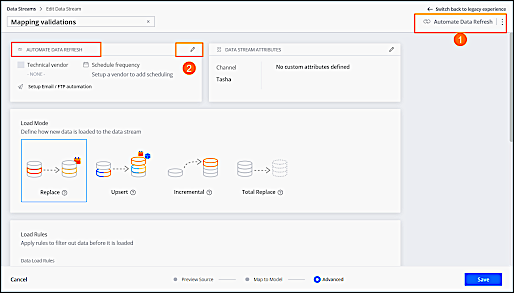
You can click the **Automate Data Refresh** button at the top-right corner of the Data Stream window, which appears throughout the entire data ingestion process (1). Or when defining or editing advanced settings, click the **Edit** icon (2).
- **[Import Data via Technical Vendor](https://help.salesforce.com/s/articleView?id=mktg.dato_data_adv_streams_refresh_import.htm&release=264.0.0&type=5)**
Importing data via technical vendors schedules the data stream to update automatically via a remote server. This method tells the platform to import files from remote servers according to the delivery method of your choice. The settings are dynamic and based on the technical vendor you select. Typically, you use this method when you want to retrieve data from an external source and have it update automatically. Available for TotalConnect data streams.
- **[Send Data via Email to the Data Stream](https://help.salesforce.com/s/articleView?id=mktg.dato_data_adv_streams_refresh_send.htm&release=264.0.0&type=5)**
This method allows you to send files via email to the data stream. Every data stream has its own unique email address and can accept attachments or files downloaded through links.
- **[Upload Files Using FTPS or SFTP](https://help.salesforce.com/s/articleView?id=mktg.dato_data_adv_streams_upload.htm&release=264.0.0&type=5)**
This method allows you to upload files into a TotalConnect data stream by using an FTPS or SFTP connection. Available for TotalConnect Data Streams
# Automatic Opt-outs
Some US wireless carriers produce a daily carrier deactivation file, which contains phone numbers that were deactivated from their network or ported from one carrier to another. Each day, Marketing Cloud Engagementautomatically opts these phone numbers out of active SMS and MMS subscriptions.
This process applies to US short codes only. Salesforce reserves the right to apply information from carrier deactivation files as described above in its sole discretion, but shall not be liable for any failure to do so.
View a list of mobile numbers with subscriptions that were automatically opted out during a selected time period.
1. Go to Reports under Analytics Builder.
2. Click **View Catalog**.
3. Search for SMS.

Note Make sure that you search for the term SMS instead of filtering. The SMS filter doesn’t show the SMS Deactivation Summary report.
4. Select the **SMS Deactivation Summary** report.
5. Select a date range, culture code, and time zone.
6. Run the report.
# Automatically Deactivated Automations
When an automation fails repeatedly over an extended time period, the automation is deactivated to improve system stability and performance. When an automation is deactivated, you receive an email notification to the email address entered in the automation’s Notification Settings > Runtime Error or Skipped Run box. An inactive automation can’t run again until it’s fixed and reactivated. This feature is turned on for all accounts and can’t be turned off.
An automation is deactivated when it meets both of these criteria.
- Fails at least 30 consecutive times
- Has a 100% failure rate for at least 30 days
Failures caused by system errors don't count toward either of these metrics.
To identify an error’s cause, locate the failed automation in the Overview section of Automation Studio. Errors are listed in the Progress column and appear in red. Hover over an error to view the cause.
After you fix the automation, go to the Workflow tab for that automation, and select **Active** to reactivate it.
# Automatically Match Email Consent Between Account Engagement and Marketing Cloud Next
To align email consent automatically between Account Engagement and Marketing Cloud Next, turn on consent matching in your Account Engagement business unit. You can match consent for specific lists, or for all emails based on each prospect’s Opted Out field.
### Required Editions
Available in: Salesforce Enterprise and Unlimited Editions with Account Engagement Growth, Plus, Advanced, and Premium Editions, along with Data 360 or Marketing Cloud Next editions.
User Permissions Needed
To turn on consent matching:
Marketing Cloud Account Engagement Administrator role or a custom Account Engagement role with these user permissions: Manage Email Consent
Matching > View and Edit
Modify All Data permission set or
Marketing Cloud Admin permission set
Before you start, [set up Marketing Cloud Next and Data 360](https://help.salesforce.com/s/articleView?id=mktg.mcae_mc_campaigns_dc_prereqs.htm&language=en_US).
- **[Manually Match Consent and Subscriptions Between Account Engagement and Marketing Cloud Next](https://help.salesforce.com/s/articleView?id=mktg.mcae_mc_campaigns_consent.htm&release=264.0.0&type=5)**
Marketing Cloud Next consent management is powered by Data 360 so that you can manage multiple marketing channels with subscriptions. By default, consent isn’t shared between Account Engagement and Marketing Cloud Next. To use your prospect consent preferences in Marketing Cloud Next, export them from Account Engagement or API, and then import them into Marketing Cloud Next, one subscription at a time. The resulting output file includes prospects that need a corresponding subscription in Marketing Cloud Next. We recommend using a small, simple subscription to start.
## How Consent Matching Works
Consent matching keeps email consent aligned between Account Engagement and Marketing Cloud Next for records that share an email address. Each time a prospect is created, updated with a new email address, added to a list, or restored from the Recycle Bin, Account Engagement resyncs consent status with Marketing Cloud Next. Matching is available from one business unit to another. Multiple business units aren’t supported.
You can match consent based on one of two match types: Public List and Opted Out Field.
A public list is a static list with the Public List option turned on, which means that it’s available in the Email Preference Center. For consent matching, the public list option matches a static public list to a new communication subscription in Marketing Cloud Next, but still takes the Opted Out field into consideration.
If you don’t have any public lists, you can use the Opted Out field option, which controls overall global email consent only.
For both match types, consent updates flow in both directions. However, this works a bit differently for each. Here’s an overview of the match types and how they handle consent updates
Match Type
Description
How It Works
Public List
Matches a static public list that you select in Account Engagement
to a new, unique communication subscription in Marketing Cloud Next.
This
match type is ideal if you use public lists in Account Engagement.
Updates can happen at the list or subscription level.If a prospect opts in or
out of a specific list or email subscription in one platform, their status in the
corresponding list or email subscription is also updated.
Global email consent in Account Engagement still matters. If
a prospect opts out of all emails in Account Engagement, Marketing Cloud Next
treats this as an “Unsubscribe All” action and opts them out of all email subscriptions.
Subscription in Marketing Cloud Next affects both list and global consent
in . If a prospect previously opted out of
all emails in Account Engagement, but then opts in to an email subscription in Marketing Cloud Next, they’re opted back into both the corresponding public list
and global emails in Account Engagement.
Opted Out Field
Creates a single, global email subscription in Marketing Cloud Next called
B2B Email Consent.
Use this option only if you don’t have public lists in Account Engagement.
Use one subscription to track consent. Instead of matching individual lists to
unique subscriptions, this option creates a single email subscription that tracks whether
a prospect is opted in or out of all emails. Updates to the B2B Email Consent
subscription in Marketing Cloud Next affect the Opted Out field in Account Engagement, and vice versa.
Opted Out doesn’t mean Unsubscribe All. Because consent is tracked by a single
subscription, if a prospect opts out of all emails in Account Engagement, it isn’t applied as an Unsubscribe All action in Marketing Cloud Next.
Instead, the email is opted out of the B2B Email Consent subscription.
New prospects are handled differently. If a prospect is created with the
Salesforce Connector, their status is calculated using your account’s standard Sync
Behavior rules combined with the most recent consent timestamp between the two systems.
If the prospect is created in Account Engagement (for example via a
form, and import, the API, or manually), the Account Engagement status overrides any
existing consent history for the email address in either system.
## Other Considerations for Consent Matching
When preparing to turn on consent matching between Account Engagement and Marketing Cloud Next, keep these considerations in mind.
- The default Do Not Email field in Account Engagement doesn't track consent. Use this field to prevent sending emails to unengaged prospects.
- Moving prospects to the Recycle Bin in Account Engagement, or permanently deleting prospects from the Recycle Bin, doesn’t delete or update their email consent status in Marketing Cloud Next.
- To match consent based on public lists, your Account Engagement business unit must have fewer than 250,000 active, opted-out prospects. If you exceed the limit, you can use the Recycle Bin to reduce the number of prospects, or use the Opted Out match type instead.
- If a public list is moved to the Recycle Bin, consent matching continues and a configuration issue appears in Optimizer.
- When using the Opted Out match type, the sync behavior for the default prospect Opted Out field in Account Engagement must be set to "Use the most recently updated field value," "Use Account Engagement's value," or be unmapped to Salesforce.
## Start Consent Matching
When you’re ready to start matching consent data across the two apps, turn on the feature in Account Engagement Settings.
1. In the Lightning app, select **Account Engagement Settings**, and then select **Email Consent Matching**.
2. On the Set Up Email Consent Matching page, click **Get Started** to open the Edit page.
3. Under Match Type, select **Opted Out Field** or **Public List**.
4. If you selected Public List, configure your communication subscriptions.
1. Select up to 100 public lists to match.
2. For each list, enter a unique name for the communication subscription to create in Marketing Cloud Next. You can't map a public list to an existing subscription.
5. Review your selections, confirm that you understand how consent matching works, and click **Match Consent**.
It can take up to 48 hours for updates to process, but your initial copy progress appears in the status field. Don’t import new consent records to Marketing Cloud Next until the process is complete. When matching is done, the status shows Active and the user who started the process receives an email.
## Manage Consent Matching
Review the consent matching status for each of your public lists on the Email Consent Matching page. You can also add or remove lists from active consent matching at any time. If you stop consent matching for all lists, consent data is no longer aligned between Account Engagement and Marketing Cloud Next though it's still available. Marketing Cloud Next supports only one unique name for each subscription. To restart consent matching, first delete or change the name of the affected subscription in Marketing Cloud Next.
| Task | Steps |
| --- | --- |
| Start matching a new list | On the Email Consent Matching page, select **New**. Select a list and click **Next**, enter a subscription name, and then click **Match Consent**. |
| Stop matching a single list | On the Email Consent Matching page, next to the list you want to work with, click the Settings drop-down, and select **Stop Matching**. If only one list is actively matching consent, use the **Stop Matching** button instead. |
| Stop matching for all lists | On the Email Consent Matching page, in the page header, click **Stop Matching**. Review the confirmation window and click **Stop**. |
#### See Also
- [_Knowledge Article_: Understanding Consent Differences Between Account Engagement and Marketing Cloud Next](https://help.salesforce.com/s/articleView?id=005225288&type=1&language=en_US)
- [Manually Match Consent and Subscriptions Between Account Engagement and Marketing Cloud Next](https://help.salesforce.com/s/articleView?id=mktg.mcae_mc_campaigns_consent.htm&release=264.0.0&type=5 "Marketing Cloud Next consent management is powered by Data 360 so that you can manage multiple marketing channels with subscriptions. By default, consent isn’t shared between Account Engagement and Marketing Cloud Next. To use your prospect consent preferences in Marketing Cloud Next, export them from Account Engagement or API, and then import them into Marketing Cloud Next, one subscription at a time. The resulting output file includes prospects that need a corresponding subscription in Marketing Cloud Next. We recommend using a small, simple subscription to start.")
- [_Salesforce Help_: Understanding Consent Concepts in Marketing Cloud Next](https://help.salesforce.com/s/articleView?id=mktg.mktg_consent_tools_ref.htm&language=en_US)
- [_Salesforce Help_: Considerations for Managing Marketing Consent Data](https://help.salesforce.com/s/articleView?id=mktg.mktg_consent_considerations.htm&language=en_US)
# Automatically Merge and Delete Prospects
You can control how Account Engagement treats prospects when records are merged or deleted in Salesforce. Merging and deleting prospects operates differently in each system.

Note The setting for automatically deleting or merging prospects isn’t available in business units that allow multiple prospects with the same email address.
1. In Account Engagement Settings, select **Connectors**.
2. For the Salesforce.com connector, under Actions, select **Edit Settings**.
3. Select **Automatically delete or merge prospects if the corresponding records in Salesforce are deleted or merged**.
## Delete Scenarios
| In Salesforce | In Account Engagement |
| --- | --- |
| The a@a.com record is deleted. | The a@a.com prospect is archived. |
| The a@a.com record is undeleted. | The a@a.com prospect is unarchived |
## Merge Scenarios
| In Salesforce | In Account Engagement |
| --- | --- |
| a@a.com is merged with b@b.com. a@a.com is the primary source, and b@b.com is deleted. | Both a@a.com and b@b.com records exist in Account Engagement. a@a.com becomes the primary source. All the b@b.com record’s activities, tags, lists, and Salesforce campaigns are copied to the a@a.com prospect record. The b@b prospect record is sent to the Recycle Bin and flagged as \[\[crm\_deleted\]\] |
| a@a.com is merged with b@b.com. a@a.com is the primary source, and b@b.com is deleted. | Only b@b.com exists in Account Engagement. The prospect’s email is updated to a@a.com, and the CRM ID and View in CRM link are updated to reflect the new primary record in Salesforce. During the next sync cycle, all fields from the primary record in Salesforce sync down to the updated prospect record in Account Engagement. |
| a@a.com is merged with b@b.com. a@a.com is the primary source, but retains the b@b.com email address. | Only b@b.com exists in Account Engagement. The prospect’s CRM ID and View in CRM link are updated to point to the new primary record in Salesforce. During the next sync cycle, all fields from the primary record in Salesforce sync down to the updated prospect records. |
| a@a.com is merged with b@b.com. a@a.com is the primary source, and b@b.com is deleted. | Only a@a.com exists in Account Engagement. Nothing happens. |
# Automatically Remove Unconverted Visitor Records
Free up system bandwidth to improve overall business unit performance and adhere to privacy regulations by automatically deleting stale unconverted visitor records. Deleting stale unconverted visitors is permanent. You can’t retrieve the records after they’re deleted.
### Required Editions
Available in: All Account Engagement Editions
Before permanently deleting unconverted visitor records, keep these considerations in mind regarding reporting.
- Depending on your settings, automatically deleting stale unconverted visitors impacts B2BMA reporting. Reports that use pdVisitor can be impacted. In the Pipeline dashboard, the conversion rates can appear higher or the number of visitors can decrease.
- If you’re using B2BMA reporting, we recommend setting your deletion date to 3 years to match the B2BMA data retention rate.
- Deleted stale unconverted visitors can make conversion rates appear higher and unique clicks lower.
1. Open the settings for your business unit.
- In Account Engagement, click  and then select **Settings**.
- In the Lightning app, select **Account Engagement Settings**.
2. Click **Edit**, select **Visitor Importance Time Frame**, and choose the date range after which visitor records are automatically deleted.
3. Enable **Automatically delete all visitor records after the Visitor Importance Time Frame lapses which didn't convert to prospects**.
- For business units created on or after October 16, 2023, this setting is auto-enabled with the deletion date range set to 365 days. You can adjust this duration between 6 months up to 3 years.
- This setting is auto-enabled with a default date set to 365 days in sandbox and demo business units.
# Automatically Secure New Tracker Domains with SSL Certificates
To automatically secure all new tracker domains, enable SSL when you validate your domain. For business units created after February 15, 2021, this behavior is enabled by default and can’t be changed.
### Required Editions
Available in: All Account Engagement Editions
User Permissions Needed
To enable SSL for tracker domains:
Account Engagement Administrator role

Note This process secures all tracker domains you create in the future. If you have existing unsecured domains, you must manually enable SSL certificates for them.

Important Make sure that all your assets and links use HTTPS. When a domain defaults to HTTPS and tries to serve unsecured content, visitors receive security warnings and the page doesn't render correctly.
1. Open the settings for your business unit.
- In Account Engagement, click  and then select **Settings**.
- In the Lightning app, select **Account Engagement Settings**.
2. Select **Create SSL certificate for newly validated tracker domains**.
3. Save your changes.
# Automatically Send Prospects an Email When They Submit Your Signup Form
When someone submits your signup form, they receive the email template you created with a link to confirm their subscription. Add a completion action to the Account Engagement form or form handler that you use as your email signup form.
### Required Editions
Available in: All Account Engagement Editions
User Permissions Needed
To create or edit forms and form handlers:
Account Engagement Administrator or Marketing
role
1. Edit the form or form handler that you use as your signup form.
2. Click **Completion Actions**.
3. Fill in the Thank You Content that your prospects see when they submit your form and tell them to check their email to confirm their subscription.
If you’re using a form handler, make sure the form includes a thank you page or message telling subscribers to check their email.
4. Under Completion Actions, click the **Action** dropdown menu and select **Send auto responder email**.
To limit confirmation to certain prospects, use a conditional completion action.
5. Start typing the name of your confirmation email template, and then select it.
6. Save your work.
Next, create two dynamic lists based on the confirmed opt-in prospect field you created: a list for prospects who haven’t yet confirmed their subscription and another for prospects who have.
# Automating Prospect Assignments
Account Engagement offers tools to automate prospect assignment based on a prospect’s information and actions.
## Automation Rules
An automation rule assigns your prospects based on complex criteria. The rule only assigns prospects who aren't assigned at the time they match the rule’ s criteria.

Example A prospect has a score of at least 100, has VP or Vice in the job title, and resides in Georgia, Tennessee, or Alabama. Based on matching criteria, the prospect is assigned to the Southeast regional sales representative.

Example A prospect has a score of at least 100 and a grade higher than a B, and has downloaded one of three white papers. Based on matching this criteria, the prospect is assigned to the Inside Sales group.
## Completion Actions
A completion action assigns prospects based on a successful form submission, specific page view, file download, or a custom redirect click. Completion actions don’t reassign prospects who already have an owner.
To assign based on a combination of criteria (for example, a mix of form submissions and custom redirect clicks), use an automation rule instead.

Example A prospect submits a form to request a free trial. Based on this interest, the prospect is immediately assigned to a sales group.
## Engagement Program Actions
An engagement program action assigns prospects based on how they respond to your program.

Example
A prospect in a 30-day nurturing program clicks a link to request a trial. Use an assign to user step to assign the prospect to a sales rep.
#### See Also
- [Engagement Program Actions](https://help.salesforce.com/s/articleView?id=mktg.pardot_engagement_program_actions.htm&release=264.0.0&type=5 "In an engagement program, action steps do something to prospects, such as sending them an email or changing a field value.")
# Automation and Asset Builder Versions
As Account Engagement interfaces are developed, content and automation tools are enhanced. You can access classic builders in the standalone app. In Account Engagement Lightning App, you can choose from classic builders and the enhanced experiences.
### Required Editions
Available in: All Account Engagement Editions
## Building Engagement Programs
Engagement Studio looks and works the same in both interfaces. You can find it on the Automations tab in Account Engagement Lightning App or through the Marketing menu in the standalone app.
## Building Content in Lightning
Account Engagement Lightning App offers modernized drag-and-drop builders to create your marketing assets. Engagement metrics for these assets are available in Account Engagement reports, Salesforce reports, on individual asset records, and on Engagement History Dashboards. These enhanced experiences are available in Account Engagement Lightning App only.
To access enhanced builders, open an email template, email content, or landing page record, and then select **Edit In Builder**. The builders look similar for each asset type, but the available components and styling options vary slightly.
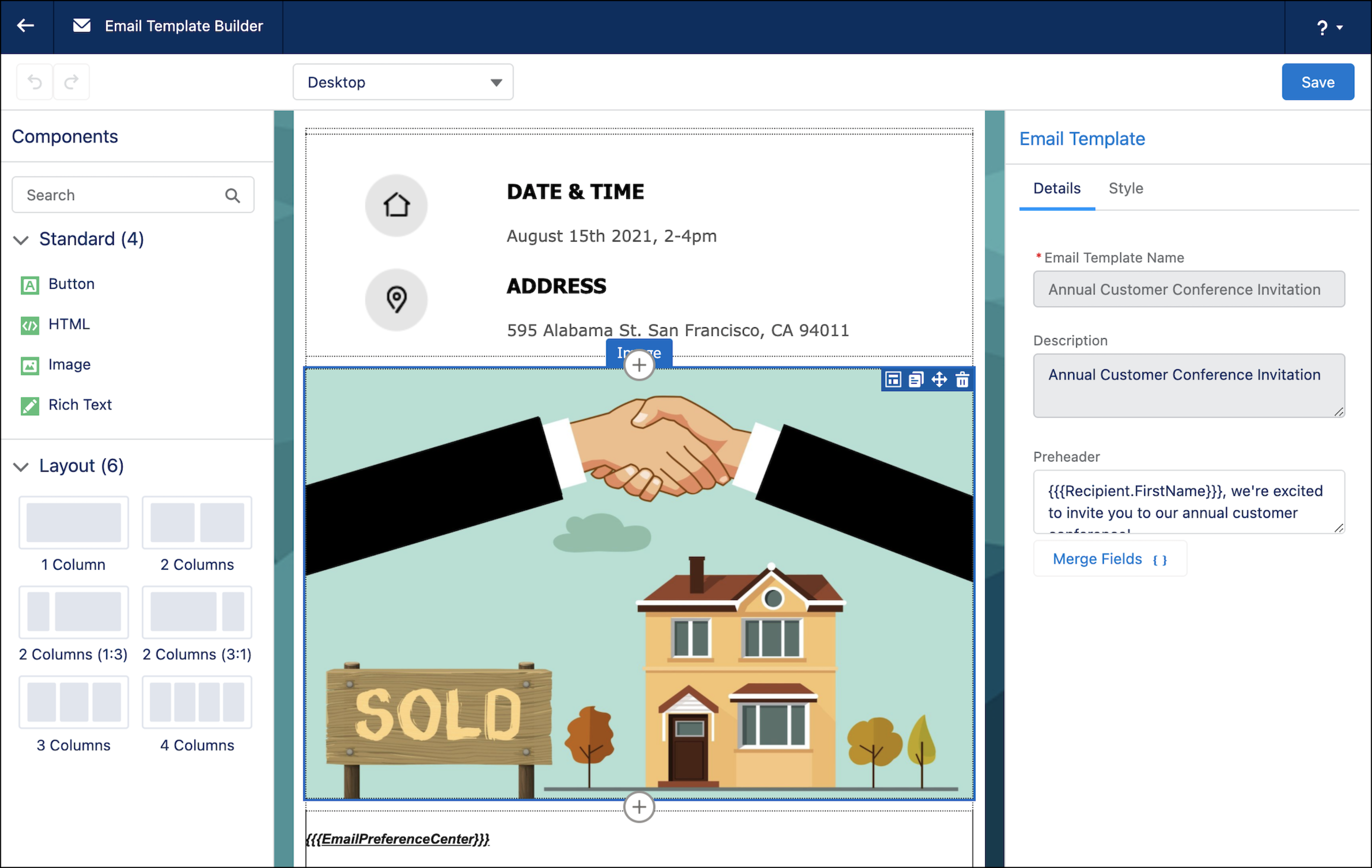
[Email Templates in Account Engagement Lightning App](https://help.salesforce.com/s/articleView?id=mktg.pardot_eilex_using_templates.htm&release=264.0.0&type=5 "With the enhanced email experience in Account Engagement, you can select an email template before you start building your email content. An email template is a reusable layout. It can help you boost productivity and encourage consistency among content creators, but it isn’t a required component of an enhanced email send. It’s your choice whether email templates are a good fit for your business processes.")
The Email Template Builder is available via the Email Templates tab.
You can use standard or custom components to create your layout. Templates created with this enhanced builder can be used across the Salesforce platform, with Account Engagement email content, Sales Engagement, Service Cloud case emails, and more.
[Email Content in Account Engagement Lightning App](https://help.salesforce.com/s/articleView?id=mktg.pardot_eilex_create_emails_parent.htm&release=264.0.0&type=5 "Interactively design emails from scratch or from a template and send emails from the email content record. You can also preview and test your email before sending it.")
The enhanced email experience is available via the Email Content tab.
You can create content, start from an email template, or reuse email content. This enhanced builder is available in Account Engagement only.
[Landing Pages in Account Engagement Lightning App](https://help.salesforce.com/s/articleView?id=mktg.pardot_lps_parent.htm&release=264.0.0&type=5 "As of Winter ’22, Account Engagement Lightning App users can choose which experience to use when creating landing pages. The enhanced landing page experience uses a drag-and-drop editor and can be accessed from Account Engagement Lightning App only. It’s built on Salesforce, and supports list views, actions, reporting, and other functionality that comes with Salesforce Lightning Experience.")
The enhanced landing page builder is available on the Landing Pages tab.
Like other builders, you can quickly drag in components and add styles. Multivariate testing is supported and can be accessed through the Content tab. This enhanced builder is available in Account Engagement only.
## Building Classic Content
Classic builders are available in both interfaces, but new functionality is no longer added.
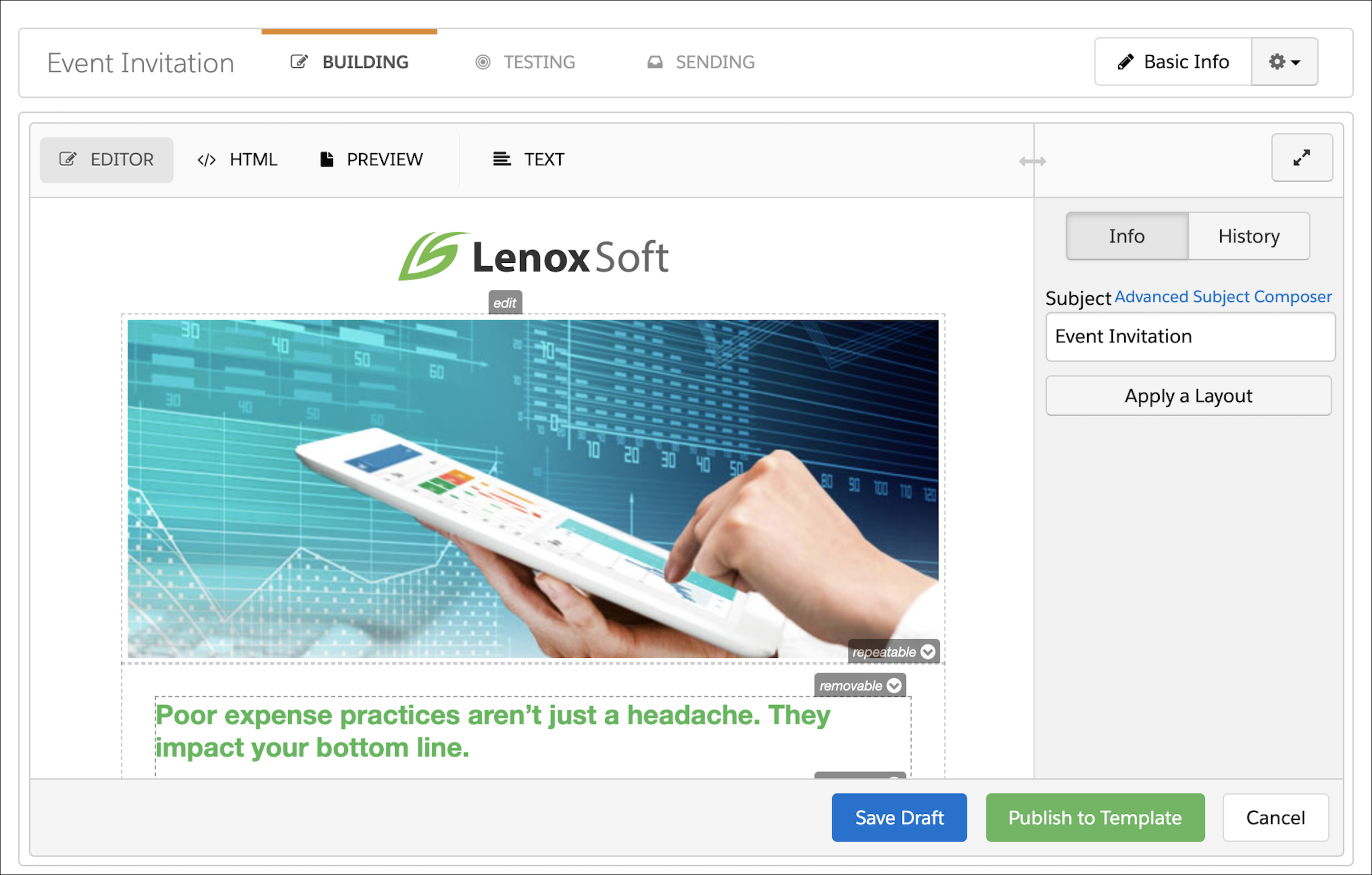
[Forms](https://help.salesforce.com/s/articleView?id=mktg.pardot_create_form.htm&release=264.0.0&type=5 "To create and host a marketing form in Account Engagement, use the Form Builder.")
Marketing forms are built in a classic-style builder. You can customize these forms with layout templates, scripts, fonts, and other styles.
[Classic Email Templates](https://help.salesforce.com/s/articleView?id=mktg.pardot_email_templates.htm&release=264.0.0&type=5 "To save time and standardize your marketing content, create email templates for the types of emails that you send most often in Account Engagement. A template is a starting point for a list email that your team can use repeatedly. Using a template also reduces the chance that you forget something important, like a piece of branding or standard contact information.")
Classic email templates are available in the Content tab in the Account Engagement Lightning App or through the Marketing menu in the standalone app.
Classic email templates can be used as layouts for classic list emails or Salesforce Engage emails. In Engagement Studio, these templates are used as automated one-to-one email sends. Engagement metrics are available in the Account Engagement Email Template report.
[Classic List Emails](https://help.salesforce.com/s/articleView?id=mktg.pardot_build_test_create_emails.htm&release=264.0.0&type=5 "The classic email builder in Account Engagement guides you through creating emails and templates that you can use again and again. Always test your emails and templates so that you can improve your content. In the classic email builder, you can easily move between editing and testing your content.")
Classic list emails are available in the Account Engagement Email tab in Account Engagement Lightning App or through the Marketing menu in the standalone app.
Classic emails are sent to segmentation lists and support completion actions and automation rules. A/B testing is available on the Building tab of a classic email draft. Engagement metrics appear in the Account Engagement List Email report.
[Classic Landing Pages](https://help.salesforce.com/s/articleView?id=mktg.pardot_classic_landing_page_parent.htm&release=264.0.0&type=5 "The classic landing page experience uses HTML and WYSIWYG editors.")
Classic landing pages are available in the Content tab in Account Engagement Lightning App or through the Marketing menu in the standalone app.
Classic landing pages support scripting, form styling, and multivariate testing. Engagement metrics appear in the Account Engagement Landing Page report.
# Automation Capabilities in Referral Marketing
Automate your business processes as per your brand’s requirements by configuring Referral Marketing’s automation tools.
### Required Editions
Available in: Lightning Experience
Available in: Enterprise, Performance, Unlimited, and Developer Editions with Referral Marketing
| Tool | Use | Resource |
| --- | --- | --- |
| Data Processing Engine | Transform data that's available in your Salesforce org and write back the transformation results as new or updated records. | [Data Processing Engine](https://help.salesforce.com/s/articleView?id=ind.dpe_intro.htm&language=en_US) |
| Batch Management | Automate the processing of records in scheduled flows. | [Batch Management](https://help.salesforce.com/s/articleView?id=ind.concept_batch_management.htm&language=en_US) |
| Decision Table | Automate the process of deciding the outcome of a business scenario when there’s a large set of business rules applicable to the scenario. | [Decision Table](https://help.salesforce.com/s/articleView?id=ind.concept_decision_table.htm&language=en_US) |
# Automation Duration
When you schedule automations in Automation Studio, make sure that the duration and schedule are aligned to prevent system stability issues.
To ensure system stability, automations that run for more than 24 hours automatically stop when the next scheduled occurrence begins. Check the expected duration before you schedule automations that run for more than 24 hours.

Example
- You schedule a daily automation to run for 36 hours. When the next instance starts, the previous automation stops and produces no more data.
- You schedule a weekly automation to run for 36 hours. Because it only runs new instances every 2 days, this automation isn’t stopped because there’s enough time between occurrences.
# Automation History and Health
In Automation Studio, you can view your automations over time and improve overall automation health using the automation history dashboard. You can also evaluate your automations by downloading your automation history as a CSV file.
Here are some ways that you can improve automation health:
- Identify automations with a low success rate. Investigate and resolve errors that occur in these automations using the \_AutomationInstance and\_AutomationActivityInstance data views.
- Identify automations with a high skip count. Consider modifying the automation schedule so that the automation has time to complete before attempting to run again.
- Identify automations with relatively high run counts. Consider combining these automations to improve efficiency.
- **[Get Automation History](https://help.salesforce.com/s/articleView?id=mktg.mc_as_automation_history_dashboard.htm&release=264.0.0&type=5)**
Monitor and enhance automation performance with the History dashboard in Automation Studio. View run frequency, success rates, errors, and skipped automatons. You can also identify automations that overlap and could negatively impact run times. The dashboard is updated daily and loads the latest data each time you access it.
- **[Download Automation History as CSV File](https://help.salesforce.com/s/articleView?id=mktg.mc_as_automation_history_health.htm&release=264.0.0&type=5)**
Evaluate your automations over time by downloading your automation history as a CSV file. Improve automation health by reviewing each automation’s success rate and identifying automations with high skip or error counts.
#### See Also
- [Data View: Automation Instance](https://help.salesforce.com/s/articleView?id=mktg.mc_as_data_view_automation_instance.htm&release=264.0.0&type=5 "Get a big-picture view of all automations within a tenant, and improve the efficiency and success rate of your automations by reviewing automation health. Query the _AutomationInstance data view in Automation Studio to prevent failures by identifying long-running processes, and fix failed automations by addressing the cause of failure.")
- [Data View: Automation Activity Instance](https://help.salesforce.com/s/articleView?id=mktg.mc_as_data_view_automation_activity_instance.htm&release=264.0.0&type=5 "Improve the efficiency and success rate of your automations by reviewing automation activity health. Query the _AutomationActivityInstance data view in Automation Studio to prevent failures by identifying activities that often fail or run long.")
- [Automation Studio Errors](https://help.salesforce.com/s/articleView?id=mktg.mc_as_automation_studio_errors.htm&release=264.0.0&type=5 "Find out what Automation Studio error messages mean and how to resolve them. After applying the suggested action, run the activity or automation again to make sure that the error was addressed.")
# Automation Open Rules Audit
Email service providers are making changes to increase privacy protections for their users. In part, these changes affect the accuracy of email open data. The Open Rules Audit page in Account Engagement identifies which of your automations rely on open data. Use this information as needed to move toward more reliable engagement metrics.
### Required Editions
Available in: All Account Engagement Editions
To access the Open Rules Audit page, navigate to **Reports**, or **Account Engagement Reports** in the Lightning App, and then navigate to **Marketing Assets** | **Automations** | **Open Rules Audit**.
The Overview section gives you a high-level look at how many of your automations rely on open data.
Engagement Programs
The total number of Engagement Studio programs that include open-based trigger steps
Engagement Program Triggers
The total number of open-based trigger steps across all engagement programs
Dynamic Lists
The total number of dynamic lists with open-based rule criteria
Automation Rules
The total number of rules with open-based criteria
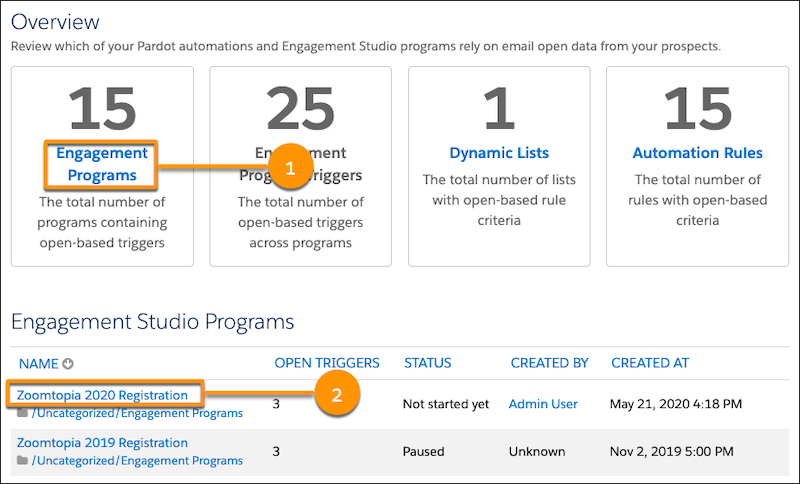
Each remaining section on the page shows a breakdown of the totals in the Overview. Click the title for each total to jump to the corresponding section (1). Within each section, you can click the name of the automation to open it and make changes (2).
# Automation Rule Actions
Automation rules filter prospects by criteria and then apply an action to matching prospects. The actions are available in the first dropdown in the Actions section of your automation rule.
### Required Editions
Available in: All Account Engagement Editions
| **Action** | **Definition** |
| --- | --- |
| Add prospect to list | Adds a prospect to a list. |
| Add prospect to Salesforce campaign | Tags a prospect with the Salesforce campaign of your choice. |
| Adjust Prospect Score | Adjusts a prospect’s score by a selected number or resets it to a specific number. |
| Adjust Prospect Score for Scoring Category | Adjusts a prospect’s score by a selected number for a scoring category. |
| Allow Deleted CRM Lead or Contact to Recreate from Account Engagement | Allows assigned prospects who were previously deleted in Salesforce to create a lead the next time they sync with the CRM. Typically, when a lead or contact is deleted in Salesforce, the corresponding prospect is flagged to never recreate a lead in the CRM. This action can also be used when a prospect has matched “Don’t Sync with CRM” via an automation rule. |
| Apply tags | Applies a tag to a prospect. |
| Assign prospect to queue | Assigns a prospect to the Salesforce queue. This action doesn’t reassign prospects. |
| Assign prospect to user | Assigns a prospect to a user. This action doesn’t reassign prospects. |
| Assign prospect to user in group | Assigns a prospect to a user in a group. This action doesn’t reassign prospects. |
| Assign prospect via Salesforce active assignment rule | Pushes a prospect to your Salesforce active assignment rule. The prospect syncs back down to Account Engagement after assignment in Salesforce. This action doesn’t reassign prospects. |
| Change profile criteria | Changes grading criteria for a profile. |
| Set prospect's source campaign | Changes the prospect’s Account Engagement campaign. |
| Change prospect custom field value | Changes a custom field value. |
| Change prospect default field value | Changes a default field value. |
| Change prospect profile | Changes a prospect’s profile when the requirements of the rule are fulfilled. |
| Clear prospect field value | Clears a field value. Unverify your Salesforce connector before using this action to clear field values, and clear the corresponding field in the CRM before reverifying the connector. |
| Create Salesforce task | Creates a Salesforce task for prospects. |
| Do Not Sync With CRM | Flags a prospect as Do Not Sync, preventing the prospect from syncing with your CRM. |
| Increment prospect field value | Adds to or subtracts from values for number fields. |
| Mark as reviewed | Marks a prospect as reviewed. Assigned prospects aren’t marked as reviewed. |
| Notify assigned user | Notifies the prospect’s assigned user when a prospect meets the criteria of the rule. |
| Notify user | Notifies a user when a prospect meets the criteria of the rule. |
| Remove prospect from list | Removes a prospect from a list. |
| Remove tags | Removes tags from a prospect. |
| Send prospect email | Sends a prospect an email. When multiple prospect records have the same email address, all prospects match the rule, but the rule’s action is applied to the first prospect the rule finds. The other prospect records show “Not Applied: Duplicate Email” in the Applied At column. |
# Automation Rule Criteria
Automation rules use criteria to filter matching prospects to apply actions to. The criteria are available in the first dropdown in the Rules section of your automation rule.
### Required Editions
Available in: All Account Engagement Editions
Rule Criteria
Definition
Prospect account field
Filters prospects based on the value of a prospect’s account field. Prospects must
have an account to match, even if the rule uses the “doesn’t contain,” “isn’t,” or “is
empty” operators.
Prospect account custom object
Filters prospects based on the prospect’s relationship to a custom object.
Filters prospects based on whether the prospect is assigned to a Salesforce
queue.
Prospect assigned user
Filters prospects based on the user the prospect is assigned to.
Prospect assignment status
Filters prospects based on whether the prospect is assigned to a user or
queue.
Prospect campaign
Filters prospects based on an Account Engagement campaign.
Prospect CRM campaign
Filters prospects based on the prospect’s Salesforce campaign. Prospects must be
associated with at least one Salesforce campaign, even if the rule uses the “doesn’t
contain,” “isn’t,” or “is empty” operators.
Prospect CRM campaign status
Filters prospects based on the status of the prospect’s Salesforce campaign.
Prospect CRM status
Filters prospects based on the status of the prospect’s synced CRM record.
Prospect custom field
Filters prospects based on the value of a custom field on the prospect record.
Prospect custom object
Filters prospects based on the prospect’s relationship to a custom object.
Filters prospects based on a custom redirect click.
Prospect default field
Filters prospects based on the value of a default field on the prospect
record.
Prospect email opens
Filters prospects based on whether a prospect has opened an email within a given
number of days or weeks.
Prospect email status
Filters prospects based on whether the user’s email status is Opted Out, Do Not Email,
hard bounce detected, or soft bounce detected.
Prospect external activity
Filters prospects based on specified activities that occur in third-party apps. This
criteria requires Marketing App Extensions to be configured in Salesforce Marketing
Setup.
Prospect file
Filters prospects based on a non-image file download.
Prospect form
Filters prospects based on a form view or submission. If the form is on an Account Engagement landing page, use prospect landing page for the rule instead.
Prospect form handler
Filters prospects based on a form handler submission.
Prospect grade
Filters prospects based on a prospect’s grade.
Prospect landing page
Filters prospects based on a landing page view or submission.
Prospect list
Filters prospects based on a prospect’s list membership.
Prospect opportunity
Finds prospects using the relation group functionality. It allows users to define
multiple rules that must all match a single opportunity tied to a prospect for that prospect
to match the relation group. This criteria doesn’t work inside a rule group.
Prospect opportunity custom field
Finds prospects based on custom field values stored in an opportunity to which the
prospect is tied as a contact.
Prospect opportunity default field
Finds prospects based on default field values stored in an opportunity to which the
prospect is tied as a contact.
Prospect opportunity status
Filters prospects based on a prospect’s opportunity status.
Prospect profile
Filters prospects based on a prospect’s profile.
Prospect public list opt-in status
Filters prospects based on whether a user is opted in or out of a public list from the
email preference center.
Prospect query
Filters prospects based on a prospect search. Includes site search, paid search, and
organic search.
Prospect score
Filters prospects based on a prospect’s score.
Prospect score for Scoring Category
Filters prospects based on a prospect’s score for a scoring category.
Prospect tag
Filters prospects based on a prospect’s tags.
Prospect time
Filters prospects based on the number of days since a prospect was created or since
the prospect’s last activity. Day is defined as between 12 AM and 11:59 PM in the time zone
of your business unit.
Prospect webinar
Filters prospects based on whether the prospect was absent, attended, or registered
for a webinar. This criteria is available when you have a verified webinar
connector.
Visitor Google Analytics parameter
Evaluates all visitor records related to a prospect for the presence of Google
Analytics parameters. Prospects can be related to visitor records that have parameters and
records that don’t.
Visitor hostname
Filters prospects based on the prospect’s hostname.
# Automation Rule Examples
Automation rules perform actions based on criteria. Here are some examples of common automation rule use cases.
## Change Prospect Profile
This rule changes a prospect’s profile to Executive Buyer if the person is in Texas, works at a midsize company, and has a particular score for corporate culture.

Example
Rules
- Match Type | Match All
- Prospect default field | State | is | TX
- Prospect account field | Number of Employees | is between | 100 and 250
- Prospect custom field | Corporate Culture | is between | 8 and 10
Actions
- Change prospect profile | Executive Buyer
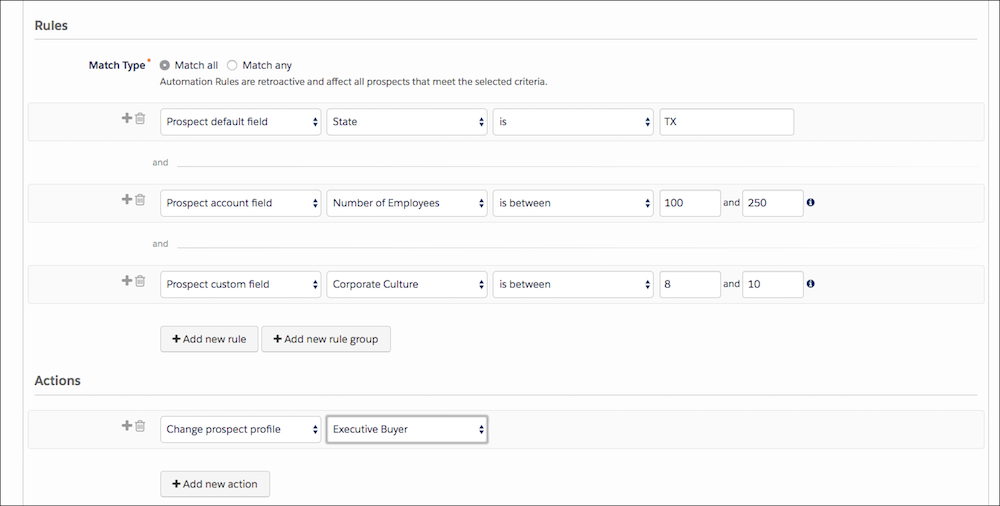
## Add Prospects to a List
This rule adds a prospect to the Newsletter Interest list when the person reaches a grade of C+ or better.

Example
Rules
- Match Type | Match All
- Prospect grade | is greater than | C+
Actions
- Add prospect to list | Newsletter Interest
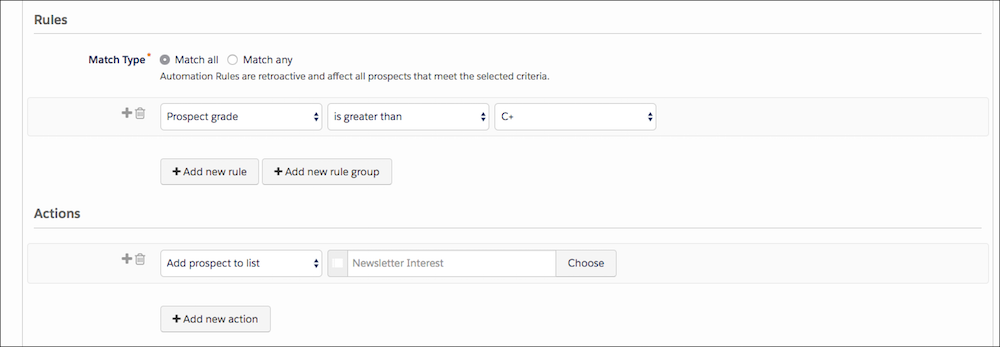
## Adjust Prospect Score
This rule adds 50 points to the score of a prospect who submitted the Demo Request form or attended the Engage Alerts webinar.

Example
Rules
- Match Type | Match Any
- Prospect from | Demo Request | was completed successfully
- Prospect webinar | attended webinar | Engage Alerts
Actions
- Adjust prospect score | by | +50
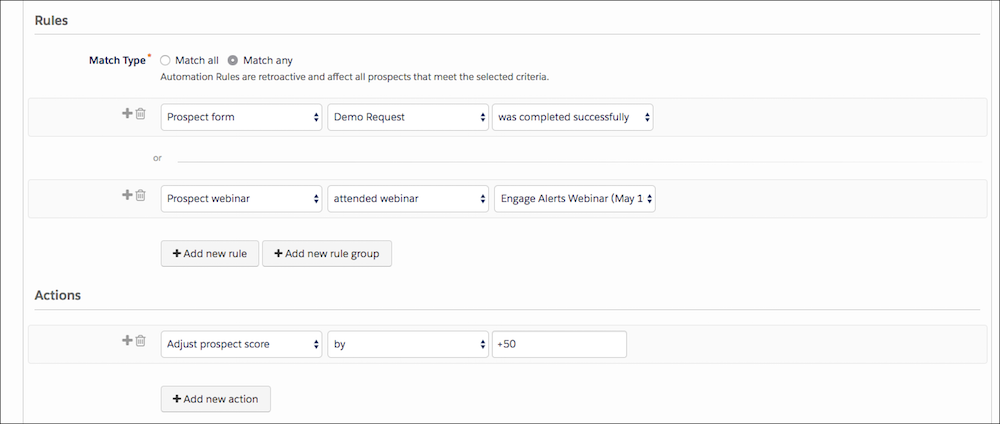
## Decrease Prospect Score Based on Inactivity
This repeating rule checks for prospects with no activity in the past 30 days. It decreases inactive prospect scores by 20 points every 30 days that a prospect in inactive.

Example
Rules
- Match Type | Match All
- Prospect time | last activity days ago | is greater than | 30
- Prospect score | is greater than | 0
Actions
- Adjust prospect score | by | –20
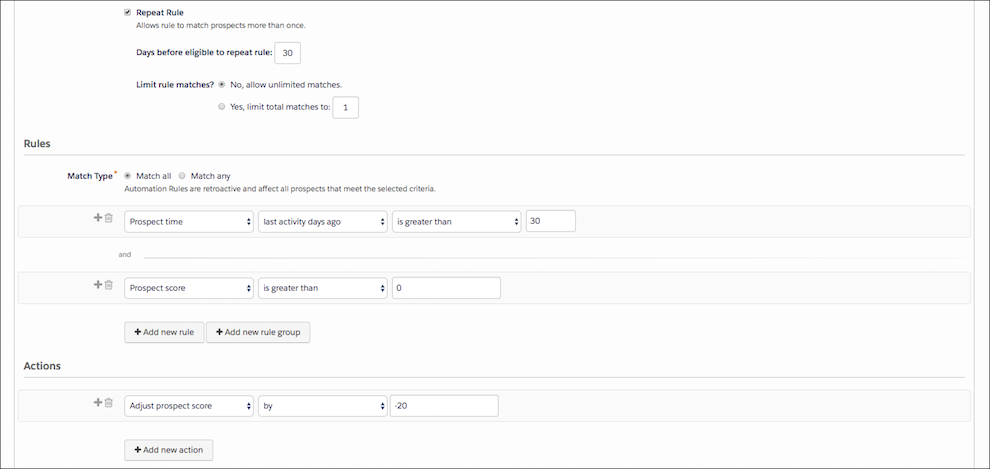
## Assign a Prospect Based on Form Submission and Location
This rule combines criteria and prospect actions. If a prospect expresses interest in a demo by completing a Demo Request and is also from Georgia, Alabama, Tennessee, or Florida, the prospect is assigned to the Southeastern US Reps user group.

Example
Rules
- Match Type | Match All
- Prospect default field | State | is | GA;AL;TN;FL
- Prospect form | Demo Request | was completed successfully
Actions
- Assign prospect to user in group | Southeastern US Reps
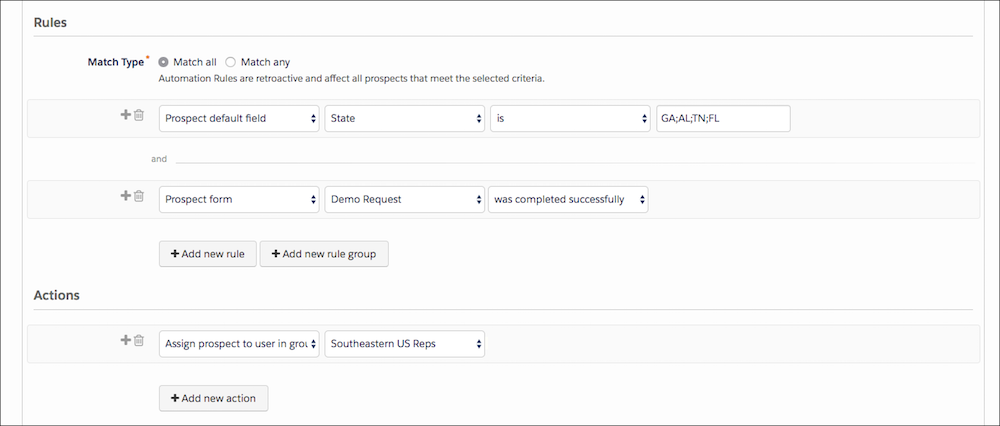
# Automation Rules
Automation rules are repeatable, criteria-based rules that find matching prospects and apply actions to them.
### Required Editions
Available in: All Account Engagement Editions
- **[Create an Automation Rule](https://help.salesforce.com/s/articleView?id=mktg.pardot_automation_rule_create.htm&release=264.0.0&type=5)**
Create an automation rule to perform criteria-based actions on prospects.
- **[Automation Rule Criteria](https://help.salesforce.com/s/articleView?id=mktg.pardot_automation_rule_criteria_reference.htm&release=264.0.0&type=5)**
Automation rules use criteria to filter matching prospects to apply actions to. The criteria are available in the first dropdown in the Rules section of your automation rule.
- **[Automation Rule Actions](https://help.salesforce.com/s/articleView?id=mktg.pardot_automation_rule_action_reference.htm&release=264.0.0&type=5)**
Automation rules filter prospects by criteria and then apply an action to matching prospects. The actions are available in the first dropdown in the Actions section of your automation rule.
- **[Automation Rule Examples](https://help.salesforce.com/s/articleView?id=mktg.pardot_automation_rule_examples.htm&release=264.0.0&type=5)**
Automation rules perform actions based on criteria. Here are some examples of common automation rule use cases.
# Automation Rules for Enterprise Customers
With automation rules in Account Engagement, you can create repeatable, criteria-based rules that find matching prospects and apply actions to them. If you have millions of prospects in your database, use these tips to ensure the best performance.
### Required Editions
Available in: All Account Engagement Editions
When you create an automation rule and click **Resume Automation Rule**, Account Engagement checks each of your prospects to see if the rule applies to them. When a prospect matches the rule criteria, the rule’s action is applied. This initial process can take several hours if you have millions of prospects in your database.
Automation rules continually check for updated prospects. When a prospect's information changes, an automation rule checks if the rule applies to them. When prospect information changes frequently, it can take several hours for a rule to run on an updated prospect.

Example You have an automation rule that assigns all prospects with the title CFO to a queue. If a prospect's title changes to CFO, then the updated prospect is assigned to the queue within a few hours.
## System Resources
An automation rule consumes system resources the first time it runs. The amount of system resources initially consumed is related to the number of prospects in your system. Automation rules also consume system resources when your prospect information changes, because rules check to see if the changes require action. The amount of system resources consumed is related to how frequently your prospect's information changes, and how many automation rules that you have. For example, these activities can cause prospect information to change:
- An email is sent to a prospect
- A prospect submits a form
- Information is synced from Salesforce
## Best Practices for Automation Rules
Using automation rules wisely can help deliver great performance, even when your database has millions of prospects.
Give Previews Time to Run
Previewing an automation rule takes the same amount of time and resources as running an automation rule.
Verify Automation Rule Logic
It's a good idea to check your automation rule's logic before you preview it, because previews consume system resources. Accidentally using **Match Any** when you mean to use **Match All** can create an automation rule that unintentionally matches millions of prospects.
Use Default Fields on Default Salesforce Objects
Where possible, use default fields on default Salesforce objects in your automation rules. Account Engagement can evaluate default fields and default objects more quickly than custom fields and custom objects. For example, a prospect’s title or name are evaluated quickly, because these fields are default fields. Checking a field on a custom object, such as a custom purchase order object, takes longer.
Avoid Changing an Existing Rule
Creating an automation rule is faster than changing an existing rule. If you make a mistake or change your mind, it’s faster to start fresh with a new rule.
Remove Unnecessary Automation Rules
Periodically check your automation rules and remove the rules that you no longer need. If you created an automation rule for a campaign, remove the rule when the campaign is over.
# Automation Starting Sources
A starting source defines how an automation starts. You can schedule an automation to run at specific intervals or start an automation when a file is uploaded to the Enhanced FTP. Or, use a trigger to start an automation when a file is uploaded to an external location such as Amazon Web Services, Google Cloud Platform, or Microsoft Azure.
This table compares starting sources.
| Starting Source | What causes the automation to start? | Sample Use Case |
| --- | --- | --- |
| Scheduled Automation | Starts on a schedule that you define. | You import and refresh your birthday list daily, and then send an email to all contacts whose birthday is today. |
| File Drop Automation | Starts when a file is uploaded to your Enhanced FTP site. Upload files to the Import or Triggered\_Automations folders, or a subdirectory of one of these folders. | You use other processes that update files in an FTP folder and you want to create an automation that starts when activity occurs in that folder. |
| Trigger Automation | Starts when a file is uploaded to an external location, such as Amazon S3, Google Cloud Storage, or Microsoft Azure Blob Storage. | You use other processes that update files in an external location and you want to create an automation that starts when activity occurs in that location. |
## Scheduled Automations
When you create a scheduled automation, configure the start date, time, and time zone. Next, specify how often the automation repeats and when it ends. Alternatively, click **Run Once** to start a scheduled automation immediately.
Keep these considerations in mind when you use scheduled automations:
- You must activate a scheduled automation for it to run.
- The automation’s duration must be compatible with its schedule. For example, if an automation is scheduled to run every 24 hours, but has a duration of 36 hours, it stops running when after 24 hours when the next scheduled automation starts. In this situation, the automation never completes.
## File Drop Automations
When you create a file drop automation, you provide a file name pattern or Enhanced FTP directory that Marketing Cloud Engagement monitors. When a file matching the pattern is placed on the Enhanced FTP site or in the directory that you specify, the automation runs.
File drop automations are queued by default. When the running automation completes or encounters an error, the next file in the queue starts the next automation. This process continues until the queue is empty. If you turn off queuing, additional files are ignored when an automation is already running.

Note If you pause or deactivate a File Drop Automation, any queued instances of the automation that have a status of QueuedFile retain that status permanently.
Consider these factors when you use file drop automations:
- You must configure Enhanced FTP before you can create a file drop automation.
- If you change a file name without modifying the file content, the automation doesn’t start.
- If you use a folder for the file drop, any file placed in the folder triggers the associated automation.
- If you use a folder for file drop, don’t use it for other purposes. Each Enhanced FTP folder supports only one file drop automation. This limitation doesn’t apply if you use a file name pattern.
- If you use a file name pattern for the file drop, the automation is associated with the pattern and isn’t associated with a specific FTP folder. The automation isn’t affected if you change the FTP folder that the file is uploaded to, as long as you don’t change the file name pattern.
- To make your files easy to audit, use dynamic file names whenever possible. For example, use example%%Year%%%%Month%%%%Day%%.csv instead of example.csv.
- File drop automations don’t read file extensions. Any characters following the final dot (.) in a file name are ignored.
- You can’t use these file types to start a file drop automation:
- .bmp
- .eml
- .jpg
- .jpeg
- .pdf
- .png
- .xml

Note When a dropped file matches more than one active trigger, Automation Studio randomly selects one trigger. Alternatively, to ensure that your trigger is selected, use subdirectories when you choose file name pattern matching.
## Trigger Automations
When you create a trigger automation, enter a file name pattern and choose a file location. Create a trigger API that monitors the external file location. Marketing Cloud Engagement listens for the trigger API and runs the automation when a file that matches the pattern is placed in that location.
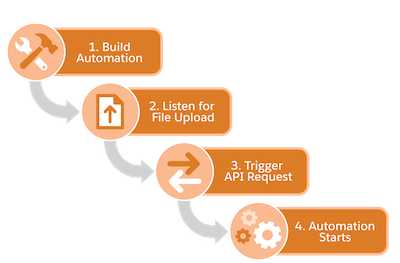
Trigger automations are queued by default. When the running automation completes or encounters an error, the next file in the queue starts the next automation. This process continues until the queue is empty. If you turn off queuing, additional files are ignored when an automation is already running.
Consider these additional factors when you use trigger automations:
- You must set up a file location for the external location before creating a trigger automation.
- You must use a trigger API to check for files from external locations.
- To make your files easy to audit, use specific file names whenever possible. For example, use example\_YYYY\_MM\_DD.csv instead of example.csv.
- To easily identify the related file name in downstream file transfer activities and import activities, use the variable `%%FILENAME_FROM_TRIGGER%%`.
- Trigger automations can read file extensions. File extensions are required if you use the Equals operator or the Ends With operator.
- **[Configure a Scheduled Automation](https://help.salesforce.com/s/articleView?id=mktg.mc_as_define_a_scheduled_automation.htm&release=264.0.0&type=5)**
Set up an automation that runs on a schedule.
- **[Configure a File Drop Automation](https://help.salesforce.com/s/articleView?id=mktg.mc_as_define_a_triggered_automation.htm&release=264.0.0&type=5)**
Set up an automation in Marketing Cloud Engagement that starts when a file is uploaded to your Enhanced SFTP location.
- **[Configure a Trigger Automation](https://help.salesforce.com/s/articleView?id=mktg.mc_as_define_a_file_trigger_automation.htm&release=264.0.0&type=5)**
Set up an automation that starts when a file is placed in an external location, such as Amazon S3, Google Cloud Storage, Microsoft Azure, or your own SFTP location.
- **[FTP and File Drop Automation Example](https://help.salesforce.com/s/articleView?id=mktg.mc_as_ftp_and_triggered_automation_scenario.htm&release=264.0.0&type=5)**
In this use case, learn how to trigger an automation in Automation Studio by dropping a file in an FTP location.
- **[Filename Patterns Reference](https://help.salesforce.com/s/articleView?id=mktg.mc_as_filename_patterns_reference.htm&release=264.0.0&type=5)**
Review these guidelines for the design of a file naming pattern in Automation Studio.
# Automation Studio
Automate your Marketing Cloud Engagement email sends, queries, imports, and more with Automation Studio. Build simple or complex workflows that automate marketing and data management tasks based on criteria that you configure.
- **[The Automation Studio Overview Page](https://help.salesforce.com/s/articleView?id=mktg.mc_as_using_the_automation_studio_overview_page.htm&release=264.0.0&type=5)**
When you access Automation Studio, view up to 50 automations in your account, a snapshot of automation activities, run history, and folders. You can also run each automation once from the Overview page.
- **[Automate Processes in Automation Studio](https://help.salesforce.com/s/articleView?id=mktg.mc_as_defining_an_automation.htm&release=264.0.0&type=5)**
Use an automation to start a process when specific criteria are met. For example, when a file is uploaded to the Enhanced SFTP, you can automatically run activities, like an import, a file transfer, or an email send.
- **[Schedule an Automation](https://help.salesforce.com/s/articleView?id=mktg.mc_as_schedule_an_automation.htm&release=264.0.0&type=5)**
You can schedule an automation that’s in draft mode or already running.
- **[Automation Studio Activities](https://help.salesforce.com/s/articleView?id=mktg.mc_as_using_automation_studio_activities.htm&release=264.0.0&type=5)**
Easily understand and use the Automation Studio Activities tab in the Marketing Cloud.
- **[Pause an Automation](https://help.salesforce.com/s/articleView?id=mktg.mc_as_pausing_or_skipping_an_automation.htm&release=264.0.0&type=5)**
Temporarily stop an automation’s schedule in Automation Studio. If the automation is running when you pause it, it continues to run, but future scheduled runs don’t occur. You can see who paused an automation in the automation’s summary.
- **[Skip an Automation](https://help.salesforce.com/s/articleView?id=mktg.mc_as_skip_an_automation.htm&release=264.0.0&type=5)**
Indicate in Automation Studio that an automation's next run will not occur without stopping the automation's schedule.
- **[Stop a Running Automation](https://help.salesforce.com/s/articleView?id=mktg.mc_as_stop_a_running_automation.htm&release=264.0.0&type=5)**
When an automation is stopped in Automation Studio, activities in the step that is in progress complete, but subsequent steps do not start.
- **[Copy an Automation](https://help.salesforce.com/s/articleView?id=mktg.mc_as_copying_or_deleting_an_automation.htm&release=264.0.0&type=5)**
Create an exact copy of an automation to extend or modify it in Automation Studio.
- **[Delete an Automation](https://help.salesforce.com/s/articleView?id=mktg.mc_as_delete_an_automation.htm&release=264.0.0&type=5)**
Remove unneeded automations from Overview or the automation page in Automation Studio.
- **[Automation Studio Errors](https://help.salesforce.com/s/articleView?id=mktg.mc_as_automation_studio_errors.htm&release=264.0.0&type=5)**
Find out what Automation Studio error messages mean and how to resolve them. After applying the suggested action, run the activity or automation again to make sure that the error was addressed.
- **[Automation Studio Statuses](https://help.salesforce.com/s/articleView?id=mktg.mc_as_status_codes.htm&release=264.0.0&type=5)**
You can view an automation’s status from the Automation Studio interface or a related data view. Use this guide to understand what each status means.
- **[Get Automation Studio Notifications](https://help.salesforce.com/s/articleView?id=mktg.mc_as_get_automation_studio_notifications.htm&release=264.0.0&type=5)**
Add your email address to get notified when an automation run is skipped, encounters an error, or completes. You can also receive alerts through the Event Notification Service (ENS).
- **[Find Activity Configuration and Error Details](https://help.salesforce.com/s/articleView?id=mktg.mc_as_find_activity_configuration_and_error_details.htm&release=264.0.0&type=5)**
To access configuration details and run history for an Automation Studio activity, view the activity's object detail page. Use this page to locate error information about the activity, too.
- **[Data Extension Storage Usage](https://help.salesforce.com/s/articleView?id=mktg.mc_as_data_extension_storage.htm&release=264.0.0&type=5)**
View and manage your marketing data usage by downloading your data extension storage details as a CSV file. Optimize your storage usage, improve performance, and ensure compliance by removing unneeded data and updating retention policies.
- **[Automation History and Health](https://help.salesforce.com/s/articleView?id=mktg.mc_as_automation_history_and_health.htm&release=264.0.0&type=5)**
In Automation Studio, you can view your automations over time and improve overall automation health using the automation history dashboard. You can also evaluate your automations by downloading your automation history as a CSV file.
# Automation Studio Activities
Easily understand and use the Automation Studio Activities tab in the Marketing Cloud.
In Automation Studio, activities perform specific actions like transferring or extracting data, or sending an email. Activities are the building blocks of an automation.
## Reusability
Activities are reusable. When you define an activity, you provide information that the activity uses each time it runs.
The Activities page shows all configured activities in one place, including activities used in multiple automations and activities that are not included in an automation.

Note Enclose search terms in single quotation marks (') when the search term includes more than one word. For example, use the search term 'Commercial Seat Data' instead of the search term Commercial Seat Data for best results.
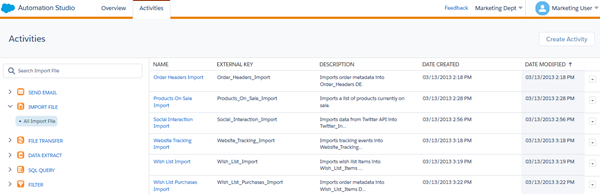
## Options
Each activity includes a set of options in its row. The options available depend on the activity type.
Create folders inline. Child folders include more options.
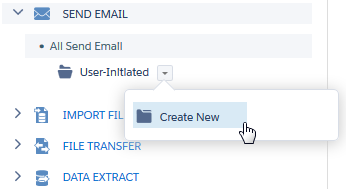 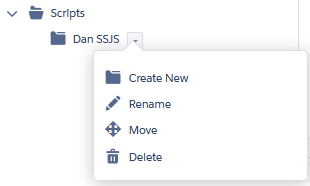
Clicking an activity name opens an expanded view that includes properties and other details about the activity. Use this option to edit the activity, too.
For example, clicking an SQL Query activity shows the query itself, the activity properties, and the target data extension.
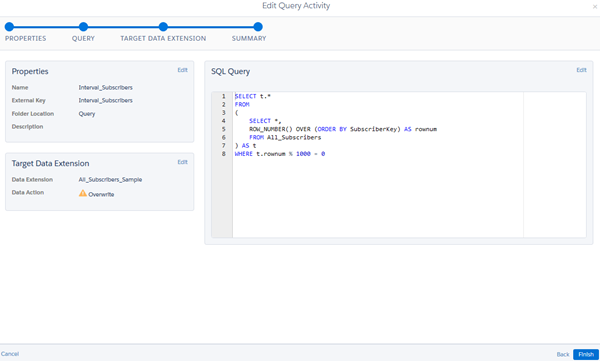
- **[Start an Automation Studio Activity](https://help.salesforce.com/s/articleView?id=mktg.mc_as_start_an_automation_studio_activity.htm&release=264.0.0&type=5)**
Kick off an automation in Automation Studio using the Run Once option.
- **[Send Email Activity](https://help.salesforce.com/s/articleView?id=mktg.mc_as_send_email_activity.htm&release=264.0.0&type=5)**
Choose and configure an email message to be sent on its own or as part of one or more automations. You can put it in sequence with other Automation Studio activities and schedule it for a particular date and time.
- **[Use Transactional Reconciliation in Automation Studio](https://help.salesforce.com/s/articleView?id=mktg.mc_as_transactional_reconciliation_auto_studio.htm&release=264.0.0&type=5)**
Automation Studio supports Transactional Reconciliation for email activities that send time-sensitive messages, such as confirmations, alerts, and notifications. When enabled, Marketing Cloud Engagement monitors messages and assigns a final disposition (Sent or Not Sent) based on delivery signals during the expiration window.
- **[Retrieving and Segmenting Data with a SQL Query Activity](https://help.salesforce.com/s/articleView?id=mktg.mc_as_using_the_query_activity.htm&release=264.0.0&type=5)**
Retrieve and unify data across data extensions and system data views with SQL query activities. For example, you can prepare a subscriber list, view open and send history, or review automation and journey health.
- **[Import or Copy Large Datasets](https://help.salesforce.com/s/articleView?id=mktg.mc_as_data_copy_or_import.htm&release=264.0.0&type=5)**
When transferring a large dataset from an external file or a data extension, use the Data Copy or Import activity to help prevent data loss, minimize downtime, and maintain business continuity. With the Data Copy or Import activity, you can also manage data transfers without using complex SQL queries.
- **[How to Use the File Transfer Activity in Automation Studio](https://help.salesforce.com/s/articleView?id=mktg.mc_as_using_the_file_transfer_activity.htm&release=264.0.0&type=5)**
In Automation Studio, you can unzip or decrypt a file found in the Enhanced FTP directory for Marketing Cloud Engagement. With the File Transfer Activity, you can securely transfer files from the Safehouse, a secure file transfer location, to a selected FTP location.
- **[Script Activity](https://help.salesforce.com/s/articleView?id=mktg.mc_as_create_a_script_activity_1.htm&release=264.0.0&type=5)**
A server-side JavaScript® (SSJS) activity contains SSJS code that is executed when started, either on its own or as part of an automation in Automation Studio. You provide the SSJS code, a name, external key, and description to identify the activity within the application interface and for API calls.
- **[Filter Activity](https://help.salesforce.com/s/articleView?id=mktg.mc_as_use_a_filter_activity.htm&release=264.0.0&type=5)**
Apply the logic of a data filter you select to create a group or data extension in Automation Studio. Filtering subscribers or contacts makes targeting specific subscribers or contacts based on their attributes and other conditions easier.
- **[Data Extract Activity](https://help.salesforce.com/s/articleView?id=mktg.mc_as_use_a_data_extract_activity.htm&release=264.0.0&type=5)**
The Automation Studio data extract activity creates one or more zipped files for your use outside of Marketing Cloud Engagement. It can also convert an XML file into a comma-delimited, tab-delimited, or pipe-delimited file for import into your account.
- **[Verification Activity](https://help.salesforce.com/s/articleView?id=mktg.mc_as_verification_activity.htm&release=264.0.0&type=5)**
Avoid unintended outcomes by verifying the data used in an Automation Studio automation.
- **[Mapping Contacts to Business Unit](https://help.salesforce.com/s/articleView?id=mktg.mc_as_contact_to_business_unit_mapping_activity.htm&release=264.0.0&type=5)**
Map existing Contacts to selected Business Units to maintain brand and geographical boundaries when you activate segments in Data 360.
- **[Automation Studio Activities Reference](https://help.salesforce.com/s/articleView?id=mktg.mc_as_automation_studio_activities_reference.htm&release=264.0.0&type=5)**
Learn more about the activities that are available in Automation Studio.
- **[Wait Activity](https://help.salesforce.com/s/articleView?id=mktg.mc_as_wait_activity.htm&release=264.0.0&type=5)**
Wait activities in Automation Studio cause an automation to wait for a specific duration or until a specific time before performing the next step. You can include one or multiple wait activities in a single automation.
- **[Einstein in Automation Studio](https://help.salesforce.com/s/articleView?id=mktg.mc_as_einstein_overview.htm&release=264.0.0&type=5)**
Reach contacts when they’re most likely to engage by using Einstein Send Time Optimization in a Send Email activity. Help your contacts avoid message fatigue by selecting the right message for each contact at the right time. Message recommendations are based on saturation levels using Einstein Engagement Frequency in a Send Email activity.
# Automation Studio Activities for Audience Builder
You can increase productivity in Marketing Cloud Engagement when you use a combination of tools. Audience Builder actions are available as activities in Automation Studio and are related to an Email Studio program. Add one or more activities to an automation to accomplish your tasks.
First create an activity in Email Studio and then add it to your automation.
These types of activities are available.
Data Factory Utility
Moves and transforms data from a source database to the target Audience Builder database, and gives access to related applications.
Publish Audience
Makes an audience available as a sendable data extension based on an existing audience definition.
Refresh Segment Template
Recounts the population in a segment template that you created in Audience Builder.
Verify Audience Count
Refreshes the population count in a published segment by reapplying the segment definition rules.
- **[Verify an Audience Count](https://help.salesforce.com/s/articleView?id=mktg.mc_ab_verify_an_audience_count.htm&release=264.0.0&type=5)**
Follow these steps to verify an audience count in Audience Builder.
- **[Publish an Audience](https://help.salesforce.com/s/articleView?id=mktg.mc_ab_publish_an_audience_es.htm&release=264.0.0&type=5)**
Follow these steps to publish an audience in Audience Builder.
- **[Refresh a Segment Template](https://help.salesforce.com/s/articleView?id=mktg.mc_ab_refresh_a_segment_template.htm&release=264.0.0&type=5)**
Follow these steps to refresh a segment template in Audience Builder.
- **[Configure the Data Factory Utility](https://help.salesforce.com/s/articleView?id=mktg.mc_ab_configure_the_data_factory_utility.htm&release=264.0.0&type=5)**
Marketing Cloud Engagement Professional Services usually configures the Data Factory Utility as part of its original implementation.
# Automation Studio Activities Reference
Learn more about the activities that are available in Automation Studio.
These activities are available for use in an automation.
| Activity Name | Description |
| --- | --- |
| Refresh Group | Reapplies rules in a group definition to create a subset of subscribers in a list. Before you can use a group refresh activity, you must create a group definition in Email Studio. |
| Send Email | Choose and configure an email message to send on its own or in sequence according to a schedule. Configuring the Send Email Activity creates a Send Definition that you can use in other automations. |
| SQL Query | Retrieves data extension or data view information according to criteria you set, then includes that data in a data extension. Use SQL to create the query used in this activity. You can run up to 40 filter activities and query activities simultaneously. Activities over this limit are queued. |
| Data Copy or Import (formerly Import File) | Updates a subscriber list or data extension using an external file. Create a copy of a data file or import definition to copy large datasets by using the data extension as the source. To access Salesforce Objects and Reports, navigate to Interactions in Email Studio. |
| File Transfer | Unzips or decrypts a file from a configured file location. |
| Script | Executes your Server-Side JavaScript to accomplish tasks in an email or landing page. |
| Filter | Applies a data filter to create a group or data extension containing records that meet a set of criteria. You can run up to 40 filter activities and query activities simultaneously. Activities over this limit are queued. |
| Data Extract | Creates a file to use outside of the application. This activity can also be used to transform an XML file to a comma-delimited, tab-delimited, or pipe-delimited file for import into your account. |
| Wait | Sets an automation to wait for a specific duration, or until a specific time, before continuing. |
| Report Definition | Defines the parameters for running a report one time to be used every time the report is run using the activity. To run a standard or custom report, create a report activity. |
| Refresh Mobile Filtered List | Ensures that your Contact lists are up to date according to the filters used to create the list. |
| SMS Activity | Initiates an SMS message. |
| Send GroupConnect | Initiates a GroupConnect message. |
| Verification | Avoid unintended outcomes by setting conditions for a data extension used in the automation. |
| Contacts to Business Unit mapping | Maps existing Contacts to selected Business Units to maintain Brand and GEO boundaries while activating segments in Data 360. |
## More Activities
More provisioning is required to access these activities. Contact your account executive for more information.
| Activity Name | Description |
| --- | --- |
| Fire Event | Signals that new contacts were added to a data extension used as the event source in a journey. The newly added data is then sent into journeys whose entry events are configured to detect changes in this data source. |
| Journey Entry: Audience | Added to automations that populate audiences in Journey Builder. When a journey uses an audience as its entry source, this activity is added to the automation that updates the audience. Access a direct link to the journey populated by this activity by clicking the activity name. |
| Send Salesforce Email | Initiates a send from a Sales or Service Cloud account. |

Note Automation Studio audiences are evaluated and processed for entry according to the schedule of the source automation, which is set in Automation Studio. When the Journey Entry: Audience activity is included in an automation, contacts enter the journey according to the schedule set in that automation.

Note Organizations that use Marketing Cloud Connect can access the Send Salesforce Email Activity.
#### See Also
- [Use MobileConnect with Automation Studio](https://help.salesforce.com/s/articleView?id=mktg.mc_moc_use_mobileconnect_with_automation_studio.htm&type=5&language=en_US)
- [MobilePush and Automation Studio](https://help.salesforce.com/s/articleView?id=mktg.mc_mp_mobilepush_and_automation_studio.htm&type=5&language=en_US)
- [Data Extension Extract in Automation Studio](https://help.salesforce.com/s/articleView?id=mktg.mc_as_data_extension_extract.htm&release=264.0.0&type=5 "This Automation Studio data extract type extracts information from a data extension and places it in a delimited file.")
# Automation Studio Errors
Find out what Automation Studio error messages mean and how to resolve them. After applying the suggested action, run the activity or automation again to make sure that the error was addressed.
## SQL Query Activity Errors
Error Text
Meaning
Suggested Action
Query definition doesn’t exist.
The query was deleted.
Recreate the SQL Query activity.
Query failed during execution. Error: Violation of PRIMARY KEY
constraint. Can’t insert duplicate key in object '{{DE name}}'. The
duplicate key value is (123456789).
The query source is missing a primary key, or it contains duplicate keys. The
destination requires a unique primary key, and the mismatch causes duplicate records
in the destination Data Extension.
Add a primary key field in the source Data Extension.
Group records by the primary key of the destination Data Extension.
Dedupe records using window functions.
Remove the primary key from the destination.
Query failed: Timeout
The query took too long to run.
If this timeout error doesn’t typically occur, retry the
activity or automation that it's part of.
Query failed during execution. Error: Conversion failed when
converting the nvarchar value '123ABC' to data type int.
The query source has an alphanumeric field, but the destination
has a number field.
Update either the query source or the destination so the data
types match.
Query failed during execution. Error: String or binary data would
be truncated.
The query source has a longer field length than the destination
field.
Increase the destination field length so that it allows the same
number of characters.
Query failed during execution. Error: Invalid column name
'{{column name}}'.
Either the source or the destination has a field that was renamed
or deleted.
Check for columns and fields that were changed or
deleted.
Query failed during execution. Error: Invalid object name
'QueryTest_100'. Error has occurred.
Either the source or the destination has been deleted, renamed,
or is otherwise unavailable.
Confirm that the source and destination data extensions
exist.
Query failed: Query not allowed
Queries aren’t available for your account.
Open a support case in Salesforce Help.
Query failed due to system error.
A system error occurred.
Retry the activity or automation. If the error persists, open a
support case in Salesforce Help.
SQL Query activity cannot be executed at this time.
This error can occur when the database has a high volume of write
activity.
Retry the activity or automation. If the error persists, open a
support case in Salesforce Help.
## File Transfer Activity Errors
Error Text
Meaning
Suggested Action
File not found matching the pattern: {{pattern}}
The source file that the activity expected to find is missing, or no file
matching the file naming pattern was found.
Verify that the naming pattern of the file matches the pattern configured for
the activity.
Verify that the file was dropped in the intended location.
Invalid File Age
The timestamp on the file is invalid, or a setting in the activity
configuration prevents files of a specified age from being processed.
Ensure that the file isn’t older than the defined age limit or modify the age
limit setting.
Authentication with the server failed
Server authentication failed.
Confirm that your FTP location is valid.
Confirm that your external file location credentials are valid and that your
session is active.
Invalid username or password reported by server.
Server authentication failed due to an invalid username or password.
Confirm that your location is valid.
Confirm that your external file location credentials are valid and that your
session is active.
Server returned an error: Permission denied
Server authentication failed due to a permission error.
Confirm that your location is valid and configured correctly.
Confirm that the username provided in the file location definition has
permission to access the destination folder.
The process can’t access the file '{{filename}}' because it’s being used by
another process.
A file lock error occurred.
If this error doesn’t typically occur, retry the activity or the
automation.
If this error continues, make sure the file isn’t being used by another
process.
There was an error connecting to the target server.
The connected host failed to respond.
Verify that your FTP host entry is configured correctly.
The remote host forcibly closed an existing connection.
The remote host connection was lost.
Check the destination server settings to reenable the connection.
Idle connection category
The FTP that you’re trying to transfer files to is having a connectivity
issue.
Check the FTP connection.
We can’t decrypt the file because the packet type doesn’t follow the correct
standard. Encrypt the file following the RFC 4880 standard and try again.
The file contains a packet type that isn’t part of the RFC 4880 standard. For
example, packet type 20 is a draft and not standardized.
Encrypt the file in compliance with RFC 4880.
We couldn't complete the file transfer. Validate the activity and file location
parameters and try again.
The file transfer wasn't completed.
Verify the activity parameters and file locations. Wait for 30 minutes, and
then retry the transfer.
## Data Copy or Import Activity Errors
Error Text
Meaning
Suggested Action
Import failed: File {{filename}} not found
The source file that the activity expected to find is missing, or
no file matching the file naming pattern was found.
Verify that the naming pattern of the file matches the
pattern configured for the activity.
Verify that the file was dropped in the intended
location.
Import failed: Invalid file age
The timestamp on the file is invalid or a setting in the activity
configuration prevents files of a specified age from being
processed.
Ensure that the file isn’t older than the defined age limit, or modify the age
limit setting.
Import failed: Invalid file source
The file source is invalid.
Enter a valid file source.
Import failed: File location invalid
The file location is invalid.
Enter a valid file location.
Import failed due to system error.
A system error occurred.
Retry the activity or automation. If this error persists, open a
support case in Salesforce Help.
We couldn’t import your file. Verify that your Salesforce
integration is valid and try again.
Salesforce Objects and Reports couldn’t be imported because the
Salesforce integration connection wasn’t established.
Verify that your Salesforce integration is functional in the
Email Studio Admin settings.
We couldn’t import your file because the last import occurred
less than {{MaxFrequencyHours}} ago.
The latest import ran too recently for the import to run
again.
Wait at least the MaxFrequencyHours before running the import
again or shorten the MaxFrequencyHours.
We couldn’t import your file. Verify that the destination is
valid and try again.
The file location for the import doesn’t exist.
Ensure that the file location for the import still exists. Then
add the file location to the import definition again.
We couldn’t import your file. Verify that the file {{Filename}}
contains data and try again.
The file for import contained no data.
Confirm that the file has data.
We couldn’t import your file. Verify that the field mappings are
valid and try again.
The import field mapping was invalid. For example, the columns
are incorrect or the import fields aren’t correctly mapped.
Verify that the file’s columns match the import field
mapping.
We couldn’t connect to your external FTP. Check your credentials
and try again.
The external file location was unavailable due to an
authentication issue, such as an invalid username or
password.
Check the credentials for the FTP File Location in Setup and
validate your configuration.
We couldn’t connect to your external FTP. Try again
later.
The external file location was unavailable for connection. For
example, if the service was offline.
Confirm that your FTP is online.
## Filter Activity Errors
| Error Text | Meaning | Suggested Action |
| --- | --- | --- |
| We couldn’t find an expected field in the source data extension. Make sure that the fields used by the filter definition are configured in the data extension and try again. | A field is used by the filter definition but not included in the source data extension. | Confirm that the data extension includes all data required for the filter definition. |
| We couldn’t find the source data extension. Make sure that the filter definition references the correct data extension and try again. | The source data extension that was originally used in the filter definition no longer exists. | Update the filter definition to use a valid source data extension. |
| We couldn’t find the destination data extension. Make sure that the filter definition references the correct data extension and try again. | The destination data extension that was originally used in the filter definition no longer exists. | Update the filter definition to use a valid destination data extension. |
| We couldn't start the filter activity. A Filter Activity Instance Destination not found for DestinationObjectID \[id\]. Please correct the issue and try again. | The destination subscriber list or data extension is invalid or has been deleted. | Ensure the destination is a subscriber list or data extension and is active. If the destination is a deleted data extension, restore it from the Contact Builder recycle bin. |
## Send Email Activity Errors
| Error Text | Meaning | Suggested Action |
| --- | --- | --- |
| Stopped because the job is in a terminal status. | A send was canceled via Email Tracking or another method before the STO send was completed. | No action needed. This message is a warning. |
## Data Extract Activity Errors
| Error Text | Meaning | Suggested Action |
| --- | --- | --- |
| We couldn’t find a source data extension for the extract. Review the data extract configuration, and try again. | The activity is attempting to extract data from a data extension that no longer exists. | Check the activity and enter a correct data extension. |
| Extracts are currently processing. Wait until processing is complete and try again. | We can't process this many data extracts at the same time. | Wait until one or more data extract activities are complete before starting another one. |
| Extracted files exceeded the storage limit. Adjust parameters and try again. | The extracted files exceeded the allowed disk space. | Try running the extract with a smaller data set—reduce the time range or the number of records extracted. |
| Extract took too long to run. Adjust parameters and try again. | The extract took longer to run than the system allows. | Try running the extract with a smaller data set—reduce the time range or the number of records extracted. |
| The system is experiencing an issue. Wait and try again. | A system issue is preventing the extract from completing. | Wait for 30 minutes, and then retry the extract. |
- **[Automatically Deactivated Automations](https://help.salesforce.com/s/articleView?id=mktg.mc_as_automatically_paused_or_deactivated_automations.htm&release=264.0.0&type=5)**
When an automation fails repeatedly over an extended time period, the automation is deactivated to improve system stability and performance. When an automation is deactivated, you receive an email notification to the email address entered in the automation’s Notification Settings > Runtime Error or Skipped Run box. An inactive automation can’t run again until it’s fixed and reactivated. This feature is turned on for all accounts and can’t be turned off.
#### See Also
- [Optimizing a SQL Query Activity](https://help.salesforce.com/s/articleView?id=mktg.mc_as_optimize_the_query_activity.htm&release=264.0.0&type=5 "SQL query activities time out after 30 minutes. You can prevent timeouts and failures by optimizing your SQL query activities. If your query consistently runs longer than 10 minutes, we recommend using a different tool, such as Salesforce Customer Data Platform, to transform your data.")
- [Use Intermediate Tables to Optimize a Query](https://help.salesforce.com/s/articleView?id=mktg.mc_as_use_intermediate_tables_to_optimize_a_query.htm&release=264.0.0&type=5 "Split large queries into smaller components to use with Automation Studio’s query activity.")
- [Validate Your Server-Side JavaScript using WSProxy](https://developer.salesforce.com/docs/marketing/marketing-cloud/guide/ssjs_error_handling)
# Automation Studio for Exporting Data from Marketing Cloud
When you’re unable to use the Marketing Cloud Intelligence API to grab granular data or a specific dimension and then connect that data to a Granular Data Center, try Automation Studio. With Automation Studio (a Marketing Cloud app) you can extract the granularity of data you need so you can analyze your data with ease.
You must have a Marketing Cloud account to access Automation Studio.
- Channel: Social, Competitive
For more information, see [Automation Studio](https://help.salesforce.com/s/articleView?id=mktg.mc_as_automation_studio.htm&language=en_US)
To use Automation Studio:
1. Log into Marketing Cloud.
1. Make sure you have an FTP user enabled in your account. Go to **Settings** > **Setup** > **Data Management** > **FTP Accounts**. If you don’t have an FTP user, then add one.
2. Create a Data Extension
In this step you need to create a data extension that is a table containing your data. There are predefined Data Views you can use to help get a data extension.
1. Go to **Audience Builder** > **Contact Builder** >**Create**.
2. Name your data extension.
3. Add the attributes: Measurements and Dimensions.
4. After the data extension is created, copy the “External Key” (the value you’ll get after you’ve completed the previous step).
3. Create an Automation Activity
1. Go to **Journey Builder** > **Automation Studio** \> **New Automation** to set-up the export of the desired data extension to the FTP.
2. Select the following activities: “**Schedule**”, “**SQL Query**”, “**Data Extract**”, and “**File Transfer**”.
3. Define the schedule options (hourly, daily, weekly... timezone).
4. Refresh the data extension information.
5. Extract the data to a secure folder that isn’t accessible to anybody.
6. Transfer this file from this folder to the FTP.
4. Define the Schedule
5. Configure the properties of the “**SQL Query**” Activity
1. Select **Create New Query Activity**
2. Enter a name and then click **Next**.
3. Create the Query.
4. Select your data extension then select the **Overwrite** radio button.
6. Configure the Properties of the “**Data Extract**” Activity
1. Select **Create New Data Extract Activity**.
2. Enter a Name.
3. Select the file naming pattern and make sure you add a valid file format to the end (valid formats: csv or txt).
4. From the Extract Type dropdown list, select **Data Extension Extract**. Make sure you copy the File Naming Pattern as you’ll need it in the next step.
5. Add the file delimiter and then select the **Headers** checkbox and add the “DECustomer Key”/“External Key” (this is the key you copied earlier).
7. Configure the Properties of the “**File Transfer**” Activity
1. Select **Create New File Transfer Activity**.
2. Enter a Name.
3. In the File Action area, select the **Move a File From Safehouse** radio button. This is the internal Marketing Cloud folder.
4. Enter the same File Pattern Name.
At this stage you have finished configuring Automation Studio. Now you have to configure the Data Stream in Marketing Cloud Intelligence.
8. Configure the Data Stream in Marketing Cloud Intelligence
1. Go to **Connect & Mix** > **Data Streams**.
2. Select your Data Stream and edit it.
Continue to configure your Data Stream with all the parameters you defined in steps 1–6:
3. Define the Host/Port (this is the Marketing Cloud FTP URL).
4. Enter your Credentials (your User and Password.)
5. Set the Directory as: /export/ (this is the folder where Automation Studio generates files to).
6. Enter the file name you defined in step 6 in the File name wildcard match.
# Automation Studio Roles
Learn about Automation Studio roles in Marketing Cloud Engagement.
Key
permission granted
permission denied
permission not explicitly granted or denied
An explicitly denied permission always
overrides all other permissions. When a permission isn’t explicitly granted or denied, the
permission defaults to denied unless another role grants that permission.
Automation Studio Roles
Administrator
Viewer
Channel Manager
Security Administrator
Content Editor or Publisher
General Permission Set
Access
Automation
Create, Edit, Execute
Delete, Execute
Execute (API)
# Automation Studio Statuses
You can view an automation’s status from the Automation Studio interface or a related data view. Use this guide to understand what each status means.
| Automation Status | Meaning | Suggested Action |
| --- | --- | --- |
| Error | An error occurred when the automation ran. | View and address the error, if needed. |
| BuildingError | The automation was saved with an invalid configuration. | View the automation and resolve any configuration errors. |
| Building | The automation is being edited and can’t run. | The user who is editing the automation must save their changes. |
| Ready | The automation is ready to run. | — |
| Running | The automation is running. | — |
| Paused | The automation was manually paused and won’t run again until it’s reactivated. | Reactivate the automation. |
| Stopped | The automation was stopped during its most recent run. | View and address the warnings in the automation log, if needed. |
| Scheduled | The automation is scheduled to run in the future. | — |
| AwaitingTrigger | The automation is waiting for a file drop or trigger to start. | — |
| InactiveTrigger | The automation has a file drop or trigger and won’t run again until it’s reactivated. | Reactivate the automation. |
| Skipped | The automation was skipped. | Rerun the automation if needed. Otherwise, it runs the next time it’s scheduled. |
| Initialized | The automation is about to run. | — |
# Automation Studio Support
Marketing Cloud Connect supports automated Salesforce sends through Automation Studio in Marketing Cloud Engagement by creating a Salesforce send definition. Next, define an automation with the Send Salesforce Email activity that includes the send definition. After sending, view tracking results in the Sales or Service Cloud.
Automation Studio is an Engagement application used to execute multi-step marketing and data management activities on an immediate, triggered, or scheduled basis. Use Automation Studio's workflow canvas to build simple or multi-step automations.
Using Automation Studio to manage sends to Salesforce reports and campaigns helps maintain a single view of the customer and manage relationships in Salesforce. For example, schedule standard welcome email messages to send to all new customers. Then send a personalized follow-up email to new contacts after a specific interaction. Last, send a notification email to current contacts after a specific event or interaction.
## Data Access Considerations
Manual import activities respect your account configuration for scope by user or non-scope by user. However, automated import activities in Automation Studio do not respect the scope-by-user configuration. The automation runs at the Salesforce tracking user’s level of access, which is typically greater than a regular user's access.
For example, if you manually start an import in Email Studio interactions in the Marketing Cloud, the import respects a scope-by-user configuration. However, if you schedule an automated import using Automation Studio in Marketing Cloud Engagement, the import completes as a non-scope-by-user account configuration.
Consider this data access configuration if you test your imports manually and then schedule the import in Automation Studio. To see actual results while testing, log in to Engagement as the API user to test the import manually. This method provides the same results as the scheduled automation.
You cannot create an import activity using a Salesforce report that you do not have permission to access. For example, reports in the Engagement admin folder in Salesforce are not available for use if you do not have access to that folder.
#### See Also
- [Automation Studio](https://help.salesforce.com/s/articleView?id=mktg.mc_as_automation_studio.htm&language=en_US)
- [Permission-Based Access](https://help.salesforce.com/s/articleView?id=mktg.mc_co_permission_based_accessibility.htm&release=264.0.0&type=5 "If you purchased Marketing Cloud Engagement Licensing after our September 2016 Release, you can access Marketing Cloud Connect functionality. You can access the features when your Marketing Cloud and CRM users are connected: enter a valid username in the Salesforce.com status field on the Marketing Cloud user record.")
- [Marketing Cloud Sends to Campaigns or Reports](https://help.salesforce.com/s/articleView?id=mktg.mc_co_marketing_cloud_sends_to_campaigns_or_reports.htm&release=264.0.0&type=5 "Use this Marketing Cloud Connect for Marketing Cloud Engagement feature to create a Salesforce Send Definition and send to Salesforce campaigns or reports in Engagement. Reports must contain Contact ID, ContactID, Lead ID, or LeadID fields. Store reports in a custom Salesforce folder for sending and ensure that the user who executes the send can access the folder. Marketing Cloud Connect doesn’t support sending to joined reports or reports stored in standard Salesforce folders.")
# Availability of Marketing Planning and Operations
Marketing Planning and Operations requires specific Salesforce editions and licenses. Learn about the editions, licenses, and add-ons that provide access, including the add-on for planning agents.
## License Availability
Marketing Planning and Operations is available with these licenses in Salesforce Enterprise and Unlimited editions:
| License | Inclusions |
| --- | --- |
| Marketing Cloud Next Advanced | Provides 10 Marketing Planning and Operations permission set licenses. |
## Planning Agent Availability
The Agentforce for Marketing add-on provides access to the Agentforce resources specific to Marketing Planning and Operations. With the add-on, you get access to tailored agent templates, subagents, and agent actions for planning.
#### See Also
- [_Salesforce Help:_ Feature Availability by Marketing Cloud Next Edition](https://help.salesforce.com/s/articleView?id=mktg.mktg_editions.htm&language=en_US)
# Available Completion Actions
Automate marketing tasks and follow-ups with completion actions. You can use standard actions that apply to all prospects equally or actions that apply only to prospects that meet the conditions you specify.
### Required Editions
Available in: All Account Engagement Editions
| Action | Definition |
| --- | --- |
| Add tags | Applies a tag to a prospect. |
| Add to list | Adds a prospect to a list. |
| Add to campaign | Tags a prospect with the Salesforce campaign of your choice if the prospect has a lead or contact record in Salesforce. |
| Adjust score | Adjusts a prospect’s score by a selected number or resets it to a specific number. |
| Adjust score for scoring category | Adjusts a prospect’s score by a selected number for a scoring category. |
| Assign prospect via Salesforce active assignment rule | Pushes a prospect to your Salesforce active assignment rule. The prospect syncs back to Account Engagement after they’re assigned in Salesforce. This action doesn’t reassign prospects. |
| Add to group | Assigns a prospect to an Account Engagement lead distribution group. |
| Assign to queue | Assigns a prospect to the Salesforce queue. This action doesn’t reassign prospects. If your connector syncs prospects to Salesforce contacts instead of leads, don’t use this action. |
| Assign to user | Assigns a prospect to a user. This action doesn’t reassign prospects. |
| Change prospect custom field value | Changes a custom field value. |
| Change prospect default field value | Changes a default field value. |
| Create Salesforce task† | Creates a Salesforce task for prospects. The task isn’t synced until the prospect is assigned to a user, a queue‡, a group‡, or via an active assignment rule. |
| Increment prospect field value | Adds to or subtracts from values for number fields. Requires a number field in the business unit. |
| Notify assigned user | Notifies the prospect’s assigned user. |
| Notify Slack channel | Notifies a Slack channel if the Slack connector is verified. |
| Notify user | Notifies a user. |
| Notify user via Twilio (phone) | Notifies a user by phone if the Twilio connector is verified. |
| Register for webinar | Registers the prospect for an upcoming webinar if the webinar connector is verified. |
| Remove from list | Removes a prospect from a list. |
| Remove tags | Removes tags from a prospect. |
| Send autoresponder email | Sends a prospect an autoresponder email. This action is throttled in some circumstances. |
| Set profile | Changes a prospect’s profile. |
| Set prospect’s first touch campaign | Changes the prospect’s Account Engagement campaign. |
| Set prospect’s source campaign | Changes the prospect’s Account Engagement campaign. |
†: Task type and task status options are set in Salesforce. If a completion action specifies a status that no longer exists in Salesforce, the action uses the default status. If the status is a closed status that no longer exists, the action uses the first closed status it finds.
‡: You can’t assign Salesforce tasks to a group or a queue. Salesforce task completion actions assigned to the CRM Owner or Assigned User don’t work on prospects who are assigned to a group or queue in Salesforce.
# Available Cross-Channel Apps
Intelligence Reports Advanced offers four ready-to-use cross-channel apps.
### Required Editions
Available in: Intelligence Reports Advanced
The installation for each app is dynamic and requires unique steps. After you install an app, you can go to the Dashboards tab, where you can view and access your installed apps in the Cross-Channel Analysis section.

Note All dashboards that are created with cross-channel apps are read-only and can’t be modified.
- **[Email to Web Conversion GA4 App](https://help.salesforce.com/s/articleView?id=mktg.mc_dat_cross_sol_email_to_web.htm&release=264.0.0&type=5)**
The Email to Web Conversion GA4 app combines your Marketing Cloud Engagement and Google Analytics data into one view so that you can easily see how well your email campaigns are performing.
- **[Audience Insights for Advertising Studio App](https://help.salesforce.com/s/articleView?id=mktg.mc_dat_cross_sol_aud_ins.htm&release=264.0.0&type=5)**
Connect Marketing Cloud Advertising, formerly known as Advertising Studio to your paid media channels to optimize your audience strategy with a single, cross-channel view, and analyze the effectiveness of your first-party audiences. Explore how your audiences are performing across channels with a ready-made dashboard.
- **[Cross-Channel Marketing Insights](https://help.salesforce.com/s/articleView?id=mktg.mc_dat_cross_sol_mktg.htm&release=264.0.0&type=5)**
The Cross-Channel Marketing Insights app unifies your data to help you make data-driven decisions. Users with a full Intelligence Reports license can edit and customize the app.
- **[Marketing Insights for Sales Cloud](https://help.salesforce.com/s/articleView?id=mktg.mc_dat_cross_sol_mktg_sc.htm&release=264.0.0&type=5)**
The Marketing Insights for Sales Cloud solution helps marketing and sales understand how marketing efforts and spend are converting into revenue. For example, discover weak links in your sales funnel or find business justifications to ramp up or pause a campaign.
# Available ETL Data Feeds
Use these ETL data feeds for ETL integration.
- **[Account ETL Data Feed](https://help.salesforce.com/s/articleView?id=mktg.mc_pers_etl_account_data_feed.htm&release=264.0.0&type=5)**
Use the Account ETL data feed to update account information in Unified Account Profiles.
- **[Catalog Localization ETL Data Feed](https://help.salesforce.com/s/articleView?id=mktg.mc_pers_etl_catalog_localization_data_feed.htm&release=264.0.0&type=5)**
Use the Catalog Localization ETL data feed to localize data for items in your catalog.
- **[Catalog Object ETL Data Feed](https://help.salesforce.com/s/articleView?id=mktg.mc_pers_etl_catalog_object_data_feed.htm&release=264.0.0&type=5)**
Use the Catalog Object ETL data feed to update articles, blog posts, and custom catalog objects.
- **[Category ETL Data Feed](https://help.salesforce.com/s/articleView?id=mktg.mc_pers_etl_category_data_feed.htm&release=264.0.0&type=5)**
Use the Category ETL data feed to add categories to your catalog when creating your category hierarchies. You can update categories by uploading subsequent files that include existing category IDs. Categories are configured by default, but you can add attributes for them.
- **[Data 360 Activation ETL Data Feed](https://help.salesforce.com/s/articleView?id=mktg.mc_pers_etl_activation_data_feed.htm&release=264.0.0&type=5)**
Use the Data 360 Activation ETL data feed (SalesforceCDPActivationETL) to import user profile and segment data from Data 360 into Marketing Cloud Personalization using the connector in Data 360.
- **[External Email Campaign Events ETL Data Feed](https://help.salesforce.com/s/articleView?id=mktg.mc_pers_etl_external_email_campaign_events_data_feed.htm&release=264.0.0&type=5)**
You can use the External Email Campaign Events ETL data feed to import data from email campaigns that were sent by an external email service provider (ESP). Data can include sends, opens, and clicks.
- **[Manual Segment ETL Data Feed](https://help.salesforce.com/s/articleView?id=mktg.mc_pers_etl_manual_segment_data_feed.htm&release=264.0.0&type=5)**
Use the Manual Segment ETL data feeds to maintain manual segments.
- **[Product ETL Data Feed](https://help.salesforce.com/s/articleView?id=mktg.mc_pers_etl_product_data_feed.htm&release=264.0.0&type=5)**
Use the Product ETL data feed to update the products in your catalog and to add new products.
- **[Product Localization ETL Data Feed](https://help.salesforce.com/s/articleView?id=mktg.mc_pers_etl_product_localization_data_feed.htm&release=264.0.0&type=5)**
Localize your catalog items based on language and country codes to display product information with the locale-specific data for each item. Used with the Product ETL data feed, the Product Localization ETL data feed enhances your catalog with a localized experience.
- **[Promotion ETL Data Feed](https://help.salesforce.com/s/articleView?id=mktg.mc_pers_etl_promotion_data_feed.htm&release=264.0.0&type=5)**
Use the Promotion ETL data feed to add promotions for your catalog for both rule-based and machine learning-driven cross-channel decisioning.
- **[Transaction ETL Data Feed](https://help.salesforce.com/s/articleView?id=mktg.mc_pers_etl_transaction_data_feed.htm&release=264.0.0&type=5)**
Use the Transaction ETL data feed to bulk upload transactions to associate purchases of items with individual user profiles.
- **[User ETL Data Feed](https://help.salesforce.com/s/articleView?id=mktg.mc_pers_etl_user_data_feed.htm&release=264.0.0&type=5)**
Use the User ETL data feed to update Unified Custom Profiles, and Unified Account Profiles if you have B2B Detect. Personalization stores user profiles for each anonymous and known user in the system.
- **[User Profile Object ETL Data Feed](https://help.salesforce.com/s/articleView?id=mktg.mc_pers_etl_user_profile_object_data_feed.htm&release=264.0.0&type=5)**
Use the User Profile Object ETL data feed to update the user profile objects you create.
# Available Fonts
Select from available fonts when using open time item templates. Licensing restrictions prevent adding fonts or using custom fonts.

Note Google Fonts (and any other external fonts) aren’t supported. Importing these fonts into an open item template can cause unexpected issues.
The following fonts are available for open time item templates.
| TrueType Core Fonts | ClearType Fonts |
| --- | --- |
| Andale Mono | Calibri |
| Webdings | Corbel |
| Verdana | Constantia |
| Trebuchet | Consolas |
| Times New Roman | Candara |
| Impact | Cambria |
| Georgia | |
| Courier New | |
| Comic Sans MS | |
| Arial Black | |
| Arial | |
# Available Marketplace Apps
Here you can find information about all the available apps in the Marketplace. Click an app to view more details about what it does, how to install it and how to use it after it’s installed in your workspace.
- **[Audience Insights for Advertising Studio App](https://help.salesforce.com/s/articleView?id=mktg.dato_market_audience.htm&release=264.0.0&type=5)**
Optimize your audience strategy with a single, cross-channel view to analyze the effectiveness of your Facebook and Twitter audiences. The Audience Insights for Advertising Studio app connects Marketing Cloud Advertising to your paid media channels.
- **[Customer Insights for Marketing Cloud Customer Data Platform App](https://help.salesforce.com/s/articleView?id=mktg.dato_market_customer.htm&release=264.0.0&type=5)**
Unify all your data from anywhere for a complete view of your customers. With the Customer Insights for Marketing Cloud Customer Data Platform app, you can pull calculated insights, ingest predefined insights on demographics, engagement, and conversion, and deploy out-of-the-box dashboards in Marketing Cloud Intelligence.
- **[Cross-Channel Marketing Insights](https://help.salesforce.com/s/articleView?id=mktg.dato_market_cross.htm&release=264.0.0&type=5)**
The Cross-Channel Marketing Insights App (CCMI) connects your cross channel marketing data including Facebook Ads, Instagram Ads, LinkedIn Ads, Pinterest Ads, Twitter Ads, and Google Ads. The app allows you to optimize your paid campaigns across every major channel. This app is a great starting point for users who are still going through an implementation process, as it enables you to quickly connect your data sources with just one click. The app is also useful for customers who are looking for a quick and clear overview of their campaign performance.
- **[Data Dictionary App](https://help.salesforce.com/s/articleView?id=mktg.dato_market_datadict.htm&release=264.0.0&type=5)**
The Data Dictionary app provides access to a list of all available fields in your workspace, including calculated fields, such as calculated dimensions and measurements. Use this app to understand how fields are built and how they relate to your data.
- **[Data Readiness App](https://help.salesforce.com/s/articleView?id=mktg.dato_market_dataready.htm&release=264.0.0&type=5)**
The Data Readiness app monitors the quality of your data harmonization efforts across all designated dimensions. The app focuses on calculated, harmonized, and mapped dimensions. Use the Data Readiness app to view the naming convention compliance of your dimensions and identify noncompliant data sources.
- **[Ecommerce Marketing Insights App](https://help.salesforce.com/s/articleView?id=mktg.dato_mark_ecomm_app.htm&release=264.0.0&type=5)**
The Ecommerce Marketing Insights app shows you how your marketing efforts are driving ecommerce revenue. You can analyze your ecommerce performance, at any granularity and from any platform.
- **[eCommerce Optimizer App](https://help.salesforce.com/s/articleView?id=mktg.dato_market_optimizer.htm&release=264.0.0&type=5)**
The eCommerce Optimizer app provides a complete interactive picture of your Return On Ad Spend (ROAS) by connecting ecommerce spend and revenue. This app provides a detailed visual breakdown of where your spend is performing best and how individual platform and channel performance updates. Discover which first-party marketing touchpoints led to conversions or brought in the highest revenue according to attribution models.
- **[Email to Web Conversion GA4 App](https://help.salesforce.com/s/articleView?id=mktg.dato_market_email_web_conv.htm&release=264.0.0&type=5)**
Connect your web analytics and email data into one dashboard using the Email to Web Conversion GA4 app. The app simplifies the process of data harmonization between emails and traffic and addresses the email use case for multiple email vendors.
- **[Implementation Templates App](https://help.salesforce.com/s/articleView?id=mktg.dato_market_templates.htm&release=264.0.0&type=5)**
Use the Implementation Templates app to download QA templates for testing and validating data sources. When you download a template, a new page is added to your collection so that you can easily access the template.
- **[Lead Generation App](https://help.salesforce.com/s/articleView?id=mktg.dato_market_lead_gen.htm&release=264.0.0&type=5)**
The Lead Generation app tracks the relationship between Lead Generations and Opportunities, and it harmonizes and connects your lead generation data.
- **[Marketing Assistant App](https://help.salesforce.com/s/articleView?id=mktg.dato_market_assist.htm&release=264.0.0&type=5)**
Interact with Marketing Cloud Intelligence using voice or text to ask simple questions about marketing data. The Marketing Assistant app provides detailed answers in both voice and visuals.
- **[Marketing Insights for Sales Cloud App](https://help.salesforce.com/s/articleView?id=mktg.dato_market_insights.htm&release=264.0.0&type=5)**
The Marketing Insights for Sales Cloud app helps marketers and sales understand how their marketing efforts and spend convert into revenue. The app provides various views to analyze data based on objectives. For example, find the weak links in a sales funnel or the business justifications to allocate a certain percentage of your marketing budget to a campaign.
- **[Media Naming Builder App](https://help.salesforce.com/s/articleView?id=mktg.dato_market_media_name_builder.htm&release=264.0.0&type=5)**
Create consistent campaign, placement, and creative names that match your naming conventions using the Media Naming Builder app. Instead of manually generating names with other third-party tools, add hundreds of names instantly based on your naming convention patterns and avoid data discrepancies.
- **[Media Pacing App](https://help.salesforce.com/s/articleView?id=mktg.dato_mark_media_pacing_app.htm&release=264.0.0&type=5)**
The Media Pacing app is an instant pacing package for your Media Transparency Center. It provides you with visualization into your Planned Spend and Booked Units against your Actual Spend and Delivered Units.
- **[Media Planning Center App](https://help.salesforce.com/s/articleView?id=mktg.dato_mark_media_planning_center_app.htm&release=264.0.0&type=5)**
The Media Planning Center enables advertisers to create plans for strategic allocation of advertising budget. It facilitates budget allocation at a high level, for entities such as channels, platforms, or strategy.
- **[Multi-Touch Attribution App](https://help.salesforce.com/s/articleView?id=mktg.dato_market_mta.htm&release=264.0.0&type=5)**
Discover which first-party marketing touchpoints led to conversions or brought in the highest revenue according to attribution models.
- **[Salesforce Marketing Cloud Email App](https://help.salesforce.com/s/articleView?id=mktg.dato_market_mcemail.htm&release=264.0.0&type=5)**
The Salesforce Marketing Cloud Email app pulls data from both Marketing Cloud Email Studio and Journey Builder. The app provides enhanced analytics, identifies and classifies top KPIs, and tracks the progress of data points.
- **[Search Keyword Insights App](https://help.salesforce.com/s/articleView?id=mktg.dato_market_keywords.htm&release=264.0.0&type=5)**
Connect your organic and paid search data to view overall search performance and keyword insights. Automatically identify what is and isn’t covered by your paid campaigns and use that information in future campaigns to drive growth.
- **[Social Intelligence App](https://help.salesforce.com/s/articleView?id=mktg.dato_market_social_intel.htm&release=264.0.0&type=5)**
See how your brand compares to your competitors’ brands by looking at follower growth, post patterns, overall messaging, and preconfigured AI insights.
- **[Workspace Health Monitoring App](https://help.salesforce.com/s/articleView?id=mktg.dato_market_wshealthmonitor.htm&release=264.0.0&type=5)**
The Workspace Health Monitoring app lets you monitor and handle any processing issues in your Marketing Cloud Intelligence workspace. This app provides a simple, centralized view of your automatic processes running in Marketing Cloud Intelligence. View failed reports, actions, data streams, and workflows, and fix entities by logging a ticket or notifying a colleague about outstanding issues.
# Available Utility Functions
Though the SalesforceInteractions.mcis namespace is removed in Salesforce Personalization, many other utility functions remain available through other namespaces. These utility objects and their methods work the same way in both SDKs.
Utility Function
Utilities
Salesforce Personalization Replacement
Data extraction helpers (resolvers) for sitemap configurations
# AWIN API Connector
AWIN is a global affiliate marketing network that delivers marketing solutions for advertisers, agencies, and publishers around the world.
- Channel: Affiliate
- Data Stream Type: Ads
- Data Lag: 1 Day
## Prerequisites
- To connect to AWIN, you need a valid AWIN username and API Key. To retrieve your API Key:
- Visit [https://ui.awin.com/awin-api](https://ui.awin.com/awin-api) or click the API credentials link in your user menu.
- On the following page, enter the password you use to log into AWIN.
- Click **Show my API token** to create and display your personal token, which is easily copied to the clipboard.
## Details
With the AWIN connector you can pull one of these reports:
Select the requested report in the **Report Type** dropdown.
- Creative Report
- Transaction Reporting Date Type
- Validation Reporting Date Type
- Publishers Performance Report
## General Setup
After entering your credentials, select the relevant Account and Advertisers you want to retrieve data for. Leave the Advertisers field empty if you want to pull data for all advertisers.
## Extended Properties
- TimeZone - Select the time zone that matches your AWIN account settings.
- Region - Select the region that matches your AWIN account settings.
- Reporting Date Type- Select the date type you want to pull data for. There are two date types that you can choose from:
- Transaction - This is the default date type, and is based on the date on which the transactions took place.
- Validation - This is based on the date on which the commission payment was validated.
## QA Your Data
- Create the desired report in the AWIN platform for the required date range. Next, process the relevant Data Stream in Marketing Cloud Intelligence for the same date range.
- Create a Report/Table Widget/Pivot Table within Intelligence containing the exact same Dimensions and Measurements for the same report and date range.
- Compare the Measurement Totals and make sure they’re aligned.
# AWIN API Connector
AWIN is a global affiliate marketing network that delivers marketing solutions for advertisers, agencies, and publishers around the world.
- **Channel**: Affiliate
- **Data Stream Type**: Ads
- **Data Lag**: 1 Day
## Prerequisites
- To connect to AWIN, you need a valid AWIN username and API Key. To retrieve your API Key complete the following steps:
1. Visit [https://ui.awin.com/awin-api](https://ui.awin.com/awin-api) or click the API credentials link in your user menu.
2. On the following page, enter the password you use to log into AWIN.
3. Click **Show my API token** to create and display your personal token, which is easily copied to the clipboard.
## Details
This API connector retrieves the Creative Performance Report.
## General Setup
After entering your credentials, select the relevant Account and Advertisers you want to retrieve data for. Leave the Advertisers field empty if you want to pull data for all advertisers.
## Extended Properties
- TimeZone - Select the time zone that matches your AWIN account settings.
- Region - Select the region that matches your AWIN account settings.
- Reporting Date Type- Select the date type you want to pull data for. There are two date types that you can choose from:
- Transaction - This is the default date type, and is based on the date on which the transactions took place.
- Validation - This is based on the date on which the commission payment was validated.
- Get Transactions Report - Select this checkbox to pull data at the transaction ID level. Note the following:
- Transaction ID is unmapped by default. If you map Transaction ID, the row count increases accordingly.
- For this report type, Marketing Cloud Intelligence Data Pipelines adds a Metric that isn’t included in the AWIN UI that counts the number of rows at Transaction ID level and maps it to Total Conversions.
## QA Your Data
- Create the desired report in the AWIN platform for the required date range. Next, process the relevant Data Stream in Marketing Cloud Intelligence Data Pipelines for the same date range.
- Create a Report/Pivot Table within Intelligence Data Pipelines containing the exact same Dimensions and Measurements for the same report and date range.
- Compare the Measurement Totals and make sure they’re aligned.
# B2B Analytics for Marketers
B2B Analytics for Marketers helps marketing teams connect campaign and engagement activity to pipeline and revenue. The B2B Analytics for Marketers dashboard collections brings CRM and engagement data together in ready-to-use dashboards, so teams can see what's working without reviewing separate systems or building custom analytics.
Use the dashboards to answer common B2B marketing questions, such as which campaigns influence opportunities, how engagement supports pipeline growth, and where marketing programs help move deals forward. Marketers can compare performance, identify trends, and act on what they learn about campaigns and budget allocation.
Marketing leaders can use these insights to report on marketing contribution and guide planning, budgeting, and strategy.
- **[Set Up B2B Analytics for Marketers](https://help.salesforce.com/s/articleView?id=mktg.mktg_reporting_b2b_analytics_marketers_setup.htm&release=264.0.0&type=5)**
Set up B2B Analytics for Marketers to connect CRM and engagement data, deploy the required data kits, and install the dashboards.
- **[Supported Dashboards for B2B Analytics for Marketers](https://help.salesforce.com/s/articleView?id=mktg.mktg_reporting_b2b_analytics_marketers_dashboards.htm&release=264.0.0&type=5)**
B2B Analytics for Marketers includes a set of ready-to-use dashboards, such as account-based marketing and pipeline analysis. After you complete B2B Analytics setup, you can view the dashboards from the Marketing Analytics tab. Use the dashboard filters to narrow widget data by date range, account, and other available values.
# B2B Detect
B2B Detect lets you access firmographic data about your users, such as their industry, beginning with their first interaction. The addition of firmographic data allows Marketing Cloud Personalization to provide more targeted personalization to your accounts and their users.

Important Account Profiles was retired in August 2024. For more information, see [Personalization Account Profiles Retirement](https://help.salesforce.com/s/articleView?id=001744617&type=1&language=en_US).
## Firmographic Information Based on IP Address
At the time of a user's first page view or app event, Personalization provides firmographic information about that user based on their IP address. The initial firmographic information automatically updates as Personalization learns a user’s email address, account domain, or account ID, so you always have the most up-to-date firmographic data.
## Account Origin
The account origin determines the account where a user belongs. The more explicit the account origin, the more confidence Personalization has in it.
Personalization uses the origin that provides the highest level of confidence until another origin becomes available that instills equal or higher confidence. The four account origins, in increasing order of confidence, are:
Account origin
Example
Likely sources
Derivation of organization
IP address
25.25.25.1
First event from site or mobile visit
IP address > location/organization > match in firmographic
database
Email address
user@salesforce.com
Form submission, user login
Domain > match in firmographic database
Account domain
salesforce.com
Third-party sync, user login, user upsert
Domain > match in firmographic database
Account ID*
evg:343536
nto
Upsert
Third-party sync, user login, user upsert
Exact
Exact
\*An “evg:” prefix indicates an account with associated firmographic data. A nonprefixed account ID doesn’t have firmographic data.
## Account Detection
The user’s account assignment can change if one of the origins updates and is of the same or higher confidence level than the existing account origin. Therefore, the account assignment can only improve. For example, if Teresa Lee provides her email address, teresa.lee@acme.com, Personalization assigns her to the Acme account. Personalization doesn’t use Theresa's IP address as an origin, even if it changes, because an IP address has a lower confidence level than an email address.
## Account Assignment Process
When you have B2B Detect enabled in Personalization, the following occurs automatically whenever there’s an update to the account origin:
- Personalization looks up an organization based on the account origin:
| Origin | Description |
| --- | --- |
| **IP address** | Personalization looks up the corresponding location and organization. |
| **Email address or account domain** | Personalization uses the domain to look up the organization. |
| **Account ID** | Personalization looks up the organization with that same ID as the account. |
- If Personalization finds an organization, it looks up or creates a corresponding account.
- Personalization adds or updates the firmographic data about the organization for the account record. The firmographic data is read-only and is visible along with any other account attributes that are in Personalization.
- Personalization adds the user to the account.
## Firmographic Data
Firmographic data gives you a more in-depth profile of each account, so you can segment on any of the following properties:
- Name
- NAICS code/Industry name
- Revenue
- Employee count
- Category—The category consists of a list of keywords that Personalization extracts from the company description. In fast-moving sectors, such as technology, the category can be more useful than a standard NAICS code.
Updates to the firmographic organizational data come from Personalization’s service providers on a monthly basis.
#### See Also
- [Add a Personalization Dataset](https://help.salesforce.com/s/articleView?id=mktg.mc_pers_datasets_add.htm&release=264.0.0&type=5 "Datasets in Marketing Cloud Personalization are collections of events, catalog configurations, and user profiles that keep your Personalization data separate and organized.")
- [Create a Segment Based on B2B Detect Data](https://help.salesforce.com/s/articleView?id=mktg.mc_pers_segment_create_b2b_detect.htm&release=264.0.0&type=5 "Create segments for your campaigns that target users according to IP data sources and NAICS industry codes. This feature is available only with B2B Detect. Using B2B Detect, you can create personalized calls-to-action, case studies, and banner images based on a user’s industry or company name. You use three location rules to create the segment for B2B Detect data.")
- [Personalization Account Profiles Retirement](https://help.salesforce.com/s/articleView?id=001744617&type=1&language=en_US)
# B2B Marketing Analytics
B2B Marketing Analytics is a CRM Analytics app containing marketing and sales data populated via your Salesforce connector.
### Required Editions
Available in: Account Engagement Plus, Advanced, and Premium Editions with Salesforce Enterprise Edition or higher
Available for an extra cost in legacy Account Engagement Pro and Ultimate Editions with Salesforce Enterprise Edition or higher

Note As of the Summer ’20 release, datasets in legacy B2B Marketing Analytics apps are no longer updated. Legacy apps include any custom apps that you created without selecting the B2B Marketing Analytics app template during setup. For the latest datasets and features, re-create your apps with the B2B Marketing Analytics app template.
- **[Prerequisites for B2B Marketing Analytics](https://help.salesforce.com/s/articleView?id=mktg.pardot_b2bma_setup_prereqs.htm&release=264.0.0&type=5)**
The setup process for B2B Marketing Analytics varies based on when the feature was purchased or previously set up. Your permission set license affects how you enable B2B Marketing Analytics. To get the newest tools and data after the initial setup, users must update their apps periodically.
- **[Considerations for B2B Marketing Analytics](https://help.salesforce.com/s/articleView?id=mktg.pardot_b2bma_considerations.htm&release=264.0.0&type=5)**
Keep these considerations in mind while you set up and use B2B Marketing Analytics.
- **[Create and Upgrade B2B Marketing Analytics Apps](https://help.salesforce.com/s/articleView?id=mktg.pardot_b2bma_make_changes.htm&release=264.0.0&type=5)**
To explore dashboards and lenses, create an app with the B2B Marketing Analytics template. As feature updates become available to B2B Marketing Analytics, you must upgrade your apps. You can also change an app’s settings at any time by reconfiguring it.
- **[Optional Uses for B2B Marketing Analytics](https://help.salesforce.com/s/articleView?id=mktg.pardot_b2bma_optional_setup.htm&release=264.0.0&type=5)**
Your business goals dictate how you set up each B2B Marketing Analytics app. For example, track opportunities at each touchpoint or dig into engagement on a specific account. Optional dashboards are available with B2B Marketing Analytics.
- **[B2B Marketing Analytics Glossary](https://help.salesforce.com/s/articleView?id=mktg.pardot_b2bma_glossary.htm&release=264.0.0&type=5)**
Familiarize yourself with common CRM Analytics terminology.
- **[B2B Marketing Analytics Dashboards](https://help.salesforce.com/s/articleView?id=mktg.pardot_b2bma_dashboard_reference.htm&release=264.0.0&type=5)**
B2B Marketing Analytics includes three prebuilt dashboards to meet the needs of everyone on the team. With a few more steps, you can also create a Multi-Touch Attribution dashboard, Account-Based Marketing dashboard, or an Einstein Behavior Scoring dashboard. Each dashboard features widgets that outline or visualize helpful metrics. Data for these dashboards originates in Account Engagement, Salesforce, or both sources. Each dashboard is built on predetermined datasets and filters, or lenses, that help you draw insights from your marketing data.
- **[B2B Marketing Analytics Datasets](https://help.salesforce.com/s/articleView?id=mktg.pardot_b2bma_dataset_reference.htm&release=264.0.0&type=5)**
Several datasets become available when you set up B2B Marketing Analytics. To create helpful metrics that tell you more about your marketing and sales performance in the B2B Marketing Analytics app, combine and filter different fields.
- **[Migration for Legacy Users](https://help.salesforce.com/s/articleView?id=mktg.pardot_b2bma_migrate_legacy.htm&release=264.0.0&type=5)**
Datasets in legacy B2B Marketing Analytics apps are longer updated. Legacy apps include any custom apps that you made without selecting the B2B Marketing Analytics app template during setup. To get access to the most recent features and data, upgrade to templated apps.
# B2B Marketing Analytics Dashboards
B2B Marketing Analytics includes three prebuilt dashboards to meet the needs of everyone on the team. With a few more steps, you can also create a Multi-Touch Attribution dashboard, Account-Based Marketing dashboard, or an Einstein Behavior Scoring dashboard. Each dashboard features widgets that outline or visualize helpful metrics. Data for these dashboards originates in Account Engagement, Salesforce, or both sources. Each dashboard is built on predetermined datasets and filters, or lenses, that help you draw insights from your marketing data.
### Required Editions
Available in: Account Engagement Plus, Advanced, and Premium Editions with Salesforce Enterprise Edition or higher
Available for an extra cost in legacy Account Engagement Pro and Ultimate Editions with Salesforce Enterprise Edition or higher
## Dashboards Overview
- Engagement—This dashboard shows how your primary marketing assets perform and how they contribute to the sales pipeline and opportunity lifecycle. Included metrics: asset engagement on list emails, forms, and landing pages.
- Pipeline—The Pipeline dashboard shows your sales funnel from visitors to prospects and through to opportunities you’ve won. This dashboard is helpful for sales and marketing leadership to see which assets and campaigns push the most deals. Included metrics: numbers of visitors, prospects, marketing qualified leads, open opportunities, closed-won opportunities, and velocity figures.
- Marketing Manager—The Marketing Manager dashboard offers a quick look into the health of your business and which campaigns are yielding the best results. From this dashboard, you can drill into the Engagement and Pipeline dashboards. Included metrics: pipeline deals, revenue by campaign, and marketing asset engagement.
- Multi-Touch Attribution—The Multi-Touch Attribution dashboard shows the top drivers at each lifecycle stage. Get a detailed view of marketing performance when you filter the dashboard by influence model, opportunity, account, and more. The Multi-Touch Attribution dashboard shows the top drivers at each lifecycle stage. Get a detailed view of marketing performance when you filter the dashboard by influence model, opportunity, account, and more.
- Account-Based Marketing—The Account-Based Marketing dashboard brings together opportunities, contacts, marketing engagement, and sales activities. Narrow the dashboard by a certain account or a few, to find out how things are going with your sales reps. Included metrics: pipeline value, number of opportunities, score, won/lost percentage, stage value, and a table of opportunities.
- Einstein Behavior Scoring—The Einstein Behavior Scoring dashboard gives the factors that Einstein uses to build your scoring model. Included widgets: Most influential engagement activities, influential assets, and a table of leads and contacts who perform these activities.
## Dashboard Terms
Certain terms used in these descriptions can refer to fields in either Account Engagement or Salesforce.
- Monetary value is derived from the Value field on a Account Engagement opportunity. The Value field maps to the Amount field on a Salesforce opportunity.
- Cost is derived from the Cost field on a campaign in Account Engagement. When campaigns are connected, the Cost field on a Account Engagement campaign maps to the Budgeted Cost field in Salesforce.
- Value in the Multi-Touch Attribution and Account-Based Marketing dashboards is derived from the Amount field on a Salesforce opportunity.
- Sales Activities in the Account-Based Marketing dashboard include all values from the Type field on your Event object.
## Marketing Manager Dashboard
The Marketing Manager dashboard offers many widgets and charts. In addition to the Pipeline Deals and Email Engagement widget collections, the dashboard includes charts that group and rank campaign and asset data.
Pipeline Deals Section—The metrics in this section use data from the [Opportunity dataset](https://help.salesforce.com/s/articleView?id=mktg.pardot_b2bma_dataset_reference.htm&release=264.0.0&type=5), pdOpportunity, which combines data from both sources.
| Metric Label | Description | Formula | Origin |
| --- | --- | --- | --- |
| Opportunities in Pipeline | Number of opportunities not in Won or Lost stage | — | pdOpportunity dataset |
| Donut Chart (no label) | Total number of opportunities (center) and the number of opportunities in SQL, Won, and Lost stages (ring) | — | pdOpportunity dataset |
| Pipeline | Total value of open opportunities | Sum of monetary value associated with open opportunities | pdOpportunity dataset |
| Revenue | Total value of opportunities in the Closed/Won stage | Sum of monetary value associated with opportunities in the Won stage | pdOpportunity dataset |
| Avg. Conversion to Close | Average close velocity in days, based on Closed/Won opportunities | (Sum of \[Opportunity Close Date - Opportunity Creation Date\]) / Total Closed/Won opportunities | pdOpportunity dataset |
| Revenue by Campaign | Total revenue associated with individual campaigns | Sum of Value fields, based on campaigns that are associated with an opportunity | pdOpportunity dataset |
Email Engagement Widget—The metrics in this widget use data from the [Email dataset](https://help.salesforce.com/s/articleView?id=mktg.pardot_b2bma_dataset_reference.htm&release=264.0.0&type=5), pdEmail, which contains data from both sources.
Metric Label
Description
Formula
Origin
Total Sent
Total emails sent
Count of sent emails
pdEmail dataset
Hard Bounces
Total hard bounces
Count of hard bounces
pdEmail dataset
Unique CTR
Percentage of prospects who clicked email links
Unique clicks / Total delivered
Delivered is (Sent emails - hard
bounces)
pdEmail dataset
Unique Open Rate
Percentage of unique HTML opens compared to the total delivered emails
Unique HTML opens / Total delivered
Delivered is (Sent emails - hard
bounces)
pdEmail dataset
Opt-Outs
Total number of prospects that have clicked the link to unsubscribe or that opted out
of all email communications in the Email Preference Center
—
pdEmail dataset
SPAM Complaints
Total number of prospects that reported the email as spam
—
pdEmail dataset
Other Charts—There are three data charts that appear on the Marketing Manager dashboard.
- Revenue by Campaign—Donut chart showing the sum of monetary value of opportunities in the Won stage; grouped by campaign name. Stage values come from Salesforce.
- Top Forms—Horizontal bar graph showing the top 10 forms based on the number of unique form submissions. Form data comes from Account Engagement.
- Landing Page Completion—Donut chart showing the top 10 landing pages based on the number of unique landing page submissions. Landing Page data comes from Account Engagement.
## Pipeline
The metrics throughout the Pipeline dashboard originate from the Opportunity, Prospects, and Visitors datasets.
The Lifecycle Snapshot area displays stages in your prospect lifecycle: Visitors, Prospects, MQLs, SQLs, and Closed Won. The number between two tiles represents the average number of days for people to move stage to stage.
After the Pipeline Breakdown section, are three graphs: Source Campaigns, Pipeline by Company, and Lead Sources. The first two graphs show the monetary value that is associated with opportunities’ individual campaigns, companies, and marketing channels. The Lead Sources graph indicates the count of lead sources.
Pipeline Breakdown Widget—The metrics in the Pipeline Breakdown Widget use data from the pdOpportunity dataset, pdVisitor dataset, and pdProspect dataset.
| Metric Label | Description | Formula | Origin |
| --- | --- | --- | --- |
| Total Value | Total value of opportunities in the pipeline | Sum of monetary value associated with opportunities **not** in Closed/Won or Closed/Lost stage | pdOpportunity dataset |
| Opportunities in Pipeline | Number of opportunities in the pipeline | Count of all opportunities **not** in Won or Lost stage | pdOpportunity dataset |
| Cost | Total cost of selected campaigns | Sum of budgeted cost fields for selected campaigns | pdOpportunity dataset |
| Revenue | Total value of won opportunities | Sum of monetary value associated with opportunities in the Closed/Won stage | pdOpportunity dataset |
| Visitor Conversion Rate | Percentage of prospects compared to total visitors | (Prospects / visitors) \* 100 | pdVisitor, pdProspect datasets |
| Opportunity Win Rate | Percentage of won opportunities | (Closed/Won opportunities / Closed opportunities) \* 100 | pdOpportunity dataset |
| ROI | Percentage of campaign cost compared to net revenue | (Total revenue / Sum of actual cost fields for campaigns) \* 100 | pdOpportunity dataset |
## Engagement

Note Some values are used in more than one widget.
Metric descriptions are the same for the List Email Engagement Widget and the Email Template Widget. The origin for List Email widget data is the [Email dataset](https://help.salesforce.com/s/articleView?id=mktg.pardot_b2bma_dataset_reference.htm&release=264.0.0&type=5), pdEmail. Email Template widget data originates in the [Email Template dataset](https://help.salesforce.com/s/articleView?id=mktg.pardot_b2bma_dataset_reference.htm&release=264.0.0&type=5), pdEmailTemplate.
| Metric Label | Description | Formula |
| --- | --- | --- |
| List Emails Sent | Total number of emails sent | — |
| Total Opens | Total number of emails opened | — |
| Unique Open Rate | Percentage of unique opens based on delivered emails | Unique HTML opens / (Sent emails - bounces) \* 100 |
| Unique Opens | Total number of prospects who opened the email | — |
| Total CTR | Percentage of visitors who click links contained in emails delivered. Delivered equals sent emails minus bounces. | — |
| Spam Rate | Percentage of spam complaints received on all emails sent | Spam complaints / sent emails |
| Opt-Outs | Total number of prospects that don’t want to receive marketing email | Sum of prospects that clicked Unsubscribe + Prospects who opted out in Email Preference Center |
| Bounce Rate | Percentage of emails that bounced | Bounced emails / Sent emails |
| Unique Clicks | Number of unique clicks | — |
| Total Bounces | Number of emails that didn’t arrive in email inboxes | Sum of soft bounces and hard bounces |
The metrics in the Forms Engagement Widget originate in the [Forms and Form Handlers dataset](https://help.salesforce.com/s/articleView?id=mktg.pardot_b2bma_dataset_reference.htm&release=264.0.0&type=5), pdFormAndHandler, which contains data from both sources.
| Metric Label | Description | Formula |
| --- | --- | --- |
| Total Submission Rate | Percentage of how often forms are completed | Form submissions / Total form views |
| Form Conversion Rate | Percentage of visitors who convert via forms | Visitor-to-prospect conversions / Total form submissions |
| Total Views | Number of form views | — |
| Total Submissions | Number of forms completed | — |
| Form Submissions | Number of form submissions | — |
| Handler Submissions | Number of forms submitted via form handler | —\\ |
The metrics in the Landing Page Engagement Widget originate in the [Landing Page dataset](https://help.salesforce.com/s/articleView?id=mktg.pardot_b2bma_dataset_reference.htm&release=264.0.0&type=5), pdLandingPage, which contains data from both sources.
| Metric Label | Description | Formula |
| --- | --- | --- |
| Unique Views | Number of unique landing page views | — |
| Total Submission Rate | Percentage of submitted landing pages | Landing page submissions / Landing page views |
| Total Views | Number of landing page views | — |
| Total Submissions | Number of landing page submissions | — |
## Multi-Touch Attribution
High-level metrics and two charts are available on the Multi-Touch Attribution dashboard. To see an attribution breakdown that works for you, select an Influence Model from the dropdown.
| Metric Label | Description | Formula | Origin |
| --- | --- | --- | --- |
| Revenue | Total revenue for won opportunities | Sum of Revenue values on Closed/Won opportunities | Multi-Touch Attribution dataset |
| Sum of Revenue Share (line graph) | Total revenue, with monthly datapoints | Sum of Revenue values on Closed/Won opportunities, grouped by the ending month | Multi-Touch Attribution dataset |
| Total Value | Total potential value for all opportunities | Sum of Revenue values for all opportunities | Multi-Touch Attribution dataset |
| Actual Cost | Total actual cost associated with selected campaigns | Sum of Actual Cost values | Multi-Touch Attribution dataset |
| ROI | Percentage of actual campaign costs compared to net revenue | (\[Sum of revenue values for all campaigns - Sum of actual cost values for all campaigns\] / Sum of actual cost values) | Multi-Touch Attribution dataset |
| Top Salesforce Campaigns | Total revenue, grouped by individual Salesforce campaign | — | Multi-Touch Attribution dataset |
| Revenue Share by Campaign Type | Total revenue, grouped by Salesforce campaign type | — | Multi-Touch Attribution dataset |
## Account-Based Marketing
The Account-Based Marketing dashboard includes an Account Details Widget alongside pipeline, opportunity, and sales activities charts. Choose an account to filter available widgets, and see the opportunity table update with historical information associated with the selected account.
| Metric Label | Description | Formula | Origin |
| --- | --- | --- | --- |
| Pipeline Value | Sum of monetary value associated with open opportunities | Sum of Amount values on open opportunities | ABM Opportunity dataset |
| Open Opportunities | Number of open opportunities associated with the selected accounts | Count of open opportunities with an Amount value of more than $0 | ABM Opportunity dataset |
| Contacts | Number of contacts associated with selected accounts | Count of contact records | ABM Contact dataset |
| Avg. Engagement Score | Average Score among all contacts | (Sum of Score values) / (Count of contacts) | ABM Contact dataset |
| Sales Events | Number of sales activities for the selected accounts | Count of sales activities | ABM Event dataset |
Other charts—There are a few other tables and charts that appear on the Account-Based Marketing dashboard.
- Pipeline Value by Account—Horizontal bar graph showing the sum of monetary value associated with opportunities in the SQL stage.
- Engagement Score by Account—Horizontal stacked graph showing the average engagement score per account.
- Sales Events by Account—Horizontal stacked graph showing the number of sales activities.
- Opportunities: Revenue Win Percentage—Donut chart showing percent of revenue won versus lost. Uses opportunity record from Salesforce.
- Opportunities: Stage Value by Account—Horizontal stacked graph showing the sum of monetary value for each account, grouped by pipeline stage. Uses opportunity record from Salesforce.
- Opportunities: Table—Table of data associated with selected accounts: account name, opportunity name, owner name, amount, account industry, and close date. To open an action menu, click an account, opportunity, or owner name.
- Sales Activities: Time Spent on Events—Horizontal bar graph showing the sum of hours that opportunity owners have spent on activities associated with the selected accounts.
- Sales Activities: Number of Sales Events—Donut chart showing the number of activities that opportunity owners have spent on activities associated with the selected accounts.
# B2B Marketing Analytics Datasets
Several datasets become available when you set up B2B Marketing Analytics. To create helpful metrics that tell you more about your marketing and sales performance in the B2B Marketing Analytics app, combine and filter different fields.
### Required Editions
Available in: Account Engagement Plus, Advanced, and Premium Editions with Salesforce Enterprise Edition or higher
Available for an extra cost in legacy Account Engagement Pro and Ultimate Editions with Salesforce Enterprise Edition or higher
The tables include label and field text. When you create or edit queries by hand in CRM Analytics Studio, use the value in the field text column.
Dates and times are returned in Coordinated Universal Time (UTC) unless otherwise noted.

Note Pardot is now known as Marketing Cloud Account Engagement. We wish we could snap our fingers to update the name everywhere, but you can expect to see the previous name in a few places until we replace it, including in the app itself.
## Pardot Campaign Dataset
The dataset ID is `pdCampaign`. Each row represents an individual Account Engagement campaign. A connected campaign includes a Campaign ID (CRM) value. This dataset doesn’t include data from archived campaigns.
| Label | Field | Description | Origin |
| --- | --- | --- | --- |
| Campaign Date | campaign\_date | Date that a campaign is created in Account Engagement. | Account Engagement |
| Campaign ID (CRM) | campaign\_crm\_id | Associated Salesforce campaign ID. | Salesforce |
| Campaign ID (external) | campaign\_id | Account Engagement campaign ID. | Account Engagement |
| Cost | cost | Total cost of an Account Engagement campaign (currency based on locale). | Account Engagement |
| Name | campaign\_name | Name of an Account Engagement campaign. | Account Engagement |
| Tags | tags | Account Engagement tags associated with a campaign. | Account Engagement |
## Pardot Email Dataset
The dataset ID is `pdEmail`. Each row represents one day of statistics for an individual list email. List emails related to a connected campaign include values labeled (CRM), which correspond to the counterpart Salesforce campaign. This dataset includes data from active and archived emails (in demo orgs, archived emails aren’t included).
| Label | Field | Description | Origin |
| --- | --- | --- | --- |
| Bounce Rate | bounce\_rate | Percentage of total bounces compared to emails sent. | Account Engagement |
| Campaign | campaign\_name | Associated campaign name. | Account Engagement |
| Campaign ID (CRM) | campaign\_crm\_id | Associated Salesforce campaign ID. | Salesforce |
| Campaign ID (external) | campaign\_id | Associated Account Engagement campaign ID. | Account Engagement |
| Click To Open Ratio | click\_to\_open\_rate | Percentage of unique link clicks compared to unique HTML opens, totaled by day. | Account Engagement |
| Created At Date | created\_at | Date that an email is created in Account Engagement. | Account Engagement |
| Created By | created\_by | First and last name of an Account Engagement user who creates an email. | Account Engagement |
| Created By - User ID (CRM) | created\_by\_crm\_id | Salesforce user ID of an associated Account Engagement user who creates an email. | Salesforce |
| Delivery Rate | delivery\_rate | Percentage of emails delivered compared to emails sent, totaled by day. | Account Engagement |
| Email ID | email\_id | Email ID. | Account Engagement |
| HTML Open Rate | html\_open\_rate | Percentage of unique HTML opens compared to emails delivered, totaled by day. | Account Engagement |
| Name | email\_name | Name of an email. | Account Engagement |
| Opt Out Rate | opt\_out\_rate | Percentage of opt outs compared to emails delivered, totaled by day. | Account Engagement |
| Sent On Date | sent\_at | Date that an email sends. | Account Engagement |
| Sent To | sent\_to | Names of segmentation lists that an email sends. | Account Engagement |
| Spam Complaint Rate | spam\_complaint\_rate | Percentage of spam complaints compared to emails delivered, totaled by day. | Account Engagement |
| Stats Date | stats\_date | Date that an email's statistics are pulled. | Account Engagement |
| Stats ID | stats\_id | Stats ID of an email. | Account Engagement |
| Subject | subject | Subject line of an email. | Account Engagement |
| Suppressed From | suppressed\_from | Names of segmentation lists that an email sends to. | Account Engagement |
| Tags | tags | Tags associated with an email. | Account Engagement |
| Total Bounced | total\_bounced | Sum of soft-bounced and hard-bounced emails, totaled by day. | Account Engagement |
| Total Clicks | total\_clicks | Number of link clicks, totaled by day. | Account Engagement |
| Total CTR | total\_ctr | Percentage of link clicks compared to emails delivered, totaled by day. | Account Engagement |
| Total Delivered | delivered | Number of emails delivered, totaled by day. | Account Engagement |
| Total Hard Bounced | hard\_bounced | Number of emails that hard bounce, totaled by day. | Account Engagement |
| Total HTML Opens | total\_html\_opens | Number of HTML opens, totaled by day. | Account Engagement |
| Total Opt Outs | opt\_outs | Number of opt outs, totaled by day. | Account Engagement |
| Total Queued | queued | Number of emails queued, totaled by day. | Account Engagement |
| Total Sent | sent | Number of email sends, totaled by day. | Account Engagement |
| Total Soft Bounced | soft\_bounced | Number of emails that soft bounce, totaled by day. | Account Engagement |
| Total Spam Complaints | spam\_complaints | Number of spam complaints, totaled by day. | Account Engagement |
| Unique Clicks | unique\_clicks | Number of unique link clicks, totaled by day. | Account Engagement |
| Unique CTR | unique\_ctr | Percentage of unique clicks compared to emails delivered, totaled by day. | Account Engagement |
| Unique HTML Opens | unique\_html\_opens | Number of unique HTML opens, totaled by day. | Account Engagement |
| Updated At Date | updated\_at | Date of an email's last update. | Account Engagement |
| Updated By | updated\_by | First and last name of an Account Engagement user who most recently edits an email. | Account Engagement |
| Updated By - User ID (CRM) | updated\_by\_crm\_id | Salesforce user ID of associated Account Engagement user who most recently edits an email. | Salesforce |
## Pardot Email Template Dataset
The dataset ID is `pdEmailTemplate`. Each row represents one day of statistics for an individual email template. Email templates associated with a connected campaign include a value that includes (CRM), which corresponds to the counterpart Salesforce campaign. This dataset includes data from active and archived email templates. Email metrics are based on the emails built on selected email templates.
| Label | Field | Description | Origin |
| --- | --- | --- | --- |
| Bounce Rate | bounce\_rate | Percentage of unique link clicks compared to unique HTML opens, totaled by day. | Account Engagement |
| Campaign | campaign\_name | Name of an Account Engagement campaign associated with an email template. | Account Engagement |
| Campaign ID (CRM) | campaign\_crm\_id | Associated Salesforce campaign ID. | Salesforce |
| Campaign ID (external) | campaign\_id | Associated Account Engagement campaign ID. | Account Engagement |
| Created At Date | created\_at | Date that an email template is created. | Account Engagement |
| Delivery Rate | delivery\_rate | Percentage of emails delivered compared to emails sent, totaled by day. | Account Engagement |
| Email Template ID | email\_template\_id | Email template ID. | Account Engagement |
| Open Rate | html\_open\_rate | Percentage of unique HTML opens compared to emails delivered, totaled by day. | Account Engagement |
| Name | email\_template\_name | Name of an email template. | Account Engagement |
| Opt Out Rate | opt\_out\_rate | Percentage of opt outs compared to emails delivered, totaled by day. | Account Engagement |
| Sender | sender | A name in the Sender field of an email template. This field displays the specified user or general username that appears at the end of the sending hierarchy, if the name is available. | Account Engagement |
| Spam Complaint Rate | spam\_complaint\_rate | Percentage of spam complaints compared to emails delivered, totaled by day. | Account Engagement |
| Stats Date | stats\_date | Date that an email template's statistics are pulled. | Account Engagement |
| Stats ID | stats\_id | Stats ID of an email template. | Account Engagement |
| Subject | subject | Subject line of an email template. | Account Engagement |
| Tags | tags | Tags associated with an email template. | Account Engagement |
| Total Bounces | total\_bounces | Sum of soft-bounced and hard-bounced emails, totaled by day. | Account Engagement |
| Total Clicks | total\_clicks | Number of link clicks, totaled by day. | Account Engagement |
| Total CTR | total\_ctr | Percentage of link clicks compared to emails delivered, totaled by day. | Account Engagement |
| Total Delivered | total\_delivered | Number of emails delivered, totaled by day. | Account Engagement |
| Total Hard Bounced | total\_hard\_bounced | Number of emails that hard bounce, totaled by day. | Account Engagement |
| Total HTML Opens | total\_html\_opens | Number of HTML opens, totaled by day. | Account Engagement |
| Total Opt Outs | opt\_outs | Number of opt outs, totaled by day. | Account Engagement |
| Total Queued | queued | Number of emails queued, totaled by day. | Account Engagement |
| Total Sent | sent | Number of email sends, totaled by day. | Account Engagement |
| Total Soft Bounced | total\_soft\_bounced | Number of emails that soft bounce, totaled by day. | Account Engagement |
| Total Spam Complaints | spam\_complaints | Number of spam complaints, totaled by day. | Account Engagement |
| Type | type | Type of email template: HTML or Text. | Account Engagement |
| Unique Clicks | unique\_clicks | Number of unique link clicks, totaled by day. | Account Engagement |
| Unique CTR | unique\_ctr | Percentage of unique clicks compared to emails delivered, totaled by day. | Account Engagement |
| Updated At Date | updated\_at | Date of an email template's last update in Account Engagement. | Account Engagement |
## Pardot Form and Form Handler Dataset
The dataset ID is `pdFormAndHandler`. Each row represents one day of statistics for an individual form or form handler. Assets associated with a connected campaign contain a value that includes (CRM), which corresponds to the counterpart Salesforce campaign. This dataset includes data from active and archived forms and form handlers.
| Label | Field | Description | Origin |
| --- | --- | --- | --- |
| Campaign | campaign\_name | Associated campaign name. | Account Engagement |
| Form or Form Handler ID | asset\_id | Asset ID. | Account Engagement |
| Campaign ID (CRM) | campaign\_crm\_id | Associated Account Engagement campaign ID. | Salesforce |
| Campaign ID (external) | campaign\_id | Associated Salesforce campaign ID. | Account Engagement |
| Conversions | conversion | Number of conversions, totaled by day. | Account Engagement |
| Name | asset\_name | Name of an asset. | Account Engagement |
| Stats Date | stats\_date | Date that a form or form handler's statistics are pulled. | Account Engagement |
| Tags | tags | Tags associated with a form or form handler. | Account Engagement |
| Total Clicks | total\_clicks | Number of link clicks, totaled by day. | Account Engagement |
| Total Conversion Rate | total\_conversion\_rate | Percentage of conversions compared to form and form handler submissions, totaled by day. | Account Engagement |
| Total Error Rate | total\_error\_rate | Percentage of errors compared to form and form handler submissions, totaled by day. | Account Engagement |
| Total Errors | total\_errors | Number of errors, totaled by day. | Account Engagement |
| Total Submission Rate | total\_submission\_rate | Percentage of submissions compared to form and form handler views, totaled by day. | Account Engagement |
| Total Submissions | total\_submissions | Number of form and form handler submissions, totaled by day. | Account Engagement |
| Total Views | total\_views | Number form and form handler views, totaled by day. | Account Engagement |
| Type | asset\_type | Type of asset: Form or Form Handler. | Account Engagement |
| Unique Clicks | unique\_clicks | Number of unique link clicks, totaled by day. | Account Engagement |
| Unique Errors | unique\_errors | Number of unique errors, totaled by day. | Account Engagement |
| Unique Submissions | unique\_submissions | Number of unique submissions, totaled by day. | Account Engagement |
| Unique Views | unique\_views | Number of unique views, totaled by day. | Account Engagement |
## Pardot Landing Page Dataset
The dataset ID is `pdLandingPage`. Each row represents one day of statistics for an individual landing page. Assets related to a connected campaign contain a value that includes (CRM), which corresponds to the counterpart Salesforce campaign. This dataset includes data from active and archived landing pages.
| Label | Field | Description | Origin |
| --- | --- | --- | --- |
| Campaign | campaign\_name | Associated campaign name. | Account Engagement |
| Campaign ID (CRM) | campaign\_crm\_id | Associated Account Engagement campaign ID. | Account Engagement |
| Campaign ID (external) | campaign\_id | Associated Salesforce campaign ID. | Salesforce |
| Conversions | conversion | Associated Salesforce campaign ID. | Salesforce |
| Created | created\_at | Date that a landing page is created. | Account Engagement |
| Created By | created\_by | First and last name of an Account Engagement user who creates a landing page. | Account Engagement |
| Created By - User ID (CRM) | created\_by\_crm\_id | Salesforce user ID of associated Account Engagement user who creates a landing page. | Salesforce |
| Form | form\_name | Name of an included form, if applicable. | Account Engagement |
| Landing Page ID | landing\_page\_id | Unique identifier for a landing page. | Account Engagement |
| Name | landing\_page\_name | Name of a landing page. | Account Engagement |
| Short URL | short\_url | Short URL of a landing page. | Account Engagement |
| Stats Date | stats\_date | Date that a landing page's statistics are pulled. | Account Engagement |
| Submission Rate | submissionRate | Percentage of submissions compared to landing page views, totaled by day (Hidden). | Account Engagement |
| Tags | tags | Tags associated with a landing page. | Account Engagement |
| Total Clicks | total\_clicks | Number of link clicks, totaled by day. | Account Engagement |
| Total Errors | total\_errors | Number of form errors, totaled by day. | Account Engagement |
| Total Submissions | total\_submissions | Number of form and landing page submissions, totaled by day. | Account Engagement |
| Total Views | total\_views | Number of landing page views, totaled by day. | Account Engagement |
| Unique Clicks | unique\_clicks | Number of unique link clicks, totaled by day. | Account Engagement |
| Unique Errors | unique\_errors | Number of unique form errors, totaled by day. | Account Engagement |
| Unique Submissions | unique\_submissions | Number of unique submissions, totaled by day. | Account Engagement |
| Unique Views | unique\_views | Number of unique landing page views, totaled by day. | Account Engagement |
| Updated | updated\_at | Date of a landing page's last update. | Account Engagement |
| Updated By | updated\_by | First and last name of an Account Engagement user who most recently edits a landing page. | Account Engagement |
| Updated By - User ID (CRM) | created\_by\_crm\_id | Salesforce user ID of an associated Account Engagement user who most recently edits a landing page. | Salesforce |
| URL | url | Full URL of a landing page. | Salesforce |
## Pardot Opportunity Dataset
The dataset ID is `pdOpportunity`. Each row represents an individual Account Engagement opportunity. Opportunities related to a connected campaign contain a value that includes (CRM), which corresponds to the counterpart Salesforce campaign. This dataset includes data from active and archived opportunities.
| Label | Field | Description | Origin |
| --- | --- | --- | --- |
| Account ID (CRM) | account\_crm\_id | Account ID that a prospect or lead is related to. | Salesforce |
| Pardot Campaign | campaign\_name | Name of an Account Engagement campaign that aprospect is assigned to. | Account Engagement |
| Campaign Date | campaign\_date | Date and time that a campaign is created. | Account Engagement |
| Campaign Cost | campaign\_cost | Campaign cost amount associated with an opportunity (currency is based on the locale setting). | Account Engagement |
| CRM Campaign ID | campaign\_crm\_id | Salesforce ID of an opportunity’s associated Account Engagement campaign. | Salesforce |
| Pardot Campaign ID | campaign\_id | ID for an opportunity’s associated Account Engagement campaign. | Account Engagement |
| Close Date | close\_date | Date and time that an opportunity closes. | Account Engagement |
| Monetary Value | monetary\_value | Dollar amount of an opportunity’s value (currency is based on the locale setting). | Account Engagement |
| Opportunity Created Date | opportunity\_date | Date and time that an opportunity is created in Salesforce. | Account Engagement |
| CRM Opportunity ID | opportunity\_crm\_id | Salesforce ID of an opportunity. | Salesforce |
| Pardot Opportunity ID | opportunity\_id | ID of an Account Engagement opportunity. | Account Engagement |
| Opportunity Status | opportunity\_status | Status of an opportunity: Open, Won, or Lost. | Salesforce |
| Opportunity Stage | opportunity\_stage | Lifecycle stage of an opportunity in Salesforce. | Salesforce |
| Opportunity Type | opportunity\_type | Type of opportunity, from Salesforce. | Salesforce |
| Opportunity Name | opportunity\_name | Name of an opportunity in Salesforce. | Salesforce |
| Opportunity Probability | opportunity\_probability | Percentage of estimated confidence in closing an opportunity, from Salesforce. | Salesforce |
| Tags | tags | Tags associated with an opportunity. | Account Engagement |
## Pardot Prospect Dataset
The dataset ID is `pdProspect`. Each row represents a unique prospect. Prospects related to a lead or contact in Salesforce include values labeled (CRM). By default, this dataset includes data from active and archived prospects. An admin can edit this option in Account Engagement Settings.
| Label | Field | Description | Origin |
| --- | --- | --- | --- |
| Account Name | account\_name | Prospect’s account name. | Account Engagement |
| Address One | address\_one | Prospect’s address, line one. | Account Engagement |
| Address Two | address\_two | Prospect’s address, line two. | Account Engagement |
| Annual Revenue | annual\_revenue | Annual revenue for a prospect’s company. | Account Engagement |
| Is Archived | is\_archived | Indicates whether a prospect record is in the Recycle Bin: True or False. | Account Engagement |
| Assigned Date | assigned\_date | Date and time that a prospect is assigned to a user. | Account Engagement |
| Is Assigned | is\_assigned | Indicates whether a prospect is assigned to a user: True or False. | Account Engagement |
| Assigned User First Name | assigned\_user\_first\_name | First name of a prospect’s assigned user. | Account Engagement |
| Assigned User Full Name | assigned\_user\_full\_name | First and last name of a prospect’s assigned user. | Account Engagement |
| Assigned User Last Name | assigned\_user\_last\_name | Last name of a prospect’s assigned user. | Account Engagement |
| City | city | Prospect’s city. | Account Engagement |
| Comments | comments | User comments about a prospect. | Account Engagement |
| Company | company | Prospect’s company name. | Account Engagement |
| Country | country | Prospect’s country. | Account Engagement |
| Created At Date | created\_at\_date | Date and time that a prospect is created. | Account Engagement |
| Created by First Name | created\_by\_first\_name | First name of a user who creates a prospect. | Account Engagement |
| Created By Last Name | created\_by\_last\_name | Last name of a user who creates a prospect. | Account Engagement |
| CRM Account ID | account\_crm\_id | Salesforce ID for a prospect’s account. | Salesforce |
| CRM Contact ID | crm\_contact\_fid | Salesforce ID for a prospect’s synced contact. | Salesforce |
| CRM Lead/Contact ID | contact\_crm\_id | Salesforce ID of a prospect’s assigned lead or contact record. | Salesforce |
| CRM Last Activity Date | crm\_last\_activity\_date | Date and time of the last activity in Salesforce on a prospect’s lead or contact record. | Salesforce |
| CRM Lead ID | crm\_lead\_fid | Salesforce ID for a prospect’s synced lead. | Salesforce |
| CRM Owner ID | crm\_owner\_fid | Salesforce ID for a prospect’s assigned user. | Salesforce |
| Department | department | Prospect’s department. | Account Engagement |
| Email | email | Prospect’s email address. | Account Engagement |
| Employees | employees | Number of employees who work at a company. | Account Engagement |
| Fax | fax | Prospect’s fax number. | Account Engagement |
| First Name | first\_name | Prospect’s first name. | Account Engagement |
| First Visit Date | first\_visitor\_date | Date and time of the first visitor activity. Identified by IP address and associated with a prospect by email address. | Account Engagement |
| Full Name | full\_name | Prospect’s first and last name. | Account Engagement |
| Pardot Grade | grade | Prospect’s grade in Account Engagement. | Account Engagement |
| Industry | industry | Type of industry for a prospect’s company. | Account Engagement |
| Is Do Not Call | is\_do\_not\_call | Indicates whether a prospect has fully opted out of phone calls: True or False. | Account Engagement |
| Is Do Not Email | is\_do\_not\_email | Indicates whether a prospect has opted out of all email types: True or False. | Account Engagement |
| Job Title | job\_title | Prospect’s job title. | Account Engagement |
| Last Activity Date | last\_activity\_date | Date and time that a prospect last interacts with a marketing asset. | Account Engagement |
| Last Name | last\_name | Prospect’s last name. | Account Engagement |
| Most Recent Visitor Date | most\_recent\_visitor\_date | Date and time of the most recent visitor activity. Identified by different IP address and associated with a prospect by the same email address. | Account Engagement |
| MQL Date | mql\_date | Date and time that a prospect is assigned to the MQL stage. | Account Engagement |
| Opted Out | opted\_out | Indicates whether a prospect has opted out of marketing emails: True or False. | Account Engagement |
| Pardot Account ID | pardot\_account\_id | Business unit ID associated with the B2B Marketing Analytics app. | Account Engagement |
| Pardot Visitor ID | visitor\_id | Prospect’s visitor ID. | Account Engagement |
| Phone | phone | Prospect’s phone number. | Account Engagement |
| Pardot Prospect ID | id | Prospect’s ID. | Account Engagement |
| Salutation | salutation | Prospect’s preferred title, as a picklist. | Account Engagement |
| Pardot Score | score | Prospect’s score in Account Engagement. | Account Engagement |
| Source Campaign | source\_campaign | Vendor name and source type that indicates a prospect’s original source. | Account Engagement |
| Source | source | Campaign associated with a prospect’s first touch. | Account Engagement |
| Stage | stage | Prospect’s stage in the marketing lifecycle. | Account Engagement |
| State | state | Prospect’s state. | Account Engagement |
| Tags | tags | Tags associated with a prospect. | Account Engagement |
| Territory | territory | Prospect’s territory. | Account Engagement |
| Updated At Date | updated\_at\_date | Date and time of a prospect's last update. | Account Engagement |
| Updated By First Name | updated\_by\_first\_name | First name of a user who last updates a prospect. | Account Engagement |
| Updated By Last Name | updated\_by\_last\_name | Last name of a user who last updates a prospect. | Account Engagement |
| Website | website | URL of a prospect’s company website. | Account Engagement |
| Years In Business | years\_in\_business | Length of time that a prospect’s company has been in business. | Account Engagement |
| Zip | zip | Prospect’s ZIP code. | Account Engagement |
## Prospect and Activity Dataset
The dataset ID is `pdProspectActivity`. Each row represents a unique engagement activity and data related to the prospect who performed it.
The fields and labels vary slightly depending on whether you have Object Sync turned on.
- [Prospect and Activity Dataset](https://help.salesforce.com/s/articleView?id=mktg.pardot_b2bma_prospect_activity_dataset.htm&release=264.0.0&type=5 "To identify which content influences prospects in your sales funnel, add the optional Prospect and Activity dataset. Create a lens using this dataset to identify the individual prospect record that acted on a certain asset.")
- [Prospect and Activity Dataset for Object Sync](https://help.salesforce.com/s/articleView?id=mktg.pardot_b2bma_prospect_activity_dataset_osp.htm&release=264.0.0&type=5 "To identify which content influences prospects in your sales funnel, add the optional Prospect and Activity dataset. Create a lens using this dataset to identify the individual prospect record that acted on a certain asset.")
For emails sent through Engagement Studio, the Engagement History dataset includes send data only for engagement programs created after December 14, 2018.
## Pardot Tags Dataset
Each row of this dataset represents a unique, assigned tag. This dataset includes active tags for campaigns, emails, forms, form handlers, landing pages, opportunities, and prospects.
| Label | Field | Origin |
| --- | --- | --- |
| Name | tag\_name | Account Engagement |
| Tag ID | tag\_id | Account Engagement |
## Pardot Users Dataset
The dataset ID is `pdUser`. It’s used in the B2B Marketing Analytics (Auto Sync for Account Engagement) app template. Each row represents one user.
| Label | Field | Origin |
| --- | --- | --- |
| Created At Date | created\_at | Account Engagement |
| Email | email | Account Engagement |
| First Name | first\_name | Account Engagement |
| Full Name | full\_name | Account Engagement |
| Is Archived | is\_archived | Account Engagement |
| Job Title | job\_title | Account Engagement |
| Last Name | last\_name | Account Engagement |
| Updated At Date | updated\_at | Account Engagement |
| User ID (external) | user\_id | Account Engagement |
| Username | username\* | Salesforce or Account Engagement |
## Pardot Visitor Dataset
The dataset ID is `pdVisitor`. Each row represents one day of statistics for an individual visitor. This dataset doesn’t include data from archived visitors.
| Label | Field | Origin |
| --- | --- | --- |
| Campaign Name | campaign\_name | Account Engagement |
| Campaign ID (CRM) | campaign\_crm\_id | Salesforce |
| Campaign ID (external) | campaign\_id | Account Engagement |
| Stage | stage | Account Engagement |
| Stats Date | stats\_date | Account Engagement |
| Tags | tags | Account Engagement |
| Visitor Count | visitor\_count | Account Engagement |
## Account-Based Marketing Datasets
B2B Marketing Analytics features optional account-based marketing offerings that come from three datasets. These datasets include active data only. They exclude data from archived accounts.
Account-Based Marketing Contact—The dataset ID of this optional account-based marketing dataset is `pdAbmContact`. Each row represents an individual Salesforce contact.
| Label | Field |
| --- | --- |
| Account Name | AccountId.Name |
| Contact Pardot Score | WhoID.pi\_\_score\_\_c |
Account-Based Marketing Event—The dataset ID of this optional account-based marketing dataset is `pdAbmEvent`. Each row represents an individual Salesforce event. This data originates in the Email object and pulls records for events that have passed. Event types include Call, Email, Meeting, Prep, and Other.
| Label | Field |
| --- | --- |
| Account Name | AccountId.Name |
| Contact ID | WhoId.ID |
| Contact Name | WhoId.Name |
| Contact Pardot Grade | WhoID.pi\_\_grade\_\_c |
| Contact Pardot Score | WhoID.pi\_\_score\_\_c |
| Contact Title | WhoId.Title |
| Duration | DurationInMinutes |
| Event Account ID | AccountId.Id |
| Owner ID | OwnerId.Id |
| Owner Name | OwnerId.Name |
Account-Based Marketing Opportunity—The dataset ID of this optional account-based marketing dataset is `pdAbmOpp`. Each row represents an individual Salesforce opportunity.
| Label | Field |
| --- | --- |
| Account Industry | AccountId.Industry |
| Account Name | AccountId.Name |
| Account Owner ID | AccountId.OwnerId.Id |
| Amount | Amount |
| Close Date | CloseDate |
| Opportunity Name | Name |
| Owner Name | AccountId.OwnerId.Name |
## Multi-Touch Attribution Dataset
The dataset ID of this optional multi-touch attribution dataset is `pdMultiAttrib`. Each row represents an individual Salesforce campaign influence record and includes additional campaign, contact, opportunity, and account field values for context.
| Label | Field |
| --- | --- |
| Account | OpportunityId.AccountId.Name |
| Account Id | OpportunityId.AccountId |
| Campaign | CampaignId.Name |
| Campaign Actual Cost | CampaignId.ActualCost |
| Campaign Budgeted Cost | CampaignId.BudgetedCost |
| Campaign End Date | CampaignId.EndDate |
| Campaign ID | CampaignID |
| Campaign Influence ID | Id |
| Campaign Influence Model | ModelId.MasterLabel |
| Campaign Influence Model ID | ModelId |
| Campaign Start Date | CampaignId.StartDate |
| Contact | ContactId.Name |
| Contact First Name | ContactId.FirstName |
| Contact ID | ContactId |
| Contact Last Name | ContactId.LastName |
| Lead Source | ContactId.LeadSource |
| Opportunity | OpportunityId.Name |
| Opportunity ID | OpportunityId |
| Revenue | CimtaGenerated.TotalRevenue |
| Revenue Share | RevenueShare |
| ROI | CimtaGenerated.Roi |
| Stage Name | OpportunityId.StageName |
| Total Value | CimtaGenerated.TotalValue |
# B2B Marketing Analytics Glossary
Familiarize yourself with common CRM Analytics terminology.

Note Pardot is now known as Marketing Cloud Account Engagement. We wish we could snap our fingers to update the name everywhere, but you can expect to see the previous name in a few places until we replace it, including in the app itself.
Aggregate
A summary of the data based on a grouping. For example, sum of the amounts or count of rows of data, as in the initial exploration state.
App
In CRM Analytics, an app contains dashboards, lenses, and datasets in any combination that makes sense for sharing your data analysis with colleagues. Apps are like folders, and let users control sharing and organize their data projects.
Dashboard
A curated set of charts, metrics, and tables based on the data in one or more lenses.
Dataset
Contains a set of source data that is formatted and optimized for interactive exploration.
Dimension
A qualitative value, such as region, product name, or model number.
Filter
You can filter the data to narrow your results. For example, you can show only opportunities within a certain fiscal year. Filters included with B2B Marketing Analytics include:
- Date range
- Stage (Opportunity Stage)
- Tags (Pardot Tags)
Group
You can group the data by a specific dimension. For example: group by product name or account.
Lens
A particular view into a dataset’s data. You use a lens to do exploratory analysis and visualization.
Measure
A quantitative value, such as revenue or exchange rate. You can do math on measures, such as calculate the total revenue or minimum exchange rate.
Template
A framework for analytics apps that comes preset with KPIs and visualizations.
Visualization
A visual representation of data, such as a chart, graph, comparison table, or pivot table.
# B2B Marketing Analytics Plus
B2B Marketing Analytics Plus is a collection of intelligent marketing tools for B2B marketers. The Account-Based Marketing and Marketing Campaign Intelligence apps help you explore your data and identify improvements with Einstein Discovery.
### Required Editions
Available in: Salesforce Enterprise, Unlimited, and Developer Editions with Account Engagement Premium Edition or the B2B Marketing Analytics Plus add-on

Note Looking for a quick overview? Check out these demo videos.
- Admin Setup: [ Getting Ready for B2B Marketing Analytics Plus (English Only)](https://salesforce.vidyard.com/watch/MNCBDbXckqzh9ANB73dX8w)
- User Setup: [ Create and Use B2B Marketing Analytics Plus Apps (English Only)](https://salesforce.vidyard.com/watch/4tRajE33Nh4ej7nXZKejBW)
- **[Set Up B2B Marketing Analytics Plus](https://help.salesforce.com/s/articleView?id=mktg.pardot_analytics_setup_plus.htm&release=264.0.0&type=5)**
To get started with B2B Marketing Analytics Plus, review the data requirements and make sure that the prerequisite features are in use. After everything is set up, invite users to create their own apps in Analytics Studio.
- **[Considerations for B2B Marketing Analytics Plus](https://help.salesforce.com/s/articleView?id=mktg.pardot_analytics_considerations_plus.htm&release=264.0.0&type=5)**
Before you start using B2B Marketing Analytics Plus, review these considerations.
- **[Account-Based Marketing App](https://help.salesforce.com/s/articleView?id=mktg.pardot_einstein_analytics_abm_app.htm&release=264.0.0&type=5)**
The main dashboard that comes with the Account-Based Marketing app in B2B Marketing Analytics Plus includes metrics and graphs, such as Top 10 values and expected revenue amounts. Use the Pipeline, Accounts, and Closed Opportunity cards to find valuable information about your prospect accounts. On each dashboard, dive into any widget to filter data or open related records.
- **[Marketing Campaign Intelligence App](https://help.salesforce.com/s/articleView?id=mktg.pardot_analytics_mci_parent.htm&release=264.0.0&type=5)**
The Marketing Campaign Intelligence app brings your marketing and sales efforts into alignment. The Campaign Engagement card shows prospect engagement data from Account Engagement, and the Campaign Performance card shows associated campaign data from Salesforce. Explore the dashboard and create an Einstein Discovery story that helps you improve prospect engagement.
# B2B Referral Management
B2B Referral Management helps your brand run referral programs with evergreen and time-bound promotions for your channel partners. Channel managers can design and launch referral promotions within minutes. B2B Referral Management takes care of the rest with its inbuilt automations by rewarding advocates and their referred parties.
- **[Learn About B2B Referral Management](https://help.salesforce.com/s/articleView?id=mktg.b2b_referral_learn.htm&release=264.0.0&type=5)**
Learn about the key terms and roles in B2B Referral Management. Explore the B2B Referral Management data model and the referral program workflow.
- **[Set Up B2B Referral Management](https://help.salesforce.com/s/articleView?id=mktg.b2b_referral_setup.htm&release=264.0.0&type=5)**
Set up capabilities that enable channel managers to design and run referral programs. Set up rules to prevent duplicate records and protect against malicious activities. Enable channel managers and service representatives to track referral rewards issued to advocates and their referred parties.
- **[Design a Referral Program](https://help.salesforce.com/s/articleView?id=mktg.b2b_referral_design.htm&release=264.0.0&type=5)**
Channel managers can use a guided flow to design and launch a referral program and its promotions by completing a few simple steps.
- **[Configure Processes](https://help.salesforce.com/s/articleView?id=mktg.b2b_referral_configure_processes.htm&release=264.0.0&type=5)**
After channel managers create the referral program and add its promotions, the admin or the developer can configure the everyday processes. The processes include advocate enrollment and activity tracking.
- **[Manage a B2B Referral Program](https://help.salesforce.com/s/articleView?id=mktg.b2b_referral_manage_b2b.htm&release=264.0.0&type=5)**
After advocates join the brand’s referral promotion and start referring another businesses, channel managers can track the progress of each referral.
# B2B Referral Management Data Model
Learn about the objects in the B2B Referral Management data model.
### Required Editions
Available in: Lightning Experience
Available in: Enterprise, Performance, Unlimited, and Developer Editions with Referral Marketing
## Objects toDesign a Referral Program
Use these objects to create a referral program and its promotions.
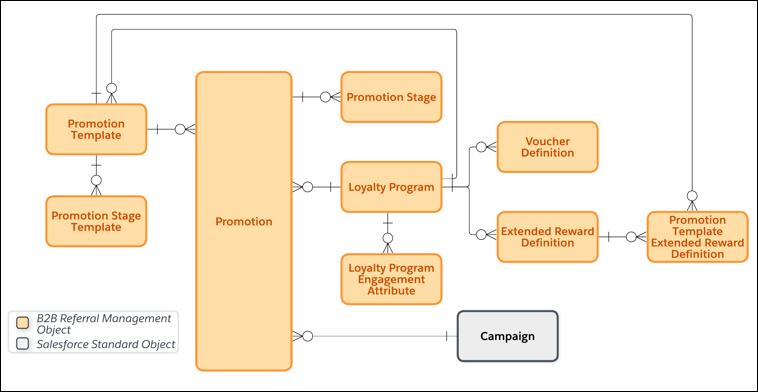
Loyalty Program
Stores information about referral programs.
Voucher Definition
Stores information about voucher templates that are used to issue vouchers to advocates or to their referred party. Each voucher definition is associated with a referral program.
Promotion Template
Stores information about the reusable referral promotion templates that are used to create promotions.
Promotion Stage Template
Stores information about the stages of a promotion template that are used to define when advocates and their referred parties are rewarded and the activities that rewards are offered for.
Promotion
Stores the configuration and detailed information of referral promotions. Each promotion is associated with a referral program.
Promotion Stage
Stores information about the stages of referral promotions.
Extended Reward Definition
Stores information about the extended reward templates that are used to issue extended rewards to advocates or to their referred party. Each extended reward definition is associated with a referral program.
Promotion Template Extended Reward Definition
Stores information about the promotion template associated with an extended reward definition.
Campaign
Stores the details of a campaign that consists of accounts, which map to campaign members who are the target audience of a referral promotion.
Loyalty Program Engagement Attribute
Stores the details of a referral promotion’s reward limit or daily referral limit for advocates.
## Objects to Run a Referral Program
Use these objects to run a referral program and its promotions.
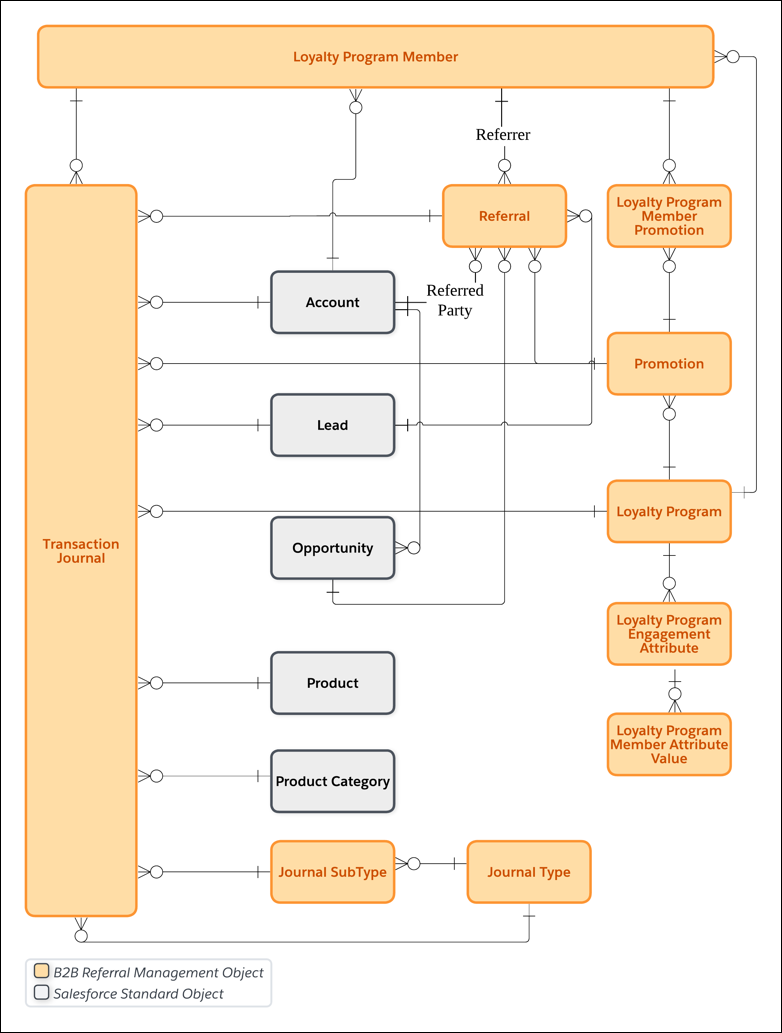
Account
Stores information about an advocate or referred party.
Lead
Stores information about a potential customer referred by an advocate through a referral promotion.
Opportunity
Stores information about a qualified potential sale that is actively being pursued. An Opportunity record is created when a lead, referred by an advocate through a referral promotion, successfully qualifies and converts into a sales opportunity.
Loyalty Program Member
Stores information about an advocate.
Loyalty Program Member Promotion
Stores information about the referral promotions that advocates have joined.
Referral
Stores information about each advocate referral. Each referral contains the details of the advocate who referred a party and of the referred party.
Transaction Journal
Stores information about the activities of advocates and of their referred party.
Journal Type
Stores information about the type of referral activities that you create transaction journals for. B2B Referral Management provides a journal type that you can use to track all referral activities. You can’t extend or customize the Journal Type object or the Referral journal type.
Journal Subtype
Stores information about the subtype of referral activities that you create transaction journals for.
Product
Stores information about the product that a referred party purchased.
Product Category
Stores information about the product category that a referred party purchased a product from.
Loyalty Program Member Attribute Value
Stores information to track an advocate’s progress towards reaching their referral promotion’s reward limit or daily referral limit.
## Objects to Reward Advocates and Referred Parties
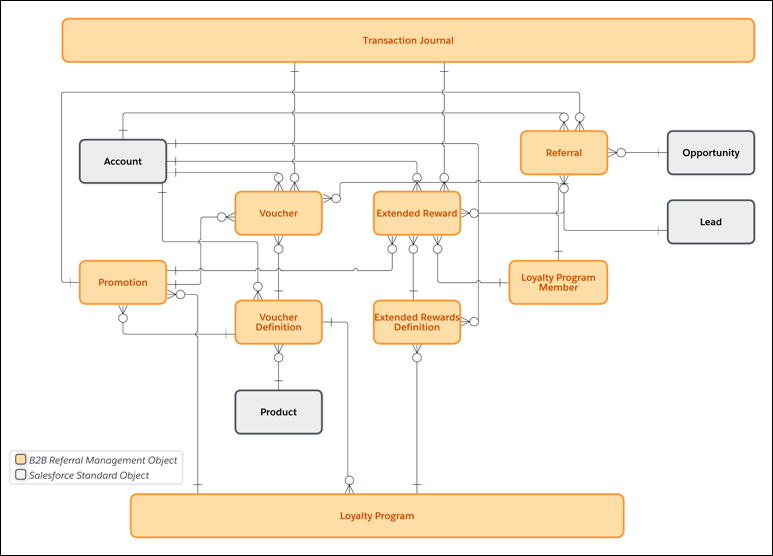
Voucher
Stores information about the vouchers that are issued as referral rewards to advocates and to their referred party.
Extended Reward
Stores information about the extended rewards that are issued to advocates and to their referred party.
# B2B Referral Management Scenarios
Effective referral management can occur through various channels, including customer and partner networks.
### Required Editions
Available in: Lightning Experience
Available in: Enterprise, Performance, Unlimited, and Developer Editions with Referral Marketing
The following scenarios illustrate how referrals can be generated through these channels:
## Customer Referrals
Customer referrals occur when your existing customers recommend your business to other potential customers, helping to drive new business opportunities. For example, Intel, a leading technology company, has a strong relationship with Dell, a major computer manufacturer. Intel is aware that Seagate, another technology company, produces high-quality laptop batteries. Intel decides to refer Seagate to Dell, suggesting that Dell consider Seagate as a supplier for their laptop batteries.
## Partner Referrals
Partner referrals occur when your existing business partners recommend your business to other potential customers. For example, IBM, a leading technology and consulting company, has a strategic partnership with Tableau, a data visualization platform. IBM also has a strong relationship with a major financial institution. IBM recognizes that Tableau's data visualization tools could significantly enhance the financial institution's data analysis and reporting capabilities. IBM decides to refer Tableau to the financial institution, suggesting that they consider Tableau as an addon to their data analysis feature.
# B2B Referral Management Strategy
Every brand crafts its referral program uniquely to align with its specific requirements. B2B Referral Management helps businesses design and manage multiple promotions simultaneously or one promotion at a time based on the brand’s marketing strategy. Brands can also customize each promotion's stages, define rewards, and target specific audiences to perfectly fit their unique B2B objectives.
### Required Editions
Available in: Lightning Experience
Available in: Enterprise, Performance, Unlimited, and Developer Editions with Referral Marketing
## Business Requirements
Here are some of the key questions that channel managers must answer to translate the brand's business requirements into a referral promotion:
QUESTION
HOW B2B REFERRAL MANAGEMENT HELPS channel managers ANSWER THE QUESTIONS
Who is the target audience of the promotion?
Channel managers can select a campaign as the promotion's target audience.
If
a promotion doesn't have a target audience, all the advocates of the referral
program are automatically considered as the target audience.
Who does the promotion reward?
A promotion can reward both advocates and the referred parties, either the
advocates or the referred parties, or in rare cases, reward neither. Based on the
objective of the promotion and the promotion's budget, channel managers decide whom
the promotion rewards.
What are the activities for which advocates and their referred parties are
rewarded?
After deciding the target audience for a promotion and whom to reward, the
partner manager decides the activities that the promotion rewards.
When do advocates and their referred parties complete the activity that they’re
rewarded for?
A referral promotion's journey consists of five stages. For most industries and
use cases, the first two stages are common: launching the promotion and inviting
advocates to join the promotion. The third, fourth, and fifth stages differ between
promotions.
channel managers decide the promotion stages where advocates and the
referred parties must complete the activities that the rewards are provided
for.
How many businesses can an advocate refer and how many times are advocates
rewarded by the promotion?
Channel managers can set limits for their promotions. They can set two types of
limits. The first limit is on the number of times advocates can be rewarded. The
second limit is on the number of businesses advocates can refer in a day.
Both
limits ensure that the promotion remains within the approved budget and stays
protected from fraudulent referrals.
# B2B Referral Promotion Prerequisites
Before channel managers design a referral promotion, they must ensure that all the information that's required to design a promotion is already available.
- **[B2B Referral Management Strategy](https://help.salesforce.com/s/articleView?id=mktg.b2b_referral_promotion_strategy.htm&release=264.0.0&type=5)**
Every brand crafts its referral program uniquely to align with its specific requirements. B2B Referral Management helps businesses design and manage multiple promotions simultaneously or one promotion at a time based on the brand’s marketing strategy. Brands can also customize each promotion's stages, define rewards, and target specific audiences to perfectly fit their unique B2B objectives.
- **[Promotion Audience](https://help.salesforce.com/s/articleView?id=mktg.b2b_referral_promotion_prereq_audience.htm&release=264.0.0&type=5)**
Referral promotions can be targeted either towards your entire partner base or towards specific partner groups. Before you use the Referral Promotion guided flow to design a promotion, decide the promotion’s target audience. If you want to target a specific partner group, you can filter the target audience by using a campaign.
- **[Eligible Activities for Promotions](https://help.salesforce.com/s/articleView?id=mktg.b2b_referral_promotion_prereq_eligible_activties.htm&release=264.0.0&type=5)**
A promotion rewards advocates and their referred parties when an eligible activity is completed. Before you create a referral promotion, decide the promotion's eligible activities for advocates and their referred parties. Eligible activities are represented as journal subtypes in Salesforce.
- **[Promotion Rewards](https://help.salesforce.com/s/articleView?id=mktg.b2b_referral_promotion_prereq_rewards.htm&release=264.0.0&type=5)**
Based on the promotion template that you want to use for your promotion, decide the rewards that you want to offer as part of the promotion. If the promotion template rewards both advocates and their referred parties, then decide whether you want to give the same reward to advocates and their referred parties, or different rewards.
- **[Common Business Requirements for B2B Referral Promotions](https://help.salesforce.com/s/articleView?id=mktg.b2b_referral_promotion_business_req.htm&release=264.0.0&type=5)**
Before you create referral promotions, map some of the most common business requirements to the prerequisites for creating a promotion.
# B2B Referral Workflow
The workflow of a referral program involves two personas, an advocate and their referred party. Before you create a referral program, learn how advocates and their referred parties interact with the referral program.
### Required Editions
Available in: Lightning Experience
Available in: Enterprise, Performance, Unlimited, and Developer Editions with Referral Marketing
Channel managers in your company can decide when advocates and their referred parties are rewarded. You reward the advocate or the referred party only one time each during the referral journey. For example, you can either reward an advocate when they refer a business or reward them when the referred party signs up using the advocate's referral link. You can't reward advocates and their referred parties again. You can only reward a referred party when they have an account record.
Who Does the Action
What’s the Action
When Is a Reward Offered
Advocate
Joins a referral promotion
A reward isn't offered to the advocate for joining the referral
promotion.
Advocate
Sends their referral link to another business.
The advocate can be rewarded for referring a business.
Referred Party
Signs up by using the advocate’s referral link.
The advocate can be rewarded when the lead qualifies and converts into an
opportunity.
The referred party can be rewarded with a welcome voucher or extended reward
after the lead converts and an Opportunity and Account record is created.
Referred Party
Closes a deal and becomes a customer
The advocate can be rewarded for helping the brand gain an engaged
customer.
The referred party can be rewarded with an extended reward or voucher or for
engaging with the brand once the opportunity is closed or won.
# B2C Referrals Data Model
Learn about the objects in the B2C Referrals data model.
### Required Editions
Available in: Lightning Experience
Available in: Enterprise, Performance, Unlimited, and Developer Editions with Referral Marketing
## Objects to Design a B2C Referral Program
Use these objects to create a B2C referral program and its promotions.

Loyalty Program
Stores information about referral programs.
Voucher Definition
Stores information about voucher templates that are used to issue vouchers to advocates or to their referred friends. Each voucher definition is associated with a referral program.
Promotion Template
Stores information about the reusable referral promotion templates that are used to create promotions.
Promotion Stage Template
Stores information about the stages of a promotion template. A promotion template's associated promotion stage templates contain information on when advocates and their referred friends are rewarded and the activities that rewards are offered for.
Promotion
Stores the configuration and detailed information of referral promotions. Each promotion is associated with a referral program.
Promotion Stage
Stores information about the stages of referral promotions.
Email Template
Stores the content of the marketing emails that are sent to advocates and to their referred friends for referral promotions.
Promotion Stage Email Template
Stores information about email templates that are used to send marketing emails to advocates and to their referred friends at each promotion stage.
Loyalty Program Widget
Stores the details of a referral promotion’s widget.
Segment
Stores information about a Data 360 segment. This object is available in orgs where Data 360 is enabled.
Promotion Market Segment
Stores information about the Data 360 segment that consists of referral promotions’ target audience. This object is available in orgs where Data 360 is enabled.
Campaign
Stores the details of a campaign that consists of a referral promotion’s target audience.
Internal Organization Unit
Stores the details of a Marketing Cloud Engagement business unit’s connection with Referral Marketing. Referral promotions are associated with a connected business unit. The marketing journeys and emails of the promotion are automatically created in the associated business unit when you activate the promotion.
Loyalty Program Engagement Attribute
Stores the details of a referral promotion’s reward limit or daily referral limit for advocates.
## Objects to Run a B2C Referral Program
Use these objects to run a B2C referral program and its promotions.

Contact
Stores information about an advocate or referred friend.
Loyalty Program Member
Stores information about an advocate.
Loyalty Program Member Promotion
Stores information about the referral promotions that advocates have joined. The count of active Loyalty Program Member Promotion records associated with active referral promotions determine the count of active advocates in the org.
Referral
Stores information about each advocate referral. Each referral contains the details of the advocate who referred their friend and of the referred friend.
Transaction Journal
Stores information about the activities of advocates and of their referred friends.
Journal Type
Stores information about the type of referral activities that you create transaction journals for. Referral Marketing provides a journal type named Referral out-of-the-box and you can use it to track all referral activities. You can’t extend or customize the Journal Type object or the Referral journal type.
Journal Subtype
Stores information about the subtype of referral activities that you create transaction journals for.
Voucher
Stores information about the vouchers that are issued as referral rewards to advocates and to their referred friends.
Product
Stores information about the product that a referred friend purchased.
Product Category
Stores information about the product category that a referred friend purchased a product from.
Loyalty Program Member Attribute Value
Stores information to track an advocate’s progress towards reaching their referral promotion’s reward limit or daily referral limit.
#### See Also
- [_Referral Marketing Developer Guide_: Referral Marketing Standard Objects](https://developer.salesforce.com/docs/atlas.en-us.referral_marketing.meta/referral_marketing/referral_standard_objects.htm)
# Baidu API Connector
Baidu, Inc. operates as an Internet Search Provider, which offers internet search solutions and online marketing solutions.
- Data Stream Type:
- Ads
- Search Keywords
- Conversion Tag
- Conversion Tag with Keywords
- Data Lag: 1 Day
## Prerequisites
- You’ll must provide your Username, Password, and App Token (API Key). To retrieve your App Token:
- Log into the Baidu Business Developer Center.
- Navigate to the ‘Personal Center’.
- Apply for API permissions and then copy the Key.
- Enter your Username, Password, and App Token into the Authentication box.
- Under ‘Credentials’ select the Account you wish to connect to Marketing Cloud Intelligence
## Extended Properties
- Get Keyword - When this box is checked, a Keywords Report is retrieved in addition to the Ad Group data retrieved by the API by default. This added report is mapped to the Search Keywords Data Stream Type.
- Get Conversions - When this box is checked, a Conversions Report is retrieved in addition to the Adgroup data retrieved by the API by default. This added report is mapped to the Conversion Tags Data Stream Type.
## QA Your Data
- Create the desired report in the Baidu UI for the required date range. Then, process the relevant Data Stream in Marketing Cloud Intelligence for the exact same date range.
- There are three types of Baidu reports that Marketing Cloud Intelligence can retrieve:
- Ad Group Report - The default report when no Extended Properties are selected
- Keywords Report - This is retrieved when ‘Get Keywords’ is selected in the Extended Properties
- Conversions Report - This is retrieved when ‘Get Conversions’ is selected in the Extended Properties
- Create a Report/Table Widget/Pivot Table within Marketing Cloud Intelligence containing the exact same Dimensions and Measurements for the same report and date range.
- Compare the Measurement Totals and make sure they’re aligned.
- To ensure that you’ve mapped the Entity relationships correctly, filter the Baidu report for a certain Dimension value and make sure that the list of associated Dimensions seen in the Baidu report corresponds to what you see in Intelligence when the same filtering is applied.
- Under the above filtering, make sure that the Measurement values are aligned as well.
# Baidu API Connector
Baidu, Inc. operates as an Internet Search Provider, which offers internet search solutions and online marketing solutions.
- **Data Stream Type**:
- Ads
- Search Keywords
- Conversion Tag
- Conversion Tag with Keywords
- **Data Lag**: 1 Day
## Prerequisites
- You’ll must provide your Username, Password, and App Token (API Key). Complete the following steps to retrieve your App Token:
1. Log into the Baidu Business Developer Center.
2. Navigate to the ‘Personal Center’.
3. Apply for API permissions and then copy the Key.
4. Enter your Username, Password, and App Token into the Authentication box.
5. Under ‘Credentials’ select the Account you wish to connect to Marketing Cloud Intelligence Data Pipelines
## Extended Properties
- Get Keyword - When this box is checked, a Keywords Report is retrieved in addition to the Ad Group data retrieved by the API by default. This added report is mapped to the Search Keywords Data Stream Type.
- Get Conversions - When this box is checked, a Conversions Report is retrieved in addition to the Adgroup data retrieved by the API by default. This added report is mapped to the Conversion Tags Data Stream Type.
## QA Your Data
- Create the desired report in the Baidu UI for the required date range. Then, process the relevant Data Stream in Marketing Cloud Intelligence Data Pipelines for the exact same date range.
- There are three types of Baidu reports that Marketing Cloud Intelligence Data Pipelines can retrieve:
- Ad Group Report - The default report when no Extended Properties are selected
- Keywords Report - This is retrieved when ‘Get Keywords’ is selected in the Extended Properties
- Conversions Report - This is retrieved when ‘Get Conversions’ is selected in the Extended Properties
- Create a Report/Pivot Table within Marketing Cloud Intelligence Data Pipelines containing the exact same Dimensions and Measurements for the same report and date range.
- Compare the Measurement Totals and make sure they’re aligned.
- To ensure that you’ve mapped the Entity relationships correctly, filter the Baidu report for a certain Dimension value and make sure that the list of associated Dimensions seen in the Baidu report corresponds to what you see in Intelligence Data Pipelines when the same filtering is applied.
- Under the above filtering, make sure that the Measurement values are aligned as well.
# Banner with Call-to-Action Web Campaigns
You can create a banner with call-to-action web campaign that replaces the existing banner on your website. Use the built-in global template or use a custom template that a developer creates.
## Banner with Call-to-Action Web Template
The banner with call-to-action web template available to you can differ in name and configuration options due to modifications by your developer. If you need additional styling or configuration options, ask your template developer about modifying the template.
**Banner with Call-to-Action**—Select this template to display a banner with a single call-to-action message.
Item
Description
Content Zone
Available content zones appear in this dropdown.
If your developer
selected a single content zone, there isn’t a content zone dropdown. If
you need another content zone, ask your developer to modify the
template.
Background Image URL
This template lets you add the URL for a hosted image. Locate the image,
click it to open it in a browser window, copy its URL, and enter that in the
field.
Ensure that the URL doesn’t change. If the URL changes or if
you delete the image, the campaign doesn’t display
correctly.
Style
This template offers the options of Dark on Light (dark text on a
light image) and Light on Dark (light text on a dark image) for
flexibility according to the background image.
Header
This text is the main headline for the campaign.
Subheader
This text is smaller and located beneath the header.
CTA Text
This text appears on the prestyled call-to-action button within the
banner.
CTA Destination URL
This URL is the page where users land when they click the call-to-action
button.

Note If the landing page doesn't align with your targeting logic or campaign goals, you can create a confusing experience for your users.
# Basic Audit Trail Metrics
Basic Audit Trail provides fundamental security-related metrics. With Basic Audit Trail, Marketing Cloud Engagement retains 30 days of data. Basic Audit Trail is on by default in all accounts.
For more in-depth metrics and a longer retention period, use [Advanced Audit Trail](https://help.salesforce.com/s/articleView?id=mktg.mc_overview_audit_trail_advanced_metrics.htm&release=264.0.0&type=5 "Advanced Audit Trail is available as an add-on. It includes all the metrics that Basic Audit Trail provides, and extra metrics related to channels, sites, analytics, and automations. Advanced Audit Trail retains data for 60 days.").
## Setup Metrics
Basic Audit Trail logs these events related to setup:
- User authentication, including logins and logouts at the enterprise level, but not at the business unit level
- IP addresses used to access Marketing Cloud Engagement
- Changes to users, user permissions, and roles
- Changes to user passwords

Note Audit Trail doesn’t log an `ObjectName` value for these events:
- When an admin assigns a custom role to a user
- When an admin assigns a role to a business unit
- When an admin assigns a role to a user of a business unit
- When an admin updates security settings
- When an admin updates user permissions
## Installed Package Metrics
Basic Audit Trail logs information about these events related to installed packages:
- Staging and activating client secrets
- Creation, modification, deletion, and licensing of installed packages
- Permission scope changes for package components
- Creation, modification, and deletion of package components

Note Audit Trail doesn’t track deletion events for API Integration or Marketing Cloud App components.
#### See Also
- [Audit Trail](https://help.salesforce.com/s/articleView?id=mktg.mc_overview_audit_trail.htm&release=264.0.0&type=5 "View Marketing Cloud Engagement access and activity records with Audit Trail. Pull Audit Trail records in Automation Studio data extracts or by using REST API. Analyze the information from Audit Trail in your preferred tools or archive it for later reference.")
- [Advanced Audit Trail Metrics](https://help.salesforce.com/s/articleView?id=mktg.mc_overview_audit_trail_advanced_metrics.htm&release=264.0.0&type=5 "Advanced Audit Trail is available as an add-on. It includes all the metrics that Basic Audit Trail provides, and extra metrics related to channels, sites, analytics, and automations. Advanced Audit Trail retains data for 60 days.")
# Basis by Centro API Connector
Basis by Centro is a provider of enterprise software for digital advertising organizations. Its technology platform, Basis, is the first of its kind SaaS advertising solution unifying programmatic and direct media buying, along with workflow automation, cross-channel campaign planning, universal reporting, and business intelligence.
- Channel: Display
- Data Stream Type: Ad
- Data Lag: 1 Day
## Prerequisites
To connect to the Centro connector, you need a valid Client ID and Client Secret.
## General Setup
After entering your credentials, select the relevant Advertiser you want to retrieve data for. Select the Brands you want to retrieve data for. If you want to retrieve data for all the advertisers leave this field empty.
## QA Your Data
- Create the desired report in the Centro platform for the required date range.
- Next, process the relevant Data Stream in Marketing Cloud Intelligence for the same date range.
- Create a Report/Table Widget/Pivot Table within Intelligence containing the exact same Dimensions and Measurements for the same report and date range.
- Compare the Measurement Totals and make sure they’re aligned.
# Basis by Centro API Connector
Basis by Centro is a provider of enterprise software for digital advertising organizations. Its technology platform, Basis, is the first of its kind SaaS advertising solution unifying programmatic and direct media buying, along with workflow automation, cross-channel campaign planning, universal reporting, and business Intelligence Data Pipelines.
- **Channel**: Display
- **Data Stream Type**: Ad
- **Data Lag**: 1 Day
## Prerequisites
To connect to the Centro connector, you need a valid Client ID and Client Secret.
## General Setup
After entering your credentials, select the relevant Advertiser you want to retrieve data for. Select the Brands you want to retrieve data for. If you want to retrieve data for all the advertisers leave this field empty.
## QA Your Data
- Create the desired report in the Centro platform for the required date range.
- Next, process the relevant Data Stream in Marketing Cloud Intelligence Data Pipelines for the same date range.
- Create a Report/Pivot Table within Intelligence Data Pipelines containing the exact same Dimensions and Measurements for the same report and date range.
- Compare the Measurement Totals and make sure they’re aligned.
# Batch Personalization Decisions for Customer Segments
With Batch Personalizations, you can create personalized decisions for a Data 360 segment and save the decisions to Data Model Objects (DMO) in Data 360. You can then send the batch personalization output to other platforms like Marketing Cloud Engagement (MCE), Google Cloud Platform (GCP), Amazon S3, and Azure to power your cross-channel marketing campaigns. For example, using Data 360, Salesforce Personalization, and MCE, you can use recommendations created for a Data 360 customer segment in MCE emails to notify your customers about an upcoming year-end sale.
### Required Editions
Available in: Lightning Experience in Enterprise, Unlimited, Professional, and Developer editions with Data 360.
To create and use batch personalization decisions in external systems like MCE, make sure you perform these tasks.
- In Data 360, configure the segment of users that you want to target. For example, build a segment on unified individuals who made a purchase during the previous year-end sales.
- In Salesforce Personalization, configure a personalization point that you want to evaluate the segment against. For example, create a personalization point to provide recommendations on products that are eligible for the year-end sale.
- In Salesforce Personalization, create a batch personalization for the targeted segment and personalization point. When you run a batch personalization, the output is saved to a batch personalization output DMO in Data 360.
- In Data 360, create a DMO activation for the batch personalization output DMO and select the target system (like MCE or S3) to send your output to.
- In the external system, leverage batch personalization output attributes to power your campaign. For example, in MCE, you can use AMPscript to include batch personalization output attributes to compose your campaign messages. For sample Ampscript templates, see [Sample AMPscript Templates for Batch Personalization](https://developer.salesforce.com/docs/marketing/einstein-personalization/guide/batch-persnl-sample-templates.html).
- **[Create a Batch Personalization](https://help.salesforce.com/s/articleView?id=mktg.persnl_batch_create_batch_persnl.htm&release=264.0.0&type=5)**
Create and configure a batch personalization to generate personalization decisions for a customer segment.
- **[Understanding the Batch Personalization Output DMO](https://help.salesforce.com/s/articleView?id=mktg.persnl_batch_understand_batch_persnl_output_dmo.htm&release=264.0.0&type=5)**
When a batch personalization is run, it creates a related decision output DMO in Data 360. The DMO stores the decision payload along with other details related to the batch personalization.
- **[Create DMO Activation Against a Batch Personalization Output DMO](https://help.salesforce.com/s/articleView?id=mktg.persnl_batch_create_dmo_activation_against_output_dmo.htm&release=264.0.0&type=5)**
To send the output of a batch personalization to other systems like MCE, create a corresponding DMO activation in Data 360.
- **[Batch Personalization FAQs](https://help.salesforce.com/s/articleView?id=mktg.persnl_batch_persnl_faqs.htm&release=264.0.0&type=5)**
Answers to your questions about Batch Personalizations for Salesforce Personalization.
#### See Also
- [_Salesforce Help:_ Create Segments in Data 360](https://help.salesforce.com/s/articleView?id=data.c360_a_segments.htm&type=5&language=en_US)
- [_Salesforce Help:_Activation and Activation Targets](https://help.salesforce.com/s/articleView?id=data.c360_a_activation.htm&type=5&language=en_US)
- [Batch Personalization Output DMO](https://developer.salesforce.com/docs/marketing/einstein-personalization/guide/batch-personalization-output-dmo.html)
- [Create a Batch Personalization](https://help.salesforce.com/s/articleView?id=mktg.persnl_batch_create_batch_persnl.htm&release=264.0.0&type=5 "Create and configure a batch personalization to generate personalization decisions for a customer segment.")
- [Sample AMPscript Templates for Batch Personalization](https://developer.salesforce.com/docs/marketing/einstein-personalization/guide/batch-persnl-sample-templates.html)
# Batch Personalization FAQs
Answers to your questions about Batch Personalizations for Salesforce Personalization.
## What happens if the individual ID selected for the decision against a personalization point rooted on a unified individual isn’t the ID I want to send my message to in Marketing Cloud Engagement (MCE)?
In addition to the individual ID used for the decision, batch personalization also writes the unified individual ID that it was derived from. If a table exists in MCE that has all individual IDs related to a unified individual, use the unified individual ID as the entry point to find the individual ID required for the outbound message.
## Does personalization attempt to retry batch decision jobs if they fail?
Yes, Salesforce Personalization retries a failed job up to three times. If the failure persists, an error code is logged on the fault code attribute visible on the batch personalization detail page. The job then moves into an error state and doesn’t process until triggered manually.
## How many batch personalization jobs can I have?
You can have 20 active batch personalization jobs. “Active” means that the personalization job runs on segment refresh and is defined by the “Batch Status” attribute on the batch personalization object. The “Status” attribute is indicative of the object sync status and doesn't dictate whether the personalization job runs.
## Why are decision credits consumed for batch personalization less than the members of the segment?
If contact point filtering is used, the number of decisions made for a given segment can differ from the number of individuals in the segment.
## Will my batch personalization and corresponding DMO activation run automatically after I set them up?
Yes, the batch personalization job runs each time the corresponding Data 360 segment refreshes. If you select “Trigger linked DMO Activation” on your batch personalization, it automatically triggers the DMO activation to run.
# BCC Email Compliance
In some industries, businesses must retain a record of all emails sent, including the content and each email recipient. The blind carbon copy (BCC) email compliance feature can be used with a third-party archival system to store emails sent from Account Engagement. Configure this feature to send a copy of every Account Engagement email to your BCC address.
### Required Editions
Available for an extra cost in: Account Engagement Plus, Advanced, and Premium Editions
- Account Engagement isn’t responsible for the archival of emails after they have been sent from our servers. If you must archive your emails for legal purposes, we recommend using a third-party service.
- You can’t use this feature with mail plug-ins.
- Don’t open or interact with emails in the BCC email inbox because clicks, opens, spam complaints, and opt-outs are reported and can skew your email reports.
- BCC emails don’t affect delivery rates, total sent, or total delivered in email reports.
- **[Set Up BCC Email Compliance](https://help.salesforce.com/s/articleView?id=mktg.pardot_admin_bcc_email_compliance_setup.htm&release=264.0.0&type=5)**
An Account Engagement admin can configure the BCC email compliance feature in your business unit settings. Before you set up this feature, make sure that you have a BCC email address that is accepting emails.
- **[Re-Enable Email After a BCC Failure](https://help.salesforce.com/s/articleView?id=mktg.pardot_admin_bcc_compliance_reenable_sending.htm&release=264.0.0&type=5)**
When BCC email compliance is enabled, all live and test emails are also sent to the BCC email address. If an email sent to the BCC email address bounces, all email sending is suspended until a valid BCC email address is provided. You receive an in-app notification when a BCC failure occurs.
# Beacon Best Practices
A list of recommendations to help you successfully implement beacons in Marketing Cloud MobilePush.
- Place beacon hardware at least 30 feet apart.
- Generally, use the highest possible Transmit Power setting. If you use multiple beacons in the same area, consider lowering the Transmit Power setting to avoid overlapping with other beacons. Refer to information from the beacon manufacturer to set Transmit Power.
- Low Transmit Power Example: If you set up one beacon in the produce section of a grocery store and another beacon in the deli section, lower the Transmit Power setting. This prevents both the produce message and the deli message from being triggered in both places.
- High Transmit Power Example: If you set up beacons at two ends of a large stadium and in the stadium parking lot, it is likely that they will be far enough apart to use a higher Transmit Power setting.
- We recommend that you limit your messages to one message per hour. Set message limits when you create a beacon message.
#### See Also
- [Prerequisites to Using Beacons with MobilePush](https://help.salesforce.com/s/articleView?id=mktg.mc_mp_beacon_prerequisites.htm&release=264.0.0&type=5 "Complete these steps before you can use beacons in MobilePush.")
- [MobilePush Beacon Scenarios](https://help.salesforce.com/s/articleView?id=mktg.mc_mp_beacon_behavior.htm&release=264.0.0&type=5 "Learn more about what happens in different situations when you use beacons with MobilePush.")
# Beacon Messaging
Beacons are physical devices that you position in the locations where you want your customers to receive messages. Beacons use a Bluetooth Low Energy (BLE) signal to broadcast a universally unique identifier (UUID) to a compatible app. Use beacons to send messages based on an individual’s location. When a device enters the range of the beacon, the device uses the broadcast UUID to trigger and display a message. Beacons provide a precise location around which to plan and execute your marketing activities. Because you know the exact location of the beacon, you can tailor your messages to better target your mobile app users.
## Beacon Messages
Beacons use BLE to broadcast a signal up to 50 meters from the beacon. When a device that has an app installed that contains the MobilePush Journey Builder for Apps SDK comes within range, the device is triggered to perform an action, such as display a push notification message associated with that app. Marketing Cloud Engagement supports general ranging, rather than distance-specific ranging. Any devices up to 50 meters from the beacon receives the message.

Note Beacon messages work on devices that run iOS 7 or later and on devices that run Android version 4.3 or later. To display messages, mobile devices must have location tracking, Bluetooth, and background app refresh enabled for your specific app.
## Beacon Messages vs. Geofence Messages
Geofence messaging and beacon messaging complement each other. Geofences allow you to target your marketing at the macro level, such as when a customer enters or leaves a store. Beacons allow you to target your marketing at the micro level, such as when a customer is next to a particular display case in the store.
A geofence uses the GPS capability on a customer’s device to determine the user’s latitude and longitude. The geofence delivers a message when the user enters or exits the virtual fence.
## Beacon Messages vs. Push Notifications
Beacon messages are different from push notifications. Beacon messages are downloaded to and displayed on the mobile device when they’re triggered, while push notifications are sent to the device. If your use case requires you to record whether a device came into range of a beacon, display a unique message corresponding to that beacon. By displaying the message, you can determine the exact time and location of the encounter with the beacon.
- **[Prerequisites to Using Beacons with MobilePush](https://help.salesforce.com/s/articleView?id=mktg.mc_mp_beacon_prerequisites.htm&release=264.0.0&type=5)**
Complete these steps before you can use beacons in MobilePush.
- **[Beacon Best Practices](https://help.salesforce.com/s/articleView?id=mktg.mc_mp_beacon_best_practices.htm&release=264.0.0&type=5)**
A list of recommendations to help you successfully implement beacons in Marketing Cloud MobilePush.
- **[Create a Beacon Location](https://help.salesforce.com/s/articleView?id=mktg.mc_mp_create_a_beacon_location.htm&release=264.0.0&type=5)**
Create beacon locations in Marketing Cloud Engagement to specify the physical location of your beacons.
- **[Create a Beacon Message](https://help.salesforce.com/s/articleView?id=mktg.mc_mp_create_a_beacon_message.htm&release=264.0.0&type=5)**
Complete these steps to create a message in MobilePush that users receive when they come near your beacon. Save your message at any point and return to it later. To use custom sounds, OpenDirect, or Custom Keys, enable them for your app before you create a message.
- **[Edit a Beacon Location](https://help.salesforce.com/s/articleView?id=mktg.mc_mp_edit_a_beacon_location.htm&release=264.0.0&type=5)**
Follow these steps in MobilePush to edit details about a beacon’s location, such as the beacon’s name and description and the GUID, major, and minor values listed on the hardware.
- **[Delete a Beacon Location](https://help.salesforce.com/s/articleView?id=mktg.mc_mp_delete_a_beacon_location.htm&release=264.0.0&type=5)**
Learn when and how to delete a beacon location in MobilePush.
- **[MobilePush Beacon Scenarios](https://help.salesforce.com/s/articleView?id=mktg.mc_mp_beacon_behavior.htm&release=264.0.0&type=5)**
Learn more about what happens in different situations when you use beacons with MobilePush.
- **[Beacon Terminology](https://help.salesforce.com/s/articleView?id=mktg.mc_mp_beacon_terminology.htm&release=264.0.0&type=5)**
Definitions of common beacon terms used in MobilePush in Marketing Cloud Engagement.
#### See Also
- [MobilePush Beacon Scenarios](https://help.salesforce.com/s/articleView?id=mktg.mc_mp_beacon_behavior.htm&release=264.0.0&type=5 "Learn more about what happens in different situations when you use beacons with MobilePush.")
- [Beacon Terminology](https://help.salesforce.com/s/articleView?id=mktg.mc_mp_beacon_terminology.htm&release=264.0.0&type=5 "Definitions of common beacon terms used in MobilePush in Marketing Cloud Engagement.")
- [Prerequisites to Using Beacons with MobilePush](https://help.salesforce.com/s/articleView?id=mktg.mc_mp_beacon_prerequisites.htm&release=264.0.0&type=5 "Complete these steps before you can use beacons in MobilePush.")
# Beacon Terminology
Definitions of common beacon terms used in MobilePush in Marketing Cloud Engagement.
Universally Unique Identifier (UUID)
A unique string of letters and numbers that is used to identify a beacon. This string is found on the beacon hardware. Enter the UUID exactly as listed when you create a beacon location. Also known as a Globally Unique Identifier (GUID).
Major
A value that groups a related set of beacons.
Minor
A value that specifies a particular beacon within a major group.
Proximity Messaging
Proximity messaging uses Bluetooth technology to notify nearby mobile devices of their proximity to a Beacon device and causes the device to display a push notification.
Magic fence
A magic fence tells the app which nearby geofences and beacon GUIDs to download.
Geofence
A virtual perimeter for a real-world geographic area. A geofence uses the GPS capability on a user’s device to determine their position. MobilePush can deliver a message when the user enters or exits the geofence. Geofences can be used with beacons.
Known beacon
A beacon that the app is tracking.
#### See Also
- [Beacon Messaging](https://help.salesforce.com/s/articleView?id=mktg.mc_mp_beacons_overview.htm&release=264.0.0&type=5 "Beacons are physical devices that you position in the locations where you want your customers to receive messages. Beacons use a Bluetooth Low Energy (BLE) signal to broadcast a universally unique identifier (UUID) to a compatible app. Use beacons to send messages based on an individual’s location. When a device enters the range of the beacon, the device uses the broadcast UUID to trigger and display a message. Beacons provide a precise location around which to plan and execute your marketing activities. Because you know the exact location of the beacon, you can tailor your messages to better target your mobile app users.")
- [Create a Beacon Location](https://help.salesforce.com/s/articleView?id=mktg.mc_mp_create_a_beacon_location.htm&release=264.0.0&type=5 "Create beacon locations in Marketing Cloud Engagement to specify the physical location of your beacons.")
- [MobilePush Beacon Scenarios](https://help.salesforce.com/s/articleView?id=mktg.mc_mp_beacon_behavior.htm&release=264.0.0&type=5 "Learn more about what happens in different situations when you use beacons with MobilePush.")
# Before You Begin Salesforce Connector v2 Setup
Before you set up Salesforce connector v2, review considerations and choose which sync method to use.
- **[Considerations for Using the Salesforce Connector](https://help.salesforce.com/s/articleView?id=mktg.pardot_sf_connector_considerations.htm&release=264.0.0&type=5)**
Before you set up or unpause your connector, review considerations such as syncing fields and prospects, mapping users, and other setup tasks.
- **[Considerations for Accounts That Allow Multiple Prospects with the Same Email Address](https://help.salesforce.com/s/articleView?id=mktg.pardot_sf_connector_considerations_for_ampsea.htm&release=264.0.0&type=5)**
The most important aspect of the Salesforce sync is creating a one-to-one relationship between an Account Engagement prospect and a Salesforce lead, contact, or person account. The Salesforce connector uses CRM ID as the matching criteria for syncing in both directions in business units that allow multiple prospects with the same email address.
- **[Choose a Sync Method](https://help.salesforce.com/s/articleView?id=mktg.pardot_sf_connector_setup_sync_needs_parent.htm&release=264.0.0&type=5)**
When the integration user is set as the connector user, the connector syncs all records for objects that sync between Account Engagement and Salesforce. If you want to sync a subset of records, use Marketing Data Sharing to select the records to sync. Use the included integration user, or configure your own connector user.
- **[Marketing Data Sharing](https://help.salesforce.com/s/articleView?id=mktg.pardot_sf_connector_setup_selective_sync_parent.htm&release=264.0.0&type=5)**
Use Marketing Data Sharing to create rules for syncing a subset of leads, contacts, opportunities, and custom objects.
#### See Also
- [Salesforce Connector v2 Setup](https://help.salesforce.com/s/articleView?id=mktg.pardot_sf_connector_setup_v2_setup_main.htm&release=264.0.0&type=5 "Connector setup is split into three main steps: install and enable Account Engagement, configure Salesforce, and then configure Account Engagement.")
# Before You Generate Content
For the best results, create your brand, marketing briefs, images, and other assets before generating content. Use these resources to ground your content and make sure that your content follows corporate standards and aligns with campaign goals.
## Set Up a Brand
A brand applies a consistent look and feel across your marketing content. In a brand, you define corporate colors, fonts, button styles, brand identity, and tone. Create as many brands as you need.
We recommend that you assign your primary brand as the default brand. The default brand settings extend to all of your Marketing Cloud Next content, but you can create other brands for specific events or products. See [Brand Your Content in Marketing Cloud Next](https://help.salesforce.com/s/articleView?id=mktg.mktg_content_brand.htm&release=264.0.0&type=5 "Apply a consistent look and feel, and build trust across your marketing content, while grounding the content that your Agentforce agents generate.").
## Set Up Marketing Briefs
A marketing brief is a Salesforce record that describes the campaign you want to create and helps the agent generate engaging, relevant content. For the best results, create a detailed brief that defines campaign goals, audience, measures, key messages, and calls to action. See [Create a Brief](https://help.salesforce.com/s/articleView?id=mktg.mktg_campaigns_create_brief.htm&release=264.0.0&type=5 "Define your campaign goals, audience, measures, key messages, and calls to action in a marketing brief.").
When you add a brief to your agentic workspace, generated content automatically considers audience signals from your brief details. These signals map your brief to target audiences, and content is customized accordingly. There’s no need to define your audience separately for each generated variant.
An effective brief helps to make sure that your generated content matches your campaign goals, audience, and key messages. The more detailed a brief is, the better.
- Provide a primary goal for the campaign, such as "Book a demo with a qualified lead," or "Reengage an existing customer to purchase a new product."
- Add KPIs, which make the goal measurable and tell the agent how to determine success, for example: "How many demos should be booked by using a unique scheduling link in a message."
- Include specific calls to action with corresponding URLs that the agent automatically adds to content. For example: "Book a meeting \[at a specific link\]," or "Download a white paper \[at a specific link\]."
- Add guardrails to describe what to avoid, such as "Don't mention price or competitors by name," or "Don't offer a specific discount."
- Describe your target audience.
- Provide key messages or ideas that you want to communicate to your audience.
## Prepare Assets and Documents
Have image assets and supporting documents that you want to use in content generation ready to upload. Examples of image assets include logos required by your brand or corporate-approved product photography. You can also upload PDF documents to use for grounding, such as existing or legacy marketing briefs.
# Before You Upgrade
Before you upgrade a B2B Marketing Analytics app, identify and log the dataset IDs that are referenced in your dataflows, lenses, and dashboards. The upgrade automatically replaces the IDs that are necessary for the standard dashboards in your app.
### Required Editions
Available in: Account Engagement Plus, Advanced, and Premium Editions with Salesforce Enterprise Edition or higher
Available for an extra cost in legacy Account Engagement Pro and Ultimate Editions with Salesforce Enterprise Edition or higher
User Permissions
Needed
To upgrade a B2B Marketing Analytics app:
Manage CRM Analytics Templated Apps AND Create B2B Marketing Analytics Apps OR
B2B Marketing Analytics permission set

Important Perform this migration task only for custom dashboards and lenses in your B2B Marketing Analytics app that reference Account Engagement datasets.
Each time Salesforce releases new features or enhancements to B2B Marketing Analytics, users must upgrade their apps. When you load the new version, it overwrites dataset IDs and details that break the customizations you have made. To make sure that you don’t lose work, save a backup copy of your app and log the Account Engagement dataset IDs that are being used.
During the upgrade, we recommend creating an app instead of overwriting the current one. After you verify that everything works as expected, you can delete the old version.
First, identify the dataset IDs that are in use. Create a tracking spreadsheet where you can list IDs, names, and usage for reference throughout this process. To prevent custom lenses and reports from being overwritten, save everything to a private or shared app.

Tip Some datasets in Analytics Studio aren’t used in B2B Marketing Analytics apps. You can find out which app uses a dataset in the Usage table.
1. Open Analytics Studio, and select **Data Manager** and then select **Data**.
2. For the datasets used in a B2B Marketing Analytics app, click the action menu and select **Edit Dataset**.
3. In the page URL, find the dataset ID and add it to your tracking document.

4. In the Usage section, find out where the dataset is being used and copy that information to your tracking document.
Some datasets in Analytics Studio aren’t used in B2B Marketing Analytics apps. Make sure that the App column shows a B2B Marketing Analytics app. Other apps, such as Engagement History, Private App, or Shared App, don’t need any changes.
Repeat this task for all your Account Engagement datasets. Save the IDs, dataset names, and where each one is used in your tracking document. You can reference this information while you edit your custom app.
Everything left in the B2B Marketing Analytics app is overwritten when you upgrade. If you use custom reports or lenses, copy them into the My Private Apps or My Shared Apps folders to protect them from deletion.
- In Analytics Studio, filter your view to Dashboards.
- Click the action menu and select **Edit**.
- Save the dashboard and select **My Private App** or **My Shared App** in the App field.
# Behavior Filters
A user behavior filter is based on customer interaction with the trigger items. Your developer configures these item actions in your account. You can add multiple user behavior filters, and the user must meet all the criteria to qualify for the trigger.
You can add a user behavior filter when creating certain triggered campaign types.
| Behavior Filter | Description |
| --- | --- |
| Favorite | The user did or didn’t favorite the trigger item or any item during the specified number of days. Because Marketing Cloud Personalization doesn’t store a user’s favorite list as an object, the trigger checks only whether the user completed the favorite item action based on how you configure the filter. |
| Add to cart | The user did or didn’t add the trigger item or any item to their cart. Because Personalization stores the user’s cart as an object, the filter checks for the trigger items that are in the user’s cart when the trigger occurs and again after any delays that you set for the campaign. The trigger doesn’t activate if the user removes the item from the cart or purchases the item. |
| Purchase | The user did or didn’t purchase the trigger item or any item during the specified number of days. |
| Get recommendations for | The user did or didn’t get recommendations for the trigger item or any item during the specified number of days. |
| View | The user did or didn’t view the trigger item or any item during the specified number of seconds. |
#### See Also
- [Create a Triggered Campaign](https://help.salesforce.com/s/articleView?id=mktg.mc_pers_triggered_campaign_create.htm&release=264.0.0&type=5 "Use a triggered campaign to launch a journey when a specific action or event occurs. For example, send a promotion to a shopper who spent time viewing a product but didn’t purchase. You can recommend unread articles or products to a visitor who has spent more than 5 minutes reading about a topic. You can remind new users to complete onboarding steps, or alert sales reps when target prospects spend a certain amount of time on your site. When creating a triggered campaign, you can define when to trigger the campaign, which users to target, and which experiences to deliver.")
# Behavior Report
Use the Behavior report to view the number of new versus returning visitors based on visits, engagement, logged-in status, and purchases. You can define the date range and apply one filter to narrow the results by campaign or by other criteria.
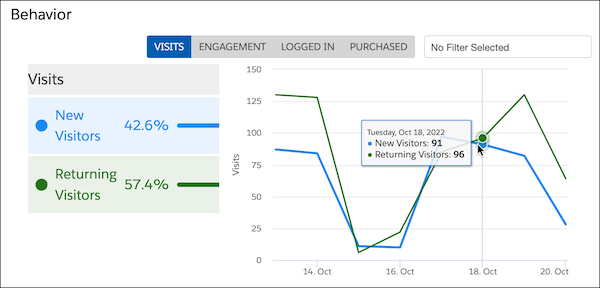
The Behavior report includes these views.
| View | Description |
| --- | --- |
| Visits | Compares the number of new or returning visitors |
| Engagement | Compares overall engagement of visitors |
| Logged In | Shows how many visitors were anonymous and how many were logged in, making them known visitors |
| Purchased | Compares the number of visitors who purchased with the number of visitors who never purchased (revenue generating only) |
Applying a filter narrows the results to make comparisons. For example, you can see how engagement level affects purchases.
#### See Also
- [Report Categories](https://help.salesforce.com/s/articleView?id=mktg.mc_pers_report_categories.htm&release=264.0.0&type=5 "Marketing Cloud Personalization provides reports that cover a number of categories. These reports provide metrics about user-focused activities, results and goal completions, customer visits and engagement, and metrics to help manage your Marketing Cloud Personalization product consumption.")
- [How to Access Reports](https://help.salesforce.com/s/articleView?id=mktg.mc_pers_report_access.htm&release=264.0.0&type=5 "Access Personalization reports to view sophisticated yet easy-to-understand analytics, statistics, and attribution metrics. By default, Personalization shows the Reports Dashboard as the first page.")
- [User Deletion Impact on Reports](https://help.salesforce.com/s/articleView?id=mktg.mc_pers_report_user_deletion_impact.htm&release=264.0.0&type=5 "In Marketing Cloud Personalization, some reports run on cumulative statistics, whereas others run on data that's aggregated across individual records. Because reports can use different data gathering or accumulation methods, natural reporting discrepancies can occur when individual records are deleted from the dataset.")
# Behavioral Events Data Mappings
Map fields in your website connector’s behavioral events DLO to the DMO. Behavioral event data is divided into subsections on the mapping canvas.
Section
DLO Field
Map to DMO
DMO Field
All Event Data
dateTime
Product Browse Engagement
Created Date
Product Browse Engagement
Engagement Date Time
Shopping Cart Engagement
Created Date
Shopping Cart Engagement
Engagement Date Time
Shopping Cart Product Engagement
Created Date
Product Order Engagement
Created Date
Product Order Engagement
Engagement Date Time
All Event Data
deviceId
Product Browse Engagement
Individual
Shopping Cart Engagement
Individual
Shopping Cart Product Engagement
Individual
Product Order Engagement
Individual
All Event Data
eventId (primary key)
Product Browse Engagement
Product Browse Engagement ID (primary key)
Shopping Cart Engagement
Shopping Cart Engagement ID (primary key)
Shopping Cart Product Engagement
Shopping Cart Engagement ID (primary key)
Product Order Engagement
Product Order Engagement ID (primary key)
Cart
eventType
Shopping Cart Engagement
Engagement Type
interactionName
Shopping Cart Engagement
Engagement Channel Action
Cart Item
catalogObjectId
Shopping Cart Product Engagement
Product
catalogObjectType
Shopping Cart Product Engagement
Product Category
currency
Shopping Cart Product Engagement
Currency
price
Shopping Cart Product Engagement
Product Price
quantity
Shopping Cart Product Engagement
Product Quantity
eventType
Shopping Cart Product Engagement
Engagement Type
Catalog
id
Product Browse Engagement
Product
interactionName
Product Browse Engagement
Engagement Channel Action
productSku
Product Browse Engagement
Product SKU
personalizationId
Product Browse Engagement
Personalization
personalizationContentId
Product Browse Engagement
Personalization Content
eventType
Product Browse Engagement
Engagement Type
Order
eventType
Product Order Engagement
Engagement Type
interactionName
Product Order Engagement
Engagement Channel Action
orderId
Product Order Engagement
Correlation ID
orderTotalValue
Product Order Engagement
Adjusted Total Product Amount
orderTotalValue
Product Order Engagement
Total Product Amount
# Behavioral Triggers
Use Marketing Cloud Engagement to reach customers who abandon unpurchased items or services. Configure the flow of this behavioral data into the data extensions for email sends and journeys. Using behavioral data this way is called Behavioral Triggers.
Salesforce Services isn't required for basic abandoned cart, browse, and wishlist use cases. Your customers and their partners can set them up. Behavioral Triggers is free for Pro, Corporate, and Enterprise Editions and uses Amazon Web Services. Behavioral data extensions store the data for 30 days. To configure the Journeys or Automations, contact Marketing Cloud Engagement support. The level of support varies on each customer's data model.
If you already paid for an Abandoned Cart audience file, you can still use audience files until a customer requests that they’re turned off. Customers can't use both legacy audience files and Behavioral Triggers for the same use case. A customer using an abandoned cart audience file can't enable an abandoned card trigger in Behavioral Triggers.
To get started, select **Behavioral Triggers** from the Journey Builder nav menu.
- **[Behavioral Triggers Prerequisites](https://help.salesforce.com/s/articleView?id=mktg.mc_jb_behavioral_triggers_prerequisites.htm&release=264.0.0&type=5)**
To implement Behavioral Triggers, first install Collect Tracking Code and upload a product catalog.
- **[Create a Behavioral Trigger](https://help.salesforce.com/s/articleView?id=mktg.mc_jb_create_behavioral_triggers.htm&release=264.0.0&type=5)**
Set up a behavioral trigger to map data to a target data extension when a user takes a particular action, such as abandoning a cart or browser session. The target data extension name displays on the Behavioral Triggers dashboard after you create the trigger.
- **[Edit a Behavioral Trigger](https://help.salesforce.com/s/articleView?id=mktg.mc_jb_edit_behavioral_triggers.htm&release=264.0.0&type=5)**
Update a behavioral trigger to include a different suppression period or suppression rule time frame.
- **[Pause a Behavioral Trigger](https://help.salesforce.com/s/articleView?id=mktg.mc_jb_pause_behavrioral_triggers.htm&release=264.0.0&type=5)**
To stop a behavioral trigger from directing engagement data to your target data extension, pause the trigger.
- **[Resume a Behavioral Trigger](https://help.salesforce.com/s/articleView?id=mktg.mc_jb_resume_behavrioral_triggers.htm&release=264.0.0&type=5)**
To restart a behavioral trigger so it begins directing engagement data to your target data extension, resume a paused trigger.
- **[Set Behavioral Trigger Session Timeout Limit](https://help.salesforce.com/s/articleView?id=mktg.mc_jb_set_behavrioral_trigger_session_limit.htm&release=264.0.0&type=5)**
Configure the Behavioral Triggers app to observe a session timeout limit that you set. This timeout limit dictates how long a customer’s session lasts before it’s considered abandoned.
- **[Create a Behavior Trigger Email](https://help.salesforce.com/s/articleView?id=mktg.mc_jb_create_a_behavior_trigger_email.htm&release=264.0.0&type=5)**
After you create a Behavioral Trigger in Content Builder, you can create an email based on that trigger.
- **[Behavioral Triggers Optional Features](https://help.salesforce.com/s/articleView?id=mktg.mc_jb_behavioral_trigger_optional_features.htm&release=264.0.0&type=5)**
Use Behavioral Triggers to reach customers who abandon unpurchased items or services in their cart in Marketing Cloud Engagement (Einstein).
# Behavioral Triggers Optional Features
Use Behavioral Triggers to reach customers who abandon unpurchased items or services in their cart in Marketing Cloud Engagement (Einstein).
### Required Editions
Available in Marketing Cloud Engagement Messaging and Journeys Pro, Corporate, and Enterprise editions.
## Horizontal vs Vertical Layout
To display product information to your customers, you can use either a horizontal or a vertical view.
Horizontal:
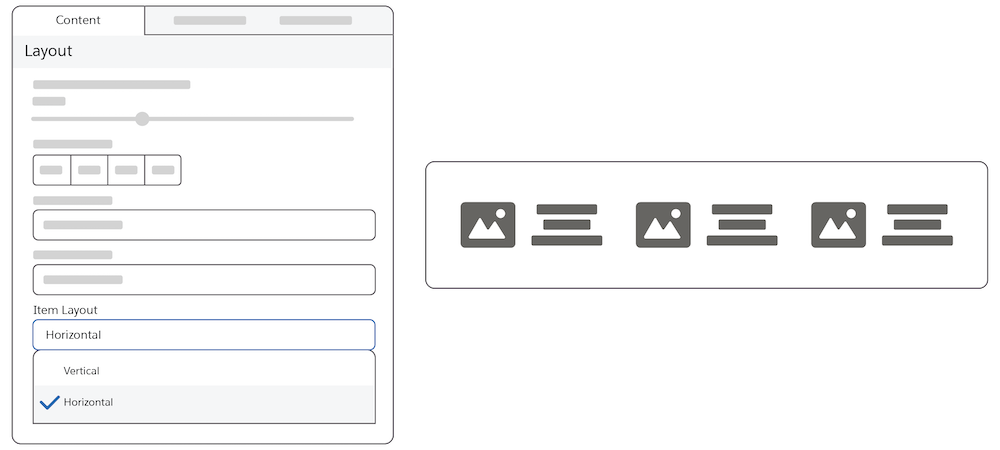
In a horizontal layout, images and text are side by side. The picture of the selected item is on the left, and the text describing the item is on the right.
Vertical:
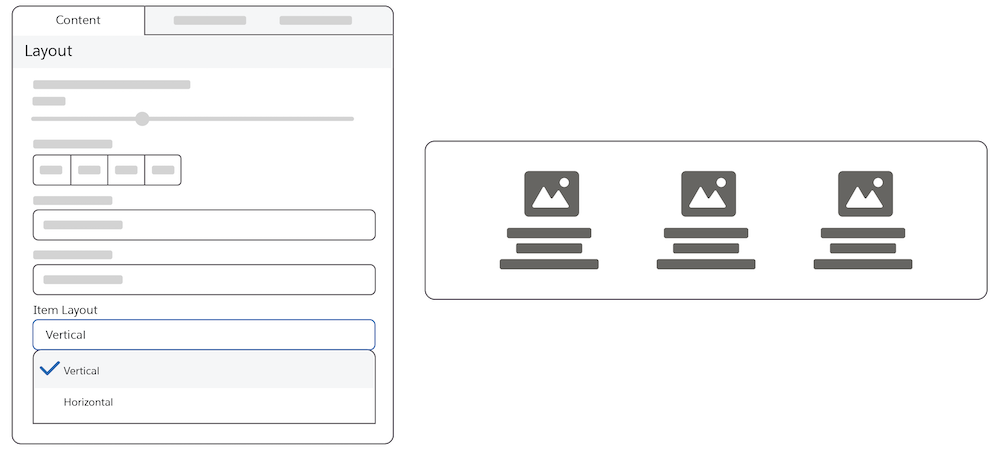
In a vertical layout, images are above the text.
## Use Current Cart Feature
This feature reflects the cart at the time the message is sent. If the user edits the cart, the message remains in its original state and isn’t updated.
If the check box isn’t selected, the message reflects the items that were originally abandoned.
## Rating Stars Feature
Select the rating field in the catalog so that your customers can use the rating stars feature. Customers can rate products on a scale of four to ten. And they can view the products sorted by their ratings from lowest to highest or highest to lowest. Marketers can show a product's average rating. The product catalog must contain this information. To build the rating visualization, indicate the maximum rating value.
## Styling Tab
- Customers can change the color of the actual stars from the specified class.
## How to Use Reference Data
AMPscript variables contain data about items in the original cart initialized for example item\_\_
If the user has an updated cart, the updated cart is stored in the field, for example @cart\_\_
# Behavioral Triggers Prerequisites
To implement Behavioral Triggers, first install Collect Tracking Code and upload a product catalog.
## Behavioral Triggers Requirements
- A catalog of assets used to sync with user behavioral data and determine which recommendations to show.
- Collect Tracking Code used to monitor key variables and events on your website at the user level.
You can import one file for each catalog type.

Tip Your web admin can help you to configure and install Collect Tracking Code and required data feeds.
#### See Also
- [Catalog](https://help.salesforce.com/s/articleView?id=mktg.mc_pb_catalog.htm&language=en_US)
- [Collect Tracking Code](https://help.salesforce.com/s/articleView?id=mktg.mc_ctc_collect_code.htm&language=en_US)
# Benefits of Marketing Cloud Next for Personalization
Marketing Cloud Next for Personalization enables you to extend your Marketing Cloud Personalization data to Data 360 without affecting your existing Marketing Cloud Personalization setup and infrastructure.
Salesforce Personalization is natively built on Data 360, and uses a flat, table-based setup structure. Marketing Cloud Personalization, however, uses a graph-based setup structure that isn’t directly compatible with Data 360.
Using custom-built tools, you can perform a one-time transfer of your Marketing Cloud Personalization catalog metadata and item data. Transferring this data enables you to:
- Automatically convert your Marketing Cloud Personalization graph-based setup structure to a flat, easier to visualize, table-based structure that’s compatible with Data 360.
- Adjust and test metadata in a sandbox environment.
Marketing Cloud Next for Personalization provides a unique and convenient vantage point to test and experiment with Salesforce Personalization using an already-existing catalog. You can continue using Marketing Cloud Personalization as you always have, while testing your data with Salesforce Personalization to generate personalized content.
#### See Also
- [Marketing Cloud Next for Personalization Requirements](https://help.salesforce.com/s/articleView?id=mktg.mc_pers_mcn_for_pers_requirements.htm&release=264.0.0&type=5 "Marketing Cloud Next for Personalization is intended only for customers currently using Marketing Cloud Personalization, and requires the use of a specific edition and certain Salesforce products.")
- [Get Started with Marketing Cloud Next for Personalization](https://help.salesforce.com/s/articleView?id=mktg.mc_pers_salesforce_pers_learning_map.htm&release=264.0.0&type=5 "Use your Marketing Cloud Personalization data in Data 360 to create and deploy personalized content using Salesforce Personalization.")
# Best Practices for Creating EMI Bots
Here are some best practices to consider when creating and using EMI bots.
- Filter to a scope that you can easily control and monitor. Consider filtering your bots to a single campaign. For example, the Budget measurement moves relatively easily within a single campaign, but not so easily between more than one campaign.
- Select dimensions that you can easily target or that are practical such as age, gender, or demographic.
- Have at least two full quarters of historical data in your workspace for WoW, MoM, and Quarter-over-Quarter analysis. EMI bots can process your custom date ranges if data is available.
- EMI insights are a starting point . If you see something interesting, investigate it to discover more insights.
# Best Practices for Importing Contacts into MobilePush
Review these tips to import contacts into MobilePush for successful sending.
## Importing Contacts
- Use the SDK to add Contacts into MobilePush on a regular basis, as the SDK ensures that the latest information is populated.
- Use Imports if there are existing mobile apps or if you want to import existing push subscriber data information.
- The Import Activities feature in Automation Studio allows you to Import Contacts from File or Data Extension into MobilePush.
- Create your Mobile List in Mobile Push > Contacts.
- Create your Import Definition in Contact Builder > Imports.
- You can then use this Import definition in Automation Studio.
## Subscriber Key and Sendable Data Extensions
- Import doesn't allow users to set the opt-out status of a device. But you can change the Marketer Status by mapping to the \_Status field (either Active or Inactive).
- All records imported are as opted in. To avoid recording opted-out contacts incorrectly, filter them via a Query before running the Import MobilePush Contacts activity.
## Import Activity Considerations

Note We recommend that you use the SDK to opt in subscribers.
- When possible, allow the SDK integration to register devices and update Attributes versus Imports.
- When you update existing Contact records via an Import, check for data mismatches. Data must be aligned with what's current in Contacts.
- Current Record is SubscriberKey = 1, DeviceID = 1, System Token = 2 / Import Record is SubscriberKey = 1, DeviceID = 1, System Token = 1.
- This action results in an incorrect system token in the record and isn’t sendable.
- To ensure that contact data is correct, device data used as the basis for imports must be pulled from MobilePush via a query and extract.
# Best Practices for Integration Activity Fields
Sales and Service Cloud activities follow a similar configuration workflow. Consider these tips during configuration.
- Some objects include more options based on the type of field selected. For example, fields that support a user or a group include an icon that allows you to choose one of these options.
- To use the output of event objects or records created in the journey, select an ID from journey data. Then, select from a list of these objects.
- To update the field with a Marketing Cloud Engagement attribute value, search for the attribute or locate the Marketing Cloud Engagement attribute field containing that value.
- You can use Engagement Contact or Journey Data attribute values, including the object record ID, to update any field. For text fields, you can combine static text and dynamic content.

Example For example, to create a task to follow up with a customer, use a static instruction with a dynamic field, like Full Name. When you map the field, the subject line reads `{{Contact_Attribute.”Event Data”.”Full Name”}}` for a customer who is interested in services.
- You can use Assignment Rules to define conditions for how Sales or Service Cloud cases are processed. If you do, map the Owner ID when configuring a Case Activity to ensure that the journey observes assignment rules.
Field
Description
Assign to Person in the Journey
Select this field to update the record of the person who entered the journey. This
option is useful when the record type changes after journey activation, such as when leads
convert to contacts after entering the journey.
Dates
When mapping an object activity in a journey to update or create a Sales or Service
Cloud object record, select a specific date. Or select Date Contact Enters
Activity and enter a date adjustment. For example, set a task due date for
three days after an activity in the journey.
IDs
ID fields associate a user with the activity, such as Assigned to ID, Name ID, or
Related To ID. When mapping any ID field, enter digits or letters to find a field or enter
%%% for a list of options. Some activities include assignment options:
Assign to the system user.
When mapping Contact ID, use an extra option to assign to the person in the journey.
This option helps when a record originates as an Engagement Subscriber Key and a
corresponding Sales Cloud record is created. If you use synchronized data extensions, this
process detects if a lead is converted to a contact. It then ensures that the task is
related to the correct record.
Select an ID from journey data. This ID is assigned to the user who created or last
modified the campaign member.
Some ID fields have a dropdown to select Contact or Lead and enter the name to select
the Contact or Lead field.
Picklist
Select from a list of fields or map Marketing Cloud Engagement attributes. This list
can contain up to 100 values. After the list exceeds 100 values, enter your value into a
text field.
#### See Also
- [Journey Builder Sales and Service Cloud Best Practices](https://help.salesforce.com/s/articleView?id=mktg.mc_jb_sales_service_cloud_best_practices.htm&release=264.0.0&type=5 "Review these best practices to prevent a Sales or Service Cloud activity from negatively impacting your account. Adhering to these practices can reduce impact on other journeys in your enterprise and improve processing times.")
# Best Practices for the Salesforce Connector
Although not critical to a successful connector setup, these references and tasks can help you make the most out of your Salesforce connector implementation.
- **[Using Account Engagement with Clickjack Protection](https://help.salesforce.com/s/articleView?id=mktg.pardot_sf_connector_clickjack_compatible_parent.htm&release=264.0.0&type=5)**
If your Salesforce org has clickjack protection enabled, the Account Engagement tab that’s installed with the Account Engagement AppExchange package is blank. To display the components in Salesforce, you can either disable clickjack protection or create a tab that is compatible with clickjack protection.
- **[Salesforce Connector Settings](https://help.salesforce.com/s/articleView?id=mktg.pardot_sf_connector_settings_reference.htm&release=264.0.0&type=5)**
These settings are available when adding or editing the Salesforce connector.
- **[Automatically Merge and Delete Prospects](https://help.salesforce.com/s/articleView?id=mktg.pardot_sf_connector_merge_delete_setting.htm&release=264.0.0&type=5)**
You can control how Account Engagement treats prospects when records are merged or deleted in Salesforce. Merging and deleting prospects operates differently in each system.
- **[Default Account Object Field Mapping](https://help.salesforce.com/s/articleView?id=mktg.pardot_default_account_field_mapping.htm&release=264.0.0&type=5)**
To facilitate syncing between systems, certain account object field mappings are created when you verify your Salesforce connector in Account Engagement. By default, Salesforce is the primary system.
- **[Default Prospect Field Mapping](https://help.salesforce.com/s/articleView?id=mktg.pardot_default_prospect_field_mapping.htm&release=264.0.0&type=5)**
To facilitate syncing between systems, certain prospect fields are mapped to lead or contact records when you verify your Salesforce connector in Account Engagement. In most cases, Salesforce is the primary system.
- **[Account Engagement AppExchange Package Field Definitions](https://help.salesforce.com/s/articleView?id=mktg.pardot_sf_connector_package_fields_reference.htm&release=264.0.0&type=5)**
The Account Engagement (Pardot) package adds fields to your Salesforce org. You can view the Account Engagement fields by navigating to Installed Packages in Setup.
- **[Copy Account Fields to Contact Fields](https://help.salesforce.com/s/articleView?id=mktg.pardot_sf_connector_copy_account_fields.htm&release=264.0.0&type=5)**
To sync account record fields to Account Engagement, copy the fields to related contacts and trigger a sync.
- **[Manage Marketing Content in Salesforce](https://help.salesforce.com/s/articleView?id=mktg.pardot_content_salesforce.htm&release=264.0.0&type=5)**
In Salesforce, you can configure access to the landing pages, marketing forms, and marketing links that users create in Account Engagement. To make this content available in Salesforce, configure settings in Lightning Experience Object Manager or the Object Management Settings in Salesforce Classic.
- **[Map a Checkbox Field to a Salesforce Multi-Select Field](https://help.salesforce.com/s/articleView?id=mktg.pardot_sf_connector_map_checkbox.htm&release=264.0.0&type=5)**
You can map a checkbox field from Account Engagement to a Salesforce picklist (multi-select) field. If you edit an existing Account Engagement custom field or manually enter the values, make sure that the values match exactly in both systems.
- **[Integrate Account Engagement with Salesforce Queues](https://help.salesforce.com/s/articleView?id=mktg.pardot_sf_connector_use_queues.htm&release=264.0.0&type=5)**
To use Account Engagement for lead assignment without disrupting your existing workflow, integrate it with Salesforce lead queues.
- **[Set Up Send as CRM User](https://help.salesforce.com/s/articleView?id=mktg.pardot_sf_connector_send_from_crm_user.htm&release=264.0.0&type=5)**
You can send Account Engagement emails from any Salesforce user associated with a prospect record by creating a custom field.
- **[Pause the Salesforce Connector v2](https://help.salesforce.com/s/articleView?id=mktg.pardot_sf_connector_v2_pause_connector.htm&release=264.0.0&type=5)**
An Account Engagement admin can pause syncing to make configuration or data changes that could impact the data that syncs. Pausing the connector temporarily stops the flow of data until you resume syncing. It doesn’t make any permanent changes and doesn’t archive your business unit.
- **[Data Skew and Account Engagement](https://help.salesforce.com/s/articleView?id=mktg.pardot_sf_connector_data_skew.htm&release=264.0.0&type=5)**
When a record is associated with too many other records, it’s possible to experience issues from data skew. Data skew can cause many systemic problems, such as slow processing times, syncing issues, and interruptions to activity tracking.
# Billable Usage Type for Salesforce Personalization
Usage of Salesforce Personalization features impacts Personalization Credit consumption. For more information on how usage is billed, refer to your contract or contact your account executive.
## Usage Type

Tip This feature has access to Digital Wallet, a free account management tool that offers near real-time consumption data for enabled products across your active contracts. Access Digital Wallet and start tracking your org's usage. To learn more, see [About Digital Wallet](https://help.salesforce.com/s/articleView?id=xcloud.wallet_about.htm&language=en_US).
| Type | Description |
| --- | --- |
| Personalization Decision | A personalization decision is responsible for determining who’s eligible to receive a personalization response using optional targeting rules. A decision is also responsible for determining which content to return in a decision response, for example, a set of product recommendations or a banner image. Each personalization point can contain multiple personalization decisions targeted at different sets of individuals. Decisions can be prioritized so that if a person qualifies for more than one, Personalization returns only one decision. |
Depending on your contract, personalization decisions consume Personalization Credits or Flex Credits. If you own Marketing Cloud Personalization+ (AMER) - LP1, Marketing Cloud Personalization+ (APAC) - LP1, Marketing Cloud Personalization+ (EMEA) - LP1, Salesforce Personalization - LP1, or Salesforce Personalization Card, decisions consume Personalization Credits. If you own Salesforce Personalization, MCP+ (AMER), MCP+ (APAC), MCP+ (EMEA), decisions consume flex credits.
#### See Also
- [Add a Decision to a Personalization Point](https://help.salesforce.com/s/articleView?id=mktg.persnl_personalization_point_decision_add.htm&release=264.0.0&type=5 "A decision consists of targeting rules. The personalization point uses the decision to determine whether the individual who is engaging with your website or app is eligible to receive personalization content.")
- [Data Cloud Usage and Access Changes](https://help.salesforce.com/s/articleView?id=data.c360_a_changelog_usage_and_access.htm&language=en_US)
- [Flex Credits Billable Usage Types](https://help.salesforce.com/s/articleView?id=ai.usage_flex_credits.htm&language=en_US)
# Billing Considerations for Intelligence Reports on Hyperforce
When you use Intelligence Reports on Hyperforce, your engagement data is stored and processed in Data 360, which has billing implications. Data 360 services and usage impacts the consumption of credits used for billing.

Tip
This feature has access to Digital Wallet, a free account management tool that offers near real-time consumption data for enabled products across your active contracts. Access Digital Wallet and start tracking your org's usage. To learn more, see [About Digital Wallet](https://help.salesforce.com/s/articleView?id=xcloud.wallet_about.htm&language=en_US&type=5).
Enabling Intelligence Reports creates data streams that import data from all Marketing Cloud Engagement business units into Data 360, even if only a subset of business units are selected for Data 360 integration. For more information about usage types, see [Data 360 Usage Types](https://help.salesforce.com/s/articleView?id=data.c360_a_data_usage_types.htm&language=en_US).
Digital Wallet Card
Usage Type
Usage Type Description
Notes
Data Services
Batch Data Pipeline (External Data Pipeline)
Usage is calculated based on the number of rows
batch data processed by Data 360 data streams across all connectors, with the exception of
structured data ingested via the Internal Data Pipeline.
Data Services
Streaming Data Pipeline (External Data
Pipeline)
Usage is calculated based on the number of
rows of streaming data processed by Data 360 across all data streams with stream processing,
with the exception of structured data ingested via the Internal Data Pipeline.
Data
streams that report usage with this usage type include streams created by the Website and
Mobile App connector and streaming ingestion API. When you use ingestion API in bulk mode,
it uses the Batch Data Pipeline usage type instead.
Data Services
Data Queries
Usage is calculated based on the number of records
processed.
The count of records processed depends on the structure of a query as well as
other related factors such as the total number of records in the objects being
queried.
Data Storage
Storage Beyond Allocation
Usage is calculated based on the amount of
storage used above the amount allocated.
For more information on how Data 360 usage is billed, refer to your contract or contact your account executive.
# Billing Considerations for Unified Messaging
When you send a message, Unified Messaging uses both messaging services and Data 360 services. In addition to Salesforce Message Credits, these activities also consume Data 360 credits.
Available in: Lightning Experience
Unified Messaging for email, SMS, and RCS is available in: Salesforce Enterprise and Unlimited Editions for Service Cloud and Enterprise and Unlimited Editions for Marketing Cloud Next Growth and Advanced Editions
Unified Messaging for WhatsApp is available in: Enterprise and Unlimited Editions for Marketing Cloud Engagement Growth and Advanced Editions
Unified Messaging for email is supported in Government Cloud Plus
Unified Messaging for Mobile Apps is available in: Enterprise and Unlimited Editions for Marketing Cloud Next Advanced Edition and the Marketing Cloud Engagement Enterprise+ and Corporate+ Editions
Digital Wallet Card
Usage Type
Description
Notes
Salesforce Message Credits - Email
Email
Salesforce Message Credit usage is calculated based on the number of messages
sent.
You’re charged for all email messages sent from your account, whether they’re
delivered or not.
Each email sent to a carbon copy (CC) and blind carbon copy (BCC)
recipient also consumes a Salesforce Message Credit.
Salesforce Message Credits - SMS
SMS
Salesforce Message Credit usage is calculated based on the number of messages
sent.
You’re charged for all mobile-originated (MO) and mobile-terminated (MT) messages,
whether they’re delivered or not.
Billing rates differ based on country destination and the originating phone number.
To determine subtype rates, review the rate card at Multipliers for Salesforce Message
Credits.
Salesforce Message Credits - RCS
RCS
Salesforce Message Credit usage is determined by the Message Type including basic
text, media, or rich cards.
You’re charged for all delivered mobile-terminated (MT) messages.
Mobile-originated (MO) messages are charged only where applicable.
Billing rates differ based on country destination and the originating phone number.
To determine subtype rates, review the rate card at Multipliers for Salesforce Message
Credits.
Salesforce Message Credits - WhatsApp
WhatsApp
Salesforce Message Credit usage is calculated based on the number of messages
sent.
Billing rates differ based on the subtype that each message falls into. To
determine subtype rates, review the rate card at Multipliers for Salesforce Message Credits. You’re charged
for all messages delivered from your account.
Salesforce Message Credits - Mobile App
Mobile App
Salesforce Message Credit usage is based on the number of monthly active
devices.
A device becomes a monthly active device after the first instance
in the monthly billing window that it emits a registration or custom event to
Salesforce. You’re charged for all messages sent from your account, whether they’re
delivered or not.
Data Services
Email
SMS
WhatsApp
RCS
Each email, SMS, RCS, and WhatsApp messaging engagement event ingestion to Data 360 generates one record.
Data Services
Email
SMS
WhatsApp
RCS
Profile and consent checks at send time trigger email and SMS accelerated data
queries.
Data Storage
Email
SMS
WhatsApp
RCS
Storing messaging engagement events in Data 360 consumes Data Storage
credits.
# Bing Ads API Connector in Marketing Cloud Intelligence
Use Bing Ads to track and manage your pay-per-click advertising Bing and Yahoo! search engines. Bing Ads is a search channel connector, the data stream types are Ads, Conversion Tag, Conversion Tag with Keywords, and Search Keywords. The data lagging is one day. Bing Ads data is reported in the UTC timezone.
- **[Create a Bing Ads Data Stream in Marketing Cloud Intelligence](https://help.salesforce.com/s/articleView?id=mktg.dato_data_streams_api_connect_bing_create.htm&release=264.0.0&type=5)**
To track and view your Pay-Per-Click advertising on Bing and Yahoo!, create a Bing Ads data stream. The sliding window for the Bing Ads API connector is 3.
# Bing Ads API Connector in Marketing Cloud Intelligence Data Pipelines
Use Bing Ads to track and manage your pay-per-click advertising Bing and Yahoo! search engines. Bing Ads is a search channel connector, the data stream types are Ads, Conversion Tag, Conversion Tag with Keywords, and Search Keywords. The data lagging is one day. Bing Ads data is reported in the UTC timezone.
- **[Create a Bing Ads Data Stream in Marketing Cloud Intelligence Data Pipelines](https://help.salesforce.com/s/articleView?id=mktg.mcidp_data_streams_api_connect_bing_create.htm&release=264.0.0&type=5)**
To track and view your Pay-Per-Click advertising on Bing and Yahoo!, create a Bing Ads data stream.
# Block Internal Traffic from Logs
You can block internal traffic and behavior from Marketing Cloud Personalization’s logs. For example, you can block internal users who log in to your customer's portals, such Customer Success employees logging in for training. Blocking is by user ID, which can differ from username and email address.
### Required Editions
Permissions
Needed
To block internal traffic:
A role with Administrator permissions
1. From the bottom section of the main navigation, select **Settings** | **User Blocklist**.
2. Enter a user ID into the field.

Note User IDs are case-insensitive.
3. Click **Add User ID**. The user ID appears in the User ID table.

Note Personalization stops tracking the users from the moment you add them to the blocklist. Data recorded before the block can’t be removed.
# Booking Add-On ETL
You can send booking add-on transaction data from your hotel booking system to Personalization using the Booking Add-On ETL.
- **[Booking Add-On ETL Requirements](https://help.salesforce.com/s/articleView?id=mktg.mc_pers_hotel_gear_booking_add_on_requirements.htm&release=264.0.0&type=5)**
Learn about requirements for using the Booking Add-On ETL.
- **[Booking Add-On ETL File Schema](https://help.salesforce.com/s/articleView?id=mktg.mc_pers_hotel_gear_booking_add_on_schema.htm&release=264.0.0&type=5)**
If you send booking add-on data from your hotel booking system to Personalization, configure your file according to the Booking Add-On ETL file schema.
# Booking Add-On ETL File Schema
If you send booking add-on data from your hotel booking system to Personalization, configure your file according to the Booking Add-On ETL file schema.
## File Name Format
`booking-addon-YYYY-MM-DD_HH-MM-SS.csv`
## Required Identity Fields
You must include one identity field in your Booking ETL file. Depending on whether you use the multiple identities system, the required identity field is different.
Field Name
Minimum Requirements
Sample Values
Maximum Length
Personalization Data Type
userId
another identity attribute, such as email address
Required.
If you aren’t using Personalization's multiple identities system, you
must include a user ID for each record. The user ID must be one that
the Personalization platform tracks so that it can attach events to
the specific user profile.
If you’re using Personalization's multiple identities system, you
must include at least one identity attribute because ETL file loads
don’t reference userID. You can include multiple identity attributes
for a single user by adding multiple columns to the file. For more
information, see Guidelines for Sending Multiple Identities in a Booking ETL File.
user168515262
jdoe@test.com
120
String
## Other Required Fields
There are additional fields that you must include in any Booking ETL file you send. Match the field names and meet the requirements.
Field Name
Minimum Requirements
Sample Values
Maximum Length
Personalization Data Type
bookingId
Required. The bookingId is a unique
identifier for an individual booking and is a requirement for each record
in the file. All line items from a booking must share a bookingID. Sort
Booking Add-On ETL files by bookingID so that all records that share a
bookingID are in consecutive rows.
860340254
255
String
bookingDate
Required. The bookingDate is the
date of the transaction. Format booking date and time strings in the
ISO 8601 format. Personalization
stores all dates in UTC time.
2020-10-15
2020-01-09T11:24:59Z
1023
Date
productId
Required. The productId represents
the product in the catalog that is purchased as an add-on to a booking.
If the ID doesn’t reflect an existing product in the catalog,
Personalization creates an item in your catalog with the productId. The productId value must match the format of
other product IDs that exist in your catalog, that you send through a
Product ETL data feed, or that you track on your website.
prod001,
prod1101
255
String
price
Required. The price is the unit
price for the add-on. Use a period as the decimal separator. Don’t
include a thousand separator. Personalization multiplies the price by the
quantity to determine the total cost of the booking record. For example,
if the price is $1.10 and the quantity is 3, the total cost of the line
item is $3.30.
150, 63.25, 10
1023
Decimal
quantity
Required. The quantity is the net
quantity a user purchases. Personalization multiplies the quantity by the
price to determine the total cost of the line item in the transaction.
Personalization adds all line items for a single bookingID, which equals
the total value of the order.
1, 50, 100
1023
Integer
## System Fields
Additional system fields aren’t required in the file, but if you include them, you must match the field names and meet the requirements.
Field Name
Minimum Requirements
Sample Values
Maximum Length
Personalization Data Type
attribute: currency
The currency of the transaction. The currency must be consistent across
all records in a transaction. If you don’t send a currency, the system
assigns the currency defined in Catalog Setup for that dataset. Currency
must be in ISO 4217 format and include
three uppercase letters.
USD, AUD, EUR
3
String
# Booking Add-On ETL Requirements
Learn about requirements for using the Booking Add-On ETL.
You can send booking add-on transactions, such as room service or travel transportation, to Personalization to improve the details of a customer's reservation. You can apply multiple booking add-ons to a single booking by including the same bookingID for all add-on transactions.
Each booking must include a bookingID, which associates details with the booking. Personalization uses bookingID to update booking information for multiple records grouped by the same bookingID, such as multiple rooms associated with the same bookingID. Personalization treats rows with matching bookingIDs as a single booking transaction. So, the user identifier, booking date, property, and check-in and check-out dates and times must match for Personalization to associate records with a single booking. Group the file by bookingID before you send it or have Personalization sort the file before loading. If the file isn’t sorted, the data load fails. For more information, see [.](https://help.salesforce.com/s/articleView?id=mktg.mc_pers_hotel_gear_activate.htm&release=264.0.0&type=5 "Activate the Hotel Gear to bring in data from your hotel booking systems. The Hotel Gear is dataset-specific, so you must activate it for each dataset that has campaigns or promotions that you want to target with booking system data. You send booking system data by the Booking ETL data feed.")
Include the same bookingID for each add-on transaction. The bookingID connects each booking add-on to its parent booking transaction. Personalization applies any booking add-ons to the booking with a matching bookingID. If no matching bookingID exists in the system when you upload the Booking ETL file, Personalization creates a parent booking for any add-ons with the bookingID. The new booking only includes the add-ons you upload. You can update the booking with the additional information about the stay using the Booking ETL data feed. For more information, see [Update a Booking](https://help.salesforce.com/s/articleView?id=mktg.mc_pers_hotel_gear_booking_update.htm&release=264.0.0&type=5 "You can use the Booking ETL data feed to update booking information in Personalization, such as updating a check-in time that wasn’t in the initial booking.").
The customer identifier for the booking and any booking add-ons must match. If the customer identifier doesn’t match, Personalization creates a duplicate booking for the mismatched identifier. A matching bookingID doesn’t trigger a merge on user records. For more information, see [Booking Add-On ETL File Schema](https://help.salesforce.com/s/articleView?id=mktg.mc_pers_hotel_gear_booking_add_on_schema.htm&release=264.0.0&type=5 "If you send booking add-on data from your hotel booking system to Personalization, configure your file according to the Booking Add-On ETL file schema.").
If you use the multiple identities system, you must include at least one identity attribute in the Booking Add-On ETL file. To send in multiple identity attributes for a single bookingID, add multiple identity attribute columns in the file. If you don’t use the multiple identities system, Personalization merges the profiles based on userID. For more information, see [Guidelines for Sending Multiple Identities in a Booking ETL File](https://help.salesforce.com/s/articleView?id=mktg.mc_pers_hotel_gear_etl_multiple_identities.htm&release=264.0.0&type=5 "If you use the multiple identities system, you must include at least one identity attribute in the Booking ETL file. You can send multiple identity attributes for a single bookingID by adding multiple identity attribute columns in the file.") and [Booking Add-On ETL File Schema](https://help.salesforce.com/s/articleView?id=mktg.mc_pers_hotel_gear_booking_add_on_schema.htm&release=264.0.0&type=5 "If you send booking add-on data from your hotel booking system to Personalization, configure your file according to the Booking Add-On ETL file schema.").
# Booking ETL
You can send data from your hotel booking system to Personalization using the Booking ETL data feed.
- **[Booking ETL File Requirements](https://help.salesforce.com/s/articleView?id=mktg.mc_pers_hotel_gear_etl_requirements.htm&release=264.0.0&type=5)**
Learn about requirements for using the Booking ETL data feed.
- **[Booking ETL File Schema](https://help.salesforce.com/s/articleView?id=mktg.mc_pers_hotel_gear_etl_schema.htm&release=264.0.0&type=5)**
If you send data from your hotel booking system to Personalization, configure your file according to the Booking ETL file schema.
- **[Guidelines for Sending Multiple Identities in a Booking ETL File](https://help.salesforce.com/s/articleView?id=mktg.mc_pers_hotel_gear_etl_multiple_identities.htm&release=264.0.0&type=5)**
If you use the multiple identities system, you must include at least one identity attribute in the Booking ETL file. You can send multiple identity attributes for a single bookingID by adding multiple identity attribute columns in the file.
- **[Use the Salesforce Interactions SDK to Track Booking Transactions](https://help.salesforce.com/s/articleView?id=mktg.mc_pers_hotel_gear_web_sdk.htm&release=264.0.0&type=5)**
Use the Marketing Cloud Personalization module of the Salesforce Interactions SDK and configure your sitemap to track a booking transaction by mapping the order object.
- **[Update a Booking](https://help.salesforce.com/s/articleView?id=mktg.mc_pers_hotel_gear_booking_update.htm&release=264.0.0&type=5)**
You can use the Booking ETL data feed to update booking information in Personalization, such as updating a check-in time that wasn’t in the initial booking.
# Booking ETL File Requirements
Learn about requirements for using the Booking ETL data feed.
There are several requirements for each Booking ETL file you send to Personalization. For more information, see [Booking ETL File Schema](https://help.salesforce.com/s/articleView?id=mktg.mc_pers_hotel_gear_etl_schema.htm&release=264.0.0&type=5 "If you send data from your hotel booking system to Personalization, configure your file according to the Booking ETL file schema.").
- Each booking must include a bookingID, which associates details with the booking. Personalization uses bookingID to update booking information for multiple records grouped by the same bookingID, such as multiple rooms associated with the same bookingID. Personalization treats rows with matching bookingIDs as a single booking transaction. So, the user identifier, booking date, property, and check-in and check-out dates and times must match for records associated with a single booking. Group the file by bookingID before you send it or have Personalization sort the file before loading. If the file isn’t sorted, the data load fails. For more information, see [Activate the Hotel Gear](https://help.salesforce.com/s/articleView?id=mktg.mc_pers_hotel_gear_activate.htm&release=264.0.0&type=5 "Activate the Hotel Gear to bring in data from your hotel booking systems. The Hotel Gear is dataset-specific, so you must activate it for each dataset that has campaigns or promotions that you want to target with booking system data. You send booking system data by the Booking ETL data feed.").
- Include a productId, price, and quantity for each transaction record. In Booking ETL files, you can also include booking details, such as check-in or check-out date and time, property, and party size. However, you must use the Booking Add-On ETL data feed to associate additional add-on line-items with a bookingID. For more information, see [Booking Add-On ETL Requirements](https://help.salesforce.com/s/articleView?id=mktg.mc_pers_hotel_gear_booking_add_on_requirements.htm&release=264.0.0&type=5 "Learn about requirements for using the Booking Add-On ETL.").
- Personalization doesn’t merge multiple records with the same bookingID. All records with the same bookingID must have the same user identifier and purchaseDate values. Booking IDs should be unique to a single profile.
- Configure booking status options on the Hotel Gear configuration screen. The booking status is the current state of a booking, such as canceled, confirmed, or reserved. For the booking status Hotel Rule to reference these values, your administrator must navigate to the configuration screen of the Hotel Gear and enter the corresponding states.
- Booking ETL update files must include the bookingStatus attribute and all associated fields. When you update a booking status using the Booking ETL data feed, you must include the updated bookingStatus attribute associated with each booking. The Booking ETL file must include all fields in the booking even if the only value that’s changing is the bookingStatus.
- If you use the multiple identities system, you must include at least one identity attribute in the Booking ETL file. To send in multiple identity attributes for a single bookingID, add multiple identity attribute columns in the file. If you don’t use the multiple identities system, Personalization merges the profiles based on userID. For more information, see [Guidelines for Sending Multiple Identities in a Booking ETL File](https://help.salesforce.com/s/articleView?id=mktg.mc_pers_hotel_gear_etl_multiple_identities.htm&release=264.0.0&type=5 "If you use the multiple identities system, you must include at least one identity attribute in the Booking ETL file. You can send multiple identity attributes for a single bookingID by adding multiple identity attribute columns in the file.") and [Booking ETL File Schema](https://help.salesforce.com/s/articleView?id=mktg.mc_pers_hotel_gear_etl_schema.htm&release=264.0.0&type=5 "If you send data from your hotel booking system to Personalization, configure your file according to the Booking ETL file schema.").
# Booking ETL File Schema
If you send data from your hotel booking system to Personalization, configure your file according to the Booking ETL file schema.
## File Name Format
`booking-YYYY-MM-DD_HH-MM-SS.csv`
## Required Identity Fields
You must include one identity field in your Booking ETL file. Depending on whether you use the multiple identities system, the required identity field is different.
Field Name
Minimum Requirements
Sample Values
Maximum Length
Data Type
userId
another identity attribute, such as email address
Required.
If you aren’t using Personalization's multiple identities system, you
must include a user ID for each record. The user ID must be one that
the Personalization platform tracks so that it can attach events to
the specific user profile.
If you’re using Personalization's multiple identities system, you
must include at least one identity attribute because ETL file loads
don’t reference userID. You can include multiple identity attributes
for a single user by adding multiple columns to the file. For more
information, see Guidelines for Sending Multiple Identities in a Booking ETL File.
user168515262
jdoe@test.com
120
String
## Other Required Fields
There are additional fields that you must include in any Booking ETL file you send. Match the field names and meet the requirements.
Field Name
Minimum Requirements
Sample Values
Maximum Length
Data Type
bookingId
Required. The bookingId is a unique
identifier for an individual booking, and is a requirement for each
record in the file. All line items from a booking must share a bookingId. Sort Booking ETL files by
bookingID so that all records that share a bookingId are in consecutive rows.
860340254
255
String
bookingDate
Required. The bookingDate is the
date of the transaction. Format booking date and time strings in ISO 8601 format. Personalization
uses the first booking record for a bookingId to define the overall order of booking events.
Personalization stores all dates in UTC time.
2020-10-15
2020-01-09T11:24:59Z
1023
Date
productId
Required. The productId represents
the product in the catalog that is booked in the transaction. If the ID
doesn’t reflect an existing product in the catalog, Personalization
creates an item in your catalog with the productId. The productId value must match the format of other product IDs
that exist in your catalog, that you send through the Product ETL data
feed, or that you track on your website.
prod001,
prod1101
255
String
price
Required. The price is the unit
price to charge the user. Use a period as the decimal separator. Don’t
include a thousand separator. Personalization multiplies the price by the
quantity to determine the total cost of the booking record. For example,
if the price is $1.10 and the quantity is 3, the total cost of the line
item is $3.30.
150, 63.25, 10
1023
Decimal
quantity
Required. The quantity is the net
quantity a user purchases. Personalization multiplies the quantity by the
price to determine the total cost of the line item in the transaction.
Personalization adds all line items for a single bookingID, which equals
the total value of the order.
1, 50, 100
1023
Integer
attribute:property
Required. The property name that is associated with the booking. The
property name must match the property catalog object that’s stored with
the catalog item being booked in the transaction.
Downtown Main Hotel
255
String
attribute:bookedCheckInDate
Required. Format the scheduled check-in date in ISO 8601 format. Multiple line
items for the same booking must have the same check-in date.
2020-10-15
2020-01-09T11:24:59Z
1023
Date
attribute: bookedCheckOutDate
Required. Format the scheduled check-out date in ISO 8601 format. Multiple line
items for the same booking must have the same check-out date.
2020-10-15
2020-01-09T11:24:59Z
1023
Date
attribute: adults
Required. The number of adults on the booking.
1, 2
1023
Integer
## System Fields
Additional system fields aren’t required in the file, but if you include them, you must match the field names and meet the requirements.
Field Name
Minimum Requirements
Sample Values
Maximum Length
Data Type
attribute:checkInTime
Format the scheduled check-in time in ISO 8601 format.
Multiple line items for the same booking must have the same check-in
time.
If you don’t send a value, the system assigns the required check-in
date value until you send a check-in time in a subsequent Booking ETL
file. For more information, see Update a Booking.
2020-10-15
2020-01-09T11:24:59Z
1023
Date
attribute:checkOutTime
Format the scheduled check-out time in ISO 8601 format.
Multiple line items for the same booking must have the same check-out
time.
If you don’t send a value, the system assigns the required check-out
date value until you send a check-out time in a subsequent Booking ETL
file. For more information, see Update a Booking.
2020-10-15
2020-01-09T11:24:59Z
1023
Date
attribute:children
The number of children on the booking. If you don’t send a value, the
system assigns a value of 0.
2, 3
1023
Integer
attribute:bookingStatus
The current state of the booking, which your administrator must configure
for the Hotel Gear. The value in the ETL file and in the Hotel Gear
configuration screen aren’t case-sensitive. For more information, see
Activate the Hotel Gear.
Reserved, Canceled, In-House, No Show
255
String
attribute:currency
The currency of the transaction. The currency must be consistent across
all records in a transaction. If you don’t send a currency, the system
assigns the currency defined in Catalog Setup for that dataset. Currency
must be in ISO 4217 format and include
three uppercase letters.
USD, AUD, EUR
3
String
# Boost Your Email Performance with Einstein
Einstein features help you learn more about your prospects. Einstein Send Time Optimization identifies the optimal send time for the individual prospects. Einstein Engagement Frequency helps you better understand the volume of email your prospects prefer to receive.
- **[Optimize Send Times with Einstein](https://help.salesforce.com/s/articleView?id=mktg.pardot_einstein_send_time_parent.htm&release=264.0.0&type=5)**
When you’re ready to send a list email, boost prospect engagement with the power of AI. Einstein evaluates historical email engagement data in Account Engagement to recommend an optimal send time for the individual prospects on your lists.
- **[Einstein Engagement Frequency for Account Engagement](https://help.salesforce.com/s/articleView?id=mktg.pardot_einstein_engagement_frequency_parent.htm&release=264.0.0&type=5)**
Einstein Engagement Frequency (EEF) scans individual customer engagement behaviors to predict the optimal send frequency for marketing emails. The frequency status is stored in a prospect field, which you can use to filter prospect lists or to create rules in Engagement Studio.
# Boosters in Einstein Recipes
Include boosters in Einstein recipes to boost items matching a customer’s affinity in any recommendations Personalization presents.
## Booster Parameters and Affinity Scores
When you include a booster in an Einstein Recipe, Personalization incorporates the customer's affinity score to boost items matching that affinity in the recommendations it presents. The affinity score is based on a customer’s interactions with your site, such as item views, items added to the cart, and items purchased. For example, if a customer has a preference for a particular category of item, Personalization shows items from that category first.
Each booster has three parameters that determine the affinity score.
| Parameter | Description |
| --- | --- |
| Weight | Affects how much to weight the selected booster in the recommendation. The slider has five positions (1–5) that act as multipliers when factoring the affinity score. |
| Lookback | The number of days to look back at a customer's history for the booster. For example, if a customer bought a product three months ago, and the lookback period is 30 days, Personalization doesn’t include that purchase when factoring the affinity score. |
| Threshold | Determines the point at which the customer has an affinity for the booster. The slider has six positions (0–5) that act as multipliers when factoring the affinity score. If the threshold is zero, any of the items the user has interacted with during the lookback period are available to boost. |
## Boosters
Booster
Description
Available When Recommending
Authors
Personalization assigns a higher affinity score to the authors the
customer shows an interest in.
Articles, blog posts
Brand
Personalization assigns a higher affinity score to the brands the
customer shows an interest in.
Products, articles, blog posts
Category
Personalization assigns a higher affinity score to the categories the
customer shows an interest in. This booster includes an option to boost a
category hierarchy with decreasing magnitude. For example, if a category
hierarchy is Women's|Dresses|Halter, Personalization also boosts items in
the Women's|Dresses and Women's categories, but less than items in the
full category.
Products, articles, blog posts
Class
Personalization assigns a higher affinity score to the classes the
customer shows an interest in.
Products
Color
Personalization assigns a higher affinity score to the colors the
customer shows an interest in.
Products
Combination
Combination boosters allow more specific items to return as
recommendations than when boosting by item type. These boosters determine
which items the customer has an affinity for, and only boosts items with
the same combination of categories and tags. You can combine up to three
item types. If an item doesn’t have a value for a specific item type,
Personalization doesn’t boost it.
If a recipe has a category booster and a color booster, a customer who
buys a red dress has an affinity for the color “red” and the category
“dress.” So boosted recommendations are likely to be red, or dresses, but
not necessarily red dresses. Because combination boosters only boost
items with the specific combination of tags and categories,
Personalization doesn’t boost red shoes and black dresses. As a result,
those items are less likely to return as recommendations.
Products, articles, blog posts
Content class
Personalization assigns a higher affinity score to the content classes
the customer shows an interest in.
Articles, blog posts
Department
Personalization assigns a higher affinity score to the departments the
customer shows an interest in.
Products, articles, blog posts
Gender
Personalization assigns a higher affinity score to the genders the
customer shows an interest in.
Products
Keyword
Personalization assigns a higher affinity score to the keywords the
customer shows an interest in.
Products, articles, blog posts
Product list
Personalization assigns a higher affinity score to product lists the
customer shows an interest in.
Products, articles, blog posts
Related information
This booster boosts a specific item type, such as category, based on the
selected anchor item. When boosting a category, there’s also an option to
boost through a category hierarchy with decreasing magnitude (see the
category booster).
Products, articles, blog posts
Store
Personalization assigns a higher affinity score to the stores the
customer shows an interest in.
Products
Style
Personalization assigns a higher affinity score to the styles the
customer shows an interest in.
Products
# Bot Protection and Forms
Online forms are easy targets for bots and can fill your database with spam prospects. Choose from built-in and optional solutions for bot protection. You can turn on reCAPTCHA for marketing forms and landing pages to limit the number of spam submissions, but its protection doesn’t eliminate all spam.
### Required Editions
Available in: All Account Engagement Editions
## Honeypot Technique
All hosted forms have built-in bot protection by using a negative CAPTCHA called a honeypot. It’s an invisible field that your prospects can’t see. Bots do see this field, and they complete it. When the honeypot field has a value, the form submission is rejected.
## Conditional CAPTCHA
Sophisticated bots can bypass a honeypot, so marketing forms also use a conditional CAPTCHA. Account Engagement pings a database of IP addresses known for spam when a visitor views a marketing form or landing page. Visitors coming from an IP known for spam see a CAPTCHA. If the IP address is considered safe, the form appears without a CAPTCHA. The conditional CAPTCHA stops bots, but humans don’t see it, and your conversion rates don’t suffer.
## reCAPTCHA
If you want more bot protection, you can add a reCAPTCHA for all prospects. Enable it on the Advanced tab of the Look and Feel step in the form wizard.

Note reCAPTCHA appears by default when we detect an unusual number of form submissions within a certain time frame.
# Bounce Mail Management in Email Studio
Learn about bounce mail management in Email Studio for Marketing Cloud Engagement.

Note Where possible, we changed noninclusive terms to align with our company value of Equality. We maintained certain terms to avoid any effect on customer implementations.
As a user, you can’t control bounces, but you can understand how a subscriber acquires a bounced status and the consequences of having too many bounces.

Note This topic describes a typical bounce scenario. Depending on your domain type and account configurations, your experience differs than what is described here. For a customized description of what occurs with your domain, contact your Marketing Cloud Engagement account executive.
## Definition
Bounces are messages that ISPs send back to Engagement to explain why they can’t deliver your email. When an email can’t be successfully delivered, the application labels the subscriber as Bounced.
## Types of Bounces
The subscriber's email server either accepts or bounces an email when it's sent. If the email server accepts the email, the subscriber's status remains Active in Engagement. If the email server rejects the email, the subscriber's status changes to Bounced.

Note If a subscriber bounces on an email send and a BCC address interacts with the email, it’s possible for a false bounce to be marked for the subscriber.
## Soft Bounce
A soft bounce occurs when the email server rejects the email due to a seemingly temporary condition, such as a full inbox. When that happens, the system retries sending the email to the subscriber every 15 minutes for 72 hours, for up to 288 tries. Only after the system stops attempting to retry does a subscriber appear in your tracking as Bounced. When a bounce appears in tracking, it’s official and doesn’t change.
The 288 retries don’t count as bounces. Instead, the full count of unsuccessful retries equates to one soft bounce. If the system attempts delivery 288 times and the message bounces each time, the subscriber's status is set to Bounced. If the email is delivered during the 288 attempts and the subscriber opens the email, the subscriber's status is set to Active. Also, a bounced subscriber can find an old email from you in their inbox and open it, which returns their status to Active.
Not every message to a soft-bouncing recipient is retried 288 times. Some bounces can happen immediately and be permanent as it relates to that particular message, but we consider them soft bounces for tracking purposes. Examples of this type of soft bounce that show up faster include these types of ISP responses:
- The mailbox exceeds the maximum allowed storage
- The user account is over its quota
- The mailbox is full
- The mailbox is disabled
- The mailbox is temporarily disabled
- The mailbox is disabled and not accepting messages
After Engagement receives the third soft bounce for a subscriber, their status is set to Held.
This table describes the causes of a soft bounce.
| Cause | Definition | Possible Cautions and Resolutions |
| --- | --- | --- |
| Inactive Account | The address is temporarily unavailable as the recipient's mailbox is inactive or temporarily disabled | The subscriber's email account is temporarily inactive or disabled. Mailboxes can be disabled for several reasons, including infrequent use, change of address, delinquency, or dispute. These errors could be temporary or permanent. We recommend sending messages to these subscribers in the short term to monitor acceptance, and then contacting the subscriber through other methods to confirm the address. |
| Mailbox Full | Recipient's mailbox is full or has exceeded storage allocation | Your recipient's mailbox is full or it has exceeded its storage allocation. A full mailbox is usually from infrequent use, a temporary change in email checking habits, or an address change. Mailbox full errors are a warning sign. Consider contacting the subscriber through alternative means to confirm that you’re mailing to a valid and frequently checked address. |
| Temporary Domain Failure | Temporary failure at the receiving domain | The subscriber's mailbox isn’t currently accepting messages. Resolve this temporary issue before future sends. Continue to monitor deliverability for this subscriber. Consider contacting this subscriber through alternative means if these deliverability issues persist. |
| Other | Mailbox temporarily unavailable or indecipherable bounce message received | The subscriber's mailbox isn’t currently accepting messages. Resolve this temporary issue before future sends. Continue to monitor deliverability for this subscriber. Consider contacting this subscriber through alternative means if these deliverability issues persist. |
## Block Bounce
A block bounce occurs when the email server rejects the email because of a lack of authentication, or if the domain or IP address appears on a blocklist. A subscriber who receives a block bounce is retried in the next email send.
This table describes the causes of a block bounce.
| Cause | Definition |
| --- | --- |
| **Complaint** | Your email is blocked due to complaints |
| **Blacklist** | The IP address is on a blocklist |
| **Content** | The message was filtered due to content |
| **URL Block** | Any emails containing your URLs are blocked |
| **Authentication** | The message lacks required authentication |
## Technical Bounce
A technical bounce occurs when the email server rejects the email due to technical errors, such as a data format or network error. When a subscriber experiences a technical bounce, they’re retried in the next email send.
This table describes the causes of a technical bounce.
| Cause | Definition |
| --- | --- |
| **Server Too Busy** | Receiving email server is temporarily overwhelmed with delivery attempts from you and other senders |
| **Data Format Error** | Email is rejected due to formatting or line length errors |
| **Network Error** | Connection lost or timed out during delivery line length errors |
## Hard Bounce
A hard bounce occurs when the email server rejects the email due to permanent conditions. This bounce typically results when user unknown or domain not found errors occur. What happens next depends on the subscriber's status. If the subscriber's status was already Active, their status now changes to Bounced. No more attempts are made to send this email campaign to this subscriber, and the subscriber is retried in your next email campaign. Every email send is considered an email campaign regarding bounce handling.
If the subscriber's status was already Bounced, which indicates they had experienced a bounce previously, the application treats the bounce differently. If the subscriber bounces in the first or second email campaign, they retain the Bounced status and are retried in your next email campaign. No further attempts are made for this current email campaign.
If this email campaign is the third campaign in which the subscriber bounced, the application checks when the first bounce message was received for this subscriber. If fewer than 15 days have passed since the first bounce message was received, the subscriber retains the Bounced status and is retried in your next campaign. No further attempts are made for this current email campaign. If the bounce occurred more than 15 days before the first bounce message, the subscriber status changes to Undeliverable unless the bounce is from a trusted domain. A trusted domain is one in which Engagement trusts the ISP or receiver's bounce feedback implicitly. For example, if hotmail.com is a trusted domain and Hotmail's feedback is that an address is bad, the status automatically changes to Undeliverable. They system doesn’t wait for the address to bounce three times over 15 days. If the bounce comes from any other domain, a subscriber receives three bounces to acquire an Undeliverable status. The application doesn’t attempt delivery to this subscriber in any future campaigns.
Current trusted domains include Gmail.com, Hotmail.com (including all active Hotmail country domains like Hotmail.fr), and some smaller regional mailbox providers. If you'd like a copy of all current trusted domains, reach out to [mc-deliverability@salesforce.com](mailto:mc-deliverability@salesforce.com).

Note While this model suits most cases, certain ISPs change from time to time based on how they handle spam and various other deliverability items.
This table describes the causes of a hard bounce.
Cause
Definition
Possible Cautions and Resolutions
Domain Unknown
The domain is bad or non-existent
Sending to unknown domains is a result of poor data capture methods, old data,
or questionable data sources. Sending to old lists can also increase the likelihood
of mailing to dead domains, as domains that are no longer active are represented on
old lists. To avoid receiving a high number of "Domain Unknown" errors, we recommend
sending a test send to 10% of your regular mailing volume. You can assess the
results from the test send without exceeding the acceptable bounce and complain
rates and make a reasonable risk assessment before proceeding with a larger
send.
User Unknown
Address is invalid or failure is permanent per bounce message
Industry statistics indicate that up to 33% of email addresses become invalid
over 12 months. Receiving the User Unknown error indicates that the address is no
longer active or has never been an active email address. Because of the high
turnover rate of email addresses, sending to subscribers regularly decreases the
possibility of a sudden spike on a specific campaign. If mailing to an old
subscriber list, we recommend sending a random 10% test to avoid a sudden increase
in bounces. This error could also be the result of poor data capture methods. If so,
we recommend requiring subscribers to enter their email address twice
Bad Address Syntax
Email address invalid
The email contains incorrect syntax. For example, you left out the "@" symbol or
didn't include a domain name (like "examplecom" instead of "example.com").
Check your email address syntax and correct any errors you see.
High Unknown Address Percentage
Email is blocked due to the high quantity or percentage of unknown or inactive
addresses on your list
The subscriber's ISP has flagged your IP address for sending too many messages
that got blocked. The ISP sees that you sent emails to people that didn't accept
them. To make improvements, see the section on Best Practices.
Other
Address is invalid or failure is permanent per bounce message
If you have subscribers in a list who continually receive hard bounces, you can remove them from your list.
## Unknown Bounce
An unknown bounce occurs when the email server rejects the email and doesn’t provide an identifying error code. An unknown bounce is treated like a soft bounce.
## Reactivating Bounced Subscribers
If a subscriber address is in a bounced status but renders images in an email, or if the subscriber clicks a link in an email, their status changes to Active. The bounce count for that subscriber address is set to zero. Imports that specify an Active status automatically resets the bounce count to 0 for any subscriber that is included in the import with an active status.
## Bounce Tracking
Engagement tracks your bounces in the tracking area of the email message.
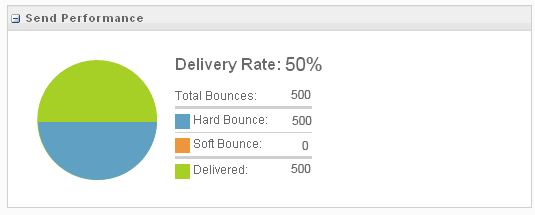
## SMTP Bounce Codes
If you run a Bounce Event Extract File, there’s an SMTP Code column that lists a code related to each bounce. View valid values for [SMTP reply codes](https://www.greenend.org.uk/rjk/tech/smtpreplies.html) (GreenEnd).
## Bounces for Integrated Solutions
Bounces for Engagement integrated products are handled the same way as they are in Engagement. The same rules apply, but sometimes, only the record of a bounce is passed back to the integrated solution. It doesn’t include whether it’s a hard or soft bounce. The system only records the date and time of the event.
## Unsubscribed Status
Although unsubscribed subscribers got that status not because of a bounce, in the context of Bounce Mail Management, a subscriber acquires a status of Unsubscribed in these ways:
- The subscriber clicks an unsubscribe link in an email or chooses to be unsubscribed in a profile center
- The subscriber reports an email as spam to an ISP with which Engagement has a feedback loop (AOL, Hotmail, Comcast, and others)
- The subscriber's address is manually changed to Unsubscribed by a Salesforce Engagement user
## Subscriber Status
A subscriber's email status is one of the fields that you can include when you export individual subscriber data or export an entire subscriber list. You can use the status field to filter your subscriber searches. Your subscriber workspace uses color-coded icons to indicate subscriber status.
Each subscriber has one of these statuses:
Color Code
Status
Explanation
(green)
Active
A subscriber who meets either of these criteria has a status of Active:
No activities have occurred to make the subscriber's status Bounced, Undeliverable,
Unsubscribed, or Deleted.
A subscriber whose status was Bounced or Undeliverable is recorded as having opened or
clicked through a received email. In this case, the system changes the subscriber's status
back to Active.
(yellow)
Bounced (Returned)
A subscriber who meets these criteria has a status of Bounced:
one or more bounces, soft, or hard, are received for the subscriber
(gray)
Held (Undeliverable)
A subscriber who meets these criteria has a status of Held (Undeliverable):
Three or more bounces, soft or hard, are received for the subscriber and more than 15
days have passed since the first bounce. If the bounce was from a trusted domain, only one
hard bounce is required.
The status is reset to Active when a subscriber engages with the email.
(red)
Unsubscribed
A subscriber who meets any of these criteria has a status of Unsubscribed:
The subscriber has requested to be removed from a single list, multiple lists, or all
lists. In these cases, the subscriber's status is changed to Unsubscribed for the selected
lists or at the All Subscribers level.
A user manually unsubscribes a subscriber, thus changing the status to Unsubscribed for
the list at which the action was taken.
The subscriber has submitted a spam complaint in the user interface of any ISP or
webmail service that provides a feedback loop (FBL) to ET. In this case, the subscriber's
status is changed to Unsubscribed at the All Subscribers level. When the Sender
Authentication Package is applied, ISPs that offer feedback loops include:
BlueTie
Comcast
Fastmail
Gandi
Italia Online (Libero and Virgilio)
La Poste
Liberty Global (Chello, UPC, Unity Media)
Locaweb
Mail.Ru
Microsoft Junk Mail Reporting Program (including Hotmail and Outlook)
OpenSRS
Rackspace
SEZNM
SFR
SilverSky
Swisscom
Synacor
Telecom Italia
Telenet
Telenor
Telstra
Terra
UOL
Virgin Media
Ziggo
We set up Yahoo FBL when using private domain and Sender Authentication Package
(SAP).
Deleted
A subscriber who meets either of these criteria has a status of Deleted:
A user has deleted a subscriber from a list other than the All Subscribers list. In
this case, the subscriber's status for that list only is Deleted.
A user has deleted a subscriber from the All Subscribers list. In this case, the
subscriber's global status is Deleted.
## Diagram
The diagram illustrates the bounce process, showing how a subscriber address status changes from active, to bounce, to undeliverable.
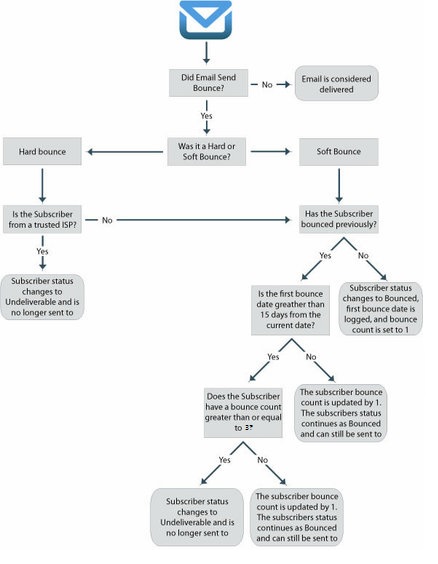
#### See Also
- [Bounces](https://help.salesforce.com/s/articleView?id=mktg.mc_as_bounces.htm&language=en_US)
# Bounced Messages and Held Numbers
MobileConnect logs a message send as a bounce when it receives a report from the aggregator that the message send failed.
MobileConnect sends all SMS and MMS messages to an aggregator, which distributes the messages to its mobile networks. Mobile networks include networks maintained by the large wireless providers. The aggregator then notifies MobileConnect when it delivers or fails to deliver a message.
MobileConnect logs a message send as a bounce when it receives a report from the aggregator that the message send failed. Bounces can occur for several reasons, such as:
- An incorrect or out-of-service mobile number
- An inoperable or powered-down mobile device
- A mobile device roaming outside of the assigned service area
- An error between the aggregator and the mobile carrier
MobileConnect changes the status of a mobile number to held when two messages bounce more than 30 days apart with no successful message delivery in between. Even if many bounces occur between day one and day 31, the mobile number status isn’t changed to held until another bounce occurs on day 31 or later. If a message send is successful before day 31, the bounce count resets to zero.
MobileConnect doesn’t attempt to deliver a message to a held mobile number until it receives notification that at least one of the previously sent messages delivered successfully.
The MobileNumber is automatically removed from the held List when a message is sent to the short or long code from the handset or when a message is delivered successfully to the handset.
- **[Disable Bounce Logic and Clear Held Numbers in MobileConnect](https://help.salesforce.com/s/articleView?id=mktg.mc_moc_disable_bounce_logic.htm&release=264.0.0&type=5)**
You can disable or enable bounce logic, clear numbers from your held list, and view how many numbers are on the held list. Disabling bounce logic prevents bounced numbers from being added to a held list. Clearing the held list allows you to resume sending to contacts whose numbers bounced twice in more than 30 days.
# Bounces
The bounce event extract file shows all the hard and soft bounces that occurred in a specific date range. The events in this report relate to all subscribers for a particular send.
## Output Types
- CSV
- TAB
- XML
## Columns
Attributes
Name
Description
Possible Values
Data Type
Character Length
ClientID
The system account identifier associated with the attribute set
-2^63 (-9,223,372,036,854,775,808) to 2^63-1 (9,223,372,036,854,775,807)
Numeric
Maximum length - big integer
SendID or JobID
Identifier associated with an email send
Number
Maximum length - big integer
SubscriberKey
Customer-specified subscriber unique identifier associated with attribute set. By
default, the value is the same as EmailAddress.
String
254
EmailAddress
Subscriber email address identifier associated with attribute set
String
254
SubscriberID
System-generated subscriber unique identifier associated with attribute set.
SubscriberID relates to the Subscribers file SubscriberID column.
Number
Maximum length - big integer
ListID
Identifier of the list ID associated with the subscriber in the send
Number
Maximum length - big integer
EventDate
Date the bounce event occurred
Datetime
EventType
Identifies event type
Bounce
String
6
BounceCategory
Identifies bounce type
Block bounce
Hard bounce
Soft bounce
Unknown bounce
Technical or other bounce
String
50
SMTPCode
SMTP code related to the bounce
Numeric
Small integer
BounceReason
Detailed reason for bounce provided by external ISP or MTA
See Bounce Reason Table
String
8000
BatchID
Identifies batch associated with a triggered email sent event - defaults to 0 for a
marketing list send
External key associated to a triggered send definition if the bounce resulted from a
triggered send request
String
100
## Bounce Reason
Bounce Reason
| BounceSubcategoryText | BounceSubcategoryDescription |
| --- | --- |
| Authentication | Message lacks required authentication |
| Bad Address Syntax | Email address in invalid |
| Complaints | Your email is blocked due to complaints |
| Content | Message was filtered due to content |
| Data Format Error | Email is rejected due to formatting or line length errors |
| Domain Unknown | Recipient domain doesn't exist |
| High Unknown Address Pct. | Email is blocked due to the high quantity or percentage of unknown or inactive addresses on your list |
| Inactive Account | Address is temporarily unavailable |
| Mailbox Full | Recipient's mailbox is full or has exceeded storage allocation |
| Network Error | Connection lost or timed out during delivery |
| Other | Failed due to temporary failure or indecipherable bounce message |
| Other | This address does not accept mail |
| Other | This email is blocked by recipient |
| Other | Mailbox temporarily unavailable |
| Server Too Busy | Receiving email server is temporarily overwhelmed with delivery attempts, from you and other senders |
| Spamblocked | The remote mail server rejected this message due to characteristics of spam |
| Temporary Domain Failure | Receiving domain temporarily unavailable |
| Unknown | Response from email provider that doesn’t match a BounceSubcategoryText value. This response can contain non-alphanumeric characters. |
| URL Block | Emails containing your URLs are blocked |
| User Unknown | Address is non-existent at the domain |
# Bounces, Unsubscribes, and Spam Complaints
Salesforce marketing email reports contain metrics about bounces, unsubscribes, and spam complaints. After you understand the differences among these responses, you can act on the insights that you receive and optimize your email marketing program.
## Bounce
When an email can't be delivered to its recipient, it's considered a bounce. Bounces fall into two primary categories:
- Soft bounces: the system automatically retries these temporary delivery issues, such as an out-of-office reply.
- Hard bounces: a receiving email server permanently rejects a message because the email address is invalid or unfindable.
Rising bounce rates are frequently caused by using stale data or purchased lists that contain invalid addresses and spam traps. Keeping hard-bounced addresses in your database can damage your sender reputation quickly. To prevent this, keep your data clean and maintain a bounce rate under 2%.
To maintain a good reputation, process and remove hard bounces from your lists at least once a week.
To accurately troubleshoot the exact reasons for individual bounces, you can find error code documentation for platforms like [Gmail](https://knowledge.workspace.google.com/admin/support/troubleshooting/gmail-smtp-errors-and-codes?hl=en&visit_id=639198219786200685-4026707855&rd=1), [Microsoft](https://learn.microsoft.com/en-us/troubleshoot/exchange/email-delivery/ndr/non-delivery-reports-in-exchange-online), [ProtonMail](https://proton.me/support/smtp-errors), and [Yahoo!](https://senders.yahooinc.com/smtp-error-codes/?guccounter=1&guce_referrer=aHR0cHM6Ly93d3cuZ29vZ2xlLmNvbS8&guce_referrer_sig=AQAAAGZMa6b0Gvi6RlcHFlSe-3NIcjtQomPcvebHO-LE0BOtzjOqQB4_cwMoashkXI88f_hZqylQc4drGTLLbJM0pruKmvczHZKn_628lPleWYJ2gCB_mMTx51SlBRo-DV24C6GHISMytNXsCxygPMYJa9rH5clrjXsQ0lnxMAspfIzv).
## Unsubscribes
An unsubscribe or opt-out is an action a recipient takes to stop receiving certain messages. Unsubscribes are processed at three levels.
- Global or Tenant Level: This level is the most restrictive. It blocks all commercial communications across an entire business unit or tenant. When a person unsubscribes here, they are marked as unsubscribed across the entire business unit or tenant, blocking all commercial communication regardless of the brand or topic.
- Topic or Preference Level: This level is organizes consent based on the type of content you share via email, such as newsletters, event invitations, or weekly digests. Someone can unsubscribe from certain categories while remaining subscribed to others.
- Channel Level: This level considers the receiving device. A person can choose to receive only one type of message, such as SMS or email, or some combination of them.
To maintain compliance and trust, include a clear, functioning unsubscribe mechanism in every email. On the preference page, explicitly communicate what the options are and then process requests within 2 to 10 days.
Each Salesforce Marketing app product handles subscription state, data models, and consent headers differently, so review the specific implementation documentation for your product.
## Spam Complaints
Spam complaints occur when recipients mark an email as spam, and are the primary factor in determining your sender reputation. If you receive even one complaint per 1,000 emails (0.1%), your reputation can be damaged or result in blocked emails or IP addresses.
Although these complaints define traditional unsolicited bulk email, poor practices frequently trigger them for legitimate senders. Common causes include sending emails too frequently, delaying initial contact until a user forgets their opt-in, or delivering irrelevant content.
To address and prevent these complaints, prioritize strict explicit consent and relevant communication.
## Further Reading
To find detailed information and instructions about optimizing email for each marketing app, review this table.
Marketing Cloud Engagement
Details on the different levels of opt-outs (List, Universal, Global, and
One-Click). Unsubscribes
# Brand Settings and Personalities
Define your organization’s brand identity and add the personalities to use when generating tailored content. In addition to the provided Professional and Casual personalities, you can create up to 10 more personalities to match your needs. Then use Einstein generative AI features to create messages that reflect what you want to convey to your customers.
By thoroughly and thoughtfully setting up an identity that’s relevant for each of your business units, marketing leadership can generate content that aligns to your brand automatically. You set up the identity and personalities one time, and then the information persists in all your generative content. In addition to the [Salesforce Trust Layer](https://help.salesforce.com/s/articleView?id=ai.generative_ai_trust_layer.htm&language=en_US), grounding your prompts using information specific to your brand makes the content that Einstein generates as accurate as possible. You can also set any personality as a default. The default personality is added to every generation, and along with the brand identity, it provides more personalized and consistent results.
When you set up a brand personality give it a name and describe what that the personality means to your brand as if you were describing it to a copywriter. The more descriptive you can be, the better your results. Here are some examples.
- You want to convey a sense of urgency. You create a personality called Urgent with this description.
A style that uses clear and concise language combined with time-sensitive words. Always prioritize genuine deadlines or actions at the beginning, and avoid overusing all caps or multiple exclamation points to maintain trust and avoid appearing aggressive.
- You want to convey curiosity. You create a personality called Inquisitive with this description.
Pose genuine questions relevant to the recipient’s interests or needs. Use open-ended queries that pique curiosity without being overly complex, and ensure that the content provides an answer or solution to the question posed, fostering engagement and a desire to learn more.
Different factors can impact your brand personality choices, including the needs of individual business units. Einstein takes your brand identity and the personality that you choose into account when generating content. If you don’t see a personality in the list that fits your needs, ask your Salesforce admin to set up a new personality for you in Einstein Copy Insights Brand Settings setup.

Example Your upcoming campaign targets avid hikers and campers to promote quick dry socks. You create a brand personality called Adventurous that reflects the persona. Then, Einstein takes your organization’s brand identity and your chosen personality into account when you generate content for the campaign.
# Brand Your Content in Marketing Cloud Next
Apply a consistent look and feel, and build trust across your marketing content, while grounding the content that your Agentforce agents generate.
### Required Editions
A brand kit is your single source of truth for your brand’s identity, voice, and visual style. When you build a brand kit and activate it, your agents apply it across channels, from emails to seller conversations. Brand Center brings your CMS brands and your Agentforce brand kits together in one place. Specify your company’s colors, fonts, button styles, brand identity, and tone, and create as many brands as you need.
We recommend that you assign your primary brand kit as the default brand in your marketing workspace. The default brand kit’s settings extend to all your Marketing Cloud Next content, but you can create other brand kits for specific events or products.
[View supported editions](https://help.salesforce.com/s/articleView?id=mktg.mktg_editions.htm&release=264.0.0&type=5 "Marketing Cloud Next is available in Growth and Advanced editions, and requires Salesforce Enterprise or Unlimited editions. Some features are limited by edition or purchased add-on. All functionality is available in Lightning Experience only.").
User Permissions Needed
To create or edit content:
Marketing Cloud Manager permission set
AND
any CMS workspace contributor
role
To publish or unpublish content:
Marketing Cloud Manager permission set
AND
a CMS workspace contributor role
of content admin or content manager
Marketers can assign a brand kit to an email, form, or landing page when they create content. When the content is published, its related brand kit is also published.
When you use Agentforce to create emails, landing pages, or SMS messages for marketing campaigns, the brand identity and tone fields help the AI agent generate text that reflects your company’s personality. Select a default tone from the standard options, and edit the tone’s description as necessary to generate text in your company’s voice.
## Considerations for Branding Your Content
When you craft your company’s brand styles in Marketing Cloud Next, keep these considerations in mind.
All contributors in a Marketing workspace can create or edit your company’s brand styles. When an unpublished brand kit is attached to an email, landing page, or form, and you publish the content, the brand kit is also published. To protect your company’s brand values from unauthorized changes, establish an approval process for creating, updating, and publishing brand styles.
When you update and publish a brand kit that’s associated with a published landing page or form, the previous version of the brand kit remains visible to visitors until their browser cache expires or is cleared.
When the workspace default brand kit is assigned to a published piece of content and you update the default brand kit, the update isn’t applied to the published content. To apply the update, unpublish the content, remove the existing brand kit, and select **Use Default Brand**.
Mobile-specific brand kit settings apply to landing pages and forms. They don’t apply to emails.
## Create and Manage Brand Kits
Create a brand kit to ground the content that your Agentforce agents generate, define its guidelines, and then activate, preview, and share it.
### Required Editions
User Permissions Needed
To create or edit content:
Marketing Cloud Manager permission set
AND
any CMS workspace contributor
role
To publish or unpublish content:
Marketing Cloud Manager permission set
AND
a CMS workspace contributor role
of content admin or content manager
Before you begin, make sure that you've [set up Brand Center](https://help.salesforce.com/s/articleView?id=mktg.mktg_admin_brand_kit.htm&release=264.0.0&type=5 "Turn on Brand Center for a data space and assign permissions so that your team can build and use brand kits.").
Where you create a brand kit determines its scope. Create a local brand kit for one team, and a global brand kit for your entire org.
### Create a Brand Kit
Create a local brand kit in a single workspace when a team needs a brand kit that's scoped to their own content. Create a global brand kit in Brand Center so that it's available to your agents across workspaces and is syndicated to Common Assets.
1. Select a brand kit creation method.
- From your marketing workspace, click **Add** and select **Content** | **Brand**. Select **Continue with Existing Builder** for a local brand kit and **Try Brand Center** for a global brand kit. Then, click **Create**.
- From the App Launcher, find and select **Brand Center** and then click **New**.
2. Give the brand kit a name.
3. Specify an API name.
4. Optionally, enter a description.
5. Select a workspace.
- For a local brand kit, select a local workspace.
- For a global brand kit, select **Brand Center**.
6. Select a data space to associate with the brand kit.
You can't change the data space association later.
7. Save the brand kit.
### Define Brand Guidelines
Define your brand kit by adding sources, entering guidelines, and building out each brand component.
Open the brand kit, and then complete the components that apply to your brand.
- In the Knowledge Sources section, upload files and add instructions so that your agents ground their content in your brand's documents.
- In the Style Guidelines section, define visual elements, such as colors, fonts, buttons, margins and padding, and borders to keep your brand consistent.
- In the Brand Guidelines section, define the brand basics, tone, and guardrails.
1. For brand basics, define the brand identity and vision.
2. For brand tone, add one or more tones to guide how your agents communicate.
3. For guardrails, set rules that keep your brand voice safe and consistent. Specify details such as a time range or segment, and define constraints, such as thresholds or formats.
### Activate and Preview a Brand Kit
Activate a brand kit to make it available to your agents, and generate sample content to confirm that your agents follow your intended brand guidelines.
For the best results, activate your brand kit before you generate sample content.
1. On the brand kit, click **Activate**. Activation processes the kit, so allow a few minutes and refresh the page to see the updated status.
2. Under Preview Sample Output, select a channel.
3. Select a tone. These tones are defined in your brand guidelines.
4. Select a sample prompt or enter a custom prompt.
5. Click **Generate Preview** to test how your settings affect agent communication.
6. Review the sample output against your intended tone, guidelines, and guardrails.
After activating a brand kit, assign it to an email, form, or landing page.
### Copy a Global Brand Kit to Another Workspace
Copy global brand kits to other workspaces so that more teams can customize and use them.
After copying a brand kit, changes to the source brand kit don't apply to the copies.
1. From the App Launcher, find and select **Common Assets**.
See [Common Assets and Content Syndication](https://help.salesforce.com/s/articleView?id=mktg.mktg_content_brand.htm&release=264.0.0&type=5 "Global brand kits become available across your workspaces so that teams don't have to recreate the same brand.").
2. From the dropdown arrow for the brand kit that you want to copy, select **Copy Brand Kit**.
3. Select the workspace to copy the brand kit to, and click **Next**.
4. Click **Copy**.
## Assign a Default Brand Kit in Your Marketing Workspace
Save time and ensure consistency across all your communications by assigning a default brand kit to your marketing workspace. All content that’s created in the workspace uses the default brand kit. A marketer can apply a different brand kit to an individual piece of content.
Only a user with the CMS contributor role of Content Admin or Content Manager can assign or change a workspace default brand kit.
1. In your marketing workspace, click  and select **Default Brand**.
2. Click **Select Brand** and select a brand kit from the list, or click **Shared with Workspace** to select a brand kit from another workspace that’s shared with your marketing workspace.
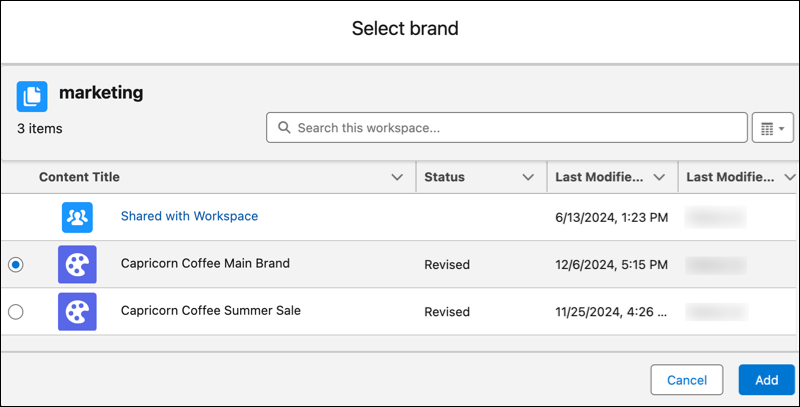
If your default brand kit is stored in a shared workspace, and that workspace is unshared from your marketing workspace, you can no longer use the brand kit as your default.
3. Click **Add**, and save your changes.
To remove or change the default brand kit, click  and select **Default Brand**. Click the brand kit’s down arrow, and select **Remove** or **Replace**.
#### See Also
- [Agentforce in Marketing Cloud](https://help.salesforce.com/s/articleView?id=mktg.mktg_einstein_copilot_in_mc.htm&language=en_US)
- [Add Workspace Contributors to Marketing Cloud](https://help.salesforce.com/s/articleView?id=mktg.mktg_admin_setup_contributors_workspace.htm&language=en_US)
- [Organize and Share Content in a Workspace](https://help.salesforce.com/s/articleView?id=mktg.mktg_content_workspaces.htm&language=en_US)
## Common Assets and Content Syndication
Global brand kits become available across your workspaces so that teams don't have to recreate the same brand.
When you create a global brand kit, the system automatically syndicates it to Common Assets, a shared workspace that teams across your org can use. Content syndication is a cross-cloud capability, so your brands are reusable across Salesforce content workspaces.
After a brand kit is syndicated to Common Assets, teams have two options.
- They can use the centrally governed brand kit directly, so that it stays consistent with the source.
- They can copy the brand kit into their own local workspace when they need to customize it. A copy is independent of the source brand kit.
### Global and Local Workspaces
The global workspace is where you create centrally governed brand kits that syndicate to Common Assets and are available to your agents across workspaces. Brand Center is the global workspace for brand kits.
A local workspace is scoped to one team. An agent in that workspace can use it, but agents in other workspaces can't. Use a local copy when a team needs to customize a global brand kit.
# BrandBuilder
BrandBuilder allows you to customize the color scheme used within your Email Studio account. Use BrandBuilder to select color schemes that match your company’s logo. You can use the color scheme when you design your email template to help maintain brand integrity. Based on the colors of the logo you upload, BrandBuilder provides you with several pre-designed color schemes. After you choose how to privately label your account, BrandBuilder applies the color scheme, providing your users with a branded experience.

Note This page provides information about BrandBuilder in Email Studio. To change brands associated with Marketing Cloud Engagement, follow the [Marketing Cloud Engagement BrandBuilder](https://help.salesforce.com/s/articleView?id=mktg.mc_overview_brandbuilder.htm&language=en_US) documentation.
## Prerequisites
Salesforce must enable this feature and create a brand for your account, including every business unit in an Enterprise 2.0 account. Contact your Engagement account representative to accomplish these tasks before following these directions.
- Upload a logo in JPG or GIF format.
- Logos must measure 550 pixels wide by 60 pixels high.
- Follow the same steps whether you’re creating a brand or modifying an existing brand. When you modify an existing brand, you overwrite it with new color data. If you created a custom color scheme for the brand, the custom scheme doesn’t appear as an option when you set up BrandBuilder for Email Studio.
## BrandBuilder
The color scheme you choose applies to these elements.
- Logo and header background color on every screen
- Primary navigation buttons
- The appearance of the login screen
- Survey landing page
- Forward to a Friend landing page
- Profile Center and Subscription Center pages
## Scenario
Northern Trail Outfitters wants to create a color scheme based on their logo. They open the BrandBuilder page by clicking **Admin** and selecting **BrandBuilder**.
They click **start now** and upload a logo.
They click **Next**, and the application auto-generates seven different branding schemes.
Northern Trail Outfitters chooses the color scheme they prefer and clicks **Next**. The BrandBuilder workspace displays the chosen colors and a preview of what a page would look like using that color scheme.
Northern Trail Outfitters adjusts these colors by clicking the color box and choosing a new color in the color palette. After they select their color scheme, they click **Next**. BrandBuilder displays previews of the Application Screen and the Logon Screen. They click **Next** again.
The BrandBuilder generates the new color scheme while the status is displayed in a dialog box. After the dialog box disappears, Northern Trail Outfitters clicks **Finish** and applies the brand to the application.
- **[Create a New Brand](https://help.salesforce.com/s/articleView?id=mktg.mc_es_create_new_brand.htm&release=264.0.0&type=5)**
Create a BrandBuilder brand for Email Studio in Marketing Cloud Engagement.
- **[Upload Your Logo](https://help.salesforce.com/s/articleView?id=mktg.mc_es_upload_logo.htm&release=264.0.0&type=5)**
Follow these steps to upload a logo for BrandBuilder in Email Studio.
- **[Choose Your Brand Color Scheme](https://help.salesforce.com/s/articleView?id=mktg.mc_es_choose_brand_color_scheme.htm&release=264.0.0&type=5)**
Select a color scheme for BrandBuilder in Email Studio that displays within your Marketing Cloud Engagement account.
- **[Preview Your Brand](https://help.salesforce.com/s/articleView?id=mktg.mc_es_preview_brand.htm&release=264.0.0&type=5)**
The Preview Your Brand page in BrandBuilder shows your Marketing Cloud Engagement app and login page side-by-side. To preview your brand, follow these steps in Email Studio.
- **[Associate Your Brand](https://help.salesforce.com/s/articleView?id=mktg.mc_es_associate_brand.htm&release=264.0.0&type=5)**
The Associate Your Brand page in BrandBuilder lists the subaccounts associated with your Marketing Cloud Engagement administrative account. To associate your brand, follow these steps in Email Studio after you create a brand.
- **[Rename a Brand](https://help.salesforce.com/s/articleView?id=mktg.mc_es_rename_brand.htm&release=264.0.0&type=5)**
Your brand name appears as the browser tab name when you're using Marketing Cloud Engagement. You can change that name in Email Studio.
- **[Revert Your Brand to the Default](https://help.salesforce.com/s/articleView?id=mktg.mc_es_revert_brand.htm&release=264.0.0&type=5)**
When you create a brand in Email Studio for BrandBuilder, you can revert to the default at any time. Contact your account executive to begin the process.
#### See Also
- [Profile Center for Marketing Cloud Engagement](https://help.salesforce.com/s/articleView?id=mktg.mc_es_profile_center.htm&release=264.0.0&type=5 "The Profile Center is a web page where subscribers enter and maintain the personal information that you keep about them. When you import a list in Email Studio, you can import attribute values for your subscribers. Subscribers can see this information in the Profile Center and update and add to it. Every email that you send through Email Studio contains a link to the Profile Center for subscribers to use.")
- [Preview the Subscription Center](https://help.salesforce.com/s/articleView?id=mktg.mc_es_preview_subscription_center.htm&release=264.0.0&type=5 "You can view the Subscription Center through Email Studio Profile Center in Marketing Cloud Engagement.")
# BrandBuilder for Marketing Cloud Engagement
BrandBuilder helps you customize the color scheme for your Engagement app based on colors in a logo file you upload. Choose how to privately label your account, and BrandBuilder applies the color scheme so that your users have a branded experience. Set the brand at your top-level account, then associate that brand with your other business units.
The color scheme applies to these areas.
- Login Page
- Email Page
- Application
- Subscription Center
Before you continue, note this information.
- Upload a logo in JPG or GIF format.
- Logos measure up to 550 pixels wide by 100 pixels high.
- Follow the same steps whether you create a brand or modify an existing brand. But when you modify an existing brand, you overwrite it with new color data. If you created a custom color scheme, you can't see that color scheme as an option when in the steps for that brand.
- **[Apply Your Brand in Marketing Cloud Engagement](https://help.salesforce.com/s/articleView?id=mktg.mc_overview_create_brand.htm&release=264.0.0&type=5)**
To customize the look and feel of your Marketing Cloud Engagement app, use BrandBuilder.
- **[Associate Your Brand](https://help.salesforce.com/s/articleView?id=mktg.mc_overview_associate_brand.htm&release=264.0.0&type=5)**
Use BrandBuilder to associate your brand to content in Marketing Cloud Engagement.
- **[Review and Edit Your Brand](https://help.salesforce.com/s/articleView?id=mktg.mc_overview_review_edit_brand.htm&release=264.0.0&type=5)**
After you create a brand in BrandBuilder for Marketing Cloud Engagement, review and edit login and configuration details.
# Branding and Messaging
High-quality emails can bypass spam filters and capture recipient attention. The quality of your messaging is based on system filters and user preferences. Content that passes a spam filter isn't always engaging to users, and vice versa.
## Engage Recipients
To engage recipients, maintain data hygiene and use recipient data to personalize content. Review metrics to identify what works best for your audience.
- Segment your data to build highly specific audiences for your messages.
- To focus on what’s most relevant to each customer, personalize subject lines and email body content with names, purchase history, or other available details.
- Consider dynamic content and other advanced personalization tools to deliver the most relevant content to each recipient.
## Use Spam Filters
Spam filters don't publicize their scanning criteria, so monitor your metrics to identify your best-performing content. Use these tips to keep messages out of the spam folder.
- Legal requirements: Always include business identification and an unsubscribe method.
- Spammy language: Spam filters often flag messages that include too many exclamation marks or overuse words like "free," "limited time," and "act now."
- Too many images: Filters scan for an image-to-text ratio, and can flag messages that contain mostly or only images.
- Unclear links: Avoid URL shorteners in email messages, because it's a common tool for bad actors. (They obscure full URLs behind a benign click-through link, which sends recipients to phishy, spammy web pages.) Instead, safely gather click data with branded tracking domains that present your trusted brand.
- Non-HTML code: Although there are some legitimate uses for adding scripts or embedded content to emails, it’s often a flag for filters. Before you include JavaScript, RSS, or forms in a message, test the message with a small audience first.
Create a balanced message by combining relevant text, a few images, and informational links. Balance promotional language with valuable content.
# Brandwatch API Connector
Brandwatch is a Social Media Monitoring Tool that allows your business to analyze and use business conversations from across the social web.
- Channel: Social
- Data Stream Type: Social Listening
- Data Lag: 1 Day
## Prerequisites
You must provide your Brandwatch username and password. Contact your Brandwatch representative in order to receive these credentials.
## Known Issues
Due to Twitter’s legal limitations, which block the transfer of their post content to third party applications, you won’t be able to retrieve the detailed content of Twitter Mentions into Marketing Cloud Intelligence - but their associated Measurements are retrieved normally.
## QA Your Data
- Create the desired report in the Brandwatch UI for the required date range, as follows:
- Create a New Dashboard.
- Select the **Summary** Dashboard Template and the relevant Data Source.
- When it’s generated, click the **Mentions** tab.
- Add the relevant fields to the table by clicking **Columns** to the right of the screen.
- Click **Apply**
- Next, process the relevant Data Stream in Marketing Cloud Intelligence for the same report as was selected in the ‘Data Source’ field in Brandwatch and date range.
- Create a Report/Table Widget/Pivot Table within Intelligence containing the exact same Dimensions and Measurements for the same report and date range.
- Compare the Measurement Totals and make sure they’re aligned.
# Brandwatch API Connector
Brandwatch is a Social Media Monitoring Tool that allows your business to analyze and use business conversations from across the social web.
- **Channel**: Social
- **Data Stream Type**: Social Listening
- **Data Lag**: 1 Day
## Prerequisites
You must provide your Brandwatch username and password. Contact your Brandwatch representative in order to receive these credentials.
## Known Issues
Due to Twitter’s legal limitations, which block the transfer of their post content to third party applications, you won’t be able to retrieve the detailed content of Twitter Mentions into Marketing Cloud Intelligence Data Pipelines - but their associated Measurements are retrieved normally.
## QA Your Data
- Create the desired report in the Brandwatch UI for the required date range, as follows:
1. Create a New Dashboard.
2. Select the ‘Summary’ Dashboard Template and the relevant Data Source.
3. When it’s generated, click the ‘Mentions’ tab.
4. Add the relevant fields to the table by clicking ‘Columns’ to the right of the screen.
5. Click ‘Apply’
- Next, process the relevant Data Stream in Marketing Cloud Intelligence Data Pipelines for the same report as was selected in the ‘Data Source’ field in Brandwatch and date range.
- Create a Report/Pivot Table within Intelligence Data Pipelines containing the exact same Dimensions and Measurements for the same report and date range.
- Compare the Measurement Totals and make sure they’re aligned.
# BrightEdge API Connector
BrightEdge is an SEO and content performance marketing platform, helping customers generate more organic traffic.
- Channel: Search
- Data Stream Type:
- Search Keywords
- Web Analytics
- Web Analytics Pages
- Generic
- Data Lag: 1 Day
## Prerequisites
To connect to BrightEdge, you need a valid username and password with API permissions. To enable API for your user, contact your BrightEdge representative.
## General Setup
After entering your credentials, select the relevant Profile you want to retrieve data for.
## Extended Properties
- Data Stream Type - Select one of the available Data Stream Types you want to map your data to. You can only select one type of Data Stream Type in any given BrightEdge API Data Stream. You can map into the following Data Stream Types:
- Search Keywords
- Web Analytics
- Web Analytics
- Pages
- Generic
- Report Type - Select the Report you want to pull. The following Reports are available for retrieval:
- Keyword Group Performance
- Keyword Performance
## QA Your Data
- Create the desired report in the BrightEdge platform for the required date range.
- Next, process the relevant Data Stream in Marketing Cloud Intelligence for the same date range.
- Create a Report/Table Widget/Pivot Table within Intelligence containing the exact same Dimensions and Measurements for the same report and date range.
- Compare the Measurement Totals and make sure they’re aligned.
# BrightEdge API Connector
BrightEdge is an SEO and content performance marketing platform, helping customers generate more organic traffic.
- **Channel**: Search
- **Data Stream Type**:
- Search Keywords
- Web Analytics
- Web Analytics Pages
- Generic
- **Data Lag**: 1 Day
## Prerequisites
To connect to BrightEdge, you need a valid username and password with API permissions. To enable API for your user, contact your BrightEdge representative.
## General Setup
After entering your credentials, select the relevant Profile you want to retrieve data for.
## Extended Properties
- Data Stream Type - Select one of the available Data Stream Types you want to map your data to. You can only select one type of Data Stream Type in any given BrightEdge API Data Stream. You can map into the following Data Stream Types:
- Search Keywords
- Web Analytics
- Web Analytics
- Pages
- Generic
- Report Type - Select the Report you want to pull. The following Reports are available for retrieval:
- Keyword Group Performance
- Keyword Performance
## QA Your Data
- Create the desired report in the BrightEdge platform for the required date range.
- Next, process the relevant Data Stream in Marketing Cloud Intelligence Data Pipelines for the same date range.
- Create a Report/Pivot Table within Intelligence Data Pipelines containing the exact same Dimensions and Measurements for the same report and date range.
- Compare the Measurement Totals and make sure they’re aligned.
# Bring Your Own Key for Encryption at Rest
Provide your own encryption key to help in encrypting data in Marketing Cloud Engagement. This feature uses an RSA2048 encryption key that you generate in your own environment. Use the key as part of encrypting data at rest using Data at Rest Encryption for a Dedicated Database Environment. This feature applies to the top-level account in your tenant and can’t be activated for individual business units. Perform all operations for this feature in the top-level account of your tenant.
Marketing Cloud Engagement uses account-specific RSA4096 public key pairs and displays the public key to the customer's BYOK setup UI. The corresponding private key is kept inside Salesforce hosted Key Management Service (KMS) and never leaves the KMS boundary. Customers generate an intermediate AES256 key and RSA2048 encryption key, which they import via the BYOK setup UI.
The customer follows a two-step wrapping process to maintain confidentiality of the imported RSA2048 key. The intermediate AES256 key wraps the RSA2048 key. The customer-specific RSA4096 key wraps the intermediate AES256 key.
The customer provides the two wrapped key payloads to import the key. These two payloads are unwrapped inside the key management service. First the intermediate AES256 key with the corresponding RSA4096 private key is unwrapped, and then the imported RSA2048 key with the intermediate AES256 key is unwrapped.
The intermediate AES256 key is discarded and isn't stored. Imported encryption keys are stored in clear text inside the key management service. These keys are marked as non-exportable keys, so only the clear text key is visible to our system. The customer-specific database server sends encrypt and decrypt requests for that key when it needs it.
Data at Rest Encryption uses two-tier key architecture:
- The data encryption key (DEK) managed directly by the database
- The key encryption key (KEK) you provide to encrypt the data encryption key
You can your key to use for key encryption. This key takes the place of generated system keys.
This feature delivers a self-service experience for you to bring your own encryption keys to encrypt data at rest. You can manage the end-to-end lifecycle of your keys, including the import, deletion, and rotation of keys. You can also revoke a key to make all accounts and data in your tenant inaccessible. To regain access to all accounts and data in your tenant, you can restore the key.

Warning The Bring Your Own Key feature places the responsibility for creating and maintaining the key with you. Salesforce can’t recover data from a database taken offline due to key revocation. Maintain a copy of the exact key used to encrypt your database securely in your own system. Salesforce isn’t responsible for the maintenance of keys generated, imported keys, and data encrypted as part of the Bring Your Own Key feature.
When a key is revoked or deleted, it's immediately removed from the Engagement keystore. However, the system can keep a backup copy in accordance with our [Marketing Cloud Trust and Compliance Documentation](https://www.salesforce.com/en-us/wp-content/uploads/sites/4/documents/legal/misc/marketing-cloud-security-privacy-and-architecture.pdf). This copy is deleted after the retention period. Always keep a copy of your key to access encrypted data in Marketing Cloud Engagement. Save this key value in a safe, secure location. You can use only that assigned encryption key to access the data. Otherwise, the encrypted database goes offline and you can’t restore the data from backup. The restoration process can only accept the same key used to originally encrypt the data. Only one key value is active at any time.
The overall process involves these steps.
(1) Generate the RSA encryption key.
(2) Import the encryption key.
(3) The key is active and used in the encryption process.
You can import the key using in Setup or via REST API requests. Make sure that you rotate keys regularly.
The sample commands to generate keys before the import process use an updated version of OpenSSL. You can also perform a similar function using a PKCS#11 interface on keys generated and stored on a Hardware Security Module (HSM) or an Enterprise Key Management (EKM) server.
Anyone with the Admin role can perform tasks related to your encryption keys. Allow these user permissions in the Database Encryption section of User Permissions. Assign each permission individually.
- View
- Rotate Key
- Revoke Key
- **[Create Your Own Encryption Key](https://help.salesforce.com/s/articleView?id=mktg.mc_overview_create_byok.htm&release=264.0.0&type=5)**
You can create an encryption key in Marketing Cloud Engagement, using multiple keys for the creation and wrapping process. You provide the wrapped version of the Intermediate Key and Private Key. Use Base64 encoding for the wrapped keys before you import them.
- **[Import an Encryption Key](https://help.salesforce.com/s/articleView?id=mktg.mc_overview_import_byok.htm&release=264.0.0&type=5)**
To provision data for encryption at rest, you get a key that's generated by Marketing Cloud Engagement. After you import your own key, perform a key rotation operation to use your newly imported key.
- **[Rotate an Encryption Key in Marketing Cloud Engagement](https://help.salesforce.com/s/articleView?id=mktg.mc_overview_rotate_byok.htm&release=264.0.0&type=5)**
Follow these steps to rotate your encryption key in Marketing Cloud Engagement for Data at Rest Encryption. This process makes an imported key active and replaces the current encryption key.
- **[Delete an Encryption Key](https://help.salesforce.com/s/articleView?id=mktg.mc_overview_delete_byok.htm&release=264.0.0&type=5)**
After you deactivate a key and delete it, Marketing Cloud Engagement removes the key from service immediately. The standard data retention protocol retains the deleted key value for up to 90 days.
- **[Revoke an Encryption Key](https://help.salesforce.com/s/articleView?id=mktg.mc_overview_revoke_byok.htm&release=264.0.0&type=5)**
When you revoke an active key, Marketing Cloud Engagement deletes the key and you can't log in to your account. Nobody can access the data in your database after revocation.
- **[Restore an Encryption Key in Marketing Cloud Engagement](https://help.salesforce.com/s/articleView?id=mktg.mc_overview_restore_byok.htm&release=264.0.0&type=5)**
To import your key value and restore your encryption key, use the Restore application in Marketing Cloud Engagement. Contact your account executive to confirm the correct URL for restoring your encryption key. It can take up to a week to restore a key. You can restore databases up to two weeks after the initial revocation. Databases that remain inactive for more than two weeks cannot be restored.
- **[Validate Your Own Encryption Key](https://help.salesforce.com/s/articleView?id=mktg.mc_overview_validate_byok.htm&release=264.0.0&type=5)**
You can perform this process outside of Marketing Cloud Engagement to troubleshoot key wrapping procedures to ensure you used the correct algorithms.
#### See Also
- [Assign a Role and Permissions from the Users Screen](https://help.salesforce.com/s/articleView?id=mktg.mc_overview_roles_assign_a_role_users_screen.htm&release=264.0.0&type=5 "Assign your users a role and specific permissions from the Users screen in Marketing Cloud Engagement.")
# Browse Abandonment Trigger
Use the Browse Abandonment trigger to reengage a customer who spent time viewing a product but didn’t purchase it. A Browse Abandonment campaign activates when the customer ends their visit, is inactive for 1 hour, and satisfies trigger rules that you set. If you upload event data for the user through the Event API, the user is considered active during that event.
Select and configure this trigger type when creating a triggered campaign. For more information, see [Create a Triggered Campaign](https://help.salesforce.com/s/articleView?id=mktg.mc_pers_triggered_campaign_create.htm&release=264.0.0&type=5 "Use a triggered campaign to launch a journey when a specific action or event occurs. For example, send a promotion to a shopper who spent time viewing a product but didn’t purchase. You can recommend unread articles or products to a visitor who has spent more than 5 minutes reading about a topic. You can remind new users to complete onboarding steps, or alert sales reps when target prospects spend a certain amount of time on your site. When creating a triggered campaign, you can define when to trigger the campaign, which users to target, and which experiences to deliver.").
## Campaign Qualification and Eligibility
To qualify, the user must complete a ViewItem action during a visit. If you set a minimum view time threshold, then ViewItem, QuickViewItem, and ViewItemDetail each independently qualify by contributing to the user’s cumulative view time. The user must not have purchased qualifying items in the past two days, measured in UTC.

Note If you integrate through the Event API and use the threshold, your implementation must explicitly send ping events. The Personalization Web SDK sends pings automatically, but the Event API doesn’t. Without ping events, cumulative view time stays at zero and the campaign doesn’t trigger even when ViewItemDetail and QuickViewItem actions fire.
If a user views multiple items that qualify for the campaign and purchases some of those items, the user is still eligible for a Browse Abandonment campaign for the unpurchased items. To avoid this behavior, add a purchase behavior filter to the campaign. For more information, see [Behavior Filters](https://help.salesforce.com/s/articleView?id=mktg.mc_pers_triggered_campaign_behavior_filter.htm&release=264.0.0&type=5 "A user behavior filter is based on customer interaction with the trigger items. Your developer configures these item actions in your account. You can add multiple user behavior filters, and the user must meet all the criteria to qualify for the trigger.").
Before sending the campaign, Marketing Cloud Personalization checks every hour that browse abandonment is still relevant. For example, Personalization confirms that the customer hasn’t visited again.
If you add a delay to the campaign, Personalization completes eligibility checks at the time of the trigger and again after the delay is over. Personalization adds a 1-hour inactivity check after any delay you set, and the campaign launches only when that check passes. If more than one trigger event occurs during the delay period, the campaign processes the most recent event in the delay period.
You can add catalog filters and behavior filters that further refine trigger activation qualification rules. Personalization checks that the user meets any qualification rules before showing the campaign, including any campaign rules you set, such as segment membership or filters.
## Configuration Options
Option
Description
Only Trigger if Cart is Empty
Personalization sends the campaign only if the user's cart is empty. For
more information about tracking a customer's cart, see Cart Abandonment Trigger.
User Viewed Item for at least
Personalization sends the campaign if the user views the item for the
minimum time you set. The lower you set this threshold, the more products
are eligible to activate the Browse Abandonment trigger. To determine a
threshold to set, look at average view times for products on your site.
A
Browse Abandonment campaign includes all items that meet the browse
abandonment minimum threshold you set. For example, suppose a user views
five products during a visit and views three of them for the minimum
time you set. The campaign only includes the three products they viewed
for the minimum time.
You can restrict the number of items you
include in the campaign if your developer adds that option to the
campaign template.
Personalization sorts items based on how long
the user viewed each item, with the items they viewed most appearing
first. Without viewing data, Personalization sorts items
randomly.
Catalog Filters
Add filters for product average rating, price, features, or a custom
field.
Behavior Filters
Add filters for user behavior. For example, whether the user did or didn’t
favorite, add to cart, purchase, receive recommendations, or view certain
products.
Triggered Item Frequency Limits
Override the trigger item frequency limit. Personalization ignores the
limit set in catalog and profile objects.
Campaign Frequency Limits
Control how many times the triggered campaign activates for a
profile.
#### See Also
- [Create a Triggered Campaign](https://help.salesforce.com/s/articleView?id=mktg.mc_pers_triggered_campaign_create.htm&release=264.0.0&type=5 "Use a triggered campaign to launch a journey when a specific action or event occurs. For example, send a promotion to a shopper who spent time viewing a product but didn’t purchase. You can recommend unread articles or products to a visitor who has spent more than 5 minutes reading about a topic. You can remind new users to complete onboarding steps, or alert sales reps when target prospects spend a certain amount of time on your site. When creating a triggered campaign, you can define when to trigger the campaign, which users to target, and which experiences to deliver.")
- [Filters for Triggered Campaigns](https://help.salesforce.com/s/articleView?id=mktg.mc_pers_triggered_campaign_filter.htm&release=264.0.0&type=5 "You can apply user behavior or catalog filters for some triggered campaigns to refine qualification for trigger activation. A user behavior filter is based on customer interaction with the trigger items. A catalog filter is based on catalog attributes. For example, you can add a catalog filter to a product back in stock trigger to have it activate only if the item price is less than $100. Or, you can add a behavior filter so the trigger only activates if the user favorites the product.")
- [Trigger Frequency](https://help.salesforce.com/s/articleView?id=mktg.mc_pers_triggered_campaign_trigger_frequency.htm&release=264.0.0&type=5 "Frequency limits apply to the number of triggers that Marketing Cloud Personalization sends for a user profile for a specified time period.")
# Browser Support
Learn about the web browsers that Marketing Cloud Engagement supports.
## Supported and Unsupported Browsers
Marketing Cloud Engagement supports these browsers:
- Latest version of Google Chrome™
- Latest version of Firefox™
- Latest version of Microsoft Edge™
We don’t guarantee full functionality for these browsers:
- Safari®
We don’t support these browsers:
- Microsoft Internet Explorer™ 11 or earlier
- Any version of Internet Explorer in compatibility mode
- Any version of Microsoft Edge released before 2019
- Opera 12™ or earlier[1](#fntarg_1)
## Screen Resolution
We recommend a minimum screen resolution of 1024×768 pixels for interacting with Marketing Cloud Engagement.
## Recommendations and Requirements for All Browsers
To use Marketing Cloud Engagement, set your browser to accept first-party and third-party cookies. If cookies are disabled and you attempt to log in to the application, you’re returned to the login page with no error message.
Configure your browser to check for newer versions of cached pages automatically. This step prevents errors related to outdated cached information.
Some components of Email Studio open in a new window. To ensure full functionality, configure your browser to allow popup windows that originate from your Marketing Cloud Engagement subdomain.
## Mixed Content Errors
Secure private image domains using HTTPS and SSL certificates. Marketing Cloud Engagement can’t load images from unsecured domains. For more information, see [Marketing Cloud - Chrome Blocking Mixed Content](https://help.salesforce.com/s/articleView?id=000389286&type=1&language=en_US).
[1](#fnsrc_1)
Google Chrome is a trademark of Google LLC. Firefox is a trademark of the Mozilla Foundation. Microsoft Edge and Internet Explorer are trademarks of the Microsoft group of companies. Safari is a trademark of Apple Inc. Opera is a trademark of Opera Software AS.
# Browser Support for Account Engagement
You can use the standalone Account Engagement app in the most popular browsers.
- Edge (latest version)
- Chrome (latest version)
- Firefox (latest version)
- Safari (latest version)
The Account Engagement Lightning App is supported in the same browsers as Lightning Experience, except for Safari and Firefox. To use the app in these browsers on a desktop, disable the prevent cross-site tracking browser preference.
The Account Engagement Lightning App isn’t supported in Safari on iPad. To use Account Engagement, the Account Engagement Lightning App, Salesforce Engage, B2B Marketing Analytics, or Snippets, we recommend that you use Lightning Experience on desktop.
The Account Engagement Lightning App isn’t supported in Incognito mode in Chrome unless third-party cookie blocking is disabled in the browser settings.
# Budget Management for Promotions and Campaigns
Use Budget Management to allocate funds, estimate utilization, and track spending for promotions and campaigns. Define hierarchical structures to organize budgets based on business requirements, and track utilization across time periods for financial control and accounting.
### Required Editions
## Required Editions
Available in: Lightning Experience
Available in: Enterprise, Unlimited, and Developer Editions with Real-Time Offer Management
## Strategic Budget Allocation and Management
- Structure budgets hierarchically based on geographies, lines of business (LOB), organizational units, or business units. This hierarchical model supports clear ownership, rollup visibility, and governance across the organization.
- Define budgets for specific fiscal periods to track the utilization precisely over time and to get granular financial control.
- Marketing managers raise requests against the available overall budget. After approval, allocate the funds to promotions or campaigns activities, and track and monitor expenses incurred during execution. This approval process makes sure that your promotion and campaign spending aligns with the approved financial limits.
## Use Case Examples
- Establish budgets for different geographies, such as Asia-Pacific (APAC) and Europe, the Middle East, and Africa (EMEA). Track budgets for each region's campaign under it.
- Define high-level campaign budgets, and then group the related promotion budgets under them as child records.
- Create budgets for each promotion-related activity such as Social media ads, awareness programs, and training. Then, group these budgets to define the overall promotion budget.
# Budget Management for Promotions and Campaigns in Referral Marketing
Use Budget Management to allocate funds, estimate utilization, and track spending for promotions and campaigns. Define hierarchical structures to organize budgets based on business requirements, and track utilization across time periods for financial control and accounting.
### Required Editions
## Required Editions
Available in: Lightning Experience
Available in: Enterprise, Performance, Unlimited, and Developer Editions with Referral Marketing
## Strategic Budget Allocation and Management
- Structure budgets hierarchically based on geographies, lines of business (LOB), organizational units, or business units. This hierarchical model supports clear ownership, rollup visibility, and governance across the organization.
- Define budgets for specific fiscal periods to track the utilization precisely over time and to get granular financial control.
- Marketing managers raise requests against the available overall budget. After approval, allocate the funds to promotions or campaigns activities, and track and monitor expenses incurred during execution. This approval process makes sure that your promotion and campaign spending aligns with the approved financial limits.
## Use Case Examples
- Establish budgets for different geographies, such as Asia-Pacific (APAC) and Europe, the Middle East, and Africa (EMEA). Track budgets for each region's campaign under it.
- Define high-level campaign budgets, and then group the related promotion budgets under them as child records.
- Create budgets for each promotion-related activity such as Social media ads, awareness programs, and training. Then, group these budgets to define the overall promotion budget.
# Budget Reallocation in Marketing Intelligence(Beta)
Budget Reallocation analyzes campaign performance and recommends daily budget changes within or across channels. You review and approve every recommendation before Budget Reallocation applies the proposed change.
Budget Reallocation supports Google Ads and Meta Ads.
- **[Reallocate Daily Campaign Budgets (Beta)](https://help.salesforce.com/s/articleView?id=mktg.mc_mi_budget_reallocation_campaign_budget.htm&release=264.0.0&type=5)**
Use Budget Reallocation to shift daily budget between campaigns within Google Ads or Meta Ads, or across those channels, based on a metric that you select.
# Build a Buyer Engagement Agent
Now that you completed the steps to prepare your org, you’re ready to create a Buyer Engagement agent. To ground your agent with communication preferences, product, branding, qualification guidelines, and other customization options, follow the guided steps in the app.
### Required Editions
[View supported editions](https://help.salesforce.com/s/articleView?id=mktg.mktg_editions.htm&release=264.0.0&type=5 "Marketing Cloud Next is available in Growth and Advanced editions, and requires Salesforce Enterprise or Unlimited editions. Some features are limited by edition or purchased add-on. All functionality is available in Lightning Experience only.").
User Permissions Needed
To manage and configure the Buyer Engagement agent:
System Administrator profile
AND
Manage Customer Engagement Agent permission
set
To access the guided setup page for the Buyer Engagement template:
Build Agents with Simplified Agent Configuration
## Create a Buyer Engagement Agent
Use the Buyer Engagement template to create an agent.
1. In Salesforce Go, on the Buyer Engagement tile, click **Set Up** or **Keep Going**.
2. In the Build and Manage Agents step, click **Go**.
3. Click **Build a New Agent**.
4. Select **Buyer Engagement** for the template type.
5. In Getting Started, select the agent’s user record.
6. Give your agent a name.
7. Select the language for your agent to use.
8. Save your changes and continue to configure the remaining agent settings.
## Configure Agent Settings
Complete the guided configuration steps to customize how your agent behaves when it’s active. To test your settings along the way, use the Preview Agent panel.
You can modify a draft agent or create a new version of an active one at any time. Whenever you modify an agent, make sure to test your changes thoroughly.
setup Task
Details
Get Started
Select the user record for your agent that you created earlier. Then enter a name for
the agent and select the language it uses to communicate to customers.
Provide the Agent with Core Messaging and Positioning
Define your core messaging and rules so that agents can provide customers with
information in your company context and brand.
Rules are evaluated in numerical order. The agent only uses instructions from the
first rule that matches a lead or contact.
The agent must have field-level access to the fields in your engagement rules. If it
doesn’t, the rule returns as false.
Give the Agent Product Knowledge
Arm your agent with even more custom knowledge by adding information to the data
library that you configured earlier.
Establish Channel Conversation Settings
To manage how your agent communicates, define the settings for each channel type,
including the tone and the AI disclosure message.
Keep nudge intervals reasonable. Over-nudging can hurt email deliverability and
prospect response.
After your agent is created and activated, don’t update the From Name, From Address,
or Communication Subscription fields in your Channel Conversation settings. Modifying
these fields after activation causes email sending to fail. If you must change any of
these settings, create a new agent.
Define How to Capture Visitor Information in Web Chats
Define how your agent collects information to create and store records for visitors
interested in your business. If you select Lead as the object type, enter a default value
for Status. All new leads created from web chat sessions are set to this status. If you
select Contact or Person Account, select a default value for Owner ID and the fields that
you don’t want your agent to collect. All records are assigned to the user that you select.
The user must have Inbox enabled.
(Optional) Enable Qualification
Evaluate potential customers’ level of interest, so that your team can prioritize the
people with the highest potential. Turn on the toggle to allow your agent to qualify your
customers, and then enter a description of your ideal customer profile. Next, add the
qualifying questions that your sales reps ask to determine a prospect’s interests, needs,
and urgency.
Configure Meeting Booking Settings
Configure the settings for how the agent manages bookings, such as which group or
user to assign the meeting to. This feature is enabled by default. To disable it, turn off
the toggle next to Meeting Booking.
To assign a user as a meeting
host, they must have Salesforce Inbox enabled and a connected email account.
Review and Activate Your Agent
Before you activate your agent, make sure to review your configuration, test it in
the side panel, and verify that it’s operating as expected. When you’re satisfied, click
Activate Agent.

Note If the lead you selected isn't connected to a unified profile with engagement data, the preview doesn’t show the personalized greeting. See [Troubleshoot Buyer Engagement](https://help.salesforce.com/s/articleView?id=mktg.mktg_agent_buyer_engagement_troubleshooting_setup.htm&language=en_US) in Salesforce Help.
After creating your agent, return to the Buyer Engagement setup section in Salesforce Go to complete the additional setup steps for reply management, web chat, and other settings to get the most out of your agent.
# Build a SQL Query Activity
In Automation Studio, build a SQL query activity that retrieves the data that you’re interested in, and then add it to an automation.
Before you begin, [create a data extension](https://help.salesforce.com/s/articleView?id=mktg.mc_cab_create_a_new_data_extension.htm&language=en_US) to store the query results.
1. Click **Activities**.
2. Click **Create Activity**.
3. Select **SQL Query**.
4. Enter query properties, such as name, external key, and description.
5. Click **Next**.
6. Write a SQL query.
- To see data extensions in your account that you can query, click a folder.
- To add all columns from a data extension, double-click the data extension or drag it into the query. Remove the extra comma that appears after the final column name.
- To add a single column, double-click the column name or drag it into the query. Remove the extra comma that appears after the column name.
- You can’t include both a `JOIN` and a `SELECT *` statement. Instead, write a statement that specifies each column name, even when there are multiple columns.

Important Don’t enter column names manually, because the SQL query activity can’t identify the associated data extension. Always double-click or drag columns from the data extension list.
7. To test the query, click **Validate Syntax**.
8. Click **Next**.
9. Choose a target data extension to store the query results. The target can’t be a data extension that you used in the query.
10. Select how the query activity writes data to the target data extension.
- Append—New data is added to the end of the target data extension. Existing data isn’t updated.
- Update—Matching data in the target data extension is updated. New data without a match is added to the end of the target data extension.
- Overwrite—All existing data is deleted from the target data extension and replaced with new data.
11. Save the activity.
12. Start or run the activity from the Activities page or include it in an automation.
The query’s output is stored in the target data extension. You can view the results of each query’s run in the activity’s action log.
# Build a Text Email Using Content Builder Tools
Use Email Studio Content Builder tools to build a text-email that displays as text only in your subscribers’ inbox, regardless of their display preferences. The open rate data is never reported for text-only emails.
Before building the email, confirm that you can access Content Builder.
1. Select **Text Only** as the email type.
2. Add your text in the editor window.
3. Use  (Insert Attributes) to add personalization.
4. To display account headers and footers in your text-only email, add the {{> \_header}} tag where you want the header to display and the {{> \_footer}} tag where you want the footer to display. Use the add email tools control to add the required fields: Physical Mailing Address and Profile Center.

Note Edits to emails used in active journeys aren’t used in the journey until you update the activity. See [Update an Email in a Running Journey](https://help.salesforce.com/s/articleView?id=mktg.mc_jb_update_an_email_in_a_running_journey.htm&language=en_US).

Note Updates to one version of the email, either HTML or plain text, don’t affect the other version. Click **Restore text from HTML** to revert to text automatically generated by the HTML version.
# Build an Email from a Template in Content Builder
Use Content Builder to create an email from a template.
1. In Content Builder, click **Create** and select **Email Message**.

Note The code shown in the Code View section of a template-based email is locked and can't be copied. To copy code, select the code, right-click, and then select **Create Code Snippet**. You can also select **Save as Template** from the **Save** button menu, which allows you to copy the code or edit the code directly in the Code View editor.
2. Select a template from the **Template** dropdown and click **Select**.
3. To add content, name your email and click **Next**.
4. From the Blocks tab, drag content blocks to content areas in the editor.
5. From the Content tab, drag saved content to content areas in the editor.
6. To view and update the email received by subscribers whose email clients don't accept HTML, click **Plain Text**.
7. To add layouts sections, select the **Layouts** tab, drag layouts to the editor, and then drag blocks into the content areas to create a group of content.
8. To set or change the template and styles of the email, select the **Design** tab and click **Change Template**.
9. Enter an email subject and optional preheader, then click **Next** to preview and test your email.
10. To send an email, use Journey Builder or [Email Studio](https://help.salesforce.com/s/articleView?id=mktg.mc_es_send_flow.htm&language=en_US).
11. To apply changes to an existing Email Template, follow these steps:
1. Select the Email Name to update.
2. Click **Properties** and make your changes.
3. Apply your template changes.
To update an email that uses this template to the modified version, click **Update Email Now** from the email properties. The updated template adds content areas to the email for each edited template area. Review the content versions and delete the ones you don't want.
Edits to emails used in active journeys aren’t used in the journey until you update the activity. See [Update an Email in a Running Journey](https://help.salesforce.com/s/articleView?id=mktg.mc_jb_update_an_email_in_a_running_journey.htm&language=en_US).
# Build an Email from HTML with Content Builder Tools
Use Content Builder tools in Email Studio to build an email by pasting in HTML.
1. Add your HTML using an option:
1. Enter or paste your HTML directly into the editor window on the left side of the screen.
2. Click browse to select your HTML from Content Builder or your computer.
3. Drag files from your computer to the upload window to add a file.
2. Use insert code snippet  to add system links. Use the insert attributes  to add personalization.

Note Do not include personally identifiable information data, such as email address, in email links.
3. Click **Format HTML** to add proper indentation and spacing to your HTML. Use **Word Wrap** to specify whether a browser may break lines within words. Use **Line Numbers** to add or remove line numbers from displaying in the editor.
4. To track how many people open your email, select insert code snippet  then click **Track Email Opens**.
5. Use the add email tools control to add the required fields **Physical Mailing Address** and **Profile Center**.
6. To display account headers and footers add the tag where you want the header to display and the tag where you want the footer to display.
7. Click **Plain Text** to view how the email is received for people whose email clients don’t accept HTML content.

Note Edits to emails used in active journeys are not used in the journey until you update the activity. See [Update an Email in a Running Journey](https://help.salesforce.com/s/articleView?id=mktg.mc_jb_update_an_email_in_a_running_journey.htm&language=en_US).
- **[Insert Content Builder Image in HTML Paste Email](https://help.salesforce.com/s/articleView?id=mktg.mc_es_insert_content_builder_image_in_html_paste_email.htm&release=264.0.0&type=5)**
Use the image URL of your Content Builder image in an `` reference tag in your Email Studio HTML paste email.
# Build and Send Classic Emails
The classic email builder in Account Engagement guides you through creating emails and templates that you can use again and again. Always test your emails and templates so that you can improve your content. In the classic email builder, you can easily move between editing and testing your content.
- **[Navigating the Classic Builder](https://help.salesforce.com/s/articleView?id=mktg.pardot_email_building_tab.htm&release=264.0.0&type=5)**
The classic email builder in Account Engagement is divided into three tabs: Building, Testing, and Sending. When you open an email or email template, you’re on the Building tab where you can compose and edit your email content. The Building tab works the same whether you’re editing a one-off email or a reusable email template.
- **[Send a List Email](https://help.salesforce.com/s/articleView?id=mktg.pardot_send_list_email.htm&release=264.0.0&type=5)**
A lot goes into getting a quality marketing email out the door. It takes time to build your content, preview and test your email, and configure your send settings. Refer to these high-level steps as you build and send a classic email in Account Engagement.
- **[Send a One-to-One Email](https://help.salesforce.com/s/articleView?id=mktg.pardot_send_one_to_one.htm&release=264.0.0&type=5)**
You can send an email to a single prospect from the prospect record in Account Engagement. This feature is useful to test sending a one-to-one email. For communicating with leads and contacts, we recommend sending one-to-one emails in Salesforce rather than Account Engagement.
- **[Sender and Reply-To Options](https://help.salesforce.com/s/articleView?id=mktg.pardot_email_sending_options.htm&release=264.0.0&type=5)**
You can configure a sender and a custom reply-to address for your classic email in Account Engagement. The sender is the name and email address that appears in a prospect’s inbox. Optionally, you can specify a different email address to receive replies from your prospects. If you don’t specify a reply-to email address, Account Engagement uses the sender email address.
- **[Include Files in Emails](https://help.salesforce.com/s/articleView?id=mktg.pardot_emails_link_to_files.htm&release=264.0.0&type=5)**
You can’t send files as attachments to your emails, but you can include them as links. Add a download link to your email content for files that you host in Account Engagement.
- **[URL Encoding in Emails](https://help.salesforce.com/s/articleView?id=mktg.mcae_classic_url_encoding.htm&release=264.0.0&type=5)**
To ensure that links resolve correctly, you must manually encode special characters that appear in the URL.
# Build Category Hierarchy Using the Category ETL
Using the Category ETL to build category hierarchy, along with the Category ID Path framework, results in a hierarchy with a many-per-item category cardinality.
When you use this approach, the ID Path is listed below the ID attribute.

The categories that you build don’t display a hierarchical tree structure in the category list screen UI. Instead, each category appears as a unique line item on the category list view page.
## Applying Categories to Products, Blogs, or Articles Using the Product or Catalog Object ETL
When applying categories to products, blogs, or articles using either the product or catalog object ETL, keep these considerations in mind.
- Make sure to include all categories in the feed.
- Including only the lowest level category doesn’t automatically build the category structure. Each category in the hierarchy appears separately.

## Category ETL and Tracking Statistics
When tracking statistics against categories, keep these considerations in mind.
- Statistics are tracked against tags included on the inbound event.
- A view on a lower-level category doesn’t automatically count as a view against all parent categories in a category path.
For example, a user’s event has this category path: **Mens** | **Footwear** | **Shoes** | **Running**. When the user’s event includes only the lowest running category, a view event gets tracked only against that category. The event isn’t tracked at each tier of the category path. For this reason, the view event doesn’t automatically qualify customers for a segment that includes people who viewed the Men’s category. To ensure that a view event is tracked against each tier of the hierarchy, the event must include all tags of the category path as individual tags, and not as pipe-delimited tags.
## Using the Category ETL with Segments and Machine Learning
Keep these considerations in mind when using categories in segments and in Einstein recipes.
- To build a segment of users that have engaged with a particular category, include all pertinent category values when creating a segment rule.
- Selecting a higher-level category doesn’t automatically include customers in segments when they’ve engaged with only lower-level categories.
- When using categories in Einstein recipe inclusions or exclusions, selecting a higher-level category doesn’t exclude items that contain lower-level categories from being returned by default. To include lower-level categories, select the option to include child categories.

# Build Category Hierarchy Using the Sitemap/Event API
Using the Sitemap/Event API to build category hierarchy with a many-per-item category cardinality results in a pipe-delimited category structure that is separate from the idPath framework used by the category ETL.
Using this approach, the ID path attribute doesn’t appear below the ID attribute on an item detail page. Instead, a path view appears below the name of the item at the top of the page.

Another benefit of using the Sitemap/Event API is that it creates a faceted tree view in the UI that is easy to understand.

A pipe-delimited category tag is treated as a single category tag for an item. However, the categories appear separately in the faceted tree view. For example, a category of **Mens** | **Footware** | **Shoes** | **Running** is a single category tag on an item, but it displays in the category UI tree as four levels.

## Applying Categories to Products, Blogs, or Articles Using the Sitemap/Event API
When using the Sitemap/Event API to apply categories to a product, blog, or article, keep these considerations in mind.
- The Sitemap/Event API leverages user events for category creation and hierarchy construction. For this reason, you can’t bulk load your category hierarchy structure. If you want to bulk load categories, use the category ETL approach instead.
- To enable the sitemap to set category values on an item, disable strict catalog security. When strict security is enabled, categories populate on the category page but aren’t applied to items. For more information, see [Strict Catalog Security](https://help.salesforce.com/s/articleView?id=mktg.mc_pers_catalog_strict_security.htm&language=en_US).
- A pipe-delimited category tag in an event, from either the sitemap or API, is treated and stored as a single tag for the item. For example, a view against an item that has the category Mens|Footwear|Shoes|Running tracks a view against each tier of the tree in the UI.
- Sending a hierarchy in an event where the order of the category item doesn’t match what’s stored results in a new tag being added to the item. The event also tracks statistics against each tier of the new tag. For example, a view event occurs on an item with Mens|Footwear|Shoes|Running as a tag. However, the item includes categories for only Mens|Footwear|Shoes, but not Running. Because the categories don’t match, the event creates a tag on the item and then tracks a view against the Mens, Footwear, and Shoe categories. 
- The product ETL can’t append a pipe-delimited hierarchical category to an item. For this reason, we recommend not updating categories using the product ETL when relying on the pipe-delimited structure that’s set using the Sitemap/Event API. The ETL replaces what is on the item with what is provided in the ETL. For example, Mens|Footwear|Shoes|Running replaces a hierarchical tag with four individual category tags.
- When using the Sitemap/Event API approach, ensure that all events sent for an item include the full pipe-delimited structure and that category capitalization is consistent.
## Using Sitemap/Event API Categories in Segments and Machine Learning
When using categories in segments and in Einstein recipes, keep these considerations in mind.
- If all sent events contain the full pipe-delimited hierarchy for an item, we recommend creating a segment for the top-level category (for example, Men’s). This segment would include anyone who viewed an item in the top category or lower.
When using the Sitemap/Event API approach, an event can occur only against the top-level category for that category to be a standalone, selectable option.
- By default, when using categories in Einstein recipe exclusions or inclusions, selecting a higher-level category doesn’t affect items containing lower-level categories. For example, excluding a higher-level category doesn’t automatically exclude items that contain lower-level categories. To either exclude or include lower-level categories, check the **Also exclude child categories** or **Also include child categories** option for the category you’re configuring.
# Build Engagement Studio Programs
Before you begin working with programs in Engagement Studio, review our content on how Engagement Studio works and come up with a plan for your engagement programs. You can pause and edit running programs at any time to adjust your steps or program settings.
### Required Editions
Available in: All Account Engagement Editions
- **[Create Engagement Programs](https://help.salesforce.com/s/articleView?id=mktg.pardot_create_engagement_program.htm&release=264.0.0&type=5)**
After you segment your audience and finalize the content that drives your marketing, you’re ready to create an engagement program.
- **[Add Steps to an Engagement Program](https://help.salesforce.com/s/articleView?id=mktg.pardot_engagement_studio_add_steps.htm&release=264.0.0&type=5)**
After you create an engagement program, add steps and branching paths. For best performance, add up to 300 steps.
- **[Test and Start Engagement Programs](https://help.salesforce.com/s/articleView?id=mktg.pardot_test_engagement_programs.htm&release=264.0.0&type=5)**
Engagement Studio includes a robust testing experience that lets you navigate steps and preview associated assets. Make sure that your program flows and works as you intended, and make needed adjustments before you start the program.
- **[Edit Engagement Programs](https://help.salesforce.com/s/articleView?id=mktg.pardot_edit_engagement_programs.htm&release=264.0.0&type=5)**
Pause and edit engagement programs to adjust step settings, delete or add steps, update recipient lists, and make other changes. When you resume the program, it picks up where it left off.
- **[Let Prospects Repeat Engagement Programs](https://help.salesforce.com/s/articleView?id=mktg.pardot_engagement_studio_repeating_programs_parent.htm&release=264.0.0&type=5)**
Remind prospects of recurring events, renewals, and other activities with repeating engagement programs. Allowing prospects to enter a program more than one time simplifies your workflow and saves you the time of rebuilding duplicate programs.
# Build Open Time Item Templates
Design and build templates for open time email campaigns.
- **[Available Fonts](https://help.salesforce.com/s/articleView?id=mktg.mc_pers_email_campaign_template_font.htm&release=264.0.0&type=5)**
Select from available fonts when using open time item templates. Licensing restrictions prevent adding fonts or using custom fonts.
- **[Create an Open Time Item Template](https://help.salesforce.com/s/articleView?id=mktg.mc_pers_email_campaign_template_create.htm&release=264.0.0&type=5)**
Create open time item templates, which are used with content blocks, to define the layout for recommendations in a recipe-driven Open Time Email campaign.
- **[Publish Open Time Item Templates](https://help.salesforce.com/s/articleView?id=mktg.mc_pers_email_campaign_template_publish.htm&release=264.0.0&type=5)**
Publish open time item templates to define a layout for recommendations in a recipe-driven Open Time Email campaign.
- **[Delete Open Time Item Templates](https://help.salesforce.com/s/articleView?id=mktg.mc_pers_email_campaign_template_delete.htm&release=264.0.0&type=5)**
Delete unassigned open time item templates.
# Build OpenSSL Version for Encryption Keys
Marketing Cloud Engagement uses the OpenSSL software library to generate and wrap encryption keys. A patch is required to enable AES key wrapping on OpenSSL 1.1.1.
1. Review the latest [OpenSSL version](https://openssl-library.org/source/).
This example uses version 1.1.1, but enter the current version as necessary.
2. To download and unzip the OpenSSL release to a local folder, open a command prompt and enter this command.
```
mkdir $HOME/build
mkdir -p $HOME/local/ssl
cd $HOME/build
curl -O https://openssl-library.org/source/openssl-1.1.1.tar.gz
tar -zxf openssl-1.1.1.tar.gz
```
3. Enter this command to patch your local OpenSSL copy and enable the EVP\_CIPHER\_CTX\_FLAG\_WRAP\_ALLOW setting.
```
cat <<-EOF | patch -d $HOME/build/ -p0
diff -ur orig/openssl-1.1.1/apps/enc.c openssl-1.1.1/apps/enc.c
--- orig/openssl-1.1.1/apps/enc.c 2017-11-02 10:29:02.000000000 -0400
+++ openssl-1.1.1/apps/enc.c 2017-11-18 14:00:31.106304557 -0500
@@ -478,6 +478,7 @@
*/
BIO_get_cipher_ctx(benc, &ctx);
+ EVP_CIPHER_CTX_set_flags(ctx, EVP_CIPHER_CTX_FLAG_WRAP_ALLOW);
if (!EVP_CipherInit_ex(ctx, cipher, NULL, NULL, NULL, enc)) {
BIO_printf(bio_err, "Error setting cipher %s\n",
EOF
```
4. Enter this command to patch your local OpenSSL copy and enable the EVP\_CIPHER\_CTX\_FLAG\_WRAP\_ALLOW setting. This step is required only for OpenSSL 1.1.1. You aren’t required to patch if you’re using recommended OpenSSL 3.0
```
cd $HOME/build/openssl-1.1.1/
./config --prefix=$HOME/local --openssldir=$HOME/local/ssl
make -j$(grep -c ^processor /proc/cpuinfo)
make test
make install
```
5. Enter this command to make sure the new OpenSSL binary installed correctly. If FAIL doesn’t appear as the test's output, the installation completed.
```
cd $HOME
test -x local/bin/openssl || echo FAIL
```
6. Create an executable to make sure the custom OpenSSL implementation can reference the correct libraries.
```
cd $HOME/local/bin/
cat > ./openssl.sh <<-EOF
#!/bin/bash
env LD_LIBRARY_PATH=$HOME/local/lib/ $HOME/local/bin/openssl "\$@"
EOF
chmod 755 ./openssl.sh
```
7. Start the custom OpenSSL implementation.
```
$HOME/local/bin/openssl.sh
```
8. At the OpenSSL prompt, run this command to make sure you're using the correct patched version.
```
OpenSSL> version
OpenSSL 1.1.1 20 Nov 2018
OpenSSL> exit
```
Any other parts of the normal OpenSSL installation are installed under `$HOME/local/ssl/`. For example, you can view `man` pages using the command `env MANPATH=$HOME/local/share/man/ man openssl`.
# Build Segments and Analytics with Data 360
To drive calculated insights, build segments, and get the most out of other Data 360 features, use Account Engagement data with Data 360.
### Required Editions
Available in: Enterprise, Performance, and Unlimited Editions with Account Engagement
Before you start, [connect Account Engagement to Data 360](https://help.salesforce.com/s/articleView?id=mktg.mcae_data_cloud_add_business_units.htm&language=en_US) and [ingest Account Engagement data into Data 360](https://help.salesforce.com/s/articleView?id=mktg.mcae_data_cloud_import.htm&language=en_US).

Note Account Engagement user permissions allow access to [Enhanced Security Data Spaces](https://help.salesforce.com/s/articleView?id=data.c360_a_data_spaces_secure_data.htm&language=en_US). To create a dynamic list from Data 360, users require a permission set that grants access to the default Data Space and to view the Market Segment Definition.
## Create a Segment in Data 360
You can use Account Engagement prospect data to create a segment in Data 360.
Make sure that the Account Engagement Integration ID is mapped for each profile/person object you use.
1. In your default data space, [create a segment in Data 360](https://help.salesforce.com/s/articleView?id=data.c360_a_create_a_segment.htm&language=en_US) based on a DMO that includes the Account Engagement Integration ID.
2. [Segment your data with attributes](https://help.salesforce.com/s/articleView?id=data.c360_a_segmentation_interface.htm&language=en_US).
3. [Publish your segment in Data 360](https://help.salesforce.com/s/articleView?id=data.c360_a_publish_segment.htm&language=en_US).
## Create a Dynamic List from a Data 360 Segment
After you create a Data 360 segment, create a dynamic list in Account Engagement to pull in your segment. You can create up to 100 dynamic lists per business unit and up to 1 million prospects per list. Each segment can be connected to one dynamic list.
Data 360 segments and Account Engagement dynamic lists update automatically based on criteria. Monitor your segments and dynamic lists over time, and adjust your criteria as needed.

Note For Data 360 One, only segments created in the default Data 360 data space are supported. Users can only view segments shared with their companion org. For a segment to successfully create a dynamic list, a prospect has to be within the Companion org's business unit.
1. Create a dynamic list using a name that’s similar to the Data 360 segment that you’re connecting the dynamic list to, and select **Dynamic List**.
2. For Dynamic List Type, select **Data Cloud segment**.
3. Select a published segment from the default data space.
4. Save your work.
A new dynamic list can take up to 3 hours to populate for the first time. Allow up to 1 hour for a dynamic list to update after a Data 360 segment is refreshed.

Note Record counts can vary between Account Engagement dynamic lists and Data 360 segments. For example, prospects in the Recycle Bin or those without a matching Data 360 Account Engagement Integration ID and Salesforce ID aren't counted. Segments in Data 360 can be built on Individuals, Unified Individuals, Leads, or Contacts. The object that you choose affects the value in the Account Engagement Integration ID field.
## Discover Calculated Insights in Data 360
You can use a calculated insight to define and calculate multidimensional metrics in Data 360 based on prospect data or email engagement data from Account Engagement. You can also use calculated insights to define segment criteria.
For more information, see [Calculated Insights](https://help.salesforce.com/s/articleView?id=data.c360_a_calculated_insights.htm&language=en_US) and [Calculated Insights in Segments](https://help.salesforce.com/s/articleView?id=data.c360_a_calculated_insights_in_segments.htm&language=en_US).
# Build Solutions Based on Your Requirements
Every company has their own business needs and marketing strategies. Referral Marketing is flexible and you can extend it to meet your business needs. Review these common solutions that you can build with Referral Marketing.
- **[Integrate Referral Marketing with B2C Commerce](https://help.salesforce.com/s/articleView?id=mktg.referral_commerce_cloud_integration.htm&release=264.0.0&type=5)**
Use a reference implementation to understand how to integrate Referral Marketing with B2C Commerce.
- **[Offer Gift Cards to Advocates and Friends](https://help.salesforce.com/s/articleView?id=mktg.referral_extend_gift_card.htm&release=264.0.0&type=5)**
Integrate Referral Marketing with gift card solutions to offer your advocates and their referred friends gift cards instead of vouchers.
- **[Run Referral Promotions As Part of the Company's Loyalty Program](https://help.salesforce.com/s/articleView?id=mktg.referral_extend_loyalty_promotion.htm&release=264.0.0&type=5)**
In orgs that have both Loyalty Management and Referral Marketing, marketing managers can run referral promotions as part of the company's loyalty program. Your company can run a referral promotion that's targeted towards members of the company's loyalty program. With loyalty program members as advocates of your referral promotion, you can generate high-quality referrals from customers who are already trust your brand. The referral promotion increases the engagement of loyalty program members with the brand by offering members rewards for the referrals.
# Build Surveys
Use surveys in web campaigns to ask your site visitors questions and gather feedback.
- **[Create a Survey](https://help.salesforce.com/s/articleView?id=mktg.mc_pers_survey_create.htm&release=264.0.0&type=5)**
Create a survey for a web campaign. Surveys are deployed in web campaigns, so you have access to all the targeting rules and testing capabilities in Personalization. You can use survey data to create user segments, enhance personalization experiences, A/B test to validate business impact, and analyze feedback results.
- **[Clone a Survey](https://help.salesforce.com/s/articleView?id=mktg.mc_pers_survey_clone.htm&release=264.0.0&type=5)**
Cloning saves time building a survey. Cloning also preserves the data integrity of a live survey that needs updates.
- **[Edit a Survey](https://help.salesforce.com/s/articleView?id=mktg.mc_pers_survey_edit.htm&release=264.0.0&type=5)**
You can edit a survey to add questions, change answers, and make configuration and layout changes.
- **[Add Pages to a Survey](https://help.salesforce.com/s/articleView?id=mktg.mc_pers_survey_page.htm&release=264.0.0&type=5)**
You can add pages to a survey.
- **[Change Survey Navigation Behavior](https://help.salesforce.com/s/articleView?id=mktg.mc_pers_survey_navigation.htm&release=264.0.0&type=5)**
You can control how survey navigation buttons appear and behave. You can also change how the survey behaves when respondents click a navigation button.
- **[Change the Layout of Survey Answers](https://help.salesforce.com/s/articleView?id=mktg.mc_pers_survey_layout.htm&release=264.0.0&type=5)**
You can display radio group and checkbox answers horizontally or vertically and choose the order answers appear. You can also set conditions that determine when a question is visible to a respondent.
- **[Require Question Completion](https://help.salesforce.com/s/articleView?id=mktg.mc_pers_survey_question_require.htm&release=264.0.0&type=5)**
You can require respondents to complete questions.
- **[Group Survey Questions Together](https://help.salesforce.com/s/articleView?id=mktg.mc_pers_survey_question_group.htm&release=264.0.0&type=5)**
You can group survey questions together into sections and add visibility rules to each section by creating a panel. For example, you can group similar questions together and title the panel so the respondent understands how they’re related.
- **[Add Question Visibility Conditions](https://help.salesforce.com/s/articleView?id=mktg.mc_pers_survey_question_visibility_condition.htm&release=264.0.0&type=5)**
All survey questions are visible to all visitors who qualify to see the survey campaign. You can use the visibility setting to make a question invisible or apply visibility conditions. Visibility conditions always take priority over the visibility setting. With visibility conditions, you can make questions appear only if respondents answer in a certain way. For example, only show a follow-up question if the respondent gave a specific answer to the initial question.
- **[View Survey Attributes](https://help.salesforce.com/s/articleView?id=mktg.mc_pers_survey_attributes.htm&release=264.0.0&type=5)**
Explore survey attributes associated with survey questions.
#### See Also
- [_Developer Documentation_: Web Surveys](https://developer.salesforce.com/docs/marketing/personalization/guide/web-surveys.html)
- [_Developer Documentation_: surveyJS documentation](https://surveyjs.io/form-library/documentation/overview)
# Build Your Own Promotion
Use the Build Your Own Promotion template to design rules with nuanced eligibility criteria. Add multiple eligibility criteria, with each criterion consisting of a set of conditions. Decide the logic for each criterion and further tailor your promotion by adding product attribute–based criteria and an aggregate condition.
### Required Editions
Available in: Lightning Experience
Available in: Enterprise, Unlimited, and Developer Editions with Real-Time Offer Management

Tip The Build Your Own Promotion template seamlessly adopts to the requirements of any industry. You can design industry-specific promotion rules such as carts in retail, for bookings in travel and hospitality, purchase orders in manufacturing, and subscriptions in media and communication.
## Prerequisites for Using the Build Your Own Promotion Template
Marketing managers typically work with admins and product designers to ensure that these prerequisites are completed.
Marketing Managers Work With
Prerequisite
Resource
Admins
Create a rule library for the promotion with the custom tag mappings required
for the promotion.
The context definition that's associated with the promotion's rule library
contains the context tags that are required to configure promotion eligibility
criteria.
Admins and product designers
Product designers—To add product attributes to define promotion
eligibility criteria when the promotion uses a context definition built from
scratch.
Admins and product designers—To create a custom object and to add
custom object records for the product attributes to define the promotion
eligibility criteria when the promotion uses a context definition that's created
by extending the CartDetailGetEligiblePromotion context definition.
If admins create a context definition from scratch for a promotion, then the
promotion can only consist of product attributes that are defined in the Product
Catalog Management app.
## Plan Your Promotion Rule's Eligibility Criteria
In a rule that's created using the Build Your Own Promotion template, you can add multiple criteria. The conditions in each criteria are based on the company's promotion context definition. Marketing managers can only create conditions using the context tags that are available in the promotion context definition. In each criteria, the marketing manager can create conditions by using context tags from only one context definition node.

Tip Work with the admin to understand the structure of the company's promotion context definition. You can ask the admin to add or move context tags in the context definition based on your ease of use.

Note You can add up to 5 conditions per promotion rule when using Build Your Own Promotion templates.
Decide the logic that determines when a customer's cart meets a criterion. You can choose from these logic types:
- All Conditions Are Met (AND)—The customer's cart is eligible when the cart matches all the conditions in the criterion.
- Any Condition Is Met (OR)—The customer's cart is eligible when the cart matches any one of the conditions in the criterion.
- Custom Condition Logic Is Met—The customer's cart is eligible when that cart matches a condition that you enter.
For example, if the custom logic is (1 AND 2) OR 3, cart is eligible when the cart matches either conditions 1 and 2, or only condition 3.
For a cart to be eligible for the promotion rule, the cart must match all the criteria. For a rule that has two criteria with one condition each, the cart has to match the conditions in both criteria. You can't decide an eligibility logic between each criterion.

Example
Promotion Scenario
Rule Configuration
Customers are eligible when they buy either laptops or mobiles worth
US$250.
Criteria 1:
Condition 1: The cart line product is equal to a laptop
Condition 2: The cart line product is equal to a phone
Condition logic: Any Condition Is Met (OR)
Criteria 2:
Condition 1: Transaction amount is greater than US$250
Customers are eligible when they buy two laptops and three phones from a
partner in Spain.
Criteria 1:
Condition 1: The cart line product is equal to a laptop
Condition 2: The cart line has at least 2 laptops
Condition 3: The cart line product is equal to mobile
Condition 4: The cart line has at least 3 mobiles
Condition logic: (1 AND 2) OR (3 AND 4)
Criteria 2:
Condition 1: The partner's name is Level X
Condition 2: The partner's location is Spain
## Plan Your Promotion's Product Attribute-Based Rules
If a promotion rule is targeted toward a specific product variant, use product attribute–based rules. With the Build Your Own Promotion template, you can create a criteria that checks whether the customer's cart contains the product variant that the promotion is for. For more nuanced scenarios, the product attribute criteria can contain multiple conditions, one for each attribute. In a rule, you can only add one product attribute criteria.

Example
Promotion Scenario
Rule Configuration
Customers are eligible when they buy a black 512-GB phone.
Condition 1: The product's storage is equal to 512
Condition 2: The product's color is equal to black
Condition logic: All Conditions Are Met (AND)
Customers are eligible when they buy either a black phone or a 512-GB
phone.
Condition 1: The product's storage is equal to 512
Condition 2: The product's color is equal to Black
Condition logic: Any Condition Is Met (OR)
Customers are eligible when they buy a black 512-GB phone or a model A+
phone.
Condition 1: The product's storage is equal to 512
Condition 2: The product's color is equal to black
Condition 3: The product's model is A+
Condition logic: (1 AND 2) OR 3
## Plan Your Promotion Rule's Aggregate Condition
An aggregate condition enables a rule to check whether the customer's cart contains a specific aggregated value. For example, check if the customer's cart contains items from a specific product line worth a specific value.
Here are the key fields that you define when you add an aggregated condition:
Field
Description
Examples
Attribute
The attribute that you want to aggregate by.
Product
Category
Brand
Partner
Attribute Value
The attribute value that the rule validates the cart against.
Y Phone
All phones
Vintage Line of Phones
Level X Partners
Measure
The cart value that the rule validates. You can select only a number type field
in Measure.
Transaction amount
Quantity
Distance traveled
Operator
The operator that decides how the rule validates the cart.
Equals
Less than
Greater than
Measure Value
The actual measure value that the rule validates the cart again.
Any numeric value.

Example
Promotion Scenario
Aggregate Conditions
Customers have to purchase at least 5 products from Level X.
Attribute: Partner
Attribute Value: Level X
Measure: Transaction Quantity
Measure Operator: Greater than or equal to
Measure Value: 5
Customers are eligible when they travel on business class for 1,000
miles.
Attribute: Traveled fare class
Attribute Value: Business
Measure: Distance
Measure Operator: Greater than or equal to
Measure Value: 1000
## Plan Your Promotion Rule's Rewards
With the Build Your Own Promotion template, marketing managers can offer these types of rewards to:
- Customers
- Discount on cart
- Discount on line item
- Discount on unit price of item
- Discounted combo
- Vouchers
- Games
- Loyalty program members
- Discount on cart
- Discount on line item
- Discount on unit price of item
- Discounted combo
- Vouchers
- Points
- Badges
- Games
- **[What Customers Do Section in the Build Your Own Promotion Template](https://help.salesforce.com/s/articleView?id=mktg.global_promotions_management_design_promotion_wizard_step_four_build_own_promotion_customers_do.htm&release=264.0.0&type=5)**
Decide the eligibility criteria of the promotion rule using condition-based criteria, product attribute-based criteria, and an aggregate condition in a combination of your choice.
- **[What Customers Get Section in the Build Your Own Promotion Template](https://help.salesforce.com/s/articleView?id=mktg.global_promotions_management_design_promotion_wizard_step_four_build_own_promotion_customers_get.htm&release=264.0.0&type=5)**
Offer customers a wide variety of rewards with the Build Your Own Promotion template. You can offer customers discounts on their cart, cart items, and combos. Along with cart-level discounts, you can also offer rewards such as vouchers, games, points, and badges.
# Builder Calculations in the Query Builder
Use a builder calculation to create a custom field, such as click rate and open rate, directly in the Query Builder without using SQL code.
### Required Editions
Available in: Available in: Intelligence Reports Advanced
A builder calculation differs from a calculated measurement, which is used in a pivot table, report, or dashboard. You can use a builder calculation only when using the Query Builder in the Queries tab. Calculations can be used in a query with attributes from connected data extensions, thus enabling you to answer questions, such as what is the click rate per city?
- **[Create a Builder Calculation](https://help.salesforce.com/s/articleView?id=mktg.mc_dat_builder_cacluations_create.htm&release=264.0.0&type=5)**
Use a builder calculation to create a custom measurement when you have subscriber-level data and you want more information, such as click rates or open rates. For example, you have geographical location data and you want to see the click rate per city.
- **[Click Rate Builder Calculation Example](https://help.salesforce.com/s/articleView?id=mktg.mc_dat_builder_calculations_example.htm&release=264.0.0&type=5)**
Use this example to see how data is pulled from connected data extensions (regions) and engagement data (sends, bounces, and clicks).
# Building a Data 360 Sitemap for Personalization
To assist with building a Data 360 sitemap for Personalization, you can use the Salesforce Data 360 Sitemap Builder. This tool is a low-code to no-code Chrome extension tool that helps to simplify the creation of Data 360 sitemaps and schemas. The purpose of this extension is to help decrease the need for JavaScript programming knowledge, and make personalization implementation more accessible to non-developers.
- **[Install the Sitemap Builder Chrome Extension](https://help.salesforce.com/s/articleView?id=mktg.persnl_qs_sitemap_bldr_ext_install.htm&release=264.0.0&type=5)**
Install the Salesforce Data 360 Sitemap Builder Chrome extension to help simplify sitemap creation for Salesforce Personalization.
- **[Learn Sitemap Builder Basics](https://help.salesforce.com/s/articleView?id=mktg.persnl_qs_sitemap_bldr_tour.htm&release=264.0.0&type=5)**
Before using the Salesforce Data 360 Sitemap Builder tool, you can take a tour of the extension to learn more about it.
- **[Launch the Sitemap Builder Chrome Extension](https://help.salesforce.com/s/articleView?id=mktg.persnl_qs_sitemap_bldr_launch.htm&release=264.0.0&type=5)**
You can launch the Salesforce Data 360 Sitemap Builder Chrome extension on any web page.
- **[Using Sitemap Builder Modes](https://help.salesforce.com/s/articleView?id=mktg.persnl_qs_sitemap_bldr_modes.htm&release=264.0.0&type=5)**
The sitemap builder provides several modes for use in your sitemap development and testing cycles.
- **[Using Sitemap Builder Tabs](https://help.salesforce.com/s/articleView?id=mktg.persnl_qs_sitemap_bldr_tabs.htm&release=264.0.0&type=5)**
Sitemap builder tabs are organized to help step you through the sitemap creation process. These tabs highlight key configuration steps for the sitemap, as well as important outputs for review.
# Built-In Catalog Objects
Built-in catalog objects enable you to quickly begin building your catalog and define its structure. Personalization uses catalog objects to interpret and understand customer engagement and affinities. Personalization collects behavioral data about your customers in the context of your catalog. Catalog objects can be standalone entities, or they can relate to one another to provide a more granular structure for your catalog.
Built-in catalog objects include these items.
| Item | Description |
| --- | --- |
| Product | Product is the only catalog object that has pricing, inventory, and SKU support. Products are also the only catalog object that a customer can purchase or add to a cart. Products can’t be a related catalog object for another catalog object. |
| Article and blog post | Articles and blog posts don’t have any special or unique characteristics. However, they can’t be a related catalog object for another catalog object. |
| Category | Category is a related catalog object for product, blog post, and article catalog objects. The cardinality value you select for category (One per Item or Many per Item) applies to all its associated catalog objects. Category can’t be a related catalog object for custom catalog objects. |
Products, blog posts, and articles also have an optional base URL setting that you can use if your catalog items have relative URLs.
## Related Catalog Objects
You can relate catalog objects to one another to provide a more granular structure for your catalog. For example, adding brands as a related catalog object for products helps you create logical subdivisions. Adding other related catalog objects, such as features, sizes, and colors, provides more granularity for your products.
You can also add related catalog objects to promotions to improve Einstein Decisions for personalized next best offer recommendations. Related catalog objects help define affinity and interaction data across your entire business.
## Cardinality for Related Catalog Objects
When you relate catalog objects to one another, you define the cardinality of that relationship using one of these options.
- One per SKU:

Note This option applies only to the built-in Product catalog object.
- If the `relatedCatalogObject` type is present in an item action event—Personalization adds it to the item's set of catalog objects and tracks statistics for that catalog object only.
- If the `relatedCatalogObject` type isn’t present in an item action event—Personalization doesn’t track statistics for any existing catalog objects, unless there’s exactly one of that existing catalog object.
- One per item:
- If the `relatedCatalogObject` type is present in an item action event—Personalization sets the catalog objects for that type on the item, replacing any existing catalog objects for that type. If there’s more than one in the event, Personalization uses only the first in the list. Personalization also tracks statistics for the catalog object.
- If the `relatedCatalogObject` type isn’t present in an item action event—Personalization tracks statistics for an existing catalog object of that type if one exists for the item.
- Many per item:
- If the `relatedCatalogObject` type is present in an item action event—Personalization adds it to the item's set of catalog objects. Personalization also tracks statistics for all of the catalog objects for that type associated with the item.
- If the `relatedCatalogObject` type isn’t present in an item action event—Personalization tracks statistics for all existing catalog objects of that type associated with the item.
## Catalog Object Attributes
Catalog object attributes provide metadata that Personalization uses when managing data. Examples of attributes include ID, name, URL, dates, inventory, price, currency, and rating.
## Stock Keeping Units
Stock Keeping Units (SKUs) are optional metadata of the Product built-in catalog object. They're unique identifiers that you can assign to variants of products in your catalog. You can assign child SKU IDs to a parent Product ID to represent variations of the same product, such as distinct patterns of a shirt. The SKUs you assign to a product appear on the product's Item Edit screen and its statistics report on the Personalization UI.
You can use SKUs to organize and differentiate products in your catalog if your website features product families and a single Product Detail Page (PDP) displays variants of the same product. For example, you can use a unique child SKU ID to represent each distinct pattern of a shirt in your catalog, all connected to a single parent Product ID.
You can also use SKUs for purchase tracking if your website's purchase flow excludes Product IDs and includes only an SKU ID on the purchase confirmation page. In such cases, if you have correctly associated Products with SKUs in your catalog, Personalization uses SKU merging to track purchases back to their associated Product IDs.
Since SKUs only work with the Product built-in catalog object, you can't use them with any other built-in or custom catalog object type. You also can't use SKUs with product recommendation campaigns. While SKUs are helpful in managing your product catalog, not all integrations require the use of SKUs. We recommend using them only if they meet your catalog management needs.

Note SKUs aren’t stored as an attribute or related catalog object of the parent Product ID. Additionally, Product IDs and SKU IDs share a namespace. Therefore, you must avoid using identical values for a Product ID and an SKU ID in the same catalog. For example, avoid having both a Product ID and an SKU ID set as `id001` in the same catalog.
#### See Also
- [Create a Custom Catalog Object](https://help.salesforce.com/s/articleView?id=mktg.mc_pers_catalog_object_custom.htm&release=264.0.0&type=5 "Personalization collects behavioral data in the context of the catalog that you create and uses catalog objects to assess and analyze customer engagement and affinities. You can add more detail to your catalog by using custom objects. The more detailed you make your catalog, the more granular your insights are regarding customer engagement and affinity.")
- [Static Relationships](https://help.salesforce.com/s/articleView?id=mktg.mc_pers_catalog_profile_static_relationship.htm&release=264.0.0&type=5 "Use static relationships as ingredients in Einstein Recipes to help determine which additional related products to recommend to your customers.")
- [User Profile Objects](https://help.salesforce.com/s/articleView?id=mktg.mc_pers_user_profile_object.htm&release=264.0.0&type=5 "Gain a deeper understanding of your users by creating user profile objects.")
# Built-In Identity Types
Identity types are specific identifiers that determine how Personalization processes web events, API events, and channel events to identify users from various sources. Personalization includes several built-in identity types, such as email address and customer ID. The built-in identity types don’t require configuration other than setting up event capture mechanisms, such as the sitemap or ETL jobs.
Many built-in identity types are available for the identity system to use for identity lookup and merging user profiles. If these identity types don't meet your needs, you can create 3 extra identity types.

Note Marketing Cloud was rebranded to Marketing Cloud Engagement. Some features and labels in the apps continue to refer to the old name.
Identity Type
Settings
Email Address
The Uniqueness parameter is set to Identity Namespace
because each email address is unique to an individual in the identity
namespace, which is the dataset. All user profiles with the same email
address belong to the same individual, so Personalization can merge
them.
The Case-Sensitive parameter is set to False because
email addresses aren’t case-sensitive.
Profile ID
Profile ID is the identity type that Personalization uses for a
unique Unified Customer Profile. All Unified Customer Profiles have an
assigned profile ID.
The Uniqueness parameter is set to Identity Namespace
because each profile ID is unique to an individual in the identity
namespace, which is the dataset.
The Case-Sensitive parameter is set to False because
profile IDs aren't case-sensitive.
Salesforce CRM Lead ID
The Uniqueness parameter is set to Identity Namespace
because each Salesforce CRM lead ID is unique to an individual in the
identity namespace, which is the dataset. All user profiles with the
same Salesforce CRM lead ID belong to the same individual, so
Personalization can merge them.
The Case-Sensitive parameter is set to True because
Salesforce CRM lead IDs are case-sensitive.
Salesforce CRM Contact ID
The Uniqueness parameter is set to Identity Namespace
because each Salesforce CRM contact ID is unique to an individual in
the identity namespace, which is the dataset. All user profiles with
the same Salesforce CRM contact ID belong to the same individual, so
Personalization can merge them.
The Case-Sensitive parameter is set to True because
Salesforce CRM contact IDs are case-sensitive.
Customer ID
The Uniqueness parameter is set to Identity Namespace
because a customer ID is unique to an individual in the identity
namespace, which is the dataset. All user profiles with the same
customer ID belong to the same individual, so Personalization can
merge them.
The Case-Sensitive parameter is set to False because
customer IDs aren’t case-sensitive.
Salesforce Marketing Cloud Engagement Contact Key
The Uniqueness parameter is set to Identity Namespace
because each Engagement contact key is unique to an individual in the
identity namespace, which is the dataset. All user profiles with the
same contact key belong to the same individual, so Personalization can
merge them.
The Case-Sensitive parameter is set to False because
Engagement contact keys aren’t case-sensitive.
The Email Address, Engagement Contact Key, and Customer ID identity types already have corresponding user profile attributes. To use the Salesforce CRM Lead ID and Salesforce CRM Contact ID identity types, follow the steps in [Create a User Profile Attribute](https://help.salesforce.com/s/articleView?id=mktg.mc_pers_user_profile_attributes_create.htm&release=264.0.0&type=5 "User profile attributes can collect data you can use in segmentation, reporting, or with integrated third-party systems. For example, if you create a form in Personalization, you can assign each field to an existing attribute. Depending on the configuration of your dataset, the attributes can either collect the data for reporting, or can write it to a third-party integrated system.") to set up the associated attributes.
# Bulk Actions in Journey Builder
Manage your journeys more easily from the Journey dashboard. You can modify up to 10 journeys at one time, and choose to do so for the current version or for all versions. Long or complex journeys may take longer to complete the request. You can modify up to 50 journey versions. If your request has more than 50 versions, only the first 50 are requested. The Journey and Version dashboards show which journeys have successfully completed.
## Stop Multiple Journeys at One Time
- You can’t bulk stop single-send journeys, transactional journeys, or journeys that include Salesforce Data Entry journeys, indicated by the Salesforce icon on the dashboard.
- Journeys must be in a Running or Finishing state.
- When you stop journeys, the status changes to Stopping and updates to Stopped when complete.
## Pause and Resume Multiple Journeys at One Time
Some advanced pausing options aren’t available in this Dashboard view. You can still access the journeys individually from the journey canvas.
- You can pause and resume Salesforce Data Entry journeys.
- Journeys must be in a Running state to pause and in a Paused state to resume.
- When you pause journeys, the status changes to Pausing and updates to Paused when complete.
- When you resume journeys, the status changes to Resuming and updates to Running when complete.
#### See Also
- [Stop a Journey](https://help.salesforce.com/s/articleView?id=mktg.mc_jb_stop_journey.htm&type=5&language=en_US)
- [Journey Pause](https://help.salesforce.com/s/articleView?id=mktg.mc_jb_pause.htm&type=5&language=en_US)
# Bulk API Export Table
The Bulk API Export table shows details about exports created with the Export API.
### Required Editions
Available in: Account Engagement Plus, Advanced, and Premium Editions
To view a list of API exports, select **Admin** (**Account Engagement Settings** in the Lightning app), and then **Exports**. Filter the table using the View, Date Range, and Status dropdowns.
#### See Also
- [_Account Engagement Developer Documentation_: Export API v3](https://developer.salesforce.com/docs/marketing/pardot/guide/export-v3.html)
- [_Account Engagement Developer Documentation_: Export API v4](https://developer.salesforce.com/docs/marketing/pardot/guide/export-v4.html)
# Bulk Delete Profiles By Segment
Permanently delete all profiles in a selected segment from Marketing Cloud Personalization. Bulk deletion reduces the number of named profiles in the system.
- **[Considerations and Consequences for Bulk Deleting Profiles](https://help.salesforce.com/s/articleView?id=mktg.mc_pers_segment_user_bulk_delete_about.htm&release=264.0.0&type=5)**
Before you bulk delete profiles, be sure to review these considerations and consequences.
- **[Steps to Bulk Delete Profiles](https://help.salesforce.com/s/articleView?id=mktg.mc_pers_segment_user_bulk_delete_steps.htm&release=264.0.0&type=5)**
Complete these steps to permanently delete profiles that are members of a Personalization segment. Once deleted, the user data cannot be recovered.
#### See Also
- [_Video_: Bulk Delete Users](https://youtu.be/dqE4jmTBPBA)
- [Enable a Disabled Segment for Marketing Cloud Personalization](https://help.salesforce.com/s/articleView?id=mktg.mc_pers_segment_enable.htm&release=264.0.0&type=5 "Re-enable a segment that has been disabled. For example, a segment can be disabled following a bulk deletion of profiles associated with the segment.")
# Bulk Quick Send from Quick Send Message Records
Allow Marketing Cloud Engagement Distributed Marketing business users to send a single, personalized quick send message to up to 100,000 contacts, leads, or person accounts at once from any Quick Send message record. When enabled, users can send to a single custom or standard Salesforce list view that contains from 1 through 100,000 results.
### Required Editions
User Permissions Needed
To manage permission set assignments:
Assign Permission Sets
When enabling Bulk Quick Send, keep these considerations in mind:
- Access to Bulk Quick Sends is granted using a custom permission set: DM Bulk Send.
- Bulk Quick Sends don’t support Distributed Marketing manual approval workflow settings. However, restricted words are supported.
- Business users can preview content for the first 100 recipients in the list view, regardless of total audience size.
- Modifications made using Distributed Marketing content blocks apply to all recipients. Per-individual modifications by business users aren’t supported.
- Custom Personalization Interactions aren’t supported. However, external entry source data is supported.
- Users can send to person accounts using Contact list views but not Account list views.
- If the user who prepares the send is different from the user who starts the send, the User ID stored in the Marketing Cloud Engagement event data extension (sfUserId) is the user who prepares the send.

Note Configure the MDCM Quick Send Audience component to make this workflow visible to users. See [Set Up Quick Send from Quick Send Message Records](https://help.salesforce.com/s/articleView?id=mktg.mc_dm_qs_setup_message_record.htm&release=264.0.0&type=5 "To set up Quick Send from a Quick Send Message Record, add the MCDM Quick Send Audience component to the Quick Send Message page layout in the Lightning App Builder or Experience Builder. When enabled, users can search for, select, and send a single contact, lead, or person account without leaving the message.").
1. In Salesforce, navigate to Setup.
2. In Salesforce Setup, type Permission Sets in the Quick Find box, and click **Permission Sets**.
3. Click **DM Bulk Send**.
4. Click **Manage Assignments**.
5. Assign the permissions set to your Distributed Marketing business users. Users can now access to the Bulk tab in the MCDM Quick Send Audience component.

Note If your organization uses the Collaborative Campaigns (Auto Send) feature, you can add up to 100,000 members for a given Auto Send campaign, or a total of 100,000 members across campaigns scheduled at the same time by the same person. If you exceed the 100,000 member limit, the Auto Send only sends 100,000. If your audience is greater than 100,000 members total across multiple campaigns to send to, consider staggering the sends in 5-minute intervals.
# Bulk Send a Campaign Send
Use a Bulk Campaign Send when you want to message large groups of individuals at once without making individual modifications. You can modify content for the entire audience, and you can review the entire audience before sending. However, you can’t personalize messages for individuals or groups. Bulk Campaign Sends are optimized for speed, and they work best when your target audience is more than 1,000 individuals.
### Required Editions
User Permissions Needed
To send a Bulk Campaign Send:
DMAdministrator License permission set and Administrator permission (mcdm_15 namespace)
or DMStandard License permission set and Standard permission (mcdm_15 namespace)
DM Bulk Send
API Enabled system permission
To send a Bulk Send message:
1. In Salesforce, navigate to a Campaign record.
2. In the Campaign Messages component, select the **Bulk Send** button.

Note If Bulk Send isn’t an option, there aren’t any campaign members available to send to.
3. Optionally, customize the message.

Note
- Your organization determines the content you can customize, so in certain cases you can't modify some of the messages. You can still send the message.
- You can preview for the first 100 recipients.
- Any customizations made apply to all recipients.
- You can customize one SMS message per campaign.
4. Select **Prepare Bulk Send**. The system redirects you to the new Bulk Send Job record. The message is ready to send when the system updates the Status field to Waiting.

Note If your organization uses the Collaborative Campaigns (Auto Send) feature, you can add up to 100,000 members for a given Auto Send campaign, or a total of 100,000 members across campaigns scheduled at the same time by the same person. If you exceed the 100,000 member limit, the Auto Send only sends 100,000. If your audience is greater than 25,000 members total across multiple campaigns to send to, consider staggering the sends in 5-minute intervals.
5. To start the send, select **Start** on the Bulk Send component. The send is complete when the Bulk Send Job’s Status changes to Complete.

Note Sending is complete when the system updates the Status field to Complete. You can view send errors after the Bulk Send is finished.

Example
You manage a large book of business and work for an organization that publishes thought leadership articles and resources regularly. You publish a monthly newsletter that helps filter through the noise and highlight the most relevant topics and trends. This workflow is great because you want to reach your entire book quickly without personalizing for subsegments of individuals.
# Bulk Send a Message from a List View
Business users can start a bulk Quick Send message directly from a contact, lead, or account list view. List views can contain up to 100,000 recipients, and they support audience-level user personalization.
### Required Editions
User Permissions Needed
To use Bulk Send from a List View:
DM Administrator License permission set and Administrator permission (mcdm_15
namespace) or DMStandard License permission set and Standard permission (mcdm_15
namespace) is required.
DM Bulk Send permission set
API Enabled system permission
1. In Salesforce, navigate to a list view.
2. Select the **Bulk Quick Send** button.
3. Select a message.
4. Click the pencil icon.
5. Optionally, customize the message.

Note
- Your organization determines the content you can customize, so it's possible you can't modify certain messages. You can still send the message.
- You can preview for the first 100 recipients.
- Any customizations made apply to all recipients.
6. Select **Prepare Bulk Send**. The system redirects you to the new Bulk Send Job record. The message is ready to send when the system updates the Status field to Waiting.

Note
- If the user who prepares the send is different from the user who starts the send, the User ID stored in the Marketing Cloud Engagement event data extension (sfUserId) is the user who prepares the send.
- If your organization uses the Collaborative Campaigns (Auto Send) feature, you can add up to 100,000 members for a given Auto Send campaign, or a total of 100,000 members across campaigns scheduled at the same time by the same person. If you exceed the 100,000 member limit, the Auto Send only sends 100,000. If your audience is greater than 25000 members total across multiple campaigns to send to, consider staggering the sends in 5-minute intervals.
7. To start the send, select **Start** on the Bulk Send component. The send is complete when the Bulk Send Job’s Status changes to Complete.

Note Sending is complete when the system updates the Status field to Complete. You can view send errors after the Bulk Send is finished.
# Bulk Send a Message from a Quick Send Message Record
Send a single message to up to 100,000 contacts, leads, or person accounts from any Quick Send message record using Salesforce list views. SMS messages aren't available in Bulk Quick Send.
### Required Editions
User Permissions Needed
To use Bulk Quick Send:
DM Administrator License permission set and Administrator permission (mcdm_15
namespace) or DMStandard License permission set and Standard permission (mcdm_15
namespace) is required.
DM Bulk Send permission set
API Enabled system permission
1. In Salesforce, navigate to a Quick Send message record.
2. In the Audience component, select the **Bulk Send** tab.
3. Search for and select any list view.

Tip Contact or lead list view names are prefixed with the object type. For example, Contact - White Glove Contacts. If you’re using person accounts, you target the contact list views. Account list views aren’t available.
4. Click the pencil icon.
5. Optionally, customize the message.

Note
- Your organization determines the content you can customize, so it's possible you can't modify certain messages. You can still send the message.
- You can preview for the first 100 recipients.
- Any customizations made apply to all recipients.
6. Select **Prepare Bulk Send**. The system redirects you to the new Bulk Send Job record. The message is ready to send when the system updates the Status field to Waiting.
- If the user who prepares the send is different from the user who starts the send, the User ID stored in the Marketing Cloud Engagement event data extension (sfUserId) is the user who prepares the send.
- If your organization uses the Collaborative Campaigns (Auto Send) feature, you can add up to 100,000 members for a given Auto Send campaign, or a total of 100,000 members across campaigns scheduled at the same time by the same person. If you exceed the 100,000 member limit, the Auto Send only sends 100,000. If your audience is greater than 100,000 members total across multiple campaigns to send to, consider staggering the sends in 5-minute intervals.
7. To start the send, select **Start** on the Bulk Send component. The send is complete when the Bulk Send Job’s Status changes to Complete. Sending is complete when the system updates the Status field to Complete. You can view send errors after the Bulk Send is finished
# Business Unit Settings for Account Engagement
Admins can control settings for the entire business unit. Depending on your edition or app, some feature-level settings also appear on the Account Engagement Settings page. Review feature-specific help for information about those settings.
### Required Editions
Available in: All Account Engagement Editions
Individual settings can appear in the Account Engagement Settings main view or after you click Edit. Check these tables for the location of a setting.
## Business Unit Details
Setting
Description
On View
On Edit
Address One†
Company’s physical street address.
Account Type
Indicates your edition.
n/a
Activate the Tracking & Consent JavaScript API
Makes the Tracking & Consent API available to use with your business
unit.
Address Two†
Company’s physical address, line 2. Typically used for a suite or floor
number.
Allow Multiple Prospects with the Same Email Address
Indicates whether more than one prospect can use the same email
address.
n/a
City†
City of company’s physical address.
Company
Business unit name in Marketing Setup overwrites this value.
Concurrent API Request Limit
Indicates the number of API calls allowed at one time.
n/a
Country
Company country.
Currency Formatting
Default currency, which appears in reporting.
Created At
Indicates the date and time when the business unit was created.
n/a
Created By
Indicates who provisioned the business unit.
n/a
Default Account Language
Default language for all users.
Default Account Locale
Default date formatting, and first and last name display order.
Default Time Zone
Time zone for the business unit. Users can edit their own time zone.
Engagement Programs: Allow email templates to be sent more than once to the
same prospect
Controls whether a prospect can receive emails that use the same email
templates more than one time.
n/a
Email Plug-in Campaign
Sets the campaign for prospects created with Apple Mail or Thunderbird
plug-ins.
n/a
Fax
Company fax number.
Email Tracking
Defines how email tracking is recorded for all sends.
Track all email opens
Track Advanced Email Analytics
Track email clicks
First-Party Tracking
Controls whether you allow first-party tracking features.
Force HTTPs: Redirect HTTP requests for assets hosted in Account Engagement to HTTPS
Indicates whether Force HTTPs Redirects is enabled.
Honor Don’t Track (DNT) Header
Controls Do Not Track settings in prospect browsers.
n/a
Iframed Assets
Controls where Account Engagement form code can be used on
web pages.
Max Daily API requests
Indicates the number of API calls allowed per day.
n/a
Max Tracking Cookie Duration (days)
Lets you adjust the duration of tracking cookies to anywhere from 180 and 3,650
days.
Operational Emails
Indicates whether you allow sending operational emails.
n/a
Account ID
Your unique business unit identifier.
n/a
Permanent BCC Email Address
Indicates an email address to include on the BCC of email sent to
prospects.
Phone
Company phone number.
Salesforce Connector Version
Indicates the version number for the Salesforce Connector in your business
unit.
n/a
Salesforce User Sync
Indicates the business unit’s Salesforce User Sync status.
n/a
Sending IPs
Lists the sending IP addresses that are used.
n/a
Session Timeout
Sets a time limit for inactivity after which a user is logged out.
n/a
State†
State of the company’s physical address.
Website
Company website URL.
Updated At
Indicates the last time that the business unit was updated.
n/a
Updated By
Indicates who updated the business unit last.
n/a
Zip†
ZIP code for the company’s physical address.
† These fields are combined to create your business unit address, which is populated with the %%account\_address%% variable tag.
## Product and Service Notifications
Select a user from the dropdown menu to determine who receives certain types of email notifications.
| Setting | Description |
| --- | --- |
| Renewal Notices, Usage Limits, Database Size | Notifications about timing and data limits that can require payments |
| Email Compliance | Notifications from Salesforce about excessive email bounces or spam reports |
| Critical Incidents | Notifications about critical technology issues |
| Product Updates Requiring User Action | Notifications about Salesforce changes that must be communicated to users |
| Salesforce Engage | Notifications regarding the Salesforce Engage feature |
#### See Also
- [Managing Multiple Business Units](https://help.salesforce.com/s/articleView?id=mktg.pardot_sf_connector_pbus_parent.htm&release=264.0.0&type=5 "Whether your enterprise has marketing goals based on geography or product lines, help each division focus on their own unique marketing objectives using multiple Account Engagement business units. Prospects and marketing assets are partitioned by business unit, so your divisions can market independently and still get a global view with B2B Marketing Analytics.")
# Business Units in Marketing Cloud Engagement
Business units let you control access to and the sharing of information. Use the hierarchical structure of business units to control your brand while enabling access to messaging technologies to your users. Manage user roles for the business unit, view users who have access to the business unit, and define filter criteria for subscribers. Business units are available in Enterprise and Enterprise 2.0 accounts.
Users who are members of a business unit can access all items created in that business unit. Share items with users in other business units by placing the items in a shared items folder in the Content and Subscribers sections of the applications.
Organize the structure of business units to match your business needs. Business units can mirror workflow processes, demographic and behavioral data about your subscribers, or your organization’s operational structure.
Depending on your needs, you can create, update, and delete business units and set or change permissions in Engagement or via API interactions. To manage business units, use API requests to build your own user interface or integrate existing software with Engagement. Contact your Engagement account representative for more information.

Tip Use a landing page to create a customized home page for child business units to display when their users log into Engagement.
- **[Assign a Role to All Business Unit Users](https://help.salesforce.com/s/articleView?id=mktg.mc_overview_assign_a_role_to_a_business_unit.htm&release=264.0.0&type=5)**
In Marketing Cloud Engagement, you can assign a role to all users in a business unit. Additional roles can be assigned directly to the user. When roles conflict, deny settings override allow roles.
- **[Compare Enterprise and Enterprise 2.0 Functionality](https://help.salesforce.com/s/articleView?id=mktg.mc_es_compare_enterprise_functionality.htm&release=264.0.0&type=5)**
The following Enterprise 2.0 business unit features are similar to Enterprise Lock and Publish functionality in Email Studio.
- **[Enterprise 1.0 Overview](https://help.salesforce.com/s/articleView?id=mktg.mc_es_enterprise_overview.htm&release=264.0.0&type=5)**
Use the Email Studio Enterprise 1.0 tool, also known as Channel Management, to manage your users across the enterprise. Enterprise 1.0 is built on the concepts of nodes and channel members.
- **[Enterprise 2.0 Overview](https://help.salesforce.com/s/articleView?id=mktg.mc_es_enterprise_20_overview.htm&release=264.0.0&type=5)**
With Enterprise 2.0 in Email Studio, control your brand while still enabling a diverse user base to access messaging technologies.
- **[Update Business Unit Parent Account](https://help.salesforce.com/s/articleView?id=mktg.mc_es_update_parent_business_unit.htm&release=264.0.0&type=5)**
A marketing admin can update a business unit parent account for Marketing Cloud Engagement Enterprise 1.0 and 2.0.
# Business Units in Marketing Cloud Engagement+
Use business units in Marketing Cloud Engagement+ to scale and control your brand and your marketing activities. Business units make it possible for divisions within an organization to focus on their own marketing objectives, while also enabling reporting and access control across the entire enterprise.
### Required Editions
Available in: Marketing Cloud Engagement Corporate+ and Enterprise+ editions.
Business units in Marketing Cloud Next are built on [data spaces](https://help.salesforce.com/s/articleView?id=data.c360_a_data_spaces.htm&language=en_US). In Data 360, a data space is a distinct partition for data. When you add customer data to Marketing Cloud Next, you add it to a data space. A data space puts high walls around your data. You can’t share data, content, campaigns, or access controls between different data spaces. In Marketing Cloud Next, a business unit is a marketing-focused layer on top of a data space. Business units add flexibility to data spaces that helps marketers navigate the high walls between data spaces.
To use business units, first create at least two data spaces in your org. Next, turn on the business unit feature and configure your business units. Each business unit can relate to one data space only. For more information, see [Get Started with Business Units](https://help.salesforce.com/s/articleView?id=mktg.mke_business_units_getting_started.htm&release=264.0.0&type=5 "Your Marketing Cloud Next account uses one business unit by default. To use business units in your account, complete these steps.").
You can also use Marketing Cloud Next without setting up any business units at all.
## How Business Units Work in Marketing Cloud Next
After you create business units in Marketing Cloud Next, admins can restrict access by specifying which Salesforce users have access to each business unit.
When you create a campaign or a content item, you select a business unit to associate it with. After you create a record and associate a business unit to it, only users with the necessary permissions can access it.
Specifying a business unit also helps make sure that the right content targets the right customers. When you create a campaign, you select a business unit to work in. You can’t change the business unit for a campaign after you create it. As you build out the campaign, you can access only related objects, such as segments and content items, that are associated with the selected business unit. This separation creates a barrier that helps marketers avoid intermixing customers and content intended for other business units.
Several areas of the user interface show a badge that indicates which business unit the user is working in. The business unit badge appears on the flows, campaigns, and content selection pages. If a user has access to multiple business units, this badge helps them maintain context, preventing accidental sends and changes.
## Use Cases for Business Units
Business units help your enterprise create separate, dedicated spaces for different groups, departments, regions, and priorities. Consider using business units to meet these needs:
- **Regional division and expansion**: Regulations relating to the scope and retention period of customer data vary by country. At the same time, data and content that you use for customers in one region might not be relevant in other regions. Business units keep your customer data and campaigns separate from the data and campaigns in other business units, while making sure that local teams have the tools and data that they require.
- **Brand-based marketing**: Many enterprises operate separate brands, each with their own brand style, audience, and priorities. For example, an organization can have one brand that focuses on products for value-conscious customers, another brand for middle-of-the-road products, and a high-end luxury brand. Customers of the luxury brand shouldn’t receive the same messages as customers of the value-conscious brand. At the same time, each brand has its own voice, identity, and marketing priorities. By using separate business units, marketers can maintain distinct data, campaigns, and strategies for each brand.
- **Audience separation**: Business units can focus on specific customer segments that never cross over. For example, a healthcare organization can send messages to both healthcare providers and patients, but the content that they send to each audience is different and often highly regulated. In this scenario, it’s vital that a patient never receives a message intended for a provider and vice versa. Business units create a high wall between the data and content used to reach these two audiences.
- **Line-of-Business separation**: Different product lines within an organization often have their own groups of customers and their own marketing priorities. For example, an electronics manufacturer can have a line of consumer products and a line of industrial products. The product portfolios, customer profiles, supply chains, and marketing strategies vary greatly between these lines of business. Business units help these groups operate autonomously.
- **Staging and testing**: Because customer data is separated across business units, teams can use them as planning and playground environments without touching actual customer data. Unlike a development sandbox, a staging or testing business unit is part of a live production system. As a result, you can test new initiatives by using real system components before rolling them out to real customers.
## Relationships Between Marketing Cloud Next Business Units
Business units in Marketing Cloud Next operate differently than business units in Engagement. Where Engagement enforces a hierarchy of parent and child business units, Marketing Cloud Next uses a more flexible approach.
When you turn on the business units feature, you create an initial business unit and at least one more business unit. Like every other business unit, the initial business unit has its own dedicated data space and CMS workspaces.
Each business unit has a 1:1 relationship with a data space. In other words, a data space is associated with only one business unit, and vice versa.
When you send messages to your customers, your account consumes [Message Credits](https://help.salesforce.com/s/articleView?id=mktg.mceplus_dw_message_credits.htm&release=264.0.0&type=5 "As a Marketing Cloud Engagement customer with Marketing Cloud Next, you consume Salesforce message credits every time you send a message from Marketing Cloud Next or Marketing Cloud Engagement."). All of your business units share these message credits. With the [consumption cards in Digital Wallet](https://help.salesforce.com/s/articleView?id=mktg.mceplus_dw_consumption_cards_view.htm&release=264.0.0&type=5 "Use the consumption cards in Digital Wallet to see how many messages your organization has sent with Marketing Cloud Engagement+."), you can view message consumption metrics for individual business units or for your entire organization.
- **[Differences Between Marketing Cloud Engagement and Marketing Cloud Next](https://help.salesforce.com/s/articleView?id=mktg.mke_business_units_differences.htm&release=264.0.0&type=5)**
Marketing Cloud Next has a concept of business units that’s separate and different from the concept of business units in Marketing Cloud Engagement This table lists some of the main differences between the ways that business units work in the two apps.
- **[Get Started with Business Units](https://help.salesforce.com/s/articleView?id=mktg.mke_business_units_getting_started.htm&release=264.0.0&type=5)**
Your Marketing Cloud Next account uses one business unit by default. To use business units in your account, complete these steps.
- **[Recommendations for Existing Marketing Cloud Engagement Customers](https://help.salesforce.com/s/articleView?id=mktg.mke_business_units_recommendations.htm&release=264.0.0&type=5)**
For customers who use business units in Marketing Cloud Engagement, we recommend that you create a 1:1 business unit architecture. In other words, for each business unit that you use in Marketing Cloud Engagement, create and map a corresponding business unit in Marketing Cloud Next.
# Business Units in Marketing Cloud Next
Business units create divisions within your org to focus on specific marketing goals, while also providing global visibility and control across the entire enterprise. Business units act as a junction between data and content, aligning your marketing efforts with specific organizational divisions.
[View supported editions](https://help.salesforce.com/s/articleView?id=mktg.mktg_editions.htm&release=264.0.0&type=5 "Marketing Cloud Next is available in Growth and Advanced editions, and requires Salesforce Enterprise or Unlimited editions. Some features are limited by edition or purchased add-on. All functionality is available in Lightning Experience only.").
Define a business unit based on the structures and marketing needs of your business. For example, separate brands, localize by geographic region, organize different product lines, or focus on specific audience segments.
## Business Unit Architecture
See how business units relate to data spaces, CMS workspaces, users, and settings in a marketing org. Some objects in this model are part of the marketing org and some are part of Data 360.
This diagram illustrates how these business units relate to data spaces, CMS workspaces, campaigns, and segments within a marketing organization. For example, Welo, a global cybersecurity provider, manages its marketing by creating distinct business units for regions such as AMER and EMEA, and initiatives such as Welo Gives Back. To maintain separation, a Welo AMER campaign exclusively uses audience segments from the AMER data space and brand assets from the AMER content workspace.
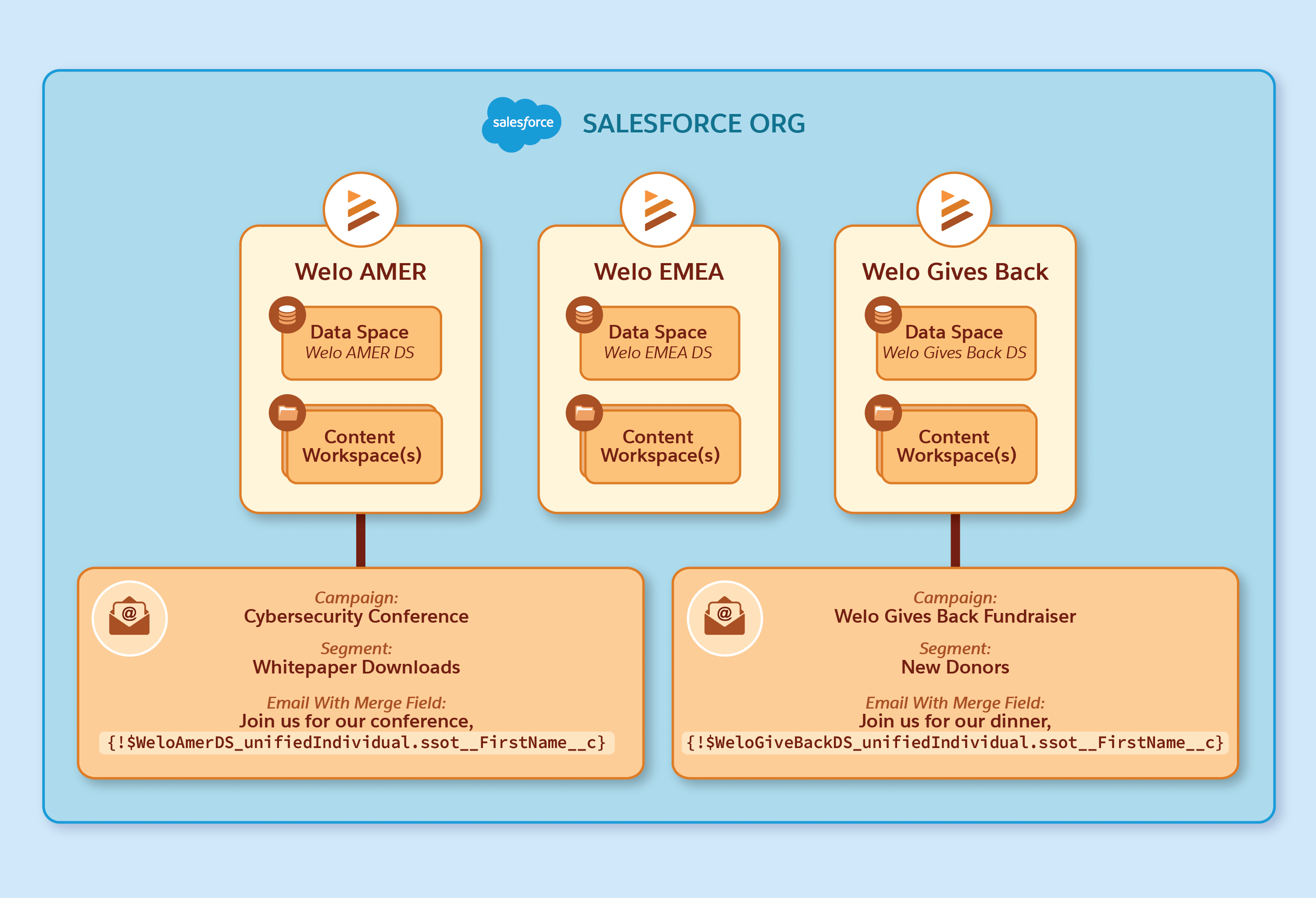
| Feature | Relationship to a business unit |
| --- | --- |
| Data space | One-to-one. Each business unit maps to a unique data space. See [Data Spaces and Business Units](https://help.salesforce.com/s/articleView?id=mktg.bu_get_started_with_business_units.htm&release=264.0.0&type=5). |
| CMS workspaces | One-to-many. A business unit can relate to multiple workspaces. At least one workspace is required for each business unit and is the default workspace. See [Working with CMS Workspaces in Business Units](https://help.salesforce.com/s/articleView?id=mktg.mktg_bu_working_with_cms_workspaces.htm&release=264.0.0&type=5 "When you create, organize, and share content in a marketing CMS workspace, keep these business unit considerations in mind."). |
| Users | Users can be members of one or more business units. See [Business Unit Members](https://help.salesforce.com/s/articleView?id=mktg.bu_get_started_with_business_units.htm&release=264.0.0&type=5). |
| Analytics | Dashboards show data for a specific business unit. |
| Settings | Configure business unit specific settings directly within each business unit in Setup. See [Set Up Business Units](https://help.salesforce.com/s/articleView?id=mktg.mktg_bu_setup_mktg_cloud_next_for_a_bu.htm&release=264.0.0&type=5 "When you have multiple business units, you configure some Marketing Cloud Next settings for each business unit separately, and other settings for the overall org. This means that you complete some tasks on the Business Units Setup page, some tasks in the Marketing Cloud Next Setup Assistant, and other tasks on specialized setup for messaging channels or other features."). |
## Data Spaces and Business Units
Business units are designed to keep data separate, making sure that data from one business unit isn't shared with other business units. Business units use the existing capability of data spaces to enforce data separation.
Turn on business units in an org with two or more data spaces. You can map a business unit to only one data space. This one-to-one relationship keeps data isolated and simplifies how you manage marketing content for each business unit.
When users engage with campaigns, Data 360 writes the engagement data to data lake objects. Use data space filters to route that data to the related data space, making it available to the business unit. See [Configure Business Unit Filters for DLOs](https://help.salesforce.com/s/articleView?id=mktg.configure_dlo_filters_for_bu.htm&release=264.0.0&type=5 "To make sure that a business unit’s data is available only in its data space and supports accurate segmentation and analytics, add business unit filters for marketing Data Lake Objects (DLOs) automatically. Filters are appended to your existing filters with the BusinessUnitId or DataSpaceId field by using an OR condition. Filters aren’t added to existing DLO filters with an AND condition.").
## The Initial Business Unit
To turn on business units, you need two or more data spaces with Marketing Cloud Next set up in one of them. Your current marketing configuration, including the data space and default content workspace, is used to create your initial or first business unit.
- All existing users with the selected marketing permission sets are added as members to the first business unit. Business unit members require the Marketing Cloud Admin or Marketing Cloud Manager permission set.
- The default marketing workspace in the org is assigned to the first business unit as the default workspace. In this workspace, all users with the selected permission sets get the Content Manager role.
- Any existing marketing workspaces are also assigned to this first business unit, and you can create more workspaces for the business unit.
## Business Unit Members
Add users to a business unit in one of these two roles: Marketer-Standard or Marketer-ReadOnly. Users can belong to multiple business units and can access to the business unit's data space. For more information, see [Add Users to a Business Unit](https://help.salesforce.com/s/articleView?id=mktg.bu_add_users_to_business_units.htm&release=264.0.0&type=5 "When you create your first business unit, users with the required Marketing Cloud Admin or Marketing Cloud Manager permission set are automatically added as members. For the second business unit and any additional business units you create, you can manually add users with one of the required permission sets. Only the users who you add to a business unit can use segments, flows, personalization, and Marketing Performance Intelligence, and activate flows in campaigns within the business unit.").
## Common Assets
The common assets library makes content available to all business units. After an admin turns on the library, business unit members can post copies of their workspace content to common assets, and members from any business unit can copy that content to their own workspace.
For more information, see [Enable Common Assets for Business Units](https://help.salesforce.com/s/articleView?id=mktg.mktg_bu_common_assets.htm&release=264.0.0&type=5 "Common Assets is a library that makes content available to all business units. Enable common assets so that business unit members can copy content from their workspaces and post it to common assets. Any other business unit can then copy and use that content in their own workspaces. By default, the common assets feature for customers who purchase Marketing Cloud Next in Summer ’26 is enabled in new orgs.") and [Distribute Content With Common Assets in Business Units](https://help.salesforce.com/s/articleView?id=mktg.mktg_bu_post_content_to_common_assets.htm&release=264.0.0&type=5 "Use common assets to make high-performing content available across business units. Post content to common assets, and members from other business units can copy that content to their own workspace.").
## Considerations for Business Units
- After you assign a data space, marketing workspace, campaign, or brief to a business unit, you can't change the business unit.
- A business unit can have multiple marketing workspaces, with one workspace designated as the default. See [Working with CMS Workspaces](https://help.salesforce.com/s/articleView?id=mktg.mktg_bu_working_with_cms_workspaces.htm&release=264.0.0&type=5 "When you create, organize, and share content in a marketing CMS workspace, keep these business unit considerations in mind.").
- To make sure that campaigns only target audiences within that specific business unit while maintaining data integrity and compliance, all elements of a campaign operate within the selected business unit. See [Working with Campaigns](https://help.salesforce.com/s/articleView?id=mktg.working_with_campaigns_in_business_units.htm&release=264.0.0&type=5 "When you create a campaign, you must also select a business unit to relate to the campaign.").
- You can create up to 150 business units.
- You can deactivate a business unit, but you can't reactivate it after deactivation. See [Deactivate a Business Unit](https://help.salesforce.com/s/articleView?id=mktg.mktg_bu_deactivate_business_units.htm&release=264.0.0&type=5 "If you are sure that you no longer need a business unit, you can deactivate it. Deactivating a business unit is permanent and can't be undone. After deactivation, business unit members lose access to the related data space and workspaces unless they have direct access through permissions. Also, the data space that’s related to the business unit can't be used by any other business unit in the future.").
## Business Units in Data Cloud One
Data Cloud One connects a Data 360 home org to one or more companion Salesforce orgs and can link its data spaces to the companion orgs. Use a companion connection to create a business unit in a companion org so that the org can manage that business unit's campaigns, workspaces, members, and settings.
For example, a home org has four data spaces, two of which are linked to a companion org. Create business units in the home org for the two data spaces that aren't linked to the companion orgs. For the two connected data spaces, create their business units in the companion org instead, giving the companion org two business units of its own.
## Example: Business Units Use Case
To illustrate how business units work, consider Welo, a US-based ecommerce company specializing in sustainable home goods. Welo has successfully established its brand and customer base in the American market and now aims to expand into Latin America. The existing single-account setup isn't optimal for this expansion and can lead to customer confusion, irrelevant messaging, and compliance issues.
To localize its marketing efforts, manage separate campaigns, and adhere to different data privacy regulations in Latin America, Welo's marketing admin creates a Welo Latam business unit. The Welo Latam business unit now serves as a dedicated, partitioned space for the company's expansion.
This framework also provides a scalable model for future market expansions, along with these benefits:
- Separate data and content: Keep Latin American customer data, campaigns, flows, and content separate from its North American marketing operations.
- Maintain local control: Provide the regional team with tools and data for a successful local marketing strategy.
- Maintain global visibility: Track and analyze performance in both markets from a single platform, maintaining consistency and alignment with global goals.
- **[Enable Marketing Cloud Next](https://help.salesforce.com/s/articleView?id=mktg.mktg_bu_enable_marketing_cloud_next.htm&release=264.0.0&type=5)**
Before you create your first business units, review the prerequisites, and enable Marketing Cloud Next for your org.
- **[Create Business Units in Marketing Cloud Next](https://help.salesforce.com/s/articleView?id=mktg.mktg_bu_create_bus_in_mktg_cloud_next.htm&release=264.0.0&type=5)**
To get started with business units in Marketing Cloud Next, create the first two business units. The first two business units are created consecutively. Next, select the marketing permission sets for the users to add to the first business unit.
- **[Set Up Business Units](https://help.salesforce.com/s/articleView?id=mktg.mktg_bu_setup_mktg_cloud_next_for_a_bu.htm&release=264.0.0&type=5)**
When you have multiple business units, you configure some Marketing Cloud Next settings for each business unit separately, and other settings for the overall org. This means that you complete some tasks on the Business Units Setup page, some tasks in the Marketing Cloud Next Setup Assistant, and other tasks on specialized setup for messaging channels or other features.
- **[Work with Business Units](https://help.salesforce.com/s/articleView?id=mktg.mktg_bu_work_with_business_units.htm&release=264.0.0&type=5)**
After your admin sets up business units, marketers can create campaigns, manage content, and run marketing activities within your assigned business unit.
# Buy X, Get Discount + Rewards
Use the Buy X, Get Discount + Rewards promotion template to offer customers a discount on their cart and other rewards when they purchase specific products.
### Required Editions
Available in: Lightning Experience
Available in: Enterprise, Unlimited, and Developer Editions with Real-Time Offer Management
- **[What Customers Do Section in the Buy X, Get Discount + Rewards Promotion Template](https://help.salesforce.com/s/articleView?id=mktg.global_promotions_management_design_promotion_wizard_step_four_cart_buy_customer_do.htm&release=264.0.0&type=5)**
Select the products or product categories that are eligible for the rule.
- **[What Customers Get Section in the Buy X, Get Discount + Rewards Promotion Template](https://help.salesforce.com/s/articleView?id=mktg.global_promotions_management_design_promotion_wizard_step_four_cart_buy_customer_get.htm&release=264.0.0&type=5)**
Offer customers a discount on the value of their cart and other rewards such as vouchers, badges, games, and points. You can offer vouchers and games to all the customers.
# Buy X, Get Discount on Y + Rewards
Use the Buy X, Get Discount on Y + Rewards promotion template to offer customers a discount on cart lines that include specific products or products from specific categories. You can offer other rewards to customers when they purchase specific products or products from specific categories. You can offer the discount on the price of each line item or the combined price of the line. You can also use the Buy X, Get Discount on Y + Rewards template to offer customers a product for free.
### Required Editions
Available in: Lightning Experience
Available in: Enterprise, Unlimited, and Developer Editions with Real-Time Offer Management
- **[What Customers Do Section in the Buy X, Get Discount on Y + Rewards Promotion Template](https://help.salesforce.com/s/articleView?id=mktg.global_promotions_management_design_promotion_wizard_step_four_line_buy_customer_do.htm&release=264.0.0&type=5)**
Select the products or product categories that are eligible for the rule.
- **[What Customers Get Section in the Buy X, Get Discount on Y + Rewards Promotion Template](https://help.salesforce.com/s/articleView?id=mktg.global_promotions_management_design_promotion_wizard_step_four_line_buy_customer_get.htm&release=264.0.0&type=5)**
Offer customers a discount on the specific lines of their cart if the cart line includes specific products or products from specific categories. On the cart line, you can provide the discount on either the price of each line item or the combined price of the line. You can also offer other rewards such as vouchers, badges, games, and points. You can offer vouchers and games to all the customers.
# Buy X, Get Discounted Combo + Rewards
Use the Buy X, Get Discounted Combo + Rewards promotion template to offer customers a discounted combo of specific products or products from specific categories. You can also offer other rewards to customers when they purchase specific products or products from specific categories. This template is available only when Promotion Evaluation and Execution is turned off.
### Required Editions
Available in: Lightning Experience
Available in: Enterprise, Unlimited, and Developer Editions with Real-Time Offer Management
- **[What Customers Do Section in the Buy X, Get Discounted Combo + Rewards Promotion Template](https://help.salesforce.com/s/articleView?id=mktg.global_promotions_management_design_promotion_wizard_step_four_combo_buy_customer_do.htm&release=264.0.0&type=5)**
Select the products or product categories that are eligible for the rule.
- **[What Customers Get Section in the Buy X, Get Discounted Combo + Rewards Promotion Template](https://help.salesforce.com/s/articleView?id=mktg.global_promotions_management_design_promotion_wizard_step_four_combo_buy_customer_get.htm&release=264.0.0&type=5)**
Offer customers a discount combo of products or a discount combo of products from specific categories. You can also offer other rewards such as vouchers, badges, games, and points. You can offer vouchers and games to all the customers.
# Buy X, Get Unit Price Discount on Y + Rewards
Use the Buy X, Get Unit Price Discount on Y + Rewards promotion template to offer customers a discount on the unit price of a specific product or products from a specific category.
### Required Editions
Available in: Lightning Experience
Available in: Enterprise, Unlimited, and Developer Editions with Real-Time Offer Management
## Provide Unit Quantity Discounts and Buy-One-Get-One Promotions
Use the Buy X, Get Unit Price Discount on Y + Rewards template to design promotion rules that provide customers free or discounted products based on the number of units purchased. You can use this template only after you turn on Promotion Evaluation and Execution in your org.
Here are a few ways that you can offer customers free products or discount on a specified number of units.
- Customers get 2 free units of a product with every purchase of 2 units of that product.

- Customers get 2 free units of a product with every purchase of 2 units of another product.

- Customers get 2 free units from a category with every purchase of 2 units from that category.

- Customers get 1 free unit from a category with every purchase of 2 units of one product and with every purchase of 1 unit from another category.

- Customers get 5% off on the unit price of 2 units from a specific category with every purchase of 2 units from any eligible category.

- Customers get $20 off on the unit price of 2 units of a product with every purchase of 2 units of any eligible product.

- Customers are eligible for $30 off on 2 units from a category with every purchase of 2 units from any eligible category except one category.

## Buy X, Get Unit Price Discount on Y + Rewards Template Without Promotion Evaluation and Execution
In orgs where Promotion Evaluation and Execution is turned off, use the Buy X, Get Unit Price Discount on Y + Rewards template. Design promotion rules with this template to cover all eligible products or categories.
Here are a few ways that you can offer discounts on all eligible products or categories:
- Customers get $20 off all eligible categories or products with an $80 purchase from any eligible category.

- Customers get 10% off all eligible categories or products when they purchase 2 units of eligible products.

- Customers get all eligible products or categories for $80 with a $200 purchase from any eligible category.

- **[What Customers Do Section in the Buy X, Get Unit Price Discount on Y + Rewards Promotion Template](https://help.salesforce.com/s/articleView?id=mktg.global_promotions_management_design_promotion_wizard_step_four_unit_buy_customer_do.htm&release=264.0.0&type=5)**
Select the products or product categories that are eligible for the rule.
- **[What Customers Get Section in the Buy X, Get Unit Price Discount on Y + Rewards Promotion Template](https://help.salesforce.com/s/articleView?id=mktg.global_promotions_management_design_promotion_wizard_step_four_unit_buy_customer_get.htm&release=264.0.0&type=5)**
Offer customers a discount on the unit price of a product or products from a specific category. You can also offer other rewards such as vouchers, badges, games, and points. You can offer vouchers and games to all the customers.
# Calculated Affinities
Calculated affinities enable you to gauge an individual’s interest in objects and their selected attributes. The output of a calculated affinity provides a numerical score to indicate preference. Personalization uses this value in segmentation, decision targeting, recommendation filtering, and when grounding Salesforce AI Agents to improve decision-making, enhance personalized output, and build trust.
- **[Using Calculated Affinities](https://help.salesforce.com/s/articleView?id=mktg.persnl_calculated_affinities_using.htm&release=264.0.0&type=5)**
Calculated affinities (CAs) measure characteristics that indicate a natural interest in or liking of an object. You can create real-time calculated affinities, and use them with personalization decision targeting rules, segments, and recommendation filters, to generate highly-focused personalized content based on customer preferences.
- **[How Affinities are Calculated](https://help.salesforce.com/s/articleView?id=mktg.persnl_calculated_affinities_how_calculated.htm&release=264.0.0&type=5)**
Personalization uses a standard summation model when calculating affinity. This model uses various factors that dictate affinity scoring output.
- **[Configure a Real-Time Calculated Affinity](https://help.salesforce.com/s/articleView?id=mktg.persnl_calculated_affinities_rt_configure.htm&release=264.0.0&type=5)**
Define calculated affinity within specific boundaries. These boundaries include the selected data space, objects, and fields that you want to calculate affinity against, and within a defined engagement timeframe. You also specify the strength of an engagement signal, and the relative impact the signal has when calculating the affinity.
# Calculated Dimension Functions
Marketing Cloud Intelligence provides basic functions you can use to create dynamic calculated dimensions
The functions are divided into these categories:
- Number Functions
- Text Functions
- Date Functions
- Aggregation Functions
- Logical Functions
- Type Conversion
- Content Functions
These tables summarize the available functions for calculated dimensions.
## Number Functions
| FUNCTION NAME | SYNTAX | DESCRIPTION |
| --- | --- | --- |
| ABS | ABS(number) | Returns the absolute value of a number. |
| CEILING | CEILING(number, significance) | Rounds the number up, away from zero, to the nearest multiple significance. |
| FLOOR | FLOOR(number, significance) | Rounds the number down toward zero, to the nearest multiple significance. |
| RAND | RAND() | Gets a random number between 0 and 1. |
| ROUND | ROUND(number) | Rounds a number to the nearest integer. |
| ROUND | ROUND(number, num\_digits) | Rounds a number to a specified number of digits. |
## Text Functions
FUNCTION NAME
SYNTAX
DESCRIPTION
CHAR
CHAR(number)
Returns a character specified by a number.
COALESCE
COALESCE([value1, value2,...])
Returns the first value from the list that isn’t empty.
CODE
CODE(text)
Returns a numeric code for the first character in a text string.
COUNT_CHAR
COUNT_CHAR(text, charToCount)
Counts how many times a specific character appears in a text.
EXTRACT
EXTRACT(text, delimiter, position)
Extracts from the given text the substring, at the given position, after splitting by
the given delimiter. For example, EXTRACT(‘a,b,c’,’_’,1) returns ‘b’.
FIND
FIND(findText, withinText)
Returns the starting position of findText withinText. Returns -1 if withinText doesn’t
contain findText.
FUZZYMATCH
FUZZYMATCH(valueToMatch, array, threshold)
Searches for a string in an array of values that potentially match using
duplicate-detection algorithms that calculate the similarity of two streams of data. Returns
the matched string from the array if there’s a match or, if no matches are found, returns an
empty string. For example, FUZZYMATCH("ABC Company",{"ABC Company Inc","Apple Inc","IBM
Company"},0.8) returns "ABC Company Inc". The threshold parameter must be a value between 0
and 1. A threshold of 1 means an exact match.
GET_EXCHANGE_RATE
GET_EXCHANGE_RATE(date, fromISO, toISO)
Get the exchange rate for the given currencies and date.
The ‘date’ variable in the formula can be a mapped date field or a date function
Searches the array for the specified item, and returns its position.
Returns -1 if the item isn’t found.
If the item is present more than once, the INDEXOF function returns the position of the
first occurrence.
For example, INDEXOF(csv['row'], 'Campaign ID') == 0 returns true if 'Campaign ID' was
found in the first cell.
Note: The first item has position 0, the second item has position 1, and so on.
ISEMPTY
ISEMPTY(value)
Returns if the value is empty or not.
LEFT
LEFT(text, numOfChars)
Returns the requested number of characters from the left.
LEN
LEN(text)
Returns the number of characters in the given text
LOWER
LOWER(text)
Converts all uppercase letters in a string to lower-case letters.
MATCH
MATCH(valueToMatch, array)
Searches for a specified item in an array of values, and then returns a boolean
result. For example, MATCH(1,{1,2,3}) returns true because the value '1' exists in the
array.
PROPER
PROPER(text)
Capitalizes the first letter in a text string and any other letters in text that
follow any character other than a letter. Converts all other letters to lowercase
letters.
REPLACE
REPLACE(SourceStr, pattern, targetStr)
Replaces every match of a pattern (a regex expression) in sourceStr to targetStr. For
example, REPLACE('All-The-Best', '-', ' ') returns 'All The Best'. In another example,
REPLACE('Let It Be','\\s','-') returns 'Let-It-Be'.
RIGHT
RIGHT(text, numOfChars)
Returns the requested number of characters from the right.
SELECT
SELECT(sourceStr, pattern)
Selects the first match of the pattern (a regex expression) in the sourceStr. For
example, SELECT('Hello B wow E Goodbye', 'B(.*?)E') returns 'B wow E'.
SEMTIMEN
SENTIMEN(text)
Extracts a positive, neutral, or negative sentiment from the given text.
SPLIT
SPLIT(text, delimiter)
Splits a text string into an array by using a delimiter character. It returns a
zero-based, one-dimensional array holding the parts of the original text string. For
example, SPLIT('a,b,c', ',') returns an array with three items.
SUBSTITUTE
SUBSTITUTE(text,oldText,newText)
Substitutes newText for oldText in a text string. Use SUBSTITUTE when you want to
replace specific text in a text string.
SUBSTRING
SUBSTRING(text,beginIndex,endIndex)
Returns the substring of the text beginning at beginIndex (inclusive) and ending at
endIndex (exclusive).
TRIM
TRIM(text)
Removes all spaces from the text except for single spaces between words.
UPPER
UPPER(text)
Converts all lowercase letters in a text string to uppercase.
URL_DECODE
URL_DECODE(text)
Decodes an application/x-www-form-urlencoded string using a UTF-8 encoding
scheme.
URL_ENCODE
URL_ENCODE(text)
Translates a text into an application/x-www-form-urlencoded format using a UTF-8
encoding scheme.
VALUE_FROM_JSON
VALUE_FROM_JSON(JSON string, key)
Returns the value for a given key in a JSON string. If the key doesn’t exist or the
JSON is empty, an empty string is returned.
## Date Functions
| FUNCTION NAME | SYNTAX | DESCRIPTION |
| --- | --- | --- |
| DATE | DATE(year, month) | Returns the first day of the given month in the given year. |
| DATE | DATE(year, month, day) | Returns the date representing the given arguments. |
| DATEADD | DATEADD(interval, number, date) | Returns the date after a specific time or date interval was added. The interval must be one of 'yyyy' (year), 'q' (quarter), 'm' (month), 'd' (day), 'ww' (week), 'h' (hour), 'n' (minute), or 's' (second). |
| DATEDIFF | DATEDIFF(interval,startDate,endDate | Returns the number of time units specified by the interval between the startDate and the endDate. The startDate and endDate arguments must be date objects or date strings in standard form. The interval must be one of 'yyyy' (year), 'q' (quarter), 'm' (month), 'd' (day), 'ww' (week), 'h' (hour), 'n' (minute), or 's' (second). |
| DAYPRECISION | DAYPRECISION(date) | Returns the given date with day precision, meaning the hours, minutes, and seconds fields are all set to 0. For example, the date '12-Jun-2012 16:34' is converted to '12-Jun-2012 00:00'. |
| DAYSBETWEEN | DAYSBETWEEN(startDate, endDate) | Returns the number of days between the given startDate and endDate. The arguments must be date objects or date strings in standard form. |
| DAYSINMONTH | DAYSINMONTH(date) | Returns the number of days in a specified month. |
| NETWORKDAYS | NETWORKDAYS(startDate, endDate) | Returns the number of workdays between two dates, excluding weekends. The arguments must be date objects or date strings in standard form. |
| NOW | NOW() | Returns the current system date and time. |
| SETHOUR | SETHOUR(date, hour) | Returns the given date set with the given hours, with the hours being a numeric value from 0 through 23. |
| TODAY | TODAY() | Returns the current system date. |
| TOSECONDS | TOSECONDS(duration) | Returns the number of seconds represented by the given duration string, with the format HH:mm:ss/HH:mm:ss.SSS. |
| YESTERDAY | YESTERDAY() | Returns yesterday’s system date. |
## Aggregation Functions
| FUNCTION NAME | SYNTAX | DESCRIPTION |
| --- | --- | --- |
| GROUPCONCAT | GROUPCONCAT(groupedDimension, keyDimension, separator) | Concatenates the values of groupedDimension by keyDimension, with the separator string between each two grouped values. This process is done uniquely, that is, the same value repeated isn’t concatenated twice. For example, GROUPCONCAT({Media Buy Name}, {Campaign Name}, ',') results in all media buy names concatenated (with no repetitions) for each campaign. |
## Logical Functions
| FUNCTION NAME | SYNTAX | DESCRIPTION |
| --- | --- | --- |
| AND | AND(condition1, condition2) | Logical AND, checks to see that both conditions are true. |
| IF | IF(condition,resultifTrue,resultifFalse) | Returns the second argument if the first argument is true, and the third argument if otherwise. |
| IFERROR | IFERROR(someExpression, number) | Returns the someExpression if it’s a valid number, otherwise returns a number. |
| NOT | NOT(condition) | Logical NOT, reverses the logic of its argument, true becomes false and vice versa. |
| OR | OR(condition) | Logical OR, checks to see if either one of the conditions is true. |
## Type Conversion Functions
| FUNCTION NAME | SYNTAX | DESCRIPTION |
| --- | --- | --- |
| COMPRESS | COMPRESS(value1) | Compresses a string using gzip, and returns it in base64. |
| DECODE\_BASE64 | DECODE\_BASE64(value1) | Decodes a string from base64. |
| DOUBLE | DOUBLE(value1) | Converts a string to a double. |
| ENCODE\_BASE64 | ENCODE\_BASE64(value1) | Encodes a string to base64. |
| FORMATDATE | FORMATDATE(date, pattern) | Returns the string representation of the given date according to the supplied pattern. For example, 'yyyy-MM-dd' --> 2014-02-25, 'dd MMM-yyyy' --> 25 Feb-2014, etc. |
| FORMATDATE\_DEFAULT | FORMATDATE\_DEFAULT(date) | Returns the default (yyyy-MM-dd HH:mm:ss.S) Marketing Cloud Intelligence string representation of the given date. |
| MD5 | MD5(stringToHash) | Returns an MD5 hash of the given string. |
| NUMBER | NUMBER(value1) | Converts a string to a number |
| PARSEDATE | PARSEDATE(dateString, pattern) | Returns the date object specified by the given dateString using the given pattern. For example, '2014-02-25' ---> 'yyyy-MM-dd', '25 Feb-2014' ---> 'dd MMM-yyyy', etc. |
| SHA256 | SHA256(stringToHash) | Returns a SHA256 hash of the given string. |
| STRIP\_HTML | STRIP\_HTML(value1) | Strips HTML from a string. |
| UNCOMPRESS | UNCOMPRESS(value1) | Uncompresses a base64 string using gzip. |
## Context Functions
| FUNCTION NAME | SYNTAX | DESCRIPTION |
| --- | --- | --- |
| CONTEXT\_DIMENSION\_CONTAINS | CONTEXT\_DIMENSIONS\_CONTAIN(dimension) | Returns a 'true' value if the given dimension is included in the query. |
| CONTEXT\_DIMENSION\_EQUALS | CONTEXT\_DIMENSIONS\_EQUALS(dimension) | Returns a 'true' value if the given dimensions are exactly the context dimensions. Enter all the relevant dimensions, but the order of appearance isn’t important. |
| FilterEndDate | FilterEndDate() | Returns the end date of the query filter. |
| FilterStartDate | FilterStartDate() | Returns the start date of the query filter. |
| GET\_ENV | GET\_ENV(variableName) | Returns the value for the given environment variable. Possible values for variableName are: WORKSPACE\_ID |
| QUERY\_DIMENSIONS\_CONTAIN | QUERY\_DIMENSIONS\_CONTAIN(dimension) | Returns a 'true' value if the given dimension is one of the query dimensions. |
| QUERY\_DIMENSIONS\_EQUAL | QUERY\_DIMENSIONS\_EQUAL(\[dimensions\]) | Returns a 'true' value if the given dimensions are exactly the query dimensions. Enter all the relevant dimensions, but the order of appearance isn’t important. |
# Calculated Dimension Functions
You can use Functions when creating calculated dimensions.
### Required Editions
Available in: Intelligence Reports Advanced
The functions are divided into these categories:
- Number Functions
- Text Functions
- Date Functions
- Aggregation Functions
- Logical Functions
- Type Conversion
- Content Functions
The following tables summarize the available functions for calculated dimensions.
Number Functions
| Function Name | Syntax | Description |
| --- | --- | --- |
| ABS | ABS(number) | Returns the absolute value of a number. |
| CEILING | CEILING(number, significance) | Rounds the number up, away from zero, to the nearest multiple significance. |
| FLOOR | FLOOR(number, significance) | Rounds the number down towards zero, to the nearest multiple significance. |
| RAND | RAND() | Gets a random number between 0 and 1. |
| ROUND | ROUND(number) | Rounds a number to the nearest integer. |
| ROUND | ROUND(number, num\_digits) | Rounds a number to a specified number of digits. |
Text Functions
Function Name
Syntax
Description
CHAR
CHAR(number)
Returns a character specified by a number.
COALESCE
COALESCE([value1, value2,...])
Returns the first value from the list that isn’t empty.
CODE
CODE(text)
Returns a numeric code for the first character in a text string.
COUNT_CHAR
COUNT_CHAR(text, charToCount)
Counts how many times a specific character appears in a text.
EXTRACT
EXTRACT(text, delimiter, position)
Extracts from the given text the substring, at the given position, after splitting by
the given delimiter. For example, EXTRACT(‘a,b,c’,’_’,1) returns ‘b’.
FIND
FIND(findText, withinText)
Returns the starting position of findText withinText. Returns -1 if withinText doesn’t
contain findText.
FUZZYMATCH
FUZZYMATCH(valueToMatch, array, threshold)
Searches for a string in an array of values that potentially match using
duplicate-detection algorithms that calculate the similarity of two streams of data. Returns
the matched string from the array if there’s a match or, if no matches are found, returns an
empty string. For example, FUZZYMATCH("ABC Company",{"ABC Company Inc","Apple Inc","IBM
Company"},0.8) returns "ABC Company Inc". The threshold parameter must be a value between 0
and 1. A threshold of 1 means an exact match.
GET_EXCHANGE_RATE
GET_EXCHANGE_RATE(date, fromISO, toISO)
Get the exchange rate for the given currencies and date.
The ‘date’ variable in the formula can be a mapped date field or a date function
Searches the array for the specified item, and returns its position.
Returns -1 if the item isn’t found.
If the item is present more than once, the INDEXOF function returns the position of the
first occurrence.
For example, INDEXOF(csv['row'], 'Campaign ID') == 0 returns true if 'Campaign ID' was
found in the first cell.
Note: The first item has position 0, the second item has position 1, and so on.
ISEMPTY
ISEMPTY(value)
Returns if the value is empty or not.
LEFT
LEFT(text, numOfChars)
Returns the requested number of characters from the left.
LEN
LEN(text)
Returns the number of characters in the given text
LOWER
LOWER(text)
Converts all upper-case letters in a string to lower-case letters.
MATCH
MATCH(valueToMatch, array)
Searches for a specified item in an array of values, and then returns a boolean result.
For example, MATCH(1,{1,2,3}) returns true because the value '1' exists in the array.
PROPER
PROPER(text)
Capitalizes the first letter in a text string and any other letters in text that follow
any character other than a letter. Converts all other letters to lowercase letters.
REPLACE
REPLACE(SourceStr, pattern, targetStr)
Replaces every match of a pattern (a regex expression) in sourceStr to targetStr. For
example, REPLACE('All-The-Best', '-', ' ') returns 'All The Best'. In another example,
REPLACE('Let It Be','\\s','-') returns 'Let-It-Be'.
RIGHT
RIGHT(text, numOfChars)
Returns the requested number of characters from the right.
SELECT
SELECT(sourceStr, pattern)
Selects the first match of the pattern (a regex expression) in the sourceStr. For
example, SELECT('Hello B wow E Goodbye', 'B(.*?)E') returns 'B wow E'.
SEMTIMEN
SENTIMEN(text)
Extracts a positive, neutral, or negative sentiment from the given text.
SPLIT
SPLIT(text, delimiter)
Splits a text string into an array by using a delimiter character. It returns a
zero-based, one-dimensional array holding the parts of the original text string. For example,
SPLIT('a,b,c', ',') returns an array with three items.
SUBSTITUTE
SUBSTITUTE(text,oldText,newText)
Substitutes newText for oldText in a text string. Use SUBSTITUTE when you want to
replace specific text in a text string.
SUBSTRING
SUBSTRING(text,beginIndex,endIndex)
Returns the substring of the text beginning at beginIndex (inclusive) and ending at
endIndex (exclusive).
TRIM
TRIM(text)
Removes all spaces from the text except for single spaces between words.
UPPER
UPPER(text)
Converts all lowercase letters in a text string to uppercase.
URL_DECODE
URL_DECODE(text)
Decodes an application/x-www-form-urlencoded string using a UTF-8 encoding
scheme.
URL_ENCODE
URL_ENCODE(text)
Translates a text into an application/x-www-form-urlencoded format using a UTF-8
encoding scheme.
VALUE_FROM_JSON
VALUE_FROM_JSON(JSON string, key)
Returns the value for a given key in a JSON string. If the key doesn’t exist or the
JSON is empty, an empty string is returned.
Date Functions
| Function Name | Syntax | Description |
| --- | --- | --- |
| DATE | DATE(year, month) | Returns the first day of the given month in the given year. |
| DATE | DATE(year, month, day) | Returns the date representing the given arguments. |
| DATEADD | DATEADD(interval, number, date) | Returns the date after a specific time or date interval was added. The interval must be one of 'yyyy' (year), 'q' (quarter), 'm' (month), 'd' (day), 'ww' (week), 'h' (hour), 'n' (minute), or 's' (second). |
| DATEDIFF | DATEDIFF(interval,startDate,endDate | Returns the number of time units specified by the interval between the startDate and the endDate. The startDate and endDate arguments must be date objects or date strings in standard form. The interval must be one of 'yyyy' (year), 'q' (quarter), 'm' (month), 'd' (day), 'ww' (week), 'h' (hour), 'n' (minute), or 's' (second). |
| DAYPRECISION | DAYPRECISION(date) | Returns the given date with day precision, meaning the hours, minutes, and seconds fields are all set to 0. For example, the date '12-Jun-2012 16:34' is converted to '12-Jun-2012 00:00'. |
| DAYSBETWEEN | DAYSBETWEEN(startDate, endDate) | Returns the number of days between the given startDate and endDate. The arguments must be date objects or date strings in standard form. |
| DAYSINMONTH | DAYSINMONTH(date) | Returns the number of days in a specified month. |
| NETWORKDAYS | NETWORKDAYS(startDate, endDate) | Returns the number of workdays between two dates, excluding weekends. The arguments must be date objects or date strings in standard form. |
| NOW | NOW() | Returns the current system date and time. |
| SETHOUR | SETHOUR(date, hour) | Returns the given date set with the given hours, with the hours being a numeric value from 0 through 23. |
| TODAY | TODAY() | Returns the current system date. |
| TOSECONDS | TOSECONDS(duration) | Returns the number of seconds represented by the given duration string, with the format HH:mm:ss/HH:mm:ss.SSS. |
| YESTERDAY | YESTERDAY() | Returns yesterday’s system date. |
Aggregation Functions
| Function Name | Syntax | Description |
| --- | --- | --- |
| GROUPCONCAT | GROUPCONCAT(groupedDimension, keyDimension, separator) | Concatenates the values of groupedDimension by keyDimension, with the separator string between each two grouped values. This process is done uniquely, that is, the same value repeated isn’t concatenated twice. For example, GROUPCONCAT({Media Buy Name}, {Campaign Name}, ',') results in all media buy names concatenated (with no repetitions) for each campaign. |
Logical Functions
| Function Name | Syntax | Description |
| --- | --- | --- |
| AND | AND(condition1, condition2) | Logical AND, checks to see that both conditions are true. |
| IF | IF(condition,resultifTrue,resultifFalse) | Returns the second argument if the first argument is true, and the third argument if otherwise. |
| IFERROR | IFERROR(someExpression, number) | Returns the someExpression if it’s a valid number, otherwise returns a number. |
| NOT | NOT(condition) | Logical NOT, reverses the logic of its argument, true becomes false and vice versa. |
| OR | OR(condition) | Logical OR, checks to see if either one of the conditions is true. |
Type Conversion Functions
| Function Name | Syntax | Description |
| --- | --- | --- |
| COMPRESS | COMPRESS(value1) | Compresses a string using gzip, and returns it in base64. |
| DECODE\_BASE64 | DECODE\_BASE64(value1) | Decodes a string from base64. |
| DOUBLE | DOUBLE(value1) | Converts a string to a double. |
| ENCODE\_BASE64 | ENCODE\_BASE64(value1) | Encodes a string to base64. |
| FORMATDATE | FORMATDATE(date, pattern) | Returns the string representation of the given date according to the supplied pattern. For example, 'yyyy-MM-dd' --> 2014-02-25, 'dd MMM-yyyy' --> 25 Feb-2014, etc. |
| FORMATDATE\_DEFAULT | FORMATDATE\_DEFAULT(date) | Returns the default (yyyy-MM-dd HH:mm:ss.S) Intelligence Reports string representation of the given date. |
| MD5 | MD5(stringToHash) | Returns an MD5 hash of the given string. |
| NUMBER | NUMBER(value1) | Converts a string to a number |
| PARSEDATE | PARSEDATE(dateString, pattern) | Returns the date object specified by the given dateString using the given pattern. For example, '2014-02-25' ---> 'yyyy-MM-dd', '25 Feb-2014' ---> 'dd MMM-yyyy', etc. |
| SHA256 | SHA256(stringToHash) | Returns a SHA256 hash of the given string. |
| STRIP\_HTML | STRIP\_HTML(value1) | Strips HTML from a string. |
| UNCOMPRESS | UNCOMPRESS(value1) | Uncompresses a base64 string using gzip. |
Context Functions
Function Name
Syntax
Description
CONTEXT_DIMENSION_CONTAINS
CONTEXT_DIMENSIONS_CONTAIN(dimension)
Returns a 'true' value if the given dimension is included in the query.
CONTEXT_DIMENSION_EQUALS
CONTEXT_DIMENSIONS_EQUALS(dimension)
Returns a 'true' value if the given dimensions are exactly the context dimensions.
Enter all the relevant dimensions, but the order of appearance isn’t important.
FilterEndDate
FilterEndDate()
Returns the end date of the query filter.
FilterStartDate
FilterStartDate()
Returns the start date of the query filter.
GET_ENV
GET_ENV(variableName)
Returns the value for the given environment variable. Possible values for variableName
are: WORKSPACE_ID
QUERY_DIMENSIONS_CONTAIN
QUERY_DIMENSIONS_CONTAIN(dimension)
Returns a 'true' value if the given dimension is one of the query dimensions.
QUERY_DIMENSIONS_EQUAL
QUERY_DIMENSIONS_EQUAL([dimensions])
Returns a 'true' value if the given dimensions are exactly the query dimensions. Enter
all the relevant dimensions, but the order of appearance isn’t important.
# Calculated Dimensions
A calculated dimension is a non-numerical field or dimension that you can create on top of your existing data. Calculated dimensions don’t exist physically in the database. Rather, each calculated dimension represents a query that can be referenced to from any report, pivot table, and widget in your dashboard pages.
You can create and manage calculated dimensions from the Calculated Dimension tab or within a widget.
You can use a calculated dimension to:
- Remove unwanted characters or spaces. You can also use it to shorten a name, such as a long website name, without affecting the data.
- Remove unwanted spaces from dimension values. If you have a campaign name with too many spaces in between the words, you can remove the additional spacing, leaving a single space between words.
- **[Create a Calculated Dimension from the Calculated Dimension Tab](https://help.salesforce.com/s/articleView?id=mktg.dato_dimensions_calculated_create.htm&release=264.0.0&type=5)**
Create calculated dimensions on top of existing data and refer to them across your workspace.
- **[Create a Calculated Dimension from a Widget](https://help.salesforce.com/s/articleView?id=mktg.dato_dimensions_calc_widget.htm&release=264.0.0&type=5)**
Create calculated dimensions on top of existing data and refer to them across your workspace.
- **[Related Measurements in Calculated Dimensions](https://help.salesforce.com/s/articleView?id=mktg.dato_dimensions_calc_related.htm&release=264.0.0&type=5)**
A related measurement is linked to a calculated dimension and used to populate the dimension values in a list. You can add a related measurement when creating a calculated dimension, in the Advanced section.
# Calculated Dimensions
Calculated Dimensions are non-numerical fields or dimensions that you can create on top of your existing data. Calculated dimensions don’t exist physically in the database. Rather, each calculated dimension represents a query that can be referenced to from any report, pivot table, and dashboard page.
### Required Editions
Available in: Intelligence Reports Advanced
You can create a calculated dimension from the widgets in the dashboard pages, and there are many functions you can use. Maintenance is easy and flexible. And any change you make in the calculated dimension is automatically applied wherever it’s used across your workspace.
You can use calculated dimensions to:
- Consolidate dimensions – If you have dimensions that display long names, such as email addresses, use the IF function to extract the name of the email without manipulating the actual data that you bring into Intelligence Reports.
For example: `IF([Email_Domain] contains 'hotmail.autonto.com', ‘Hotmail’])`
- Remove unwanted characters – If a dimension value includes characters that you want to extract, use the Extract() function. Allowing you to extract the substring, at the given position, after splitting by the given delimiter.
For example, `EXTRACT([Email_Name],'-',0)` extracts the email name.
- **[Create a Calculated Dimension](https://help.salesforce.com/s/articleView?id=mktg.mc_dat_setup_calc_mgmt_create.htm&release=264.0.0&type=5)**
Create calculated dimensions on top of existing data so you can refer to them from different tabs. You can also create calculated dimensions from a widget on a dashboard page. Calculated dimensions created from widgets appear in the calculated dimension part of the Setup tab.
- **[Calculated Dimension Functions](https://help.salesforce.com/s/articleView?id=mktg.mc_dat_dash_pages_widgets_calc_dim_funcs.htm&release=264.0.0&type=5)**
You can use Functions when creating calculated dimensions.
- **[Calculated Dimensions Use Cases](https://help.salesforce.com/s/articleView?id=mktg.mc_dat_setup_calc_mgmt_use_case.htm&release=264.0.0&type=5)**
Use these examples when creating calculated dimensions in Intelligence Reports Advanced to easily create fields. Each example contains an explanation with a code sample.
- **[Find and Replace Calculated Dimensions](https://help.salesforce.com/s/articleView?id=mktg.mc_dat_setup_calc_mgmt_find.htm&release=264.0.0&type=5)**
You can use the find and replace function to search for a specific dimension, edit and replace the edited dimension across your entire business unit. You can do this without searching for the location of the calculated dimension, which is especially useful when creating a calculated dimension that is meant to replace an existing dimension.
# Calculated Dimensions Use Cases
Use these examples when creating calculated dimensions in Intelligence Reports Advanced to easily create fields. Each example contains an explanation with a code sample.
### Required Editions
Available in: Intelligence Reports Advanced

Note Calculated dimensions can be used in pivot tables, reports, and dashboards, not in queries.
Tips:
- For Equals use ‘==’
- For Or use ‘||’
- For And use ‘&&’
- For “not “ use !(expression)
**Extract From a Naming Convention**
You want to create a dimension based on the naming convention of an existing dimension. For example, the Campaign field is built out of the following naming convention: countrycode\_brandcode\_ year\_campaign → “IL\_CK\_2022\_Welcome”
_**Formula**_
EXTRACT(text,delimiter,position)
_**Description**_
Extracts the substring from the given text, at the given position, after splitting by the given delimiter. For example, EXTRACT('a\_b\_c', '\_', 1) returns 'b'.
_**Example**_
To create a Brand Code field, use this function:
```
EXTRACT([Campaign],'_',1)
```
To create a Country field use this function:
```
EXTRACT([Campaign],'_',0)
```
_**Original Data Set**_
| Campaign | Email Sends |
| --- | --- |
| IL\_CK\_2022\_Welcome | 50 |
| IL\_CK\_2022\_Birthday | 25 |
| FR\_AB\_2022\_Welcome | 70 |
_**Results with Calculated Dimension**_
| Country | Email Sends |
| --- | --- |
| IL | 75 |
| FR | 70 |
**Extract from a Naming Convention and then Coalesce (between Mobile+Email)**
For example, if you store Brand Code in the second position of Push Send Name and in the third position of Email Content Name. In this case you’re unifying two different fields into one. For example, the Push Send Name field is built with this naming convention: Send Name\_Region (e.g 'Welcome\_EMEA). While the Email Content Name field is built with this naming convention: 'BrandCode\_Send Name\_Region' (e.g 'A\_Birthday\_AMER) If you want to create one unified field for the Region from both Email and Push, use the example formula.
_**Formula**_
COALESCE(\[value1, value2, ...\])
_**Description**_
Returns the first value from the list that isn’t empty.
_**Example**_
To create one field that contains Brand Code for both channels follow this logic.
```
var Brand_Mobile = EXTRACT([Push_Send_Name],'',1);
var Brand_Email = EXTRACT([Email_Content_Name],'',2);
return COALESCE([Brand_Mobile, Brand_Email]);
```
_**Email Data Set**_
| Email Content Name | Email Sends |
| --- | --- |
| A\_Birthday\_AMER | 10 |
| B\_Promotional\_EMEA | 30 |
| B\_Promotional\_AMER | 15 |
_**Mobile Data Set**_
| Push Send Name | Push Deliveries |
| --- | --- |
| Birthday\_AMER | 10 |
| Promotional\_EMEA | 20 |
| Promotional\_APAC | 15 |
_**Results with Calculated Dimension**_
| Region (Calc) | Email Sends | Push Deliveries |
| --- | --- | --- |
| AMER | 25 | 10 |
| EMEA | 30 | 20 |
| APAC | 0 | 15 |
**Group Values of a Dimension**
You want to group the values of a field together by category. For example, you want to group all ‘Thank You’ emails and all ‘Welcome’ emails.
_**Formula**_
IF(condition,resultIfTrue,resultIfFalse)
_**Description**_
Returns the second argument if the first argument is true, and the third argument if otherwise.
UPPER(text)
_**Description**_
Converts all lowercase letters in a text string to uppercase.
_**Examples**_
To create 2 groups of emails - one for Thank You messages and one for Welcome messages:
```
IF(UPPER([Email_Subject]) contains 'THANK','Thank-you messages',
IF(UPPER([Email_Subject]) contains 'WELCOME','Introduction messages',[Email_Subject]))
```
If you have multiple IF/Else cases, you can use this syntax. This is only a suggestion.
```
if(UPPER([Email_Subject]) contains 'THANK')
{ return 'Thank-you messages'; }
else if(UPPER([Email_Subject]) contains 'WELCOME')
{ return 'WELCOME'; }
else {return [Email_Subject];}
```
_**Original Data Set**_
| Email Subject | Email Sends |
| --- | --- |
| Thanks for your purchase | 10 |
| Welcome to Northern Trail Outfitters! | 20 |
| A 20% off Welcome from NTO | 15 |
| Thanks for signing up | 5 |
| Welcome to NTO | 10 |
| Thank You for Reaching Out! | 15 |
_**Results with Calculated Dimension**_
| Grouped Subject (Calculated) | Email Sends |
| --- | --- |
| Thank-You Messages | 30 |
| Welcome Messages | 45 |
# Calculated Fields
Create calculated fields in Intelligence Reports Advanced when you need customized dimensions and measurements.
### Required Editions
Available in: Intelligence Reports and Intelligence Reports Advanced
Calculated fields are created in the Setup tab and can then be used in dashboards, pivot tables and reports.
- **[Calculated Dimensions](https://help.salesforce.com/s/articleView?id=mktg.mc_dat_dash_pages_widgets_calc_dim.htm&release=264.0.0&type=5)**
Calculated Dimensions are non-numerical fields or dimensions that you can create on top of your existing data. Calculated dimensions don’t exist physically in the database. Rather, each calculated dimension represents a query that can be referenced to from any report, pivot table, and dashboard page.
- **[Calculated Measurements](https://help.salesforce.com/s/articleView?id=mktg.mc_dat_dash_pages_widgets_calc_measurements.htm&release=264.0.0&type=5)**
Calculated measurements are numerical custom calculations that you can create on top of your existing data. You can create calculated fields from the widget editor, referencing dimensions and measurements, as well as functions and operators.
# Calculated Insight DMO Name and Field Requirements
How you name calculated insight DMOs and their field references depends on the data space that you configure them in. If you configure an insight in the default data space, prepend all DMO names and DMO fields with ssot\_\_. If you’re configuring an insight in a non-default data space, prepend all DMO names and DMO fields with {prefix}\_\_.
In this example default data space, the Daily Personalization Uniques calculated insight has ssot\_\_ prepended to all DMO names and fields.
```
SELECT
DATE_ADD(ssot__PersonalizationLog__dlm.ssot__RequestDateTime__c,0) as RequestDate__c,
APPROX_COUNT_DISTINCT(ssot__PersonalizationLog__dlm.ssot__IndividualId__c) as NumUniqueIndividuals__c, APPROX_COUNT_DISTINCT(ssot__PersonalizationLog__dlm.ssot__PersonalizationRequestId__c) as NumRequests__c,
APPROX_COUNT_DISTINCT(ssot__PersonalizationLog__dlm.ssot__PersonalizationId__c) as NumPersonalizationRequests__c,
APPROX_COUNT_DISTINCT(ssot__PersonalizationLog__dlm.ssot__ContentObjectAPIName__c) as NumUniqueRecordTypes__c,
APPROX_COUNT_DISTINCT(ssot__PersonalizationLog__dlm.ssot__ContentObjectRecordId__c) as NumUniqueRecords__c
FROM
ssot__PersonalizationLog__dlm
GROUP BY
RequestDate__c
```
In this example non-default data space, the Daily Personalization Uniques calculated insight has {prefix}\_\_ prepended to all DMO names and DMO fields.
```
SELECT
DATE_ADD({prefix}_PersonalizationLog__dlm.RequestDateTime__c,0) as RequestDate__c, APPROX_COUNT_DISTINCT({prefix}_PersonalizationLog__dlm.IndividualId__c) as NumUniqueIndividuals__c,
APPROX_COUNT_DISTINCT({prefix}_PersonalizationLog__dlm.PersonalizationRequestId__c) as NumRequests__c,
APPROX_COUNT_DISTINCT({prefix}_PersonalizationLog__dlm.PersonalizationId__c) as NumPersonalizationRequests__c,
APPROX_COUNT_DISTINCT({prefix}_PersonalizationLog__dlm.ContentObjectAPIName__c) as NumUniqueRecordTypes__c,
APPROX_COUNT_DISTINCT({prefix}_PersonalizationLog__dlm.ContentObjectRecordId__c) as NumUniqueRecords__c
FROM
{prefix}_PersonalizationLog__dlm
GROUP BY
RequestDate__c
```
# Calculated Insight Example SQL Expressions
Use these example SQL expressions to create calculated insights for use in near real-time item data graphs.
- **[Lifetime Value by Brand and Category Calculated Insight](https://help.salesforce.com/s/articleView?id=mktg.persnl_references_lifetime_value_by_brand_ci_ref.htm&release=264.0.0&type=5)**
This insight calculates a sum of the lifetime value. You can filter the insight by brand or category.
- **[Product Top Sellers Standard Insight](https://help.salesforce.com/s/articleView?id=mktg.persnl_references_product_sales_standard_ci_ref.htm&release=264.0.0&type=5)**
This insight calculates the sum of products that have been sold. Salesforce Personalization uses the output from this insight to create a list of top-selling products. The Maximize Revenue objective-based recommender requires the provided SQL code in the calculated insight.
- **[Co-Bought Standard Insight for Products](https://help.salesforce.com/s/articleView?id=mktg.persnl_references_co_bought_standard_ci_ref.htm&release=264.0.0&type=5)**
This insight determines products purchased along with the product currently being viewed.
- **[Co-Browsed Standard Insight for Articles](https://help.salesforce.com/s/articleView?id=mktg.persnl_references_co_browsed_standard_ci_ref.htm&release=264.0.0&type=5)**
This insight determines the articles most co-browsed in reference to the current article.
# Calculated KPI Formulas and Common SQL Functions
You can include calculated KPI formulas in your queries, such as ‘push open rate’ using the SQL tool in Queries.
### Required Editions
Available in: Intelligence Reports Advanced
This table includes examples of common SQL functions and formulas for calculated KPIs.
| Output | Function | Category | Example |
| --- | --- | --- | --- |
| Email Bounce Rate | sum(email\_bounces)/sum(email\_sends) as email\_bounce\_rate | Calculated Measurement | 3.02% |
| Email Click Rate | sum(email\_unique\_clicks)/(sum(email\_sends)-sum(email\_bounces)) as email\_click\_rate | Calculated Measurement | 2.66% |
| Email Click To Open Rate | sum(email\_unique\_clicks)/sum(email\_unique\_opens) as email\_click\_to\_open\_rate | Calculated Measurement | 9.17% |
| Email Deliveries | sum(email\_sends)-sum(email\_bounces) as email\_deliveries | Calculated Measurement | 74 |
| Email Delivery Rate | (sum(email\_sends)-sum(email\_bounces))/sum(email\_sends) as email\_delivery\_rate | Calculated Measurement | 96.98% |
| Email Open Rate | sum(email\_unique\_opens)/(sum(email\_sends)-sum(email\_bounces)) as email\_open\_rate | Calculated Measurement | 29.00% |
| Email Unsubscribe Rate | sum(email\_unique\_unsubscribes)/(sum(email\_sends)-sum(email\_bounces)) as email\_bounce\_rate | Calculated Measurement | 0.54% |
| Event Month | date(date\_trunc('month', event\_date)) | Date | 01 Aug 2021 |
| Event Quarter | date(date\_trunc('quarter', event\_date)) | Date | 01 Jul 2021 |
| Event Week | date(date\_trunc('week', event\_date)) | Date | 02 Aug 2021 |
| Event Weekday | format\_datetime(event\_date, 'EEEE') | Dimension | Friday |
| Event Year | date(date\_trunc('year', event\_date)) | Date | 01 Jan 2021 |
| Push Bounce Rate | sum(push\_bounces)/sum(push\_sends) as push\_bounce\_rate | Calculated Measurement | 3.02% |
| Push Deliveries | sum(push\_sends)-sum(push\_bounces) as push\_deliveries | Calculated Measurement | 74 |
| Push Delivery Rate | (sum(push\_sends)-sum(push\_bounces))/sum(push\_sends) as push\_delivery\_rate | Calculated Measurement | 96.98% |
| Push Open Rate | sum(push\_opens)/(sum(push\_sends)-sum(push\_bounces)) as push\_open\_rate | Calculated Measurement | 29.00% |
| Send Month | date(date\_trunc('month', send\_date)) | Date | 01 Aug 2021 |
| Send Quarter | date(date\_trunc('quarter', send\_date)) | Date | 01 Jul 2021 |
| Send Week | date(date\_trunc('week', send\_date)) | Date | 02 Aug 2021 |
| Send Weekday | format\_datetime(send\_date, 'EEEE') | Dimension | Friday |
| Send Year | date(date\_trunc('year', send\_date)) | Date | 01 Jan 2021 |
Here is an example of how to use Event Weekday and Email Delivery Rate formulas from the calculated KPI formula table, in order to retrieve the email delivery rate per subscriber and weekday.
```
select subscriber_key,format_datetime(event_date, 'EEEE') as event_weekday, sum(email_sends) as email_sends, sum(email_bounces) as email_bounces, (sum(email_sends)-sum(email_bounces))/sum(email_sends) as email_delivery_rate
from engagement_data
Where event_date between (now()- INTERVAL '7' DAY) and now()
group by subscriber_key, format_datetime(event_date, 'EEEE')
having sum(email_sends)>0
```
Here you can see the results of the email delivery rate per subscriber and weekday:

# Calculated Measurement Functions
Use functions when creating a calculated measurement to make your functions more dynamic.
The functions are divided into these categories:
- Number
- Text
- Date
- Aggregation
- Logical
- Type Conversion
- Context
## Number Functions
Returns a numerical value.
Function Name
Syntax
Description
ABS
ABS(number)
Returns the absolute value of a number.
CEILING
CEILING(number,significance)
Rounds the number up away from zero to the nearest multiple
significance.
EXP_TREND
EXP_TREND(metric)
Computes an exponential trend line for the given metric.
FLOOR
FLOOR(number,significance)
Rounds the number down toward zero to the nearest multiple
significance.
LINEAR_TREND
LINEAR_TREND(metric)
Computes a linear trend line for the given metric.
LOG_TREND
LOG_TREND(metric)
Computes a log trend line for the given metric.
MOVING_AVG
MOVING_AVG(metric, windowSize)
Computes a moving average with the given window size. If windowSize is null or
negative, a fully cumulative average is computed.
POWER_TREND
POWER_TREND(metric)
Computes a power trend line for the given metric.
RAND
RAND()
Gets a random number between 0 and 1.
ROUND
ROUND(number)
Rounds a number to the nearest integer. For example: ROUND(4.2) =4
ROUND(4.6) =5
ROUND
ROUND(number,num_digits)
Rounds a number to a specified number of digits.
TREND_SLOPE
TREND_SLOPE(metric, windowSize)
Computes the linear trend slope in the given window size. If windowSize is null
or negative, a fully cumulative average is computed.
## Text Functions
Function Name
Syntax
Description
CHAR
CHAR(number)
Returns a character specified by a number.
COALESCE
COALESCE([value1, value2,...])
Returns the first value from the list that isn’t empty.
CODE
CODE(text)
Returns a numeric code for the first character in a text string.
COUNT_CHAR
COUNT_CHAR(text,charToCount)
Counts how many times a specific character appears in a text.
EXTRACT
EXTRACT(text,delimiter,position)
Extracts from the given text the substring at the given position, after
splitting by the given delimiter. For example, EXTRACT(‘a,b,c’,’_’,1) returns
‘b’.
FIND
FIND(findText,withinText)
Returns the starting position of findText withinText.
For example, FIND('World', 'Hello World') returns 6.
FIND('aoc', 'Hello World') returns -1.
FUZZYMATCH
FUZZYMATCH(valueToMatch, array, threshold)
Searches for a string in an array of values that potentially match using
duplicate-detection algorithms that calculate the similarity of two streams of data.
Returns the matched string from the array or an empty string if no matches are
found. For example, FUZZYMATCH("ABC Compani",{"ABC Company Inc","Apple Inc","IBM
Company"},0.8) returns "ABC Company Inc". The threshold parameter must be a value
between 0 and 1. A threshold of 1 means an exact match.
GET_EXCHANGE_RATE
GET_EXCHANGE_RATE(date, fromISO, toISO)
Gets the exchange rate for the given currencies and date.
The date variable in the formula can be either a mapped date field or a date
function.
For example: GET_EXCHANGE_RATE([Day], 'USD', 'GBP')
where [Day] is a mapped date field.
GET_EXCHANGE_RATE(DATE('2021','8','17'),'USD','GBP')
where DATE('YYYY','MM','DD') is a date function.
GET_EXCHANGE_RATE(YESTERDAY(),'USD','GBP')
where YESTERDAY() is a date function.
INDEXOF
INDEXOF(array, findText)
Searches the array for the specified item, and returns its position.
Returns -1 if the item isn’t found.
If the item is present more than one time, the INDEXOF function returns the
position of the first occurence.
For example, INDEXOF(csv['row'], 'Campaign ID') == 0 returns true if 'Campaign
ID' was found in the first cell.
Note: The first item has position 0, the second item has position 1, and so
on.
ISEMPTY
ISEMPTY(value)
Returns if the value is empty or not. For example, ISEMPTY(‘ab’) returns
false.
ISEMPTY(‘’) returns true.
LEFT
LEFT(text,numOfChars)
Returns the requested number of characters from the left. For example
LEFT(‘abcde’, 2) returns ‘ab’.
LEN
LEN(text)
Returns the number of characters in the given text.
For example LEN(‘abc’) returns 3.
LOWER
LOWER(text)
Converts all uppercase letters in a string to lowercase letters. For example,
LOWER(‘AbC’) returns ‘abc’.
MATCH
MATCH(valueToMatch,array)
Searches for a specified item in an array of values and then returns a boolean
result. For example, MATCH(1,{1,2,3}) returns true because the value '1' exists in
the array.
PROPER
PROPER(text)
Capitalizes the first letter in a text string and any other letters in text
that follow any character other than a letter. Converts all other letters to
lowercase.
REPLACE
REPLACE(SourceStr,pattern, targetStr)
Replaces every match of a pattern (a regex expression) in sourceStr to
targetStr. For example, REPLACE('All-The-Best', '-', ' ') returns 'All The Best'.
REPLACE('Let It Be','\\s','-') returns 'Let-It-Be'.
RIGHT
RIGHT(text,numOfChars)
Returns the requested number of characters from the right. For example,
RIGHT(‘abcde’, 2) returns ‘de’.
SELECT
SELECT(sourceStr,pattern)
Selects the first match of the pattern (a regex expression) in the sourceStr.
For example, SELECT('Hello B wow E Goodbye', 'B(.*?)E') returns 'B wow E'.
SEMTIMEN
SENTIMEN(text)
Extracts a positive, neutral, or negative sentiment from the given
text.
SPLIT
SPLIT(text,delimiter)
Splits a text string into an array by using a delimiter character. It returns a
zero-based, one-dimensional array holding the parts of the original text string. For
example, SPLIT('a,b,c', ',') returns an array with three items.
SUBSTITUTE
SUBSTITUTE(text,oldText,newText)
Substitutes newText for oldText in a text string. Use SUBSTITUTE when you want
to replace specific text in a text string.
SUBSTRING
SUBSTRING(text,beginIndex,endIndex)
Returns the substring of the text beginning at beginIndex (inclusive) and
ending at endIndex (exclusive).
TRIM
TRIM(text)
Removes all spaces from the text except for single spaces between words. For
example, TRIM('Hello World') returns 'Hello World'.
UPPER
UPPER(text)
Converts all lowercase letters in a text string to uppercase. For example,
UPPER(‘abC’) returns ‘ABC’.
URL_DECODE
URL_DECODE(text)
Decodes an application/x-www-form-urlencoded string using a UTF-8 encoding
scheme.
URL_ENCODE
URL_ENCODE(text)
Translates a text into an application/x-www-form-urlencoded format using a
UTF-8 encoding scheme.
VALUE_FROM_JSON
VALUE_FROM_JSON(JSON string, key)
Returns the value for a given key in a JSON string. If the key doesn’t exist or
the JSON is empty, an empty string is returned.
## Date Functions
| Function Name | Syntax | Description |
| --- | --- | --- |
| DATE | DATE(year,month) | Returns the first day of the given month in the given year. |
| DATE | DATE(year,month,day) | Returns the date representing the given arguments. |
| DATEADD | DATEADD(interval,number, date) | Returns the date after which a certain time/date interval has been added. The interval can be one of the following: 'yyyy' (year), 'q' (quarter), 'm' (month), 'd' (day), 'ww' (week), 'h' (hour), 'n' (minute), or 's' (second). |
| DATEDIFF | DATEDIFF(interval,startDate,endDate | Returns the number of time units specified by interval between the startDate and the endDate. The startDate and endDate arguments can be date objects or date strings in standard form. The interval can be one of the following: 'yyyy' (year), 'q' (quarter), 'm' (month), 'd' (day), 'ww' (week), 'h' (hour), 'n' (minute), 's' (second). For example, DATEDIFF('m', PARSEDATE('12/22/2021','MM/d/yyyy'), PARSEDATE('10/18/2021','MM/d/yyyy')) returns -2. |
| DAYPRECISION | DAYPRECISION(date) | Returns the given date with day precision,so hours, minutes, and seconds fields are all set to 0. For example, the date '12-Jun-2012 16:34' is converted to '12-Jun-2012 00:00'. |
| DAYSBETWEEN | DAYSBETWEEN(startDate,endDate) | Returns the number of days between the given startDate and endDate.The arguments can be date objects or date strings in standard form. |
| DAYSINMONTH | DAYSINMONTH(date) | Returns the number of days in a specified month. |
| NETWORKDAYS | NETWORKDAYS(startDate,endDate) | Returns the number of workdays between two dates, excluding weekends.The arguments can be date objects or date strings in standard form. |
| NOW | NOW() | Returns the current system date and time. |
| SETHOUR | SETHOUR(date,hour) | Returns the given date set with the given hours, with hour being a numeric value between 0 and 23. |
| TODAY | TODAY() | Returns the current system date. |
| TOSECONDS | TOSECONDS(duration) | Returns the amount of seconds represented by the given duration string in the format HH:mm:ss/HH:mm:ss.SSS. |
| YESTERDAY | YESTERDAY() | Returns yesterday’s system date. |
## Aggregation Functions
All aggregation functions look at a data range, as opposed to a single row. You can specify the data range you want the calculated measurement to consider by defining the set of rows that the function operates on, which is called a window function.
You can define a window function in two ways.
- Use GroupByDims within your function, for example SUM(\[metric\],\[\[groupByDims\]\])
- Use a syntax that lets you choose in which row the function begins to apply and where it stops, such as SUM(metric, first\_index(), last\_index())
If you don’t define the window function, aggregation functions consider all the data included in the query.
Function Name
Syntax
Description
ACC
ACC(metric, [groupByDims], orderByDim, sortOrder)
Gives an accumulative sum of the metric grouped by the dimensions, ordered by
the orderByDim with the given sortOrder (‘ASC’ or ‘DESC’). For example,
ACC(‘Clicks’, [‘Media Buy Key’], ‘Day’, ‘ASC’).
Gives an accumulative sum of the metric ordered by the orderByDim with the
given sortOrder (‘ASC’ or ‘DESC’). The window is defined as an offset from the
current row. Use first_index()+n and last_index()-n for the offsets from the first
and last row in the partition. If the last two parameters are omitted, the entire
partition is used.
ACC_SUM
ACC_SUM(metric)
Computes an accumulating sum for the given metric. Unlike ACC, this function
does not require you to insert a sort order.
AVG
AVG(metric, [groupByDims])
Computes the average of the given metric grouped by the supplied
dimensions.
AVG
AVG(metric, first_index(), last_index())
Computes the average of the given metric. The window is defined as an offset
from the current row. Use first_index()+n and last_index()-n for offsets from the
first and last row in the partition. If the last two parameters are omitted, the
entire partition is used.
CORREL
CORREL(metric1, metric2, [groupByDims])
Calculates the Pearson Product-Moment Correlation Coefficient for two sets of
values. Set the appropriate precision when creating a calculated measurement using
correlation.
Calculates the Pearson Product-Moment Correlation Coefficient for two sets of
values. The window is defined as an offset from the current row. Use first_index()+n
and last_index()-n for the offsets from the first and last row in the partition. If
the last two parameters are omitted, the entire partition is used.
COUNT
COUNT(metric, [groupByDims])
Counts the number of rows (grouped by the supplied dimension list) in which the
given metric exists.
COUNT
COUNT(metric, first_index(), last_index())
Counts the number of rows (grouped by the supplied dimension list) in which the
given metric exists.The window is defined as offsets from the current row. Use
first_index()+n and last_index()-n for offsets from the first or last row in the
partition. If the last two parameters are omitted, the entire partition is used
(optional).
COUNT
COUNTDISTINCT([dimensions], [groupByDims])
Returns the number of unique appearances of dimension value combinations within
the supplied context dimensions. If no groupBy dimensions are supplied, the row
context is used.
DENSE_RANK
DENSE_RANK([groupByDims], orderField, sortOrder)
Computes the dense rank grouped by the dimensions, ordered by the orderField
with the given sortOrder (‘ASC’ or ‘DESC’). If groupByDims is omitted, it is
calculated over the entire range.
FIRST
FIRST(metric, [groupByDims])
Returns the first value (considering the results’ date dimension) of the given
metric, grouped by the supplied dimensions.
FIRST
FIRST(metric, first_index(), last_index())
Returns the first value (considering the results’ date dimension). The window
is defined as offsets from the current row. Use first_index()+n and last_index()-n
for offsets from the first or last row in the partition. If the last two parameters
are omitted, the entire partition is used..
Concats the values of groupedDimension by keyDimension, with the separator
string between each two grouped values. If a value is repeated, it’s not concated
twice. For example, GROUPCONCAT({Media Buy Name}, {Campaign Name}, ',' ) results in
all media buy names concated (with no repetitions) for each campaign.
LAST
LAST(metric, [groupByDims])
Returns the latest value (considering the results’ date dimension) of the given
metric, grouped by the supplied dimensions.
LAST
LAST(metric, first_index(), last_index())
Returns the latest value (considering the results date dimension). The window
is defined as offsets from the current row. Use first_index()+n and last_index()-n
for offsets from the first or last row in the partition. If the last two parameters
are omitted, the entire partition is used (optional).
LIFETIME
LIFETIME(metric, [groupByDims])
Computes the lifetime aggregation of the given metric grouped by the supplied
dimensions.
LIFETIME
LIFETIME(metric, first_index(), last_index())
Computes the lifetime aggregation of the given metric. The window is defined as
offsets from the current row. Use first_index()+n and last_index()-n for offsets
from the first or last row in the partition. If the last two parameters are omitted,
the entire partition is used (optional).
MAX
MAX(metric, [groupByDims])
Computes the maximum of the given metric grouped by the supplied
dimensions.
MAX
MAX(metric, first_index(), last_index())
Computes the maximum of the given metric.The window is defined as offsets from
the current row. Use first_index()+n and last_index()-n for offsets from the first
or last row in the partition. If the last two parameters are omitted, the entire
partition is used (optional).
MEDIAN
MEDIAN(metric, [groupByDims])
Returns the median (the value lying at the midpoint of the frequency
distribution of all the values) of a metric across all records. You can use median
only with numeric fields. Null values are ignored.
MEDIAN
MEDIAN(metric, first_index(), last_index())
The window is defined as offsets from the current row. Use first_index()+n and
last_index()-n for offsets from the first or last row in the partition. If the last
two parameters are omitted, the entire partition is used. (optional).
MIN
MIN(metric, [groupByDims])
Computes the minimum of the given metric grouped by the supplied
dimensions.
MIN
MIN(metric, first_index(), last_index())
Computes the minimum of the given metric. The window is defined as offsets from
the current row. Use first_index()+n and last_index()-n for offsets from the first
or last row in the partition. If the last two parameters are omitted, the entire
partition is used (optional).
PERCENTILE
PERCENTILE(metric, number, [groupByDims])
Returns the percentile value of the given metric corresponding to the specified
number. The number must be between 0 and 1 (inclusive), for example, 0.66, and must
be a numeric constant.
Computes the percentile value of the given metric corresponding to the
specified number. The number must be between 0 and 1 (inclusive), for example, 0.66,
and must be a numeric constant. The window is defined as offsets from the current
row. Use first_index()+n and last_index()-n for offsets from the first or last row
in the partition. If the last two parameters are omitted, the entire partition is
used (optional).
RANK
RANK([groupByDims], orderField, sortOrder)
Computes the rank grouped by the dimensions, ordered by the orderField with the
given sortOrder (‘ASC’ or ‘DESC’). If groupByDims is omitted, it is calculated over
the entire range.
STDEV
STDEV(metric, [groupByDims])
Computes the standard deviation of the given metric grouped by the supplied
dimensions.
STDEV
STDEV(metric, first_index(), last_index())
Computes the standard deviation of the given metric. The window is defined as
offsets from the current row. Use first_index()+n and last_index()-n for offsets
from the first or last row in the partition. If the last two parameters are omitted,
the entire partition is used (optional).
SUM
SUM(metric, [groupByDims])
Computes the sum of the given metric grouped by the supplied
dimensions.
For example, SUM(‘Clicks’, [‘Media Buy Key’, ‘Creative Key’])
returns the sum of clicks per media buy key and creative key.
SUM
SUM(metric, first_index(), last_index())
Computes the sum of the given metric. The window is defined as offsets from the
current row. Use first_index()+n and last_index()-n for offsets from the first or
last row in the partition. If the last two parameters are omitted, the entire
partition is used (optional).
TOTAL
TOTAL(metric, [groupByDims])
Computes the total of the metric grouped by the supplied dimensions,
according to its defined aggregation function.
For example, if a metric m
has aggregation type MAX - TOTAL(‘m’, [Dimensions]) == MAX(‘m’,
[Dimensions]).
VAR
VAR(metric, [groupByDims])
Computes the variance of the given metric grouped by the supplied
dimensions.
VAR
VAR(metric, first_index(), last_index())
Computes the variance of the given metric. The window is defined as offsets
from the current row. Use first_index()+n and last_index()-n for offsets from the
first or last row in the partition. If the last two parameters are omitted, the
entire partition is used.
first_index
first_index()
Returns the number of rows from the current row to the first row in the
partition.
index
index()
Returns the index of the current row in the partition.
last_index
last_index()
Returns the number of rows from the current row to the last row in the
partition.
## Logical Functions
| Function Name | Syntax | Description |
| --- | --- | --- |
| AND | AND(condition1, condition2) | Logical AND, checks to see that both conditions are true. |
| IF | IF(condition,resultifTrue,resultifFalse) | Returns the second argument if the first argument is true, and the third argument if otherwise. |
| IFERROR | IFERROR(someExpression, number) | Returns the someExpression if it’s a valid number. Otherwise, returns a number. |
| NOT | NOT(condition) | Logical NOT, reverses the logic of its argument: true becomes false and vice versa. |
| OR | OR(condition) | Logical OR, checks to see if either one of the conditions are true. |
## Type Conversion
Function Name
Syntax
Description
COMPRESS
COMPRESS(value1)
Compresses a string using gzip and returns it in base64.
DECODE_BASE64
DECODE_BASE64(value1)
Decodes a string from base64.
DOUBLE
DOUBLE(value1)
Converts a string to a double.
ENCODE_BASE64
ENCODE_BASE64(value1)
Encodes a string to base64.
FORMATDATE
FORMATDATE(date,pattern)
Returns the string representation of the given date according to the supplied
pattern. For example, (Fri Dec 22 00:00:00 UTC 2021) returns 22-Dec-2021.
FORMATDATE_DEFAULT
FORMATDATE_DEFAULT(date)
Returns the default (yyyy-MM-dd HH:mm:ss.S) Marketing Cloud Intelligence string
representation of the given date. For example,
DATEADD('d',3,PARSEDATE('12/22/2021','MM/d/yyyy')) returns (Mon Dec 25 00:00:00 UTC
2021).
MD5
MD5(stringToHash)
Returns an MD5 hash of the given string.
NUMBER
NUMBER(value1)
Converts a string to a number.
PARSEDATE
PARSEDATE(dateString,pattern)
Returns the date object specified by the given dateString using the given
pattern. For example, PARSEDATE('12/22/2021','MM/d/yyyy') returnsFri Dec 22 00:00:00
UTC 2021.
SHA256
SHA256(stringToHash)
Returns a SHA256 hash of the given string.
STRIP_HTML
STRIP_HTML(value1)
Strips HTML from a string.
UNCOMPRESS
UNCOMPRESS(value1)
Uncompresses a base64 string using gzip.
## Context Functions
Function Name
Syntax
Description
CONTEXT_DIMENSION_CONTAINS
CONTEXT_DIMENSIONS_CONTAIN(dimension)
Returns true if the given dimension is included in the query.
CONTEXT_DIMENSION_EQUALS
CONTEXT_DIMENSIONS_EQUALS(dimension)
Returns true if the given dimensions are exactly the context dimensions. Enter
all relevant dimensions, but the order isn’t important.
FilterEndDate
FilterEndDate()
Returns the end date of the query filter.
FilterStartDate
FilterStartDate()
Returns the start date of the query filter.
GET_ENV
GET_ENV(variableName)
Returns the value for the given environment variable. Possible values are:
WORKSPACE_ID.
QUERY_DIMENSIONS_CONTAIN
QUERY_DIMENSIONS_CONTAIN(dimension)
Returns true if the given dimension is one of the query dimensions.
QUERY_DIMENSIONS_EQUAL
QUERY_DIMENSIONS_EQUAL([dimensions])
Returns true if the given dimensions are exactly the query dimensions. Enter all
the relevant dimensions, but the order isn’t important.
# Calculated Measurement Functions
Use functions when creating a calculated measurement in Intelligence Reports Advanced to make your functions more dynamic.
The functions are divided into these categories:
- Number
- Text
- Date
- Aggregation
- Logical
- Type Conversion
- Context
## Number Functions
Returns a numerical value.
Function Name
Syntax
Description
ABS
ABS(number)
Returns the absolute value of a number.
CEILING
CEILING(number,significance)
Rounds the number up away from zero to the nearest multiple significance.
EXP_TREND
EXP_TREND(metric)
Computes an exponential trend line for the given metric.
FLOOR
FLOOR(number,significance)
Rounds the number down toward zero to the nearest multiple significance.
LINEAR_TREND
LINEAR_TREND(metric)
Computes a linear trend line for the given metric.
LOG_TREND
LOG_TREND(metric)
Computes a log trend line for the given metric.
MOVING_AVG
MOVING_AVG(metric, windowSize)
Computes a moving average with the given window size. If windowSize is null or
negative, a fully cumulative average is computed.
POWER_TREND
POWER_TREND(metric)
Computes a power trend line for the given metric.
RAND
RAND()
Gets a random number between 0 and 1.
ROUND
ROUND(number)
Rounds a number to the nearest integer. For example: ROUND(4.2) =4
ROUND(4.6) =5
ROUND
ROUND(number,num_digits)
Rounds a number to a specified number of digits.
TREND_SLOPE
TREND_SLOPE(metric, windowSize)
Computes the linear trend slope in the given window size. If windowSize is null or
negative, a fully cumulative average is computed.
## Text Functions
Function Name
Syntax
Description
CHAR
CHAR(number)
Returns a character specified by a number.
COALESCE
COALESCE([value1, value2,...])
Returns the first value from the list that isn’t empty.
CODE
CODE(text)
Returns a numeric code for the first character in a text string.
COUNT_CHAR
COUNT_CHAR(text,charToCount)
Counts how many times a specific character appears in a text.
EXTRACT
EXTRACT(text,delimiter,position)
Extracts from the given text the substring at the given position, after splitting by
the given delimiter. For example, EXTRACT(‘a,b,c’,’_’,1) returns ‘b’.
FIND
FIND(findText,withinText)
Returns the starting position of findText withinText.
For example, FIND('World', 'Hello World') returns 6.
FIND('aoc', 'Hello World') returns -1.
FUZZYMATCH
FUZZYMATCH(valueToMatch, array, threshold)
Searches for a string in an array of values that potentially match using
duplicate-detection algorithms that calculate the similarity of two streams of data. Returns
the matched string from the array or an empty string if no matches are found. For example,
FUZZYMATCH("ABC Compani",{"ABC Company Inc","Apple Inc","IBM Company"},0.8) returns "ABC
Company Inc". The threshold parameter must be a value between 0 and 1. A threshold of 1
means an exact match.
GET_EXCHANGE_RATE
GET_EXCHANGE_RATE(date, fromISO, toISO)
Gets the exchange rate for the given currencies and date.
The date variable in the formula can be either a mapped date field or a date
function.
For example: GET_EXCHANGE_RATE([Day], 'USD',
'GBP')
where [Day] is a mapped date field. GET_EXCHANGE_RATE(DATE('2021','8','17'),'USD','GBP')
where DATE('YYYY','MM','DD') is a date function. GET_EXCHANGE_RATE(YESTERDAY(),'USD','GBP')
where YESTERDAY() is a date function.
INDEXOF
INDEXOF(array, findText)
Searches the array for the specified item, and returns its position.
Returns -1 if the item isn’t found.
If the item is present more than one time, the INDEXOF function returns the position of
the first occurence.
For example, INDEXOF(csv['row'], 'Campaign ID') == 0 returns true if 'Campaign ID' was
found in the first cell.
Note: The first item has position 0, the second item has position 1, and so on.
ISEMPTY
ISEMPTY(value)
Returns if the value is empty or not. For example, ISEMPTY(‘ab’) returns false.
ISEMPTY(‘’) returns true.
LEFT
LEFT(text,numOfChars)
Returns the requested number of characters from the left. For example LEFT(‘abcde’, 2)
returns ‘ab’.
LEN
LEN(text)
Returns the number of characters in the given text.
For example LEN(‘abc’) returns 3.
LOWER
LOWER(text)
Converts all uppercase letters in a string to lowercase letters. For example,
LOWER(‘AbC’) returns ‘abc’.
MATCH
MATCH(valueToMatch,array)
Searches for a specified item in an array of values and then returns a boolean result.
For example, MATCH(1,{1,2,3}) returns true because the value '1' exists in the
array.
PROPER
PROPER(text)
Capitalizes the first letter in a text string and any other letters in text that
follow any character other than a letter. Converts all other letters to lowercase.
REPLACE
REPLACE(SourceStr,pattern, targetStr)
Replaces every match of a pattern (a regex expression) in sourceStr to targetStr. For
example, REPLACE('All-The-Best', '-', ' ') returns 'All The Best'. REPLACE('Let It
Be','\\s','-') returns 'Let-It-Be'.
RIGHT
RIGHT(text,numOfChars)
Returns the requested number of characters from the right. For example, RIGHT(‘abcde’,
2) returns ‘de’.
SELECT
SELECT(sourceStr,pattern)
Selects the first match of the pattern (a regex expression) in the sourceStr. For
example, SELECT('Hello B wow E Goodbye', 'B(.*?)E') returns 'B wow E'.
SEMTIMEN
SENTIMEN(text)
Extracts a positive, neutral, or negative sentiment from the given text.
SPLIT
SPLIT(text,delimiter)
Splits a text string into an array by using a delimiter character. It returns a
zero-based, one-dimensional array holding the parts of the original text string. For
example, SPLIT('a,b,c', ',') returns an array with three items.
SUBSTITUTE
SUBSTITUTE(text,oldText,newText)
Substitutes newText for oldText in a text string. Use SUBSTITUTE when you want to
replace specific text in a text string.
SUBSTRING
SUBSTRING(text,beginIndex,endIndex)
Returns the substring of the text beginning at beginIndex (inclusive) and ending at
endIndex (exclusive).
TRIM
TRIM(text)
Removes all spaces from the text except for single spaces between words. For example,
TRIM('Hello World') returns 'Hello World'.
UPPER
UPPER(text)
Converts all lowercase letters in a text string to uppercase. For example,
UPPER(‘abC’) returns ‘ABC’.
URL_DECODE
URL_DECODE(text)
Decodes an application/x-www-form-urlencoded string using a UTF-8 encoding
scheme.
URL_ENCODE
URL_ENCODE(text)
Translates a text into an application/x-www-form-urlencoded format using a UTF-8
encoding scheme.
VALUE_FROM_JSON
VALUE_FROM_JSON(JSON string, key)
Returns the value for a given key in a JSON string. If the key doesn’t exist or the
JSON is empty, an empty string is returned.
## Date Functions
| Function Name | Syntax | Description |
| --- | --- | --- |
| DATE | DATE(year,month) | Returns the first day of the given month in the given year. |
| DATE | DATE(year,month,day) | Returns the date representing the given arguments. |
| DATEADD | DATEADD(interval,number, date) | Returns the date after which a certain time/date interval has been added. The interval can be one of the following: 'yyyy' (year), 'q' (quarter), 'm' (month), 'd' (day), 'ww' (week), 'h' (hour), 'n' (minute), or 's' (second). |
| DATEDIFF | DATEDIFF(interval,startDate,endDate | Returns the number of time units specified by interval between the startDate and the endDate. The startDate and endDate arguments can be date objects or date strings in standard form. The interval can be one of the following: 'yyyy' (year), 'q' (quarter), 'm' (month), 'd' (day), 'ww' (week), 'h' (hour), 'n' (minute), 's' (second). For example, DATEDIFF('m', PARSEDATE('12/22/2021','MM/d/yyyy'), PARSEDATE('10/18/2021','MM/d/yyyy')) returns -2. |
| DAYPRECISION | DAYPRECISION(date) | Returns the given date with day precision,so hours, minutes, and seconds fields are all set to 0. For example, the date '12-Jun-2012 16:34' is converted to '12-Jun-2012 00:00'. |
| DAYSBETWEEN | DAYSBETWEEN(startDate,endDate) | Returns the number of days between the given startDate and endDate.The arguments can be date objects or date strings in standard form. |
| DAYSINMONTH | DAYSINMONTH(date) | Returns the number of days in a specified month. |
| NETWORKDAYS | NETWORKDAYS(startDate,endDate) | Returns the number of workdays between two dates, excluding weekends.The arguments can be date objects or date strings in standard form. |
| NOW | NOW() | Returns the current system date and time. |
| SETHOUR | SETHOUR(date,hour) | Returns the given date set with the given hours, with hour being a numeric value between 0 and 23. |
| TODAY | TODAY() | Returns the current system date. |
| TOSECONDS | TOSECONDS(duration) | Returns the amount of seconds represented by the given duration string in the format HH:mm:ss/HH:mm:ss.SSS. |
| YESTERDAY | YESTERDAY() | Returns yesterday’s system date. |
## Aggregation Functions
All aggregation functions look at a data range, as opposed to a single row. You can specify the data range you want the calculated measurement to consider by defining the set of rows that the function operates on, which is called a window function.
You can define a window function in two ways.
P
- Use GroupByDims within your function, for example SUM(\[metric\],\[\[groupByDims\]\])
- Use a syntax that lets you choose in which row the function begins to apply and where it stops, such as SUM(metric, first\_index(), last\_index())
If you don’t define the window function, aggregation functions consider all the data included in the query.
Function Name
Syntax
Description
ACC
ACC(metric, [groupByDims], orderByDim, sortOrder)
Gives an accumulative sum of the metric grouped by the dimensions, ordered by the
orderByDim with the given sortOrder (‘ASC’ or ‘DESC’). For example, ACC(‘Clicks’, [‘Media
Buy Key’], ‘Day’, ‘ASC’).
Gives an accumulative sum of the metric ordered by the orderByDim with the given
sortOrder (‘ASC’ or ‘DESC’). The window is defined as an offset from the current row. Use
first_index()+n and last_index()-n for the offsets from the first and last row in the
partition. If the last two parameters are omitted, the entire partition is used.
ACC_SUM
ACC_SUM(metric)
Computes an accumulating sum for the given metric. Unlike ACC, this function does not
require you to insert a sort order.
AVG
AVG(metric, [groupByDims])
Computes the average of the given metric grouped by the supplied dimensions.
AVG
AVG(metric, first_index(), last_index())
Computes the average of the given metric. The window is defined as an offset from the
current row. Use first_index()+n and last_index()-n for offsets from the first and last row
in the partition. If the last two parameters are omitted, the entire partition is
used.
CORREL
CORREL(metric1, metric2, [groupByDims])
Calculates the Pearson Product-Moment Correlation Coefficient for two sets of values.
Set the appropriate precision when creating a calculated measurement using
correlation.
Calculates the Pearson Product-Moment Correlation Coefficient for two sets of values.
The window is defined as an offset from the current row. Use first_index()+n and
last_index()-n for the offsets from the first and last row in the partition. If the last two
parameters are omitted, the entire partition is used.
COUNT
COUNT(metric, [groupByDims])
Counts the number of rows (grouped by the supplied dimension list) in which the given
metric exists.
COUNT
COUNT(metric, first_index(), last_index())
Counts the number of rows (grouped by the supplied dimension list) in which the given
metric exists.The window is defined as offsets from the current row. Use first_index()+n and
last_index()-n for offsets from the first or last row in the partition. If the last two
parameters are omitted, the entire partition is used (optional).
COUNT
COUNTDISTINCT([dimensions], [groupByDims])
Returns the number of unique appearances of dimension value combinations within the
supplied context dimensions. If no groupBy dimensions are supplied, the row context is
used.
DENSE_RANK
DENSE_RANK([groupByDims], orderField, sortOrder)
Computes the dense rank grouped by the dimensions, ordered by the orderField with the
given sortOrder (‘ASC’ or ‘DESC’). If groupByDims is omitted, it is calculated over the
entire range.
FIRST
FIRST(metric, [groupByDims])
Returns the first value (considering the results’ date dimension) of the given metric,
grouped by the supplied dimensions.
FIRST
FIRST(metric, first_index(), last_index())
Returns the first value (considering the results’ date dimension). The window is
defined as offsets from the current row. Use first_index()+n and last_index()-n for offsets
from the first or last row in the partition. If the last two parameters are omitted, the
entire partition is used..
Concats the values of groupedDimension by keyDimension, with the separator string
between each two grouped values. If a value is repeated, it’s not concated twice. For
example, GROUPCONCAT({Media Buy Name}, {Campaign Name}, ',' ) results in all media buy names
concated (with no repetitions) for each campaign.
LAST
LAST(metric, [groupByDims])
Returns the latest value (considering the results’ date dimension) of the given
metric, grouped by the supplied dimensions.
LAST
LAST(metric, first_index(), last_index())
Returns the latest value (considering the results date dimension). The window is
defined as offsets from the current row. Use first_index()+n and last_index()-n for offsets
from the first or last row in the partition. If the last two parameters are omitted, the
entire partition is used (optional).
LIFETIME
LIFETIME(metric, [groupByDims])
Computes the lifetime aggregation of the given metric grouped by the supplied
dimensions.
LIFETIME
LIFETIME(metric, first_index(), last_index())
Computes the lifetime aggregation of the given metric. The window is defined as
offsets from the current row. Use first_index()+n and last_index()-n for offsets from the
first or last row in the partition. If the last two parameters are omitted, the entire
partition is used (optional).
MAX
MAX(metric, [groupByDims])
Computes the maximum of the given metric grouped by the supplied dimensions.
MAX
MAX(metric, first_index(), last_index())
Computes the maximum of the given metric.The window is defined as offsets from the
current row. Use first_index()+n and last_index()-n for offsets from the first or last row
in the partition. If the last two parameters are omitted, the entire partition is used
(optional).
MEDIAN
MEDIAN(metric, [groupByDims])
Returns the median (the value lying at the midpoint of the frequency distribution of
all the values) of a metric across all records. You can use median only with numeric fields.
Null values are ignored.
MEDIAN
MEDIAN(metric, first_index(), last_index())
The window is defined as offsets from the current row. Use first_index()+n and
last_index()-n for offsets from the first or last row in the partition. If the last two
parameters are omitted, the entire partition is used. (optional).
MIN
MIN(metric, [groupByDims])
Computes the minimum of the given metric grouped by the supplied dimensions.
MIN
MIN(metric, first_index(), last_index())
Computes the minimum of the given metric. The window is defined as offsets from the
current row. Use first_index()+n and last_index()-n for offsets from the first or last row
in the partition. If the last two parameters are omitted, the entire partition is used
(optional).
PERCENTILE
PERCENTILE(metric, number, [groupByDims])
Returns the percentile value of the given metric corresponding to the specified
number. The number must be between 0 and 1 (inclusive), for example, 0.66, and must be a
numeric constant.
Computes the percentile value of the given metric corresponding to the specified
number. The number must be between 0 and 1 (inclusive), for example, 0.66, and must be a
numeric constant. The window is defined as offsets from the current row. Use first_index()+n
and last_index()-n for offsets from the first or last row in the partition. If the last two
parameters are omitted, the entire partition is used (optional).
RANK
RANK([groupByDims], orderField, sortOrder)
Computes the rank grouped by the dimensions, ordered by the orderField with the given
sortOrder (‘ASC’ or ‘DESC’). If groupByDims is omitted, it is calculated over the entire
range.
STDEV
STDEV(metric, [groupByDims])
Computes the standard deviation of the given metric grouped by the supplied
dimensions.
STDEV
STDEV(metric, first_index(), last_index())
Computes the standard deviation of the given metric. The window is defined as offsets
from the current row. Use first_index()+n and last_index()-n for offsets from the first or
last row in the partition. If the last two parameters are omitted, the entire partition is
used (optional).
SUM
SUM(metric, [groupByDims])
Computes the sum of the given metric grouped by the supplied dimensions.
For example, SUM(‘Clicks’, [‘Media Buy Key’, ‘Creative Key’]) returns the sum of clicks
per media buy key and creative key.
SUM
SUM(metric, first_index(), last_index())
Computes the sum of the given metric. The window is defined as offsets from the
current row. Use first_index()+n and last_index()-n for offsets from the first or last row
in the partition. If the last two parameters are omitted, the entire partition is used
(optional).
TOTAL
TOTAL(metric, [groupByDims])
Computes the total of the metric grouped by the supplied dimensions, according to its
defined aggregation function.
For example, if a metric m has aggregation type MAX - TOTAL(‘m’, [Dimensions]) ==
MAX(‘m’, [Dimensions]).
VAR
VAR(metric, [groupByDims])
Computes the variance of the given metric grouped by the supplied dimensions.
VAR
VAR(metric, first_index(), last_index())
Computes the variance of the given metric. The window is defined as offsets from the
current row. Use first_index()+n and last_index()-n for offsets from the first or last row
in the partition. If the last two parameters are omitted, the entire partition is
used.
first_index
first_index()
Returns the number of rows from the current row to the first row in the
partition.
index
index()
Returns the index of the current row in the partition.
last_index
last_index()
Returns the number of rows from the current row to the last row in the partition.
## Logical Functions
| Function Name | Syntax | Description |
| --- | --- | --- |
| AND | AND(condition1, condition2) | Logical AND, checks to see that both conditions are true. |
| IF | IF(condition,resultifTrue,resultifFalse) | Returns the second argument if the first argument is true, and the third argument if otherwise. |
| IFERROR | IFERROR(someExpression, number) | Returns the someExpression if it’s a valid number. Otherwise, returns a number. |
| NOT | NOT(condition) | Logical NOT, reverses the logic of its argument: true becomes false and vice versa. |
| OR | OR(condition) | Logical OR, checks to see if either one of the conditions are true. |
## Type Conversion
Function Name
Syntax
Description
COMPRESS
COMPRESS(value1)
Compresses a string using gzip and returns it in base64.
DECODE_BASE64
DECODE_BASE64(value1)
Decodes a string from base64.
DOUBLE
DOUBLE(value1)
Converts a string to a double.
ENCODE_BASE64
ENCODE_BASE64(value1)
Encodes a string to base64.
FORMATDATE
FORMATDATE(date,pattern)
Returns the string representation of the given date according to the supplied pattern.
For example, (Fri Dec 22 00:00:00 UTC 2021) returns 22-Dec-2021.
FORMATDATE_DEFAULT
FORMATDATE_DEFAULT(date)
Returns the default (yyyy-MM-dd HH:mm:ss.S) Marketing Cloud Intelligence string
representation of the given date. For example,
DATEADD('d',3,PARSEDATE('12/22/2021','MM/d/yyyy')) returns (Mon Dec 25 00:00:00 UTC
2021).
MD5
MD5(stringToHash)
Returns an MD5 hash of the given string.
NUMBER
NUMBER(value1)
Converts a string to a number.
PARSEDATE
PARSEDATE(dateString,pattern)
Returns the date object specified by the given dateString using the given pattern. For
example, PARSEDATE('12/22/2021','MM/d/yyyy') returnsFri Dec 22 00:00:00 UTC 2021.
SHA256
SHA256(stringToHash)
Returns a SHA256 hash of the given string.
STRIP_HTML
STRIP_HTML(value1)
Strips HTML from a string.
UNCOMPRESS
UNCOMPRESS(value1)
Uncompresses a base64 string using gzip.
## Context Functions
Function Name
Syntax
Description
CONTEXT_DIMENSION_CONTAINS
CONTEXT_DIMENSIONS_CONTAIN(dimension)
Returns true if the given dimension is included in the query.
CONTEXT_DIMENSION_EQUALS
CONTEXT_DIMENSIONS_EQUALS(dimension)
Returns true if the given dimensions are exactly the context dimensions. Enter all
relevant dimensions, but the order isn’t important.
FilterEndDate
FilterEndDate()
Returns the end date of the query filter.
FilterStartDate
FilterStartDate()
Returns the start date of the query filter.
GET_ENV
GET_ENV(variableName)
Returns the value for the given environment variable. Possible values are:
WORKSPACE_ID.
QUERY_DIMENSIONS_CONTAIN
QUERY_DIMENSIONS_CONTAIN(dimension)
Returns true if the given dimension is one of the query dimensions.
QUERY_DIMENSIONS_EQUAL
QUERY_DIMENSIONS_EQUAL([dimensions])
Returns true if the given dimensions are exactly the query dimensions. Enter all the
relevant dimensions, but the order isn’t important.
# Calculated Measurements
A calculated measurement is a numerical custom calculation that you can create on top of your existing data. The calculated measurement doesn’t physically exist in the database. Rather, it represents a query that you can reference from any report, pivot table, or widget in your dashboard pages.
For example, you want to view your return on ad spend (ROAS) to better analyze your campaign performance. Instead of manually calculating the ROAS per campaign, create a calculated measurement to extract this information from your data and view it in your campaign’s goals or dashboards.
- **[Create a Calculated Measurement From The Calculated Measurement Tab](https://help.salesforce.com/s/articleView?id=mktg.dato_measure_create_from_tab.htm&release=264.0.0&type=5)**
Create a calculated measurement on top of existing data that you can refer to across your workspace.
- **[Create a Calculated Measurement from a Widget](https://help.salesforce.com/s/articleView?id=mktg.dato_measure_create_from_widget.htm&release=264.0.0&type=5)**
Create calculated measurements on top of existing data so you can refer to them across your workspace. Widgets can be used to display the calculated measurement data.
- **[Aggregation and Total Aggregation Functions](https://help.salesforce.com/s/articleView?id=mktg.dato_measure_aggreg.htm&release=264.0.0&type=5)**
An aggregation function computes numerical calculations on data, allowing the query to return summarized information about a given column or result set. You can use an aggregation function to calculate each row at the dimension level or the total value. In Marketing Cloud Intelligence, you define the aggregation function when creating a calculated measurement.
- **[Granularity in Calculated Measurements](https://help.salesforce.com/s/articleView?id=mktg.dato_measure_gran.htm&release=264.0.0&type=5)**
Granularity is the level of detail considered and then represented in an analysis or query. The greater the granularity, the deeper the level of detail. With more detail, you can better understand the smaller components of your data and create a fuller picture.
- **[System Calculated Measurement](https://help.salesforce.com/s/articleView?id=mktg.dato_measure_system.htm&release=264.0.0&type=5)**
Marketing Cloud Intelligence calculates popular industry measurements that you can use as data in widgets, reports, and pivot tables. The measurements are calculated using fixed formulas using your workspace’s data. A measurement is available only if its formula’s components are mapped in an existing data stream. For example, if you uploaded a data source with MTC data, the MTC system calculated measurements appear. This table describes the available system calculated measurements and their formulas.
- **[Calculated Measurement Functions](https://help.salesforce.com/s/articleView?id=mktg.dato_measure_functions.htm&release=264.0.0&type=5)**
Use functions when creating a calculated measurement to make your functions more dynamic.
# Calculated Measurements
Calculated measurements are numerical custom calculations that you can create on top of your existing data. You can create calculated fields from the widget editor, referencing dimensions and measurements, as well as functions and operators.
### Required Editions
Available in: Intelligence Reports Advanced
Calculated measurements can be a simple mathematical expression that generates a calculation, or they can be a body of code with advanced conditioning and logic. You can use calculated measurements in dashboards, reports, or pivot tables.
**Use Case**
You want to calculate the key performance indicators (KPIs) in Intelligence Reports for Engagement, using a different formula. For example, in Intelligence Reports, the Email Open Rate is calculated by dividing the Unique Email Opens by the Email Deliveries. With calculated measurements, you can create another version of the Email Open Rate that uses the Email Sends as the denominator instead of the Email Deliveries. You can also create your own KPIs, in addition to the preconfigured measurements in Intelligence Reports using Calculated Measurements.
- **[Create a Calculated Measurement](https://help.salesforce.com/s/articleView?id=mktg.mc_dat_dash_pages_widgets_calc_measure_create.htm&release=264.0.0&type=5)**
Create calculated measurements on top of existing data so you can refer to them in other tabs. You can also create calculated measurements from a widget on a dashboard page. Calculated measurements created from widgets appear in the calculated measurements section in the Setup tab.
- **[Calculated Measurement Functions](https://help.salesforce.com/s/articleView?id=mktg.mc_dat_calc_measurement_functions.htm&release=264.0.0&type=5)**
Use functions when creating a calculated measurement in Intelligence Reports Advanced to make your functions more dynamic.
- **[Calculated Measurements Use Cases](https://help.salesforce.com/s/articleView?id=mktg.mc_dat_setup_meas_mgmt_use_case.htm&release=264.0.0&type=5)**
Use these examples when creating calculated measurements to easily create fields. Each example contains an explanation with a code sample.
- **[Find and Replace Calculated Measurements](https://help.salesforce.com/s/articleView?id=mktg.mc_dat_setup_meas_mgmt_find.htm&release=264.0.0&type=5)**
You can use the find and replace function to search for a specific measurement. Then, you can edit and replace the edited measurement across your entire business unit without finding every location where the calculated measurement is used. This feature is especially useful when creating a calculated measurement that is meant to replace an existing measurement across your business unit.
# Calculated Measurements Use Cases
Use these examples when creating calculated measurements to easily create fields. Each example contains an explanation with a code sample.
### Required Editions
Available in: Intelligence Reports Advanced

Note Calculated measurements can be used in pivot tables, reports, and dashboards, but not in queries.
Tips:
- For Equals use ‘==’
- For Or use ‘||’
- For And use ‘&&’
- For “not” use ‘!’ (expression)
**Calculate Your Own Rate**
You want to calculate the key performance indicators (KPIs) in Intelligence Reports for Engagement using a different formula. For example, the Email Open Rate is calculated by dividing the Unique Email Opens by the Email Deliveries. With calculated measurements, create another version of the Email Open Rate that uses the Email Sends as the denominator instead of the Email Deliveries.
_**Formula**_
IFERROR(someExpression, number)
_**Description**_
Returns someExpression if it’s a valid number, otherwise it returns a number.
_**Example**_
To create Email Open Rate:
```
IFERROR([Email_Unique_Opens]/[Email_Sends], 0)
```
_**Original Data Set**_
| Campaign | Email Send | Email Unique Opens |
| --- | --- | --- |
| Welcome | 50 | 35 |
| Birthday | 65 | 10 |
| Promotion | 70 | 55 |
_**Results with Calculated Measurement**_
| Campaign | Open Rate (Calculated) |
| --- | --- |
| Welcome | 70% |
| Birthday | 15% |
| Promotion | 78% |
**Calculate Filtered Metrics**
Create a measurement that’s filtered based on a condition. For example, create a dedicated measurement for clicks from each device for Mobile clicks, and Web clicks.
_**Formula**_
IF(condition,resultIfTrue,resultIfFalse)
_**Description**_
Returns the second argument, if the first argument is true, and the third argument if otherwise.
_**Formula**_
LOWER(text)
_**Description**_
Converts all uppercase letters in a text string to lowercase.
_**Examples**_
```
Desktop clicks metric: IF(Lower([Email_Device_Type])== desktop,[Email_Unique_Clicks],0)
```
```
Mobile clicks metric: IF(Lower([Email_Device_Type]) == 'mobile',[Email_Unique_Clicks],0)
```
_**Original Data Set**_
| Campaign | Email Device Type | Email Unique Clicks |
| --- | --- | --- |
| Welcome | Mobile | 40 |
| Welcome | Desktop | 55 |
| Birthday | Desktop | 35 |
| Birthday | Desktop | 70 |
| Birthday | Mobile | 30 |
_**Results with Calculated Measurement**_
| Campaign | Mobile Clicks | Desktop Clicks |
| --- | --- | --- |
| Welcome | 40 | 55 |
| Birthday | 30 | 105 |
**Calculate a Share Metric**
You want to calculate the share of unique clicks by any dimension. For example, the share of unique clicks by Email Link Alias.
_**Formula**_
SUM(metric, \[groupByDims\])
_**Description**_
Computes the sum of the given metric grouped by the supplied dimensions (optional).
_**Example**_
To calculate the share of email unique clicks
```
[Email_Unique_Clicks]/SUM([Email_Unique_Clicks])
```
You can then use this metric alongside any relevant dimension, and get the share of the metric according to that dimension.
_**Original Data Set**_
| Email Link Alias | Email Unique Clicks |
| --- | --- |
| Header | 30 |
| Fill in form | 50 |
| Go to site | 25 |
_**Results with Calculated Measurement**_
| Email Link Alias | Share of Clicks (Calculated) |
| --- | --- |
| Header | 28% |
| Fill in form | 47% |
| Go to site | 23% |
| | |
**Count Distinct Use Case**
You want to count the number of unique Email Content Names.
_**Formula**_
COUNTDISTINCT(\[dimensions\], \[groupByDims\])
_**Description**_
Returns the number of unique appearances of dimension value combinations, within the supplied context dimensions. If no groupBy dimensions are supplied, the row context is used by default.
_**Example**_
```
COUNTDISTINCT([Email_Content_Name])+[Email_Sends]-[Email_Sends]
```
_**Original Data Set**_
| Campaign | Email Content Name |
| --- | --- |
| Welcome | A\_Welcome\_AMER |
| Welcome | A\_Welcome\_EMEA |
| Birthday | A\_Birthday\_EMEA |
| Birthday | B\_Birthday\_AMER |
| Birthday | B\_Birthday\_APAC |
_**Results with Calculated Measurement**_
| Campaign | Unique Email Content Names (Calculated) |
| --- | --- |
| Welcome | 2 |
| Birthday | 3 |
# Calculation of Optimization Recommendations
The Media Planning Center performs a calculation to determine the performance of a specific dimension in terms of past performance and planned budget. It uses a scatter plot quadrant display to perform this calculation.
At any particular point in time, the display shows a selected KPI against a certain dimension associated with the KPI in question and uses this logic.
- The average cost per unit (based on the previous year’s activity) is calculated. The maximum result achieved for this calculation makes the extremity value on the Y-axis with 0 being the lowest value.
- At the same time, it also takes the highest budget value for the same entities and makes that the extremity on the X-axis, with 0 being the minimum.
- Any average cost per unit that’s below the median is considered ‘cost-effective’, and any that’s above is considered too expensive. Likewise, any budget above the median is considered to be on the high side, and any that’s below is considered to be on the low side.
- Any entity that’s recognized as being cost-effective yet budgeted on the low side, is considered to be badly budgeted. In this example, the entity has already proven itself to be cost-effective so it makes sense to budget it relatively high. The Media Planning Center recommends considering spending more on something that has a proven track record of being cost-effective, therefore the entity is moved to the adjacent quadrant:
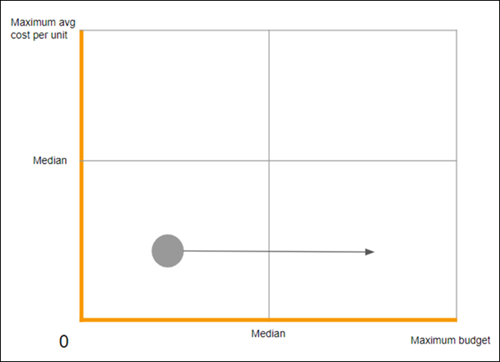
- Similarly, any entity that’s recognized as being expensive yet budgeted on the high side, is also considered to be badly budgeted. This entity has already proven itself to not be cost-effective, so it’s recommended to budget it relatively low.
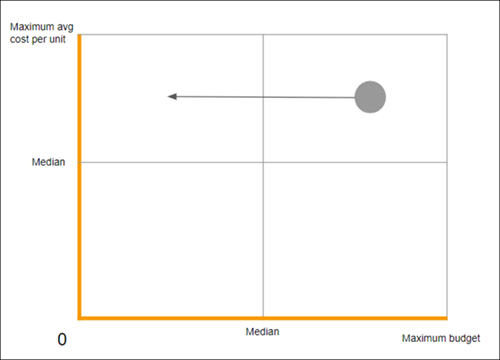
Here’s a summary of the sweet spots and danger zones:
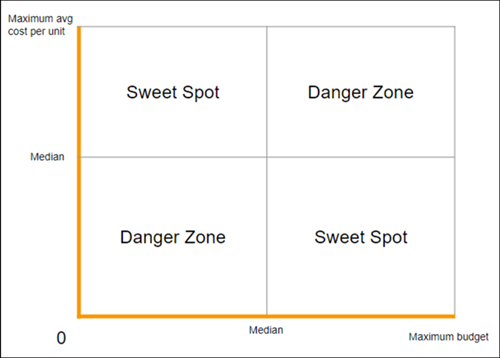
# Calendar Events in Marketing Cloud Intelligence
You can add an event when you want to track important occasions in your workspace. For example, if you want to monitor spikes in sales around holidays or special sale events, you can add a calendar reminder.
- **[Create an Event in Marketing Cloud Intelligence](https://help.salesforce.com/s/articleView?id=mktg.dato_getstarted_wspace_events_create.htm&release=264.0.0&type=5)**
Create an event to track important occasions in your workspace.
- **[Add an Event to a Widget in Marketing Cloud Intelligence](https://help.salesforce.com/s/articleView?id=mktg.dato_getstarted_wspace_events_add.htm&release=264.0.0&type=5)**
After you create an event in your workspace, you can add it to a widget so you can visualize the data.
# Calendar in Marketing Cloud Engagement
The Calendar provides a weekly or monthly view of all scheduled and past interactions. You can filter Calendar views by campaign or interaction type.
Search the Calendar to find events and messages you already performed or scheduled in the future.
## Included in the Calendar
This list displays searchable items stored in your Calendar.
- All completed email sends
- User-initiated
- Programs
- Automation Studio
- API
- Pending sends scheduled via the Email Studio Send Wizard
- Pending sends scheduled via Send Flow in Content Builder
## Not Included in the Calendar
This list displays non-searchable items that aren’t displayed in the Calendar.
- Triggered sends
- Test sends
- Single sends
- Pending user-initiated sends that are part of a scheduled or running program
- Sends suppressed from tracking
If a recurring message doesn’t result in the delivery of any email message, the Calendar does not display an entry for that instance.
## Day Panel
The Day Panel view displays all activities scheduled for a specific day. This view displays this information, depending on the message type.
- Message name and description
- Campaigns, if any
- Last time a message send occurred
- Tracking information for the event or message
You can click within each message to view tracking information. Each activity contains a link to the source application. Automated messages appear at the top of the day panel list until the message sends. Then, the Calendar uses email icons to identify the messages. The Day Panel view automatically suppresses any automated messages with zero assigned subscribers.
## Enterprise 2.0 Users
Enterprise 2.0 users can view all events in your current Enterprise 2.0 business unit and select more business units to view as well. The Calendar defaults to events in the current business unit, and you can add more business units. Any days with events from an additional business unit display a small blue indicator for that day on the Calendar. If you select more business units, your Calendar displays applicable campaigns, broken out by business unit at the top of the screen. Hover over these events and click the business unit or that event in the detailed Calendar view. This action takes you to that business unit to view more information. Any changes you make in the filter persist through future logins, movements to other apps, or other activity. Clear these filters to change the Calendar view.
Calendar in Account with More than 500 Business Units
Calendar in Account with Less than 500 Business Units
- **[Add a Campaign to Calendar](https://help.salesforce.com/s/articleView?id=mktg.mc_overview_add_a_campaign_to_calendar.htm&release=264.0.0&type=5)**
Use the calendar to create a visual representation of your campaign schedule.
- **[Add an Event to the Calendar](https://help.salesforce.com/s/articleView?id=mktg.mc_overview_add_an_event_to_the_calendar.htm&release=264.0.0&type=5)**
Create events on your calendar to mark milestones and other important dates. You can create single-day and multi-day events.
- **[Filter Events and Messages](https://help.salesforce.com/s/articleView?id=mktg.mc_overview_filter_events_and_messages.htm&release=264.0.0&type=5)**
Use filters to view only the automated or scheduled messages to review in Marketing Cloud Engagement.
- **[Information on a Calendar Event or Message](https://help.salesforce.com/s/articleView?id=mktg.mc_overview_information_on_a_calendar_event_or_message.htm&release=264.0.0&type=5)**
View information on a Calendar.
# Call Out Prospect Page Views as a Separate Activity
Help your sales team spot significant prospect buying signals by using page actions to designate a page on your website as a priority page. Priority pages let you call out important page views as a separate prospect activity, instead of bundling them with other page views.
### Required Editions
Available in: All Account Engagement Editions
When creating a page action, select **Priority Page**.
# Call Tracking Metrics API Connector
All fields retrieved are unmapped by default. When you save the data stream you’ll be directed to the mapping screen. Choose the relevant data stream type under the Extended Properties section.
- Data Lag: 1 Day
## Prerequisites
- Username and password.
- API access is dependent on your Call Tracking Metrics plan. If you’re unsure whether you have API access, contact you CTM representative
## Extended Properties
- Get Caller Details - This checkbox is unchecked by default. After it is checked it retrieves personal data.
- Include calls for all sub accounts (Agency-Wide Call log)
## Validate Your Data
- In the Call Tracking Metrics platform, go to the reporting menu and click **Call Reports**. Choose the date range in the filter menu and select the **Dimension** from the drop-down list. The default view is without Agency Wide data, however, some dimensions change the view to include agency-wide structure (for example 'Account').
- In the Call Tracking Metrics platform, navigate to the **Calls** tab, under the **Export Calls** section define the date range. If your account has Agency Wide data, change the checkbox under Filters to **on**. The exported file has no measurements, however it includes all the calls for the date range selected. Check that the number of calls matches the **total calls** value in Marketing Cloud Intelligence for that date range.
# Call Tracking Metrics API Connector
All fields retrieved are unmapped by default. When you save the data stream you’ll be directed to the mapping screen. Choose the relevant data stream type under the Extended Properties section.
- **Data Lag**: 1 Day
## Prerequisites
- Username and password.
- API access is dependent on your Call Tracking Metrics plan. If you’re unsure whether you have API access, contact you CTM representative
## Extended Properties
- Get Caller Details - This checkbox is unchecked by default. After it is checked it retrieves personal data.
- Include calls for all sub accounts (Agency-Wide Call log)
## Validate Your Data
1. In the Call Tracking Metrics platform, go to the reporting menu and click 'Call Reports'. Choose the date range in the filter menu and select the Dimension from the drop-down list. The default view is without Agency Wide data, however, some dimensions change the view to include agency-wide structure (for example 'Account').
2. In the Call Tracking Metrics platform, navigate to the 'Calls' tab, under the 'Export Calls' section define the date range. If your account has Agency Wide data, change the "checkbox" under Filters to 'on'. The exported file has no measurements, however it includes all the calls for the date range selected. Check that the number of calls matches the 'total calls' value in Marketing Cloud Intelligence Data Pipelines for that date range.
# CallRail API Connector
CallRail is a call tracking platform.
- Data Lag: 1 Day
## Prerequisites
API Key - Contact your CallRail representative to receive an API key.
## Details
- Validating your data can be done in two ways:
- In CallRail go to Activity > Calls > Call Log and view the data in a day granularity.
- In CallRail go to Reports > Acquisition > Calls by landing page then define your date range.
- All fields retrieved are unmapped by default. After you save the data stream you’ll be directed to the mapping screen. Map according to usage, for example - the connector retrieves UTM fields, however, if these don't match your use case then there's no need to map them.
- The data stream type you choose should correspond to the result you wish to achieve. If you wish to analyze your calls data alone, map the data to the Generic data stream type. If you wish to view the data along side your Paid Search data you can either map it to the Generic Data Stream type and use Data Fusion to match it with the Paid Search data, or you can use the Conversions Data Stream type and map the data using Custom Measurements.
- The Date in CallRail data streams is the call date.
- There are two call measurements - 'Total Calls' and 'Calls'.
- Total Calls - Displays all the calls made from a number in a LIFETIME format. To view this measurement it’s best to either map it as a Dimension (with 'Update Entities Attributes' enabled) or map it as a Measurement and display it for a specific day and a specific number. This Measurement shouldn’t be viewed aggregated.
- Calls - The basic summable measurement.
## Extended Properties
- Get Caller Details - This checkbox is unchecked by default. After it is checked it retrieves personal data.
# CallRail API Connector
CallRail is a call tracking platform.
- **Data Lag**: 1 Day
## Prerequisites
API Key - Contact your CallRail representative to receive an API key.
## Details
- Validating your data can be done in two ways:
1. In CallRail go to Activity > Calls > Call Log and view the data in a day granularity.
2. In CallRail go to Reports > Acquisition > Calls by landing page then define your date range.
- All fields retrieved are unmapped by default. After you save the data stream you’ll be directed to the mapping screen. Map according to usage, for example - the connector retrieves UTM fields, however, if these don't match your use case then there's no need to map them.
- The data stream type you choose should correspond to the result you wish to achieve. If you wish to analyze your calls data alone, map the data to the Generic data stream type. If you wish to view the data along side your Paid Search data you can either map it to the Generic Data Stream type and use Data Fusion to match it with the Paid Search data, or you can use the Conversions Data Stream type and map the data using Custom Measurements.
- The Date in CallRail data streams is the call date.
- There are two call measurements - 'Total Calls' and 'Calls'.
1. Total Calls - Displays all the calls made from a number in a LIFETIME format. To view this measurement it’s best to either map it as a Dimension (with 'Update Entities Attributes' enabled) or map it as a Measurement and display it for a specific day and a specific number. This Measurement shouldn’t be viewed aggregated.
2. Calls - The basic summable measurement.
## Extended Properties
- Get Caller Details - This checkbox is unchecked by default. After it is checked it retrieves personal data.
# Campaign Agent Use Case: Launching a Campaign for a New Product Collection
See how a retailer uses agentic campaigns and agentic content to plan, launch, and optimize a 30-day marketing campaign.
This use case walks through how Northern Trail Outfitters (NTO), a retailer of outdoor gear and apparel, uses Campaign Agent capabilities to launch a Fall Hiking Collection campaign. The scenario shows the three capabilities working together end-to-end.
- Agentic campaigns—the marketing manager describes the campaign goal, message budget, and channel strategy in natural language. The agent builds the campaign, routes it for approval, and optimizes send performance after launch.
- Agentic content—the marketing manager generates on-brand email and SMS content by using a brief and uploaded product assets.
## Scenario
NTO wants to drive $150,000 in orders for its new hiking boots and jackets over 30 days, with a $12,000 message budget across email and SMS. At the same time, NTO has two other active campaigns — a loyalty program re-engagement campaign and a clearance sale campaign—running against an overlapping customer base. The marketing team needs a way to reach the right customers without over-messaging them across all three campaigns.
Three team members are involved.
- Priya, Marketing Cloud Admin—completes org setup before the marketing manager builds the campaign.
- Jordan, Marketing Manager—generates content and builds the campaign.
- Sam, Marketing VP—reviews and approves the campaign before it goes live.
## Step 1: Admin Completes Org Setup
Priya confirms that the prerequisites are in place for the NTO org.
- Marketing Cloud Next Advanced edition and Data 360 are enabled, with the data graph configured.
- Agentforce is enabled, which unlocks agentic capabilities.
Priya then completes a one-time agentic campaign configuration.
- Priya sets up the NTO Retail business unit in agentic campaigns setup, which creates the default campaign approval flow.
- Priya configures message budget for email and SMS and enables the Orders business goal that Jordan will use.
- Priya edits the campaign plan approval flow in Flow Builder to route approvals to Sam via Slack.
- Priya sets a frequency cap of 2 campaigns per 7 days across email and SMS for adaptive campaign audience arbitration. This cap protects customers from competing messages across NTO's active campaigns.
- Priya confirms that the content personalization and agentic campaigns data graphs are configured in Data 360. The content personalization data graph ensures that agentic content can personalize generated email and SMS content with merge fields such as first name. To successfully use agentic campaigns, the agentic campaigns data graph setup is required.
## Step 2: Marketing Manager Generates Content
Jordan opens the **Agentic Content** tab in the Marketing app and creates a workspace.
- Brand: Jordan selects the Northern Trail Outfitters brand, which defines NTO's visual identity and brand voice.
- Brief: Jordan creates a brief named "Fall Hiking Collection Launch" with a goal of driving orders, a KPI of $150,000 in attributed order revenue over 30 days, a "Shop the Collection" call to action, and guardrails that block price or competitor comparisons.
- Assets: Jordan uploads product photography for the boots and jackets, plus the NTO logo.
Jordan enters a prompt that describes the email and SMS to generate, specifying the brand, assets, product focus, visual style, and hero image. Agentic content generates a draft email with a hero image, product grid, and call-to-action button, and a draft SMS message.
Jordan refines the drafts by prompting the agent to shorten the SMS and generate a second email variant with a different hero image. After reviewing both variants for brand compliance, accessibility, and personalization, Jordan publishes them to Salesforce CMS, where they're available to use in the campaign.
## Step 3: Marketing Manager Builds the Campaign
Jordan opens the **Campaigns** tab and clicks **Build Agentic Campaign**. Jordan connects the brief created in the previous step and selects the NTO Retail business unit.
Jordan describes the campaign in the natural-language prompt: drive a 30-day order campaign for the Fall Hiking Collection, with a $150,000 orders goal, a $12,000 total message budget, and SMS limited to no more than 20% of total spend.
After the agent generates a campaign draft, Jordan configures the remaining details.
- Audience: Jordan selects a segment as the audience entry point. Adaptive campaign audiences ensures every customer in this segment is also evaluated against NTO's other active campaigns before being assigned.
- Content: Jordan selects the agentic content workspace and adds both email variants and the SMS message as content variants.
Jordan reviews the campaign summary that includes goal, message budget, channels, variants, and audience, then sends the campaign for approval. Sam receives a Slack approval request, reviews the campaign details, and approves it. The campaign is automatically created and published.
## Step 4: Adaptive Campaign Audiences Assigns Customers
After the campaign is active, Adaptive campaign audiences runs its arbitration process four times a day. Each run follows this sequence.
- Find eligible customers. The system pulls NTO customers who match the campaign's eligibility criteria, evaluating a subset for each run to give all active campaigns fair coverage.
- Group by behavior. Customers are clustered by patterns including purchase recency and frequency, email and SMS engagement, browsing behavior, and lifecycle stage.
- Rank campaigns for each group. The AI model ranks active campaigns for each behavioral cluster. For example, the "recently engaged repeat purchasers" cluster ranks the Fall Hiking Collection campaign highest because their behavior aligns with a new-collection order goal, not the clearance sale.
- Make assignments. Customers with available capacity under the 2-campaigns-per-7-days cap are added to the campaign in rank order. Customers who are a strong fit for both this campaign and the loyalty re-engagement campaign receive only the higher-ranked message.
- Activate automatically. Assigned customers enter the campaign flow and receive the email or SMS variant. Engagement data feeds back into each customer's profile to refine future assignment rounds.
## Step 5: Marketing Manager Monitors Campaign Performance
Throughout the 30-day campaign, Jordan monitors progress on the campaign insights dashboard. Key signals include goal pacing, message budget spend, channel split, and the success forecast score.
Jordan sees a rebalance notification: the agent shifted send weight away from Email Variant B (lower click-through rate) toward Email Variant A and SMS, based on early engagement signals. Jordan doesn't make any manual changes. The agent adjusts the allocation automatically.
Jordan can also see the total audience evaluated, how many customers were held back due to frequency caps, and how much competition came from the other active NTO campaigns. This information confirms that adaptive campaign audiences is preventing overlap with the loyalty and clearance campaigns.
## Outcome
The Fall Hiking Collection campaign reaches its $150,000 orders goal within the 30-day window and stays within the message budget. Each capability contributed a distinct result.
- Agentic content produced on-brand, personalized email and SMS variants from a brief and uploaded assets, with built-in brand and accessibility review.
- Agentic campaigns turned a natural-language description into a complete campaign, optimized channel and variant allocation in real time, and handled the approval workflow automatically.
- Adaptive campaign audiences prevented over-messaging by ensuring each customer received only the campaign message they were most likely to engage with, protecting the customer experience across all of NTO's active campaigns.
- Insights provide near real-time updates about how the agent is adjusting the campaign to optimize toward the goal.
# Campaign Associations in Marketing Cloud Engagement
A campaign association is a channel-specific message, content, or activity you want to include in the campaign.
Campaign associations are cross-channel objects used to build campaigns and help you do these other tasks.
- Organize the associations needed to execute a campaign
- Plan messaging in the short and long-term future
- Act as parameters for analytics around a marketing objective
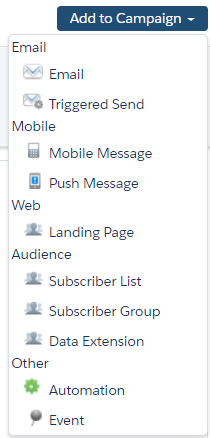
- **[Add or Remove Campaign Associations in Marketing Cloud Engagement](https://help.salesforce.com/s/articleView?id=mktg.mc_ca_adding_and_removing_campaign_associations.htm&release=264.0.0&type=5)**
You can add or remove an association to a campaign from the Campaigns app or from the app where the association lives.
- **[Edit or Delete a Campaign in Marketing Cloud Engagement](https://help.salesforce.com/s/articleView?id=mktg.mc_ca_edit_or_delete_a_campaign.htm&release=264.0.0&type=5)**
You can edit or delete a campaign.
#### See Also
- [Add or Remove Campaign Associations in Marketing Cloud Engagement](https://help.salesforce.com/s/articleView?id=mktg.mc_ca_adding_and_removing_campaign_associations.htm&release=264.0.0&type=5 "You can add or remove an association to a campaign from the Campaigns app or from the app where the association lives.")
- [Create a Campaign in Marketing Cloud Engagement](https://help.salesforce.com/s/articleView?id=mktg.mc_ca_creating_editing_deleting_campaigns.htm&release=264.0.0&type=5 "Create a campaign in the Campaigns app.")
# Campaign Email Tracking
The Campaign Email Tracking report shows send tracking data for a specific campaign.

Note Triggered Sends tracking information is not included in this report.
| Field Name | Description |
| --- | --- |
| Email Name | Name of the email sent to this list |
| Send Date | Date of the email send |
| Send | Total number of emails sent |
| % of Send | Percentage of total emails sent |
| Opens | Number of emails opened |
| Open Rate | Percentage of emails opened |
| Clicks | Total number of email clicks |
| Click Rate | Percentage of clicks received over the number of subscribers sent to. This number is calculated by dividing The Unique Clicks by the Implicit Deliveries. |
| Bounces | Total number of emails bounced |
| Bounce Rate | Percentage of emails sent that bounced |
| Unsubscribes | Number of emails included in the send that resulted in unsubscribes |
| Unsubscribe Rate | Percentage of subscribers who unsubscribed as compared to people who did not. This number is calculated by dividing Unique Unsubscribes by Implicit Deliveries. |
| Shares | Total number of shares the send received |
| Delivered | Number of successfully delivered emails included in this list |
| Delivery Rate | Percentage of messages delivered |
| Conversions | Number of conversions received during the interval you defined |
#### See Also
- [Email Studio Reports in Analytics Builder](https://help.salesforce.com/s/articleView?id=mktg.mc_re_email_studio_reports.htm&release=264.0.0&type=5 "View a list and description of available Email Studio reports available in the Reporting tool.")
- [Create a Standard Report in Analytics Builder](https://help.salesforce.com/s/articleView?id=mktg.mc_re_create_a_report.htm&release=264.0.0&type=5 "Create and run a standard report in Marketing Cloud Engagement.")
# Campaign Inheritance and Distributed Marketing
Use campaign hierarchies to manage content distribution when multiple individuals must use the same general marketing activity. For example, use a Welcome drip campaign instead of giving everyone access to the same campaign record.
For most use cases, you create a parent campaign for each unique marketing activity owned and managed by corporate marketing. You also create a unique child campaign owned and managed by individual business users.
For example, a retail bank creates a parent campaign for Open Checking Account. This campaign is owned and managed by a corporate marketing team. Each financial advisor receives their own child campaign to add individuals from their book of business.
When you use campaign hierarchies and Distributed Marketing, the child campaign automatically inherits the connected journey of the parent campaign. Consider these examples when using campaign inheritance with Distributed Marketing and the rules for each scenario.

Example You connect a campaign to a journey and assign it as a parent to a child campaign. No campaign members are added to the campaign yet.
- The child campaign inherits the connected journey.
- You can’t connect the parent campaign to a different journey.

Example A child campaign is connected to a journey through a parent campaign. No campaign members are added to the child campaign yet. You have administrator permissions and update the child campaign reference to a different parent campaign.
- The child campaign remains connected to the original journey.
- You can’t modify the parent campaign’s existing journey connection or add a journey.

Important We don’t recommend updating a child campaign to connect to a different parent campaign. Changing the parent campaign creates a disconnect between the journeys associated with the child and parent campaigns.

Example You connect a child campaign or a parent campaign to a journey and add campaign members.
- You can’t connect the parent campaign to a different journey.
- You can’t connect the child campaign to a different journey.
# Campaign Member Activity in Journey Builder
The Campaign Member activity in Journey Builder provides a connection between campaigns, contacts, and leads. This connection helps define a relationship between the contact or lead and the status within a campaign. Use the Campaign Member activity to track important moments of engagement throughout the journey.
For example, a welcome campaign for a new customer uses the Campaign Member activity to update status on the contact record based on engagement splits. These splits include whether the contact clicked certain links or made a purchase.
- **[Create a Campaign Member Activity in Journey Builder](https://help.salesforce.com/s/articleView?id=mktg.mc_jb_configure_campaign_member_activity.htm&release=264.0.0&type=5)**
Configure a campaign member activity in the Marketing Cloud Engagement Journey Builder app.
# Campaign Member Integration
Campaign member integration provides insight into customer engagement behavior with a single view of a contact or lead, called a subscriber in Marketing Cloud Engagement. View historical results of a campaign for all email interactions and members, including: date sent, bounce, date bounced, date opened, date unsubscribed, link name, and last clicked. Customize Marketing Cloud Connect to define and track events with campaign member status using the Activity or Status field. Plan how values are mapped to statuses and ensure that they’re available for all campaigns before configuring.
Campaigns are linked to Marketing Cloud Connect Email Sends when an email is sent to a list of campaign members within CRM. When an email is sent to Salesforce Data Extensions from Engagement, links to campaigns aren’t created.
Contacts, leads, and person accounts are supported for campaign member integration. When a person account is added to a campaign, a campaign member record is created. The status of a person account within a campaign is updated on the campaign member record.
1. **[Campaign Member Status Hierarchy](https://help.salesforce.com/s/articleView?id=mktg.mc_co_campaign_member_status_hierarchy.htm&release=264.0.0&type=5)**
Understand the campaign member status hierarchy for processing rules and how mapped values are updated through Marketing Cloud Connect for Marketing Cloud Engagement.
2. **[Update Campaign Member Page Layout](https://help.salesforce.com/s/articleView?id=mktg.mc_co_update_campaign_member_page_layout.htm&release=264.0.0&type=5)**
Through Marketing Cloud Connect for Marketing Cloud Engagement, modify the campaign member page layout to include the Status or Activity field and the activity history.
3. **[Configure a Campaign Member Picklist](https://help.salesforce.com/s/articleView?id=mktg.mc_co_configure_campaign_member_picklist.htm&release=264.0.0&type=5)**
Through Marketing Cloud Connect for Marketing Cloud Engagement, define tracking events by customizing the campaign member picklist values for the Activity or Status field.
4. **[Configure Campaign Member Tracking](https://help.salesforce.com/s/articleView?id=mktg.mc_co_configure_campaign_member_tracking.htm&release=264.0.0&type=5)**
Edit the Marketing Cloud Connect for Marketing Cloud Engagement configuration to enable campaign member tracking and map the status fields.
5. **[View Campaign Member Tracking](https://help.salesforce.com/s/articleView?id=mktg.mc_co_view_campaign_member_tracking.htm&release=264.0.0&type=5)**
Through Marketing Cloud Connect for Marketing Cloud Engagement, track the status of all campaign members from the campaign record in Sales or Service Cloud.
# Campaign Member Status Hierarchy
Understand the campaign member status hierarchy for processing rules and how mapped values are updated through Marketing Cloud Connect for Marketing Cloud Engagement.
The processing rules for multiple Individual Email Results updates are based on the following hierarchy. The mapped values for the tracking events are updated in this order:
- Sent
- Soft Bounce
- Hard Bounce
- Open
- Click
- Unsubscribe
## Considerations
- Updates don’t revert to a previous value.
- If a contact or lead is resubscribed, the campaign member status or activity field retains an unsubscribed value.
- Activity History is based on Individual Email Result and Individual Link Detail records for a contact or lead from each campaign email sent.
- Activity and Status field values are used consistently for all campaigns.
# Campaign Messages
Campaign messages let your business users send single or multi-touch engagements to Contacts, Leads, and Person Accounts at scale from the Salesforce Campaign object.
There are two types of Campaign Send workflows:
- Segmented Send: Users can personalize and send messages to smaller groups (segments) of their entire target audience. Segments can contain up to 500 recipients.
- Bulk Send: Users can personalize and send messages to up to 25,000 recipients at once with more limited personalization options.
One workflow typically makes more sense than the other based on the use case and type of content the user wants to send. However, you can use the two workflows together. For example, use the Segmented Send workflow first to make targeted personalizations to specific individuals or groups of individuals. Then use the Bulk Send workflow to target the rest of the audience. Recipients can't be included in a Bulk Send and Segmented Send at the same time.
Not all features are available in both workflows, so use this information to determine which workflow is right for your organization.
Segmented Send
Bulk Send
Segmented Send and Bulk Send
This workflow offers more control and flexibility for audience and content
manipulation.
For example, use Segmented Send to send individual or group personalization
messages, sometimes called profile-based personalization. In this case, use data filters to
segment the target audience, and then modify messages for that segment
Segmented Sends work well when there are nuances to the type of messages
certain individuals receive. Segmented Sends also work well when the user adding
individuals to the campaign isn't the same user who sends the campaign.
For example, another team member creates the audience for you to review, or
corporate marketing pre-loads the campaign with suggested recipients based on business
logic or automation. With this workflow, users can opt recipients out of messaging without
removing them from the campaign.
This workflow offers a more efficient way to get messages out to your book of
business, but less flexibility in audience and content manipulation.
Users can modify content for the entire audience. Users can also review the
entire audience before sending, but can't personalize for individuals or groups.
For example, use Bulk Send when the user has a target audience of more than
1,000 and the content doesn't require granular modifications such as an event
invitation.
You can use both workflows together. For example, use both options when your audiences
consist of high-touch and standard clients and where the general content is sent to all
clients, but your high-touch clients require more specific personalization.
Scale considerations:
| Segmented Send | Bulk Send | Segmented Send and Bulk Send |
| --- | --- | --- |
| If you’re sending more than 5,000 segmented messages per day, consider using bulk send. We recommend using no more than 20 personalization attributes across all campaign messages. | | Consider scale for Segmented and Bulk Sends together when using both workflows in a single campaign. |
Example use cases for Segmented Sends, Bulk Sends, and using both together.
Segmented Send Use Cases
Bulk Send Use Case
Segmented Send and Bulk Send Use Case
Monthly Newsletter with VIP Webinar: A Cumulus financial advisor wants to send
the monthly newsletter to 300 clients. Later that month, Cumulus is hosting a webinar for
households with more than $1 million under management.
Cumulus has a custom contact field
that categorizes clients as standard, high-touch, or lighthouse clients based on assets
under management (AUM). Also, Cumulus shows the AUM to advisors.
The advisor wants
to provide the webinar information to 50 lighthouse clients and not the other 250 clients.
Rather than sending two newsletters, the advisor can use the segmented send workflow to
filter 300 clients down to the 50 lighthouse clients and make the webinar-specific
personalization. And then the advisor can modify the newsletter for the remaining 250
clients.
Cross-Team Sending: The Cumulus marketing team uses AI to
pre-populate campaigns for advisors based on custom business logic.
A Cumulus
financial advisor prepares to send a market update email to 200 suggested clients. The
advisor can review the suggested clients and optionally opt certain recipients out of
receiving the message.
Simple Holiday Card:A Cumulus financial advisor wants to send a holiday card to
2,000 clients. The advisor decides that a simple thinking of you note is enough for all
clients. The advisor can type one message for all 2,000 clients. Cumulus uses campaigns to
manage this workflow to tie this activity to ROI (Campaign Influence). If ROI isn't
important, or if the total audience was less than 25,000, the advisor can also use Quick
Sends to do the same send.
High-Volume Newsletter with VIP Webinar:A Cumulus financial advisor wants to
send a monthly newsletter to 5,000 clients. Later that month, Cumulus is hosting a webinar
for households with more than $1 million (US dollars) under management.
Cumulus has a
custom contact field that categorizes clients as standard, high, or lighthouse clients
based on AUM. Also, Cumulus shows the AUM to advisors.
The advisor wants to provide
the webinar information to 50 lighthouse clients and not the other 4,050 clients. The 4,050
remaining clients can be targeted using the segmented send workflow. However, using the
bulk send workflow would be more efficient because it involves clicking send one time
versus nine times using segmented sends.
Use this table to determine which channels work with Segmented and Bulk Sends.
| Channel | Segmented Send Use Cases | Bulk Send Use Case |
| --- | --- | --- |
| Email | Yes | Yes |
| SMS | Yes, limit one custom SMS per campaign | Yes, limit one custom SMS per campaign |
| Custom | No | No |
Use this table to determine which features work with Segmented and Bulk Sends.
Feature
Segmented Send
Bulk Send
Sending: Send to Campaign Members
Yes, maximum 500 at once.
You can limit the total number of messages sent using
the Message Cap defined in Distributed Marketing Administration.
Yes, maximum 25,000 at once.
You can limit the total number of messages sent
using the Message Cap defined in Distributed Marketing Administration.
Sending: Send from {X}
Distributed Marketing supports sending from record owner and running user.
Yes
Yes
Sending: Schedule sends
Scale considerations:
Don’t schedule more than a single Bulk Send for the same time.
Don’t schedule more than 50 unique Segmented Sends for the same time.
Don’t schedule Segmented and Bulk Sends for the same time.
Yes, if manual approvals are disabled.
If you're a single user, don't schedule
more than 50 unique Segmented Sends for the same time. Also, don't schedule Segmented and
Bulk Sends for the same time.
Yes, if manual approvals are disabled.
If you're a single user, don't schedule
more than a single Bulk Send for the same time. Also, don’t schedule Segmented and Bulk
Sends for the same time.
Example: Select a single campaign member and modify the email.
Yes
No
Message Personalization: Per-group modifications
Example: From 100 campaign members, select 5, and modify the email for the
selected 5.
Yes
No
Message Personalization: Per batch modifications
Example: Select all campaign members, and modify the email for all selected
members.
Yes
The Submission Cap defined in Distributed Marketing Administration can limit
the maximum selectable members (batch size).
Yes
Message Personalization: Default modifications
Yes, through Campaign defaults.
Yes, through Campaign defaults.
Compliance & Approvals: Manual Approvals
Scale consideration: Each
message must be approved individually. If approvals are required, campaigns with more than
5 messages can become operationally unusable.
Yes, if scheduled sends are disabled.
No, messages are sent regardless of approval setting.
After a Campaign Send, you can view these Campaign Send Statistics.
- Submitted: The number of members to whom the campaign was sent
- Rejected: In a Segmented Send, the number of members for whom the campaign wasn't sent based on the user choosing the Reject option
- Failed: The number of Submitted members who weren't injected into the journey for any reason
- Waiting: The number of members for which no action’s been taken yet. In a Segmented Send, their status is Pending
- **[Set Up Campaign Messages](https://help.salesforce.com/s/articleView?id=mktg.mc_dm_setup_campaign_messages.htm&release=264.0.0&type=5)**
Customize your Campaigns page layout for Distributed Marketing to include the Distributed Marketing MCDM Campaign Messages component. This component provides access to review Marketing Cloud Engagement messages within the connected journey, preview content, send messages, and more. Think of the Campaign Messages component as a Distributed Marketing campaign’s home base for campaign sends.
- **[Enable Journeys for Campaign Send](https://help.salesforce.com/s/articleView?id=mktg.mc_dm_connect_campaign_to_journey.htm&release=264.0.0&type=5)**
To share single or multistep journeys, connect a Salesforce campaign to a Marketing Cloud Engagement Journey. This connection exposes marketing content to your owners, partners, and sellers for personalization in Distributed Marketing.
- **[Change Journey Connected to a Campaign](https://help.salesforce.com/s/articleView?id=mktg.mc_dm_change_journey_connected_to_campaign.htm&release=264.0.0&type=5)**
Before or after campaign members are added to a campaign or a child campaign is created, you can change the journey connected to the campaign through Distributed Marketing. After saving, an association between a campaign and a journey is required.
- **[Set Up Collaborative Campaigns (Auto Send)](https://help.salesforce.com/s/articleView?id=mktg.mc_dm_setup_auto_send.htm&release=264.0.0&type=5)**
Coordinate with your business users to plan your campaign launch at a specified date and time. With the proper permission set, you can set up an Auto Send for a Campaign. At the selected date and time, all campaign members not yet sent to and not part of a scheduled or bulk send are added to the Auto Send campaign journey. Your business users can add up to 25,000 members for an Auto Send campaign. If more than one campaign is scheduled by the same person for the same time and date, your business users can still send to a total of 25,000 members.
#### See Also
- [Sender Profile](https://help.salesforce.com/s/articleView?id=mktg.mc_es_sender_profile.htm&language=en_US)
- [Guided Setup: Distributed Marketing for Experience Cloud](https://help.salesforce.com/s/articleView?id=mktg.mc_dm_community_implementation.htm&release=264.0.0&type=5 "In general, you can use the standard Distributed Marketing help and training documentation to set up, configure, and use Distributed Marketing. However, use this guide when setting up Distributed Marketing in Experience Builder instead of Lightning App Builder.")
# Campaign Performance Report
The Campaign Performance report gives a high-level overview of a campaign’s overall health in comparison to other campaigns in an interactive graph. Use this report to visually compare ROI, cost per opportunity and more across your campaigns.
### Required Editions
Available in: All Account Engagement Editions
The report is configurable across all four axes: X, Y, Size, and Color. The axis labels are interactive and change to reflect the choices made in the sidebar. You can adjust the range sliders for each axis. When you move the range sliders for the X and Y axes, the view zooms in and out of the graph. When you move the range sliders for the Color and Size axes, you filter out values so campaign bubbles appear and disappear based on the range. Roll over each campaign bubble to show that campaign's name and the statistics related to the axes set on the sidebar.
The values available on each axis depend on the values chosen for other axes. The Size axis displays a circle representing the size of the chosen option. The larger the value, the bigger the circle. The Color axis is represented as a heatmap across the top of the graph.
# Campaign Planning for Mobile App Events
Start planning by creating an outline for a few potential campaigns. To build a successful campaign, consider the campaign goal, journey audience, and corresponding messages. Review how you can use your app event within the scope of the campaign.
## In-App Message Triggers
Campaign
Journey Audience
Suggested In-App Message Content
In-App Trigger Event (User Action)
In-App Trigger Criteria (Action Details)
Get push permission
New or onboarding users
Users who never opted in
Users who opted out [X] time ago
Enable push notifications to get the latest updates.
View Screen
Purchase
Sign Up
High-Value Action
First-Time High-Value Action
Screen name = [X]
Price over [X] dollars.
Take a survey
All users
Loyal users
Please take a moment to complete this brief survey.
View Screen
High-Value Action
Screen Name = [X]
Sign up for an account or complete a profile
Users who installed app 7 days ago and are still anonymous
Users who took action [X]
Sign up to get access to [X].
App Open
View Screen
Purchase
High-Value Action
N/A
Cross-sell products
Gold members
To check out the latest offers, upgrade to this new feature.
View Item
Added to Cart
Category Name = [X]
Refer a friend
Users who haven’t referred anyone
Share your referral code with friends and get a coupon.
Purchase
High-Value Action
CouponUsed = True
Rate our app
Users who haven’t taken [X] action more than 3 times in the last 7 days
How do you like our app? Take a moment to review it in the app store
View Page
High-Value Action
Screen Name = Checkout
Try new update or feature
Users who haven’t used a feature
Now you can do [X] with our app.
App Open
View Screen
High-Value Action
N/A
Sign up for a newsletter
Users who aren’t signed up for your email list
Get the latest updates when you sign up for our email newsletter.
Save Item
High-Value Action
Item Category = [X]
## Journey Builder Entry and Exit
Journey Setting
Journey
Journey Trigger
Journey Trigger Criteria
Journey Content Type
Journey Exit Trigger
Single Entry
Onboarding
App Install
Sign Up
Push Message Opt-in
N/A
Onboarding or nurturing
Sign up
Push opt-in
Used [X] feature
Single Entry
Try a new feature
App Update
App Version greater than [X]
Mobile or email follow-up to highlight new feature
Push opt-in
Single Entry
Promote other channels
Push Opt-out
N/A
Inbox or In-App messages prompting to sign up for email or SMS. Long-running
nurturing journey to ask for push opt-in again.
N/A
Single Entry
Nurture (first-time action)
First High-Value Action
N/A
Nurture or onboard to do more
Geofence entered
Single Entry
Stop by
Geofence Crossed
Location =
Tell them that they’re close and to check out an item or sale.
Purchase with coupon
Single Entry
Send Coupon
Purchase
Complete Survey
Category = Golf
Price = over 50
Send coupon a few days after user action.
Newsletter sign-up
Single Entry
Redeemed Coupon
Purchase
Coupon Used = TRUE
CouponType = Sponsor
Follow up with more offers.
Purchased [X] item
Single Entry
Timed Promotion
Purchase
View Item
High-Value Action
Price over $100
SKU = [X]
Move user through your campaign or send promotions for related items.
Completed order
Completed survey
Completed profile
Recurring Entry
Abandoned Action
Started checkout
Started survey
Started profile
N/A
1-hour wait step.
Follow-up prompts to complete action.
Use AMPScript to personalize content.
N/A
Recurring Entry
Customer Service
Ticket created
Help requested
N/A
Confirmation message
N/A
Recurring Entry
Confirmation
Transfer complete
Updated order
Canceled purchase
Confirmation message
# Campaign Promotions
Offer your customers special deals or advertise specific products with campaign promotions in Marketing Cloud Personalization. A promotion is an image that encourages customers to click through for more details. You can deploy promotion images on a web page or in an email, including call-to-action messages or incentives to engage customers and achieve specific business goals. You can also use promotions with Einstein Decisions for rule-based decisions and machine learning to target customers in multiple channels.
In addition to products and content, you can use the Personalization catalog to prioritize decisions around the next-best action for each individual engaging with your company. Before adding promotions to campaigns, consider creating a comprehensive promotions strategy to improve personalization of recommendations across channels. The Einstein Decisions model trains with a variety of different data, including related catalog object data.
- **[Prerequisites for Promotions](https://help.salesforce.com/s/articleView?id=mktg.mc_pers_promotion_prerequisites.htm&release=264.0.0&type=5)**
To create and use promotions, review and complete these setup steps.
- **[Create a Promotion](https://help.salesforce.com/s/articleView?id=mktg.mc_pers_promotion_create.htm&release=264.0.0&type=5)**
Create a campaign promotion to offer special deals and promote specific products. When creating a promotion, the only required information is the name and the URL of the landing page. For a promotion to return in a campaign, you must have an asset associated with the promotion. Adding eligibility criteria, promotion attributes, and related catalog objects is recommended. A promotion attribute determines which promotions appear in a campaign. Personalization uses related catalog objects to track and measure customer affinities across item types in your catalog.
- **[Add Assets to a Promotion](https://help.salesforce.com/s/articleView?id=mktg.mc_pers_promotion_asset_add.htm&release=264.0.0&type=5)**
For a promotion to appear in a campaign, it must have an associated asset, such as an uploaded image or a URL that points to an external image.
- **[Create a Custom Promotion Attribute](https://help.salesforce.com/s/articleView?id=mktg.mc_pers_promotion_attributes.htm&release=264.0.0&type=5)**
Use custom attributes to determine which promotions appear in a campaign. Similar to other catalog item types, custom attributes can also be returned as the output of a decision. When creating a promotion, adding a custom attribute is optional, but it’s recommended.
- **[Create a Related Catalog Object for a Promotion](https://help.salesforce.com/s/articleView?id=mktg.mc_pers_promotion_related_catalog_object.htm&release=264.0.0&type=5)**
Use related catalog objects to track and measure customer affinities across item types in your catalog. Related catalog objects provide Einstein Decisions with data about the promotion to improve the quality of its decisioning. Related catalog objects are optional in promotions, but they’re recommended for providing more accurate recommendations.
- **[Non-Image-Based Promotions](https://help.salesforce.com/s/articleView?id=mktg.mc_pers_promotion_non_image_based.htm&release=264.0.0&type=5)**
Use a non-image-based promotion with Einstein Decisions to return strings of text as decisions, such as a call-to-action selection. Typically, you use a non-image-based promotion with a server-side campaign, and the Personalization response is a string that the client computer uses. The process for creating a non-image-based promotion is the same as an image-based promotion. Depending on your template options, you can also define a promotion fallback.
- **[Promotion and Asset Limits](https://help.salesforce.com/s/articleView?id=mktg.mc_pers_promotion_limits.htm&release=264.0.0&type=5)**
Marketing Cloud Personalization has limits per dataset for promotions, segments, and assets.
# Campaign Record vs. Flow Canvas
A campaign record includes a detailed summary for each flow that's designed to reflect certain elements from the Flow Builder canvas. Some features and settings that appear in Flow Builder aren't available on the campaign, and vice versa. A campaign also includes a comprehensive overview to help you keep tabs on campaign content across flows, and monitor campaign performance.
### Required Editions
Available in: Salesforce Enterprise and Unlimited Editions with Marketing Cloud Next Growth or Advanced Edition, and in Starter and Pro Suite Editions. Your edition determines the options that you have.
## Campaign Record: Navigation
In the campaign sidebar, access the campaign overview, find related assets, and switch between flows. After an admin adds performance components to campaign layouts, the sidebar is where you can find available campaign metrics.
The sidebar also contains these items, when they're available.
- Campaign Insights—Engagement data across flows in your campaign, such as email opens and clicks. See [Set Up Marketing Performance Intelligence](https://help.salesforce.com/s/articleView?id=mktg.mktg_admin_marketing_performance.htm&language=en_US).
- Influenced Opportunities—Revenue attributed to a campaign with Opportunity Influence. See [Enable Opportunity Influence](https://help.salesforce.com/s/articleView?id=mktg.mktg_campaigns_opp_influence_enable.htm&language=en_US).
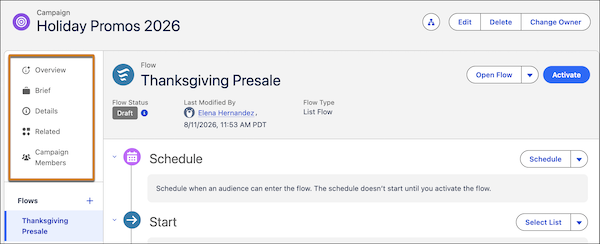
## Campaign Record: Overview
From the Overview tab in the sidebar, review performance insights and deliverability insights (1). If Opportunity Influence is enabled, you can access influenced opportunity records from here. In the Content section, get an at-a-glance view of your campaign content across flows (2). For any piece of content, review its status and which flows it's used in.
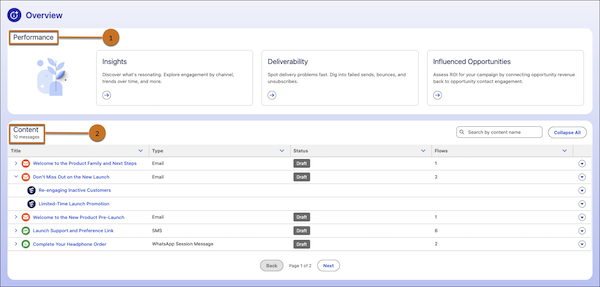
## Campaign Record: Flow Summary
The main content area of a campaign record shows the flow summary. The components vary depending on the type of flow you’re working with, but you can always open the flow in Flow Builder from the campaign.
The summary shares information about the Start element of the flow, as well as any message or time-based wait elements. When a flow contains more than 5 elements, the messages are listed in a table.
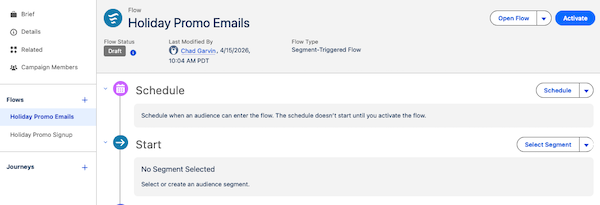
For most basic campaigns, add message or wait elements in the Next Steps section of the campaign record.
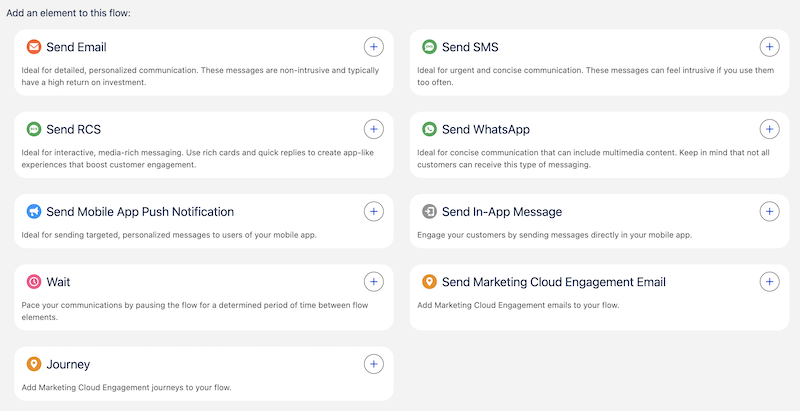
## Flow Builder: Canvas
To add additional content or actions to a flow and to configure certain wait elements, work in Flow Builder. Flows can support advanced elements, such as decision branching. For details about available flow elements, see [Flow Builder Elements for Marketing](https://help.salesforce.com/s/articleView?id=platform.flow_ref_elements_mktg.htm&type=5&language=en_US).
# Campaign Report Table Metrics
The Campaign Report table gives you a quick statistical overview of Account Engagement campaigns.
### Required Editions
Available in: All Account Engagement Editions
## Metric Definitions
Name
Campaign name.
Visitors
The number of anonymous visitors cookied by the campaign.
Prospects
The number of visitors who converted to prospects as part of the campaign.
Assigned
The number of prospects associated with the campaign that have been assigned to a user.
Cost / Prospect
The cost per prospect. Calculated by dividing the cost for the campaign by the number of prospects in the campaign.
Opportunities
The number of prospects with opportunities for the campaign.
Opps / Prospects
The percentage of prospects associated with the campaign who have an opportunity. Calculated by dividing the number of prospects with opportunities by the number of prospects in the campaign.
Cost / Opps
The cost per opportunity. Calculated by dividing the cost for the campaign by the number of opportunities for the campaign.
Value
The total value for any opportunities for prospects associated with the campaign.
Revenue
The total value for opportunities marked closed-won for prospects associated with the unarchived campaign.
ROI
The return on investment. Calculated by dividing the revenue minus cost by the cost.
# Campaign Sends
Use Campaign Sends created by your Marketing teams to send your customers single or multi-touch engagements. Campaign Sends use data and real-time engagement feedback to send your customers the right message at the right time. If collaborative content is enabled, you can modify content. Personalize content for individuals or segments, preview content exactly how individuals see it in their inbox or text message, and more.

Note
If your organization uses the Collaborative Campaigns (Auto Send) feature, you can add up to 25,000 members for a given auto send campaign. Or you can add a total of 25,000 members across campaigns scheduled at the same time by the same person. If you exceed the 25,000 member limit, the auto send only sends 25,000.
- **[Send a Segmented Send](https://help.salesforce.com/s/articleView?id=mktg.mc_dm_send_segmented_send.htm&release=264.0.0&type=5)**
Use a Segmented Send when you want more control and flexibility over your audience, content, or both. Segmented Sends allow you to use data filters to select a subset of your entire target audience and then personalize messages for that subset. You can also use these data filters to opt certain individuals out of messaging without removing them from the campaign entirely. You can message these members later or not at all.
- **[Bulk Send a Campaign Send](https://help.salesforce.com/s/articleView?id=mktg.mc_dm_send_bulk_campaign_send.htm&release=264.0.0&type=5)**
Use a Bulk Campaign Send when you want to message large groups of individuals at once without making individual modifications. You can modify content for the entire audience, and you can review the entire audience before sending. However, you can’t personalize messages for individuals or groups. Bulk Campaign Sends are optimized for speed, and they work best when your target audience is more than 1,000 individuals.
- **[Set Default Personalization for a Campaign](https://help.salesforce.com/s/articleView?id=mktg.mc_dm_set_default_personalization.htm&release=264.0.0&type=5)**
As a standard Distributed Marketing user, streamline your Distributed Marketing experience by creating default customizations for message templates within specific campaigns. These customizations can be modified for individual recipients when you review them before sending.
# Campaign Statistics
Use Campaign Statistics to measure the impact of your campaigns. The information available on the Campaign Statistics screen helps you analyze where you can make campaign changes to improve results.
- **[Campaign Statistics Activity Timeline](https://help.salesforce.com/s/articleView?id=mktg.mc_pers_campaign_statistics_activity_timeline.htm&release=264.0.0&type=5)**
Use the activity timeline to view campaign changes, states, and statistics.
- **[Campaign Statistics Filters](https://help.salesforce.com/s/articleView?id=mktg.mc_pers_campaign_statistics_filters.htm&release=264.0.0&type=5)**
Use campaign statistics filters to focus on how various subgroups behave in a campaign. You can view statistics based on selected results filters, tailor statistics output to account for outliers, view statistics by attribution and activity, or compare baselines.
- **[Results Filter Attribution Statistics](https://help.salesforce.com/s/articleView?id=mktg.mc_pers_campaign_statistics_results_filter_att_stats.htm&release=264.0.0&type=5)**
How Personalization calculates attribution statistics can depend on whether individuals are included or excluded from the calculations based on their campaign activity.
- **[Campaign Statistics Calculations](https://help.salesforce.com/s/articleView?id=mktg.mc_pers_campaign_statistics_calculations.htm&release=264.0.0&type=5)**
Campaign statistics are available for every Personalization campaign. The calculations and information available on the campaign statistics screen helps you determine the success of your campaign.
- **[Campaign Statistics Reports](https://help.salesforce.com/s/articleView?id=mktg.mc_pers_campaign_statistics_reports.htm&release=264.0.0&type=5)**
Reports are available on the Campaign Statistics screen. They give additional insight into campaign performance by specific metric.
- **[Get Statistics for a Campaign](https://help.salesforce.com/s/articleView?id=mktg.mc_pers_campaign_statistics_view.htm&release=264.0.0&type=5)**
Monitor and analyze the effectiveness of a campaign. You can apply different filters to view activity and attribution metrics during a particular time period. To collect statistics, the campaign must have recorded campaign impressions.
- **[Attribution Time Frame Explained in Campaign Statistics](https://help.salesforce.com/s/articleView?id=mktg.mc_pers_campaign_statistics_attribution_time_frame.htm&release=264.0.0&type=5)**
Personalization attributes your visitors’ purchase goal completions based on their interaction, and their level of interaction, with Personalization campaigns.
- **[Campaign Statistics Optimizations by KPI](https://help.salesforce.com/s/articleView?id=mktg.mc_pers_campaign_statistics_optimize.htm&release=264.0.0&type=5)**
Every campaign and use case is distinct, with their own nuances. However, when thinking about how to improve and optimize your campaign performance, these general guidelines can help.
- **[Confidence Explained in Campaign Statistics](https://help.salesforce.com/s/articleView?id=mktg.mc_pers_campaign_statistics_confidence.htm&release=264.0.0&type=5)**
Confidence on the Campaign Statistics screen refers to the term statistical confidence. It’s a measure of how sure you are of your results from an A/B test. It isn’t a measure of how effective a campaign was, but a measure of how certain you can be with the campaign’s displayed impact.
#### See Also
- [_Video_: Review Campaign Statistics](https://www.youtube.com/watch?v=xo-rVQwbM7E)
- [_Video_: Apply Goals in Campaign Statistics](https://www.youtube.com/watch?v=4ppXL5UaU3o)
- [_Video_: Apply Filters in Campaign Statistics](https://www.youtube.com/watch?v=ggHJG3aHOIQ)
# Campaign Statistics Activity Timeline
Use the activity timeline to view campaign changes, states, and statistics.
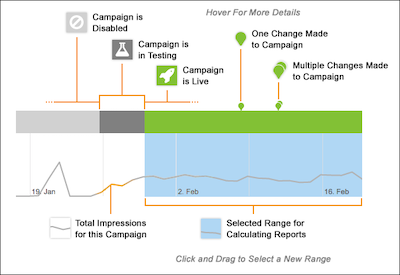
When viewing the activity timeline, keep the following in mind:
- A pin icon indicates campaign changes. One pin indicates one campaign change. Multiple pins indicate multiple campaign changes.
- The colored bar above the graph indicates the campaign state. Green is the time the campaign is published. Gray indicates the campaign is disabled.
- The white background color on the graph indicates the section of total recorded campaign impressions. The blue background indicates the range selected for reports calculation.
#### See Also
- [Filters and Global Goals](https://help.salesforce.com/s/articleView?id=mktg.mc_pers_filter_and_goal.htm&release=264.0.0&type=5 "Establishing filters and global goals to better monitor the results of specific campaigns and gauge the impact of campaigns against overall business goals.")
- [Campaign Statistics Filters](https://help.salesforce.com/s/articleView?id=mktg.mc_pers_campaign_statistics_filters.htm&release=264.0.0&type=5 "Use campaign statistics filters to focus on how various subgroups behave in a campaign. You can view statistics based on selected results filters, tailor statistics output to account for outliers, view statistics by attribution and activity, or compare baselines.")
# Campaign Statistics Calculations
Campaign statistics are available for every Personalization campaign. The calculations and information available on the campaign statistics screen helps you determine the success of your campaign.
## Lift is the Objective
The objective for any A/B test or personalization campaign is to generate lift over control for a business goal. The impact of the campaign is the measurement of the generated lift.
- Lift is a statistically significant improvement in a measured business goal.
- Control is the default experience without the change included or personalization applied.
- The business goal is what you use to define campaign success. It must include something you can measure. For example, you can measure a click-through, a sign-up, the amount of time on a page or site, a purchase, average order value, and revenue per user. A business goal includes a specific amount of improvement.
Lift is calculated by looking at the percentage increase of the goal value after running the campaign. It can be written as a mathematical equation:
\[(Goal value for a test experience) – (Goal value for control)\] / (Goal value for control)\]
For more details, see the examples section later in this section.
## Goal Completion Criteria
What counts as a goal completion? What counts in the calculations for revenue per user, click-through, signup, segment membership, and average order value? Personalization calculates results only as part of the analysis if a visitor meets these criteria.
- Qualification—The visitor qualifies to see the campaign and is either in the test group and receives a personalized experience or is in the control group and doesn’t receive a personalized experience.
- Completion—The visitor achieves the selected goal after qualifying for the campaign. Similarly, Personalization counts attributed revenue per user for visitors who qualify for the campaign and make a purchase.
- Time Range—For attribution, Personalization only considers activity inside the time frame that you select. For a purchase to be attributed, the selected campaign interaction, the impression or click, and the goal event must happen within the time frame. Goal events include purchases, clicks, or goal achievements. For more information, see [Attribution Time Frame Explained in Campaign Statistics](https://help.salesforce.com/s/articleView?id=mktg.mc_pers_campaign_statistics_attribution_time_frame.htm&release=264.0.0&type=5 "Personalization attributes your visitors’ purchase goal completions based on their interaction, and their level of interaction, with Personalization campaigns.").
## Statistics Granularity
If you see differences between the campaign list screen and the campaign stats screen for the same period, it's because the statistics are stored differently. The campaign list screen is designed to load quickly and not aggregate total impressions, clicks, goal completions, and other data. And it uses a different counting system to fetch campaign statistics data. The campaign stats screen loads slower, but presents up-to-the-minute campaign data. The data from the campaign statistics screen is your source of truth, despite any differences.
## Statistics Epoch
A campaign's "statistics epoch" denotes the start time for its statistics reporting in its current iteration. When a significant alteration is made to a campaign, this epoch resets to the time of the change, and statistics tracking and reporting resume from that point. This ensures the accuracy of statistics and confidence calculations. For instance, if the experience configuration or the control vs. test split percentage is modified, statistical significance can't be accurately calculated across these differing configurations. Consequently, statistics are solely reported for the campaign's current configuration.
Significant changes that will reset the stats epoch:
- Changing a campaign’s state to “Published.”
- Modifying the experience mode (for example, from a user percentage split to a rules-based experience).
- Adjusting the experience or control group percentages (for example, from a 5% control group to 10%).
## Confidence
For each metric calculated incrementally, Personalization shows you how much better a campaign experience performs compared to the selected comparison baseline. Confidence tells you how sure you can be that the experience drives the positive or negative result. Personalization considers a result to be statistically confident if it has a confidence rating of at least 95%. A bold arrow when you hover over the result indicates that it’s statistically confident.
When you think about the importance of confidence, keep these considerations in mind.
- Don’t draw significant conclusions from small amounts of data. In Example 2 in the Examples section, Experience 1 performs 35% better than the control. But confidence is 0% because only 33 people’s actions contribute to the goal completion rate, which isn’t enough to be statistically significant.
- The data patterns matter. The patterns in the data can make you more or less sure of the results.
## Bayesian Analysis
Personalization uses [Bayesian analysis](https://betterexplained.com/articles/an-intuitive-and-short-explanation-of-bayes-theorem/) to continuously calculate and update the confidence of every lift percentage.
- If the Bayesian analysis is greater than 95%, Personalization shows the percentage of confidence and whether the campaign is winning or losing versus the control.
- If the Bayesian analysis is less than 95%, Personalization still shows the result, but it indicates that the results are inconclusive.
For more information about interpreting campaign statistics data, refer to the See Also section.
## Lift Calculation: Example 1
Suppose the goal of a personalization campaign is to increase revenue per user. The control for the campaign is an experience without any recommendations. When visitors who qualify for the campaign see the control experience, revenue per user is $77.13. When visitors who qualify for the campaign see the personalized experience, which shows recommendations targeted to each visitor’s affinities and preferences, revenue per user is $84.69. The campaign has a 9.8% lift, which is calculated as:
(84.69 - 77.13) / (77.13) = 9.8%
## Lift Calculation: Example 2
Now consider another campaign set up as an A/B test. The goal of this A/B test campaign can be anything that you want to improve on your site. Goals include:
- Increasing clickthroughs
- Visitors joining a segment of interest
- Shoppers signing up for emails
- Visitors spending a certain amount of time on the site
When visitors qualify for this example campaign and see the control experience, they achieve the goal at a rate of 1.01%. When visitors qualify for this example campaign and see the personalized experience, they achieve the goal at a rate of 1.36%. Lift is calculated by looking at the percentage increase of the goal value after running the campaign:
\[1.36- 1.01\] / \[1.01\] = 34.9%
The personalized experience seems to be generating 34.9% lift, but the campaign statistics show confidence at 0%. Given inconclusive results, the 34.9% lift can’t be seen as an accurate reflection of success. Why is the confidence 0% and what does that mean? For more information, see [Confidence Explained in Campaign Statistics](https://help.salesforce.com/s/articleView?id=mktg.mc_pers_campaign_statistics_confidence.htm&release=264.0.0&type=5 "Confidence on the Campaign Statistics screen refers to the term statistical confidence. It’s a measure of how sure you are of your results from an A/B test. It isn’t a measure of how effective a campaign was, but a measure of how certain you can be with the campaign’s displayed impact.").
## Comparing Personalization Statistics With Reporting Data From Third-Party Analytics Providers
In addition to using Personalization campaign statistics, organizations often use third-party analytics software to track campaign effectiveness. In some cases, Personalization campaign statistics can differ from statistics gathered by third-party software. Many data points contribute to how Personalization tracks and records campaign statistics, like configuration, timing, and the definitions of a user or visit. Reporting for Personalization can differ from the way analytics providers track the same information, making it difficult to pinpoint a single reason for a mismatch. For more information about the Personalization approach to data tracking and reporting, see [Reports and Analytics](https://help.salesforce.com/s/articleView?id=mktg.mc_pers_report_analytics.htm&release=264.0.0&type=5 "After personalizing your site, use Personalization reports to determine what’s working and where to make improvements.") and developer documentation for [Campaign Stats Tracking](https://developer.salesforce.com/docs/marketing/personalization/guide/campaign-stats-tracking.html?q=campaign%20stats%20tracking).
# Campaign Statistics Filters
Use campaign statistics filters to focus on how various subgroups behave in a campaign. You can view statistics based on selected results filters, tailor statistics output to account for outliers, view statistics by attribution and activity, or compare baselines.
| Filtering Option | Description |
| --- | --- |
| Outlier Filtering | This option is available if you configured outliers for the Catalog and Profile objects. If you turn on Outlier Filtering, you exclude outliers in campaign statistics. For example, a visitor placing an order significantly higher in value than the average order can skew the statistics for your campaign. Outlier filtering can exclude this order, resulting in a more accurate view of campaign performance. |
| Results Filter | Select a results filter to view campaign statistics only for visitors that meet the filter criteria. For example, the First Visit filter excludes visitors who didn’t complete the campaign as a first-time visitor. To see if campaign performance varies between devices, use the Device Type filter. You can also apply a segment that is configured as a filter. |
| Attribution Type | The two attribution types are view and click. View shows conversions from visitors who received a campaign impression during the selected time frame. Click shows conversions from visitors who click any tracked, clickable element of the campaign. |
| Attribution Window | The attribution window is the time period between visit impression and goal completion. The time period that you choose depends on how quickly you expect a visitor to convert after exposure to the campaign. For example, 30 minutes (the default) is the typical attribution window for a campaign designed to drive an immediate response, such as an email capture popup. |
| Comparison Baseline | You can compare campaign metrics against a baseline. For example, you can compare one experience to another or to a control experience to see which has a higher revenue or conversion rate. |
#### See Also
- [Results Filter Attribution Statistics](https://help.salesforce.com/s/articleView?id=mktg.mc_pers_campaign_statistics_results_filter_att_stats.htm&release=264.0.0&type=5 "How Personalization calculates attribution statistics can depend on whether individuals are included or excluded from the calculations based on their campaign activity.")
- [Get Statistics for a Campaign](https://help.salesforce.com/s/articleView?id=mktg.mc_pers_campaign_statistics_view.htm&release=264.0.0&type=5 "Monitor and analyze the effectiveness of a campaign. You can apply different filters to view activity and attribution metrics during a particular time period. To collect statistics, the campaign must have recorded campaign impressions.")
# Campaign Statistics Optimizations by KPI
Every campaign and use case is distinct, with their own nuances. However, when thinking about how to improve and optimize your campaign performance, these general guidelines can help.
Key Performance Indicator (KPI)
What You See in Campaign Statistics
Recommended Optimizations
Click-Through Rate (CTR)
Control is beating the test click-through rate.
Consider changing one of these campaign components.
Messaging—Make the messaging more engaging.
Look and feel—Create a more prominent
call-to-action.
Recommendations—Review the recipe for potential
optimizations.
Conversion Rate
Control is beating the test conversion rate.
Note: In many cases, the conversion rate can be the goal-completion rate.
Consider changing one of these campaign components, or consider pausing the campaign and revisiting your hypothesis.
Placement—Is the campaign distracting the visitor from
converting? Consider a different placement in a less distracting
location.
Customer journey—Is the campaign disrupting the
customer journey? Consider re-evaluating your hypothesis and changing
when the campaign triggers.
Recommendations—Is the recipe recommending items that
are distracting the visitor from their path to conversion?
Average Order Value (AOV)
Control is beating the test average order value.
Consider changing one of these campaign components:
Offers or promotions—Is the campaign displaying an
offer that would lower the total purchase price? Are you seeing a
correlated increase in conversion rate?
Recommendations—Is the campaign recommending
lower-priced products? Consider adjusting the recipe, possibly by
adding a price inclusion rule.
Revenue Per User (RPU)
Control is beating the test revenue per user.
Revenue per user is a combination metric derived from the average order value and conversion rate. If the test experience is losing revenue per user, consider other optimizations listed in this chart.
In addition, evaluate whether you selected the optimal audience for your campaign. Consider these examples:
First-time purchasers could be turned off by your upsell attempts, while returning customers could be more receptive. Consider limiting the upsell campaign to returning purchasers.
A campaign with an offer targeted at frequent visitors could be unnecessary. In fact, you could be training your customers to wait for offers before making a purchase. Consider limiting this type of campaign to new or lapsed visitors.
Impression Volume
Impression volume is below expectations.
Review the campaign and experience targeting rules.
Is the audience for this campaign too narrow? Consider relaxing the targeting rules.
Are the actions or pages targeted by the campaign tracking properly? Test the targeted actions yourself across browsers and devices and in an incognito window, and confirm they’re working properly. For web campaigns, use the Campaign Debugger feature in the Salesforce Interactions SDK Launcher Chrome Extension to validate that you see the action tracked.
If the campaign targets a page element that loads slowly, it can prevent the campaign from rendering for visitors with poor internet connections. Work with your developer to confirm the web template is built properly and performant.
Bounce Rate
(track bounce rate using a third-party analytics platform, such as Google Analytics)
The test experience causes a higher bounce rate or shorter visits, without conversion, than control.
Your campaign could be distracting or annoying to your visitors.
Review the campaign configuration and rules, and confirm that they’re configured properly. For example, a popup on every page load of a visit could be annoying. A best-sellers recommendations campaign targeting the checkout page could also be annoying or distracting.
Review your hypothesis carefully, and determine if the campaign could be annoying or frustrating to your visitors.
Ensure that your campaign loads quickly and, if it's replacing existing content, that it doesn’t flicker. Slow-loading campaigns can frustrate visitors. If your campaign isn’t loading with the rest of the page, work with your developer to improve the template.
#### See Also
- [_Developer Documentation_: Campaign Debugger](https://developer.salesforce.com/docs/marketing/personalization/guide/campaign-debugger.html)
# Campaign Statistics Reports
Reports are available on the Campaign Statistics screen. They give additional insight into campaign performance by specific metric.
## Report Options by Metric
| Item | Description |
| --- | --- |
| Goal Completion Rate | The number of users who completed the selected goal divided by the number of cumulative unique users who were impressed or clicked, depending on your selected attribution type. |
| Conversion Rate (Orders) | The number of cumulative attributed orders divided by the number of unique visitors. |
| Average Order Value | The cumulative attributed revenue divided by the number of attributed orders. |
| Orders | The total cumulative attributed orders of the unique visitors. |
| Revenue/User | The cumulative attributed revenue divided by the number of unique visitors. |
| Revenue | The total cumulative attributed revenue of the unique visitors. |
| Click-Through Rate | The number of cumulative clickthroughs divided by the number of cumulative impressions. |
| Clickthroughs | The number of times the campaign records a click. For example, a click can be recorded for a user who clicks a button or element in a campaign experience. Or a click can be recorded for a user who clicks a tracked click in the control experience. |
| Dismissal Rate | The cumulative number of dismissals divided by the cumulative impressions. |
| Dismissals | The number of times the campaign was dismissed, if applicable. |
| Unique Visitors | The number of unique impressed users or users who click the campaign, depending on your selected attribution type. Unique visitor counts are based on the number of individual user profiles and carry over from visit to visit. |
| Impressions | The number of times the campaign experience, or control, is seen. Impressions can be greater than the number of unique visitors because visitors can see a campaign more than one time. An impression is registered anytime a user qualifies for a campaign, including when they open an email containing an Open-Time Email campaign. |
| Goal Completions | The number of users who complete the selected goal and join the goal segment. |
# Campaign Tags in Marketing Cloud Engagement
Use tags in Marketing Cloud Engagement to categorize campaigns by any criteria, such as geography, marketing tactic, and product line.
For example, each campaign for a monthly newsletter can have the tag “newsletter.” You can aggregate campaign analytics with the “newsletter” tag in reports. See [Campaign Email Tracking](https://help.salesforce.com/s/articleView?id=mktg.mc_re_campaign_email_tracking_report.htm&type=5&language=en_US) and [Multi-Campaign Email Tracking Summary](https://help.salesforce.com/s/articleView?id=mktg.mc_re_multi_campaign_email_tracking_summary.htm&type=5&language=en_US).
Create campaigns and add tags to new or existing campaigns on the Campaign Overview page. You can associate multiple tags to a campaign and add or remove them at any time.

- **[Filter Campaign Tags in Marketing Cloud Engagement](https://help.salesforce.com/s/articleView?id=mktg.mc_ca_filter_campaign_tags.htm&release=264.0.0&type=5)**
Learn about filtering tags for campaigns in Marketing Cloud Engagement.
#### See Also
- [Create a Campaign in Marketing Cloud Engagement](https://help.salesforce.com/s/articleView?id=mktg.mc_ca_creating_editing_deleting_campaigns.htm&release=264.0.0&type=5 "Create a campaign in the Campaigns app.")
# Campaign Targeting Rules and Rule-based Tests
Rules determine when, where, and how your campaigns display and who sees them. You can add rules when you create or edit a campaign at the campaign level for campaign targeting or when defining rule-based test experiences.
## Campaign Targeting Rules
Set rules at the campaign level when you want to control how a web campaign displays. Control visibility at the campaign-level based on segments, location, device type, time of day, viewer actions, page, company, industry, and more.
Campaign targeting rules follow AND logic. If you include multiple rules in the same web campaign, users must satisfy all rules, regardless of the order, to qualify for the campaign.
You can use campaign targeting rules for rule-based test campaigns and A/B test campaigns. In a rule-based test campaign, users must qualify at the campaign level first and then qualify for a specific experience. In an A/B test campaign, users must qualify for the campaign first. Then they either see the campaign or become part of the control group, which doesn’t see the campaign.
## Rule-based Test Campaigns and Experience Rules
Deliver specific experiences to specific groups or segments of people based on who they are or where they are in your site or app. A simple way to think about rule-based testing is with IF-THEN statements. IF a person falls into segment A, THEN show them experience A. IF a person falls into segment B, THEN show them experience B, and so on.
In a rule-based test campaign, users must qualify to receive the campaign experience and each experience needs a qualifying rule. Experience rules are available for rule-based test campaigns only. Users qualify for an experience based on page target or type, user location, user segment, visit behavior, event action, and more.
Users who qualify for multiple experiences within the campaign receive the experience at the top of the list of rule-based experiences. You can reorder the experiences to fit your business needs.
If you set a control percentage, it applies only to users who qualify for the experience. The control is a group of people who qualify to see a campaign but aren’t shown it. The control group creates a benchmark to measure the success or impact of your campaign. Because users in this group won’t see the campaign, you can compare results against the group that does see the campaign.
## Example Scenario
Suppose you have a campaign with device-specific messages that you want to display only to returning users from your six target cities. At the campaign-targeting level, a **Visit Behavior** | **Visit Count** rule determines whether the user sees the campaign based on a previous visit to your website. Then, using a rule-based test campaign with experience-level rules, you can filter who sees which location and a device-specific experience based on user location and device type.
#### See Also
- [_Video_: Create Rule-Based Campaigns](https://www.youtube.com/watch?v=7frznbLswhk)
- [Rule Categories](https://help.salesforce.com/s/articleView?id=mktg.mc_pers_web_campaign_rule.htm&release=264.0.0&type=5 "There are a variety of rules that you can add for campaign targeting and rule-based campaign experiences when you create or edit a campaign.")
- [Create a Web Campaign](https://help.salesforce.com/s/articleView?id=mktg.mc_pers_web_campaign_create.htm&release=264.0.0&type=5 "Using a web campaign, you can personalize various aspects of your website for your users based on their behavior, affinities, preferences, location, or other qualifying criteria. You can create web campaigns from templates in your dataset. The templates provide a framework that defines the campaign placement, copy and creative locations, and general campaign design.")
# Campaigns in Marketing Cloud Engagement
Plan, coordinate, and measure cross-channel campaigns in real time using campaign tags. You can create campaigns from emails, mobile messages, landing pages, and data extensions, or events such as automations.
- **[Create a Campaign in Marketing Cloud Engagement](https://help.salesforce.com/s/articleView?id=mktg.mc_ca_creating_editing_deleting_campaigns.htm&release=264.0.0&type=5)**
Create a campaign in the Campaigns app.
- **[Campaign Tags in Marketing Cloud Engagement](https://help.salesforce.com/s/articleView?id=mktg.mc_ca_campaigns_tags.htm&release=264.0.0&type=5)**
Use tags in Marketing Cloud Engagement to categorize campaigns by any criteria, such as geography, marketing tactic, and product line.
- **[Campaign Associations in Marketing Cloud Engagement](https://help.salesforce.com/s/articleView?id=mktg.mc_ca_understanding_campaigns_and_associations.htm&release=264.0.0&type=5)**
A campaign association is a channel-specific message, content, or activity you want to include in the campaign.
- **[Engagement Campaign FAQs](https://help.salesforce.com/s/articleView?id=mktg.mc_ca_campaigns_faq.htm&release=264.0.0&type=5)**
Learn about where to find things and how to use the Campaigns app in Marketing Cloud Engagement.
# Campaigns in Sales Emails and Alerts
Campaigns in Sales Emails and Alerts (Engage Campaigns) help you send targeted emails to groups of leads and contacts, and then track engagement metrics from Salesforce.
- **[Guidelines for Sending Campaigns with Sales Emails and Alerts](https://help.salesforce.com/s/articleView?id=mktg.pardot_guidelines_for_sending_engage_campaigns.htm&release=264.0.0&type=5)**
When sending campaigns in Sales Emails and Alerts campaigns, keep these guidelines in mind.
- **[Send Engage Campaigns to a Single Lead or Contact](https://help.salesforce.com/s/articleView?id=mktg.pardot_send_engage_campaigns_to_a_single_lead_or_contact.htm&release=264.0.0&type=5)**
You can send Engage Campaigns from individual lead or contact records.
- **[Send Engage Campaigns to Multiple Leads or Contacts](https://help.salesforce.com/s/articleView?id=mktg.pardot_send_engage_campaigns_to_multiple_leads_or_contacts.htm&release=264.0.0&type=5)**
Engage Campaigns let you send targeted emails to groups of leads and contacts, and then track engagement metrics from Salesforce.
# Can a Report Owner Give Read/Write Access to Others for Report they've created and saved?
No. You can’t share permissions for a report created within Analytics Builder. However, a different user can access a report and perform a Save As to create a copy. Report ownership can’t be transferred from one user to another.
# Can Different Rules Be Applied to Each Zone on a Page with Multiple Zones?
No, rules are applied at the page or channel level.
# Can Einstein Predict Engagement Frequency on a Segment or Brand Level?
No. Engagement frequency predictions are only available at the contact level for contacts in your business unit.
# Can Einstein Recommendations Import Offline Data Feeds?
Yes. A one-time historical data feed of online or offline purchases can be imported, in catalog format, as part of a standard implementation. This option is great for building “people who bought….also bought” lists, one of our highest revenue generating algorithms.
# Can I Add the SubscriberID Parameter to a Link in Journey Builder?
Yes. You can manually append the `sfmc_id=%%subscriberid%%` parameter to a link, just like other UTM parameters. When you do, the subscriber is added to an audience, published to Marketing Cloud Engagement, and added back into a journey using the data extension for the audience.
#### See Also
- [Use an Audience Data Extension in a Journey Entry Step](https://help.salesforce.com/s/articleView?id=mktg.mc_gai_use_ga_audience_for_journey_entry.htm&release=264.0.0&type=5 "When you import a Google Analytics audience, Marketing Cloud Engagement creates a data extension based on the data associated with the audience. You can use the data extension to add an audience into a journey.")
# Can I Bulk Upload and Verify From Addresses?
Yes. You can import and verify multiple From address in From Address Management in individual accounts.
# Can I Change an Item’s Product Code After the Initial Import?
No. You can’t change the product code for a SKU ID after the initial import. Changing the product code creates a mismatch between the product code and the UUID.
If the product code is updated and you notice a mismatch between the product code and UUID inside your catalog, see [Marketing Cloud Engagement Einstein Recommendations - Remove Current Catalog](https://help.salesforce.com/s/articleView?id=000390808&type=1&language=en_US).
# Can I Change or Rotate My Keys?
You can't rotate your Data Encryption Key (DEK). However, you can rotate the Key Encryption Key (KEK) that Marketing Cloud Engagement uses to encrypt your DEK.
# Can I change the scheduled time for the automations to start?
Yes, however doing so could delay import of updated scores into your account and delay their availability in Audience Builder.
To change an automation, see [Schedule an Automation](https://help.salesforce.com/s/articleView?id=mktg.mc_as_schedule_an_automation.htm&language=en_US).
# Can I Create a Data Extension with Field-Level Encryption Without Using a Template?
Yes. Use Contact Builder to create data extensions that use Field-Level Encryption. You don't need to copy an existing data extension that uses Field-Level Encryption.
# Can I Create Custom Reports in Analytics Builder?
To create a custom report in Analytics Builder, first enable the Discover reporting tool. Contact your account executive for more information.
# Can I Customize the Prediction Model or Algorithm?
No, you cannot customize the models. Scores are smoothed so they present an even, understandable view of your customer personas. The models are automatically tuned on the Einstein Platform.
# Can I Define My Own Campaign Name Parameter for Links in an Email?
Yes. To enter a custom campaign name for each email activity in the Journey Builder email send flow, select the Set Per Message option in the Google integrations tracking parameters.
# Can I Determine Which Domains and Subdomains Are Tracked for Links Sent from My Journey?
Yes, you can allow one or more domains and subdomains using the allowlist in Journey Builder settings.
# Can I Display Currency Denominations Other Than US Dollars?
Yes. Include the currency symbol in the Einstein Recommendations catalog and make it a text field outside of your standard pricing fields.
# Can I Execute an Abandoned Cart or Abandoned Browse Email by Querying Einstein Recommendations Data Extensions?
Use Behavioral Triggers to create a list used in a send or journey.
#### See Also
- [Behavioral Triggers](https://help.salesforce.com/s/articleView?id=mktg.mc_jb_behavioral_triggers.htm&language=en_US)
# Can I limit who has access to Einstein Engagement Scoring?
No, you cannot restrict Einstein Engagement Scoring permissions based on user roles.
# Can I Match Contacts Between Google Analytics and Marketing Cloud Engagement?
Yes. To identify a customer in an audience by matching the Client ID stored on the client machine in the GA cookie and the SFMC ID, the user’s machine must initiate a session. You need both IDs to simulate a session and send a hit through the Google Analytics measurement protocol. To encourage engagement, you can send the customer a welcome email with a call-to-action link or button when they complete their online registration.
# Can I Preview Email Personalization in Litmus?
Yes. Select a subscriber in Subscriber Preview and then select **Litmus** to preview how the selected subscriber’s personalization renders across multiple clients. Only previews emailed to your Litmus address display in your Litmus account.
# Can I Remove Duplicate IDs?
Yes. In Google Analytics, you can expose the subscriber ID from Marketing Cloud Engagement as a custom dimension. If multiple Google Client IDs have the same subscriber ID, the integration deduplicates the Google ID before it’s sent to Marketing Cloud Engagement.
# Can I Save a Report?
Yes. You can save, retrieve, and rerun reports in Analytics Builder.
# Can I Schedule a Report?
Yes. You can schedule any standard Analytics Builder report to run at specified dates and times. When scheduling end dates, don’t enter a date after the year 2077.

Example
To schedule the report that you created, open the report, and select **Edit** in the Schedule Options section.
Select the start date and time, the time zone, and the send frequency. You can run a report one time, hourly, daily, weekdays, weekly, or monthly. Finally, choose your preferred delivery file format and location.
# Can I Search for a Specific Report?
Yes. In Analytics Builder, open Reports and search by name or use filters to locate a report.
# Can I Send Multiple Values in a Single Field?
To include multiple values in a custom field, separate them with a tilde (~). Standard fields don’t support multiple values.
# Can I Use a URL as My ContentID?
You can use a URL as your ContentID if it’s fewer than 256 characters. However, using a URL as the Content ID isn’t recommended as a best practice.
# Can I Use Data Filters when Field-Level Encryption is Enabled?
No, you can’t use data filters when Field-Level Encryption is enabled in your account. Additionally, you can’t filter encrypted values or save data filters with encrypted fields.
# Can I Use Field-Level Encryption with Data at Rest Encryption?
You can use Data at Rest Encryption at the same time as Field-Level Encryption. Data at Rest Encryption encrypts the underlying files stored in the file system. Field-Level Encryption is applied at the application level for certain configurable fields.
For more information, see [Data at Rest Encryption.](https://help.salesforce.com/s/articleView?id=mktg.mc_overview_data_encryption.htm&release=264.0.0&type=5 "Use Data at Rest Encryption to help meet compliance and regulatory requirements without modifying application code. Contact your account executive for more information about enabling Data at Rest Encryption.")
# Can I Use Field-Level Encryption with Tokenized Sending or Data Obfuscation?
No, you can’t use Field-Level Encryption with tokenized sending or data obfuscation.
# Can I Use Litmus Email Previews in Content Builder?
Yes. Litmus Email Previews are available everywhere that you use the Content Builder editor for emails.
# Can I Use Mobile Studio with Field-Level Encryption?
You can use Mobile Studio with Field-Level Encryption. Mobile Studio doesn’t permit encryption for mobile numbers used as subscriber keys and doesn’t decrypt mobile numbers at send time.
# Can I Use My Current Marketing Cloud Engagement Catalog in Einstein Recommendations?
Yes, you can use your catalog if it includes all the required fields. Export the catalog to your FTP account in UTF-8 format and then import it into Einstein Recommendations.
# Can I Use Overlapping Date Ranges Using the Metric Compare Feature in the Date Filter?
No. Overlapping date ranges causes the system to count your data more than once and provides an inaccurate comparison of the data sets.
# Can I Use Suppression Lists When Field-Level Encryption is Enabled?
Yes, you can use still suppression lists after enabling Field-Level Encryption. Add subscribers to your suppression lists by using their subscriber keys.
# Can I Use the Journey Analytics Dashboard Without the Google Analytics Integration?
Yes. All Marketing Cloud Engagement users have access to email metrics in the Journey Analytics dashboard.
# Can You Add Multiple Attributes from the Same Field, Such as When a Category Is Both Sandals or Leather Then Apply the Action?
Yes, you can add multiple attributes from a field.
# Can You Apply a Rule Based on an Individual Profile, for Instance, When a Customer’s Purchase History Contains a Product with a Category of Couch, Exclude Products with a Category of Sofa?
Yes, you can configure a rule to apply based on customer attributes.
# Can You Specify Certain Scenarios a Rule Must Be Applied To?
No, rules are applied at a page level or channel level.
# CAN-SPAM Requirements
Learn about CAN-SPAM requirements for Marketing Cloud Engagement.
The CAN-SPAM Act imposes stricter requirements on commercial emails than on transactional emails. Complying with these requirements protects you from CAN-SPAM litigation and demonstrates your commitment to providing relevant customer messaging.
The CAN-SPAM act requires that commercial emails, whose primary purpose is to deliver commercial content, meet these criteria.
- Accurately identify the sender in the header information.
- Use a subject line that accurately represents the content of the email.
- Identify the message as an advertisement, unless you have express consent (opt-in) from the subscriber.
- Include your physical mailing address.
- Provide a mechanism to opt out. You can’t require a subscriber to log in or visit more than a single page to unsubscribe.
- Honor opt-out requests promptly. You must process an unsubscribe request within 10 days, and your unsubscribe mechanism must be operational for at least 30 days after the mailing.

Note Engagement has more requirements related to sending commercial email messages. For more information, review the [Anti-Spam Policy.](https://www.salesforce.com/en-us/wp-content/uploads/sites/4/documents/legal/Agreements/anti-spam-policy.pdf)
However, transactional messages, whose primary purpose is to communicate transactional content, are mostly exempt from all requirements except the first one. A transactional message is one that facilitates an already agreed-upon transaction or updates a customer about an ongoing transaction. For example, if a customer orders a product from your website, the receipt you send via email is a transactional message.
Because transactional messages aren’t required to honor opt-out requests, when the system sends a transactional message, it doesn’t prevent the message from being delivered to subscribers who have unsubscribed at any level.
You tell the system whether an email is commercial or transactional by associating a commercial or transactional send classification to it. When you create a transactional send classification, you can choose to have the system honor list-level opt-outs by selecting the honor source and publication list-level opt-outs checkbox. If you want some of your transactional messages to honor opt-outs while others don't, you can create multiple transactional send classifications.
# Cancel a Running ETL Job
With proper Feed role permission settings, you can cancel a running ETL job.
### Required Editions
Permissions Needed
To cancel a running ETL job:
Feeds role with Cancel permissions
When canceling a running ETL job, keep these considerations in mind:
- The ability to cancel a running ETL job requires a Feeds role with Cancel permissions enabled. See [Verify Feeds Role Permission Settings](https://help.salesforce.com/s/articleView?id=mktg.mc_pers_etl_feeds_role_perm_verify.htm&release=264.0.0&type=5 "To cancel running ETL jobs or manage feed files, ensure that the Cancel permission for the Feeds role is enabled.").
- Before canceling a running ETL job, you must first disable the feed. Trying to cancel a job while the feed is enabled results in a prompt to disable the feed first. See [Disable or Re-Enable an ETL Feed](https://help.salesforce.com/s/articleView?id=mktg.mc_pers_etl_feeds_disable_or_reenable.htm&release=264.0.0&type=5 "Before you can cancel a running ETL job, you must first disable the ETL feed. You can re-enable a disabled ETL feed at any time.").
- Canceling an ETL job can affect the job files. See [How Canceled Files are Affected](https://help.salesforce.com/s/articleView?id=mktg.mc_pers_etl_canceled_file_affects.htm&release=264.0.0&type=5 "How canceled files are affected depends on the state of the job at the time it’s canceled.").
To cancel a running ETL job:
1. From the main navigation, select **Feeds** | **Feeds Dashboard**.
2. Click the feed type that contains the running job that you want to cancel.
3. Select the running job from the job list.
4. Click the **Cancel Job** button that appears next to **Review Execution**.
#### See Also
- [Manage ETL Running Jobs and Feeds](https://help.salesforce.com/s/articleView?id=mktg.mc_pers_etl_manage_jobs_and_feeds.htm&release=264.0.0&type=5 "By enabling the Cancel level for the Feeds permission setting, you can manage ETL jobs and feed files directly. This permission level provides the ability to cancel running jobs and archive files.")
- [How Canceled Files are Affected](https://help.salesforce.com/s/articleView?id=mktg.mc_pers_etl_canceled_file_affects.htm&release=264.0.0&type=5 "How canceled files are affected depends on the state of the job at the time it’s canceled.")
- [Verify Feeds Role Permission Settings](https://help.salesforce.com/s/articleView?id=mktg.mc_pers_etl_feeds_role_perm_verify.htm&release=264.0.0&type=5 "To cancel running ETL jobs or manage feed files, ensure that the Cancel permission for the Feeds role is enabled.")
- [Disable or Re-Enable an ETL Feed](https://help.salesforce.com/s/articleView?id=mktg.mc_pers_etl_feeds_disable_or_reenable.htm&release=264.0.0&type=5 "Before you can cancel a running ETL job, you must first disable the ETL feed. You can re-enable a disabled ETL feed at any time.")
- [Archive and Restore Files](https://help.salesforce.com/s/articleView?id=mktg.mc_pers_etl_archive_and_restore_files.htm&release=264.0.0&type=5 "You can archive files to prevent them from processing. You can restore archived files at any time.")
- [Navigate the Feeds Dashboard](https://help.salesforce.com/s/articleView?id=mktg.mc_pers_etl_feeds_dashboard_use.htm&release=264.0.0&type=5 "Open the Feeds Dashboard and explore ETL jobs that are queued, in progress, or complete.")
- [ETL Integration](https://help.salesforce.com/s/articleView?id=mktg.mc_pers_etl_integration.htm&release=264.0.0&type=5 "Ingest data into Marketing Cloud Personalization using ETL data feeds. ETL integration lets you batch load data using CSV files that are generated externally. Update the catalog, import and export segments, upload historical data, and more. You import CSV files using an SFTP site or uploading them manually.")
- [FAQs for ETL Integration](https://help.salesforce.com/s/articleView?id=mktg.mc_pers_etl_integration_faq.htm&release=264.0.0&type=5 "Answers to frequently asked questions about ETL integration in Marketing Cloud Personalization.")
- [View ETL Files on the SFTP Site](https://help.salesforce.com/s/articleView?id=mktg.mc_pers_etl_files_view_on_sftp_site.htm&release=264.0.0&type=5 "Review processed ETL files after creating SFTP accounts and beginning data transfer. Personalization deletes files after 60 days.")
# Cancel A/B Test
You can cancel an A/B Test in Email Studio before completion. However, the current stage of the process completes.
1. Click **A/B Testing**.
2. Click the Name of the A/B Test to cancel.
3. Click **Cancel Test**. The Confirm A/B Test Cancellation dialog box appears.
4. Click **Confirm**.
# Capabilities of Referral Marketing Integration with B2C Commerce
Provide your customers a single location to shop, to join a referral program, to pay with points and vouchers, and to review their member profile and promotions.
- **[Customer Enrollment into Referral Program](https://help.salesforce.com/s/articleView?id=mktg.referral_commerce_cloud_enroll_members.htm&release=264.0.0&type=5)**
New and existing customers of your B2C Commerce site can join the referral program. Customers new to your site can join the referral program when creating an account on the site. Existing customers can join the referral program from their My Account page. Customers can review the terms and conditions of the referral program before joining the referral program.
- **[Member Profile and Activity Details](https://help.salesforce.com/s/articleView?id=mktg.referral_commerce_cloud_profile_dashboard.htm&release=264.0.0&type=5)**
Referral program members can view their membership and reward details on the My Dashboard page. Members can also view the details of their activities on the My Activities page of the B2C Commerce site.
- **[Promotions](https://help.salesforce.com/s/articleView?id=mktg.referral_commerce_cloud_product_promotions.htm&release=264.0.0&type=5)**
Members can view the promotions that are applicable for a product or its category on the product's page on the B2C Commerce site.
- **[Voucher Redemption for Order Payment](https://help.salesforce.com/s/articleView?id=mktg.referral_commerce_cloud_redemption.htm&release=264.0.0&type=5)**
Referral program members can use their issued vouchers to pay for orders. Members can pay for an order with vouchers, and other payment methods.
# Capture Data from Click to WhatsApp Ads
Track which Meta ads start your WhatsApp conversations, link those conversations to known customers, and send the resulting conversion events back to Meta. When a customer clicks a Click to WhatsApp Ad (CTWA) on Facebook or Instagram and starts a WhatsApp conversation with your business, Salesforce automatically captures the ad's referral data, including the unique click ID, and stores it in Data Cloud.
Available in: Lightning Experience
Available in:
Enterprise and Unlimited Editions for Service Cloud
Growth or Advanced Editions Marketing Cloud Next
Pro+, Corporate+, and Enterprise+ Editions for Marketing
Cloud Engagement
## Turn On Ad Click Capture
You don't need to configure anything in Salesforce to start capturing referral data. Capture starts automatically for any WhatsApp Business number that's connected to Salesforce via the Unified Conversation Platform and selected as the destination of a Click to WhatsApp Ad campaign.
## Find the Click ID for a Conversation
Salesforce stores the captured referral data on the Message Engagement DMO in Data Cloud. To find the click ID for a specific WhatsApp conversation, query the Message Engagement DMO and filter by the inbound message that started the conversation.
These fields are added to the Message Engagement DMO:
Referral Fields on the Message Engagement DMO
| Field Label | Description |
| --- | --- |
| Referral Click ID | The unique click ID (`ctwa_clid`) that identifies the specific ad click. Use this ID when you send conversion signals back to Meta through the Conversions API. |
| Referral Source Type | The type of source that the customer clicked, such as an ad. |
| Referral Source ID | The ID of the source ad or post that originated the click. |
## Define Your Conversion Events
Salesforce captures the click ID. Your business defines what counts as a conversion. Examples include:
- A purchase that follows a WhatsApp conversation
- A form that's filled out or an appointment that's booked
- Any downstream business event that's tied to the WhatsApp interaction
After you define your conversion events, update the related DMOs in Data Cloud to record these outcomes so that you can activate them back to Meta.
## Send Conversions Back to Meta with the Conversions API
After you capture your conversion events in Data Cloud, use Activation Targets (a native integration with the Meta Conversions API) to send the events back to Meta. Sending conversion signals back to Meta helps Meta's algorithm identify which clicks drive real outcomes, which improves audience targeting and ad performance.
For more information, see [Connect to and Activate Data with Meta Conversions API.](https://help.salesforce.com/s/articleView?id=003960741&type=1&language=en_US)

Note
The referral block is present only on the first inbound message of a conversation that starts from a Click to WhatsApp Ad campaign. Subsequent messages in the same conversation don't repeat the referral data.
Meta's referral payload is the source of truth for click attribution. If Meta doesn't include a referral block on a message, Salesforce can't attribute the conversation to an ad.
# Capture External Prospect Activity
Use external activities to capture important prospect activity that happens outside of Account Engagement. Use the prospect data to enhance your automations and Engagement Studio programs. For example, send an email when a prospect registers for a webinar.
### Required Editions
Available in: Account Engagement Plus, Advanced, and Premium Editions
- **[Considerations for Using External Activity](https://help.salesforce.com/s/articleView?id=mktg.pardot_external_activity_considerations.htm&release=264.0.0&type=5)**
When working with external activities, keep these considerations in mind.
- **[Add an Activity Type to a Marketing App Extension](https://help.salesforce.com/s/articleView?id=mktg.pardot_external_activity_add_activity.htm&release=264.0.0&type=5)**
To capture prospect activity that happens externally, add an activity type to your marketing app extension.
- **[External Activities: Next Steps](https://help.salesforce.com/s/articleView?id=mktg.pardot_external_activity_next_steps.htm&release=264.0.0&type=5)**
After you set up a marketing app extension, assign it to a business unit, and add an activity type, it’s time to complete the integration. We recommend working with your developer to connect the activity types that you created to your third-party app or integration service.
#### See Also
- [Streamline Marketing Efforts with Automation Tools](https://help.salesforce.com/s/articleView?id=mktg.pardot_automation_tools.htm&release=264.0.0&type=5 "Streamline marketing efforts by automating tasks. Use automation tools to perform actions on prospects, build prospect lists based on criteria, and react to prospect actions.")
- [Nurture Leads with Engagement Studio](https://help.salesforce.com/s/articleView?id=mktg.pardot_engagement_studio_parent.htm&release=264.0.0&type=5 "Engagement Studio programs are completely customizable so you can tailor the prospect experience to generate the most promising leads for your sales team. Build, test, and report on powerful engagement programs that let you target prospects based on behavior and critical qualifying values. Provide a personalized experience for your prospects, and turn them into marketing-qualified leads.")
# Capture Leads with Forms and Form Handlers
Account Engagement offers a few ways to collect visitor information and create identified prospects. Design and manage hosted forms using the Form Wizard. Or, funnel data from external forms into Account Engagement with a form handler. Enhance your customer’s journey by directing prospects to a form embedded on a custom landing page.
### Required Editions
Available in: All Account Engagement Editions
- **[Hosted Forms Versus Form Handlers](https://help.salesforce.com/s/articleView?id=mktg.pardot_forms_versus_form_handlers.htm&release=264.0.0&type=5)**
Forms and form handlers are different. You design and manage hosted forms in Account Engagement. Form handlers connect your external forms so that you can funnel prospect information into Account Engagement. Review the features to determine which form type you want to use.
- **[Create a Form](https://help.salesforce.com/s/articleView?id=mktg.pardot_create_form.htm&release=264.0.0&type=5)**
To create and host a marketing form in Account Engagement, use the Form Builder.
- **[Add a Form to Your Website](https://help.salesforce.com/s/articleView?id=mktg.pardot_forms_deploying_forms.htm&release=264.0.0&type=5)**
If you don’t want to use an Account Engagement landing page to host your marketing form, you can place a form on your website using an iframe.
- **[Prospect Fields](https://help.salesforce.com/s/articleView?id=mktg.pardot_forms_prospect_fields.htm&release=264.0.0&type=5)**
Account Engagement includes a set of standard prospect fields to gather information. You can also create custom fields to capture information tailored to your needs. You can configure fields globally and on a per-form basis.
- **[Bot Protection and Forms](https://help.salesforce.com/s/articleView?id=mktg.pardot_forms_bot_protection.htm&release=264.0.0&type=5)**
Online forms are easy targets for bots and can fill your database with spam prospects. Choose from built-in and optional solutions for bot protection. You can turn on reCAPTCHA for marketing forms and landing pages to limit the number of spam submissions, but its protection doesn’t eliminate all spam.
- **[What Is Kiosk / Data Entry Mode?](https://help.salesforce.com/s/articleView?id=mktg.pardot_forms_kiosk_mode.htm&release=264.0.0&type=5)**
Typically, a prospect’s form submissions are related to a prospect record via a unique browser cookie. However, sometimes you don’t want to cookie every visitor because it can cause one prospect’s information to be related to another prospect’s cookie. For example: you want to manually enter prospect data into a form from a signup sheet or have prospects fill out forms at a tradeshow booth.
- **[Customizing Forms](https://help.salesforce.com/s/articleView?id=mktg.pardot_forms_customizing.htm&release=264.0.0&type=5)**
To create hosted forms in Account Engagement, use the form wizard. For more control over your form’s look and feel, use layout templates and customize your form code.
- **[Testing Forms](https://help.salesforce.com/s/articleView?id=mktg.pardot_forms_testing.htm&release=264.0.0&type=5)**
To test a hosted form, open it in a browser and complete it like a prospect does. When you’re testing forms, keep these considerations in mind.
- **[Including Forms in Emails](https://help.salesforce.com/s/articleView?id=mktg.pardot_forms_in_email.htm&release=264.0.0&type=5)**
Rather than embedding a form in an email, provide a link to the form.
- **[Form Handlers](https://help.salesforce.com/s/articleView?id=mktg.pardot_form_handlers.htm&release=264.0.0&type=5)**
Form handlers are an alternative to hosted forms that you create in Account Engagement. You can use a form handler to integrate your third-party or custom forms and track submission data.
- **[Gating Content with Forms](https://help.salesforce.com/s/articleView?id=mktg.pardot_content_gated_content.htm&release=264.0.0&type=5)**
Gated content requires visitors to submit a form to access resources, such as a white paper. It’s a great way to convert visitors to prospects. You can gate content that’s hosted with Account Engagement and content hosted elsewhere.
# Capture Open Time Email Campaign URLs
Use URLs from Open Time Email campaigns to import item images or link to catalog items in externally-managed email campaigns. For some email marketing services, you can use only the URLs from your Open Time Email campaign, and not the entire HTML code block generated using Personalization.
### Required Editions
Available in: Enterprise, Unlimited, and Developer Editions with Real-Time Offer Management
Learn how the three evaluation methods for cart-level promotions affect a cart's price. The same cart is used for each example to compare how the outcome changes based on the method selected.
Eligible promotions for the customer's cart in priority order:
- Priority 1 (P1): 5% off total order over $2,200.
- Priority 2 (P2): Flat $100 off total order over $1,500.
- Priority 3 (P3): 10% off total order over $2,000.
Customer's Cart:
| Item | Quantity | Price |
| --- | --- | --- |
| Steel Beams | 50 | $1500 |
| Industrial Fasteners | 10,000 | $800 |
| Original Total | | $2300 |
## Evaluation Method: Stacked
| Description | Applied Promotion | Amount |
| --- | --- | --- |
| Original Cart Total | | $2300 |
| Discount (5% off) | P1 | \-$115 |
| Discount ($100 off) | P2 | \-$100 |
| Discount (10% off) | P3 | \-$230 |
| Final Total | | $1,855 |
## Evaluation Method: First Eligible Promotion
| Description | Applied Promotion | Amount |
| --- | --- | --- |
| Original Cart Total | | $2300 |
| Discount (5% off) | P2 | \-$115 |
| Final Total | | $2185 |
## Evaluation Method: Highest Discount
- P1 Discount (5% off): $115
- P2 Discount ($100): $100
- P3 Discount (10% off): $230
The best discount is P3 ($230).
| Description | Applied Promotion | Amount |
| --- | --- | --- |
| Original Cart Total | | $2300 |
| Discount (10% off) | P3 | \-$230 |
| Final Total | | $2070 |
# Cascading Filters
Cascading filters allow you to apply a filtering component such as a page filter or an interactive filter widget to other interactive filter widgets. After you apply a cascading filter, the list of values in the selected interactive filters widgets are filtered to only contain values that are relevant to the selected value.
You can only apply cascading filters within the same entity hierarchy, from the top hierarchy to the lower hierarchies. The campaign entity and its attributes (campaign name and campaign advisor) can filter the media buy entity and its attributes (media buy name and type). However, the media buy entity and its attributes can’t filter the campaign entity and its attributes.
In the table, the filtering entity can filter level 1 and level 2, and filtered entity level 1 can only filter level 2.
Filtering Entity
Filtered Entity level 1
Filtered Entity level 2
Campaign
Media Buy
Sites
Media Buy
Channels
Media Buy
Channels
Web Analytics Site
Web Analytics Tag
Channels
Social Element
Social Post
Channels
Email Campaign
Channels
Generic Entities 1–5
Products
Media Buy
Products
Web Analytics Site
Web Analytics Tag
Products
Social Element
Social Post
Products
Email Campaign
Products
Generic Entities 1–5
Custom Classification 1
Media Buy
Custom Classification 1
Web Analytics Site
Web Analytics Tag
Custom Classification 1
Social Element
Social Post
Custom Classification 1
Email Campaign
Custom Classification 1
Generic Entities 1–5
Custom Classification 2
Media Buy
Custom Classification 2
Web Analytics Site
Web Analytics Tag
Custom Classification 2
Social Element
Social Post
Custom Classification 2
Email Campaign
Custom Classification 2
Generic Entities 1–5
Social Element Traffic Source
Social Element
Social Post
Products
Opportunity
Client
Company
Opportunity
GEO
Company
Opportunity
GEO
Lead
Here’s an example:

The Media Buy Size interactive filter widget has the **Cascading Filter** checkbox selected, and it’s included in the Apply to Specific Widgets list in the Campaign Advertiser interactive filter widget. The value selected in the Campaign Advertiser interactive filter widget affects the values in the Media Buy Size interactive filter widget.
In the table above, the Media Buy Size interactive filter widget alone affects the widget. Media Buy Size is the only widget in the Apply to Specific Widgets list in the Campaign Advertiser interactive filter widget. In the table, you see campaign advertiser values other than Travelight, the filter in the Campaign Advertiser' interactive filter widget. That’s because the Campaign Advertiser interactive filter is applied to the Media Buy Size interactive filter alone. It doesn’t affect any other widgets on the page.

Note
- Cascading filters don’t apply to interactive date filters.
- Cascading filters don’t work if the interactive filter widget the filters are applied to is set to **Set Values Manually**.
- **[Activate Cascading Filters](https://help.salesforce.com/s/articleView?id=mktg.dato_visualize_widgets_advanced_casc_filters_activate.htm&release=264.0.0&type=5)**
You can activate cascading filters in widgets.
# Catalog FAQ
Get the answers to frequently asked questions about the Einstein Recommendations catalog feature.
- **[What Methods Are Available to Import a Catalog?](https://help.salesforce.com/s/articleView?id=mktg.mc_pb_catalog_faq1.htm&release=264.0.0&type=5)**
Your options are FTP, public URL for streaming, or manual upload.
- **[Which File Formats Can I Use with Catalogs?](https://help.salesforce.com/s/articleView?id=mktg.mc_pb_catalog_faq2.htm&release=264.0.0&type=5)**
The format must be UTF-8.
- **[Can I Send Multiple Values in a Single Field?](https://help.salesforce.com/s/articleView?id=mktg.mc_pb_catalog_faq3.htm&release=264.0.0&type=5)**
To include multiple values in a custom field, separate them with a tilde (~). Standard fields don’t support multiple values.
- **[Can I Use My Current Marketing Cloud Engagement Catalog in Einstein Recommendations?](https://help.salesforce.com/s/articleView?id=mktg.mc_pb_catalog_faq4.htm&release=264.0.0&type=5)**
Yes, you can use your catalog if it includes all the required fields. Export the catalog to your FTP account in UTF-8 format and then import it into Einstein Recommendations.
- **[Can I Use a URL as My ContentID?](https://help.salesforce.com/s/articleView?id=mktg.mc_pb_catalog_faq5.htm&release=264.0.0&type=5)**
You can use a URL as your ContentID if it’s fewer than 256 characters. However, using a URL as the Content ID isn’t recommended as a best practice.
- **[Can Einstein Recommendations Import Offline Data Feeds?](https://help.salesforce.com/s/articleView?id=mktg.mc_pb_catalog_faq6.htm&release=264.0.0&type=5)**
Yes. A one-time historical data feed of online or offline purchases can be imported, in catalog format, as part of a standard implementation. This option is great for building “people who bought….also bought” lists, one of our highest revenue generating algorithms.
- **[Can I Display Currency Denominations Other Than US Dollars?](https://help.salesforce.com/s/articleView?id=mktg.mc_pb_catalog_faq7.htm&release=264.0.0&type=5)**
Yes. Include the currency symbol in the Einstein Recommendations catalog and make it a text field outside of your standard pricing fields.
- **[How Many Decimal Places Must Pricing Fields Include?](https://help.salesforce.com/s/articleView?id=mktg.mc_pb_catalog_faq8.htm&release=264.0.0&type=5)**
Salesforce recommends including 2 decimal places.
- **[Where Is Catalog Data Stored?](https://help.salesforce.com/s/articleView?id=mktg.mc_pb_catalog_faq9.htm&release=264.0.0&type=5)**
Catalog data is stored in Einstein Recommendations and exposed in Marketing Cloud Engagement through these standard data extensions: IGO\_PRODUCTS and IGO\_PRODUCTATTRIBS. To view standard data extensions in your account, go to Data Extensions in Contact Builder.
- **[Does Einstein Recommendations Integrate with Tag Management Vendors?](https://help.salesforce.com/s/articleView?id=mktg.mc_pb_catalog_faq10.htm&release=264.0.0&type=5)**
Yes, Einstein Recommendations can integrate with tag management solutions. Salesforce doesn’t provide templates, but many vendor partners have templates that you can use or other customized methods to add Collect Tracking Code to your content. Tag management can reduce page load time and reduce implementation and maintenance time and effort.
- **[Which Web Content Management Systems Integrate with Einstein Recommendations?](https://help.salesforce.com/s/articleView?id=mktg.mc_pb_catalog_faq12.htm&release=264.0.0&type=5)**
Einstein Recommendations is platform agnostic and can be implemented across any CMS.
- **[When Do Recommendation Images Refresh?](https://help.salesforce.com/s/articleView?id=mktg.mc_pb_catalog_faq13.htm&release=264.0.0&type=5)**
Images refresh when a new display is published or manually refreshed. The images also refresh after one of these fields change via a catalog file import or streaming update API call.
- **[Can I Change an Item’s Product Code After the Initial Import?](https://help.salesforce.com/s/articleView?id=mktg.mc_pb_catalog_faq14.htm&release=264.0.0&type=5)**
No. You can’t change the product code for a SKU ID after the initial import. Changing the product code creates a mismatch between the product code and the UUID.
# Catalog Filters
A catalog filter is based on the catalog attributes and dimensions that you’ve assigned to the item type.
You can add a catalog filter when creating certain triggered campaign types.
A trigger item must meet all the selected catalog filters before the trigger activates. The filters and values that you can enter are based on your catalog objects.
| Catalog Filter | Description |
| --- | --- |
| Average Rating | The average customer rating for the item is or isn’t at least, between, or at most the rating that you enter. |
| Price | The item price is or isn’t at least, between, or at most the price that you enter. |
| Custom Field | The custom attribute’s value is or isn’t the value that you enter. Depending on your catalog setup, you can include other catalog objects as filters. For more information, see [Catalog Objects](https://help.salesforce.com/s/articleView?id=mktg.mc_pers_catalog_object.htm&release=264.0.0&type=5 "Catalog objects and their relationships define the structure of your catalog. Personalization uses catalog objects to interpret and understand customer engagement and affinities. Examples of catalog objects include products, articles, blog posts, categories, brands, styles, and features. Personalization includes several built-in catalog objects, and you can create custom ones to meet your specific needs."). |
#### See Also
- [Create a Triggered Campaign](https://help.salesforce.com/s/articleView?id=mktg.mc_pers_triggered_campaign_create.htm&release=264.0.0&type=5 "Use a triggered campaign to launch a journey when a specific action or event occurs. For example, send a promotion to a shopper who spent time viewing a product but didn’t purchase. You can recommend unread articles or products to a visitor who has spent more than 5 minutes reading about a topic. You can remind new users to complete onboarding steps, or alert sales reps when target prospects spend a certain amount of time on your site. When creating a triggered campaign, you can define when to trigger the campaign, which users to target, and which experiences to deliver.")
# Catalog Localization
The Personalization user interface is available only in English. However, you can localize parts of the Marketing Cloud Personalization platform. Localization isn’t supported for the Personalization Platform UI, Mobile SDK, or Open Time Email.
- **[Localizing Product and Catalog Objects](https://help.salesforce.com/s/articleView?id=mktg.mc_pers_catalog_localize_prod_catalog_objects.htm&release=264.0.0&type=5)**
Personalization supports catalog item localization for individual datasets. You can create and store localized data for specific fields based on the language and country codes that you select for the dataset. For catalog items containing localized data, you can deliver locale-specific personalization experiences in the language that matches the customer’s locale.
- **[Ingesting Locale-Specific Product and Catalog Data](https://help.salesforce.com/s/articleView?id=mktg.mc_pers_catalog_locale_product_catalog_data_ingesting.htm&release=264.0.0&type=5)**
You can load localized versions of items into Personalization using several methods. Personalization supports loading localized iterations using the Product Localization ETL Data Feed and Catalog Localization ETL Data Feed. You can also capture the data using the Marketing Cloud Personalization Event API.
- **[Providing Locale-Specific Personalized Experiences](https://help.salesforce.com/s/articleView?id=mktg.mc_pers_catalog_locale_specific_pers_experiences.htm&release=264.0.0&type=5)**
You can deliver locale-specific personalized experiences using webSDK, triggered email through Marketing Cloud Engagement, or headless APIs.
- **[Manage Catalog Localization](https://help.salesforce.com/s/articleView?id=mktg.mc_pers_catalog_localization_manage.htm&release=264.0.0&type=5)**
You can localize catalog settings, including the language and currency that your site uses, and the catalog metadata. You can define a primary locale and primary currency for each dataset. The primary locale is the dataset’s default locale.
#### See Also
- [_Video_: Set Up Catalog Localization](https://salesforce.vidyard.com/watch/s2RKT4pbSVkKU1UWWNPzqa?)
# Catalog Localization ETL Data Feed
Use the Catalog Localization ETL data feed to localize data for items in your catalog.
## About Ingesting Catalog Localization Data
Personalization supports the localization of catalog items, which allows unique data for specific fields to be stored based on the language and country codes. The locale-specific data can then be leveraged on site (provided you are tracking users' locale information on your website using the sitemap) to display catalog object information with the locale-specific data for the catalog item.
The Catalog Object Locale ETL allows for the ingestion of locale-specific catalog object information for Articles, Blogs, and any user-created catalog object. Promotions do not support localized attributes. The Catalog Object Locale ETL should be used in conjunction with a Catalog Object ETL or another method of populating catalog object items in the catalog.
## Ingestion Considerations
- The Catalog object localization setting on the Catalog and Profile Objects settings screen must be turned on for the Catalog Object Locale ETL to function.
- Only certain catalog object attributes support localized values (Name, Description, URL).
- Localization is not supported for custom attributes or related catalog objects.
- If an item is included in the Catalog Object Locale ETL, but does not exist in the Personalization catalog before ingesting the file, an item with the source ID will be created. However, that item will only have the data in locales which are included in the file. For example, if a dataset is in the default configuration (`en_US`) and a new item with only a locale of `fr_FR` is included, the item will only load data to the `fr_FR` locale – there will not be any data in the `en_US` locale.
- Multiple catalog object types can be included in a single file.
- Datasets have a default language in Personalization - this is configured in the Catalog Object Setup screen (see [Catalog Objects](https://help.salesforce.com/s/articleView?id=mktg.mc_pers_catalog_object.htm&release=264.0.0&type=5 "Catalog objects and their relationships define the structure of your catalog. Personalization uses catalog objects to interpret and understand customer engagement and affinities. Examples of catalog objects include products, articles, blog posts, categories, brands, styles, and features. Personalization includes several built-in catalog objects, and you can create custom ones to meet your specific needs.")). This information is considered the default locale of the catalog and should be updated by the standard Catalog Object ETL.
## Requirements
- Each row requires a catalog object item ID and a locale in the format of "2-letter lower-cased language code", "underscore", "2-letter upper-cased country code". Examples: `en_US`, `fr_FR`, `de_DE`, `en_AU`, and so on.
- Each catalog object item should have a single locale per row of the file. Every locale instance of a catalog object item should appear consecutively in the file.
- The Catalog Object Locale ETL file needs to be sorted by catalog object type so that all catalog objects of the same type appear in consecutive rows. Sorting can be achieved by the client prior to loading the file into the system.
- Supported locales are visible in the platform via the locale drop-down on the Catalog and Profile Objects Settings screen (**Settings > Catalog and Profile Objects**).
## Filename Format
`locale-catalog-object-YYYY-MM-DD_HH-MM-SS.csv`
## Schema
Field Name
Minimum Requirements
Example Values
Max Length
Personalization Data Type
id
Required. Catalog Object IDs must exactly
match the catalog object IDs provided on site and captured by
Personalization site mapping, as well as IDs provided in your Catalog Object
ETL.
brand123
255
String
catalogObjectType
Required. Catalog Object Type must match one
of the catalog object types configured on the Catalog and Profile Objects
(see Catalogs, User Profile Objects, and Promotions). It should match the name value of the
object type, not the label value.
Brand
locale
Required. A 5-character representation of the
locale associated with the catalog object item information in the row. The
structure of which must be "2-letter lowercased language code",
"underscore", "2-letter uppercased country code".
en_US, fr_FR, de_DE, en_AU
5
String
System Fields
attribute:name
Represents the name of a catalog object. Must
contain at least one alphanumeric character.
Zapatos
1023
String
attribute:url
RFC-3986. Complete URLs that represent the
display page for this catalog object.
https://example.com/categories/zapatos.html
1023
String
attribute:description
Represents the description of the product.
Must contain at least one alphanumeric character to be set.
zapatos geniales
250
String
## Sample File
id
catalogObjectType
locale
attribute:name
attribute:url
attribute:description
Brand001
Brand
es_ES
Brand Name 1
http://www.sample.com/brandName1
Really nice brand for athletic apparel
Brand002
Brand
es_ES
Brand Name 2
http://www.sample.com/brandName2
Luxury brand for fancy occasions
Brand003
Brand
fr_US
Brand Name 3
http://www.sample.com/brandName3
Comfortable work-wear for the toughest jobs
BlogPost001
Blog
kr_KR
Blog Post Name 1
http://www.sample.com/BlogPost1
Impact of remote work in the work place
Article001
Article
en_AU
Article Name 1
http://www.sample.com/Article1
Go-to guide for what luxury looks like in the modern age
Article002
Article
en_AU
Article Name 2
http://www.sample.com/Article2
How to dress up athletic wear for your work from home meetings.
#### See Also
- [ETL File Requirements](https://help.salesforce.com/s/articleView?id=mktg.mc_pers_etl_file_requirements.htm&release=264.0.0&type=5 "ETL files contain entries such as users, products, subscription list members, promotions, transactions, and more. These files must be in a CSV format and can be encrypted or compressed. The file formats must follow the explicit schema requirements for each ETL data feed. Typically, you upload ETL files automatically using the SFTP site, but you can also manually upload a file.")
- [Monitor ETL Feed Jobs on the Feeds Dashboard](https://help.salesforce.com/s/articleView?id=mktg.mc_pers_etl_feeds_dashboard.htm&release=264.0.0&type=5 "The Feeds Dashboard provides details about ETL feed jobs.")
- [Limits for Marketing Cloud Personalization](https://help.salesforce.com/s/articleView?id=mktg.mc_pers_limits.htm&release=264.0.0&type=5 "Learn about the limits and capabilities in Marketing Cloud Personalization.")
# Catalog Object ETL Data Feed
Use the Catalog Object ETL data feed to update articles, blog posts, and custom catalog objects.
## About Ingesting Catalog Data
Articles and blog posts are the only built-in catalog objects that you can update with the Catalog Object ETL data feed. The other built-in catalog objects—product, promotion, and category—each have their own ETL data feeds.

Note The Catalog Object ETL data feed replaces the deprecated Dimension, Blog, Article ETL data feed. Although the Dimension, Blog, Article ETL data feed is functional, Salesforce recommends transitioning to the Catalog Object ETL data feed.
The Catalog Object ETL data feed can’t create catalog objects. You must configure the catalog objects before including them in the ETL file.
## Requirements
- ETL files must be in a CSV file format that adheres to the schema for the data feed. Files that don’t follow the file naming conventions or the appropriate schema result in errors and fail to process.
- Field names that begin with `attribute:` must match the custom attribute names in the Attributes section of the Catalog and Profile Objects page for that catalog object.
## Filename format
`catalog-object-YYYY-MM-DD_HH-MM-SS.csv`
## Schema
Field Name
Description
Example Values
Maximum Length
Data Type
id
Required. The unique identifier of the catalog object. If you’re updating
the metadata for a catalog object captured via the site map, the ID must
exactly match the ID in the site map. Personalization requires only a
single instance of an ID in an ETL file. When an ID appears multiple
times in the same file, the content of the last row with the ID
overwrites any previous updates and uploads into the catalog.
brandName1
brandName2
brandName3
brandName4
255
String
catalogObjectType
Required. This field must contain one of the catalog object types
configured on the Catalog and Profile Objects page.
Brand
Article
255
String
attribute:<attribute name>
The custom attributes for the catalog object. Column headers begin with
attribute: and are followed by
the attribute name as it appears in the Attributes section of the Catalog
and Profile Objects page for the catalog object.
attribute:discountStatus
1023
Any
relatedCatalogObject:<catalog object
name>
Catalog objects can have related catalog objects. Each related catalog
object name must match a catalog object type configured on the Catalog
and Profile Objects page. Column headers begin with relatedCatalogObject: and are followed by
a catalog object name.
A catalog object can have multiple related catalog objects in separate
columns, or multiple values for the same related catalog object separated
by the pipe character in the same column. A literal pipe in one of the
values is represented as two pipe characters in the file.
relatedCatalogObject:brandTier
255
String
attribute:name
Represents the name of a catalog object, and must contain at least one
alphanumeric character.
Sale
Regular Price
1023
String
attribute:url
An RFC-3986-compliant URL that represents the canonical product display
page for the product.
https://example.com/brand.html
1023
String
attribute:imageUrl
A fully qualified URL for an image of the catalog object.
https://example.com/img/brand.png
1023
String
attribute:description
Represents the description of the catalog object, and must contain at
least one alphanumeric character.
Products on Sale
1023
String
attribute:promotable
This field defaults to true. When set to false, Personalization doesn’t
return the product in the Einstein Recipes recommendation system.
If no value is set, this field defaults to true.
TRUE
1023
Boolean
location:latitude
The exact latitudinal value for the catalog object. Required if
location:longitude is included.
43.641472
1023
Decimal/Float
location:longitude
The exact longitudinal value for the catalog object. Required if location:longitude is included.
-70.240881
1023
Decimal/Float
location:city
Represents the name of the city, town, or village where the catalog
object is located.
Boston
1023
String
location:state
The state or region where the catalog object is located. In the US, use
the two-letter postal abbreviation.
NY
ME
2
String
location:countryCode
The ISO 3166
alpha-2 country code where the catalog object is located.
US
2
String
location:postalCode
Represents the postal code where the catalog object is located.
04101
1023
String
attribute:archived
Indicates whether the catalog object is visible in the catalog. When
true, the catalog object isn’t visible. The default is false. If this
column is omitted from the file, no changes are made to the
attribute.
If no value is set, this field defaults to false.
FALSE
false
TRUE
true
1023
Boolean
## Sample File Structure: Update a single catalog object type
#### See Also
- [ETL File Requirements](https://help.salesforce.com/s/articleView?id=mktg.mc_pers_etl_file_requirements.htm&release=264.0.0&type=5 "ETL files contain entries such as users, products, subscription list members, promotions, transactions, and more. These files must be in a CSV format and can be encrypted or compressed. The file formats must follow the explicit schema requirements for each ETL data feed. Typically, you upload ETL files automatically using the SFTP site, but you can also manually upload a file.")
- [Monitor ETL Feed Jobs on the Feeds Dashboard](https://help.salesforce.com/s/articleView?id=mktg.mc_pers_etl_feeds_dashboard.htm&release=264.0.0&type=5 "The Feeds Dashboard provides details about ETL feed jobs.")
- [Limits for Marketing Cloud Personalization](https://help.salesforce.com/s/articleView?id=mktg.mc_pers_limits.htm&release=264.0.0&type=5 "Learn about the limits and capabilities in Marketing Cloud Personalization.")
# Catalog Object Limits
Marketing Cloud Personalization imposes limits per dataset for catalog objects and attributes.
For more information, see [Limits for Marketing Cloud Personalization](https://help.salesforce.com/s/articleView?id=mktg.mc_pers_limits.htm&release=264.0.0&type=5 "Learn about the limits and capabilities in Marketing Cloud Personalization.").
# Catalog Objects
Catalog objects and their relationships define the structure of your catalog. Personalization uses catalog objects to interpret and understand customer engagement and affinities. Examples of catalog objects include products, articles, blog posts, categories, brands, styles, and features. Personalization includes several built-in catalog objects, and you can create custom ones to meet your specific needs.
- **[Built-In Catalog Objects](https://help.salesforce.com/s/articleView?id=mktg.mc_pers_catalog_object_built_in.htm&release=264.0.0&type=5)**
Built-in catalog objects enable you to quickly begin building your catalog and define its structure. Personalization uses catalog objects to interpret and understand customer engagement and affinities. Personalization collects behavioral data about your customers in the context of your catalog. Catalog objects can be standalone entities, or they can relate to one another to provide a more granular structure for your catalog.
- **[Cardinality and Category Hierarchy](https://help.salesforce.com/s/articleView?id=mktg.mc_pers_catalog_object_cardinality_category_hierarchy.htm&release=264.0.0&type=5)**
With Marketing Cloud Personalization, you can build category hierarchy using either the Category ETL or the Sitemap/Event API. Before building your category hierarchy, choose how you want to configure category cardinality. Then choose which build approach best suits your business needs.
- **[Create a Custom Catalog Object](https://help.salesforce.com/s/articleView?id=mktg.mc_pers_catalog_object_custom.htm&release=264.0.0&type=5)**
Personalization collects behavioral data in the context of the catalog that you create and uses catalog objects to assess and analyze customer engagement and affinities. You can add more detail to your catalog by using custom objects. The more detailed you make your catalog, the more granular your insights are regarding customer engagement and affinity.
- **[Customizing the Affinities Graph](https://help.salesforce.com/s/articleView?id=mktg.mc_pers_catalog_object_affinities_graph.htm&release=264.0.0&type=5)**
The Affinities graph displays affinities for objects that use a specific catalog object type as their Name value. You can define custom catalog objects to appear in the Affinities graph when viewing a unified customer profile.
- **[Strict Catalog Security](https://help.salesforce.com/s/articleView?id=mktg.mc_pers_catalog_strict_security.htm&release=264.0.0&type=5)**
When adding or updating catalog objects, use the Strict Catalog Security setting to determine how Personalization adds new items to your catalog, and how it updates an item’s information. When you enable the Strict Catalog Security setting, Personalization ignores catalog item metadata, such as attributes, unless it comes from a feed or an authenticated event source.
- **[Catalog Object Limits](https://help.salesforce.com/s/articleView?id=mktg.mc_pers_catalog_object_limits.htm&release=264.0.0&type=5)**
Marketing Cloud Personalization imposes limits per dataset for catalog objects and attributes.
# Catalog Summary
The Einstein Recommendations catalog summary includes the type of import used and the currently selected reminders interval. The file history table in the Status Console includes the date, time, and status history of the catalog uploads.
To view the summary, click the gear icon and select **Summary** or the catalog link in the catalog type column to view the catalog summary.

Note Incomplete manual imports are excluded from the file history table.
You can view and change catalog settings and notifications under Settings.
- To change the catalog import or file type, select the dropdown menus for those fields. When prompted, complete the additional required fields.
- To upload a new catalog file, select **Upload New File**. You advance to the catalog import page.
- To change the email notification address, enter a new address in the **Email Notification** field.
- You can also change the notification start date, frequency, and whether to receive notifications for failed catalog updates.
- If you select **Refresh Current File** and use an FTP or a URL file, the system immediately queues the file for import.

Note Don’t use this selection with Manual import type.
# Catalog Triggers
A catalog trigger activates a campaign based on updates or changes to item data in your catalog. The trigger activates after a change in your catalog, but what drives the trigger is the amount of time the user views an item before the catalog change occurs.
- **[New Item in High-Engagement Category Trigger](https://help.salesforce.com/s/articleView?id=mktg.mc_pers_triggered_campaign_trigger_high_engagement_category_new_item.htm&release=264.0.0&type=5)**
Reach users when you add a catalog item in a category that they’ve expressed high interest in. This trigger checks for new items in the user’s high-engagement categories every 6 hours and activates if the user hasn’t viewed any of the items for the specified minimum view time. A high-engagement category is based on behavior criteria that you set, such as view time and a minimum number of items purchased.
- **[Product Back in Stock Trigger](https://help.salesforce.com/s/articleView?id=mktg.mc_pers_triggered_campaign_trigger_product_back_in_stock.htm&release=264.0.0&type=5)**
Use this trigger to reach customers when an out-of-stock product that they viewed becomes available. The user must have viewed the product while it was out of stock for a minimum amount of time within a specified number of days. The trigger checks for products that are back in stock every hour.
- **[Product Expiring Soon Trigger](https://help.salesforce.com/s/articleView?id=mktg.mc_pers_triggered_campaign_trigger_product_expiring_soon.htm&release=264.0.0&type=5)**
Use this trigger to reach customers when a product that they spent time viewing but didn’t purchase will no longer be available. The user must have viewed the product for a minimum amount of time within a specified number of days. Marketing Cloud Personalization uses the minimum view time to filter out customers that look at a product only for 1 second before they navigate away. Before activating the trigger, Personalization checks that the user didn’t purchase the product and that the product has at least 5 minutes until expiration.
- **[Product Price Reduction Trigger](https://help.salesforce.com/s/articleView?id=mktg.mc_pers_triggered_campaign_trigger_product_price_reduction.htm&release=264.0.0&type=5)**
Use this trigger to reach customers when a product they viewed but didn’t purchase drops in price. The user must have viewed the in-stock product (the product’s inventory count or units in stock value is greater than zero, null, or empty) for a minimum amount of time within a specified number of days. Marketing Cloud Personalization uses a minimum view time to filter out customers that look at a product only for 1 second before they navigate away. The trigger checks every 30 minutes for qualifying products that have a price drop greater than the configured minimum price percent reduction.
- **[Product Low Inventory Trigger](https://help.salesforce.com/s/articleView?id=mktg.mc_pers_triggered_campaign_trigger_product_low_inventory.htm&release=264.0.0&type=5)**
Use this trigger to reach customers when a product they spent time viewing but didn’t purchase has a low inventory. The user must have viewed the product for a minimum amount of time within a specified number of days. Marketing Cloud Personalization uses the minimum view time to filter out customers that look at a product only for 1 second before they navigate away. The trigger checks every hour for qualifying products that have an inventory count below the configured threshold.
# Catalogs
Use catalogs for campaigns, promotions, recommendations, segmentation, reporting, and other key functions.
- **[About Catalogs](https://help.salesforce.com/s/articleView?id=mktg.mc_pers_catalog_about.htm&release=264.0.0&type=5)**
Learn about catalog objects and catalog items.
- **[Catalog Objects](https://help.salesforce.com/s/articleView?id=mktg.mc_pers_catalog_object.htm&release=264.0.0&type=5)**
Catalog objects and their relationships define the structure of your catalog. Personalization uses catalog objects to interpret and understand customer engagement and affinities. Examples of catalog objects include products, articles, blog posts, categories, brands, styles, and features. Personalization includes several built-in catalog objects, and you can create custom ones to meet your specific needs.
- **[Catalog Localization](https://help.salesforce.com/s/articleView?id=mktg.mc_pers_catalog_localization.htm&release=264.0.0&type=5)**
The Personalization user interface is available only in English. However, you can localize parts of the Marketing Cloud Personalization platform. Localization isn’t supported for the Personalization Platform UI, Mobile SDK, or Open Time Email.
- **[Create a Static List](https://help.salesforce.com/s/articleView?id=mktg.mc_pers_catalog_static_list_create.htm&release=264.0.0&type=5)**
Use the StaticList tag to group products together in a static list. You can upload a comma-separated values (CSV) file of products to a static list, and then use that list in Einstein Recipes as an exclusion, inclusion, or booster.
- **[Static Relationships](https://help.salesforce.com/s/articleView?id=mktg.mc_pers_catalog_profile_static_relationship.htm&release=264.0.0&type=5)**
Use static relationships as ingredients in Einstein Recipes to help determine which additional related products to recommend to your customers.
- **[Define a SmartBundle Relationship](https://help.salesforce.com/s/articleView?id=mktg.mc_pers_einstein_recipe_smartbundle_relationship_define.htm&release=264.0.0&type=5)**
Define SmartBundle relationships to associate categories with one another in your catalog. You can use SmartBundle relationships as ingredients in Einstein Recipes to recommend additional items to your customers. The SmartBundle ingredient considers items from SmartBundle-related categories that customers bought together in the same cart.
# Catalogs, User Profile Objects, and Promotions
Catalogs are collections of organized and related items that customers can purchase, view, or interact with.
- **[Catalogs](https://help.salesforce.com/s/articleView?id=mktg.mc_pers_catalog.htm&release=264.0.0&type=5)**
Use catalogs for campaigns, promotions, recommendations, segmentation, reporting, and other key functions.
- **[User Profile Objects](https://help.salesforce.com/s/articleView?id=mktg.mc_pers_user_profile_object.htm&release=264.0.0&type=5)**
Gain a deeper understanding of your users by creating user profile objects.
- **[Campaign Promotions](https://help.salesforce.com/s/articleView?id=mktg.mc_pers_promotion.htm&release=264.0.0&type=5)**
Offer your customers special deals or advertise specific products with campaign promotions in Marketing Cloud Personalization. A promotion is an image that encourages customers to click through for more details. You can deploy promotion images on a web page or in an email, including call-to-action messages or incentives to engage customers and achieve specific business goals. You can also use promotions with Einstein Decisions for rule-based decisions and machine learning to target customers in multiple channels.
# Category Cardinality Options
Before building your category hierarchy, determine which category cardinality you want to use: one per item or many per item. You choose the cardinality in the Category catalog object. The Category catalog object plays a key role in category assignment and tracking statistics.
Cardinality Option
Is a category present in an item action event?
Actions
One per Item
Yes
The category is set as the item’s category, replacing existing
categories. If the event contains more than one category, the first
category in the list is used.
Statistics are tracked for the new category.
No
No category change occurs.
Statistics are tracked for the existing categories.
Many per Item (default)
Yes
The category is added to the item’s set of categories.
Statistics are tracked only for the added category.
No
No category change occurs.
Statistics aren’t tracked for the existing categories, unless the item
contains only one category. For example, in a purchase interaction, if an
item has multiple categories, no category revenue attribution occurs
because categories can’t be included on purchase line items.
# Category ETL Data Feed
Use the Category ETL data feed to add categories to your catalog when creating your category hierarchies. You can update categories by uploading subsequent files that include existing category IDs. Categories are configured by default, but you can add attributes for them.
## About Ingesting Category Data
Categories support a hierarchy structure that allows individual categories to have both parent and child categories. A category can have only one parent category, but can have multiple child categories. Some example categories are clothes, shirts, jackets, t-shirts, dress shirts, rain jackets, and winter jackets.
Some examples of the full hierarchies are clothes>shirts>t-shirts, clothes>shirts>dress shirts, clothes>jackets>rain jackets, clothes>jackets>winter jackets. The Category ETL data feed creates these relationships using the corresponding value of the attribute:parentCategoryId field.
- Each category must only appear in a single record in a file. Multiple records with the same ID cause errors, especially if they have different parent category IDs.
- Personalization updates all columns (fields) that you include in the file, replacing existing data with the contents in the column’s rows. If a column row is blank, Personalization removes the existing data that maps to the blank row. If you don’t want to update or edit an existing value, don’t include the column for that value in your ETL file.
- Category IDs on products, or any other catalog items in Personalization, must match the category IDs provided in the Category ETL file.
- The Category ETL data feed doesn’t accept delta files. You must send the entire category structure in the file, regardless of whether each record in the file has changed. Personalization removes existing values from the catalog when a column contains blank values.
## Requirements
- ETL files must be in a CSV file format that adheres to the schema for the data feed. Files that don’t follow the file naming conventions or the appropriate schema result in errors and fail to process.
- Field names that begin with `attribute:` must match the custom attribute names on the Attributes section of the Catalog and Profile Objects > Category page.
## Filename Format
`category-YYYY-MM-DD_HH-MM-SS.csv`
## Schema
Field Name
Description
Example Values
Maximum Length
Data Type
id
Required. Represents the identifier for the category. Category IDs must
not contain any indication of hierarchy. The ETL file constructs the
hierarchy for the catalog.
clothes
shirts
pants
cat0001
255
String
attribute:
The custom attributes for the category. Column headers begin with attribute: and are followed by the
attribute name as it appears on the Category page. The header value must
match the attribute name in the system, and the values must conform to
the configured data type.
attribute:commonName
All Clothing
attribute:size
large
1023
Any
attribute:parentCategoryId
Recommended. The singular parent for a category ID. Root
categories aren’t expected to have a parentCategoryId and instead are
expected to have a value of true in the attribute:department column.
Each ID must have a single parentCategoryId.
Personalization uses parent category IDs to build an internal hierarchy.
For example, a category of “slacks” with a parentCategoryId of “dress
pants” that has a parentCategoryId of “pants” results in a hierarchy of
pants|dress pants|slacks. The maximum hierarchy depth is 10 levels.
clothes
pants
shoes
255
String
attribute:department
Represents whether a category is a top-level category. This value is
false by default.
True
False
1023
Boolean
attribute:name
Represents the name of the category, and must contain at least one
alphanumeric character.
Shoes
1023
String
attribute:url
An RFC-3986 compliant URL that represents the canonical display page for
the category.
https://example.com/products/cat1.html
1023
String
attribute:imageUrl
Fully qualified URL for an image of the category.
https://example.com/img/img1.png
1023
String
attribute:description
Represents the description of the category and must contain at least one
alphanumeric character.
Men’s shoes
250
String
attribute:promotable
This field defaults to true. When set to false, Personalization doesn’t
return the product in the Einstein Recipes recommendation system.
If no value is set, this field defaults to true.
TRUE
1023
Boolean
attribute:published
An ISO 8601
date and time string for the category’s published date. Timezone offsets
aren’t supported.
2022-04-12T10:23:37Z
1023
Date
attribute:expiration
An ISO 8601
date and time string for the category’s expiration date. Timezone offsets
aren’t supported.
2022-04-12T10:23:37Z
1023
Date
attribute:rating
The rating value associated with the category. No specific scale is
required, however, provide only the value. 9 is valid, 9/10 is
invalid.
4.5
1023
Decimal/Float
attribute:numRatings
The number of ratings associated with the category.
57
1023
Integer
attribute:archived
Indicates whether the category is visible in the catalog. When true, the
category isn’t visible. The default is false. If this column is omitted
from the file, no changes are made to the attribute.
If no value is set, this field defaults to false.
FALSE
false
TRUE
true
1023
Boolean
## Sample File
id
attribute:parentCategoryId
attribute:department
attribute:name
attribute:archived
attribute:url
attribute:imageUrl
attribute:description
attribute:promotable
attribute:published
attribute:expiration
attribute:rating
attribute:numRatings
attribute:commonName
cat0001
TRUE
Home
FALSE
test.com/c/home
test.com/c/home.jpeg
All Home Goods
TRUE
2020-06-15
2100-01-01
5.0
5
Home Goods
cat002
TRUE
Shoes
FALSE
test.com/c/shoes
test.com/c/shoes.jpeg
All Shoes
TRUE
2020-06-15
2100-01-01
4.25
10
Our Shoes
cat003
TRUE
Shirts
FALSE
test.com/c/shirts
test.com/c/shirts.jpeg
All Shirts
TRUE
2020-06-15
2100-01-01
4.75
35
Our Shirts
cat004
TRUE
Pants
FALSE
test.com/c/pants
test.com/c/pants.jpeg
All Pants
TRUE
2020-06-15
2100-01-01
3.0
31
Our Pants
cat005
TRUE
Hats
FALSE
test.com/c/hats
test.com/c/hats.jpeg
All Hats
TRUE
2020-06-15
2100-01-01
3.0
11
Our Hats
cat006
TRUE
Accessories
FALSE
test.com/c/accessories
test.com/c/accessories.jpeg
All Accessories
FALSE
2020-06-15
2100-01-01
18
Our Accessories
cat0021
cat002
Sneakers
FALSE
test.com/c/home/shoes/sneakers
test.com/c/home/shoes/sneakers.jpeg
Sneakers for athletics, walking, running, and more
TRUE
2020-06-15
Our Sneakers
cat0041
cat004
Slacks
FALSE
test.com/c/pants/slacks
test.com/c/pants/slacks.jpeg
Slacks for work and date night
TRUE
2020-06-15
1.0
1
Our Business Slacks
cat0061
cat006
Watches
FALSE
test.com/c/accessories/watches
test.com/c/accessories/watches.jpeg
Our classic timepieces
TRUE
2020-06-15
4.5
8
Our Watches
cat00211
cat0021
Running Sneakers
FALSE
test.com/c/shoes/sneakers/running-sneakers
test.com/c/shoes/sneakers/running-sneakers.jpeg
Sneakers for road races, trail races, track races and more
#### See Also
- [ETL File Requirements](https://help.salesforce.com/s/articleView?id=mktg.mc_pers_etl_file_requirements.htm&release=264.0.0&type=5 "ETL files contain entries such as users, products, subscription list members, promotions, transactions, and more. These files must be in a CSV format and can be encrypted or compressed. The file formats must follow the explicit schema requirements for each ETL data feed. Typically, you upload ETL files automatically using the SFTP site, but you can also manually upload a file.")
- [Monitor ETL Feed Jobs on the Feeds Dashboard](https://help.salesforce.com/s/articleView?id=mktg.mc_pers_etl_feeds_dashboard.htm&release=264.0.0&type=5 "The Feeds Dashboard provides details about ETL feed jobs.")
- [Limits for Marketing Cloud Personalization](https://help.salesforce.com/s/articleView?id=mktg.mc_pers_limits.htm&release=264.0.0&type=5 "Learn about the limits and capabilities in Marketing Cloud Personalization.")
# Cell Properties
Format the properties of a specific cell after creating a table in Content Builder.
| Cell Property | Description |
| --- | --- |
| Alignment | Positions text and images at the top, center, or bottom of the cell |
| Width | The width of the cells as a percentage of the total width of the table. 100% is the equivalent of full width. Manually resize the entire table using the table handles. |
| Height | The height of the cells as a percentage of the total height of the content area. 100% is the equivalent of full height. Manually resize the entire table using the table handles. |
| Word Wrap | Defines how the text wraps within the cell. |
| Horizontal Alignment | Defines how the text aligns from left to right. |
| Vertical Alignment | Defines how the text aligns from top to bottom. |
| Cell Type | Defines the type of cell: Header or Data |
| Rows Span | Forces the row to span the number of rows specified |
| Columns Span | Forces the column to span the number of columns specified |
| Background Color | Defines the background color for the cell. A background color in a cell overrides a previously defined background color for the entire table. |
| Border Color | Defines the border color for the cell |
# Change a Report Lookback Period
The default lookback period is the past week to the current day. You can change the lookback period for most reports. The new lookback period persists for the session or until you make other changes.
### Required Editions
Permissions
Needed
To change the lookback period
Any permission level
You can’t select a lookback period for the Consumption report, but you can view historical consumption data in 12-month increments by selecting a month and year on the Consumption report page.
1. On the Personalization page, in the upper-right corner, click the date range.
2. Select a predefined lookback period or define a custom range.
3. If you define a custom range, click **Apply**.
#### See Also
- [Report Categories](https://help.salesforce.com/s/articleView?id=mktg.mc_pers_report_categories.htm&release=264.0.0&type=5 "Marketing Cloud Personalization provides reports that cover a number of categories. These reports provide metrics about user-focused activities, results and goal completions, customer visits and engagement, and metrics to help manage your Marketing Cloud Personalization product consumption.")
- [How to Access Reports](https://help.salesforce.com/s/articleView?id=mktg.mc_pers_report_access.htm&release=264.0.0&type=5 "Access Personalization reports to view sophisticated yet easy-to-understand analytics, statistics, and attribution metrics. By default, Personalization shows the Reports Dashboard as the first page.")
# Change a User's Password
An admin can update the password for a user account in Marketing Cloud Engagement.
1. Click the username in the Users workspace.
2. Click **Change Password**.
3. Enter and confirm the new password.
Passwords can include no more than 30 characters. The administrator must send the password to the user via the reply email address The password must adhere to the password conventions defined in the Account Security settings.
4. Save your work.
# Change Default Social Network Icons
Follow these steps to change the default social network icons for Social Forward in Email Studio.
1. Create your custom icon and save it as a .jpg file. All icons require .jpg files except for ShareThis, which uses a .gif file.
2. In the Social folder of Portfolio, right-click on the image to change and save the image to your computer. Keep this image as a backup in case you want to reuse it later.
3. Delete the image in the Social folder.
4. Click **Single Upload**, choose the new image file, and enter the name and external key for your image. Make sure this information matches the information for the previous image exactly.
5. Click **OK** when done.
# Change Email Encoding Settings
Change email encoding settings in Email Studio.
1. Click the Content tab in the navigation bar.
2. Select the email for which you want to change the setting.
3. Click **Edit** from the dropdown.
4. Click **Properties**.
5. Select the language encoding from the **Target Language** dropdown.
6. Click **Save**.
# Change Enabled Countries in MobileConnect
Change the countries in which the short or long code is enabled in Marketing Cloud MobileConnect.
You can change the countries in which the short or long code is enabled. If a country isn’t selectable, contact your account executive to purchase.

Note If you change the countries that your account can send messages to during a campaign, the change can disable interactions with recipients in those countries. Ensure that you have no active, ongoing campaigns running in your account before changing the enabled countries.
1. In the app switcher, hover over your name and Click **Setup**.
2. Search for MobileConnect.
3. On the MobileConnect Setup page, click the short or long code for which you want to change the supported countries.
4. On the Code Details page, click **Edit** next to Supported Countries.
5. To enable, select the countries or deselect the countries to disable.
6. Click **Save**.
# Change Field Sync Behavior
Admins can configure default and custom prospect field sync behavior. When you update field sync behavior, it applies only to future data syncs.
### Required Editions
User Permissions Needed
To configure fields:
Account Engagement Administrator role
1. Edit the prospect field.
2. From the **Sync Behavior** dropdown, select the desired behavior.
3. Save the field.
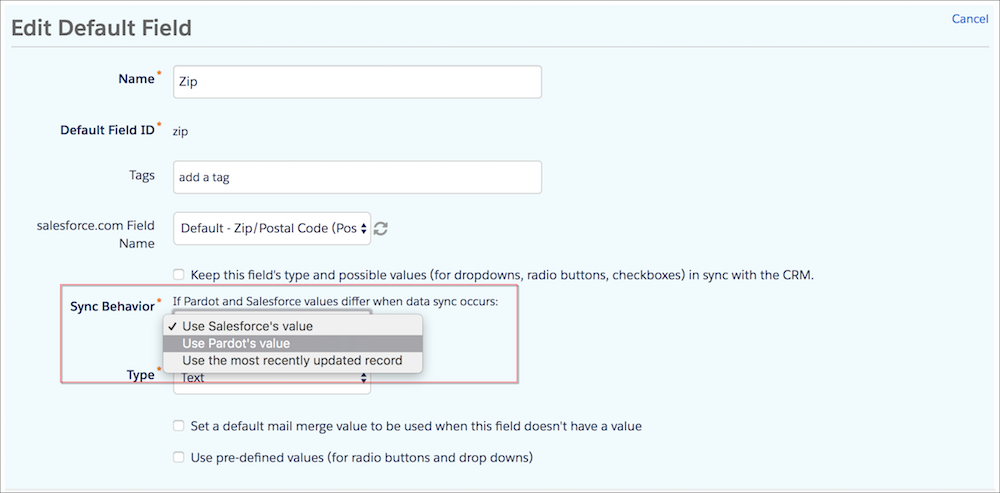
# Change Form Font Styles
You can change your form’s font by adding code to your layout template. If your form is on a landing page that you created in Account Engagement, add the code to the landing page’s layout template.
### Required Editions
Available in: All Account Engagement Editions
User Permissions Needed
To edit layout templates:
Account Engagement Administrator or Marketing
role
Replace EXAMPLE with your font style information, and add this code to the layout template’s `` tag.
```html
```
# Change Granular Data Center Connections
You can change the joins created between dimensions and tables by modifying the ERD. Connect relevant fields in just a few clicks, while defining the join type, and the cardinality type.
### Required Editions
User Permissions Needed
To change Granular Data Center connections:
Admin
1. From the **Connect & Mix** tab, select **Granular Data Center**, and then **Granular Data ERD**.
2. Use your mouse to zoom in or out and to move the diagram to the left or right.
You can also use the map at the bottom left-hand side of the page to move to the desired location.
3. A line connecting tables indicates a relationship between specific dimensions, this connection is called a fusion.
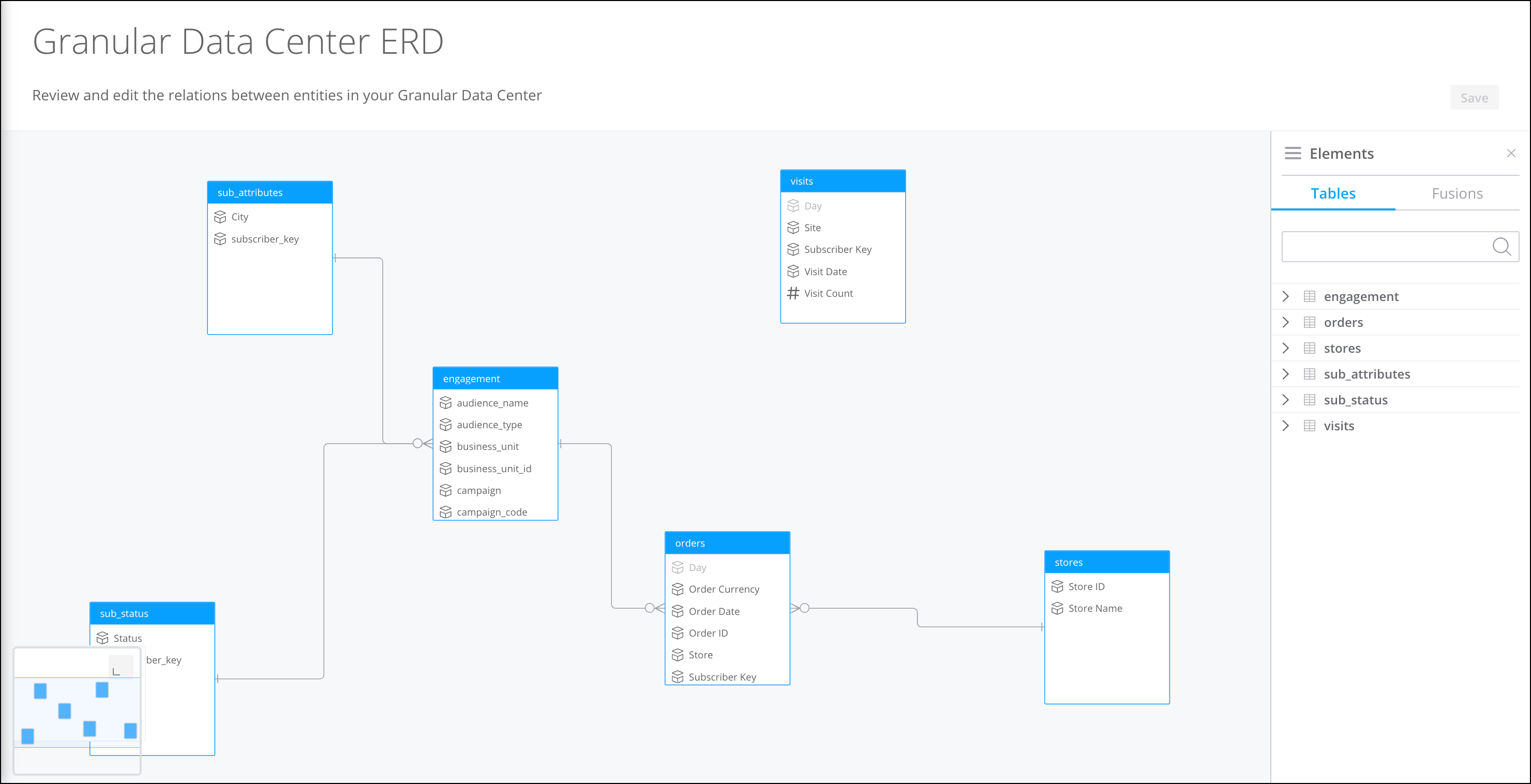
4. To create a connection between tables, click an entity and drag until you reach the entity you’re connecting to. As you’re dragging, a line appears.
5. After a connection is made, click **Join Type** to determine when and how records are returned for the joined entities.
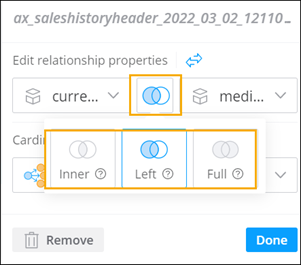
Inner
Returns common records from both tables.
Left
Returns all records from the left table and any matches from the right table.
Full
Returns all records even if no matches are found from the left or right table.
6. To define the type of relationship, from the **Select Cardinality** dropdown select one of the following: One to many, Many to one, or Many to many.
7. Save your changes.
# Change Group Operators
In Audience Builder for Marketing Cloud Engagement, you can change the operator used on an attribute group.
The grouping operators are AND, OR, and INCLUDE.
1. Select a group of criteria.
2. Hover over the grouping operator, and click to change it.
# Change Individual Ads Campaigns
You can change the Account Engagement campaign that prospects are tagged with for individual Google Ads campaigns.
### Required Editions
Available in: Account Engagement Plus, Advanced, and Premium Editions
User Permissions Needed
To edit paid search campaigns:
Account Engagement Administrator or Marketing
role
1. Open the Paid Search page.
- In Account Engagement, select **Marketing** | **Search Marketing** | **Paid Search**.
- In the Lightning app, select **Content** and then **Search** | **Paid Search**.
2. Click the Google Ads campaign that you want to change.
3. Click **Edit paid search campaign**.
4. Select a new campaign from the dropdown.
5. Click **Save campaign**.
# Change Journey Connected to a Campaign
Before or after campaign members are added to a campaign or a child campaign is created, you can change the journey connected to the campaign through Distributed Marketing. After saving, an association between a campaign and a journey is required.
### Required Editions
User Permissions Needed
To change the connected journey:
DMAdministrator License permission set and Administrator permission (mcdm_15
namespace)
1. In Salesforce, navigate to the campaign to reconnect.
2. Under Settings, click **Manage Journey**.

Note Child campaigns inherit the connected journey from their parent campaigns. The connected journey can’t be modified.
3. Search for and select the Marketing Cloud Engagement journey associated with this campaign.

Tip To select a journey from a different business unit, remove the selected journey. Then, search for and select a new business unit and a new journey.
4. Save.
The journey is connected. Send email activities on the connected journey populate the Campaign Messages component.
# Change or Add Fields from the Order Management System to the Connector
If you must add or change fields, we recommend working with a custom connector for SOQL. You can use these queries and change them accordingly.
## Order Summary
```
SELECT
TotalDeliveryAdjDistAmount,TotalAdjustedDeliveryAmount,TotalAdjustedDeliveryTaxAmount,
OrderedDate,OriginalOrderId,GrandTotalAmount,Id,OrderNumber,Status,TotalAdjDistTaxAmount,
TotalAdjustedProductAmount,TotalAdjDistAmount,TotalTaxAmount,
SalesChannel.SalesChannelName FROM OrderSummary
```
## Order Item Summary
```
SELECT
CurrencyIsoCode,product2.StockKeepingUnit,product2.ProductCode,product2.Family,
product2.Description,product2.name,QuantityOrdered,QuantityFulfilled,QuantityReturned,
UnitPrice,TotalTaxAmount,orderSummary.Id,OriginalOrderItemId
FROM OrderItemSummary Where Type = 'Order Product' ORDER BY OrderSummaryId DESC
```
# Change or Remove a Fallback Asset
If Einstein Content Selection can’t find an asset that matches your content selection rules, it displays a fallback image. You can change or remove the fallback image for each asset class.
1. In Settings, select **Fallback Assets**.
2. Select an asset class.
3. To use a different fallback asset, select a new asset.
4. To remove a fallback asset and use a contingency image instead, select **Clear All**.
# Change Single Sign-On Information
When you renew your security certificate or change your identity provider, update the single sign-on (SSO) settings in Marketing Cloud Engagement.
1. Create a user with administrator-level permissions in your Marketing Cloud Engagement account. Configure the account to use password authentication (not SSO).
2. Reset the password for the new admin user.
3. Log in to the new admin user account.
4. From Setup, go to **Data Management | Key Management**, and select your existing SSO Metadata key.
You can either copy new SAML metadata into the field or use the guided configuration.
5. Click **Save**.
6. Log out of the admin account.
7. Log in to your usual admin account to test the SSO authentication configuration.
If you can log in, your SSO configuration is updated correctly. If you can’t log in, log in using the new admin account that you created. Change the SSO configuration, and test again.
8. After you change the SSO settings, deactivate the admin account that you created, but don’t delete it. You can reactivate the account the next time you update these settings.
# Change Submit Button Image in Forms That Use Layout Templates
When you use a custom layout template with forms and landing pages, you can insert an image for the submit button. Add custom CSS to the layout template that’s associated with either the form or the landing page it’s embedded on.
### Required Editions
User Permissions Needed
To edit a form:
Account Engagement Administrator or Marketing
role
1. Open the Forms page.
- In Account Engagement, select **Marketing** | **Forms** | **Forms**.
- In the Lightning app, select **Content** | **Forms**.
2. Open the form you want to edit, and click **Edit form**.
3. On the Look and Feel tab, remove the text in the Submit Button field.
To display text on top of the image, leave or edit the text in the field.
4. Save your form.
5. Open the layout template that’s associated with the form or landing page, and edit it.
6. On the Layout tab, paste this code inside the `` tag.
```html
```
7. Replace the example URL with the URL of the image that you want to use.
8. Edit width and height attributes to match the image’s size.
9. Save your layout template.
# Change Survey Navigation Behavior
You can control how survey navigation buttons appear and behave. You can also change how the survey behaves when respondents click a navigation button.
### Required Editions
Available in: Premium Edition
Permissions
Needed
To create a survey:
A role with Configure Dataset and Campaign View or higher
permissions
To edit a survey:
A role with Configure Dataset and Campaign View or higher
permissions
1. Create or edit a survey.
2. Click **Setup**.
3. In the Navigation section, select the options to control survey navigation and behavior.
4. To edit survey navigation button text, enter button text for:
| Item | Description |
| --- | --- |
| **Page previous button text** | The default text is “Previous.” |
| **Page next button text** | The default text is “Next.” |
| **Complete button text** | The default text is “Complete.” |
| **Start button text** | (The default text for this button is “Start.”) |
5. Select additional navigation options as needed:
| Item | Description |
| --- | --- |
| **Show navigation buttons** | To show navigation buttons. |
| **Show previous button** | To allow survey respondent to return to a previous page, select this checkbox; to remove the previous button, deselect this checkbox. |
| **The first page in the survey is a started page** | To show a welcome page as the start page instead of the first survey question, select this checkbox. A developer can provide configurable options for the start page in the web campaign template. For more information, see the developer documentation for [Web Surveys](https://developer.salesforce.com/docs/marketing/personalization/guide/web-surveys.html). |
| **Show the completed page at the end (completedHtml)** | To show the completion page at the end of the survey, select this checkbox. A developer can provide configurable options for the completed page in the web campaign template. For more information, see [Web Surveys](https://developer.salesforce.com/docs/marketing/personalization/guide/web-surveys.html). |
| **On answering all questions, go to the next page automatically** | Proceed to the next page automatically when all questions are answered. |
| **Show progress bar** | To add a progress bar for surveys with multiple pages, select either **top** or **bottom** of the survey as the progress bar location. |
| **Show all elements on one page** | If your survey has multiple pages, this option shows all questions (elements) on a single page. |
6. Save your survey.
#### See Also
- [_Developer Documentation_: Web Surveys](https://developer.salesforce.com/docs/marketing/personalization/guide/web-surveys.html)
# Change the Audience
Audiences are automatically generated from a connected brief for a workspace. Modify the audience by entering a request in the prompt window or by selecting an audience manually.
### Required Editions
[View supported editions](https://help.salesforce.com/s/articleView?id=mktg.mktg_editions.htm&release=264.0.0&type=5 "Marketing Cloud Next is available in Growth and Advanced editions, and requires Salesforce Enterprise or Unlimited editions. Some features are limited by edition or purchased add-on. All functionality is available in Lightning Experience only.").
User Permissions Needed
To create or edit content:
Marketing Cloud Manager permission set
AND
any CMS workspace contributor
role
To publish or unpublish content:
Marketing Cloud Manager permission set
AND
a CMS workspace contributor role
of content admin or content manager
1. On the sidebar, select **Audiences**.
2. Select an audience.
3. Optionally, add a new audience. In the New Audience window, enter details about your new audience and click **Add Audience**.
4. Ask the agent to regenerate content for the audience.
# Change the Currency Format
An admin can edit the default currency in your business unit. Currency is displayed in paid search and campaign reporting.
### Required Editions
Available in: All Account Engagement Editions
User Permissions Needed
To edit account settings:
Account Engagement Administrator role
1. Open the settings for your business unit.
- In Account Engagement, click  and then select **Settings**.
- In the Lightning app, select **Account Engagement Settings**.
2. Open the editing screen.
3. Scroll to Currency Formatting, and select a format.
4. Save your changes.
# Change the Data Stream Type
All data in Marketing Cloud Intelligence is categorized using data steam types. A data stream type is assigned automatically when data is uploaded. For example, if the data includes advertising data, such as clicks, impressions, and campaigns, Marketing Cloud Intelligence applies the Ads data stream type. You can change the data stream type if it isn’t correct, or use a different type.
### Required Editions
User Permissions Needed
To change the data stream type:
Admin
1. Navigate to the **Connect & Mix** tab.
2. Expand **Data Streams**, and then expand **Data Streams List**.
3. Create a data stream or edit an existing one.
4. At the bottom of the Data Stream page, click **Map to Model**.
5. On the right side, click **Switch Data Stream Type**. A list of the Marketing Cloud Intelligence supported data stream types appears.
6. To view available entities and relationships between them, click a data stream type. You can also see a match score between your data source fields and the Marketing Cloud Intelligence fields that are available in the data stream type. (This option isn’t available for most API data streams.)
# Change the Default Google Ads Campaign
Prospects that come to your site for the first time through a Google ad are tagged with the Google Ads campaign in Account Engagement. After the initial Google Ads campaign sync, an admin can change this default campaign in your business unit settings.
### Required Editions
Available in: Account Engagement Plus, Advanced, and Premium Editions
User Permissions Needed
To change default Google Ads campaign:
Account Engagement Administrator role
1. Open the settings for your business unit.
- In Account Engagement, click  and then select **Settings**.
- In the Lightning app, select **Account Engagement Settings**.
2. Click **Edit**.
3. From the Google Ads Campaign dropdown, select a campaign.
4. Save your changes.
# Change the Default Protocol for Tracker Domains
If your business unit was created before February 15, 2021, you can default tracker domains to use HTTP or HTTPS. We recommend securing all tracker domains by defaulting them to HTTPS. Business units created after February 15, 2021 default all tracker domains to HTTPS.
### Required Editions
User Permissions Needed
To set a tracker domain to HTTPS:
Account Engagement Administrator role
To default a domain to HTTPS, first enable an SSL certificate for the tracker domain and set your company website to HTTPS. Resolve any mixed content in your marketing assets so that all external resources load over HTTPS.
1. Open the Domain Management page.
- In Account Engagement, select **Admin** and then select **Domain Management**.
- In the Lightning app, select **Account Engagement Settings** and then **Domain Management**.
2. Next to the domain you want to secure, click the , and select **Default HTTPS** or **Default HTTP**.
# Change the Expiration Time for Recommendations
Recalculate recommendations that Personalization shows to users after a set time has elapsed.
### Required Editions
Permissions
Needed
To change expiration time:
A role with Create/Edit permissions
If a user opens an email containing recommendations and then revisits that email within an hour with no other interactions, Personalization shows the same items. If the user revisits the email after an hour, Personalization recalculates the recommendations based on the recipe parameters and shows a different set of items.
1. In the **Channels & Campaigns** section of the main navigation, select **Email > Open Time Campaigns**.
2. Select the desired campaign and click **Edit**.
3. Select **Setup > Campaign Settings**.
4. Select **Specify Custom Expiration Time for Open-Time Recommendations**, and enter the desired parameters.
5. Click **Save**.
# Change the Frequency Limit for a Campaign
When you create a triggered campaign, you configure how many times the campaign activates for a profile during a specific time or for all time. You can change the frequency limits for an existing campaign.
### Required Editions
Permissions
Needed
To edit campaign frequency limits:
A role with Campaign Create/Edit permissions
1. Open the triggered campaign that you want to change.
2. In the Trigger Event section, select the trigger.
3. In the Campaign Frequency Limits section, click **New Frequency Limit**.
4. Select the time frame, and enter the activation limit.
5. Save your work.
# Change the Layout of Survey Answers
You can display radio group and checkbox answers horizontally or vertically and choose the order answers appear. You can also set conditions that determine when a question is visible to a respondent.
### Required Editions
Available in: Premium Edition
Permissions Needed
To edit a survey:
A role with Configure Dataset and Campaign View or higher permissions
1. From the main navigation, select **Surveys**.
2. Create or edit a survey.
3. On the Survey Designer tab, next to the question you want to change, click the pencil icon.
4. To reorder the answer choices, under **Set answer order**, choose an option.
5. To display radio group and checkbox answers horizontally, change the **Column count** to match the number of answers.
6. To display radio group and checkbox answers vertically in one column, change the **Column count** back to 1.
7. Click **OK**.
8. Save your changes.
# Change the Owner of Shared Content
Change the owner of shared content under Content in Email Studio.
1. Click **Content**.
2. Open the Shared Items folder.
3. Select the item.
4. Click **Change Owner**.
5. Select the user under **Users**.
6. Save your changes.
# Change the Submit Button Image in Landing Page Forms That Use Stock Templates
If you use a marketing form on a classic landing page that uses a stock template, you can change the submit button to an image. Image-based buttons aren’t available on templates in the My Layout Templates section.
### Required Editions
User Permissions Needed
To edit a landing page:
Account Engagement Administrator or Marketing
role
1. Open the Landing Pages page.
- In Account Engagement, select **Marketing** | **Landing Pages** | **Landing Pages**.
- In the Lightning app, select **Content** and then **Landing Pages**.
2. Open the landing page you want to edit, and click **Edit landing page**.
Verify in the Content Layout section that Stock Templates is selected.
3. Click the **Landing Page Content** tab.
4. Double-click the **Submit** button.
5. Choose an image from Files, or enter a URL for the image.

Note The image button is the same size as the original image file. Resize the image file before you add it.
6. Save your landing page.
# Change Your Language and Locale
To use Account Engagement in a different language, update your personal language and locale settings. Admins can change language and locale at the account level.
### Required Editions
Available in: All Account Engagement Editions
User Permissions Needed
To change your own language and locale settings:
Account Engagement Sales role or higher
1. Open the settings for your business unit.
- In Account Engagement, click  and then select **Settings**.
- In the Lightning app, select **Account Engagement Settings**.
2. Click **My Profile**, and then click **Edit**.
3. Find the **Locale** and **Language** fields and make your choices.
4. Save your changes.
# Change Your Marketing Cloud Intelligence Platform Language
You can change the default language for a user or just for the current session at login. This is done per user at the account level.
User Permissions Needed
To change your platform language:
Admin.
Power Users and Viewers can change the platform language from their Profile settings.
Marketing Cloud Intelligence supports the following languages:
- English (default)
- French
- German
- Japanese
- Spanish

Note Some pages still appear only in English.
1. To the right of the navigation bar, click the dropdown arrow, and select **Manage Users**.
2. Select the user and click the pencil icon.
3. In the **General Info** section, select the language from the dropdown.
4. To change the language on the login page, click the dropdown on the right and select the language. This changes the language for the current session only.

Note When you log in to Marketing Cloud Intelligence, if your browser recognizes that another language is being used, a dialog appears asking you if you want to change to the recognized language. After you choose an option, this dialog doesn’t appear again.
# Change Your MDP Platform Language
You can change the default language for a user or just for the current session at login. This is done per user at the account level.
You can change the platform language from your Profile settings.
Marketing Cloud Intelligence Data Pipelines supports the following languages:
- English (default)
- French
- German
- Japanese
- Spanish

Note Some pages still appear only in English.
1. To the right of the navigation bar, click the dropdown arrow, and select **Manage Users**.
2. Select the user and click the pencil icon.
3. In the **General Info** section, select the language from the dropdown.
4. To change the language on the login page, click the dropdown on the right and select the language. This changes the language for the current session only.

Note When you log in to MDP, if your browser recognizes that another language is being used, a dialog appears asking you if you want to change to the recognized language. After you choose an option, this dialog doesn’t appear again.
# Change Your Password
Learn how to change the password that you use to log in to Marketing Cloud Engagement.
1. On the Marketing Cloud Engagement menu bar, click your account name.
2. Click **Cloud Preferences**, and then click **Change Password**.
3. Enter your current password, and then enter and confirm a new password.
4. Save your changes.
# Change Your Sending IP Type
Account Engagement Advanced and Premium editions come with a dedicated sending IP. If you send more than 250,000 emails per month, you’re required to use a dedicated sending IP. You can change the IP type in your business unit settings.
### Required Editions
Available in: Account Engagement Advanced and Premium Editions
Available for an additional cost in: Account Engagement Plus Edition
User Permissions Needed
To edit business unit settings
Account Engagement Administrator role
Review these considerations before changing your IP type.
- If you send more than 100,000 emails per month, we recommend a dedicated IP. If you send less than 100,000 emails per month or your sending volume fluctuates, we recommend a shared IP.
- You’re required to use a dedicated IP when you send more than 250,000 emails per month.
- You can change the sending IP for your account two times. To change it again after you’ve reached the limit, contact Salesforce Customer Support.
- When you switch to a shared IP, you give up your dedicated IP address permanently. If you switch to a shared IP and then switch back to a dedicated IP, you’re assigned a new dedicated IP address.
1. Open the settings for your business unit.
- In Account Engagement, click  and then select **Settings**.
- In the Lightning app, select **Account Engagement Settings**.
2. Click **Edit** and scroll to **IP Type**.
3. Click the dropdown menu and select a dedicated or shared IP.
4. Save your changes.
# Channels and Campaigns
In Personalization, channels are the various digital touch points you use to interact and engage with your customers and leads. Campaigns are the heart of providing personalized experiences within each of those channels. Depending on your Marketing Cloud Personalization license, you have access to develop campaigns for channels such as web, email, mobile, and third-party integrations.
- **[Web Campaigns and Templates](https://help.salesforce.com/s/articleView?id=mktg.mc_pers_web_campaign_template.htm&release=264.0.0&type=5)**
Campaigns are at the heart of personalizing your web channel to provide experiences that resonate with your users. Using a web campaign, you can personalize various aspects of your website for your users based on their behavior, affinities, preferences, location, or other qualifying criteria.
- **[Server-Side Campaigns](https://help.salesforce.com/s/articleView?id=mktg.mc_pers_server_side_campaign.htm&release=264.0.0&type=5)**
Server-side campaigns integrate testing and personalization at the server-to-server level. While Marketing Cloud Personalization handles the campaign logic, you need a developer to write the code to call the appropriate APIs and provide information about the website visitor.
- **[Triggered Campaigns](https://help.salesforce.com/s/articleView?id=mktg.mc_pers_triggered_campaign.htm&release=264.0.0&type=5)**
A trigger is a specific event, such as a visitor behavior or environmental change that prompts a Marketing Cloud Personalization action, such as sending an email. You can create a triggered campaign to target different user segments, provide different experiences for different users, include A/B testing, or define a campaign schedule or frequency
- **[Open Time Email Campaigns](https://help.salesforce.com/s/articleView?id=mktg.mc_pers_email_campaign.htm&release=264.0.0&type=5)**
Use open time email campaigns to deliver personalized content and product recommendations each time a recipient opens an email. Using existing email campaigns that you send using your mail marketing service, Open Time Email campaigns deliver real-time personalized content to each member of your subscriber list.
- **[Mobile Campaigns](https://help.salesforce.com/s/articleView?id=mktg.mc_pers_mobile_campaign.htm&release=264.0.0&type=5)**
With Personalization mobile campaigns, you can build and deploy personalized experiences for your Android and iOS mobile apps using native app code, including Java, Objective-C, and Swift. Before you can create a mobile campaign, you must complete the Personalization Mobile SDK implementation.
# Character Counts
Learn about how character sets influence the maximum character count of messages in MobileConnect.
Depending on the character sets you use, your maximum SMS message length is from 70 through 160 characters. If your message exceeds the character limit, MobileConnect breaks your message into multiple sends. The first send contains the maximum character count. The next sends contain the rest of the characters in the message batched by the maximum character count. Your message can exceed the limit due to personalization strings.

Note The message will be split on space character to avoid splitting words. This increases the overall message length, resulting in more segments than initially anticipated.
Single SMS messages that use any non-Global System for Mobile Communications (GSM) characters allow for 70 maximum characters. MobileConnect splits messages that exceed 70 characters into multiple parts. If you include non-GSM characters in your message, the character limit is 70, even if most of the message contains GSM characters.
## Brazil
MobileConnect deploys messages in Brazil with a maximum character count of 160, but it splits messages on the Nextel network when those messages are longer than 140 characters.
## Canada
- GSM messages: 160 characters
- GSM messages with concatenation: 153 characters
- Non-GSM messages: 70 characters
- Non-GSM messages with concatenation: 67 characters
## Latvia
Due to restrictions by Latvian carrier LMT, all messages sent into Latvia are treated as non-GSM, and the maximum character count is 70 characters regardless of message content.
## Turkey
As of February 1, 2017, Turkish carriers require that an operator code is added to the body of each SMS message sent in Turkey. This code consumes 4 characters of any SMS messages sent and lowers the maximum character to 156. The 4-digit code appended to each message doesn’t appear on the subscriber’s mobile device.
# Character Sets
This page contains examples of MobileConnect messages using characters from GSM 3.38 and non-GSM character sets.
To display properly, your messages must comply with your subscribers’ character set. Although Marketing Cloud Engagement supports non-GSM characters, the carriers in your target market may not support them.

Note Most U.S. phones don’t support non-GSM characters.
## GSM 3.38
MobileConnect uses the GSM 3.38 character set. In general, GSM 3.38 characters are found on a standard English language keyboard. Each GSM 3.38 character you use counts as one character toward the maximum character count for a message.

Example
Because this example message contains only GSM 3.38 characters and is 160 characters, it’s delivered as a single message to a mobile device:
Spring has arrived at Laneys!! Exclusive sale is this weekend, April 4-7. Get 10% off entire selection! Reply HELP for help or STOP to stop receiving messages. (160/160 characters)

Example
Because this example message exceeds 160 characters, it’s delivered as two messages of 160 and 37 characters, respectively:
Spring has arrived at Laneys!! Exclusive sale is this weekend, April 4-7. Get 10% off entire selection! Don't miss out on these deals!! Reply HELP for help or ST (160/160 characters)
OP to stop receiving messages. (37/160 characters)
## GSM 3.38 Escape Characters
In the GSM 3.38 character set, there are special characters called escape, or extended, characters. Escape characters are rendered on mobile as unique characters. If you use an escape character, it doesn’t affect the maximum number of characters that can be sent but counts as two GSM 3.38 characters.

Example
The Euro symbol (€) in this example is a commonly used escape character that counts as two GSM 3.38 characters. This example is delivered as two messages.
Spring has arrived at Laneys!! Exclusive sale is this weekend, April 4-7. Get 10€ off entire selection! Reply HELP for help or STOP to stop receiving messages. (161/160 characters)
## Non-GSM Characters
MobileConnect treats all characters that aren’t in the GSM 3.38 character set, or all non-Latin characters, as non-GSM characters and allows 70 or fewer characters per message. This maximum character count applies to messages that contain one or more non-GSM characters and to any subsequent messages associated with that message, as in the example. Non-GSM characters are sometimes referred to as Unicode characters.

Example
Because this message includes a non-GSM character—in this case, smart quotes (“”)—, the maximum character count is 70. The message is delivered as three messages of 70, 70, and 19 characters, respectively.
Spring has arrived “Laneys!” Exclusive sale is this weekend, April (70/70 characters)
4-7. Get 10% off entire selection! Reply HELP for help or STOP to stop (70/70 characters)
receiving messages. (19/70 characters)

Example
Because this message includes a non-GSM character—in this case, the o-acute—, the maximum character count is 70. The message is delivered as four messages of 70, 70, 70, and 6 characters, respectively.
La primavera ha llegado a Laneys !! La venta exclusiva es este fin de (70/70 characters)
semana, del 4 al 7 de abril. Obtenga 10% de descuento en toda la selec (70/70 characters)
ción! Responda HELP para obtener ayuda o STOP para dejar de recibir me (70/70 characters)
nsajes. (7/70 characters)

Example
Because this message includes non-GSM characters, the maximum character count is 70. The message is delivered as three messages of 70, 70, and 16 characters, respectively.
드디어 Laneys에도 봄이 찾아왔습니다! 이번 주 주말인 4월 4일부터 4월 7일까지 전 품목 대상 10 유로 할인 프로모션 (70/70 characters)
이 진행될 예정입니다! 해당 프로모션에 대해 더 궁금하신 점은 HELP라고 답장 해주시고 더 이상 메시지 수신을 원치 않으시면 (70/70 characters)
STOP이라고 답장 해주세요. (16/70 characters)
# Chart Widgets
A chart widget shows data in various forms, such as a bar graph, line chart, and pie chart.
- **[Create a Time-Comparison Bidimensional Bar Widget](https://help.salesforce.com/s/articleView?id=mktg.dato_visualize_widgets_types_chart_bar.htm&release=264.0.0&type=5)**
A time-comparison bidimensional bar widget shows the performance of two measurements using a dimension breakdown over time.
# Check Business Unit Usage
Admins can find out what’s available in your business unit and where you stand on usage limits.
### Required Editions
Available in: All Account Engagement Editions
User Permissions Needed
To view account usage and limits:
Account Engagement Administrator role
1. Open the settings for your business unit.
- In Account Engagement, click  and then select **Settings**.
- In the Lightning app, select **Account Engagement Settings**.
2. Click the **Usage and Limits** tab.
# Choose a Contact Entry Mode
Journey Builder observes Contact Entry mode at the journey level, and it persists for each version of a journey in Marketing Cloud Engagement. Contact entry mode dictates when a contact is eligible to enter a journey. Journey Builder offers three entry options to define when contacts can enter a journey.
- No re-entry: Contact enters journey one time. Even if the contact completes a journey, the contact isn’t entered again.
- Re-entry at any time: Contact can enter the journey multiple times, even if they’re already in the journey. There’s no maximum number of instances of the contact in a journey.
- Re-entry only after exiting: Contact can enter the journey only if they’re not currently in the journey. There’s a maximum of one instance of the contact in a journey.
1. Create a journey.
2. Click .
3. Select **No re-entry**, **Re-entry at any time**, or **Re-entry only after exiting**.

Note Journey Builder verifies that a contact is unique by checking its contact key.
4. Click **Done**.
# Choose a Sync Method
When the integration user is set as the connector user, the connector syncs all records for objects that sync between Account Engagement and Salesforce. If you want to sync a subset of records, use Marketing Data Sharing to select the records to sync. Use the included integration user, or configure your own connector user.
When using Marketing Data Sharing, we recommend that you use the integration user instead of configuring your own connector user. The integration user is preconfigured with the necessary permissions and doesn’t require an additional license.
- **[Account Engagement Integration User](https://help.salesforce.com/s/articleView?id=mktg.pardot_sf_connector_integration_user.htm&release=264.0.0&type=5)**
The integration user is an automatically provisioned user that connects to Salesforce to sync data. After a Salesforce admin completes Account Engagement setup, the integration user allows the two systems to sync.
- **[Configure the Connector User](https://help.salesforce.com/s/articleView?id=mktg.pardot_sf_connector_setup_connector_user_parent.htm&release=264.0.0&type=5)**
The connector user is a user that facilitates data syncing. These tasks apply only to business units that aren’t using the Pardot integration user.
#### See Also
- [Configure the Connector User](https://help.salesforce.com/s/articleView?id=mktg.pardot_sf_connector_setup_connector_user_parent.htm&release=264.0.0&type=5 "The connector user is a user that facilitates data syncing. These tasks apply only to business units that aren’t using the Pardot integration user.")
# Choose Category Cardinality
Before building your category hierarchy, select which category cardinality you want to use: one per item or many per item.
### Required Editions
Permissions Needed
To edit a Category object:
A role with Catalog Create or Edit permissions
1. From the main navigation, select **Settings** | **Catalog and Profile Objects**.
2. Under **Catalog Object Types**, click **Category**.
3. Select the cardinality option, and click **Save**.
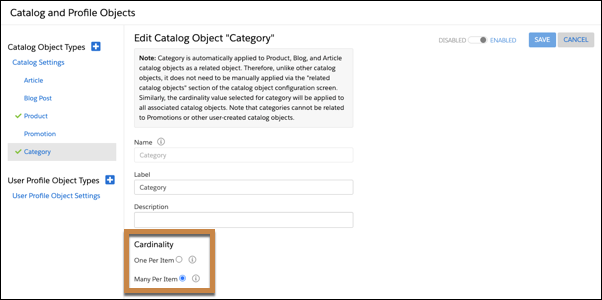
# Choose How to Process Entry Source Data
Configure your Journey Builder entry source so that it promotes efficient processing. When an entry source includes a repeating schedule, choosing a processing option is necessary. Processing options tell Journey Builder how to evaluate contacts in a data extension or list.
Choosing how Journey Builder evaluates an entry source to determine which contacts enter the journey also ensures that records are processed efficiently. You can set up the entry of contacts into a journey in two ways.
- Enter the journey one time when it’s activated.
- If the entry source data is continually updated, set a schedule to occur one time or continually.
When you set a schedule that repeats, you select a processing option.
- To evaluate only new contacts added since the previous run for journey entry, select **Evaluate new records only**. For the journey's first scheduled run, choose whether to evaluate all data extension records on only the first run or records added after activation. This evaluation option is typically used when a process exists to add new rows to the source data extension without deleting or overwriting existing rows. For example, the automation with an import activity appends records to a data extension. Using this option typically results in faster, more efficient processing.

Note When you refresh a filtered data extension, all records are overwritten. We don't recommend using a filtered data extension with **Evaluate new records only** option.
- To evaluate all records in a data extension each time according to the entry source's schedule, select **Evaluate all records**. Use this option only when records in the data extension are continually updated. Using this option typically results in slower processing.
To improve performance and ensure that all eligible contacts in the entry source enter the journey without slowing the admission process, select the applicable processing option.
# Choose Lists or Data Extensions as an Information Source for Multiple Email Addresses
Choose to use lists or data extensions as the information source when you send email messages from multiple email addresses.
1. Select whether to use list attributes or data extensions attributes to store your send classification information. This step depends primarily on how you organize information in your Engagement account. Contact your Marketing Cloud Engagement admin for more help.
2. Ensure that the list or data extension that you choose includes these attributes.
- EmailAddress: this attribute holds the specified contact’s email address
- FirstName: this attribute holds the specified contact’s first name
- LastName: this attribute holds the specified contact’s last name
- FromName: this attribute holds the From name for the email message sent to the contact
- FromEmailAddress: this attribute holds the From email address for the email message sent to the specified contact
- Value: this attribute holds the subject line used for each email message
- Key: if your account uses the subscriber key feature
3. Import the information used for the send into the list or data extension.
Your list or data extensions contain the contact information used in the send. They also include the From information used to direct each contact to a specific email address and From name.
# Choose Your Brand Color Scheme
Select a color scheme for BrandBuilder in Email Studio that displays within your Marketing Cloud Engagement account.
Engagement uses the color of the top-left pixel in your logo and displays it in the Header Color field. BrandBuilder uses this color to build seven color scheme choices. Follow these steps to change the header color and build a new set of color schemes.
1. To bring up the color picker, click the Header Color text box.
If you know the hex code for the color, enter that code in the Header Color text box and click **Get Schemes** to rebuild the available color schemes.
2. Click a color from the palette on Web Palette.
3. Click a color from the palette on Named Colors, which displays the name of the color that you pick.
4. Click the **Custom Colors** tab and manually adjust the Red, Green, and Blue values of the color until you build the color you want.
5. Click **OK** in the Color Picker dialog box.
6. To rebuild the available color schemes, click **Get Schemes**.
7. Select a color scheme.
To design your own color scheme, click **Build Your Own** to highlight it.
8. Click **Next**.
9. Adjust colors as desired.
You can enter either the hex code for the color or click the color button next to the element and choose from the palette.
10. To update the preview, click **Regenerate Preview**.
11. To preview how your changes affect the displayed screen, click **Application Screen** and **Logon Screen** under Preview.
12. After you complete your changes, click **Next**.
# Choose Your Unified WhatsApp Data Residency
Ensure industry and regulatory compliance by selecting the country where your Unified WhatsApp data is stored at rest. While you make your selection in Salesforce Setup, your data storage is managed by Meta. This step is required for companies that comply with GDPR regulations.
Available in: Lightning Experience
Available in:
Enterprise and Unlimited Editions for Service Cloud
Growth or Advanced Editions Marketing Cloud Next
Pro+, Corporate+, and Enterprise+ Editions for Marketing
Cloud Engagement
## Check Your Verification Requirement with Meta
Ensure that the phone number associated with your WhatsApp Business Account is verified.
1. Open WhatsApp Manager, and select your WhatsApp Business Account.
2. Select a phone number.
3. Select **Profile**, and look for a notification saying, **Phone number verification required**.
4. If the notification is present, select **Send verification code**, and proceed through verification of the number.
## Select a Data Region in Salesforce
1. In Setup, in the Quick Find box, enter Your Numbers, and select **Your Numbers**.
2. Select the Messaging Platform Key associated with the number you'd like to edit data residency for.
3. Deactivate any active capabilities.
4. In the **Data Residency Region (Meta)** dropdown, select a region.
5. When you see the green success message indicating that your region preference was saved, reactivate your capabilities.
Learn more in [Meta's documentation about local storage](https://developers.facebook.com/documentation/business-messaging/whatsapp/local-storage).
# Choosing a Recommendation Type
The recommendation type defines the method that the recommender uses to provide content. You can choose either objective-based recommendations or rule-based recommendations. Objective-based recommendations use a deep learning model to produce personalized, targeted recommendations for an individual. Rule-based recommendations use business logic to mathematically determine a list of recommendations based on Data 360 calculated insights. For both recommendation types, you can add filters to include or exclude items.
| Objective-Based Recommendations | Rule-Based Recommendations |
| --- | --- |
| Uses deep learning algorithms on activity and behavioral data associated with a unique individual to provide personalized experiences. | Relies on calculated insights from the item data graph to rank and sort recommendable content. |
| Uses deep learning to predict which recommendations to present to an individual to best achieve the selected business goal. | Generates recommendations based on mathematical calculations associated with specific profile attributes (like sales or views) or item attributes (like price, brand, or publish date). |
| Eligible individuals receive their own, unique set of recommendations based on what the algorithm determines to accomplish the selected business objective. | Eligible individuals receive recommendations based on attributes included in the selected calculated insight. |
# Choosing the Right Account Engagement Automation Tool
Choosing the appropriate automation tool for your needs can simplify your marketing efforts. Answer a few questions to help you decide which tool to use.
1. Is the rule based on criteria or an action the prospect takes?
- Action—Use a completion action.
- Criteria—Go to step 2.
2. Is it a one-time automation?
- Yes—Use a segmentation rule.
- No—Go to step 3.
3. What is the goal?
- Update a list—Use a dynamic list.
- Action based on criteria—Use an automation rule.
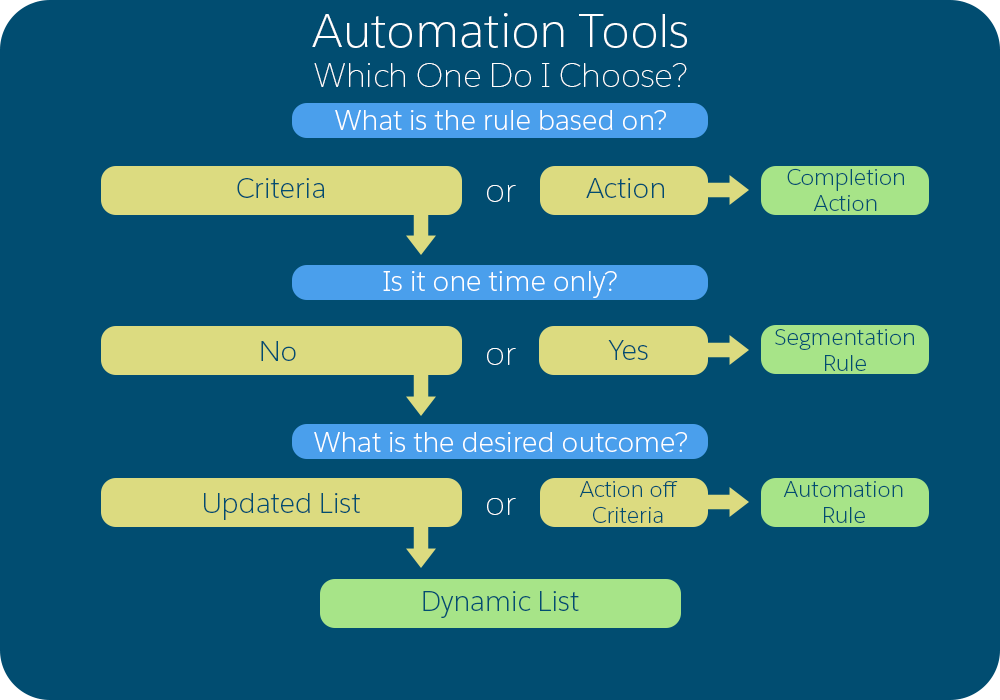

Example
You want to send an autoresponder email when a prospect submits a form to download a white paper.
You need a rule based on the action of submitting a form. Use a completion action.

Example
You want to pull a one-time list of all prospects in your southeast territory.
You need a rule based on the criteria of southeast territory that runs one time. Use a segmentation rule.

Example
You want to create a Salesforce task when a prospect submits a form and has a grade greater than B+.
You need a rule that performs an action based on the criteria of prospect grade is greater than B+ and a form submission. Use an automation rule.

Example
You want to create a list that you can use for an engagement program. Prospects are added to the list when they have a score of 100 and a grade of at least a B+. They are removed from the list when their score falls below 100 or grade falls below B+.
You need a rule that updates a list based on the criteria of a score greater than 100 and a grade that is greater than B+. Therefore, you need a rule that runs more than once, updates a list, and is based on criteria. Use a dynamic list.
# Classic Email for Account Engagement
Email is a key part of any marketing strategy, so it’s important to get the most out of your efforts. Account Engagement offers two email experiences: enhanced and classic. For the latest features, use the enhanced email experience, which is built on the Salesforce platform. If you’re not ready to move to the enhanced email experience, the classic email experience provides all the basic tools to test, send, and track emails.
### Required Editions
Available in: All Account Engagement Editions
Find out more about the [enhanced email experience](https://help.salesforce.com/s/articleView?id=mktg.email_content_builder_parent.htm&release=264.0.0&type=5 "Connect to customers with emails that are easy to design on the Salesforce platform. After you build email templates or email content, customize them with HML merge fields. Then, choose whether to send an individual email or add it to a program in Engagement Studio. Streamline writing time by reusing email content, or send and resend email content to different segments. Tailor the send experience, and track email engagements to determine how well your email content is performing.").
- **[Guidelines for Sending Emails](https://help.salesforce.com/s/articleView?id=mktg.mcae_classic_email_guidelines.htm&release=264.0.0&type=5)**
When working with email in Account Engagement, keep these guidelines in mind.
- **[Build and Send Classic Emails](https://help.salesforce.com/s/articleView?id=mktg.pardot_build_test_create_emails.htm&release=264.0.0&type=5)**
The classic email builder in Account Engagement guides you through creating emails and templates that you can use again and again. Always test your emails and templates so that you can improve your content. In the classic email builder, you can easily move between editing and testing your content.
- **[Preview and Test Classic Emails](https://help.salesforce.com/s/articleView?id=mktg.mcae_classic_email_testing.htm&release=264.0.0&type=5)**
The classic email builder in Account Engagement includes tools to preview and test your email. You can send to test email lists, send individual test emails, and generate inbox previews across email clients.
- **[A/B Testing for Classic Emails](https://help.salesforce.com/s/articleView?id=mktg.pardot_emails_ab_parent.htm&release=264.0.0&type=5)**
Send two different versions of your email to a small subset of your recipient list. Then use engagement data to choose a winning version and send that version to the remainder of your list.
- **[Reuse Email Designs with Account Engagement Templates](https://help.salesforce.com/s/articleView?id=mktg.pardot_email_templates.htm&release=264.0.0&type=5)**
To save time and standardize your marketing content, create email templates for the types of emails that you send most often in Account Engagement. A template is a starting point for a list email that your team can use repeatedly. Using a template also reduces the chance that you forget something important, like a piece of branding or standard contact information.
- **[Personalize Account Engagement Emails with Variable Tags](https://help.salesforce.com/s/articleView?id=mktg.pardot_variable_tags.htm&release=264.0.0&type=5)**
With variable tags, you can use content from your prospect records to personalize your emails and insert standard company information in email templates. Variable tags are part of a legacy merge language and aren’t available in business units created after June 12, 2020.
- **[Allowed Characters in Email Addresses](https://help.salesforce.com/s/articleView?id=mktg.pardot_emails_allowed_characters.htm&release=264.0.0&type=5)**
Account Engagement complies with the RFC’s 2822 standard for email address verification for both prospect and user email addresses. Addresses with non-UTF8 characters, such as Japanese or Russian characters, can’t be validated.
# Classic Landing Pages
The classic landing page experience uses HTML and WYSIWYG editors.
### Required Editions
Available in: All Account Engagement Editions

Note For a drag-and-drop experience, try enhanced landing pages in Account Engagement Lightning App: [Enhanced Landing Page Experience](https://help.salesforce.com/s/articleView?id=mktg.pardot_lps_parent.htm&release=264.0.0&type=5 "As of Winter ’22, Account Engagement Lightning App users can choose which experience to use when creating landing pages. The enhanced landing page experience uses a drag-and-drop editor and can be accessed from Account Engagement Lightning App only. It’s built on Salesforce, and supports list views, actions, reporting, and other functionality that comes with Salesforce Lightning Experience.")
To find classic landing pages in Account Engagement Lightning App, click the **Content** tab, and then select **Landing Pages**. In the standalone app, classic landing pages are in the Marketing section.
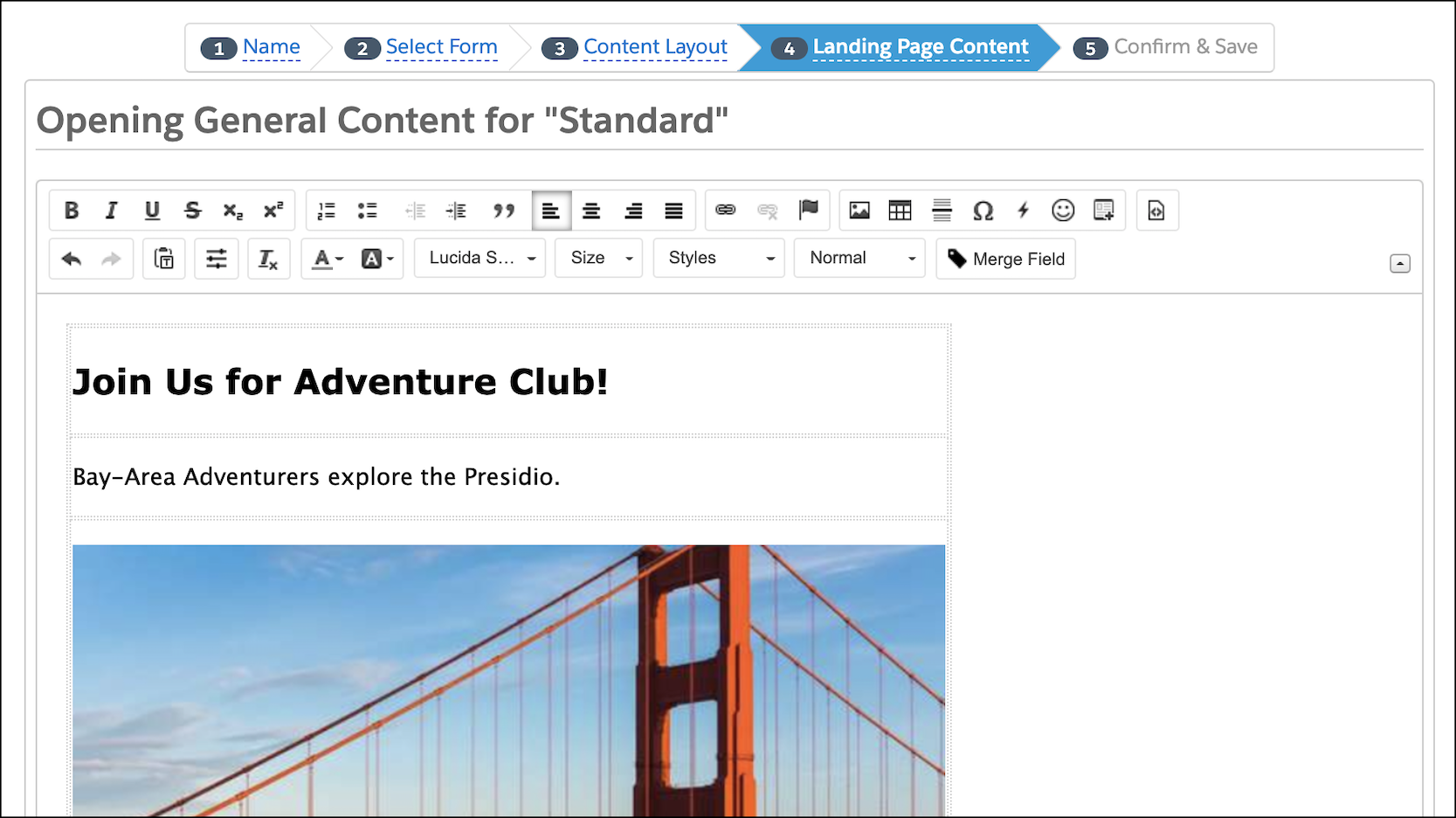
- **[Layout Templates for Landing Pages](https://help.salesforce.com/s/articleView?id=mktg.pardot_classic_landing_page_layout_parent.htm&release=264.0.0&type=5)**
In the classic landing page experience, you can use layout templates to format landing pages, forms, and site search results. You can also use content regions to control which sections of your layout templates are editable.
- **[Create a Landing Page with a Stock Template](https://help.salesforce.com/s/articleView?id=mktg.pardot_landing_pages_create_page_with_stock_template.htm&release=264.0.0&type=5)**
Quickly create a classic landing page with a preformatted stock template.
- **[Test Landing Page Versions](https://help.salesforce.com/s/articleView?id=mktg.pardot_landing_pages_multivariate.htm&release=264.0.0&type=5)**
Multivariate tests let you compare the effectiveness of different landing pages over a time and determine the top performer. You can test classic and builder landing pages.
#### See Also
- [Enhanced Landing Page Experience](https://help.salesforce.com/s/articleView?id=mktg.pardot_lps_parent.htm&release=264.0.0&type=5 "As of Winter ’22, Account Engagement Lightning App users can choose which experience to use when creating landing pages. The enhanced landing page experience uses a drag-and-drop editor and can be accessed from Account Engagement Lightning App only. It’s built on Salesforce, and supports list views, actions, reporting, and other functionality that comes with Salesforce Lightning Experience.")
# Classification Data Stream Type
Classification data streams are used to apply a classification logic that exists in a secondary data source to your primary data.
A classification is used to group your data. Classifications can be created with calculated measurements, and classification rules. With classification data streams you can filter and analyze your primary data using the classification and apply classification to multiple entities at once. Read about different ways to use the classification data stream type.
- **[Use Case 1: Classification Data Stream Using a Parent-Child Setup](https://help.salesforce.com/s/articleView?id=mktg.dato_data_classifcation_use_case_one.htm&release=264.0.0&type=5)**
This use case looks at how to create a classification data stream using a parent-child setup.
- **[Use Case 2: Classification Data Stream Using the VLOOKUP Function](https://help.salesforce.com/s/articleView?id=mktg.dato_data_classifcation_use_case_two.htm&release=264.0.0&type=5)**
This use case looks at how to create a classification data steam with VLOOKUP.
# Classification Files
Use classification files when creating classification rules and to tell Marketing Cloud Intelligence how to classify the values.
For example, to categorize car models into these categories: SUV, Supermini, Family, Compact Crossover, and Subcompact. You can use any type of file format; however, you must have at least 2 headers and a maximum of 50 columns.
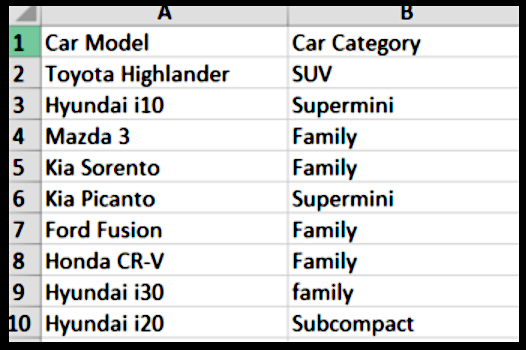
- **[Create a Classification File from Scratch](https://help.salesforce.com/s/articleView?id=mktg.dato_harmonize_classify_files_create.htm&release=264.0.0&type=5)**
When creating classification rules you either upload a classification file or you create it from scratch. The file tells Marketing Cloud Intelligence how to classify your data.
# Classification Rule Example
This table shows how configuration types affect data classification and what happens when data is classified.
Marketing Cloud Intelligence Data
Configuration
Dimension Value
Key Value
Match Type
Result
‘Facebook’
‘Facebook Ads’
Exact Match
Not Classified
‘Facebook’
‘Facebook Ads’
Key Contains Dimensions
Classified
‘Facebook’
‘Facebook Ads’
Dimension Contains Key
Not Classified
## Match Types:
Exact Match
If the Dimension Value is Facebook and the Key Value is Facebook Ads, then classification can’t take place because there’s no full match.
Key Contains Dimension
If the Dimension Value is Facebook and the Key Value is Facebook Ads, classification takes place.
Dimension Contains Key
If the Dimension Value is Facebook and the Key Value is Facebook Ads, then case classification doesn’t take place.
# Classify Campaign Names
To harmonize your data, the Email to Web Conversion GA4 app relies on matching your Google Analytics and Marketing Cloud Engagement campaign names. Therefore, if you use different naming conventions for Google Analytics and Salesforce, you must classify your campaign names so that the app can locate the data from each source.
### Required Editions
Available in: Intelligence Reports Advanced
Many times a campaign name contains irrelevant information. For example, if your campaign name is Summer\_2020\_Shoes\_Sale and you want it to say Summer Sale, create a rule that removes the unneeded information and leaves only the name as the final campaign name.
You have two ways to create a final campaign name:
- **Use Contains**—Creates a rule that tells the app the final campaign name. For example, if the name contains the letters “ABC,” the final campaign name is “ABC Campaign.”
- **Use a Pattern**—Extracts a specific term according to a position and delimiter in the naming convention. You can then use the extracted term to classify the campaigns. For example, if your naming convention is “summer\_sale\_1,” you extract the first position, which is “summer.” You can use the term “summer” as the contains term and classify the campaigns according to the term.
# Clean Data Recommendations
The right tools and processes help you build a clean database, maintain good data, and request the necessary updates.
## Configure Confirmed Opt-In
The gold standard for messaging consent is a type of explicit consent called confirmed opt-in or double opt-in. After someone submits your form, they receive a confirmation email that verifies the email address and asks the recipient to click a link indicating that they want to share their information with you.
Using a confirmed opt-in process prevents fraudulent signups and reduces the chances of invalid email addresses entering your database. It also gives recipients a chance to confirm their interest in your brand, which can lead to higher engagement, and lower negative engagement, in the future.
## Capture Data with Signup Forms
Create transparent, honest signup forms. Make sure that the signup checkbox is unchecked by default and that it only controls consent for marketing messages. Never combine a consent agreement with another action, such as a purchase or whitepaper request.
Instead, use a consent-specific checkbox. It helps to manage the person’s expectations: describe what’s typically included in your messages and how often you send them. You can even link to an example.
- Marketing Cloud Next: [Create and Manage a Form](https://help.salesforce.com/s/articleView?id=mktg.mktg_content_form_create.htm&type=5&language=en_US)
- Marketing Cloud Account Engagement: [Capture Leads with Forms and Form Handlers](https://help.salesforce.com/s/articleView?id=mktg.pardot_forms.htm&type=5&language=en_US)
- Marketing Cloud Engagement: [Create a SmartCapture Form in CloudPages](https://help.salesforce.com/s/articleView?id=mktg.mc_cp_create_a_smart_capture_form_in_cloudpages.htm&type=5&language=en_US)
## Protect Signup Forms from Bots
Bots crawl webpages and submit invalid data to signup forms. Bot-provided email addresses are often invalid, and can quickly lead to negative deliverability and reputation results.
To prevent these invalid signups, add CAPTCHA, reCAPTCHA, or another verification tool on your forms.
- Marketing Cloud Next: [Protect Forms with reCAPTCHA](https://help.salesforce.com/s/articleView?id=mktg.mktg_content_form_lp_recaptcha.htm&type=5&language=en_US)
- Marketing Cloud Account Engagement: [Bot Protection and Forms](https://help.salesforce.com/s/articleView?id=mktg.pardot_forms_bot_protection.htm&type=5&language=en_US)
- Marketing Cloud Engagement: [CloudPages Security Best Practices](https://help.salesforce.com/s/articleView?id=002743057&type=1&language=en_US)
## Ask Recipients to Allowlist You
In addition to authentication tools, you can always ask your recipients to add your sending email address to their contact list or address book. By allowlisting your email address in this way, they tell their mailbox provider to send your messages to their inbox.
Include this recommendatinos in the footer of every message, or include the request periodically in one of your email body components.
## Review Data Regularly
Monitor your engagement metrics at least monthly, or even weekly to quickly identify potential issues in your data or content. Look at your positive and negative outcomes for trends. For example, falling open rates and rising email bounces can suggest a stale data issue. Or, low clicks and high unsubscribes might mean that the content no longer feels relevant.
See [Monitoring, Reporting, and Optimization](https://help.salesforce.com/s/articleView?id=mktg.mktg_apps_email_reporting.htm&release=264.0.0&type=5 "Salesforce Marketing apps provide tools and features that help you monitor your deliverability and performance. Beyond best practices for tracking and optimizing your marketing efforts, you can learn more about specific features that are available in each marketing product.").
## Remove Hard Bounces Quickly
When a receiving email server rejects a message because the address is invalid for any reason, we call it a hard email bounce. Keeping email addresses in your data that hard bounce can negatively affect your reputation, and fast.
See [Hard Bounce Management](https://help.salesforce.com/s/articleView?id=mktg.mktg_apps_email_best_practices_remove_bounces.htm&release=264.0.0&type=5 "Salesforce marketing apps automatically suppress hard bounces to prevent sends to invalid addresses. Although suppression protects your sender reputation while retaining the record data for reporting and analytics, it's not intended to replace long-term data hygiene. Plan to remove hard-bounced email addresses from your data regularly.").
## Ask for Preference Updates
It’s common for someone to sign up for an email list because they’re planning an event or trip, or they’re looking for the perfect item. But after they finish that task, they may not want to hear from you as often or about the same things.
Create a preferences form, share it periodically, and remind recipients that they can update it at any time. When you know more about what someone needs over time, you can send them more relevant content, and increase your chances of high engagement.
See [Preference Management and Segmentation](https://help.salesforce.com/s/articleView?id=mktg.mktg_apps_email_best_practices_preference_management.htm&release=264.0.0&type=5 "When you capture subscriber choices, you can create better targeted segments and deliver more relevant content. Proper preference management can also help you honor opt-ins and maintain regulatory compliance.").
# Clear a Transactional Send Journey Queue
You can clear a Transactional Send Journey queue when messages in a paused or errored journey are outdated and no longer eligible for delivery.
1. If the journey is Active, select **Pause**.
2. Click , and select **Clear Message Queue**.
3. Click **Clear Queue**.
Any queued messages are terminated and set to a Not Sent.
4. To confirm deletion, click the message activity, and review the Not Sent records or the Errored count in the Transactional view on the Journey Dashboard.
# Click Rate Builder Calculation Example
Use this example to see how data is pulled from connected data extensions (regions) and engagement data (sends, bounces, and clicks).
### Required Editions
Available in: Intelligence Reports Advanced
| Region | Sends | Bounces | Clicks |
| --- | --- | --- | --- |
| EMEA | 100 | 5 | 50 |
| AMER | 150 | 15 | 65 |
| APAC | 90 | 10 | 20 |
**Builder Calculations**
**Logic**
Delivered = Sends - Bounces
**Formula**
```
[email__sends_[engagement__data]] - [email_bounces_[engagement_data]]
```
**Logic**
Click Rate = Clicks/(Sends - Bounces)
**Formula**
```
[email_unique_clicks_[engagement_data]] / ([email_sends_[engagement_data]] - [email_bounces_[engagement__data]])
```
**Query Results**
The builder calculations produce these query results.
| Region | Delivered | Click Rate |
| --- | --- | --- |
| EMEA | 95 | 0.52 |
| AMER | 135 | 0.48 |
| APAC | 80 | 0.25 |
# Click-Through Rate Reports
A Click-Through Rate report shows link statistics visually. A heatmap of prospects’ clicks appears on top of your email design, so you know right away which content performed best. This report isn’t available for text-only emails.
### Required Editions
Available in: All Account Engagement Editions
The click-through rate, along with the open rate, is a simple metric for understanding how prospects engage with you. Sometimes, the open rate looks strong, but prospects don’t interact with your email content.
The click-through rate equals the number of unique link clicks in an email, divided by the total number of delivered emails. Unsubscribe link and email preferences page clicks don’t count toward link clicks.
In emails that contain multiple links to identical URLs, the report shows the same percentage for each duplicate link. Because the URLs are the same, it’s not possible to accurately determine which link drove the click. To get this information, append a tracking ID to each link that you want to monitor. That way, the URLs are different, and the report can track them separately.
- **[View the Click-Through Rate Report](https://help.salesforce.com/s/articleView?id=mktg.pardot_reporting_view_clickthrough_rate_report.htm&release=264.0.0&type=5)**
After you send an email, look at the Click-Through Rate report to see which links your prospects clicked. Use this information to optimize content or link placement in other email sends.
- **[Heatmap Key](https://help.salesforce.com/s/articleView?id=mktg.pardot_reporting_clickthrough_heatmap_guide.htm&release=264.0.0&type=5)**
The Click-Through Rate (CTR) report uses a heatmap to explain what percentage of prospects clicked links in an email. In addition to showing the values for each link, the heatmap uses a color code to show click traffic at a glance.
# ClickImpression
The click event extract file shows all the instances of a clicked link in an email occurring within the specified date range. The file also includes the impression region name associated with the click event. The events in this report can relate to all sends for subscribers on a list or related to a particular send.
## Output Types
- CVS
- TAB
- XML
## Columns
ClickImpression
Name
Description
Possible Values
Data Type
Character Length
ClientID
The system account identifier associated with attribute set
-2^63 (-9,223,372,036,854,775,808) to 2^63-1
(9,223,372,036,854,775,807)
Numeric
Maximum length - big integer
SendID or JobID
Identifier associated to an email send
Number
Maximum length - big integer
SubscriberKey
Customer-specified subscriber unique identifier associated with attribute set.
By default, the value is the same as EmailAddress.
String
254
EmailAddress
Subscriber email address identifier associated with attribute set
String
254
SubscriberID
System-generated subscriber unique identifier associated with attribute set.
SubscriberID relates to the Subscribers file SubscriberID column.
Number
Maximum length - big integer
ListID
Identifier for the list the job sent to
Number
Maximum length - big integer
EventDate
Date click event occurred
Datetime
EventType
Identifier for the event type
Click
String
6
SendURLID
Unique identifier for individual URL in send
Number
Maximum length - big integer
URLID
Value used by applicable database to identify target URL of the link
Number
Maximum length - big integer
URL
Target URL of the link
String
4000
Alias
Value in Alias attribute of the link
String
500
BatchID
Identifies batch associated with a triggered email sent event - defaults to 0
for a marketing list send
External key associated to a triggered send definition if the bounce resulted
from a triggered send request
String
100
ImpressionRegionName
Name of impression region associated with the click impression event
String
60
# Clicks
The click event extract file shows all instances of a clicked link in an email occurring within the specified date range. The events in this report relate to all sends for subscribers on a list or related to a particular send.
## Output Types
- CSV
- TAB
- XML
## Columns
Clicks
Name
Description
Possible Values
Data Type
Character Length
ClientID
The system account identifier associated with attribute
set
-2^63 (-9,223,372,036,854,775,808) to 2^63-1
(9,223,372,036,854,775,807)
Numeric
Maximum length - big integer
SendID or JobID
Identifier associated to an email send
Number
Maximum length - big integer
SubscriberKey
Customer-specified subscriber unique identifier associated with
attribute set. By default, the value is the same as
EmailAddress.
String
254
EmailAddress
Subscriber email address identifier associated with attribute
set
String
254
SubscriberID
System-generated subscriber unique identifier associated with
attribute set.SubscriberID relates to the Subscribers
fileSubscriberIDcolumn.
Number
Maximum length - big integer
ListID
Identifier for the list the job sent to
Number
Maximum length - big integer
EventDate
Date click event occurred
Datetime
EventType
Identifier for the event type
Click
String
6
SendURLID
Unique identifier for individual URL in send
Number
Maximum length - big integer
URLID
Value used by applicable database to identify target URL of the
link
Number
Maximum length - big integer
URL
Target URL of the link
String
4000
Alias
Value in Alias attribute of the link
String
500
BatchID
Identifies batch associated with a triggered email sent event -
defaults to 0 for a marketing list send
External key associated to a triggered send definition if the
bounce resulted from a triggered send request
String
100
Browser
Browser where click event occurred. This field is included only
if you selected Include User Agent
Information.
Text
none
EmailClient
Email client the subscriber received the email in. This field is
included only if you selected Include User Agent
Information.
Text
none
OperatingSystem
Subscriber’s operating system. This field is included only if you
selected Include User Agent
Information.
Text
none
Device
Device where click event occurred. This field is included only if
you selected Include User Agent
Information.
Text
none
# Clicks and Opens Behavior
Marketing Cloud Engagement tracks details about email engagement, such as when a message was opened or when a link was clicked. Click and open events are always related to the original subscriber in a send. Email Studio records all events that occur, as there are no clear indicators whether opens are from a human or a bot program. So if an email is shared, opens or clicks that occur show in tracking or reports as belonging to the original subscriber.
For recorded data, an extra parameter for a unique open and click limits the subscriber to having a single unique open and a single unique click.

Example Person A receives an email from Marketing Cloud Engagement, opens the email, and clicks a single link. The engagement displays in tracking as a single open and a single click. After this subscriber forwards the email to a friend, Person B opens and clicks within the email. Tracking shows two opens, one unique, and two clicks, one unique, in tracking for Person A's subscriber record.
## Non-Subscriber Activity
All activities, including activities initiated by processes or systems, are recorded to the original subscriber. For example, a virus scan from an internet service provider follows each link in an email to check for security risks. The act of following these links registers as a click event on behalf of the subscriber. These non-subscriber initiated activities count towards the tracking aggregate totals for the original subscriber.
Reports sometimes show that a subscriber has no open activities but several click activities. There are three common scenarios that cause this behavior.
- Recipient Email Client Settings: The recipient’s email client doesn’t load images. Because open tracking depends on an image being loaded, Email Studio doesn’t record an open activity. The recipient can still click links within the message, which results in the report having a higher click rate than open rate.
- Spam and Virus Scanners: A virus scan by an ISP followed links in the email before the subscriber opened it. Virus scans crawl the message and click the links. This event doesn’t register as an open, as they often don’t load images as part of this process. This external change can have a different scale of impact depending on the audience of the send. These changes are external in nature and out of our control. Email Studio continues to record all opens and clicks, regardless of the initiator of the action. Identifying domains where your messages are crawled for this behavior and segmenting those domains out of a send can protect your engagement metrics for the campaign from being skewed.
- Recipient Shared Message on Social Media: Recipients share links from the message on social media and other users click those links. Sharing on social media results in skewed open and click tracking data.
# Clone a Personalization Dataset
Datasets in Marketing Cloud Personalization are collections of events, catalog configurations, and user profiles that keep your Personalization data separate and organized. You can clone an existing Personalization dataset so that you don’t have to recreate all of its settings.
### Required Editions
Permissions Needed
To clone a dataset:
A role with Configure Dataset permissions
1. Log in to Personalization.
2. Click the avatar icon () in the upper right corner of Personalization.
3. Select **Manage Datasets**.
4. Click the **Clone Dataset** icon for the dataset you want to clone.
5. In the **ID** field, enter a unique identifier for the dataset.
6. In the **Name** field, enter a display name for the dataset.
7. Review the information and ensure it’s correct because you can't edit a dataset after you create it.
8. To create the dataset, click **OK**.

Note Campaign templates and Gears aren’t included in the cloning process.
# Clone a Segment for Marketing Cloud Personalization
You can clone a segment so you can reuse all or part of it in another campaign. This approach saves you time because you don't have to create an entire segment.
### Required Editions
Permissions Needed
To clone a segment:
A role with Segments Create/Edit permissions
1. In the **Audiences** section of the main navigation, select **User Segments** | **User Segments**.
2. Select the segment you want to clone.
3. Click **Clone**.
4. Change the name of the existing segment to a new **Segment Name** that describes its purpose.
5. If necessary, select a category from the **Select Category** dropdown.
6. If necessary, select a rule from the **Select Rule** dropdown.
7. Configure any additional parameters.
8. Create additional rules as necessary.
9. Click **Save**.

Example
As an example, suppose you want to create segments of users from specific locations who have a lifetime value of more than $1500, and have been on your site three times in the past month. Create the initial segment, clone it, and change only the location for the other segments.
# Clone a Survey
Cloning saves time building a survey. Cloning also preserves the data integrity of a live survey that needs updates.
### Required Editions
Available in: Premium Edition
Permissions Needed
To clone a survey:
Configure Dataset
Cloning copies all survey content and its layout while preserving the original survey. You can edit a survey to add questions, change answers, and make configuration and layout changes. After you get the survey looking the way you want, you can replace the original survey with the cloned and updated one.
1. Select **Surveys** from the main navigation.
2. In the survey folder, select the survey you want to edit.
3. Next to the survey that you want to clone, click the double paper icon.
4. The cloned survey appears in the Uncategorized folder. Drag to the correct folder.
5. Edit the survey as needed.
6. To save changes, click **Save** to stay in the survey or **Save and Close** to close the survey.
# Clone a Web Campaign
You can clone a web campaign so you can reuse all or part of it in another web campaign. For example, if you have a web campaign with experiences and templates you want to use, but want to change the rules, you can clone the campaign. Then you adjust the rules, test the campaign, and publish it.
### Required Editions
Permissions Needed
To clone a web campaign:
A role with Campaigns Create/Edit permissions
1. Navigate to your website that has the campaign you want to clone.
2. Click the **Extensions** icon in your browser’s toolbar and select **Salesforce Interactions SDK Launcher**.
3. Turn on the **Visual Editor** option.
4. Select **Campaigns > View List** from the Visual Editor hexagon tiles.
5. Search for and locate the campaign you want to clone.
6. Click the **Clone** icon.
7. The campaign opens in the campaign editor with the original campaign name preceded by \[CLONE\].
8. Click the name and edit it as necessary.
9. Click **Save**.

Note The campaign remains in a draft state until you click **Publish**.
10. Make any necessary modifications, and click **Save**.
11. When you’re done modifying the campaign, click **Close**.
12. Test and publish your campaign.
#### See Also
- [Test a Campaign Experience](https://help.salesforce.com/s/articleView?id=mktg.mc_pers_web_campaign_experience_test.htm&release=264.0.0&type=5 "Although you can see your web campaign render as you create it, you can also test each campaign experience to see how it will appear to your intended audience. Testing the campaign experience allows you to view it, regardless of the qualification rules at the experience or campaign level. With campaign experience testing, you can review how the experience looks on the page.")
- [Test a Web Campaign](https://help.salesforce.com/s/articleView?id=mktg.mc_pers_web_campaign_test.htm&release=264.0.0&type=5 "Use the campaign testing mode to test your campaigns before you publish them to ensure they display the way you intend.")
- [Publish a Web Campaign](https://help.salesforce.com/s/articleView?id=mktg.mc_pers_web_campaign_publish.htm&release=264.0.0&type=5 "After you thoroughly test your campaign, you publish it to your website so that it’s visible to qualified users.")
- [Campaign Statistics](https://help.salesforce.com/s/articleView?id=mktg.mc_pers_campaign_statistics.htm&release=264.0.0&type=5 "Use Campaign Statistics to measure the impact of your campaigns. The information available on the Campaign Statistics screen helps you analyze where you can make campaign changes to improve results.")
# Clone a Web Campaign Template
Your Marketing Cloud Personalization account includes a set of built-in global templates that your developer can clone to create custom web campaign templates. Each template provides a structure for delivering personalized experiences and activation campaigns to your website users. You can also clone your custom templates to create additional templates.
### Required Editions
Permissions Needed
To clone a template:
A role with Template > Create/Edit permissions
1. Navigate to your website that has the template you want to clone.
2. Click the **Extensions** icon in your browser’s toolbar and select **Salesforce Interactions SDK Launcher**.
3. Enter your login credentials.
4. Turn on the **Visual Editor** option.
5. From the Visual Editor hexagon tiles, select **Templates > View List**.
6. On the **Templates** tab, search for and locate the custom template you want to clone.
7. Click the **Clone** icon.

Note To clone a built-in template, click the **Global Templates** tab and then click **Clone Global Template**. Alternatively, rather than use the Visual Editor to select a template, you can select **Web > Web Templates** from the **Campaigns & Campaigns** section of the main navigation in Marketing Cloud Personalization and click **Clone**.
8. The template opens in the template editor with the original template name preceded by \[CLONE\].
9. Click the name and edit it as necessary.
10. Click **Save**.

Note The template remains in a draft state until you click **Publish**.
11. Make any necessary modifications, and click **Save**.

Note Personalization stores all cloned templates on the **Templates** tab.
12. When you’re done modifying the template, click **Publish**.
13. Click **Close** or **Save & Close**.
14. Use the template to create a web campaign.
# Clone Promotions with Global Promotions Management
Marketing managers can clone seasonal and repetitive promotions. For example, if a promotion that ran during Christmas last year does well, the marketing manager can clone last year’s promotion, make changes for the current year, and activate the promotion. Cloning promotions is particularly useful when marketing managers want to run similar promotions at different times of the year.
### Required Editions
Available in: Lightning Experience
Available in: Enterprise, Unlimited, and Developer Editions with Real-Time Offer Management
User Permissions Needed
To clone promotions that aren’t associated with loyalty programs:
Promotion Designer Basic permission set
Promotion Designer Extension permission set
Data Cloud Segment Access for Promotion Designer permission set
You can clone promotions from the Promotion Console app.
1. Open the promotion that you want to clone.
2. Click **Deep Clone**.
3. Enter the basic details of your new promotion, and click **Clone**.
A new promotion is created.
4. Click , and select **Edit**.
The promotion opens in the Quick Promotion guided flow.
5. Change the promotion’s configuration if necessary.
6. On the Review and Activate step, click **Activate**.
# CloudPages
CloudPages combines the best of Marketing Cloud Engagement to capture, organize, and act on prospect data. Use capture forms to grow your audience and then nurture those prospects with a journey. Optimize your content for distinct mobile, social, and web experiences to catch those prospects wherever they are. Built-in reports help you monitor performance and optimize as you go.
Here are some examples of how you can use CloudPages.
- Design landing pages for promotions and solicitations.
- Create microsites for a new products, services, or campaigns.
- Reuse Content Builder blocks for consistency and efficiency.
- Host dynamic, personalized information, such as preferences or profile content.
- Gate content with logins and other custom solutions by using AMPscript.
- **[CloudPages Permissions](https://help.salesforce.com/s/articleView?id=mktg.mc_cp_cloud_pages_permissions.htm&release=264.0.0&type=5)**
CloudPages supports specific Marketing Cloud Engagement user permissions. Choose whether to assign individual permissions or roles to users who create and manage web content. To support the expected access, you must assign some permissions in pairs or in conjunction with other Engagement permissions.
- **[Create a CloudPages Folder](https://help.salesforce.com/s/articleView?id=mktg.mc_cp_create_a_collection.htm&release=264.0.0&type=5)**
To organize your CloudPages content, create folders (formerly known as collections). You can also nest your folders and group relevant subfolders.
- **[Creating Content in CloudPages](https://help.salesforce.com/s/articleView?id=mktg.mc_cp_page_details_and_advanced_settings.htm&release=264.0.0&type=5)**
You can create a few types of content in Marketing Cloud Engagement with CloudPages. Decide whether to create content from scratch or to work using other Engagement tools, such as Content Builder, Smart Capture forms, or code resources.
- **[Create a Code Resource](https://help.salesforce.com/s/articleView?id=mktg.mc_cp_use_a_code_resource.htm&release=264.0.0&type=5)**
To add styles or functionality to CloudPages content, such as custom CSS or JavaScript, create a code resource. After you create and publish the code resource, work with a Marketing Cloud Engagement developer to apply it to content using AMPscript.
- **[Create a Smart Capture Form](https://help.salesforce.com/s/articleView?id=mktg.mc_cp_create_a_smart_capture_form_in_cloudpages.htm&release=264.0.0&type=5)**
To start a customer journey with people who submit a form, configure a Smart Capture form and then set it as an entry event in Journey Builder. You can add a Smart Capture form to any landing page in CloudPages.
- **[Review CloudPages Analytics](https://help.salesforce.com/s/articleView?id=mktg.mc_cp_cloudpages_analytics.htm&release=264.0.0&type=5)**
CloudPages offers built-in analytics that track views of a page over the past 90 days. To see more information, create a report in Analytics Builder.
# CloudPages Permissions
CloudPages supports specific Marketing Cloud Engagement user permissions. Choose whether to assign individual permissions or roles to users who create and manage web content. To support the expected access, you must assign some permissions in pairs or in conjunction with other Engagement permissions.
## User Permissions
Permission
Description
Access
Access the CloudPages app
View
Open and view content that’s created in CloudPages
Create
Create content and folders
Edit
Edit and save content and folders
Delete
Delete content and folders
Publish/Unpublish
Publish and unpublish content for external viewers
Content Builder Assets
Perform various tasks when working with files and content blocks in Content Builder
## Roles
A user role combines permissions to address common marketer tasks. Keep in mind that in addition to CloudPages permissions, roles also include Engagement permissions. When assigning roles, consider the principle of least privilege. Each role supports a variety of permissions.
Each role supports a variety of permissions.
- Administrator—Create users and assign permissions, manage all CloudPages content.
- Channel Manager—Manage all CloudPages content.
- Content Editor—Create and edit CloudPages content.
- Viewer—View CloudPages content.
When you configure sharing, those settings apply to content editors and viewers.
# CloudPages Roles
Learn about CloudPages roles in Marketing Cloud Engagement.
Key
permission granted
permission denied
permission not explicitly granted or denied
An explicitly denied permission always
overrides all other permissions. When a permission isn’t explicitly granted or denied, the
permission defaults to denied unless another role grants that permission.
Automation Studio Roles
Marketing Administrator
Marketing Channel Manager
Marketing Content Editor or Publisher
Marketing Viewer
General Permission Set
Access, View
Create, Edit
Publish/Unpublish
Set permissions and roles for account users
# CMS File Types
You can copy these file types to Salesforce CMS from your Account Engagement business unit.
### Required Editions
Available in: Account Engagement Growth Edition with Data 360 enabled
| Image File Types | Media File Types | Document File Types | Operations File Types |
| --- | --- | --- | --- |
| .avif | .avi | .doc | .zip |
| .gif | .mov | .docx | |
| .jpeg | .mpg | .pdf | |
| .jpg | .mp3 | .ppt | |
| .png | .mp4 | .pptx | |
| .svg | .ovg | .text | |
| .tiff | .wmv | .xls | |
| .webp | | .xlsx | |
# CNAME Records for Functional Subdomains
To route inbound email responses correctly, each functional subdomain must have a corresponding CNAME record in your DNS provider.
A CNAME record creates an alias that points your subdomain to a Salesforce-managed inbound mail server.
For example, for `marketing.yourcompany.com`, you add these records to your DNS provider to route inbound email functions, such as replies, bounces, unsubscribes, and complaints.

Note In the CNAME values, \[tenant\] represents the unique tenant identifier assigned to your Marketing Cloud account. Replace \[tenant\] with the value shown in your Authenticated Domains page.
| Purpose | Record Type | Name | Value |
| --- | --- | --- | --- |
| Reply | CNAME | `reply.marketing.yourcompany.com` | `reply.marketing.yourcompany.com.inbound.[tenant].mx.salesforce.com` |
| Bounce | CNAME | `bounce.marketing.yourcompany.com` | `bounce.marketing.yourcompany.com.inbound.[tenant].mx.salesforce.com` |
| Unsubscribe | CNAME | `leave.marketing.yourcompany.com` | `leave.marketing.yourcompany.com.inbound.[tenant].mx.salesforce.com` |
## Message Security
Email Service Providers (ESPs) or mailbox providers require authenticated email. Unified Messaging provides the DNS entries that you must implement SPF, DKIM, and DMARC. These standards work together to verify your sender identity, prevent spoofing, and improve deliverability.
## DKIM CNAME Records
DomainKeys Identified Mail (DKIM) lets ESPs or mailbox providers verify that your messages are authentic and aren't modified during delivery.
Here are Salesforce generated DKIM CNAME entries that you add to your DNS provider.
| record type | Name | Value |
| --- | --- | --- |
| CNAME | `s1-e360-[DKIM Key]._domainkey.marketing.yourcompany.com` | `s1-e360-[DKIM Key].marketing.yourcompany.com.dkim.[tenant].mx.salesforce.com` |
| CNAME | `s2-e360-[DKIM Key]._domainkey.marketing.yourcompany.com` | `s2-e360-[DKIM Key].marketing.yourcompany.com.dkim.[tenant].mx.salesforce.com` |
| CNAME | `s3-e360-[DKIM Key]._domainkey.marketing.yourcompany.com` | `s3-e360-[DKIM Key].marketing.yourcompany.com.dkim.[tenant].mx.salesforce.com` |
## DMARC Record
DMARC (Domain-based Message Authentication, Reporting & Conformance) tells ESPs or mailbox providers how to handle email that fails SPF or DKIM checks. Add the DMARC TXT record generated for your domain to your DNS provider.

Note Applying a DMARC policy such as **p=reject** at your organizational (root) domain can affect all corporate email sent from that domain. Misconfigured DMARC policies can cause legitimate mail to fail. Review the configuration carefully and coordinate with your IT or network team before enforcing a DMARC policy on your root domain.
| record type | Name | Value |
| --- | --- | --- |
| TXT | `_dmarc` | `v=DMARC1; p=reject; adkim=r; aspf=r; pct=100;` |
#### See Also
- [Knowledge Article: Marketing Cloud Next Email Authenticated Domains Setup and DNS Tips](https://help.salesforce.com/s/articleView?id=001533984&type=1&language=en_US)
# Co-Bought Recommender with Multiple Dimension Filters Configuration Example
Use calculated insights and the power of filters to configure a recommender to generate a list of products that have frequently been purchased together.
### Required Editions
User Permissions Needed
To configure recommendation filters:
Change and Edit Recommenders
Before configuring this example, make sure to perform these tasks:
- Create a calculated insight with two product dimensions (for example, p1 and p2 representing two product dimensions) and a metric (for example, count), which is a collection of the number of times the two products have been purchased together. To create calculated insights, see [Calculated Insights](https://help.salesforce.com/s/articleView?id=data.c360_a_create_a_data_graph.htm&language=en_US). When creating the insight, you can use the expression found in [Co-Bought Standard Insight for Products](https://help.salesforce.com/s/articleView?id=mktg.persnl_references_co_bought_standard_ci_ref.htm&release=264.0.0&type=5 "This insight determines products purchased along with the product currently being viewed.").
- Configure a profile data graph based on Unified Individual ID as the primary DMO, and which relates to other DMOs mapped to product and sales engagement. To create data graphs, see [Create a Data Graph](https://help.salesforce.com/s/articleView?id=data.c360_a_create_a_data_graph.htm&language=en_US).
- Configure an item data graph based on Goods Product as the primary DMO, and contains the created co-bought standard calculated insight. To create data graphs, see [Create a Data Graph](https://help.salesforce.com/s/articleView?id=data.c360_a_create_a_data_graph.htm&language=en_US).
- Create a rule-based recommender using the steps in [Configure a Recommender](https://help.salesforce.com/s/articleView?id=mktg.mc_persnl_recommender_configure.htm&release=264.0.0&type=5 "A recommender presents personalized recommendations to visitors based on the recommendation type and criteria that you select."), ensuring that you select the co-bought standard calculated insight, and that you select count as the Sort Measure.
To add multiple dimension filters to an existing recommender:
1. From the Recommenders page, open the recommender that you want to add filters to.

2. Click **Edit**.
3. Click **Next** to progress through the Recommender Properties pages until you reach the Filters page.
4. Click **Add Condition**.
5. Select **Calculated Insights** from Item Data Graph Resource, select the created calculated insight, and then the product attribute that you want to compare on the web page.
6. Select **Decision Context** as the filter type.
7. Select **Matches** as the operator.
8. Select **Direct Attributes** as the Decision Context Resource, and then select the product whose attribute you want to compare with the Data Graph Resource selection.

9. Click **Save**.
Personalization creates the recommender, and you can use it as a personalization point decision.
#### See Also
- [Co-Bought Standard Insight for Products](https://help.salesforce.com/s/articleView?id=mktg.persnl_references_co_bought_standard_ci_ref.htm&release=264.0.0&type=5 "This insight determines products purchased along with the product currently being viewed.")
# Co-Bought Standard Insight for Products
This insight determines products purchased along with the product currently being viewed.
When creating this insight, use the instructions in [Create a Calculated Insight Using SQL](https://help.salesforce.com/s/articleView?id=data.c360_a_get_started_with_calculated_insights.htm&language=en_US) in Data 360 documentation. You can then add the insight to the Salesforce Personalization near real-time item data graph.
```
SELECT
ssot__GoodsProduct__dlm.ssot__Id__c as p1__c,
Table2.productId__c as p2__c,
SUM(Table2.count__c) as countP2__c
FROM
(
SELECT
ssot__SalesOrderProductEngagement__dlm.ssot__ProductId__c as
productId__c,
ssot__ProductOrderEngagement__dlm.ssot__Id__c as orderNumber__c,
count(ssot__SalesOrderProductEngagement__dlm.ssot__Id__c) as
count__c
FROM
ssot__SalesOrderProductEngagement__dlm
JOIN
ssot__ProductOrderEngagement__dlm
ON
ssot__ProductOrderEngagement__dlm.ssot__Id__c =
ssot__SalesOrderProductEngagement__dlm.ssot__ProductOrderEngagementId__c
GROUP BY
ssot__ProductOrderEngagement__dlm.ssot__Id__c,
ssot__SalesOrderProductEngagement__dlm.ssot__ProductId__c
) as Table1
JOIN
(
SELECT
ssot__SalesOrderProductEngagement__dlm.ssot__ProductId__c as
productId__c,
ssot__ProductOrderEngagement__dlm.ssot__Id__c as orderNumber__c,
count(ssot__SalesOrderProductEngagement__dlm.ssot__Id__c) as
count__c
FROM
ssot__SalesOrderProductEngagement__dlm
JOIN
ssot__ProductOrderEngagement__dlm
ON
ssot__ProductOrderEngagement__dlm.ssot__Id__c =
ssot__SalesOrderProductEngagement__dlm.ssot__ProductOrderEngagementId__c
GROUP BY
ssot__ProductOrderEngagement__dlm.ssot__Id__c,
ssot__SalesOrderProductEngagement__dlm.ssot__ProductId__c
) as Table2
ON
Table1.orderNumber__c = Table2.orderNumber__c
JOIN
ssot__GoodsProduct__dlm
ON
ssot__GoodsProduct__dlm.ssot__Id__c = Table1.productId__c
WHERE
Table1.productId__c <> Table2.productId__c
GROUP BY
ssot__GoodsProduct__dlm.ssot__Id__c,
Table2.productId__c
```
# Co-Browsed Standard Insight for Articles
This insight determines the articles most co-browsed in reference to the current article.
When creating this insight, use the instructions in [Create a Calculated Insight Using SQL](https://help.salesforce.com/s/articleView?id=data.c360_a_get_started_with_calculated_insights.htm&language=en_US) in Data 360 documentation. You can then add the insight to the Salesforce Personalization near real-time item data graph.
```
SELECT
ssot__KnowledgeArticleVersion__dlm.ssot__Id__c as article1__c,
Table2.knowledgeArticle_id as article2__c,
SUM(Table2.count__c) as count_Article2__c
FROM
(
SELECT
ssot__KnowledgeArticleEngagement__dlm.ssot__IndividualId__c individual_id,
ssot__KnowledgeArticleEngagement__dlm.ssot__KnowledgeArticleVersionId__c
knowledgeArticle_id,
count (ssot__KnowledgeArticleEngagement__dlm.ssot__Id__c) count__c
FROM
ssot__KnowledgeArticleEngagement__dlm
WHERE
ssot__KnowledgeArticleEngagement__dlm.ssot__EngagementChannelAction__c IN (
'catalog-object-click-start' )
GROUP BY
ssot__KnowledgeArticleEngagement__dlm.ssot__IndividualId__c,
ssot__KnowledgeArticleEngagement__dlm.ssot__KnowledgeArticleVersionId__c
) as Table1
JOIN
(
SELECT
ssot__KnowledgeArticleEngagement__dlm.ssot__IndividualId__c individual_id,
ssot__KnowledgeArticleEngagement__dlm.ssot__KnowledgeArticleVersionId__c
knowledgeArticle_id,
count (ssot__KnowledgeArticleEngagement__dlm.ssot__Id__c) count__c
FROM
ssot__KnowledgeArticleEngagement__dlm
WHERE
ssot__KnowledgeArticleEngagement__dlm.ssot__EngagementChannelAction__c IN (
'catalog-object-click-start' )
GROUP BY
ssot__KnowledgeArticleEngagement__dlm.ssot__IndividualId__c,
ssot__KnowledgeArticleEngagement__dlm.ssot__KnowledgeArticleVersionId__c
) as Table2
ON
Table1.individual_id = Table2.individual_id
JOIN
ssot__KnowledgeArticleVersion__dlm
ON
ssot__KnowledgeArticleVersion__dlm.ssot__Id__c = Table1.knowledgeArticle_id
WHERE
Table1.knowledgeArticle_id <> Table2.knowledgeArticle_id
GROUP BY
ssot__KnowledgeArticleVersion__dlm.ssot__Id__c,
Table2.knowledgeArticle_id
```
# Code Examples for Triggered Campaign Data in Marketing Cloud Engagement Emails
Marketing Cloud Personalization sends recommendations and other trigger-related catalog data, such as abandoned cart items, to Marketing Cloud Engagement in JSON format. You can render the data in your Engagement emails using Guided Template Language and Server-Side JavaScript. These code examples show how to render triggered campaign data in an email recommendations block.
You can modify the code blocks to change the number of rendered items, update fonts, change table properties, and add HTML for styling. For more advanced formatting, work with a developer.
## JSON Data Sent by the Default Template
```
[
{
"price": 40,
"imageUrl": "https://www.northerntrailoutfitters.com/on/demandware.static/-/Sites-nto-apparel/default/dw111991b2/images/large/2031004BI9-0.jpg",
"name": "Women's Classic Mini Shorts",
"id": "2031004",
"url": "https://www.northerntrailoutfitters.com/default/women/bottoms/shorts/women%E2%80%99s-classic-mini-shorts-2031004BI9.html"
},
{
"price": 200,
"imageUrl": "https://www.northerntrailoutfitters.com/on/demandware.static/-/Sites-nto-apparel/default/dw10dbfcd0/images/large/1010414AP0-0.jpg",
"name": "Men's Rainier L4 Windproof Soft Shell Hoodie",
"id": "1010414",
"url": "https://www.northerntrailoutfitters.com/default/men/jackets-%26-vests/windbreaker/men%27s-rainier-l4-windproof-soft-shell-hoodie-1010414AP0.html"
}
]
```
## Guided Template Language Code Block
```
%%[
/**
Get JSON data from the Marketing Cloud event Data Extension
and store it in the @Catalog_Data Ampscript variable.
You should change the field name passed to the AttributeValue
function depending on the trigger type, use-case and your template
configuration. Refer to the "Triggered Campaign Templates" documentation
for more information about the standard field names.
*/
SET @Catalog_Data = AttributeValue("Recommendations")
]%%
```
## Server-Side JavaScript Code Block
```
```
#### See Also
- [_Developer Documentation_: Server-Side JavaScript](https://developer.salesforce.com/docs/marketing/marketing-cloud/guide/ssjs_serverSideJavaScript.html)
# Cohorts Report
Cohorts help you visualize the way your site visitors flow from one activity or status to another over an extended period. You see how the prevalence of certain goal activities changes over time so you can examine the net effectiveness of multiple campaigns pushing toward the same goal. You can also monitor how the general traffic to certain page groups changes to detect migrations away from or towards certain parts of your site.
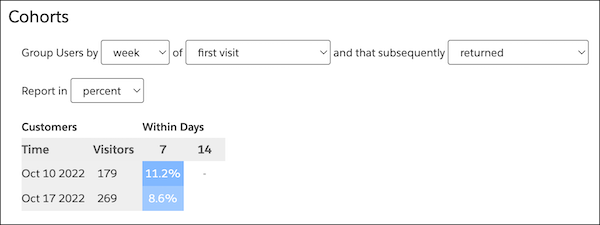
- **[Use Cohorts Reports](https://help.salesforce.com/s/articleView?id=mktg.mc_pers_report_cohort_use.htm&release=264.0.0&type=5)**
Use Cohorts reports to visualize the way your site visitors flow from one activity or status to another over an extended period.
- **[Create a Cohorts Report](https://help.salesforce.com/s/articleView?id=mktg.mc_pers_report_cohort_create.htm&release=264.0.0&type=5)**
Create Cohorts reports to see how certain customer types completed an activity over a time period. For example, group visitors by the week that they first visited your site, and then see how long it took each group to complete an activity such as View Item.
- **[Read Cohort Reports](https://help.salesforce.com/s/articleView?id=mktg.mc_pers_report_cohort_read.htm&release=264.0.0&type=5)**
Cohort reports give quick visual cues about a cohort’s pattern. Use the report to group visitors by different time periods, so you can view the data from different perspectives.
#### See Also
- [Report Categories](https://help.salesforce.com/s/articleView?id=mktg.mc_pers_report_categories.htm&release=264.0.0&type=5 "Marketing Cloud Personalization provides reports that cover a number of categories. These reports provide metrics about user-focused activities, results and goal completions, customer visits and engagement, and metrics to help manage your Marketing Cloud Personalization product consumption.")
- [How to Access Reports](https://help.salesforce.com/s/articleView?id=mktg.mc_pers_report_access.htm&release=264.0.0&type=5 "Access Personalization reports to view sophisticated yet easy-to-understand analytics, statistics, and attribution metrics. By default, Personalization shows the Reports Dashboard as the first page.")
# Cold Start Strategies for Recommendations
Cold start describes any scenario where a recommender doesn't have enough engagement data to personalize confidently. Cold start is the only automatic switch the recommender makes. Every recommender starts in cold start when engagement is sparse and transitions to full personalization as engagement data accumulates.
## Cold Start Scenarios
New Site
A brand-new customer onboards or introduces a new catalog, and no engagement history exists.
To handle this scenario, the recommender builds an understanding of your catalog from its content, including titles, descriptions, categories, and other attributes. These attributes are converted into semantic embeddings that capture the meaning of each item. When a user interacts with any item, the recommender returns semantically similar items.
New Item
An established site adds items that no user has interacted with yet. Traditional recommenders can't surface items without engagement history.
DLPR is trained to use both engagement history and catalog content. For items with engagement, both signals contribute to the item's representation. For new items, catalog content acts as a stand-in until engagement data arrives. New items are eligible for recommendation immediately.
Promotion and Offer Without Engagement History
When you recommend promotions or offers but have limited engagement data on user responses, the recommender uses promotion metadata to recommend semantically similar promotions. For details, see [Promotion and Offer Recommenders](https://help.salesforce.com/s/articleView?id=mktg.persnl_recommender_dlpr_promotion.htm&release=264.0.0&type=5 "A promotion recommender recommends the most relevant promotions, offers, or discounts to each user. The underlying model is the same DLPR, but mapping different engagement signals to the recommender, and ranking it against a different catalog.").
## How a Recommender Exits Cold Start
As engagement data accumulates, the recommender continuously evaluates whether it has enough signal to switch from cold start to full personalization. When the threshold is met, future training runs use engagement data, and cold start logic steps back.
The transition is automatic. You don't configure a switch. As your site matures, users see a smooth progression from content-based recommendations to fully personalized recommendations.
## Guidance for Your Catalog
A well-structured catalog makes early recommendations effective.
- Provide complete titles, descriptions, categories, and attributes for every item.
- Keep catalog metadata current as you add new products and offers.
- Don't wait for traction on new items - items with good metadata are eligible to recommend immediately.
#### See Also
- [Deep Learning for Personalized Recommendations](https://help.salesforce.com/s/articleView?id=mktg.persnl_recommender_dlpr.htm&release=264.0.0&type=5 "Deep Learning for Personalized Recommendations (DLPR) is the core model that powers every objective-based recommender you configure. It analyzes the sequence of engagement actions a user takes, and predicts the item that the user is most likely to engage with next, weighted by the business goal that you've defined.")
- [Item Recommenders](https://help.salesforce.com/s/articleView?id=mktg.persnl_recommender_dlpr_item.htm&release=264.0.0&type=5 "An item recommender presents items from your catalog based on each user's engagement history. An item can be a product, an article, a property listing, a course, a service, or any other entity you serve to users. The item recommender is the default recommender configuration for personalized recommendations across web, email, Agentforce, and other channels.")
- [Promotion and Offer Recommenders](https://help.salesforce.com/s/articleView?id=mktg.persnl_recommender_dlpr_promotion.htm&release=264.0.0&type=5 "A promotion recommender recommends the most relevant promotions, offers, or discounts to each user. The underlying model is the same DLPR, but mapping different engagement signals to the recommender, and ranking it against a different catalog.")
- [Conversational Intent-Based Recommenders](https://help.salesforce.com/s/articleView?id=mktg.persnl_recommender_dlpr_conversational.htm&release=264.0.0&type=5 "A conversational recommender brings personalization into Agentforce by interpreting a user's intent in real time and feeding it into DLPR alongside engagement history. Live conversation becomes a primary engagement signal.")
# Collaborate on Content
Work together with your team in real time. Share workspaces with team members, see who else is viewing or editing a workspace, and comment on content to gather feedback before you publish.
### Required Editions
[View supported editions](https://help.salesforce.com/s/articleView?id=mktg.mktg_editions.htm&release=264.0.0&type=5 "Marketing Cloud Next is available in Growth and Advanced editions, and requires Salesforce Enterprise or Unlimited editions. Some features are limited by edition or purchased add-on. All functionality is available in Lightning Experience only.").
User Permissions Needed
To create or edit content:
Marketing Cloud Manager permission set
AND
any CMS workspace contributor
role
To publish or unpublish content:
Marketing Cloud Manager permission set
AND
a CMS workspace contributor role
of content admin or content manager
Changes that you and your teammates make, including edits, comments, reactions, and replies, update in real time. You don't need to refresh the page to see the latest activity.
## Share a Workspace and Assign Roles
Share an agentic content workspace with teammates and assign a role for access.
At the top of the canvas you can view who has access and is collaborating in the workspace.
1. Open a workspace, and click the Share icon.
2. In the Share window, enter the names of the teammates you want to add.
3. For each teammate, select an access level.
- **Owner** — Full control of the workspace, including sharing and deleting it.
- **Editor** — Can create, edit, and refine content in the workspace.
- **Viewer** — Can view content and comments, but can't make changes.
4. Click **Share**.
Each teammate receives an email notification that they’ve been added to the workspace.
5. To view current collaborators or change who has access, click to view User Info at the top of the canvas.
## Comment on Content
Use comments and reactions to collaborate and add feedback in real time.
You can add comments directly in a workspace, tag teammates, and track discussion in threads. Comments and reactions update in real time, so you and your teammates always see the latest feedback.
1. Open the workspace and click the Comment icon, which opens a Comment panel.
2. Click the content that you want to comment on, and enter your comment.
Comments stay linked to the specific content element where you added them.
3. To tag a teammate, enter @ followed by their name, and select them from the list.
Tagged teammates are notified of the comment.
4. React to a comment or reply to keep related feedback together in a thread.
# Collect Tracking Code
Collect Tracking Code is a JavaScript snippet that captures data about the behaviors of known and unknown visitors to your site. You can use this data to enhance contact profiles and optimize customer journeys across channels through predictive and personalized recommendations. You can also update product and content catalog details in real time or track email-driven revenue.
When a visitor goes to a website that uses the tracking code, the site leaves a cookie that contains a unique ID and session ID. The cookie adds an ID to all Collect calls. The cookie tracks the user until it’s removed or cleared.
Collect Tracking Code monitors the variables and events that you select at the contact level. It can monitor these visitor attributes:
- Browser type
- User location
- Session time and length
- Page URL
- Page title
- Referrer URL
All Collect calls associated with items, such as Track Item Detail, Track Cart, and Track Purchase, must match a value in the catalog. The Status tab in the Email or Web Recommendations application provides insight into whether Collect data matches catalog data.
Collect calls can’t pass more data about the page that you’re viewing, and the name-value pairs in the calls can't be changed. Values like `item`, `unique_id`, and `email` are fixed labels. Never replace fixed labels with custom labels.
- **[Install Collect Tracking Code](https://help.salesforce.com/s/articleView?id=mktg.mc_ctc_install_collect_code.htm&release=264.0.0&type=5)**
Learn how to configure your site to use Collect Tracking Code.
- **[Streaming Catalog Updates Through Collect Tracking Code](https://help.salesforce.com/s/articleView?id=mktg.mc_ctc_streaming_updates.htm&release=264.0.0&type=5)**
To configure server-side streaming updates for items in your catalog, use the API key or catalog import option. Streaming updates replaces the standard file upload process.
- **[Set Contact Attribute Affinity](https://help.salesforce.com/s/articleView?id=mktg.mc_ctc_set_contact_attribute_affinity.htm&release=264.0.0&type=5)**
Use Collect Tracking Code to build subscriber affinity models based on contact attributes.
- **[Set User Information and Attributes in Collect Tracking Code](https://help.salesforce.com/s/articleView?id=mktg.mc_ctc_set_user_info.htm&release=264.0.0&type=5)**
To maintain user details and subscriber information in a contact profile, use the Collect Tracking Code feature in Marketing Cloud Engagement.
- **[Track Category Viewed](https://help.salesforce.com/s/articleView?id=mktg.mc_ctc_track_category_view.htm&release=264.0.0&type=5)**
Configure Collect Tracking Code to store category data for the product a contact views on your website.
- **[Track In-Site Search](https://help.salesforce.com/s/articleView?id=mktg.mc_ctc_track_in_site_search.htm&release=264.0.0&type=5)**
Configure Collect Tracking Code to store data about a contact’s search on your website.
- **[Track Items in Cart](https://help.salesforce.com/s/articleView?id=mktg.mc_ctc_track_cart.htm&release=264.0.0&type=5)**
Configure Collect Tracking Code to track items that are added or removed from a contact’s cart.
- **[Track Page View](https://help.salesforce.com/s/articleView?id=mktg.mc_ctc_track_page_view.htm&release=264.0.0&type=5)**
The `trackPageView` call is the most common call and can capture three types of information: product or content views, categories views, or search views.
- **[Track Items Viewed](https://help.salesforce.com/s/articleView?id=mktg.mc_ctc_track_items_viewed.htm&release=264.0.0&type=5)**
Configure Collect Tracking Code to track the items that a contact views on your site.
- **[Track Purchase Details](https://help.salesforce.com/s/articleView?id=mktg.mc_ctc_track_conversion.htm&release=264.0.0&type=5)**
Configure Collect Tracking Code to store details about a contact’s purchases from your website.
- **[Track User Rating](https://help.salesforce.com/s/articleView?id=mktg.mc_ctc_track_rating.htm&release=264.0.0&type=5)**
Configure Collect Tracking Code to store contact ratings for items on your website.
- **[Configure trackWishlist for Behavioral Triggers and Collect Tracking Code](https://help.salesforce.com/s/articleView?id=mktg.mc_ctc_configure_trackwishlist.htm&release=264.0.0&type=5)**
To store customer wishlists for items on your site, set up Collect Tracking Code with trackWishlist. Consult your web developer to configure Collect Tracking Code in Marketing Cloud Engagement.
- **[Third-Party Cookies in Marketing Cloud Engagement](https://help.salesforce.com/s/articleView?id=mktg.mc_ctc_partitioned_cookies.htm&release=264.0.0&type=5)**
Marketing Cloud Engagement uses third-party cookies to track how users interact with your websites. Most web browsers have discontinued—or are in the process of discontinuing—support for third-party cookies. To ensure that you have access to the same engagement data that you’ve always had, Marketing Cloud Engagement uses partitioned cookies, sometimes known as Cookies Having Independent Partitioned State (CHIPS).
#### See Also
- [Install Collect Tracking Code](https://help.salesforce.com/s/articleView?id=mktg.mc_ctc_install_collect_code.htm&release=264.0.0&type=5 "Learn how to configure your site to use Collect Tracking Code.")
# Collection Permissions for User Groups
You can apply collection permissions to a user group. If the group includes users with different user roles, such as admins, power users, and viewers, the collection permissions don’t extend the individual user role permissions.
For example, if you give Edit permissions to a user group that includes viewers, those viewers can only view the collection and not edit it. Similarly, if you set Restricted permission to a user group that includes admins, they can still edit the collection.
User Role
Collection Permissions for User Groups
Restricted
View
Edit
Admin
Can View and Edit collection
Can View and Edit collection
Can View and Edit collection
Power User
Can’t access collection
Can view collection
Can edit collection
Viewer
Can’t access collection
Can view collection
Can’t edit, but can view collection
- **[Set Collection Permissions for User Groups](https://help.salesforce.com/s/articleView?id=mktg.dato_getstarted_customize_collperms_groups_set.htm&release=264.0.0&type=5)**
Manage user group access to your collections.
# Collection Permissions in Marketing Cloud Intelligence
Admins can set permissions to control access to collections for user groups, power users, and viewers. If a viewer has access to several workspaces, you can set permissions for each collection individually.
Three collection permissions are available.
- **Restricted**—Users can’t see this collection.
- **View**—Users can view the collection, but can’t make changes.
- **Edit**—Users can view and edit the collection.
- **[Set Individual Collection Permissions in Marketing Cloud Intelligence](https://help.salesforce.com/s/articleView?id=mktg.dato_getstarted_customize_collperms_setindiv.htm&release=264.0.0&type=5)**
Set permissions to manage user access to your collections. The default collection permission table columns are collection, workspace, account, and permissions. You can show or hide additional columns in the table settings.
# Collections
After you connect your data to Marketing Cloud Intelligence, you can start to organize and manage your data for the different departments of your organization—for example, delivery data, cost data, or social impact. The relevant data for each department is managed in separate visualization entities or collections.
A collection enables you to synergize all your data and consume it in one place. No matter where data is coming from, whether a data stream or an app, you can visualize, organize, and personalize it all together in a collection. You can assign multiple entities to a collection such as app pages, dashboard pages, and SmartLenses.
Here’s a video about collections:
- **[Create a Collection](https://help.salesforce.com/s/articleView?id=mktg.dato_visualize_coll_create.htm&release=264.0.0&type=5)**
Complete these steps to create a new collection.
- **[Add Pages to a Collection](https://help.salesforce.com/s/articleView?id=mktg.dato_visualize_coll_addpages.htm&release=264.0.0&type=5)**
After you create a collection, you can start adding pages to the collection.
# Collections
Collections are like notebooks, and the pages inside the notebooks are what we call dashboard pages. Collections allow you to organize related dashboards together.
### Required Editions
Available in: Intelligence Reports Advanced
- **[Create a Collection](https://help.salesforce.com/s/articleView?id=mktg.mc_dat_dash_coll_create.htm&release=264.0.0&type=5)**
A collection contains your dashboard pages. After you create a collection, you can easily add dashboard pages to create a cohesive and full display of your data.
- **[Manage a Collection](https://help.salesforce.com/s/articleView?id=mktg.mc_dat_dash_coll_manage.htm&release=264.0.0&type=5)**
After you create a collection, you can edit the collection and its dashboard pages to fit your needs.
# Combine Tags
If you want to reorganize or consolidate your tags, you can merge tags in Account Engagement.
### Required Editions
User Permissions Needed
To merge tags:
Account Engagement Sales role or higher
1. Open the Tags page.
- In Account Engagement, select **Marketing** | **Segmentation** | **Tags**.
- In the Lightning app, select **Content** and then click **Tags**.
2. Click the tag you want to merge other tags into.
3. Click **Merge tags**.
4. Select the tags you want to merge into the tag.
5. Click **Merge Tags**.
# Common Business Requirements for B2B Referral Promotions
Before you create referral promotions, map some of the most common business requirements to the prerequisites for creating a promotion.
### Required Editions
Available in: Lightning Experience
Available in: Enterprise, Performance, Unlimited, and Developer Editions with Referral Marketing
A cybersecurity firm wants to expand its client base by leveraging its existing
partners. They are launching a B2B referral program that rewards both the referring partner
(advocate) and the newly onboarded business (referred party) once the referred party
subscribes to their annual advanced threat protection suite and completes its initial
security audit.
Promotion's target audience: A campaign with partners who have a high security
compliance rating.
Promotion's journal subtypes for eligible activities:
Journal subtype for referred party's eligible activity: Referred Party Completes
Security Audit
Journal subtype for advocate's eligible activity: Advocate Rewarded for Party's
Subscription
Promotion's template stages:
Promotion Launched
Advocate Joins Promotion
Advocate Submits Referral
Referral Qualifies
Referred Party Completes Security Audit and Subscribes
Both advocate and referred party are rewarded at this stage.
Promotion's rewards:
Voucher for referred party: Get a 5% discount on their first year's annual advanced
threat protection suite.
Extended reward for advocate: 1 month premium incident response support.
An ERP software provider, seeks to increase its market share within the manufacturing
sector. They are introducing a B2B referral incentive that rewards both the advocate and the
newly integrated manufacturing client upon the successful deployment of the ERP system.
Promotion's journal subtypes for eligible activities:
Journal subtype for referred party converting to an opportunity: Referred Party
Converts
Journal subtype for advocate's eligible activity: Advocate Rewarded for Party's ERP
System Deployment
Promotion's template stages:
Promotion Launched
Advocate Joins Promotion
Advocate Submits Referral
Referral Qualifies and Converts
Advocate is rewarded at this stage.
Referred Party deploys the ERP system
Referred Party is rewarded at this stage.
Promotion's rewards:
Voucher for referred party: Get $2,000 discount on the total ERP implementation
cost.
Extended reward for advocate: Receive a free upgrade for their existing ERP system
A digital marketing agency wants to launch a B2B referral program that rewards
advocates both when they submit a referral and when the referred company qualifies.
Promotion's journal subtypes for eligible activities:
Journal subtype for referred party's eligible activity: Referred Party Qualifies
Journal subtype for advocate's eligible activity: Advocate Submits a Referral
Promotion's template stages:
Promotion Launched
Advocate Joins Promotion
Advocate Submits Referral
Advocate is rewarded at this stage.
Referral Qualifies
Referred Party is rewarded at this stage.
Referred Party Signs Digital Marketing Retainer
Promotion's rewards:
Voucher for referred party: Get a free month of social media management services.
Extended reward for advocate:
If the advocate has been a partner for less than a year: Receives in-depth market
research report tailored to their industry.
If the advocate has been a partner for more than a year: Receives gift card worth
$1000.
A cloud-based platform for logistics and supply chain management wants to implement a
B2B referral program that rewards the advocate when the referred party integrates with the
company's platform
Promotion's target audience: A campaign with gold standard partners
Promotion's journal subtypes for eligible activities:
Journal subtype for advocate's eligible activity: Advocate Rewarded for Platform
Integration
Promotion's template stages:
Promotion Launched
Advocate Joins Promotion
Advocate Refers Business
Referral Converts
Referred Party Integrates with Platform
Advocate is rewarded at this stage.
Promotion's rewards:
Extended reward for advocate: Receive a dedicated account manager for 6 months to
optimize their platform usage.
# Common Business Requirements for Referral Promotions
Before you create referral promotions, map some of the most common business requirements to the prerequisites for creating a promotion.
### Required Editions
Available in: Lightning Experience
Available in: Enterprise, Performance, Unlimited, and Developer Editions with Referral Marketing
Business Scenario
Prerequisites
A bank wants to run a promotion for the customers in Spain that rewards advocates and
their referred friends when friends receive a new credit card.
Promotion's target audience—A Data 360 segment with customers from Spain
Promotion's journal subtypes for eligible activities:
Journal subtype for friend's eligible activity—Friend Received Credit
Card
Journal subtype for advocate's eligible activity—Advocate Rewarded for
Friend's Credit Card
Promotion's template stages:
Promotion Launched
Advocate Joins Promotion
Advocate Refers Friend
Friend Applies for Credit Card
Friend Receives Credit Card
Both advocates and their friends are rewarded at this
stage.
Promotion's rewards:
Extended reward for friends— Enjoy a waived annual credit card fee for the first year
Voucher for advocates—Get a US $20 voucher
A hotel wants to run a promotion for all customers that rewards friends who book a
stay and rewards advocates when friends complete a stay at the hotel.
Promotion's journal subtypes for eligible activities:
Journal subtype for friend's eligible activity—Friend Booked Stay
Journal subtype for advocate's eligible activity—Friend Completed Stay
Promotion's template stages:
Promotion Launched
Advocate Joins Promotion
Advocate Refers Friend
Friend Booked a Stay
Friends are rewarded at this stage.
Friend Completed Their Stay
Advocates are rewarded at this stage.
Promotion's rewards:
Voucher for friends—Get a free spa weekend
Extended reward for advocates—Get a $30 gift card
A hotel want to run a promotion for skiing enthusiasts that only rewards advocates
when their referred friends complete a skiing event at the hotel.
Promotion's target audience—A campaign with skiing enthusiasts
Promotion's journal subtypes for advocate's eligible activity—Friend Completed
Skiing Event
Promotion's template stages:
Promotion Launched
Advocate Joins Promotion
Advocate Refers Friend
Friend Signed Up for Skiing Event
Friend Checked in for Skiing Event
Advocates are rewarded at this stage.
Promotion's rewards for advocates—Free skiing equipment for your next trip
# Common Einstein Recommendations Rule Types
To create your own algorithm, use rules in the Einstein Recommendations Rule Manager tool. A rule can override top-performing algorithms and negatively impact predictive performance, so we recommend that you use rules sparingly.
Scope
Rule
Syntax
Global Rule
Never recommend gift cards to customers.
ACTION Exclude where <GiftCard> <is> <Y>
Recommend highly rated items to users.
ACTION Emphasize Items with <Ratings> <Greater Than>
<3>
Home Page Rule
Emphasize the newest items on the home page.
ACTION Emphasize Items with <ReleaseDate> <Less Than> <30>
Days Ago
Category Page Rules
Only recommend items with the same category as the landing page that
the subscriber is viewing.
ACTION Include Items with <Category> <is> <Same as Reference
Item>
Detail Page Rule
Only recommend items of the same gender as the item that the
subscriber is viewing.
ACTION Include <Gender> <is> <Same as Reference
Item>
Only recommend sale items when the subscriber views a sale
item.
ATTRIBUTE <isOnSale> <is> <False>
ACTION Exclude <isOnSale> <is> <True>
Exclude items based on intended age group.
ATTRIBUTE <AgeGroup> <is> <Child>
ACTION Exclude <Inappropriate> <is> <True>
Exclude items based on intended age group.
Don’t recommend a competing brand on a detail page.
ATTRIBUTE <Brand> <is> <Nike>
ACTION Exclude <Brand> <is> <Adidas>
Only recommend items of the same brand as the item that’s being
viewed.
ACTION Include <Brand> <is> <Same as Reference Item>
# Communication Assets
On the third step in the guided flow, customize and enable the promotion’s communication channels and the Refer A Friend widget. The communication channels include email and WhatsApp.
The communication assets available for your promotion are based on the communication method that you set.
| Communication Method | Communication Assets |
| --- | --- |
| Marketing Cloud Next | Widget, Email, SMS |
| Marketing Cloud Engagement | Email, WhatsApp, Widget |
| Salesforce Email Or External Email Services | Email, Widget |
- **[Emails and WhatsApp Messages](https://help.salesforce.com/s/articleView?id=mktg.referral_promotion_wizard_step_content_email.htm&release=264.0.0&type=5)**
Referral Marketing includes a set of email and WhatsApp message templates. The promotion template that you select for a promotion determines the electronic messages that are available for the promotion. The content of the electronic messages changes based on when the selected promotion template rewards advocates and their referred friends.
- **[The Refer a Friend Widget](https://help.salesforce.com/s/articleView?id=mktg.referral_promotion_wizard_step_content_widget.htm&release=264.0.0&type=5)**
Every referral promotion comes with a widget that allows advocates to sign up for the promotion and then send referral emails and SMS messages to their friends.. The widget also allows people visiting the brand’s site to sign up with the brand and then join the referral promotion. After you customize the widget based on the brand’s guideline, admins can embed the widget’s flexcard on Experience Cloud sites or external sites. On the Referral Promotion guided flow, the widget is placed in the Promotion Launched stage.
# Communication Stages
The electronic messages are categorized by the stages during which they’re sent. If your company's communication method is Marketing Cloud, you can view the promotion stages and email templates after you complete the promotion configuration and add outbound engagement.
### Required Editions
Available in: Lightning Experience
Available in: Enterprise, Performance, Unlimited, and Developer Editions with Referral Marketing
## Stage 1—Promotion Launched
You can’t customize the Promotion Launched stage in a promotion template and can’t provide rewards at this stage. Here are the messages that are available at this stage:
MESSAGE
What It Does
What You Can Change
Invite Advocates
Invites all advocates who are part of the promotion's referral program to join
the promotion.
For the Join Now button, add the URL of the Experience Cloud site
or the external site from where advocates can join the promotion. You can add the
URL of the page where the Refer A Friend widget is embedded.
Remind Advocates about Invitation
Reminds advocates to sign up for the referral promotion.
## Stage 2—Advocate Joins Promotion
You can’t customize the Advocate Joins Promotion stage in a promotion template and can’t provide rewards at this stage. Here are the messages that are available at this stage:
MESSAGE
What It Does
What You Can Change
Thank Advocates for Joining
Thanks advocates for joining the promotion and provides them with their unique
referral link.
For the Refer Now button, add the URL of the page from where
advocates can refer their friends. You can add the URL of the page where the Refer A
Friend widget is embedded.
Remind Advocates to Start Referring
Reminds advocates who have signed up to refer their friends. The message
includes the referral link.
## Stage 3
The third stage in a promotion is known as Advocate Refers Friend but the name of the stage can be different in your promotion. If you see a different name, it’s because the name is updated in the promotion template that's used by the promotion. The messages that you get during this stage differ based on whether advocates or their friends are rewarded at this stage.

Tip In most promotions, advocates refer their friends to the brand at this stage. The way in which advocates refer their friends can differ based on your business requirements or your industry. In the financial services industry, advocates can invite their friends to open a bank account. In travel and hospitality, advocates invite their friends to book a stay with the hotel.
Here are the messages that are available for the promotion based on whether advocates or their referred friends are rewarded at this stage:
MESSAGE
What It Does
When It’s Available
What You Must Change
Share Referral Code
Shares the advocate’s referral link with their referred friends.
The message is available with every promotion.
If referred friends are
rewarded at this stage, then the message also contains the details of the reward
that's offered to the friend.
For the Sign Up button, add the URL of the page from where friends can sign up
with the brand.
If friends are rewarded at this stage, then the message also
contains the Visit Site button. For the Visit Site button, add the URL of the site
from where referred friends can claim their reward.
Inform Advocate About Reward for Referring Friend
Shares the details of the reward that the advocate receives for referring their
friend.
This message is only available if the promotion template that's used by the
promotion rewards the advocates at this stage.
For the Visit Site button, add the URL of the site from where advocates can
claim their reward.
For the Refer Now button, add the URL of the page from where advocates can
refer their friends. You can add the URL of the page where the Refer A Friend
widget is embedded.
Remind Friends to Sign Up
Reminds referred friends to sign up with the brand.
The message is available with every promotion.
If referred friends are
rewarded at this stage, then the message also contains the details of the reward
that's offered to the friend.
For the Sign Up button, add the URL of the page from where friends can sign up
with the brand.
If friends are rewarded at this stage, then the message also
contains the Visit Site button. For the Visit Site button, add the URL of the site
where referred friends can claim their reward.
## Stage 4
The fourth stage in a promotion is known as Friend Signs Up but the name of the stage can be different in your promotion. If you see a different name, it’s because the name is updated in the promotion template that's used by the promotion. The messages that you get during this stage differ based on whether advocates or their friends are rewarded at this stage.

Tip In most promotions, referred friends engage with the brand for the first time at this stage. The way in which friends engage with the brand can differ based on your business requirements or your industry. In the financial services industry, friends can engage with a bank by opening a bank account. In travel and hospitality, friends can engage with a hotel by booking a stay at the hotel.
Here are the messages that are available for the promotion based on whether advocates or their referred friends are rewarded at this stage:
MESSAGE
What It Does
When It’s Available
What You Must Change
Thank Friends for Signing Up
Thanks referred friends for engaging with the brand.
The message is available with every promotion.
If referred friends are
rewarded at this stage, then the message also contains the details of the reward
that's offered to the friend.
For the Visit Site button, add the URL of the site from where referred friends
can complete the activity.
Inform Advocate About Reward after Friend Signs Up
Shares the details of the reward that the advocate receives after their
referred friend signs up.
This message is available only if the promotion template that's used by the
promotion rewards advocates at this stage.
For the Visit Site button, add the URL of the site from where advocates can
claim their reward.
For the Refer Now button, add the URL of the page from where advocates can
refer their friends. You can add the URL of the page where the Refer A Friend
widget is embedded.
Remind Friends to Complete Activity
Reminds friends to complete the activity that closes the promotion's journey
for the friends and the advocates who have referred them.
The message is available with every promotion.
If referred friends are
rewarded at this stage, then the message also contains the details of the reward
that's offered to the friend.
For the Visit Site button, add the URL of the site from where referred friends
can complete the activity.
## Stage 5
The fifth stage in a promotion is known as Friend Completes First Purchase but the name of the stage can be different in your promotion. If you see a different name, it is because the name has been updated in the promotion template that's used by the promotion. The messages that you get in this stage differ based on whether advocates or their friends are rewarded at this stage.

Tip In most promotions, friends complete an activity that closes the promotion's journey for the friend and the advocate who referred them. The activity that closes the promotion's journey can differ based on your business requirements or your industry. In the financial services industry, friends can close the journey by completing their first bank account transaction. In travel and hospitality, friends can close the journey by checking out of their first stay at the hotel.
Here are the messages that are available for the promotion based on whether advocates or their referred friends are rewarded at this stage:
MESSAGE
What It Does
When It’s Available
What You Must Change
Inform Friend About Activity Reward
Shares the details of the reward that the friend receives after they complete
an activity.
The message is available only if the promotion template that's used by the
promotion rewards friends at this stage.
For the Visit Site button, add the URL of the site from where friends can claim
their reward.
Inform Advocate About Friend's Activity
Informs advocates that their referred friend has completed an activity.
The message is available with every promotion.
If advocates are rewarded at
this stage, then the message also contains the details of the reward that's
offered to the advocate.
If advocates are rewarded at this stage, then the message also contains the
Visit Site button. For the Visit Site button, add the URL of the site from where
advocates can claim their reward.
## Email Builder

The marketing managers can perform these actions:
- View the emails that are available for the promotion categorized by stage. To edit an email, select it. (1)
- Customize the content and the formatting of the emails. (2)
- Save and activate the emails that you want to send to advocates and their referred friends. (3)
- Add merge fields to the email content. (4)
- Decide when to send the reminder emails. This option is available only for the reminder emails. (5)
## WhatsApp Message Builder

At each stage of the promotion, to include WhatsApp as a communication channel, click the WhatsApp icon and select the content assets.
The marketing managers can perform these actions:
- View the messages that are available for the promotion categorized by stage. To edit a message, select it. (1)
- Customize the content and the formatting of the messages. (2)
- Save and activate the messages that you want to send to advocates and their referred friends. (3)
- Add merge fields to the message content. (4)
- Decide when to send the reminder messages. This option is available only for the reminder messages. (5)
## Message Sender
A Marketing Cloud Engagement sender profile sends messages using email and WhatsApp to advocates and their referred friends. Before you create promotions, admins set up a connection between Referral Marketing and Engagement business units. For each connection, the admin selects a send classification. The sender profile of the send classification that's selected for the promotion's Engagement business unit sends the promotion's messages.
Sometimes admins don't connect Referral Marketing with an Engagement business unit when they’re testing the capabilities of Referral Marketing in a sandbox or a non-production org. When a business unit isn't connected with Referral Marketing, organization-wide email addresses send the promotion's emails. In this scenario, you can select which organization-wide email address sends each email.
# Compare Enterprise and Enterprise 2.0 Functionality
The following Enterprise 2.0 business unit features are similar to Enterprise Lock and Publish functionality in Email Studio.
Enterprise vs. Enterprise 2.0
| Enterprise | Enterprise 2.0 |
| --- | --- |
| Lock and Publish | Business Units |
| Publish emails | Shared emails and shared templates |
| Global folders | Shared folders |
| On Your Behalf account | SenderProfile, SenderClassification, and BusinessUnit Filters |
| Permissions | Roles control the actions a user can perform in the application. A role represents a group of permissions. |
| Log in as a user to offer troubleshooting and support | Always logged in as self. Can’t log in as another user. |
# Compare Marketing Performance Intelligence and Marketing Intelligence
Compare the reporting, data management, agent, and Tableau Next capabilities in Marketing Performance Intelligence and Marketing Intelligence.
Feature
Marketing Performance Intelligence
Marketing Intelligence
First-Party Reporting
First-party reporting
Included
Included with Marketing Cloud Next and owned-media data
Data Connectors
Total Connect
Not included
Included
First-party analytics connectors
Not included
Included
Paid-media connectors, such as Google Ads, Meta, and LinkedIn
Not included
Included
Attribution
Journey pathing
Included
Included
First-touch and last-touch attribution for Email and SMS conversions: Form
Filled, Order Placed, or both.
Included
Included
Custom attribution configuration
Not included
Included
Segment Intelligence
Not included
Included
Data Management
Marketing Semantic Data Model
Included
Included
Goals
Included
Included
LLM data enrichment
Not included
Included
Patterns
Not included
Included
Data enrichment
Not included
Included
Anchor campaigns
Not included
Included
Custom schemas
Not included
Included
Agents
Paid Media Budget Optimization Agent
Not included
Included
Data Guardian Agent
Not included
Included
Conversational analytics with Tableau Concierge
Not included
Included
Headless Intelligence
Reports and data in Slack
Included
Included
Tableau Next
Tableau Next Concierge
Not included
Included
Tableau Next visualizations
Included
Included
Create custom Tableau Next dashboards
Not included
Included
Edit custom Tableau Next dashboards
Not included
Included
# Compare Multiple Versions of the Same Plan
Media Planning Center Scenario Planning allows you to compare multiple versions of the same plan, by their projected KPIs.
### Required Editions
User Permissions Needed
To view installed Marketplace apps:
Admin, Power User, or Viewer
With this view, identify the plan that’s likely to produce the best results for you. The existing scenarios for budget allocations appear at the top of your screen allowing you to manage multiple versions of the same plan from one instance. To see a demo, check out this [video](https://salesforce.vidyard.com/watch/xv4v6SVHNsNvh5fcQSvsZT).
1. In Marketing Cloud Intelligence, on the **Marketplace** tab, select **Apps**.
2. Click **Installed Solutions**, and then select the **Media Planning Center** app.
3. To view an existing plan, click a plan from the scenario panel(1).
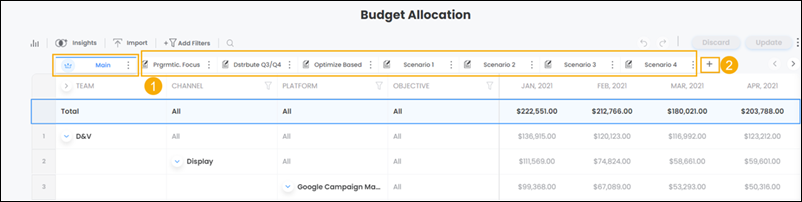
4. To add a plan, click the + icon next to the scenario panel(2).
5. To copy a plan from an existing scenario, select **Copy from an Existing Scenario** and then select a scenario from the dropdown.
6. To create a plan from scratch, select **Start from Scratch**.
7. Click **Add**.
After you add a scenario, the original scenario becomes the ‘main’ scenario and is identified with a crown icon. The main scenario acts as a focal point of comparison for additional scenarios created. For example, adding or changing budgeting figures in a new scenario immediately presents the difference between newly added budgets, and budgets that exist in the main scenario.
8. To see a simulation for the selected scenarios, select the **Simulate** tab.
The simulation forecasts each plan’s KPI totals by the end of the plan’s defined timeframe.
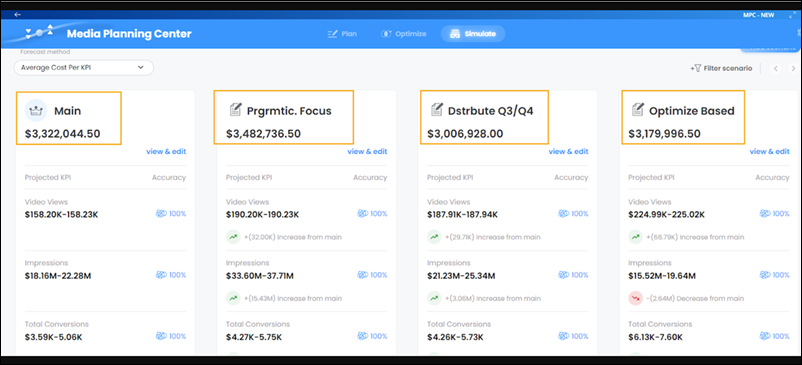
9. To reconfigure, which of the multiple scenarios is considered to be the main scenario, click the menu icon, and then select **Set as main scenario**.
10. To change the forecasting method by which the KPIs are projected, on the left-hand side, select a forecasting method.
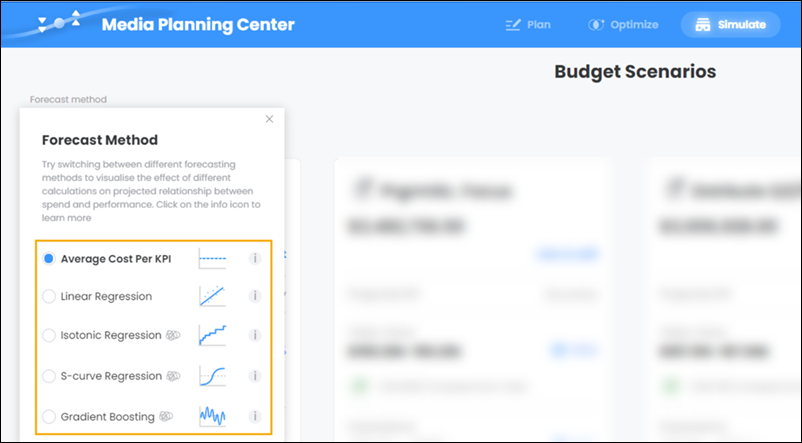
# Compare Tracking Results
Compare high-level metrics for each message in a campaign and overall campaign numbers. The tracking results comparison feature shows how many emails were sent, how many were delivered, how many of the subscribers unsubscribed, how many emails were opened, and the number of click-throughs.
To view these metrics:
1. Click the Tracking tab.
2. Select the checkbox next to the email sends to compare.
3. Click **Compare Email Sends**.
4. Click **Print** or **Export**.
# Comparison of Engagement History Features
Engagement History is a generic term for a collection of fields, related lists, and other Lightning components that make it possible to show valuable prospect engagement data on your most used records.
### Required Editions
Pardot is now known as Marketing Cloud Account Engagement. We wish we could snap our fingers to update the name everywhere, but you can expect to see the previous name in a few places until we replace it, including in the app itself.
User Permissions Needed
To use Engagement History:
Account Engagement User, CRM User, Sales Cloud
User, or Service Cloud User
permission set

Note
- All Engagement History components require a CRM User, Sales Cloud User, or Service Cloud User permission set.
- The majority of Engagement History components are available with all Account Engagement editions. Engagement History Dashboards require Growth, Plus, Advanced, or Premium edition.
- Components using the List Emails object include automated emails from Engagement Studio, completion actions, and automation rules. They don’t include operational emails.
- Objects marked in this table with an asterisk (\*) show engagement history data by default.
Feature
Available On...
Data Storage
Prerequisites
Metrics Fields
Campaign
Marketing Link*
Marketing Form*
Landing Page*
List Email
Salesforce
Connected Campaigns
Field-level security: Access to engagement history metrics
Connected Campaigns (for a dashboard on campaign records only)
- **[Use the Metrics Fields Component](https://help.salesforce.com/s/articleView?id=mktg.pardot_engagement_history_report_parent.htm&release=264.0.0&type=5)**
Add Engagement History metrics as fields on connected campaigns and asset records. You can also build a custom report based on the Campaign object. These tools can help you determine which marketing assets are most effective.
- **[Use Engagement History Metrics Related Lists](https://help.salesforce.com/s/articleView?id=mktg.pardot_engagement_history_related_lists_parent.htm&release=264.0.0&type=5)**
Add the Engagement History Metrics related list to your campaign records to find the relationships that grow among campaigns, prospects, and assets.
- **[Using the Engagement History Related List](https://help.salesforce.com/s/articleView?id=mktg.pardot_engagement_history_related_list_activities.htm&release=264.0.0&type=5)**
The Engagement History related list includes an activity feed of recent prospect engagement. It appears by default on most of your marketing asset records, but you can also add it to your list email, lead, contact, account, or person account records.
- **[Using Engagement History Metrics Lightning Component](https://help.salesforce.com/s/articleView?id=mktg.pardot_engagement_history_component_parent.htm&release=264.0.0&type=5)**
Add the Engagement History Metrics Lightning component to your campaign records to show high-level metrics associated with the marketing assets in your connected campaigns.
- **[Add the Engagement History Custom Lightning Component](https://help.salesforce.com/s/articleView?id=mktg.pardot_engagement_history_custom_component.htm&release=264.0.0&type=5)**
Add the Engagement History Custom Lightning component to your lead, contact, and person account records to show how people interact with your marketing assets. This component comes with your Account Engagement AppExchange package.
# Comparison of Marketing-Oriented Flow Types
With Marketing Cloud Next, you can create several types of flows that help you implement your marketing use cases. When you add flows to your campaigns, it’s important to understand the abilities and usage considerations for each flow type.
[View supported editions](https://help.salesforce.com/s/articleView?id=mktg.mktg_editions.htm&release=264.0.0&type=5 "Marketing Cloud Next is available in Growth and Advanced editions, and requires Salesforce Enterprise or Unlimited editions. Some features are limited by edition or purchased add-on. All functionality is available in Lightning Experience only.").
## Activation-Triggered Flow
An [activation-triggered flow](https://help.salesforce.com/s/articleView?id=platform.automate_flow_build_create_activation_triggered_flow.htm&language=en_US) runs when an activation is published. For example, if a customer receives an email but doesn’t open it, an activation-triggered flow can send their information to Google Ads via an activation so that they receive a targeted ad.
Records are added to an activation-triggered flow based on the segment publishing schedule. Depending on how the segment is configured, a refresh can happen as often as every 10 minutes for an incremental refresh to every 24 hours for a standard refresh. You can also trigger a refresh manually.
## Automation Event-Triggered Flow
An [automation event-triggered flow](https://help.salesforce.com/s/articleView?id=platform.automate_flow_build_create_automation_event_triggered_flow.htm&language=en_US) runs when an event occurs. For example, use an automation event-triggered flow to add a customer to a welcome flow after they submit a registration form. Alternatively, use [engagement signals](https://help.salesforce.com/s/articleView?id=mktg.persnl_engagement_signals_configure.htm&language=en_US) to define custom events.
For built-in automation events and custom events, the flow is executed within about 15 minutes after the triggering event occurs.
## Broadcast Flow
A [broadcast flow](https://help.salesforce.com/s/articleView?id=platform.automate_flow_build_create_broadcast_flow.htm&language=en_US) uses dynamic segments to determine eligibility. Segment membership is determined after the broadcast flow starts.
For example, use a broadcast flow to send a daily promotional email to a dynamic segment of all customers in a region by specifying a postal code in an API call to update the segment.
Execute a broadcast flow programmatically by issuing an [API request](https://help.salesforce.com/s/articleView?id=platform.flow_distribute_system_rest.htm&language=en_US) or [Apex call](https://help.salesforce.com/s/articleView?id=platform.flow_distribute_system_apex_invoke_a_flow_from_apex.htm&language=en_US). Broadcast flows can also be [executed by another flow](https://help.salesforce.com/s/articleView?id=platform.flow_ref_elements_subflow.htm&language=en_US).
## On-Demand Flow
An on-demand flow is triggered as-needed for high-priority use cases.
For example, use an on-demand flow to send an order confirmation email after a customer makes a purchase. An API request that triggers an on-demand flow can include information about the event, such as the order ID or purchase amount.
Execute an on-demand flow programmatically by issuing an [API request](https://help.salesforce.com/s/articleView?id=platform.flow_distribute_system_rest.htm&language=en_US) or [Apex call](https://help.salesforce.com/s/articleView?id=platform.flow_distribute_system_apex_invoke_a_flow_from_apex.htm&language=en_US).
## Audience Flow
An [audience flow](https://help.salesforce.com/s/articleView?id=platform.automate_flow_concepts_audience.htm&language=en_US&type=5) targets a specific group of people: segment members, list members, campaign members, or a subgroup based on record criteria.Audience flows run on a schedule or can be executed immediately.
For example, use a segment- flow to send a monthly preferred customer email to all customers who have made over $1,000 in purchases over the past 12 months.
A scheduled audience flow can run once or on a recurring basis. A recurring audience flow can run as often as every hour.
For scheduled segment flows, you can configure the start step to publish the target segment immediately before running the flow. This option helps ensure that segment membership is as up to date as possible.If you don't republish before running the flow, the segment defaults to its defined publishing schedule.
#### See Also
- [_Salesforce Help_: Automate Data Delivery with Activation-Triggered Flows](https://help.salesforce.com/s/articleView?id=platform.automate_flow_build_create_activation_triggered_flow.htm&language=en_US)
- [_Salesforce Help_: Create a Broadcast Flow](https://help.salesforce.com/s/articleView?id=platform.automate_flow_build_create_broadcast_flow.htm&language=en_US)
- [_Salesforce Help_: Build Automation Event-Triggered Flows](https://help.salesforce.com/s/articleView?id=platform.automate_flow_build_create_automation_event_triggered_flow.htm&language=en_US)
- [_Salesforce Help_: On-Demand Flows](https://help.salesforce.com/s/articleView?id=platform.flow_concepts_trigger_on_demand.htm&language=en_US)
- [_Salesforce Help_: Segment-Triggered Flows](https://help.salesforce.com/s/articleView?id=platform.automate_flow_concepts_trigger_segment.htm&language=en_US)
# Comparison of Salesforce-Hosted and Hyperforce Environments
Marketing Cloud Engagement is hosted in two environments. The first environment uses servers that Salesforce hosts, operates, and maintains. The second environment, called Hyperforce, is built on public cloud services. Hyperforce offers several benefits over Salesforce-hosted instances, and there are differences between the features available in Salesforce-hosted environments and the features available on Hyperforce.
## Hyperforce Benefits
Salesforce products that run on [Hyperforce](https://www.salesforce.com/platform/public-cloud-infrastructure/) benefit from its integration of enhanced standards for compliance, security, agility, and scalability, and from Salesforce’s commitment to privacy. Benefits of Hyperforce include:
- Data Residency and Compliance: Hyperforce instances offer global reach while giving you choice and control over where your customer data resides. This feature of the Hyperforce environment makes it possible for you to obtain additional compliance certifications.
- Scalability: Hyperforce instances can flexibly and sustainably scale to meet your business needs.
- Security: By default, customer data in Hyperforce is encrypted at rest and in transit. Hyperforce instances are secured using least-privilege access controls and zero-trust principles.
- Privacy: Hyperforce provides comprehensive privacy standards that help give you more control over your customer data.
- Agility: Because it’s built on the public cloud, Hyperforce provides interoperability with other public cloud services.
- Reliability: Hyperforce is hosted across multiple availability zones, giving your organization support for tight Recovery Point Objective (RPO) and Recovery Time Objective (RTO) SLAs.
## Regional Availability
Salesforce-hosted environments are based in the European Union and the United States.
Hyperforce environments are built on public cloud services based in Australia, Canada, India, and Japan.
## Feature Support
This table lists differences in Marketing Cloud Engagement features for accounts deployed in Salesforce-hosted environments compared to Hyperforce environments. The contents of this table are subject to change.
Service
Feature
Notes
Email Studio
Bring your own certificate (BYOC) for Sender Authentication
Package
Not available on Hyperforce.
Configure Sender Authentication Package and Private Domain via user
interface
Not available on Hyperforce. To configure these features in Salesforce-hosted
accounts, contact Salesforce Customer Support.
Email Archiving
Not available on Hyperforce.
For Salesforce-hosted accounts, an add-on purchase is required to use this
feature.
Dedicated Message Transfer Agents
Not available on Hyperforce.
For Salesforce-hosted accounts, an add-on purchase is required to use this
feature.
Domain Allowlist
On Hyperforce, similar functionality is available by performing
redirect validation on CloudPages.
Web Collect
On Hyperforce, similar functionality is available by using AMPscript
or SSJS on a CloudPages page to add customer information to a data
extension.
DE Manager
On Hyperforce, similar functionality is available by using AMPscript
or SSJS on a CloudPages page to add customer information to a data
extension.
S/MIME Support
Not Available on Hyperforce.
Email File Attachments
An add-on purchase is required to use this feature.
Attachments from the SFTP folder aren’t supported on Hyperforce. Attachments from
Content Builder and via URL are supported.
Journey Builder
High Throughput Sending
Not available on Hyperforce.
Automation Studio
Enhanced SFTP
Not available on Hyperforce.
Custom Extracts
Not available on Hyperforce.
Marketing Cloud Advertising
―
On Hyperforce, similar functionality is available using Advertising Audiences in
Data 360.
Journey Builder Ad Campaign and Ad Audience activities aren’t available on
Hyperforce.
Audience Builder
Contact Builder
On Hyperforce, similar functionality is available by using Data 360 segmentation and activation.
Analytics Builder
Standard Reports
Not available on Hyperforce.
Custom Reports
Not available on Hyperforce.
Intelligence Reports for Engagement
Email and MobilePush channels are supported on Hyperforce using Data 360 Reports and Dashboards.
Reporting for WhatsApp Direct and In-App channels isn’t available on
Hyperforce.
Intelligence Reports for Engagement Advanced
Not available on Hyperforce.
For Salesforce-hosted accounts, an add-on purchase is required to use this
feature.
Security
Tokenized Sending
This functionality isn’t available or necessary in Hyperforce because
of its data residency capabilities.
Unsecured HTTP postbacks for asynchronous APIs
On Hyperforce, only HTTPS postbacks are supported.
On Hyperforce, custom domains use HTTPS by default.
Marketing Cloud Shield (shared database)
Marketing Cloud Shield is available on Hyperforce using a dedicated database.
For Salesforce-hosted accounts, an add-on purchase is required to use this
feature.
Marketing Cloud Shield (dedicated database)
You must purchase this license together with a Dedicated Data Environment
license.
On Hyperforce, this feature includes Bring Your Own Key and Advanced Audit Trail,
and data-at-rest encryption is enabled by default. You can also purchase Advanced
Audit Trail separately.
On Hyperforce, this license can only be provisioned when your Marketing Cloud
Engagement account is first configured. This license can’t be provisioned as a
later add-on.
Other Applications
Marketing Cloud Intelligence
Not available on Hyperforce.
Marketing Cloud Personalization
On Hyperforce, similar functionality is available using Personalizationon Data 360.
Marketing Cloud Einstein
Einstein Services aren’t available with data residency on Hyperforce in
Australia, India, Japan, or Canada.
Einstein Email and Web Recommendations aren’t available with data residency on
Hyperforce.
Marketing Cloud MobilePush
Always use the latest version of the MobilePush SDK for optimal
performance.
Minimum required SDK versions:
Android: 8.2.2
iOS: 8.1.4
Certain features, such as custom events and adaptive throttling, aren’t supported
in earlier versions.
Dedicated Data Environment
On Hyperforce, this feature can only be provisioned when your Marketing Cloud
Engagement account is first configured. It can’t be added later.
Partner Connect
―
Not available on Hyperforce.
For more information, contact your Salesforce account executive.
# Comparison Shopping Web Campaigns
Online shoppers have many options available, and savvy shoppers visit several websites to compare products before making a purchase. Marketing Cloud Personalization helps you target these comparison shoppers to help boost your conversion rates and reduce your bounce rates.
Comparison shopping describes the action of a user highlighting the name of a product and copying it to their clipboard. Marketing Cloud Personalization uses this action to identify users that copy a product name to then search for a better deal on that product.
Because Personalization can track this behavior, you can build action-based segments for campaign targeting and analysis, and trigger real-time experiences to encourage customers to shop with you. You can create a call-out message about the benefits of purchasing directly, a popup with a special offer, or any other type of campaign that can potentially prevent the user from searching elsewhere for the product.
If you want to create comparison shopping web campaigns, talk with your web developer about adding this functionality to your sitemap.
## Segmentation
To target users who engage in comparison shopping behavior, you create an action-based segment that identifies when the user highlights the name of a product. You can use this segment for analytics or to target cross-channel campaigns.
## Campaign targeting
Trigger campaigns to appear based on the comparison shopping action of a user highlighting a product's name. Entice users to shop with you by creating a web campaign with an action-based targeting criteria.
# Competitive Data Stream Type
The competitive data stream type is suitable for datasets coming from public APIs and competitive analysis tools. This data stream type is designed to fit multiple content worlds, all under the competitive data category. It includes vendor-specific measurements like Facebook page and Twitter likes and generic measurements suitable for multiple cases, such as lifetime likes.
The competitive data stream type allows you to view your competitors’ data separately from your own data. For example, you’re the marketing manager for a university. Your social data is retrieved from different vendors, including Facebook, and it’s mapped using the social data stream type. Your competitor data is retrieved using public data providers like Facebook Public and it’s mapped using the competitive data stream type. This way, the page likes for other universities aren’t mapped to the same measurements as your university.
Because competitive and social data is retrieved from different vendors, it’s mapped to different data stream types. Creating an identical view of your data and your competitors’ data can be tricky. Retrieve your data from the public and competitive vendors that you’re using. This method makes comparing your data to competitors’ data much easier.
- **[Competitive Data Stream Type Entities](https://help.salesforce.com/s/articleView?id=mktg.dato_data_stream_types_comp_entities.htm&release=264.0.0&type=5)**
The competitive data stream type has three entities, with the competitive page entity being the data stream type’s main entity.
# Competitive Data Stream Type Entities
The competitive data stream type has three entities, with the competitive page entity being the data stream type’s main entity.

Available dimensions:
- Competitor:
- Competitor Name
- Competitor Size
- Competitor Description
- Competitor custom attributes 1–5
- Competitive Page:
- Competitive Page URL
- Competitive Page Platform
- Competitive Page Category
- Competitive Page custom attributes 1–10
- Competitive Page Content:
- Competitive Page Content Name
- Competitive Page Content URL
- Competitive Page Content Image URL
- Competitive Page Content custom attributes 1–10
Available measurements: All measurements are LIFETIME measurements.
- Competitive Page Level:
- Facebook Page Likes
- Facebook New Page Likes
- Facebook Posts count
- Twitter Followers
- Twitter New Followers
- Twitter Tweets count
- Retweets
- Replies Likes (lifetime)
- LinkedIn Followers
- Website Traffic
- Website Visits
- Avg. Visit duration
- Search Results
- YouTube Channel Likes
- YouTube Channel Views
- Total Engagement
- Custom metrics 1–20
- Competitive Page Content Level:
- Facebook Post Likes
- Facebook Post Comments
- Facebook Post Shares
- YouTube Video Views
- YouTube Video Likes
- YouTube Video Dislikes
- Tweet Likes
- Tweet Replies
- Tweet Retweets
- Competitive Page Content custom metrics 1–10
# Competitor Table Metrics
The Competitors table shows metrics about the competitors you track in Account Engagement.
| **Metric** | **Definition** |
| --- | --- |
| External Equity Links | The number of follow links that point to the URL. |
| Page Authority | A score on a 100-point scale that measures the overall quality and SEO performance of a web page. The score is based on the number of backlinks, referring domains, organic search traffic, and other URL data. |
| Domain Authority | A score on a 100-point scale that measures the overall quality and SEO performance of a domain. The score is based on the number of backlinks, referring domains, organic search traffic, and other data for the URL’s root domain. |
| Links to Root Domain | The number of external links, including no follow links, that point to the root domain of the URL. |
| Root Domain External Links | The number of follow links that point to the URL’s root domain. |
# Complete Create Template Fields
Follow these steps to complete the field information and steps when creating a template in Content Builder.
1. Enter an internal name. You and other users see this name in your folders, but external subscribers do not see this name.
2. To choose a different folder, choose **Change** in the Location field.
3. Enter an internal description of the template. The template description is what you and other users see in your template folder.
4. To associate the email with a tag, choose **Add** and enter the name of a tag.
5. To select business units and set sharing permissions, choose **Share**.
# Complete Mobile Push Setup
Before you publish a Mobile Push campaign, you must generate and upload a certificate for Apple Push Notification service (APNs) or Firebase Cloud Messaging (FCM). If you enter credentials for both APNs and FCM, you must pick one when you add the app to a Mobile Push campaign. To prevent duplicate notifications, Personalization only sends to one platform.
### Required Editions
Available in: Premium Edition
Permissions
Needed
To create and upload APNs and Firebase credentials for a mobile
app:
A role with Administrator permissions
1. Complete APNs and Firebase configuration before uploading APNs and Firebase credentials in the push notification setup.
2. In the **Channels & Campaigns** section of the main navigation, select **Mobile**.
3. In the **Mobile App Setup** section, select your existing Personalization-enabled mobile app.
4. Click **Mobile Push Setup**.
5. Enter or upload the credentials.
- For Android/iOS apps using FCM, upload your private key JSON file to the FCM field. For more information, see [Push Notifications (Android)](https://developer.salesforce.com/docs/marketing/personalization/references/personalization-android-sdk/push-notifications.html).
For information on generating a private key file in Firebase, see [Provide credentials manually](https://firebase.google.com/docs/cloud-messaging/migrate-v1#provide-credentials-manually) in the developer documentation for Firebase Cloud Messaging.

Note The default service account is assigned a role that provides more access than necessary. To limit access and enhance security, we recommend creating a service account with only the [Firebase Cloud Messaging API Admin](https://gcp.permissions.cloud/predefinedroles/firebasecloudmessaging.admin) role.
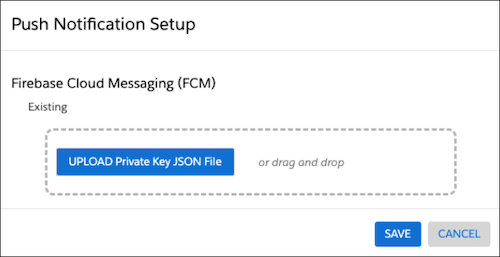
- For iOS apps using APNs, upload the .p12 file for each sandbox or production certificate. For more information, see [Push Notifications (iOS)](https://developer.salesforce.com/docs/marketing/personalization/references/personalization-ios-sdk/push-notifications.html).
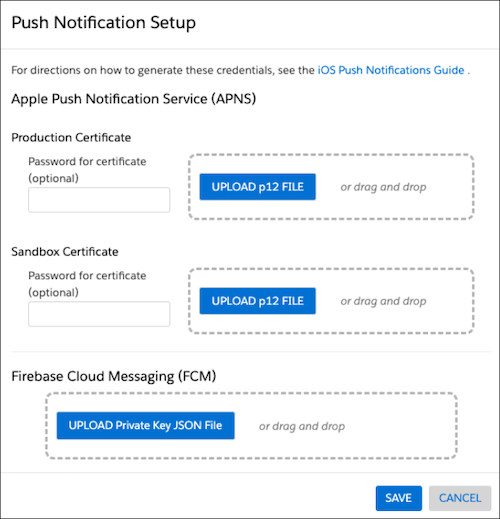
6. For iOS apps, if you've entered credentials for both APNs and GCM, choose the platform under **Platform Selection** to which notifications will be exclusively sent.
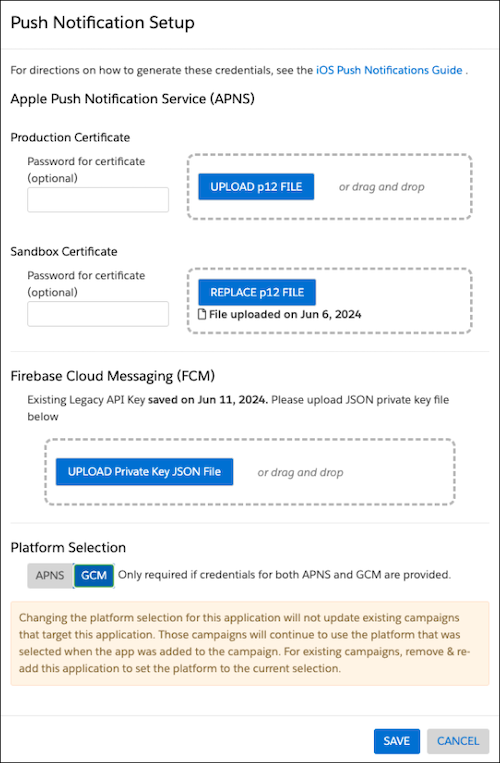
7. Click **Save**.
# Complete Required Setup for the Buyer Engagement Agent
Now that you’ve created an agent, complete the remaining steps to configure it for email messaging or web chat. Then configure supervisors to monitor agent performance, and edit record pages so that agents can access qualification details.
### Required Editions
[View supported editions](https://help.salesforce.com/s/articleView?id=mktg.mktg_editions.htm&release=264.0.0&type=5 "Marketing Cloud Next is available in Growth and Advanced editions, and requires Salesforce Enterprise or Unlimited editions. Some features are limited by edition or purchased add-on. All functionality is available in Lightning Experience only.").
User Permissions Needed
To configure and customize the Salesforce org:
System Administrator profile AND Data Cloud Architect AND Marketing Cloud Admin
permission sets
To configure most settings in Marketing Cloud Next:
Marketing Cloud Admin permission set
To configure required settings in Data 360:
Data Cloud Architect permission set
To manage and configure the Buyer Engagement agent:
Manage Customer Engagement Agent permission set
| setup Task | Details |
| --- | --- |
| Edit Record Pages | Edit record pages to make qualification details available to agents and other users. In each record page where you want the information to appear, add the Qualification Summary to the AI Summary Component. See [Add AI Summary to a Page](https://help.salesforce.com/s/articleView?id=ind.einstein_summary_add_to_page.htm&language=en_US). |
| Configure Omni Supervisor | Add and manage supervisors who monitor agent performance in real time, and manage their availability, capacity, and assignments. See [Set Up Supervisors](https://help.salesforce.com/s/articleView?id=service.omnichannel_set_up_supervisors.htm&language=en_US). |
# Completion Actions
Completion actions automate basic marketing tasks so your team can focus on other things. Add an action to adjust a prospect’s score when they access a file, or add prospects to a list when they fill out a form. For more precision, add conditional completion actions to execute only on prospects who meet criteria that you specify. Completion actions are available on forms, form handlers, files, custom redirects, emails, and page actions.
### Required Editions
Available in: All Account Engagement Editions
- **[Considerations for Completion Actions](https://help.salesforce.com/s/articleView?id=mktg.pardot_completion_actions_considerations.htm&release=264.0.0&type=5)**
Before you configure standard or conditional completion actions, review their processing behavior, limits, and throttling periods.
- **[Available Completion Actions](https://help.salesforce.com/s/articleView?id=mktg.pardot_completion_action_definitions.htm&release=264.0.0&type=5)**
Automate marketing tasks and follow-ups with completion actions. You can use standard actions that apply to all prospects equally or actions that apply only to prospects that meet the conditions you specify.
- **[Filter Prospects with Conditional Completion Actions](https://help.salesforce.com/s/articleView?id=mktg.pardot_completion_actions_conditional.htm&release=264.0.0&type=5)**
For more control over which prospects you take action on, add conditional completion actions to your marketing assets. While standard actions execute on all prospects who interact with an asset, conditional actions execute only on prospects who also meet criteria that you define. You can combine both types of actions on one asset to target your prospects more effectively.
- **[Add Completion Actions to Assets](https://help.salesforce.com/s/articleView?id=mktg.pardot_completion_actions_add.htm&release=264.0.0&type=5)**
Add completion actions to your Account Engagement assets to take action when prospects interact with them. You can combine standard and conditional actions on a single asset. Completion actions are available on forms, form handlers, files, custom redirects, emails, and page actions. Conditional completion actions aren’t available for classic emails.
- **[Execute External Actions with Completion Actions](https://help.salesforce.com/s/articleView?id=mktg.mcae_execute_external_actions_using_completion_actions.htm&release=264.0.0&type=5)**
Trigger external actions when prospects interact with your Account Engagement assets. For example, register a prospect for a webinar after they complete a sign-up form or send a text message after a prospect clicks a custom redirect link. External Action completion actions are available on forms, form handlers, files, custom redirects, emails, and page actions. External action completion actions aren’t available for classic emails.
# Compliance Review Evaluation in Marketing Planning and Operations
Compliance reviewers check a program, campaign, or tactic against their assigned controls, then mark each review compliant or not compliant.
### Required Editions
As a compliance reviewer, you check marketing work against your assigned compliance controls. Brand, legal, and regulatory reviewers each review the controls in their area. You review one control at a time and decide whether the work meets it, acting only on your assigned reviews.
Evaluating and completing assigned compliance reviews requires the Marketing Planning and Operations Reviewer permission set group.
## Understand Reviews and Review Executions
A review applies one compliance control to a piece of marketing work. The review shows the latest compliance status for that control.
A review execution is your assigned work item. It's one round of a review. You evaluate the work and record your decision on the review execution. That decision updates the review that the review execution belongs to.
You get a new review execution each time someone sends the marketing work for review. For example, if you mark a review execution Not Compliant, the team can address the issues and send the work again. You then get another review execution for the next round. A review can also go to another round after a review execution ends as failed or waived.
## Get Assigned to a Review
When someone sends a program, campaign, or tactic for review, you get a review execution for each of your controls. An in-app and email notification alerts you. You automatically have access to both the review execution and the marketing work that it applies to.
Open an assigned review execution from these places:
- The email and in-app notification
- The Marketing Planning & Operations app's navigation menu
- The Review Executions related list on the parent review
## Complete a Review
Completing a review means recording your decision on its review execution. You evaluate the marketing work against the control and set the compliance status to Compliant or Not Compliant. Add a reason whenever the status is Not Compliant. Set a compliance status before you complete a review execution. Setting the stage to Completed finishes it.
## See How Your Decision Affects the Marketing Work
When you complete a review execution, your decision rolls up to its review, which records the latest stage, compliance status, and review date. The marketing work also has an overall compliance status that rolls up from all of its reviews.
#### See Also
- [_Salesforce Help:_ How Compliance Reviews Work](https://help.salesforce.com/s/articleView?id=mktg.mktg_pln_oper_components_governance_mandatory_rules.htm&release=264.0.0&type=5 "A compliance review applies to marketing work in one of two ways. Someone requests a review for a specific piece of work, or a company requires a control across a whole category of work. Either way, the owner sends the review requests, and each review goes to a reviewer, who checks the work and notes whether it passes. Each record then rolls up its reviews into one overall compliance status.")
# Comply with Privacy Regulations
Stay in compliance with privacy and consent regulations that apply to your business with consent management tools in Marketing Cloud Next. Use the default marketing communication subscription to collect and track consent data, or create your own custom subscriptions. Built-in preference pages make it easy for subscribers to manage their own communication preferences.
- **[Understanding Consent Concepts in Marketing Cloud Next](https://help.salesforce.com/s/articleView?id=mktg.mktg_consent_tools_ref.htm&release=264.0.0&type=5)**
Review the tools and concepts that can help you collect and store consent data. You can collect consent for multiple engagement channels with communication subscriptions. Email is included with Marketing Cloud Next and all other channels are available as paid add-ons.
- **[Considerations for Managing Marketing Consent Data](https://help.salesforce.com/s/articleView?id=mktg.mktg_consent_considerations.htm&release=264.0.0&type=5)**
When working with consent management tools in Marketing Cloud Next, keep these considerations in mind.
- **[Create a Communication Subscription in Marketing Cloud Next](https://help.salesforce.com/s/articleView?id=mktg.mktg_consent_comm_sub_create.htm&release=264.0.0&type=5)**
Create a communication subscription for each category of marketing content that you send, such as product updates. For each subscription that you create, add marketing channels, such as email, SMS, and RCS. Subscribers must give consent to receive promotional messages from each channel type.
- **[Preference Pages in Marketing Cloud Next](https://help.salesforce.com/s/articleView?id=mktg.mktg_consent_preference_pages_parent.htm&release=264.0.0&type=5)**
A preference page is a web page where your customers opt in or out of marketing messages. You control the look and feel of each page, decide which subscriptions appear, and add or remove subscriptions as needed. Marketing Cloud Next includes a customizable email preference page, and you can create custom pages for any marketing channel. Each page is personalized for the recipient and retains their contact point and subscription preferences.
- **[Formatting Marketing Consent Import Files](https://help.salesforce.com/s/articleView?id=mktg.mktg_consent_import_format.htm&release=264.0.0&type=5)**
Before you import consent data into Marketing Cloud Next, make sure that your import file is saved as a CSV and that the columns and values are formatted correctly.
- **[Import Consent Data to Marketing Cloud Next](https://help.salesforce.com/s/articleView?id=mktg.mktg_consent_import_create.htm&release=264.0.0&type=5)**
If you collect consent data outside of Marketing Cloud Next, import it as a CSV. Each import corresponds to a single marketing channel, communication subscription, and consent status.
- **[Review Marketing Consent Data](https://help.salesforce.com/s/articleView?id=mktg.mktg_consent_data.htm&release=264.0.0&type=5)**
You can review consent statuses on individual record pages in Marketing Cloud Next or in bulk in Data 360.
- **[AI Data Usage, Considerations, and Model Cards for Marketing Cloud Next](https://help.salesforce.com/s/articleView?id=mktg.mktg_einstein_considerations_modelcards_overview.htm&release=264.0.0&type=5)**
Review the data usage information, support, limits, and considerations for generative AI features, and the model details and usage for predictive AI features in Marketing Cloud Next.
# Comscore API Connector
Comscore provides a comprehensive, consistent, and unique view of media consumption across media and screens to accurately capture modern media consumption
- Channel: Ad verification
- Data Lag: 2 Days
## Prerequisites
- A valid Comscore username and password
## Details
- To create a view in Comscore that will correspond to the view in Marketing Cloud Intelligence choose the relevant study and navigate to the 'Audience Reports' then select the 'Key Metrics' report. Set the Dimensions field to 'All Placements', If you chose to retrieve creative level data instead of placement, choose 'All Creatives'. For the best results, export the report with a daily granularity.
- The connector supports retrieving vCE2.0 type studies. If you have vCE1 type studies you want to update to vCE2.0, contact you Comscore representative.
- Marketing Cloud Intelligence retrieves different Measurements from this API. However, only Gross Impression is mapped automatically, the rest of the Measurements are available but are unmapped. If you wish to map these Measurements, use Manual Mapping.
- View Percentage type Measurements in a Media Buy granularity (or Creative, if you choose to retrieve data at the Creative level instead of the placement). Beyond that level the Measurement won’t aggregate correctly. The total value of these type of measurements will not match the value in the source platform. If you want to view these measurements on other levels other than the Media Buy/Creative level, create them as Calculated Measurements in the Marketing Cloud Intelligence platform.
- Target Measurements are retrieved according to the targeting set on the study level.
## Extended Properties
- Creative Level Data (instead of placement level data) - Checking this checkbox retrieves creative data instead of Placement (Media Buy level) data.
# Comscore API Connector
Comscore provides a comprehensive, consistent, and unique view of media consumption across media and screens to accurately capture modern media consumption
- **Channel**: Ad verification
- **Data Lag**: 2 Days
## Prerequisites
- A valid Comscore username and password
## Details
- To create a view in Comscore that will correspond to the view in Marketing Cloud Intelligence Data Pipelines choose the relevant study and navigate to the 'Audience Reports' then select the 'Key Metrics' report. Set the Dimensions field to 'All Placements', If you chose to retrieve creative level data instead of placement, choose 'All Creatives'. For the best results, export the report with a daily granularity.
- The connector supports retrieving vCE2.0 type studies. If you have vCE1 type studies you want to update to vCE2.0, contact you Comscore representative.
- Marketing Cloud Intelligence Data Pipelines retrieves different Measurements from this API. However, only Gross Impression is mapped automatically, the rest of the Measurements are available but are unmapped. If you wish to map these Measurements, use Manual Mapping.
- View Percentage type Measurements in a Media Buy granularity (or Creative, if you choose to retrieve data at the Creative level instead of the placement). Beyond that level the Measurement won’t aggregate correctly. The total value of these type of measurements will not match the value in the source platform. If you want to view these measurements on other levels other than the Media Buy/Creative level, create them as Calculated Measurements in the Marketing Cloud Intelligence Data Pipelines platform.
- Target Measurements are retrieved according to the targeting set on the study level.
## Extended Properties
- Creative Level Data (instead of placement level data) - Checking this checkbox retrieves creative data instead of Placement (Media Buy level) data.
# Conditional Group Prospect Criteria
To add conditional completion actions to assets, create a conditional group based on prospect criteria. The criteria are available in the first dropdown when you add a conditional group.
### Required Editions
Available in: All Account Engagement Editions
| Criteria | Definition |
| --- | --- |
| Prospect account field | Filters prospects based on the value of a prospect account field. Prospects must have an account to match, even if the criteria uses the “doesn’t contain,” “isn’t,” or “is empty” operators. |
| Prospect assigned user | Filters prospects based on the user the prospect is assigned to. |
| Prospect assignment status | Filters prospects based on whether the prospect is assigned to a user or queue. |
| Prospect CRM campaign | Filters prospects based on the prospect’s Salesforce campaign. Prospects must be associated with at least one Salesforce campaign, even if the criteria uses the “doesn’t contain” operator. |
| Prospect campaign | Filters prospects based on an Account Engagement campaign. |
| Prospect CRM campaign status | Filters prospects based on the status of the prospect’s Salesforce campaign. |
| Prospect CRM status | Filters prospects based on the status of the prospect’s synced CRM record. |
| Prospect custom field | Filters prospects based on the value of a custom field on the prospect record. |
| Prospect custom redirect | Filters prospects based on a custom redirect click. |
| Prospect default field | Filters prospects based on the value of a default field on the prospect record. |
| Prospect email opens | Filters prospects based on whether a prospect has opened an email within a given number of days or weeks. |
| Prospect email status | Filters prospects based on whether the user’s email status is Opted Out, Do Not Email, Hard Bounce Detected, or Soft Bounce Detected. |
| Prospect form | Filters prospects based on a form view or submission. If the form is on an Account Engagement landing page, use prospect landing page for the rule instead. |
| Prospect form handler | Filters prospects based on a form handler submission. |
| Prospect grade | Filters prospects based on a prospect’s grade. |
| Prospect landing page | Filters prospects based on a landing page view or embedded form submission. |
| Prospect list | Filters prospects based on a prospect’s list membership. |
| Prospect opportunity status | Filters prospects based on a prospect’s opportunity status. |
| Prospect public list opt-in status | Filters prospects based on whether a user is opted in or out of a public list from the email preference center. |
| Prospect score | Filters prospects based on a prospect’s score. |
| Prospect tag | Filters prospects based on what tags are applied to a prospect. |
# Confidence Explained in Campaign Statistics
Confidence on the Campaign Statistics screen refers to the term statistical confidence. It’s a measure of how sure you are of your results from an A/B test. It isn’t a measure of how effective a campaign was, but a measure of how certain you can be with the campaign’s displayed impact.
## Bayesian Statistics
The numbers you see in Campaign Statistics are reported based on mathematical and statistical concepts from Bayesian statistics. The data provided for your Personalization campaign only has a confidence rating when both the test and control groups have 35 goal completions.
## Example
A test group is a group of visitors who see a campaign experience they qualify for. A control group is a group of visitors who don’t see a campaign they qualify for. Suppose you publish a campaign with 50% of your visitors in the test group and 50% in the control group. After 2 weeks of running the campaign, you see these conversion rates each day:
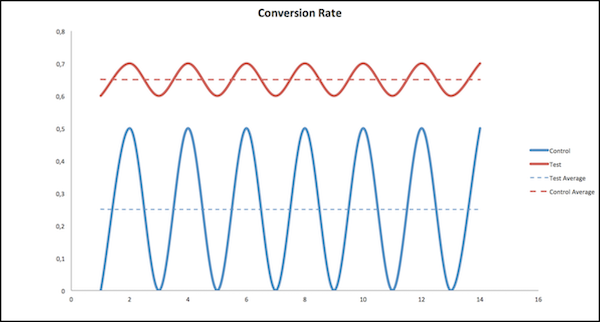
Conversion rates vary each day. Some days conversions are higher, and other days conversions are lower.
The test group has a higher conversion rate than the control group. And the average for the test group is much higher than the average for the control. Also, control group conversion rates range from a minimum of 0 and a maximum of 0.5. In contrast, the test group has a minimum of 0.6, so it never falls into the control group’s conversion rate range. Because there’s no crossover between test and control conversion, there’s high confidence that the test group has a higher conversion rate than the control group.
# Configuration of Referral Marketing's Integration with B2C Commerce
Admins are provided a cartridge that must be added to their B2C Commerce site.
- **[Referral Program Prerequisites](https://help.salesforce.com/s/articleView?id=mktg.referral_commerce_cloud_loyalty_prereq.htm&release=264.0.0&type=5)**
Complete the prerequisites to prepare the reference org to run Referral Marketing-specific processes for orders placed by members on your B2C Commerce site.
- **[Prerequisites for Adding the Cartridge](https://help.salesforce.com/s/articleView?id=mktg.referral_commerce_cloud_integration_package.htm&release=264.0.0&type=5)**
Complete a set of prerequisites on the org that's provided and on your B2C Commerce site before you add the cartridge to your site.
- **[Referral Marketing for Commerce Cartridge](https://help.salesforce.com/s/articleView?id=mktg.referral_commerce_cloud_package_post_install.htm&release=264.0.0&type=5)**
The Referral Marketing cartridge contains metadata and HTML pages that allow you to configure your referral program preferences and run the program on the B2C Commerce site. The cartridge must be added to your B2C Commerce site. You can add the cartridge only to sites in which SFRA 6.1.0 is installed and Open Commerce API (OCAPI) settings is complete.
- **[Configure Referral Program Preferences for B2C Commerce Site](https://help.salesforce.com/s/articleView?id=mktg.referral_commerce_cloud_set_loyalty_preferences.htm&release=264.0.0&type=5)**
After connecting your B2C Commerce site with the provided org and adding the cartridge, configure the referral program preferences on the site.
- **[Update Referral Program Labels on B2C Commerce Site](https://help.salesforce.com/s/articleView?id=mktg.referral_commerce_cloud_label.htm&release=264.0.0&type=5)**
The cartridge adds pages and updates pages on your site. You can customize the default labels of the new and updated pages based on your company's branding requirements.
- **[Data Export from B2C Commerce to a Salesforce Org](https://help.salesforce.com/s/articleView?id=mktg.referral_commerce_cloud_export_jobs.htm&release=264.0.0&type=5)**
Run jobs that export product-related information from your B2C Commerce site to the reference org provided by Salesforce. Import the data about members who joined or left the referral program into Referral Marketing. View jobs by navigating to Operations in Administration on your B2C Commerce site. Automate jobs based on your company's requirements in your production site.
# Configure a Blockout Window for SMS and WhatsApp in Unified Messaging
To increase the chances that your messages are well-received by your customers, set a blockout window for when not to send SMS and WhatsApp messages.
Available in: Lightning Experience
Salesforce Enterprise and Unlimited Editions for Service Cloud AND Enterprise and Unlimited Editions with Marketing Cloud Next Growth and Advanced Editions
Not supported in Government Cloud Plus
WhatsApp blockout windows can only be created if there is at least one WhatsApp Number added with an active Customer Conversation Engagement capability.
1. In Setup, in the Quick Find box, enter Unified Messaging.
2. Under Settings, search for Blockout Window.
3. Click **Add New** on the list view page.
4. Select the Channel.
5. Select the Subscription Type.
6. Configure the blockout window start and end times and time zone.
7. Save your work.
To edit an existing blockout window, select **Edit** in the dropdown list next to the blockout window you want to modify.
# Configure a Blockout Window for WhatsApp Messages
Specify times when not to send messages. For example, if a customer has opted out of receiving messages at night or if a regulation restricts when messages can be sent, use a blockout window to prevent WhatsApp messages from being delivered during those hours.
### Required Editions

Note Blockout Window is supported only in accounts with Unified Messaging. For more information, contact your Account Executive.
1. In Journey Builder, create a multistep journey.
2. Configure your entry source. For more information, see [Entry Sources](https://help.salesforce.com/s/articleView?id=mktg.mc_jb_entry_sources.htm&release=264.0.0&type=5 "The entry source on the canvas tells Journey Builder where customers entering this journey come from. Each journey must include an entry source.").
3. Drag the**WhatsApp Message** activity onto the canvas.
4. Click on the WhatsApp Message activity to open its configuration panel.
5. Click **Select Message**, and select the template or session message that you want to use.
6. Next to Message Configuration, click **Edit**.
7. Select the app channel that you want to use.

Note Delivery Options are enabled only for Unified Messaging channels.
8. Click**Delivery Options**.
9. Configure the blockout window
1. Select the start and end time during which you don’t want to send messages.
2. Select the time zone for your audience.
3. Confirm the duration of the blockout window.
10. Click **Done**.
# Configure a Campaign Member Picklist
Through Marketing Cloud Connect for Marketing Cloud Engagement, define tracking events by customizing the campaign member picklist values for the Activity or Status field.

Note If you’re using the Status field, you don't have to configure the Activity field.
1. In Sales or Service Cloud, click **Setup**.
2. Use Quick Find to navigate to **Campaign Members**.
3. Click **Fields**.
4. Click **Activity** or **Status**.
5. Add new values to the picklist.
6. Customize the Activity or Status field as needed.

Note When you configure the Activity field, add the Picklist values to the individual campaign to map to the corresponding value created in the Campaign Member fields.
1. In Sales or Service Cloud, open the desired Campaign.
2. Click **Advanced Setup**.
3. Click **Edit**.
4. Click **Add More**.
5. Enter a new Member Status value.
6. Select **Responded**, if applicable.
7. Select **Default**, if applicable.
# Configure a Custom Ruleset
You can manually configure a custom ruleset for the Individual or Unified Individual object. A custom ruleset creates unified records that meet your specific business needs and specifications.
For Salesforce Personalization, real-time identity resolution allows you to collect data as and when there is a profile match and store details in the data graphs. This data provides deep understanding about an individual for decision targeting and to generate recommendations.
For the latest data available, you can configure real-time identity resolution for Salesforce Personalization. See [Real-Time Identity Resolution for Personalization](https://help.salesforce.com/s/articleView?language=en_US&id=mktg.mktg_admin_data_identity_resolution.htm&type=5).
These instructions refer to the standard identity resolution rulesets, which are batched as scheduled.
1. Create a ruleset. If you have a ruleset to use, skip this step.
1. On the Identity Resolutions tab, click **New**.
2. Select **Create New Ruleset**, and then click **Next**.
3. Select the data space that you use for marketing, and then select **Account** or **Individual** for the Primary Data Model Object.
4. Enter an ID for the ruleset, and then click **Next**.
This 4-character ID is appended to the API name to distinguish between rulesets.
5. Name the ruleset and save your work.
2. From the identity resolution record, create custom rules.
1. In the Match Rules section, click **Configure**.
2. Follow the prompts to define the rules that unify related records.
If your ruleset is for the Individual object, add the [Add Recommended Rules to Your Identity Resolution Ruleset](https://help.salesforce.com/s/articleView?id=mktg.persnl_qs_add_recommended_rules_to_ir_ruleset.htm&release=264.0.0&type=5 "To get the most out of Identity Resolution, we recommend adding two custom rules to the Individual object ruleset. First, add a rule to match exact values when a lead converts to a contact. If you use web tracking on Marketing Cloud Next landing pages or a connected external site, add a rule that attributes activity to the correct unified individual.").
3. Define which object to use for personalization.
1. From Setup, in the Quick Find box, enter Basic, and select **Basic Settings**.
2. In the Create an Identity Resolution Ruleset section, select the Unified Individual or Unified Account object related to your ruleset.
# Configure a Data 360 Web Connector
To enable real-time behavioral tracking and provide the `IndividualId` context for personalized agent conversations, create a Data 360 web connector. The web connector captures customer engagement events and sends them to Data 360, where they enrich customer profiles for improved personalization.
### Required Editions
User Permissions Needed
To set up a web or mobile app connection:
Data Cloud Architect
1. Connect your website to Data 360 using a connector.
See [Connect a Website or Mobile App to Data 360](https://developer.salesforce.com/docs/data/data-cloud-int/guide/c360-a-set-up-mobile-web-connection.html).
2. Create and upload a sitemap for the website.
A sitemap is a JavaScript file that defines the logic to capture data across different pages of your website. It's used by the SDK to collect interaction data and share it with Data 360.
See [Create and Upload a Sitemap](https://developer.salesforce.com/docs/marketing/einstein-personalization/guide/integrate-salesforce-interactions-sdk.html#create-and-upload-a-sitemap).
3. Add this JavaScript configuration to the sitemap section.
Use the configuration values from your Enhanced Chat deployment. See Step 7 in [Create an Enhanced Chat Deployment](https://help.salesforce.com/s/articleView?id=mktg.persnl_agentforce_embedded_service.htm&release=264.0.0&type=5 "To integrate agent conversations into your website, create a web deployment. For adaptive website implementations, create a custom web chat deployment to use the Enhanced Chat REST API for agent conversations outside of the standard Salesforce chat widget.").
```
// Set local session variable with constants needed to power the Adaptive Web
// Agent Component (AWAC)
if (window.sessionStorage.getItem("SEARCH_COMPONENT_WEB_STORAGE_00D1Q000001fdJS") == null) {
window.sessionStorage.setItem(
"SEARCH_COMPONENT_WEB_STORAGE_00D1Q000001fdJS",
JSON.stringify({
ORGANIZATION_ID: "00D1Q000001fdJS",
MESSAGING_URL: "https://pspdemo.my.salesforce-scrt.com",
DEPLOYMENT_DEVELOPER_NAME: "Web_Curation_Custom_Channel"
})
)
}
// This function must be generated from the Adaptive Web Agent Component (AWAC)
// Library and added to the sitemap
window.addSearchComponentToPage()
// YOU MUST ADD THIS SECTION FROM AWAC REPO
function addSearchComponentToPage() {
// LIBRARY COMPILED CODE GOES HERE
}
```
This JavaScript connects Data 360 behavioral tracking, your website's session storage, and the Adaptive Web Agent Component (AWAC) so that the agent can conduct meaningful conversations using real-time customer context and product data.

Note The `sessionStorage` key includes the OrgId (for example, `SEARCH_COMPONENT_WEB_STORAGE_00D1Q000001fdJS`). If you ever change the JSON configuration values, you must update the key.
#### See Also
- [_Salesforce Help:_ Web and Mobile App Connector](https://help.salesforce.com/s/articleView?id=data.c360_a_web_mobile_app_connector.htm&language=en_US)
# Configure a Decision Split
The Decision Split activity in Journey Builder evaluates contact journey data, then sends each contact down a path based on the filter criteria you set. The paths in a decision split are evaluated in succession from top to bottom. Contacts who meet more than one set of criteria for a path follow the path they qualify for first. Contacts that don’t meet conditions to follow one of the paths you configure follow the Remainder path.
You can use either a sendable or non-sendable data extension in a Decision Split activity. For more information, see [Connect the Data Extension for a Decision Split](https://help.salesforce.com/s/articleView?id=mktg.mc_jb_connect_data_extensions_for_decision_split_use.htm&language=en_US).

Tip To help you decide where and how to store data to use in decision splits, see [Journey and Contact Data](https://help.salesforce.com/s/articleView?id=mktg.mc_jb_journey_contact_data.htm&language=en_US).
1. Drag the Decision Split activity onto the canvas.
2. To enter a name, click .

Tip We recommend that you use a name that describes its purpose.
3. Click the activity.
4. To configure the first path, click **Edit**.
5. Select **Contact Data** or **Journey Data**.
6. To configure a filter, click  to narrow the attribute selection.
7. Drag the attributes to use into the filter.
8. To set the filter criteria, click  next to an attribute.
9. Click **Done**.
10. After you set all filter criteria, click **Summary**.
11. To configure more paths, click **Add Path**, and repeat steps 4 through 10.

Note You can create up to 20 paths.
12. Click **Done**.
13. Configure the remaining activities for each path.

Example A marketer sets up a decision split to divide Active Subscribers, Lapsed Subscribers, and Subscribers with an Abandoned Cart Transaction. The goal of the split is to separate customers and subscribers who are actively engaged with the brand from the customers who aren't. Apart from these two cohorts, the marketer wants to send messages to any customer with an Abandoned Cart transaction. This setup evaluates each contact for active subscribers first, lapsed subscribers second, and then for any subscriber who abandoned a purchase.
- **[Connect a Data Extension for Decision Splits](https://help.salesforce.com/s/articleView?id=mktg.mc_jb_connect_data_extensions_for_decision_split_use.htm&release=264.0.0&type=5)**
To use data that isn’t in the entry source or that changes in a Decision Split in Journey Builder, follow these steps to link a data extension in Contact Builder.
- **[Use Restricted Values](https://help.salesforce.com/s/articleView?id=mktg.mc_jb_use_restricted_values.htm&release=264.0.0&type=5)**
To control the values available to select in the filter expression, an admin can use restricted values. Users who build the filter expression can choose from designated values only, not a default or blank value. In practice, restricted values are created in Contact Builder. Then when a user creates a journey, the dropdown menu used to set the attribute value displays a list of preselected values only.
- **[Copy a Decision Split Path](https://help.salesforce.com/s/articleView?id=mktg.mc_jb_copy_split_path.htm&release=264.0.0&type=5)**
To save time, you can copy decision split paths in Journey Builder. After you make a copy, edit the attribute values to make it distinct from other paths. You can't activate a journey when two decision split paths are configured identically.
- **[Reorder Decision Split Paths](https://help.salesforce.com/s/articleView?id=mktg.mc_jb_reorder_split_paths.htm&release=264.0.0&type=5)**
Journey Builder evaluates contacts that reach a Decision Split activity against the split’s filter criteria in succession from top to bottom on the canvas. You can change the order of the paths.
#### See Also
- [Linked Data Extensions in Journey Builder](https://help.salesforce.com/s/articleView?id=mktg.mc_jb_data_relationships.htm&release=264.0.0&type=5 "Your data setup affects how Marketing Cloud Engagement evaluates the contact attributes used in journey entry source filters, wait activities, or decision splits. Review what happens when a data extension is linked to one or more other data extensions.")
- [Journey and Contact Data](https://help.salesforce.com/s/articleView?id=mktg.mc_jb_journey_contact_data.htm&release=264.0.0&type=5 "Journey data preserves the state of a contact's data at the moment an entry event fires, facilitating the use of that data throughout a journey. Contact data captures the data values in the event source data extension at the time when Journey Builder evaluates it. Both are uniquely useful in journey creation.")
- [Connect a Data Extension for Decision Splits](https://help.salesforce.com/s/articleView?id=mktg.mc_jb_connect_data_extensions_for_decision_split_use.htm&release=264.0.0&type=5 "To use data that isn’t in the entry source or that changes in a Decision Split in Journey Builder, follow these steps to link a data extension in Contact Builder.")
# Configure a File Drop Automation
Set up an automation in Marketing Cloud Engagement that starts when a file is uploaded to your Enhanced SFTP location.
1. Click **New Automation**.
2. Select **File Drop**.
3. Click **Configure**.
4. Choose whether to use a file name pattern for the trigger.
- If you’re using a file name pattern, select an operator and provide text for the pattern. Don’t include a file extension. If you select **Contains**, Automation Studio reads all files dropped into the Import or Triggered\_Automations directories in the Enhanced SFTP location.
- If you select **No Filename Pattern**, assign a directory as a trigger for one automation at a time. You can use the Import or Triggered\_Automations directory, or a subdirectory of one of these folders, as the assigned directory.
When a dropped file matches more than one active trigger, Automation Studio randomly selects one trigger. Alternatively, to make sure that your trigger is selected, use subdirectories when you select file name pattern matching.
5. If you want Automation Studio to ignore new requests that occur when an automation is running, turn off queuing.

Note If you pause or deactivate a File Drop Automation, any queued instances of the automation that have a status of QueuedFile retain that status permanently.
6. Select the directory for the system to watch. When a file is dropped in this folder, the automation starts.
7. Click **Done**.
8. Drag an activity onto the canvas.
9. To view all activities of the selected type, click **Choose**.
All existing configured activities of that type appear. You can sort the columns or search by keyword, name, or external key. To see a summary, click an activity.
10. Select an activity or create one.
11. Add and configure more activities as needed.
12. Save and activate the automation.
13. To receive notifications about automation success or failure, on the Activity tab, select **Notification Settings** and enter an email address.
If you edit an active automation or the activities in it, all running instances of the automation are stopped. Future runs of the automation are paused until all activities are defined and saved.
#### See Also
- [Filename Patterns Reference](https://help.salesforce.com/s/articleView?id=mktg.mc_as_filename_patterns_reference.htm&release=264.0.0&type=5 "Review these guidelines for the design of a file naming pattern in Automation Studio.")
# Configure a Financial Services Abandoned Application Journey
Guide potential clients back to completing their financial application using a Package Manager solution.
If you haven’t deployed this solution, before you begin, [download](https://help.salesforce.com/s/articleView?id=mktg.mc_overview_deploy_industry_solution.htm&release=264.0.0&type=5 "Deploy an industry solution to a Marketing Cloud Engagement business unit or enterprise.") the Financial Services Abandoned Application solution.
1. Add subscriber data to personalize the message.
1. In Contact Builder, select **Data Extensions**.
2. Expand the Data Extensions folder, and select the Industry Solutions folder.
3. Select the **Financial Services - Customer Info** data extension, and add your customer data to the relevant fields.
2. Open Journey Builder to configure the journey.
3. Name the journey.
1. In Journey Builder, select **Folders**.
2. In the folder that you deployed the solution to, select **Financial Services Abandoned Application**.
3. Rename the journey to reflect your campaign.
4. Configure the [API Event](https://help.salesforce.com/s/articleView?id=mktg.mc_jb_admit_contacts_via_api.htm&language=en_US)
5. Customize and test all the emails in the journey using the instructions in the email templates.
6. To successfully activate the journey, [configure Journey Settings](https://help.salesforce.com/s/articleView?id=mktg.mc_jb_journey_settings.htm&language=en_US).
1. Select Contact Entry mode.
2. Select a source for Default Email Address.
7. Set a goal for your journey.
8. Activate the journey.
#### See Also
- [Industry Solutions Set Up Resources](https://help.salesforce.com/s/articleView?id=mktg.mc_overview_pm_solutions_resources.htm&release=264.0.0&type=5 "Review the setup resources for using package solutions with Marketing Cloud Engagement.")
# Configure a Financial Services Onboarding Journey
Streamline onboarding for new clients with this Package Manager solution.
If you haven’t deployed this solution, before you begin, [deploy](https://help.salesforce.com/s/articleView?id=mktg.mc_overview_deploy_industry_solution.htm&release=264.0.0&type=5 "Deploy an industry solution to a Marketing Cloud Engagement business unit or enterprise.") the Financial Services Onboarding solution.
1. Add subscriber data to personalize the message.
1. In Contact Builder, select **Data Extensions**.
2. Expand the Data Extensions folder, and select the Industry Solutions folder.
3. Select the **Financial Services - Customer Info** data extension, and add your customer data to the relevant fields.
2. Open Journey Builder to configure the journey.
3. Rename the journey.
1. In Journey Builder, select **Folders**.
2. In the folder that you deployed the solution to, select **Financial Services Onboarding**.
3. Rename the journey to reflect your campaign.
4. Configure the [API Event](https://help.salesforce.com/s/articleView?id=mktg.mc_jb_admit_contacts_via_api.htm&language=en_US).
5. Customize and test all the emails in the journey using the instructions in the email templates.
6. To open a case for unhappy customers, configure a Case Activity.
7. To successfully activate the journey, [configure Journey Settings](https://help.salesforce.com/s/articleView?id=mktg.mc_jb_journey_settings.htm&language=en_US).
1. Select Contact Entry mode.
2. Select a source for Default Email Address.
8. In the Welcome Email 3a - Survey and Welcome Email 3a - Survey Reminder emails, open the survey forms and make sure that they update the Rating field in the Financial Services - Onboarding Feedback data extension.
This data extension drives the Survey Rating decision split in the journey.
9. In the Welcome Email 3b Profile Building email, open the survey form and make sure that it updates the ProfileBuildingCompleted field in the Financial Services - Onboarding Customer Info data extension.
This data extension drives the Completed Profile? decision split in the journey.
10. Set a goal for your journey.
11. Activate the journey.
#### See Also
- [Industry Solutions Set Up Resources](https://help.salesforce.com/s/articleView?id=mktg.mc_overview_pm_solutions_resources.htm&release=264.0.0&type=5 "Review the setup resources for using package solutions with Marketing Cloud Engagement.")
# Configure a Financial Services Renewal Journey
Simplify renewal of financial service subscriptions and memberships with this Package Manager solution.
If you haven’t deployed this solution, before you begin, [deploy](https://help.salesforce.com/s/articleView?id=mktg.mc_overview_deploy_industry_solution.htm&release=264.0.0&type=5 "Deploy an industry solution to a Marketing Cloud Engagement business unit or enterprise.") the Financial Services Renewals solution.
1. Add customer data to personalize the message.
1. In Contact Builder, select **Data Extensions**.
2. Expand the Data Extensions folder, and select the Industry Solutions folder.
3. Select the **Financial Services - Customer Info** data extension, and add your customer data to the relevant fields.
2. Open Journey Builder to configure the journey.
3. Rename the journey.
1. In Journey Builder, select **Folders**.
2. In the folder that you deployed the solution to, select **Financial Services Renewals**.
3. Rename the journey to reflect your campaign.
4. If you don’t want to use the default entry source, select the **Data Extension** entry event.
5. Click **Schedule** and specify how often to run the journey.
6. Customize and test all the emails in the journey using the instructions in the email templates.
7. Set a goal for your journey.
8. Activate the journey.
#### See Also
- [Industry Solutions Set Up Resources](https://help.salesforce.com/s/articleView?id=mktg.mc_overview_pm_solutions_resources.htm&release=264.0.0&type=5 "Review the setup resources for using package solutions with Marketing Cloud Engagement.")
# Configure a Frequency Split
Journey Builder’s Frequency Split activity sends each contact down a path based on their individual engagement frequency. Real-time engagement analysis enables Einstein to automatically segment contacts, even in a running journey.
When a contact lacks enough engagement history for Einstein’s model, the contact follows the On Target path.
A remainder path is included if you don’t add all paths. When you add the On Target, Undersaturated, and Saturated paths, there’s no remainder path. When you add all paths, there’s no remainder path.
1. Drag the Frequency Split activity to a place on the canvas where you want Einstein to segment your audience.
2. Click the activity.
3. Select the channel you’re sending from.
1. When you select a mobile channel, select the app that you’re sending from.
4. To configure the split, click **Add Path** next to each of the segment paths to include.
1. When you add the Almost Saturated path, select the appropriate saturation limit that indicates which contacts on this path reached saturation.
5. Click **Done**.
To view your configured paths, hover over the split activity or any path. To update the activity’s configuration, stop the journey, then add or remove a path. When you remove a path, all activities on the path are removed, too.
- **[View Frequency Split Analytics](https://help.salesforce.com/s/articleView?id=mktg.mc_jb_view_eef_split_analytics.htm&release=264.0.0&type=5)**
Einstein Engagement Frequency’s activity-level analytics in Journey Builder show how many contacts were evaluated after reaching the activity, and which paths those contacts took in the journey.
#### See Also
- [Einstein Engagement Frequency](https://help.salesforce.com/s/articleView?id=mktg.mc_anb_eef.htm&language=en_US)
- [The Einstein Engagement Frequency Dashboard](https://help.salesforce.com/s/articleView?id=mktg.mc_anb_eef_dashboard.htm&language=en_US)
# Configure a Funnel-Based Attribution
Configure funnel-based attribution to distribute conversion credit across funnel stage transitions and track how prospects progress through the buyer journey.
### Required Editions
Available in: Enterprise, Performance, Unlimited, and Developer Editions.
User Permissions
Needed
To configure funnel-based attribution
Marketing Intelligence Admin
1. In Marketing Intelligence, from the Data Management tab, click **Funnel-Based Attribution**.
2. Click **New Attribution**.
3. Select the data space, name your attribution, add a description, and then click **Next**.
4. Set the lookback window.
The lookback window defines how far back to consider stage transitions before a conversion.
5. Set the Identity Resolution Rule.
The identity resolution rule defines how customer interactions across devices or channels are linked to a single identity.
6. Select the attribution models.
Select one or more models, such as First Touch or Last Touch. Each model distributes credit differently. For more information, see [Attribution in Marketing Intelligence](https://help.salesforce.com/s/articleView?id=mktg.mc_mi_attribution_overview.htm&release=264.0.0&type=5 "Attribution in Marketing Intelligence is the practice of identifying which marketing activities, channels, and touchpoints contribute to a desired business outcome—such as a lead conversion, pipeline creation, or closed deal. By understanding attribution, marketing teams can make smarter investment decisions, optimize campaign performance, and demonstrate the business impact of their work.").
7. Click **Save**.
8. Add funnel stages.

Note You can edit or add stages at any time while the attribution is in draft status. After you click Deploy, you can no longer edit or add.
1. Click **Add Stage** and define up to 4 stages.
For example, Email Send → Click → Add to Cart → Order Placed.
2. Drag stages to reorder as needed.
9. Add a signal to each stage. Each signal must contain only these fields.
- CampaignName
- Channel
- Count—A metric field that quantifies the engagement signal. Select a unique count field for each stage.
1. In a stage, search and select the signal you want to add.
2. Repeat this step for each funnel stage.
10. Add the conversion metric. Select only one metric. If you don’t select a metric, the stage uses a count-based metric by default.
1. Click **\+ Change Metric**.
2. Search and select the metric.
3. Click **Save**.
11. Review the configuration. Confirm that each signal meets the field requirements and uses a unique stage metric.
12. Click **Deploy**.
When deployment is complete, go to the Marketing Analytics tab to view attribution insights and analyze funnel performance.
# Configure a Health and Life Science Continuing Education Journey
Guide healthcare professionals through a journey of continuous learning and skill enhancement with this Package Manager solution.
If you haven’t deployed this solution, before you begin, [deploy](https://help.salesforce.com/s/articleView?id=mktg.mc_overview_deploy_industry_solution.htm&release=264.0.0&type=5 "Deploy an industry solution to a Marketing Cloud Engagement business unit or enterprise.") the Health and Life Science Continuing Education solution.
1. Add subscriber data to personalize the message.
1. In Contact Builder, select **Data Extensions**.
2. Expand the Data Extensions folder, and select the Industry Solutions folder.
3. Select the **Subscriber Data** data extension, and add your subscriber data to the relevant fields.
2. Open Journey Builder to configure the journey.
3. Rename the journey.
1. In Journey Builder, select **Folders**.
2. In the folder that you deployed the solution to, select **Health and Life Science Continuing Education**.
3. Rename the journey to reflect your campaign.
4. If you don’t want to use the default entry source, select the **Data Extension** entry event.
5. Click **Schedule** and specify how often to run the journey.
6. To determine the best time to send the email to maximize the chance that recipients engage with your message, configure the Einstein STO activity.
7. Customize and test all the emails in the journey using the instructions in the email templates.
8. After the Click Continuing Education Email 1 decision split, configure the Advertising Audience activities.
The Ad Suppress activity stops sending emails to subscribers that confirm registration. The Ad Audience activity reaches users on other channels, like Facebook, Google, and Instagram.
9. To alert a representative to contact the subscriber if they don’t confirm registration after three emails, configure the CRM Task to Reach Out Directly activity.
10. To successfully activate the journey, [configure Journey Settings.](https://help.salesforce.com/s/articleView?id=mktg.mc_jb_journey_settings.htm&language=en_US)
1. Select Contact Entry mode.
2. Select a source for Default Email Address.
11. Set a goal for your journey.
12. Activate the journey.
#### See Also
- [Use the Einstein Send Time Optimization Activity](https://help.salesforce.com/s/articleView?id=mktg.mc_jb_use_einstein_sto.htm&language=en_US)
- [Create a Task Activity in Journey Builder](https://help.salesforce.com/s/articleView?id=mktg.mc_jb_task_activity_sales_service_create.htm&language=en_US)
- [Industry Solutions Set Up Resources](https://help.salesforce.com/s/articleView?id=mktg.mc_overview_pm_solutions_resources.htm&release=264.0.0&type=5 "Review the setup resources for using package solutions with Marketing Cloud Engagement.")
# Configure a Health and Life Science Feedback Request Journey
Follow up after a healthcare event with a survey using this Package Manager solution.
If you haven’t deployed this solution, before you begin, [deploy](https://help.salesforce.com/s/articleView?id=mktg.mc_overview_deploy_industry_solution.htm&release=264.0.0&type=5 "Deploy an industry solution to a Marketing Cloud Engagement business unit or enterprise.") the Health and Life Science Feedback Request solution.
1. Add subscriber data to personalize the message.
1. In Contact Builder, select **Data Extensions**.
2. Expand the Data Extensions folder, and select the Industry Solutions folder.
3. Select the **Subscriber Data** data extension, and add your subscriber data to the relevant fields.
2. Open Journey Builder to configure the journey.
3. Name the journey to reflect your goal.
1. In Journey Builder, select **Folders**.
2. In the folder that you deployed the solution to, select **Health and Life Science Feedback Request**.
3. Rename the journey to reflect your campaign.
4. If you don’t want to use the default entry source, select a **Data Extension** entry event.
5. To determine when the journey runs, click **Schedule**.
6. To determine the best time to send the email to maximize the chance that recipients engage with your message, configure the Einstein STO activity.
7. Customize and test all the emails in the journey using the instructions in the email templates.
8. In the Feedback Request 1, 2, and 3 emails, open the survey forms and make sure that they update the SurveyCompletion field in the Customer Info data extension.
This data extension drives the three Post Email Completed? decision splits in the journey.
9. Set a goal for your journey.
10. Activate the journey.
#### See Also
- [Use the Einstein Send Time Optimization Activity](https://help.salesforce.com/s/articleView?id=mktg.mc_jb_use_einstein_sto.htm&language=en_US)
- [Industry Solutions Set Up Resources](https://help.salesforce.com/s/articleView?id=mktg.mc_overview_pm_solutions_resources.htm&release=264.0.0&type=5 "Review the setup resources for using package solutions with Marketing Cloud Engagement.")
# Configure a Health and Life Science Onboarding Journey
Simplify renewal of financial service subscriptions or memberships with this Package Manager solution.
If you haven’t deployed this solution, before you begin, [deploy](https://help.salesforce.com/s/articleView?id=mktg.mc_overview_deploy_industry_solution.htm&release=264.0.0&type=5 "Deploy an industry solution to a Marketing Cloud Engagement business unit or enterprise.") the Health and Life Science Onboarding solution.
1. Add subscriber data to personalize the message.
1. In Contact Builder, select **Data Extensions**.
2. Expand the Data Extensions folder, and select the Industry Solutions folder.
3. Select the **Subscriber Data** data extension, and add your subscriber data to the relevant fields.
2. Open Journey Builder to configure the journey.
3. Rename the journey.
1. In Journey Builder, select **Folders**.
2. In the folder that you deployed the solution to, select **Health and Life Science Welcome and Onboarding**.
3. Rename the journey to reflect your campaign.
4. If you don’t want to use the default entry source, select the **Data Extension** entry event.
5. Click **Schedule** and specify how often to run the journey.
6. Customize and test all the emails in the journey using the instructions in the email templates.
You can use the Thank You for Verifying CloudPage for registration confirmation.
7. Set a goal for your journey.
8. Activate the journey.
#### See Also
- [Industry Solutions Set Up Resources](https://help.salesforce.com/s/articleView?id=mktg.mc_overview_pm_solutions_resources.htm&release=264.0.0&type=5 "Review the setup resources for using package solutions with Marketing Cloud Engagement.")
# Configure a Join Activity
Use a Journey Builder Join activity to bring contacts from two or more paths into a single path.
1. Drag the activity endpoint to the point on the destination path where contacts join it.
To indicate where path contacts come from and which path they're joining, the join activity is represented by its original path and destination path.

Note When a Join merges branches with immediate outcomes, the canvas defaults to the Yes (shortest) path.
2. To name the activity, hover over it, and enter a name.
3. To remove a single join activity from a destination path, hover over the activity on its original path, and click .
4. Hover over the point on the destination path where multiple join activities meet to remove multiple joins.
5. Select the paths that you want to disconnect and confirm.
6. Hover over the point on the destination path where multiple joins meet. Then click **Delete**.
# Configure a Journey Builder Advertising Campaign
Name your Journey Builder Advertising Campaign and set its budget.

Tip To optimize your campaign, we recommend a minimum of $100 per day for a minimum audience size of 1000.
1. Enter a campaign name.
2. Enter the total spend.
Ad Studio Supported
Currencies
CAD
KRW
AUD
SGD
USD
HKD
GBP
IDR
JPY
MYR
INR
THB
DKK
PHP
BRL
VND
EUR
TWD
3. Enter the maximum daily budget.

Tip The actual daily spend typically varies slightly.
4. Click **Next**.
# Configure a Journey Test with a Data Extension
Follow these steps to configure a test that simulates the journey of real contacts in your Marketing Cloud Engagement data extension.
Journey Testing isn’t available for Single Send journeys. Before you configure a test, save and validate the draft journey.
1. Click **Test**.
2. Click **Choose Contacts**.
3. Select up to 10 contacts from your data extension.
4. Click the **Send Type** tab.
5. To send a test message, click **Send Only Test Messages** and enter an email address.

Note The test is set to **Do Not Send Messages** by default.
6. To review the test settings, click **Summary**.

Tip You can also review your test settings on the **Test Behavior** tab.
7. Click **Start Test**.
# Configure a List for a Welcome Email
You can configure a subscriber list for Welcome Email messages in Email Studio.

Note Adding a Welcome Email to a list is no longer supported starting in the second half of 2020. Use [Journey Builder](https://help.salesforce.com/s/articleView?id=mktg.mc_jb_journey_builder.htm&language=en_US) to create personalized, automated multi-channel campaigns.
Before you can assign a welcome email to a list, you must first create the email. You can change which email is assigned to a list at any time. This feature may not be enabled in your account, contact your representative.
1. Hover over **Subscribers**.
2. Click **Lists**.
3. Click the name of the list to assign a welcome email to.
4. Click **Properties**.
5. Click **Select**.
6. Select the email to send as a welcome email.
7. Click **OK**.
The welcome email is now assigned to your list and sends when subscribers join via the Subscription Center or Web Collect.
# Configure a Mobile App Event Entry Source
Use the Mobile App Event entry source in Journey Builder to listen for user behavior and admit contacts who take specific actions in your mobile app, such as installing the app or making a purchase. You can set a filter using App Event data attributes to ensure that only intended customers enter the journey. Mobile App Events aren’t stored in a data extension, but you can use Mobile App Event metadata as journey data.
For Journey Builder to react to App Events, the Name of the event and the attributes defined within Marketing Cloud Engagement must exactly match the name tracked by the MobilePush SDK. Pending your app and desired use cases, you can capture some events or attributes that are more descriptive than others. For example, purchase versus first purchase.

Important To use this entry source, first [define your Mobile App Events](https://help.salesforce.com/s/articleView?id=mktg.mc_jb_define_mobile_app_event_schema.htm&release=264.0.0&type=5 "An app event requires a name and can optionally contain many attributes. Depending on your app and use cases, you can capture events or attributes that are more descriptive than others.") in the Mobile App Event Management screen, and then implement tracking within the MobilePush SDK.
When selecting App Events, ensure that your app is collecting events that are in line with Journey Builder best practices for API Entry events. Note the volume of the App Events that you use for Entry.

Note Unlike other Entry sources, Mobile App Events aren’t saved into data extensions.
Follow these steps to configure the Mobile App Event source in Journey Builder:
1. Drag the **Mobile App Event** Entry Source onto the journey canvas.

Note If you want to add a Mobile App Event Exit source, click  and then **Mobile Events Exit Criteria**.
2. Click **Select Event**.
3. Select one event from the list.
4. Set the filter event criteria.
5. To review your configuration, click **Summary**.
6. Click **Done**.
7. Configure the rest of your journey, and then click **Activate**.

Note Exit or entry source can listen for up to 10 events.
# Configure a MobileConnect Conversation Window
Configure Conversation Windows to respond to inbound messages that don't have keywords assigned to them.
1. In the app switcher, hover over your name and click **Setup**.
2. Search for MobileConnect.
3. Select a code from the Short/Long Code list.
4. In the Keyword Management grid, select the Conversation Window value that you want to edit.
5. Edit the Conversation Window by doing one of the following:
- Manually enter a timeout value in minutes.
- Select the days, hours, and minutes from the dropdown menus.

Note The minimum value for a Conversation Window is 10 minutes and the maximum is 7 days. By default, keywords have a Conversation Window of 60 minutes.
6. Save your changes.
# Configure a MobilePush Message Engagement Entry Source
Easily retarget users by entering them into a journey when they open a push notification.
1. Drag the **MobilePush Engagement** Entry Source onto the journey canvas.
2. Select up to 10 push message definitions to listen for push notification opens.
3. Click **Summary** and review Setup details.
4. Click **Done**.
5. Configure the rest of your journey.

Note After it's activated, Journey Builder enters the users who open sent messages from that point forward. Previous open behavior isn’t evaluated.
# Configure a Multi-Touch Attribution
Configure how engagement signals distribute conversion credit to evaluate the customer journey.
### Required Editions
Available in: Developer, Enterprise, Performance, and Unlimited editions.
User Permissions Needed
To configure a multi-touch attribution
Marketing Intelligence Admin
1. In Marketing Intelligence, from the Data Management tab, click **Touch-Based Attribution**.
2. Click **New Attribution**.
3. Select the data space, name your attribution, add a description, and then click **Next**.
4. Set the Lookback Window—defines how far back to consider touchpoints before a conversion.
5. Set the Identity Resolution Rule—defines how customer interactions across devices or channels are linked to a single identity.
6. Select the attribution models. If you select the Custom Weights model, you assign weights after you add engagement signals.
7. Save your work.
8. Add an engagement signal. Each signal must contain only these fields.
- CampaignName
- Channel
- Count—A metric field that quantifies the engagement signal. If you don’t specify a count, a default value is applied.
1. Click **\+ Engagement Signal** and then select the signals you want to add.
2. Click **Apply**.
Signals marked **suggested** are preconfigured templates. Selecting a suggested signal automatically creates the signal without extra configuration.
3. If you selected Custom Weights, configure the weight for each engagement signal, and then click **Apply**. The weights must total 100%.
9. To create a signal instead of selecting an existing one, click **New Signal**.
1. Select the data space and engagement DMO, and then click **Next**.
2. Select the user identifier, timestamp identifier, and the event identifier and then click **Next**.
3. Determine the event count definition and then click **Next**.
4. (Optional) Add filters to help define the specific engagement signal.
5. Click **Next**.
6. Name the signal and then click **Save**.
The system creates the signal and adds it to the signal list for selection.
10. Add a conversion metric.
1. Click **\+ Conversion Metric**.
2. Select the metric and then click **Apply**.
11. To create a conversion metric instead of selecting an existing one, click **\+ Conversion Metric**.
1. Select a signal and then click **Next**.
2. Name the metric.
3. Set the aggregate function—how the system calculates the selected field values.
For example, use SUM to total a value like revenue, or COUNT to tally the number of occurrences like orders.
4. Save your work.
The conversion metric is created and can be selected from the metric list.
12. Click **Deploy**.
The attribution deploys in the background. After deployment completes, results are available in the Touch-Based Attribution dashboards. Use the **Path Exploration** tab to visualize how customers move across channels, identify common and high-impact paths, and find drop-off points.
# Configure a Path Optimizer Test Activity
Follow these steps to configure the Path Optimizer Test activity in Journey Builder.
1. Drag the Path Optimizer activity onto the canvas.
2. Add activities to the paths between the start and finish points of the Path Optimizer.
The activity defaults to two paths, but you can add up to 10 paths for testing.
3. Click the Path Optimizer activity.
4. Click **Configure Winner Evaluation**.
To pick a winner automatically based on email metrics, click **Email Engagement**. Then choose the metric and evaluation period. The evaluation period is how long the system waits after contacts pass through the longest path before picking the winner. You can configure the evaluation period in hours or days with a minimum of 1 hour and a maximum of 99 days.
To review your data and manually pick a winner, select **Manual Engagement**. If you don’t select a winner within 7 days of activation, the test expires and contacts are held back as if they’re now part of a Random Split.
5. Click **Split**.
6. Select the percentage of contacts to send on each path.
To include more paths in your testing, click **Add Path**.
7. Click **Holdback**.

Important The Holdback feature is only available when you use the Run Once entry schedule type. Change the entry schedule type back to Run Once to activate the journey with a Holdback. If you want to use the Recurring schedule type, you must first change the entry schedule type back to Run Once, then remove the Holdback feature from Path Optimizer before activating your journey.
8. Select the percentage of contacts to include in the test. The rest of the contacts wait in the Holdback group until a winner is selected, then enter the journey on the winning path.

Tip To allow the system time to track engagement for all preceding messages, add a wait activity after the last message included in the test.
9. Click **Done**.
10. Activate your journey.
11. Click the **Path Optimizer** activity.
12. Review **Test Summary**.
13. For Email Engagement tests, review the results of your running test. These results include all email metrics, which path is in the lead, and elapsed time of the test. To end the test early, click **Select Winning Path**. Select the winning path, and click **Select Winner**.

Note The test duration is the sum of the evaluation period you select and the length of the longest path including wait activities.
14. For Manual Engagement tests, click **Select Winning Path**. Select the winning path, and click **Select Winner**.
15. Click the Analytics dropdown, and select **Summary** to view the activity configuration.
After the test completes, the activity shows Test Summary metrics that are snapshots of test stats at the time the winner was selected. Also, Post-Test Performance stats show elapsed time, how many contacts passed through, and engagement metrics after the winner was selected. This information allows you to compare performance for ongoing optimization of your journey.

Note If you copy a journey with a Path Optimizer activity and you select a winning path, only that winning path remains in the copied journey. If you didn’t select a winner, all potential paths copy into the new journey.
#### See Also
- [Data Extension Entry Source](https://help.salesforce.com/s/articleView?id=mktg.mc_jb_data_extension.htm&release=264.0.0&type=5 "The data extension entry source lets you choose a sendable data extension, then admit contacts in that data extension into a journey in a batch. You can configure a filter to control which contacts enter or admit all contacts in the data extension. You can also use Automation Studio to create and refresh the data extension, or you can use an SMS list created in MobileConnect.")
# Configure a Personalization Content Schema
Personalization content schemas are required when configuring personalization points and personalization decisions. A personalization content schema defines the configuration options available to marketers when they’re building a personalization decision. The content schema also ensures that all decision responses for a given personalization point return data in the same format.
Using the personalization content schema (previously called a response template) to define the shape of the personalization data, the requesting application can consistently render the personalization output for display.
1. From the App Launcher, search for and select Personalization Content Schema.
2. Click **New**.
3. Choose how you want to get started.
- To create the personalization content schema from scratch, select **Manual Setup** and click **Next**.
- To import a personalization content schema from an installed data kit, select **Use a Data Kit** and click **Next**.
4. For the Manual Setup configuration method:
1. Select the data space that you want the personalization content schema to use.
2. Select a personalization type for the content schema.
| Personalization Type | Description |
| --- | --- |
| Recommendations | Content schemas with a recommendations personalization type are available for use on personalization points configured using a recommendations personalization type. |
| Dynamic Content | Content schemas with a dynamic content personalization type are available for use on personalization points configured using a dynamic content personalization type. |
3. Enter a name for the personalization content schema and an optional description.
The API name is auto-generated.
4. Click **Next**.
5. For the Use a Data Kit configuration method:
1. Select a data space.
2. Search for or select a data kit to view its contents.
3. Select the personalization content schema to import.
4. Click **Next**.
5. (Optional) Change the name and description.
6. Click **Next**.

Note Only unmanaged data kits are available for this configuration method. If no unmanaged data kits contain the object, create it manually.
6. Add any personalization attributes.
Each personalization attribute specifies a text entry field that appears when configuring associated personalization decisions. Using the text entry field, a marketer or business user can provide additional information that they want to return to whomever qualifies for the decision. For example, you can add an attribute for providing header text to a set of recommendations, call to action text, and a URL when providing dynamic content.
7. When configuring a content schema for dynamic content, click **Save**.
8. When configuring a content schema for recommendations, click **Next** and define the information that you want to return in a decision response.
1. Select the data model object (DMO) to use as a data source.
An item data graph is required to configure a recommender. When configuring a recommendations content schema, only DMOs that are used as the root object of an item data graph are provided for selection. After you select a DMO, you can define what information about that DMO you want to return in a decision response.
By default, the primary key of the DMO is selected. Using only the primary key provides the option of rendering recommendation results using a third-party system. For example, when configuring a product recommendations strategy, you can use the primary key to return only item product IDs in a response for rendering by the receiving system.
2. (Optional) Select DMO fields that you want the recommender to use when providing recommendations.
You select fields by moving them from the Available DMO Fields list to the Selected DMO Fields list. All available DMO fields appear as selection options. You can use the up and down arrows to the right of the selected fields list to change the order in which fields are returned in the decision response.
3. Save your work.
#### See Also
- [Configure a Personalization Point](https://help.salesforce.com/s/articleView?id=mktg.mc_persnl_personalization_point_configure.htm&release=264.0.0&type=5 "When you configure a personalization point, you define the data space that the personalization point uses for data and the profile data graph to use for making decisions. You also select a personalization type to define the kind of personalization to provide and a schema to ensure that decision responses appear in a consistent format.")
- [Personalization Point Considerations](https://help.salesforce.com/s/articleView?id=mktg.persnl_personalization_point_considerations.htm&release=264.0.0&type=5 "When configuring a personalization point, keep these considerations in mind.")
# Configure a Personalization Content Schema
To ensure that the requesting application consistently renders your personalization output the same way, you use a personalization content schema (formerly called a response template) to define the shape of the personalization data.
Personalization content schemas are required when configuring personalization points and personalization decisions. A content schema defines the configuration options available to marketers when they’re building a personalization decision. The content schema also ensures that all decision responses for a given personalization point return data in the same format.
1. From the App Launcher, search for and select **Personalization Content Schema**.
2. Click **New**.
3. Select the data space that you want the personalization content schema to use.
4. Select a personalization type for the content schema.
| Personalization Type | Description |
| --- | --- |
| Recommendations | Content schemas with a recommendations personalization type are available for use on personalization points configured using a recommendations personalization type. |
| Dynamic Content | Content schemas with a dynamic content personalization type are available for use on personalization points configured using a dynamic content personalization type. |
5. Enter a name for the personalization content schema and an optional description.
The API name is auto-generated.
6. Click **Next**.
7. Add any personalization attributes.
Each personalization attribute specifies a text entry field that appears when configuring associated personalization decisions. Using the text entry field, a marketer or business user can provide additional information that they want to return to whomever qualifies for the decision. For example, you can add an attribute for providing header text to a set of recommendations, call to action text, and a URL when providing dynamic content.
8. When configuring a content schema for dynamic content, click **Save**.
9. When configuring a content schema for recommendations, click **Next** and define the information that you want to return in a decision response.
1. Select the data model object (DMO) to use as a data source.
An item data graph is required to configure a recommender. When configuring a content schema for recommendations personalization types, only DMOs that are used as the root object of an item data graph are provided for selection. After you select a DMO, you can define what information about that DMO you want to return in a decision response.
By default, the primary key of the DMO is selected. Using only the primary key provides the option of rendering recommendation results using a third-party system. For example, when configuring a product recommendations strategy, you can use the primary key to return only item product IDs in a response for rendering by the receiving system.
2. (Optional) Select DMO fields that you want the recommender to use when providing recommendations.
You select fields by moving them from the Available DMO Fields list to the Selected DMO Fields list. All available DMO fields appear as selection options. You can use the up and down arrows to the right of the selected fields list to change the order in which fields are returned in the decision response.
3. (Optional) Click **Add Related Object Attributes** and select the DMO to use as an additional data source.
Use this option when your content has variants for the recommended items. For example, an offer with different content for each channel or a product with multiple image variants stored in a related DMO.

Note You can add up to 5 related objects in a content schema.
4. (Optional) Select DMO fields from the related DMO that you want the recommender to use when providing recommendations.
5. Save your work.
#### See Also
- [Content Schemas](https://help.salesforce.com/s/articleView?id=mktg.persnl_content_schema.htm&release=264.0.0&type=5 "Salesforce content schemas define the structure and configuration of data returned by a personalization decision. They act as a bridge between the underlying data structure and a business user's configuration experience, ensuring that personalized content—such as AI-driven recommendations or dynamic content—is delivered in a consistent, uniform format across various channels.")
- [Using Content Schemas](https://help.salesforce.com/s/articleView?id=mktg.persnl_content_schema_using.htm&release=264.0.0&type=5 "Personalization content schemas (previously called response templates) are required when configuring personalization points, personalization campaigns, and personalization decisions. A content schema defines the configuration options available to marketers when they’re building a personalization decision. The content schema also ensures that all decision responses for a given personalization point or campaign return data in the same format.")
- [Configure a Personalization Point](https://help.salesforce.com/s/articleView?id=mktg.mc_persnl_personalization_point_configure.htm&release=264.0.0&type=5 "When you configure a personalization point, you define the data space that the personalization point uses for data and the profile data graph to use for making decisions. You also select a personalization type to define the kind of personalization to provide and a schema to ensure that decision responses appear in a consistent format.")
- [Create a Personalization Campaign](https://help.salesforce.com/s/articleView?id=mktg.persnl_campaign_create.htm&release=264.0.0&type=5 "Configure a personalization campaign using a guided configuration process that steps you through creating, mapping, and deploying a personalized experience.")
# Configure a Personalization Point
When you configure a personalization point, you define the data space that the personalization point uses for data and the profile data graph to use for making decisions. You also select a personalization type to define the kind of personalization to provide and a schema to ensure that decision responses appear in a consistent format.
### Required Editions
User Permissions Needed
To configure personalization points:
Change and Edit Personalization Points
1. From the App Launcher, search for and select Personalization Points.
2. Click **New**.
3. Choose how you want to get started.
- To create the personalization point from scratch, select **Manual Setup** and click **Next**.
- To import a personalization point from an installed data kit, select **Use a Data Kit** and click **Next**.
4. For the Manual Setup configuration method:
1. Select the data space that you want the personalization point to use.
2. Select the profile data graph for determining which profiles are eligible to receive personalized content.
The menu shows only the profile data graphs contained in the selected data space.
The profile data graph you choose impacts how you configure experiment cohorts and decisions. For more information about the impact of profile data graphs on Personalization Points, see [Profile Data Graphs in Personalization Points](https://help.salesforce.com/s/articleView?id=mktg.persnl_personalization_point_profile_data_graphs.htm&release=264.0.0&type=5 "Whether you select a standard or real-time profile data graph for your personalization point impacts how Salesforce Personalization processes personalization requests.").
3. Enter a name for the personalization point and an optional description.
The API name is auto-generated.
4. Select the type of personalization that you want the personalization point to provide. Making a selection activates the Personalization Content Schema menu. Selecting the **Recommendations** option shows and enables the **Maximum Number of Recommendations to Return** property.
5. (Optional) Change the maximum number of recommendations to return.
6. Select a personalization content schema.
The menu shows only the schemas that use a format consistent with the selected personalization type.
7. (Optional) For added security when using Data 360 authenticated server-to-server real-time data capture, select the **Authentication Required** checkbox.
Enabling this setting requires that the personalization point use only authenticated endpoints when sending real-time events to and requesting authenticated recommendations from Data 360.
5. For the Use a Data Kit configuration method:
1. Select a data space.
2. Search for or select a data kit to view its contents.
3. Select the personalization point to import.
4. Click **Next**.
5. (Optional) Change the personalization point name and description.
6. (Optional) Change the maximum number of recommendations to return if this is a personalization type for recommending content.

Note Only unmanaged data kits are available for this configuration method. If no unmanaged data kits contain the object, create it manually.
6. To save the personalization point without adding personalization decisions, click **Save**.
You can add decisions at any time.
7. To add personalization decisions, click **Save & Add Personalization Decisions**.
See [Add a Decision to a Personalization Point](https://help.salesforce.com/s/articleView?id=mktg.persnl_personalization_point_decision_add.htm&release=264.0.0&type=5 "A decision consists of targeting rules. The personalization point uses the decision to determine whether the individual who is engaging with your website or app is eligible to receive personalization content.") for details.
#### See Also
- [Personalization Point Considerations](https://help.salesforce.com/s/articleView?id=mktg.persnl_personalization_point_considerations.htm&release=264.0.0&type=5 "When configuring a personalization point, keep these considerations in mind.")
- [Configure a Personalization Content Schema](https://help.salesforce.com/s/articleView?id=mktg.mc_persnl_personalization_schema_configure.htm&release=264.0.0&type=5 "Personalization content schemas are required when configuring personalization points and personalization decisions. A personalization content schema defines the configuration options available to marketers when they’re building a personalization decision. The content schema also ensures that all decision responses for a given personalization point return data in the same format.")
- [Add a Decision to a Personalization Point](https://help.salesforce.com/s/articleView?id=mktg.persnl_personalization_point_decision_add.htm&release=264.0.0&type=5 "A decision consists of targeting rules. The personalization point uses the decision to determine whether the individual who is engaging with your website or app is eligible to receive personalization content.")
- [Create a Targeting Rule](https://help.salesforce.com/s/articleView?id=mktg.persnl_personalization_point_targeting_rules_create.htm&release=264.0.0&type=5 "A targeting rule determines who's eligible for a personalization decision and which personalized content to return.")
# Configure a Preference Attribute for Do Not Track Email Opens and Clicks
Configure a DoNotTrack preference attribute to store subscriber’s preferences to not track email opens and clicks. You can create a preference attribute only in a top-level business unit.
1. Click **Subscribers**.
2. Click **Preference Management**.
3. Click **Create**.
4. Name the new preference attribute DoNotTrack.
Make sure that you follow the naming convention of initial caps and no spaces for the attribute name.
5. Define the properties for this attribute.
When the default value is set to **No**, email opens and clicks are tracked by default. To suppress email tracking opens and clicks for subscribers, set the default value to **Yes**.
6. Click **OK**.
#### See Also
- [Profile and Preference Attributes in Email Studio](https://help.salesforce.com/s/articleView?id=mktg.mc_es_profile_pref_attributes.htm&release=264.0.0&type=5 "Email Studio uses profile and preference attributes to store information about subscribers. The profile attribute contains information to characterize a subscriber profile. For example, each subscriber is asked to provide their birth date and email address. By default, every account has three profile attributes: Full Name, Email, and UserDefined, which is intended as a generic attribute that you can use as needed. By default, every account also receives an HTML Email preference attribute that is set to Yes. You can’t modify these attributes.")
- [Attribute Properties in Marketing Cloud Engagement](https://help.salesforce.com/s/articleView?id=mktg.mc_es_subscriber_attribute_properties.htm&release=264.0.0&type=5 "Use this topic as reference as you configure subscriber attributes in Email Studio.")
# Configure a Random Split
Journey Builder’s Random Split activity divides contacts in the journey into random groups. Contacts are grouped in up to 10 configurable paths that you create. As each contact reaches the activity, the contact is assigned a path at random based on the distribution that you select.
Each path is populated randomly, so its distribution of contacts often doesn’t match the configured percentage exactly. As contacts proceed through the activity, each path’s population gradually comes closer to its configured distribution percentage.
1. Drag the random split activity onto the journey canvas.
2. Add up to 10 paths.
By default, the activity shows two paths.
3. Use the slider to set the contact distribution percentage for each path.
To ensure that the sum of all paths equals 100, Journey Builder adjusts the values that you enter.
4. Click **Done**.

Example
To test new creative content in Northern Trail Outfitters’ (NTO) email messaging, a marketer adds a random split activity with three paths to a journey. The marketer sets up two paths to use as test groups and sets distribution for the first path at 20%. This path includes an email activity with the new creative content. The remaining 80% of contacts follow the second path, which includes an email activity with existing content.
When a contact reaches the random split activity, that contact has a 20% chance of being assigned to one of the 10% paths. The same contact has an 80% chance of following the remainder path. After numerous contacts enter the journey, the marketer uses journey analytics to understand which path contains creative content that drives greater sales.
# Configure a Real-Time Calculated Affinity
Define calculated affinity within specific boundaries. These boundaries include the selected data space, objects, and fields that you want to calculate affinity against, and within a defined engagement timeframe. You also specify the strength of an engagement signal, and the relative impact the signal has when calculating the affinity.
### Required Editions
User Permissions
Needed
To configure a real-time calculated affinity:
Calculated Affinities, Data Graph Definitions, Engagement Signals
1. From the App Launcher, search for and select **Calculated Affinity**.
2. Click **New**.
3. Define calculated infinity properties.
1. Select the data space that you want to use as a calculated affinity source.
2. Specify a lookback window that you want to use for this affinity calculation.
The lookback window defines the engagement time period considered for calculating affinity.
3. Specify an affinity name and an optional description.
The API name is auto-generated.
4. (Optional) Activate affinity decay to enable affinity scores to degrade over time.
The decay value is calculated periodically in a batch process, according to the schedule for refreshing calculated insights. When enabled, affinity decay considers how recently and how often engagement occurred within the set lookback window. The decay calculation uses an exponential decay model, where the affinity value drops to 1% of its starting value over the specified lookback window in days.
5. Click **Next**.
6. Select a real-time profile data graph to define what DMOs and engagement signals are available for use with the calculated affinity.
You can select from only profile data graphs that use the individual or unified individual DMO as the primary object and reside in the selected data space.
7. Select an object that you want to use to calculate an affinity score against.
You can select from only DMOs related to at least 1 engagement object in the selected profile data graph.
8. Select a field that you want to use to calculate an affinity score against. To select a field, move it from the Available Fields list to the Selected Fields list.
You can select from only mapped, text-based fields. For example, if using the Goods Product DMO, you can select from attributes like brand, style, or category for calculating affinity. Upon save, a calculated insight is created for the field you selected.
9. Click **Next**.
10. Select at least 1 engagement signal to start affinity calculations. You can add up to 10 engagement signals to the calculated affinity.
You can select from only engagement signals associated with engagement DMOs on the selected profile data graph that are related to the affinity object, and have a configured item identifier. For more information, see [Engagement Signals](https://help.salesforce.com/s/articleView?id=mktg.persnl_engagement_signals.htm&language=en_US).
11. Specify a strength for the engagement signal.
Strength indicates the level of significance to assign a signal when calculating affinity. You can choose a strength of high, medium, or low.
12. Specify the desired strength and impact of the engagement signal.
Impact indicates whether the signal provides a positive or negative effect to the calculation.
13. Save your work.
Calculated Insights generated when you create a real-time calculated affinity are automatically added to the selected profile data graph.
#### See Also
- [Using Calculated Affinities](https://help.salesforce.com/s/articleView?id=mktg.persnl_calculated_affinities_using.htm&release=264.0.0&type=5 "Calculated affinities (CAs) measure characteristics that indicate a natural interest in or liking of an object. You can create real-time calculated affinities, and use them with personalization decision targeting rules, segments, and recommendation filters, to generate highly-focused personalized content based on customer preferences.")
- [Engagement Signals](https://help.salesforce.com/s/articleView?id=mktg.persnl_engagement_signals.htm&release=264.0.0&type=5 "An engagement signal is a set of data that provides information about an engagement action performed by an individual. Examples of engagement signals include purchases, web clicks, opening or responding to an email response, or downloading a PDF.")
- [Calculated Affinities](https://help.salesforce.com/s/articleView?id=mktg.persnl_calculated_affinities.htm&release=264.0.0&type=5 "Calculated affinities enable you to gauge an individual’s interest in objects and their selected attributes. The output of a calculated affinity provides a numerical score to indicate preference. Personalization uses this value in segmentation, decision targeting, recommendation filtering, and when grounding Salesforce AI Agents to improve decision-making, enhance personalized output, and build trust.")
# Configure a Real-Time Insight for Individual Interactions (Example)
The Individual Interactions Count real-time insight provides the number of events associated with a unified profile. You use the Visual Builder to create a real-time insight.
1. In Data 360, use the Visual Builder to [create a real-time insight](https://help.salesforce.com/s/articleView?id=data.c360_a_create_real_time_insight.htm&language=en_US) and select **Count** for the measure.
2. Search for the Shopping Cart Engagement object, and select the **Shopping Cart Engagement Id** field.
3. Click **Next**.
4. Name the measure Engagement Count, and click **Apply**.
5. To save the aggregate node, click **Apply**.
6. Name the insight Individual Interactions Count.
The Insight API Name field is auto-filled.
7. Click **Save and Enable**.
# Configure a Recommender
A recommender presents personalized recommendations to visitors based on the recommendation type and criteria that you select.
- **[Recommender Considerations](https://help.salesforce.com/s/articleView?id=mktg.persnl_recommender_considerations.htm&release=264.0.0&type=5)**
When configuring a recommender, keep these considerations in mind.
- **[Configure an Objective-Based Recommender](https://help.salesforce.com/s/articleView?id=mktg.persnl_recommender_configure_objective_based.htm&release=264.0.0&type=5)**
That use a deep learning model, an objective-based recommender generates personalized, targeted recommendations for individuals to advance a specific business-related goal. You can choose to use an existing, predefined objective or create a new, custom objective for the recommender. Salesforce Personalization supports five predefined objectives – Maximize Revenue, Maximize Revenue with Promotions, Maximize Clicks, Maximize Email Clicks, and Maximize Revenue with Email Content. These predefined objectives require you to map and include certain Data 360 entities in your profile and item data graphs. If you’re using a predefined objective, make sure that you configure the data graphs correctly. The predefined objectives help recommend content for individuals. To recommend content based on the activities of an account, create a custom objective.
- **[Configure a Rule-Based Recommender](https://help.salesforce.com/s/articleView?id=mktg.persnl_recommender_configure_rule_based.htm&release=264.0.0&type=5)**
Leverage business logic and Data 360 calculated insights to mathematically determine a list of personalized recommendations, enhancing user experience and driving engagement.
#### See Also
- [Using Data Graphs With Personalization](https://help.salesforce.com/s/articleView?id=mktg.persnl_setup_data_graphs_using.htm&release=264.0.0&type=5 "Salesforce Personalization requires the Data 360 profile data graph and item data graph. The profile data graph provides real-time data to determine personalization eligibility. The item data graph provides data to the Personalization recommenders that are used to generate recommendations.")
- [Configure Data 360 Insights for Personalization](https://help.salesforce.com/s/articleView?id=mktg.persnl_setup_insights.htm&release=264.0.0&type=5 "You can configure Data 360 insights to define and calculate multidimensional metrics for use by Salesforce Personalization. Using insights, you can define specialized metrics to provide more in-depth views into customer activity, better understand site or app interaction, or gauge customer satisfaction.")
- [Personalization Points in Salesforce Personalization](https://help.salesforce.com/s/articleView?id=mktg.persnl_personalization_point.htm&release=264.0.0&type=5 "Use Salesforce Personalization in Marketing Cloud Next to create a personalization point. This object delivers personalized content by tying together a data space, profile data graph, personalization type, and response template. After you define these entities, you can add decisions and targeting rules to the personalization point.")
- [Add Recommendation Filters](https://help.salesforce.com/s/articleView?id=mktg.persnl_recommender_filters_configure.htm&release=264.0.0&type=5 "Use filters to control exactly which items appear in your recommendations.")
# Configure a Retail Abandoned Cart Journey
Send a series of emails to encourage customers to purchase the items in their cart with this Package Manager solution.
Before you start, [deploy](https://help.salesforce.com/s/articleView?id=mktg.mc_overview_deploy_industry_solution.htm&release=264.0.0&type=5 "Deploy an industry solution to a Marketing Cloud Engagement business unit or enterprise.") the Retail Abandoned Cart solution.
1. Rename the Retail Abandoned Cart journey.
1. Open Journey Builder and select **Folders**.
2. Select the folder that you deployed to, and then select **Retail Abandoned Cart**.
3. Rename the journey to reflect your brand.
2. To add an API event, select the **API** entry event on the canvas.
3. Choose a method to power the event.
1. To populate a data extension with contacts who have unpurchased cart items, delete the API entry event and drag the **Data Extension** entry event to your canvas.
2. Alternatively, you can use a [Cart Abandonment Trigger](https://help.salesforce.com/s/articleView?id=mktg.mc_pers_triggered_campaign_trigger_cart_abandonment.htm&language=en_US), [Marketing Cloud Connect](https://help.salesforce.com/s/articleView?id=mktg.mc_co_marketing_cloud_connect.htm&language=en_US), or [Journey Builder API](https://developer.salesforce.com/docs/marketing/marketing-cloud/guide/get-started-jb.html).
4. To schedule when your entry event runs, click **Schedule**.
5. To configure changes to the split or winner evaluation, select **Test Split**.
6. To customize and test all the emails in the journey, use the instructions in the email templates.
7. Ensure that your purchase data populates the [Purchase Date field in the contact record](https://developer.salesforce.com/docs/marketing/marketing-cloud/references/mc_rest_contacts/updateContacts.html) for the **Purchase Made?** decision split.
8. [Set a goal for your journey](https://help.salesforce.com/s/articleView?id=mktg.mc_jb_define_goal.htm&language=en_US), and then activate it.
# Configure a Retail Post Purchase Journey
Increase customer confidence and interaction by sending customers confirmation emails and surveys with this Package Manager solution.
Before you start, [deploy](https://help.salesforce.com/s/articleView?id=mktg.mc_overview_deploy_industry_solution.htm&release=264.0.0&type=5 "Deploy an industry solution to a Marketing Cloud Engagement business unit or enterprise.") the Retail Post Purchase solution.
1. Rename the Retail Post Purchase journey.
1. Open Journey Builder, and select **Folders**.
2. Select the folder that you deployed to, and then select **Retail Post Purchase**.
3. Rename the journey to reflect your brand.
2. To add an API event, select the API entry event on the canvas.
3. Choose a method to power the event.
1. To populate a data extension with contacts who purchased items, delete the **API** entry event and drag the **Data Extension** entry event to your canvas.
2. Alternatively, you can use a [Cart Abandonment Trigger](https://help.salesforce.com/s/articleView?id=mktg.mc_pers_triggered_campaign_trigger_cart_abandonment.htm&language=en_US), [Marketing Cloud Connect](https://help.salesforce.com/s/articleView?id=mktg.mc_co_marketing_cloud_connect.htm&language=en_US), or [Journey Builder API](https://developer.salesforce.com/docs/marketing/marketing-cloud/guide/get-started-jb.html).
4. To schedule when your entry event runs, click **Schedule**.
5. To customize and test all the emails in the journey, use the instructions in the email templates.
6. Verify that the Wait by Attribute Summary events use your preferred wait interval and that ShippingDate and DeliveryDate populate the contact record.
7. [Set a goal for your journey](https://help.salesforce.com/s/articleView?id=mktg.mc_jb_define_goal.htm&language=en_US), and then activate it.
# Configure a Retail Re-Engagement Journey
Drive engagement with customers who haven't interacted with your brand in a while with this Package Manager solution.
Before you start, [deploy](https://help.salesforce.com/s/articleView?id=mktg.mc_overview_deploy_industry_solution.htm&release=264.0.0&type=5 "Deploy an industry solution to a Marketing Cloud Engagement business unit or enterprise.") the Retail Re-Engagement solution.
1. To support personalization, customize the data extension with your customer data.
1. In Contact Builder, select **Data Extensions**.
2. Expand the Data Extensions folder, and select the Industry Solutions folder.
3. Select the **Re-Engage After 30 Days No Purchase** data extension, and add your customer’s data to the relevant fields.
2. Rename the Retail Post Purchase journey.
1. Open Journey Builder and select **Folders**.
2. Select the folder that you deployed to, and then select **Retail Re-Engagement**.
3. Rename the journey to reflect your brand.
3. To schedule when your entry event runs, click **Schedule**.
4. To configure changes to the split or winner evaluation, select **Test Split**.
5. To customize and test all the emails in the journey, use the instructions in the email templates.
6. Ensure that your purchase data populates the [PurchaseDate field in the contact record](https://developer.salesforce.com/docs/marketing/marketing-cloud/references/mc_rest_contacts/updateContacts.html) for the **Purchased?** decision split.
7. [Set a goal for your journey](https://help.salesforce.com/s/articleView?id=mktg.mc_jb_define_goal.htm&language=en_US), and then activate it.
# Configure a Rule
Configure a rule to refine Einstein Recommendations.
1. **[Set Where to Apply the Rule](https://help.salesforce.com/s/articleView?id=mktg.mc_pb_set_where_to_apply_the_rule.htm&release=264.0.0&type=5)**
Determine where the rule is applied.
2. **[Set When to Apply the Rule](https://help.salesforce.com/s/articleView?id=mktg.mc_pb_set_when_to_apply_the_rule.htm&release=264.0.0&type=5)**
Determine which subscriber behaviors to apply the rule to.
3. **[Set How the Rule Is Applied](https://help.salesforce.com/s/articleView?id=mktg.mc_pb_set_how_rule_is_applied.htm&release=264.0.0&type=5)**
Determine how the rule is applied.
4. **[How to Prioritize and Apply Einstein Recommendations Rules](https://help.salesforce.com/s/articleView?id=mktg.mc_pb_configure_how_rules_are_applied.htm&release=264.0.0&type=5)**
You can determine the priority of your Einstein Recommendations rules and where to apply them.
5. **[Configure Advanced Rule Settings](https://help.salesforce.com/s/articleView?id=mktg.mc_pb_configure_advanced_rule_settings.htm&release=264.0.0&type=5)**
Add advanced settings for the rule.
6. **[Validate the Rule Configuration](https://help.salesforce.com/s/articleView?id=mktg.mc_pb_validate_rule_configuration.htm&release=264.0.0&type=5)**
Confirm that the personalization for an Einstein Recommendation is configured correctly.
# Configure a Rule-Based Recommender
Leverage business logic and Data 360 calculated insights to mathematically determine a list of personalized recommendations, enhancing user experience and driving engagement.
### Required Editions
User Permissions Needed
To configure recommenders:
Change and Edit Recommenders
1. From the App Launcher, search for and select **Recommenders**.
2. Click **New**.
3. In the Recommender Properties window, select a data space.
The data space that you choose determines which data graphs are available for you to select.
4. Select a profile data graph.
The profile data graph that you choose determines which profiles are eligible to receive personalized content, and which profile-related attributes the personalization decision process can use. The menu lists only the profile data graphs in the selected data space.
5. Select an item data graph to use for personalization response training.
The item data graph returns item-specific or catalog-specific content based on the data graph root object. The recommender uses this content when selecting what to return to the user in a personalized response. The menu lists only the item data graphs in the selected data space with Unified Individual, Individual, or Account as their primary DMO.
6. Enter a recommender name and an optional description.
The Recommender API Name is autogenerated.
7. (Optional) Activate a fallback recommender. You can activate a fallback recommender at any time. See [Set Up a Fallback Recommender](https://help.salesforce.com/s/articleView?id=mktg.persnl_recommender_set_up_fallback_Recmdr.htm&release=264.0.0&type=5 "Select a fallback recommender to use when your recommender doesn’t return sufficient recommendation items. If restrictive filters or insufficient data prevent a recommender from returning sufficient items, Salesforce Personalization uses the fallback recommender to fill the remaining slots.").
8. Click **Next**.
9. Select Rule-Based Recommendations, and then click **Next**.
10. Select the data graph resource to provide recommendations.
You can select either an item data graph or a profile data graph resource.
- Item data graph provides direct attributes and calculated insights.
- Profile data graph provides calculated insights and engagement attributes related to recommendable items, such as products or brands.

Important If you select a profile data graph engagement attribute such as engagement date to recommend recently viewed items, create a profile data graph filter. Configure the filter to connect the item data graph product attribute with the related profile data graph's engagement attribute. This filter makes sure that Salesforce Personalization picks only the items that your customers recently viewed.
11. (Optional) Add filters.
You can add filters to a recommender at any time. See [Add Recommendation Filters](https://help.salesforce.com/s/articleView?id=mktg.persnl_recommender_filters_configure.htm&release=264.0.0&type=5 "Use filters to control exactly which items appear in your recommendations.").
12. Save the recommender.
Salesforce Personalization creates the recommender. You can select the recommender for any personalization point decision.
#### See Also
- [Using Data Graphs With Personalization](https://help.salesforce.com/s/articleView?id=mktg.persnl_setup_data_graphs_using.htm&release=264.0.0&type=5 "Salesforce Personalization requires the Data 360 profile data graph and item data graph. The profile data graph provides real-time data to determine personalization eligibility. The item data graph provides data to the Personalization recommenders that are used to generate recommendations.")
- [Configure Data 360 Insights for Personalization](https://help.salesforce.com/s/articleView?id=mktg.persnl_setup_insights.htm&release=264.0.0&type=5 "You can configure Data 360 insights to define and calculate multidimensional metrics for use by Salesforce Personalization. Using insights, you can define specialized metrics to provide more in-depth views into customer activity, better understand site or app interaction, or gauge customer satisfaction.")
- [Personalization Points in Salesforce Personalization](https://help.salesforce.com/s/articleView?id=mktg.persnl_personalization_point.htm&release=264.0.0&type=5 "Use Salesforce Personalization in Marketing Cloud Next to create a personalization point. This object delivers personalized content by tying together a data space, profile data graph, personalization type, and response template. After you define these entities, you can add decisions and targeting rules to the personalization point.")
- [Add Recommendation Filters](https://help.salesforce.com/s/articleView?id=mktg.persnl_recommender_filters_configure.htm&release=264.0.0&type=5 "Use filters to control exactly which items appear in your recommendations.")
# Configure a Scheduled Automation
Set up an automation that runs on a schedule.
1. Click **New Automation**.
2. For the Starting Source, select **Schedule** and drag it to the first position on the canvas.
3. Drag an existing activity onto the canvas or create one.
You can add as many activities to the automation as needed. To view the available activities, click **Choose**. All existing configured activities of that type appear.
- Search by keyword, name, or external key.
- Sort by columns.
- To see a summary, click an activity.
4. Save the automation.
5. Click **Configure** to schedule the automation.
To optimize the schedule, enter the start date and click **Use Recommended Time**.
6. If you want to run the automation immediately, click **Run Once**.
If you modify the automation or its activities while running, it’s stopped, and future runs are paused until the changes are saved.
# Configure a Sender Authentication Package or Private Domain
Set up your domain to use authenticated email sending and a branded URL. To improve email deliverability and assure your customers that your messages are legitimate, turn on authenticated email sending. When you use a branded URL, the images and tracked links in your messages use a domain that you own instead of a generic one that Salesforce owns.
Authenticated email sending is on by default when you use Sender Authentication Package (SAP) and is an optional feature with a private domain.
1. From Setup, in the Quick Find box, enter ssl, and then select **Domain SSL Certificates**.

Note The Sending Domain Records table lists existing sending domains. The Domain Records table lists branded URLs with their DNS and SSL status. This view also provides usage details for SAP, Private Domain, and SSL certificate licenses.
2. To configure a sending domain, click **New Domain**.

Note If this button is turned off, a SAP or Private Domain license isn’t available.
3. Enter a valid domain name and email address.

Note The email address can belong to any domain. Marketing Cloud Engagement uses this address to send notifications about DNS configuration issues and SSL certificate renewals.
4. Select whether the domain is for email authentication and URL branding or only email authentication, and then click **Next**. If the domain is in use already, enter a different one.

Note If the email authentication and URL branding option isn’t available, a new SAP license is required. If the email authentication-only option isn’t available, a new Private Domain license is required.
5. Select the IP address configuration that fits your requirements.
1. Salesforce shared IP—If you plan to send fewer than 100,000 emails per month, select this option. Don’t select this option for a new sending domain on a tenant that was configured previously with a dedicated IP address.
2. New dedicated IP—If you plan to send more than 250,000 emails per month, select this option. You can also select this option when sending more than 100,000 emails per month. Next, select whether the email sends are commercial, transactional, or both. This option is available only for domains used for email authentication and URL branding.
3. Current dedicated IP—To use an IP address that you purchased previously, select it from the dropdown list. Next, select the email send type.
6. To use Reply Mail Management (RMM), select **Yes**, and enter a forwarding email address.

Note RMM is available if you’re configuring this domain for email authentication and URL branding.
7. Select how to manage DNS, and then click **Next**.
8. Review the domain configuration options, and then click **Submit**. The confirmation page provides instructions about DNS delegation management.
9. If you delegated DNS management to Salesforce, configure your DNS server to point to the Marketing Cloud Engagement servers listed in [Custom Domain or Subdomain Delegation](https://help.salesforce.com/s/articleView?id=mktg.mc_es_subdomain_delegation_guide.htm&type=5&language=en_US).
10. For a self-hosted DNS, go to the Sending Domain list on the main page, and select **Download Zone File** from the domain’s action menu. Apply the zone file to the DNS configuration for your domain.
View the status of your domain in the Sending Domain Records table on the domain management page.
- Pending DNS validation—The DNS changes haven't been validated yet. The process continues only after you complete the DNS configuration for your domain.
- In progress—The DNS changes have been detected, and the domain is being set up. Setup can take up to five business days to complete.
- Active—The domain is ready to use.
To cancel a submitted request before the domain is active and configured, select **Stop Configuration** from the domain’s action menu. If Stop Configuration is turned off or if you want to change your domain settings after the initial setup process, contact your account executive or Salesforce Support.
#### See Also
- [Working with the Email Sender Authentication Package](https://help.salesforce.com/s/articleView?id=mktg.mc_es_sender_authentication_package.htm&release=264.0.0&type=5 "To brand your links and image URLs with your authenticated sending domain, use the Sender Authentication Package (SAP) for Marketing Cloud Engagement. The consistent branding that SAP offers can help any marketer improve sender reputation and subscriber trust, while ensuring domain-level compliance with bulk-sender guidelines. Customers who send more than 250,000 email messages per month must use SAP.")
- [Licenses and Considerations for a Sender Authentication Package and Private Domain](https://help.salesforce.com/s/articleView?id=mktg.considerations_sap_and_private_domain.htm&release=264.0.0&type=5 "If you try to brand domains and URLs and find that some options are turned off, some Sender Authentication Package (SAP), Private Domain, or SSL certificate licenses are missing. Contact your Salesforce account executive or Salesforce Customer Support for assistance.")
# Configure a Third-Party Integration
By integrating with third-party products, you can synchronize user information that you collect and store in other applications to deliver real-time personalized experiences across channels. Specifically, this type of integration focuses on tracking incoming clicks from external, or third party, campaigns but not impressions.
### Required Editions
Permissions
Needed
To configure a third-party integration:
A role with Administrator permissions
1. From the **Channels & Campaigns** section of the main navigation, select **Third-Party > Integration Setup**.
2. Select the application with which you want to integrate.

Note Applications that have a green checkmark are already integrated. If the application you want to integrate with isn’t listed, click **Add Custom Product** and add it.
3. In the **Campaign Match Configuration** section, click the dropdown and select the parameter type: **Landing Page URL**, **Landing Page URL Query Parameter**, **Referrer URL**, or **Referrer URL Query Parameter**.
1. For Landing Page URL and Referrer URL, select **equals**, **contains**, **exists**, or **matches regex**, and then enter the URL (either a partial, full, or regular expression).
2. For Landing Page URL Query Parameter and Referrer URL Query Parameter, enter the parameter name (the default is utm\_source) and configure the additional fields.
4. Edit and delete parameter mappings as needed to meet your integration needs. A list of default parameter mappings is provided.
5. To add a parameter mapping, click **Add Parameter Mapping**.
1. From the dropdown, select a query parameter type and enter a name for it in the following field.
2. From the next dropdown, select a Personalization target type and enter the target field name that it maps to.
3. Click **OK**.
6. Add other parameter mappings as necessary.
7. Save your work.
# Configure a Tracking Extract
Use tracking extracts to output data related to an email send in Email Studio.
Create a data extract activity.
1. In a data extract activity, select the **Tracking Extract** extract type.
2. Specify the range of time to include in the tracking extract.
- To update the range of dates each time the tracking extract runs, select **Rolling Range** and choose 1, 7, 30, 60, or 90 days.
- To run the tracking extract on specific dates, select **Specific Range** and enter the start and end dates. You can select up to 30 days.
3. Enter the accounts used to extract tracking information.
- To extract information from the account running the extract, leave the field blank.
- To extract information from all accounts and subaccounts in an Enterprise account, enter an asterisk.
- To extract information from multiple accounts with an Enterprise account, enter a comma-delimited list of account ID numbers, including the parent EID.
4. Enter the accounts for which you want to include the Attributes file if ExtractAttributes is enabled for your account.
- To return no attributes, leave the field blank.
- To return specific attributes for the selected accounts, enter a comma-delimited list of attribute names. If the attribute doesn’t exist for an account or subaccount, this action returns no attributes.
5. Enter an email send definition external key to filter data from a specific send.
6. Select the outputs to include.
- Attributes
- Bounces
- ClickImpressions
- Clicks
- Conversions
- ListMembershipChanges
- Lists
- NotSent
- Opens
- SendJobImpressions
- SendJobs
- Sent
- SentImpression
- StatusChanges
- Subscribers
- SurveyResponses
- Unsubs
7. Choose the extract range.
A blank field uses the date range associated with the tracking extract. Previous Month overrides any other information and creates the tracking extract from the previous month's data.
8. Enter the format in which you want the tracking extract to be created.
- CSV returns a comma-delimited file. The tracking extract defaults to this value.
- Tab returns a tab-delimited file.
- XML returns an XML file where supported.

Note Review Tracking Extract Output to determine if XML is a valid option.

Note Don’t use .txt to indicate a tab-delimited file. Although .txt is the file extension for a tab-delimited file, entering txt as the format can cause errors.
9. Select **IncludeAllListMembers** to include all list members in the tracking extract.
To include only list members with activity during the specified period, don’t select **IncludeAllListMembers**.
10. Select **IncludeAllSubscribers** to include all subscribers in the tracking extract’s Subscribers file.
To include only subscribers with activity corresponding to the events included in the extract, don’t select **IncludeAllSubscribers**.
11. Select **IncludeInferredOpens** to include inferred opens, which are clicks in an email without a recorded open.
To include only opens where the email was clicked and rendered, don’t select **IncludeInferredOpens**.
12. Select **Include User Agent Information** to include user agent data related to the open or click, such as operating system, email client, browser, or device.
13. Select **QuoteText** to surround text with double quotation marks.
This process replaces existing double quotes in the tracking extract by two single quotation marks.
14. To filter the tracking extract, enter a comma-delimited list of SendIDs.
If you specify the external key of an email send definition in the extract, the extract includes information from all SendIDs and the email send definition.
15. Enter a character to use as a text qualifier.
The default value is a double quotation mark.
16. To save the extract in UTF-16 format instead of ASCII, select **UnicodeOutput**.
17. Save the activity.
Start the activity.
# Configure a Trigger Automation
Set up an automation that starts when a file is placed in an external location, such as Amazon S3, Google Cloud Storage, Microsoft Azure, or your own SFTP location.
When you build a trigger automation, enter a file name pattern and choose a file location. Create a trigger API that monitors the external file location. Marketing Cloud Engagement listens for the trigger API and runs the automation when a file that matches the pattern is placed in that location.

1. Click **New Automation**.
2. Select **Trigger**.
3. Click **Configure**.
4. Create a file name pattern.
1. Select an operator, and provide text for the file name pattern.
2. You can include the file extension, but it isn’t required unless you use the Equals operator or the Ends With operator.
5. Enter a sample file name, including its file extension, that you expect to trigger the automation. Unlike a file name pattern, the sample file name requires the file extension.
If the file name pattern doesn’t match the sample file name, a warning appears when you try to save the automation.
6. If you want Automation Studio to ignore new requests that occur when an automation is running, disable queuing.
7. Click **Done**.
8. Drag an activity onto the canvas.
9. To view all activities of the selected type, click **Choose**.
- Search by keyword, name, or external key.
- Sort by columns.
- To see a summary, click an activity.
10. Select an activity or create one.
11. Add and configure more activities as needed.
Activities in the same step can’t share a destination or target data extension.
12. Save and activate the automation.
13. To receive notifications about automation success or failure, on the Activity tab, select **Notification Settings** and enter an email address.
14. At the external file location, configure an application to listen for file upload events and fire a trigger API request with the file’s details.
When a trigger API request matches an automation’s criteria, the automation starts.

Note Marketing Cloud can’t operate with folders containing more than 10,000 files. Set up a file retention policy to keep the number of files below this limit.
You can check the status of the trigger API request using the check trigger status API.
If you later edit the automation or the activities in it, any active runs are stopped. Future runs of the automation are paused until all activities are defined and saved.
#### See Also
- [Create Trigger API Reference](https://developer.salesforce.com/docs/marketing/marketing-cloud/references/mc_rest_automation_studio_automations?meta=Start%2Ban%2Bautomation%2Busing%2Btrigger%2Bstart%2Bsource)
- [Check Trigger API Reference](https://developer.salesforce.com/docs/marketing/marketing-cloud/references/mc_rest_automation_studio_automations?meta=Check%2Bthe%2Bstatus%2Bof%2BTrigger%2BAPI)
- [Set Up an Amazon Simple Storage Service File Location](https://help.salesforce.com/s/articleView?id=mktg.mc_overview_set_up_amazon_s3_location.htm&type=5&language=en_US)
- [Set Up a Google Cloud Storage File Location](https://help.salesforce.com/s/articleView?id=mktg.mc_overview_set_up_google_cloud_location.htm&type=5&language=en_US)
- [Set Up a Microsoft Azure Blob Storage File Location](https://help.salesforce.com/s/articleView?id=mktg.mc_overview_set_up_microsoft_azure_location.htm&type=5&language=en_US)
# Configure a Triggered Campaign Template
A triggered template defines the data to pass to Journey Builder. You can modify it for each campaign experience, such as which recipe to show to the qualified user. To create a triggered campaign, you must have a triggered template in your dataset. Marketing Cloud Personalization includes a standard template that you can add fields to. If you need options other than what’s included in the default template, have your developer create a template.
### Required Editions
Permissions Needed
To configure a triggered template:
A role with Templates > Publish/Delete permissions
When configuring a triggered campaign template, keep these considerations in mind:
- Your Marketing Cloud Engagement data extension must include a ContactKey field, which is included by default in the standard triggered template.
- When configuring a triggered campaign template, strings can’t exceed 4096 characters.
1. From the main navigation, select **Triggered** | **Server-Side and Triggered Templates**.
2. From the New Template dropdown menu, select **Global Templates**.
The standard triggered template includes default fields that are automatically added to the Journey Builder journey.
Field
Description
Trigger_Type
A text field that contains the name of the trigger type, which is
one of these values:
A text field that contains the name of the segment that triggered
a campaign. Only the Segment Leave and Segment Join trigger types can
populate this field.
Trigger_Action
A text field that contains the name of the action that triggered a
campaign. Only the Event Action trigger type can populate this
field.
Trigger_Catalog_Items
A text field that contains a JSON representation of the catalog
items related to the trigger, such as a list of abandoned cart
products. Because this field contains information in a JSON format,
use the maximum available text field size when you add it to the
Marketing Cloud Engagement event data extension. The following trigger
types can populate this field value:
CartAbandonment
BrowseAbandonment
NewItemInFavoriteCategory
ProductBackInStock
ProductExpiringSoon
ProductLowInventory
ProductPriceReduction
Campaign
A text field that contains the triggered campaign
identifier.
Experience
A text field that contains the triggered campaign experience
identifier.
3. Select any of the following optional settings.
To make the data for these fields available in Journey Builder, create corresponding fields in the Marketing Cloud Engagement data extension and configure them as nullable.
| Setting | Description |
| --- | --- |
| User Attributes | Select user attributes to send to the Journey Builder journey. Field names in the Marketing Cloud Engagement data extension must match the user attribute names. |
| Recommendations | A text field that allows you to add a Recommendations block to an email in Marketing Cloud Engagement. This field contains a JSON representation of recommended catalog items based on the recipe you select. To support the JSON format, use the maximum available text field size when you add it to the Engagement event data extension. |
| Additional\_Recommendations | A second text field that contains a JSON representation of recommended catalog items based on the recipe you select. To support the JSON format, use the maximum available text field size when you add it to the Marketing Cloud Engagement event data extension. |
| Segments | A text field that contains a comma-separated list of segments a user is a member of. This list only includes the segments you select in the template for the campaign experience. |
4. Save the template.
# Configure a Wait by Attribute Activity
Follow these steps to configure a Wait by Attribute activity in Journey Builder.

Note If the attribute is part of contact data, it can be continually updated and appended. Depending on the journey’s entry settings, contacts sometimes continue in the journey when new data is added to the data extension. When new data is added, the wait activity’s duration doesn't change based on the new data. The wait time is determined at the moment the contact reaches the wait activity. To allow contacts to proceed based only on the attribute’s value when the contact entered the journey, use the attribute in journey data.
1. Drag the Wait By Attribute activity onto the canvas.
2. Click the activity.
3. Click **Select Attribute**.
4. To select the attribute, use the search box, or manually navigate to it in the attribute library.
5. Click **Summary**.
6. To set the wait interval, click **Edit**.
7. Set the duration and time zone.
8. To specify an end time, select **Extend wait duration until specific time**. Then choose the time and time zone.
The time zone set in User Preferences for the user configuring the activity becomes the default time zone.
9. Click **Summary**.
10. Click **Done**.

Example
Northern Trail Outfitters is hosting in-store fishing seminars for new anglers. The seminars happen three times per week. A customer can sign up for a seminar up to 5 days in advance. NTO wants to send a confirmation message at the time of registration, then wait until 3 days before the event to send a reminder.
NTO's marketer adds a Wait By Attribute activity to the journey. To select the attribute from the contact as they're admitted into the journey, the marketer goes to Journey Data | Entry: Fishing Seminars and selects SeminarDate. In Wait Interval, the marketer configures the wait to 3 days before. To ensure that messages are sent at a specific time, the marketer sets the end time to 9:00 AM and the time zone to (GMT-05:00) Eastern Time (US & Canada).
- **[Hold Contacts with the Journey Builder Wait by Attribute Activity](https://help.salesforce.com/s/articleView?id=mktg.mc_jb_hold_contacts_wait.htm&release=264.0.0&type=5)**
The Wait by Attribute activity ensures that a contact receives your message at a specific time of day by holding the contact until the day and time value stored in their date-based attribute.
#### See Also
- [Configure a Wait by Duration Activity](https://help.salesforce.com/s/articleView?id=mktg.mc_jb_wait_for_a_period_of_time.htm&release=264.0.0&type=5 "Follow these steps to configure a Wait by Duration Activity in Journey Builder.")
- [Configure a Wait Until Date Activity](https://help.salesforce.com/s/articleView?id=mktg.mc_jb_wait_until_a_specific_date.htm&release=264.0.0&type=5 "Follow these steps to configure a Wait Until Date activity in Journey Builder.")
# Configure a Wait by Duration Activity
Follow these steps to configure a Wait by Duration Activity in Journey Builder.
- To improve overall Journey Builder performance, the last wait of any Journey Builder Path before the Exit is ignored in the following scenarios.
- Re-Entry Mode is Re-Entry Anytime OR No Re-Entry
- AND the journey doesn’t have a Goal Activity

Note By default, one Wait by Duration activity is on the canvas and configured to a duration of 1 day.
1. If necessary, drag the Wait by Duration activity onto the canvas.
2. Click the activity.
3. Set the duration.

Note The maximum duration is 5 years.
4. To specify an end time, select **Extend wait duration until specific time**. Then choose the time and time zone.
5. Click **Done**.

Example
Northern Trail Outfitters (NTO) previously set up a journey to send messages to customers who buy shoes from their company. Every time a customer purchases a pair of shoes online, NTO sends them a confirmation message. Then NTO sends another message to follow up on the order and ask the customer to complete a review 3 days later. In the journey’s second version, NTO wants to ensure that the product review message is sent after 9:00 AM.
After creating another version of the Shoe Sales Email Series journey, the marketer edits the Wait By Duration activity that follows the Purchase Confirmation email. Then the marketer adds an end time of 9:00 AM and sets the time zone to (GMT-05:00) Eastern Time (US and Canada). Then the marketer configures the rest of the journey and clicks **Activate**.
- In scenario one, a customer enters the Wait By Duration activity on Monday at 8:00 AM. The wait duration is observed, which equates to Thursday at 8:00 AM. The wait then ends on the next instance of 9:00 AM, which is Thursday at 9:00 AM, at which point the contact proceeds to the next activity.
- In scenario two, a customer enters the Wait By Duration activity on Monday at 9:30 AM. The wait duration is observed, which equates to Thursday at 9:30 AM. The wait then ends on the next instance of 9:00 AM, which is Friday at 9:00 AM, at which point the contact proceeds to the next activity.
#### See Also
- [Configure a Wait by Attribute Activity](https://help.salesforce.com/s/articleView?id=mktg.mc_jb_wait_for_a_date_based_on_an_attribute_value.htm&release=264.0.0&type=5 "Follow these steps to configure a Wait by Attribute activity in Journey Builder.")
- [Configure a Wait Until Date Activity](https://help.salesforce.com/s/articleView?id=mktg.mc_jb_wait_until_a_specific_date.htm&release=264.0.0&type=5 "Follow these steps to configure a Wait Until Date activity in Journey Builder.")
# Configure a Wait Until API Event Activity
Follow these steps to configure a Wait Until API Event activity in Journey Builder. This feature uses the same API events configured for journey entry events.
When a journey version containing a Wait Until Event activity goes into a Finishing status, events are ignored. Contacts are held in the Wait Until Event activity and exited at the configured Maximum Wait Duration time.

Important If you copy an existing journey and change the copied Wait Until API event, this action impacts other journeys or versions.
Each Wait Until activity can’t exceed 10 events across all journeys.
1. Drag the Wait Until API Event activity onto the canvas.
The system adds a no-event path to the canvas for contacts who don’t respond.
2. Click the wait activity.
3. Select an API event or create one.
4. On the Filter Criteria tab, select the filter criteria.
You can use contact data or journey event data for the filter. Journey event data is related to the API event that you chose rather than the journey’s entry source.
5. Click **Done**.
6. On the Maximum Wait Duration tab, specify the maximum time that contacts are held in this activity before taking the no-event path.
The minimum wait time is one day.
7. Click **Summary** and review your settings.
8. Click **Done**.
Configure the no-event path to reengage customers or have them exit the journey.
#### See Also
- [Create a Filter](https://help.salesforce.com/s/articleView?id=mktg.mc_jb_create_a_filter.htm&release=264.0.0&type=5 "Create a filter to ensure that the intended Marketing Cloud Engagement contact enters your journey, follows a split activity path, or reaches the goal. Use contact data and journey data attributes in a filter as needed.")
- [Journey and Contact Data](https://help.salesforce.com/s/articleView?id=mktg.mc_jb_journey_contact_data.htm&release=264.0.0&type=5 "Journey data preserves the state of a contact's data at the moment an entry event fires, facilitating the use of that data throughout a journey. Contact data captures the data values in the event source data extension at the time when Journey Builder evaluates it. Both are uniquely useful in journey creation.")
- [Admit Contacts Via an API](https://help.salesforce.com/s/articleView?id=mktg.mc_jb_admit_contacts_via_api.htm&release=264.0.0&type=5 "The API event in Journey Builder connects the journey canvas to an API used to admit contacts into a journey. When the API fires an event, the contacts entering the journey are stored in your chosen Marketing Cloud Engagement data extension. You can set a filter using Marketing Cloud Engagement data attributes to ensure that only intended customers enter the journey.")
- [API Event Entry Source Use Case](https://help.salesforce.com/s/articleView?id=mktg.mc_jb_api_entry_source_use_case_1.htm&release=264.0.0&type=5 "A marketer at Northern Trails Outfitters (NTO) works with a developer to set up an API that admits customers into a Marketing Cloud Engagement journey every day. In this example, the marketer and developer work to set up the API Event and API request, and then test sending a single contact into a journey. The API is intended to send a single contact at a time. It admits contacts when they’re ready to enter the journey rather than queuing or batching them.")
# Configure a Wait Until Chat Response Activity
Follow these steps to configure a Wait Until Chat Response activity in Journey Builder.

Note A chat message activity must appear in the journey immediately before this wait activity.
1. Drag the Wait Until Date activity onto the canvas.
2. Click the activity.
3. Click **Select**.
4. Choose the channel to use from the dropdown.

Important Use the same channel used in the chat message activity.
5. Click the Keywords tab.
6. Choose up to 10 keywords.

Note You can use the same keyword in multiple Wait Until Chat Response activities. A contact can be in multiple Wait Until Chat Response activities that are listening for the same keyword. In this case, if the contact responds with the keyword, the contact moves into the next activity following the wait most recently entered. The contact takes the No Response path for any other Wait Until Chat Response activity.
7. Click the Maximum Duration tab.
8. Set the maximum wait length in the number of days, weeks, or months.
9. Click **Summary**.
10. Click **Done**.
#### See Also
- [Wait Activities in Journey Builder](https://help.salesforce.com/s/articleView?id=mktg.mc_jb_wait_activity.htm&release=264.0.0&type=5 "To manage the timing of messages in Journey Builder, add wait activities. A wait activity holds customers between activities for a specified amount of time before they move to the next activity. During wait activities, Journey Builder evaluates customers to see if they met a goal, reached criteria for a decision split, or engaged with a message.")
- [Marketing Cloud Engagement WhatsApp Messaging](https://help.salesforce.com/s/articleView?id=mktg.mc_jb_whatsapp_chat_messaging.htm&release=264.0.0&type=5 "Use Marketing Cloud Engagement WhatsApp Chat Messaging and WhatsApp-First Business Messaging to expand your Omni-Channel engagement. Use Contact Builder to manage your audience. Use Content Builder for content generation, preview, and personalization. Use Journey Builder to send your customers messages as part of a customer journey. Sinch and Meta are official Salesforce Marketing Cloud Engagement partners.")
# Configure a Wait Until Date Activity
Follow these steps to configure a Wait Until Date activity in Journey Builder.
1. Drag the Wait Until Date activity onto the canvas.
2. Click the activity.
3. To select a date for the wait to end, click the calendar.

Note You can’t select the current date. To set a wait time for the current date, use the Wait by Duration activity.
4. Select the time from the dropdown.
5. Select a time zone from the dropdown.
6. Click **Done**.
#### See Also
- [Configure a Wait by Attribute Activity](https://help.salesforce.com/s/articleView?id=mktg.mc_jb_wait_for_a_date_based_on_an_attribute_value.htm&release=264.0.0&type=5 "Follow these steps to configure a Wait by Attribute activity in Journey Builder.")
- [Configure a Wait by Duration Activity](https://help.salesforce.com/s/articleView?id=mktg.mc_jb_wait_for_a_period_of_time.htm&release=264.0.0&type=5 "Follow these steps to configure a Wait by Duration Activity in Journey Builder.")
# Configure a Wait Until In-App Engagement Activity
Orchestrate a journey and react in real time based on whether the contact interacts with an in-app message within a certain period. If the engagement doesn’t occur within the predefined time, you can send the contact on an alternate path.
1. Create a push notification in Journey Builder, or configure an existing Content Builder In-App Message.
2. Drag the **Wait Until In-App Engagement** activity onto the journey canvas immediately after your configured In-App Message activity.
3. Click the **Wait Until In-App Message Engagement** activity.
4. Select one of these engagement types to listen for.
- Display
- Dismiss
- Button Click
5. Click **Edit** in the Maximum Wait Duration tab.
6. Select your duration.

Note Select a wait duration of up to 7 days or 168 hours. If the engagement event doesn't occur within this period, the contact follows the No Event path.
7. To review your configuration, click **Summary**.
8. Click **Done**.
9. Configure the rest of your journey, and then click **Activate**.
When a journey version containing a Wait Until Event activity is in Finishing status, events are ignored. Contacts are held in the Wait Until Event activity and exit at the configured Maximum Wait Duration time.
# Configure a Wait Until Push Event Activity
Orchestrate a journey and react in real time based on whether the contact opens a push notification within a certain period. If the engagement doesn’t occur within the predefined time, you can send the contact on an alternate path.
1. Create a push notification in Journey Builder, or configure an existing Content Builder push notification.
2. Drag the **Wait Until Push Event** activity onto the journey canvas immediately after your configured Push Notification activity.
3. Click the **Wait Until Push Event** activity.
4. Click **Edit** in the Maximum Wait Duration tab.
5. Select your duration.

Note Select a wait duration of up to 7 days or 168 hours. If the engagement event doesn't occur within this period, the contact follows the No Event path.
6. To review your configuration, click **Summary**.
7. Click **Done**.
8. Configure the rest of your journey, and then click **Activate**.
When a journey version containing a Wait Until Event activity is in Finishing status, events are ignored. Contacts are held in the Wait Until Event activity and exit at the configured Maximum Wait Duration time.
# Configure a Website Connector
To allow data to move between interactions on your website and Salesforce Personalization, you must create a connector, create a sitemap, and install the SDK that sends interaction data back to Salesforce Personalization.
## Create a Connector
To send data from your website to Salesforce, you must configure a connector.
1. From Data Cloud Setup, search Configuration, and then click **Websites & Mobile Apps**.
2. Click **New**.
3. Enter a connector name.
4. From the Connector Type dropdown, select **Website**, and then click **Save**.
## Create a Sitemap
A sitemap is a JavaScript file that defines the logic to capture data across different pages of your website. It's used by the SDK to collect interaction data and share it with Data 360.
1. In Data Cloud Setup under Configuration, click **Websites & Mobile Apps**.
2. To open the website record page, click the website.
3. In Sitemap, upload the file. If you change the sitemap later, to upload the new one, click **Upload | Replace Sitemap**.
4. Navigate to the location of the sitemap that you saved.
5. Select the file and then click **Open**.
6. Review the sitemap for errors, and save your sitemap.
For more information about Interactions SDK sitemaps, see [Sitemap](https://developer.salesforce.com/docs/marketing/einstein-personalization/guide/integrate-salesforce-interactions-sdk.html#create-and-upload-a-sitemap) or review this [example sitemap](https://developer.salesforce.com/docs/marketing/einstein-personalization/guide/example-sitemap.html) in Salesforce Developer Documentation.
## Verify Your Data Space in SDK
A data space relates to the data streams and data graphs that are used for personalization. Out of the box, Salesforce Personalization works with the default data space. To use a different data space, you must define it via an API call.
This example shows an API call to define your data space:
```
SalesforceInteractions.init({
consents: [],
personalization: {
dataspace: "personalizationDemo",
},
});
```
#### See Also
- [Create and Upload a Sitemap](https://developer.salesforce.com/docs/marketing/einstein-personalization/guide/integrate-salesforce-interactions-sdk.html#create-and-upload-a-sitemap)
- [Example Sitemap](https://developer.salesforce.com/docs/marketing/einstein-personalization/guide/example-sitemap.html)
- [Upload a Website Sitemap to Data 360](https://developer.salesforce.com/docs/data/data-cloud-int/guide/c360-a-upload-a-sitemap-file.html)
- [Request Personalization Through the Sitemap](https://developer.salesforce.com/docs/marketing/einstein-personalization/guide/request-personalization-through-sitemap.html)
# Configure A/B Test in Email Studio
Create A/B Tests to send two versions of your message to two test audiences from your subscriber list in Marketing Cloud Engagement.
A/B Test sends take more time to compile subscribers for sending than standard sends due to the presend splitting process. Use a standard send when send speed is of concern and for sends exceeding 1 million subscribers.
1. Configure test content.
1. Click **A/B Testing**.
2. Click **Create A/B Test**.
3. Enter a name and description.

Note Maximum 62 characters for Name and 512 for Description. Don't include the following symbols: " < > / \\ | : \*
4. Select a Test Type and complete the required fields. Content Builder emails and shared Content Builder emails can be sent when using the Emails test type.

Note If a preheader isn’t defined in the selected emails, your only option is to enter a preheader. If a preheader is defined in one of the selected emails, your options are the preheader for the one email and to enter a preheader. Only emails containing an A/B Test Content type content area can be used in a content area A/B test.
2. Choose test recipients.
1. Click **Choose...** next to the Recipients field.
2. Select subscriber lists, groups, or data filters to use. Or, choose a data extension. The approximate number of subscribers selected is displayed. Data extension targets of an A/B test send can’t be modified after reaching the Initialized stage, when jobs are created and initialized. Also, the time that A/B tests are initialized depends on the test type selected.

Note Send to a minimum of 2 recipients. You can’t select a Salesforce campaign or report. Processing for A/B testing reviews the recipients to remove unsubscribes and excluded subscribers before creating the test splits so that the final splits are even. The review doesn’t perform when the recipient count is over 2 million.
3. Click **Select**.
4. Determine your test distribution by sliding the marker left or right. The number of subscribers that you’re sending to appears below the bar. You can also manually enter the percent of subscribers or number of subscribers that you want to test.
5. Click **Next**.

Note You can follow the same instructions to add suppression and exclusion lists.
3. Set the winner criteria.
1. Choose either:
- Highest unique open rate: Version with the highest unique open rate.
- Highest unique click-through rate (CTR): Version with the highest unique click-through rate.
1. Specify the duration after which the system declares a winner. You can measure in hours or days. When running a Date and Time test, the test duration doesn’t begin until the system sends the Condition B email.
2. When running a subject test on a Content Builder email, paste the winning subject line back to the original email.
3. Click **Next**.
4. Schedule test deployment.
1. Select a start time.
- Immediately: Email sends when you click **Finish** and **Confirm Send**.
- Scheduled: Enter a date and time when you want to start the test.
- Schedule later: Saves the A/B test for you to configure later.

Note To receive complete results for your A/B test, we recommend waiting at least 24 hours before declaring a winner. Waiting gives time for your subscribers to interact with your communication.
2. Select how to send the winning email to remaining subscribers.
- Automatically: Send the winning email to the remaining subscribers immediately after the system declares a winner or at a time that you schedule.
- Manually: Upon notification that a winner is selected, you send the email to the remaining subscribers.

Note If you perform a Date and Time A/B Test, the option to send the remainder automatically is removed. Send the email to the remaining subscribers on the day of the week and at the time that performed best. After a winner is declared, you can return to the Overview screen, click the A/B Test that you want to view, and send to the remaining subscribers.
5. Configure send options.
1. Click **Use the following from name and address** and make a selection from the dropdown menu. Or click **Select a send classification** and select the send classification from the dropdown menu.
2. Select a send option.
3. Click **Finish**.
4. Click **Confirm**.

Note Updating the data source can cause the test to fail. We recommend that you keep the data static to prevent any issues with the test.
# Configure Advanced Rule Settings
Add advanced settings for the rule.
1. To view the advanced settings section, click the gear icon.
2. If you don’t want the rule to take effect immediately, set the **Rule Start/Expiration Dates**.
3. To chance the rule’s status, click **Active/Inactive**.
4. Save the settings.
# Configure Agentforce with Marketing Intelligence: Paid Media Agent (Beta)
Use Marketing Intelligence with Agentforce to improve ad performance by identifying underperforming ads based on industry benchmarks. Manage budget distribution effectively and optimize campaigns without manually tracking multiple reports and dashboards. The agent recommends which ads to pause and can automatically pause them in certain channels.
### Required Editions

Note Paid Media Optimization Agent is a pilot or beta service that is subject to the Beta Services Terms at [Agreements - Salesforce.com](https://www.salesforce.com/company/legal/agreements/) or a written Unified Pilot Agreement if executed by Customer, and the Non-GA Credit Consumption, Non-GA Gen AI, and the Non-GA Open AI LLM Provider terms in the [Product Terms Directory](https://ptd.salesforce.com/?_ga=2.247987783.1372150065.1709219475-629000709.1639001992). Use of this pilot or beta service is at the Customer's sole discretion.
Available in: Lightning Experience
Available in: Enterprise, Performance, and Unlimited Editions with the Einstein for Sales, Einstein for Service, or Einstein Platform add-ons, and in Enterprise and Unlimited Editions with Marketing Cloud Next.
User Permissions Needed
To create Agentforce (Default):
Manage AI Agents AND Manage Agentforce Default Agent
OR
Customize Application
To set up Paid Media Optimization agent:
Marketing Intelligence Admin permission set
Meet these prerequisites before configuring the agent to optimize and pause your campaigns.
- [Set Up Marketing Intelligence](https://help.salesforce.com/s/articleView?id=mktg.mc_mi_setup.htm&release=264.0.0&type=5 "Set up Marketing Intelligence in Marketing Cloud Next to centralize your marketing data and generate AI-powered insights. Setup includes activating Data 360 and Tableau Next, deploying your semantic model, and installing the app.").
- [Set Up Einstein Generative AI](https://help.salesforce.com/s/articleView?id=ai.generative_ai_enable.htm&language=en_US).
- [Set Up the Paid Media Optimization Agent](https://help.salesforce.com/s/articleView?id=mktg.mc_mi_set_up_paid_media_optimization_agent.htm&release=264.0.0&type=5 "Use the The Paid Media Optimization Agent to review underperforming ads, see pause recommendations, and pause ads directly from Marketing Intelligence in supported channels. The agent helps you optimize campaigns and manage budgets without switching between reports or dashboards.").
# Configure an API Token for Personalization Experiences
You need an API token when integrating Marketing Cloud Personalization with Sales and Service Cloud. Use API tokens to authenticate and authorize all API requests to Personalization's REST API.
### Required Editions
Permissions Needed
To configure an API token:
A role with Administrator permissions
1. Log in to Personalization.
2. From the bottom section of the main navigation, select **Security** | **API Tokens**.
3. Click **Create Token**.
4. Select only these permissions—**Can access API**, **Can send events**, and **Is enabled.**

Note Personalization doesn’t currently support restricting API tokens to specific datasets for the Personalization for Sales and Service Cloud managed package. Specifying any datasets in the **Restrict to Specific Datasets** field disables the API token for use with the Sales and Service Cloud manage package.
5. Click **OK**. A dialog box opens stating that the token has been created and shows the Download API Key Credentials dialog appears. Don’t close this dialog box.
6. From the dialog box, copy the **API Key ID** and the **API Key Secret**.
7. Click **Download CSV File** and store the file in a secure location.

Note These values can be used to access your data in Personalization, so download and store them securely. After you close this dialog, you can’t access these values again.
8. After you copy and download the API key ID and API key secret, click **Close** to close the dialog.
# Configure an Approved Email Template
Create a Distributed Marketing and Alerts template that includes approved content options, instead of creating content from scratch or uploading your own each time. Plus, set parts of the template as default or required to maintain brand compliance and consistency.
[View supported editions](https://help.salesforce.com/s/articleView?id=mktg.mktg_editions.htm&release=264.0.0&type=5 "Marketing Cloud Next is available in Growth and Advanced editions, and requires Salesforce Enterprise or Unlimited editions. Some features are limited by edition or purchased add-on. All functionality is available in Lightning Experience only.").
[View required permissions](https://help.salesforce.com/s/articleView?id=mktg.mktg_dma_permissions.htm&release=264.0.0&type=5 "Assign the required permissions for creating email templates and sending Distributed Marketing and Alerts messages.").
## Add Approved Content to an Email Template
1. On the Content tab, open the email template that you want to edit or [create an email template](https://help.salesforce.com/s/articleView?id=mktg.mktg_content_create_email_template.htm&type=5&language=en_US).
2. Enter a title, description, and purpose for the template.
3. Enter a default subject line or preheader. Then turn on **Approved content** to add approved variations.
If a subject line or preheader is unlocked, the user can enter custom text even when approved options are available. To make sure that they choose only from the approved options, lock the field.
4. **Phrases**: Add up to 30 approved phrases per email template.
- To automatically include a phrase and allow the user to edit or remove it, set it as default.
- To automatically include a phrase and prevent the user from editing or removing it, set it as required.
5. **Images**: Add up to 30 approved images per email template.
- You can set only one image as default.
- While you can’t require an individual image, you can set the image section as required. Users must then select at least one image, unless you set a default image for them.
6. Add other content types.
- You can set minimum and maximum character limits for a paragraph.
7. Save your work and publish the email template.
To [make an approved email template available](https://help.salesforce.com/s/articleView?id=mktg.mktg_content_dma_create_flow.htm&type=5&language=en_US), create an event-triggered flow for Distributed Marketing and Alerts and add the published template.
## Manage Access to Email Template Content
By default, template-wide settings and individual content components are locked. Locking or unlocking the parent component automatically locks or unlocks all nested components.
You can adjust access to specific components in different ways.
- **Configure template-wide settings.** Go to the Settings tab of the template and give users access to change styles, layouts, settings, and any unlocked components in the email.
- **Add a data source.** Go to the Data Sources tab of the email template. Add the prebuilt **Distributed Marketing and Alerts Message Event** as the Event Data Provider type to use and preview certain merge fields in the email.
- **Unlock a component.** Select it on the canvas and give users access to modify it.
# Configure an Audience from a Data Extension
Use attributes in a data extension to configure an audience in Marketing Cloud Advertising.

Note You can use Data Extensions with Field Level Encryption to create audiences within Advertising Audiences.
1. Select to configure a new or existing audience.
2. Choose **Data Extension**.
3. Locate the data sources.
4. Click **Select**.
5. Choose an attribute from the selected data extension. You can change attributes before saving or activating the audience.

Note If you see a message stating that no attributes were found, select a different source with the desired attribute. Alternatively, delete the attribute by clicking the trashcan icon.
6. If necessary, repeat steps 1–5 to add a second attribute.
7. Save, exit, or activate the audience.
#### See Also
- [Contact Builder in Marketing Cloud](https://help.salesforce.com/s/articleView?id=mktg.mc_cab_contact_builder.htm&language=en_US)
- [Data Extensions in Contact Builder](https://help.salesforce.com/s/articleView?id=mktg.mc_cab_data_extensions.htm&language=en_US)
- [All Subscribers List in Email Studio](https://help.salesforce.com/s/articleView?id=mktg.mc_es_all_subscribers_list.htm&language=en_US)
# Configure an Audience from Contacts
Configure an audience in Marketing Cloud Advertising from your existing Marketing Cloud Engagement contacts.
Import contacts to configure an audience.
1. Select **Contacts.**
2. Select either **Advertising Audiences**, **MobileConnect**, or **MobilePush** channel.
3. On the Configuration tab, choose the list that you want to use.
4. Click **Select**.

Tip You can change to a different data source such as a List or Data Extension.
5. Choose an attribute from the selected data extension or list. You can change attributes before saving or activating the audience.

Note If you see a message saying that no attributes were found, either select a different source with the desired attribute or click the trashcan icon.
6. If necessary, repeat steps 1–5 to add a second attribute.

Note You can use a maximum of two attributes. Facebook accepts email address and phone number attributes, while Twitter accepts email address and Twitter ID attributes.
7. Save, exit, or activate the audience.
#### See Also
- [Contact Builder in Marketing Cloud](https://help.salesforce.com/s/articleView?id=mktg.mc_cab_contact_builder.htm&language=en_US)
- [Data Extensions in Contact Builder](https://help.salesforce.com/s/articleView?id=mktg.mc_cab_data_extensions.htm&language=en_US)
# Configure an Auto Account Onboarding Journey
Onboard a new car buyer while verifying their customer information. Drive personalized and targeted content in future communications with this Package Manager solution.
Before you start, [deploy](https://help.salesforce.com/s/articleView?id=mktg.mc_overview_deploy_industry_solution.htm&release=264.0.0&type=5 "Deploy an industry solution to a Marketing Cloud Engagement business unit or enterprise.") the Auto Account Onboarding solution.
1. To support personalization, customize the data extension with your customer data.
1. In Contact Builder, select **Data Extensions**.
2. Expand the Data Extensions folder, and select the Industry Solutions folder.
3. Select the **1 OEM Welcome Data** data extension, and add your customer’s data to the relevant fields.
2. Rename the Auto Account Onboarding journey.
1. Open Journey Builder and select **Folders**.
2. Select the folder that you deployed to, and then select **Auto Account Onboarding**.
3. Rename the journey to reflect your brand.
3. To change the entry source from the default 1 OEM Welcome Data data extension, select the **Data Extension** entry event.
4. To schedule when your entry event runs, click **Schedule**.
5. To customize and test all the emails in the journey, use the instructions in the email templates.
6. Review the Welcome & Verify Email 1b and Welcome & Verify Email 1c emails and make sure that the decision splits use the Clicks metric.
7. [Set a goal for your journey](https://help.salesforce.com/s/articleView?id=mktg.mc_jb_define_goal.htm&language=en_US), and then activate it.
# Configure an Auto End-of-Lease Re-Engagement Journey
Re-engage a customer whose lease ends soon to consider a new vehicle with this Package Manager Solution.
Before you start, [deploy](https://help.salesforce.com/s/articleView?id=mktg.mc_overview_deploy_industry_solution.htm&release=264.0.0&type=5 "Deploy an industry solution to a Marketing Cloud Engagement business unit or enterprise.") the auto End of Lease Re-Engagement solution.
1. To support personalization, customize the data extension with your customer data.
1. In Contact Builder, select **Data Extensions**.
2. Expand the Data Extensions folder, and select the Industry Solutions folder.
3. Select the **Finance Lease Data** data extension, and add your customer’s data to the relevant fields.
2. Rename the Auto End of Lease Re-Engagement journey.
1. Open Journey Builder and select **Folders**.
2. Select the folder that you deployed to, and then select **Auto End of Lease Re-Engagement**.
3. Rename the journey to reflect your brand.
3. To change the entry source from the default Finance Lease Data data extension, select the **Data Extension** entry event.
4. To schedule when your entry event runs, click **Schedule**.
5. To customize and test all the emails in the journey, use the instructions in the email templates.
6. Ensure that your appointment booking landing page updates the Vehicle\_Inspection\_Booked field in the Inspection Scheduled decision split.
7. [Set a goal for your journey](https://help.salesforce.com/s/articleView?id=mktg.mc_jb_define_goal.htm&language=en_US), and then activate it.
# Configure an Auto Service Reminder Journey
Remind a customer who purchased a vehicle to schedule service appointments with this Package Manager solution.
Before you start, [deploy](https://help.salesforce.com/s/articleView?id=mktg.mc_overview_deploy_industry_solution.htm&release=264.0.0&type=5 "Deploy an industry solution to a Marketing Cloud Engagement business unit or enterprise.") the Auto Service Reminder solution.
1. To support personalization, customize the data extension with your customer data.
1. In Contact Builder, select **Data Extensions**.
2. Expand the Data Extensions folder, and select the Industry Solutions folder.
3. Select the **DLR Service Data** data extension, and add your customer's data to the relevant fields.
2. Rename the Auto Service Reminder journey.
1. Open Journey Builder and select **Folders**.
2. Select the folder that you deployed to, and then select **Auto Service Reminder**.
3. Rename the journey to reflect your brand.
3. To change the entry source from the default DLR Service Data data extension, select the **Data Extension** entry event.
4. To schedule when your entry event runs, click **Schedule**.
5. To customize and test all the emails in the journey, use the instructions in the email templates.
6. Ensure that your appointment booking landing page updates the Service\_Scheduledfield in the Service Scheduled decision split.
7. [Set a goal for your journey](https://help.salesforce.com/s/articleView?id=mktg.mc_jb_define_goal.htm&language=en_US), and then activate it.
# Configure an Einstein Email Recommendations Scenario
Choose the recommendation scenarios to use in Einstein Email Recommendations.
1. On the **Scenarios** tab, select a scenario from the list.
2. Click **Add**.

Note For details about what each scenario does, see [Einstein Recommendation Scenarios](https://help.salesforce.com/s/articleView?id=mktg.mc_pb_einstein_recommendation_scenarios.htm&release=264.0.0&type=5 "These scenarios help you produce Einstein Recommendations for email or the web in Marketing Cloud Engagement.").
3. Click **all areas** and select a recommendation area from the dropdown list.
4. To add more scenarios, repeat steps 1 through 3.

Note When there are multiple scenarios, Einstein Recommendations returns predictions from the highest-ranked scenario.
5. To preview the recommendations, click **Preview**.
6. To reorder the priority of scenarios, drag them into the order from top to bottom on the canvas.
7. To use [waterfall predictions](https://help.salesforce.com/s/articleView?id=mktg.mc_pb_waterfall_predictions.htm&release=264.0.0&type=5 "Prioritize your recommended scenarios from highest to lowest using waterfall predictions in Einstein Recommendations. In a waterfall prediction, Einstein goes down the list of scenarios and returns all available matching items until it reaches the total number of recommendations that you set. Set up a default site data scenario last in your hierarchy to ensure that Einstein fills the total number of recommendations."), select **Enable Waterfall Prediction**.
8. To suppress system-generated scenarios, select **Disable System Scenarios**.
9. Click **Save**.

Note To restore the default scenario configuration, click **Restore to Default Best Practices** and click **Save**.
10. Click **Exit**.
# Configure an Einstein Retriever and Reference it in a Prompt Template
Create an Einstein Retriever to fetch relevant DMO data based on conversation context and inject it into prompt templates.
### Required Editions
User Permissions Needed
To manage retrievers or versions in Einstein Studio (create, edit, and
delete):
Data Cloud Architect
To create and manage prompt templates in Prompt Builder:
Prompt Template Manager permission set
Manage Prompt Templates
Execute Prompt Templates
To create and manage Agentforce Service agents:
Manage Agentforce Service Agents permission set AND Manage AI Agents
Einstein Retrievers implement Retrieval Augmented Generation (RAG), acting as semantic search engines that query Data 360 indexes. When an Agentforce interaction occurs, the retriever searches indexed DMO data using the customer's intent, then dynamically injects results into prompt templates as contextual variables. Prompt templates then use this retrieved data to generate personalized, context-aware responses that combine LLM reasoning with your real-time business information.
1. Configure a retriever based on your created search index and Data Model Objects (DMOs)
See [Create an Individual Retriever](https://help.salesforce.com/s/articleView?id=data.c360_a_ai_retriever_create.htm&language=en_US).
2. Create a prompt template.
See [Create a Flex Prompt Template](https://help.salesforce.com/s/articleView?id=ai.prompt_builder_create_flex_prompt_template.htm&language=en_US).
| Field | action |
| --- | --- |
| Template Type | Select Flex. |
| Template Name | Add a descriptive name (for example, `NTO_OutdoorGearFinder`). |
| Description | Add a description (for example, `Outputs JSON of suggested products based on user input)`. |
| Resources | Add your retriever. |
3. Write the prompt template text with these sections:
- **Role** - Define the agent's persona and purpose.
- **Context** - Describe your product categories and data structure.
- **Format and Guardrails** - Specify response rules (JSON only, no invented data).
- **Instructions** - Define the process for handling user queries.
- **Data Source** - Reference your Einstein Retriever with the syntax `{!$EinsteinSearch:Your_Retriever_Name.results}`
- **Output Instructions** - Map DMO fields to JSON output structure.
- **Example** - Provide sample input and expected JSON output.
4. Create an agent action with the prompt template.
See [Create a Custom Agent Action in the Legacy Builder](https://help.salesforce.com/s/articleView?id=ai.copilot_actions_custom.htm&language=en_US).
| Field | action |
| --- | --- |
| Reference Action Type | Select Prompt Template |
| Action Name | Add a name (for example, `NTO_OutdoorGearRecommendations`). |
| Description | Add a description (for example, `Provides personalized outdoor gear recommendations using the product catalog`). |
| Template Selection | Select the your prompt template (in this example, `NTO_OutdoorGearFinder`). |
For the expected JSON schema and formatting requirements for the Adaptive Web Agent Component (AWAC), see [Response Structure](https://help.salesforce.com/s/articleView?id=mktg.persnl_agentforce_response_structure.htm&release=264.0.0&type=5 "Configure prompt templates to return a structured JSON response that renders rich content in the Adaptive Web Agent Component (AWAC).").
#### See Also
- [_Salesforce Help:_ Retrieve Data](https://help.salesforce.com/s/articleView?id=data.c360_a_ai_retriever.htm&language=en_US)
- [_Salesforce Help:_ Best Practices for Building Prompt Templates](https://help.salesforce.com/s/articleView?id=ai.prompt_builder_best_practices.htm&language=en_US)
# Configure an Einstein Web Recommendations Scenario
Determine which recommendation scenarios to use in Einstein Web Recommendations.
1. Click the recommendation to configure.
2. On the Scenarios tab, select a scenario and click **Add**.
For details about what each scenario does, see [Einstein Recommendation Scenarios](https://help.salesforce.com/s/articleView?id=mktg.mc_pb_einstein_recommendation_scenarios.htm&release=264.0.0&type=5 "These scenarios help you produce Einstein Recommendations for email or the web in Marketing Cloud Engagement.").
3. Click **all areas** and select a recommendation area.
4. Add more scenarios if you want.
Personalization Builder returns predictions from the top-ranked scenario. To remove a scenario from the canvas, click .
5. To reorder the priority of scenarios, drag them into the order from top to bottom.
6. To use waterfall predictions, select **Enable Waterfall Prediction**.

Tip Learn more about [Waterfall Predictions](https://help.salesforce.com/s/articleView?id=mktg.mc_pb_waterfall_predictions.htm&release=264.0.0&type=5 "Prioritize your recommended scenarios from highest to lowest using waterfall predictions in Einstein Recommendations. In a waterfall prediction, Einstein goes down the list of scenarios and returns all available matching items until it reaches the total number of recommendations that you set. Set up a default site data scenario last in your hierarchy to ensure that Einstein fills the total number of recommendations.").
7. To suppress system-generated scenarios, select **Disable System Scenarios**.
8. Save your configuration.
To restore the default scenario configuration, click **Restore to Default Best Practices** and click **Save**.
# Configure an Engagement Signal
Engagement signals are configured using a primary engagement data model object (DMO). You then use mapped DMO fields to identify and track individual and account-level engagements.
### Required Editions
User Permissions
Needed
To configure engagement signals:
Engagement Signals
When creating and using engagement signals, keep these considerations in mind.
- Engagement signals are used when configuring various Salesforce Personalization features. These features include custom recommender objectives, custom attribution models, and personalization experiments. We recommend that you define engagement signals before configuring these features.
- You can configure engagement signals using only DMOs categorized as Engagement.
- You can select from only mapped DMOs and DMO fields.
- You can configure an engagement signal using the fields of the primary DMO and related DMOs with a cardinality of one-to-one or many-to-one.
- If you choose to configure an engagement signal using fields from a related DMO, you can use fields from only one related DMO.
- You must specify a value for the item identifier if you plan to use the engagement signal in custom objective-based recommenders.
- By default, a count-based engagement signal metric is created for each engagement signal that you configure. This count metric provides insights on how individuals are interacting with personalized content.
To configure an engagement signal:
1. From the App Launcher, search for and select **Engagement Signals**.
2. Click **New**.
3. Choose how you want to get started.
- To create the engagement signal from scratch, select **Manual Setup** and click **Next**.
- To import an engagement signal from an installed data kit, select **Use a Data Kit** and click **Next**.
4. For the Manual Setup configuration method:
1. Select the data space that contains the DMO you want to use as an engagement signal source.
2. Select an engagement DMO to use for your engagement signal tracking. The Engagement Data Model Object menu presents only DMOs in the data space that are mapped and of the category Engagement.
3. (Optional) Select the checkbox to make this engagement signal available in flows. Related object fields are unsupported in flows. Selecting this checkbox excludes any related objects from being selected as the engagement DMO. When selected, this option enables use of the engagement signal for both Salesforce Personalization as well as Marketing Cloud Next automation-event-triggered flows.
4. Click **Next**.
5. Select the fields from the DMO, or from one related DMO, to use to define the new engagement signal. Only mapped fields are provided as selectable options.
| identifier | description |
| --- | --- |
| User Identifier | Select a general user identifier for the engagement signal. This value is often an identifiable field from the DMO that you're using for the engagement signal, like an email address, address, phone number, or some other user identifier field. |
| Timestamp Identifier | Select a timestamp identifier that you want the engagement signal to use. For example, a date or time value that you want the engagement signal to capture when an engagement occurs. |
| Item Identifier | Select an item identifier that the engagement signal can use to better isolate the engagement. For example, a specific item or data point that you want the engagement signal to use when determining a specific individual engagement. |
| Event Identifier | Select a unique event identifier for the engagement signal. This selection enables you to group identical engagements and eliminate duplicate records. |
6. Click **Next**.
7. Define how events are counted.
By default, each engagement event is counted as a single, discrete event. However, you can choose to combine discrete engagement events, using added fields to uniquely identify them, and count them as a single event.
| Option | Description |
| --- | --- |
| Count each event as a discrete engagement signal | Events are counted as individual occurrences, even if the same person triggers the same event each time. For example, total email clicks. |
| Define added fields to group repeat events, and count them as one signal | Repeated events are identified using added fields, combined, and counted as a single event. For example, you can define a unique email click as a combination of an individual ID, email bulk message ID, and a click event. |
8. If you select the option to group repeat events using additional fields, select the fields that you want to use to uniquely identify the event occurrence.
For example, you can add fields to further define what makes an event unique. These fields can include individual IDs, personalization-focused IDs, specific product IDs or descriptions, and so on.
5. For the Use a Data Kit configuration method:
1. Select a data space.
2. Search for or select a data kit to view its contents.
3. Select the engagement signal to import.
4. Click **Next**.
5. (Optional) Select the checkbox to make this engagement signal available in flows. Related object fields are unsupported in flows. Selecting this checkbox excludes any related objects from being selected as the engagement DMO. When selected, this option enables use of the engagement signal for both Salesforce Personalization as well as Marketing Cloud Next automation-event-triggered flows.
6. Proceed through the confirmation screens until you reach the filters page, and then define your conditions.

Note
- Before installing from a data kit, verify that the required data model objects (DMOs) and field mappings exist in the org.
- Only unmanaged data kits are available for this configuration method. If no unmanaged data kits contain the object, create it manually.
6. (Optional) Define filters to better identify specific engagements. By default, no filters are used and the engagement signal applies to all engagements as defined, and using the field selections made.
1. Click **Add Condition**.
2. Select an option from **Condition Requirements**.
| Option | Description |
| --- | --- |
| All Conditions Are Met | If all conditions are met for an individual, the engagement is captured. This selection uses the AND operator. |
| Any Conditions Is Met | If any one of the conditions is met for an individual, the engagement is captured. This selection uses the OR operator. |
3. Choose a filter resource.
Select an object and field that you want to use to filter engagement options. The filter resource is a field associated with the DMO, or the related DMO, that you selected as the engagement object.
4. Configure the operator and value that you want to use for this filter.
| Operator | Supported Data Type | Description |
| --- | --- | --- |
| Is Equal To | All | Matches a provided string. |
| Is Less Than | Number, Percent, Currency | Matches values that are lower than the specified value. |
| Is Less than Or Equal To | Number, Percent, Currency | Matches values that are lower than or equal to the specified value. |
| Is Greater Than | Number, Percent, Currency | Matches values that are higher than the specified value. |
| Is Greater Than Or Equal To | Number, Percent, Currency | Matches values that are higher than or equal to the specified values. |
| Is Not Equal To | String, Number, Percent, Currency | Excludes the specified value. |
| Has No Value | All | Evaluates for a null or missing value. |
| Has Value | All | Evaluates for any existing value. |
5. (Optional) Add more conditions to continue defining the engagement.
7. Name the engagement signal.
The API name is auto-generated.
8. Save your work.
#### See Also
- [Example Engagement Signals](https://help.salesforce.com/s/articleView?id=mktg.persnl_es_examples.htm&release=264.0.0&type=5 "Salesforce Personalization provides several standard engagement DMOs that you can use when creating engagement signals. Use these examples to recreate engagement signals to track individual and account-level engagement with your personalizations, or use them to familiarize yourself with how to construct your own engagement signals.")
- [Create a Custom Objective](https://help.salesforce.com/s/articleView?id=mktg.persnl_recommender_create_custom_objective.htm&release=264.0.0&type=5 "Using specific engagement signals, you can create custom business objectives to use with objective-based recommenders. You can reuse this objective to enhance the customer journey and deliver real-time, personalized recommendations, simplifying setup and boosting customer engagement. You can also use custom objectives to support recommendations for accounts. Common scenarios include upsell and cross-sell product recommendations for an account. Use these recommendations to guide your sales and service teams, or buyers visiting an account's partner extranet site.")
- [Configure an Objective-Based Recommender](https://help.salesforce.com/s/articleView?id=mktg.persnl_recommender_configure_objective_based.htm&release=264.0.0&type=5 "That use a deep learning model, an objective-based recommender generates personalized, targeted recommendations for individuals to advance a specific business-related goal. You can choose to use an existing, predefined objective or create a new, custom objective for the recommender. Salesforce Personalization supports five predefined objectives – Maximize Revenue, Maximize Revenue with Promotions, Maximize Clicks, Maximize Email Clicks, and Maximize Revenue with Email Content. These predefined objectives require you to map and include certain Data 360 entities in your profile and item data graphs. If you’re using a predefined objective, make sure that you configure the data graphs correctly. The predefined objectives help recommend content for individuals. To recommend content based on the activities of an account, create a custom objective.")
- [Engagement Signal Metrics and Compound Metrics](https://help.salesforce.com/s/articleView?id=mktg.persnl_es_metrics_and_comp_metrics.htm&release=264.0.0&type=5 "Create additional metrics or compound metrics to track and view how individuals are interacting with your personalized content.")
# Configure an Engagement Signal Compound Metric
Engagement signal compound metrics are rate metrics. You create them by combining two single metrics, a numerator and a denominator, using a Divide By function to create a ratio.
### Required Editions
User Permissions
Needed
To configure engagement signal compound metrics:
Engagement Signals
When creating engagement signal compound metrics, keep these considerations in mind.
- Before creating a compound metric, make sure to have at least two single metrics configured for the engagement signal that you’re creating the compound metric on.
- The single metric fields that you select to build a compound metric must logically function as a ratio for a rate-focused compound metric. For example, recommender clicks/recommender views to build a recommendations click-through rate compound metric.
1. From the App Launcher, search for and select **Engagement Signals**.
2. Open an engagement signal that you want to add an engagement signal compound metric to.
3. In the engagement signal object Related tab, from the Engagement Signal Compound Metrics list, click **New**.
4. Name the engagement signal compound metric and provide an optional description.
The Engagement Signal Compound Metric API Name is auto-generated.
5. From the first Engagement Signal Metric menu, select a metric that you want to use as the numerator for the compound metric.
6. Select the **Divide By** operator from the Operator menu.
7. From the last Engagement Signal Metric menu, select a metric that you want to use as the denominator for the compound metric.
8. Save your work.
#### See Also
- [Example Engagement Signal Compound Metrics](https://help.salesforce.com/s/articleView?id=mktg.persnl_es_compound_metrics_examples.htm&release=264.0.0&type=5 "Engagement signal compound metrics are more complex metrics that are composed of two single engagement signal metrics.")
- [Configure an Engagement Signal Metric](https://help.salesforce.com/s/articleView?id=mktg.persnl_es_metrics_configure.htm&release=264.0.0&type=5 "Engagement signal metrics enable you to track and view user engagement with your personalized content. Use these metrics when creating custom objectives for objective-based recommenders and when creating attribution configurations.")
# Configure an Engagement Signal Metric
Engagement signal metrics enable you to track and view user engagement with your personalized content. Use these metrics when creating custom objectives for objective-based recommenders and when creating attribution configurations.
### Required Editions
User Permissions
Needed
To configure engagement signal metrics:
Engagement Signals
When creating engagement signal metrics, keep these considerations in mind.
- For each engagement signal that you configure, a count-based engagement signal metric is created by default. You can use this metric like any other engagement signal metric that you add to the engagement signal.
- For count metric aggregation, note that ingesting the same event from multiple data streams can result in duplicate events being counted in the DMO. If you expect duplication to occur in your engagement DMOs, we recommend using DISTINCT to avoid duplicate counting.
- You can select how to quantify, or aggregate, metrics using various operators.
Metric Aggregation
Description
Example
Supported In
COUNT
Counts all entries for a metric.
The total number of times an email link is clicked.
In practice, this
value is determined by counting the total number of engagement events (rows)
that appear in the email engagement DMO.
Custom Objectives
Custom Attribution Configurations
Experimentation
SUM
Adds data values across all event occurrences.
Purchases greater than a specified value.
Custom Attribution Configurations
Experimentation
AVG
Averages data values across all event occurrences.
Average sales less than a specified value.
Custom Attribution Configurations
Experimentation
DISTINCT
Counts the number of unique values after eliminating duplicate
entries.
The number of unique products added to a cart.
In practice, this value
is determined by counting distinct products added to a cart using the
engagement asset ID from the shopping cart engagement DMO.
Custom Attribution Configurations
Experimentation
SELECT
Enables models to aggregate and consider the value of an attribute for
training, not just it’s count.
Using the Net Order Amount field from the Shopping Cart Engagement DMO to
maximize its value in a custom objective recommender.
Custom Objectives
Custom Attribution Configurations (API only)
1. From the App Launcher, search for and select **Engagement Signals**.
2. Open an engagement signal that you want to add an engagement signal metric to.
3. In the engagement signal object Related tab, from the Engagement Signal Metrics list, click **New**.
4. Name the engagement signal metric and provide an optional description.
5. Select a metric aggregation from the Aggregate menu.
6. Select a DMO field that you want to track and view.
7. Save your work.
#### See Also
- [Example Engagement Signal Metrics](https://help.salesforce.com/s/articleView?id=mktg.persnl_es_metrics_examples.htm&release=264.0.0&type=5 "Use these examples to create engagement signal metrics. You can use count metrics to define compound engagement signal rate metrics.")
- [Configure an Engagement Signal Compound Metric](https://help.salesforce.com/s/articleView?id=mktg.persnl_es_compound_metrics_configure.htm&release=264.0.0&type=5 "Engagement signal compound metrics are rate metrics. You create them by combining two single metrics, a numerator and a denominator, using a Divide By function to create a ratio.")
# Configure an Engagement Split
The Journey Builder Engagement Split activity sends contacts down a Yes or No path based on whether they open the email or click a link or if the email bounces.
To use an Engagement Split, enable the tracking feature for your email message. At least one message activity must occur before an Engagement Split. To allow the system time to track engagement for all preceding messages, a wait activity must occur between the last message and the Engagement Split. Add at least a 1-hour wait between the message activity and the Engagement Split to allow enough time for your subscribers to engage with the message.
The term “open” refers to when a subscriber clicks a link in an email. If a subscriber has images disabled in their inbox, opens related to that image aren’t recorded. If the subscriber clicks a link in the same message, it’s counted as an open.
1. Drag the engagement split activity onto the canvas.
At least one email activity must precede the split.
2. Click the activity.
3. To configure the engagement split, select an email message to monitor.
Journey Builder lists all applicable messages in activities that come before the engagement split in the journey.
4. Click **Message Metrics**.
5. To send contacts down the Yes branch, choose the criteria.
The criteria are used to track opens and clicks for the email.
6. If you select **Links**, select or enter the URLs that you want the Engagement Split to monitor. A URL is listed one time, even if you add it multiple times. You can’t use Mailto URLs, URLs with query parameters, and URLs with fragments (using the # character). Enter the full URL including https. You can monitor links that include unsubscribe or update profile links.
7. Click **Summary**.
8. Click **Done**.
9. To view Yes and No paths, hover over the path beneath the configured activity.

Tip After configuration, you can hover over the activity to view details.
#### See Also
- [Get Started with Content Builder](https://help.salesforce.com/s/articleView?id=mktg.mc_ceb_get_started_with_content_builder.htm&language=en_US)
# Configure an Existing Content Builder Carousel Message in Journey Builder
Use a carousel message in a LINE Message activity to power Journey Builder sends to Marketing Cloud Engagement contacts in a journey. A carousel message is a LINE message that can include 10 different messages within one carousel. To create LINE messages, your account must have LINE channels enabled. To learn more about how to get LINE access and channels, contact your Marketing Cloud Engagement account representative. You can add carousel messages that you created in Content Builder to a Journey Builder LINE activity.

Important To create journeys with LINE, select a data extension that has a contact key as the primary key, and relate the contact key to the subscriber key. Ensure that the selected contact key has a LINE address ID associated with it. To add Email or SMS activities to your journey, check that your data extension has email and mobile attributes. Journeys with LINE plus Push or Inbox activities aren’t supported.
1. In Journey Builder, drag the **LINE Message** activity to the canvas.
2. Click the **LINE Message** activity, and add a name and description.
3. To access an existing message, click **Select Message**, and select your message from Content Builder Messages.
4. Click **Summary**.
5. Next to Message Configuration, click **Edit**.
6. Select your LINE channel from the dropdown.
7. Click **Save Message and Return**.
8. Click **Summary**.
9. To view a detailed version of your message, click **Detail View**.
10. To get a subscriber-level preview for your message, click **Subscriber Preview**.
11. Click **Done**.
# Configure an Existing Content Builder In-App Message in Journey Builder
Use the in-app message activity to power Journey Builder sends to Marketing Cloud Engagement contacts in a journey. An in-app message is a full-page, window, or banner message that is sent to users of your mobile app. The message is displayed when the user opens the app. You can use in-app messages to announce new content in your app, invite users to take a survey, or encourage users to enable features in your app. You can add in-app messages that you created in Content Builder to a Journey Builder Push activity.
1. In Journey Builder, drag the **In-App Message** activity to the canvas.
2. Click the **In-App Message** activity, and add a name and description.
If applicable, name your activity. Otherwise, your content name serves as your activity name and is visible in all reports.
3. Click **New Message**.
4. Follow the directions to [configure your in-app message](https://help.salesforce.com/s/articleView?id=mktg.mc_ceb_create_in_app.htm&language=en_US).
5. Next to Message Configuration, click **Edit**.
6. Select the app that you want to send to.
7. Select the Active Message Timeframe.
- To send the message whenever the contact reaches the activity, select **Always Active**.
- To send the message only when the contact reaches the activity during a specified timeframe, select **Custom Timeframe**. Then select the start and end dates, times, and time zone.
- To send and display the message when the user reaches the activity, select **Dynamic Timeframe**. Then define how long to wait before a message appears.
8. To [configure the criteria to display your message](https://help.salesforce.com/s/articleView?id=mktg.mc_mp_in_app_display_controls.htm&language=en_US), click **Display Trigger**.
9. To [set the priority](https://help.salesforce.com/s/articleView?id=mktg.mc_mp_inapp_priority.htm&language=en_US) and message delay for the message, click **Delivery Options**.
10. To preview your message, click **Summary**. Use the device and view dropdowns to see how your message renders.
11. Click **Summary**.
12. For a subscriber-level preview for your message, click **Subscriber Preview**.
13. Click **Done**.
#### See Also
- [Create an In-App Message Activity in Journey Builder](https://help.salesforce.com/s/articleView?id=mktg.mc_jb_configure_inapp_in_journey_builder.htm&release=264.0.0&type=5 "Use the in-app message activity to power Journey Builder sends to Marketing Cloud Engagement contacts in a journey. An in-app message is a full-page, window, or banner message that’s sent to users of your mobile app. The message appears when the user is in the app. Use in-app messages to announce offers, invite users to take a survey, or encourage them to turn on push notifications or location settings for your app.")
- [Get Started with Mobile App Events](https://help.salesforce.com/s/articleView?id=mktg.mc_jb_get_started_with_mobile_app_events.htm&release=264.0.0&type=5 "Before events can be used to trigger the display of in-app messages, they must first be defined in Marketing Cloud Engagement and then implemented in the MobilePush SDK.")
# Configure an Existing Content Builder Multi-Content Message in Journey Builder
Use a multi-content message in a LINE Message activity to power Journey Builder sends to Marketing Cloud Engagement contacts in a journey. A multi-content message can include a single video, image, audio, or text message or up to five of these elements in one message. You can add multi-content messages that you created in Content Builder to a Journey Builder LINE activity.

Important To create journeys with LINE, select a data extension that has a contact key as the primary key, and relate the contact key to the subscriber key. Ensure that the selected contact key has a LINE address ID associated with it. To add Email or SMS activities to your journey, check that your data extension has email and mobile attributes. Journeys with LINE plus Push or Inbox activities aren’t supported.
To create LINE messages, your account must have LINE channels enabled. To learn more about how to get LINE access and channels, contact your Marketing Cloud Engagement account representative.
1. In Journey Builder, drag the **LINE Message** activity to the canvas.
2. Click the **LINE Message** activity, and add a name and description.
3. To access an existing message, click **Select Message**, and select your message from Content Builder Messages.
4. Click **Summary**.
5. Next to Message Configuration, click **Edit**.
6. Select your LINE channel from the dropdown.
7. Click **Summary**.
8. To view a detailed version of your message, click **Detail View**.
9. To get a subscriber-level preview for your message, click **Subscriber Preview**.
10. Click **Done**.
# Configure an Existing Content Builder Push Notification in Journey Builder
Use the push notification activity to power Journey Builder push notification sends to Marketing Cloud Engagement contacts in a journey. You can add push notifications that you created in Content Builder to a Journey Builder Push activity.
1. In Journey Builder, drag the **Push Notification** activity to the canvas.
2. Click the **Push Notification** activity, and add a name and description.
3. Click **Select Message**, and select the type of message: Content Builder or MobilePush Messages.
MobilePush Messages are the legacy messages of Journey Builder push notifications that were created in the MobilePush app. Push notifications are now created in Content Builder and can be selected from the Content Builder tab in the push notification activity in Journey Builder.
4. Select the message to send.
5. Click **Message Configuration**.
6. Select the app you want to use.
7. Click **Summary**.
8. For a subscriber-level preview for your message, click **Subscriber Preview**.
9. Click **Done**.
Referencing other Content Builder content in blocks returns table and HTML wrappers instead of text. To reference this content, use code snippets. See [ContentBlockbyID](https://developer.salesforce.com/docs/marketing/marketing-cloud-ampscript/references/mc-ampscript-content/mc-ampscript-reference-content-block-by-id.html).
# Configure an Existing Content Builder SMS/MMS in Journey Builder
Use the SMS/MMS activity to power Journey Builder SMS sends to Marketing Cloud Engagement contacts in a journey. You can add SMS or MMS messages that you created in Content Builder to a Journey Builder SMS/MMS activity. MMS is only available in the United States and Canada.
To send an SMS from a journey, the normalized phone number (country code + phone number with no dashes or parentheses) is required in your data extension. The Locale field isn’t required to send an SMS from Journey Builder.
1. In Journey Builder, drag the **SMS/MMS** activity to the canvas.
2. Click the **SMS/MMS** activity, and add a name and description.
3. To access an existing message, click **Select Message**, and select the type of message: Content Builder or SMS/MMS messages.
4. Select the message to send and click **Edit Selected Message**.
5. Configure the SMS/MMS activity.
6. Click **Save Message and Return**.
7. For a subscriber-level preview for your message, click **Subscriber Preview**.
8. Click **Done**.
Referencing other Content Builder content in blocks returns table and HTML wrappers instead of text. To reference this content, use code snippets. See [ContentBlockbyID](https://developer.salesforce.com/docs/marketing/marketing-cloud-ampscript/references/mc-ampscript-content/mc-ampscript-reference-content-block-by-id.html).
#### See Also
- [Knowledge Article: MMS Guidelines](https://help.salesforce.com/s/articleView?id=004259607&type=1&language=en_US)
# Configure an External Integration Component
The first step to create an interaction in Distributed Marketing is to configure an external integration component. Your component works with Distributed Marketing as follows.
1. When the personalization window is loaded, Distributed Marketing calls an interface method on the integration component with the list of selected members.
2. Standard Distributed Marketing users interact with the external integration component as you define. For example, select a value from a pick list populated with available alternate email addresses.
3. The external integration component can fire an event anytime with custom data for individual campaign members. To set custom data for multiple members, multiple events can fire.
Your custom component must be flagged as global and implement the `mcdm_15:MessagePersonalizationHandler` interface.
To use this interface, create an `Aura.Action` attribute named personalizationReadyHandler with a default method to capture the list of selected members when the personalization window loads. Each selected member object contains properties such as the campaign member’s name and ID. Your component can use these properties to further customize your user experience.
```
Hello, world!
```
This example controller method accepts the list of selected pending campaign members and sets custom data for each member by firing an `mcdm_15:JourneyApprovalsDataProvided` event for each one. Each approved member’s record in the associated journey’s event data extension receives the value bar for the custom field foo.
```
({
//Handler for action personalizationReadyHandler to receive member data
messagePersonalizationReady: function(component, data) {
// Get array of members (JourneyApproval objects)
var members = data.getParam('arguments').members;
// Loop through each member
members.forEach(function(member) {
// Get, configure and Fire an event (e.mcdm_15:JourneyApprovalsDataProvided)
// with updated custom data for each member.
$A.get('e.mcdm_15:JourneyApprovalsDataProvided')
.setParams({
id: member.campaignMemberId,
data: {
'foo' : 'bar'
}
})
.fire();
});
}
})
```
This outline includes the shape of each selected member object, called a JourneyApproval object. You can reference this data within your external integration component.
```
JourneyApproval: {
/**
* The ID of the Marketing Cloud Engagement Journey.
*
* @type {String}
*/
externalJourneyId,
/**
* The Salesforce ID of the associated Contact or Lead object.
*
* @type {String}
*/
objectId,
/**
* The type of Campaign Member object, e.g. Lead or Contact.
*
* @type {String}
*/
objectType,
/**
* The Salesforce ID of the associated Campaign.
*
* @type {String}
*/
campaignId,
/**
* The Salesforce ID of the associated Campaign Member
*
* @type {String}
*/
campaignMemberId,
/**
* The first name of the associated Campaign Member.
*
* @type {String}
*/
firstName,
/**
* The last name of the associated Campaign Member.
*
* @type {String}
*/
lastName,
/**
* Maps messages to personalization values via their ID's.
*
* e.g., introduction and closing values for the message
* with ID 'abc' can be accessed on a JourneyApproval object
* using the following syntax:
* journeyApproval.messages['abc'].introduction
* journeyApproval.messages['abc'].closing
*
* @type {Object}
*/
messages,
/**
* The currently selected greeting option.
*
* This object contains the following properties:
* greeting.label - The UI display text
* greeting.value - The greeting payload
*
* @type {Object}
*/
greeting,
/**
* A map of key value pairs set by a registered
* plugin component
*
* @type {Object}
*/
customData,
/**
* The current status (Pending, Rejected, Failed) of
* the associated Campaign Member.
*
* @type {String}
*/
status
}
```
#### See Also
- [Components](https://developer.salesforce.com/docs/atlas.en-us.lightning.meta/lightning/intro_components.htm)
# Configure an External Integration Component for Bulk Sends
To create an interaction for bulk sends in Distributed Marketing, configure an external integration component.
Your Custom Personalization Interaction component must have its controller set to an Apex class name that implements the BulkSendPlugin interface for back-end processing. See “BulkSendPluginImplOne” in the `` in the code.
```
Bulk Plugin One - foo1
Every change fires a mcdm_15:JourneyApprovalsDataProvided event
'{!v.selectedMembers.length}' user(s) selected
```
Input from the Custom Personalization Interaction component is tracked differently depending on the workflow. In Bulk Send for Campaign or Bulk Send for Quick Send List View, the CPI input is tracked as part of the customData on the selectedMember record. Auto Send has no selectedMember records in context, so CPI input is tracked in a separate customData parameter.
```
({
init: function(cmp) {
cmp.set('v.selectedMembers', []);
},
messagePersonalizationReady: function(cmp, event) {
var selectedMembers = event.getParam('arguments').members;
var customData = event.getParam('arguments').customData;
cmp.set('v.selectedMembers', selectedMembers);
if (selectedMembers.length) {
var data = selectedMembers[0].customData || {};
cmp.set('v.foo1', data.foo1 || '');
} else if (customData != null) {
var data = customData.autosend || {};
cmp.set('v.foo1', data.foo1 || '');
}
var spinner = cmp.find('mySpinner');
$A.util.addClass(spinner, 'slds-hide');
},
handleInputChanged: function(cmp) {
var data = {
foo1: cmp.get('v.foo1')
};
var selectedMembers = cmp.get('v.selectedMembers'),
id,
dataProvidedEvent;
if (selectedMembers.length) {
selectedMembers.forEach(function(member) {
dataProvidedEvent = $A.get('e.mcdm_15:JourneyApprovalsDataProvided');
id = member.campaignMemberId || member.objectId;
dataProvidedEvent.setParams({
id: id,
data: data
});
dataProvidedEvent.fire();
});
} else {
dataProvidedEvent = $A.get('e.mcdm_15:JourneyApprovalsDataProvided');
dataProvidedEvent.setParams({
id: 'autosend',
data: data
});
dataProvidedEvent.fire();
}
}
})
```
# Configure an In-App Engagement Entry Source
Easily retarget users by entering them into a journey when they dismiss, display, or click a button in an In-App message.
1. Drag the **In-App Message Engagement** Entry Source onto the journey canvas.
2. Select up to 10 In-App Message definitions to listen for.
3. Select one of these engagement types to listen for.
- Display
- Dismiss
- Button Click
4. To review your configuration, click **Summary**.
5. Click **Done**.
6. Configure the rest of your journey, and then click **Activate**.

Note After it's activated, Journey Builder enters the users who open sent messages from that point forward. Previous open behavior isn't evaluated.
# Configure an Inbox Activity in Journey Builder
Use the Inbox activity to power Journey Builder MobilePush Inbox message sends to Marketing Cloud Engagement contacts in a journey.
When you use a data extension as an entry source in Journey Builder, you can add personalization strings in the subject line or CloudPages.

Warning If you copy an existing Inbox message, be sure to update the end date to reflect your desired message parameters.
1. Create your inbox message in [MobilePush](https://help.salesforce.com/s/articleView?id=mktg.mc_mp_create_and_send_an_inbox_message.htm&language=en_US).
2. Navigate to Journey Builder.
3. Drag the **Inbox** activity onto the canvas.
4. Click the **Inbox** activity.
5. Select your inbox message from the list.
6. Click **Done**.
# Configure an Interactive Email Form
Gather information from customers by embedding an interactive form in an email. Subscribers can respond and submit the form without leaving their inbox.
Before you start, enable the [email form block](https://help.salesforce.com/s/articleView?id=mktg.mc_ceb_interactive_email_form_block.htm&language=en_US) in Content Builder, and [deploy](https://help.salesforce.com/s/articleView?id=mktg.mc_overview_deploy_industry_solution.htm&language=en_US) the Customizable Interactive Email Form solution you'd like to use.
- Case Form: Create or update Service Cloud cases.
- Empty Form: Gather profile data, product reviews, and sales leads.
- Lead Form: Gather information to create or update a lead in Service Cloud.
- Profile Form: Gather profile and preference data about your customers.
- Review Form: Gather product and service reviews from your customers.
1. Customize the data extensions to gather the data that you want from your customers. Data retention settings for these data extensions aren't enabled because these data extensions contains data that’s persistent over time. Review [Contact Delete Best Practices](https://help.salesforce.com/s/articleView?id=mktg.mc_cab_best_practices.htm&language=en_US).
1. In Contact Builder, select **Data Extensions** | **General** | **Interactive Email Forms** and then select the appropriate data extension group. For example, Case, Empty, Lead, Profile, or Review.
2. Select the appropriate form responses data extension and add or update the fields.
3. If needed, rename or move the data extensions or folders.
2. Specify the text to send if a subscriber’s email doesn't support interactive forms.
1. In Content Builder, select **Industry Solutions** | **General** | **Interactive Email Forms** and then select the appropriate content block group.
2. Select the appropriate fallback text content block and customize the content.
3. If needed, rename or move the content block and folders.
3. Specify the text that subscribers see when they successfully submit the form.
1. In Content Builder, select **Industry Solutions** | **General** | **Interactive Email Forms** and then select the appropriate content block group.
2. Select the appropriate submission confirmation content block and customize the content.
3. If needed, rename or move the content block and folders.
4. Specify the landing page displayed upon form submission.
1. In CloudPages, select **Industry Solutions** | **General** | **Interactive Email Forms** and then select the appropriate landing page group.
2. Select the appropriate landing page and use the instructions in the template to customize and test it.
3. Click **Schedule/Publish**, and then click **Publish Immediately**.
4. If needed, rename or move the landing page and folders.
5. Specify the questions to include in the form.
1. In Content Builder, select **Industry Solutions** | **General** | **Interactive Email Forms** and then select the appropriate content block.
2. Select the appropriate submission confirmation content block and customize the content.
3. If needed, rename or move the content block and folders.
6. Send an email message that includes the Case Form content block using Journey Builder, Automation Studio, or Email Studio.
#### See Also
- [Automation Studio](https://help.salesforce.com/s/articleView?id=mktg.mc_as_automation_studio.htm&language=en_US)
- [Industry Solutions Set Up Resources](https://help.salesforce.com/s/articleView?id=mktg.mc_overview_pm_solutions_resources.htm&language=en_US)
- [Interactive Email Form Client Support](https://help.salesforce.com/s/articleView?id=mktg.mc_ceb_interactive_email_form_client_support.htm&language=en_US)
- [Interactive Email Form FAQ](https://help.salesforce.com/s/articleView?id=mktg.mc_ceb_interactive_email_form_faq.htm&language=en_US)
- [Journeys and Messages](https://help.salesforce.com/s/articleView?id=mktg.mc_jb_journey_builder.htm&language=en_US)
# Configure an Objective-Based Recommender
That use a deep learning model, an objective-based recommender generates personalized, targeted recommendations for individuals to advance a specific business-related goal. You can choose to use an existing, predefined objective or create a new, custom objective for the recommender. Salesforce Personalization supports five predefined objectives – Maximize Revenue, Maximize Revenue with Promotions, Maximize Clicks, Maximize Email Clicks, and Maximize Revenue with Email Content. These predefined objectives require you to map and include certain Data 360 entities in your profile and item data graphs. If you’re using a predefined objective, make sure that you configure the data graphs correctly. The predefined objectives help recommend content for individuals. To recommend content based on the activities of an account, create a custom objective.
### Required Editions
User Permissions Needed
To configure recommenders:
Change and Edit Recommenders
1. From the App Launcher, search for and select **Recommenders**.
2. Click **New**.
3. In the Recommender Properties window, select a data space.
The data space that you choose determines which data graphs are available for you to select.
4. Select a profile data graph.
The profile data graph that you choose determines which profiles are eligible to receive personalized content and which profile-related attributes the personalization decision process can use. The menu lists only the profile data graphs in the selected data space.

Note To use this profile Anypoint DataGraph with a custom objective, include the engagement signals' DMOs and fields in the profile data graph. The signals are then available for selection when you create the objective. For example, include parameters such as user ID, timestamp ID, and unique ID in the primary DMO. Also include and select any DMOs and fields that you use in filters.
5. Select an item data graph to use for personalization response training.
The item data graph returns item-specific or catalog-specific content based on the data graph root object. The recommender uses this content when selecting what to return to the user in a personalized response. The menu lists only the item data graphs in the selected data space.

Note To use this item Anypoint DataGraph with a custom objective, make sure that it includes the DMO and field used for the engagement signal's item identifier parameter. This makes the engagement signal available for selection during objective creation.
6. Enter a recommender name and an optional description.
The Recommender API Name is autogenerated.
7. (Optional) Activate a fallback recommender. You can activate a fallback recommender at any time. See [Set Up a Fallback Recommender](https://help.salesforce.com/s/articleView?id=mktg.persnl_recommender_set_up_fallback_Recmdr.htm&release=264.0.0&type=5 "Select a fallback recommender to use when your recommender doesn’t return sufficient recommendation items. If restrictive filters or insufficient data prevent a recommender from returning sufficient items, Salesforce Personalization uses the fallback recommender to fill the remaining slots.").
8. Click **Next**.
9. Select Objective-Based Recommendations, and then click **Next**. For predefined objectives to function correctly, first configure the profile and item data graphs with Data 360 entities.

Note To use **Maximize Email Clicks** or **Maximize Revenue with Email Content**, use a standard or real-time profile data graph that has Unified Individual as its root data model object and includes email engagement data. Use an item data graph that has Electronic Media as its primary data model object. For **Maximize Revenue with Email Content**, also include purchase behavior data in the profile data graph.
- To use an existing or predefined objective, choose **Existing Objective** and select an objective from the list.
objective
description
Maximize Revenue
This objective returns recommendations intended to increase checkout
frequency, increase cart value at checkout, or both. Make sure that the data
graphs are configured correctly.
This objective returns promotion recommendations to influence product purchases
through increased checkout frequency, increased cart value at checkout, or both.
By analyzing purchase history and order details across your website, app, and
point of sale system, Salesforce Personalization identifies the promotions that
actually trigger purchases. It then suggests the promotions that are most likely
to increase total revenue based on each customer's unique shopping habits.
To effectively use this predefined objective, make sure that the event streams,
data model, and data graphs are configured as outlined in the following
topics.
This objective returns articles that are organized to maximize clicks based
on current and historical article interaction from machine learning. Make sure
that the data graphs are configured correctly.
This recommender returns email content organized to maximize email clicks
based on current and historical email engagement from machine learning. Configure
the profile and item data graphs before you use this objective.
This recommender returns email content organized to Maximize Revenue based
on current and historical email engagement and purchase behavior from machine
learning. Configure the profile and item data graphs before you use this objective.
- To create an objective, choose **New Objective** and use the instructions in [Create a Custom Objective](https://help.salesforce.com/s/articleView?id=mktg.persnl_recommender_create_custom_objective.htm&release=264.0.0&type=5 "Using specific engagement signals, you can create custom business objectives to use with objective-based recommenders. You can reuse this objective to enhance the customer journey and deliver real-time, personalized recommendations, simplifying setup and boosting customer engagement. You can also use custom objectives to support recommendations for accounts. Common scenarios include upsell and cross-sell product recommendations for an account. Use these recommendations to guide your sales and service teams, or buyers visiting an account's partner extranet site.").
10. (Optional) Add filters.
You can add filters to a recommender at any time. See [Add Recommendation Filters](https://help.salesforce.com/s/articleView?id=mktg.persnl_recommender_filters_configure.htm&release=264.0.0&type=5 "Use filters to control exactly which items appear in your recommendations.").
11. Save the recommender.
Personalization creates the recommender. You can select the recommender for any personalization point decision.
- **[Create a Custom Objective](https://help.salesforce.com/s/articleView?id=mktg.persnl_recommender_create_custom_objective.htm&release=264.0.0&type=5)**
Using specific engagement signals, you can create custom business objectives to use with objective-based recommenders. You can reuse this objective to enhance the customer journey and deliver real-time, personalized recommendations, simplifying setup and boosting customer engagement. You can also use custom objectives to support recommendations for accounts. Common scenarios include upsell and cross-sell product recommendations for an account. Use these recommendations to guide your sales and service teams, or buyers visiting an account's partner extranet site.
- **[Custom Objective for Offers](https://help.salesforce.com/s/articleView?id=mktg.persnl_recommender_custom_obj_for_offers.htm&release=264.0.0&type=5)**
Custom objectives use deep learning models to predict the offers that are most likely to drive your business outcomes, even when customers don't directly interact with the offer itself.
#### See Also
- [Engagement Signals and Metrics](https://help.salesforce.com/s/articleView?id=mktg.persnl_engagement_signals_and_metrics.htm&release=264.0.0&type=5 "Create engagement signals and metrics to track interactions across channels as individuals engage with your brand. You can then use these engagement signals when creating objective-based recommenders to deliver personalized recommendations with Salesforce Personalization in Marketing Cloud Next.")
- [Engagement Signals](https://help.salesforce.com/s/articleView?id=mktg.persnl_engagement_signals.htm&language=en_US)
- [Using Data Graphs With Personalization](https://help.salesforce.com/s/articleView?id=mktg.persnl_setup_data_graphs_using.htm&release=264.0.0&type=5 "Salesforce Personalization requires the Data 360 profile data graph and item data graph. The profile data graph provides real-time data to determine personalization eligibility. The item data graph provides data to the Personalization recommenders that are used to generate recommendations.")
- [Configure Data 360 Insights for Personalization](https://help.salesforce.com/s/articleView?id=mktg.persnl_setup_insights.htm&release=264.0.0&type=5 "You can configure Data 360 insights to define and calculate multidimensional metrics for use by Salesforce Personalization. Using insights, you can define specialized metrics to provide more in-depth views into customer activity, better understand site or app interaction, or gauge customer satisfaction.")
- [Personalization Points in Salesforce Personalization](https://help.salesforce.com/s/articleView?id=mktg.persnl_personalization_point.htm&release=264.0.0&type=5 "Use Salesforce Personalization in Marketing Cloud Next to create a personalization point. This object delivers personalized content by tying together a data space, profile data graph, personalization type, and response template. After you define these entities, you can add decisions and targeting rules to the personalization point.")
- [Add Recommendation Filters](https://help.salesforce.com/s/articleView?id=mktg.persnl_recommender_filters_configure.htm&release=264.0.0&type=5 "Use filters to control exactly which items appear in your recommendations.")
- [Create a Custom Objective](https://help.salesforce.com/s/articleView?id=mktg.persnl_recommender_create_custom_objective.htm&release=264.0.0&type=5 "Using specific engagement signals, you can create custom business objectives to use with objective-based recommenders. You can reuse this objective to enhance the customer journey and deliver real-time, personalized recommendations, simplifying setup and boosting customer engagement. You can also use custom objectives to support recommendations for accounts. Common scenarios include upsell and cross-sell product recommendations for an account. Use these recommendations to guide your sales and service teams, or buyers visiting an account's partner extranet site.")
# Configure an SFTP IP Allowlist
Use SFTP IP allow lists to improve system security. Using allowlists to identify individual IP addresses or ranges of IP addresses that belong to your network, Personalization can prevent bad actors from gaining SFTP access. If you don’t create an allowlist, or your allowlist is empty, Personalization accepts SFTP connections from any IP address.
### Required Editions
Permissions Needed
To modify the SFTP IP allowlist:
Administrator permissions
1. From the main navigation, select **Security** | **Manage SFTP Configuration.**
2. On the SFTP Configuration screen, click the **SFTP IP Allowlist** tab.
3. To add an IP address or range, click **Add IP Range**.
4. Enter an IPv4 or IPv6 range in [CIDR notation](https://en.wikipedia.org/wiki/Classless_Inter-Domain_Routing#CIDR_notation). For example:
**IPv4 range:** 54.161.29.212/24
**IPv6 range:** 2001:db8:1234::/48
5. Enter a short description for the IP range, such as Office Network.
6. To save the entry, click the check mark.
7. To delete an IP range, click the trash can.
# Configure and Map Data Streams
Installing the data kits add the objects and fields that store marketing data. However, the data kits only deploy datastreams used for analytics and attribution. To bring external data and make it available to your marketing tools and processes, you must deploy data streams and map them to the Data 360 objects.
The data stream names and field values are predefined by the package and can’t be changed.
## Configure Web Personalization Data Streams
Now that you’ve set up your website connector, and installed and set up the SDK on your website, you need to create a data stream that pushes interaction details to Data 360.
One data stream with the category Engagement consolidates every engagement event. Each profile event is individually categorized into its own data stream with the category Profile.
1. In Data Cloud, navigate to the Data Streams tab, and then click **New**.
2. Under Connected Sources, click **Website** and then click **Next**.
3. From the Website dropdown, select the website connector you configured.
4. Select the events that you’d like to capture from your website, and then click **Next**.
5. Review and verify the events you selected and their associated fields, and then click **Next**.
6. Select the data space that you want to use with this data stream.
7. For each profile event, find the Refresh Mode dropdown and select **Partial**.
During this process, you can select how often to refresh the data stream. We highly recommend selecting Partial, which inserts only updated data. The Incremental option overwrites rows, which can inadvertently delete field values in certain situations.
8. Click **Deploy**.
## Map Data Streams
The data streams you just created move external data into DLOs (Data Lake Objects). However, Salesforce Personalization uses data from DMOs (Data Model Objects). As a result, you must map fields from the DLOs to fields in your DMOs.
Beyond the engagement events that indicate someone’s interaction with your site, Data 360 can also use profile data for more in-depth targeting.
The process to map fields from your site into Data 360 varies for each organization. These reference documents outline the available DLO fields and recommend possible DMO mappings.

Note The Party Identification DMO is used as a primary key, which is used for identity resolution. A Party ID can be any unique identifier, such as a SubscriberKey, IP address, or other alphanumeric value.
- [Behavioral Events](https://developer.salesforce.com/docs/marketing/einstein-personalization/guide/integrate-salesforce-interactions-sdk.html#behavioral-events-data-mapping)
- [Contact Point Address](https://developer.salesforce.com/docs/marketing/einstein-personalization/guide/integrate-salesforce-interactions-sdk.html#contact-point-address-data-mapping)
- [Contact Point Email](https://developer.salesforce.com/docs/marketing/einstein-personalization/guide/integrate-salesforce-interactions-sdk.html#contact-point-email-data-mapping)
- [Contact Point Phone](https://developer.salesforce.com/docs/marketing/einstein-personalization/guide/integrate-salesforce-interactions-sdk.html#contact-point-phone-data-mapping)
- [Identity Data](https://developer.salesforce.com/docs/marketing/einstein-personalization/guide/integrate-salesforce-interactions-sdk.html#identity-data-mapping)
- [Party Identification Mapping](https://developer.salesforce.com/docs/marketing/einstein-personalization/guide/integrate-salesforce-interactions-sdk.html#party-identification-data-mapping)
# Configure and Unpause the Salesforce Connector (v2)
Version 2 of the Salesforce connector is created in a paused state. An Account Engagement admin must configure the connector and unpause it to begin syncing data.
1. Open the Salesforce Connector page.
- In Account Engagement, select **Admin** and then select **Connectors**. Click  next to the Salesforce Connector, and select **Edit**.
- In the Lightning app, select **Account Engagement Settings** and then **Connectors**. Click  next to the Salesforce connector, and select **Edit Settings**.
2. Review your connector settings.
The connector uses the integration user to sync. If you want to sync selected records, change the connector user to a user with the appropriate permissions or set up Marketing Data Sharing before unpausing.
3. To begin syncing, click , and then select **Unpause**.
#### See Also
- [Account Engagement Integration User](https://help.salesforce.com/s/articleView?id=mktg.pardot_sf_connector_integration_user.htm&release=264.0.0&type=5 "The integration user is an automatically provisioned user that connects to Salesforce to sync data. After a Salesforce admin completes Account Engagement setup, the integration user allows the two systems to sync.")
- [Salesforce Connector Settings](https://help.salesforce.com/s/articleView?id=mktg.pardot_sf_connector_settings_reference.htm&release=264.0.0&type=5 "These settings are available when adding or editing the Salesforce connector.")
# Configure Anonymous Data Export to Data 360
By default, Marketing Cloud Personalization sends only named users and events to Data 360. You can configure Personalization to send anonymous user and event data as well.
### Required Editions
Permissions Needed
To configure anonymous data export:
A role with Administrator permissions
1. Before you can share anonymous users with Data 360, you must set up the Marketing Cloud Personalization Connector. For more information, see [Set Up a Connection to Marketing Cloud Personalization](https://help.salesforce.com/s/articleView?id=data.c360_a_set_up_interaction_studio_connector.htm&language=en_US) and [Marketing Cloud Personalization Connector](https://help.salesforce.com/s/articleView?id=data.c360_a_interaction_studio_connector.htm&language=en_US) in Data 360 Help.
2. Log in to Personalization as an administrator.
3. From the bottom section of the main navigation, select **Settings > General Setup**.
4. Click **Advanced Options**.
5. Scroll down and select **Sync Anonymous Users to Salesforce CDP**.
6. Click **Save**.

Note In Data 360, you must configure party identification for anonymous events to merge to a known profile.
# Configure Business Unit Filters for DLOs
To make sure that a business unit’s data is available only in its data space and supports accurate segmentation and analytics, add business unit filters for marketing Data Lake Objects (DLOs) automatically. Filters are appended to your existing filters with the `BusinessUnitId` or `DataSpaceId` field by using an OR condition. Filters aren’t added to existing DLO filters with an AND condition.
### Required Editions
[View supported editions](https://help.salesforce.com/s/articleView?id=mktg.mktg_editions.htm&release=264.0.0&type=5 "Marketing Cloud Next is available in Growth and Advanced editions, and requires Salesforce Enterprise or Unlimited editions. Some features are limited by edition or purchased add-on. All functionality is available in Lightning Experience only.").
User
Permissions Needed
To create DLO filters:
Marketing Cloud Admin
AND
Data Cloud Architect permission sets
To view analytics from across business units or your entire enterprise, you can add filters that aggregate data from multiple or all business units. If you don’t use any filters, the DLOs include data from all business units. The business units still maintain their own fully partitioned campaigns and content.
1. From Setup, in the Quick Find box, enter Business Units and select it.
2. From the Business Units list page, select a business unit.
3. In the Business Unit Data Alignment section, click **Add DLO Filters**.
4. Review the DLO filters to be added with the `BusinessUnitId` or `DataSpaceId` field.
Any DLO filters with an AND condition are skipped from automated filtering.
5. Click **Add Filter**.
Adding filters can take a few seconds.
6. To view the added filters in Data 360, click **Go to this Data Space**.
- **[DLOs Supported for Automated Filtering in Business Units](https://help.salesforce.com/s/articleView?id=mktg.mktg_bu_dlos_supported_for_automated_filtering.htm&release=264.0.0&type=5)**
Automated filters are supported for several DLOs in business units.
# Configure Campaign Member Tracking
Edit the Marketing Cloud Connect for Marketing Cloud Engagement configuration to enable campaign member tracking and map the status fields.
1. In Sales or Service Cloud, go to the Marketing Cloud tab.
2. Click **Configure Marketing Cloud Connector**.
3. Click **Edit Settings**.
4. Enable **Campaign Member Tracking**.
5. Save the changes.
6. Click **Configure** for Campaign Member Tracking.
7. Map the tracking event to Campaign Member Activity or Status.
8. Map Engagement subscriber status fields to CRM status or activity picklist values.
9. Save the configuration.
# Configure Classification Rules
After you upload or create a classification file using data classification, customize and configure the columns in your file. Determine which column is the Key column and which is the Value column. Control the way the system recognizes values in your file as well.
### Required Editions
User Permissions Needed
To configure classification rules:
Admin

Note If you’re using LiteConnect dimensions when classifying, the Match Type is limited to Exact Match only, and Case Sensitivity is disabled.
1. From the **Connect & Mix** tab, select **Harmonization Center** and then **Data Classification**.
2. Edit a classification rule, or create one.
3. Here’s an example of a classification rule:
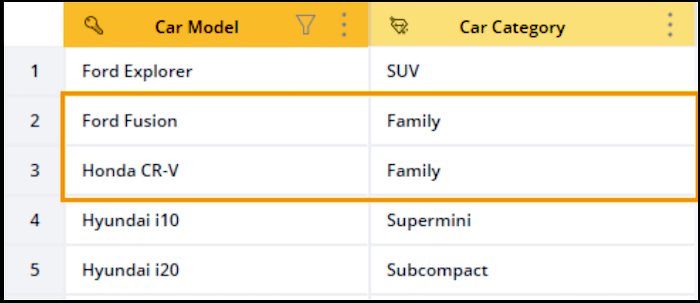
Key Column
(Car Model: notice the key icon) - The column that contains the unique dimension
values on which the classification is applied. The key column is Ford Fusion.
Note If you
upload or create a file that doesn’t contain a column with unique Dimension values,
Marketing Cloud Intelligence highlights the duplicate values for you. You can then use the
in-line editing tool to remove them.
Value Column
(Car Category ) - The column that displays the classification values. In our
example, both Ford Fusion and Honda CR-V were classified as Family.
4. To control how Marketing Cloud Intelligence classifies the values for the Key and Value columns and when classification takes place, click the **Options** button which is located to the right of the column name.
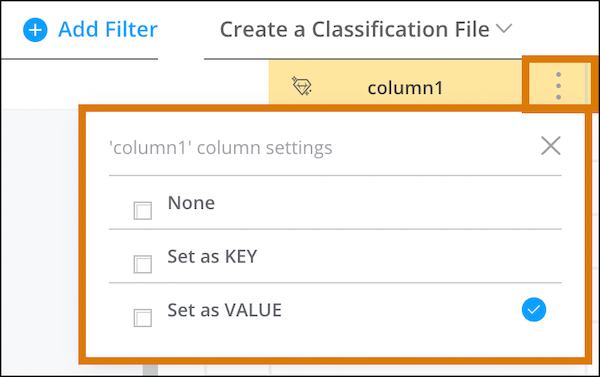
None
Excludes the column from your classification rule entirely.
Set as KEY
Sets the column as the Key column and defines how you want to determine the value.
Exact Match
(Selected by default) The full Dimension value must be matched with one of the keys in order for classification to take place.
Key Contains Dimension
The values in the Key column contain the values in the Source Dimension.
Dimension Contains Key
The values in the Source Dimension contain the values in the Key column.
Case Sensitive
Dimension values must be capitalized the same as the Key Values for the classification to apply.
Set as Value
Sets the Key column as the Value column instead, or vice versa if you’re editing the Value column.
- **[Classification Rule Example](https://help.salesforce.com/s/articleView?id=mktg.dato_harmonize_classify_configure_example.htm&release=264.0.0&type=5)**
This table shows how configuration types affect data classification and what happens when data is classified.
# Configure CNAME Records with Your DNS Provider
To simplify setup, Unified Messaging provides the complete CNAME record names and values. You can copy the values directly into your DNS provider’s interface.
1. From **Setup**, in the **Quick Find** box, enter Authenticated Domains, and then select **Authenticated Domains**.
2. From the menu next to your domain, click **Show Details**.
3. Under **Set Up Your DNS Records**, copy the CNAME details from the **Name** and **Value** columns.
4. Paste the entries into your DNS provider’s console.
Your DNS provider’s user interface may differ in how it handles subdomain entries. For guidance, see [DNS Provider Behavior](https://help.salesforce.com/s/articleView?id=mktg.um_channel_email_dns_provider_behavior.htm&language=en_US&type=5).
#### See Also
- [Knowledge Article: Marketing Cloud Next Email Authenticated Domains Setup and DNS Tips](https://help.salesforce.com/s/articleView?id=001533984&type=1&language=en_US)
# Configure Collect Tracking Code for Personalization Builder
Set up Marketing Cloud Engagement to work with Collect Tracking Code and Personalization Builder.
1. In Personalization Builder, select **Web Recommendations** or **Email Recommendations**.
2. Hover over Admin and select **Implementation** from the dropdown.
3. Select a catalog sync method.
- Streaming Updates
- Batch Upload
For streaming updates, provide a domain name and select the catalog type.
For batch uploads, provide the information required to manually update the catalog.
4. Select the attributes to track.
5. Copy and paste codes for all attributes to track.
#### See Also
- [Set User Information and Attributes in Collect Tracking Code](https://help.salesforce.com/s/articleView?id=mktg.mc_ctc_set_user_info.htm&release=264.0.0&type=5 "To maintain user details and subscriber information in a contact profile, use the Collect Tracking Code feature in Marketing Cloud Engagement.")
- [Streaming Catalog Updates Through Collect Tracking Code](https://help.salesforce.com/s/articleView?id=mktg.mc_ctc_streaming_updates.htm&release=264.0.0&type=5 "To configure server-side streaming updates for items in your catalog, use the API key or catalog import option. Streaming updates replaces the standard file upload process.")
# Configure Consent Mapping from Marketing Cloud Engagement to Marketing Cloud Next
The next-gen marketing app uses communication subscriptions to manage list membership. To share consent between Marketing Cloud Next and Marketing Cloud Engagement, map engagement lists and publication lists to communication subscriptions for email and SMS.
### Required Editions
Available in: Marketing Cloud Engagement Pro+, Corporate+, and Enterprise+ Editions
Before you begin, [connect Marketing Cloud Engagement](https://help.salesforce.com/s/articleView?id=mktg.mke_configure_connect_mce.htm&release=264.0.0&type=5 "Start the setup process by identifying the Marketing Cloud Engagement account to connect to Marketing Cloud Next.").
After you map the lists, a subscriber's status syncs between apps each time they update their consent.
1. In the Marketing app, go to the **Consent** tab.
2. Click **Consent Mapping**.
3. Find the card for the channel you want to update, and click **Map Consent**.
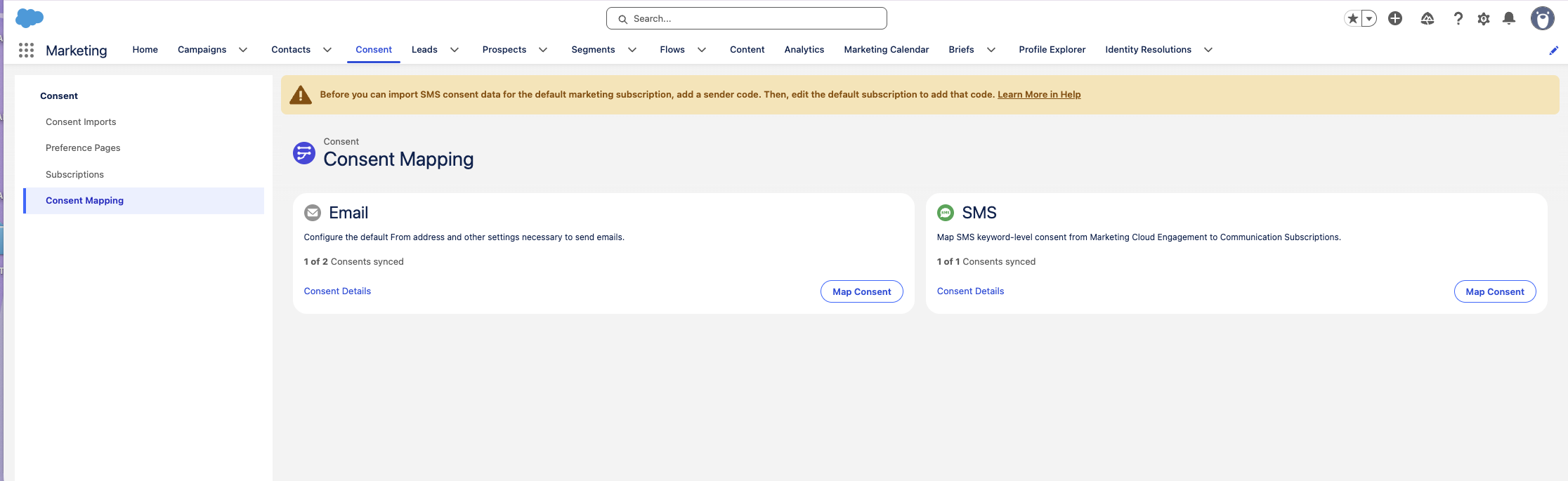
4. If your organization uses business units, select a business unit for the mapping configuration.
5. If you selected SMS, select a **Sender Code**.
6. Select one or more engagement lists or publication lists to map.
7. Click **Add Subscription**.
8. Create a communication subscription.
9. Click **Consent Details**, and then map each engagement list to the corresponding communication subscription.
10. Optionally, edit the name of the communication subscription.
11. Click **Map Consent**.
# Configure Context Variables
Context variables pass data, such as a customer's identity or browsing history, from your website to the agent. For example, the AWAC can pass a context variable IndividualId to the agent. This immediate context allows the agent to personalize interactions–like suggesting outdoor gear based on the Northern Trail Outfitters–without asking redundant questions.
Consider a scenario where a user accesses the Northern Trail Outfitters website, browses for “winter hiking boots,” and opens the chat widget to ask about sizing.
- Without a context variable such as `IndividualId`, the agent sees only an unauthenticated guest user on the Boots page. The agent must ask questions such as, "What is your name?" or "Have you shopped with us before?" to understand the user’s history. Consequently, the user feels treated like a stranger despite being a loyal customer.
- With the `IndividualId` context variable configured, the website automatically passes the variable to the agent. The agent uses the `IndividualId` to instantly query Data 360. This query returns the user profile, revealing purchase history and preferences. The agent can skip the basic questions and immediately ask: "Hi! Are you looking for boots to match the hiking socks you bought last month? We have the XTrekker boots available in your usual size 8."
To use context variables, see . [Use Context Variables in Messaging Conversations](https://help.salesforce.com/s/articleView?id=ai.service_agent_context_variables.htm&language=en_US).
#### See Also
- [_Salesforce Help:_ Configure the Context Passing Framework for Agentforce](https://help.salesforce.com/s/articleView?id=experience.support_context_passing_framework_config.htm&language=en_US)
- [_Salesforce Developers Blog:_ Control Agent Access and Decision-Making with Variables and Filters](https://developer.salesforce.com/blogs/2025/04/control-agent-access-and-decision-making-with-variables-and-filters)
# Configure Cookie Duration
To limit the number of days Account Engagement stores a customer cookie, you can adjust the duration of visitor\_id and pi\_opt\_in tracking. The default duration is set to 365 days.
### Required Editions
Available in: All Account Engagement Editions
User Permissions Needed
To edit business unit settings:
Account Engagement Administrator role
1. Open the settings for your business unit.
- In Account Engagement, click  and then select **Settings**.
- In the Lightning app, select **Account Engagement Settings**.
2. For Max Tracking Cookie Duration (days), enter the number of days that you want the cookies to persist.
3. Save your changes.
When visitors and prospects visit a page with your tracking code, their existing cookies are updated to the new duration.
# Configure Custom Attributes for Einstein Recommendations
You can create custom attributes to use with your recommendations. Unmapped fields are automatically used to make recommendations. For streaming updates, Custom Attributes Configuration is available after Marketing Cloud Engagement starts receiving data from your site.
Consider using these types of field tags:
- Categories and subcategories—Men’s, Women’s, Kids, Coats, Shoes
- Brands—Nike, Adidas, Under Armour
- Seasons—Fall, Spring
- Topics—Politics, Sports, Lifestyle
- Interests—Hiking, Golf, Cosmetics
Avoid these tags:
- Binary (yes or no) values—We recommend that you use binary values only when they have the most impact.
- Sizes or colors and other SKU-level attributes—The recommendation engine aggregates behavior at the Product Code level. Attributes at the SKU level can impact results.
1. In Einstein Recommendations, hover over Admin and select **Implementation**.
2. Scroll to Custom Attributes.
3. Click **Custom Attribute Configuration**.
4. Select all the fields included in the catalog.
5. Save the configuration.
# Configure Custom Engagement Values for Marketing Triggers
Retail marketing triggers detect shopper actions, such as viewing a product or adding an item to a cart, from engagement values in your data model. If your data uses values other than the defaults, configure custom engagement values so that your triggers build audiences from your own data instead of hard-coded defaults.
### Required Editions
[View supported editions](https://help.salesforce.com/s/articleView?id=mktg.mktg_editions.htm&release=264.0.0&type=5 "Marketing Cloud Next is available in Growth and Advanced editions, and requires Salesforce Enterprise or Unlimited editions. Some features are limited by edition or purchased add-on. All functionality is available in Lightning Experience only.").
User Permissions Needed
To configure custom engagement values:
Marketing Triggers Admin permission set
Before you configure the engagement values, map all the required Data Model Objects (DMOs) for your marketing triggers. The engagement values that you configure are used when the system builds the data transforms for each trigger.
Custom engagement values apply to these retail marketing triggers:
- Abandoned Page
- Abandoned Product Browse
- Abandoned Shopping Cart
1. From Setup, in the Quick Find box, enter Marketing Features, and then select **Triggers**.
2. On the Marketing Triggers page, click **Advanced Settings**.
3. In the Configure DMO Engagement Field Values section, review the DMOs, their related triggers, and the engagement fields to configure.
Each row shows the DMO, the triggers that use it, the engagement field, and a description of the shopper action that the field represents. These engagement fields have default values that you can replace to match your data.
| Engagement Field | Default Value |
| --- | --- |
| Product detail page viewed | catalog-object-view-start |
| Order placed | order-accepted |
| Item added to cart | cart-add |
| Item removed from cart | cart-remove |
| Cart updated | cart-update |
| Page viewed | page-view |
4. In the **Value** column, enter the value that matches your data for each engagement field.
Enter a value that contains up to 255 characters, with no space at the start or end.
5. Save and confirm your changes.

Note If the business unit associated with your marketing triggers is inactive, you can't save engagement values. To update the values, go to Marketing Triggers and reopen Advanced Settings for an active business unit and data space.
# Configure Data 360
Update the web schema in Data 360 to capture user query intent as a new event and map that data correctly so it can be used for personalization.
### Required Editions
User Permissions Needed
To manage web schema in Data 360:
Data Cloud Architect
To update data streams, mappings, and data graphs
Data Cloud Architect
1. Add a new event type User Query to your website's existing event schema to allow the system to capture, log, and track user intent using the standard agent action.
1. In Data Cloud Setup, search for and select **Websites & Mobile Apps**.
2. Select your connection from the list and download the existing schema.
3. Append the following User Query event JSON object to the events section in your schema file. This new event includes standard fields and a custom query field that holds the user's search term.
```
{
"developerName": "query",
"masterLabel": "Query",
"category": "Engagement",
"availabilityStatus": "INUSE",
"externalDataTranFields": [
{
"masterLabel": "category",
"dataType": "Text",
"developerName": "category",
"isDataRequired": true,
"isCurrencyIsoCode": false
},
{
"masterLabel": "dateTime",
"dataType": "DateTime",
"developerName": "dateTime",
"isDataRequired": true,
"isCurrencyIsoCode": false
},
{
"masterLabel": "deviceId",
"dataType": "Text",
"developerName": "deviceId",
"isDataRequired": true,
"isCurrencyIsoCode": false
},
{
"masterLabel": "eventId",
"dataType": "Text",
"developerName": "eventId",
"isDataRequired": true,
"primaryIndexOrder": 1,
"isCurrencyIsoCode": false
},
{
"masterLabel": "eventType",
"dataType": "Text",
"developerName": "eventType",
"isDataRequired": true,
"isCurrencyIsoCode": false
},
{
"masterLabel": "query",
"dataType": "Text",
"developerName": "query",
"isDataRequired": true,
"isCurrencyIsoCode": false
},
{
"masterLabel": "sessionId",
"dataType": "Text",
"developerName": "sessionId",
"isDataRequired": true,
"isCurrencyIsoCode": false
},
{
"masterLabel": "sourceChannel",
"dataType": "Text",
"developerName": "sourceChannel",
"isDataRequired": false,
"isCurrencyIsoCode": false
}
],
"fieldCount": 8,
"availabilityStatusLabel": {
"label": "In Use",
"rawValue": "INUSE"
},
"streamingAppLabel": "Consumer agent test site"
}
```
4. Upload the updated schema file.
2. Sync the updated schema data with your data stream and map the new fields to a Data Model Object (DMO).
1. In Data 360, go to the Data Streams tab, and select your data stream from the list.
2. Click **Sync Schema** to bring in the new User Query event fields.
3. Go to the Data Lake Objects tab, and access the updated DLO.
4. Under Data Mapping, click **Review**.
5. Map the User Query event to the Web Search Engagement DMO.
| userQuery dlo | web search engagement dmo |
| --- | --- |
| eventType | Engagement Type |
| query | Search Query |
| sourceChannel | Unmapped |
6. Go to the Data Model tab, and select the Web Search Engagement DMO.
7. Select Relationships, and use the Edit option to add an N:1 relationship to the Individual DMO, if it’s not present.
3. Add the newly mapped DMO to your Profile Data Graph to make it available for personalization.
1. In Data 360, go to the Data Graphs tab, and select your profile data graph from the list.
2. Add the Web Search Engagement DMO under the Individual object.
3. Under DMO Fields, make sure to select the Search Query field, as well as other key fields for creating an engagement signal (such as Individual ID and Created Date).

Note For the semantic model to function efficiently, make sure that your catalog DMOs are updated with relevant metadata.
# Configure Data 360 Components for Marketing Cloud Engagement+
Integrate your Marketing Cloud Engagement data with Data 360. Data 360 uses the data to create unified customer profiles, evaluate conditions in flows, and personalize your message content.
### Required Editions
Available in: Marketing Cloud Engagement Pro+, Corporate+, and Enterprise+ editions
User Permissions Needed
To create identity resolution rulesets and data graphs:
A Salesforce account with the Data Cloud Architect permission set
## Configure Identity Resolution Rulesets
Identity resolution rulesets tell Data 360 how to connect and reconcile data from different sources. After you put these rules in place, Data 360 creates unified profiles. Complete these steps to configure a new Data 360 deployment.
This video shows an overview of the process of setting up an identity resolution ruleset.
1. On the App Launcher, search for data, and then select **Data Cloud**.
2. On the Identity Resolutions tab, click **New**.
3. Create the ruleset.
1. Select **Create New Ruleset**.
2. Click **Next**.
4. Configure the ruleset.
1. For Data Space, select your data space.

Note This list includes a data space for each [business unit](https://help.salesforce.com/s/articleView?id=mktg.mke_business_units.htm&release=264.0.0&type=5 "Use business units in Marketing Cloud Engagement+ to scale and control your brand and your marketing activities. Business units make it possible for divisions within an organization to focus on their own marketing objectives, while also enabling reporting and access control across the entire enterprise.") in your account. If your account contains several business units, make sure that you select the correct data space.
2. For Primary Data Model Object, select **Individual**.
3. For Ruleset ID, enter an identifier for the ruleset.
This identifier helps you quickly identify the objects that the ruleset creates.
4. Click **Next**.
5. For Ruleset Name, enter a name. Use a name that identifies the purpose of the ruleset, such as MC Subscriber Key.
6. Click **Save**.
This step takes a few minutes to complete.
7. In the Match Rules section, click **Configure**.
8. Click **Next**.
9. Configure the first match rule.
1. Next to Match Rule 1, click **Configure**.
2. Select **Custom Rule**.
3. Click **Next**.
4. For Match Rule Name, enter a name. Use a name that identifies the purpose of the rule, such as MC Subscriber Key.
5. For Data Model Object, select **Party Identification**.
6. For Field, select **Identification Number**.
7. For Match Method, select **Exact**.
8. Click **Configure**.
9. For Party Identification Type, enter Person Identifier.
10. For Party Identification Name, enter MC Subscriber Key.
11. Click **Back to Basic Setting**.
12. Click **Next**.
13. Save your changes.
10. Configure additional matching rules.
1. In the Match Rules section, click **Edit**.
2. Click **Next**.
3. Click **Add Match Rule**.
4. From the list of match rules, select **Fuzzy Name and Normalized Email**.
5. Click **Next**.
6. Click **Next**.
7. Click **Save**.
8. Repeat this step to add the **Fuzzy Name and Normalized Phone** rule, and then repeat it again to add the **Fuzzy Name and Normalized Address** rule.
9. Save your changes.
11. In Setup, go to **Marketing Cloud** | **Assisted Setup** | **Basic Settings**.
12. In the Configure Identity Resolution Rulesets section, for Unified Individual Object, select the ruleset that you created.
## Create a Data Graph
Marketing Cloud Next uses data graphs to evaluate conditions in flows, and to personalize message content. A data graph combines and transforms data from your Data Model Objects (DMOs) to create a data structure that’s optimized for performance and efficiency.
Each data graph can reference up to 25 objects. An org can contain up to 10 standard data graphs and up to 10 real-time data graphs. For more information, see _Salesforce Help_: [Data 360 Limits and Guidelines](https://help.salesforce.com/s/articleView?id=data.c360_a_limits_and_guidelines.htm&language=en_US).
This video provides an overview of the process of setting up a data graph.
1. Create a data graph.
1. On the app launcher, search for Data Graphs, and then select **Data Graphs**.
2. Click **New**.
3. Click **Start From Scratch**.
4. Click **Next**.
5. If you’re prompted to choose between creating a standard data graph or a real-time data graph, select **Standard Data Graph**, and then click **Next**.
6. For Data Graph Name, enter a name. Use a name that describes the purpose of the data graph, such as Marketing Content Personalization.
7. For Data Space, select your data space.
8. For Primary Data Model Object, select **Unified Individual**.

Note If the Primary Data Model Object dropdown doesn't include the Unified Individual, set up identity resolution and try again.
9. Click **Next**.
2. Select fields for the Individual object.
1. In the Data Model Objects section, next to Unified Individual, click **+**.
2. Select **Unified Link Individual**.
3. Next to Unified Link Individual, click **+**.
4. Select **Individual**.
5. From the list of fields on the right side of the page, select the **Data Source** field.
3. Select fields for email objects.
1. Next to Individual, click **+**.
2. Select **Contact Point Email**.
3. From the list of fields on the right side of the page, select the **Email Address** field.
4. To add fields for SMS objects, select the appropriate fields.
1. Next to Individual, click **+**.
2. Select **Contact Point Phone**.
3. From the list of fields on the right side of the page, select the **Telephone Number** field.
5. Save the data graph.
1. Click **Save and Build**.
2. Specify how often to refresh the data in the data graph.
3. Click **Save and Build**.
6. Configure Marketing Cloud Next to use the data graph.
1. In Setup, go to **Marketing Cloud** | **Assisted Setup** | **Reporting and Optimization** | **Customer Engagement**.
2. In the Configure Basic Personalization section, for Data Graph, select the data graph you created.
After you configure the base data graph, add fields related to message and journey engagement to it.
- [Add Email Engagement Data](https://help.salesforce.com/s/articleView?id=mktg.mke_configure_data_360.htm&release=264.0.0&type=5 "To add email engagement data from Marketing Cloud Engagement to the data graph, add the Email Engagement DMO and select the appropriate fields.")
- [Add SMS, WhatsApp, and Mobile App Engagement Data](https://help.salesforce.com/s/articleView?id=mktg.mke_configure_data_360.htm&release=264.0.0&type=5 "To add engagement data from the SMS, WhatsApp, and mobile app messaging channels in Marketing Cloud Engagement to the data graph, add the Message Engagement DMO and select the appropriate fields.")
- [Add Journey Engagement Data](https://help.salesforce.com/s/articleView?id=mktg.mke_configure_data_360.htm&release=264.0.0&type=5 "To add engagement data from journey events, add the Marketing Journey Activity DMO and select the appropriate fields.")
## Add Segment Membership Data to the Data Graph
To include information about segment membership in a data graph, add the Latest object. When your data graph includes segment membership information, you can use membership in a segment in decision splits and exit criteria in Flow Builder, and with conditional personalization logic in your messages.
Before you complete this step, create a data graph.
1. In your data graph, next to Unified Individual, click **+**.
2. Select **Unified Individual - Latest**.
3. From the list of fields on the right side of the page, select the **Segment ID** and **Timestamp** fields.
4. Next to Email Engagement, click **+**.
5. Select **Bulk Email Message**.
6. From the list of fields on the right side of the page, select the **Name** field.
## Add Email Engagement Data to the Data Graph
To add email engagement data from Marketing Cloud Engagement to the data graph, add the Email Engagement DMO and select the appropriate fields.
Before you complete this step, create a data graph.
1. In your data graph, next to Individual, click **+**.
2. Select **Email Engagement**.
3. From the list of fields on the right side of the page, select the **Engagement Channel Action** and **Email Recipient Send Status** fields.
4. Next to Email Engagement, click **+**.
5. Select **Bulk Email Message**.
6. From the list of fields on the right side of the page, select the **Name** field.
## Add SMS, WhatsApp, and Mobile App Engagement Data to Your Data Graph
To add engagement data from the SMS, WhatsApp, and mobile app messaging channels in Marketing Cloud Engagement to the data graph, add the Message Engagement DMO and select the appropriate fields.
Before you complete this step, create a data graph.
1. In your data graph, next to Individual, click **+**.
2. Select **Message Engagement**.
3. From the list of fields on the right side of the page, select the **Engagement Channel Action** and **Message Recipient Send Status** fields.
4. Next to Message Engagement, click **+**.
5. Select **Bulk Message**.
6. From the list of fields on the right side of the page, select the **Name** field.
## Add Journey Engagement Data to Your Data Graph
To add engagement data from journey events, add the Marketing Journey Activity DMO and select the appropriate fields.
Before you complete this step, create a data graph.
1. In your data graph, in the search box above the Data Model Objects section, search for journey and then select **Marketing Journey Activity Run**.
2. On the Select a Path window, click **Select**.
3. From the list of fields on the right side of the page, select the **Name**, **Transaction DateTime**, **Type**, and **Status** fields.
4. Next to Marketing Journey Activity Run, click **+**.
5. Select **Marketing Journey**.
6. From the list of fields on the right side of the page, select **Name**.
# Configure Data 360 Insights for Personalization
You can configure Data 360 insights to define and calculate multidimensional metrics for use by Salesforce Personalization. Using insights, you can define specialized metrics to provide more in-depth views into customer activity, better understand site or app interaction, or gauge customer satisfaction.
- **[Using Data 360 Insights with Personalization](https://help.salesforce.com/s/articleView?id=mktg.persnl_setup_insights_using.htm&release=264.0.0&type=5)**
You can use any Data 360 insight type with Salesforce Personalization. After you configure the insight types, you add them to data graphs that Personalization uses when making decisions or filtering personalized recommendation content.
- **[Calculated Insight DMO Name and Field Requirements](https://help.salesforce.com/s/articleView?id=mktg.persnl_setup_insights_dmo_name_field_reqs.htm&release=264.0.0&type=5)**
How you name calculated insight DMOs and their field references depends on the data space that you configure them in. If you configure an insight in the default data space, prepend all DMO names and DMO fields with ssot\_\_. If you’re configuring an insight in a non-default data space, prepend all DMO names and DMO fields with {prefix}\_\_.
- **[Configure a Real-Time Insight for Individual Interactions (Example)](https://help.salesforce.com/s/articleView?id=mktg.persnl_setup_ci_individual_interactions_count.htm&release=264.0.0&type=5)**
The Individual Interactions Count real-time insight provides the number of events associated with a unified profile. You use the Visual Builder to create a real-time insight.
- **[Configure the Top Sellers Standard Insight for Rule-Based Recommenders](https://help.salesforce.com/s/articleView?id=mktg.persnl_setup_ci_standard_product_sales.htm&release=264.0.0&type=5)**
Salesforce Personalization enables you to generate recommendations using controlled business logic. Using a rule-based recommender, you can provide recommendations for top selling, most viewed, co-bought, or co-browsed products, and much more. To rank and sort recommendable content, rule-based recommendations rely on inputs from calculated insights that you add to the item data graph.
# Configure Data Cloud for Global Promotions Management
Gain insights about your company's promotions and your customers with Data Cloud. A prepacked data bundle enables admins to set up the connection that sends data from Global Promotions Management to Data Cloud. To create targeted customer segments for promotions, users must be assigned the Data Cloud Activation Specialist permission set.
- **[Data Cloud for Global Promotions Management](https://help.salesforce.com/s/articleView?id=mktg.global_promotions_management_setup_data_cloud_kit.htm&release=264.0.0&type=5)**
Every Salesforce org that has Global Promotions Management and Data Cloud gets a data stream bundle with preconfigured Global Promotions Management-specific object data streams.
- **[Data Cloud Segment-Based Promotion Audience Segmentation](https://help.salesforce.com/s/articleView?id=mktg.global_promotions_management_setup_segment.htm&release=264.0.0&type=5)**
Marketing managers can design promotions that are targeted toward specific customer groups. Customers of your company can be categorized in to customer groups by using Data Cloud segments and campaigns for pricing promotions. The segments can be a part of any Data Cloud companion org. If marketing managers want to use Data Cloud segments to decide promotion target audience, admins have to determine how to verify whether customers are part of the segments that are associated with promotions.
# Configure Data Cloud for Unified WhatsApp
Data Cloud helps you store consent and engagement data for Unified WhatsApp conversations.
### Required Editions
Available in: Lightning Experience
Available in:
Enterprise and Unlimited Editions for Service Cloud
Growth or Advanced Editions Marketing Cloud Next
Pro+, Corporate+, and Enterprise+ Editions for Marketing
Cloud Engagement
User Permissions Needed
To set up Data Cloud
Data Cloud Architect Permission Set

Note WhatsApp in Unified Messaging requires the Salesforce Standard Data Model package version 1.69 or later and the UnifiedMessagingConsent package version 1.3 or later. If your account uses earlier versions, you can upgrade them without losing your existing consent data.
## Activate Data Cloud
Turn on Data Cloud if you haven't already.
1. On the app launcher, select **Data Cloud**.
2. Make sure that Data Cloud is activated. If not, click **Get Started**, and wait for setup to complete, which takes about 30 minutes.
## Install Your Data Kits
Complete this one-click installation of data kits, which allow you to manage the required data streams for Unified WhatsApp.
1. In Setup, in the Quick Find box, enter Your Numbers, and select **Your Numbers**.
2. Under Channel Setup, click **Install**. This process installs your required data kits for Unified WhatsApp, and it takes 5-10 minutes to complete.
## Install Your Data Streams
A data stream brings raw data from various sources into Salesforce Data Cloud, transforms it into a standardized format, and keeps it updated for immediate use. Install the four data streams that inform Unified WhatsApp.
1. Return to the Data Cloud app in the app launcher, and select the **Data Streams** tab.
2. Click **New**.
3. Click **Installed Data Kits & Packages**, and click **Next**.
4. Deploy the UnifiedWhatsAppPackage Data Stream.
1. On the Installed Packages tab, select **UnifiedWhatsAppPackage**.
2. In the list of packages, select **WhatsappEngagement**, and click **Next**.
3. Deploy the data stream.
5. Deploy the Consent Audit Trail Data Stream.
1. Back on the Data Streams tab, click **New**.
2. Under Other Sources, select **Installed Data Kits & Packages**, and click **Next**.
3. On the Installed Packages tab, select **UnifiedMessagingConsent**.
4. In the list of packages, select the item containing the text ConsentAuditTrail, and click **Next**.
5. Deploy the data stream.
6. Deploy the Messaging Consent Data Stream.
1. Back on the Data Streams tab, click **New**.
2. Under Other Sources, select **Installed Data Kits & Packages**, and click **Next**.
3. On the Installed Packages tab, select **UnifiedMessagingConsent**.
4. In the list of packages, select the item containing the text MessagingConsent, and click **Next**.
5. Deploy the data stream.
7. Deploy the Unified Messaging Consent Data Stream.
1. Back on the Data Streams tab, click **New**.
2. Under Connected Sources, select **Salesforce CRM**, and click **Next**.
3. Under Custom Data Bundles, select **UnifiedMessagingConsent**, and click **Next**.
4. Review the list of objects and fields in the bundle, and then click **Next**.
5. If a message warns you about conflicts, click **Proceed**.
6. Deploy the data stream.
8. On the Data Streams tab, verify that the value in the Data Stream Status column is **Active** for each data stream.
## Prepare Your Users for Data 360
To let marketing or service reps access Unified WhatsApp data, consider giving them one of the [user permission sets for Data 360](https://help.salesforce.com/s/articleView?id=data.c360_a_userpermissions.htm&type=5&language=en_US).
# Configure Data Stream Refresh and Frequency
If you’re creating or editing an API connector data stream, you can define the frequency and schedule for refreshing the data stream.
### Required Editions
User Permissions Needed
To edit a data stream:
Admin
1. Navigate to the **Connect & Mix** tab.
2. Expand **Data Streams**, and then expand **Data Streams List**.
3. Select the data stream that you want to modify and click the edit icon.
4. Click edit in the **Automate Data Refresh**window.
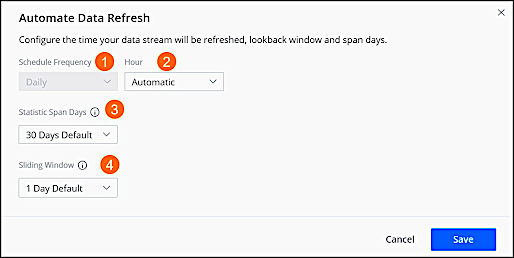
1. To determine when the data stream refreshes, select the frequency from the **Schedule Frequency** dropdown.
2. To determine the time the data stream refreshes, select the **Hour** from the dropdown.
3. To define the number of days that you want to allow for span days, select the **Statistic Span Days** from the dropdown. For example, you select 10 days and your sliding window is defined for 30 days. When you run the report, you see three different files, each showing 10 days.
4. To define the number of days back that you want to retrieve data whenever the data stream is processed, starting from yesterday, select the **Sliding Window** from the dropdown.
5. To disable data refresh for a stream, select the stream, and disable the stream in the status.
# Configure Delivery
In Email Studio Send Flow, use Configure Delivery to set the timing of your sends and configure delivery options. In some accounts, some of these options aren’t enabled by default.
## Send Timing
Option
Description
Send Immediately
Sends the email immediately after you review the email.
Schedule
Send the email at the selected date and time. The system uses the time zone
configured for the user scheduling the send. For example, if you schedule a send for
7:30 AM and your time zone is Pacific Standard Time (PST), the send deploys at 7:30
AM PST.
The send uses the records that are available at the time of the send, not
when the email is scheduled. For accurate targeting, make sure that subscriber
data is updated before the send.
## Send Throttling
Use Send Throttling to set an hourly throttle limit without a window, a throttle window without an hourly limit, or an hourly limit with a time window.

Note When a send throttle window is configured before a daylight saving change, the throttle window can start or stop one hour later than intended.
| Option | Description |
| --- | --- |
| Delivery Window | Specify the start and end time for the send. |
| Hourly Threshold | Specify the maximum number of emails to send per hour. |
## Tracking
| Option | Description |
| --- | --- |
| Track Clicks | Wrap links in the send with a special URL that tracks clicks. |
| Suppress From Send Report | Suppress tracking data from reports and Email Studio Overview. Send results are sent to the Test Send Emails folder in Email Studio Tracking. |
| Tracking Destination Folder | Specify a destination for tracking data. The default value is the My Tracking folder. |
| Send Logging | Enable send logging for this send. |
| Send Tracking Results to Sales Cloud | Send the results of your email sends in Marketing Cloud Engagement to Sales Cloud. |
| Additional Info | Include email-level data for Web Analytics in the links of the email. |
## Advanced Options
| Option | Description |
| --- | --- |
| Multipart MIME | Send both HTML and text versions of the email. |
- **[Prebuild Burst Sending](https://help.salesforce.com/s/articleView?id=mktg.mc_es_prebuild_burst_sending.htm&release=264.0.0&type=5)**
When enabled in your account, Prebuild Burst Sending allows you to send emails fast. The audience is locked down and the emails are built when the schedule send time is set. Use this feature for flash sales or emergency messaging.
# Configure Digital Experiences for Enhanced Email
When you send enhanced email with Account Engagement, you can use the Digital Experiences app as a unified image repository. Digital Experiences offers a CMS workspace where you can save files and control user access and a CMS channel where those files can be published. When you use Digital Experiences with enhanced email, the images published to your channel become available while marketers are building emails.
### Required Editions
Available in: any Account Engagement Edition with Salesforce Professional, Enterprise, Performance, and Unlimited Editions
User Permissions Needed
To configure Digital Experiences workspaces and channels:
Modify All Data
OR
Create CMS Workspaces and Channels
Digital Experiences contributors must have the Salesforce user license.

Note Digital Experiences can be used with enhanced email and landing page experiences.

Note Enhanced email and landing page experiences don't support Enhanced Channels. Instead, create a channel using the 'Use non-enhanced APIs' option.
1. Click the Digital Experiences Home action menu, select **CMS Channel**, choose a Public Channel, and then click **Create Channel**.
Using a public channel ensures that you can delete the Pardot package in the future.
2. Name the channel something descriptive, such as Email Content or a business unit name, and then save it. You can edit the channel name at any time.
3. To configure a channel’s domain, edit the channel.
1. From the channel list, click the action menu, and then select **Edit**.
2. Select **Enable Domain**, choose the domain you configured from the dropdown, and then save.
4. Click the Digital Experiences Home action menu, select CMS Workspace, and then click **Add Workspace**.
5. To configure your workspace, follow the prompts.
1. Name the workspace and select the channel you want to include.
2. Select the Salesforce users that need access to the workspace, and then select a role for each.
A content manager has full access to a workspace’s files. A content admin can also edit the workspace settings.
3. Select the languages you want to support and include a default language.
4. Review your settings, and then click **Done**.
6. From the Content Setup page, click **Select Channel**, choose the one you created from the dropdown, and save.
#### See Also
- [Work with Image Content in Salesforce CMS](https://help.salesforce.com/s/articleView?id=xcloud.cms_images_overview.htm&language=en_US)
- [Navigate the Digital Experiences Home Tab](https://help.salesforce.com/s/articleView?id=xcloud.cms_home.htm&language=en_US)
- [Work with Content in the Translation Lifecycle](https://help.salesforce.com/s/articleView?id=xcloud.cms_translation_content.htm&language=en_US)
# Configure Domains for Dynamic Reply and CC Addresses in Marketing Cloud Next
To use a dynamic reply-to or CC address in your marketing emails, add and verify an authorized email domain. After you create and verify a domain, you can use any email address on that domain as a dynamic reply-to or CC address.
### Required Editions
Available in: Lightning Experience
Available in: Salesforce Enterprise and Unlimited Editions with Marketing Cloud Next Growth Edition or Advanced Edition
Not supported in Government Cloud Plus
In Marketing Cloud Next, authorized email domains aren’t the same as authenticated domains. Authenticated domains are domains that you use to send emails from Marketing Cloud Next to your customers. Authorized domains are domains that you allow Marketing Cloud Next to use with CC or dynamic reply-to addresses in your emails.
The domain you use for CC and dynamic reply-to addresses doesn’t need to match the subdomain that you use to send emails. For example, the authenticated domain that you use to send emails can be `mail.example.com`, and your authorized email domain can be `example.com`.

Note
If you use [Reply Mail Management](https://help.salesforce.com/s/articleView?id=mktg.um_channel_email_rmm.htm&release=264.0.0&type=5 "Automatically reply to incoming email messages, delete unwanted responses, and forward messages to a specific inbox to review later.") (RMM), you don’t need to configure an authorized email domain. RMM generates a system-managed reply address.
## Verify Ownership of an Email Domain for Marketing Cloud Next
To set up and verify an authorized email domain, see [Set Up an Authorized Email Domain](https://help.salesforce.com/s/articleView?id=xcloud.security_email_auth_domain_setup.htm&language=en_US).
When you verify an email domain, Marketing Cloud Next can use any address on that domain as a dynamic reply-to or CC address. Also, if you use other Salesforce products such as Sales Cloud or Service Cloud, users on an authorized email domain can send email from that address through Salesforce without additional verification.
#### See Also
- [Set Up Email Carbon Copy in Unified Messaging](https://help.salesforce.com/s/articleView?id=mktg.um_channel_email_cc.htm&release=264.0.0&type=5 "Set up email carbon copy (CC) for your marketers to send copies of emails to external and internal recipients. Both the primary recipients and the CC recipients can see who's copied on the message. Each email sent to a CC recipient consumes a Salesforce Message Credit, in addition to credits for the primary recipient.")
- [Configure Reply Mail Management for a Unified Messaging Domain](https://help.salesforce.com/s/articleView?id=mktg.um_channel_email_rmm.htm&release=264.0.0&type=5 "Automatically reply to incoming email messages, delete unwanted responses, and forward messages to a specific inbox to review later.")
# Configure Dynamic From Addresses
A Dynamic From Address personalizes the sender information recipients see, using CRM data resolved at send time.
Dynamic From address relies on your authenticated sending domain. For Domain-based Message Authentication, Reporting, and Conformance (DMARC) alignment, the domain used in the From address must align with your authenticated sending domain. If your organization sends email from a subdomain such as `mail.abc.com`, using a personal email address on the root domain as the From address can cause DMARC alignment failures.
When a merge field doesn't resolve to a valid value, Marketing Cloud Next uses the configured fallback address.
How you configure the From address depends on how your organization authenticates its sending domain.
- **Static From address with a dynamic display name**: Use this approach when your organization sends email from a subdomain. Marketing Cloud Next sends the email from a static authenticated address, while recipients see a personalized sender name, such as the contact owner. This configuration avoids DMARC alignment failures because the sending address stays on the authenticated subdomain.
- **Dynamic From address**: Use this approach when your organization authenticates its root domain, so you can use personal email addresses directly as the From address. Marketing Cloud Next resolves both the display name and the From address from CRM data, such as the account's customer success manager.
## Configure a Static From Address with a Dynamic Display Name
1. In Flow Builder, open the **Send Email Message** activity.
2. Under **Sender Options**, in **From Address**, select **Dynamic Sending**.
3. Under **Display Name**, select the merge field picker and select the field to use as the display name, such as the contact owner's full name.
4. Under **Select From Address Type**, select **Static**.
5. Under **Authenticated Addresses**, search for and select an authenticated address.
6. Save your changes.
Recipients see the personalized display name while the email is sent from the authenticated address.
## Configure a Dynamic From Address
1. In Flow Builder, open the **Send Email Message** activity.
2. Under **Sender Options**, in **From Address**, select **Dynamic Sending**.
3. Under **Display Name**, select the merge field picker and select the field to use as the display name, such as the customer success manager's full name.
4. Under **Select From Address Type**, select **Dynamic**.
5. Under **From Address**, select the merge field picker and select the field to use as the From Address, such as the customer success manager's email.
6. Under **Fallback Address**, select an authenticated fallback address. Marketing Cloud Next uses the fallback address whenever the merge field can't resolve a valid email address.
7. Save your changes.
# Configure Dynamic Reply Addresses
A dynamic reply address routes replies directly to a mailbox resolved from CRM data, such as the contact owner or the account's customer success manager.
Before configuring a dynamic reply address, add and verify at least one [authorized email domain](https://help.salesforce.com/s/articleView?id=mktg.um_channel_email_authorized_email_domains.htm&type=5&language=en_US). Marketing Cloud Next validates the domain of each resolved reply address against your authorized email domains list. If the resolved address doesn't use an authorized domain, Marketing Cloud Next uses the configured fallback address.
Dynamic reply address bypasses Reply Mail Management (RMM) processing. Marketing Cloud Next delivers replies directly to the resolved mailbox and doesn't process them for auto-reply management, out-of-office handling, or unsubscribe processing. Use Reply Mail Management when your organization requires centralized handling of email replies.
1. In Flow Builder, open the **Send Email Message** activity.
2. Under **Sender Options**, in **Reply Address**, select **Dynamic Reply Address**.
3. If prompted, add and verify an **Authorized Email Domain** before continuing.
4. Under **Display Name**, select the merge field picker and select the field to use as the display name.
5. Under **Reply Address**, select the merge field picker and select the field to use as the reply address.
6. Under **Fallback Email**, enter the fallback mailbox name and select a verified domain.
7. Save your changes.
# Configure Einstein Decisions
Einstein Decisions analyzes many unique data points when determining the right experience to present to a particular user. This data includes user behaviors as well as contextual data, such as device type, time of day, and demographic data. Einstein Decisions can also reference segment membership and user attribute data, along with catalog objects you create in your catalog. To determine which data Einstein Decisions references, you define the machine learning features on the Feature Engineering page. Typically, a data science or analytics team member configures the feature engineering options for Einstein Decisions.
### Required Editions
Available in: Premium edition
Permissions
Needed
To configure Einstein Decisions:
A role with Contextual Bandit Create/Edit permissions
1. From the **Machine Learning** section of the main navigation, select **Einstein Decisions** | **Feature Engineering**.
2. Select the training target from the **Bandit Target** dropdown—**Click**, **Conversion**, or **Goal Completion**.
3. Select the features you want to use while training the machine learning models.
4. To include specific user segments, click **+Segment** in the **Segment Membership** section and select options from the dropdown.
5. To include specific locations, click **+Geography** in the **Geography** section and select options from the dropdown.
6. To include custom attributes, click **+Attribute** in the **Custom Attribute** section and select options from the dropdown.
7. To include recent user actions with catalog objects, click **+Catalog Object** in the **Catalog Object Interaction History** section and select options from the dropdown.
8. Click **Save**.
After configuring the training target and feature engineering options, you can create campaigns with promotions that use Einstein Decisions.
# Configure Einstein Generative AI
Enable Einstein generative AI to help draft forms, landing pages, and email subject lines and body copy. You can remove a business unit or disable the Einstein Generative AI option completely at any time. The feature isn’t enabled by default.
### Required Editions
Available in: Lightning Experience
Available in: Enterprise, Performance, and Unlimited Editions with Account Engagement
User Permissions Needed
To enable Einstein generative AI:
Customize Application
OR
Modify All Data
OR
Manage
marketing setup tasks
1. Enable Einstein in your org.
1. In Salesforce Setup, search for Einstein.
2. Under Einstein Generative AI, select **Einstein Setup** and turn on Einstein.
2. Select the business units that can use the generative AI features.
1. In Salesforce Setup, under Einstein Account Engagement, select **Einstein Assistant**.
2. Select the business units that can use Einstein Assistant, and then click **Connect**.
# Configure Einstein Recommendations Error Email Notifications
Set up and enable email notifications in case Collect Tracking Code stops working in Einstein Recommendations.
1. In Einstein Recommendations, on the Status tab, click  and select **Notification Settings**.
2. Enter at least one email address.
3. Select the number of hours to wait before alerting that data collection has stalled.
4. Enter the Collect Tracking Codes to monitor.
5. Save your changes.
# Configure Einstein Scoring Splits
Use the Einstein Scoring Split activity in Journey Builder to segment customers into logical split paths according to prebuilt Einstein personas. Each persona is built on engagement score segments.
Journey Builder adds a remainder path for contacts that don’t belong in the split paths you add.
1. Drag the Scoring Split activity onto the canvas.
2. Click the activity.
3. Select a channel according to the type of message activity that you plan to use.
4. Select a split option and click **Next**.
5. Click **Add Path** for each segment you want to include as a path in the journey. To remove a path that you added, click **Delete**.
After you turn on these features, they’re immediately available.
# Configure Engagement History Features
Engagement History features display marketing engagement data on connected Salesforce records. After you configure Connected Campaigns in Account Engagement, you can add Engagement History components. You can decide which components to include and customize your records in Marketing Setup.
### Required Editions
Available in: Lightning Experience
Available in: Account EngagementGrowth, Plus, Advanced, or Premium Editions with Salesforce Essentials, Professional, Enterprise, Performance, Unlimited, and Developer Editions
User Permissions
Needed
To enable Engagement History:
Account Engagement Administrator role
To create, edit, and delete Lightning pages in the Lightning App
Builder:
Customize Application system permission in Salesforce
To create, edit, and delete page layouts:
Customize Application system permission in Salesforce
To enable Engagement History and add metrics to records, you must use a verified Salesforce connector. However, if you’re using Connected Campaigns, Engagement History is already enabled, so start on Step 4.
1. Open the Connectors page.
- In Account Engagement, select **Admin** and then select **Connectors**.
- In the Lightning app, select **Account Engagement Settings** and then **Connectors**.
2. For the Salesforce.com connector, click the action menu and select **Edit Settings**.
3. Click the Campaigns tab, select **Enable Connected Campaigns and Engagement History**, and then save.
4. From Marketing Setup, in the Quick Find box, enter Engagement, and then select **Engagement History**.
5. To access your campaign page layouts, expand the first item and click **Go to Page Layout Setup**.
6. In the page layout editor, customize related lists.
7. To include metrics fields, create a section on the page layout, and drag in fields from the Fields section.
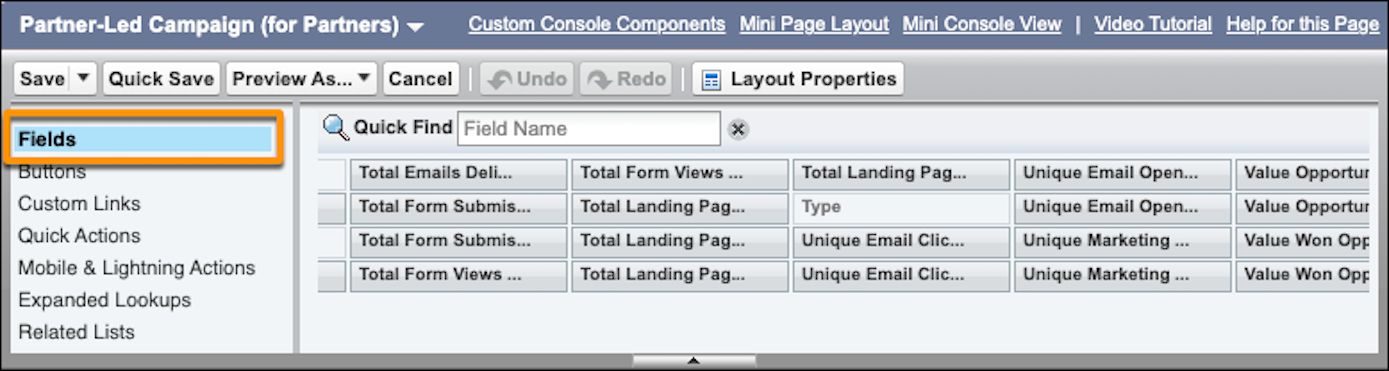
8. To access your campaign Lightning record pages, click **Go to Lightning Record Page Setup**.
9. In the Lightning App Builder, create a tab, and then drag in the components that you want to use, such as Engagement Metrics or Engagement History Dashboard.
If the Engagement History Dashboard component doesn’t appear in the Lightning App Builder, enable the feature on the Engagement History setup page.
10. Save and activate the Lightning record page for users.
Links from the Engagement History setup page take you only to campaign object settings. To add related lists, fields, or components to other supported records, edit that object’s settings in Object Manager. The [comparison table](https://help.salesforce.com/s/articleView?id=mktg.pardot_engagement_history_comparison.htm&release=264.0.0&type=5 "Engagement History is a generic term for a collection of fields, related lists, and other Lightning components that make it possible to show valuable prospect engagement data on your most used records.") indicates which records support Engagement History features.
#### See Also
- [Turn On Engagement History Dashboards](https://help.salesforce.com/s/articleView?id=mktg.pardot_engagement_history_dashboard_enable.htm&release=264.0.0&type=5 "Start exploring Account Engagement marketing data on your Salesforce campaign, account, lead, contact, and person account records. Use Marketing Setup to turn on the feature and assign permissions. Then, embed a dashboard by adding the Engagement History Dashboard component to Lightning pages.")
# Configure Event Streams and Data Models for Maximize Revenue with Promotions Recommenders
Set up the required event streams and data models to enable the Maximize Revenue with Promotion recommender to surface high-impact offers based on real-time engagement and purchase patterns.
1. To ingest promotion content into Data 360, create a data stream.
- If your promotion content is stored in Salesforce, install the [Loyalty Management data bundle](https://help.salesforce.com/s/articleView?id=data.c360_a_crm_data_mappings_loyalty_management.htm&type=5&language=en_US) or [Global Promotions data bundle](https://help.salesforce.com/s/articleView?id=xcloud.global_promotions_management_setup_data_cloud_kit_components.htm&type=5&language=en_US).
- If your promotion content is stored outside the Promotions object in Salesforce, [Configure and Map Data Streams](https://help.salesforce.com/s/articleView?id=mktg.persnl_qs_configure_and_map_data_streams.htm&release=264.0.0&type=5 "Installing the data kits add the objects and fields that store marketing data. However, the data kits only deploy datastreams used for analytics and attribution. To bring external data and make it available to your marketing tools and processes, you must deploy data streams and map them to the Data 360 objects.") from the source and map the resulting data to the [Promotion DMO](https://developer.salesforce.com/docs/data/data-cloud-dmo-mapping/guide/c360dm-promotion-dmo.html?q=promotion) in Data Cloud.
2. From the SDK event stream, data streams from offline purchases, or both, record the use of promotions tied to product orders and other engagements.
- For promotions based on the overall order details, store Promotion ID in the ProductOrderEngagement DMO.
- For promotions tied to a line item on the order, store `PromotionID` in the SalesOrderProductEngagement DMO.
- To prioritize promotions with indirect relationship to products, store product interactions, such as browsing or adding to cart, as engagements in Product Browse and Shopping Cart Engagement DMOs.
- For engagements where an individual interacts with a promotion directly, such as clicking to add a promotion, store promotion engagements in the Website Engagement DMO. Even if promotion data is not ingested for this purpose, we’ll need this DMO for configuration.
3. Ingest the following events from the SDK or through another data stream.
| DMO | Purpose |
| --- | --- |
| ProductBrowseEngagement | To record product browse events |
| ProductOrderEngagement | To record purchase orders and promotions that are used in the orders |
| SalesOrderProductEngagement | To record purchase order line items and, if applicable, promotions that are tied directly to a line item |
| ShoppingCartEngagement | To record addition and removal events on the shopping cart. Product ID can be recorded here to include line item details of an order, or you can capture the ProductId in ShoppingCartProductEngagement. |
| ShoppingCartProductEngagement | (Optional) To record items that are added or removed from a shopping cart. You can use this DMO or ShoppingCartEngagement to record the item details. However, if you are planning to consider cases that require an engagement-aware cart, such as an abandoned cart, we recommend using ShoppingCartProductEngagement. |
| Website Engagement | To record website engagement events, such as page browse, views, and clicks. If users can engage with promotions directly, for instance clicking to add a promotion, then we record such activities. |
| Offer Product Order Engagement | To record the relationship between an order and promotions or offers applied to the order |
| Offer Sales Order Product Engagement | To record the relationship between an order line items and promotions or offers applied to the order line items |
4. Map the promotion and engagement DMOs based on the table and your business needs.
- For ProductOrderEngagement and SalesOrderProductEngagement, map Offer Product Order Engagement DMO and Offer Sales Order Product Engagement DMO, respectively. This creates a one to many relationship between the order and order line items.
- Map Offer Product Order Engagement DMO and Offer Sales Order Product Engagement DMO to the Promotion DMO.
- For ProductBrowseEngagement, ShoppingCartEngagement, and Website Engagement DMOs, record the promotion ID directly on the engagement record as it will maintain a one to one relationship. The promotionID on these DMOs must then map to the Promotion DMO directly.
DMO
Field
Cardinality
Related DMO
Related Field
Product Order Engagement
Individual ID
ManyToOne
Individual
Individual.Id
Offer Product Order Engagement
Product Order Engagement ID
ManyToOne
ProductOrderEngagement
Product Order Engagement ID
Promotion ID
ManyToOne
Promotion
Promotion ID
Offer Sales Order Product Engagement
Sales Order Product Engagement ID
ManyToOne
Sales Order Product Engagement
Sales Order Product Engagement ID
Promotion ID
ManyToOne
Promotion
Promotion ID
Sales Order Product Engagement
Product Order Engagement
ManyToOne
Product Order Engagement
Product Order Engagement.Id
Product
ManyToOne
Product
Product ID
Individual ID
ManyToOne
Individual
Individual ID
Product Browse Engagement
Product SKU
ManyToOne
Product
Product ID
Shopping Cart Engagement
Product
ManyToOne
Product
Product ID
Shopping Cart Product Engagement (optional)
Individual ID
ManyToOne
Individual
Individual ID
Product
ManyToOne
Product
Product SKU
ShoppingCartEngagementEventId
ManyToOne
Shopping Cart Engagement
ShoppingCartEngagementId
Website Engagement
Individual ID
ManyToOne
Individual
Individual ID
Product
ManyToOne
Product
Product ID
Promotion
ManyToOne
Promotion
Promotion ID
#### See Also
- [Promotion DMO](https://developer.salesforce.com/docs/data/data-cloud-dmo-mapping/guide/c360dm-promotion-dmo.html?q=promotion)
- [Product Order Engagement DMO](https://developer.salesforce.com/docs/data/data-cloud-dmo-mapping/guide/c360dm-product-order-engagement-dmo.html)
- [Sales Order Product DMO](https://developer.salesforce.com/docs/data/data-cloud-dmo-mapping/guide/c360dm-sales-order-product-dmo.html)
- [Shopping Cart Engagement DMO](https://developer.salesforce.com/docs/data/data-cloud-dmo-mapping/guide/c360dm-shopping-cart-engagement-dmo.html)
- [Shopping Cart Product Engagement DMO](https://developer.salesforce.com/docs/data/data-cloud-dmo-mapping/guide/c360dm-shopping-cart-product-engagement-dmo.html)
- [Product Browse Engagement DMO](https://developer.salesforce.com/docs/data/data-cloud-dmo-mapping/guide/c360dm-product-browse-engagement-dmo.html)
- [Website Engagement DMO](https://developer.salesforce.com/docs/data/data-cloud-dmo-mapping/guide/c360dm-website-engagement-dmo.html)
- [Offer Product Order Engagement DMO](https://developer.salesforce.com/docs/data/data-cloud-dmo-mapping/guide/c360dm-si-offerproductorderengagementdmo-dmo.html)
- [Offer Sales Order Product Engagement DMO](https://developer.salesforce.com/docs/data/data-cloud-dmo-mapping/guide/c360dm-si-offersalesorderproductengagementdmo-dmo.html)
# Configure Events for Business Accounts
Follow these steps in Journey Builder to configure the event to fire when an object associated with a business account is created or updated.
1. Drag **Salesforce Data** onto the canvas.
2. Click **Salesforce Data**.
3. Choose **Salesforce Data Event**.
4. Select the account object to be the source of this entry event.
5. Select an ID under **Select who to inject into the journey**.

Note For business accounts, select only list items followed by the label (User).
6. Select to trigger the entry when a record **Is Created**, **Is Updated** or both.

Note If **Is Updated** is selected, you must define what triggers entry based upon the specific criteria you configure. If **Is Created** is selected, you don't have to define criteria, which trigger entry upon any creation to the object, or you can define specific criteria.
7. Create a filter for the account object. Under Attributes, drag primary object fields into the filter pane.

Note Don’t use Person Account fields. Use the IsPersonAccount field to define event rules to admit only Business Accounts or Person Accounts. To admit only Business Accounts, set the filter criteria so that IsPersonAccount = false. To admit only Person Accounts, set the filter criteria so that IsPersonAccount = true.
8. Select journey data by expanding account fields. These fields bring data into the journey for each contact who enters. The data can be used later in the journey.
These fields are added to journey data automatically:
- The email address of the record for the person entering the journey. This information is added automatically to Default Channel Addresses.
- The email opt-out flag for the person entering the journey.
# Configure Events for Person Account Related Objects
Follow these steps to fire the Journey Builder event when an object related to a Person Account is created or updated.
1. Drag **Salesforce Data** onto the canvas.
2. Click **Salesforce Data**.
3. Select **Salesforce Data Event**.
4. Select an object that is related to a Person Account as the source of this entry event.
5. Select to fire the event when records are created, updated, or when either action occurs.
6. Select an ID under **Who do you want to inject?**
1. To admit the Person account, select **Account ID (PersonAccount)**.
2. To admit a different type of user, select a different ID such as **Contact ID**, **Lead ID**, or **Owner ID**.
7. Create a filter for the object. Under Attributes, drag primary object fields into the filter pane.
8. Select data from related objects listed below the account, if necessary.
9. Expand the account fields to bring data into the journey for the contact that enters or for related objects.

Note When a Person Account is created, an identical Contact record is created in the Sales and Service Cloud.
These fields are added to journey data automatically:
- The ID of the person entering the journey - if it’s a Person Account, the Person Contact ID of the Account record is added. This ID must be used to link the data extension to an attribute group.
- The contact record email address, which is added automatically to Default Channel Addresses
- The contact record email opt-out flag
# Configure Events for Person Accounts
Create a person account for each Marketing Cloud Engagement contact who enters the journey. When a person account is created, an identical contact record is created in Sales or Service Cloud
The event processes only Person Account records. Journey Builder doesn’t process Business Accounts.
1. Drag **Salesforce Data** onto the canvas.
2. Click **Salesforce Data**.
3. Select a primary object to be the event source.
4. Select the account object to be the source of this entry event.
5. Select to fire the event when records are created, updated, or both.
6. Select **Person Contact ID (Contact)** under **Who do you want to inject?**.
7. Create a filter for the account object. Under **Attributes**, drag primary object fields into the filter pane.
8. Add more filter criteria using the primary object's related objects if necessary.
9. Select journey data by expanding account fields. This data enters the journey with each contact.
10. To update the Person Account record during your journey, make sure that the field Account ID from the account object is added to Journey Data.
11. Select data from related objects listed below account if necessary.
12. These fields are added to journey data automatically.
- The Person Contact ID found in the account record. Use this field to link the data extension to an attribute group. For example, link Contact Key to Account: PersonContactID.
- The Contact record email address, which is added automatically to Default Channel Addresses
- The Contact record email opt-out flag
# Configure Google Analytics App Tracking
To track engagement with mobile URLs, set up Google Analytics 4 (GA4) property tracking for your Marketing Cloud Engagement business unit.
Before you can set up tracking for supported mobile apps, ask your developer to [configure the Firebase SDK](https://developer.salesforce.com/docs/marketing/mobilepush/guide/send-custom-campaign-details-to-google-analytics.html#prerequisites), which supports logging custom campaign details to GA4.
1. From Engagement Setup, go to Data Management, and then click **Parameter Management**.
2. Click **GA4 Property Tracking**.
3. On the App tab, turn on tracking parameters.
You can’t configure the tracking parameters.
4. Save your changes.
# Configure Google Analytics Tracking Parameters in Marketing Cloud Engagement
Associate your subscribers with Google Analytics 4 audiences with UTM parameters. Marketing Cloud Engagement automatically applies these parameters to the links in your messages.
For security purposes, recipients can’t see the sfmc\_journey\_name and the sfmc\_activity\_name values for journeys and activities in the URL. You can view the names in their original format in Google Analytics. To ensure that this functionality works as intended, you must use the Parameter Manager to set these values.
1. In Setup, under Data Management, click **Parameter Management**.
2. To view the parameters, expand a section.
3. Next to the string that you want to change, click **Edit**.
4. In **GA4 Property Tracking**, enable or disable the feature and save it.
When enabled, Marketing Cloud Engagement adds the parameters to each message sent from this business unit.

Note
If you have UA Property Tracking enabled and disable it, you can't re-enable it. Use GA4 Property Tracking instead.
# Configure Google Analytics Web Tracking
To track the URLs used in Journey Builder emails and SMS activities in Marketing Cloud Engagement, set up Google Analytics 4 (GA4) property tracking. Configure tracking parameters in Google Analytics first, and then enable them in Engagement Setup.
1. From Engagement Setup, go to Data Management, and click **Parameter Management**.
2. Click **GA4 Property Tracking**.
3. In the Google Analytics Tracking section, click **Edit**.
4. On the Web tab, enable the tracking parameters.
5. Save the settings.
# Configure Guided Actions Components for RCS
After creating a Guided Actions component, configure the message body, suggestion buttons, and activation status in the component editor.
Available in: Lightning Experience
Available in: Enterprise, Performance, Unlimited, and Developer Editions with the Digital Engagement add-on.
Not supported in Government Cloud Plus
## Configure the Message Body
**Body Section — Message Text**
- **Type:** Choose **Template** (use a formula template with merge fields like `{!$Constants.Title}`) or **Constant** (select a predefined constant value).
- For Template: enter the formula in the **Formula Template** field.
- For Constant: select the value from the **Constant** dropdown.
**Body Section — Media Configuration (Attachment Sub-type Only)**
For the Attachment with Suggested Actions sub-type, the right panel also shows a **Media Configuration** section.
- **Type:** Constant
- **Constant:** Select the constant representing the uploaded file (for example, `$Constants.Image`).
The preview area renders the actual image or file thumbnail alongside the suggestion chips.
## Configure Suggestion Buttons
Add up to 11 suggestion buttons to your Guided Actions component. Each button guides the customer to a specific action.
Below the body, click **\+ Add Content** to add each suggestion. In the **Add Content** modal, choose the type of suggested action:
| Suggestion Type | Description | Configuration Fields |
| --- | --- | --- |
| **Reply** | Send a saved reply the customer can tap. | Chip Label (max 25 chars), Postback Data |
| **URL** | Open a URL in the customer's browser. | Chip Label (max 25 chars), URL, Postback Data |
| **Dial Phone** | Dial a phone number from the customer's device. | Chip Label (max 25 chars), Phone Number, Postback Data |
| **View Location** | Show a location on the customer's map. | Chip Label (max 25 chars), Latitude, Longitude, Location Label, Postback Data |
| **Share Location** | Ask the customer to share their location. | Chip Label (max 25 chars), Postback Data |
| **Create Calendar Event** | Add an event to the customer's calendar. | Chip Label (max 25 chars), Event Title, Event Description, Start Time (Date + Time), End Time (Date + Time), Postback Data |
**Chip Label:** The text the customer sees on the suggestion button. Maximum 25 characters.
**Postback Data:** The data sent back to Salesforce when the customer taps the button. Use this value in routing logic or bot dialogues to determine what action the customer selected.
Each suggestion appears as a chip button in the preview canvas. You can add multiple suggestions of different types to the same component. To remove a suggestion, click the delete icon next to it.
## Activate the Component
Components are created in **Draft** status. To make a component available for reps to send, click **Activate**. To take a component out of service, click **Deactivate**.
To translate your component into your customers' languages, use the **Translation Configuration** section at the bottom of the component editor.
# Configure Identity Resolution Rules
Identity resolution is a critical step to organizing and unifying your data. Usually, when your data originates from many systems, it’s modeled and labeled differently in each place. Identity resolution rulesets define the relationships among data model objects (DMOs) and their fields. After you configure these rules, Data 360 can organize related and duplicate data into unified individual records that marketers can use for cross-channel personalization.
- **[Configure a Custom Ruleset](https://help.salesforce.com/s/articleView?id=mktg.persnl_qs_configure_a_custom_ruleset.htm&release=264.0.0&type=5)**
You can manually configure a custom ruleset for the Individual or Unified Individual object. A custom ruleset creates unified records that meet your specific business needs and specifications.
- **[Add Recommended Rules to Your Identity Resolution Ruleset](https://help.salesforce.com/s/articleView?id=mktg.persnl_qs_add_recommended_rules_to_ir_ruleset.htm&release=264.0.0&type=5)**
To get the most out of Identity Resolution, we recommend adding two custom rules to the Individual object ruleset. First, add a rule to match exact values when a lead converts to a contact. If you use web tracking on Marketing Cloud Next landing pages or a connected external site, add a rule that attributes activity to the correct unified individual.
#### See Also
- [_Salesforce Help:_ Configure Identity Resolution Rulesets for Marketing Cloud Next](https://help.salesforce.com/s/articleView?id=mktg.mktg_admin_data_identity_resolution.htm&language=en_US)
# Configure Identity Resolution Rulesets for a Business Unit
Identity resolution is a critical step to organizing and unifying your data. Usually, when your data originates from many systems, it’s modeled and labeled differently in each place. Identity resolution rulesets define the relationships among data model objects (DMOs) and their fields. After you configure these rules, Data Cloud can organize and reference related and duplicate data into unified individual records that marketers can use to target audiences.
### Required Editions
Available in: Salesforce Enterprise and Unlimited Editions with Marketing Cloud Next Advanced Edition
User Permissions
Needed
To create an identity resolution ruleset:
Marketing Cloud Admin
AND
Data Cloud Architect
permission sets
Identity resolution rulesets consume Data Cloud credits, which impacts billing. We recommend having only one active ruleset per data space for the Individual object, and one active ruleset per data space for the Account object. Maintaining two rulesets per object increases the amount that you’re billed for identity resolution. See [Data Cloud Billable Usage Types](https://help.salesforce.com/s/articleView?id=data.c360_a_data_usage_types.htm&language=en_US&type=5).
1. From Setup, in the Quick Find box, enter Business Units and select it.
2. From the Business Units list page, select a business unit.
3. Click **Basic Settings**.
4. Generate a ruleset for the Individual object. When you generate a ruleset for the Individual object, it uses Normalized Email, Lead to Contact, and Device to Known as match rules. Lead to Contact prevents duplication when leads become contacts, and Device to Known matches web visitors to known profiles. To manually create a ruleset instead, follow step 5 and select **Individual** as the Primary Data Model Object.
1. In the Unified Individual section, click **Generate Ruleset**.
2. Review the confirmation details, and then click **Generate**.
3. On the Identity Resolutions tab, confirm that your new ruleset published.
5. Configure a custom Identity Resolution ruleset for the Account object.
1. On the Identity Resolutions tab, click **New**.
2. Select Create New Ruleset, and then click **Next**.
3. Select the data space that you use for marketing, and then select **Account** for the Primary Data Model Object.
4. Enter a recognizable, 4-character ID for the ruleset, and then click **Next**.
5. Name the ruleset, and save your work.
6. From the record, in the Match Rules section, click **Configure**.
7. Follow the prompts to define the rules that unify related records.
8. Return to the Setup page for your business unit.
9. On the Basic Settings tab, select the Unified Account object that’s related to your ruleset.
6. Repeat steps 1–5 for each business unit.
# Configure Identity Resolution Rulesets for Marketing Cloud Next
Identity resolution is a critical step to organizing and unifying your data. Usually, when your data originates from many systems, it’s modeled and labeled differently in each place. Identity resolution rulesets define the relationships among data model objects (DMOs) and their fields. After you configure these rules, Data 360 can organize related and duplicate data into unified individual records that marketers can use to target audiences.
### Required Editions
[View supported editions](https://help.salesforce.com/s/articleView?id=mktg.mktg_editions.htm&release=264.0.0&type=5 "Marketing Cloud Next is available in Growth and Advanced editions, and requires Salesforce Enterprise or Unlimited editions. Some features are limited by edition or purchased add-on. All functionality is available in Lightning Experience only.").
User Permissions Needed
To create an identity resolution ruleset:
Data Cloud Architect permission set
Identity resolution rulesets consume Data 360 credits, which impacts billing. We recommend having only one active ruleset for the Individual object, and one active ruleset for the Account object. Maintaining two rulesets per object increases the amount that you’re billed for identity resolution. See [Data 360 Billable Usage Types](https://help.salesforce.com/s/articleView?id=data.c360_a_data_usage_types.htm&language=en_US).
You can do more with identity resolution, such as create defaults or troubleshoot warnings. For details about fuzzy matching and other ruleset information, see Salesforce Help for Data 360.
#### See Also
- [Unify Source Profiles](https://help.salesforce.com/s/articleView?id=data.c360_a_identity_resolution.htm&language=en_US)
- [Identity Resolution Reconciliation Rules](https://help.salesforce.com/s/articleView?id=data.c360_a_reconciliation_rules.htm&language=en_US)
- [Fuzzy and Exact Match Methods](https://help.salesforce.com/s/articleView?id=data.c360_a_match_rules_criteria_fuzzy_normalized.htm&language=en_US)
## Generate a Ruleset for the Individual Object
When you generate a ruleset for the Individual object, it uses Normalized Email, Lead to Contact, and Device to Known as match rules. Lead to Contact prevents duplication when leads become contacts, and Device to Known matches web visitors to known profiles.
1. From Setup, in the Quick Find box, enter Basic, and select **Basic Settings**.
2. Scroll to the Identity Resolution Rulesets section.
3. In the Unified Individual section, click **Generate Ruleset**.
4. Review the confirmation details and click **Generate**.
5. Confirm that your new ruleset is published.
1. Go to the Identity Resolutions tab, and then find the ruleset you generated.
2. Confirm that the ruleset status is published.
## Configure a Custom Ruleset for the Individual or Account Object
You can manually configure a custom ruleset for the Account object and for the Individual object. A custom ruleset creates unified records that meet your specific business needs/specifications.
1. Create a ruleset. If you have a ruleset to use, skip this step.
1. On the Identity Resolutions tab, click **New**.
2. Select **Create New Ruleset**, and then click **Next**.
3. Select the data space that you use for marketing, and then select **Account** or **Individual** for the Primary Data Model Object.
4. Enter an ID for the ruleset, and then click **Next**.
This 4-character ID is appended to the API name to distinguish between rulesets.
5. Name the ruleset and save your work.
2. From the identity resolution record, create custom rules.
1. In the Match Rules section, click **Configure**.
2. Follow the prompts to define the rules that unify related records.
If your ruleset is for the Individual object, add the [recommended rules to the ruleset](https://help.salesforce.com/s/articleView?id=mktg.mktg_admin_data_identity_resolution.htm&release=264.0.0&type=5 "To get the most out of Identity Resolution, we recommend adding two custom rules to the Individual object ruleset. First, add a rule to match exact values when a lead converts to a contact. If you use web tracking on Marketing Cloud Next landing pages or a connected external site, add a rule that attributes activity to the correct unified individual. If you generate a ruleset for the Individual object after the Winter ’26 release, these rules are included by default.").
3. Define which object to use for personalization.
1. From Setup, in the Quick Find box, enter Basic, and select **Basic Settings**.
2. In the Create an Identity Resolution Ruleset section, select the Unified Individual or Unified Account object related to your ruleset.
## Add Recommended Rules to the Individual Object Ruleset
To get the most out of Identity Resolution, we recommend adding two custom rules to the Individual object ruleset. First, add a rule to match exact values when a lead converts to a contact. If you use web tracking on Marketing Cloud Next landing pages or a connected external site, add a rule that attributes activity to the correct unified individual. If you generate a ruleset for the Individual object after the Winter ’26 release, these rules are included by default.
1. Go to the Identity Resolutions tab, and then open the ruleset that you created for the Individual object.
2. Under Match Rules, click **Edit**, and then click **Next**.
3. Click **Add Match Rule**.
4. Click **Custom Rule**, and then click **Next**.
5. Name your rule. For example, "Lead to Contact" or "Device Visitor Identification."
6. Select the match criteria.
1. For Data Model Object, select **Identity Match**.
2. For Field, select **Identity Match Type**.
3. For Match Method, select **Exact**.
7. Under Advanced Settings, click **Configure**, and then enter the Identity Match Type for the first custom rule.
- For lead to contact conversion, enter lead-to-contact.
- For web tracking attribution, enter device-to-known.
8. Click **Back To Basic Settings**, and then click **Next**.
9. To add the second rule, repeat steps 3 through 8 and use the remaining Identity Match Type.
10. Save your work.
# Configure Integration with Journey Builder
Set up the integration between Journey Builder and Marketing Cloud Personalization.
### Required Editions
Before you can begin integration setup, refer to [Prerequisites for Journey Builder Integration](https://help.salesforce.com/s/articleView?id=mktg.mc_pers_salesforce_marketing_cloud_journey_builder_prereqs.htm&release=264.0.0&type=5 "Meet these prerequisites before configuring Journey Builder integration.").
Permissions
Needed
To integrate with Journey Builder:
A role with Administrator permissions
These steps describe how to add a Personalization Journey Builder Activity to an existing Journey Builder journey.
1. In Journey Builder, select the journey you want to use.
2. In the **Customer Updates** section, drag **Salesforce Personalization Activity** onto the canvas.
3. Click the **Salesforce Personalization Activity** on the canvas.
4. In the **Interaction Studio Activity Summary** pane, click **Configure**.
5. On the **Dataset** tab, select the dataset for the site, brand, or other item you want to send data to.
6. On the **Action Name** tab, select **Static** or **Dynamic** from the **Type** dropdown list.
| Item | Description |
| --- | --- |
| **Static** | When selected, each person on the journey records the same action. For example, everyone on this journey is on the Welcome journey. |
| **Dynamic** | When selected, each person on the journey records an action specified by an attribute in Marketing Cloud Engagement. For example, one person is on a Welcome Credit Card journey and another is on a Welcome Mortgage journey. |
7. For **Static** types, enter an **Action Name** to record in Personalization.
8. For **Dynamic** types, select a value from **Journey Data** or **Contact Data**.
**Journey Data** is a snapshot of the data in the source data extension when the visitor enters the journey. This option appears only after you’ve configured an entry source. Data can change after a visitor enters the journey. To use the most current data, select from **Contact Data**.
9. On the **Identifiers** tab, select a **Salesforce Personalization Identifier**, and then map a **Marketing Cloud Attribute** to that identifier.
For example, you can map the contact ID in Marketing Cloud Engagement to customerId in Personalization. The Personalization identity system combines records in Personalization that have the same value.

Important To avoid having merged records that don’t represent the same individual, make sure that Salesforce Personalization Identifiers and any Marketing Cloud Engagement attributes that you select have unique values.
10. (Optional) Add additional identifiers, making sure to map the desired Marketing Cloud Engagement attribute.
11. (Optional) On the **Attributes** tab, click **Add Attribute** to add any Personalization attributes you want to use for targeting, segmentation, and personalization.
12. To view a summary of the activity configuration, click **Summary**.
13. Click **Done** to save the activity.
# Configure Item Data Graph for Email Content Recommenders
To use the Maximize Email Clicks or Maximize Revenue with Email Content recommender, create an item data graph with Electronic Media as the primary data model object.
To create an item data graph, use the instructions in [Create a Data Graph](https://help.salesforce.com/s/articleView?id=data.c360_a_create_a_data_graph.htm&language=en_US).
1. Stream content into the Electronic Media data model object.
Content from Marketing Cloud Content Management automatically flows into Electronic Media through Marketing Cloud data kits and Data Transform jobs. You can also stream content into Electronic Media from your own sources.
2. Create the item data graph and select **Electronic Media** as the primary data model object.
You can add related data model objects under Electronic Media. Electronic Media must remain the primary data model object.
3. Select the Electronic Media fields that you want to return in email content and use for recommendation filters.
The recommender doesn't require a specific Electronic Media field set. Only selected Electronic Media fields are available for email content. For example, select Media URL (`MediaURL`) to render an image in an email.
4. To review the structure of the JSON blob, click **Preview**.
5. Click **Save and Build**.
# Configure Item Data Graph for the Maximize Clicks Recommender
When configuring an item data graph for use with the Maximize Clicks recommender, make sure to include these related objects and fields.
Use the instructions in the [Create a Data Graph](https://help.salesforce.com/s/articleView?id=data.c360_a_create_a_data_graph.htm&language=en_US) Data 360 documentation to create a near real-time item data graph.
1. Create the data graph using these related objects and fields.
Related Object
Field Name
Field API Name
Knowledge Article Version
Article Number
ArticleNumber__c
Created Date
CreatedDate__c
Data Source
DataSource__c
External URL
EsternalUrl__c
Maine Industry
MainIndustry__c
Name
Name__c
URL
Url__c
2. To view the JSON blob structure, click **Preview**.
3. Click **Save and Build**.
# Configure Item Data Graph for the Maximize Revenue Recommender
When configuring an item data graph for use with the Maximize Revenue recommender, make sure to include these related objects and fields. The Maximize Revenue recommender uses the Product Sales calculated insight. Configure the insight before creating the item data graph.
Use the instructions in the [Create a Data Graph](https://help.salesforce.com/s/articleView?id=data.c360_a_create_a_data_graph.htm&language=en_US) Data 360 documentation to create a near real-time item data graph.
1. Configure the Product Sales calculated insight.
The Maximize Revenue recommender uses the SQL code included in the calculated insight. See [Configure the Top Sellers Standard Insight for Rule-Based Recommenders](https://help.salesforce.com/s/articleView?id=mktg.persnl_setup_ci_standard_product_sales.htm&release=264.0.0&type=5 "Salesforce Personalization enables you to generate recommendations using controlled business logic. Using a rule-based recommender, you can provide recommendations for top selling, most viewed, co-bought, or co-browsed products, and much more. To rank and sort recommendable content, rule-based recommendations rely on inputs from calculated insights that you add to the item data graph.").
2. Create the data graph using these related objects and fields.
Unit Price and Image URL are custom fields. If you don’t see them, add them. See [Add Custom Fields to the Goods Product Data Model Object](https://help.salesforce.com/s/articleView?id=mktg.persnl_setup_add_custom_fields_to_goods_product_dmo.htm&release=264.0.0&type=5 "If you want to use the Salesforce Personalization Maximize Revenue recommender for a retail configuration, add these fields to the Goods Product data model object.").
Related Object
Field Name
Field API Name
Goods Product
Product SKU
ProductSKU__c
Primary Product Category
PrimaryProductCategory__c
Name
Name__c
Description
Description__c
Is Sellable
IsSellable__c
Unit Price
UnitPrice__c
Image URL
ImageUrl__c
3. Add the calculated insight containing the required SQL code to the item data graph.
4. Add the SalesOrderProductEngagement related object and TotalSoldUnits field to the data graph.
5. To view the JSON blob structure, click **Preview**.
6. Click **Save and Build**.
# Configure Item Data Graph for the Maximize Revenue with Promotion Recommender
When configuring an item data graph for use with the Maximize Revenue with Promotions recommender, make sure that you include these related objects and fields.
To create a near real-time item data graph, use the instructions in [Create a Data Graph](https://help.salesforce.com/s/articleView?id=data.c360_a_create_a_data_graph.htm&language=en_US&type=5).
1. If you are defining promotions within Salesforce, deploy the data streams from the Loyalty Management data bundle. Otherwise, create your own data streams, so that your content maps to the Promotion DMO.
2. Create the data graph and select the [Promotion DMO](https://developer.salesforce.com/docs/data/data-cloud-dmo-mapping/guide/c360dm-promotion-dmo.html) as the root object.
3. Select every field or relationship that you expect to use as filtering criteria.
For example, to filter out inactive content using IsActive, Start Date, and End Date, add these fields from the Promotion DMO in the data graph.
Object
Field Name
Field API Name
Required?
Promotions
Promotion Id
ssot__Id__c
Yes
Name
ssot__Name__c
Optional. Use this field to hold a promotion title.
Promotional Message
ssot__PromotionalMessage__c
Optional. Use this field for a long promotion description.
Start Date
ssot__StartDate__c
Optional. Use this field to store the start date of a promotion. You can
use this field along with the Is After Current DateTime
operator in Recommendation filters to prevent an offer from showing until its
start date.
End Date
ssot__EndDate__c
Optional. Use this field to indicate an expiration date. You can use this
field with the Is Before Current DateTime operator in
Recommendation filters to prevent an offer from showing after its end
date.
PromotionMarketSegments relationship
ssot__PromotionMarketSegments__c
Optional. Use this field to define eligibility criteria of a promotion that
uses a Data 360 segment.
4. To apply advanced filtering against promotions, such as replicating promotion eligibility criteria defined in Loyalty Management or elsewhere, add the related objects and fields to your item data graph.
These related objects and fields can then be used as criteria for recommendation filters. For example, to filter recommendations based on segment eligibility, include the PromotionMarketSegments relationship field along with the Promotion Market Segment and Market Segment DMOs in the item data graph. This configuration establishes a clear DMO relationship–Promotion > Promotion Market Segment > Market Segment. For more examples on eligibility criteria and how to use recommendation filters to limit visibility, see [Example Filters for Promotion Eligibility Criteria](https://help.salesforce.com/s/articleView?id=mktg.persnl_recommender_example_filters_for_promotion_eligibility_criteria.htm&release=264.0.0&type=5 "Promotions often include criteria around who is eligible to receive it. While Salesforce Personalization does not enforce end-stage validation criteria, such as meeting a minimum spend at checkout, you can suppress recommendations by filtering by profile criteria or user context.").
Here’s a sample of how an item data graph with advanced recommendation filter can look:

5. To review the structure of the JSON blob, click **Preview**.
6. Save your item data graph.
# Configure Localization for Salesforce Personalization
Configure localization in Salesforce Personalization Setup to deliver recommendations in your customers' preferred languages.
### Required Editions
User Permissions Needed
To configure localization:
Change and Edit
1. From Setup, in the Quick Find box, enter Personalization, and then select **Personalization Setup**.
If you already have the recommender open, go to the next step.
2. Under Personalization Setup Options, click the **Advanced Setup** tab.
3. In the Localization section, turn on **Localization**.
4. Click **Select Data Space**.
5. Select a data space that contains the data graphs you want to localize.

Note The selected data space must have Salesforce foundational data already deployed.
6. Define the item localization Data Model Object (DMO):
- Select an item data graph containing a DMO with a locale-related field.
- Select the localization DMO and field used to determine the locale.
7. (Optional) Define a profile locale fallback value to determine a locale when a decision request doesn't include one:
- Select a profile data graph containing a DMO with a locale-related field.
- Select the locale-related attribute used to determine the fallback locale.

Note To pass a locale value directly in the decision request, configure it in your sitemap. For more information, see [Sitemap Implementation](https://developer.salesforce.com/docs/marketing/personalization/guide/sitemap-implementation.html). If a locale value is present in the decision request, the profile locale fallback isn't used.
8. Click **Save**.
# Configure Marketing Cloud and Marketing Cloud Connect
The Marketing Cloud Engagement admin performs these tasks to configure Engagement for use with Marketing Cloud Connect.
Complete this next set of tasks in the installation and setup process after reviewing all prerequisites and installing the managed package.
Confirm with your account representative that your Engagement account is provisioned and enabled for use with Marketing Cloud Connect before connection.

1. **[Use Marketing Cloud Connect to Connect Accounts](https://help.salesforce.com/s/articleView?id=mktg.mc_co_connect_accounts.htm&release=264.0.0&type=5)**
Connect your Marketing Cloud Engagement account to the corresponding Sales or Service Cloud org at the account level to continue Marketing Cloud Connect setup.
2. **[Create a Marketing Cloud API User in Marketing Cloud Connect](https://help.salesforce.com/s/articleView?id=mktg.mc_co_create_marketing_cloud_api_user.htm&release=264.0.0&type=5)**
Create a Marketing Cloud API user in Marketing Cloud Connect for Marketing Cloud Engagement.
3. **[Connect the Marketing Cloud API User in Marketing Cloud Connect](https://help.salesforce.com/s/articleView?id=mktg.mc_co_connect_marketing_cloud_api_user.htm&release=264.0.0&type=5)**
Connect the Marketing Cloud API user to the Salesforce system user to enable core system communication activities in Marketing Cloud Connect for Marketing Cloud Engagement. These activities include pushing tracking data from Engagement into your Sales or Service Cloud.
4. **[Assign Business Units](https://help.salesforce.com/s/articleView?id=mktg.mc_co_assign_business_units.htm&release=264.0.0&type=5)**
For Marketing Cloud Engagement Enterprise 2.0 accounts, assign applicable business units to the Marketing Cloud Engagement API user. The Marketing Cloud Connect API user’s business unit access in Engagement determines which business units are available for use within Sales or Service Cloud.
# Configure Marketing Cloud Engagement as a Service Provider
After you configure your identity provider and create a key, configure Marketing Cloud Engagement to use the identity provider. Enable this feature in the parent account for all Enterprise and Enterprise 2.0 accounts.
1. In Setup, select **Security**, and then select **Security Settings**.
2. Click **Edit**.
3. Under Single Sign-On Settings, click **Single Sign-On**.
4. For Signing Algorithm for SAML Messages, select **SHA1** or **SHA256**.
SHA256 requires a tenant-specific endpoint. If you’re using SHA256, migrate from global endpoints to tenant-specific endpoints.
5. Click **Save**.
#### See Also
- [Marketing Cloud - Update Your Single Sign On (SSO) Login URL to Your Tenant’s Endpoint](https://help.salesforce.com/s/articleView?id=000392837&type=1&language=en_US)
- [Updating Marketing Cloud Endpoints to Tenant Specific Endpoints: FAQ](https://help.salesforce.com/s/articleView?id=000392227&type=1&language=en_US)
# Configure Marketing Cloud Engagement for Unified WhatsApp
Use a journey to route a customer's response to a marketing campaign. These instructions assume that you've already activated Marketing Cloud Engagement and Service Cloud in your org. To enjoy the latest marketing advancements in Salesforce, we recommend upgrading from Marketing Cloud Engagement to Marketing Cloud Next.
### Required Editions
Available in: Lightning Experience
Available in:
Enterprise and Unlimited Editions for Service Cloud
Growth or Advanced Editions Marketing Cloud Next
Pro+, Corporate+, and Enterprise+ Editions for Marketing
Cloud Engagement
User Permissions Needed
To set up Marketing Cloud Engagement
Marketing Cloud Administrator Permission Set
## Create a Journey to Route Marketing Campaigns
If a customer requests support after receiving an outbound marketing message from Unified WhatsApp, use a journey to route them from Marketing Cloud Engagement to Service Cloud. Here's an example journey that connects the customer with a Service Agent.
1. Complete the pre-work for this journey.
1. Create a data extension.
2. [Log into Marketing Cloud Engagement](https://help.salesforce.com/s/articleView?id=002192965&language=en_US).
3. Click the **Journey Builder** dropdown menu, and select **Journey Builder**.
4. Click **Create New Journey**.
5. [Select **Multi-Step Journey**](https://help.salesforce.com/s/articleView?id=mktg.mc_jb_create_multistep_journey.htm&language=en_US), and click **Create**.
6. [Select **Data Extension**](https://help.salesforce.com/s/articleView?language=en_US&id=mktg.mc_jb_data_extension.htm) as your Entry Source, and drag it onto the canvas.
1. Click **Select Data Extension**.
2. Select your data extension, and click **Summary**.
3. Click **Done**.
7. Under Messages, select **WhatsApp**, and drag it onto the canvas.
8. Under Flow Control, select **Wait Until Chat Response**, and drag it onto the canvas.
1. Click **Wait Until Chat Response**.
2. [Configure the activity](https://help.salesforce.com/s/articleView?id=mktg.mc_jb_wait_until_chat_response.htm&language=en_US) to stay in Marketing Cloud if certain keywords are met.
3. Click **Done**.
9. Under Messages, select **WhatsApp Session Transfer**, and drag it onto the canvas in the Invalid Response path for Wait Until Chat Response.
1. Click **WhatsApp Session Transfer**.
2. Under **Sending Enterprise Unified WhatsApp Channel**, select your Service Cloud messaging channel for Unified WhatsApp.
3. Click **Summary**.
4. Click **Done**.
10. Configure the rest of your journey activities for other outcomes besides an invalid response.
11. Click **Save**.
12. Click **Validate**.
13. If applicable, correct any errors that occur.
14. Click **Test**.
15. Click **Activate**.
## Prepare Your Users for Marketing Cloud Engagement
To give users access to Marketing Cloud Engagement, [assign one or more of the Marketing Cloud Engagement permissions](https://help.salesforce.com/s/articleView?id=mktg.mc_overview_roles.htm&language=en_US).
# Configure Marketing Cloud Engagement+
Before your marketing team can access the next-generation features of Marketing Cloud Next, complete these setup steps. For many customers, the setup process takes about 1–2 hours to complete.
### Required Editions
Available in: Marketing Cloud Engagement Pro+, Corporate+, and Enterprise+ Editions
This video provides an overview of the process of setting up Marketing Cloud Engagement+.
# Configure Marketing Cloud Next for Unified WhatsApp
Use a flow to route a customer's response to a marketing campaign. These instructions assume that you've already activated Marketing Cloud Next and Service Cloud in your org.
### Required Editions
Available in: Lightning Experience
Available in:
Enterprise and Unlimited Editions for Service Cloud
Growth or Advanced Editions Marketing Cloud Next
Pro+, Corporate+, and Enterprise+ Editions for Marketing
Cloud Engagement
User Permissions Needed
To set up Marketing Cloud Next
Marketing Cloud Admin Permission Set
## Create a Flow to Route Marketing Campaigns
If a customer requests support after receiving an outbound marketing message from Unified WhatsApp, use a segment-triggered or event-triggered flow to route them from Marketing Cloud Next to Service Cloud. Here's an example segment-triggered flow that connects the customer with a Service Agent.
1. Complete the pre-work for a segment-triggered flow in Marketing Cloud Next.
1. Establish your audience for the outbound message by [creating a segment](https://help.salesforce.com/s/articleView?id=mktg.mktg_audiences.htm&language=en_US).
2. Manage consent settings for your Unified WhatsApp channel with a [communication subscription](https://help.salesforce.com/s/articleView?id=mktg.mktg_consent_comm_sub_create.htm&language=en_US).
3. Send a structured, pre-defined message by [creating a WhatsApp template in Meta](https://www.facebook.com/business/help/2055875911147364?id=2129163877102343). Your templates automatically sync to Salesforce after you connect your WABA to Salesforce.
4. To connect the template to Salesforce, [create a WhatsApp Template Message of Type: Flow Template Message](https://help.salesforce.com/s/articleView?id=mktg.mktg_content_whatsapp_create.htm&language=en_US).
5. [Create a Data Graph](https://help.salesforce.com/s/articleView?id=data.c360_a_data_graphs.htm&language=en_US) to map out and store the relationship between important marketing data points.
2. In the App Launcher, open **Marketing**.
3. Select the **Flows** tab.
4. Click **New**.
5. Search for and [select **Segment-Triggered Flow**.](https://help.salesforce.com/s/articleView?id=platform.automate_flow_concepts_trigger_segment.htm&language=en_US)
6. In the **Data Graph** field, select the graph that you created in step 1e, and click **Next**.
7. In the Segment-Triggered Flow box, select **\+ Select Segment**.
1. In the **Segment** drop-down menu, select the segment that you created in step 1a.
2. Under **When do you want to republish this segment?**, select **Immediately before running this flow**.
8. Click **+** to open the Add Element box, and [select the **Send WhatsApp Message** flow element](https://help.salesforce.com/s/articleView?id=platform.flow_ref_elements_mktg_send_whatsapp_message.htm&language=en_US).
1. Give it a name and API name.
2. Click **Select Message**.
3. Select your WhatsApp Template Message from step 1d, and click **Add**.
4. Back on the editor panel for the element, under **Select Communication Subscription**, select the subscription that you created in step 1b.
5. Under **Set Messaging Window**, select **Any Time**.

Note If you manage WhatsApp subscriber consent in an external system, you can skip Marketing Cloud's internal consent verification. In the Send WhatsApp Message Flow element, select Bypass Consent Check. When this option is enabled, the Communication Subscription field becomes optional, and messages proceed directly to delivery without internal subscription verification. You're responsible for ensuring compliance when using this option.
9. Click **+** to open the Add Element box, and [select the **Wait Until Event** flow element](https://help.salesforce.com/s/articleView?id=platform.flow_ref_elements_wait_until_event.htm&language=en_US).
10. In the Event Library list in the right panel, select the **WhatsApp Response** event.
1. Give it a name and API name.
2. Under **Flow Action to Monitor**, select your WhatsApp Template Message from step 1d.
11. Under **Event Occurs**, click **+** to open the Add Element box, and select **Forward Conversation to Bot or Agent**.
1. Give it a name and API name.
2. Under **Channel**, select **WhatsApp**.
3. Under **Associated Wait Configuration**, select the WhatsApp Response Event that you named in step 17.
12. Save the flow.
13. Test and then activate the flow.
14. If you haven't already, connect your WhatsApp number to Service Cloud. When you set your Omni-Channel Routing settings on the Messaging Channel, this Marketing Cloud Next flow passes the messaging session to your preferred Service Cloud WhatsApp routing method.
## Prepare Your Users for Marketing Cloud Next
To give users access to Marketing Cloud Next, [assign one or more of the Marketing Cloud Next permissions](https://help.salesforce.com/s/articleView?language=en_US&id=mktg.mktg_admin_permissions_ref.htm).
# Configure Marketing Cloud Personalization Gears
The gears framework in Marketing Cloud Personalization allows you to integrate Personalization with other systems, take advantage of reusable templates, and access the rich analytics data stored in Marketing Cloud Personalization. You can enable or disable individual gears. For some gears, you can configure gear settings in the UI.
1. In the main navigation menu, hover over **Gears** and select **Gears**.
The Installed Gears screen displays a list of installed gears, including its name, a description, its status (enabled or disabled), and category.
2. Navigate to the gear that you want to configure.
3. To change the gear status, click the gear name and, in the right panel, click **Enabled** or **Disabled**.
4. Some gears have additional settings you can configure. To configure other gear settings, click the gear name and, in the right panel, click **CONFIGURE**, change any settings you want to update, and then click **SAVE**.

Note Changing a gear setting in the UI is a no-code way to influence gear behavior. Configuring gears in the UI differs from customizing gears used in campaign templates, which requires coding (as described in [Custom Interface and Template Configuration](https://developer.salesforce.com/docs/marketing/personalization/guide/custom-interface-template-configuration.html)).
The following table describes configurable gear settings.
Gear Name
Configurable Fields
Account
Account Etl Origin—the channel over
which Account ETLs are received
Commerce
Product Etl Origin—the channel over
which Product ETLs are received
Product Etl Mark Excluded OOS—Select to
mark as zero (0) the inventory of all products in the catalog
not in the file.
Transaction Etl Sort Before
Grouping—Select to sort the data in the Transaction
ETL before grouping.
Transaction Etl Origin—the channel over
which Transaction ETLs are received
Locale Product Etl Origin—the channel
over which Locale Product ETLs are received
Locale Product Etl Sort Before
Grouping—Select to sort the data in the Locale
Product ETL before grouping.
Common
User ETL Channel—the channel for User
ETLs
Catalog Object ETL Channel—the channel
for Catalog Object ETLs
Category ETL Channel—the channel for
Category ETLs
Segment Delta ETL Channel—the channel
for Segment Delta ETLs
Segment Replace ETL Channel—the channel
for Segment Replace ETLs
Email
Subscription List—Select the
subscription list for ETL processing.
Subscription List Replace Mode ('Replace' or
'Merge')—Select whether to
Replace or
Replace subscription lists
ETL Channel used for Subscriptions—the
ETL channel for subscriptions
Hotel
Booking Statuses—Create status values
for hotel bookings.
Hotel Booking ETL Sort Before
Grouping—Select to sort data in the Hotel Booking
ETL before grouping.
Hotel Booking ETL Origin—the channel
over which Hotel Booking ETLs are received
Profile Objects
User Profile Object Etl Origin—the
channel over which User Profile Object ETLs are received
Segment File Exporter
Beta Segment Export—Select to optimize
the export of large segments.
# Configure Marketing Data Sharing Rules
Use Marketing Data Sharing rules to sync a subset of leads, contacts, opportunities, and custom objects.
### Required Editions
Available in: Account Engagement Lightning App in Account Engagement Premium Edition and Account Engagement Advanced Edition purchased or upgraded after February 12, 2019
User Permissions Needed
To configure Marketing Data Sharing
rules:
Account Engagement Administrator role

Important Before making changes, pause the Salesforce connector and ensure that all your business units are using the Salesforce connector v2.
Before creating Marketing Data Sharing rules, keep these considerations in mind.
- Each object can have only one rule. Each rule can be based on one Salesforce field and uses the equals operator.
- You can base a rule only on Salesforce fields that aren’t mapped to an Account Engagement field. The field must belong to the rule’s object, and the connector user must have read and edit access to it. If needed, change the field-level security to give the connector user access to the field.
- Marketing Data Sharing rules must be unique for each Account Engagement business unit. If a rule isn’t unique, sync issues can occur that skew your data.
- The Default setting for an object uses the connector user’s permissions to control which records sync. When you create a rule for an object, both the rule and the connector user’s permissions control which records sync.
- Marketing Data Sharing rules are case-sensitive. Make sure that you match the capitalization for the corresponding field values in Salesforce.
1. In the Lightning app, select **Account Engagement Settings** and then select **Connectors**. Click  next to the Salesforce connector and then elect **Edit Settings**. Select **Marketing Data Sharing**.
2. Open a rule for editing.
3. Configure the rule.
4. Save the rule.
When an object has a rule, the details appear in the Criteria column on the Marketing Data Sharing tab.

Example If you want to sync only the leads in Europe, create a rule on the lead object based on the “region” custom field: `region__c= Europe`.
If you use Marketing Data Sharing rules for leads or contacts, criteria must be created for both leads and contacts. If you have multiple business units, you must add criteria for both leads and contacts in each business unit.
#### See Also
- [Configure the Connector User](https://help.salesforce.com/s/articleView?id=mktg.pardot_sf_connector_setup_connector_user_parent.htm&release=264.0.0&type=5 "The connector user is a user that facilitates data syncing. These tasks apply only to business units that aren’t using the Pardot integration user.")
# Configure Marketing Objects
Complete some basic setup steps so that your users can work with marketing objects. Individual users can also configure their accounts so that the Data Management tab appears earlier in the list of Marketing tabs.
[View supported editions](https://help.salesforce.com/s/articleView?id=mktg.mktg_editions.htm&release=264.0.0&type=5 "Marketing Cloud Next is available in Growth and Advanced editions, and requires Salesforce Enterprise or Unlimited editions. Some features are limited by edition or purchased add-on. All functionality is available in Lightning Experience only.").
## Add Marketing Object Permissions to Permission Sets
Before users can view, create, or delete marketing objects, configure the appropriate permissions. You can add the necessary permissions to the Marketing Cloud Admin, Marketing Cloud Manager, or any other permission set you use.
### Required Editions
User Permissions Needed
To modify user permissions:
Manage Users
1. From Setup, enter Permission Sets in the Quick Find box, and then select **Permission Sets**.
2. From the list of permission sets, select the permission set to add marketing object access to. For example, to modify permissions for marketing admins, select **Marketing Cloud Admin**.
3. Click **View Summary**.
4. In the Permission Set Information section, on the User Permissions tab, click **Add**.
5. On the Add User Permissions window, select the permissions to add to the permission set. Select one of these options:
- **ViewAllMarketingObjectRecords**: Users with this permission can view records from any marketing object.
- **ManageMarketingObjects**: Users with this permission can view records from any marketing object, and can create and delete marketing objects.
6. Click **Add**.
## Show the Data Management Tab for Marketing Users
Add the Data Management tab to the default set of tabs for marketing users.
### Required Editions
User Permissions Needed
To modify tab settings:
Manage Profiles and Permission Sets
1. From Setup, enter Profiles in the Quick Find box, and then select **Profiles**.
2. From the list of profiles, select **Marketing User**.
3. Click **Edit**.
4. In the Tab Settings section, for Data Management, select **Default On**.
5. Save your changes.
## Configure Marketing Tabs
If you don’t see the Data Management tab when you log in to Marketing Cloud Next, add it and rearrange the tab list.
1. In the tab bar, click the pencil icon ().
2. On the Edit Marketing App Navigation Items window, click **Add More Items**.
3. On the Add Items window, next to Data Management, click the plus icon ().
4. Save your changes.
5. Optionally, reorganize the list of navigation items to move the Data Management tab higher in the list.
# Configure Messaging During a Support Session for Unified WhatsApp
Specify whether a message is sent to customers while they work with Service Cloud support. You can prevent customers from receiving promotional or other low-priority content during conversations with an agent or bot. This feature is available for only Unified WhatsApp numbers.
Available in: Lightning Experience
Available in:
Enterprise and Unlimited Editions for Service Cloud
Growth or Advanced Editions Marketing Cloud Next
Pro+, Corporate+, and Enterprise+ Editions for Marketing
Cloud Engagement
1. In Journey Builder, in a running journey, click the WhatsApp activity to edit.
2. Click **Edit**.
3. On the Message Configuration tab, select a value from the Message Timing dropdown list.
- **Not During Active Session**—If the messaging user is actively engaged with an agent or bot, the message isn't sent. This option is the default setting.
- **Not During Open Session**—If the messaging user has an open session with an agent or bot, the message doesn’t send.
- **Anytime**—The message is sent regardless of session status.
4. Click **Summary**, and then click **Done**.
# Configure MFA Verification for Marketing Cloud Engagement Logins
Configure a multi-factor authentication (MFA) method to provide an additional layer of security for your Marketing Cloud Engagement account. MFA is required for all users and can’t be turned off. The first time you log in to your account, you must register an MFA verification method. On all subsequent logins, you must log in using MFA.

Tip Consider registering more than one MFA method. That way, if you lose access to one method, you can use a different method.
1. Log in to your Marketing Cloud Engagement account.
2. At the MFA prompt, click **Get Started**. Marketing Cloud Engagement sends a verification code to the email address associated with your account.
3. Paste the code from the email into the field, and then click **Verify**.
4. To register Salesforce Authenticator, complete these steps.
1. On your mobile device, download and install Salesforce Authenticator from the Apple App Store or Google Play Store.
2. Select **Salesforce Authenticator** from the list of verification methods.
3. Open Salesforce Authenticator, then tap **Add an Account**. The app displays a two-word phrase.
4. On the Connect Salesforce Authenticator screen, enter the phrase in the **Two-Word Phrase** field, then click **Connect**.
5. In Salesforce Authenticator, verify that the request details are correct, then tap **Connect**.
6. In Salesforce Authenticator, tap **Approve** to log in.
5. To register a hardware authentication key, complete these steps.
1. Select **Security Key** from the list of verification methods.
2. Connect the security key to the computer, then click **Register**.
3. When prompted by the browser, press the button on the security key.
4. Enter a name for your security key.
5. Click **Save**.
6. To register a third-party authenticator app, such as Google Authenticator™[1](#fntarg_1), follow these directions.
1. On your mobile device, download and install a time-based one-time password (TOTP) authenticator app.
2. Select **One-Time Password Generator** from the list of verification methods.
3. Open the TOTP authenticator app, and follow the instructions for adding a TOTP.
4. Use the authenticator app to scan the QR barcode that’s displayed on the Connect an Authenticator App screen.
5. On the Connect an Authenticator App screen, enter the temporary code generated by the authenticator app in the **Verification Code** field, and then click **Connect** to log in.
#### See Also
- [Manage Your MFA Verification Methods for Marketing Cloud Engagement](https://help.salesforce.com/s/articleView?id=mktg.mc_overview_mfa_manage.htm&release=264.0.0&type=5 "Follow these steps to manage the multi-factor authentication (MFA) verification methods for Marketing Cloud Engagement.")
[1](#fnsrc_1) Google Authenticator is a trademark of Google, Inc.
# Configure MobileConnect to Send SMS Messages with Journey Builder
You can send SMS messages in Journey Builder to create a sequence of messages, such as a welcome experience or an abandoned cart reminder.

Important Journey Builder SMS messages are no longer created in MobileConnect. Instead, [create your Journey Builder SMS messages](https://help.salesforce.com/s/articleView?id=mktg.mc_jb_configure_sms_in_journey_builder.htm&language=en_US) without leaving Journey Builder.
# Configure Notifications in Marketing Cloud Advertising
To send a notification email from Marketing Cloud Advertising when an audience upload or refresh is complete or when errors or other events occur, enable and configure notification settings.
For an Audience in active status:
1. Select the audience from the list of active or draft audiences.
2. Click **Change** in the Notification Settings.
3. Select a notification.
4. Enter at least one email address. To send notifications to multiple addresses, enter each email address in the designated field separated by commas.
5. Click **Done**.
6. Click **Save**, **Save and Exit**, or **Activate**.
# Configure Objects and Triggers
Complete the steps to create triggers, enable objects, and configure triggers with Marketing Cloud Connect for Marketing Cloud Engagement.
Permission for Triggered Sends Configuration is required to complete these tasks.
1. From Sales or Service Cloud, click **Setup**.
2. Under Build, click **Customize**.
3. Select the object.
4. Click **Triggers**.
5. Click **New**.
6. In the Apex Trigger window, select **Is Active**.
7. Enter the following code, substituting the desired object name where indicated with **Object Name**.
```html
trigger Trig_Object Name on Object Name (after insert, after update) { et4ae5.triggerUtility.automate('Object Name'); }
```
For example:
```html
trigger Trig_Lead on Lead (after insert, after update) { et4ae5.triggerUtility.automate('Lead'); }
```
8. Save the trigger.
The trigger is created for the object.
9. Click the **Marketing Cloud** tab.
10. Click **Configure Marketing Cloud Connect**.
11. Click **Edit Settings**.
12. Under Triggered Sends, select **Restriction** to set user permissions and restrictions.
13. Under Triggered Sends, add **Enabled Objects** to be used for triggered sends.
14. Save the settings and selections.
The restrictions are set and objects enabled.
- **[Use Apex to Create Triggers](https://help.salesforce.com/s/articleView?id=mktg.mc_co_use_apex_to_create_triggers.htm&release=264.0.0&type=5)**
A trigger is Apex code that executes before or after the following types of operations: insert, update, delete, merge, upsert, and undelete. Developer environments, sandboxes, and trial orgs can create, edit, and delete Apex classes and triggers directly in the Salesforce CRM user interface. Unlimited Edition and Enterprise Edition production orgs can execute and view Apex in the user interface, but modifying Apex in the user interface is not allowed.
# Configure Personalization
After your data is correctly configured in Data 360, set up the necessary components in Salesforce Personalization.
### Required Editions
User Permissions Needed
To create engagement signals
To create recommenders
Personalization Admin permission set
1. Create an engagement signal based on Web Search Engagement DMO so that the recommender knows to use the Search Query data to understand user intent. For more information, see [Configure an Engagement Signal](https://help.salesforce.com/s/articleView?id=mktg.persnl_engagement_signals_configure.htm&release=264.0.0&type=5 "Engagement signals are configured using a primary engagement data model object (DMO). You then use mapped DMO fields to identify and track individual and account-level engagements.").
- Select Web Search Engagement as the Data Model Object.
- Leave the Catalog id field empty.
2. Create a custom objective-based recommender that uses the newly created engagement signal. For more information, see [Configure an Objective-Based Recommender](https://help.salesforce.com/s/articleView?id=mktg.persnl_recommender_configure_objective_based.htm&release=264.0.0&type=5 "That use a deep learning model, an objective-based recommender generates personalized, targeted recommendations for individuals to advance a specific business-related goal. You can choose to use an existing, predefined objective or create a new, custom objective for the recommender. Salesforce Personalization supports five predefined objectives – Maximize Revenue, Maximize Revenue with Promotions, Maximize Clicks, Maximize Email Clicks, and Maximize Revenue with Email Content. These predefined objectives require you to map and include certain Data 360 entities in your profile and item data graphs. If you’re using a predefined objective, make sure that you configure the data graphs correctly. The predefined objectives help recommend content for individuals. To recommend content based on the activities of an account, create a custom objective.").
When configuring the custom objective, ensure that you select the newly created engagement signal in the engagement signal selection field, in addition to any others you wish to use.
3. Assign your new recommender to a personalization point through a personalization decision to make it accessible to your agent. For more information, see [Add a Decision to a Personalization Point](https://help.salesforce.com/s/articleView?id=mktg.persnl_personalization_point_decision_add.htm&release=264.0.0&type=5 "A decision consists of targeting rules. The personalization point uses the decision to determine whether the individual who is engaging with your website or app is eligible to receive personalization content.").
# Configure Personalization: Get Context Action
Use Salesforce Personalization with Agentforce to enable your agents to make better decisions based on real-time access to summarized profile data.
### Required Editions
Available in: Lightning Experience in Enterprise, Unlimited, Professional, and Developer editions with Data 360.
User Permissions Needed
To assign actions to a subagent
Manage AI agents AND the required permissions for your agent type
OR
Customize
Application
Meet these prerequisites before configuring the agent subagent to add the Get Context action and update the instructions.
- Set up [Data 360.](https://help.salesforce.com/s/articleView?id=data.c360_a_product_considerations.htm&language=en_US)
- Set up the required profile [data graphs](https://help.salesforce.com/s/articleView?id=data.c360_a_build_and_manage_data_graphs.htm&language=en_US) with either the Individual ID or the Unified Individual ID as the root DMO, containing useful contextual information to help your agent perform actions more effectively.
- [Set Up Einstein Generative AI](https://help.salesforce.com/s/articleView?id=ai.generative_ai_enable.htm&language=en_US).
1. Launch the agent and add the Personalization: Get Context action to the required subagent using the instructions in [Add an Action to a Subagent in the Legacy Builder](https://help.salesforce.com/s/articleView?id=ai.copilot_actions_add.htm&language=en_US). If you're editing a standard subagent, use the instructions in [Edit a Standard Subagent in the Legacy Builder](https://help.salesforce.com/s/articleView?id=ai.copilot_topics_edit.htm&language=en_US).

Tip You can add the action to multiple subagents, and new subagents.
2. From the Subagent Configuration tab, edit the subagent field to add a new instruction and paste the following instruction.
`If an individualId is known, before performing another action, call the createContextPersonalization action to retrieve {DataGraph API Name} context. Use the sourceId {Agent Version ID} and subjectId {Subagent API Name}.`
| field | description |
| --- | --- |
| DataGraph API Name | The API name of the data graph representing your individual. You can find this on the Data Graphs tab. |
| Agent Version ID | The version ID of the agent. You can find it appended to the end of the URL when editing the agent in Agent Builder. |
| Subagent API Name | The API name of the subagent you're currently editing. You can find this in the Subagent Configuration tab. |
Example: `If an individualId is known, before performing another action, call the createContextPersonalization action to retrieve IndividualDG context. Use the sourceId 0X9SB000000ymMj0AI and subjectId CustomerServiceAssistant.`
3. (Optional) Add additional instructions to guide the agent to use the data from the data graph in a specific way. For example, you can instruct the agent to call createContextPersonalization only once per subagent if you don’t expect real time updates to the source data graph during the conversation.
4. To save your changes, click **Finish**.
5. Activate the agent.
After activation, allow the agent a minimum of 60 seconds to allow Personalization to preprocess the configuration.
#### See Also
- [_Salesforce Help:_ Personalization: Get Context](https://help.salesforce.com/s/articleView?id=ai.copilot_actions_ref_personalization_get_context.htm&language=en_US)
# Configure Planning Hierarchies in Marketing Planning and Operations
Configure the planning hierarchy tiers that your marketing teams use to organize and track work. Define the tiers that connect executive objectives to executable plans, and then assign those tiers to hierarchy groups. Create multiple groups when different teams need different hierarchy structures.
### Required Editions
Setting up planning hierarchies is a two-step process. First, you define individual hierarchy nodes, such as Business Objective, Initiative, or Plan. Each node sits at a tier, where the tier is the level in the hierarchy: Tier 1 is the broadest scope, and deeper tiers get more specific. More than one node can sit at the same tier, giving you the flexibility to build different structures for different teams.
Second, you create hierarchy groups that determine which nodes each team uses. Each group picks one node per tier to create a complete rollup structure. Skip-level relationships help marketing programs to bypass intermediate nodes and connect directly to higher-level parents. This flexibility helps when work doesn't fit a full cascade.
Here's an example showing both steps for two different team structures:
Corporate Marketing Hierarchy
| Node | Tier | Skip-Level Parent |
| --- | --- | --- |
| Business Objective | 1 | None |
| Marketing Directive | 2 | None |
| Initiative | 3 | None |
| Program | 4 | None |
| Plan | 5 | Marketing Directive |
Regional Marketing Hierarchy
| Node | Tier | Skip-Level Parent |
| --- | --- | --- |
| Regional Objective | 1 | None |
| Product Initiative | 2 | None |
| Go-to-Market Program | 3 | Regional Objective |
In this example, a plan in the Corporate Marketing Hierarchy can roll up to either a program or skip directly to a marketing directive. A go-to-market program in the Regional Marketing Hierarchy can roll up to either a product initiative or skip directly to a regional objective.
## Create Hierarchy Nodes
1. From Setup, use the Quick Find box to find and select **Marketing Planning Hierarchy**.
2. On Hierarchy Tiers, click **Add First Node**.
3. Enter the node name and its tier.
4. Save the node.
5. To add subsequent nodes, click **Add Node**.
## Create Hierarchy Groups
1. Go to **Hierarchy Groups**.
2. Click **Create First Group**.
3. Enter the name and description of the planning group.
4. Click **Add First Node**.
5. Select and add the first node of the hierarchy group.
6. To add subsequent nodes, click **Add Node**.
The group orders nodes automatically by tier.
7. To configure skip-level relationships for a node:
1. From the Allowed Parents column, click 
2. Select and add the node that you want to allow as a parent of the current node.
8. To control who can create programs at a node:
1. From the Creators column, click 
2. Select and add a user, a public group, or a profile that you want to add as a creator of the current node.
Add up to five creators to a node. If a node has no creators, anyone with permission to create marketing programs can create them at that node. Adding an allowed creator grants permission only to create marketing programs at that node. It doesn't grant permission to view, edit, or delete the programs at that node.
9. After the hierarchy group is ready, activate it.
Leaders and marketing teams can add work only to active hierarchy groups.
# Configure Processes
After channel managers create the referral program and add its promotions, the admin or the developer can configure the everyday processes. The processes include advocate enrollment and activity tracking.
### Required Editions
Available in: Lightning Experience
Available in: Enterprise, Performance, Unlimited, and Developer Editions with Referral Marketing
- **[Advocate Enrollment](https://help.salesforce.com/s/articleView?id=mktg.b2b_referral_configure_processes_advocate.htm&release=264.0.0&type=5)**
After channel managers activate referral promotions, you can use a flow action to process advocate enrollments.
- **[Referral Activity Tracking](https://help.salesforce.com/s/articleView?id=mktg.b2b_referral_configure_processes_activity.htm&release=264.0.0&type=5)**
The activities of advocates and their referred parties are tracked in a referral program. Rewards are automatically provided to advocates and their referred party when reward-eligible activities are completed. You can use a flow action to create records that track the activities of advocates and their referred parties.
# Configure Profile Data Graph for the Maximize Clicks Recommender
To use the maximize clicks recommender, make sure to configure these relationships and add these objects and fields to the profile data graph.
Before configuring a profile data graph for use with the maximize clicks recommender, for the Knowledge Article Engagement object relationships, create a N:1 (ManyToOne) active relationship between its Knowledge Article Version field and the Knowledge Article Version Id field of the Knowledge Article Version object.
| Object | Field | Cardinality | Related Object | Related Field |
| --- | --- | --- | --- | --- |
| Knowledge Article Engagement | Knowledge Article Version | ManyToOne | Knowledge Article Version | Knowledge Article Version Id |
Use the instructions in [Create a Data Graph](https://help.salesforce.com/s/articleView?id=data.c360_a_create_a_data_graph.htm&language=en_US), but select the fields and objects listed here.
1. Select **Unified Link Individual**, and click + to add it.
2. Select **Individual**, and click + to add it
3. Add Knowledge Article Engagement to the data graph.
4. Next to Knowledge Article Engagement, click + and then select **Knowledge Article Version**.
5. Select these related objects, and add the required fields.

Note Some fields are preselected for some objects. Leave those fields selected.
Related Object
Field Name
Field API Name
Knowledge Article Engagement
Created Date
CreatedDate__c
Individual ID
IndividualId__c
Key Qualifier Individual
KeyQualifierIndividual__c
Key Qualifier Knowledge
KeyQualifierKnowledge__c
Article Engagement Id
ArticleEngagementId__c
Key Qualifier Knowledge Article Version
KeyQualifierKnowledgeArticleVersion__c
Knowledge Article Egagement Id
KnowledgeArticleEgagementId__c
Knowledge Article Version
KnowledgeArticleVersion__c
Engagement Channel
EngagementChannel__c
Engagement Channel Action
EngagementChannelAction__c
Engagement Channel Type
Engagement Channel Type__c
Engagement Verb
EngagementVerb__c
Name
Name__c
Personalization
Personalization__c
Knowledge Article Version
Key Qualifier Knowledge Article Version Id
KeyQualifierKnowledgeArticleVersionId__c
Knowledge Article Version Id
KnowledgeArticleVersionId__c
Article Number
ArticleNumber__c
Main Industry
MainIndustry__c
Name
Name__c
6. Add the direct or related attributes that you want to use for decision targeting or recommendation filters.
7. Add the Data 360 segments or insights that you want to use when making targeting decisions.
8. To review the structure of the JSON blob, click **Preview**.
9. Save and build the data graph.
# Configure Profile Data Graph for the Maximize Email Clicks Recommender
To use the Maximize Email Clicks recommender, add email engagement and personalization data to a standard or real-time profile data graph with Unified Individual as the primary data model object.
Use the instructions in [Create a Data Graph](https://help.salesforce.com/s/articleView?id=data.c360_a_create_a_data_graph.htm&language=en_US), but select the objects and fields listed here.
1. Select **Unified Link Individual**, and click + to add it.
2. Select **Individual**, and click +.
3. Next to Individual, click + and select **Personalization Log**.
4. Next to Personalization Log, click + and select **Email Engagement**.
5. Select these related objects, and add the required fields.

Note Some fields are preselected for some objects. Leave those fields selected.
Related Object
Field Name
Field API Name
Personalization Log
Content Object Record ID
ssot__ContentObjectRecordId__c
Email Engagement
Bulk Email Message ID
ssot__BulkMessageId__c
Engagement Channel ID
ssot__EngagementChannelId__c
Engagement Channel Action ID
ssot__EngagementChannelActionId__c
Engagement Date Time
ssot__EngagementDateTm__c
Flow Element Run ID
ssot__FlowElementRunId__c
Individual ID
ssot__IndividualId__c
Personalization Request ID
ssot__PersonalizationRequestId__c
Recipient Message ID
ssot__RecipientMessageId__c
Here's a sample profile data graph:

6. Add the direct or related attributes that you want to use for decision targeting or recommendation filters.
7. Add the Data 360 segments or insights that you want to use when making targeting decisions.
8. To review the structure of the JSON blob, click **Preview**.
9. Save and build the data graph.
# Configure Profile Data Graph for the Maximize Revenue Recommender
To use the maximize revenue recommender with a profile data graph for a retail environment, you add certain objects and fields to the profile data graph.
Before configuring a profile data graph for use with the maximize revenue recommender:
- Make sure to create and map these required fields to their respective data model objects (DMOs).
| DMO | REQUIRED FIELD |
| --- | --- |
| SalesOrderProductEngagement | SalesOrderProductEngagement.ProductOrderEngagementId |
| ProductOrderEngagement | ProductOrderEngagement.Id |
- For the Sales Order Product Engagement object relationships, create a N:1 (ManyToOne) active relationship between its Product Order Engagement Id field and the Product Order Engagement Id field of the Product Order Engagement object.
| Object | Field | Cardinality | Related Object | Related Field |
| --- | --- | --- | --- | --- |
| Sales Order Product Engagement | Product Order Engagement | ManyToOne | Product Order Engagement | Product Order Engagement Id |
- (Optional) For the Shopping Cart Product Engagement object relationships, create an N:1 (ManyToOne) active relationship between its Shopping Cart Engagement field and the Shopping Cart Engagement Id field of the Shopping Cart Engagement object.
| Object | Field | Cardinality | Related Object | Related Field |
| --- | --- | --- | --- | --- |
| Shopping Cart Product Engagement | Shopping Cart Engagement | ManyToOne | Shopping Cart Engagement | Shopping Cart Engagement Id |
Use the instructions in [Create a Data Graph](https://help.salesforce.com/s/articleView?id=data.c360_a_create_a_data_graph.htm&language=en_US), but select the fields and objects listed here.
1. Select **Unified Link Individual**, and click + to add it.
2. Select **Individual**, and click + to add it
3. Add Product Browse Engagement, Product Order Engagement, and Shopping Cart Engagement to the data graph.
4. Next to Product Order Engagement, click + and then select **Sales Order Product Engagement**.
5. (Optional) Next to Shopping Cart Engagement, click + and then select **Shopping Cart Product Engagement**.
6. Select these related objects, and add the required fields.

Note Some fields are preselected for some objects. Leave those fields selected.
Related Object
Field Name
Field API Name
Product Browse Engagement
Created Date
CreatedDate__c
Product Id
ProductId__c
Product Brand
ProductBrand__c
Product Category Name
ProductCategoryName__c
Engagement Channel Action
EngagementChannelAction__c
Product Order Engagement
Created Date
CreatedDate__c
Individual ID
IndividualId__c
Sales Order Product Engagement
Created Date
CreatedDate__c
Product
Product__c
Ordered Quantity
OrderedQuantity__c
Product Price Amount
ProductPriceAmount__c
Shopping Cart Engagement
Created Date
CreatedDate__c
Product
Product__c
Product Brand
ProductBrand__c
Product Category Name
ProductCategoryName__c
ShoppingCartProductEngagement
Individual Id
IndividualId__c
Created Date
CreatedDate__c
Product Id
ProductId__c
7. Add the direct or related attributes that you want to use for decision targeting or recommendation filters.
8. Add the Data 360 segments or insights that you want to use when making targeting decisions.
9. To review the structure of the JSON blob, click **Preview**.
10. Save and build the data graph.
# Configure Profile Data Graph for the Maximize Revenue with Email Content Recommender
To use the Maximize Revenue with Email Content recommender, make sure that you include these related objects and fields to capture product purchase, email engagement, and personalization data.
Before configuring the profile data graph, create a N:1 (ManyToOne) active relationship between the Product Order Engagement ID field on Sales Order Product Engagement and the Product Order Engagement ID field on Product Order Engagement.
To create a profile data graph, use the instructions in [Create a Data Graph](https://help.salesforce.com/s/articleView?id=data.c360_a_create_a_data_graph.htm&language=en_US), but select the fields and objects listed here.
1. Select **Unified Link Individual**, and click + to add it.
2. Select **Individual**, and click +.
3. Add Product Browse Engagement, Product Order Engagement, Shopping Cart Engagement, and Personalization Log to the data graph.
4. Next to Product Order Engagement, click + and select **Sales Order Product Engagement**.
5. Next to Personalization Log, click + and select **Email Engagement**.
6. Select these related objects, and add the required fields.

Note Some fields are preselected for some objects. Leave those fields selected.
Related Object
Field Name
Field API Name
Product Browse Engagement
Created Date
CreatedDate__c
Product ID
ProductId__c
Product Brand
ProductBrand__c
Product Category Name
ProductCategoryName__c
Engagement Channel Action
EngagementChannelAction__c
Product Order Engagement
Created Date
CreatedDate__c
Individual ID
IndividualId__c
Sales Order Product Engagement
Created Date
CreatedDate__c
Product
Product__c
Ordered Quantity
OrderedQuantity__c
Product Price Amount
ProductPriceAmount__c
Shopping Cart Engagement
Created Date
CreatedDate__c
Product
Product__c
Product Brand
ProductBrand__c
Product Category Name
ProductCategoryName__c
Personalization Log
Content Object Record ID
ssot__ContentObjectRecordId__c
Email Engagement
Bulk Email Message ID
ssot__BulkMessageId__c
Engagement Channel ID
ssot__EngagementChannelId__c
Engagement Channel Action ID
ssot__EngagementChannelActionId__c
Engagement Date Time
ssot__EngagementDateTm__c
Flow Element Run ID
ssot__FlowElementRunId__c
Individual ID
ssot__IndividualId__c
Personalization Request ID
ssot__PersonalizationRequestId__c
Recipient Message ID
ssot__RecipientMessageId__c
Here's a sample profile data graph:

7. Add the direct or related attributes that you want to use for decision targeting or recommendation filters.
8. Add the Data 360 segments or insights that you want to use when making targeting decisions.
9. To review the structure of the JSON blob, click **Preview**.
10. Save and build the data graph.
# Configure Profile Data Graph for the Maximize Revenue with Promotion Recommender
To use the Maximize Revenue with Promotions recommender, make sure that you include these related objects and fields to capture product and promotion engagement data.
To create a profile data graph, use the instructions in [Create a Data Graph](https://help.salesforce.com/s/articleView?id=data.c360_a_create_a_data_graph.htm&language=en_US), but select the fields and objects listed here.
1. Select **Unified Link Individual**, and click + to add it.
2. Select **Individual**, and click +.
3. Add Product Browse Engagement, Product Order Engagement, Shopping Cart Engagement, and Website Engagement to the data graph.
4. (Optional) Next to Shopping Cart Engagement, click + and select **Shopping Cart Product Engagement**.
5. Next to Product Order Engagement, click + and select **Sales Order Product Engagement** and **Offer Product Order Engagement**.
6. Next to Sales Order Product Engagement, click + and select **Offer Sales Order Product Engagement**.
7. (Optional) To include segment membership in filter criteria, look for Unified Individual, click + and select **Unified Individual - Latest**.
8. Select these related objects, and add the required fields.

Note Some fields are preselected for some objects. Leave those fields selected.
Related Object
Field Name
Field API Name
Product Browse Engagement
Created Date
ssot__CreatedDate__c
Product Id
ssot__ProductId__c
Individual ID
ssot__IndividualId__c
Product Order Engagement
Created Date
ssot__CreatedDate__c
Individual ID
ssot__IndividualId__c
Adjusted Total Product Amount
ssot__AdjustedTotalProductAmount__c
Sales Order Product Engagement
Created Date
ssot__CreatedDate__c
Product
ssot__ProductId__c
Shopping Cart Engagement
Created Date
CreatedDate__c
Product
Product__c
Individual ID
ssot__IndividualId__c
Offer Product Order Engagement
Promotion
PromotionId__c
OfferSalesOrderProductEngagement
Promotion
PromotionId__c
Website Engagement
Created Date
ssot__CreatedDate__c
Individual ID
ssot__IndividualId__c
Promotion ID
ssot__PromotionId__c
Here's a sample profile data graph:

9. In the profile data graph, add the direct or related attributes that you want to use for decision targeting or recommendation filters.
10. Add the Data 360 segments or insights that you want to use when making targeting decisions.
11. To review the structure of the JSON blob, click **Preview**.
12. Save and build the data graph.
# Configure Promotion Template
On the Configure Promotion Template step, marketing managers configure a promotion rule based on the template that they selected in the Select Promotion Template step.
- **[Rule Configuration with Pricing Promotion Templates](https://help.salesforce.com/s/articleView?id=mktg.global_promotions_management_design_promotion_wizard_step_four_pricing.htm&release=264.0.0&type=5)**
Learn about the configuration options to create promotion rules by using each pricing promotion template.
# Configure Recommended Promotions Widget
Use the Recommended Promotions widget to show personalized promotions on your website. The widget includes a parent Flexcard to show a collection of promotions recommended for a customer and a child Flexcard to show the details of a promotion recommended for a customer. Clone the Recommended Promotions widget, configure it based on your requirement, and then, activate and deploy it.
### Required Editions
Available in: Lightning Experience
Available in: Enterprise, Unlimited, and Developer Editions with Real-Time Offer Management. Additionally, you need Data Cloud and Personalization.
1. [Set up Omnistudio and OmniOut](https://help.salesforce.com/s/articleView?id=xcloud.widgets_prerequisites_for_working.htm&language=en_US).
2. Clone the parent and child Flexcard.
See [Clone Member Engagement Widget Flexcards](https://help.salesforce.com/s/articleView?id=xcloud.widgets_clone_using_omnistudio_flexcard_designer.htm&language=en_US) and [Clone Child Cards of Widget Flexcards](https://help.salesforce.com/s/articleView?id=xcloud.widgets_embed_child_cards.htm&language=en_US).
3. [Customize and preview the widget Flexcard](https://help.salesforce.com/s/articleView?id=xcloud.widgets_flexcard_customize_preview.htm&language=en_US).
4. [Activate the widget Flexcard](https://help.salesforce.com/s/articleView?id=xcloud.widgets_flexcard_activate_download.htm&language=en_US).
- **[Recommended Promotions Widget Template](https://help.salesforce.com/s/articleView?id=mktg.loyalty_personalization_widget_details.htm&release=264.0.0&type=5)**
The Recommended Promotions widget template lets customers see promotions recommended for them. Customer can view the name, description, and coupon code of the recommended promotions. The widget also enables members to copy the coupon code.
# Configure Referral Processes
After marketing managers create the referral program and add its promotions, the admin or the developer can configure the everyday processes. The processes include advocate enrollment, activity tracking, and voucher redemption.

- **[Advocate Enrollment](https://help.salesforce.com/s/articleView?id=mktg.referral_program_config_enrollment.htm&release=264.0.0&type=5)**
After marketing managers activate referral promotions, the marketing manager, the admin, and the developer can decide how they want the brand’s advocates to join the referral promotions. For a promotion, the brand can choose to either embed the promotion’s widget on a site or use a business API to process advocate enrollments.
- **[Referral Activity Tracking](https://help.salesforce.com/s/articleView?id=mktg.referral_program_config_activities.htm&release=264.0.0&type=5)**
The activities of advocates and their referred friends are tracked in a referral program. Rewards are automatically provided to advocates and their referred friends when reward-eligible activities are completed. You can use a Business API or a flow action to create records that track the activities of advocates and their referred friends.
- **[Voucher Redemption](https://help.salesforce.com/s/articleView?id=mktg.referral_program_config_voucher.htm&release=264.0.0&type=5)**
Use the Redeem Voucher API to redeem the vouchers that advocates and their referred friends use. Integrate the Redeem Voucher API with one or more of your external systems where vouchers are redeemed. For example, you can integrate the API with the ecommerce site and POS system where customers use their voucher.
- **[Options to Extend Referral Marketing](https://help.salesforce.com/s/articleView?id=mktg.referral_program_config_extend.htm&release=264.0.0&type=5)**
Referral Marketing is prebuilt with a set of standard objects and an API to help admins and developers extend Referral Marketing.
# Configure Referral Program Preferences for B2C Commerce Site
After connecting your B2C Commerce site with the provided org and adding the cartridge, configure the referral program preferences on the site.
### Required Editions
Available in: Lightning Experience
Available in: Enterprise, Performance, Unlimited, and Developer Editions with Referral Marketing
User Permissions Needed
To update site preferences:
Business Manager
1. Click **Merchant Tools** | **Site Preferences** | **Custom Preferences**.
2. Click **B2C Referral Marketing Configuration Settings**.
3. Select the instance where you want to update the referral program preferences.
4. Complete these fields:
Field
Description
Is b2c-crm-sync Installed?
Indicate whether b2c-crm-sync is installed.
The integration works without any
customization when b2c-crm-sync isn’t installed. If you have b2c-crm-sync installed,
customize the package for advocate enrollments.
Referral Program Name
Enter the name of the referral program associated with the referral promotion that
you want to run on your site.
Referral Promotion Code
Enter the unique code of the referral promotion that you want to run on your
site.
Voucher Limit During Checkout
Enter the maximum number of vouchers that customers can redeem during
checkout.
Voucher Redemption Method ID
The ID of the method that customers can use to redeem vouchers issued by the
referral promotion during checkout. The default value is REFERRAL_VOUCHERS.
Referral Promotion Payment Methods
The list of payment methods that customers can use for payment during checkout in
Salesforce B2C Commerce. The default value is REFERRAL_VOUCHERS.
Other Payment Methods
The list of payment methods that aren’t tied to the referral promotion in Salesforce
B2C Commerce and customers can use them during checkout. The default values are:
CREDIT_CARD and PayPal.
5. Save your changes.
After configuring your referral program preferences, you can update the referral program-specific branding on your site. You can customize the labels of your site's pages.
# Configure Reply Mail Management for a Unified Messaging Domain
Automatically reply to incoming email messages, delete unwanted responses, and forward messages to a specific inbox to review later.
Available in: Lightning Experience
Available in: Salesforce Enterprise and Unlimited Editions for Service Cloud AND Enterprise and Unlimited Editions with Marketing Cloud Next Growth and Advanced Editions
Not supported in Government Cloud Plus
1. From Setup, in the Quick Find box, enter Authenticated Domains, and then select **Authenticated Domains**.
2. Click the dropdown next to the domain you want to use and select **See Details**.
3. Select **Reply Mail Management**.
4. Choose whether to delete automatic replies and out-of-office messages automatically.
5. Choose whether to forward other responses to a specific inbox, then choose the email address to receive the messages.
If you don’t specify an email address, incoming messages are logged and deleted.
6. Save your changes.
After you enable this feature, RMM evaluates all manual replies. If a reply includes any of these terms in the first 200 characters of the email body, the email address that sent the reply is unsubscribed.
- unsub
- unsubscribe
- opt-out
- remove
- stop
# Configure Report Scheduling and Delivery
You can choose when and how to run and share a report. You can set up multiple schedules for a report. For example, you can send the report to the management team on a weekly basis and to the analyst team daily.
REQUIRED USER ROLE
To create and manage reports
Admin or Power User
These delivery methods are supported:
- AzureBlob
- Email
- FTPS
- Google Drive
- HDFS
- SFTP
- AWS - S3
- Google Cloud Storage

Note
- Email attachments larger than 10 MB will be sent as a download link, requiring user login.
- Emails with attachments sent to data streams in an Azure environment (platform-us2 and platform-eu2) are blocked if they don’t include a Message-ID that meets standard RFC guidelines.
1. On the **Analyze & Act** tab, click **Reports** in the left panel.
2. Create a report or edit one.
3. Under **Report Scheduling**, select **Active**.
4. After you make the report active, these settings depend on the selected format:
Include Unsubscribe In Email Reports
Selected by default. Lets recipients unsubscribe from receiving the report.
Edit Report Email Text
Select to revise the text sent to recipients.
Execute only as part of a Workflow
Select to run the report only as part of a workflow.
5. From the **Frequency** dropdown, select how often to send the report.
6. Enter when to send the report. If you select **Automatic**, the report is sent at 6:00 UTC.
7. Select the delivery method.
8. To apply this scheduler to your report, click **Add As New Scheduler**.

Note If you don’t select this option, your report can’t run on a schedule.
9. To create another scheduler using the same configuration, for example, if you also want to share the report via FTPS, change the delivery method to **FTPS**. Enter any necessary settings, and click **Add As New Scheduler**

Note To obey HIPAA compliance rules, ensure that the configured recipient supports the [valid encryption processes for data in motion.](https://www.hhs.gov/hipaa/for-professionals/breach-notification/guidance/index.html)
10. To change a scheduler and override the settings, select it in the scheduler and make your changes. Then click **Update Scheduler**.
11. To run the report, click **Save and Run**. To save the settings and not run the report, click **Save**.
- **[Customize Report Email Text](https://help.salesforce.com/s/articleView?id=mktg.dato_anlyz_reports_customize_email.htm&release=264.0.0&type=5)**
Reports scheduled to be delivered by email are accompanied by short text that includes details about the report. You can customize the email text on the workspace level and apply the text to all workspace reports. Or you can customize the email text on the report level for a specific report.
# Configure Required Email Settings
To send emails, you must authenticate a domain for sending, verify at least one sender email address, and provide a physical address to include in your email. In some cases, such as upgrading from Starter or Pro Suite, you can transfer email sending capabilities to Marketing Cloud Next.
### Required Editions
[View supported editions](https://help.salesforce.com/s/articleView?id=mktg.mktg_editions.htm&release=264.0.0&type=5 "Marketing Cloud Next is available in Growth and Advanced editions, and requires Salesforce Enterprise or Unlimited editions. Some features are limited by edition or purchased add-on. All functionality is available in Lightning Experience only.").
User permissions needed
To modify organization-wide addresses:
Modify All Data
OR
Marketing Cloud Admin permission set
We recommend using a subdomain of your root domain for marketing sends. This best practice improves the deliverability of your sends and protects the reputation of your domain. Make sure that your subdomain has an inbox available to receive the authentication verification email for the subdomain.
1. Work with your IT administrator to [configure DKIM settings](https://help.salesforce.com/s/articleView?id=mktg.um_channel_email_domain.htm&type=5&language=en_US) that add a recognized digital signature to your emails and can improve your deliverability.

Note In some cases, such as upgrading from Starter or Pro Suite, the email authenticated domains page guides you through the process of transferring your sending activities to Marketing Cloud Next. Before you complete the transfer, [pause your active campaigns](https://help.salesforce.com/s/articleView?id=mktg.mktg_flow_pause.htm&release=264.0.0&type=5 "To make changes or fix issues with an active flow, pause the flow first."). After you complete the transfer, resume the paused campaigns that you want to continue.
2. Verify an email address for the From field.
Verified sender email addresses are listed in the From field selector of an email campaign. Marketers can select the email address that they want to use for each email that they create. See [Authenticate a From Address for Unified Messaging](https://help.salesforce.com/s/articleView?id=mktg.um_channel_email_from_address.htm&language=en_US).
3. Add or update the physical address inserted by the Physical Address merge tag.
To maintain regulatory compliance, all marketing and transactional emails must include a physical address.
1. From Setup, in the Quick Find box, enter Company, and then select **Company Information**.
2. In the Organization Detail section, review or edit the Address details.
3. Save your changes.
A complete physical address, including an alphanumeric value in the State field, must be included in every marketing email that you send. If your business address doesn't use a state, region, or province name, insert a placeholder. For orgs that use a region picklist, add a placeholder to the picklist first, and then select the placeholder from the dropdown menu.
#### See Also
- [_Knowledge Article:_ DNS Configuration Tips for Marketing Cloud](https://help.salesforce.com/s/articleView?id=001533984&type=1&language=en_US)
# Configure Rule Libraries for Promotion Context Definitions
Global Promotions Management uses rule libraries to let marketing managers use context definition tags in promotion rule eligibility criteria. Rule libraries also enable the Eligible Promotions API to evaluate all active promotions available in the org and find the promotions and rules that are eligible for customer carts. If the admin and marketing managers decide to use different context definitions for the company's various promotions, the admin must create a rule library for each context definition.
### Required Editions
Available in: Lightning Experience
Available in: Enterprise, Unlimited, and Developer Editions with Real-Time Offer Management
User Permissions Needed
To create a rule library:
Context Service Admin permission set
Depending on the requirements of a company’s various promotions, admins and marketing managers decide whether to use the standard CartDetailGetEligiblePromotion context definition or create custom context definitions. For each context definition, a Global Promotion Management rule library must be created. Marketing managers can’t activate their promotions until a Global Promotions Management type rule library is available in the org.
Rule libraries are versioned. After you create a rule library, the version of the library is automatically set to 1. You can’t create more versions of the rule library.
In the rule library version one, add custom tags mappings for all the context tags required to define promotion and promotion rule eligibility criteria, and to execute the Eligible Promotions API. The requirements of the promotions that use the rule library and the structure of the rule library's context definition decide the list of custom tag mappings required.
Here’s the list of required custom tag mappings that are required based on promotion requirements.
Business Requirement
Custom Tag Mapping Name
Context Tag
The Eligible Promotion API requires the date and time when a cart is
evaluated.
activityStartDate
A tag that stores the date when the customer’s cart is evaluated
Promotions that use the rule library have a set of eligible products.
cartLineProductCatalogId
cartLineProductId
Tags that are related to the Catalog and the Product objects
Promotions that use the rule library have a set of eligible product
categories.
cartLineProductCatalogId
cartLineProductCategoryId
Tags that are related to the Catalog and the Category objects
Promotions that use the rule library need to uniquely identify an
individual.
contactId
contactLastName
contactEmail
Tags that are related to the Contact object
Promotions that use the rule library consist of rule eligibility criteria that
check whether customers have a set of products or products from a set of categories
in their cart and offer a discount on the cart.
cartLineItemQuantity
cartLineItemAmount
Tags that are related to cart line quantity and cart line value
Promotions that use the rule library consist of rule eligibility criteria that
check whether customers have a set of products, or products from a set of
categories, in their cart and offer discounts on specific products or products from
specific categories.
cartLineItemId
cartLineItemQuantity
cartLineItemAmount
Tags that are related to the unique identifier of each cart line, cart line
quantity, and cart line value
Promotions that use the rule library consist of rule eligibility criteria that
check for the cart value and offer a discount on the cart.
transactionAmount
The tag that’s related to total cart value
Promotions that use the rule library consist of rule eligibility criteria that
check for the cart value and offer discounts on specific products or products from
specific categories.
cartLineItemId
transactionAmount
The tag that’s related to total cart value and the unique identifier of the
cart line
Promotions that use the rule library consist of rules that have product selling
model-based criteria condition.
productSellingModel
The tag that’s related to the Product Selling Model object
Promotions that use the rule library consist of rules that have product
attribute-based criteria conditions.
cartLineProduct
cartLineProductAttribute
The tags that’s related to the context definition node for product attribute
information
Promotions that use the rule library are evaluted based on an evaluation
method.
shouldEvaluatePromotions
The tags that are related to the promotion evaluation and execution
configuration
Promotions that are associated with the rule library must be manually selected
by the customers to apply to their carts.
cartCouponCode
cartLineCouponCode
The tags that’s related to the coupon codes
Promotions that use the rule library have a pricing procedure configured for
promotion evaluation and execution
cartHeaderId
initialTransactionAmount
cartLevelDiscountValue
cartLineDiscountFromCartDistribution
The tag that’s related to the context definition node for cart and discount
details
The Eligible Promotions API shows all the promotions associated with a
product’s category hierarchy
Promotion Evaluation and Execution API evaluates all the promotions associated
with a product’s category hierarchy when a cart value is calculated.
cartLineProductCategoryList
The tag that’s related to the ID of the hierarchical product category
1. From the App Launcher, find and select **Rule Libraries**.
If you can’t find Rule Libraries, add a tab for the Rule Library object from Setup.
2. Click **New**.
3. Give your rule library a name.
4. Enter the API name of the new context definition.
5. From Usage Type, select **Global Promotions Management**.
6. Save your changes.
7. On the Rule Library Version related list of the rule library that you created, click **v1**.
8. On the Custom Tag Mapping related list, click **New**.
9. Add the mapping name and select the mapping’s corresponding context tag.
10. Save your changes.
11. Repeat steps 8–10 for all the custom tag mappings that you require for the promotions that use the rule library.
12. Activate the rule library version.
After your rule library is ready, you can share the rule library name with the marketing managers who plan to use the rule library for their promotions. If marketing managers plan to create promotion rules by using templates such as Buy X, Get Discount + Rewards and Spend X, Get Unit Price Discount on Y + Rewards, they must select the promotion’s rule library.
# Configure Sales and Service Cloud Integration
Complete the Sales and Service Cloud integration prerequisites and setup, and then add and configure components.
- **[Personalization for Sales and Service Cloud Integration Setup](https://help.salesforce.com/s/articleView?id=mktg.mc_pers_salesforce_sales_service_cloud_connector_prereqs.htm&release=264.0.0&type=5)**
Before configuring Personalization experiences, make sure to set up your environment by completing these prerequisites in order.
- **[Add Next-Best Components to a Contacts or Leads Page](https://help.salesforce.com/s/articleView?id=mktg.mc_pers_salesforce_sales_service_cloud_connector_component.htm&release=264.0.0&type=5)**
Add components to view next-best offers or recommendations for a contact or lead.
- **[Configure Server-Side Campaigns for Next-Best-Recommendations](https://help.salesforce.com/s/articleView?id=mktg.mc_pers_salesforce_sales_service_cloud_connector_server_side_campaign_next_best_recommendations.htm&release=264.0.0&type=5)**
To use the next-best recommendations component, you must configure server-side campaigns in Marketing Cloud Personalization. A developer must create the server-side template.
- **[Configure Server-Side Campaigns for Next-Best-Offers](https://help.salesforce.com/s/articleView?id=mktg.mc_pers_salesforce_sales_service_cloud_connector_server_side_campaign_next_best_offers.htm&release=264.0.0&type=5)**
To use the next-best offers component, you must configure server-side campaigns in Marketing Cloud Personalization. A developer must create the server-side template.
- **[Add the Affinities Component to a Contacts or Leads Page](https://help.salesforce.com/s/articleView?id=mktg.mc_pers_salesforce_sales_service_cloud_mgd_pkg_affinities_component_add.htm&release=264.0.0&type=5)**
Add the Affinities component to view affinity data from Marketing Cloud Personalization for a lead or contact.
- **[Add the Customer Event Stream Component to a Contacts or Leads Page](https://help.salesforce.com/s/articleView?id=mktg.mc_pers_salesforce_sales_service_cloud_mgd_pkg_event_stream_add.htm&release=264.0.0&type=5)**
Watch your customers interact with your business in real-time as well as view historical activities right on a Contacts or Leads page with the event stream component of the Personalization managed package. Events are based on the data provided by the Interactions SDK or Sitemap. For custom events, you can view event name, URL (if applicable), timestamp, and channel.
- **[Automate Data Sent for Personalization Using Flows](https://help.salesforce.com/s/articleView?id=mktg.mc_pers_salesforce_sales_service_cloud_mgd_pkg_automate_data_w_flows.htm&release=264.0.0&type=5)**
Automatically send data that is specific to a Named Individual Profile from Sales or Service Cloud to Personalization.
# Configure Scoring Models in Marketing Cloud
To begin scoring leads, contacts, prospects, and accounts, select the Unified Individual or Account object to score on. Then, create scoring models and use default scoring rules or customize them. You can also add or delete rules, and create complex rules with multiple conditions.
### Required Editions
[View supported editions](https://help.salesforce.com/s/articleView?id=mktg.mktg_editions.htm&release=264.0.0&type=5 "Marketing Cloud Next is available in Growth and Advanced editions, and requires Salesforce Enterprise or Unlimited editions. Some features are limited by edition or purchased add-on. All functionality is available in Lightning Experience only.").
User Permissions
Needed
To manage and publish scoring models:
Configure Marketing Cloud Scoring Models
AND
One of these permission sets:
Data Cloud Architect
Data Cloud for Marketing Admin
Data Cloud Aware Specialist
To see a walkthrough of scoring model setup, check out this video:
#### See Also
- [SMS Engagement Data in Unified Messaging](https://help.salesforce.com/s/articleView?id=mktg.um_channel_sms_engagement.htm&language=en_US)
- [Email Engagement Data in Unified Messaging](https://help.salesforce.com/s/articleView?id=mktg.um_channel_email_engagement.htm&language=en_US)
## Create Identity Resolution Rulesets
Before setting up Scoring Models, first [create Identity Resolution Rulesets for Individuals and Accounts](https://help.salesforce.com/s/articleView?id=mktg.mktg_admin_data_identity_resolution.htm&language=en_US).
## Turn On Scoring Models
1. From Setup, in the Quick Find box, enter Marketing Cloud, and select **Reporting and Optimization** | **Customer Engagement**.
2. Next to Customize Scoring Rules, click **Enable Scoring**, and then turn on all scoring features.
3. After Scoring is enabled, click **Go to Scoring Setup**, and create a Scoring Model.
## Create a Scoring Model
To segment scores based on different needs, products, regions, or communication channels, and to manage scoring frequency, set up a scoring model. Leads, contacts, and prospects receive scores based on their unified profiles.
1. From Setup, in the Quick Find box, enter Scoring, select **Scoring Models**, and then click **New**.
2. Enter your Scoring Model details.
1. Add a Model Name, and then select a business unit.
2. Select **People**, **Account**, or both, and then click **Next**.
3. Select the **People** or **Account** tab.
4. In the Overall Score section, decide how to weigh engagement and fit.
1. To edit the ratio, click **Edit Score Ratio**, make your adjustments, and then click **Save**.
2. (Optional) For account scoring models, enable intent scoring, change the score ratio to equal 100%, and click **Save**.
If you enable account intent scoring, republish the scoring model.
5. Review or edit the default Engagement Score Rules and Fit Score Rules, or create your own custom scoring rules for unified individuals.
6. To start scoring your leads, contacts, prospects, and accounts, click **Publish**.
7. Select the frequency schedule from the dropdown, and then click **Publish**.
You can adjust the schedule frequency after publishing.
Scores are immediately applied to records related to the unified individual and unified account objects selected and can be used to build segments.
To show scores on lead and contact pages, add the [Data Cloud Profile Insights](https://help.salesforce.com/s/articleView?id=data.c360_a_data_cloud_lightning_apps_configure_profile_insights.htm&language=en_US) component to your page layouts. Account scores can't be added to account pages.
## Create a Custom Scoring Rule
You can create custom scoring rules to fit your needs. When you create a rule, each attribute represents a record field and the value is the data you're interested in. For example, Engagement Channel Action is an attribute, and CLICK is a value.
1. From the Scoring Models page, select a scoring model.
To add custom scoring rules, a scoring model must be in an Inactive or Draft status.
2. Under the Engagement Score Rules section or Fit Score Rules section, click **New**, and then add a Description.
3. On the Match dropdown menu, select **All conditions are met (AND)** or **Any conditions are met (ANY)** logic for your rule.
4. To complete the first condition, use the dropdowns for Attribute, Operator, and Value.
Enter the exact attribute value including capitalization. To make sure attribute values are exact, we recommend enabling value suggestion for Text data type fields that you reference most often. See [Edit Data Model Object Properties](https://help.salesforce.com/s/articleView?id=data.c360_a_data_model_object_properties.htm&language=en_US).
5. Add more conditions as needed.
- To add a top-level condition, click **Add Condition**.
- To create a condition group, click **Add to Group**.
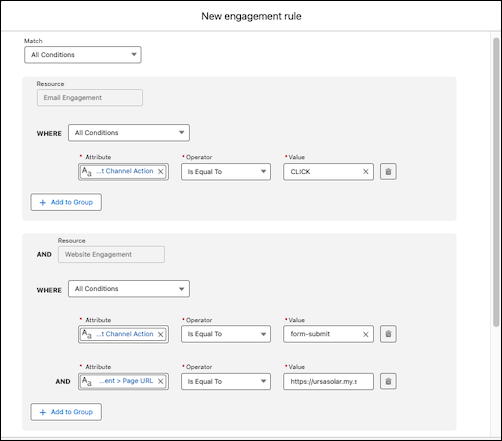
6. Enter the number of points to add or subtract when someone meets the rule conditions.
7. When you're ready, click **Done**.
8. To add more rules, click **New Rule**.
## Edit a Scoring Schedule
To manage consumption costs and scoring usage, you can choose how often a scoring model runs by editing its scoring schedule. You can choose from one of four different run frequencies, from every 1 hour to every 24 hours. The more often a scoring model runs, the more actionable it is, but the more credits it consumes.
1. From the Scoring Models page, click on a scoring model.
2. Click **Edit** under Schedule.
3. In the Schedule dropdown, select a run frequency for the scoring model, and then click **Save**.
4. Publish the updates.
1. Click **Republish**.
2. Confirm your schedule frequency selection.
3. Click **Publish**.
## Delete a Scoring Model
1. Before you delete the scoring model, remove any Calculated Insights scoring references.
1. From Data 360, go to the **Calculated Insights** tab.
2. The four-digit ID in parenthesis next to each Calculated Insight relates to the scoring model ID. Find the matching ID in the URL of the scoring model you want to delete.
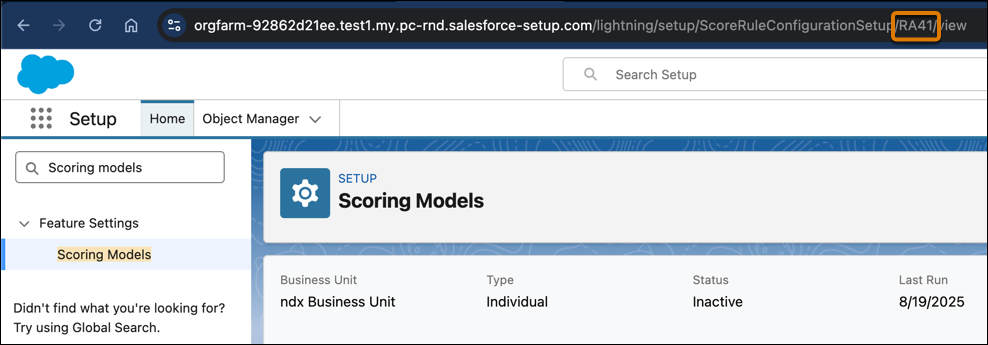
2. Due to dependencies, you must delete any Calculated Insights related to a scoring model in this order.
a. Overall Marketing Score
b. Account Score
c. Marketing Engagement Score
d. Account Engagement Score
e. Lead Engagement Score
f. Contact Engagement Score
g. Marketing Fit Score
h. Account Fit Score
i. Account Intent Score
j. Individual Engagement Score
3. From the Scoring Models page, make sure the scoring model you want to delete has a status of Draft or Inactive.
1. If the scoring model has a status of Active, click the dropdown to the right of the scoring model, and select **Deactivate**.
4. After you delete every Calculated Insight that's related to the scoring model, click the dropdown to the right of the scoring model, and then select **Delete**.
# Configure Self-Hosted DNS for Custom Domains Routed Through a Proxy
Custom domains hosted by Marketing Cloud Engagement route directly to Engagement servers by default, and Salesforce manages the security for those domains. If your security policy requires a proxy or web application firewall (WAF) for all your domains, self-host DNS and point the proxy at the Domain Specific Endpoint (DSE) so that Salesforce can provision and renew SSL certificates for the domain.

Note If you have a proxy or a web application firewall (WAF) configured for all your domains, make an exception for custom domains that are hosted on Engagement servers so that their traffic reaches Engagement directly. Salesforce manages the security for those domains on your behalf, including SSL certificate provisioning and renewal.
To self-host DNS, see [DNS Record Maintenance for Your Marketing Cloud Engagement Custom Domain and Email Sending](https://help.salesforce.com/s/articleView?id=mktg.mc_es_dns_record_maintenance.htm&type=5&language=en_US). To delegate DNS, see [Custom Subdomain Delegation](https://help.salesforce.com/s/articleView?id=mktg.mc_es_subdomain_delegation_guide.htm&language=en_US&type=5).
If your security policy doesn't allow bypassing your WAF or if you need to use a proxy for other reasons, understand these constraints:
- DNS can’t be delegated to Salesforce, so you must self-host DNS.
- There are two separate connections to manage for end-to-end connectivity and security:
- The client-to-proxy connection: From a client or browser to your proxy
- The proxy-to-origin connection: From your proxy to the Engagement server
- The proxy must route to the DSE so that the proxy-to-origin connection can be secured and its SSL certificate can be renewed. The proxy setup can still cause the UI-based SSL certificate installation and renewal to fail.
- When you use a Salesforce-supplied SSL certificate for the proxy-to-origin connection, the proxy must not block the DigiCert or Amazon Certificate Manager certificate authorities (CAs) from performing token-based Domain Control Validation (DCV) using the Engagement fileshare.
- Order of operations: The proxy must not require the proxy-to-origin connection to be secured before the client-to-proxy connection is secured and traffic is routed end to end. This order lets Salesforce automatically verify that traffic reaches the Engagement server and secure the proxy-to-origin connection when the custom domain is first configured, or later secured, in the Engagement UI. First secure the client-to-proxy connection with an SSL certificate on the proxy, and make sure that traffic is routed to the Engagement server.
1. For end-to-end connectivity, configure the proxy to point to the DSE on the proxy-to-origin connection.
1. From Setup, in the Quick Find box, enter ssl, and then select **Domain SSL Certificates**.
2. To find the DSE for your domain, from the action dropdown menu on your domain’s row, select **View Self-Hosted DNS Settings**.
3. Point the CNAME record to the Domain Specific Endpoint (DSE) for your custom domain.
Even though a correctly configured A record doesn’t report a DNS status error, we strongly recommend using a CNAME record that points to the DSE instead. Routing to the DSE instead of the Engagement server IP address helps ensure reliable SSL certificate provisioning and renewals for end-to-end security, along with end-to-end connectivity. Salesforce can then update the hosting server without requiring a change to your DNS.
2. For end-to-end security, install an SSL certificate on the proxy. To secure the client-to-proxy connection and display HTTPS on your customers’ clients and browsers when they reach your custom domain, on the domain’s row, select **Secure This Domain** for installing .
1. To secure client-to-proxy connection and display HTTPS on your customers’ clients and browsers when reaching your custom domain, install an SSL certificate on the proxy .
2. To secure your custom domain, from the action dropdown menu on your domain’s row, select **Secure This Domain**
Make sure that the proxy attempts HTTPS on the proxy-to-origin connection.
The Engagement server periodically checks end-to-end connectivity and security every 7 days and reports them through the DNS status and SSL status, respectively, on the Domain SSL Certificates summary page. The end-to-end security probe verifies that valid SSL certificates exist on both the proxy and the Engagement server. The DNS status shows an error when:
- A correct CNAME record isn’t found.
- A CNAME record is found, but its value doesn’t match the DSE.
- A valid A record isn’t found.
- A valid A record is found, but its value doesn’t match the server IP address that belongs to the domain.
# Configure Send Throttling
To prevent server crashes due to an influx of incoming website traffic, you can reduce the number of email recipients who click incoming links by turning on send throttling. Send throttling controls the approximate number of emails that are sent over time, based on values that you set.
Your email send job starts at the time you specify, but the send isn’t spread evenly between the start and end times. The actual number of trottled sends can vary up to a few thousand away the set limit because of sending factors such as system load, message complexity, and deliverability issues.
When the set end time is reached before all of the messages are sent, sending continues the next day at the same start time and then runs until it's done. If an email is queued or processing for more than 72 hours, the message expires and can't be sent, so the system logs an error.
Here are a few other details to keep in mind when you're' working with send throttling.
- When you republish and restart a triggered send, a new job is created with a fresh send throttle. For example, you have an hourly rate of 10,000 sends. You republish and restart the triggered send after 10,000 sends, so another 10,000 are sent in that hour when the new job starts.
- When send definitions with a send throttle window that was configured before a daylight savings change are started after the time change, the throttle window is scheduled to start and stop one hour later than intended.
1. In the app switcher, hover over your name, and then click **Setup**.
2. In the Quick Find box, enter Email Studio, and then select **Email Optional Features**.
3. Turn on send throttling.
#### See Also
- [Send Flow](https://help.salesforce.com/s/articleView?id=mktg.mc_es_send_flow.htm&release=264.0.0&type=5 "Send Flow replaces Guided Send for Content Builder emails in Email Studio. Send Flow allows you to see what you are sending to reduce errors, and consolidates all major sending functionality into a simple, highly visual interface.")
- [Enable Email Optional Features](https://help.salesforce.com/s/articleView?id=mktg.mc_es_email_optional_features.htm&language=en_US)
# Configure Server-Side Campaigns for Next-Best-Offers
To use the next-best offers component, you must configure server-side campaigns in Marketing Cloud Personalization. A developer must create the server-side template.
### Required Editions
Permissions
Needed
To configure server-side campaigns:
A role with Administrator permissions
1. Log in to Personalization.
2. Download and publish the Server-Side CRM Einstein Decisions template.

Note Use the template for any new campaigns. It’s important that you modify only the number of items that return, or the offer type, such as Product, Blog, or Article. Any other modifications can prevent the component from rendering a response. If you have existing recommendations campaigns published that use the Server-Side classic interface, they’ll continue to work.
3. From the **Channels & Campaigns** section of the main navigation, select **Server-Side > Server-Side Campaigns**.
4. Click **New Campaign**.
5. Apply the Sales and Service Cloud Connector - Einstein Decisions template and fill in the associated values:
| Setting | Description |
| --- | --- |
| **Asset Content Zone or Tag** | Select the content zone or tag that you want Einstein Decisions to use during the decision process, and define an optional fallback. |
| **Datafield** | Map the **Datafield** value to what you have entered in the Next Best Promotion and Action component configuration in the sales/service interface. The default sales/service value is `promos`, but you can change it. For example, if you have two components on your contact/lead record page and want to target different campaigns for each, a campaign only renders in a component that has a matching datafield value. If two campaigns share a datafield value and a user qualifies for both based on campaign targeting logic, both campaigns render in the same CRM component. |
6. Apply any targeting logic and adjust the campaign control setting. If you always want recommendations to return, make sure that there’s no control percentage applied.
7. Click **Save**, and then publish the campaign.

Note Impression and click data isn’t currently sent back to Personalization from Salesforce CRM.
8. In Salesforce CRM, select **Sales** or **Service Cloud**.
9. Open a **Contact** or **Lead** record.
10. Select **Setup > Edit Page**.
11. Select the **Next Best Promotion and Action** component that you've added to the page and configure the following settings.
| Setting | Description |
| --- | --- |
| **User Identifier** | Enter the unique user identifier that matches the user identifier in Personalization for identity lookup. Typically, the identifier is **Email**, but you can change this in your dataset. |
| **Identity Type** | Enter the Personalization identity type that matches the lead or contact’s user identifier. For example, if you select Email as the user identifier, select Email Address as the Personalization identity type. |
| **Dataset** | Select the Personalization dataset where you've built and configured your server-side campaign. |
| **Datafield** | Enter the value that you entered in the **Datafield** text box from your server-side campaign. |
| **Action Name** | Enter a value that is meaningful to you. This value appears in the Event Stream. |
| **Channel** | Select **Server**. |
| **Remove Image** | Select this option if you want to hide recommended item images on the contact or lead record. |
| **Remove Details Button** | Select this option if you want to hide recommended item details on the contact or lead record. |
| **Remove Description** | Select this option if you want to hide recommended item descriptions on the contact or lead record. |
12. Click **Save**.
#### See Also
- [Add Next-Best Components to a Contacts or Leads Page](https://help.salesforce.com/s/articleView?id=mktg.mc_pers_salesforce_sales_service_cloud_connector_component.htm&release=264.0.0&type=5 "Add components to view next-best offers or recommendations for a contact or lead.")
- [Create a Server-Side Campaign](https://help.salesforce.com/s/articleView?id=mktg.mc_pers_server_side_campaign_create.htm&release=264.0.0&type=5 "You can create server-side campaigns to personalize experiences across multiple channels with a single campaign.")
- [_Developer Documentation_: Server-Side Templates](https://developer.salesforce.com/docs/marketing/personalization/guide/server-side-campaigns-templates.html)
- [_Developer Documentation_: Sales/Service Cloud Connector - Einstein Decisions Template](https://developer.salesforce.com/docs/marketing/personalization/guide/sales-service-cloud-connector-einstein-decisions.html)
# Configure Server-Side Campaigns for Next-Best-Recommendations
To use the next-best recommendations component, you must configure server-side campaigns in Marketing Cloud Personalization. A developer must create the server-side template.
### Required Editions
Permissions
Needed
To configure server-side campaigns:
A role with Administrator permissions
1. Log in to Personalization.
2. Download and publish the Server-Side CRM Recommendations template.

Note Use the template for any new campaigns. It’s important that you modify only the number of items that return, or the recommendation type, such as Product, Blog, or Article. Any other modifications can prevent the component from rendering a response. If you have existing recommendations campaigns published that use the Server-Side classic interface, they’ll continue to work.
3. From the **Channels & Campaigns** section of the main navigation, select **Server-Side > Server-Side Campaigns**.
4. Click **New Campaign**.
5. Apply the Sales and Service Cloud Connector - Next Best Recommendations template and fill in the associated values.
| Setting | Description |
| --- | --- |
| **Datafield** | Map the datafield value to what you have entered in the recommendations component configuration in the sales/service interface. The default sales/service value is `recs`, but you can change it. For example, if you have two recommendation components on your contact/lead record page and want to target different campaigns for each, a campaign only renders in a component that has a matching datafield value. If two campaigns share a datafield value and a user qualifies for both based on campaign targeting logic, both campaigns render in the same CRM component. |
| **Recipe** | Select your desired recipe from the dropdown of published recipes. If no options display, there aren’t any published recipes available for the item type that you’re trying to recommend. |
6. Apply any targeting logic and adjust the campaign control setting. If you want decisions to always return, make sure there’s no control percentage applied.
7. Click **Save**, and then publish the campaign.

Note Impression and click data isn’t currently sent to Personalization from Salesforce CRM.
8. In Salesforce CRM, select **Sales** or **Service Cloud**.
9. Open a **Contact** or **Lead** record.
10. Select **Setup > Edit Page**.
11. Select the **Next Best Product** component that you've added to the page and configure the following settings:
| Setting | Description |
| --- | --- |
| **User Identifier** | Enter the unique user identifier that matches the user identifier in Personalization for identity lookup. Typically, the identifier is **Email**, but you can change this in your dataset. |
| **Identity Type** | Enter the Personalization identity type that matches the lead or contact’s user identifier. For example, if you select Email as the user identifier, select Email Address as the Personalization identity type. |
| **Dataset** | Select the Personalization dataset where you've built and configured your server-side campaign. |
| **Datafield** | Enter the value that you entered in the **Datafield** text box from your server-side campaign. |
| **Action Name** | Enter a value that is meaningful to you. This value appears in the Event Stream. |
| **Channel** | Select **Server**. |
| **Remove Image** | Select this option to hide recommended item images on the contact or lead record. |
| **Remove Details Button** | Select this option to hide recommended item details on the contact or lead record. |
| **Remove Description** | Select this option to hide recommended item descriptions on the contact or lead record. |
12. Click **Save**.
13. To have multiple Next Best Product components display on the contact or lead page, repeat these steps.
#### See Also
- [Add Next-Best Components to a Contacts or Leads Page](https://help.salesforce.com/s/articleView?id=mktg.mc_pers_salesforce_sales_service_cloud_connector_component.htm&release=264.0.0&type=5 "Add components to view next-best offers or recommendations for a contact or lead.")
- [Create a Server-Side Campaign](https://help.salesforce.com/s/articleView?id=mktg.mc_pers_server_side_campaign_create.htm&release=264.0.0&type=5 "You can create server-side campaigns to personalize experiences across multiple channels with a single campaign.")
- [_Developer Documentation_: Server-Side Templates](https://developer.salesforce.com/docs/marketing/personalization/guide/server-side-campaigns-templates.html)
- [_Developer Documentation_: Sales/Service Cloud Connector - Next Best Recommendations Template](https://developer.salesforce.com/docs/marketing/personalization/guide/server-side-next-best-recs-template.html)
# Configure Service Cloud for Unified WhatsApp
Set up the Service Cloud side of Unified WhatsApp.
Available in: Lightning Experience
Available in:
Enterprise and Unlimited Editions for Service Cloud
Growth or Advanced Editions Marketing Cloud Next
Pro+, Corporate+, and Enterprise+ Editions for Marketing
Cloud Engagement
- **[Prepare Your Service Reps for Unified WhatsApp Messaging](https://help.salesforce.com/s/articleView?id=mktg.um_prepare_users_service_uwa.htm&release=264.0.0&type=5)**
Before you launch Unified WhatsApp in your org, give marketing and service reps the right permissions to assist customers.
- **[Set Up a Messaging Console](https://help.salesforce.com/s/articleView?id=mktg.um_service_console.htm&release=264.0.0&type=5)**
Create a page where reps message with customers. If you already have voice or other messaging channels set up in Service Cloud, you likely have this page set up already.
- **[Route Unified WhatsApp Sessions in Service Cloud](https://help.salesforce.com/s/articleView?id=mktg.um_service_routing.htm&release=264.0.0&type=5)**
When you set up your Messaging Channel Routing Type for Unified WhatsApp, you chose to route Unified WhatsApp sessions to an Omni-Flow, a queue, or a user. If you selected Omni-Flow, you can route work between service agents, bots, or service reps.
# Configure Settings
Configure Marketing Cloud Connect for Marketing Cloud Engagement settings after installation and setup.
1. [Manage Settings](https://help.salesforce.com/s/articleView?id=mktg.mc_co_manage_settings.htm&release=264.0.0&type=5 "Admins access Marketing Cloud Connect for Marketing Cloud Engagement settings and send configuration by navigating to the Engagement object in the Sales or Service Cloud. Admins can configure these settings, including sends, tracking, users, and business units, after the installation and setup process to enable sending through Marketing Cloud Connect.")
Configure these settings after installation to enable sending.
2. [Map Attribute Fields](https://help.salesforce.com/s/articleView?id=mktg.mc_co_map_attribute_fields.htm&release=264.0.0&type=5 "To personalize communications, map Sales Cloud Contact, Lead, and Account objects in Marketing Cloud Engagement to share attributes across the clouds and enable personalization for Marketing Cloud Connect communications. Multi-org doesn’t support Web Collect or custom field and attribute mapping.")
Personalize communications by linking Contact and Lead fields with Engagement attributes.
3. [Service Cloud Setup](https://help.salesforce.com/s/articleView?id=mktg.mc_co_service_cloud_setup.htm&release=264.0.0&type=5 "Create an app in Service Cloud for Marketing Cloud Engagement.")
If you're using Service Cloud, follow these steps to complete Marketing Cloud Connect integration.
4. [Business Unit Management](https://help.salesforce.com/s/articleView?id=mktg.mc_co_business_unit_management.htm&release=264.0.0&type=5 "Map business units from Marketing Cloud Engagement Enterprise 2.0 accounts across clouds to enable them in Marketing Cloud Connect.")
Map business units from Engagement Enterprise 2.0 accounts across clouds to enable them in Marketing Cloud Connect.
Next topic: [Test Connection](https://help.salesforce.com/s/articleView?id=mktg.mc_co_test_the_connection.htm&release=264.0.0&type=5 "Make sure that Marketing Cloud Connect for Marketing Cloud Engagement is set up correctly for sending.")
Previous topic: [Connect to Marketing Cloud](https://help.salesforce.com/s/articleView?id=mktg.mc_co_connect_to_marketing_cloud.htm&release=264.0.0&type=5 "The Sales or Service Cloud admin connects the Sales or Service Cloud account with the Marketing Cloud Engagement account using the Marketing Cloud API user credentials. This task completes the account-level connection for Marketing Cloud Connect.")

# Configure Test Environments in Marketing Cloud Engagement+
Marketing Cloud Next and Marketing Cloud Engagement use different approaches to non-production environments, also known as sandbox or test environments. If your organization uses Marketing Cloud Engagement+, these different approaches impact the way that you test your marketing programs.
### Required Editions
Available in: Marketing Cloud Engagement Pro+, Corporate+, and Enterprise+ Editions
Marketing Cloud Engagement+ unites Marketing Cloud Engagement with Marketing Cloud Next and the broader Salesforce Platform in several important ways. For example, you can access Marketing Cloud Engagement data and features from within next-generation features such as Flow Builder, Data 360 segments, advanced reporting, and Agentforce. When you create campaigns that work across both platforms, it’s especially important to test your marketing programs before you move them to your production systems.
This table compares the differences in non-production environments between Marketing Cloud Next and Marketing Cloud Engagement.
| Feature | Marketing Cloud Next | Marketing Cloud Engagement |
| --- | --- | --- |
| Test environment type | Sandboxes | Separate business units |
| Promotion from test to production | Built-in tools for promoting to production orgs | Using Package Manager |
| DevOps tool support | Supports third-party tools such as Jenkins and Github | Limited support for third-party tools |
## Suggested Architecture
This diagram shows a sample architecture that uses both Marketing Cloud Next and Marketing Cloud Engagement. The red lines represent the synchronization of data between your Marketing Cloud Next org and your Marketing Cloud Engagement business units. The black dotted lines represent the promotion of content and orchestrations from a testing business unit or sandbox org to a production business unit or org.
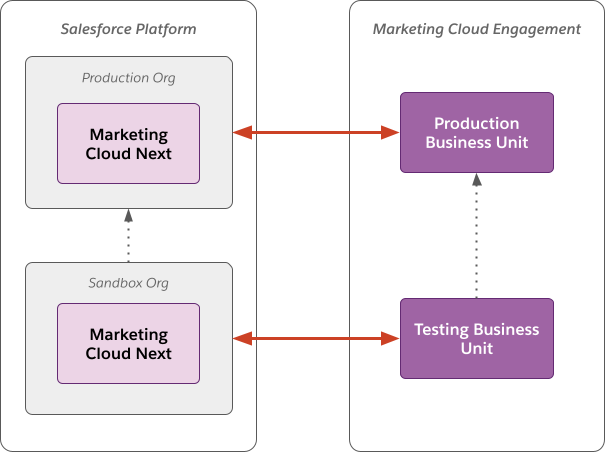
## Build, Test, and Deploy Workflows
After you implement your testing architecture, perform end-to-end tests of your data, content, flows, and journeys. These steps describe how to test a journey and flow in testing environments, and then promote them to production environments.
### Required Editions
User Permissions Needed
To configure Marketing Cloud Engagement:
Administrator account
To configure Marketing Cloud Next:
Marketing Cloud Admin permission set
Data Cloud Architect permission set
To perform testing in Marketing Cloud Engagement+, start by [creating a testing business unit in Marketing Cloud Engagement](https://help.salesforce.com/s/articleView?id=mktg.mc_es_create_a_business_unit.htm&language=en_US). Next, [create a sandbox org in Marketing Cloud Next](https://help.salesforce.com/s/articleView?id=platform.data_sandbox_create.htm&language=en_US).
[Connect your production Marketing Cloud Engagement business unit to your production Marketing Cloud Next org](https://help.salesforce.com/s/articleView?id=mktg.mke_configure.htm&release=264.0.0&type=5 "Before your marketing team can access the next-generation features of Marketing Cloud Next, complete these setup steps. For many customers, the setup process takes about 1–2 hours to complete."). Repeat these steps to connect your test business unit to your sandbox org.
1. Create a sample journey in your Marketing Cloud Engagement testing business unit.
1. [Create and activate a multistep journey](https://help.salesforce.com/s/articleView?id=mktg.mc_jb_create_multistep_journey.htm&language=en_US). Make sure that the Entry Source type for the journey is API Entry.
2. Use the REST API to [inject a contact into the journey](https://developer.salesforce.com/docs/marketing/marketing-cloud/references/mc_rest_interaction/postEvent.html).
2. Configure a flow to interact with the journey.
1. (Optional) In your Marketing Cloud Next sandbox org, [associate the journey with a campaign](https://help.salesforce.com/s/articleView?id=mktg.mke_journey_campaign_add.htm&language=en_US).
2. Create a flow that includes the [Send to Journey action](https://help.salesforce.com/s/articleView?id=mktg.mke_flow_send_journey.htm&language=en_US). Configure the action to send customers into your test journey.
3. [Activate](https://help.salesforce.com/s/articleView?id=platform.flow_distribute_activate.htm&language=en_US) and [test](https://help.salesforce.com/s/articleView?id=platform.flow_concepts_testing.htm&language=en_US) the flow. Verify that users are sent from the flow into the journey.
3. Promote the changes to production in Marketing Cloud Engagement:
1. In your testing business unit, [use Package Manager to package the journey](https://help.salesforce.com/s/articleView?id=mktg.mc_overview_create_package_solution.htm&language=en_US).
2. In your production business unit, [use Package Manager to deploy the packaged journey](https://help.salesforce.com/s/articleView?id=mktg.mc_overview_deploy_packaged_solution.htm&language=en_US).
3. Configure the entry step for the promoted journey in the production business unit to use an API Event.
4. Activate the promoted journey in the production business unit.
4. Promote the changes to production in Marketing Cloud Next.
1. In your sandbox org, remove the Send to Journey action from the flow.
2. [Create a change set](https://help.salesforce.com/s/articleView?id=platform.changesets_about_outbound.htm&language=en_US) that contains the flow and upload it to your production org.
3. In your production org, [validate and deploy the change set](https://help.salesforce.com/s/articleView?id=platform.changesets_about_inbound.htm&language=en_US).
4. (Optional) Associate the promoted flow with a campaign in your production org.
5. In the promoted flow, add the Send to Journey action and configure it to refer to the promoted journey in your production Marketing Cloud Engagement business unit.
6. Save and activate the flow.
## Other Considerations
There are some limitations to this testing and promotion architecture.
- **Journey Customer Keys and Event Definition Keys**—In Marketing Cloud Engagement, when you promote a journey from a test business unit to a production business unit, Customer Keys and Event Definition Keys aren’t retained. Manually update the Event Definition Key for the journey in the production business unit. If the content in your journey uses the AMPscript [ContentBlockByKey()](https://developer.salesforce.com/docs/marketing/marketing-cloud-ampscript/references/mc-ampscript-content/mc-ampscript-reference-content-block-by-key.html) function, manually update the Contact Keys in the production journey.
- **Sender Profile, Delivery Profile, and Send Classification Objects**—In Marketing Cloud Engagement, when you promote a journey from a test business unit to a production business unit, the Sender Profile, Delivery Profile, and Send Classification objects aren’t retained. When you deploy the journey using Package Manager, select an existing object in Package Customization. This configuration applies to all email activities included in the deployment. If your use case requires you to use multiple objects across email activities, update each activity manually after you deploy the journey.
# Configure the Agent
Configure and update your agent to handle user queries and deliver personalized recommendations.
### Required Editions
User Permissions
Needed
To build and manage Service Agents:
Manage Agentforce Service Agents
AND
Manage AI
Agents
OR
Customize Application
Meet these prerequisites before configuring the agent to identify the individual and provide recommendations.
- [Set Up Einstein Generative AI](https://help.salesforce.com/s/articleView?id=ai.generative_ai_enable.htm&language=en_US).
- [Set Up a Service Agent](https://help.salesforce.com/s/articleView?id=ai.service_agent_setup.htm&language=en_US).
- Connect the service agent to your website. For detailed instructions, see [Prepare a Salesforce Org for Enhanced Chat](https://help.salesforce.com/s/articleView?id=service.miaw_prepare_org_1.htm&language=en_US).

Note To ensure that links to external sites or content generated from external domains work correctly, you must add any external URLs your agent uses to an allowlist. You can do this by adding the domains to the Trusted URLs list in Setup or by including the specific URLs in the agent's instructions. If a URL is not on an allowlist, the agent's response containing the link is blocked. For more information or instructions, see [this Knowledge article](https://help.salesforce.com/s/articleView?id=005135034&type=1&language=en_US).
1. Use the following method to identify the individual through pre-chat data, and map the data to the flow variables. To send query events, your agent needs your connector's App Source ID and the Tenant-Specific Endpoint for your Data 360 instance along with the Individual ID.
1. In the Messaging Session object, create two custom text fields named Individual\_ID and Connector\_App\_Source\_Id. For more information, see [Create Custom Fields](https://help.salesforce.com/s/articleView?id=platform.adding_fields.htm&language=en_US).
2. In the Agent Builder, add the created fields to the Included Fields list in the Context Variables for the agent to use. For more information, see [Use Context Variables in Agent Conversations](https://help.salesforce.com/s/articleView?id=ai.service_agent_context_variables.htm&language=en_US).
3. Create a pre-chat form and add the hidden custom fields Individual\_ID and Connector\_App\_Source\_Id to it. For more information, see [Customize Pre-Chat for Enhanced Chat](https://help.salesforce.com/s/articleView?id=service.miaw_custom_prechat_3.htm&language=en_US).
4. Map the pre-chat custom fields Individual\_ID and Connector\_App\_Source\_Id to the messaging channel and update the inbound omni-channel to store the field value in the Messaging Session object. For more information, see [Map Pre-Chat Values in Omni-Channel Flow](https://help.salesforce.com/s/articleView?id=service.miaw_map_messaging_2.htm&language=en_US).

5. Route the records to your agent. For more information on routing to your agent, see [Route Work Items to Queues](https://help.salesforce.com/s/articleView?id=service.omnichannel_route_to_queues.htm&language=en_US).
6. In Data Cloud Setup, search for and select Websites & Mobile Apps.
7. Select the website and scroll to the bottom to find the App Source ID under Integration Guide.
The App Source ID is highlighted in the following image.

8. Copy the ID.
9. To fetch the Individual ID from the Web SDK, use this JavaScript snippet in your website code, depending on the website type.
`// Fetch Individual ID using getAnonymousId function from SalesforceInteractions SDK const chatIndividualId = SalesforceInteractions.getAnonymousId();`
10. To send the Individual ID as well as the copied App Source ID to the agent, use this JavaScript snippet in your website code, depending on the website type.
`// Send Individual ID and Connector_App_Source_Id to ASA embeddedservice_bootstrap.prechatAPI.setHiddenPrechatFields({"Individual_Id" : chatIndividualId, "AppSource_Id": "e9afad00-1b84-4381-b76e-984e1fa26841";})`
For more information, see [Hidden Pre-Chat in Enhanced Web Chat](https://developer.salesforce.com/docs/service/messaging-web/guide/pre-chat.html).
2. In Agent Builder, add the Personalized Recommendations topic to your agent. This topic includes two key actions: Personalization: Understand User Intent and Personalization: Get Personalization Recommendations. For more information, see [Add a Topic from the Asset Library](https://help.salesforce.com/s/articleView?id=ai.copilot_topics_add_standard.htm&language=en_US).
3. Edit the topic instructions to update the response format to match your product or content catalog. For information on editing a topic, see [Edit a Standard Topic](https://help.salesforce.com/s/articleView?id=ai.copilot_topics_edit.htm&language=en_US).
#### See Also
- [_Salesforce Help:_ Personalization: Get Recommendations](https://help.salesforce.com/s/articleView?id=ai.copilot_actions_ref_persnl_get_personalized_recommendations.htm&language=en_US)
- [_Salesforce Help:_ Personalization: Understand User Intent](https://help.salesforce.com/s/articleView?id=ai.copilot_actions_ref_persnl_understand_user_intent.htm&language=en_US)
- [_Salesforce Help:_ Map Pre-Chat Values in Omni-Channel Flow](https://help.salesforce.com/s/articleView?id=service.miaw_map_messaging_2.htm&language=en_US)
- [_Salesforce Help:_ Use Context Variables in Agent Conversations](https://help.salesforce.com/s/articleView?id=service.agent_context_variables.htm&language=en_US)
# Configure the Connector User
The connector user is a user that facilitates data syncing. These tasks apply only to business units that aren’t using the Pardot integration user.

Note Pardot is now known as Marketing Cloud Account Engagement. We wish we could snap our fingers to update the name everywhere, but you can expect to see the previous name in a few places until we replace it, including in the app itself.
- **[Assign the Connector User Permission Set](https://help.salesforce.com/s/articleView?id=mktg.pardot_sf_connector_setup_prepare_connector_user.htm&release=264.0.0&type=5)**
After the Account Engagement package is installed in your Salesforce org, you grant the connector user the Account Engagement Connector User permission set.
- **[Assign Object Permissions to the Connector User](https://help.salesforce.com/s/articleView?id=mktg.pardot_sf_connector_setup_add_connector_permissions.htm&release=264.0.0&type=5)**
Because of Salesforce security restrictions, an admin must manually configure your connector user’s permissions for Salesforce standard objects. These objects aren’t covered by the Pardot Connector User permission set. This step applies only to Account Engagement business units with Salesforce connector v1, or business units using Marketing Data Sharing.
#### See Also
- [Account Engagement Integration User](https://help.salesforce.com/s/articleView?id=mktg.pardot_sf_connector_integration_user.htm&release=264.0.0&type=5 "The integration user is an automatically provisioned user that connects to Salesforce to sync data. After a Salesforce admin completes Account Engagement setup, the integration user allows the two systems to sync.")
# Configure the CRM
The Salesforce CRM admin performs these tasks to configure Sales or Service Cloud for Marketing Cloud Connect for Marketing Cloud Engagement.
Complete this next set of tasks in the installation and setup process after configuring Engagement.

1. **[Set Up Connected App Authentication](https://help.salesforce.com/s/articleView?id=mktg.mc_co_set_up_authentication.htm&release=264.0.0&type=5)**
Set up connected app authentication for Marketing Cloud Connect for Marketing Cloud Engagement. This mechanism authenticates between Sales Cloud, Service Cloud, and Engagement without requiring you to store passwords in Engagement. It also prevents SOAP and REST API calls made by Marketing Cloud Connect from counting against your rolling 24-hour limit.
2. **[Update Field-Level Security](https://help.salesforce.com/s/articleView?id=mktg.mc_co_update_field_level_security.htm&release=264.0.0&type=5)**
To send Marketing Cloud emails through Marketing Cloud Connect for Marketing Cloud Engagement, you must make the email opt-out field visible on leads and contacts.
3. **[Update User Page Layouts](https://help.salesforce.com/s/articleView?id=mktg.mc_co_update_page_layouts.htm&release=264.0.0&type=5)**
Add email and mobile send tracking to contact and lead pages to continue configuration of Sales and Service Cloud for Marketing Cloud Connect for Marketing Cloud Engagement.
4. **[Update Lead Page Layouts](https://help.salesforce.com/s/articleView?id=mktg.mc_co_update_lead_page_layouts.htm&release=264.0.0&type=5)**
Configure the lead page to ensure Marketing Cloud Connect users can see the relevant Marketing Cloud Connect fields.
5. **[Update Contact Page Layouts](https://help.salesforce.com/s/articleView?id=mktg.mc_co_update_contact_page_layouts.htm&release=264.0.0&type=5)**
Configure the contact page to ensure Marketing Cloud Connect users can see the relevant Marketing Cloud Connect fields.
6. **[Launch the Setup Wizard](https://help.salesforce.com/s/articleView?id=mktg.mc_co_launch_setup_wizard.htm&release=264.0.0&type=5)**
To configure Marketing Cloud Connect for Marketing Cloud Engagement in Sales or Service Cloud, launch the setup wizard in Salesforce Classic UI.
7. **[Connect to Marketing Cloud](https://help.salesforce.com/s/articleView?id=mktg.mc_co_connect_to_marketing_cloud.htm&release=264.0.0&type=5)**
The Sales or Service Cloud admin connects the Sales or Service Cloud account with the Marketing Cloud Engagement account using the Marketing Cloud API user credentials. This task completes the account-level connection for Marketing Cloud Connect.
# Configure the Data 360 Connector in Account Engagement
After you create your Data 360 instance, connect to Account Engagement to drive calculated insights and create segments in Data 360.
### Required Editions
User Permissions
Needed
To configure the Data 360 Connector:
Account Engagement Administrator role
1. Open the Connectors page.
- In Account Engagement, select **Admin** and then select **Connectors**.
- In the Lightning app, select **Account Engagement Settings** and then **Connectors**.
2. Edit the Data 360 connector settings.
3. For ingestion, choose a Lookback Date that's up to 2 years before today.
4. Save the connector.
5. After you create and deploy your data streams, return to the Account Engagement Data 360 connector, and then click **Resume Sync**.
After you configure the Data 360 connector in Account Engagement, [ingest your account engagement data to Data 360](https://help.salesforce.com/s/articleView?id=mktg.mcae_data_cloud_import.htm&language=en_US).
# Configure the Data Extension Entry Source
To admit Marketing Cloud Engagement contacts from a sendable data extension in Journey Builder, use the data extension entry source.
1. Drag **Data Extension** onto the canvas.
2. Click **Data Extension**.
3. Select a sendable data extension.
4. To refine your audience, click **Filter Contacts** and configure a filter.
5. Click **Summary**, and review setup details.
6. Click **Done**.
Set a schedule for admitting contacts from the data extension into the journey.

Tip To use an automation's schedule to control when the journey admits contacts, select a data extension that an automation updates or modifies. Or set up an automation to modify the data extension you selected before setting the journey schedule.
# Configure the Data Extension Entry Source with Data 360
For new Journeys, use Data Extensions in the new activation folders.
- Select **Data Extension** as the entry source for the Journey.
- Configure the data extension source by selecting the data extension from the ones available in each Activation folder.

Note Journeys created before BU awareness was enabled in Data 360 must be updated to use the new activations.
To update your Journeys and Activation folders, follow these steps:
1. Create an activation in Data 360 configured to an Activation target with only one BU.
2. Select the journey that you want to update and create a Journey.
3. Edit the new version to point to the new Data Extension.
4. Remove the existing data entry to remove the existing Data Extension, add a Data Extension entry source and point to the new DE created by the new activation.
The updated version of the Journey is ready to be activated.

Note A journey can have multiple versions running at the same time if the user is continuously updating it. Delete the previous Activation folders to avoid using stale shared data extensions.
# Configure the Data Factory Utility
Marketing Cloud Engagement Professional Services usually configures the Data Factory Utility as part of its original implementation.
1. In Email Studio, click the **Interactions** tab.
2. Under Activities, select **Data Factory Utility**.
3. Click **Create**, and then fill in the required fields.
4. Under Drivers to operate on, select jobs for the activity.
5. Under Activity Details, enter the Override ID and the Enterprise ID for generating the billing stats field.
1. Select the Extract, Import, and Load data options.
2. Select the databases, or choose **Select All**.
3. Select **Calculate counts**. By default, this setting runs all dimensions and cubes. If you don't want to run all, deselect **Run All?** and select the applicable dimensions and cubes.
4. Select **Generate billing stats**.
5. Save your work.
6. Add the activity to an automation.
# Configure the Data Load Widget
Follow these steps to configure the data load widget in Audience Builder in Marketing Cloud Engagement.
1. In Marketing Cloud Engagement, hover over your username and click **Setup**.
2. In the Feature Settings section, click **Data Load Widget**.
3. Use the search box or business unit search box to find and add up to 10 projects.
4. Save your work.
5. To remove selections and return to the default, click **Clear All**.
# Configure the Data Suppression Period for Einstein Recommendations
The default suppression period before deleting a customer profile is 14 days. During the suppression period, the system holds existing data but doesn’t collect more. At the end of the suppression period, all profile data is deleted. You can change the default suppression period.
1. In Einstein Recommendations, select either **Email Recommendations** or **Web Recommendations**.
2. On the Report tab, click **Admin Tools**.
3. Click **Privacy Settings**.
4. Enter the number of days for the suppression period, up to 30 days.
5. Save the configuration.
# Configure the Data Warehouse IP Allowlist
Use the Data Warehouse IP Allowlist to improve system security and help prevent unauthorized access to your Data Warehouse. Marketing Cloud Personalization permits connections only from the IP ranges on the Allowlist. If the Allowlist is empty, the Data Warehouse doesn’t accept connections from any IP address.
### Required Editions
Permissions
Needed
To create an IP Allowlist:
Administrator permissions

Note The Data Warehouse is available only for customers who have already purchased the Marketing Cloud Personalization - Data Warehouse add-on product.
Data Warehouse IP Allowlist rules apply to all datasets in an account. Marketing Cloud Personalization supports only IPv4 and IPv6 ranges in CIDR notation.
1. From the main navigation menu, select **Security** | **Manage Data Warehouse.**
2. Click the **Data Warehouse IP Allowlist** tab.
3. To add an IP address or range, click **Add IP Range**.
4. Enter an IPv4 or IPv6 range in CIDR notation.
For example: IPv4 range: 54.161.29.212/24, IPv6 range: 2001:db8:1234::/48
5. Enter a short description for the IP range, such as “Office Network”.
6. Save the entry.
To delete an IP range, click the trash can icon.

Example
Specify a range of IP addresses that belongs to your office network. When someone attempts to log in from outside your network, Data Warehouse denies access to that person. An empty IP Allowlist blocks connections from all IP addresses.
# Configure the Database Export Feed
After you connect to the database and map your fields, configure how the exported data is inserted into your database table and how often to execute the export. This step defines what happens when new data is loaded into the database and how to handle it.
### Required Editions
User Permissions Needed
To create a database export:
Admin
1. From the **Analyze & Act** tab, select **Database Exports**.
2. Create a database export, or edit one.
3. At the bottom of the page, select **Configure Feed**.
4. In the **Load Mode** section, select how you want to load new data into the database.
Upsert
Update and Insert. Existing records are updated if they exist in the destination table based on a combination of fields defined as upsert keys. If they don’t exist, they’re inserted as new records.
Incremental
All new data is incremented into the database and added to the existing data.
Total Replace
Every time new data is updated, it replaces all the data in the database table.
5. In the **Trigger** section, define when to execute the export. For example, set a daily frequency, and then set a time. For example, you can have the data update every day at 8:00 AM.
6. If you want to apply advanced settings on the export, in the **Advanced** section, set the export type.
Entire dataset
Exports the entire dataset as one report.
Partitioning
Exports the dataset into separate reports. If you select this option, set the division by day, week, month, and so on.
Replace empty values
Replace empty values with a set value, then enter a value. For example, replace all empty values with the word NULL. All empty values are replaced, no matter if they’re dimensions or measurements.
7. Define how to display unrelated measurements. For more information, see [Unrelated Measurements in Data Reports](https://help.salesforce.com/s/articleView?id=mktg.dato_anlyz_reports_data_unrelated.htm&release=264.0.0&type=5 "When you query entities from different data types with different measurements that are unlinked in the platform, unrelated measurements appear in your report. For example, a report pulling Ads data— Impressions and a measurement that isn’t in the Ads data type—visits, results in unrelated measurements in your report.").
8. To delete the report history after a specified time, set the **Purge Report History Days** and then enter a value. For example, if you enter 30, the report’s history is deleted after 30 days.
9. To create the database export, click **Create**.
10. To create the database export and run the export, click **Create & Run**.
# Configure the Database Export Feed
After you connect to the database and map your fields, configure how the exported data is inserted into your database table and how often to execute the export. This step defines what happens when new data is loaded into the database and how to handle it.
1. From the **Export** tab, select **Database Exports**.
2. Create a database export, or edit one.
3. At the bottom of the page, select **Configure Feed**.
4. In the **Load Mode** section, select how you want to load new data into the database.
- **Incremental**: All new data is incremented into the database and added to the existing data.
- **Total Replace**: Every time new data is updated, it replaces all the data in the database table.
5. In the **Trigger** section, define when to execute the export. For example, set a daily frequency, and then set a time. For example, you can have the data update every day at 8:00 AM.
6. If you want to apply advanced settings on the export, in the **Advanced** section, set the export type.
- **Entire dataset**: Exports the entire dataset as one report.
- **Partitioning**: Exports the dataset into separate reports. If you select this option, set the division by day, week, month, and so on.
- To replace empty values with a set value, select **Replace empty values**, and then enter a value. For example, replace all empty values with the word NULL. All empty values are replaced, no matter if they’re dimensions or measurements.
7. To delete the report history after a specified time, set the **Purge Report History Days** and then enter a value. For example, if you enter 30, the report’s history is deleted after 30 days.
8. To create the database export, click **Create**.
9. To create the database export and run the export, click **Create & Run**.
# Configure the Destination Database and Connect Data
Set the external database where you’re exporting the data to. Databases are configured in Workspace Integrations. Configure the database first, and then you can select it.
### Required Editions
User Permissions Needed
To create a database export:
Admin
For more information, see [Adding or Editing Database Integrations](https://help.salesforce.com/s/articleView?id=mktg.dato_anlyz_export_add_int.htm&release=264.0.0&type=5 "Before creating a database export, configure an external database to import data from Marketing Cloud Intelligence. The database user requires INSERT and DELETE permissions for at least one table. Capitalize the table name for Snowflake databases to avoid connection failures.").
After you connect to the database, map the fields from your source data to the database fields to ensure that the data is connected properly.
1. From the **Analyze & Act** tab, select **Database Exports**.
2. Create a database export, or edit one.
3. At the bottom of the page, select **Map to Destination**.
4. In the **Destination Database** area, select the database that you’re exporting to.
5. After you connect to a database, all tables in the database that the user has INSERT and DELETE permissions for are available for selection.
6. Select the table that you’re connecting to. After you select a table, all available fields appear in the **Mapping** area farther down the page. The fields change according to the table that you select.
7. In the **Mapping** area, map fields from the dataset to the required field in the database. For example, map the measurement Website Clicks to Clicks.
8. Repeat this step for all dimensions and measurements that you want to map.
9. To move onto the next step, click **Next**.
# Configure the Destination Database and Connect Data
Set the external database where you’re exporting the data to. Databases are configured in Workspace Integrations. Configure the database first, and then you can select it.
For more information, see [Adding or Editing Database Integrations](https://help.salesforce.com/s/articleView?id=mktg.mcidp_anlyz_export_add_int.htm&release=264.0.0&type=5 "Configure an external database to import data from Marketing Cloud Intelligence Data Pipelines. You configure the database before creating a database export. The user whose credentials are used when connecting to the database must have INSERT and DELETE permissions for at least one table in the database.").
After you connect to the database, map the fields from your source data to the database fields to ensure that the data is connected properly.
1. From the **Export** tab, select **Database Exports**.
2. Create a database export, or edit one.
3. At the bottom of the page, select **Map to Destination**.
4. In the **Destination Database** area, select the database that you’re exporting to.
5. After you connect to a database, all tables in the database that the user has INSERT and DELETE permissions for are available for selection.
6. Select the table that you’re connecting to. After you select a table, all available fields appear in the **Mapping** area farther down the page. The fields change according to the table that you select.
7. In the **Mapping** area, map fields from the dataset to the required field in the database. For example, map the measurement Website Clicks to Clicks.
8. Repeat this step for all dimensions and measurements that you want to map.
9. To move onto the next step, click **Next**.
# Configure the Einstein Email Recommendations Layout
Determine the layout for how recommendations appear.
1. On the **Logic** tab, click the **Layout** tab.
2. To select the number of columns and rows for the recommendations content, hover over the grid, and click the last cell to include.
For example, to render in the columns with two rows, click the cell labeled _3X2_.
3. Click **Preview**.
4. Edit your selection, if necessary.
5. Click **Save**.
# Configure the Email Activity
Use an email activity to power Journey Builder email sends to Marketing Cloud Engagement contacts in a journey.
1. Drag the **Email** activity onto the canvas and click it.
2. Enter a name and description.

Note The email's name becomes the title of the activity unless you provide a custom title. If you don't provide a description, the system-generated description is provided.
3. Click **Select Message**
For details on creating an email, see [Create a Content Builder Email](https://help.salesforce.com/s/articleView?id=mktg.mc_es_create_content_builder_email.htm&language=en_US).
4. Click **Message Configuration** and complete the configurations.
Saved Send Classification
Sets a send classification to use for this activity.
Sender Profile
Determines whether the send uses a different sender profile than indicated in the send classification.
Delivery Profile
Determines whether the send uses a different delivery profile than indicated in the send classification.
Subject Line
Subject line of the email message sent by this activity. To send a dynamic subject email, select the Insert Dynamic Content icon next to the subject line. To add personalization to the subject line, select the Insert Personalization icon. When you edit the subject line, you must save the draft again to apply the change to this send.
Preheader
Text displayed after the subject line when you preview an email. To send a
dynamic subject email, select the Insert Dynamic Content icon next to the
subject line.
When you edit the preheader, you must save the draft again to
apply the change to this send.
5. Click **Delivery Options**, and complete the options.
Publication List
Adds subscribers to the send. The email activity checks this list for each contact to determine whether to send the email.
Suppression List
Select a list of subscribers to suppression from the send. By selecting a suppression list that you want the system excludes any email addresses on the list from the send. Contacts often don't continue in the journey when they're excluded from a send. Journey Builder excludes contacts from a send due to factors such as domain exclusion, List Detective, presence on a suppression list, or opt-out list exclusion.
Domain Exclusions
Select a data extension that contains a list of email domains to exclude from the send. By selecting your domain exclusion list, the system excludes any email addresses that use that domain.
Exclusion Script
To exclude subscribers from the send, enter the AMPscript logic. Use the exclusion AMPscript function.
Send Throttling
Throttle email sends by separately specifying the delivery window and hourly threshold for an email activity. For example, to implement a burst send during a specific time frame, define only a delivery window.
Delivery Window: Determine the time during which emails are sent. Remaining contacts in the current activity receive emails during the Delivery Window on subsequent days.
Hourly Threshold: Determine the maximum number of emails sent per hour within the specified Delivery Window. If you aren't using a Delivery Window, emails are sent every hour. If you don't specify an Hourly Threshold, no email sending limit is applied. Contacts that remain in the queue longer than 72 hours exceed the Triggered Send Expiration Policy and don't receive the message.
Track Clicks
Determines whether the system collects tracking information on the links in an email.
Suppress From Send Report
Determines whether sends with this activity are included in reports. If selected, sends from this journey are excluded from reports.
Retain Send Log Data
Determines if send data is saved to the SendLog data extension.
Send Tracking Results to Sales Cloud
Automatically send tracking results to the Sales Cloud. Accounts that use Marketing Cloud Connect see this option. To send tracking data to Sales Cloud, the contact ID must be related to All Subscribers on Subscriber Key in the event source data extension. The Contact ID must be the 18-digit Contact ID value created by Sales Cloud and Service Cloud. The 15-digit version isn't supported. This condition is automatically met when using the Salesforce Data Event to admit contacts. Send Tracking Results to Sales Cloud isn't available for Transactional Send journeys.
Campaign Association
Associate a message with a campaign.
Click Add....
Select a campaign.
Click Save & Continue.
6. Complete the advanced options section. To enable any of these features, contact your Marketing Cloud Engagement account executive for more information.
Triggered Send Name
When you create a Journey Builder email, a triggered send is created. Activating the journey creates the triggered send definition that the journey's email activity uses. Triggered Send Name is a system-generated value and can't be modified.
Message Priority
Enables your account to choose the priority of triggered sends. For information about configuring your account to observe priority, see the Triggered Emails Guide.
Add a Keyword
A piece of text metadata that is passed through with the email for use in Analytics and tracking.
Multipart MIME
Determines whether the system sends the message using multi-part MIME. Multi-part MIME provides an HTML version of the message content to inboxes that can display it and a text-only version to inboxes that can't render HTML.
Disable API calls after the error threshold is reached
An error threshold is a configurable limit that stops a send job when a designated number of errors occur. This option helps prevent a single error from stopping the entire job. For more information, contact your Marketing Cloud Engagement account executive.
CC
Sends a copy of the email to the email addresses entered in this field. Email addresses in this field are visible to all recipients of the email.
BCC
Sends a copy of the email to the email addresses entered in this field. Email addresses in this field aren't visible to recipients of the email.
7. Click **Summary**, and complete the configuration.
Configure and validate each activity on the canvas before journey activation.
#### See Also
- [Managing Contacts in a Journey Builder Email Activity](https://help.salesforce.com/s/articleView?id=mktg.mc_jb_managing_contacts.htm&release=264.0.0&type=5 "To manage contacts in a Journey Builder email activity, use Marketing Cloud Engagement advanced sending options.")
- [Update an Email Activity in a Journey](https://help.salesforce.com/s/articleView?id=mktg.mc_jb_update_an_email_in_a_running_journey.htm&type=5&language=en_US)
# Configure the Example Content Schema
The content schema (previously called the response template) defines the configuration options marketers can use to build a personalization decision. The content schema also makes sure that all personalization point decision responses return data in the same format. For this example, the personalization point requires a content schema that uses a recommendations personalization type.

1. Define the content schema and click **Next**.

| Parameter | Example Setting |
| --- | --- |
| Data Space | default |
| Personalization Type | Recommendations |
| Content Schema Name | Recommendations - Goods Product |
| Content Schema API Name | GoodsProduct |
| Description | ML Driven Recommender |
2. Add a recommendation introduction text attribute that a marketer can populate with content.

| Parameter | Example Setting |
| --- | --- |
| Attribute Label | Introduction Text |
| Attribute API Name | Introduction\_Text |
3. Select the DMO that the content schema applies to and the fields that you want the decision response to return.

Parameter
Example Setting
Data Model Object
ssot_GoodsProduct__dlm
Selected DMO Fields
Product Name
Category1
ImageURL
4. Save your work.
#### See Also
- [Experiment Prerequisite Configurations](https://help.salesforce.com/s/articleView?id=mktg.persnl_exp_prerequisite_configurations.htm&release=264.0.0&type=5 "Before creating the experiment, we created the required components that the experiment uses during configuration. These components include the two recommenders that the experiment compares, the response template that defines the format and shape of the personalized content, and the personalization point that gathers these components together for presentation.")
- [Recommender Comparison Example Configuration](https://help.salesforce.com/s/articleView?id=mktg.persnl_exp_example_recs_compare_configure.htm&release=264.0.0&type=5 "Experiments are created, started, and managed on personalization points. For this experiment example, configure two cohorts — one as the control and the other as a variation — using the recommenders that you created and want to test. Each cohort is configured with 50 percent of the defined test population.")
# Configure the Example Objective-Based Recommender
The object-based recommender provides Maximize Revenue recommendations based on increased checkout frequency, increased cart value at checkout, or both.

1. Define the recommender properties and click **Next**.

| Parameter | Example Setting |
| --- | --- |
| Data Space | default |
| Profile Data Graph | RealtimeProfile |
| Item Data Graph | Products |
| Recommender Name | Maximize Revenue |
| Recommender API Name | Maximize\_Revenue |
| Description | AI-driven recommender |
2. Select **Objective-Based Recommendations** as the recommender type and click **Next**.
3. Select Maximize Revenue as the objective and click **Next**.
4. Define filters to select what items you want the recommender to display.

| Tab | Condition | Parameter | Example Setting |
| --- | --- | --- | --- |
| Include | Condition1 | Item Data Graph Resource | Attributes>Category1 |
| | | Filter Type | Static |
| | | Operator | Is Equal To |
| | | Value | Men |
5. Save your work.
#### See Also
- [Experiment Prerequisite Configurations](https://help.salesforce.com/s/articleView?id=mktg.persnl_exp_prerequisite_configurations.htm&release=264.0.0&type=5 "Before creating the experiment, we created the required components that the experiment uses during configuration. These components include the two recommenders that the experiment compares, the response template that defines the format and shape of the personalized content, and the personalization point that gathers these components together for presentation.")
- [Recommender Comparison Example Configuration](https://help.salesforce.com/s/articleView?id=mktg.persnl_exp_example_recs_compare_configure.htm&release=264.0.0&type=5 "Experiments are created, started, and managed on personalization points. For this experiment example, configure two cohorts — one as the control and the other as a variation — using the recommenders that you created and want to test. Each cohort is configured with 50 percent of the defined test population.")
# Configure the Example Personalization Point
This personalization point is for use on a website cart or checkout page, providing recommendations to site visitors who have added items to their carts.

1. Define the personalization point properties and click **Next**.

| Parameter | Example Setting |
| --- | --- |
| Data Space | default |
| Profile Data Graph | Real-Time>profile |
| Personalization Point Name | Cart Page Recs |
| Personalization Point API Name | Cart\_Page\_Recs |
| Description | Increase revenue at checkout |
| Personalization Type | Recommendations |
| Content Schema | Recommendations - Goods Product |
| Maximum Number of Recommendations | 3 |
| Source | Personalization App |
| Authentication Required | Unchecked |
2. Save your work.
After creating the cart page recommendation personalization point, you can use it to test personalization experiences on site pages. For example, you can select a personalization point using Web Personalization Manager to base a personalization experience on.
#### See Also
- [Experiment Prerequisite Configurations](https://help.salesforce.com/s/articleView?id=mktg.persnl_exp_prerequisite_configurations.htm&release=264.0.0&type=5 "Before creating the experiment, we created the required components that the experiment uses during configuration. These components include the two recommenders that the experiment compares, the response template that defines the format and shape of the personalized content, and the personalization point that gathers these components together for presentation.")
- [Recommender Comparison Example Configuration](https://help.salesforce.com/s/articleView?id=mktg.persnl_exp_example_recs_compare_configure.htm&release=264.0.0&type=5 "Experiments are created, started, and managed on personalization points. For this experiment example, configure two cohorts — one as the control and the other as a variation — using the recommenders that you created and want to test. Each cohort is configured with 50 percent of the defined test population.")
# Configure the Example Rule-Based Recommender
The rule-based recommender provides recommendations for top-selling products based on total sales value.

1. Define the recommender properties and click **Next**.

| Parameter | Example Setting |
| --- | --- |
| Data Space | default |
| Profile Data Graph | RealtimeProfile |
| Item Data Graph | Products |
| Recommender Name | Top Selling Products |
| Recommender API Name | Top\_Selling\_Products |
| Description | Top selling products |
2. Select **Rule-Based Recommendations** as the recommender type and click **Next**.
3. Define the rule-based recommender configuration and click **Next**.

| Parameter | Example Setting |
| --- | --- |
| Calculated Insight | TotalSalesValue |
| Sort Measure | totalsalesvalue |
| Sort Order | Descending |
4. You can ignore filter configuration for this experiment. Define filters to select what items you want the recommender to display.
Defining filters enables you to select what items you want the recommender to show. In this experiment, we're testing which recommender method resonates better with site visitors by allowing the recommenders to provide recommendations for all items.
5. Save your work.
#### See Also
- [Experiment Prerequisite Configurations](https://help.salesforce.com/s/articleView?id=mktg.persnl_exp_prerequisite_configurations.htm&release=264.0.0&type=5 "Before creating the experiment, we created the required components that the experiment uses during configuration. These components include the two recommenders that the experiment compares, the response template that defines the format and shape of the personalized content, and the personalization point that gathers these components together for presentation.")
- [Recommender Comparison Example Configuration](https://help.salesforce.com/s/articleView?id=mktg.persnl_exp_example_recs_compare_configure.htm&release=264.0.0&type=5 "Experiments are created, started, and managed on personalization points. For this experiment example, configure two cohorts — one as the control and the other as a variation — using the recommenders that you created and want to test. Each cohort is configured with 50 percent of the defined test population.")
# Configure the Granular Data Center Table
A Granular Data Center data stream creates a table automatically. The Granular Data Center table is created within the database and holds the data uploaded by the respective data stream. When querying the Granular Data Center using SQL, the tables are queried and visualized by the names defined in the table. In the mapping screen, you can configure the table’s settings via the Configure tab.
### Required Editions
User Permissions Needed
To configure the Granular Data Center table:
Admin
By default the table name is the source file’s name. If you must change the table name, we recommend that you do so before creating the data stream. Changing the name after creating the data stream forces a reprocessing of the data stream’s log files.
1. From the **Connect & Mix** tab, select **Granular Data Center**, and then **Granular Data Center Data Streams**.
2. Create a Granular Data Center data stream, or edit an existing one.
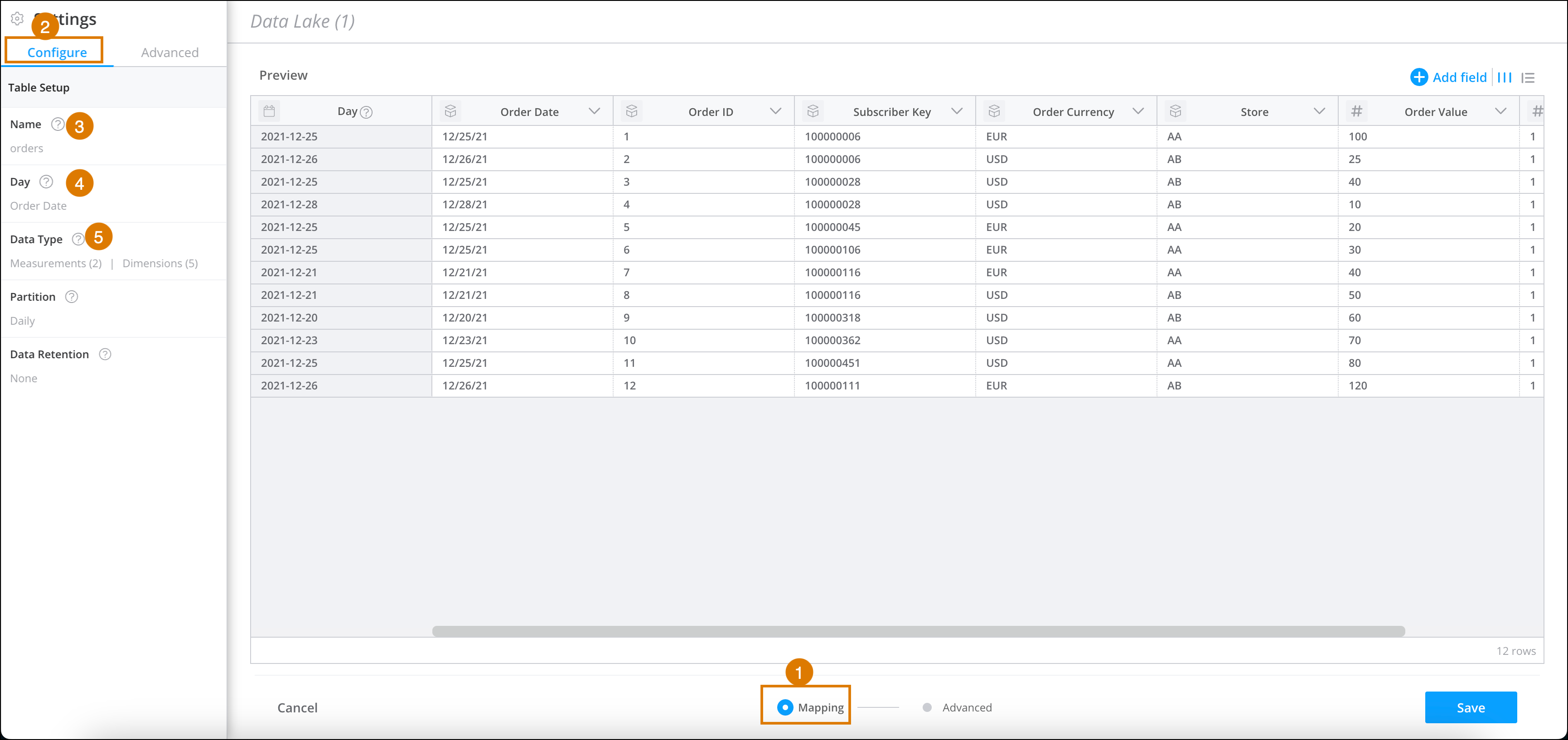
3. At the bottom of the Granular Data Center page, click **Mapping** (1).
4. On the left-hand side of the page, go to **Settings**, and then select the **Configure** tab (2).
5. To change the name of the table, click **Name**, and then enter a new name (3).
6. Verify that the day is correct (4).
If the data only contains dimensions, this field is empty.
7. Verify the partitioning is defined correctly and change if necessary (4). It’s recommended you use the default settings.
By default, tables with measurements use daily partitioning, while tables with dimensions use no partition. If you use the default, daily partitioning, one file is created for one day. However, the querying may be slower since it needs to query different files depending on the date range.
8. In the **Data Type** section, make sure that all the retrieved dimensions and measurements are correct (5).
9. To validate, hover over the categories or the individual column names to highlight the respective fields in the table.
1. To change the type, select a dimension or measurement, and then click **Set Type**.
2. All column names are automatically set as keys, which means the header is used in the concatenation key generation. To set a dimension as key, select **Set as Key**. Note that the option to set as key is available only for dimension-only data streams.
# Configure the Human Rep Escalation Experience
You must configure the human escalation experience before enabling conversational email. Configuring the human escalation experience ensures that end-users or customers can reach a human representative when the Agentforce agent can’t resolve an inquiry. Escalated emails are ongoing conversations that transfer from an Agentforce agent to a human rep’s queue. Escalation occurs when a user needs complex support, requests human assistance, or meets specific routing criteria.
### Required Editions
Available in: Salesforce Enterprise and Unlimited Editions with Marketing Cloud Next Advanced Edition
Use Service Cloud Omni-Channel to define routing rules, rep permissions, and service queues for these escalated conversations.
- **[Human Rep Experience](https://help.salesforce.com/s/articleView?id=mktg.um_channel_email_human_rep_experience.htm&release=264.0.0&type=5)**
Agentforce agents respond within the original email thread using the same From Address and From Name as the marketing email. They have access to the full conversation history and use plain-text response templates when replying.
## Step 1: Assign Messaging Permissions to Service Reps
Service reps who handle escalated emails must have the required messaging permissions.
1. From **Setup**, enter Permission Sets in the Quick Find box, then select **Permission Sets**.
2. Click **New** and create a permission set.
3. Open the permission set and select **App Permissions**.
4. Click **Edit**, and select these permissions:
- Agent Initiated Outbound Messaging
- Configure Messaging
- Messaging Agent
5. Save your changes.
6. Assign this new permission set and the standard Messaging User permission set to users who handle escalated emails.
For more information, see [Permission Sets](https://help.salesforce.com/s/articleView?id=mktg.mktg_admin_setup_perms_assign.htm&type=5&language=en_US).
## Step 2: Enable Core Service Features
Enable Messaging and Omni-Channel to support conversational routing.
1. From **Setup**, enter Messaging Settings in the Quick Find box, then select **Messaging Settings**.
2. Turn on **Messaging** and save your changes.
Enabling Messaging allows your org to process conversational messaging sessions.
3. From **Setup**, enter Omni-Channel Settings in the Quick Find box, then select **Omni-Channel Settings**.
4. Select **Enable Omni-Channel**, then save your changes.
Omni-Channel is the routing engine that automatically pushes incoming work items (like escalated emails) to the right available rep.
For more information, see [Messaging in Service Cloud](https://help.salesforce.com/s/articleView?id=service.livemessage_intro.htm&type=5&language=en_US) and [Omni-Channel Routing](https://help.salesforce.com/s/articleView?id=service.omnichannel_intro.htm&language=en_US&type=5).
## Step 3: Manage Routing Configurations and Queues
Define how escalated email sessions are prioritized and assigned.
1. From **Setup**, enter Routing Configurations in the Quick Find box, then select **Routing Configurations**.
2. Click **New**.
3. Select a routing model (for example, Least Active).
A routing configuration determines the priority and size of work items and how they’re routed to reps.
4. Save your changes.
5. From **Setup**, enter Queues in the Quick Find box, then select **Queues**.
6. Click **New**.
Queues hold incoming work items, such as escalated email sessions, until an rep is available to accept them.
7. Associate the queue with your new routing configuration.
8. Under **Supported Objects**, add a **Messaging Session**.
9. Save your changes.
For more information, see [Routing Configuration Settings](https://help.salesforce.com/s/articleView?id=service.service_presence_routing_configuration_settings.htm&type=5&language=en_US) and [Set Up Queues](https://help.salesforce.com/s/articleView?id=service.queues_overview.htm&type=5&language=en_US).
## Step 4: Configure Rep Presence and Capacity
To receive escalated email cases, your reps need a designated presence status to indicate they’re online and available for work.
1. From **Setup**, enter Presence Configurations in the Quick Find box, then select **Presence Configurations**.
2. Edit the **Default Presence Configuration** (or create one) to set appropriate rep capacity and work item limits.
3. From **Setup**, enter Presence Statuses in the Quick Find box, then select **Presence Statuses**.
4. Click **New**.
5. Enter a status name, such as Available for Escalations.
6. Under **Status Options**, select **Online**.
7. Under Selected Channels, add the **Case** service channel to the Selected Channels list, and click **Save**.
8. From **Setup**, enter Profiles in the Quick Find box, then select **Profiles** (or enter Permission Sets to use permission sets).
9. Select the profile (or permission set) used by your reps.
10. Click **Enabled Service Presence Status Access** (or **Service Presence Statuses**).
11. Click Edit, move your new presence status to the Enabled Service Presence Statuses list, and click **Save**.
Fore more information, see [Set Up Service Rep Statuses and Capacity](https://help.salesforce.com/s/articleView?id=service.service_set_up_agent_status_and_capacity.htm&type=5&language=en_US).
## Step 5: Create an Escalation Flow Through Omni Routing
Create the flow that routes escalated email sessions to the appropriate queue.
1. From **Setup**, enter Flows in the Quick Find box, then select Flows.
2. Click **New Flow**.
3. Select **Omni-Channel Flow**.
4. Add a **Route Work** action to the canvas.
Configure it to route the incoming Messaging Session record to the queue you created in the previous step.
5. Save and activate the flow.
For more information, see [How Omni-Channel Flow Works](https://help.salesforce.com/s/articleView?id=service.how_does_an_omni_channel_flow_work.htm&type=5&language=en_US) and[Creating an Omni-Channel Flow](https://help.salesforce.com/s/articleView?id=service.messaging_routing_flows.htm&type=5&language=en_US).
## Step 6: Configure the Service Representative Console
Give your service representatives the interface that they use accept and reply to escalated emails.
1. From **Setup**, enter App Manager in the Quick Find box, then select **App Manager**.
2. Locate your Service Console app, click the dropdown arrow next to it, and select **Edit**.
3. Select **Navigation Items**. Select **Cases** and add it to the Selected Items list so reps can access their escalated email queues.
4. Select **Utility Items (Desktop Only)**.
5. Click **Add Utility Item** and select **Omni-Channel**.
6. Select **User Profiles** and add the profiles of the reps responsible for handling escalated emails to the Selected Profiles list.
7. Click **Save**.
This adds the Omni-Channel widget to the bottom utility bar, allowing reps to log in, change their status, and accept incoming escalated email conversations.
For more information, see [Add the Omni-Channel Widget](https://help.salesforce.com/s/articleView?id=service.omnichannel_add_to_service_console.htm&type=5&language=en_US).
# Configure the Identity System for Mobile Apps
Select the identity attribute that Personalization uses for identity lookup and merging user profiles in mobile apps. If you have active mobile app campaigns, changing this setting can impact the content that appears for those campaigns.
### Required Editions
Permissions
Needed
To configure the identity system:
A role with Administrator permissions
1. From the main navigation, select **Settings** | **General Setup**.
2. Expand **Advanced Options**.
3. From the **Select the Identity attribute to use as the Mobile app Identity** dropdown, select the identity type.
4. Save your work.
#### See Also
- [Identity System for Mobile Apps](https://help.salesforce.com/s/articleView?id=mktg.mc_pers_identity_mobile_apps_about.htm&release=264.0.0&type=5 "The Personalization identity system enables you to select a default identity attribute to match users between your mobile application and Personalization. Personalization uses only one identity attribute in looking up and merging mobile app events.")
# Configure the Identity System for Open Time Email
Set up the identity system for open time email.
### Required Editions
Permissions
Needed
To configure the identity system:
A role with Administrator permissions
1. From the main navigation, select **Settings** | **General Setup**.
2. Expand **Advanced Options**.
3. Select the **Open Time Email Campaigns - Enable Identity resolution** option.
4. Select the identity type from the dropdown.

Note If you have active Open Time Email campaigns, changing this setting can impact the content that appears for those campaigns.
5. Click **Save**.
# Configure the Identity System for the Event API
Set up the identity system for the Event API.
### Required Editions
Permissions
Needed
To configure the identity system:
A role with Administrator permissions
Before you start, make sure your API request includes “Server” as the channel parameter nested beneath the source parameter.

Note The channel parameter is case-sensitive.
1. To send identity types as user attributes:
1. Don’t include the user ID parameter in your API request.
2. Include identity types as user attributes.
2. To select an identity type and send it as the user ID parameter, and send other identity types as user attributes:
1. From the main navigation, select **Settings** | **General Setup**.
2. Expand **Advanced Options**.
3. From the **Select the Identity attribute to use as the Server Side events Identity** dropdown, select the identity type.

Note If you have active campaigns, changing this setting can impact the content that appears for those campaigns.
4. Click **Save**.
5. Include the selected identity type as the user ID parameter in your API request.
6. Include other identity types as user attributes.
#### See Also
- [_Developer Documentation_: Marketing Cloud Personalization Event API](https://developer.salesforce.com/docs/marketing/personalization/guide/event-api.html)
# Configure the Identity System for the Salesforce Interactions SDK
Set up the identity system for the Marketing Cloud Personalization module of the Salesforce Interactions SDK.
### Required Editions
Permissions
Needed
To configure the identity system:
A role with Administrator permissions
1. From the main navigation, select **Settings** | **General Setup**.
2. Expand **Advanced Options**.
3. From the **Select the Identity attribute to use as the WebSDK Identity** dropdown, select the identity attribute.

Note If you have active campaigns, changing this setting can impact the content that appears for those campaigns.
4. Click **Save**.
#### See Also
- [_Developer Documentation_: Marketing Cloud Personalization Web Integration](https://developer.salesforce.com/docs/marketing/personalization/guide/web-integration.html)
# Configure the Inbound Chat Entry Source
Follow these steps to configure the Inbound Chat entry source in Journey Builder.
1. Drag the **Inbound Chat** activity onto the canvas and click to open.
2. To configure the app channel, click **Edit**.
3. Select the app channel to use from the dropdown.
4. Click the Keywords tab.
5. Create up to 10 keywords. You can use the same keyword in multiple Wait Until Chat Response activities and entry sources.
6. Click **Summary**, and review setup details.
7. Click **Done**.
# Configure the Salesforce Data Event
Using this Journey Builder event, contacts enter the journey when a Sales Cloud record is created or updated.
### Required Editions
User Permissions
Needed
To configure or activate a journey that includes this type of entry
event:
Users must have a role assigned with these permissions allowed:
Email | Integrations | Salesforce CRM
Journey Builder | Sales and Service Cloud
1. Drag **Salesforce Data** onto the canvas.
2. Click **Salesforce Data**.
3. Select **Salesforce Data Event**.
4. Select a primary object as the event source.
5. Specify whether to send contacts into the journey when records are created, updated, or both.
6. 
Note When configuring the event, select who enters a journey, such as leads, contacts, person accounts, or users. If you select the Leads, Contacts or Users object, the Who ID is available. For all other objects, the object must contain a lookup field for the Who ID.
Specify who enters the journey.
7. Create a filter for the primary object.
8. Add more filtering criteria based on any reference objects, which includes any object cross-referenced from the primary object.

Note Polymorphic fields aren't supported in secondary filter criteria.
9. Select journey data based on primary or reference objects. The event sends data from the selected fields to Journey Builder. Each record automatically includes the ID related to the person entering the journey, that person's email address, and the email opt-out flag status as applicable.
10. Configure the remainder of the journey by adding and configuring activities.
11. Click **Activate** to start the journey. This action creates a Flow in Sales Cloud.

Note Salesforce entry sources, including the Salesforce Data, Campaign, and Community entry sources, are only editable when no other journey or version uses them. You can't edit the object a Salesforce entry source uses to decide who enters the journey. To choose a different object in a Salesforce entry source, delete and recreate the entry source.
# Configure the Sitecore Connect for SFMC Activity
Use the Sitecore Connect for SFMC activity to send contact status from Marketing Cloud Engagement to Sitecore as a contact moves through a journey.
1. In the Messages section of a journey sidebar, drag the Sitecore activity onto the canvas.
2. Click the activity.
3. In the Contact State field, enter a state name.
4. If the state is an exit state, select **Contact is exiting the journey**.
5. Click **Save**.
6. To activate the journey, click **Activate**.
# Configure the Top Sellers Standard Insight for Rule-Based Recommenders
Salesforce Personalization enables you to generate recommendations using controlled business logic. Using a rule-based recommender, you can provide recommendations for top selling, most viewed, co-bought, or co-browsed products, and much more. To rank and sort recommendable content, rule-based recommendations rely on inputs from calculated insights that you add to the item data graph.
We’ve provided some SQL expressions that you can use when creating insights.
1. Use the instructions in [Create a Calculated Insight Using SQL](https://help.salesforce.com/s/articleView?id=data.c360_a_get_started_with_calculated_insights.htm&language=en_US) to create the insight.
2. For a top selling configuration, create the insight using the SQL expression in the [Product Top Sellers Standard Insight](https://help.salesforce.com/s/articleView?id=mktg.persnl_references_product_sales_standard_ci_ref.htm&release=264.0.0&type=5 "This insight calculates the sum of products that have been sold. Salesforce Personalization uses the output from this insight to create a list of top-selling products. The Maximize Revenue objective-based recommender requires the provided SQL code in the calculated insight.") reference.
You can also add the sample SQL code provided in the reference to other insights that you plan to use, and add them to an item data graph.
# Configure the Web Recommendations Display Format
Format how your recommendations appear on your website.
1. Select the page to be modified and click the **Output** tab.

Note The canvas displays previously chosen output fields for the page. If nothing is chosen, the system generates recommended output fields based on your catalog fields.
2. Choose the output preview format.
3. Select a field and click **Add**. Add as many fields as you need.
4. To change the display fields order, drag the fields into order from top to bottom on the canvas.

Note To delete a field, click .
The Output Preview displays the output code.
5. To see how the code renders, click **Preview**.
To return to the canvas, click **Close**.
6. Click **Save**.
# Configure the Workspace Health Monitoring App
You can customize the information that you display for each entity in the Workspace Health Monitoring app. For example, you can change the tolerance to set the urgency level and register to a daily email service.
### Required Editions
User Permissions Needed
To configure the Workspace Health Monitoring app
Admin
1. In Marketing Cloud Intelligence, on the **Marketplace** tab, select **Apps**.
2. Click **Installed Solutions**, and then select the **Workspace Health Monitoring app**.
3. Click the Settings icon on each entity card.
4. Set the tolerance.
**Sensitive**: The card appears in red on the main overview and the top filter even if only one failure occurs.
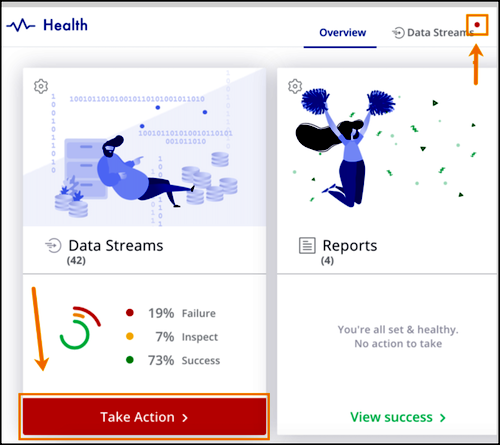
**Proportional**: The card appears in red if most items failed. If not, it appears in yellow or green.
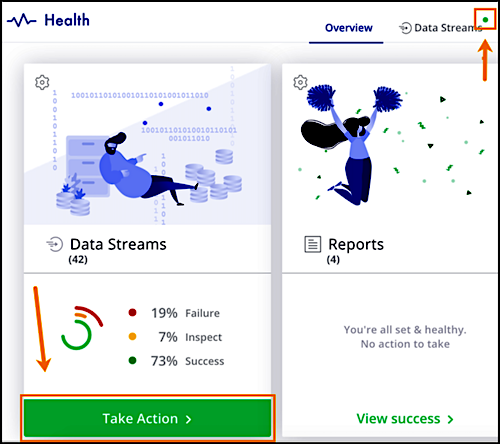
5. To subscribe users to a daily email status, select **Subscribe to daily status emails**, and then enter the email addresses.
6. Save your work.
Watch this video for more information about configuring the Workspace Health Monitoring app:
# Configure trackWishlist for Behavioral Triggers and Collect Tracking Code
To store customer wishlists for items on your site, set up Collect Tracking Code with trackWishlist. Consult your web developer to configure Collect Tracking Code in Marketing Cloud Engagement.
1. Copy this script.
```
```
Match the value sent for "INSERT\_ITEM" to the Product Code catalog field if you include a catalog file with your Personalization Builder implementation. Each subsequent trackWishlist call replaces the contact’s wishlist data. If you want the contact’s entire wishlist to persist, include all items in each call.
2. To customize it, replace "INSERT\_ITEM\_X" with dynamic code for the unique identifier of the item rated.
3. To pull in the unique child identifier for the item rated, replace "INSERT\_UNIQUE\_ID" with the dynamic code.
4. Paste the modified script in the header code on the pages where users manage their wishlist.
# Configure UTM and Custom Parameters for Your Links
Configure Urchin Tracking Module (UTM) and custom tracking parameters for your links. Add fallback values so links remain tagged when editors don't enter values for individual links.
### Required Editions
Available in: Lightning Experience
Available in: Marketing Cloud Next Growth and Advanced Editions
User Permissions Needed
To create or edit content:
Marketing Cloud Manager permission set
AND
any CMS workspace contributor
role
Tracking parameters tell analytics tools where traffic comes from and which campaigns drive engagement. Configure default values for links in your business unit, and add fallback values when editors don't enter link-specific values.
1. From **Setup**, under **Marketing Cloud**, go to **Web Tracking**, and then select **Manage Link Parameters**.
2. Set values for the standard parameters: **Medium**, **Source**, **Campaign**, **Content**, and **Term**.
3. For each parameter, enter a fallback value to use when the parameter value is empty.
Fallback values keep links tagged when an editor doesn't enter a specific value for a link.
4. To track values that the standard parameters don't cover, select **Add Custom Parameters**.
5. Save your changes.
# Configure Web Tracking for a Business Unit
To track visitor activities for your campaign on external web pages, create a website connector that collects activity data from your external site. Then, create the embed code to add to your external site, and associate it with your website connector, business unit, and a campaign. You can then copy the embed code to your website.
### Required Editions
Available in: Salesforce Enterprise and Unlimited Editions with Marketing Cloud Next Advanced Edition
User Permissions Needed
To configure web tracking:
Marketing Cloud Admin permission set
For more information about considerations and compliance details with activity tracking, see [Considerations for Activity Tracking](https://help.salesforce.com/s/articleView?id=mktg.mktg_tracking_considerations.htm&type=5&language=en_US).
1. Create a website connector.
1. From Setup, in the Quick Find box, enter Web Tracking, and then select **Website Connectors**.
2. Click **New**.
3. Name the website connector and click **Create**.
2. Create the embed code.
1. From Setup, in the Quick Find box, enter Web Tracking, and then select **Webpage Embed Codes**.
2. Click **New**.
3. Name the embed code and select a website connector.
4. Select a business unit to associate with the embed code.
5. In the Configure Tracking Settings section, select whether to require consent to track external pages that include the embed code. This setting is on by default. You're responsible for complying with privacy laws and regulations applicable to your business.
6. Select a campaign to associate with the engagement data.
7. Click **Create**.
3. To enable data collection on your website, copy the embed code and add it to your website’s head tag.
4. If necessary, configure and apply the web consent banner.
For more information, see [Customize the Consent Banner](https://help.salesforce.com/s/articleView?id=mktg.mktg_tracking_consent_banner.htm&type=5&language=en_US)
# Configure Web Tracking for Marketing
Track visitor activities and engagement across your marketing landing pages and external sites. Use the data to create more targeted segments and inform your marketing strategy.
Content Type
Requirements
Marketing landing pages with a consent banner
Data Cloud integration
Data Cloud Web Tracking Consent Banner integration
Consent banner created in Salesforce CMS
Marketing landing pages without a consent banner
Data Cloud integration
Relaxed CSP security level for Landing Pages site
Event tracking code in Landing Pages site head markup
External pages with a consent banner
External Tracking data kit
Website connector
Consent banner created in Salesforce CMS
Webpage embed code in external page source
External pages without a consent banner*
External Tracking data kit
Website connector
Webpage embed code in external page source
Event tracking code in external site page head markup

Note If you use a third-party consent management platform such as OneTrust, use the External Pages without a Consent Banner configuration. These platforms aren't supported by Salesforce and you're responsible for complying with privacy laws and regulations that apply to your business.
- **[Considerations for Activity Tracking](https://help.salesforce.com/s/articleView?id=mktg.mktg_tracking_considerations.htm&release=264.0.0&type=5)**
Before you turn on activity tracking, review considerations, compliance details, and cookie information.
- **[Track Activity on Marketing Landing Pages](https://help.salesforce.com/s/articleView?id=mktg.mktg_tracking_landing_pages_parent.htm&release=264.0.0&type=5)**
To track visitor activities on your marketing landing pages, install the required integration on the default Marketing Landing Pages site. To protect the privacy of your landing page visitors, collect their consent to track with a custom consent banner that you design in Salesforce CMS. You’re responsible for complying with privacy laws and regulations applicable to your business.
- **[Track Activity on External Sites](https://help.salesforce.com/s/articleView?id=mktg.mktg_consent_tracking_external.htm&release=264.0.0&type=5)**
Track visitor activities on web pages hosted outside of Salesforce, such as your company website. To protect the privacy of your site visitors, use a consent banner to collect consent to track. You’re responsible for complying with privacy laws and regulations applicable to your business.
# Configure Your Marketing Data
One of the things that makes Marketing Cloud Next so powerful is its relationship to Data 360. To prepare your Salesforce org, install and deploy the data kits that include the data model objects (DMOs) that support marketing assets. Then, use identity resolution rulesets to organize and unify your data.
[View supported editions](https://help.salesforce.com/s/articleView?id=mktg.mktg_editions.htm&release=264.0.0&type=5 "Marketing Cloud Next is available in Growth and Advanced editions, and requires Salesforce Enterprise or Unlimited editions. Some features are limited by edition or purchased add-on. All functionality is available in Lightning Experience only.").
This table lists the data kits that you must install and deploy to get started. The Setup label is used on marketing setup pages, and the package names appear on the installation and data stream deployment pages.
For complete instructions, see [Install and Deploy Data](https://help.salesforce.com/s/articleView?id=mktg.mktg_admin_data_kits_install_main.htm&release=264.0.0&type=5 "Data kits contain the objects, fields, and data connections that make Marketing Cloud Next work. Marketing data kits are required for all Marketing Cloud Next users, but the sales data kit is optional based on how you manage your CRM data.").
Setup Label
Package Name
Details
Marketing Setup Objects Data Kit
Marketing Cloud Consent Objects
Contains two data bundles, MarketingSetup_General and SMSAddOn_General.
The
SMS bundle is required only when using the SMS add-on.
Consent Objects Data Kit
UnifiedMessagingConsent
Contains ConsentAuditTrail and MessagingConsent data streams.
Flows Integration Data Kit
Salesforce Data 360 - Flow Integration
Contains the Flows data bundle and two Flow Run data streams that work with the
Ingestion API.
Email Channel Data Kit
MessagingEventsEmailEngagement
Contains a MessagingEventsEmail data stream.
SMS Channel Data Kit
MessagingEventsSms
Contains a MessagingEventsSMS data stream. This data kit is only required when
using the SMS add-on.
WhatsApp Channel Data Kit
UnifiedWhatsAppPackage
Contains a MessagingEventsWhatsApp-WhatsAppEngagement data stream. This data kit
is only required when using the WhatsApp add-on.
Sales
—
Contains data streams for accounts, leads, and contacts. Access the installation
page for this data kit in Data 360 Setup.
- **[Deploy Data Kits for Marketing Cloud Next](https://help.salesforce.com/s/articleView?id=mktg.mktg_admin_data_kits_install_main.htm&release=264.0.0&type=5)**
Data kits contain the objects, fields, and data connections that make Marketing Cloud Next work. Marketing data kits are required for all Marketing Cloud Next users, but the sales data kit is optional based on how you manage your CRM data.
- **[Configure Identity Resolution Rulesets for Marketing Cloud Next](https://help.salesforce.com/s/articleView?id=mktg.mktg_admin_data_identity_resolution.htm&release=264.0.0&type=5)**
Identity resolution is a critical step to organizing and unifying your data. Usually, when your data originates from many systems, it’s modeled and labeled differently in each place. Identity resolution rulesets define the relationships among data model objects (DMOs) and their fields. After you configure these rules, Data 360 can organize related and duplicate data into unified individual records that marketers can use to target audiences.
- **[Enable Data Governance Permissions for Objects in Marketing Cloud Next](https://help.salesforce.com/s/articleView?id=mktg.mktg_admin_enable_data_governance.htm&release=264.0.0&type=5)**
To use Data 360 Data Governance features for Marketing Cloud Next, you need to grant access to the impacted objects according to an access policy.
# Configure Your Mobile App for Personalization
Before you set up personalization, complete the Data 360 configuration for your mobile app. These steps make sure your app sends the data personalization needs and that the connector is ready to deliver personalized content.
### Required Editions
User Permissions Needed
To configure a mobile app connection:
Data Cloud Architect
To integrate the SDK in your app code:
Access to mobile app code
- Have the custom URL scheme for your app ready. You set this as the in-app URL on the connector during setup.
- Identify the Data 360 connector for your mobile app.
- Confirm your app targets a supported platform: iOS, Android, React Native, or Flutter.
1. Integrate and initialize the Salesforce Personalization module of the Marketing Cloud Unified Mobile SDK in your app.
See [Low-Code Mobile Personalization](https://developer.salesforce.com/docs/marketing/einstein-personalization/guide/personalize-mobile-experiences-lowcode.html) on Salesforce Developer Docs. Select your platform (iOS, Android, React Native, or Flutter) from the guide for SDK initialization steps.
2. Set up engagement data collection to send engagement data from your app to Data 360.
See [Capture Engagement Data](https://developer.salesforce.com/docs/data/data-cloud-engagement-mobile-sdk/guide/c360a-api-engagement-mobile-sdk-capturing-engagement-data.html) on Salesforce Developer Docs.
3. Set up profile data collection to send profile data from your app to Data 360.
See [Capture Profile Data](https://developer.salesforce.com/docs/data/data-cloud-engagement-mobile-sdk/guide/c360a-api-engagement-mobile-sdk-capturing-profile-data.html) on Salesforce Developer Docs. Select your platform (iOS, Android, React Native, or Flutter) from the guide for profile data collection steps.
4. Set the in-app URL on your Mobile App Connector.
1. From Setup, in the Quick Find box, enter **Data Cloud Setup**, and then select **Data Cloud Setup**.
2. Select **Websites and Mobile Apps**, and then select your mobile connector.
3. Select the **Personalization** tab.
4. For **Mobile Preview Base URL**, enter the custom URL scheme registered in your app (for example, `myapp://personalization-preview`).
5. Select **Save**.
After these steps, your mobile app connector is ready for personalization setup.
#### See Also
- [Register and Define Mobile Personalization Components](https://help.salesforce.com/s/articleView?id=mktg.persnl_experience_mobile_components_register.htm&release=264.0.0&type=5 "Register the components your mobile app supports so that experience templates and personalization experiences can use them. First register components in connector setup. Then define custom components in your app code.")
# Confirm Journey Entry
Check Journey Builder Analytics.
Complete the steps to Run the Automation.

Important In an upcoming release, Contact Data Events aren’t supported. Events and journeys created before this change continues to run without interruption. Use Audiences to admit contacts instead. Learn More.
Navigate to Journey Builder after running your automation.
When contacts are admitted, the counts on the Entry Results page increase.
To track individual contacts through a journey, see **View a Contact's History In a Journey** to track individual contacts through a journey
#### See Also
- [Entry Results](https://help.salesforce.com/s/articleView?id=mktg.mc_jb_entry_results.htm&release=264.0.0&type=5 "Use this page to understand and gauge the flow of contacts into a journey in Journey Builder. This page also shows the journeys that use this entry source under Journey Usage. View a list of contacts that weren’t accepted and an explanation by clicking View Rejected Contacts.")
- [View a Contact's Journey History in a Journey](https://help.salesforce.com/s/articleView?id=mktg.mc_jb_view_contact_history_in_a_journey.htm&release=264.0.0&type=5 "You can view a contact’s journey history on the journey canvas. Results are shown for the previous 30 days by default.")
- [View Rejected Contacts](https://help.salesforce.com/s/articleView?id=mktg.mc_jb_view_rejected_contacts.htm&release=264.0.0&type=5 "Follow these steps in Journey Builder to view a list of contacts that weren’t accepted into a journey.")
# Connect a Data Extension for Decision Splits
To use data that isn’t in the entry source or that changes in a Decision Split in Journey Builder, follow these steps to link a data extension in Contact Builder.
To learn more about how and when to use contact or journey data in a Decision Split, see [Journey and Contact Data in Decision Splits](https://help.salesforce.com/s/articleView?id=mktg.mc_jb_journey_contact_data_decision_splits.htm&language=en_US).
1. Navigate to Contact Builder.
2. On the Data Designer tab, click **Create Attribute Group**.
3. Name the group Prioritization.
4. Click **Link Data Extensions**.
5. Select the data extension you want to link.
6. Set the data extension to match your data requirements. For example, link Contact Key from "Customer Data" to "Subscriberkey" from your data extension.
7. Click **Journey Builder Contacts**.
8. Set the data relationship to match your data requirements.
For more information, see [Use Linked Data Extensions in Journey Builder](https://help.salesforce.com/s/articleView?id=mktg.mc_jb_data_relationships.htm&language=en_US).
9. Save your changes.
10. Click the link tab next to the new attribute set.
11. In the Select Data Extension section, navigate to Journey Builder Prioritization.
12. Click **Journey Builder Prioritization**.
13. In the Journey Builder Contacts section, click **SubscriberKey**.
14. In the Journey Builder Prioritization section, click **SubscriberKey**.
15. Save your work.
- **[Prioritization Example: Update Entry Event](https://help.salesforce.com/s/articleView?id=mktg.mc_jb_update_entry_events.htm&release=264.0.0&type=5)**
In this decision split prioritization example, Journey Builder updates the entry events for a post-purchase confirmation and follow-up journey.
- **[Prioritization Example: Update the Abandoned Cart Journey](https://help.salesforce.com/s/articleView?id=mktg.mc_jb_update_the_abandoned_cart_journey.htm&release=264.0.0&type=5)**
In this decision split prioritization example, Journey Builder updates the entry events for an abandoned cart journey.
- **[Prioritization Example: Update the Re-engagement Journey](https://help.salesforce.com/s/articleView?id=mktg.mc_jb_update_the_re_engagement_journey.htm&release=264.0.0&type=5)**
In this decision split prioritization example, Journey Builder updates the entry events for a re-engagement journey.
#### See Also
- [Configure a Decision Split](https://help.salesforce.com/s/articleView?id=mktg.mc_jb_use_decision_splits.htm&release=264.0.0&type=5 "The Decision Split activity in Journey Builder evaluates contact journey data, then sends each contact down a path based on the filter criteria you set. The paths in a decision split are evaluated in succession from top to bottom. Contacts who meet more than one set of criteria for a path follow the path they qualify for first. Contacts that don’t meet conditions to follow one of the paths you configure follow the Remainder path.")
- [Journey and Contact Data](https://help.salesforce.com/s/articleView?id=mktg.mc_jb_journey_contact_data.htm&release=264.0.0&type=5 "Journey data preserves the state of a contact's data at the moment an entry event fires, facilitating the use of that data throughout a journey. Contact data captures the data values in the event source data extension at the time when Journey Builder evaluates it. Both are uniquely useful in journey creation.")
# Connect a Personalization Campaign to a Marketing Campaign
Enhance marketing campaigns by creating and connecting Personalization campaigns.
### Required Editions
Available in: Salesforce Enterprise and Unlimited Editions with Marketing Cloud Next Growth or Advanced Edition. Creating personalization campaigns requires editions with the Salesforce Personalization add-on.
View
Flows and Create and Edit Flows user permissions AND Permissions to all elements
in the flow
To configure a Personalization campaign:
Personalization User
When adding a personalization campaign to a marketing campaign, keep these considerations in mind:
- Before you begin, make sure to set up Salesforce Personalization. See [Set Up Personalization Features in Marketing Cloud Next](https://help.salesforce.com/s/articleView?id=mktg.mktg_data_graph_setup.htm&language=en_US) for more information.
- Creating and connecting a personalization campaign from a marketing campaign requires defining a business unit for the data space that the personalization campaign runs on. You can connect only one business unit to a data space. See [Business Units in Marketing Cloud Next](https://help.salesforce.com/s/articleView?id=mktg.bu_get_started_with_business_units.htm&language=en_US) for more information.
- You can connect only one personalization campaign to a marketing campaign at a time.
To add a personalization campaign to a marketing campaign:
1. From the Campaigns tab, create or edit a campaign.
2. Specify or modify the name of your campaign, enter the details that you need, and save your changes.
3. Click **Get Started** next to **Personalization** on the Campaign page.
Adding Personalization to a campaign requires that the campaign flow have a business unit assigned. If you don’t have a business unit configured for use by the campaign, contact your Salesforce admin to add one.
4. Click **Go to Guided Setup** to start configuring your personalization campaign.
5. Create a personalization campaign.
See [Create a Personalization Campaign](https://help.salesforce.com/s/articleView?id=mktg.persnl_campaign_create.htm&language=en_US) for more information.
# Connect Account Engagement and Salesforce Users
Salesforce User Sync connects your Account Engagement and Salesforce users and lets you manage Account Engagement user access from Marketing Setup. User Sync transfers user management to Salesforce and Account Engagement user records become read-only. User Sync is the recommended method for managing Salesforce and Account Engagement users. However, if that’s not the right solution for you at this time, map Salesforce and Account Engagement users and enable Salesforce single sign-on to allow them to access Account Engagement.
### Required Editions
Available in: All Account Engagement Editions
- **[Manage Users with Salesforce User Sync](https://help.salesforce.com/s/articleView?id=mktg.pardot_sf_connector_setup_user_sync_parent.htm&release=264.0.0&type=5)**
Salesforce User Sync is the simplest way to manage Account Engagement user access. This feature permanently transfers user management to Salesforce so that you can add or remove Account Engagement users from Salesforce Marketing Setup.
- **[Set Up Salesforce Single Sign-On for Account Engagement](https://help.salesforce.com/s/articleView?id=mktg.pardot_sf_connector_setup_sso.htm&release=264.0.0&type=5)**
If you don’t use Salesforce User Sync, manually enable Salesforce single sign-on (SSO) to allow users access to Account Engagement. SSO lets users log in to Account Engagement with their Salesforce credentials.
#### See Also
- [Map Salesforce and Account Engagement Usernames](https://help.salesforce.com/s/articleView?id=mktg.pardot_sf_connector_setup_map_users.htm&release=264.0.0&type=5 "If you have existing Account Engagement users, map them to their user record in Salesforce before you proceed with Salesforce User Sync. If users aren’t mapped, the system ignores those users and they don’t sync. For business units without User Sync, map users and then enable Salesforce Single Sign-on (SSO). Salesforce credentials are required to access Account Engagement.")
- [Set Up Salesforce Single Sign-On for Account Engagement](https://help.salesforce.com/s/articleView?id=mktg.pardot_sf_connector_setup_sso.htm&release=264.0.0&type=5 "If you don’t use Salesforce User Sync, manually enable Salesforce single sign-on (SSO) to allow users access to Account Engagement. SSO lets users log in to Account Engagement with their Salesforce credentials.")
# Connect Account Engagement to Data 360
To ingest your prospect engagement data, connect your Account Engagement business units to Data 360.
### Required Editions
Available in: Enterprise, Performance, and Unlimited Editions with Account Engagement
User Permissions Needed
To create a list:
Account Engagement Administrator or Marketing
role
To create a segment:
One of these permission sets:
Data Cloud Architect
Data Cloud Activation Manager
Data Cloud Activation Specialist

Note Learn more about available [Data 360 standard permission sets](https://help.salesforce.com/s/articleView?id=data.c360_a_userpermissions.htm&language=en_US).
1. From Setup, in the Quick Find box, enter Data Cloud.
2. Under Account Engagement, select **Data Cloud Integration**.
3. Click **Get Started**.
4. Add the Account Engagement business units that you want to connect to the Selected Business Unit column, and then click **Done**.
You can only connect business units that are associated with your Data 360 instance. You can add or remove business units later.
After your business units are connected, [configure the Data 360 connector in Account Engagement](https://help.salesforce.com/s/articleView?id=mktg.mcae_data_cloud_configure_connector.htm&language=en_US).
# Connect an External Form to a Form Handler
After you create and publish a form handler, configure your external form to send data to Salesforce.
### Required Editions
[View supported editions](https://help.salesforce.com/s/articleView?id=mktg.mktg_editions.htm&release=264.0.0&type=5 "Marketing Cloud Next is available in Growth and Advanced editions, and requires Salesforce Enterprise or Unlimited editions. Some features are limited by edition or purchased add-on. All functionality is available in Lightning Experience only.").
User Permissions Needed
To create a form handler:
Marketing Cloud Manager permission set
AND
Any CMS workspace contributor
role
To publish a form handler:
Marketing Cloud Manager permission set
AND
A CMS workspace contributor role of
content admin or content manager
To configure the CORS allowlist:
Modify All Data
Before you complete these steps, [create and publish a form handler](https://help.salesforce.com/s/articleView?id=mktg.mktg_content_form_handler.htm&release=264.0.0&type=5 "Use a form handler to capture data from a form on an external website and use that data to create or update records in Salesforce. Form handlers make it possible to use the existing forms on your site without updating your site to use forms created in Salesforce. When you create a form handler, you specify the field names in your existing form and the Salesforce fields that they map to.").
There are two ways to send data from your form to Salesforce. Select the connection type that best suits the structure and capabilities of your site.
JavaScript Snippet (Client-Side)
Direct POST URL (Server-Side)
How it works
A script on your page sends form data to Salesforce when a visitor submits the
form.
Your form posts data directly to a Salesforce URL, with no script on the page.
Add to your site
A <script> tag and form attributes that you paste into the HTML
for your page.
A URL that you set as the action for your form or webhook destination.
Best suited for
Pages where you control the HTML and can add scripts.
Third-party form builders that don’t allow custom scripts, pages with strict Content
Security Policy (CSP) rules, and forms that post from a backend server.
Supports web tracking
Yes
No
Supports identity resolution
Yes
No
Requires a CORS Allowlist entry
Yes
Yes
Both methods send data to the same form handler and trigger the same flow. Both methods also require you to authorize your domain in the [CORS Allowlist](https://help.salesforce.com/s/articleView?id=mktg.mktg_content_form_handler_connect.htm&release=264.0.0&type=5 "Both connection methods require you to authorize your domain before Salesforce accepts form submissions. If you don’t authorize your domain, then Salesforce blocks the submission before it’s processed. To authorize your domain, add it to the CORS Allowlist.").
With either type of connection, make sure each field in your form uses an HTML `name` attribute that exactly matches the corresponding external field name in the form handler. If the names don’t match, the form handler doesn’t capture the value. For example, if you mapped the external field name `email_address` to the `Email` field, the `name` attribute for the corresponding field in the form must also be `email_address`.
## Option 1: Configure Your Form to Use a Client-Side Connection
Use this method when you control the HTML for your page and can add a script to it. Because the script runs in the visitor’s browser, this method supports web tracking and identity resolution. As a result, this method can connect a form submission to a visitor’s web activity.
1. Publish the form handler.
2. On the Code Snippet tab, under Client-Side Form Handler, copy the tracking script. The script resembles this example.
```
```
3. In the HTML code for the site, paste the script before the closing `` tag.
4. On the Code Snippet tab, copy the form attributes. The attributes resemble this example.
```xml
```
5. In your HTML, add the `id` and `data-uma-forms` attributes to the `
 Plan
Plan Build
Build Govern and Approve
 Track and Optimize


