Transform a widget into a pivot table to get insights on your data. You can customize
the pivot table, apply filters, and even share it with others.
Required Editions
| Available in: Intelligence Reports and Intelligence Reports Advanced |
| User Permissions Needed |
| To create a pivot table from a widget: |
Create & Edit |
-
In Analytics Builder, select Intelligence Reports.
-
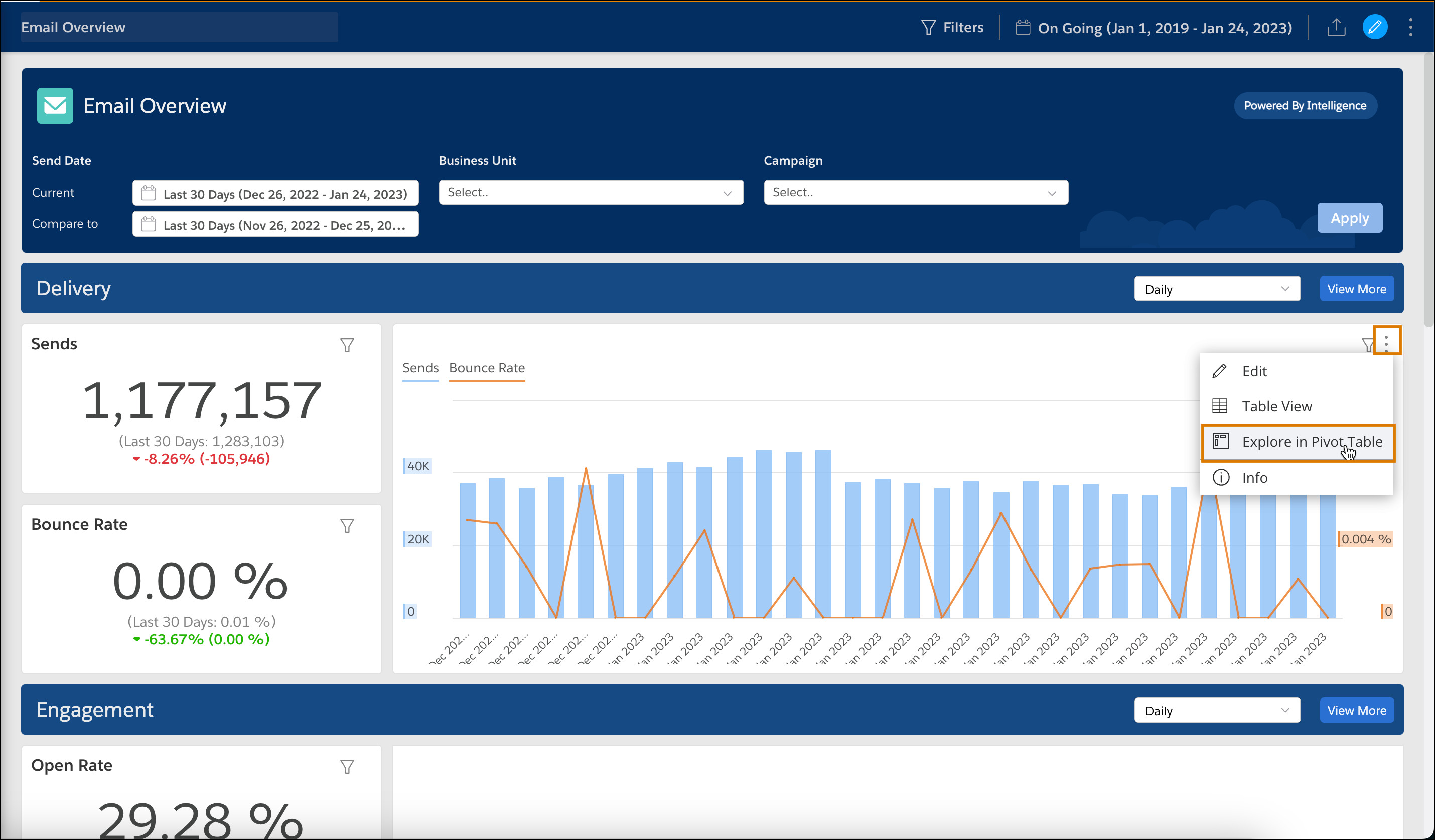
On the Dashboards tab, select the widget that you want to convert to a pivot table.
-
Click the Options icon and select Explore in Pivot
Table.
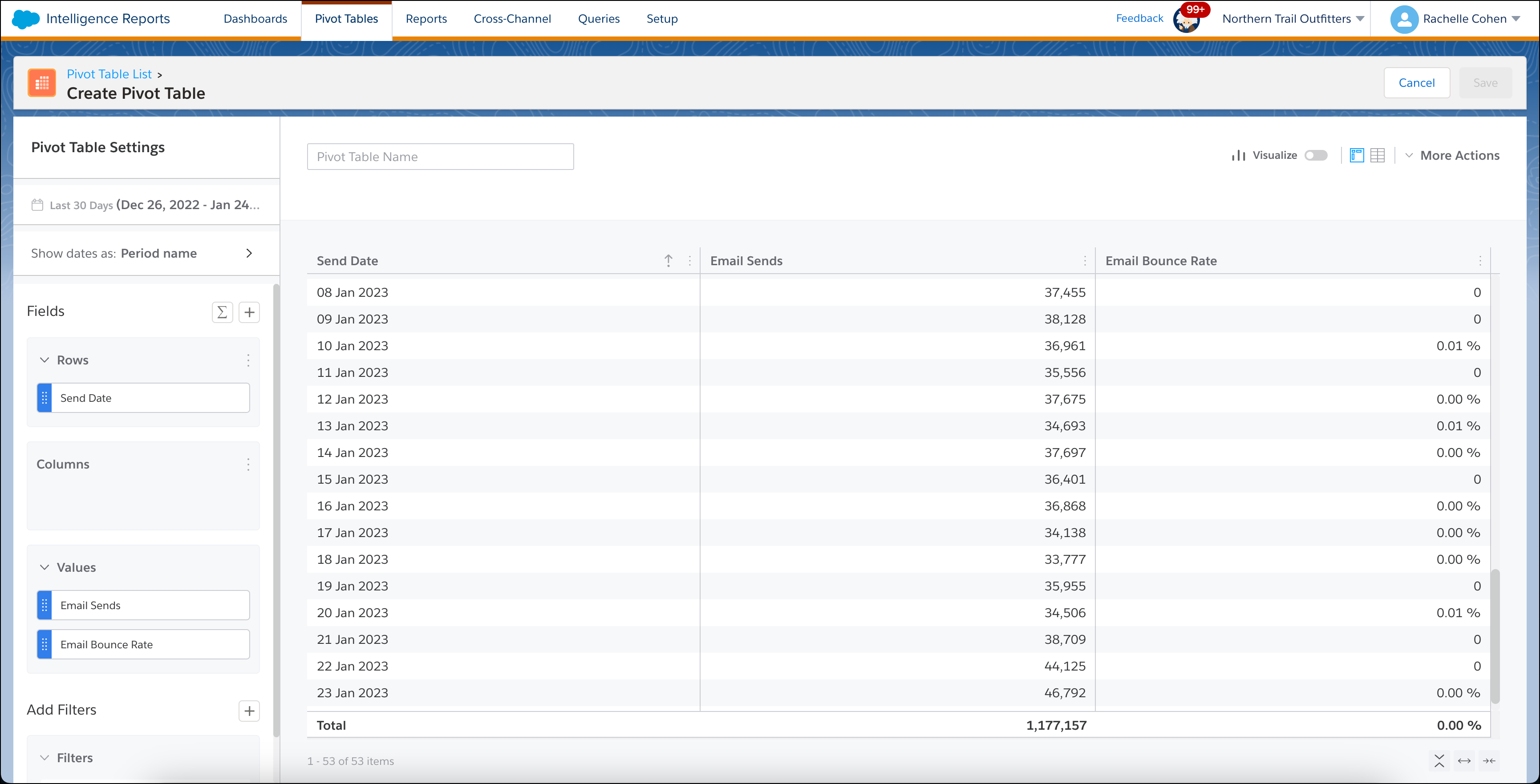
You’re redirected to the Pivot Tables tab, and the data now appears in a pivot
table.