Use the export option to share an offline version of the app with other users. You can
either export the app instance into a PDF format, or create a scheduled export and define a
report. Apps can be shared either within the app itself, or in the Installed Solutions
page.
Required Editions
| User Permissions Needed |
| To share an offline version of an app: |
Admin and Power User |
-
Access the Marketplace main page from the Marketplace tab in
Marketing Cloud Intelligence.
-
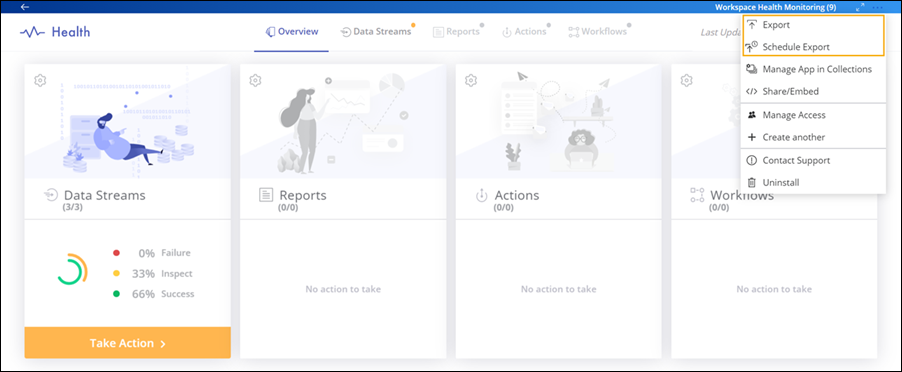
To share an app directly within an app instance, select the app and then click
Options.
-
To export a PDF version of the app, select Export.
-
To create a report with a defined schedule, select Schedule Export.
-
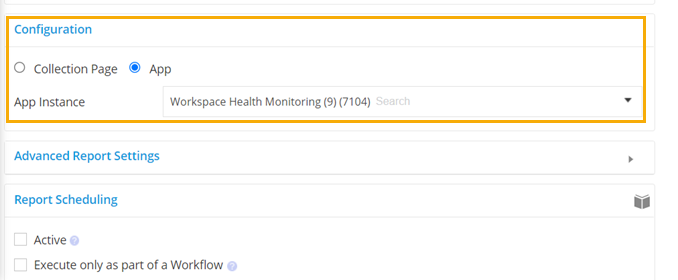
In the Configuration area, the App Instance is automatically
defined. You can select a different one if needed.