
Configure how new data updates the existing data in the data stream.
Required Editions
| User Permissions Needed | |
|---|---|
| To specify a load mode: | Admin |
- From the Connect & Mix tab, select Data Streams, and then select Data Streams List.
- Create a data stream or edit one.
- At the bottom of the Data Stream page, click Advanced.
-
Under Load Mode, select the mode.
The default option is Replace.
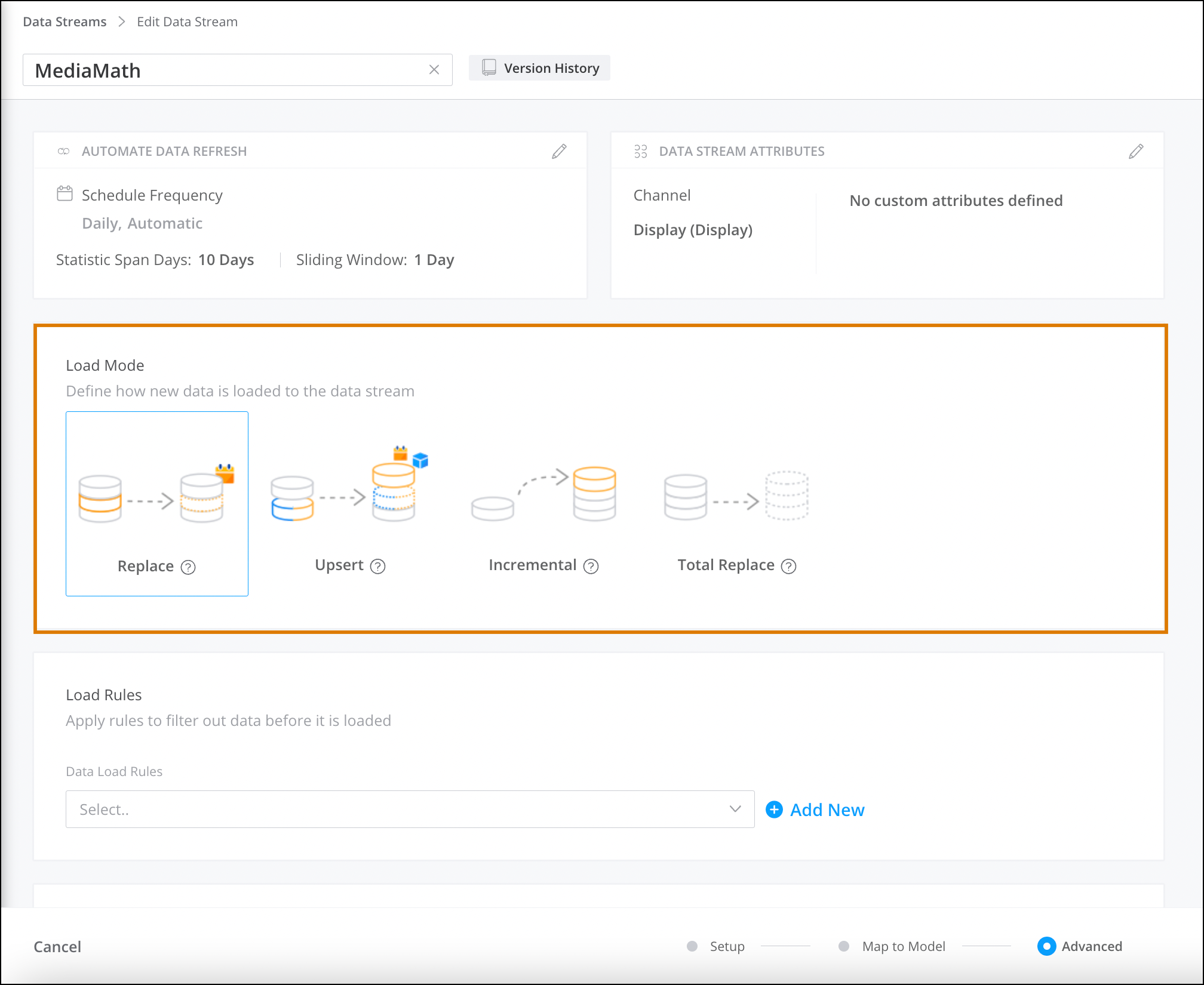
- Save your work.