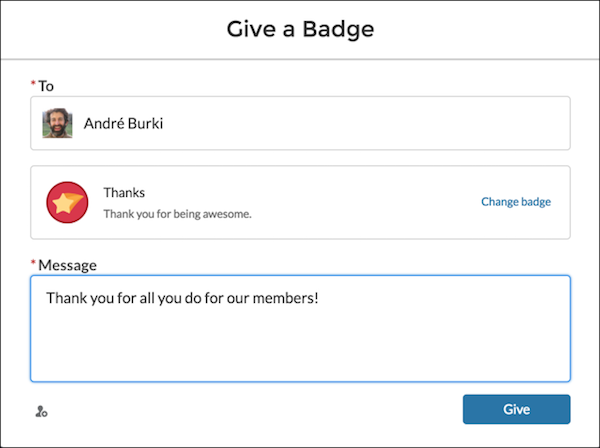
Assigning badges to members helps reward them for staying engaged in the Experience
Cloud site.
Required Editions
| Available in: Enterprise, Professional, Unlimited, and
Developer editions.
|
| User Permissions Needed |
| To assign recognition badges: |
Assign Recognition Badges in Experience Builder Sites |
-
Open the member’s profile page.
-
Click either the Give Badge button at the top of the profile or the
Give button on the Recognition Badges card.
-
Choose which badge you want to assign by clicking Change
badge.
-
Add a message letting the member know why they’re getting the badge, and click
Give.