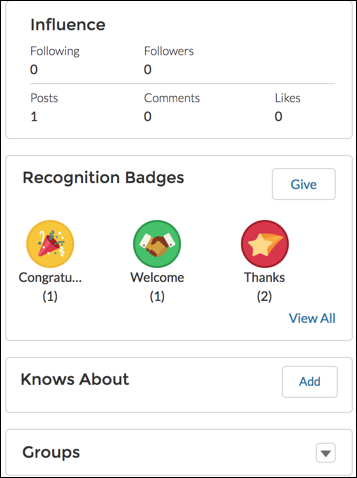
Sometimes badges are assigned to a member by mistake. If you gave the badge, you can
delete it from the member’s profile page.
Required Editions
| Available in: Enterprise, Professional, Unlimited, and
Developer editions.
|
| User Permissions Needed |
| To manage your recognition badges: |
Create And Set Up Experiences
AND
Moderate Chatter
OR
Manage
Experiences
AND
Moderate Chatter
|
-
Open the profile page for the member who got the badge by mistake.
-
To open the Recognition Badge list view, click View All under
Recognition.
-
Locate the badge in the list and click the dropdown at the end of the row.
-
Click Delete.