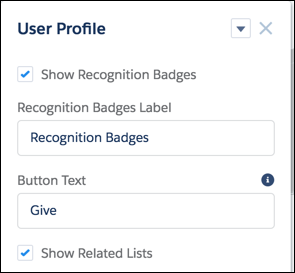
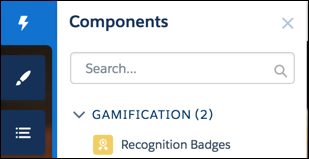
Use the User Profile component or the Recognition Badge component to display assigned
Recognition Badges on a member’s profile.
Required Editions
| Available in: Enterprise, Professional, Unlimited, and
Developer editions.
|
| User Permissions Needed |
| To manage page components: |
Create And Set Up Experiences |
You can either use the User Profile component or the Recognition Badges component to allow
assigned badges to display on a member’s profile page.
-
In the User Profile component, select Show Recognition Badges.
-
Alternatively, drag the Recognition Badges component onto the profile page.