Inspire members to participate more in your Experience Cloud site by showing them the
badges they can earn. You can display the unearned badges in the member’s recognition badges
list.
Required Editions
| Available in: Enterprise, Professional, Unlimited, and
Developer editions.
|
| User Permissions Needed |
| To edit page components: |
Create and Set Up Experiences AND View Setup and Configuration |
-
In Experience Builder, open the Badge Received Related List page.
-
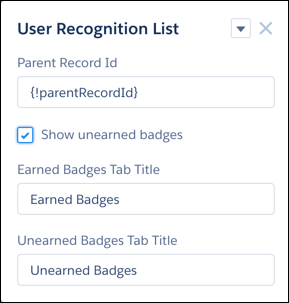
Click the User Recognition List component.
-
Select Show unearned badges.