With Global Notifications, your members receive messages wherever they’re working,
whether in their sites or in their apps. Members receive notifications on any
screen—mobile, tablet, and desktop. This functionality is available in Experience Builder
sites based on Customer Service (Napili), Partner Central, and any Lightning Bolt
solutions.
Required Editions
| Available in: Lightning Experience |
| Available in: Enterprise, Performance, Unlimited, and
Developer Editions
|
| User Permissions Needed |
| To create permission sets: |
Manage Profiles and Permission Sets |
| To assign a permission set to a user: |
Assign Permission Sets |
| To create, customize, or publish a site: |
Create and Set Up Experiences AND View Setup and Configuration |
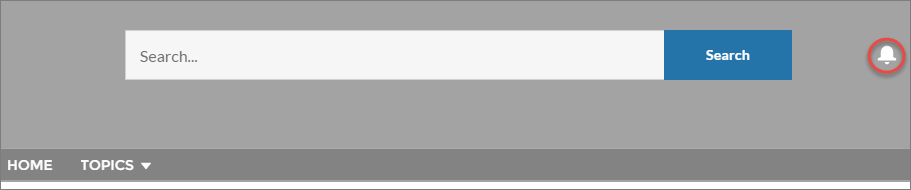
All events that trigger notifications are supported. Members can even trigger notifications on
record feeds. For example, an internal member can trigger a notification from the Salesforce org
by @mentioning an external member on a lead or opportunity. When a member clicks a notification,
the originating detail page or other appropriate location is displayed for easy collaboration
across sites and apps.
By default, the Notifications icon is hidden in existing sites and displayed in new sites.
-
In Experience Builder, click
 on the left sidebar and then
click Theme.
on the left sidebar and then
click Theme.
-
For the default Customer Service theme layout, show or hide Notifications for your members
by selecting Hide Notifications icon in site header.

