Set up libraries to upload, share, and manage files. You need Salesforce administrator
permissions to enable the Libraries component.
Required Editions
| Available in: Salesforce Classic |
| User Permissions Needed |
| To enable the Libraries component: |
Customize Application |
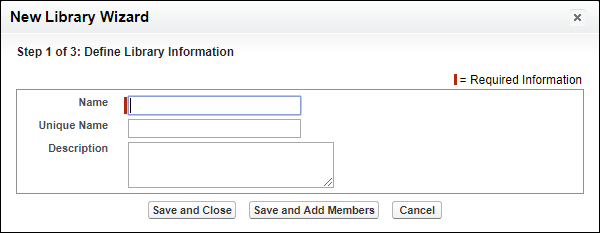
Go to Libraries, and select My Libraries, and
click New.
You can give your library a unique name and description in the New Library Wizard.