Use a list view to see data graph properties, including the primary data model object
(DMO), data graph status, and structure. Additionally, you can copy a data graph’s JSON
structure from its record home page.
Required Editions
| User Permission Set
Needed |
| To add calculated insights to a data graph |
Permission set:
|
-
In Data Cloud, go to the Data Graphs tab.
-
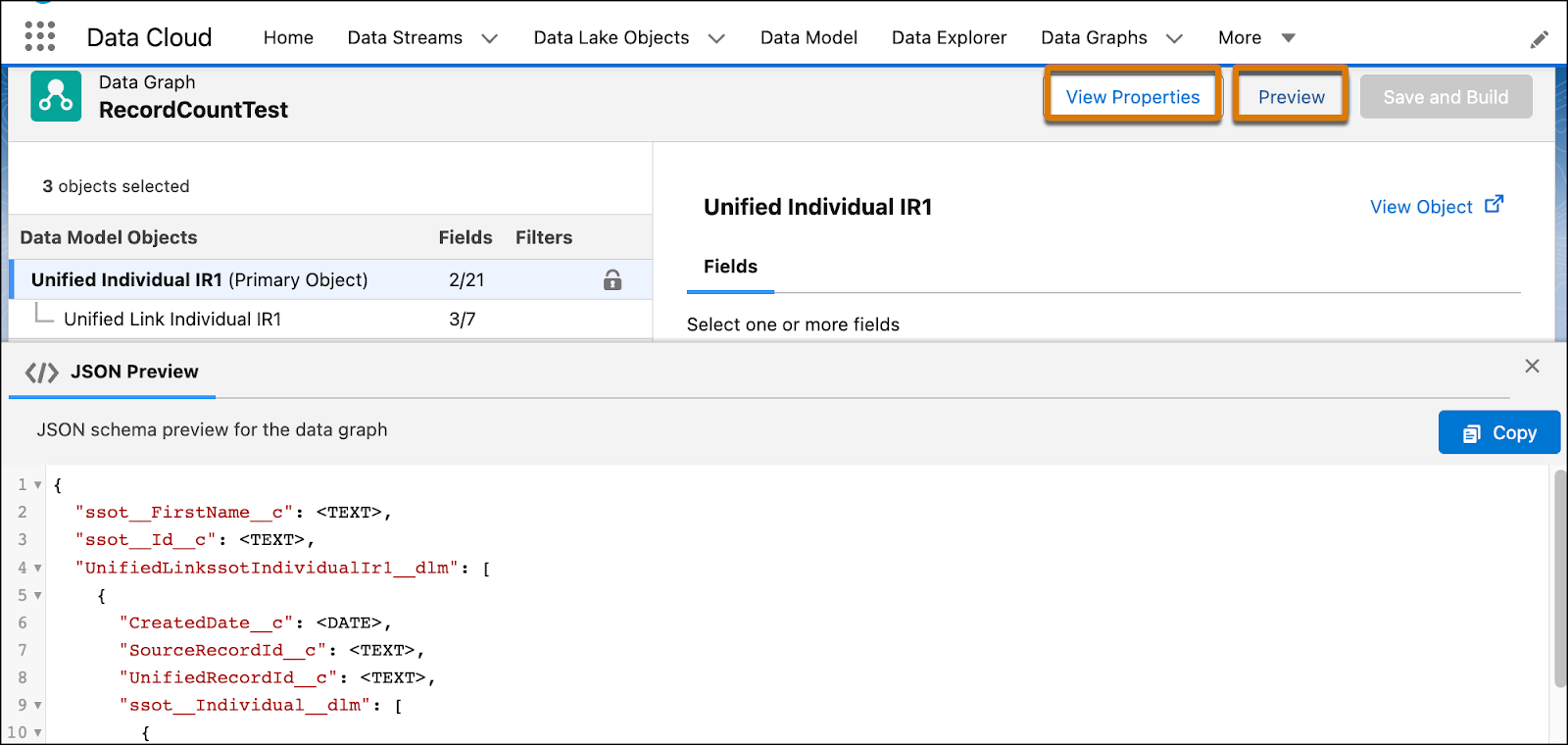
From a list view, click the name of a data graph to open the data graph editor and see the
structure in read-only mode.
-
In the data graph editor, click Preview to review the JSON
structure.
-
Click Copy to add the JSON to your clipboard so that you can paste it into a file or a
JSON editor.