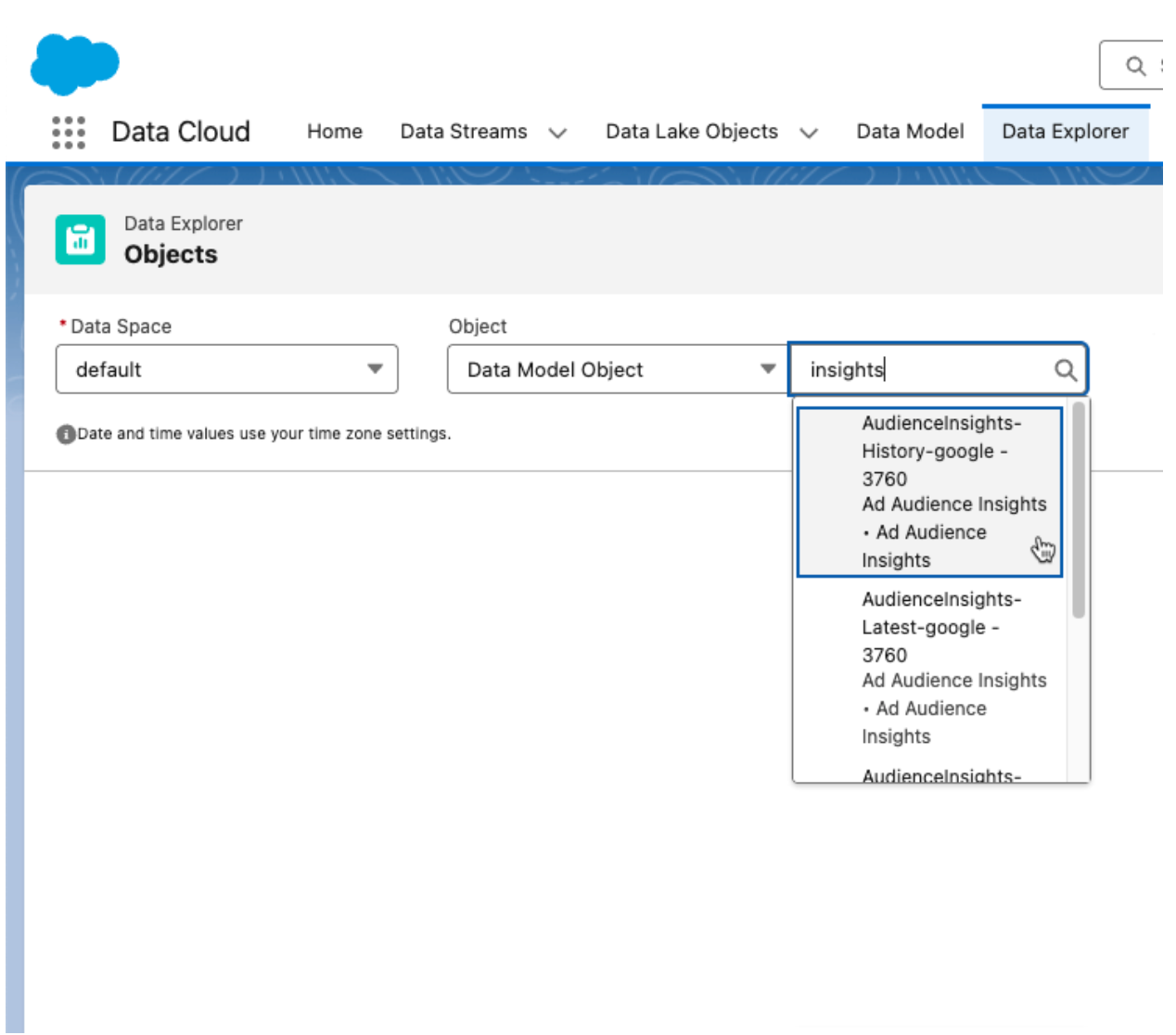
View audience insights across different activations for a given target in Data 360. You can view results up to the past 90 days.
Required Editions
| Available in: All Editions supported by Data 360. See Data 360 edition availability. |
| Available with add-on license: Ad Audiences |
| User Permissions Needed | |
|---|---|
| To view a DMO in Data Explorer: |
One of these permission sets:
|
- In Data Cloud, click Data Explorer.
- Select a data space.
- From the Object dropdown list, select Data Model Object.
-
Select the DMO (for example, Audience Insights - Activation Target Name), and view the
results.