Update a workspace name and description, or delete the workspace and its assets
altogether. If the workspace reused an asset from somewhere else, deleting the workspace won't
affect the original asset.
Required Editions
| User Permissions Needed |
| To edit or delete a workspace: |
Tableau Unmetered Platform Analyst or Tableau Next Platform Analyst permission set |
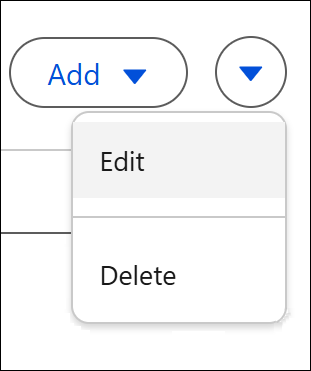
To change a workspace’s name and description, click Edit in the
workspace dropdown.
To delete a workspace, click Delete in the workspace dropdown.
You can also delete individual assets in a workspace.