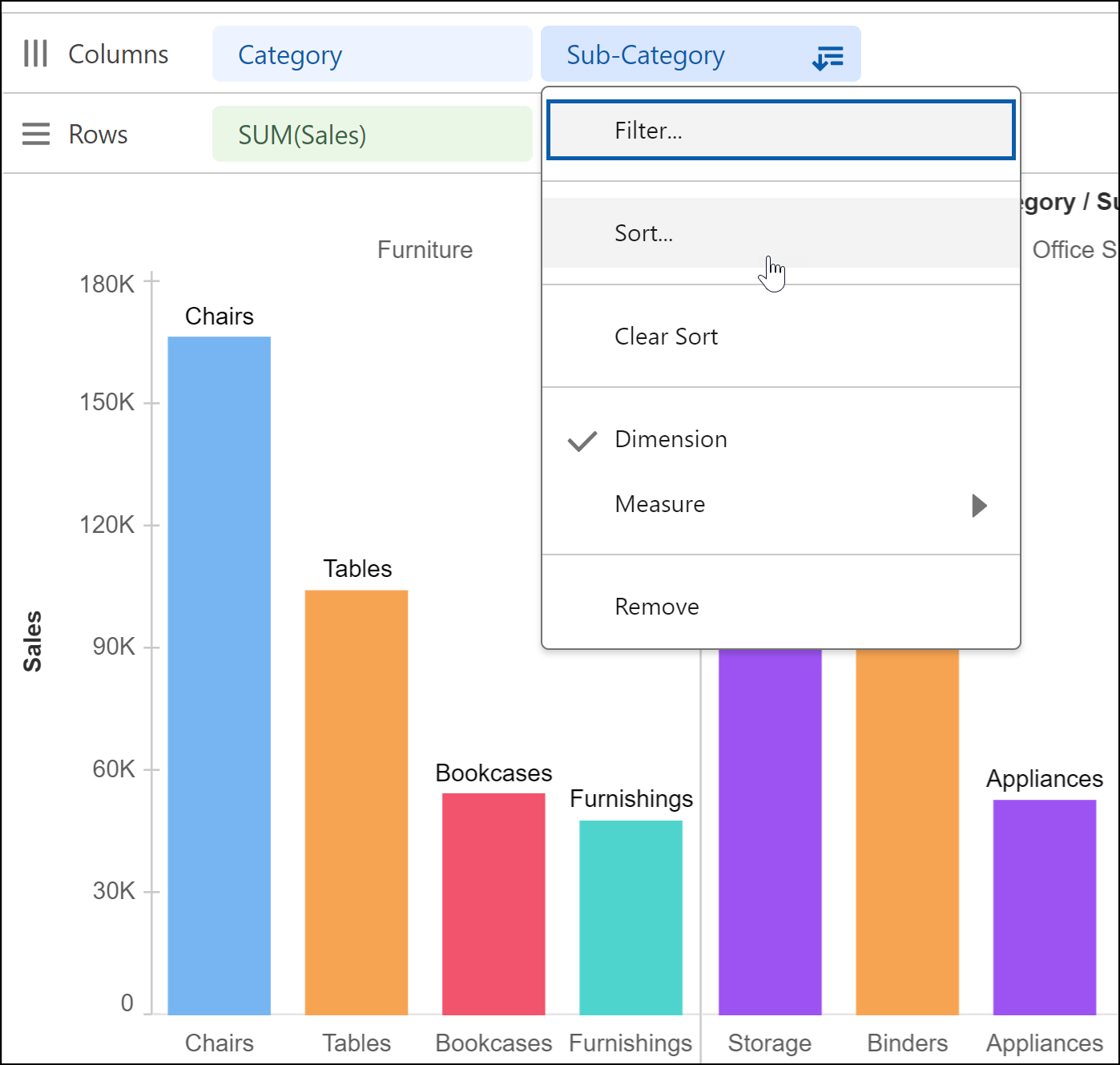
Choose whether data in your visualization is sorted in ascending or descending order.
For example, identify the sub-category with the highest sales in each product
category.
Required Editions
| User Permissions Needed |
| To sort data in Tableau Next visualizations: |
Tableau Unmetered Platform Analyst or Tableau Next Platform Analyst permission set |
Open the visualization that shows the breakdown of sales by product category
and subcategory.
-
From the Sub-category field’s context menu, select Sort.
-
In the Sort dialog box, choose sort criteria.
-
Select the sort order.
-
Choose the field to sort the data by.
-
Specify the aggregate type
-
Apply your changes.