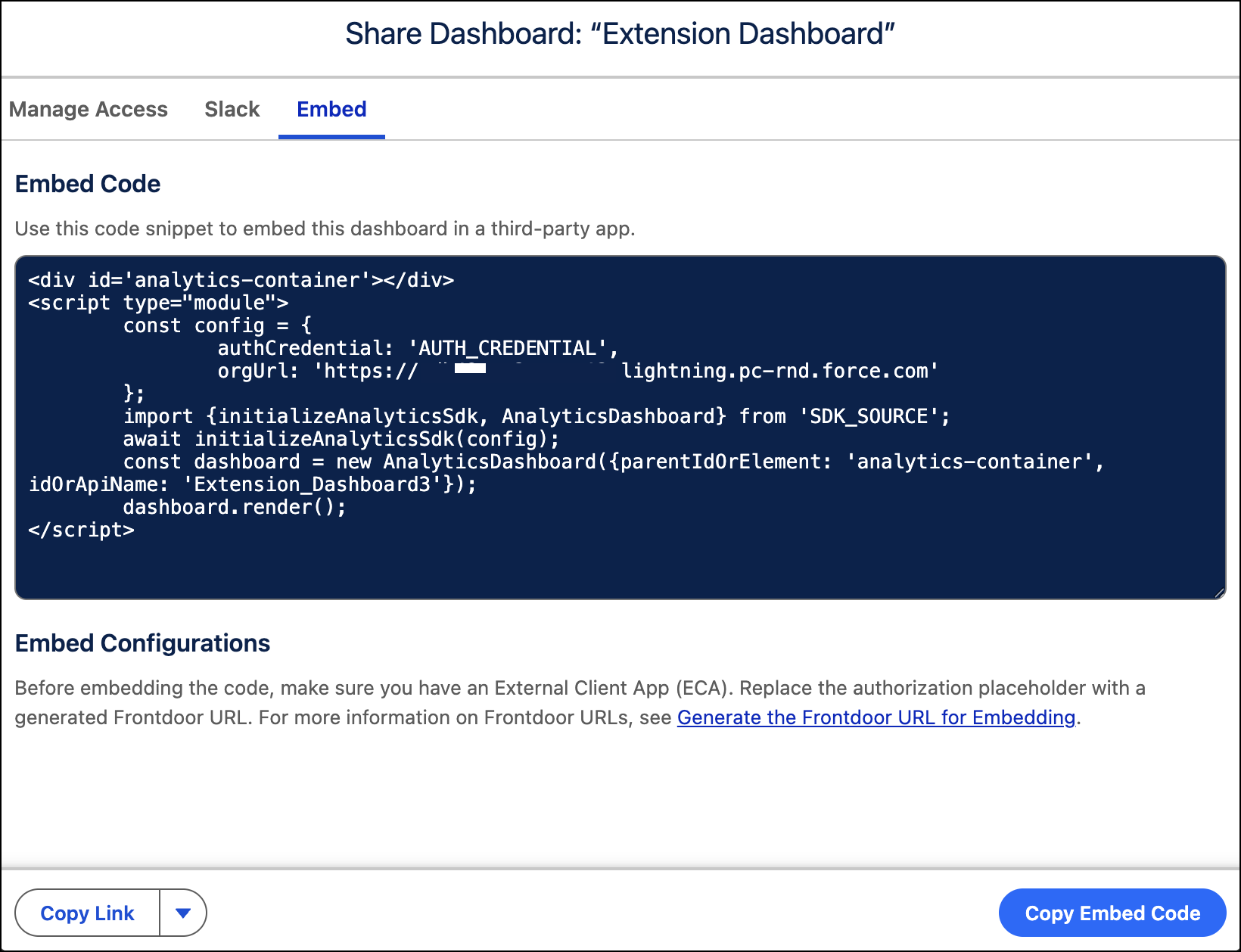
Tableau Next provides a quick start for embedding code directly from your dashboard, visualization, or metric. The embed feature creates
JavaScript component code for your selected asset, that you can copy and use in your web app.
Required Editions
| User Permissions Needed |
| To access Tableau Next assets in Tableau Next: |
Tableau Unmetered Platform Analyst or Tableau Next Platform Analyst permission set |
To embed Tableau Next components, an External Client App (ECA) for authentication is required and the Tableau Next Embedding SDK must be installed in your web app. For more information on ECA setup and SDK usage, see the Tableau Next Embedding SDK developer guide.
-
Open your dashboard, visualization, or metric in Tableau Next, click
Share, and select the Embed tab.
-
To copy the code snippet for use in your web app, click Copy Embed
Code.
This snippet has placeholders for the AUTH_CREDENTIAL and
SDK_SOURCE values. These placeholders must be replaced with actual
values after you copy the code to your web app.