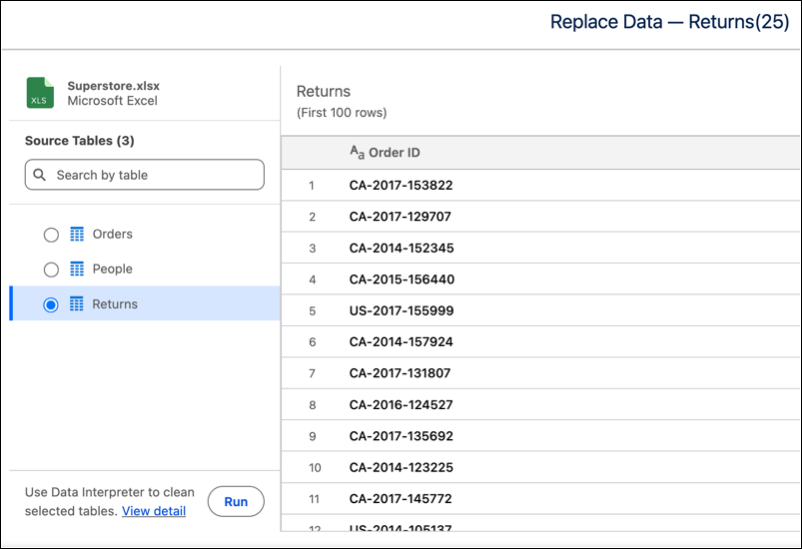
Use the Data Interpreter during Excel (.xlsx) file re-uploads to refresh Data Lake
Objects built from non-standard layouts. A built-in sheet selector enables you to manually
identify specific sub-tables rather than relying on automatic matching logic.
Required Editions
| User Permissions Needed |
| To upload data into Tableau Next: |
Tableau Unmetered Platform Analyst or Tableau Next Platform Analyst permission set |
-
Open to the Data Lake Object for the table you want to update.
-
Click Replace Data…
-
Click Upload File and select your updated Excel file.
-
Initiate the data interpreter by clicking Run.