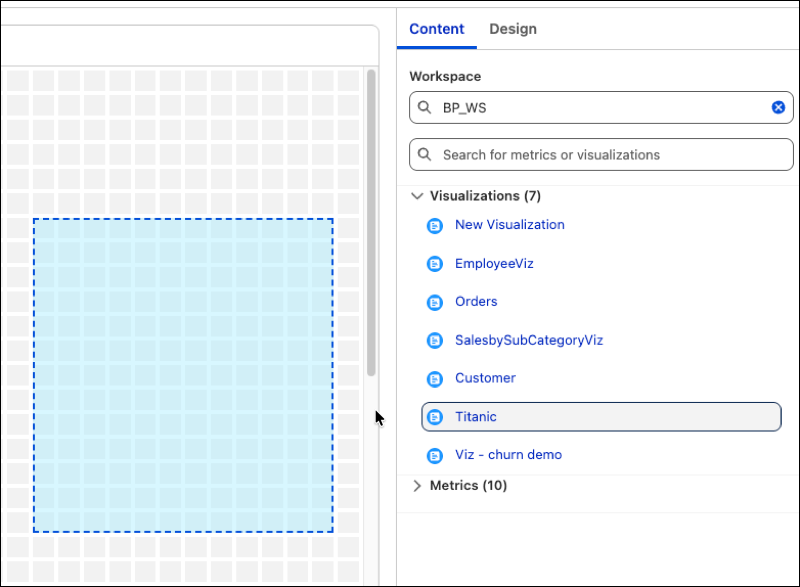
Access metrics and visualizations directly through a convenient authoring panel to
speed up your dashboard creation. The integrated search bar helps you locate specific workspace
assets, enabling you to add high-value data into your dashboard layout.
Required Editions
| User Permissions
Needed |
| To edit Tableau Next dashboards: |
Tableau Unmetered Platform Analyst or Tableau Next Platform Analyst permission set |
-
Open your dashboard and click Edit.
-
Go to the Content tab in the side panel.
-
Select an asset and move it to the dashboard.
-
To add assets from another workspace, use the top search window. To find metrics and
visualizations in the current workspace, use the bottom search bar.