Enhance your dashboards by embedding live metric attributes directly into text widgets.
This capability provides a highly adaptable formatting space that merges live performance
metrics with strategic observations.
Required Editions
| User Permissions
Needed |
| To edit Tableau Next dashboards: |
Tableau Unmetered Platform Analyst or Tableau Next Platform Analyst permission set |
-
Add a text widget or edit an existing text widget on your dashboard.
-
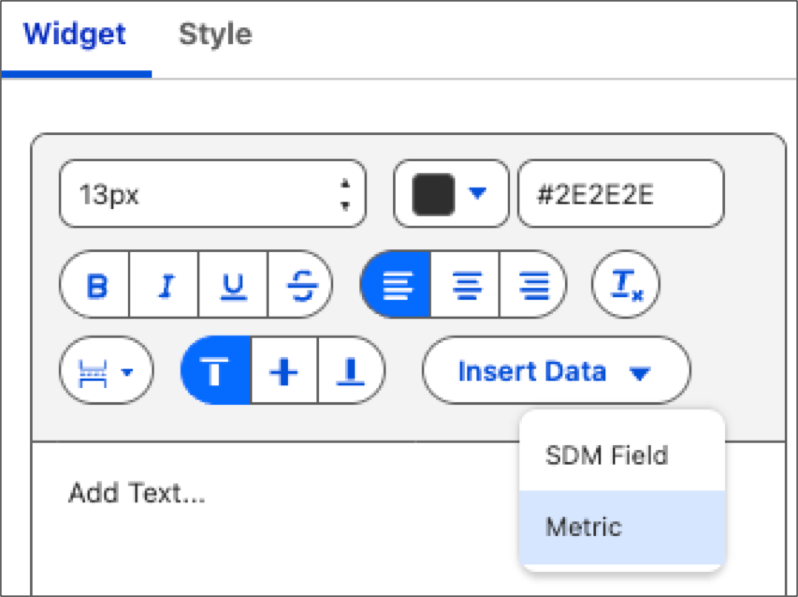
Go to the Widget tab, click Insert Data, and select
Metric.
-
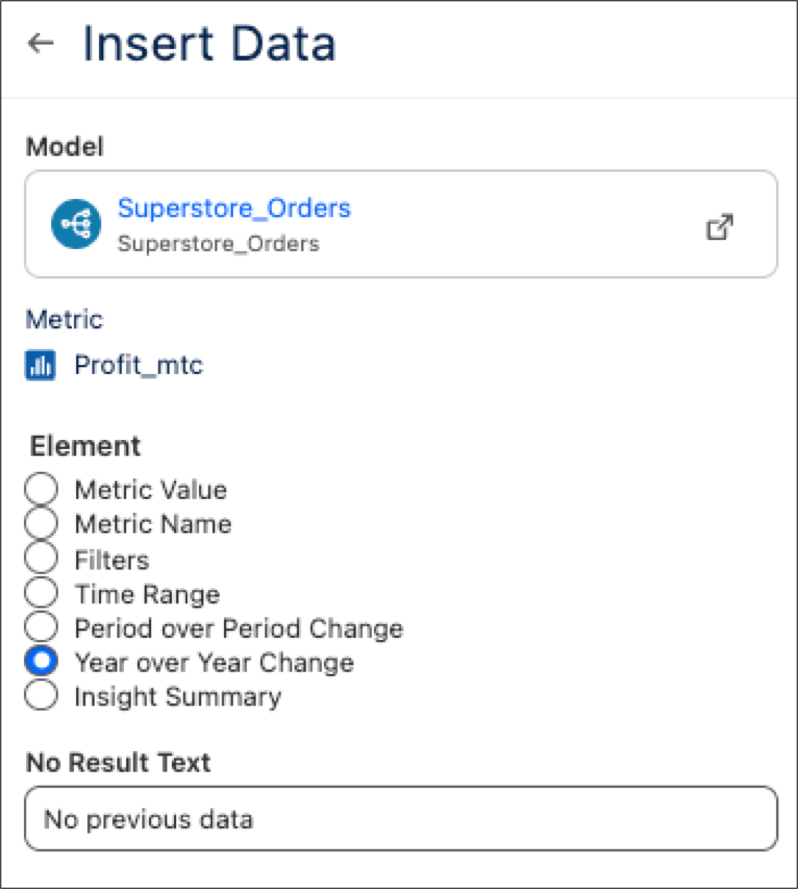
Select a data model and metric, followed by the individual metric element you want to
add. Add optional text to display when no results occur in the No Result
Text field .
-
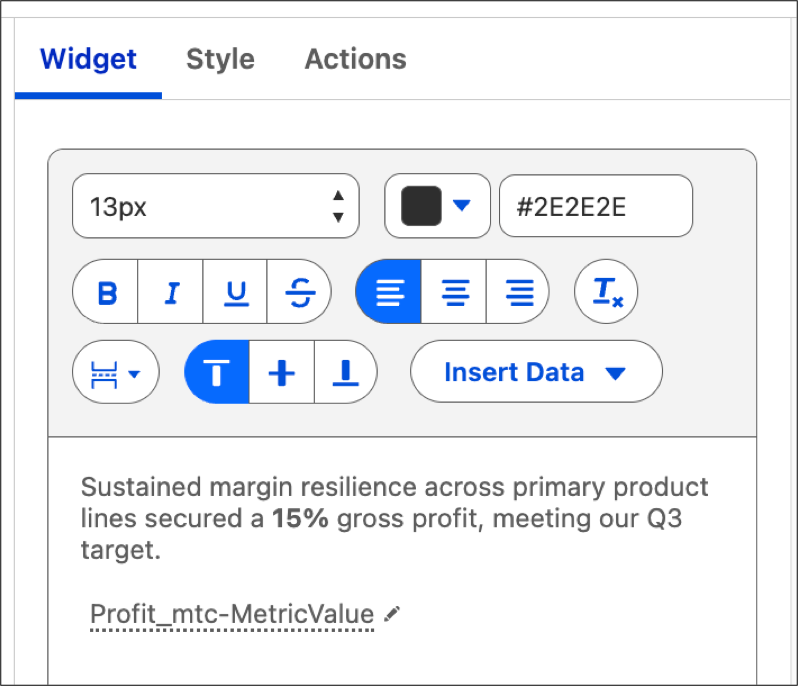
Type in qualitative text to accompany the metric.
For further emphasis on critical data fluctuations, use the Style tab to
implement conditional formatting.