Use text widgets to provide explanations and information to improve user understanding
and engagement.
Required Editions
| User Permissions
Needed |
| To edit Tableau Next dashboards: |
Tableau Unmetered Platform Analyst or Tableau Next Platform Analyst permission set |
-
To insert titles or brief explanations that provide meaning for the data, click the
Text widget
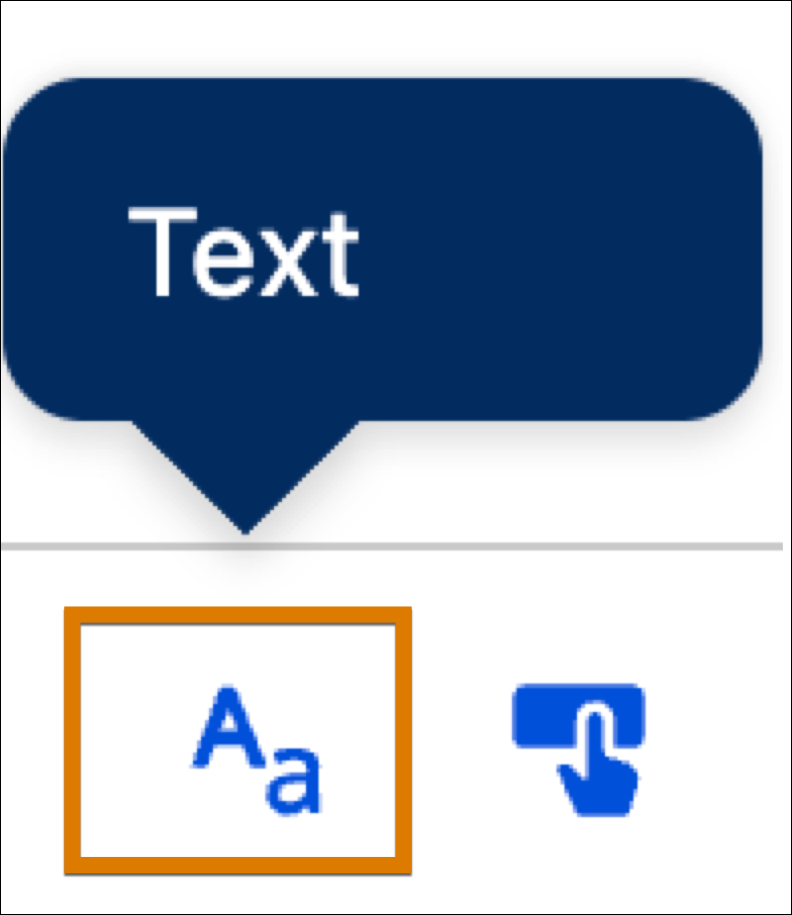 and add it to the dashboard.
-
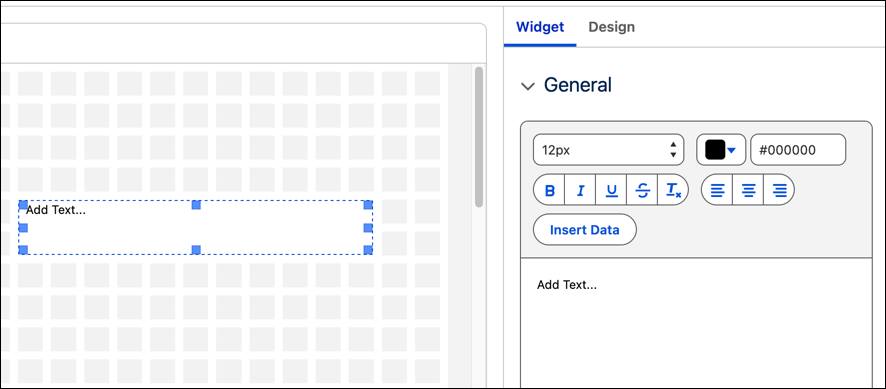
Use the available space in the General section to add your text.
-
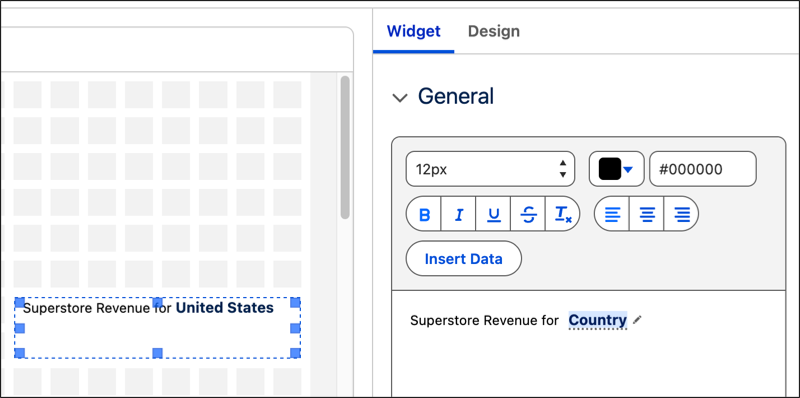
To add semantic model data, click Insert Data and select
SDM Field.
-
Select a semantic model then one of its fields.
-
Add static text to the No Filter Text field if an applied filter
doesn't return any data.
-
Add static text to the No Result Text field if an interaction
doesn't show results.
-
Click Done.
-
Type in text with the semantic model field for added context, and use the menu to
format the text.
- Add Live Metrics to Tableau Next Text Widgets
Enhance your dashboards by embedding live metric attributes directly into text widgets. This capability provides a highly adaptable formatting space that merges live performance metrics with strategic observations.