The Summary widget enables you to merge Tableau Next metrics into a cohesive narrative
on your dashboard. Instead of scanning individual metrics, the summary widget helps you pinpoint
essential performance drivers quickly.
Required Editions
| User Permissions
Needed |
| To edit Tableau Next dashboards: |
Tableau Unmetered Platform Analyst or Tableau Next Platform Analyst permission set |
-
Add the Summary widget
 to your dashboard.
-
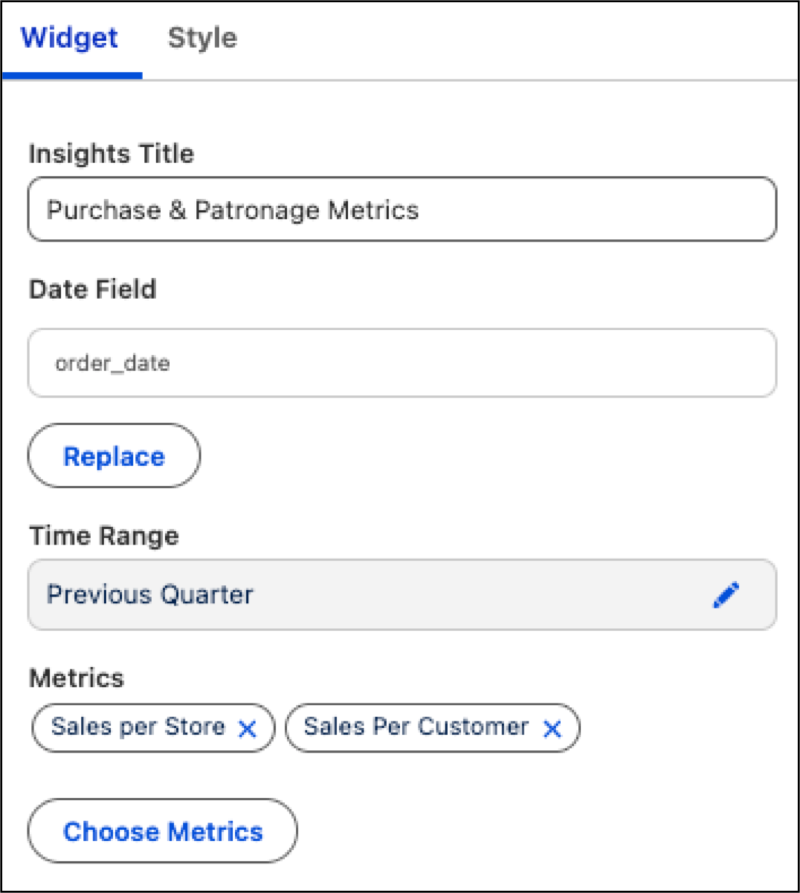
Open the Widget panel and click Choose Metrics.
-
Select a data model, then select a minimum of two metrics to include in the
summary.
-
Add a heading in the Insights Title section.
-
Refine the data shown by applying constraints through the Date Field and Time Range
options.
-
Resize the widget as needed to make sure that all summary contents are in full
view.