Integrate real-time metrics into your Tableau Next dashboard for enhanced, data-backed
decision making. Displaying KPIs visually enables users to quickly assess trends and track
progress.
Required Editions
| User Permissions
Needed |
| To edit Tableau Next dashboards: |
Tableau Unmetered Platform Analyst or Tableau Next Platform Analyst permission set |
-
Click Metric
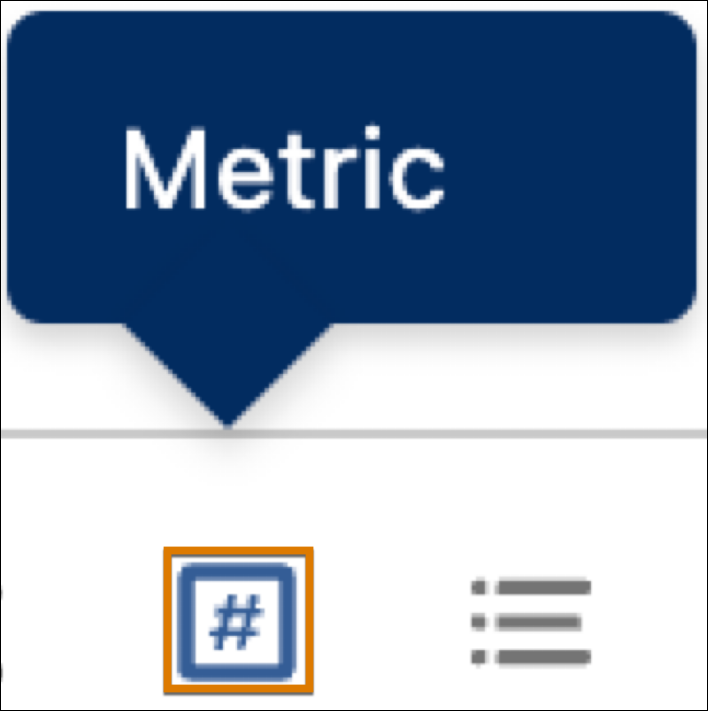 and select an area of the dashboard.
-
Click Add Metric.
-
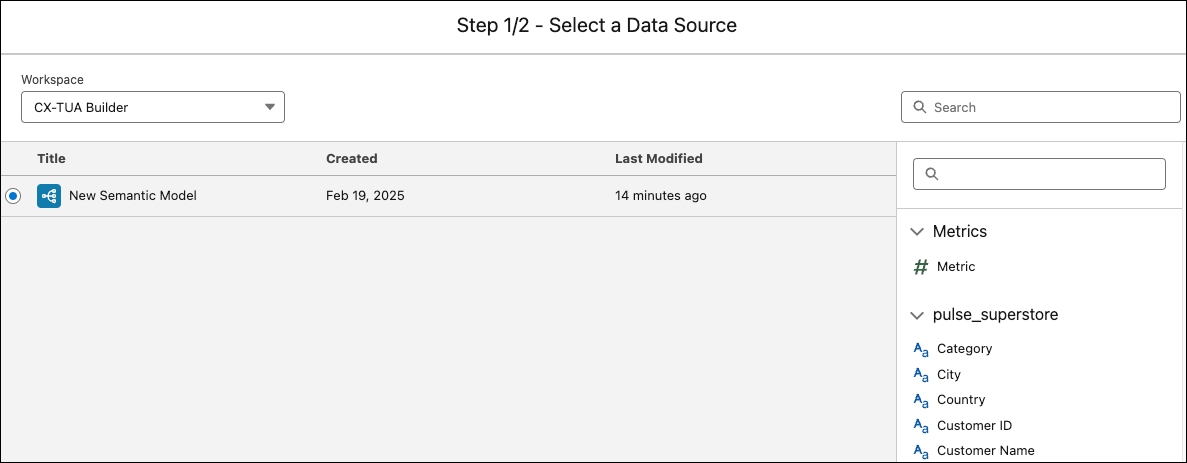
Choose a data source.
-
Available metrics are listed for the data source, along with its attributes.
-
Use the upper search bar to locate a specific data source. Use the lower search bar
to locate an attribute.
-
Click Select.
-
Choose a metric and click Select.
-
Tableau Next adds your selections to the dashboard.