Show embedded Tableau Next dashboards directly within your mobile Lightning pages.
Widgets automatically adjust to compact screen sizes to deliver optimal readability and layouts
on phones and tablets. This bridges the gap for mobile users, ensuring consistent data access
and informed decision-making anywhere.
Required Editions
| User Permissions
Needed |
| To edit Tableau Next dashboards: |
Tableau Unmetered Platform Analyst or Tableau Next Platform Analyst permission set |
-
Open the Lightning App Builder and select the page you want to update.
-
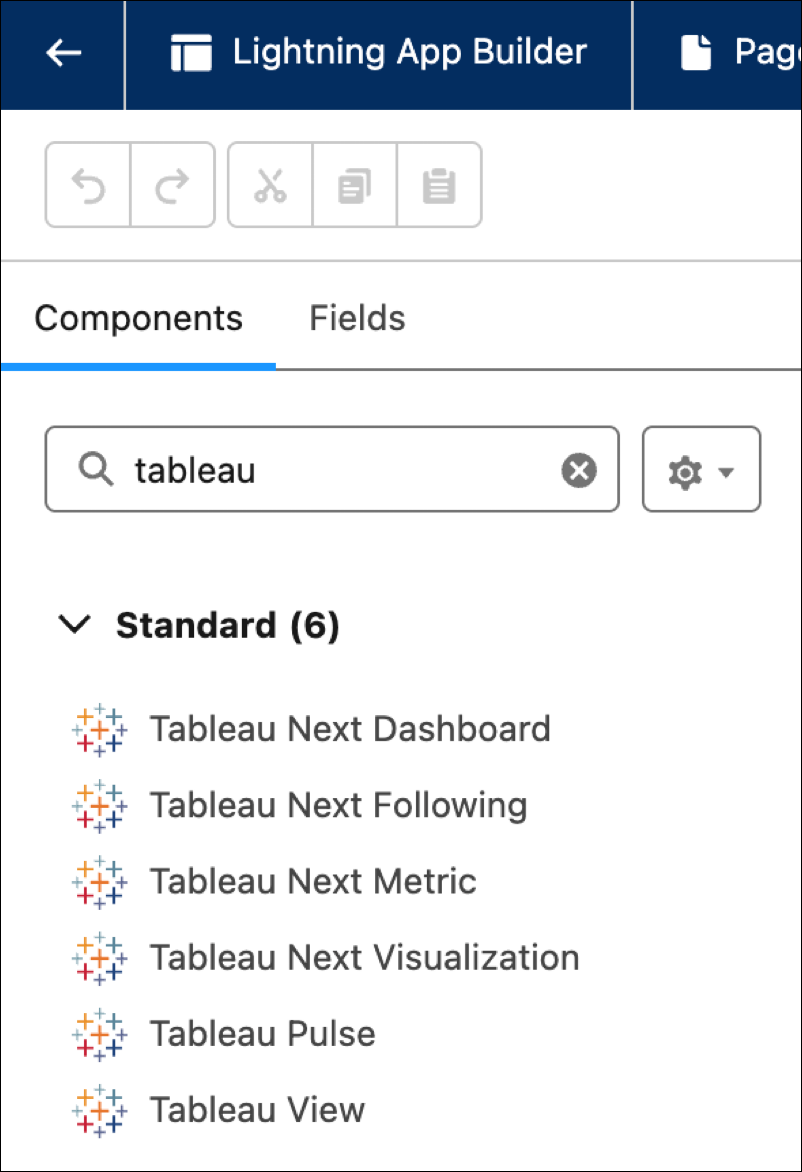
Find the Tableau Next Dashboard component and add it to the page.
-
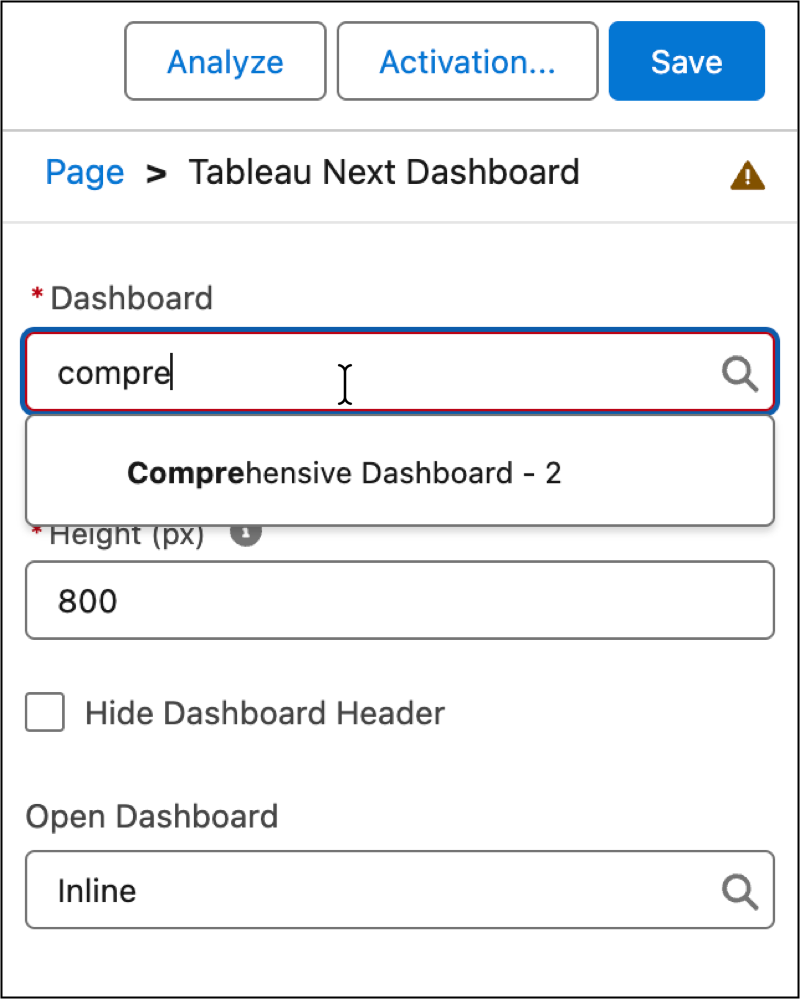
In the component configurations, click Dashboard and select the
dashboard you want to show.
-
Adjust the presentation with the Height option.
-
As an option, click Hide Dashboard Header to obscure the
dashboard name from the page layout.
-
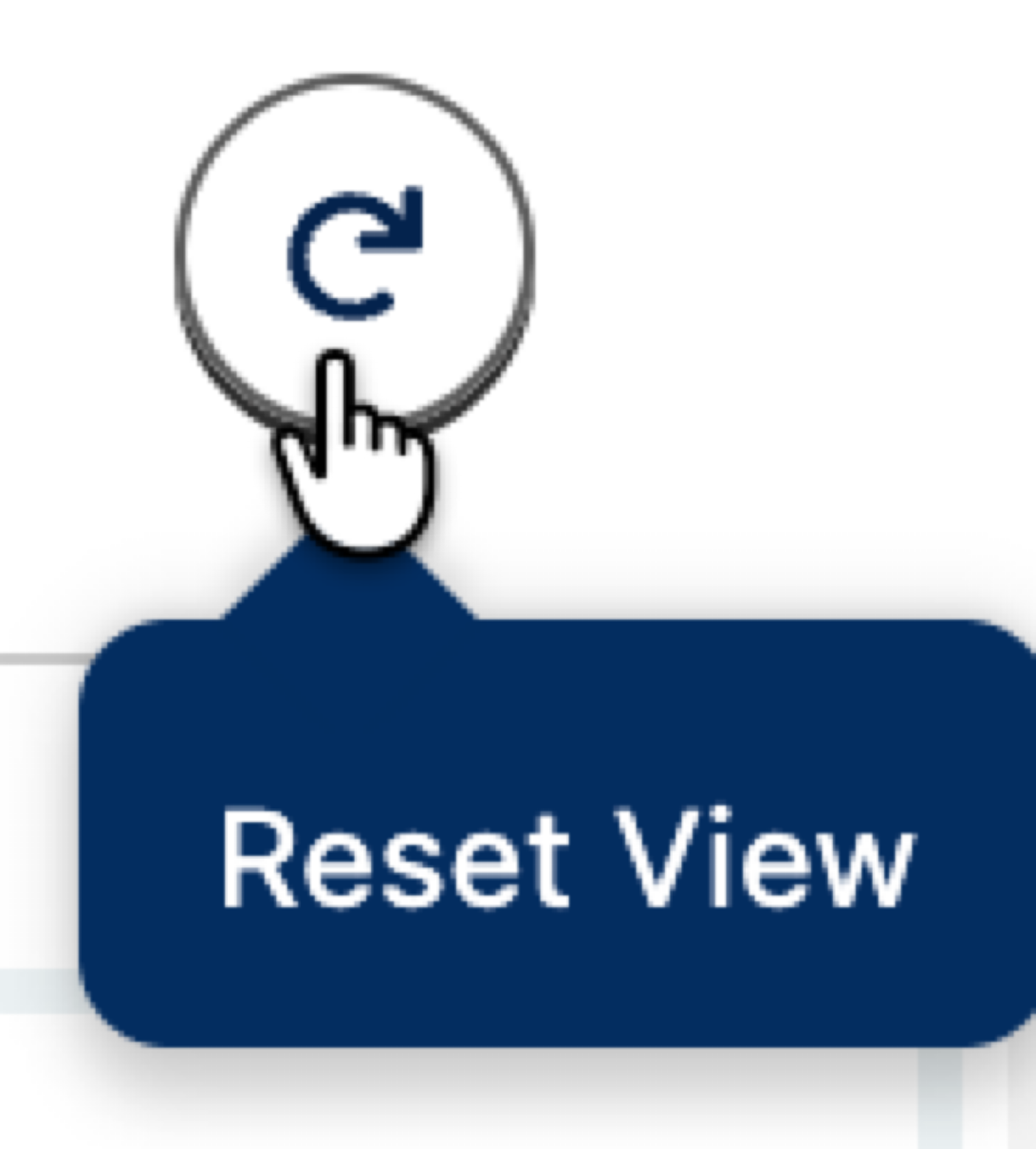
To reset a filter on an embedded dashboard, click Reset View.
-
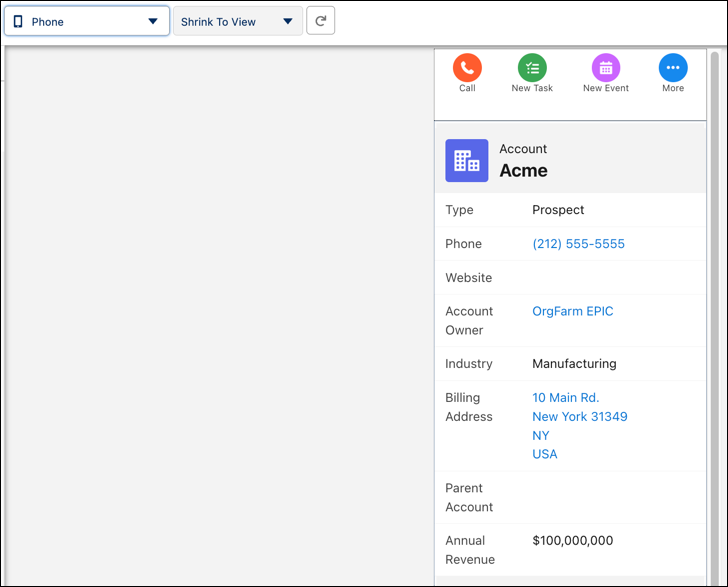
Select the Phone or Tablet view to
rearrange the dashboard layout for mobile devices.