---
schema_version: "1"
id: 77463aa4738bd7ec97f69d1796245262f23874ceb195971ea4508c1087acd0d6
title: Optimize Dashboard Visibility for Mobile Devices
collection: admin
version: current
locale: en-us
portal_url: https://docs.salesforce.com/admin/current/en-us/analytics/264-0-0/tua_create_dashboard_lwc_mobile.md
canonical_url: https://help.salesforce.com/s/articleView?id=analytics.tua_create_dashboard_lwc_mobile.htm&release=264.0.0&type=5
source_site: help.salesforce.com
content_type: documentation
content_hash: 57c5e91e98576be225ddfa0250c43d560cd03964ef70585a6aca9280dee05877
description: Show embedded Tableau Next dashboards directly within your mobile Lightning pages. Widgets automatically adjust to compact screen sizes to deliver optimal readability and layouts on phones and tablets. This bridges the gap for mobile users, ensuring consistent data access and informed decision-making anywhere.
products:
- Tableau Next
release: "264"
---
# Optimize Dashboard Visibility for Mobile Devices
Show embedded Tableau Next dashboards directly within your mobile Lightning pages. Widgets automatically adjust to compact screen sizes to deliver optimal readability and layouts on phones and tablets. This bridges the gap for mobile users, ensuring consistent data access and informed decision-making anywhere.
### Required Editions
Tableau Unmetered Platform Analyst or Tableau Next Platform Analyst permission set
1. Open the Lightning App Builder and select the page you want to update.
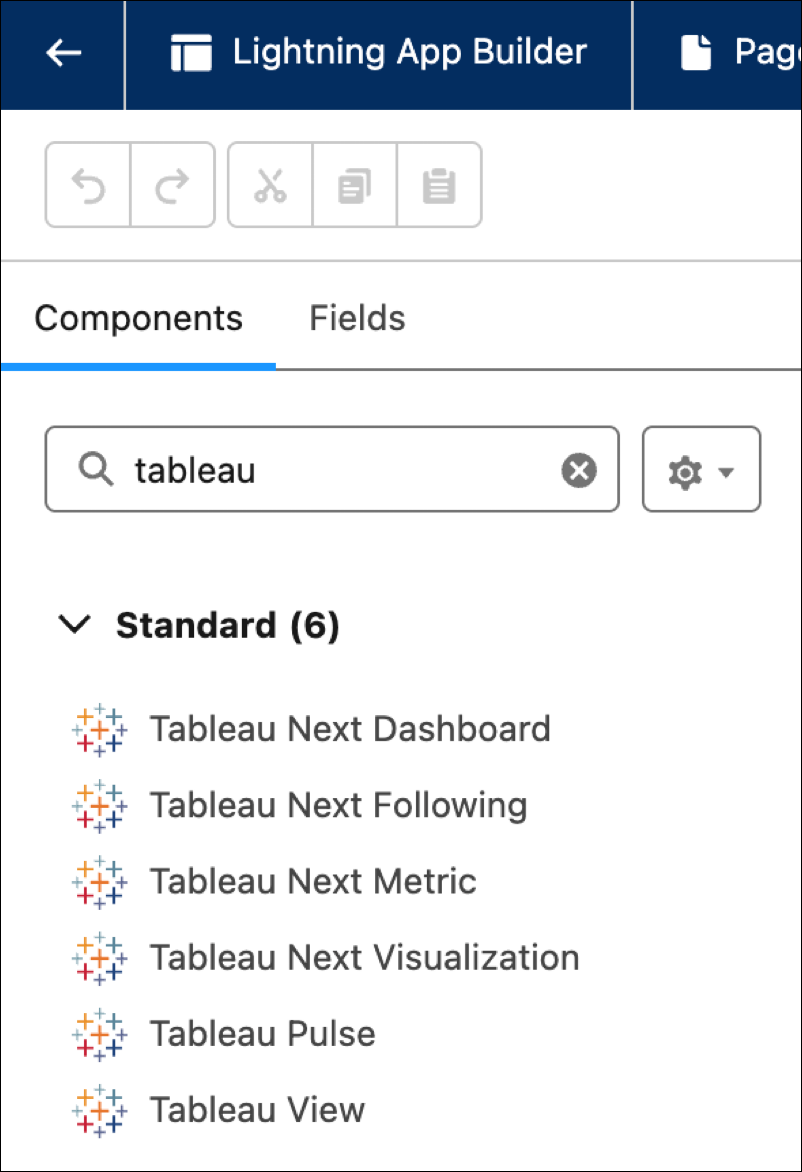
2. Find the Tableau Next Dashboard component and add it to the page.
3. In the component configurations, click **Dashboard** and select the dashboard you want to show.
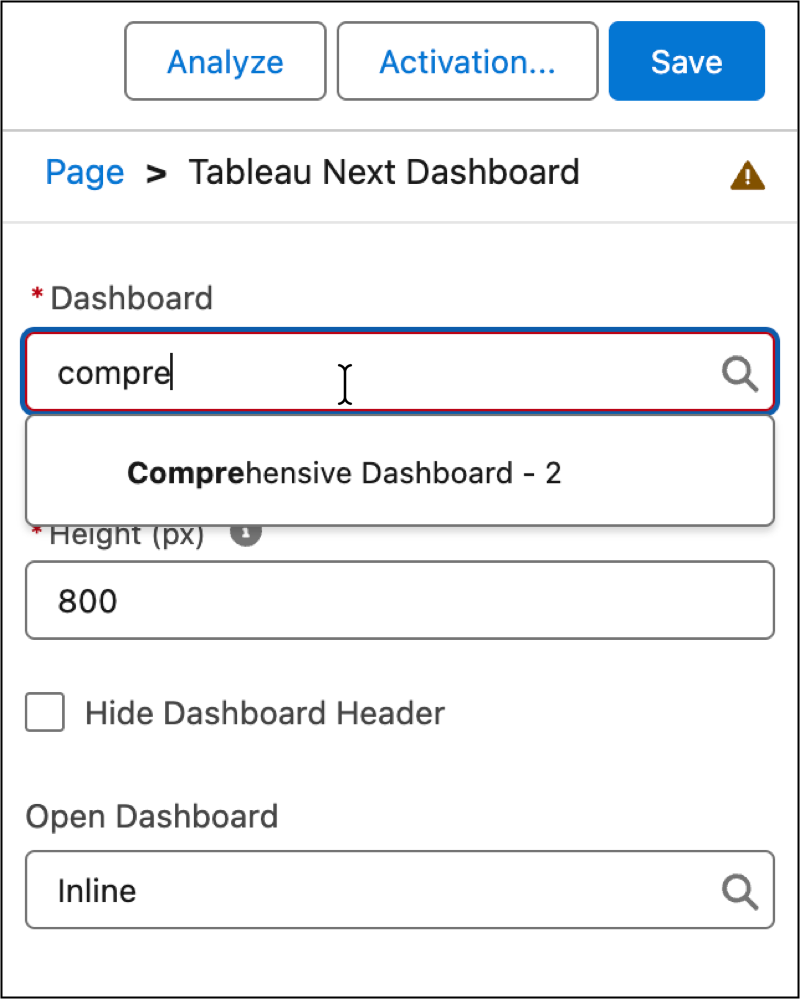
4. Adjust the presentation with the **Height** option.
5. As an option, click **Hide Dashboard Header** to obscure the dashboard name from the page layout.
6. To reset a filter on an embedded dashboard, click Reset View.
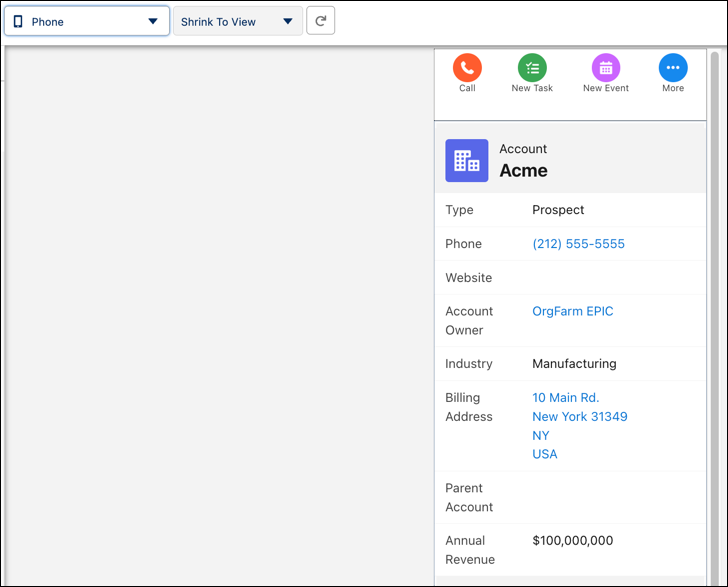
7. Select the **Phone** or **Tablet** view to rearrange the dashboard layout for mobile devices.
#### See Also
- [_Salesforce Help_: Get Help for Lightning App Builder](https://help.salesforce.com/s/articleView?id=platform.lightning_app_builder_overview.htm&language=en_US)