Upgrade the visual impact of your Tableau Next dashboards by adding custom graphics,
such as logos and icons, to your workspace. You can upload image files directly from your local
drive or select assets from your existing library to foster brand recognition.
Required Editions
| User Permissions
Needed |
| To edit Tableau Next dashboards: |
Tableau Unmetered Platform Analyst or Tableau Next Platform Analyst permission set |
-
To add an image to the dashboard, click the Image widget and
place it on the dashboard.
-
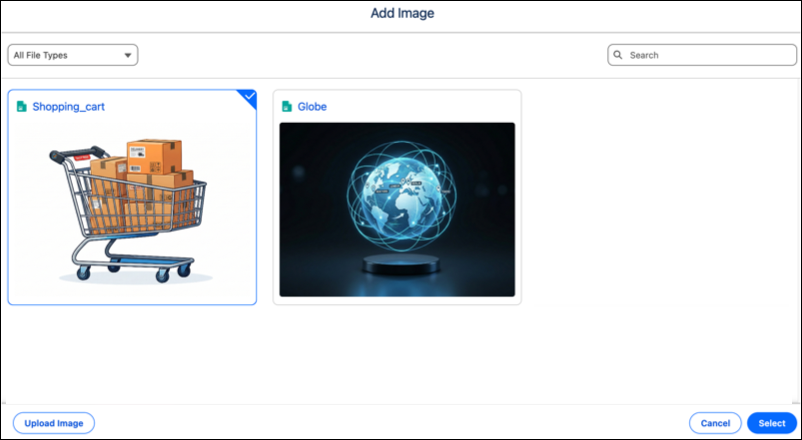
Click Add Image.
-
Select an image from the image library or click Upload Image to
add one. Click Select when done.