
The Templates page in Tableau Next shows app templates that you and other users have created. Create an app from a template to install customized workspace functionality in your org.
Required Editions
| View supported editions. |
| User Permissions Needed | |
|---|---|
| To view, create, and edit Tableau Next templates: | Tableau Unmetered Platform Analyst or Tableau Next Platform Analyst permission set |
-
On the Templates page, select the template you want to use.

-
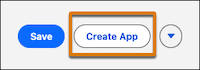
Click Create App.
-
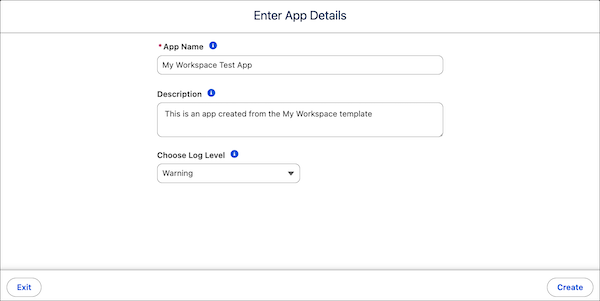
Enter the app details.
-
Enter an app name and a description.
The app name is the name of the new workspace that the template generates.
-
Select the logging level.
During template testing, increase the level for more information.
- Click Create.
-
Enter an app name and a description.
As the app installs, monitor progress and status on the App Install History page in Setup. For more information, see Monitor and Troubleshoot Templated App Installations.