
Open Optimize Model to scan join settings on a semantic model. The scan returns a Model Health rating and a card for each recommendation type.
Required Editions
| View supported editions. |
| User Permissions Needed | |
|---|---|
| To edit a semantic model: | Data Cloud Architect permission set AND Semantic Models object |
A new session starts a new scan. The same session keeps the results already on the panel.
- On the Semantic Layer tab, select the semantic model.
-
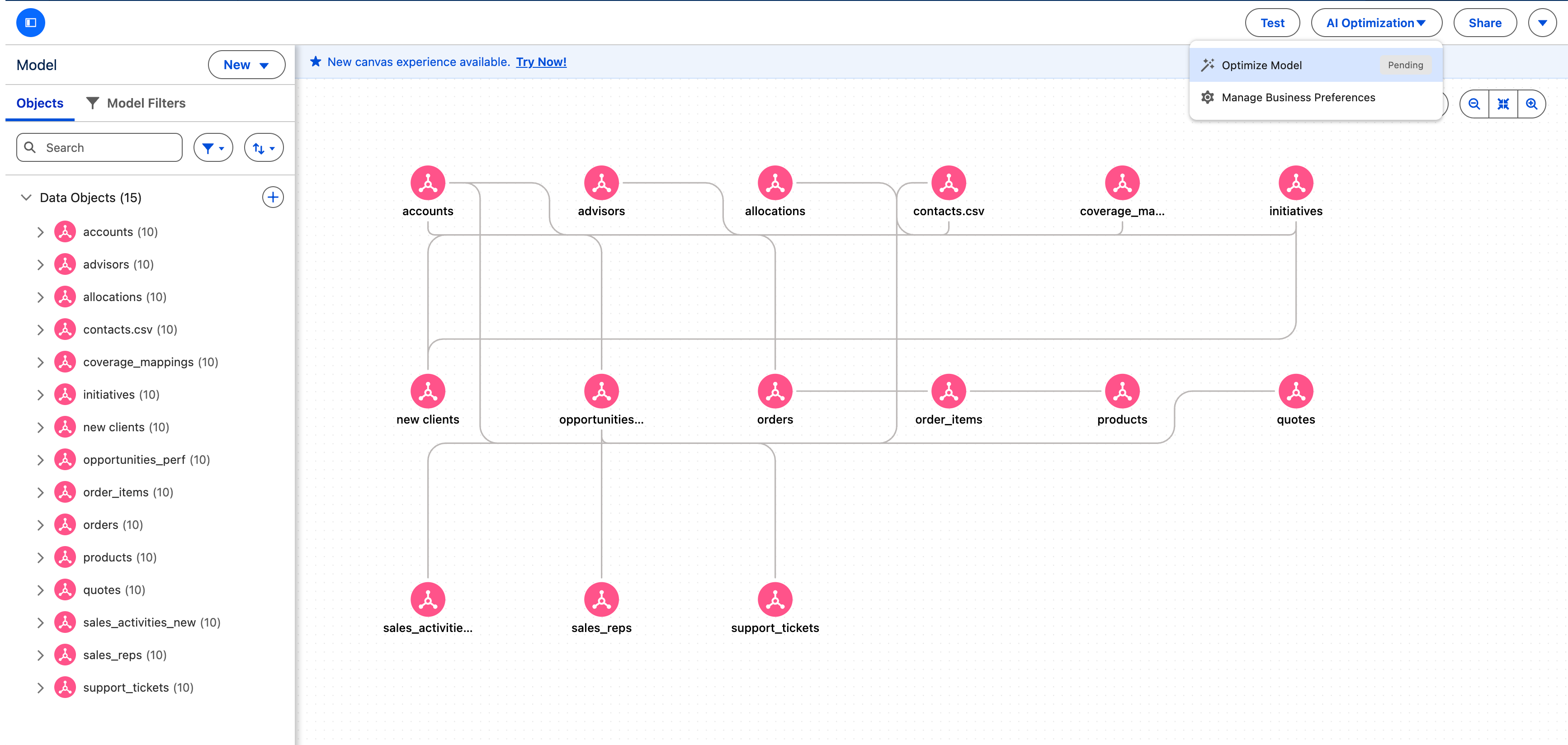
To start the scan, select AI Optimization | Optimize Model on the model toolbar.
The scan reads the model's metadata and samples the join-column data. A scan usually takes a few minutes.
-
When the scan completes, review the Model Health indicator and
the card for each recommendation type.
The panel shows a Model Health indicator, such as Moderate, and a card for Cardinality and for Match Case Insensitivity.
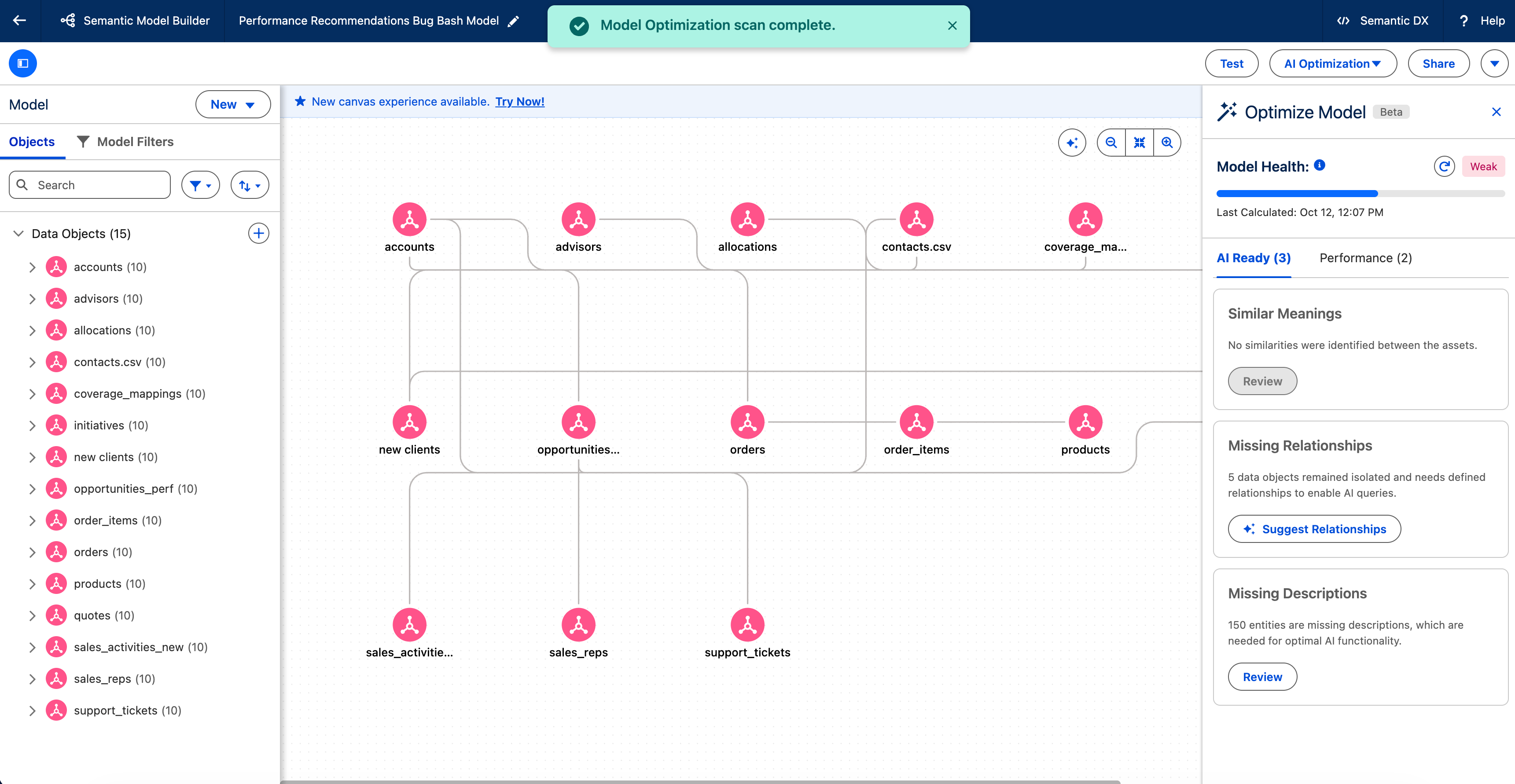
On a card that lists relationships, apply the recommendations. See Apply Cardinality Recommendations to Your Semantic Model and Apply Match Case Insensitivity Recommendations to a Semantic Model.