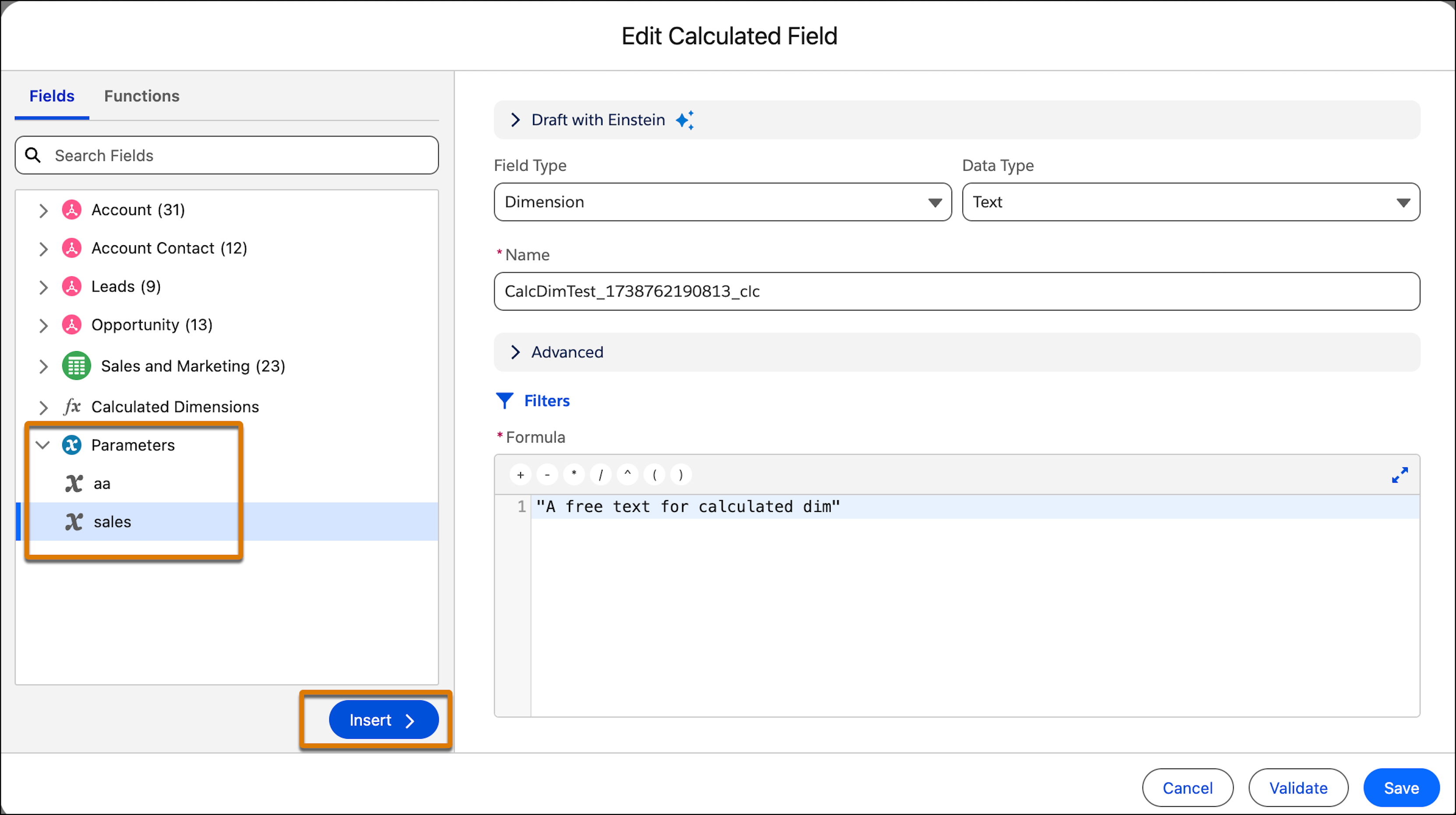
You can use parameters within the formula field when creating and editing calculated
fields. You can either insert the parameter or when creating the formula use auto-suggestion. The
formula automatically includes parameters when suggesting fields.
Required Editions
| User Permissions Needed |
| To use a parameter in a calculated field: |
Permission set:
AND
Semantic Models object
|
-
In Data Cloud, on the Semantic Layer tab, select a data model.
-
On the Model tab, expand Calculated Fields.
-
Create or edit a calculated field.
-
Go to the Formula section.
-
From the left-hand menu select a parameter under Parameters and then click
Insert.
-
Validate the formula and then click Save.