
You can create a new parameter directly from your semantic model.
Required Editions
| Available in: All editions supported by Data 360. See Data 360 edition availability. |
| User Permissions Needed | |
|---|---|
| To create a parameter: |
Permission set:
AND Semantic Models object |
- In Data Cloud, on the Semantic Layer tab, select a data model.
-
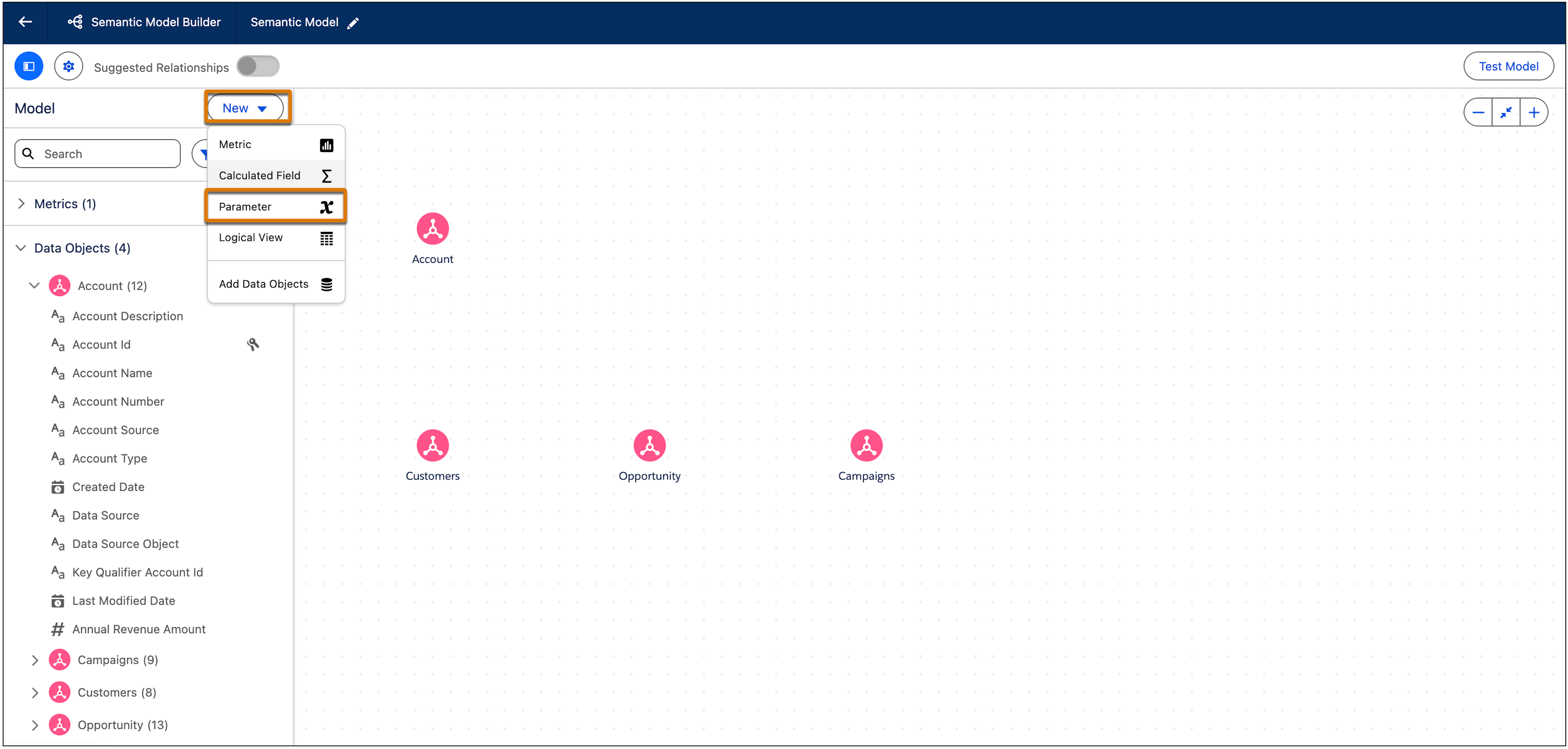
From the New dropdown, select Parameter.
-
Configure the parameter settings.
- Parameter Name—Enter a unique name for the parameter. The name should make it easy to identify what the parameter does.
- Data Type—Select the data type for the parameter. Valid values are
Text, Number, Date, Date Time, Percentage, and Boolean. Each Date Type has different setting options.
- For Text, Number, Percentage, and Boolean, enter a custom value under Current Value.
- For Date, choose the exact date from the calendar under Current Value.
- For Date Time, choose the exact date from the calendar under Current Value and the time under Time in half-hour increments.
- Click Save.