
Refresh a semantic model created from a Published Data Source (PDS) to synchronize it with updates made to the underlying PDS.
Required Editions
| Available in: All editions supported by Data 360. See Data 360 edition availability. |
| User Permissions Needed | |
|---|---|
| To refresh a semantic model: |
Data Cloud Architect permission set AND Semantic Models permission set AND Tableau Next license |
- In the Semantic Model Builder, open the model you want to update.
- Click the Refresh Schema button in the upper-right corner of the data source box.
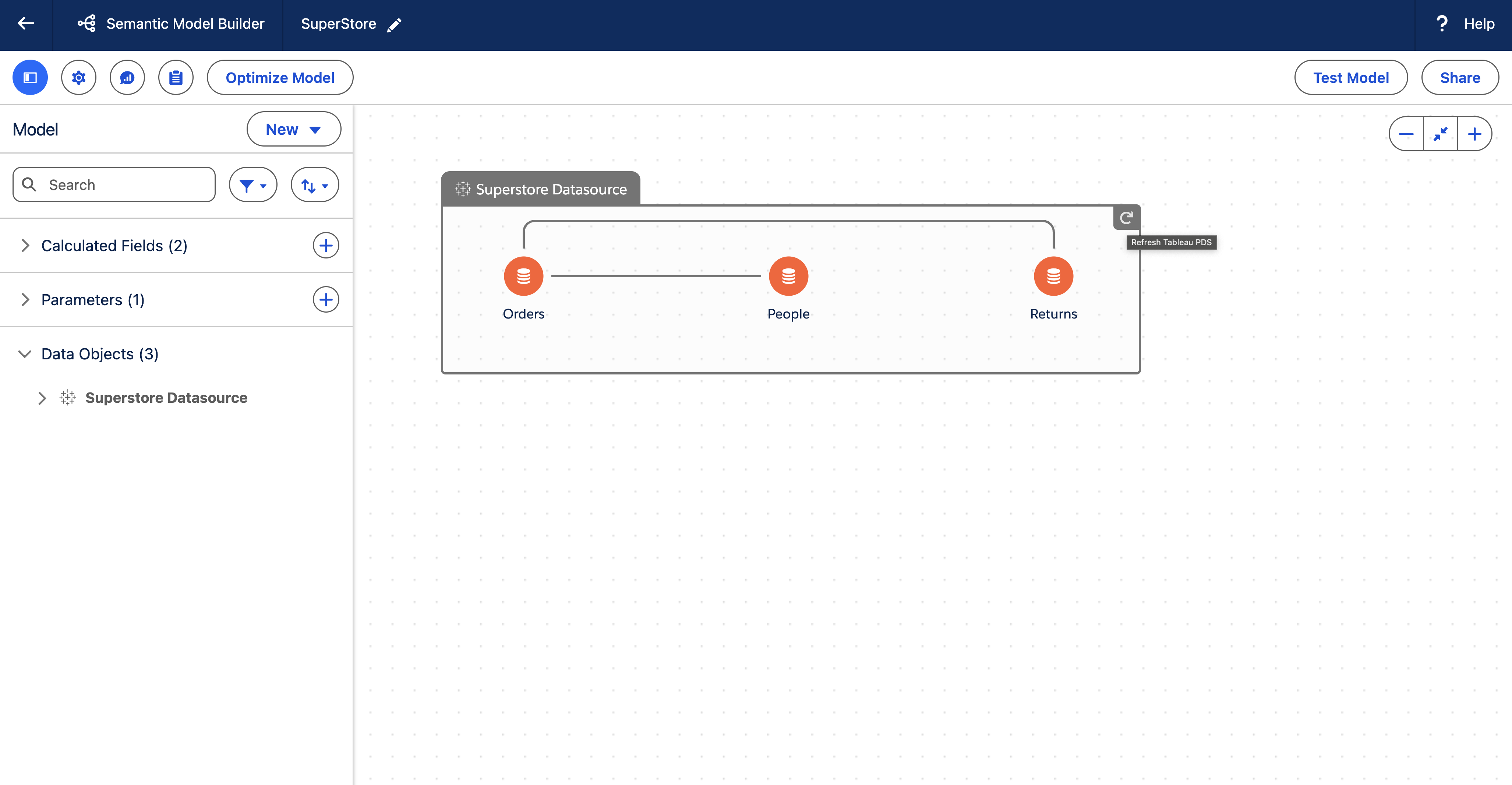
When you refresh, any structural changes in the PDS (such as new or removed objects, fields, or relationships) are reflected in the semantic model.