
If the model is configured to derive a projected prediction, revise time frame settings as needed.
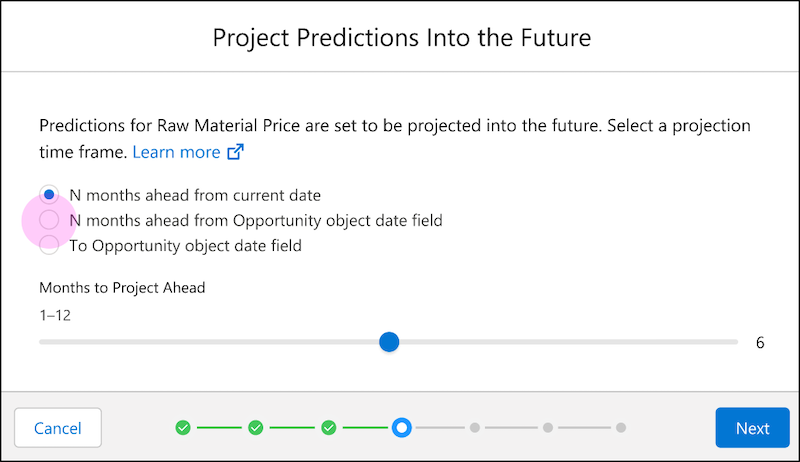
To learn more, see Configure Projected Predictions.
-
Select a time frame option.
Field Description N <intervals> from the current date Slide to select the number of intervals from the current date. N <intervals> ahead of the <object> <date field> Slide to select the number of intervals, and then select the date field. To the <object> <date field> Select the date field. - Click Next.