Create reports and dashboards right from the Analytics tab. Rather than opening
multiple tabs, you can stay in one app and create the analytics you want.
Required Editions
| Available in: Lightning Experience |
| Available in: Essentials, Group, Enterprise,
Professional, Unlimited, and Developer Editions.
|
| User Permissions
Needed |
| To create reports and dashboards on the Analytics tab: |
- Enhanced Folder Sharing
- Run Reports AND Create and Customize Dashboards
|
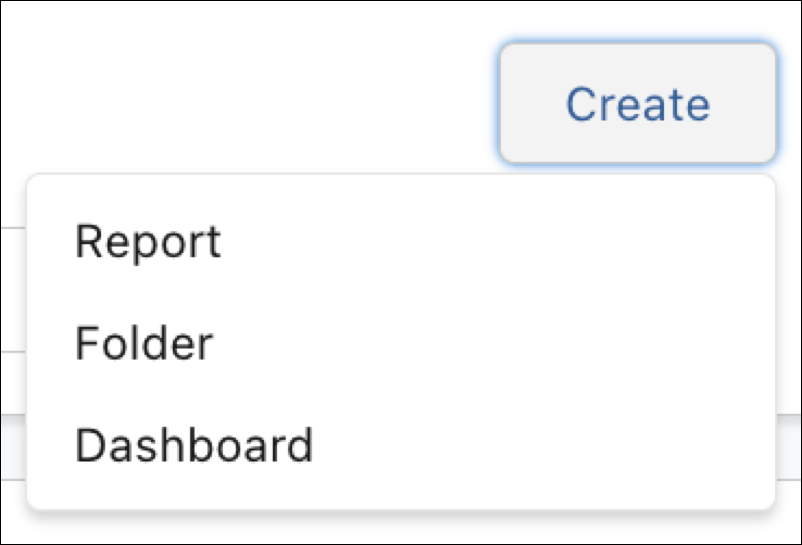
From the Analytics tab, click the Create button. Options to create a
report, dashboard, and folder appear within its menu. For example, from the menu, click
Dashboard, and it brings up the wizard for a new dashboard.
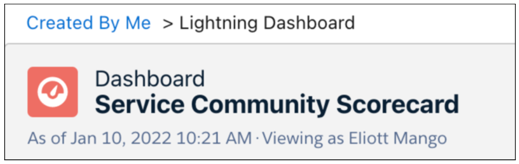
When you finish, use the navigation breadcrumb to return home.