
For the managed package runtime, activate the Knowledge component in Omniscript to allow users to view and search for articles from your Salesforce Knowledge articles. Automatically search for articles based on static values set up during configuration, dynamic inputs from Omniscript fields, or using a simple search bar.
 This information is for Omnistudio for Managed Packages. For Omnistudio on standard runtime, see Omnistudio Help.

Your organization must have Salesforce Knowledge enabled to use this feature.
Simple Search Bar
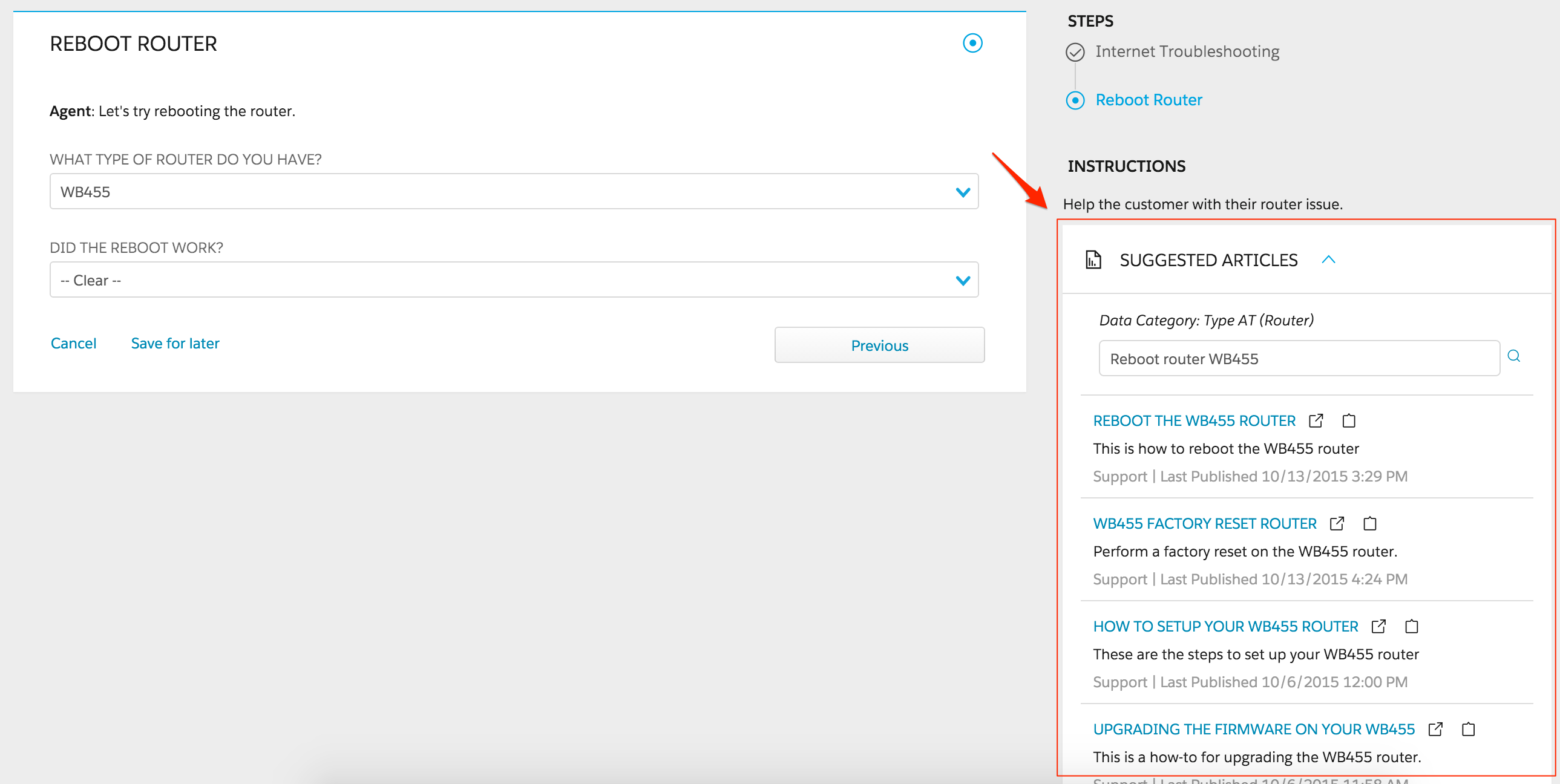
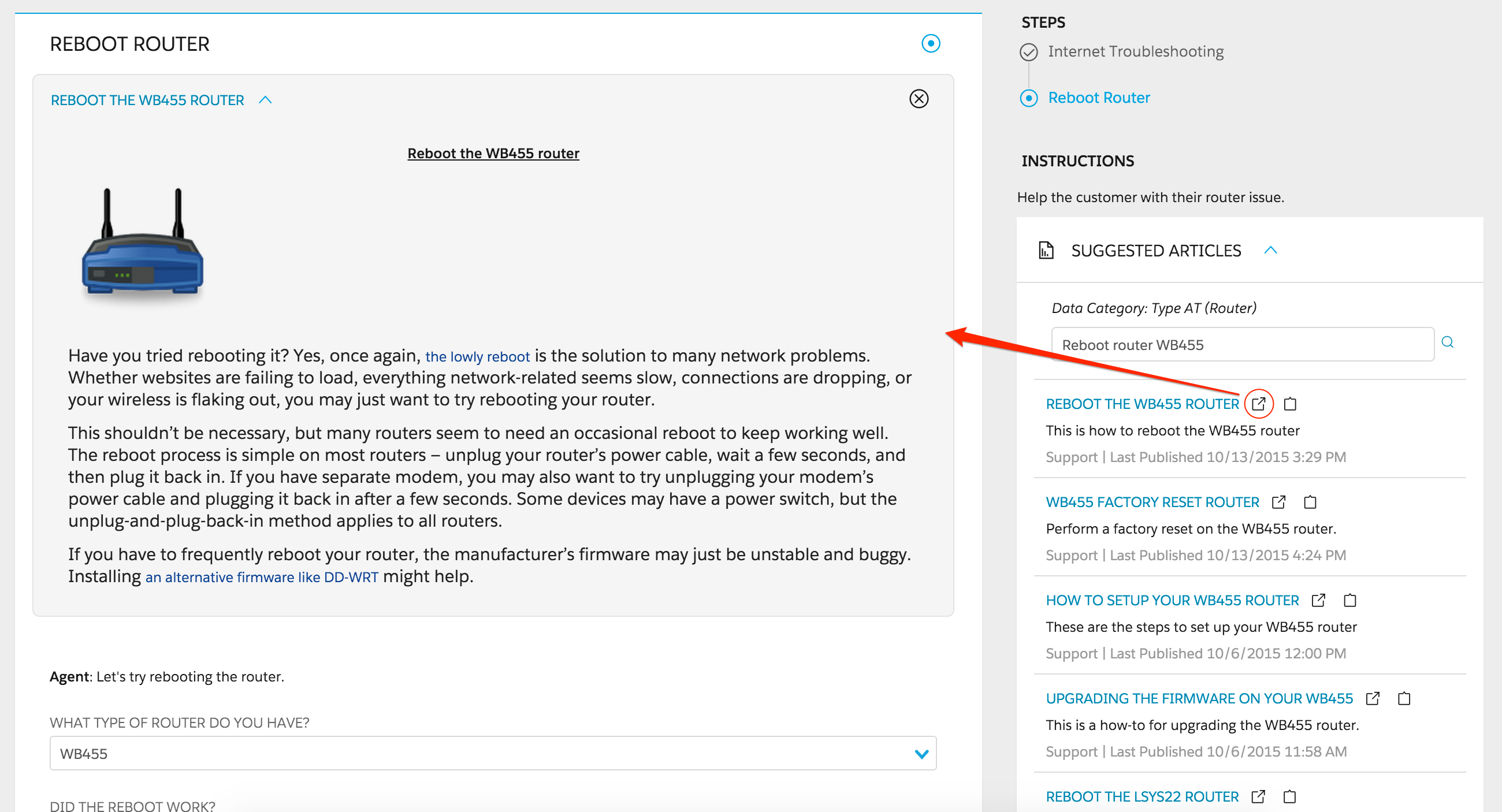
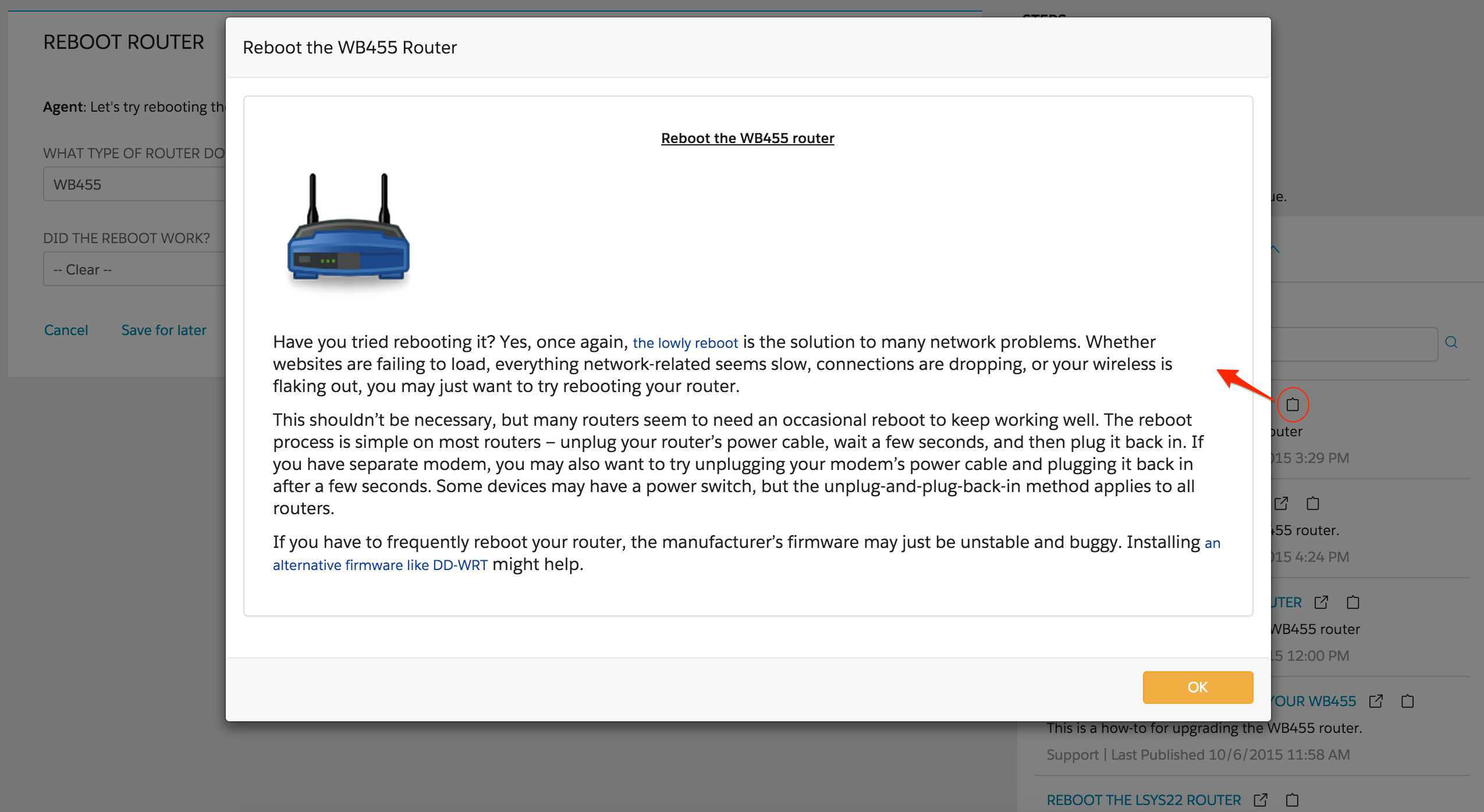
Articles can either be opened directly in the Omniscript or in a modal window. Examples of those two options are shown in the images below.
Articles Open in an Omniscript
Modal Window
Articles can also open in a new browser or console tab.
- Initial Configuration for the Knowledge Component in Classic Omniscript (Managed Package)
For the managed package runtime, if your organization has Salesforce Knowledge enabled, you can integrate it with Omniscript to enable users to search and view Salesforce Knowledge articles in the Omniscript. Omniscript also supports querying Lightning Knowledge once it has been enabled. - Configuring Knowledge for Individual Steps in Classic Omniscript (Managed Package)
For the managed package runtime, after finishing the Initial Configuration for the Knowledge Component in an Omniscript, you can configure the integration with Knowledge for the Omniscript Steps. - Opening Knowledge Base Articles Outside of a Classic Omniscript (Managed Package)
For the managed package runtime, beginning with Vlocity Insurance and Health Winter '20 and Vlocity CME Winter '20, launch Knowledge articles outside of an Omniscript using the Vlocity Omniscript Knowledge Base component in a Community or Lightning page.