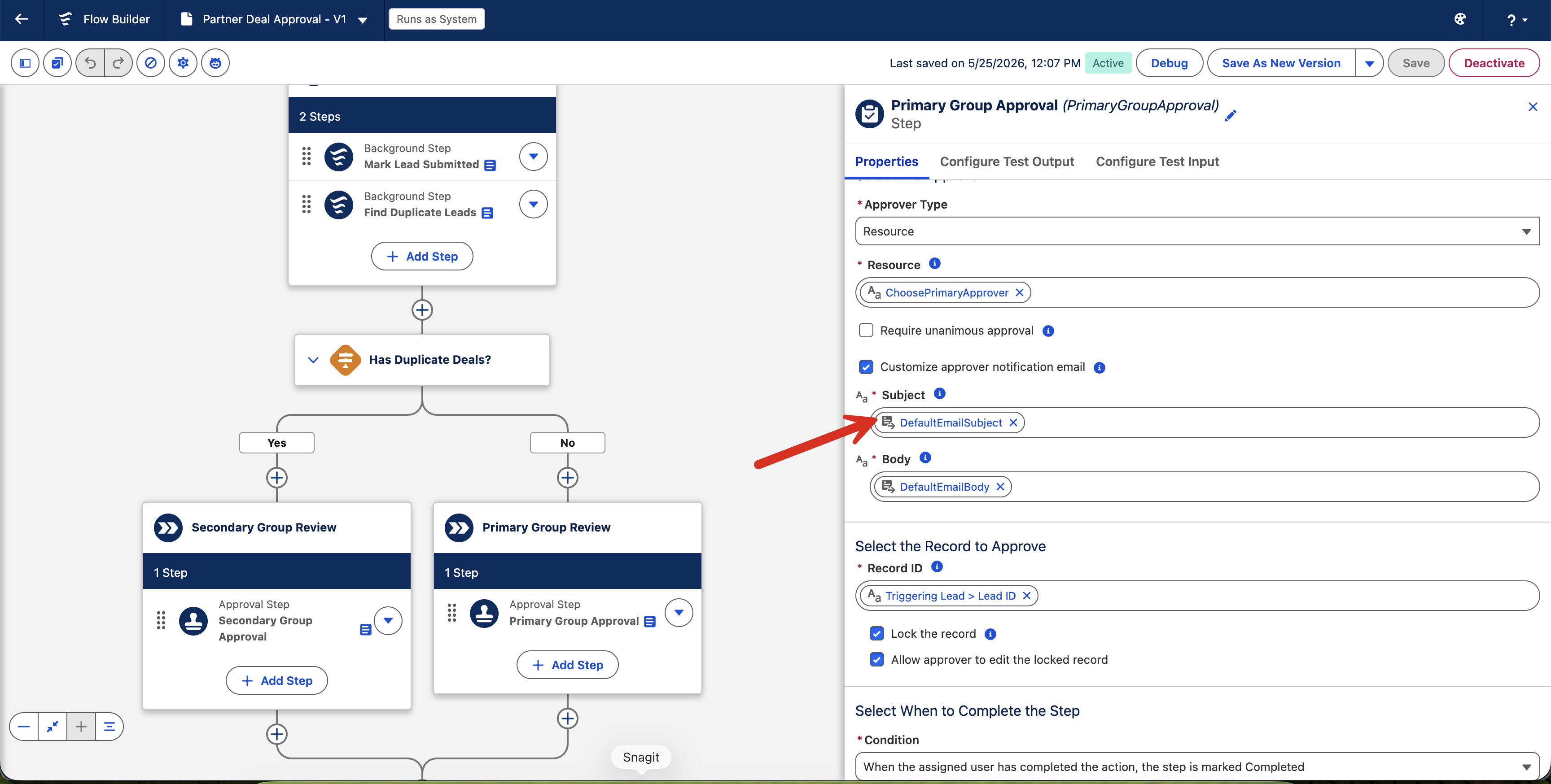
To change notification recipients or message content, create and activate your own version of the Notify Approvers of a Deal flow.
Required Editions
| Available in: Lightning Experience |
| Available in: Partner Cloud with Deal Registration for Partners enabled in
Salesforce Go. |
| User Permissions Needed |
| Edit and activate flows |
Manage Flow |
-
In Setup, open Flows and select Partner Deal
Approval.
-
Click Save As to create an editable copy.
-
Update message actions and recipient query logic for your org requirements.
-
Save and activate your version of the flow.
New submissions use your active flow version for approval notifications.