Use the Run Logs tab to check that an execution was successful, identify missed steps, and resolve errors.
Required Editions
| Available in: all editions |
| User Permissions Needed | |
|---|---|
| To view Run Logs: | ModifyAllData and PrivacyCenter |
The Run Logs tab provides key information for every policy run, including the Run Log Name, Status, Message, Created Date, Execution ID, and Configuration ID. Run logs track important steps in the masking process.
- Run Log Name: a 6-digit number unique to each run log within your org that represents a single step in the process
- Status: states that the run was successful (Success) or encountered an error (Error)
- Message: describes the outcome of the run and details the nature of any errors
- Created Date: the date when the run log was created and usually the date when the policy was run
- Execution ID: a 13-digit number unique to each masking process
 Note Because a run log is generated for each step in the process, multiple run logs can have the same execution ID.
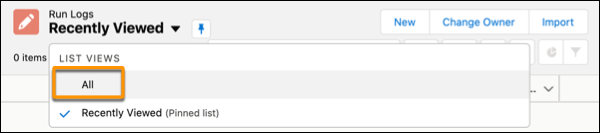
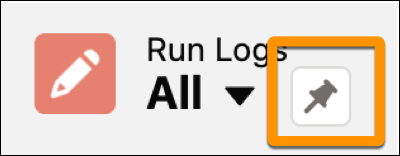
By default, the Recently Viewed list is pinned. To view all run logs, click the dropdown arrow next to Recently Viewed and select All as your list view.To pin or unpin a list view, select the pin icon.