
Use Snapshot Prevention to conceal your Mobile Publisher for Experience Cloud app’s information behind a splash screen when in the background.
Required Editions
| Available in: Lightning Experience |
| Available in: Enterprise, Performance, and Unlimited Editions |
| User Permissions Needed | |
|---|---|
| To modify a Mobile Publisher project: | Manage mySalesforce Apps |
When an app user switches between apps on their device without quitting apps entirely, a snapshot of each app is visible when the user pulls up all apps running in the background.
To enable Snapshot Prevention for your Mobile Publisher for Experience Cloud app and hide your app’s sensitive information, follow these steps.
- From Setup, in the Quick Find box, enter Mobile Publisher, and then select Mobile Publisher.
- Open your app’s project, and scroll to the Security section.
- Select Snapshot Prevention.
- Submit your change.
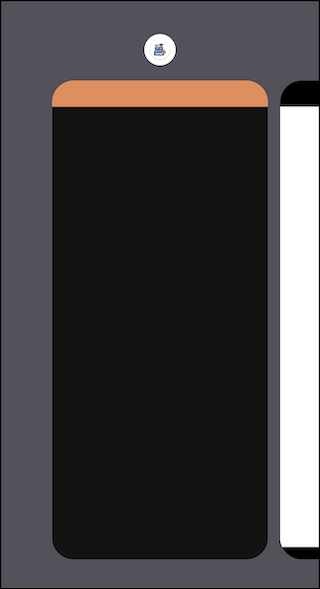
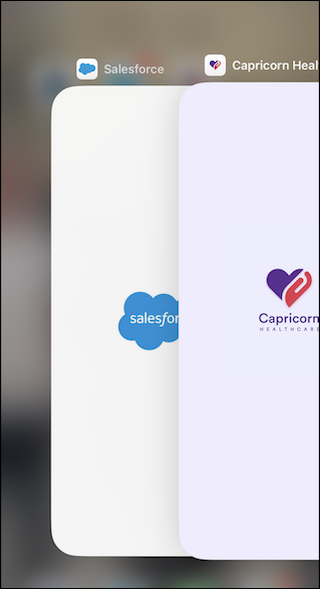
After you enable Snapshot Prevention, your app’s information is hidden behind a blank screen (Android) or a splash screen (iOS) when in the background of a device.
| Android | iOS |
|---|---|
 |
 |