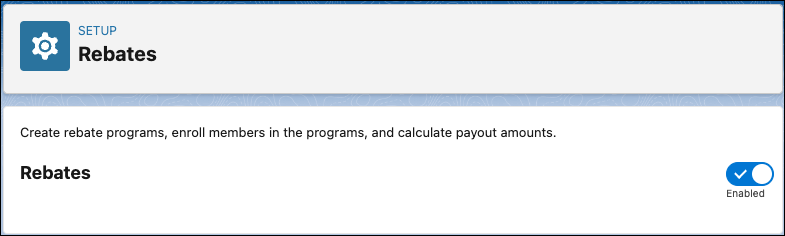
To access Rebate Management objects in your org, you must enable the feature in Setup.
When you enable the feature, the predefined templates for Flow builder, Data Processing Engine,
and Batch Management are also available for use. Rebate program managers can create programs and
calculate payouts.
Required Editions
| Available in: Enterprise, Unlimited, and Developer Editions that
have Rebate Management enabled. |
| User Permissions Needed |
| To enable the feature |
Customize Application |
-
From Setup, in the Quick Find box, enter Rebates, and then select
Rebates.
-
Enable Rebates.
The admin must assign the Rebate Management Admin permission set to their own user profile
after enabling the feature.